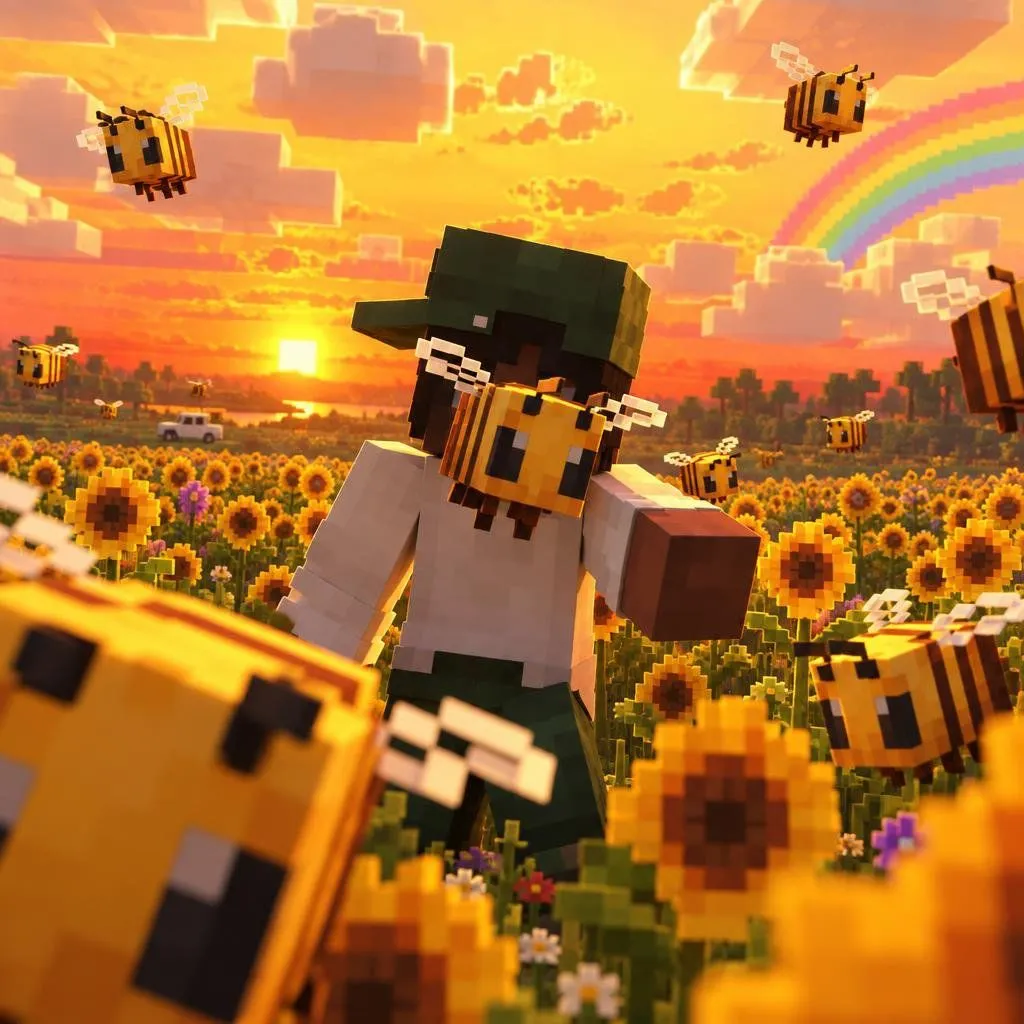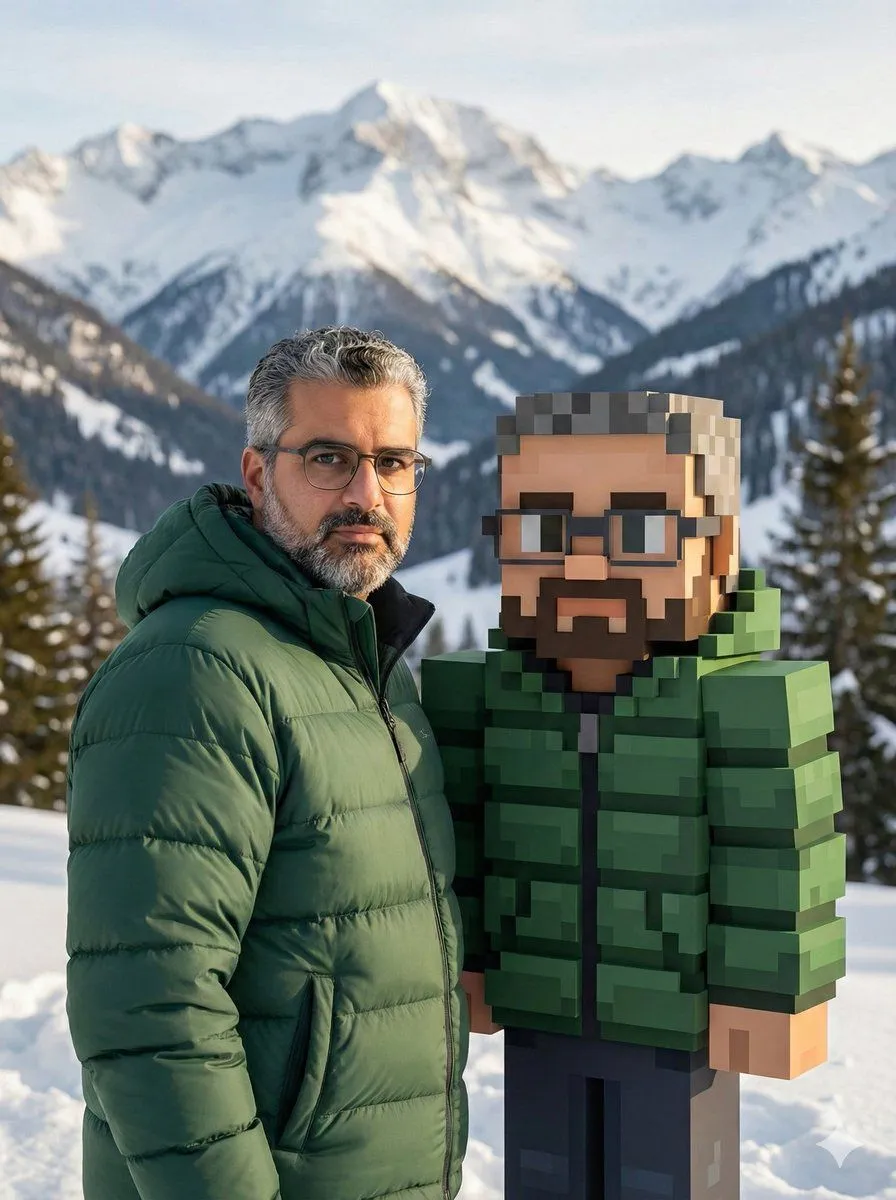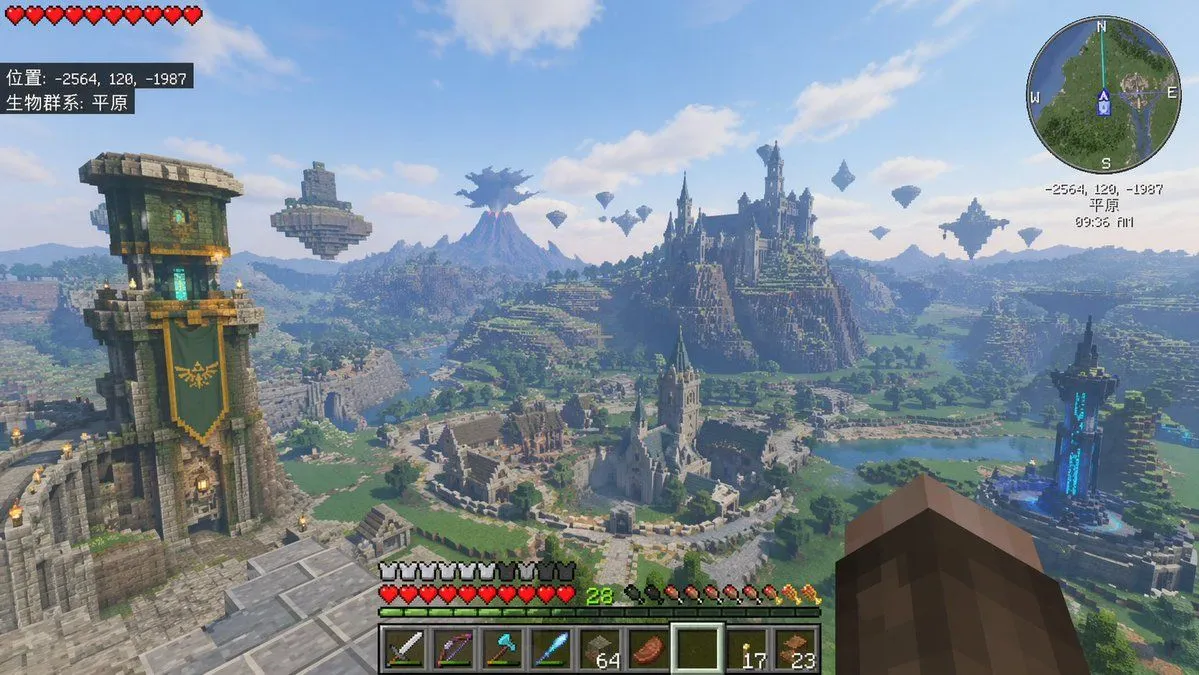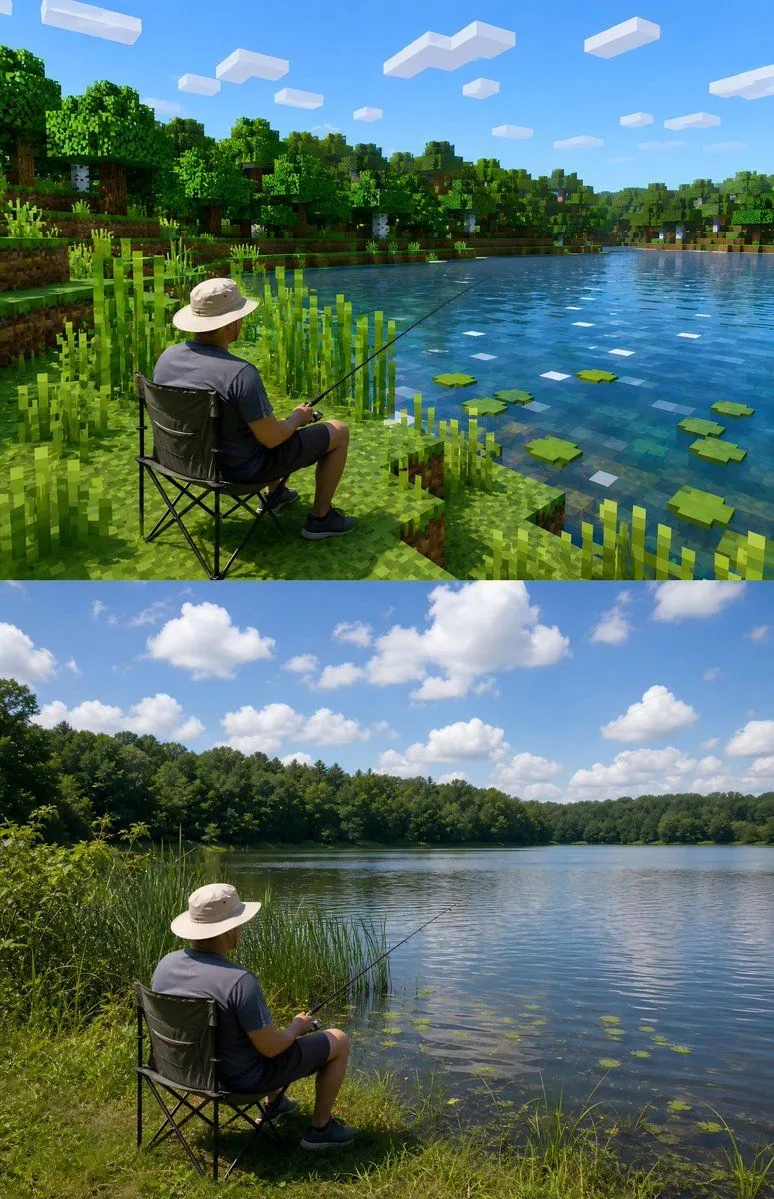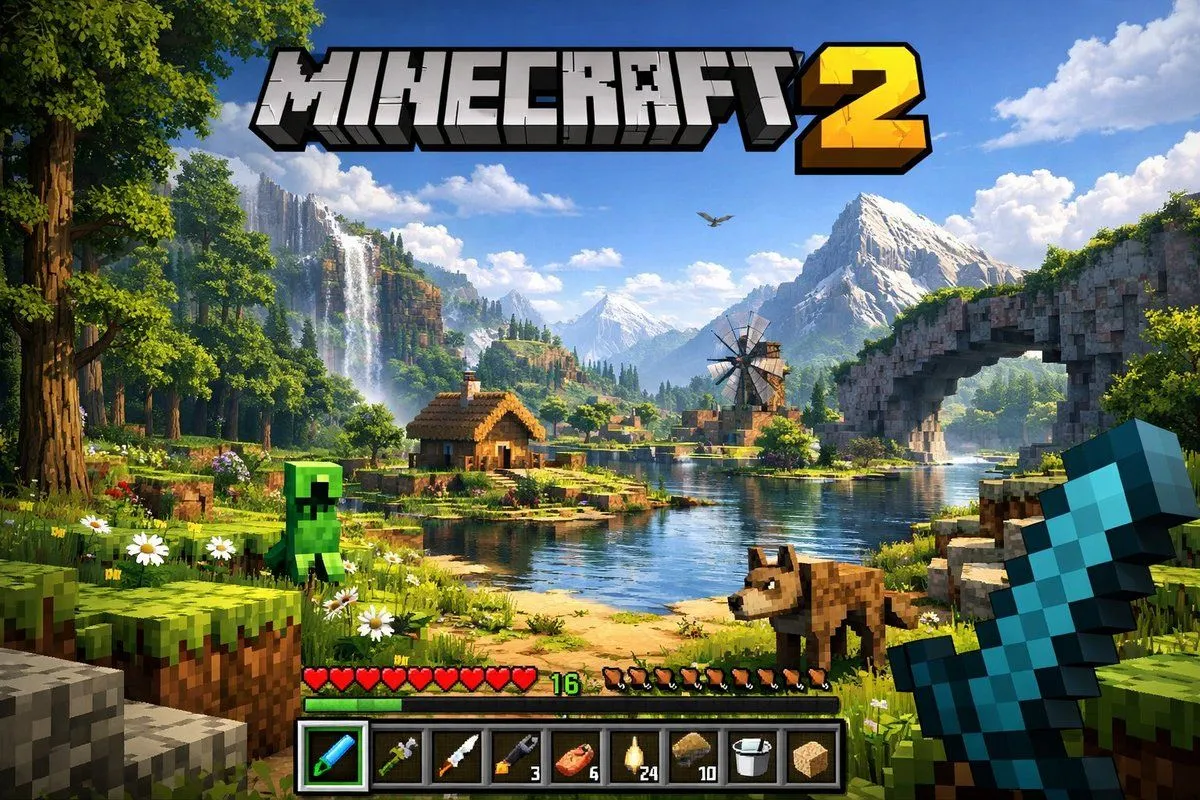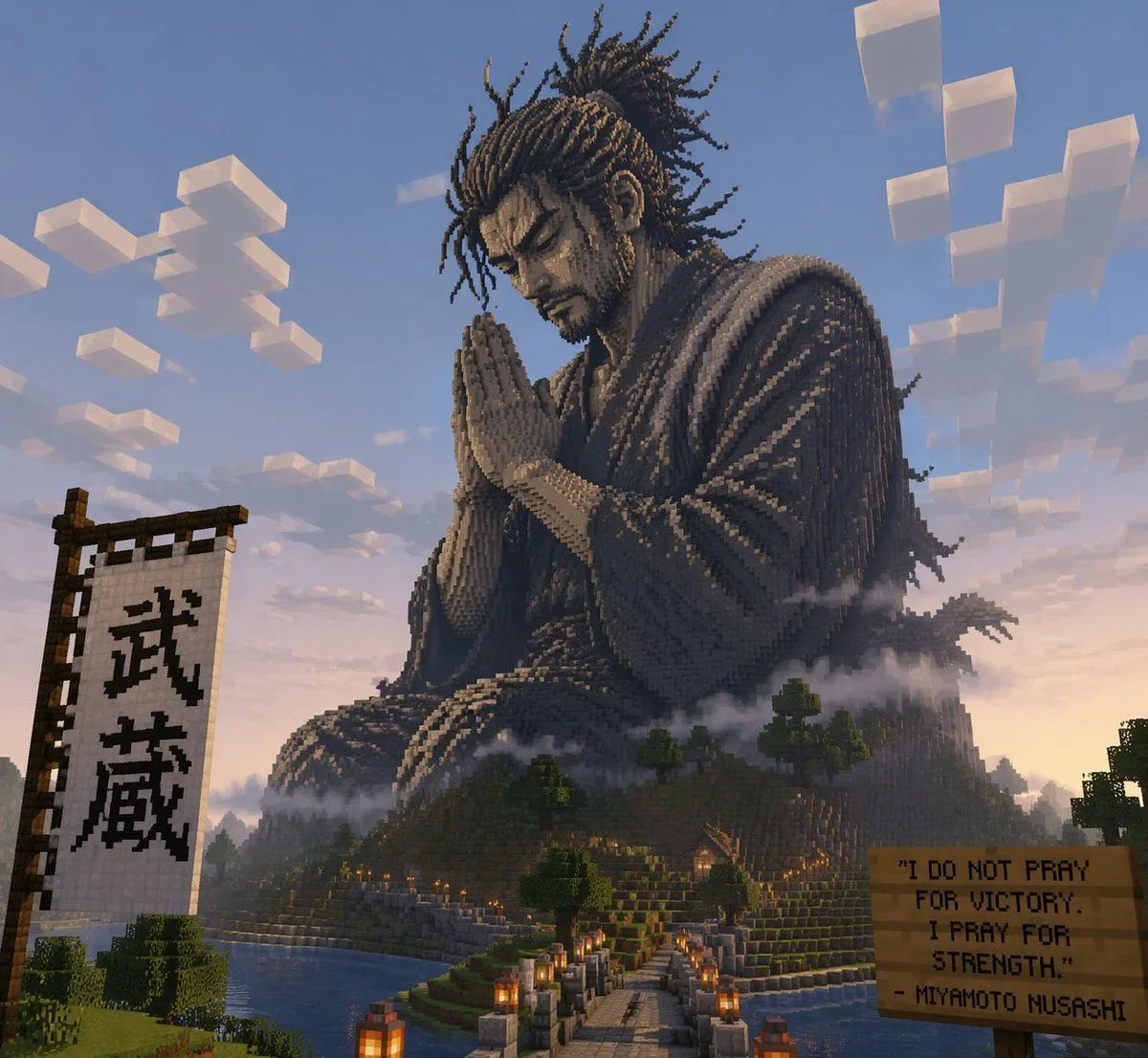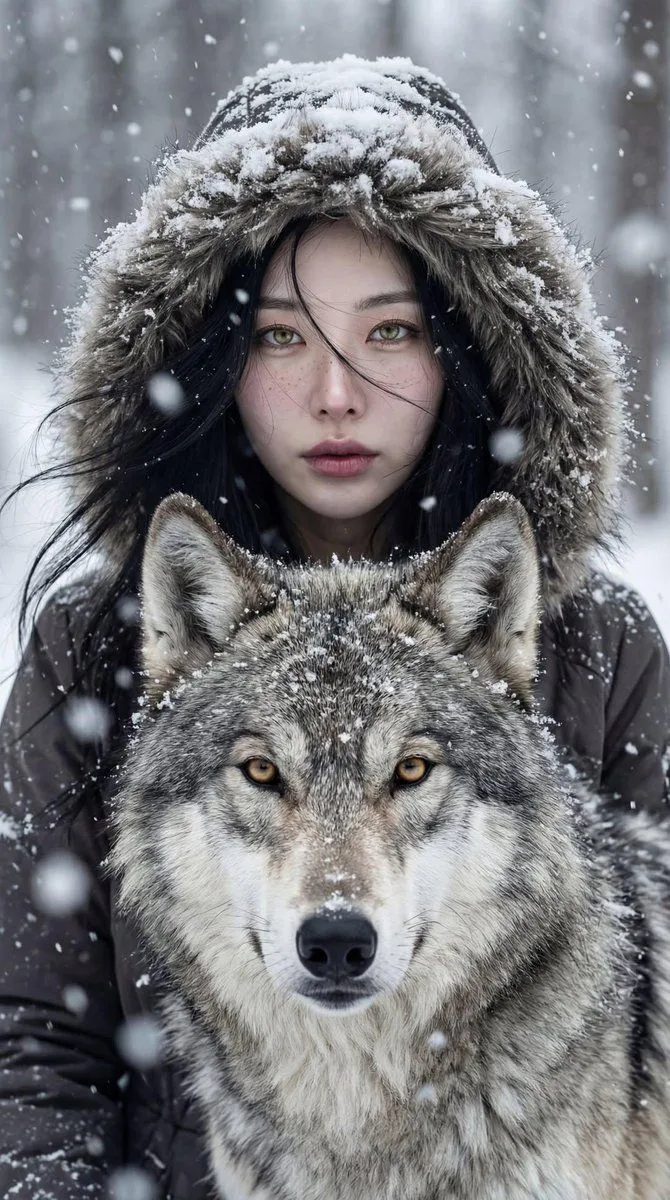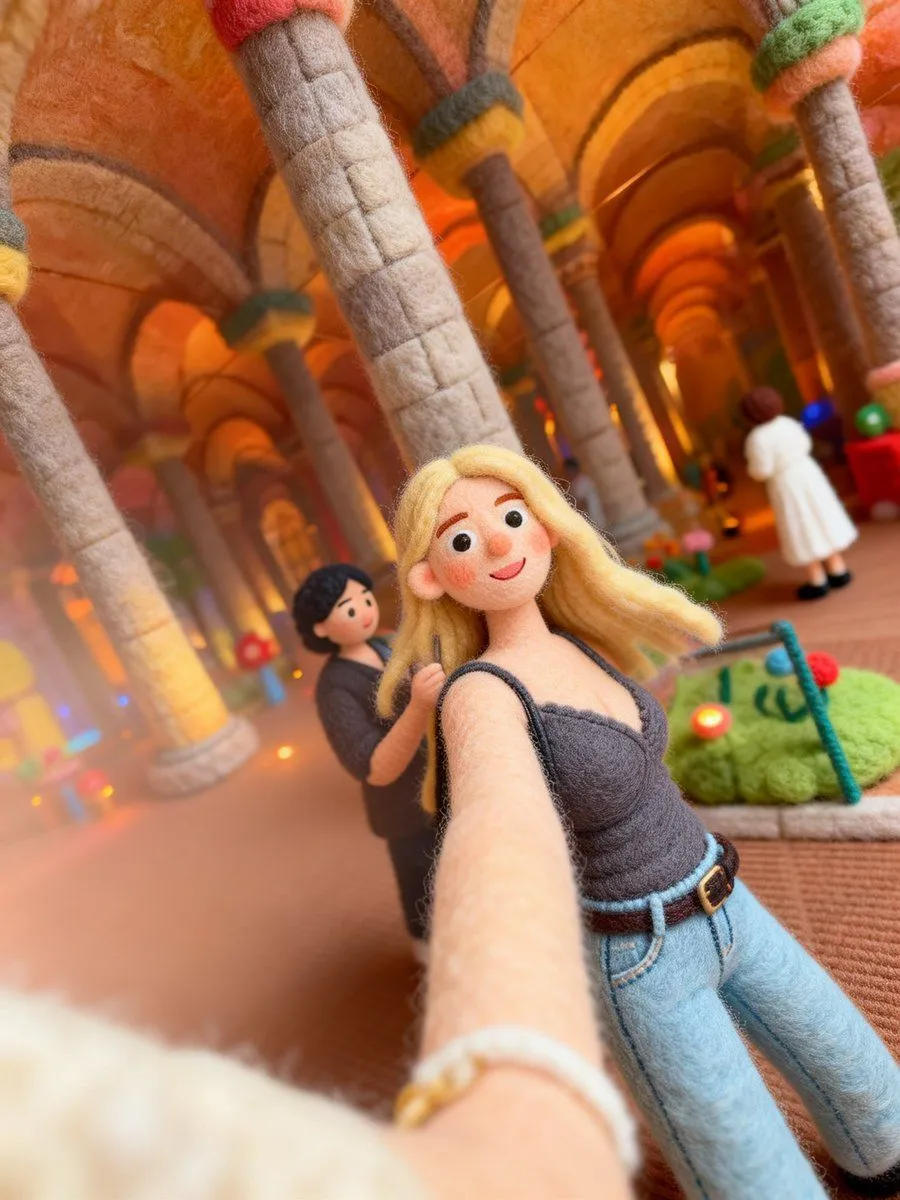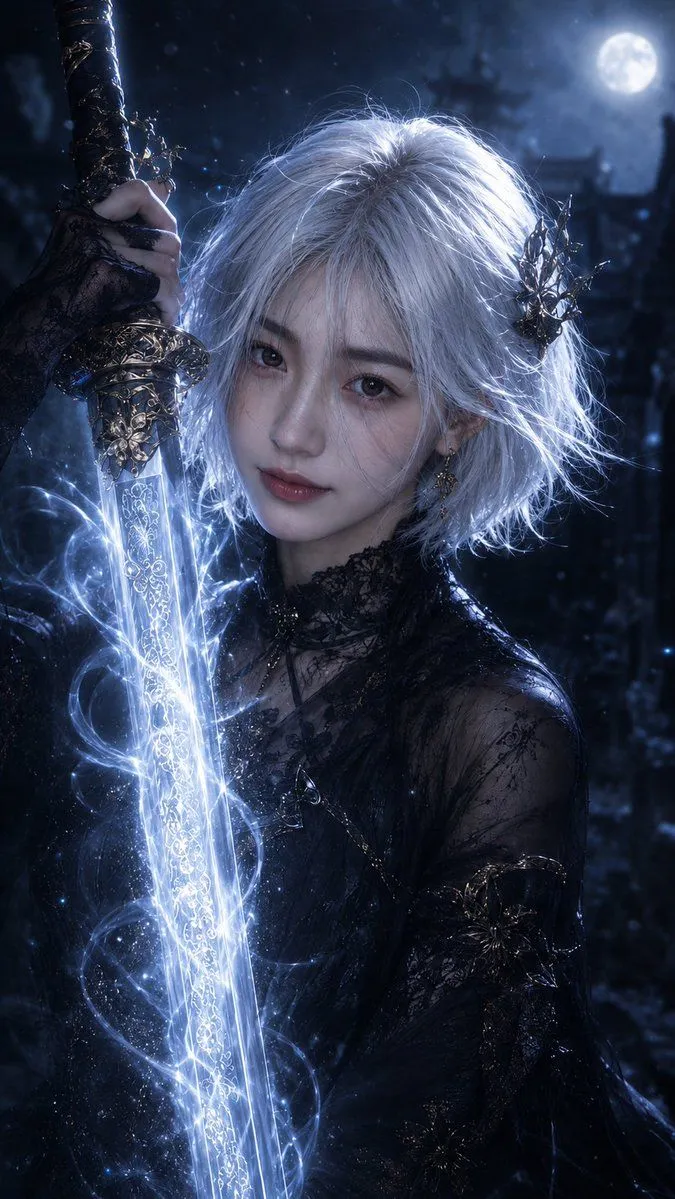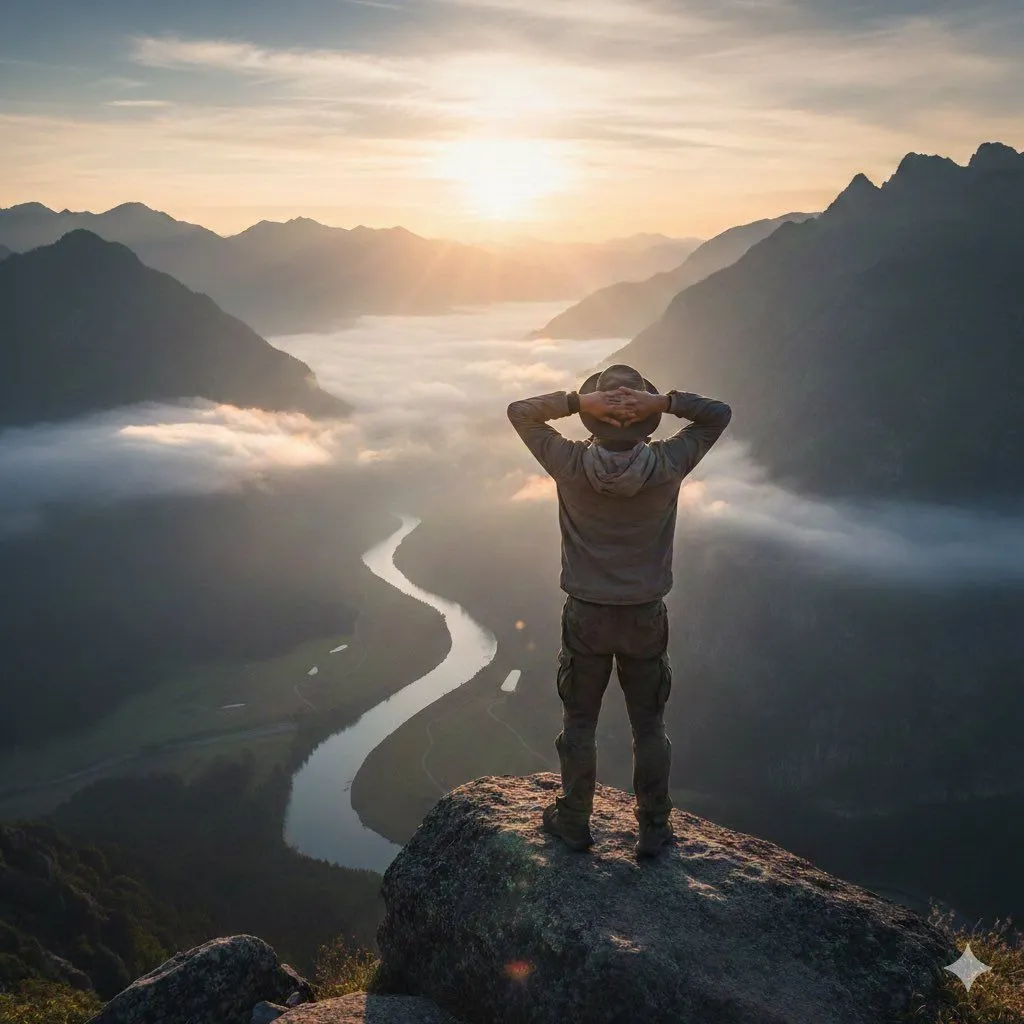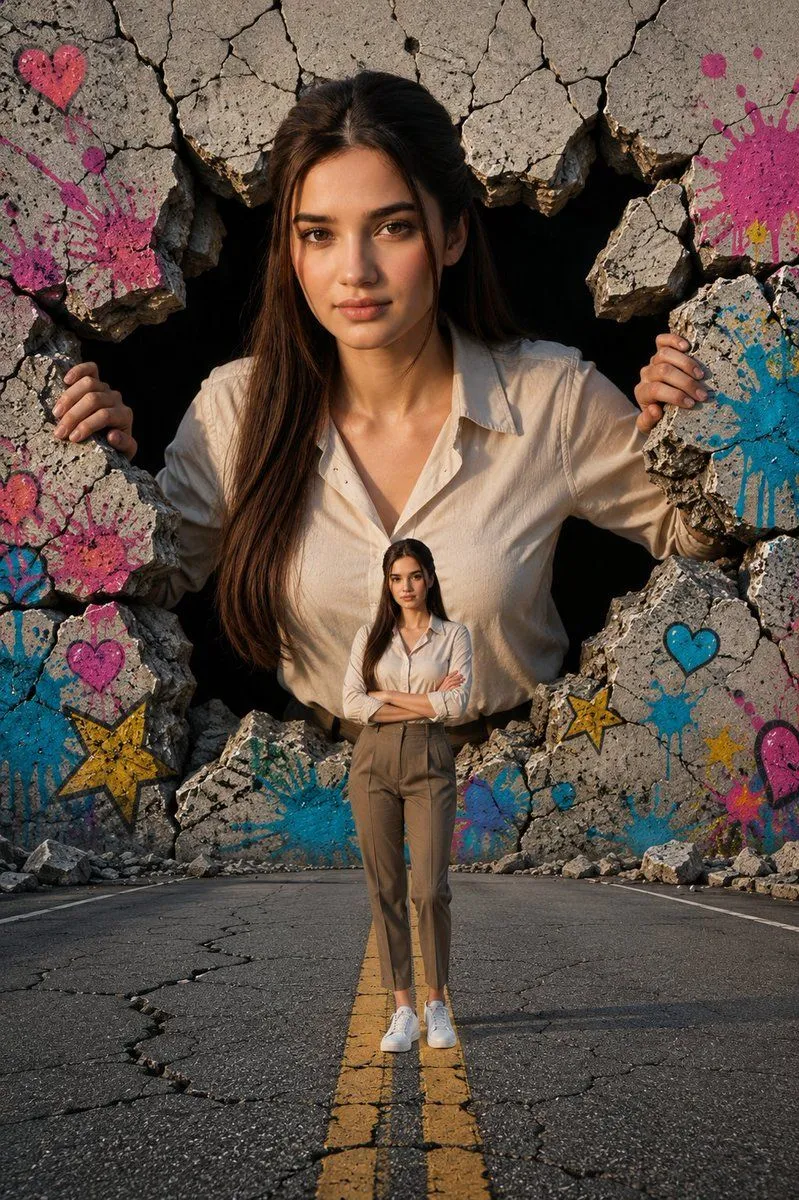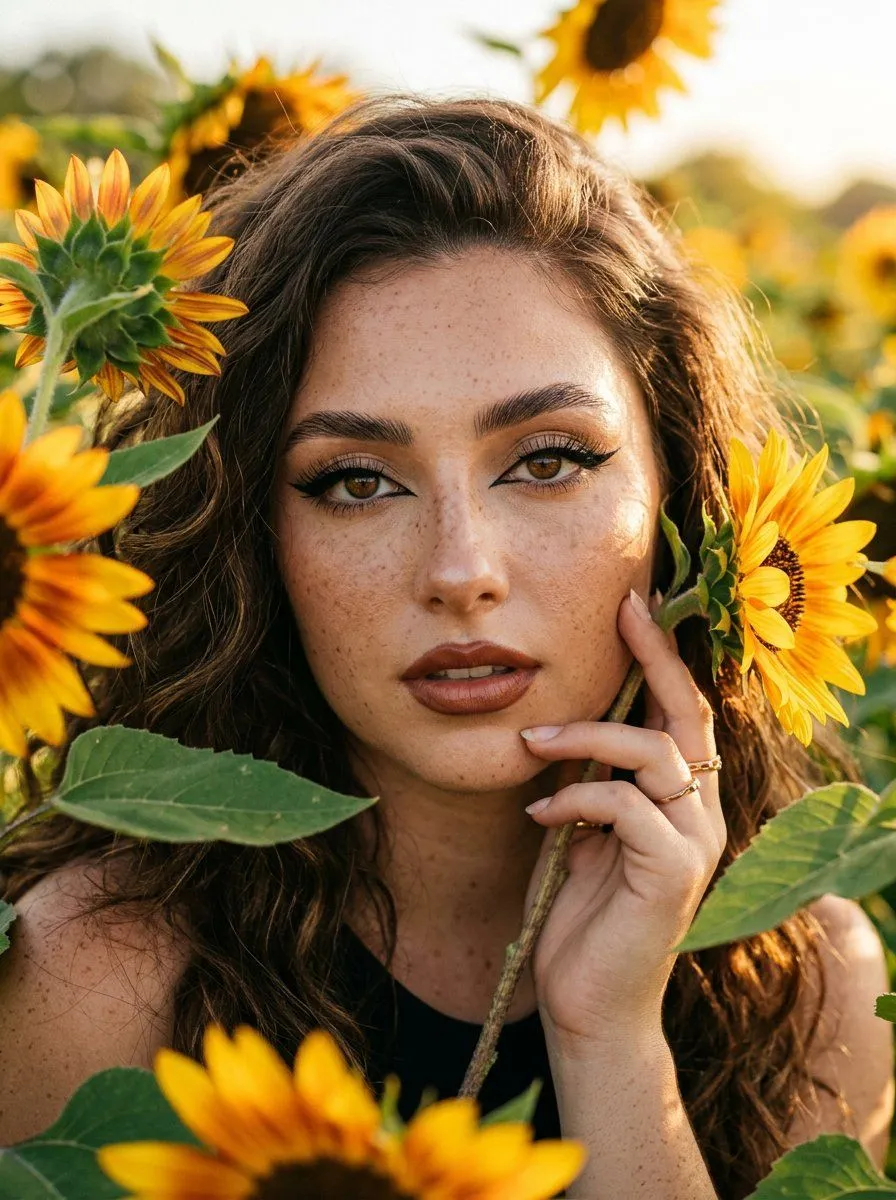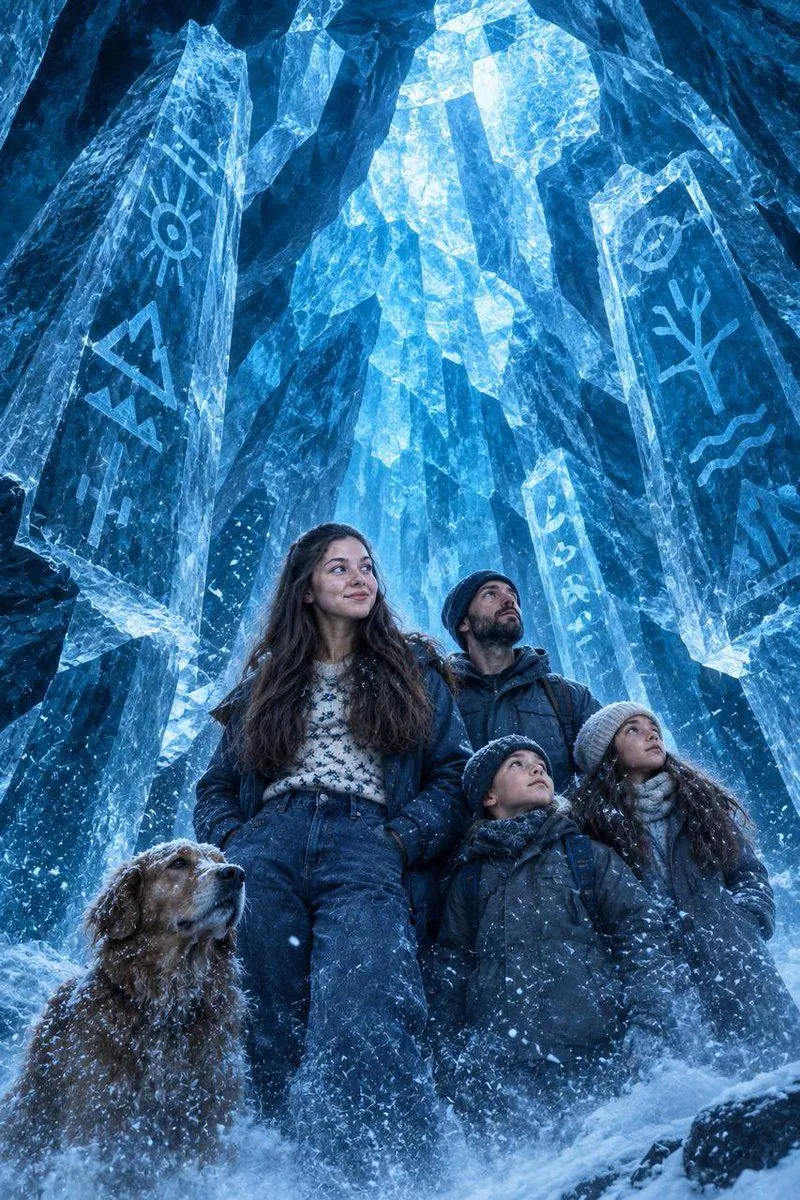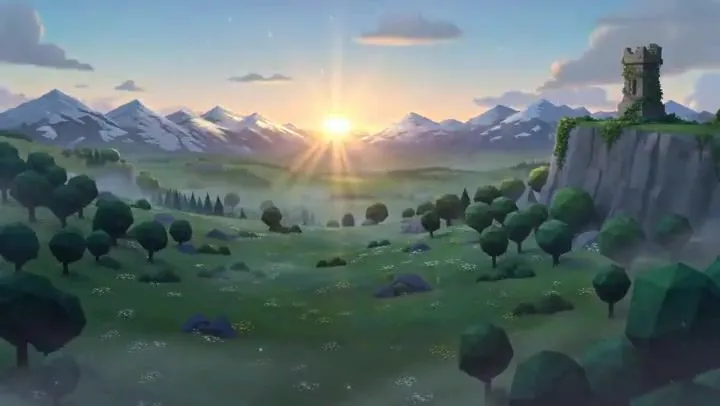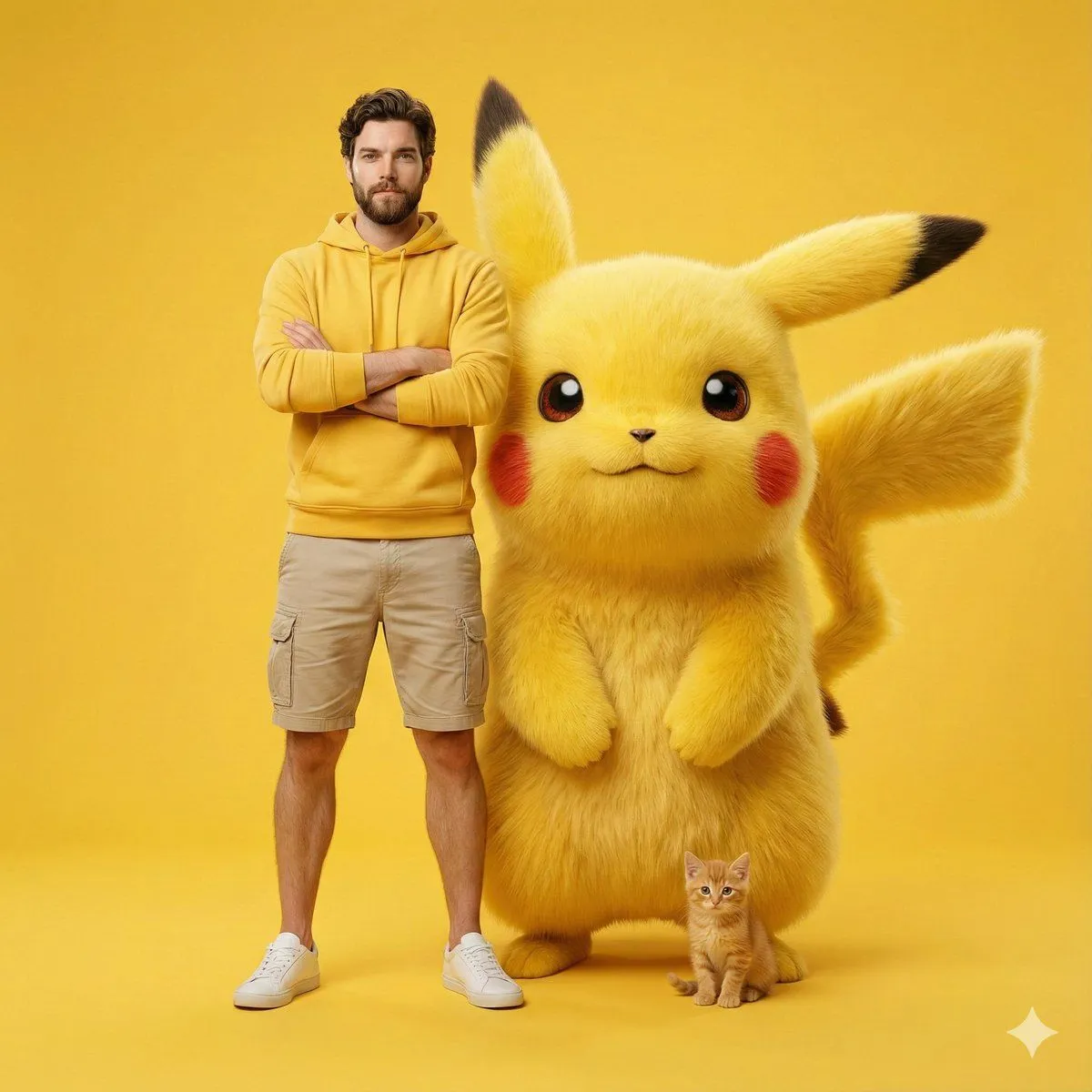
Made with GPT Image 2 in ChatGPT by Library Avatars. Promptclay never generates images.
Minecraft Selfie Photo Integration
Prompt
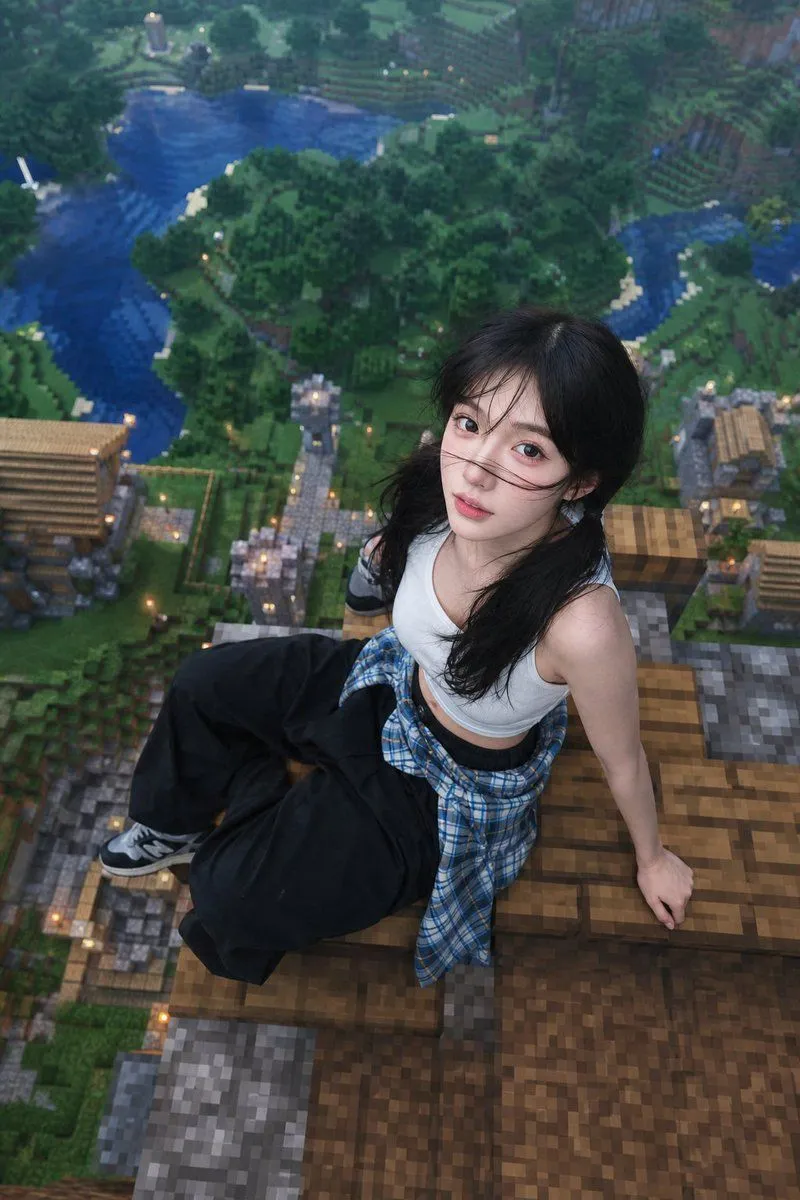
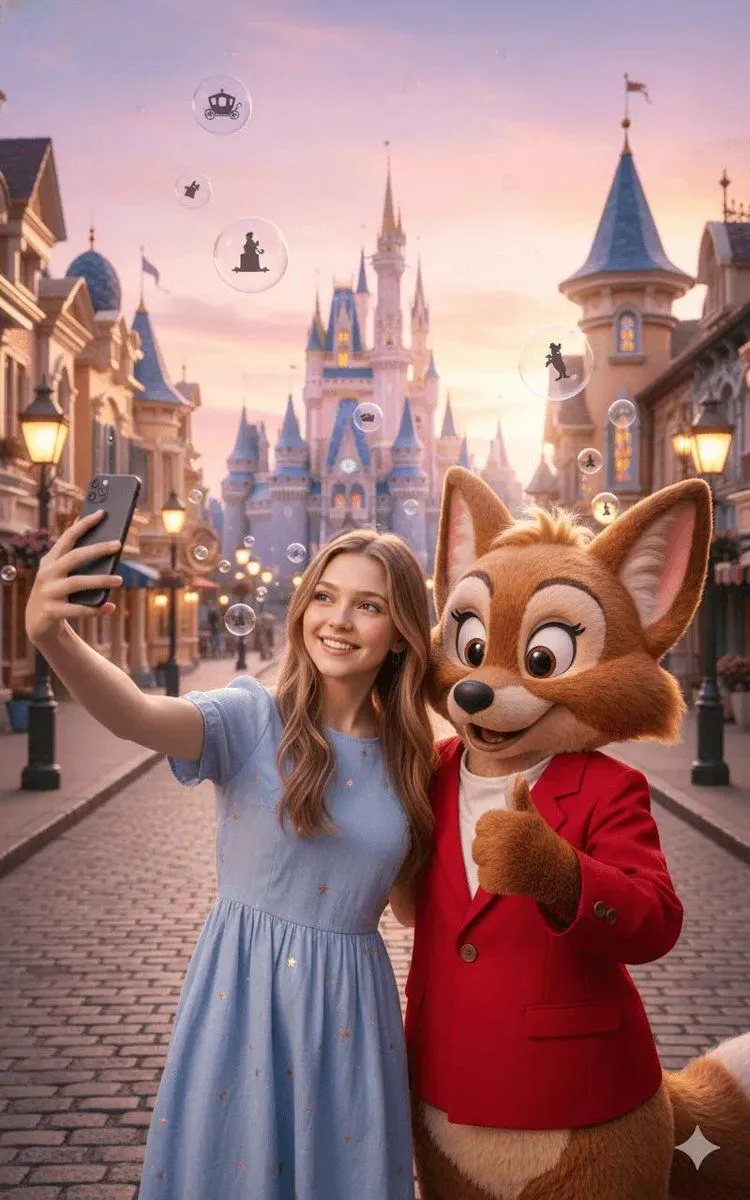
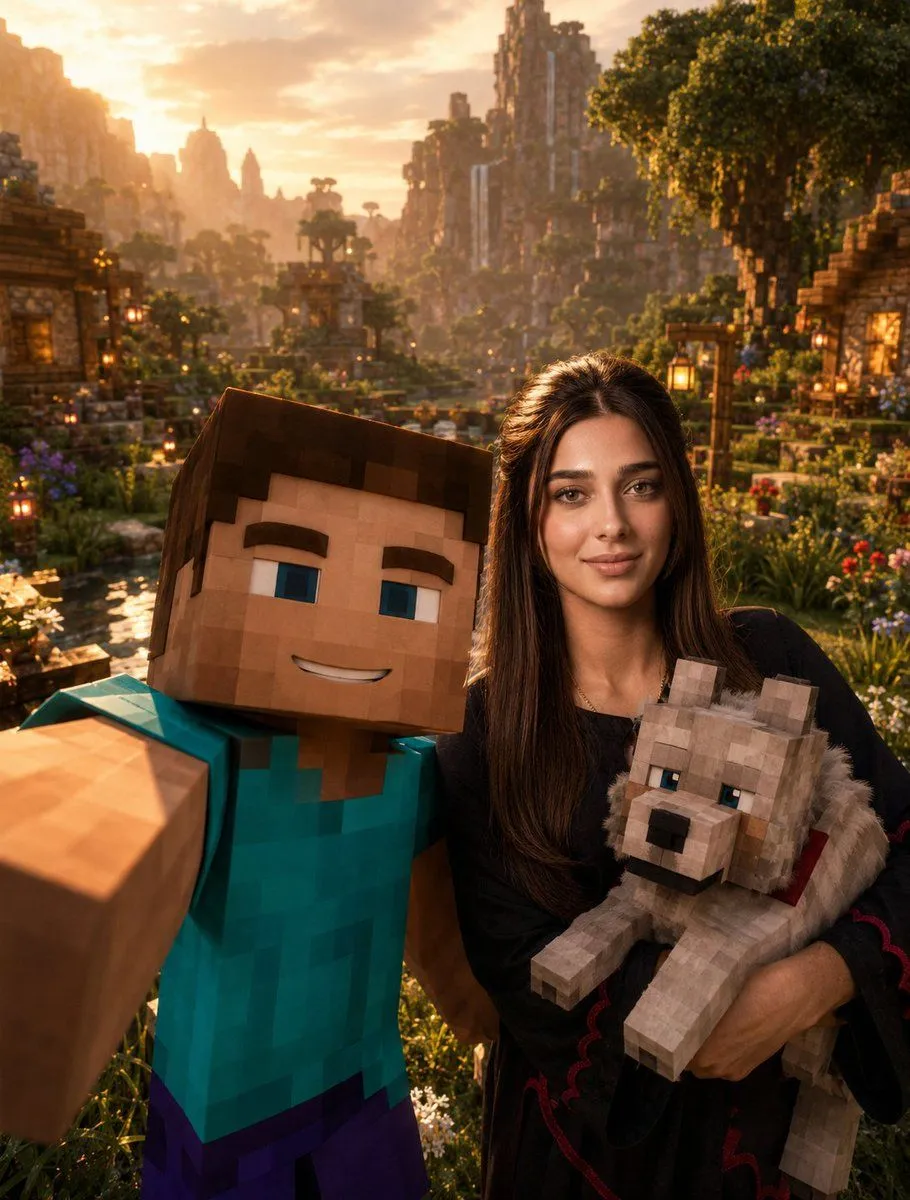
1 blank to fillUse the provided {person_name} reference photo as the highest-priority facial reference. Preserve {person_name}’s facial identity exactly. The viewer must instantly recognize {person_name}. Preserve his exact hairstyle, facial proportions, beard shadow, eyebrows, eye shape, nose, lips, jawline, skin texture, and all unique facial characteristics. {person_name} must remain fully photorealistic. Vertical composition — 1080×1350. Create an ultra-cinematic Minecraft-inspired selfie scene. The selfie is being taken by Steve from Minecraft, who occupies the foreground and holds the camera with one arm fully extended toward the viewer, creating the exact perspective of a real smartphone selfie. Steve smiles directly at the camera with a fun, friendly, and adventurous expression. Behind Steve stands {person_name}, fully photorealistic and naturally integrated into the Minecraft universe through realistic lighting, atmosphere, and cinematic color grading. {person_name} smiles naturally while holding a Minecraft wolf comfortably in his arms. The wolf appears relaxed, friendly, and secure, creating a wholesome and memorable moment. The scene takes place in a breathtaking Minecraft valley during golden hour sunset. The environment is rich with detail, featuring lush green grass, beautiful rivers, wooden Minecraft houses, hanging lanterns, charming bridges, colorful flowers, giant trees, distant mountains, waterfalls, and a peaceful village atmosphere. The camera angle must feel exactly like a real group selfie. Steve dominates the foreground because he is holding the camera, while {person_name} appears slightly behind him but remains clearly visible, recognizable, and well-lit. The wolf becomes an important secondary focal point, positioned naturally within {person_name}’s arms. Warm golden sunset light bathes the entire scene. Beautiful volumetric god rays pass through the trees and mountains. Floating fireflies, subtle voxel particles, atmospheric dust, and soft environmental haze add life, depth, and realism. The image should feel joyful, adventurous, cinematic, and authentic, like a behind-the-scenes photograph taken during an epic Minecraft movie adventure. The environment must feel alive and immersive rather than resembling a gameplay screenshot. Visual style: Minecraft Movie × Pixar-level storytelling × Unreal Engine 5 cinematic lighting × AAA game promotional artwork. Ultra-realistic photography, masterpiece composition, cinematic depth of field, ray tracing, global illumination, volumetric lighting, realistic skin texture, realistic clothing folds, atmospheric perspective, highly detailed Minecraft environment, blockbuster movie quality, 8K resolution, ultra-sharp focus, visually unforgettable, premium Instagram cover quality.
Preview of your prompt
Use the provided Rafa Franco reference photo as the highest-priority facial reference. Preserve Rafa Franco’s facial identity exactly. The viewer must instantly recognize Rafa Franco. Preserve his exact hairstyle, facial proportions, beard shadow, eyebrows, eye shape, nose, lips, jawline, skin texture, and all unique facial characteristics. Rafa Franco must remain fully photorealistic. Vertical composition — 1080×1350. Create an ultra-cinematic Minecraft-inspired selfie scene. The selfie is being taken by Steve from Minecraft, who occupies the foreground and holds the camera with one arm fully extended toward the viewer, creating the exact perspective of a real smartphone selfie. Steve smiles directly at the camera with a fun, friendly, and adventurous expression. Behind Steve stands Rafa Franco, fully photorealistic and naturally integrated into the Minecraft universe through realistic lighting, atmosphere, and cinematic color grading. Rafa Franco smiles naturally while holding a Minecraft wolf comfortably in his arms. The wolf appears relaxed, friendly, and secure, creating a wholesome and memorable moment. The scene takes place in a breathtaking Minecraft valley during golden hour sunset. The environment is rich with detail, featuring lush green grass, beautiful rivers, wooden Minecraft houses, hanging lanterns, charming bridges, colorful flowers, giant trees, distant mountains, waterfalls, and a peaceful village atmosphere. The camera angle must feel exactly like a real group selfie. Steve dominates the foreground because he is holding the camera, while Rafa Franco appears slightly behind him but remains clearly visible, recognizable, and well-lit. The wolf becomes an important secondary focal point, positioned naturally within Rafa Franco’s arms. Warm golden sunset light bathes the entire scene. Beautiful volumetric god rays pass through the trees and mountains. Floating fireflies, subtle voxel particles, atmospheric dust, and soft environmental haze add life, depth, and realism. The image should feel joyful, adventurous, cinematic, and authentic, like a behind-the-scenes photograph taken during an epic Minecraft movie adventure. The environment must feel alive and immersive rather than resembling a gameplay screenshot. Visual style: Minecraft Movie × Pixar-level storytelling × Unreal Engine 5 cinematic lighting × AAA game promotional artwork. Ultra-realistic photography, masterpiece composition, cinematic depth of field, ray tracing, global illumination, volumetric lighting, realistic skin texture, realistic clothing folds, atmospheric perspective, highly detailed Minecraft environment, blockbuster movie quality, 8K resolution, ultra-sharp focus, visually unforgettable, premium Instagram cover quality.
DetailsVersions, settings and questions
Written for
What's in the prompt
- Subject
- Model
- GPT Image 2
If your face changes
keep my face exactly the sameQuestions
- Does this work in the ChatGPT app?
- Yes. Paste the prompt and attach your photo if it uses one.
- It changed my face. What do I do?
- Add "keep my face exactly the same" to the end and run it again.
- Can I use the images I make?
- Check the terms of the app you use. Promptclay never generates images and claims nothing you make.