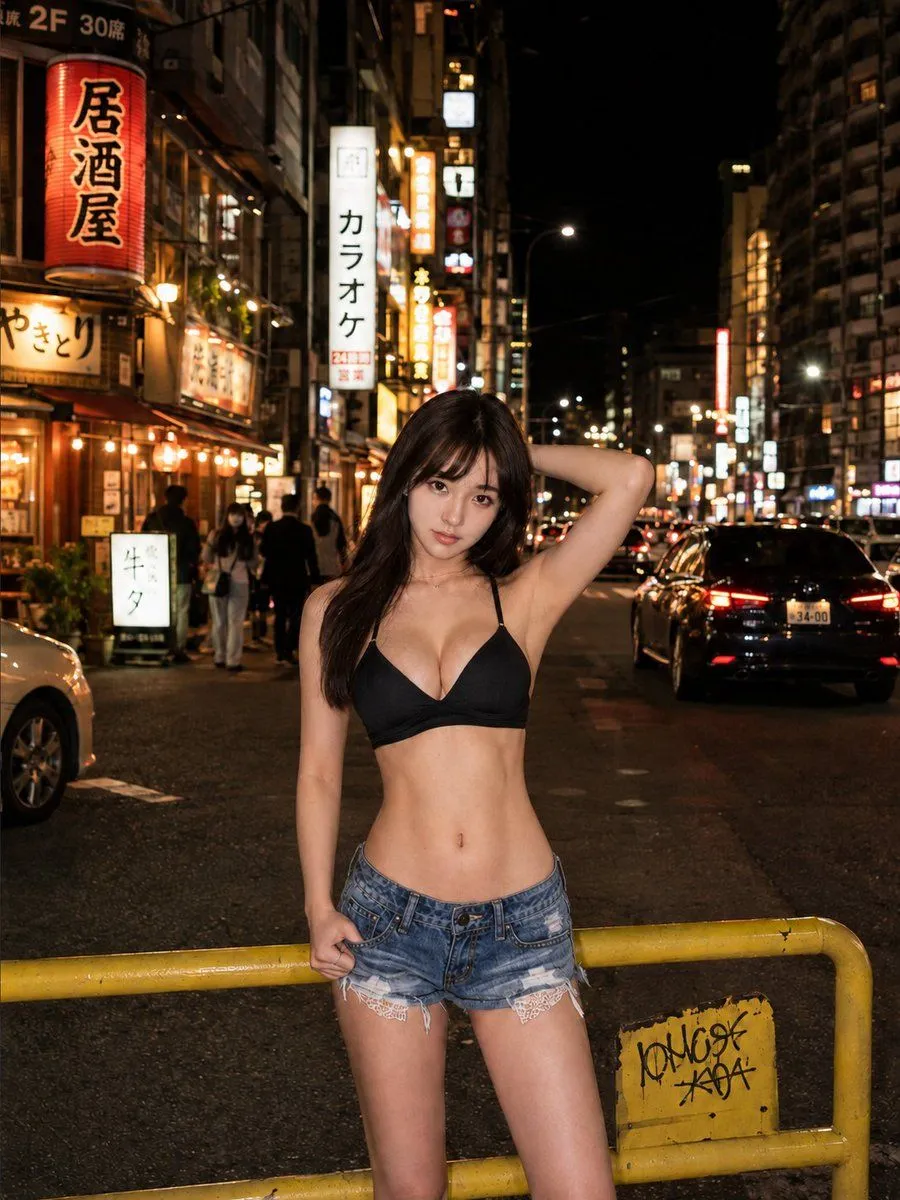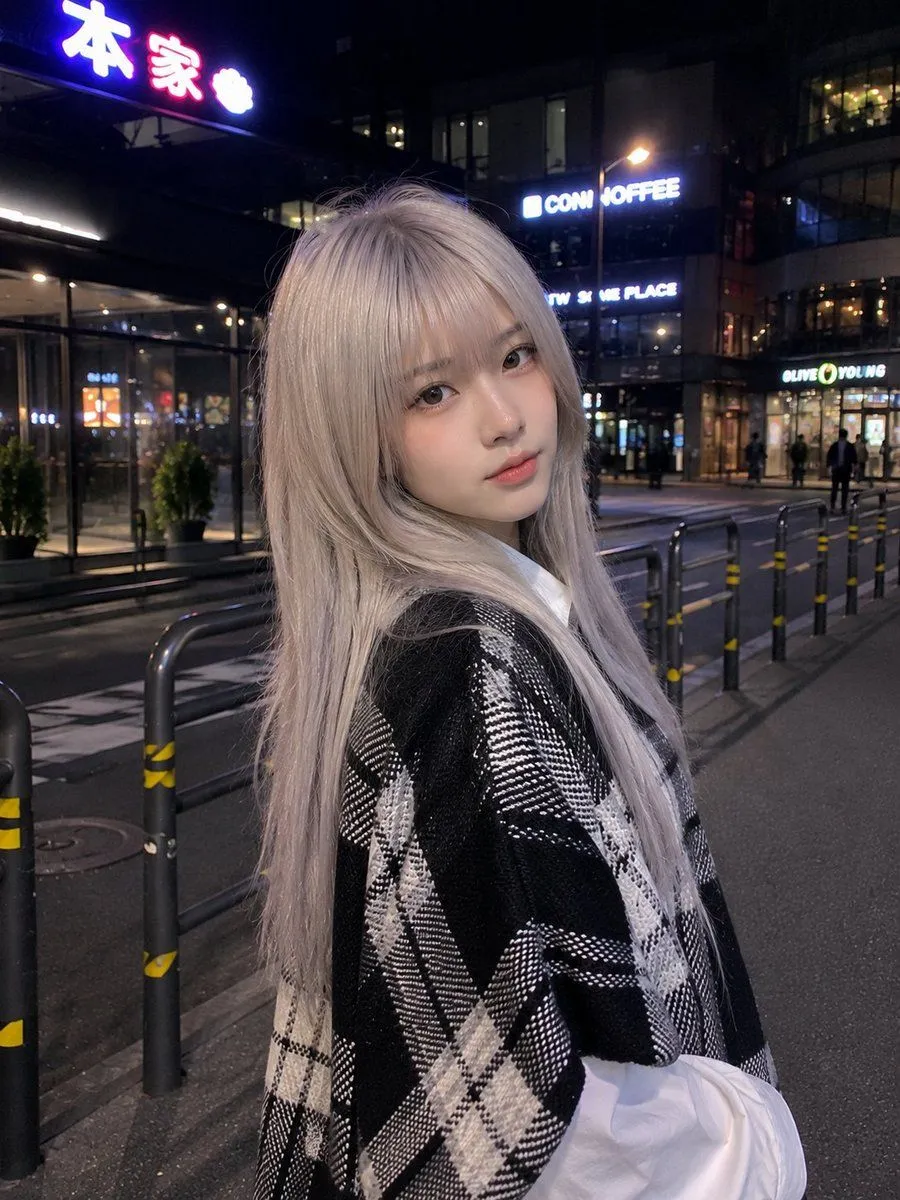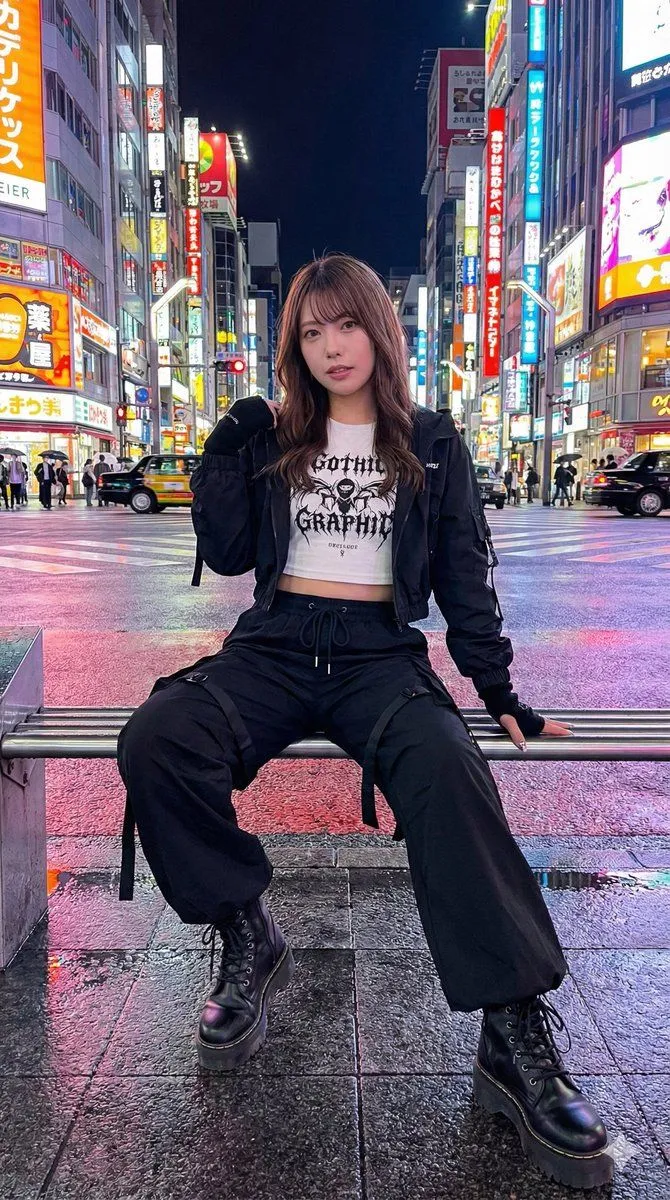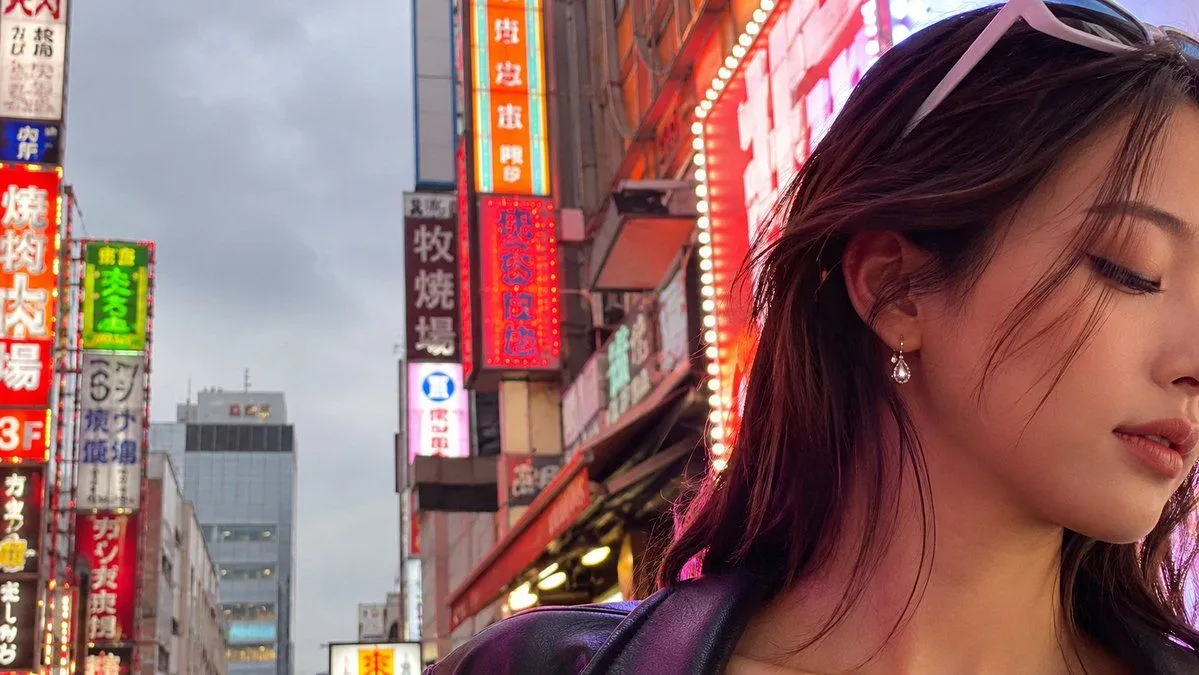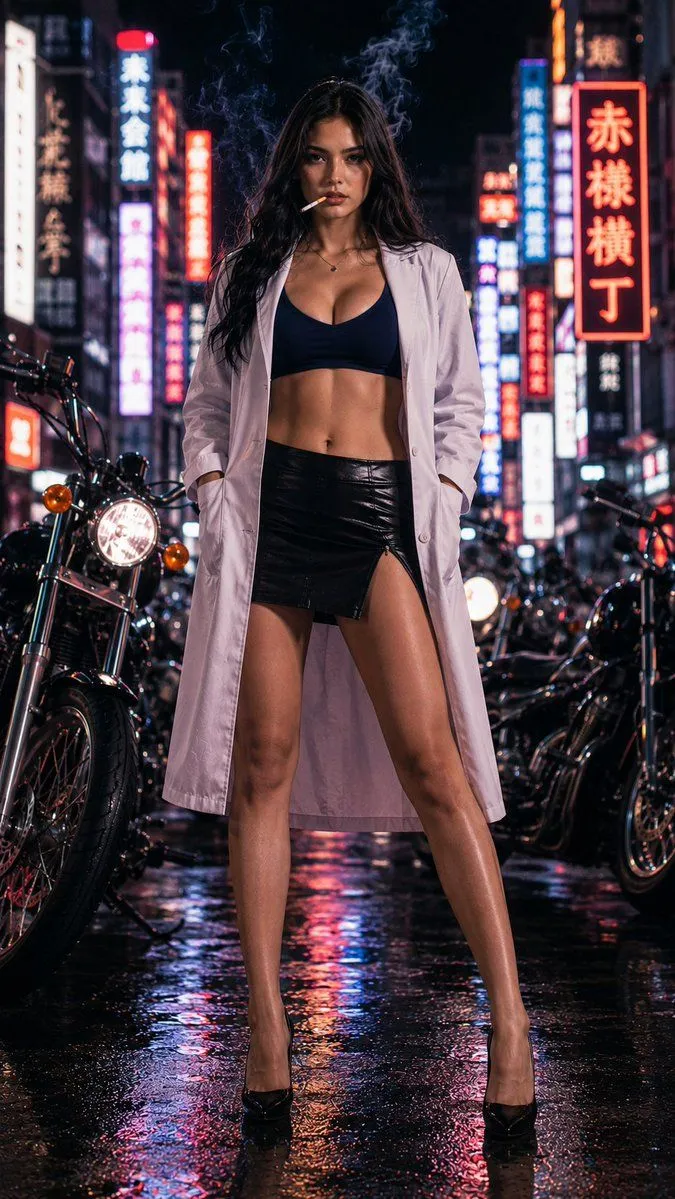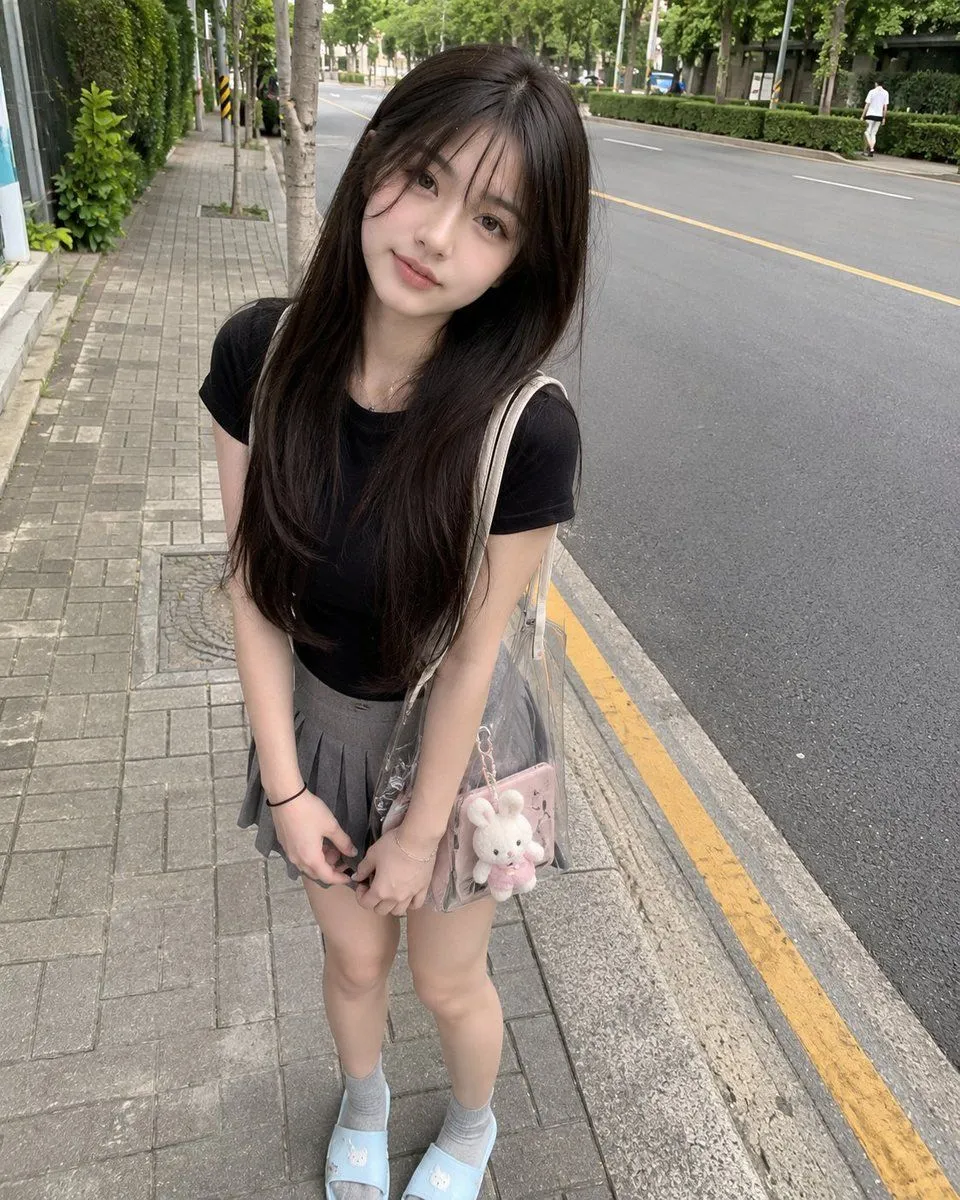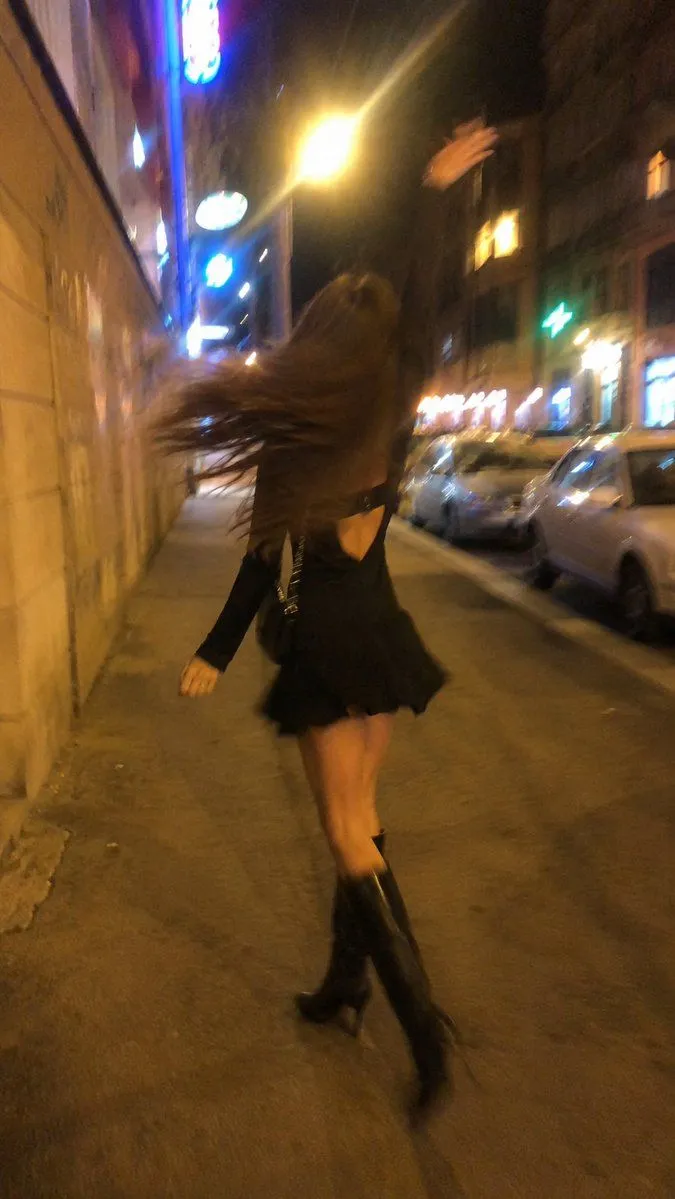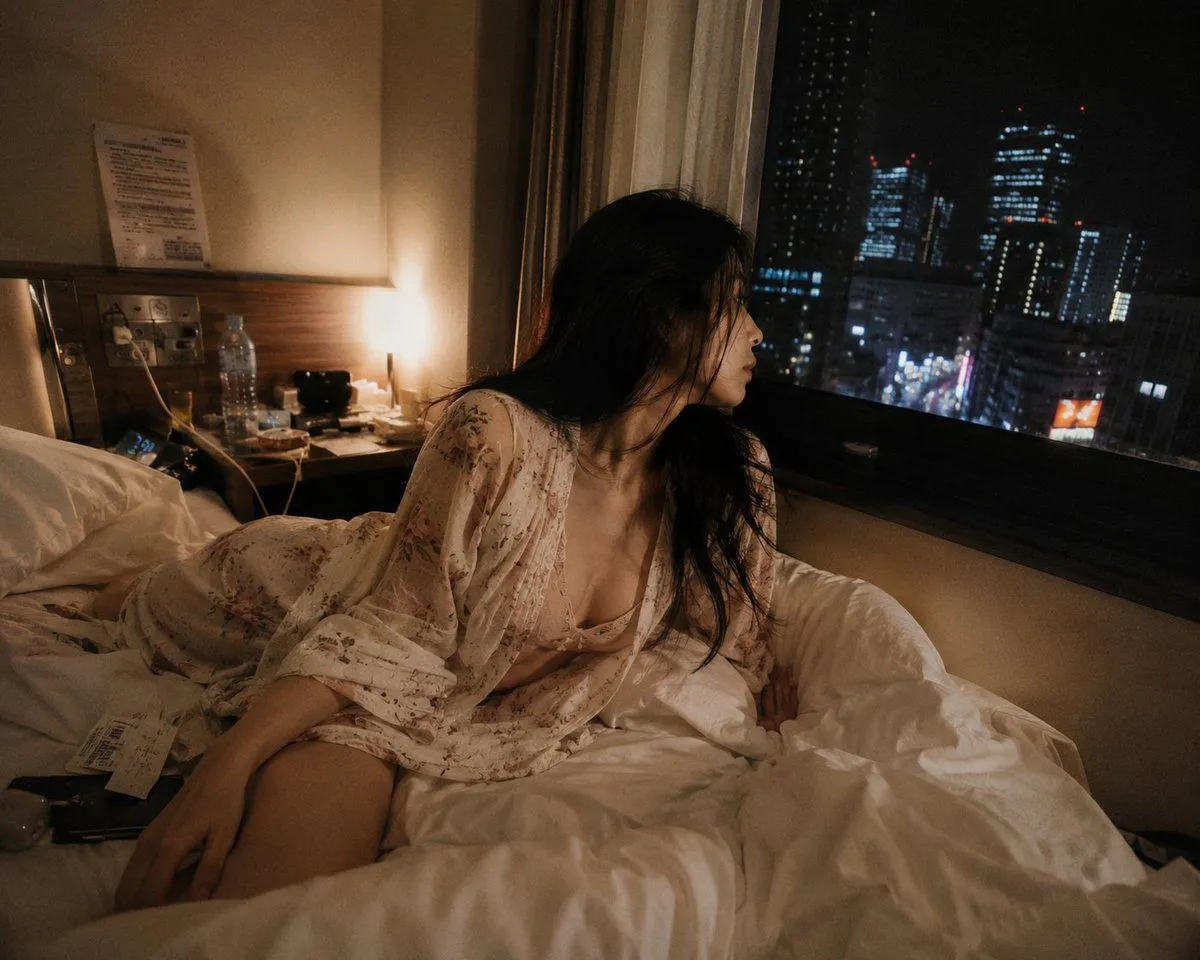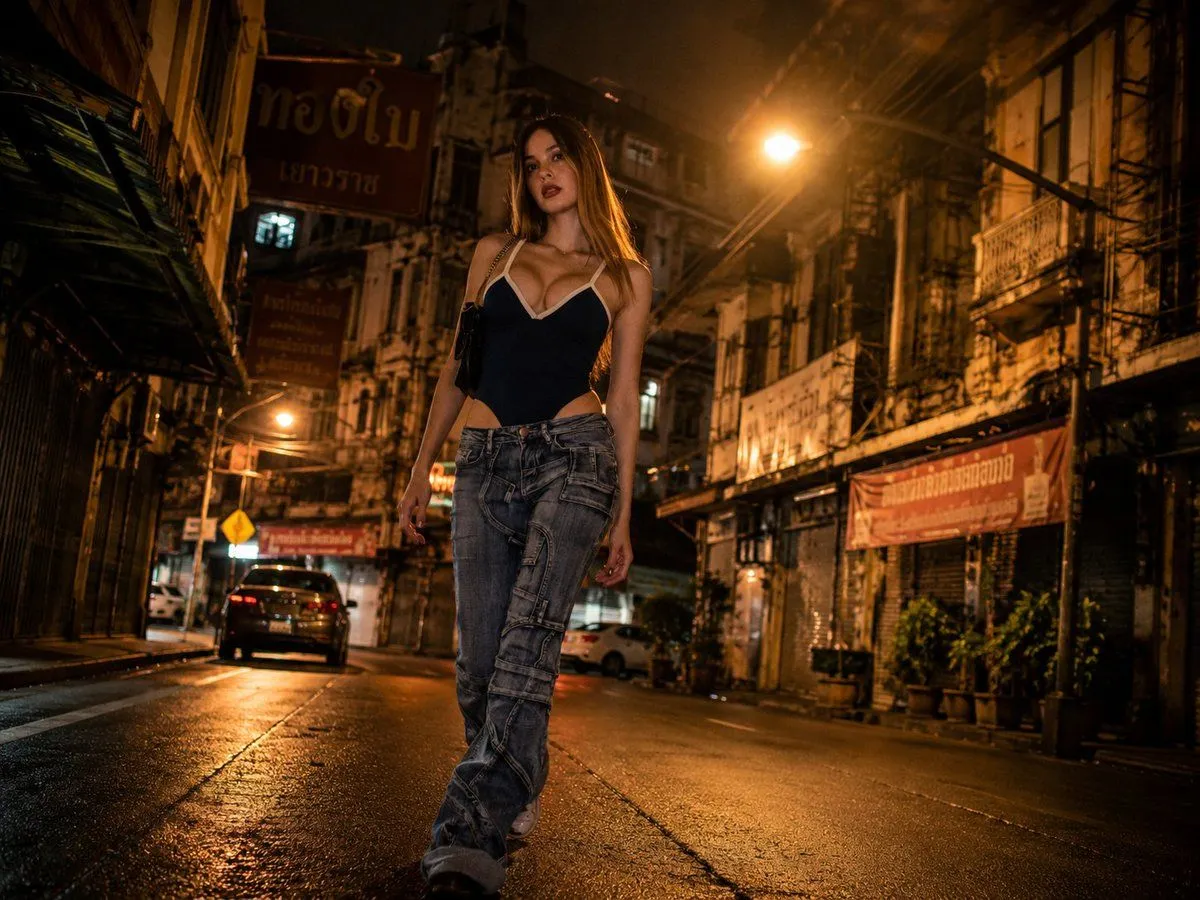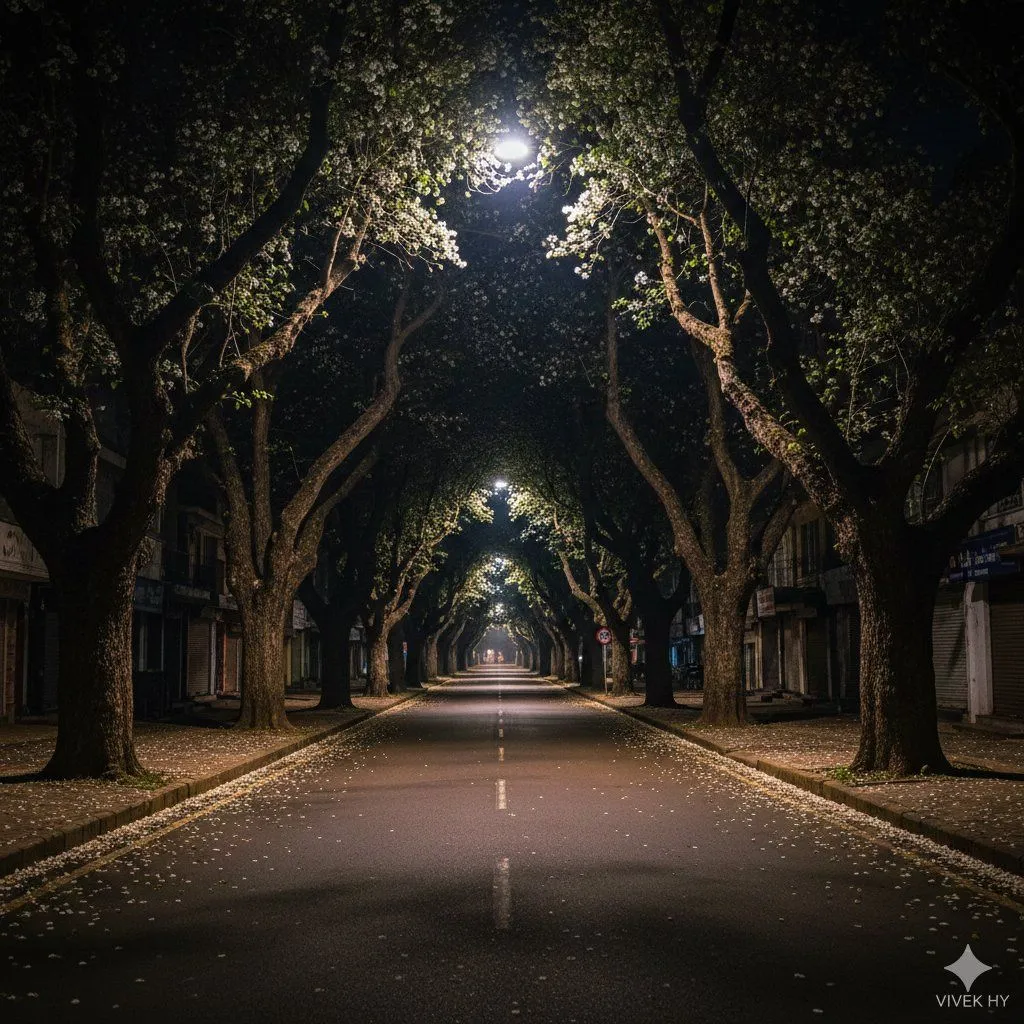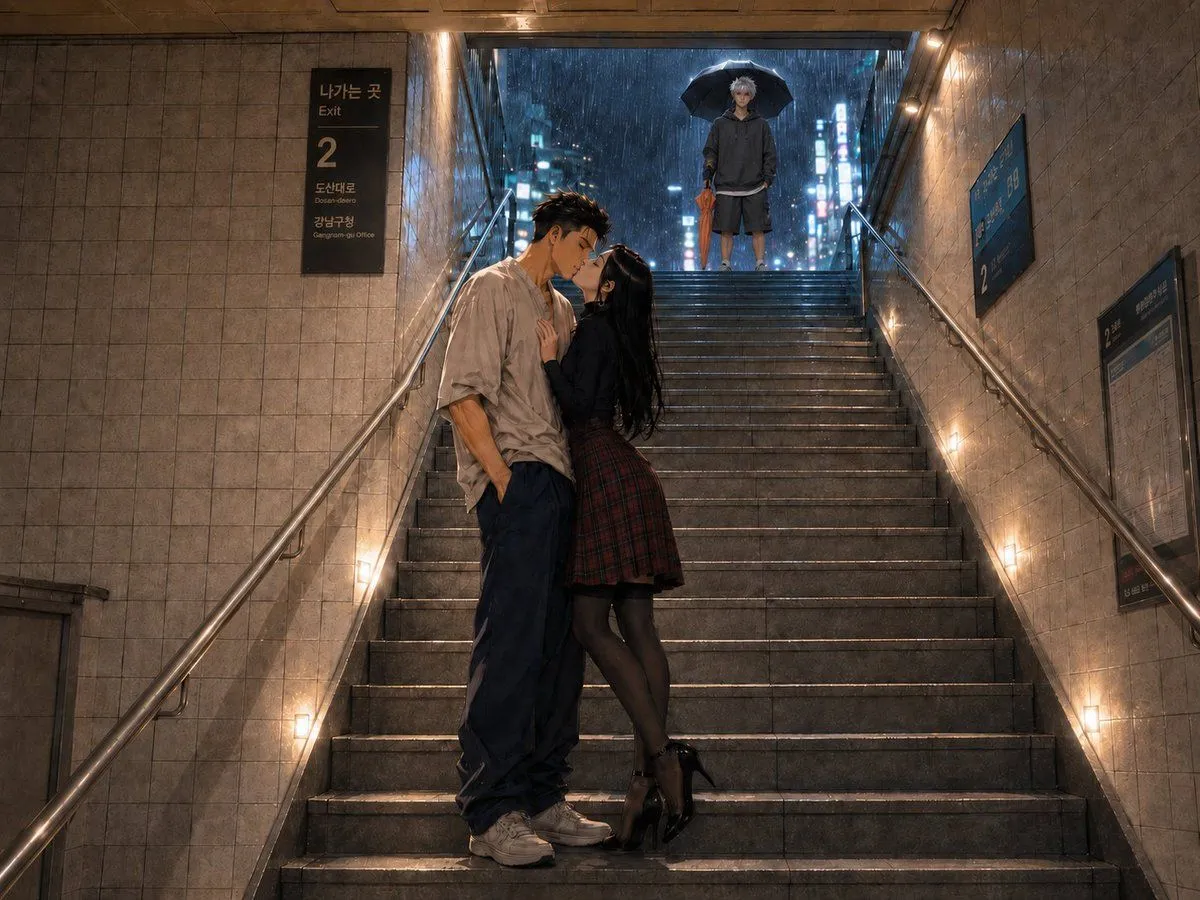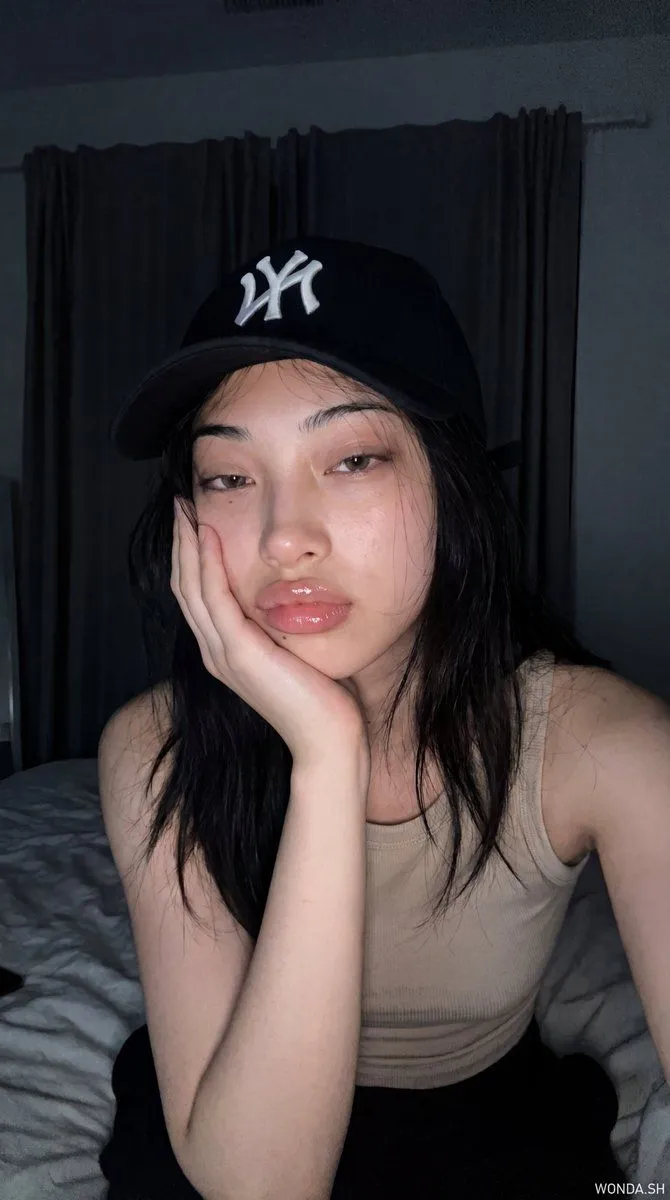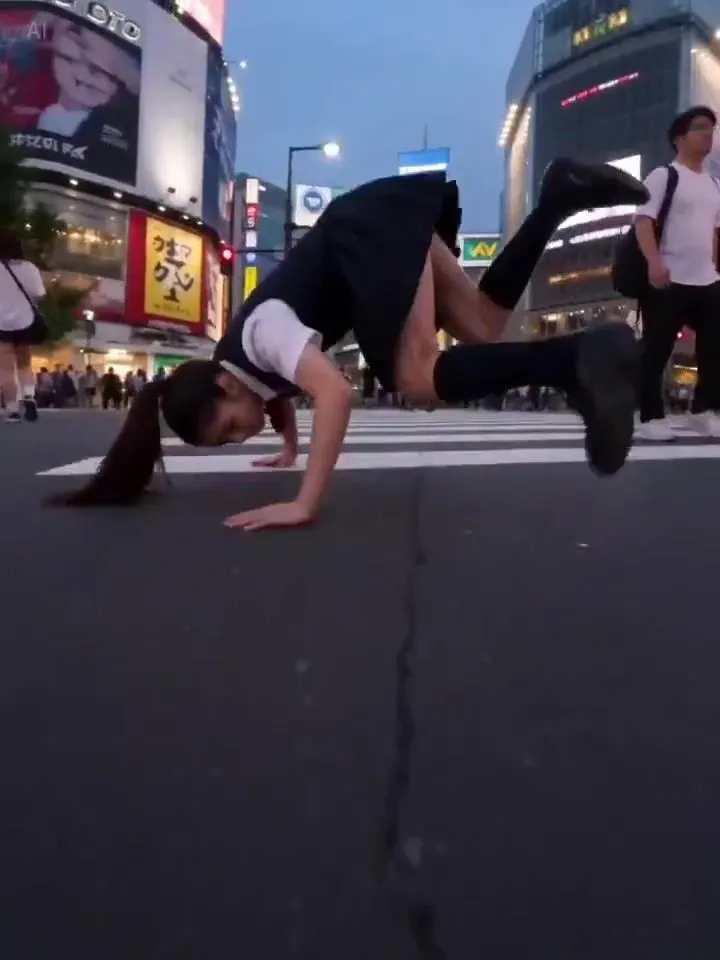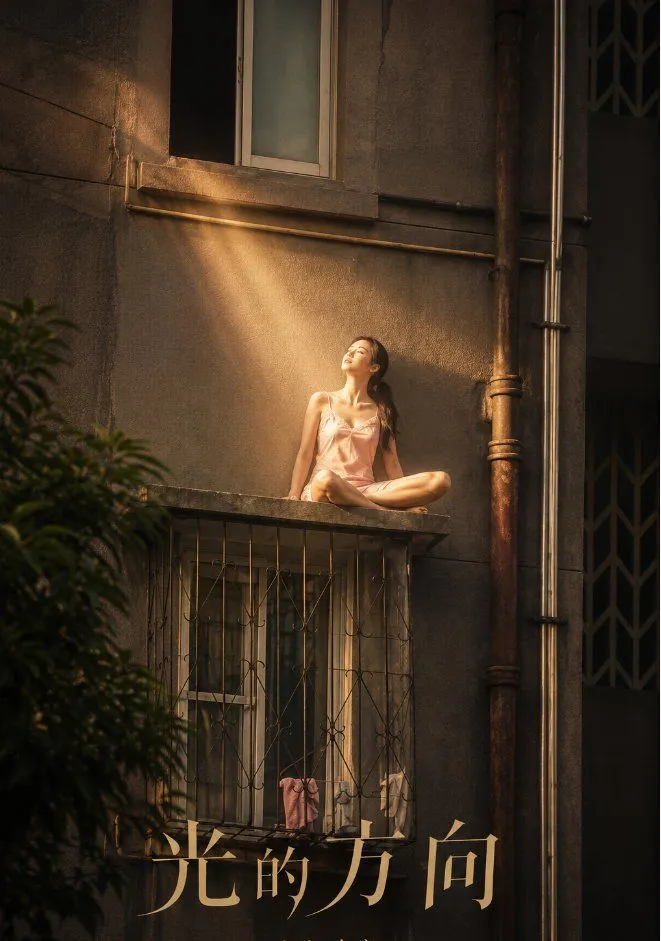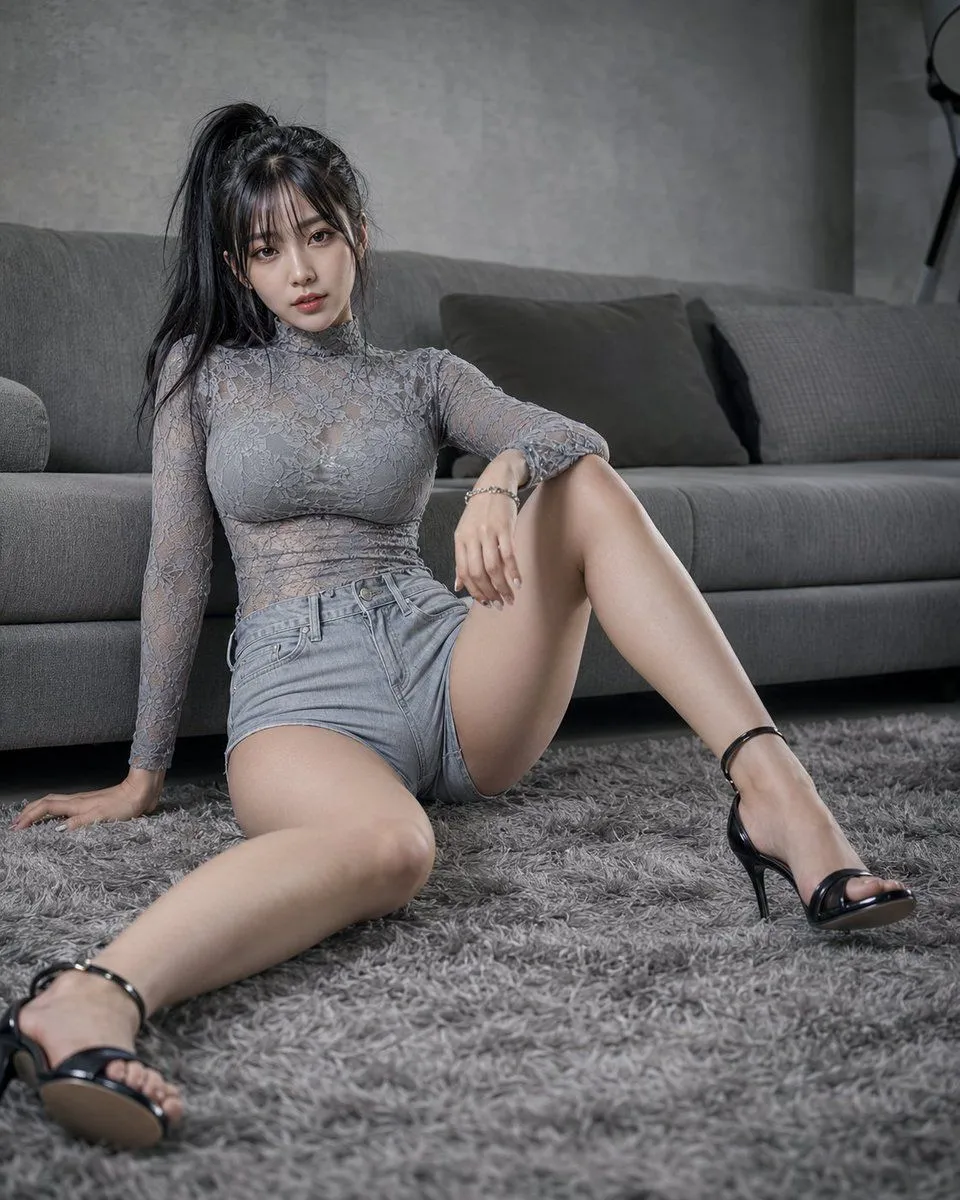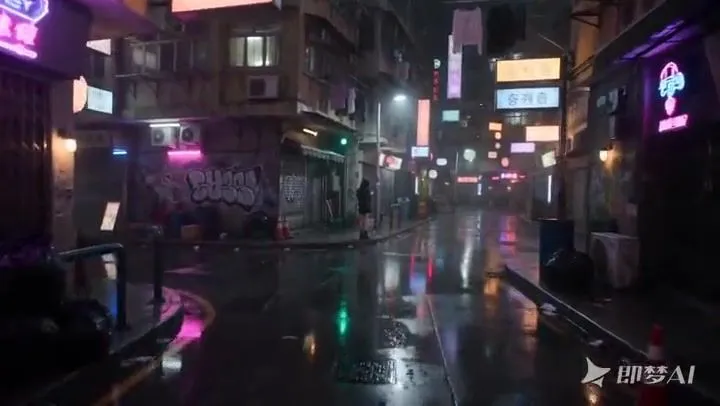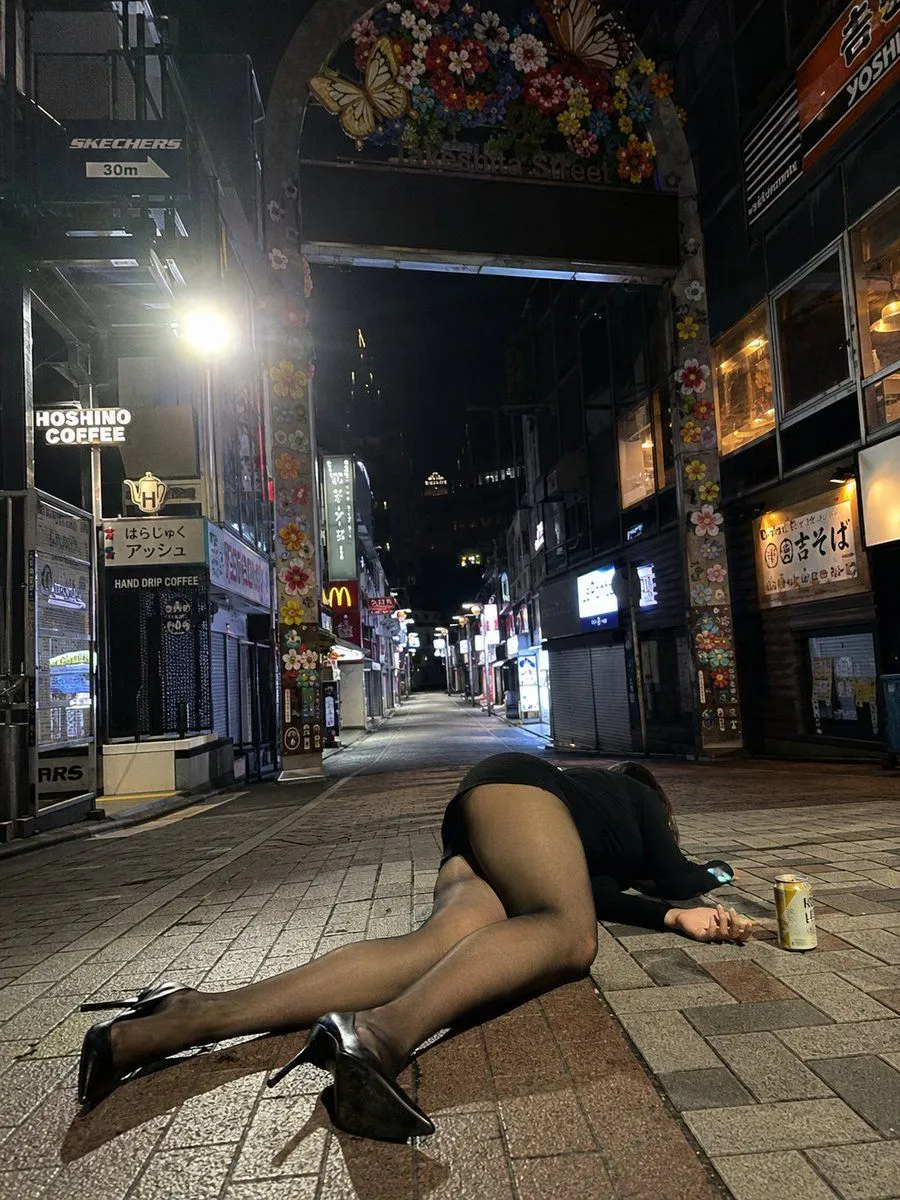
Made with GPT Image 2 in ChatGPT by Library Lifestyle. Promptclay never generates images.
Did it work?
No reports yet. Tell others if it worked for you.
Midnight Street Candid iPhone Snapshot
Prompt
3 blanks to fillA realistic vertical nighttime smartphone snapshot, 3:4 aspect ratio. The scene is set at {location}, similar to Takeshita Street in Harajuku, Tokyo, late at night or after closing. The street is almost empty, but shop signs, lightboxes, and a McDonald's logo are still lit. In the foreground, an adult woman has fallen on the sidewalk, positioned slightly off-center and low in the frame. This should not look like a clean fashion pose, but more like an accidental moment captured on a phone after something just happened. Her legs are the main visual focus, clad in black translucent tights that show a soft warm skin tone, looking like thin elastic nylon. The photo should feel like a rear-camera {camera_type} night shot with slight wide-angle distortion, large depth of field, and messy, real lighting. Preserve subtle night noise, digital sharpening, and the imperfect realism of a casual street snap. The mood is {mood}, like a strange moment left after a busy city quiets down. --ar 3:4 --v 6.0 --style raw
Preview of your prompt
A realistic vertical nighttime smartphone snapshot, 3:4 aspect ratio. The scene is set at the entrance of a Japanese shopping street, similar to Takeshita Street in Harajuku, Tokyo, late at night or after closing. The street is almost empty, but shop signs, lightboxes, and a McDonald's logo are still lit. In the foreground, an adult woman has fallen on the sidewalk, positioned slightly off-center and low in the frame. This should not look like a clean fashion pose, but more like an accidental moment captured on a phone after something just happened. Her legs are the main visual focus, clad in black translucent tights that show a soft warm skin tone, looking like thin elastic nylon. The photo should feel like a rear-camera iPhone night shot with slight wide-angle distortion, large depth of field, and messy, real lighting. Preserve subtle night noise, digital sharpening, and the imperfect realism of a casual street snap. The mood is absurd, exhausted, tipsy, like a strange moment left after a busy city quiets down. --ar 3:4 --v 6.0 --style raw
DetailsVersions, settings and questions
Written for
What's in the prompt
- Subject
- Model
- GPT Image 2
If your face changes
keep my face exactly the sameQuestions
- Does this work in the ChatGPT app?
- Yes. Paste the prompt and attach your photo if it uses one.
- It changed my face. What do I do?
- Add "keep my face exactly the same" to the end and run it again.
- Can I use the images I make?
- Check the terms of the app you use. Promptclay never generates images and claims nothing you make.