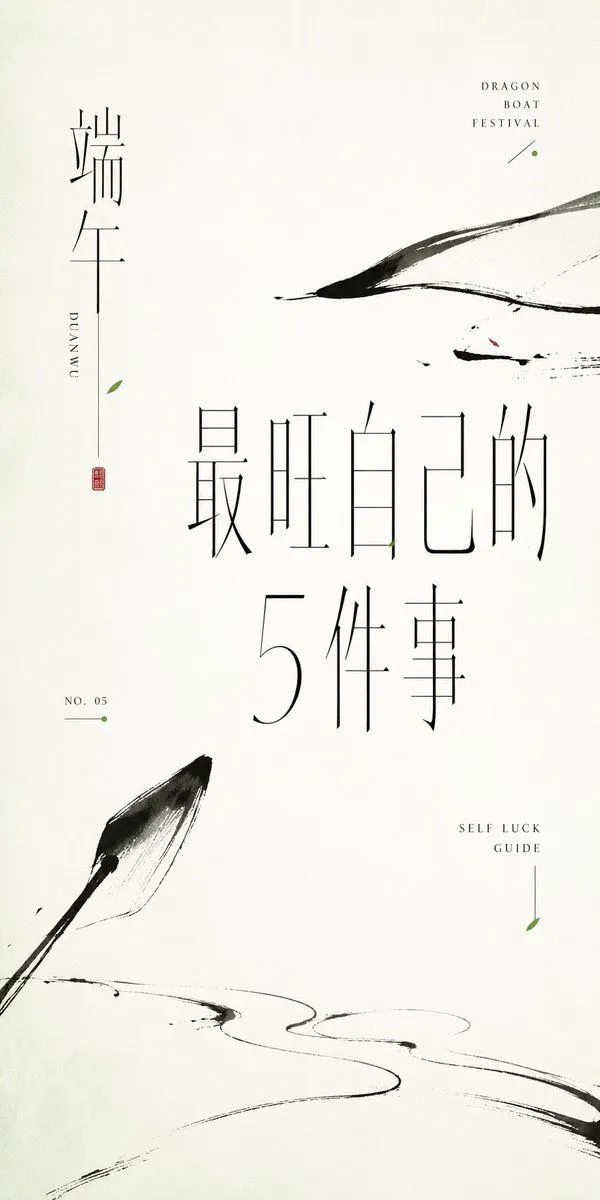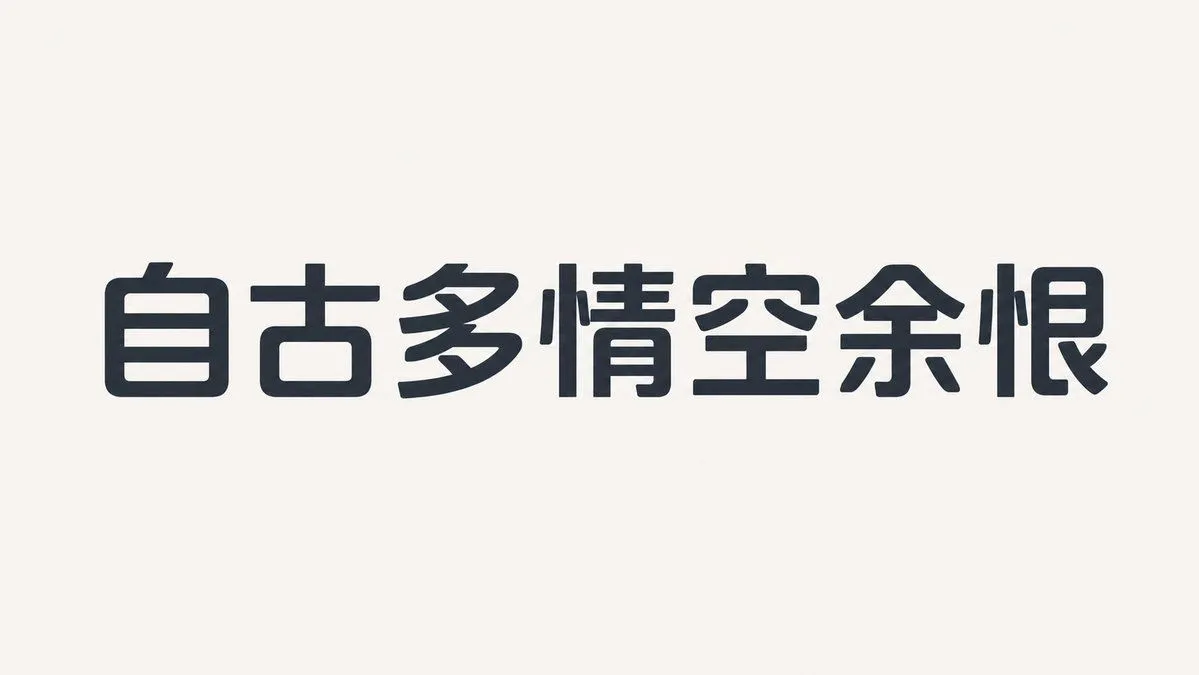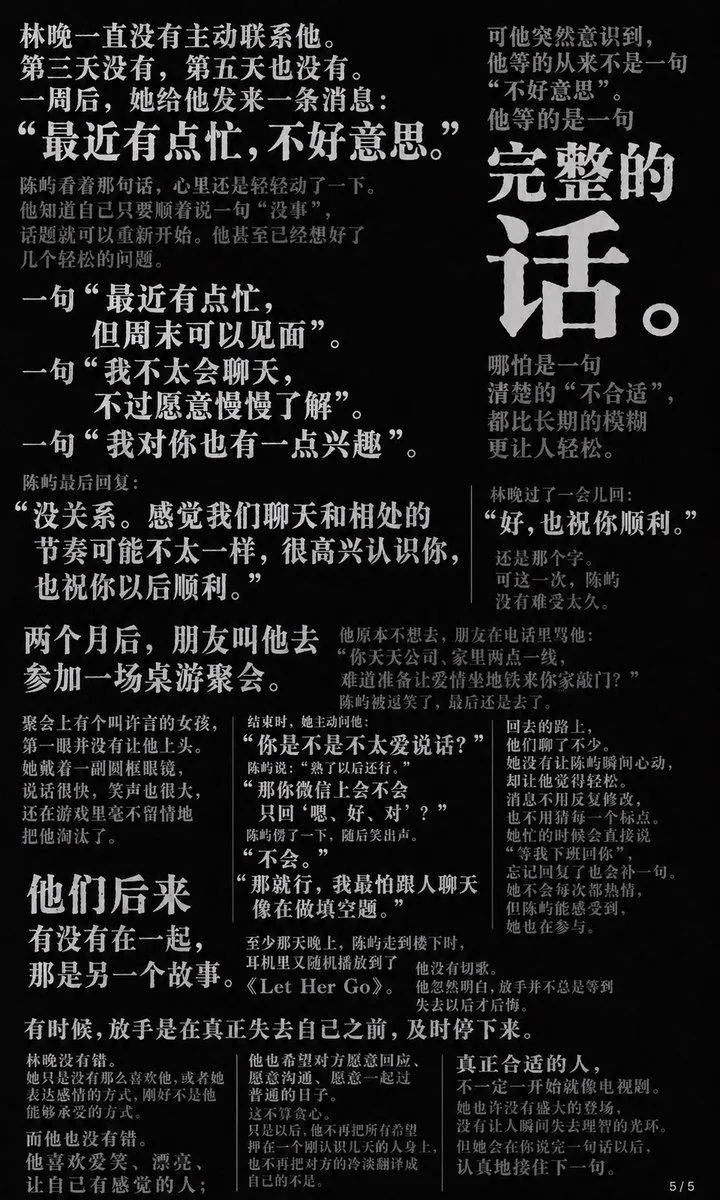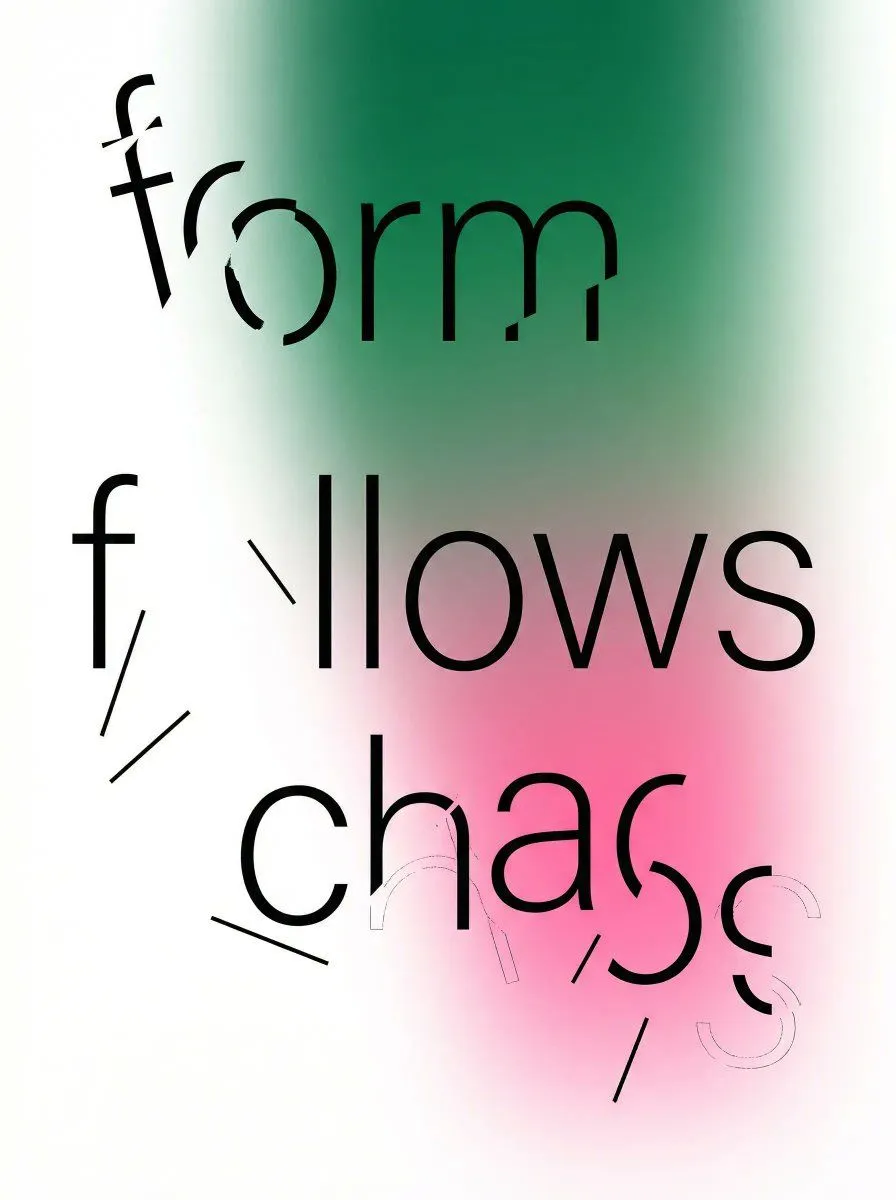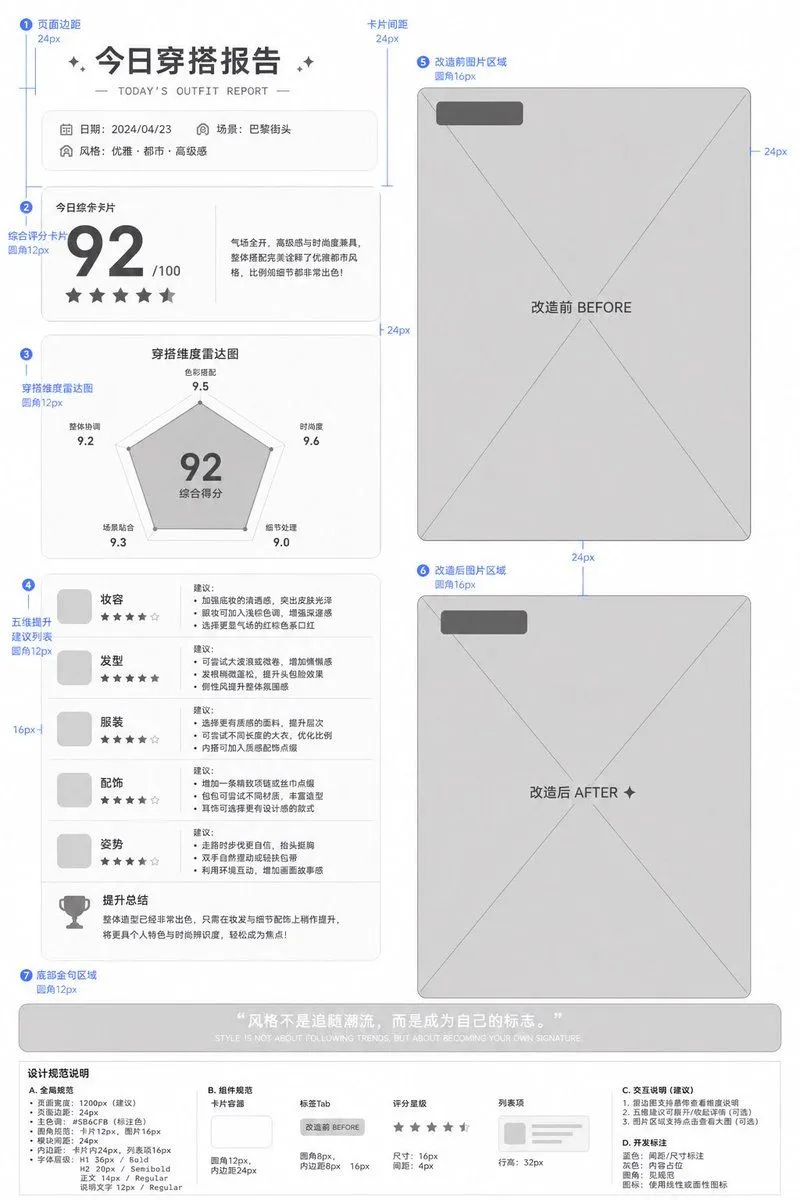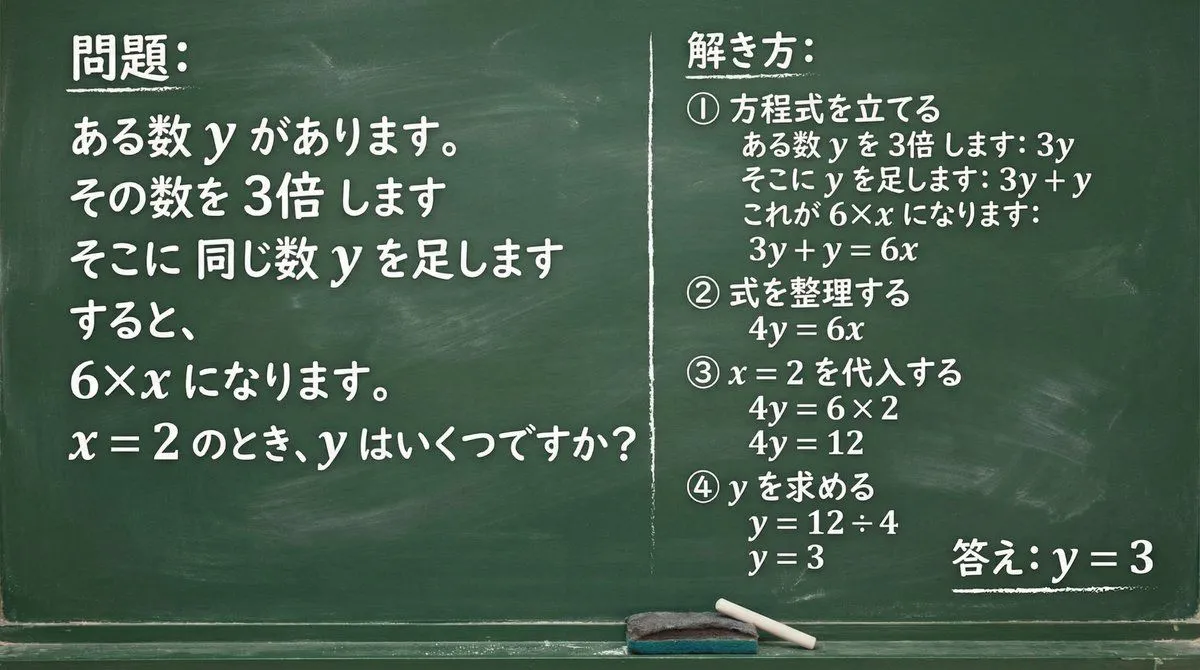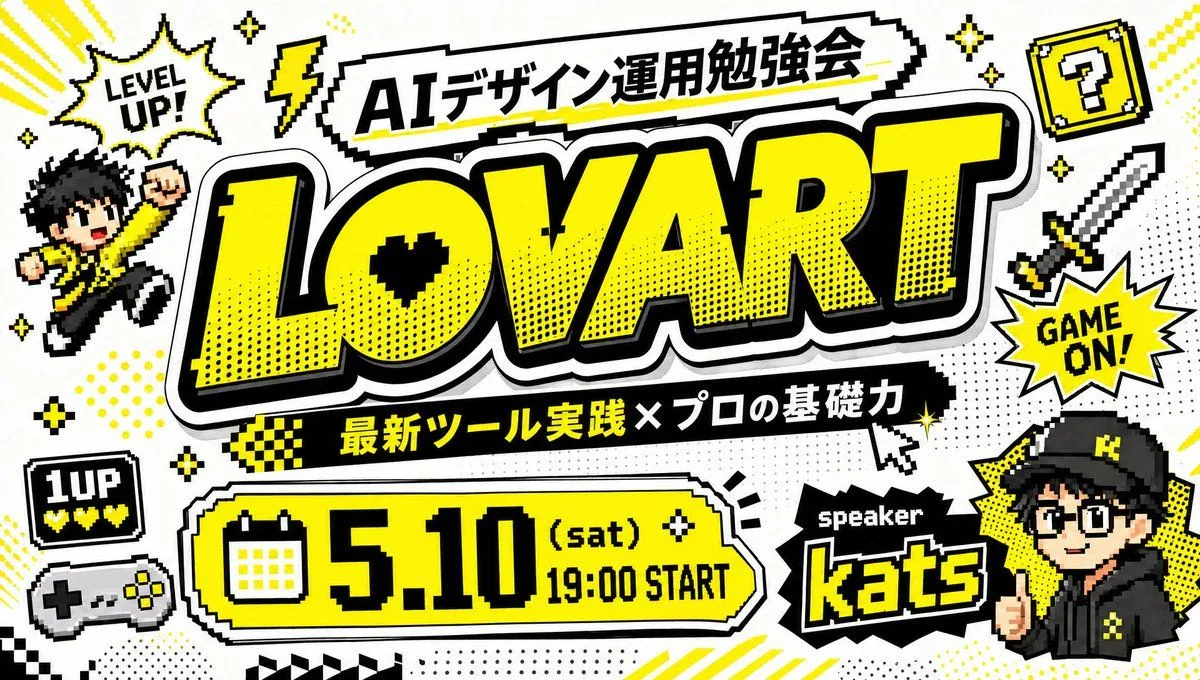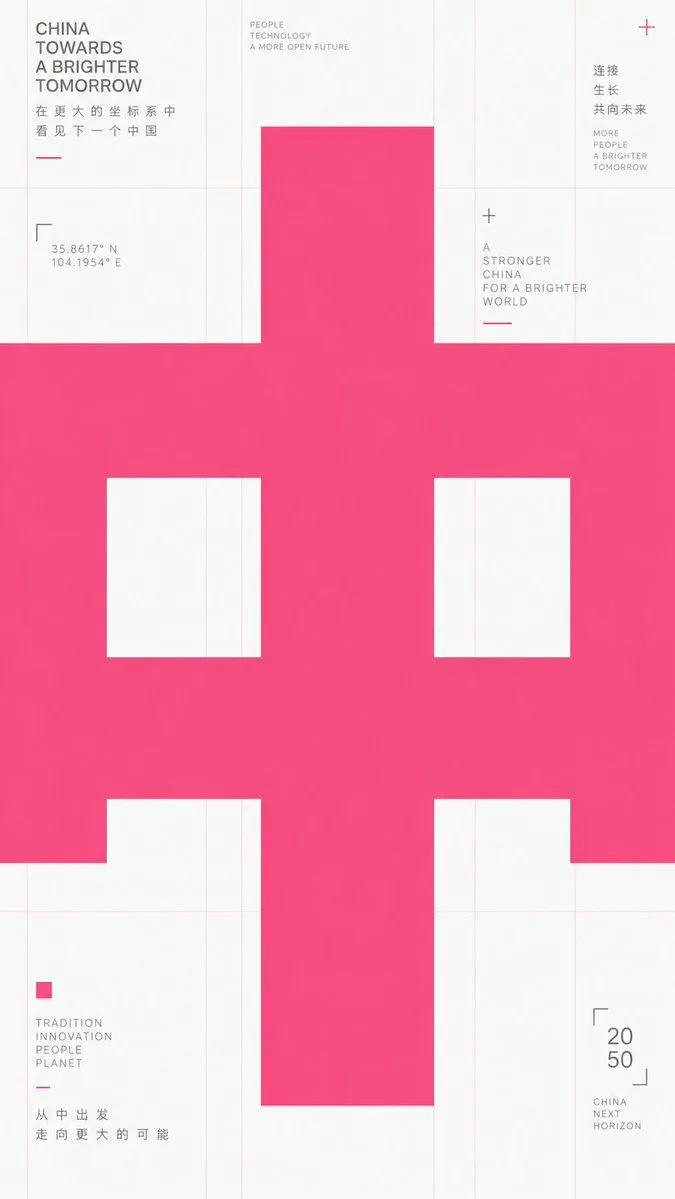
Made with GPT Image 2 in ChatGPT by Library Explainers. Promptclay never generates images.
Did it work?
No reports yet. Tell others if it worked for you.
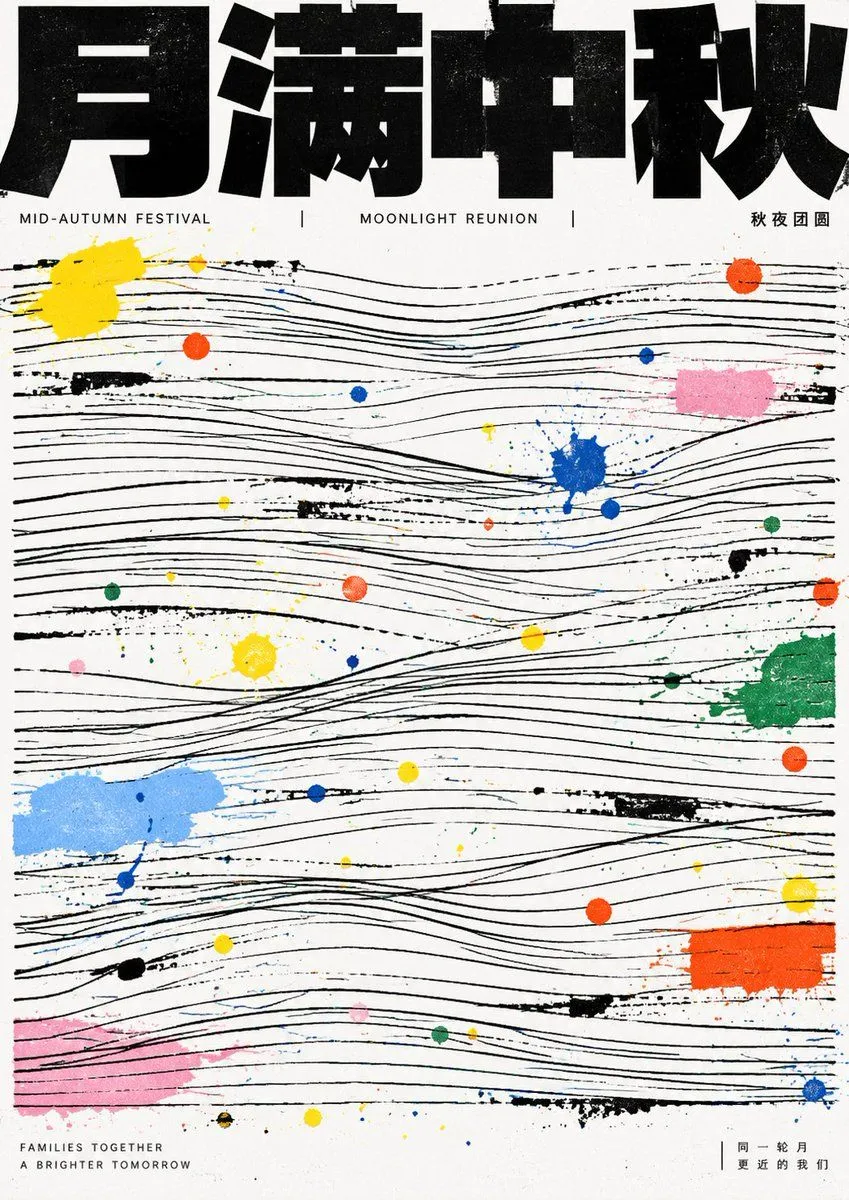
Mid-Autumn Festival Typography Poster Prompt
Prompt
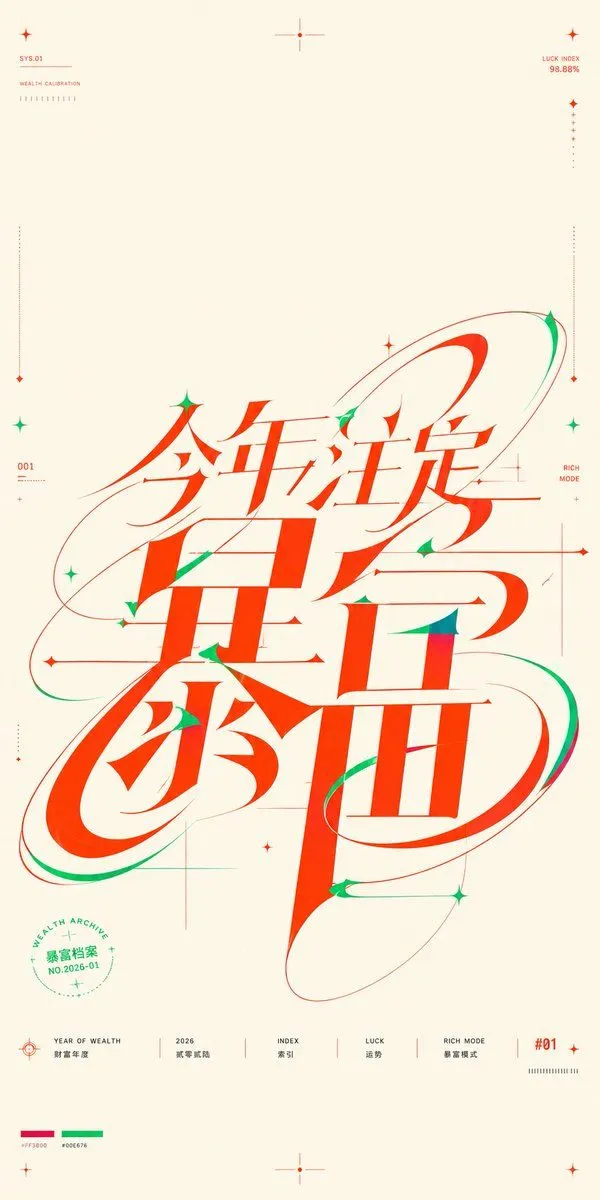
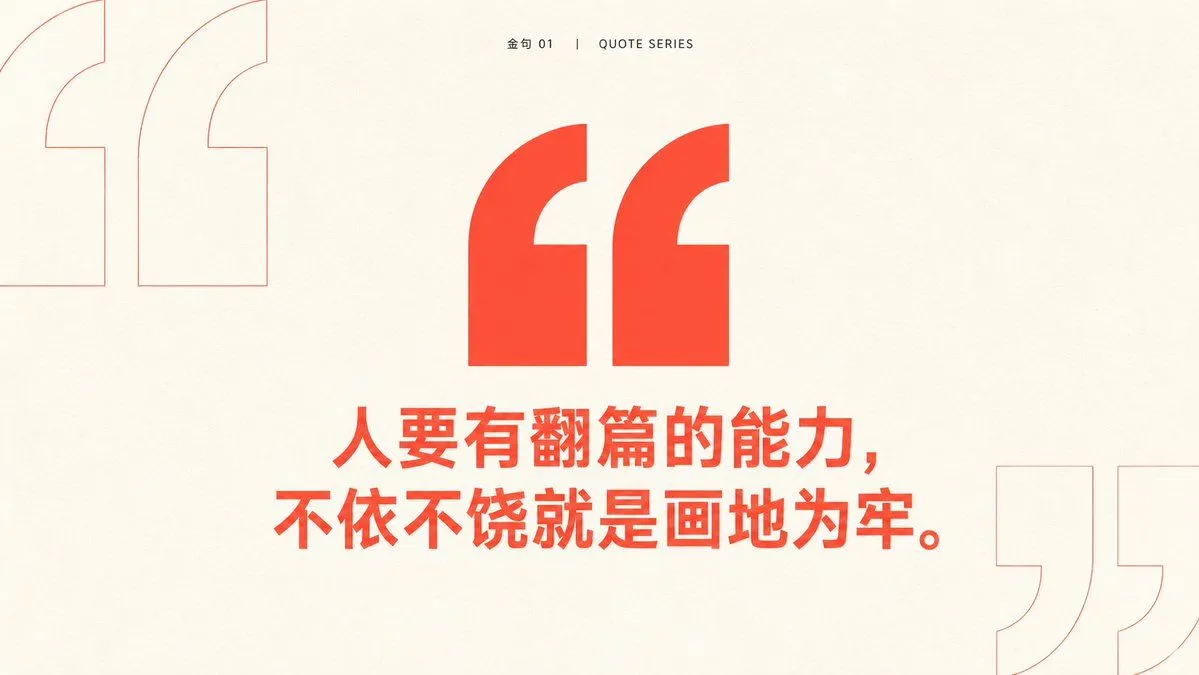
3 blanks to fillTake any futuristic theme providing core concepts, short phrases, and minor auxiliary notes, and translate the theme into an extremely enlarged text or symbol subject: The first impression must be heavy, bold sans-serif glyphs filling almost the entire frame, pressed horizontally into the layout, with the character body occupying the center like structural beams, partially cropped or overflowing, making reading first become a strong form event before reading subtitles at its edges. Keep the background largely empty with cool white space, overlaid with extremely thin, light warm-colored composition lines, baselines, and vertical column lines; these lines should look like unhidden skeletons of a design draft rather than decoration. Use only high-saturation orange-red as the primary color to carry all visual weight, gray for small explanatory text, avoiding multi-colors and gradients. Information modules are sparsely placed at grid intersections and edges: small icons composed of simple geometric angles, dots, and short dashes; titles are short and bold; body text is in narrow columns and light gray. The overall presentation should have a precise, restrained, experimental typographic educational feel. Glyph construction requires low contrast, thick strokes, large open counters, flat terminals, tight tracking; punctuation and auxiliary symbols also follow the grid rhythm. If switching to other writing systems, maintain equivalent block volume, inner/outer spatial relationships, cropping pressure, and horizontal reading momentum. Prohibit illustrative backgrounds, shadows, paper textures, centered cards, rounded cuteness, commercial poster lighting effects, and over-packed information. —————— Theme: {theme_en} Aspect Ratio: {aspect_ratio_en} Note: Appropriate Mid-Autumn elements Font Color: {font_color_en}
Preview of your prompt
Take any futuristic theme providing core concepts, short phrases, and minor auxiliary notes, and translate the theme into an extremely enlarged text or symbol subject: The first impression must be heavy, bold sans-serif glyphs filling almost the entire frame, pressed horizontally into the layout, with the character body occupying the center like structural beams, partially cropped or overflowing, making reading first become a strong form event before reading subtitles at its edges. Keep the background largely empty with cool white space, overlaid with extremely thin, light warm-colored composition lines, baselines, and vertical column lines; these lines should look like unhidden skeletons of a design draft rather than decoration. Use only high-saturation orange-red as the primary color to carry all visual weight, gray for small explanatory text, avoiding multi-colors and gradients. Information modules are sparsely placed at grid intersections and edges: small icons composed of simple geometric angles, dots, and short dashes; titles are short and bold; body text is in narrow columns and light gray. The overall presentation should have a precise, restrained, experimental typographic educational feel. Glyph construction requires low contrast, thick strokes, large open counters, flat terminals, tight tracking; punctuation and auxiliary symbols also follow the grid rhythm. If switching to other writing systems, maintain equivalent block volume, inner/outer spatial relationships, cropping pressure, and horizontal reading momentum. Prohibit illustrative backgrounds, shadows, paper textures, centered cards, rounded cuteness, commercial poster lighting effects, and over-packed information. —————— Theme: Joy Aspect Ratio: 9:16 Note: Appropriate Mid-Autumn elements Font Color: Gucci Ancora Red
DetailsVersions, settings and questions
Written for
What's in the prompt
- Subject
- Model
- GPT Image 2
If your face changes
keep my face exactly the sameQuestions
- Does this work in the ChatGPT app?
- Yes. Paste the prompt and attach your photo if it uses one.
- It changed my face. What do I do?
- Add "keep my face exactly the same" to the end and run it again.
- Can I use the images I make?
- Check the terms of the app you use. Promptclay never generates images and claims nothing you make.