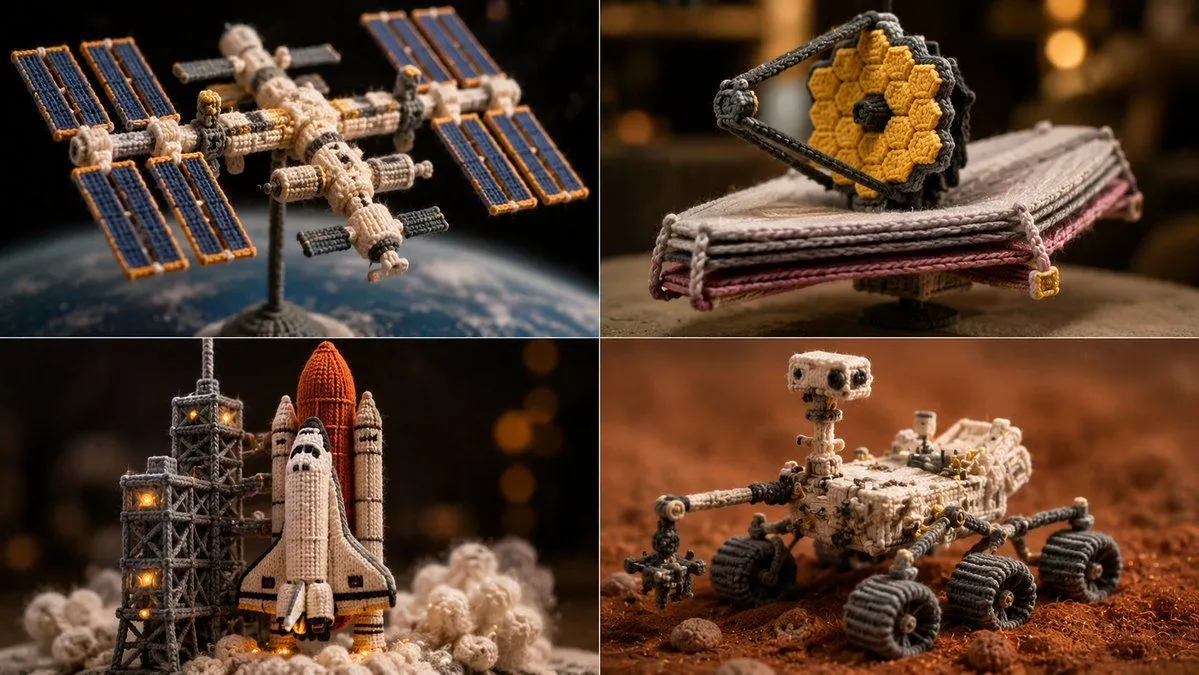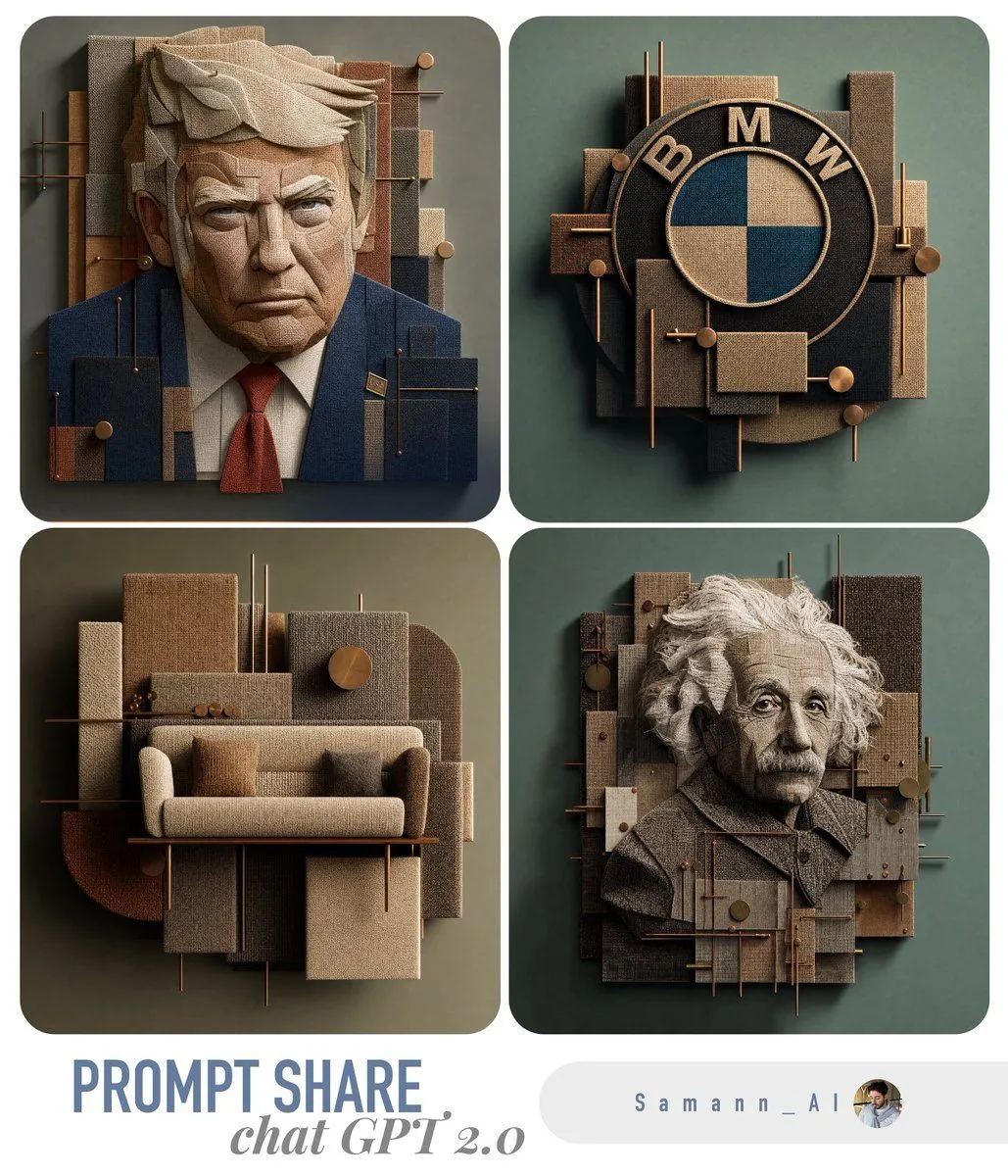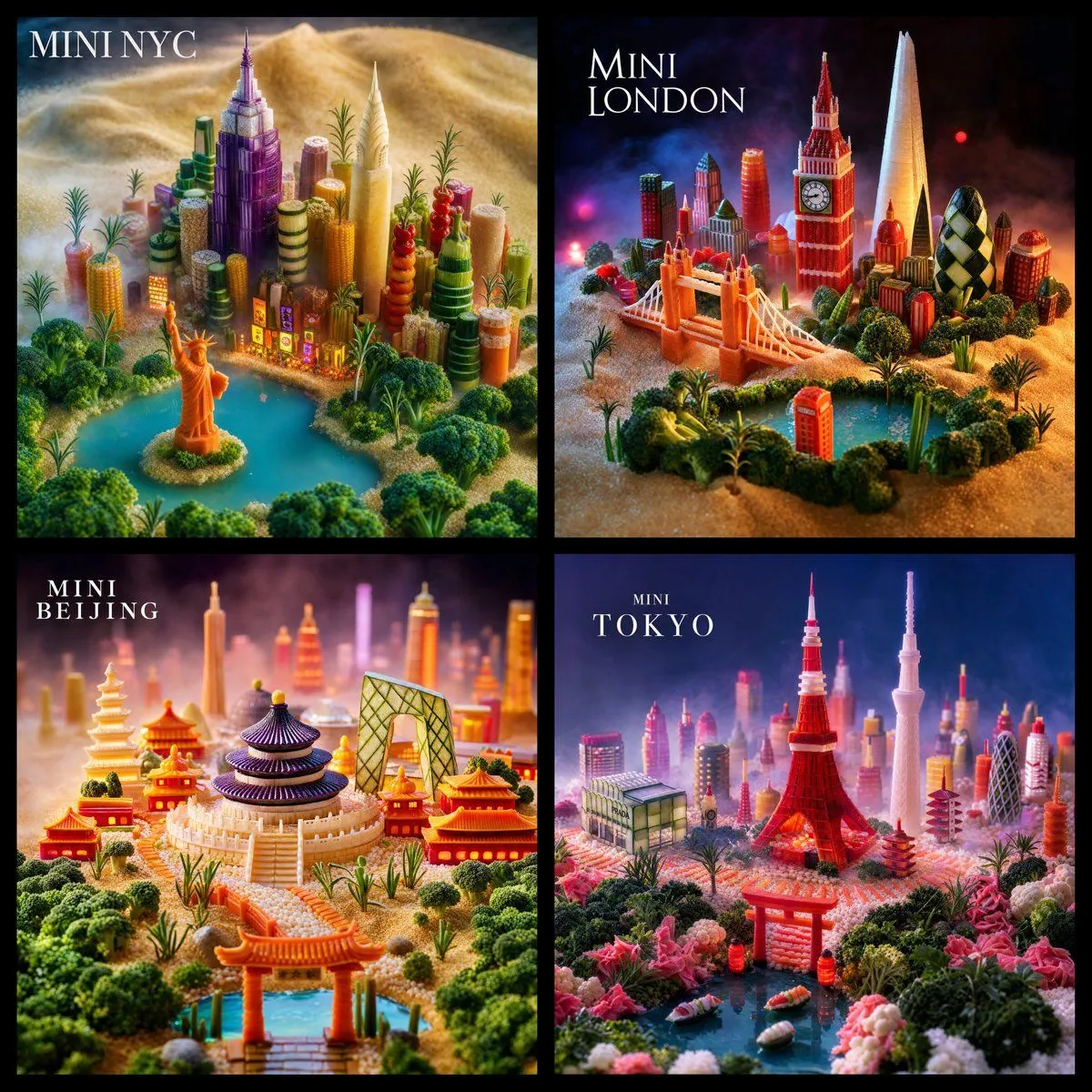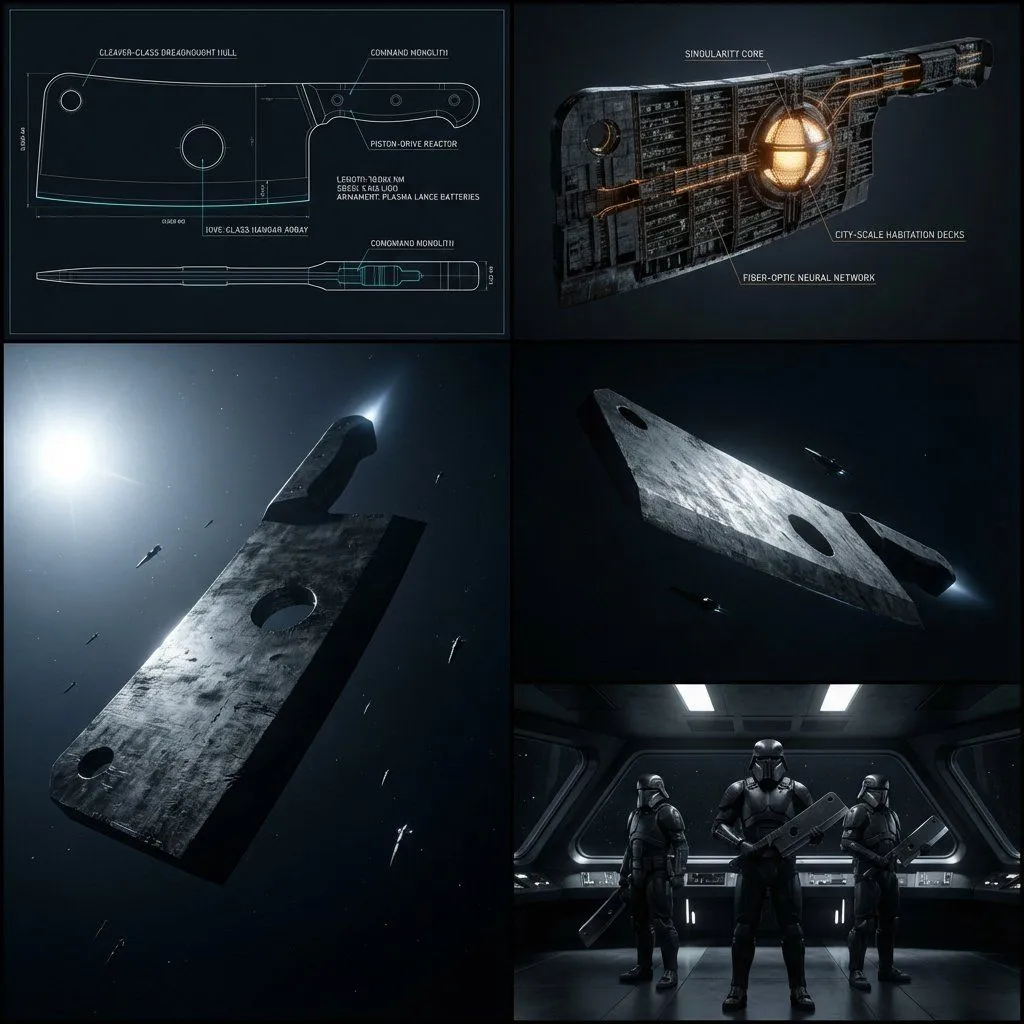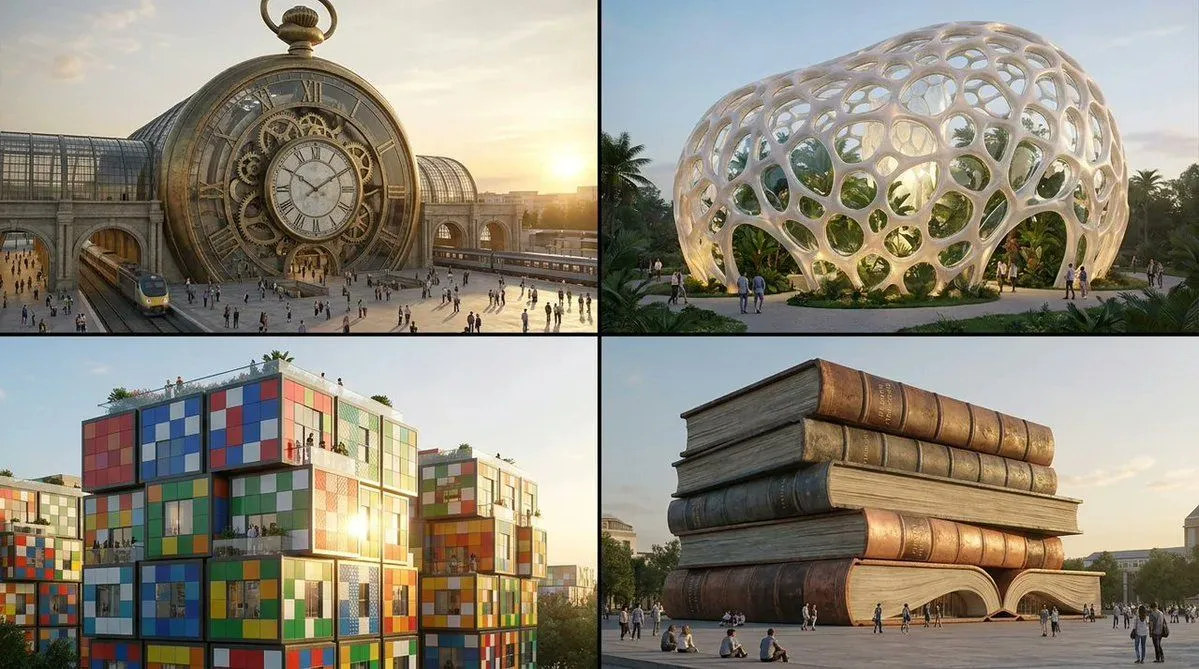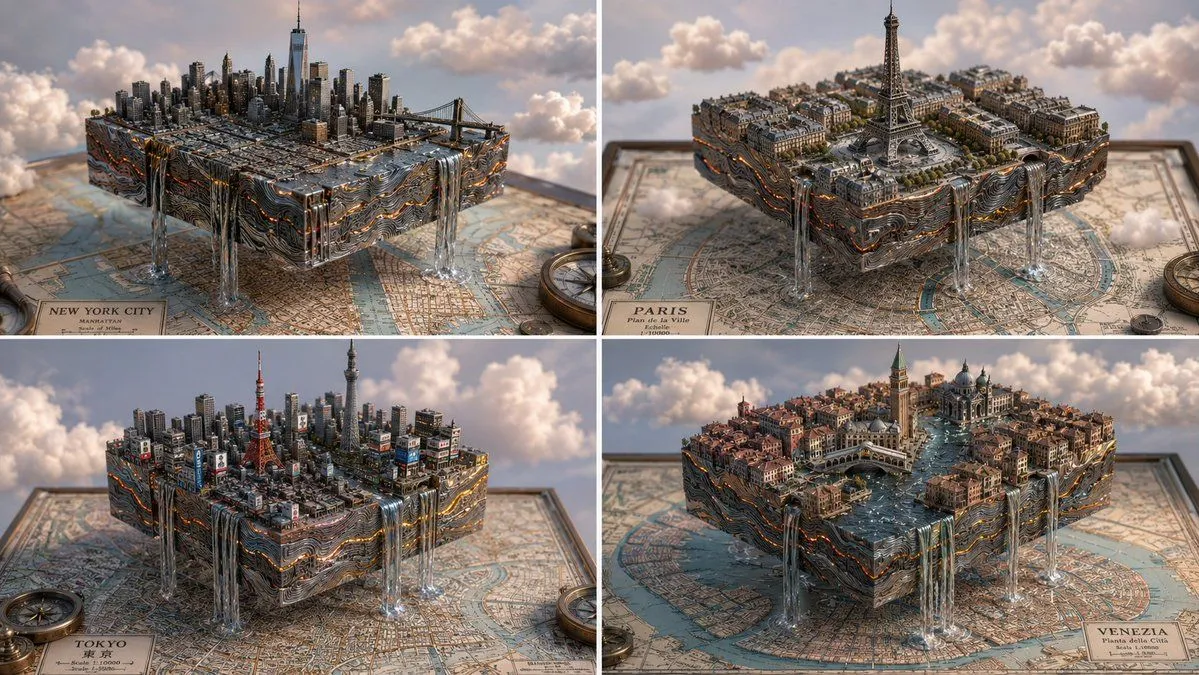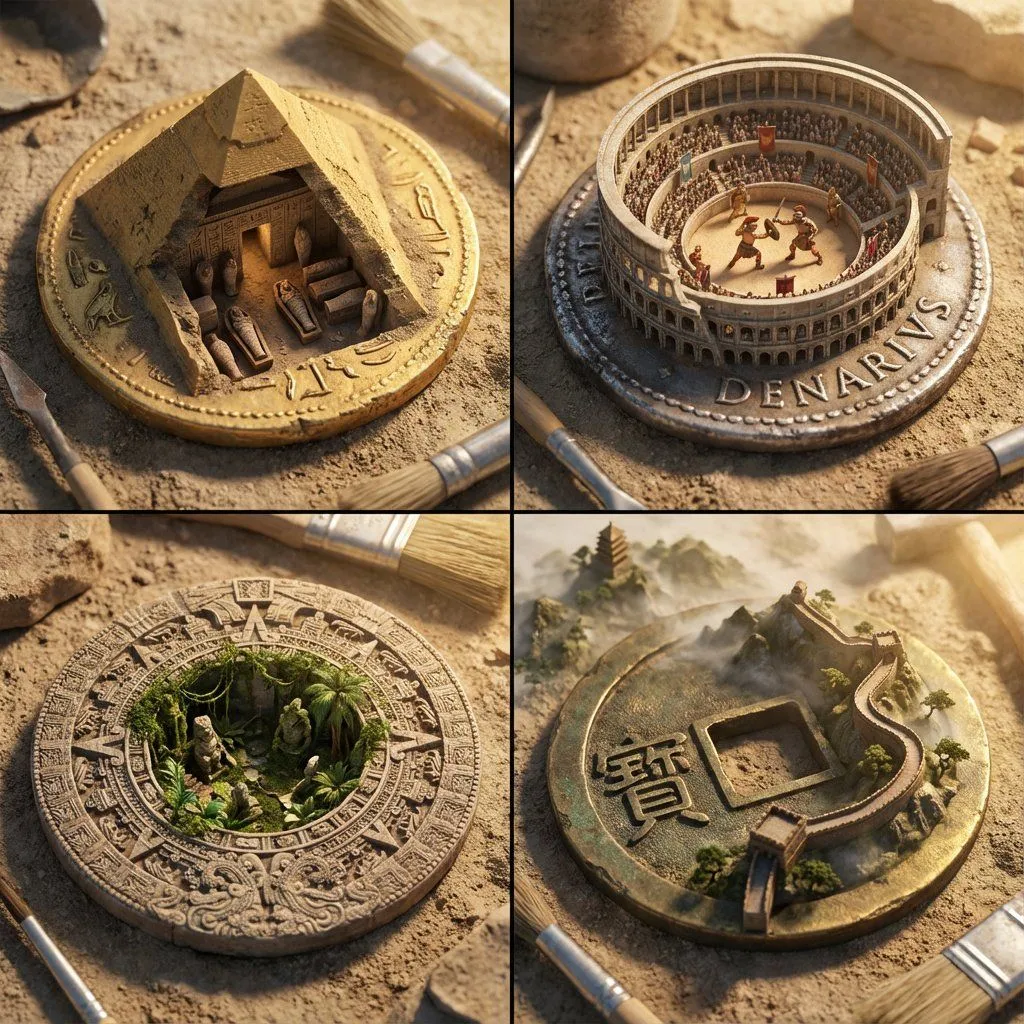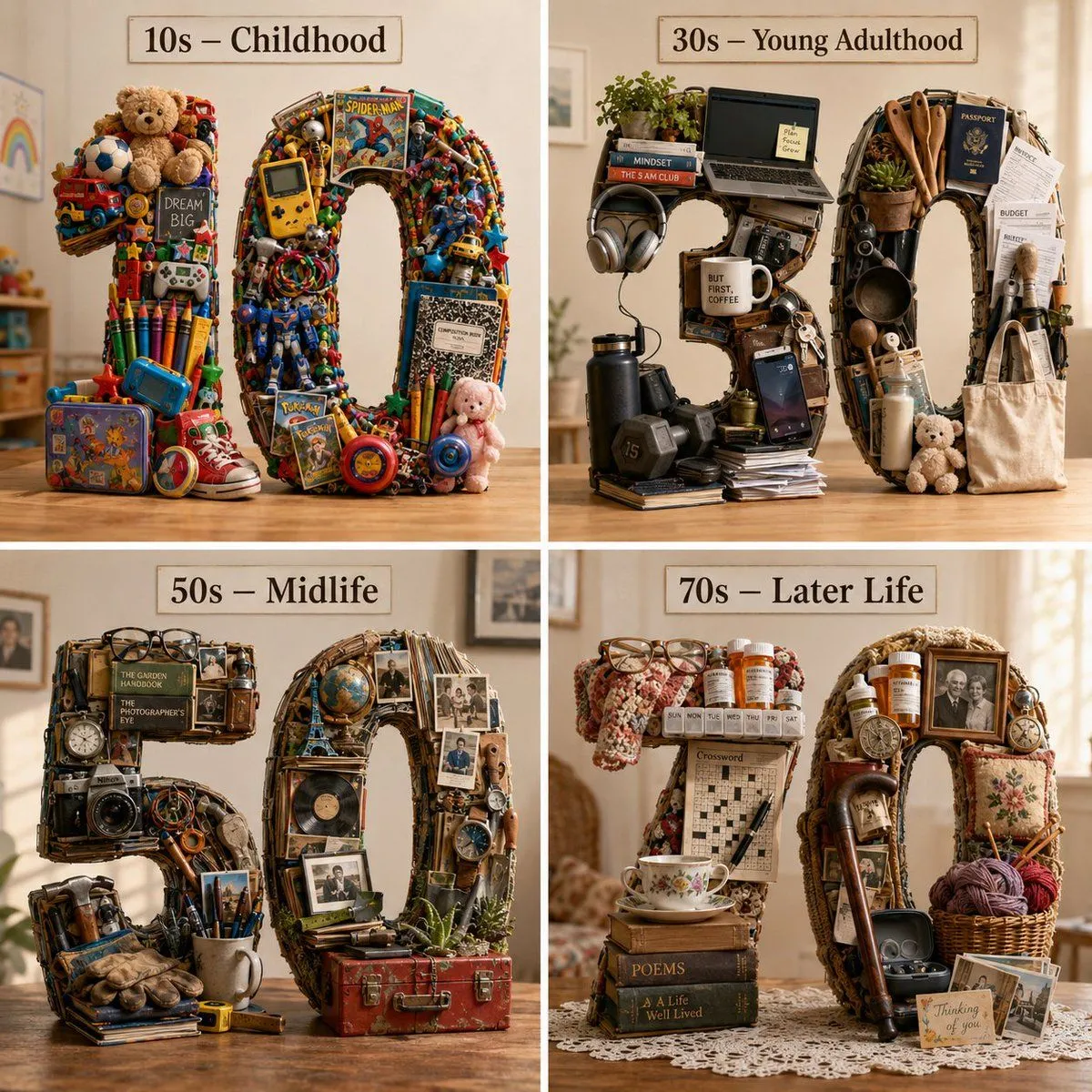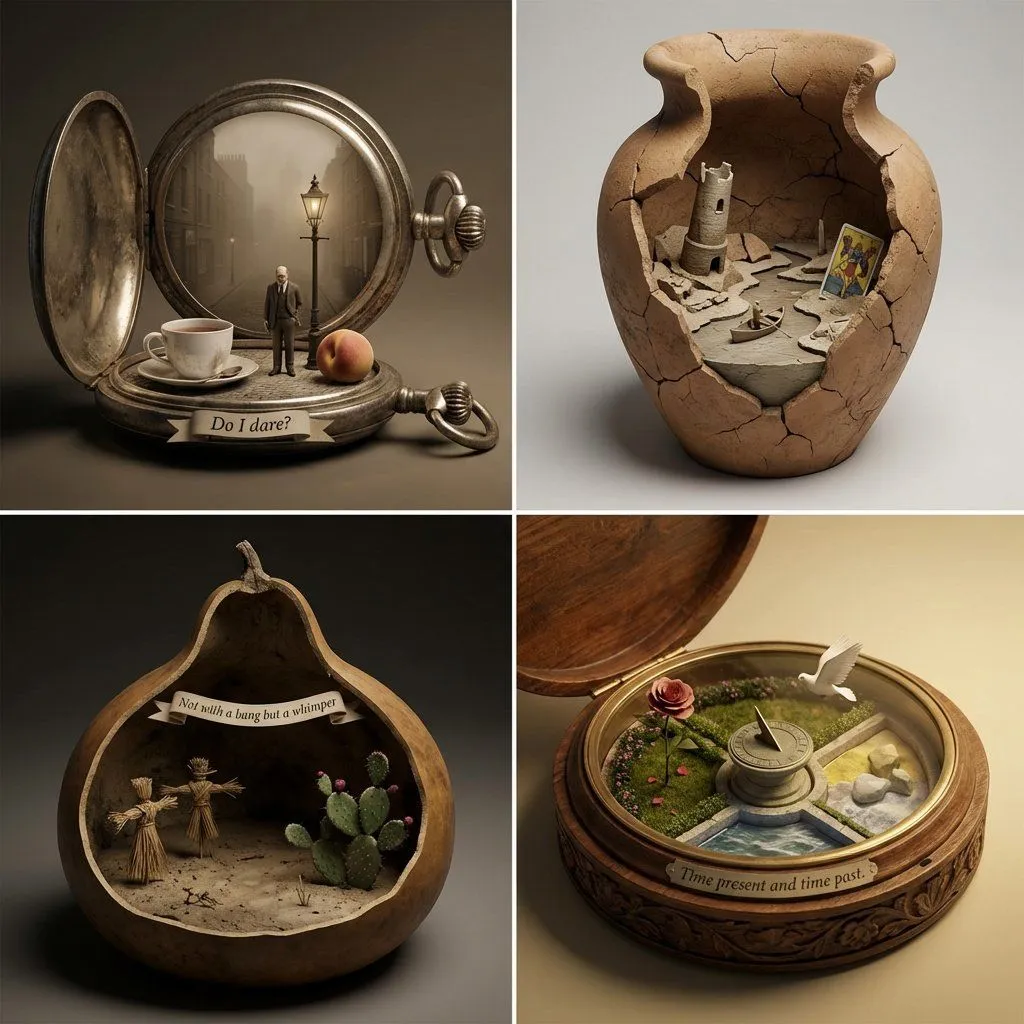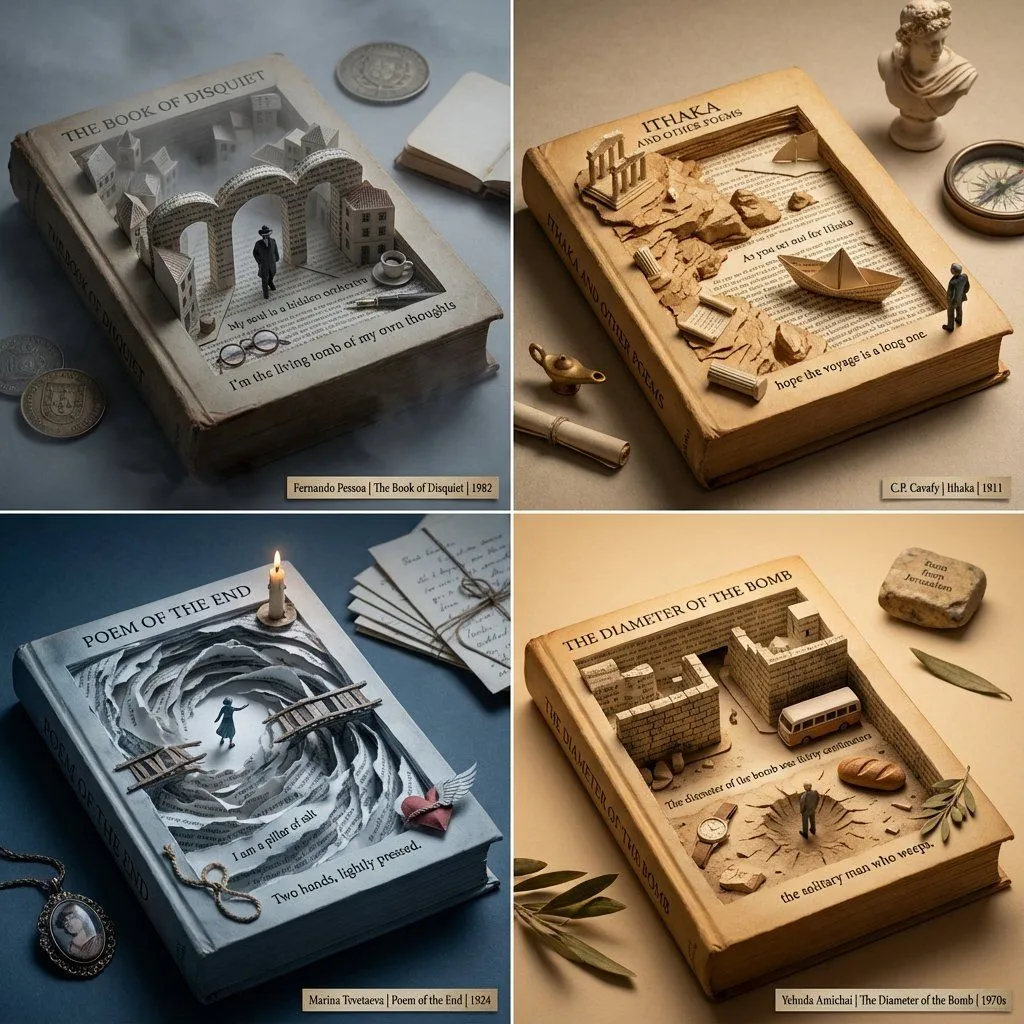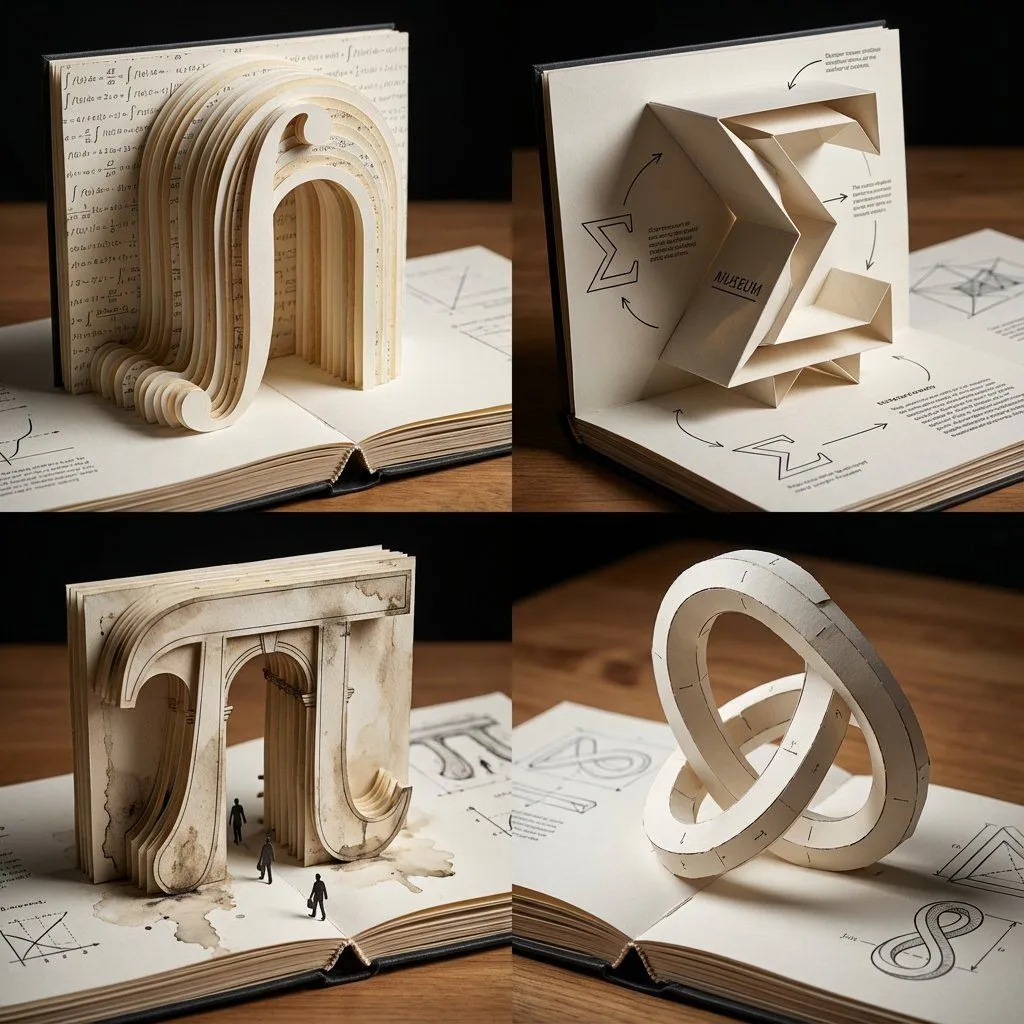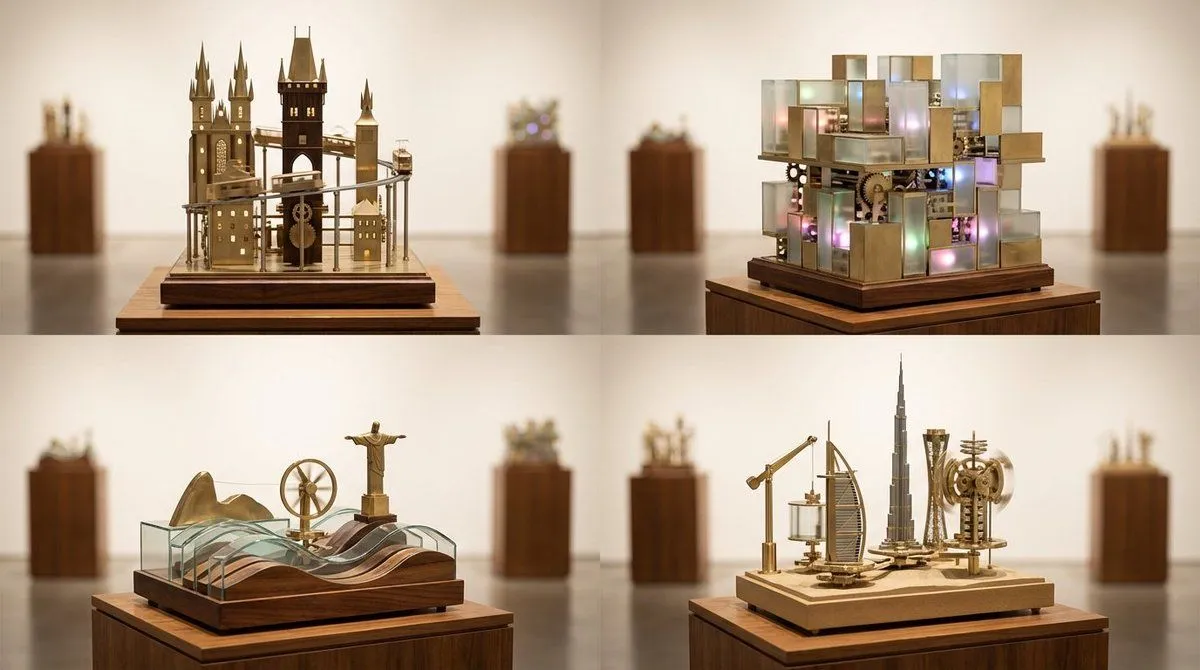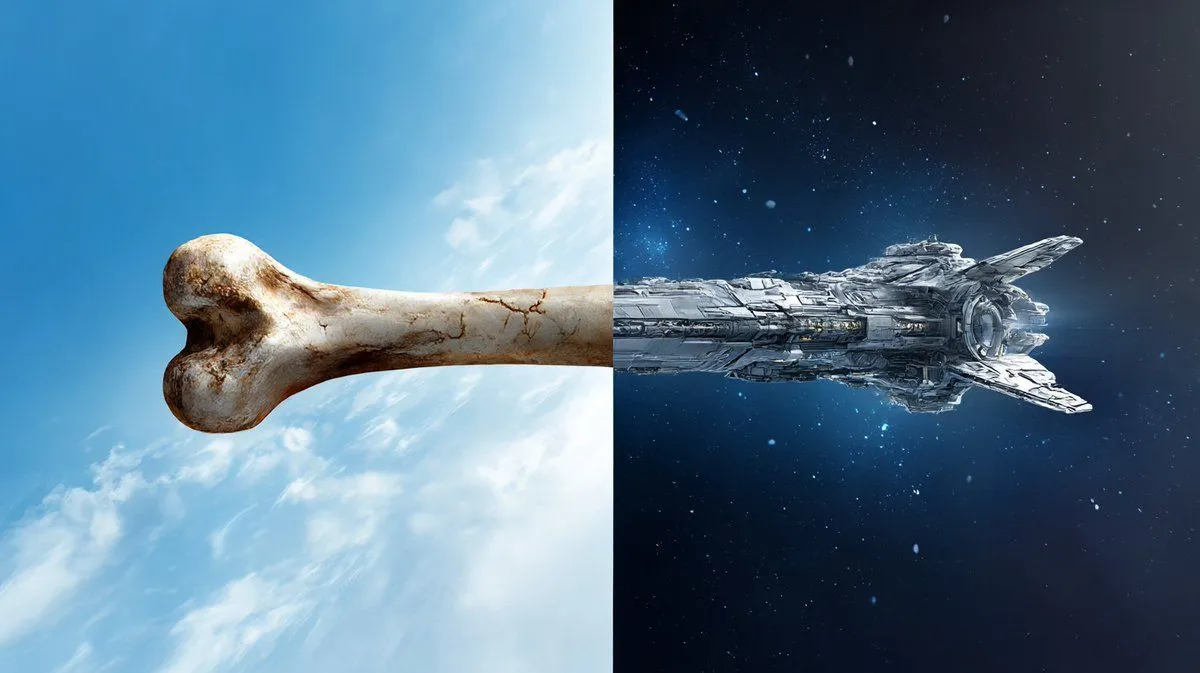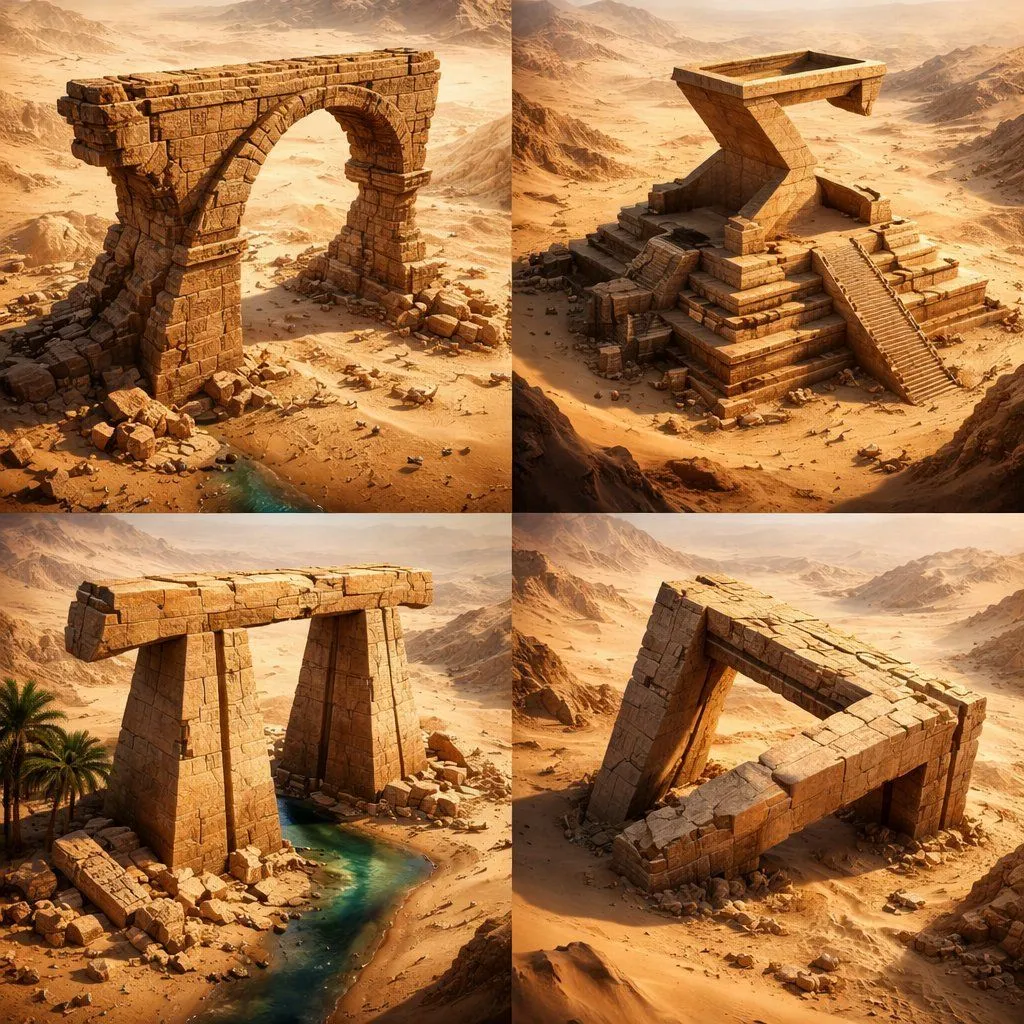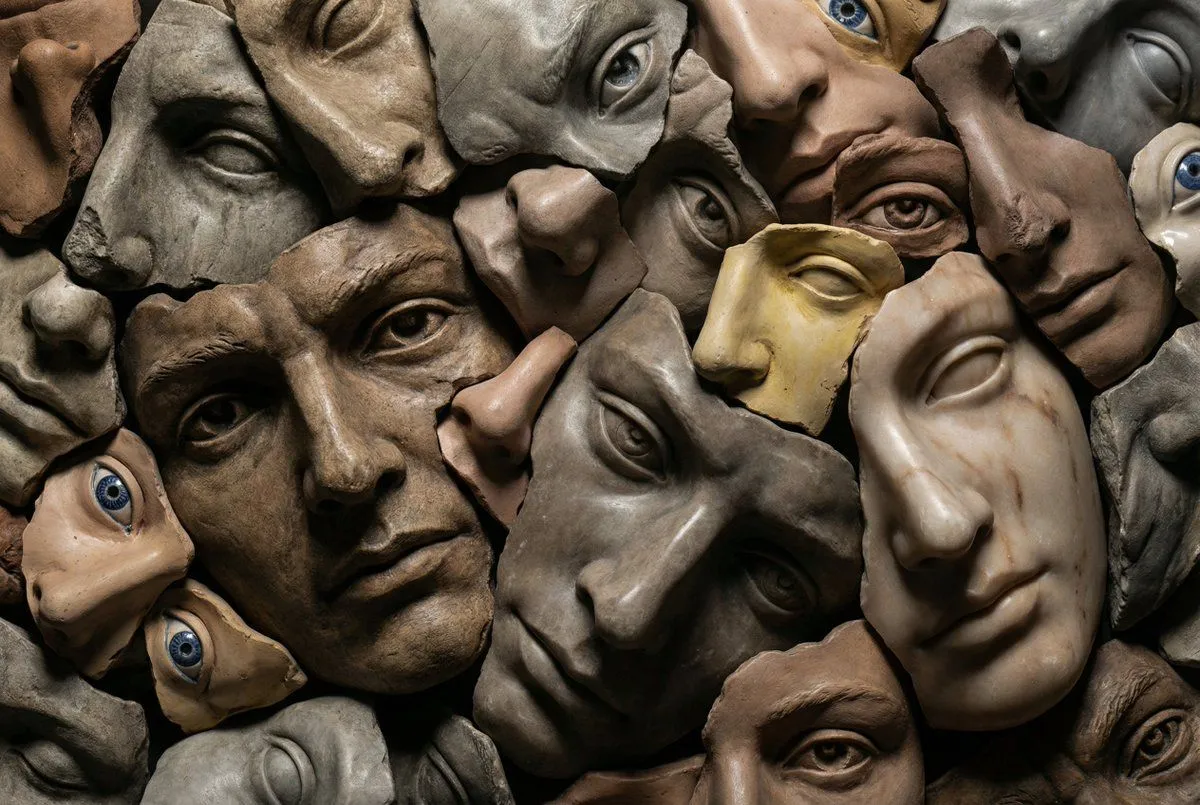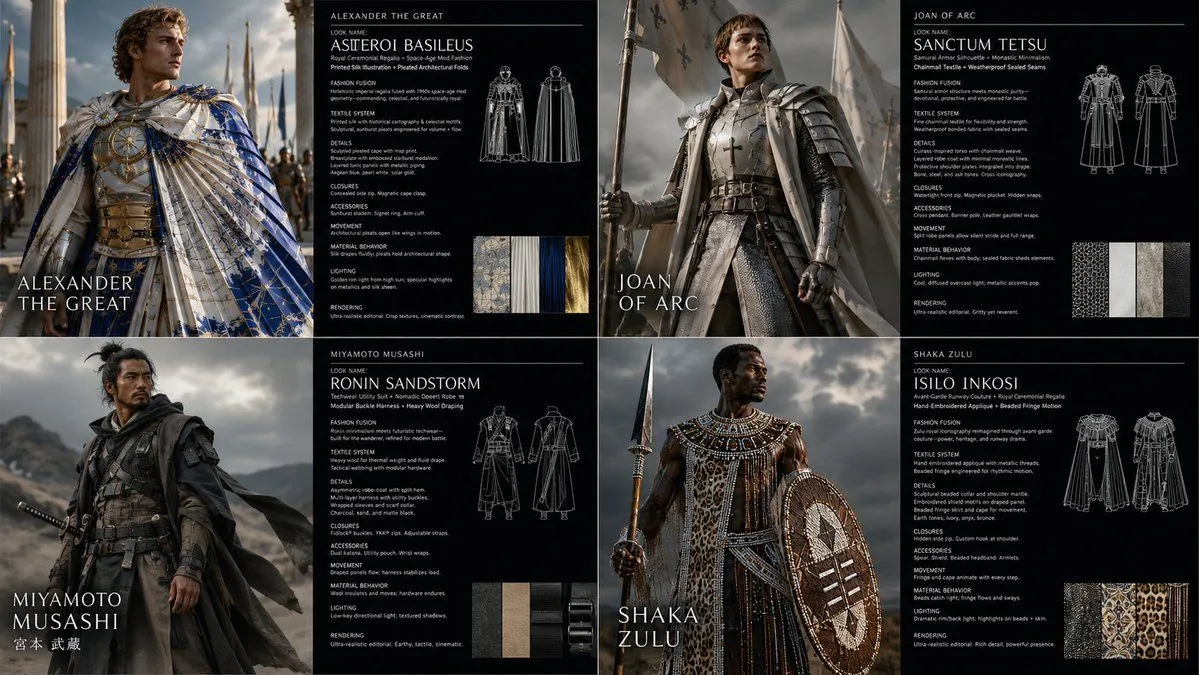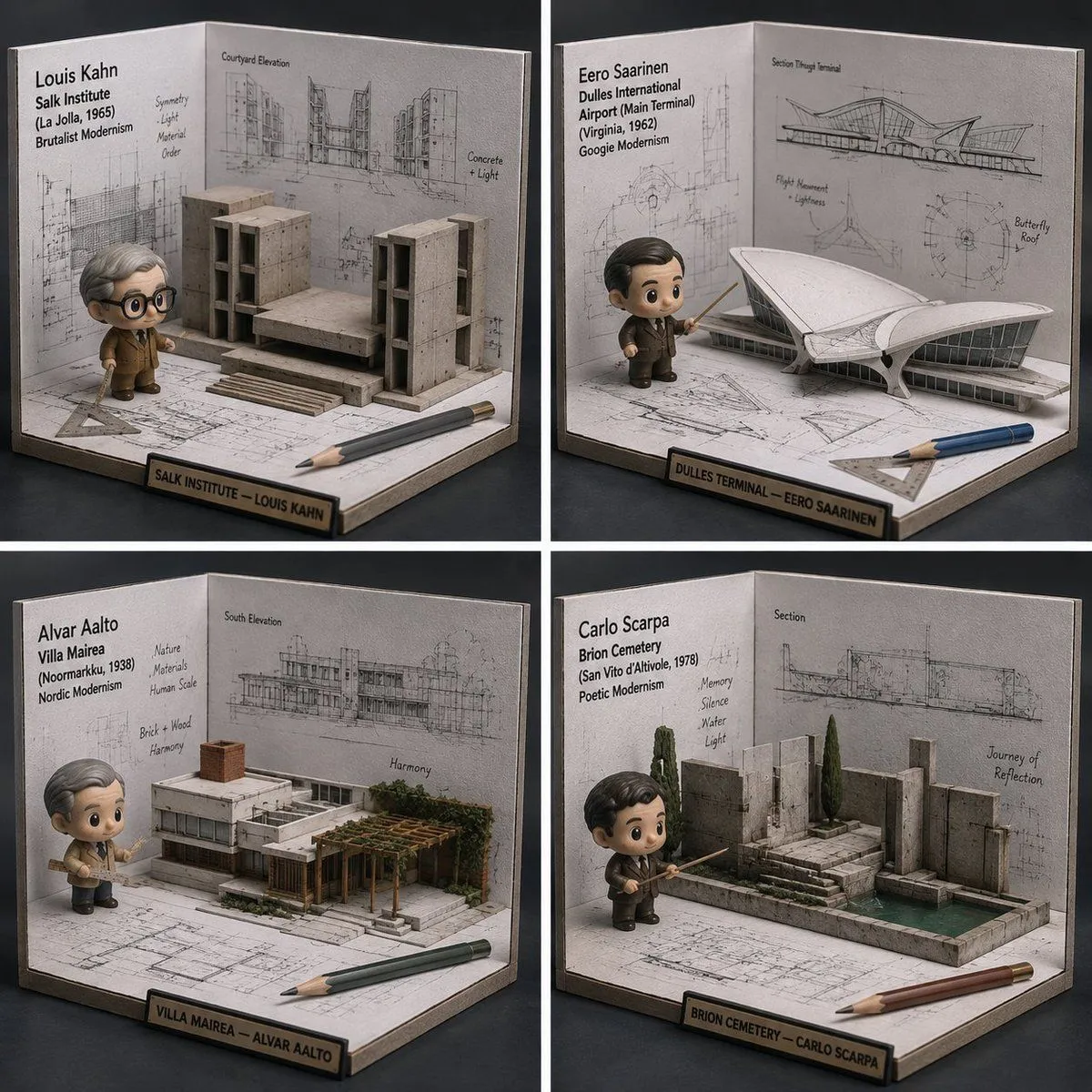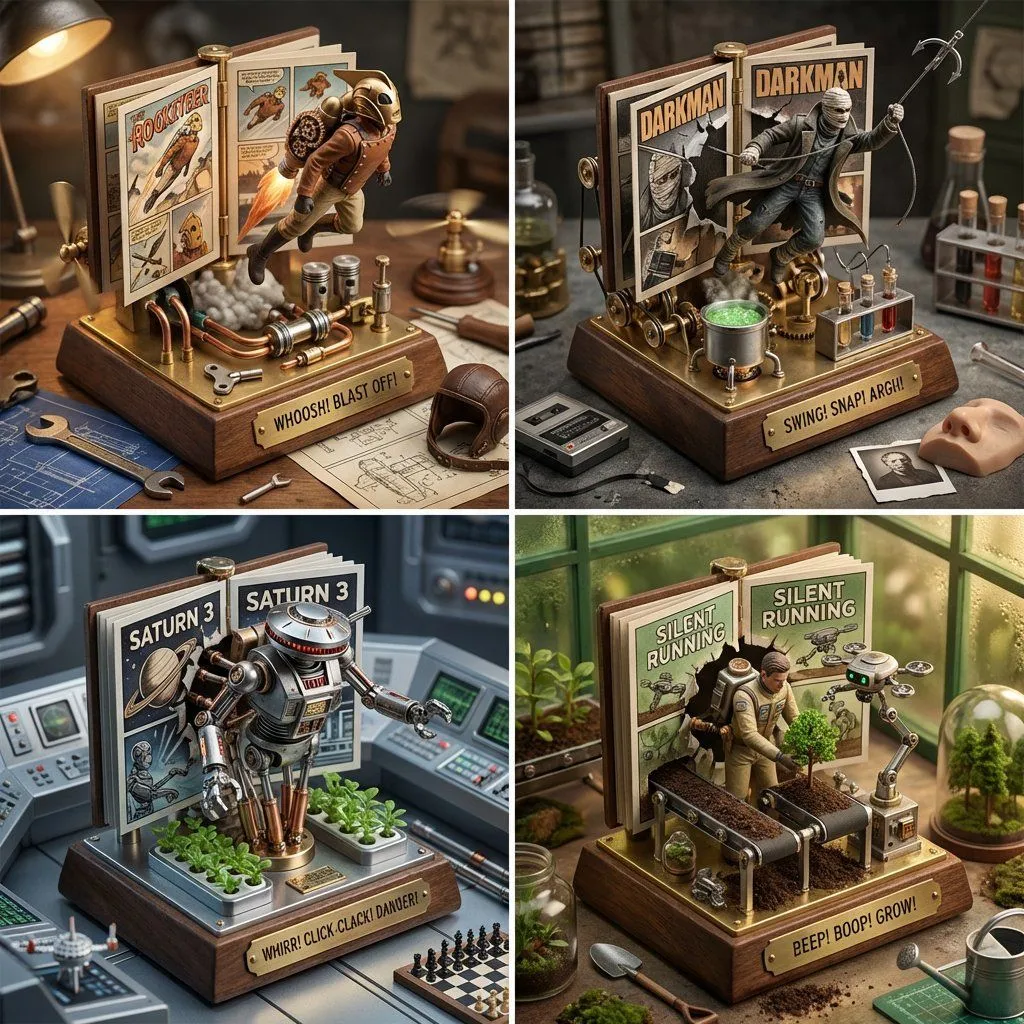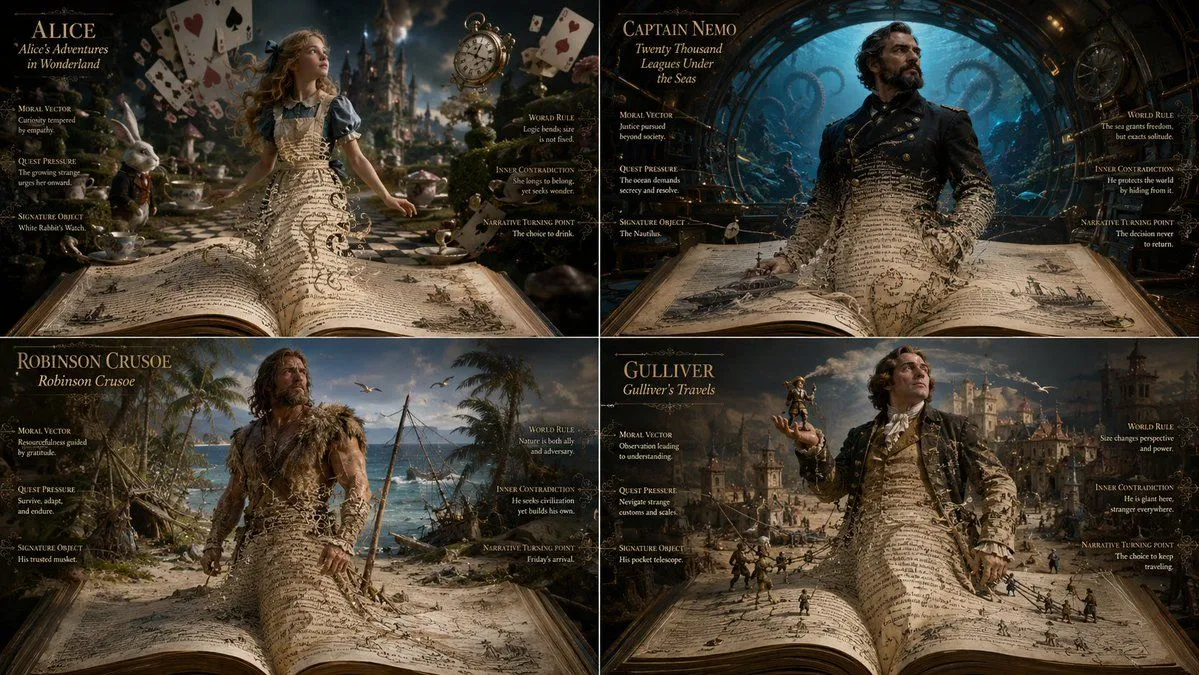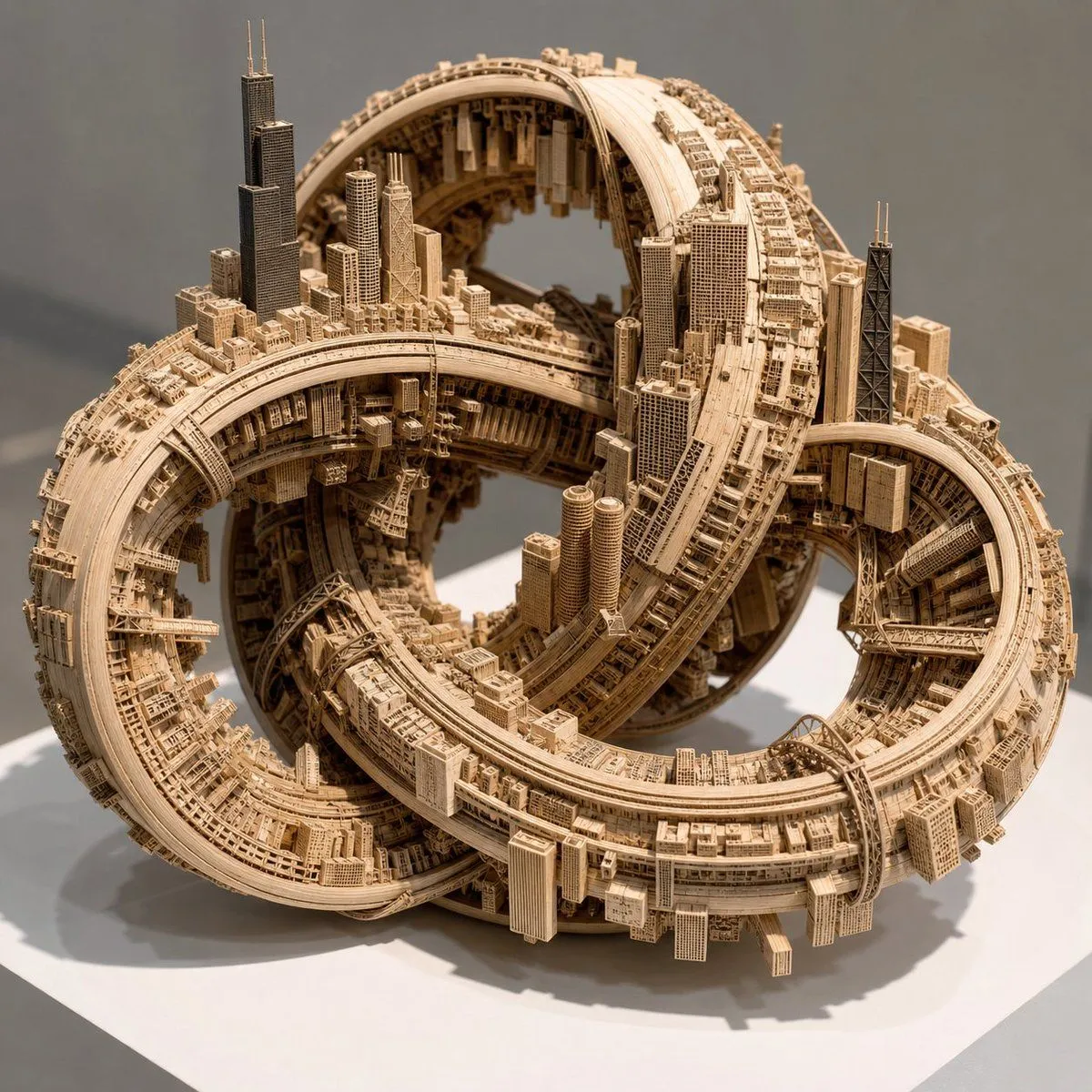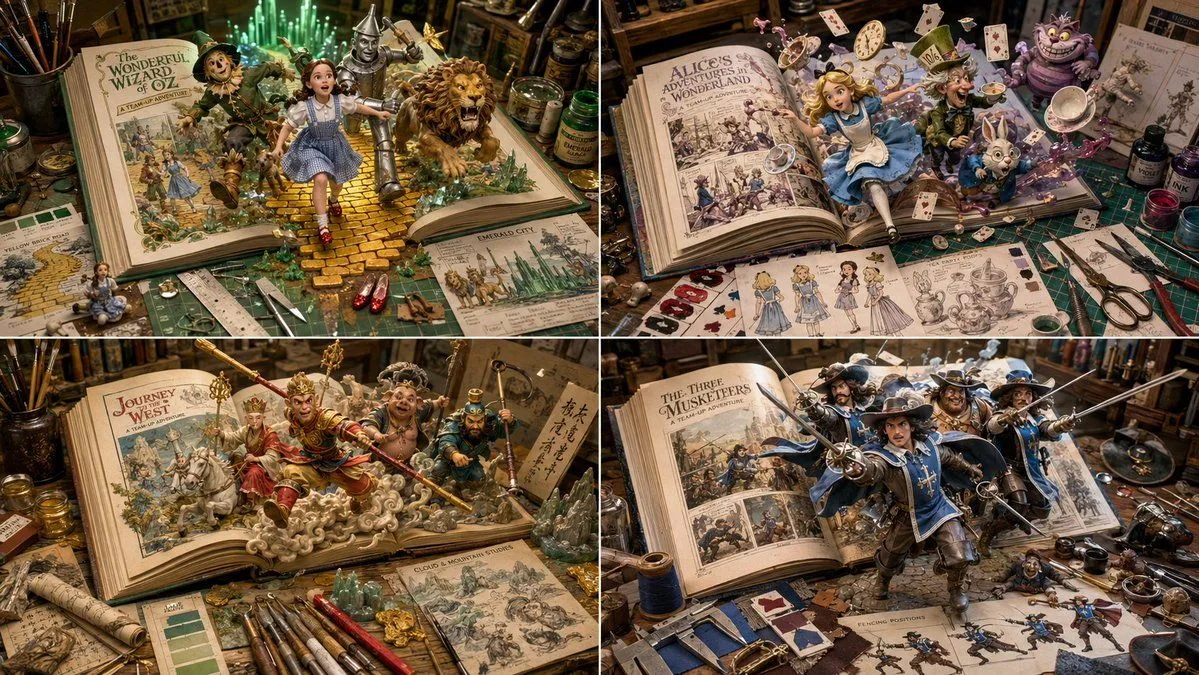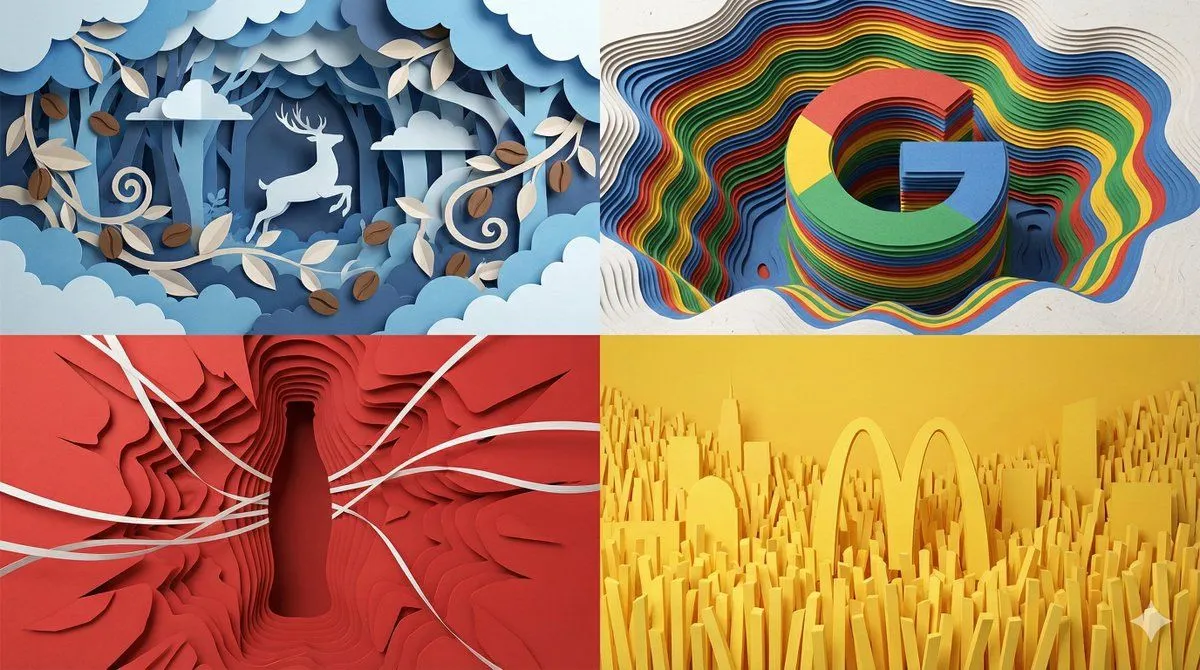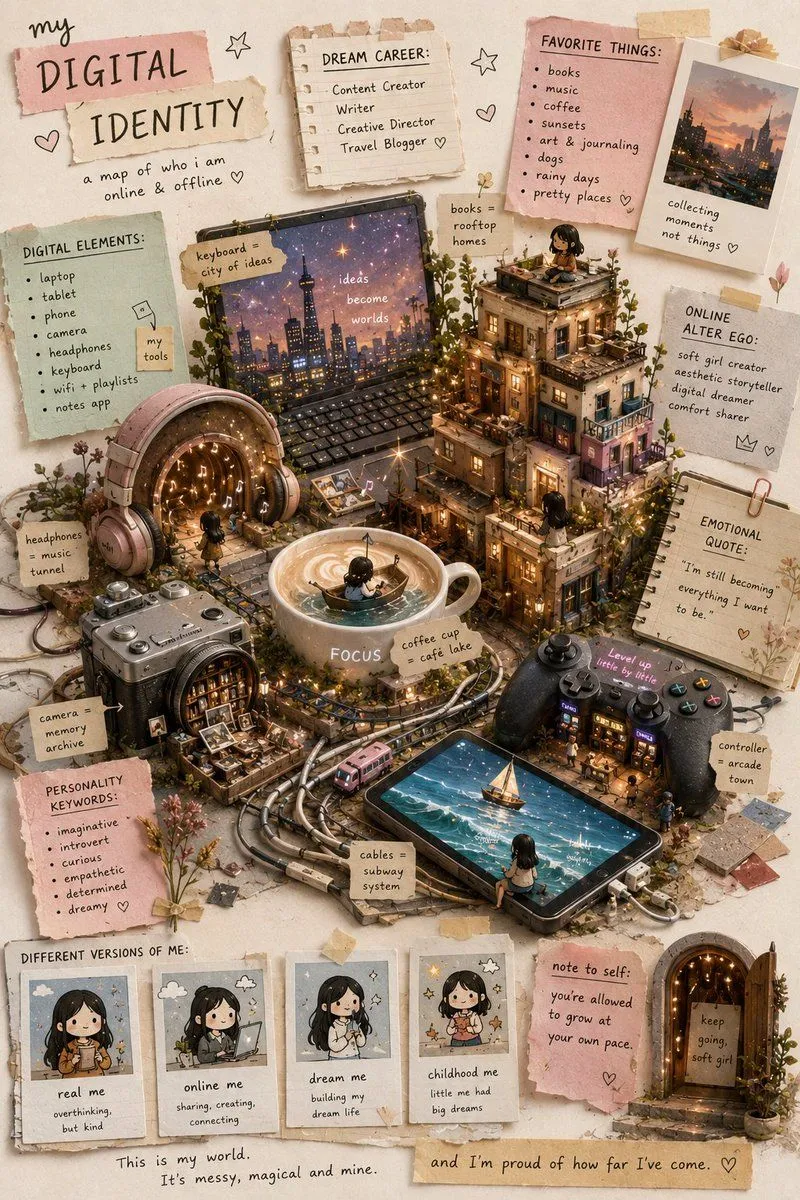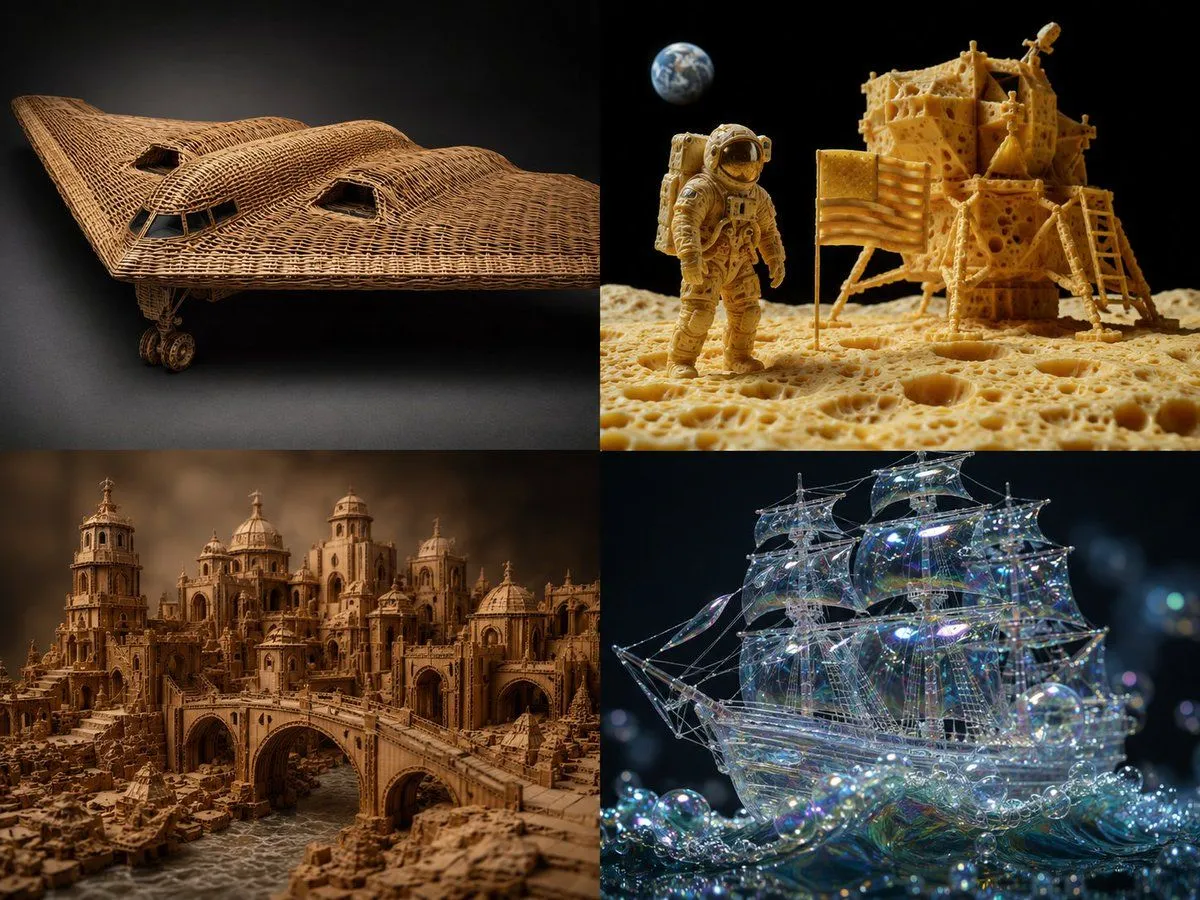
Made with GPT Image 2 in ChatGPT, collected by Library Brand. Promptclay never generates images.
Did it work?
No reports yet. Tell others if it worked for you.
Material Transformation Physics Prompt
Prompt
3 blanks to fill2x2 grid, {source_object}, 2 other complex scenes with 4 fun materials -> translation_solve(source_object → target_material): source = [object] target_mat = [material] mapping_rules: - source.primary_function → target_mat.equivalent_function_in_new_material - source.surface_detail → target_mat.characteristic_texture * 2.0 - source.joinery_method → infer(connection_type from target_mat.physics) - source.weight_distribution → target_mat.density_logic * 1.5 - source.color_scheme → infer(natural_palette from target_mat.typical_hues) render( subject = source reconstructed_in target_mat, realism = "material properties must be physically plausible" * 1.8, detail = "zoomed macro view showing material authenticity" * 1.6, context = "isolated on complementary background" * 1.2 ) + studio_product_photography - (photoshop_texture_overlay / 5) - (impossible_material_behavior / 4) example: "{example_source} → {example_material}"
Preview of your prompt
2x2 grid, b2 plane, moon landing scene, 2 other complex scenes with 4 fun materials -> translation_solve(source_object → target_material): source = [object] target_mat = [material] mapping_rules: - source.primary_function → target_mat.equivalent_function_in_new_material - source.surface_detail → target_mat.characteristic_texture * 2.0 - source.joinery_method → infer(connection_type from target_mat.physics) - source.weight_distribution → target_mat.density_logic * 1.5 - source.color_scheme → infer(natural_palette from target_mat.typical_hues) render( subject = source reconstructed_in target_mat, realism = "material properties must be physically plausible" * 1.8, detail = "zoomed macro view showing material authenticity" * 1.6, context = "isolated on complementary background" * 1.2 ) + studio_product_photography - (photoshop_texture_overlay / 5) - (impossible_material_behavior / 4) example: "sports car → woven rattan"
DetailsVersions, settings and questions
Written for
What's in the prompt
- Subject
- Model
- GPT Image 2
If your face changes
keep my face exactly the sameQuestions
- Does this work in the ChatGPT app?
- Yes. Paste the prompt and attach your photo if it uses one.
- It changed my face. What do I do?
- Add "keep my face exactly the same" to the end and run it again.
- Can I use the images I make?
- Check the terms of the app you use. Promptclay never generates images and claims nothing you make.