Tell us anything

An idea, a bug, something you love. We read every note.

⌘↵ to send. The page you're on comes along.

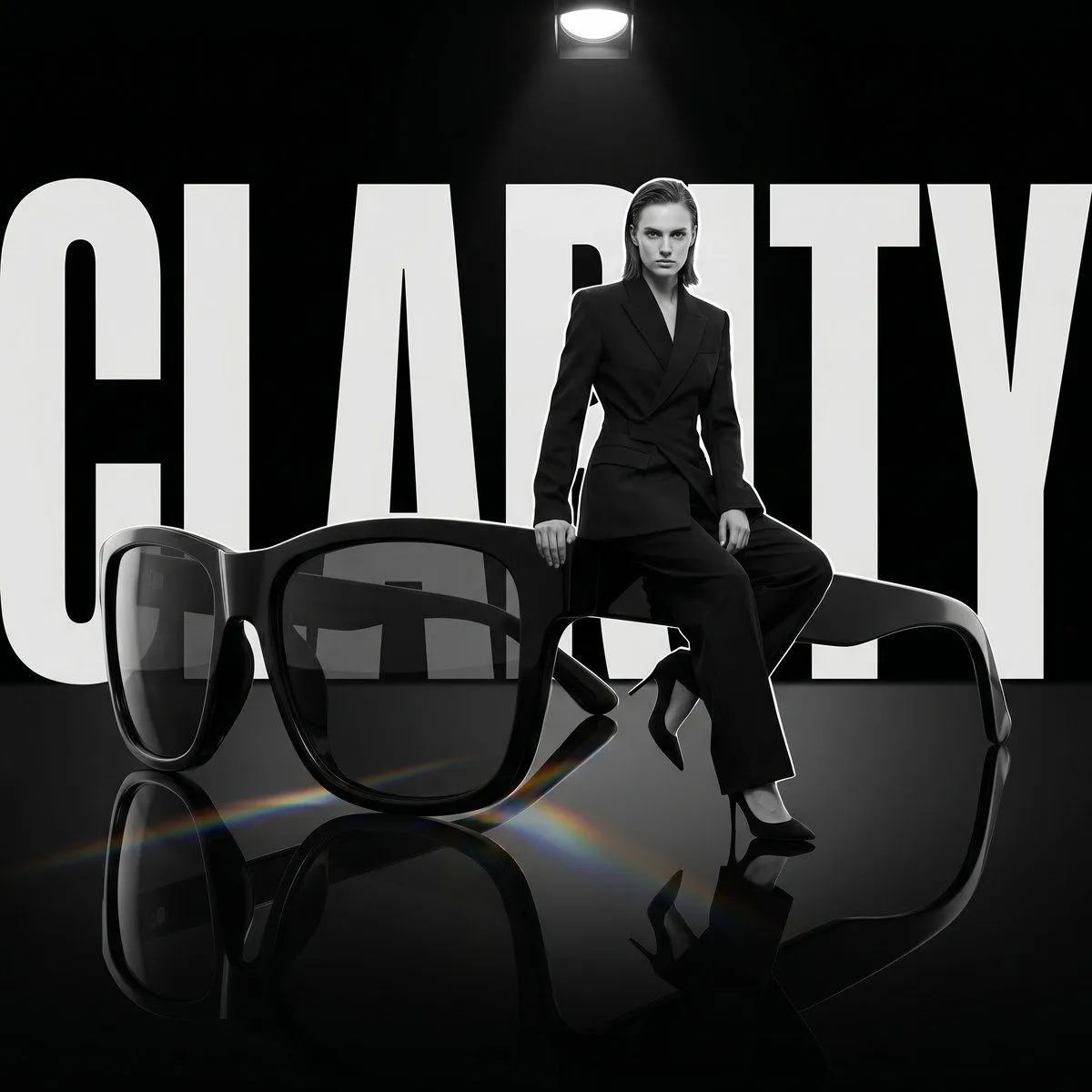
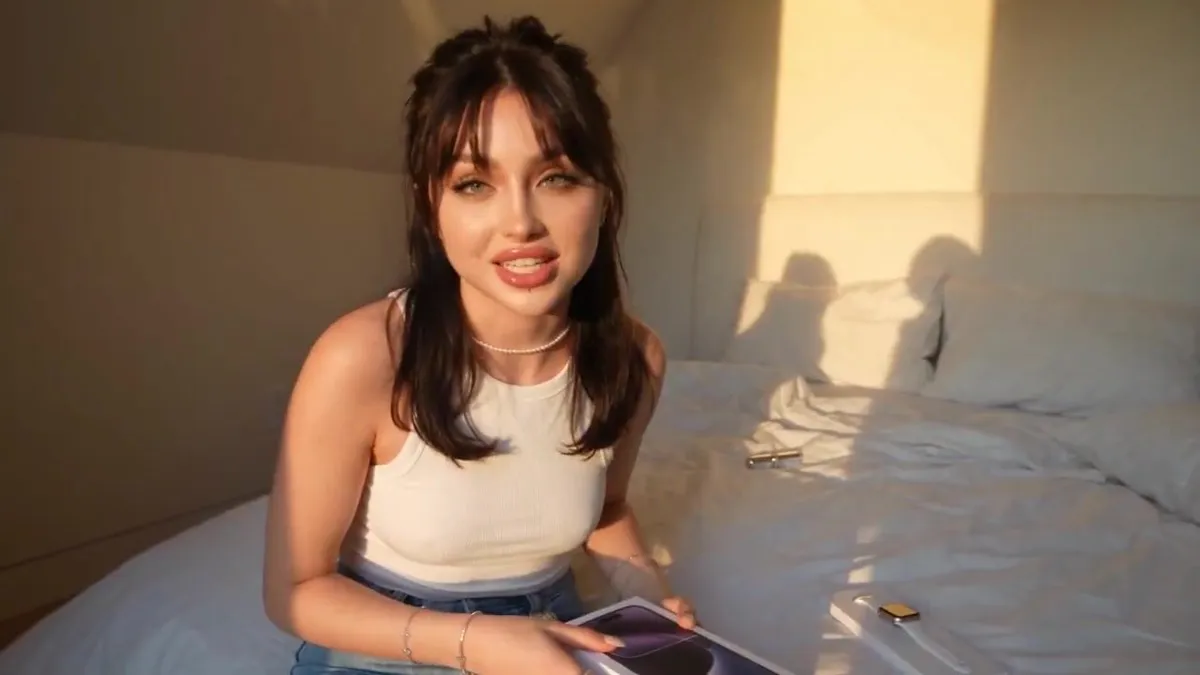
Luxury Lifestyle UGC Product Review

Made with Seedance 2.5 in Kling by Library Cinema. Promptclay never generates images.

Did it work?

No reports yet. Tell others if it worked for you.

No comments yet. Be the first.

    Luxury Lifestyle UGC Product Review

    Seedance 2.516:9AI-generated

    Prompt

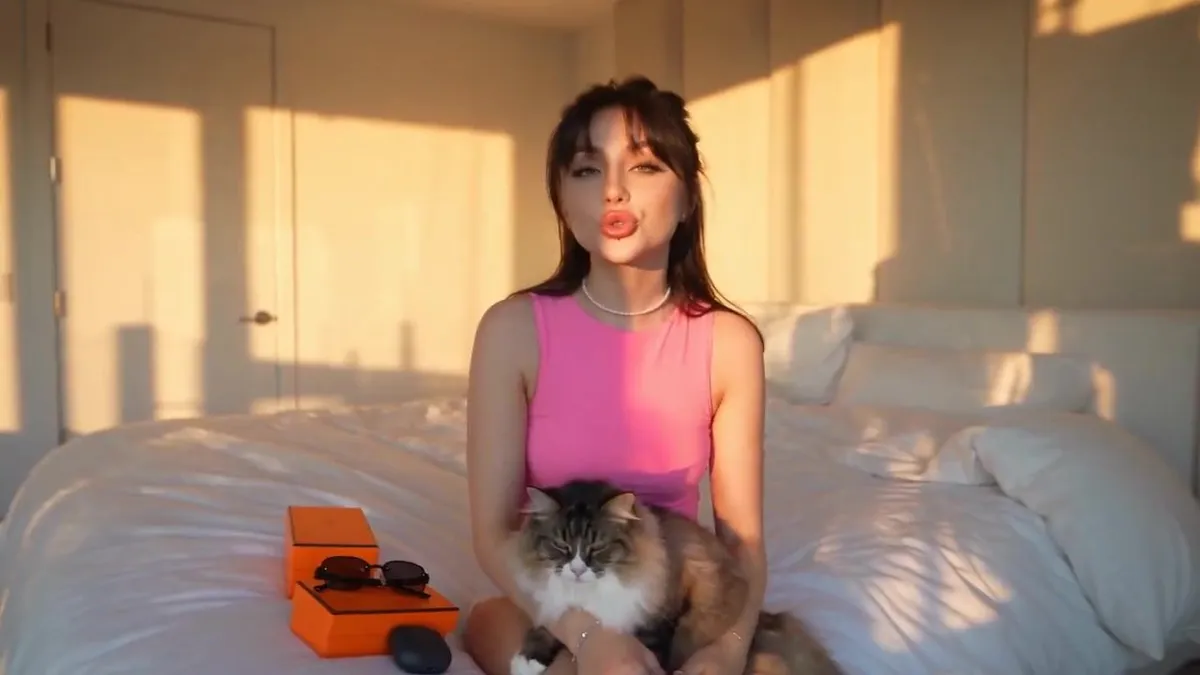
    Use the uploaded reference image as the exact character and product reference. Preserve the woman’s facial identity, hairstyle, eye color, makeup, skin tone, body proportions, jewelry, and overall appearance consistently throughout the entire video. Change her outfit to a fitted sleeveless PINK top with clean WHITE shorts and keep the outfit identical in every shot. Use the uploaded sunglasses, earbuds, orange retail packaging, and carrying cases as LOCKED product references. Preserve their exact shapes, colors, materials, proportions, buttons, lenses, hinges, charging case, textures, and every visible product detail. Do not redesign, replace, or invent any product elements. Create an ultra-realistic UGC luxury lifestyle review filmed inside a modern luxury bedroom during warm golden hour. The woman is the clear visual focus, with authentic creator energy and natural expressions. Use warm sunlight coming through the bedroom windows, soft realistic shadows, natural skin texture, shallow depth of field, subtle handheld smartphone movement, realistic autofocus behavior, natural motion blur, and premium commercial-quality cinematography. Include a realistic cat naturally interacting with her only where specified, without distracting from the products. 0–5 seconds: The woman sits comfortably on the edge of the bed with the cat resting naturally in her lap. The orange product packaging is clearly visible beside her. She looks directly into the camera, smiles warmly, and says: “Okay, these two have seriously upgraded my everyday routine.” 5–11 seconds: She gently moves the cat beside her, picks up the sunglasses, opens the orange packaging, and slowly reveals the sunglasses. She brings them closer to the camera and rotates them naturally so the frame, lenses, hinges, and finish are clearly visible. She says: “The sunglasses immediately caught my attention—the finish, the shape, everything feels so premium.” 11–18 seconds: She puts on the sunglasses naturally, adjusts them lightly at the temple, and looks toward the bright bedroom window. Capture a flattering side-profile moment with realistic reflections in the lenses. She then turns back toward the camera and says: “They’re lightweight, comfortable, and honestly look even better in natural light.” 18–24 seconds: She picks up the earbuds and opens their black charging case. Transition into a detailed macro close-up of the case opening and the earbuds inside. Show the actual product design with accurate proportions, realistic materials, subtle reflections, and authentic hand interaction. She says: “And the earbuds are the perfect everyday companion—small, sleek, and ridiculously easy to carry.” 24–30 seconds: She places the sunglasses and earbuds together beside their orange packaging and carrying cases. She then picks both products up, holds them naturally toward the camera, and gives a confident warm smile. She says: “If you love accessories

    Works in
    Kling
    Status
    Free to copy
    0
    DetailsVersions, settings and questions

    Written for

    What's in the prompt

    Subject
    Model
    Seedance 2.5

    If your face changes

    keep my face exactly the same

    Questions

    Does this work in the Kling app?
    Yes. Paste the prompt and attach your photo if it uses one.
    It changed my face. What do I do?
    Add "keep my face exactly the same" to the end and run it again.
    Can I use the images I make?
    Check the terms of the app you use. Promptclay never generates images and claims nothing you make.
    Similar prompts

    See more
    • Perfume UGC Ad PromptVideo, 0:15
    • Sultry Red Lipstick Mirror Scene
    • Beauty Advertisement Concept
    • Luxury Dark Editorial Product Shot
    • iPhone and Apple Watch UGC Tech ReviewVideo, 0:30
    • High-Angle Lifestyle Bedroom Selfie
    • Hyper-Realistic 'Instagram Baddie' Selfie of Ana De Armas
    • Pink Lounge Set Mirror Selfie
    • Hyper-realistic Sabrina Carpenter Biometric Prompt
    • Minimalist Editorial Bedroom Portrait
    • Cozy Kawaii Soft-Girl Bedroom Portrait
    • Luxury Fashion Editorial with Persian Cats
    • Exaggerated Hourglass Selfie on Bed
    • Gothic Black Cat Portrait
    • Structured Selfie Portrait Prompt
    • Coser Resting on Tatami After PartyVideo, 0:10
    • Father and Baby Bedroom Scene Prompt for Seedance 2.0Video, 0:10
    • Consistent Character Portrait: Alev in a Cozy Library (JSON)
    • Dreamy Afterglow Fashion Portrait
    • Glossy Lips Beauty Close-Up
    • Monochromatic Red Studio Portrait
    • Old Hollywood Glamour at an Opera House Balcony
    • Vintage Luxury Mansion Fashion Portrait
    • Yukata Girl at Night Festival

    Show more

    Run it on your phone

    1. Prompt copiedRead it

      Use the uploaded reference image as the exact character and product reference. Preserve the woman’s facial identity, hairstyle, eye color, makeup, skin tone, body proportions, jewelry, and overall appearance consistently throughout the entire video. Change her outfit to a fitted sleeveless PINK top with clean WHITE shorts and keep the outfit identical in every shot. Use the uploaded sunglasses, earbuds, orange retail packaging, and carrying cases as LOCKED product references. Preserve their exact shapes, colors, materials, proportions, buttons, lenses, hinges, charging case, textures, and every visible product detail. Do not redesign, replace, or invent any product elements. Create an ultra-realistic UGC luxury lifestyle review filmed inside a modern luxury bedroom during warm golden hour. The woman is the clear visual focus, with authentic creator energy and natural expressions. Use warm sunlight coming through the bedroom windows, soft realistic shadows, natural skin texture, shallow depth of field, subtle handheld smartphone movement, realistic autofocus behavior, natural motion blur, and premium commercial-quality cinematography. Include a realistic cat naturally interacting with her only where specified, without distracting from the products. 0–5 seconds: The woman sits comfortably on the edge of the bed with the cat resting naturally in her lap. The orange product packaging is clearly visible beside her. She looks directly into the camera, smiles warmly, and says: “Okay, these two have seriously upgraded my everyday routine.” 5–11 seconds: She gently moves the cat beside her, picks up the sunglasses, opens the orange packaging, and slowly reveals the sunglasses. She brings them closer to the camera and rotates them naturally so the frame, lenses, hinges, and finish are clearly visible. She says: “The sunglasses immediately caught my attention—the finish, the shape, everything feels so premium.” 11–18 seconds: She puts on the sunglasses naturally, adjusts them lightly at the temple, and looks toward the bright bedroom window. Capture a flattering side-profile moment with realistic reflections in the lenses. She then turns back toward the camera and says: “They’re lightweight, comfortable, and honestly look even better in natural light.” 18–24 seconds: She picks up the earbuds and opens their black charging case. Transition into a detailed macro close-up of the case opening and the earbuds inside. Show the actual product design with accurate proportions, realistic materials, subtle reflections, and authentic hand interaction. She says: “And the earbuds are the perfect everyday companion—small, sleek, and ridiculously easy to carry.” 24–30 seconds: She places the sunglasses and earbuds together beside their orange packaging and carrying cases. She then picks both products up, holds them naturally toward the camera, and gives a confident warm smile. She says: “If you love accessories

    2. Open your app

    3. Paste and run

      Press and hold the message box, then tap Paste. Add your photo first if the prompt uses one. You may need to sign in.