Tell us anything

An idea, a bug, something you love. We read every note.

⌘↵ to send. The page you're on comes along.

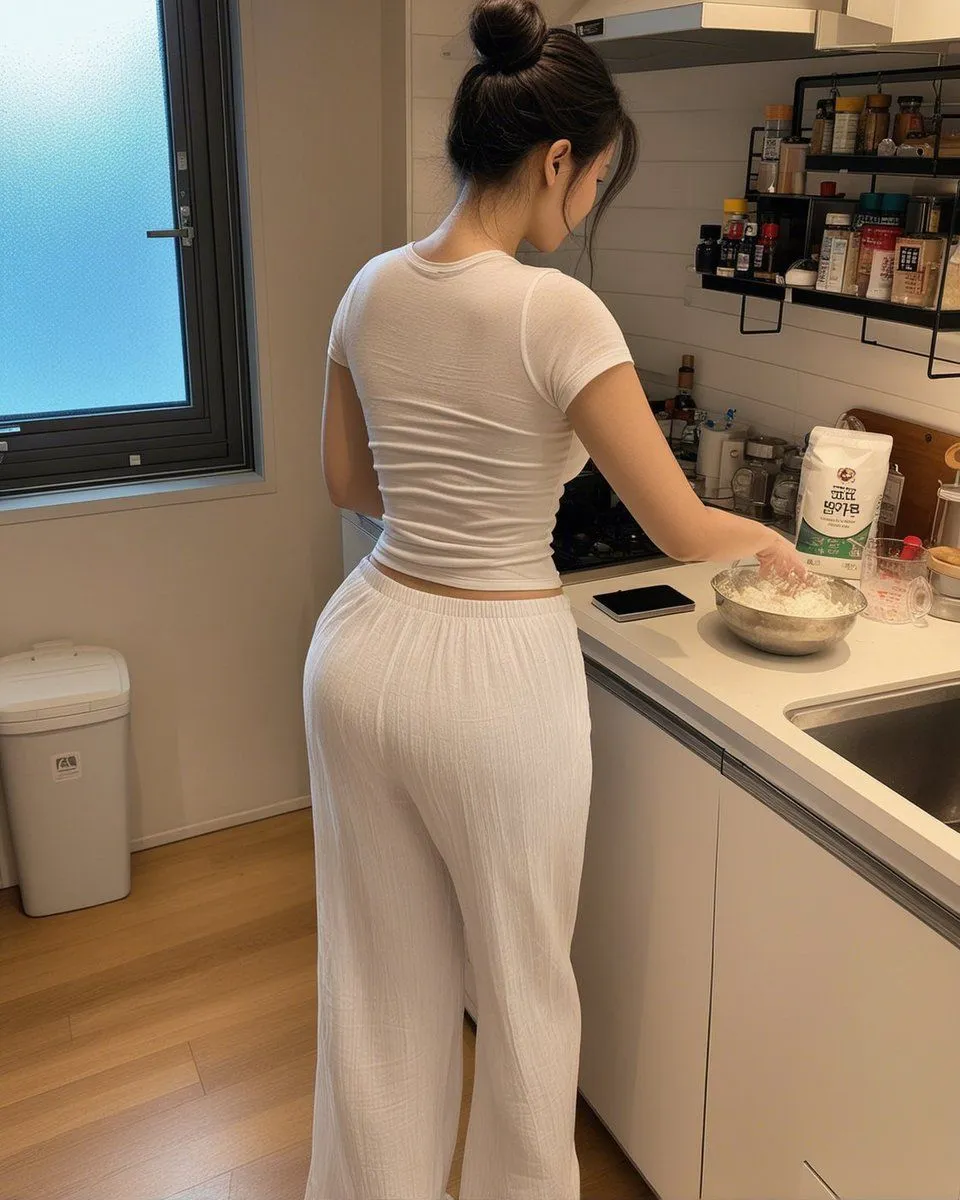
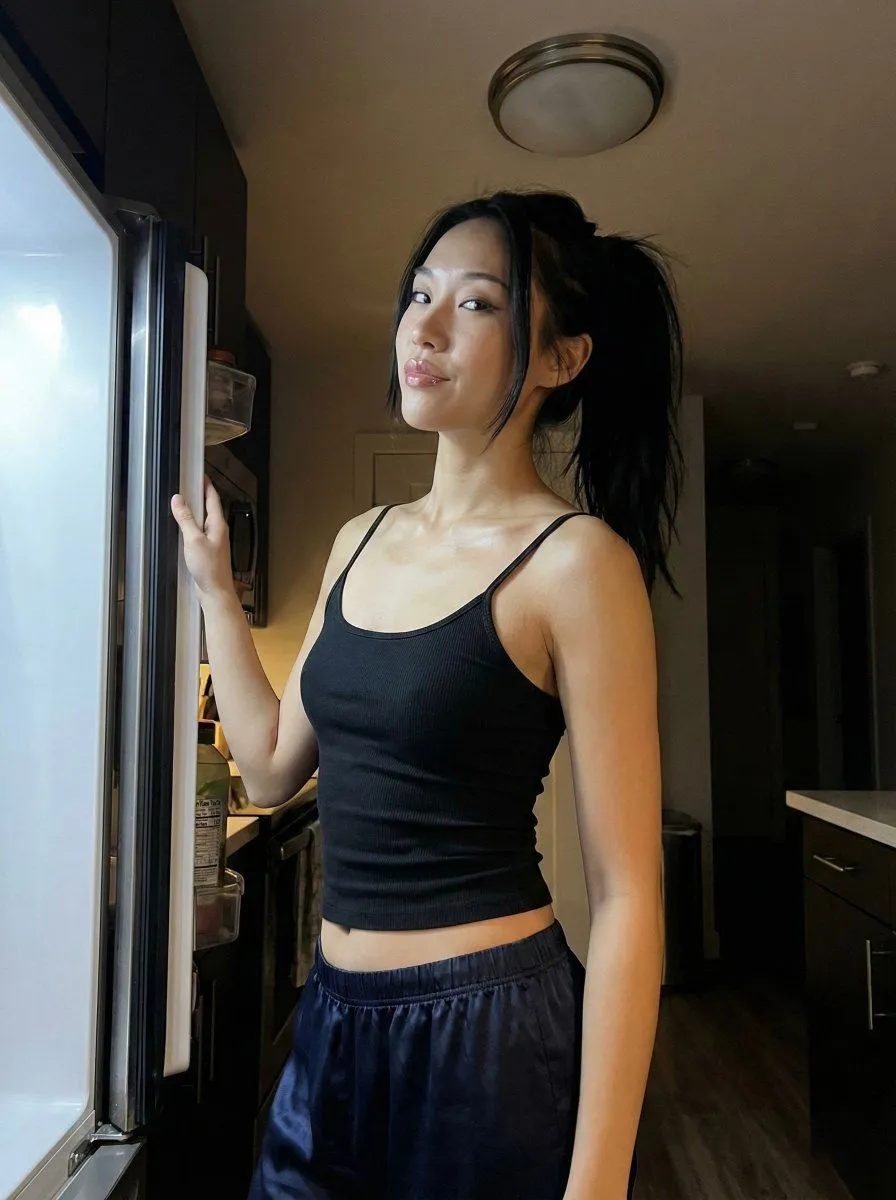
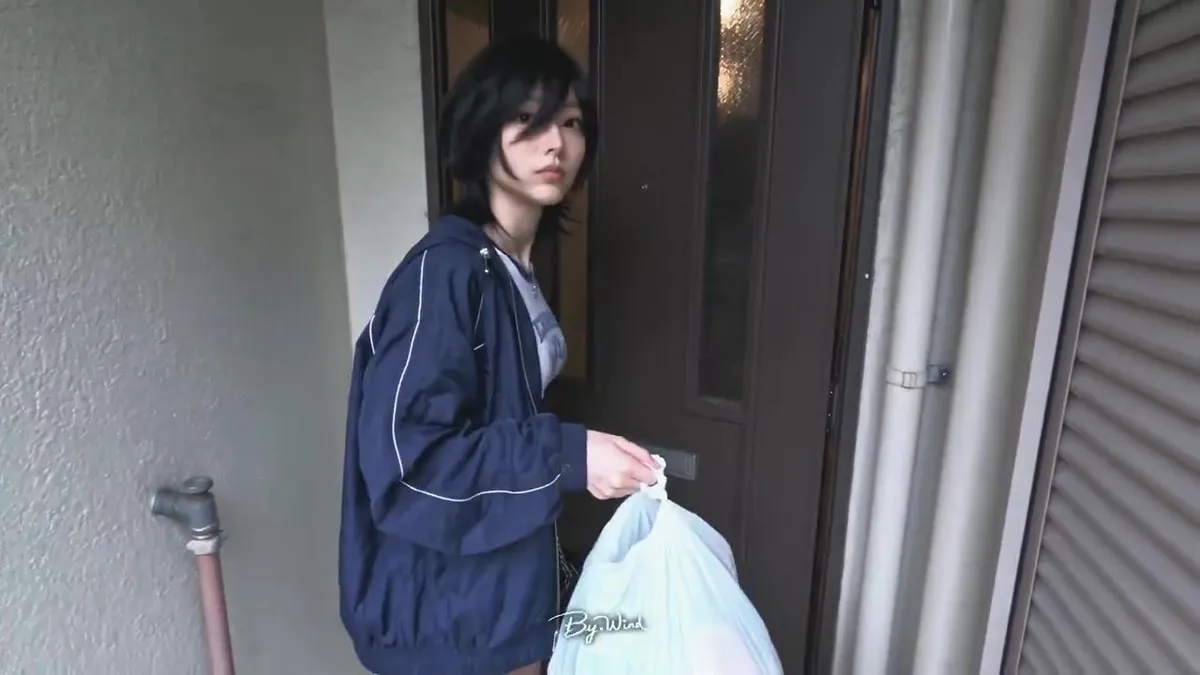
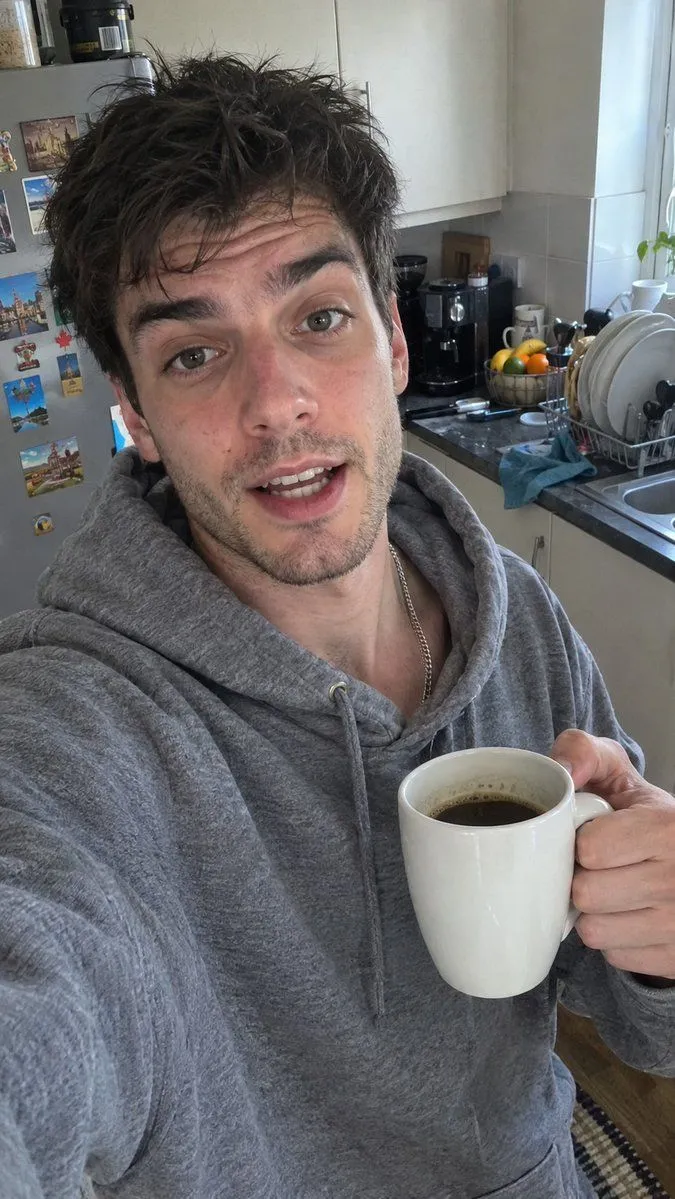
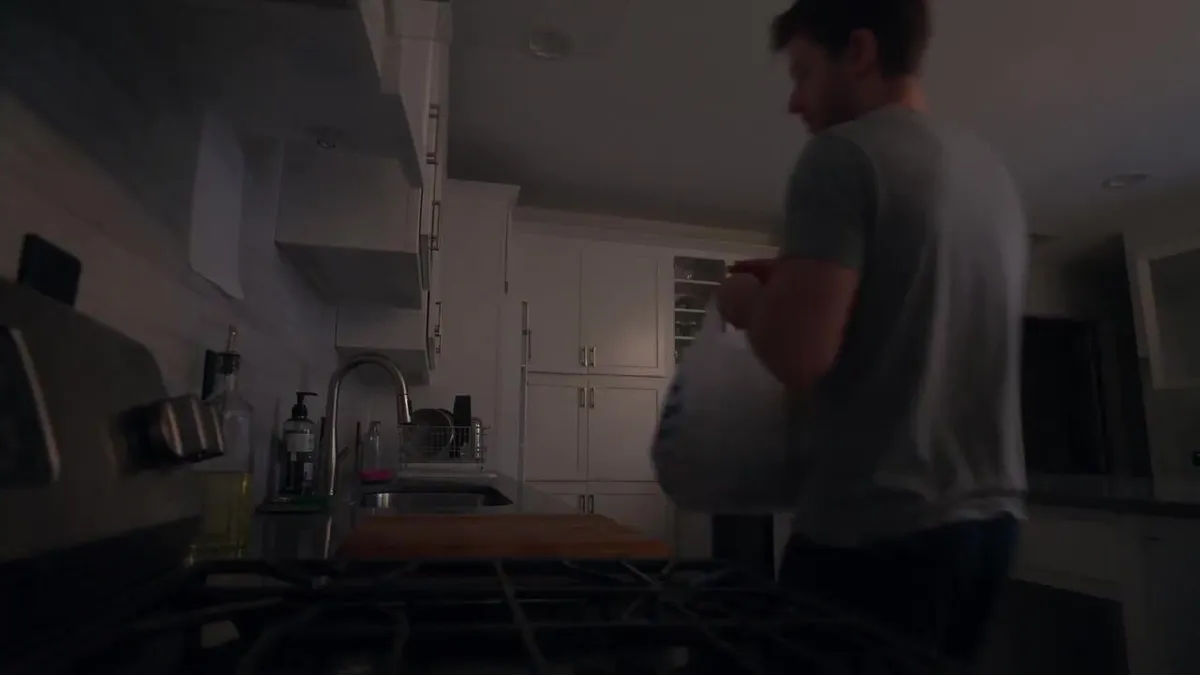
Late Night Kitchen Phone Recording

Made with Seedance 2.5 in Kling by Library Cinema. Promptclay never generates images.

Did it work?

No reports yet. Tell others if it worked for you.

No comments yet. Be the first.

    Late Night Kitchen Phone Recording

    Seedance 2.516:9AI-generated

    Prompt

    FORMAT: 30-second horizontal 16:9 realistic smartphone video. Create an authentic, imperfect everyday late-night kitchen phone recording, as if a friend casually left a phone recording on the counter. Use a standard smartphone camera with mild autofocus hunting, subtle exposure shifts, natural motion blur, compression artifacts, and slightly uneven handheld framing. No polished commercial look. 00–05s — WALKING IN The character walks into a quiet home kitchen carrying a small grocery bag. They set it on the counter, sigh quietly, and pull out a few simple ingredients. They glance at the phone for a second before turning back toward the counter. Camera remains several feet away at counter height, as if casually recording from a nearby surface. 05–10s — GETTING STARTED They wash their hands, turn on the kitchen light, and begin preparing the ingredients. A cutting board shifts slightly against the counter. They pause to move it into a better position. The character looks tired but relaxed, occasionally brushing their hair away from their forehead. 10–15s — COOKING They place a pan on the stove and begin cooking. Steam gradually becomes visible. The phone autofocus briefly shifts between the character and the foreground pan before settling again. They stir the food, taste a tiny amount, think for a moment, then add a little more seasoning. No readable labels or packaging should be visible. 15–20s — SMALL MISTAKE The character gets distracted for a moment and notices the food starting to cook more quickly than expected. They immediately lower the heat and give a small amused shake of their head. They quietly mutter something like: “Yeah… almost forgot about that.” The delivery should feel spontaneous and understated. 20–25s — FINISHING They finish preparing the food, turn off the stove, and carefully transfer the meal onto a plate. They wipe a small splash from the counter with a paper towel. Natural movements only—nothing overly choreographed. 25–30s — QUIET ENDING They sit at the kitchen table with the finished meal. They take one bite, pause, and give a small satisfied smile. They look toward the phone and quietly say: “Honestly… not bad.” They pick up the fork again and continue eating as the camera keeps recording for another moment before the clip naturally ends. AUDIO Natural kitchen ambience only: refrigerator hum, ventilation, running water, utensil sounds, pan sizzling, footsteps, clothing movement, cupboard and drawer sounds, plate and fork noises, and subtle room ambience. No music. Dialogue should sound spontaneous and conversational, with natural pauses and imperfect delivery. VISUAL REALISM Authentic smartphone footage, ordinary warm household lighting, realistic skin texture, natural shadows, mild phone-camera sharpening, subtle compression noise, imperfect exposure, slight autofocus changes, believable reflections, natural steam, realistic food textures

    Works in
    Kling
    Status
    Free to copy
    0
    DetailsVersions, settings and questions

    Written for

    What's in the prompt

    Subject
    Model
    Seedance 2.5

    If your face changes

    keep my face exactly the same

    Questions

    Does this work in the Kling app?
    Yes. Paste the prompt and attach your photo if it uses one.
    It changed my face. What do I do?
    Add "keep my face exactly the same" to the end and run it again.
    Can I use the images I make?
    Check the terms of the app you use. Promptclay never generates images and claims nothing you make.
    Similar prompts

    See more
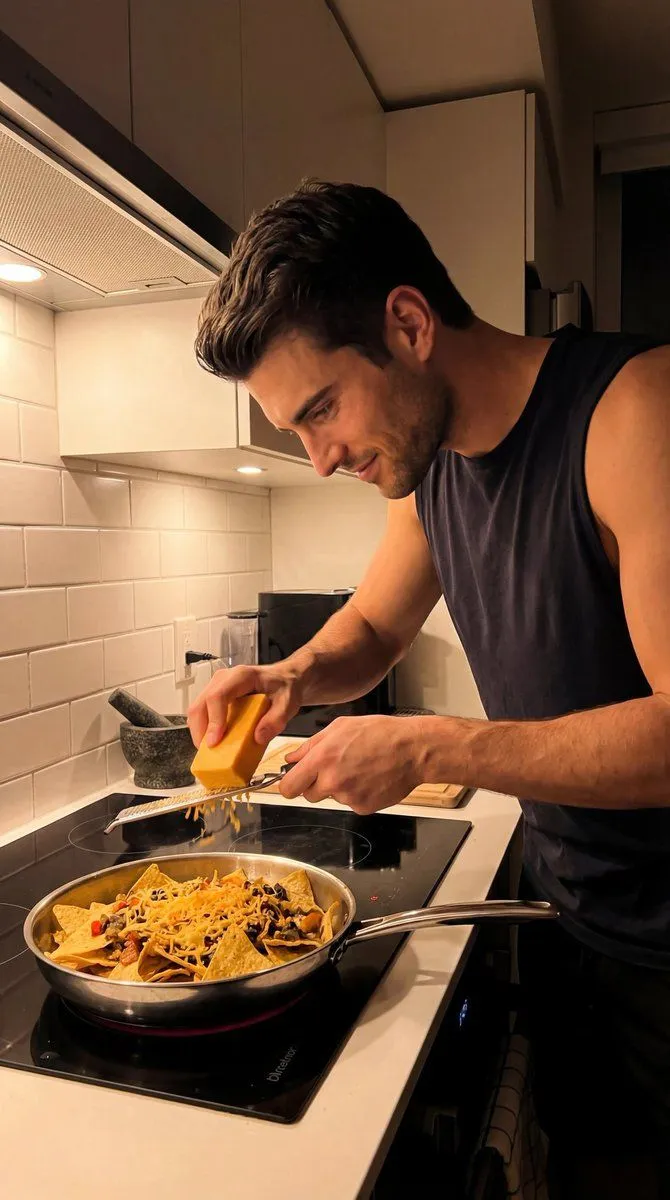
    • Candid Kitchen Cooking Scene JSON Prompt
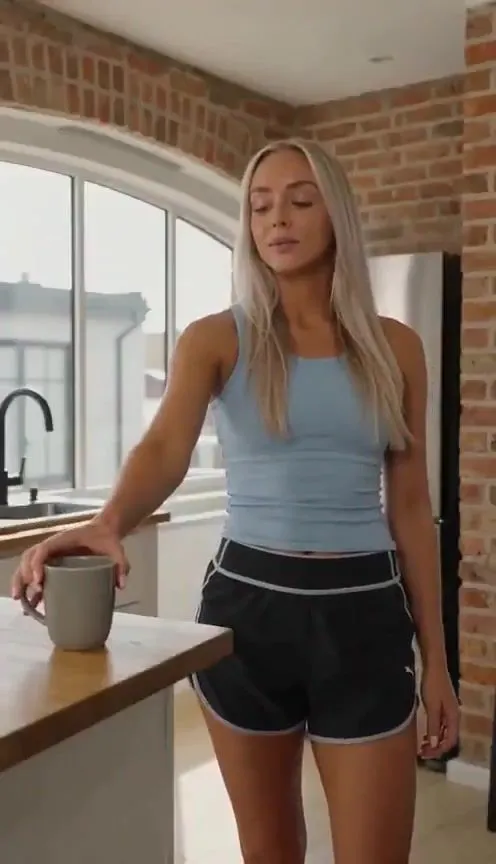
    • Cinematic Slice-of-Life Comedy: Dropping a Coffee MugVideo, 0:12
    • Candid Kitchen Baking Photo
    • Late Night iPhone Candid in Kitchen
    • Japanese Candid Vlog StyleVideo, 0:30
    • Realistic Kitchen Selfie Prompt for GPT Image 2.5
    • Night Rooftop iPhone Portrait
    • Accidental iPhone Selfie Extraction
    • Low-Light Bedroom Selfie Prompt for Nano Banana (Re-post)
    • Structured Candid Indoor Portrait Prompt
    • Hyper-realistic Fashion Photoshoot Prompt
    • Macro Studio Shots of Apple Watch and iPhone 17
    • Minimal Pour-Over Coffee Scene
    • Dunhuang Flying Apsara Playing Pipa
    • Fine-Art Ink and Watercolor Portrait with Identity Lock
    • Japanese Line-Art Portrait Illustration
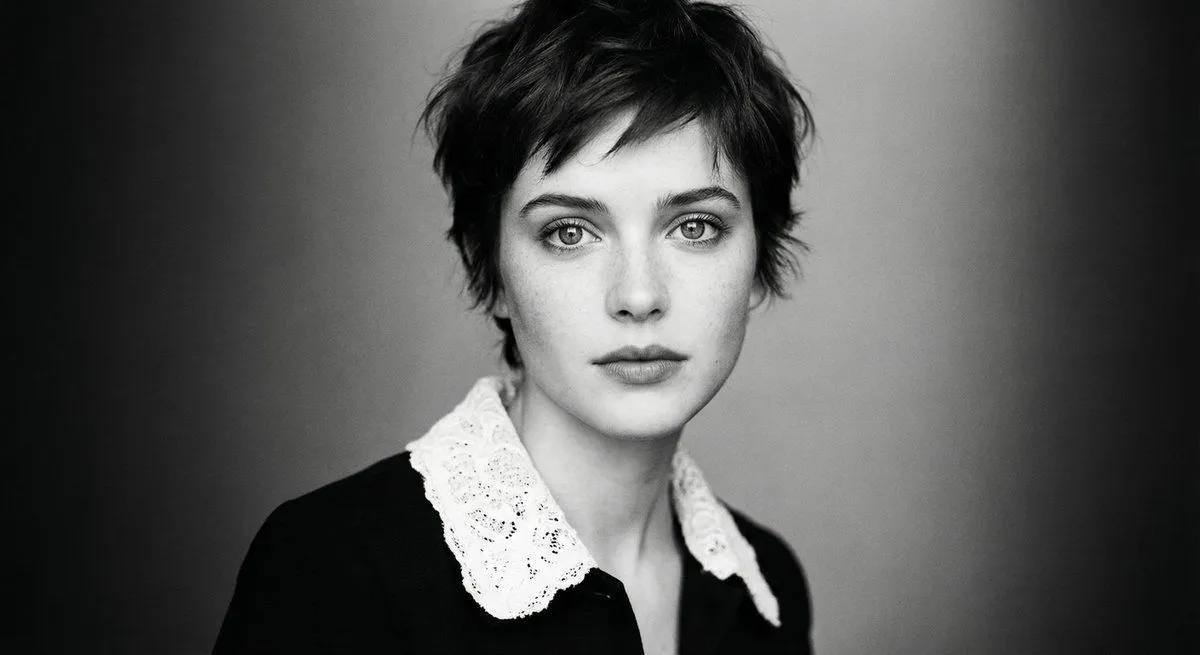
    • Monochrome cinematic portrait of young woman
    • Moonlit Ancient Chinese Fantasy Portrait
    • Mystical Glowing Elf Portrait
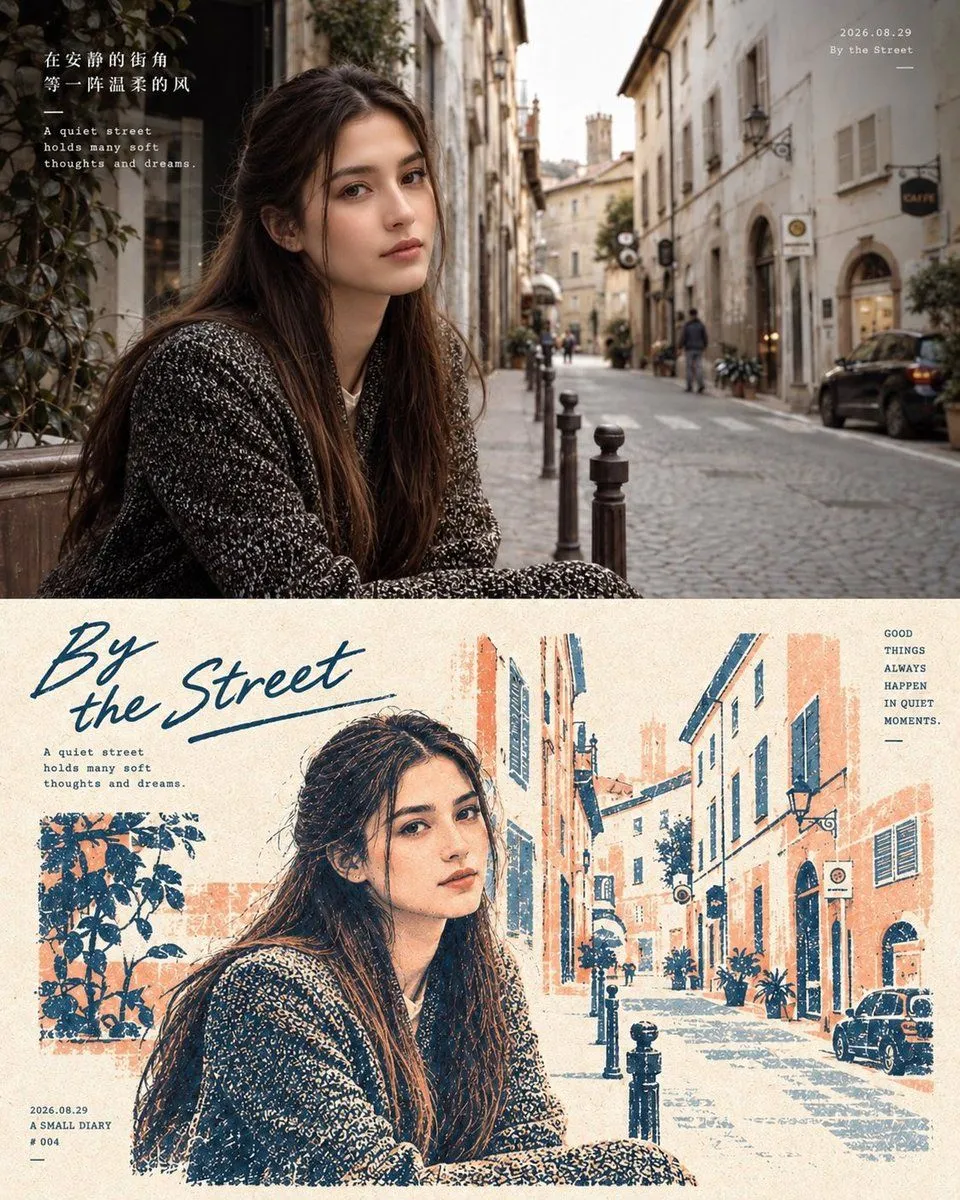
    • Two-Panel Editorial Travel Diary Poster
    • Vintage Gouache Fashion Magazine Cover
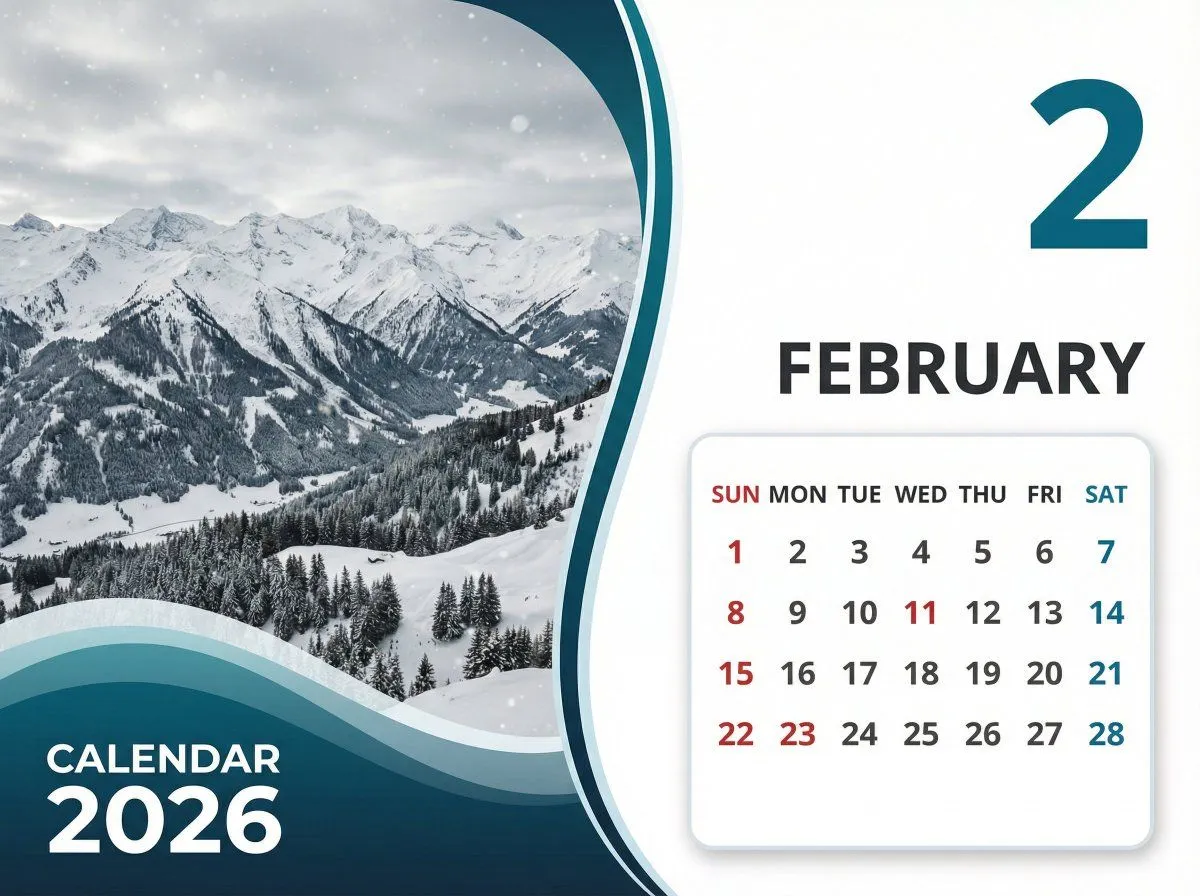
    • Detailed Calendar Design Prompt for Nano Banana Pro
    • Minimalist Ceremony Poster Prompt for GPT Image 2
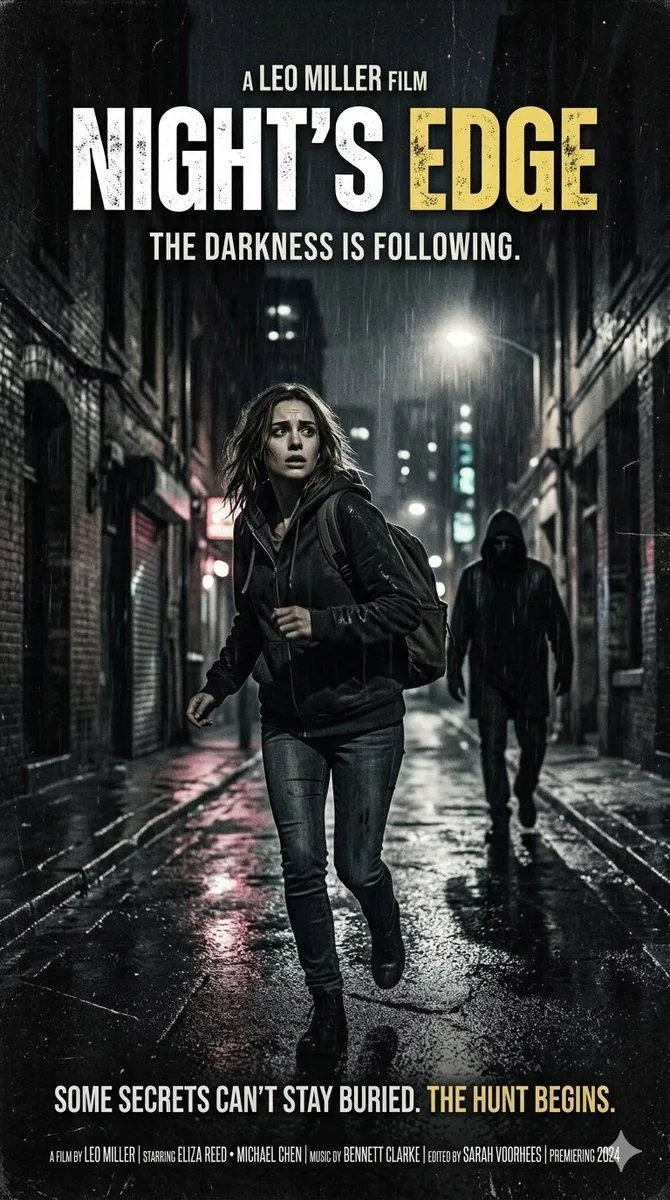
    • Neo-noir psychological thriller movie poster

    Show more

    Run it on your phone

    1. Prompt copiedRead it

      FORMAT: 30-second horizontal 16:9 realistic smartphone video. Create an authentic, imperfect everyday late-night kitchen phone recording, as if a friend casually left a phone recording on the counter. Use a standard smartphone camera with mild autofocus hunting, subtle exposure shifts, natural motion blur, compression artifacts, and slightly uneven handheld framing. No polished commercial look. 00–05s — WALKING IN The character walks into a quiet home kitchen carrying a small grocery bag. They set it on the counter, sigh quietly, and pull out a few simple ingredients. They glance at the phone for a second before turning back toward the counter. Camera remains several feet away at counter height, as if casually recording from a nearby surface. 05–10s — GETTING STARTED They wash their hands, turn on the kitchen light, and begin preparing the ingredients. A cutting board shifts slightly against the counter. They pause to move it into a better position. The character looks tired but relaxed, occasionally brushing their hair away from their forehead. 10–15s — COOKING They place a pan on the stove and begin cooking. Steam gradually becomes visible. The phone autofocus briefly shifts between the character and the foreground pan before settling again. They stir the food, taste a tiny amount, think for a moment, then add a little more seasoning. No readable labels or packaging should be visible. 15–20s — SMALL MISTAKE The character gets distracted for a moment and notices the food starting to cook more quickly than expected. They immediately lower the heat and give a small amused shake of their head. They quietly mutter something like: “Yeah… almost forgot about that.” The delivery should feel spontaneous and understated. 20–25s — FINISHING They finish preparing the food, turn off the stove, and carefully transfer the meal onto a plate. They wipe a small splash from the counter with a paper towel. Natural movements only—nothing overly choreographed. 25–30s — QUIET ENDING They sit at the kitchen table with the finished meal. They take one bite, pause, and give a small satisfied smile. They look toward the phone and quietly say: “Honestly… not bad.” They pick up the fork again and continue eating as the camera keeps recording for another moment before the clip naturally ends. AUDIO Natural kitchen ambience only: refrigerator hum, ventilation, running water, utensil sounds, pan sizzling, footsteps, clothing movement, cupboard and drawer sounds, plate and fork noises, and subtle room ambience. No music. Dialogue should sound spontaneous and conversational, with natural pauses and imperfect delivery. VISUAL REALISM Authentic smartphone footage, ordinary warm household lighting, realistic skin texture, natural shadows, mild phone-camera sharpening, subtle compression noise, imperfect exposure, slight autofocus changes, believable reflections, natural steam, realistic food textures

    2. Open your app

    3. Paste and run

      Press and hold the message box, then tap Paste. Add your photo first if the prompt uses one. You may need to sign in.