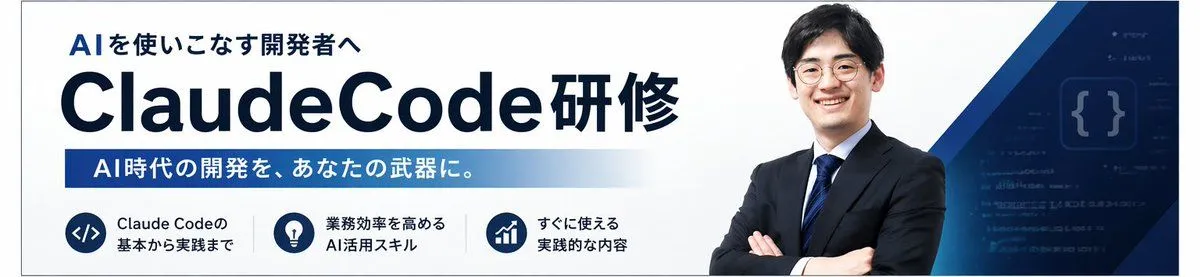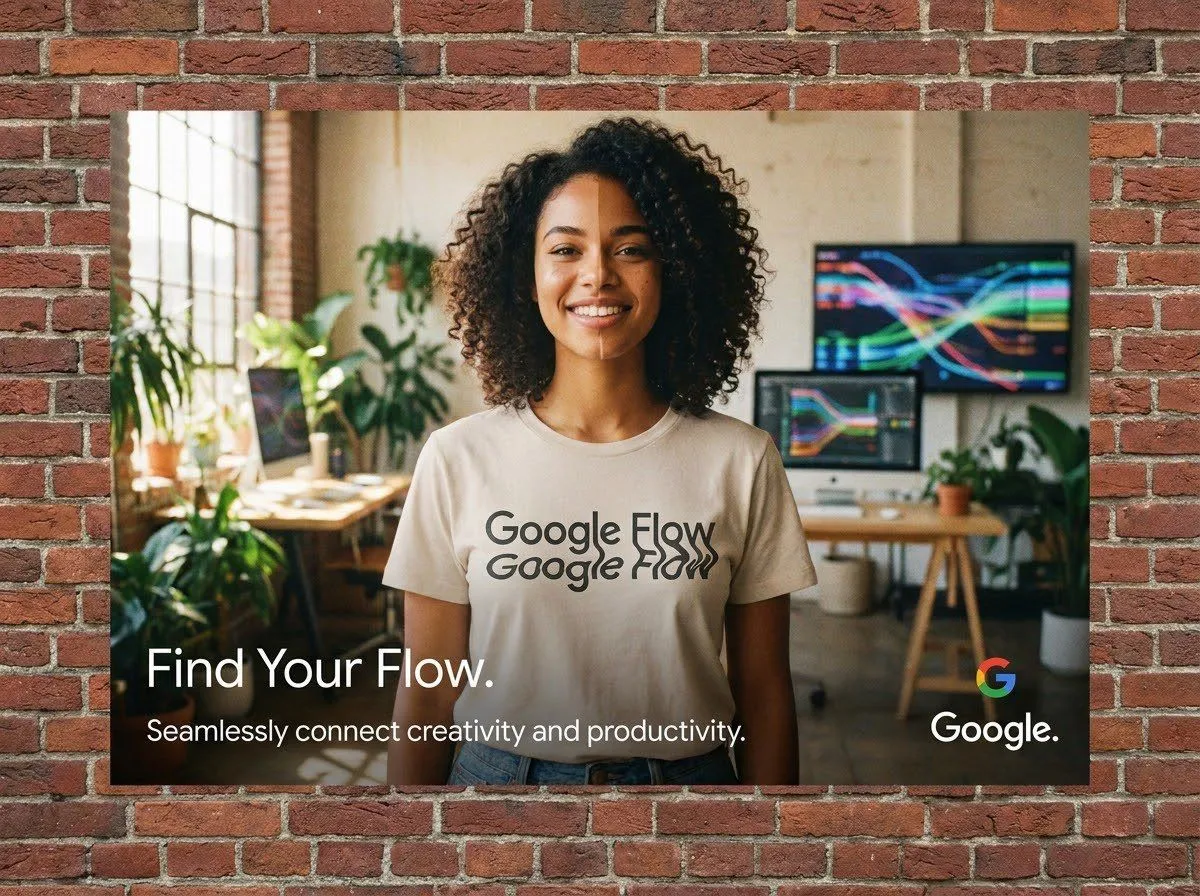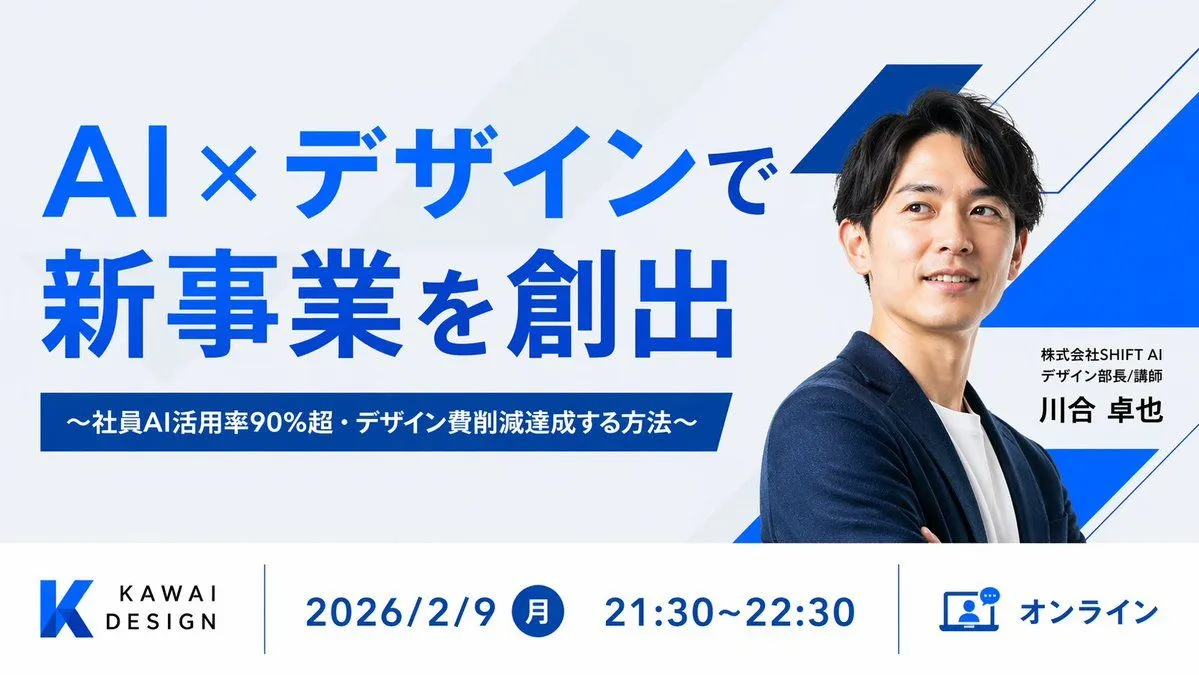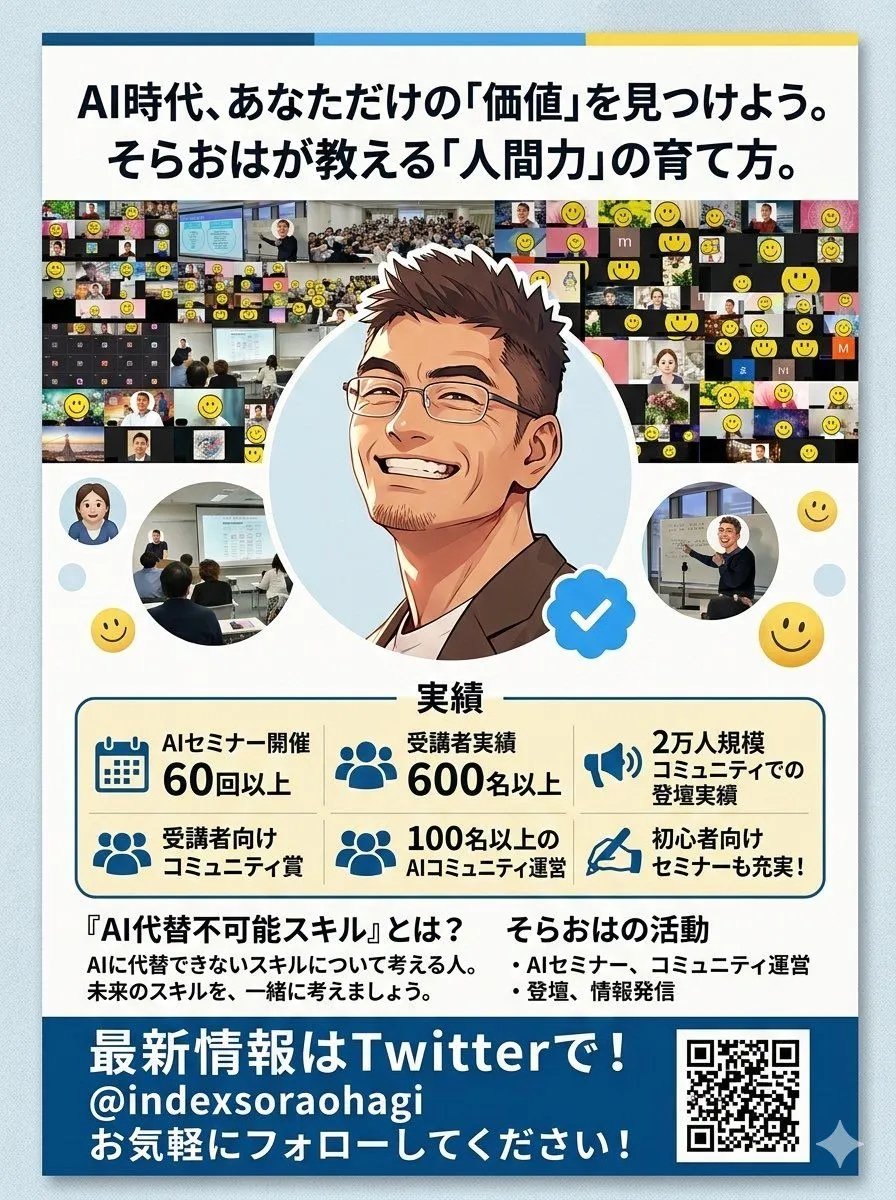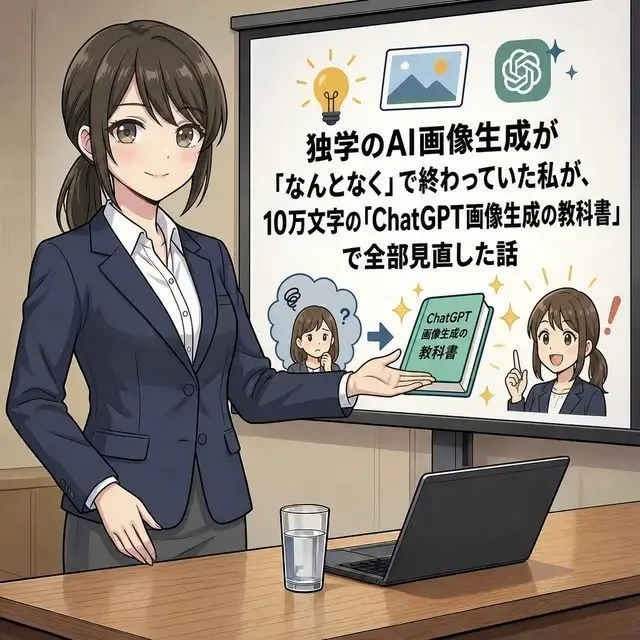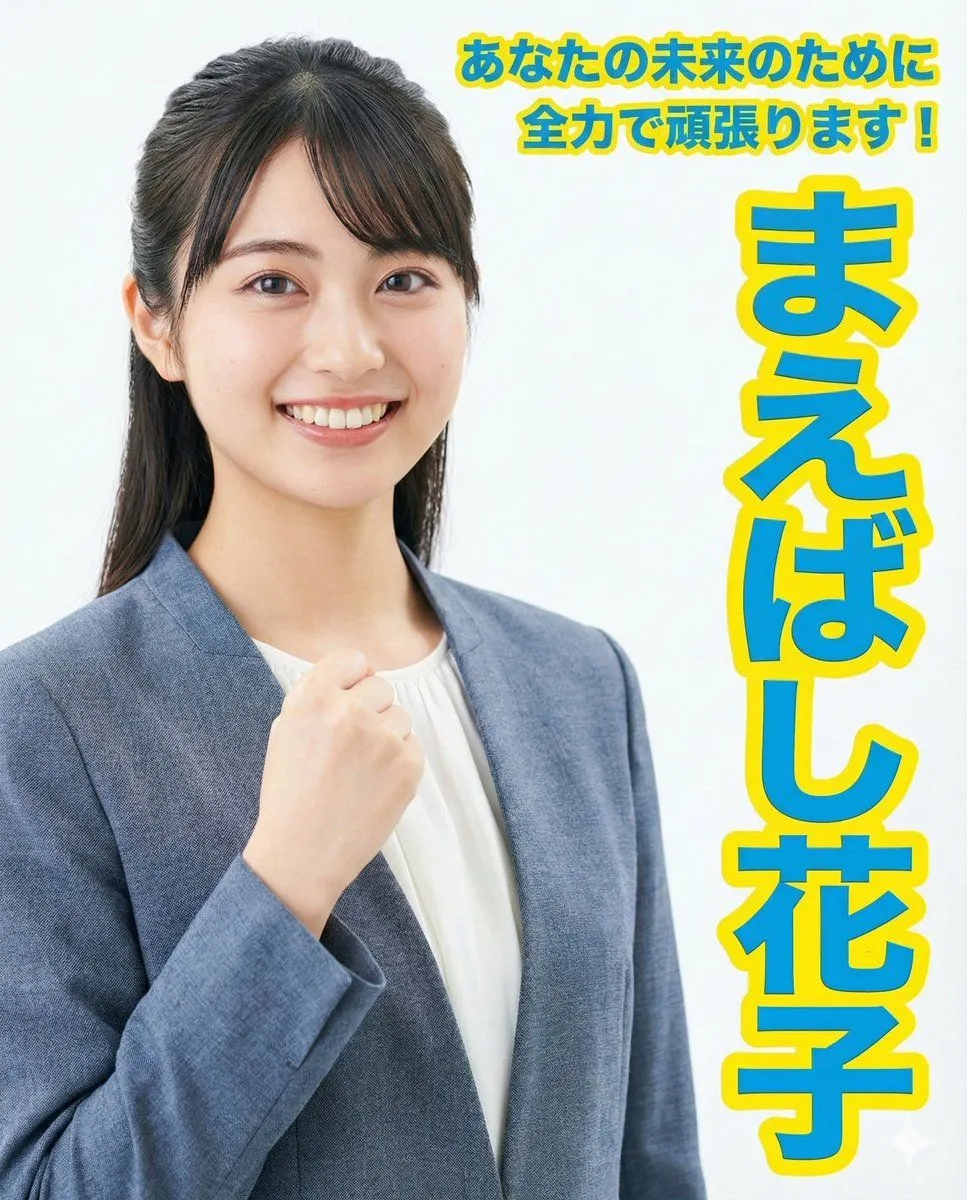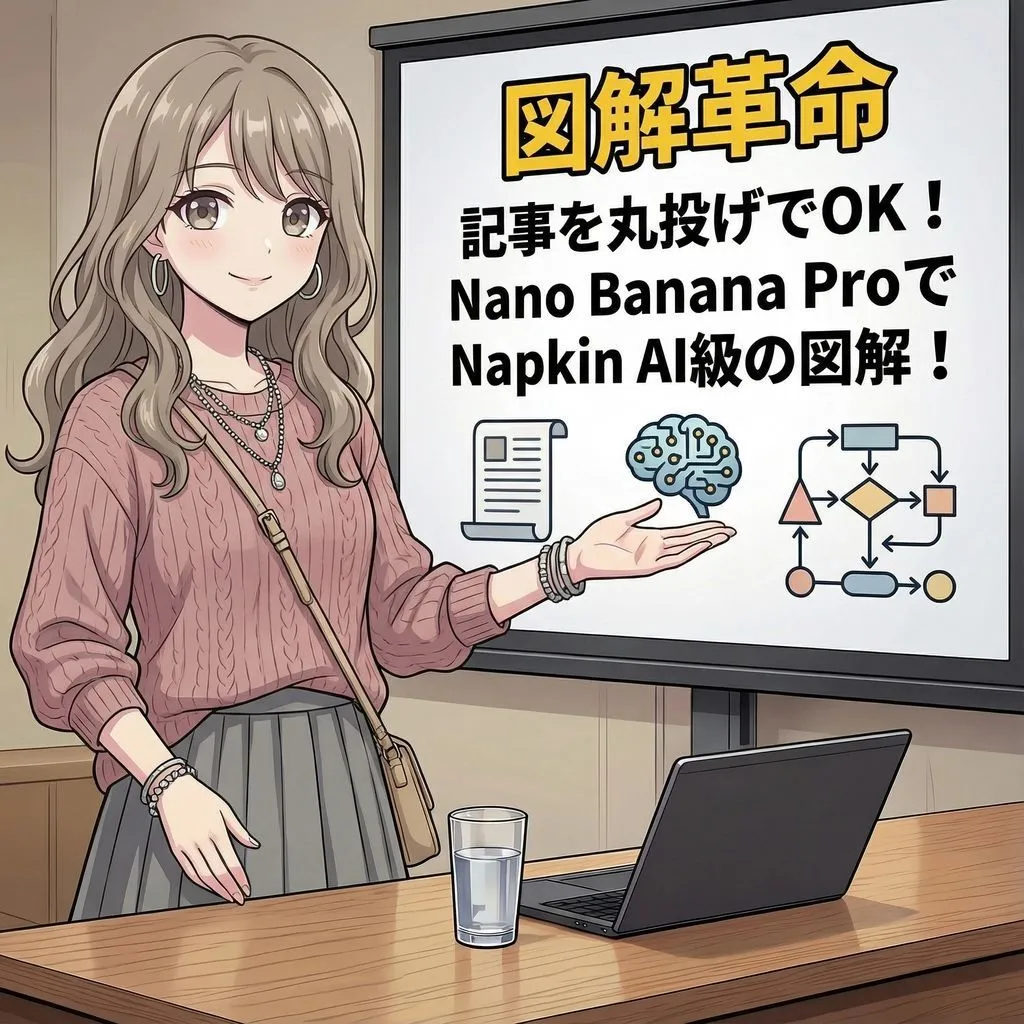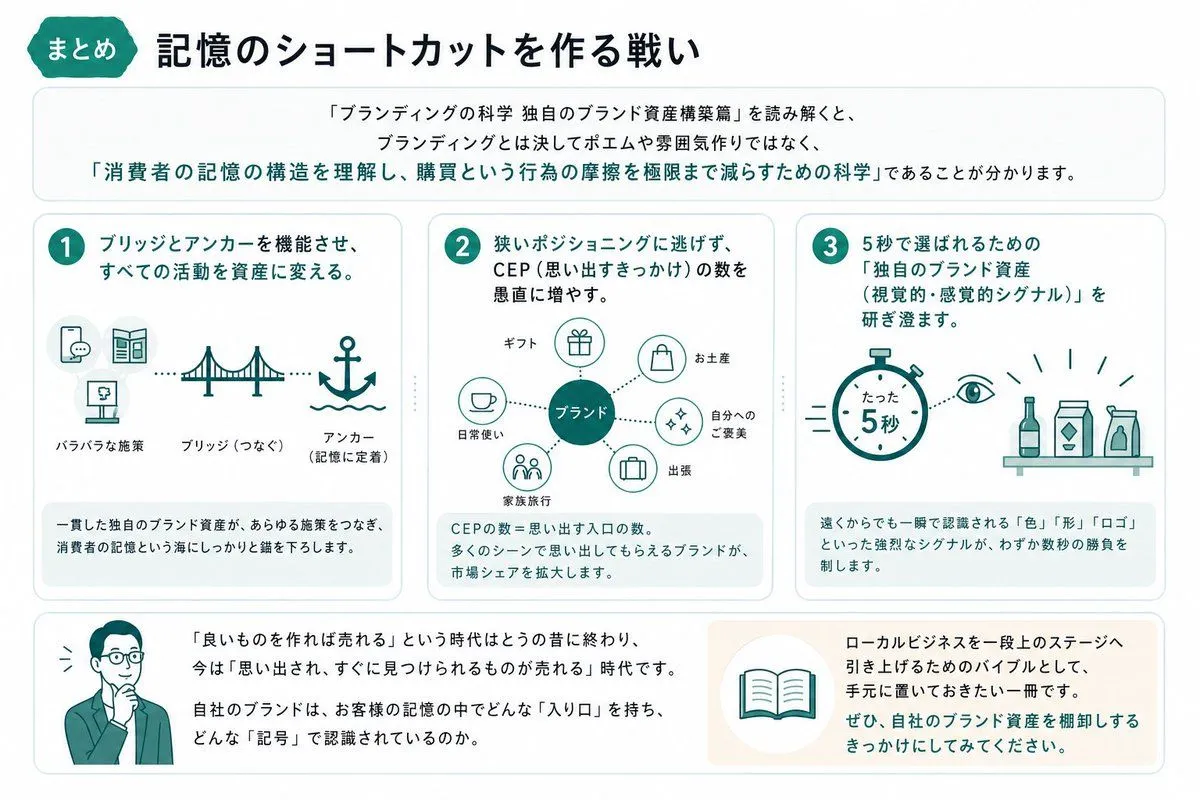
Made with GPT Image 2 in ChatGPT, collected by Library Brand. Promptclay never generates images.
Did it work?
No reports yet. Tell others if it worked for you.
KAWAISALES Ad Design
Prompt
1 blank to fillReproduce the layout of this handwritten rough (attached image) and generate an advertisement image with the following requirements. # Title/Project - A new sales support tool using AI: "{tool_name}" # Purpose - To gain free demo sign-ups # Target - Sales representatives of small and medium-sized enterprises struggling with sales performance # Content ## Main Copy - Why not let your sales "take flight" with AI? ## Sub-copy - AI strongly supports your sales activities from lead acquisition to closing! ## CTA - Experience the free demo now! ## Eye-catch 1 - A photorealistic stylish male and female sales representative in their 30s in suits, smiling while having an online business meeting with a customer on a laptop. ## Eye-catch 2 - Abstract illustrations or shapes symbolizing service benefits, such as a rising graph or icons indicating target customers. # Impression - Trustworthy, innovative, productive, easy to use
Preview of your prompt
Reproduce the layout of this handwritten rough (attached image) and generate an advertisement image with the following requirements. # Title/Project - A new sales support tool using AI: "KAWAISALES" # Purpose - To gain free demo sign-ups # Target - Sales representatives of small and medium-sized enterprises struggling with sales performance # Content ## Main Copy - Why not let your sales "take flight" with AI? ## Sub-copy - AI strongly supports your sales activities from lead acquisition to closing! ## CTA - Experience the free demo now! ## Eye-catch 1 - A photorealistic stylish male and female sales representative in their 30s in suits, smiling while having an online business meeting with a customer on a laptop. ## Eye-catch 2 - Abstract illustrations or shapes symbolizing service benefits, such as a rising graph or icons indicating target customers. # Impression - Trustworthy, innovative, productive, easy to use
DetailsVersions, settings and questions
Written for
What's in the prompt
- Subject
- Model
- GPT Image 2
If your face changes
keep my face exactly the sameQuestions
- Does this work in the ChatGPT app?
- Yes. Paste the prompt and attach your photo if it uses one.
- It changed my face. What do I do?
- Add "keep my face exactly the same" to the end and run it again.
- Can I use the images I make?
- Check the terms of the app you use. Promptclay never generates images and claims nothing you make.