Tell us anything

An idea, a bug, something you love. We read every note.

⌘↵ to send. The page you're on comes along.

Jay Chou Blessing Image Integration Prompt

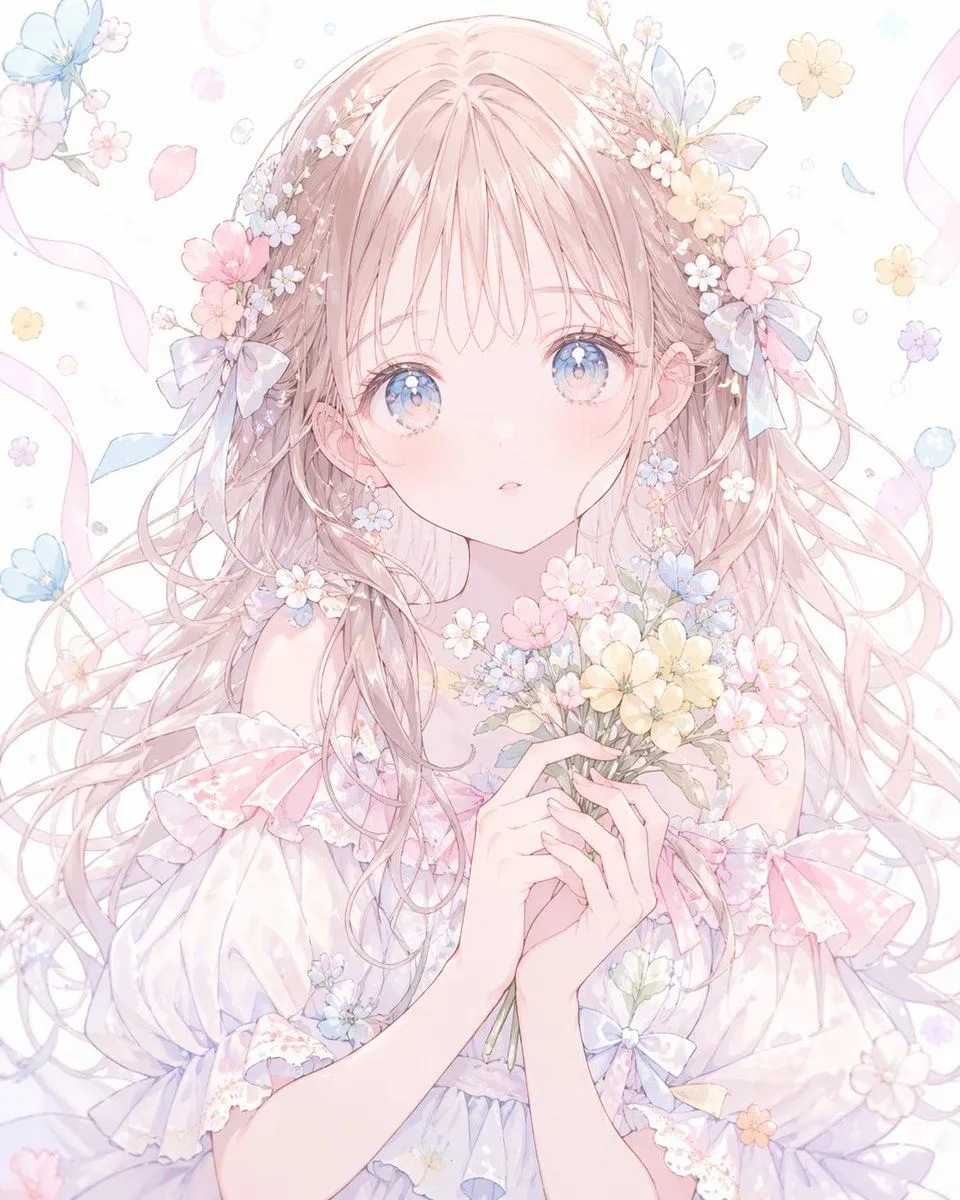
Made with Nano Banana Pro in Gemini by Library Social. Promptclay never generates images.

Did it work?

No reports yet. Tell others if it worked for you.

No comments yet. Be the first.

    Jay Chou Blessing Image Integration Prompt

    Nano Banana Pro1:1AI-generated

    Prompt

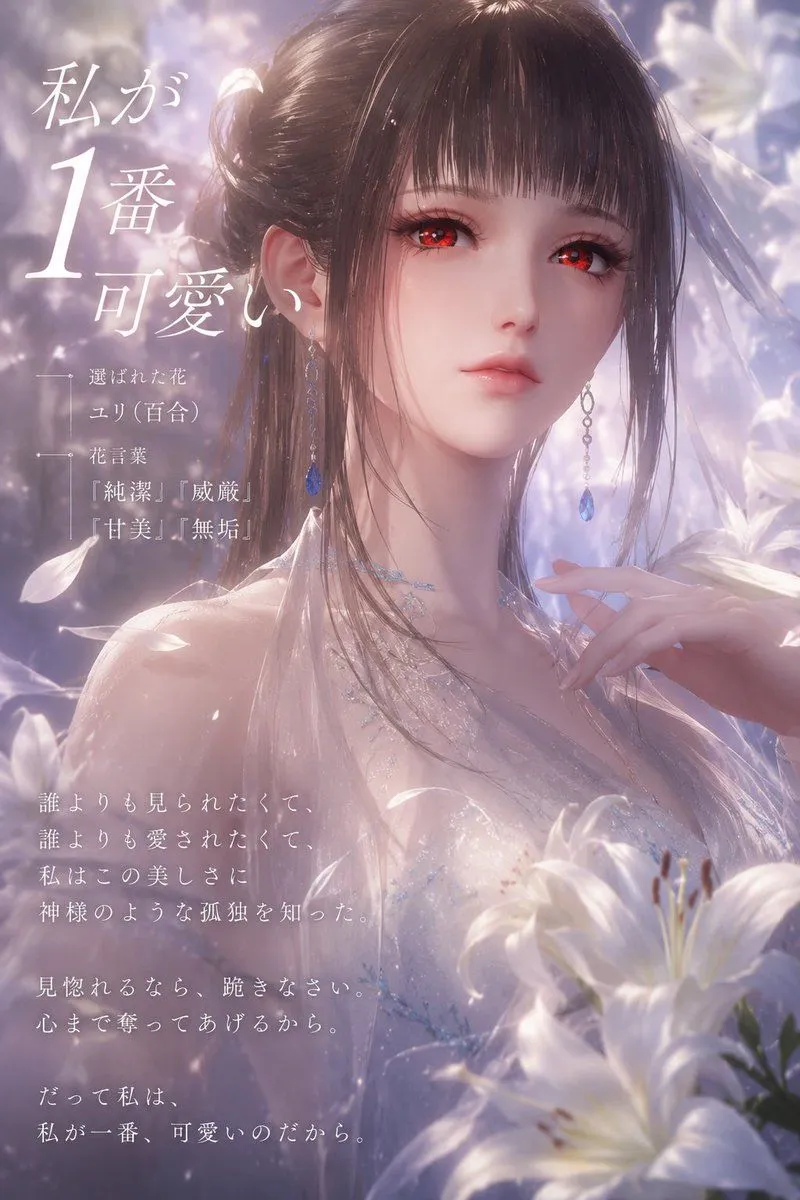
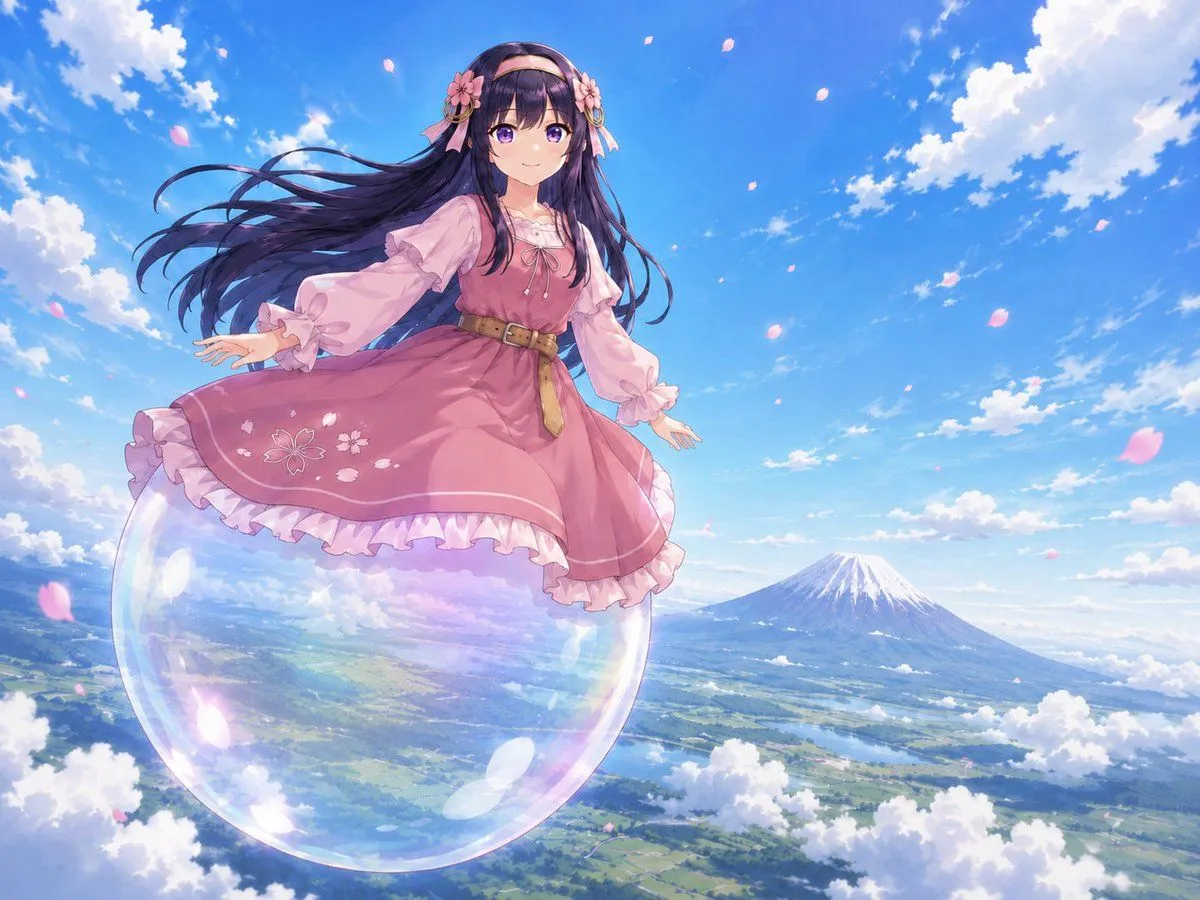
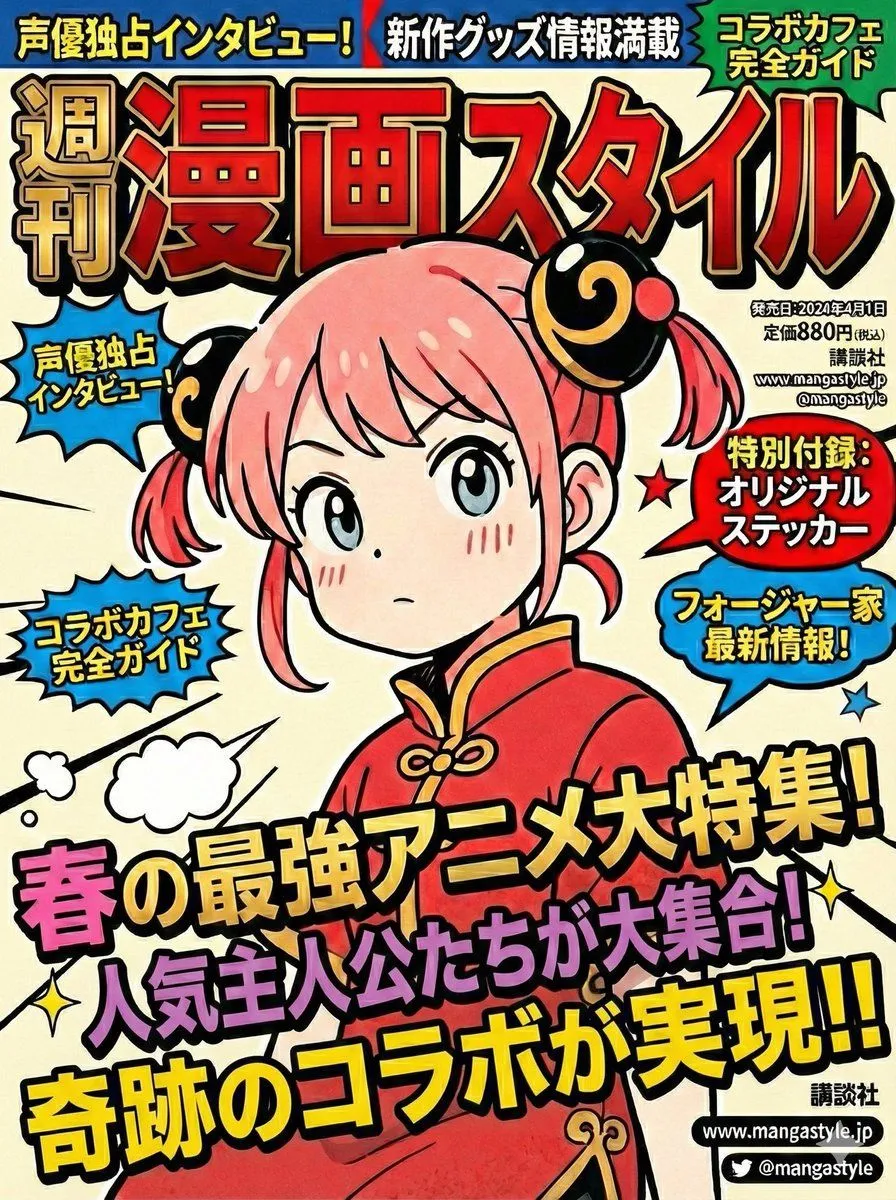
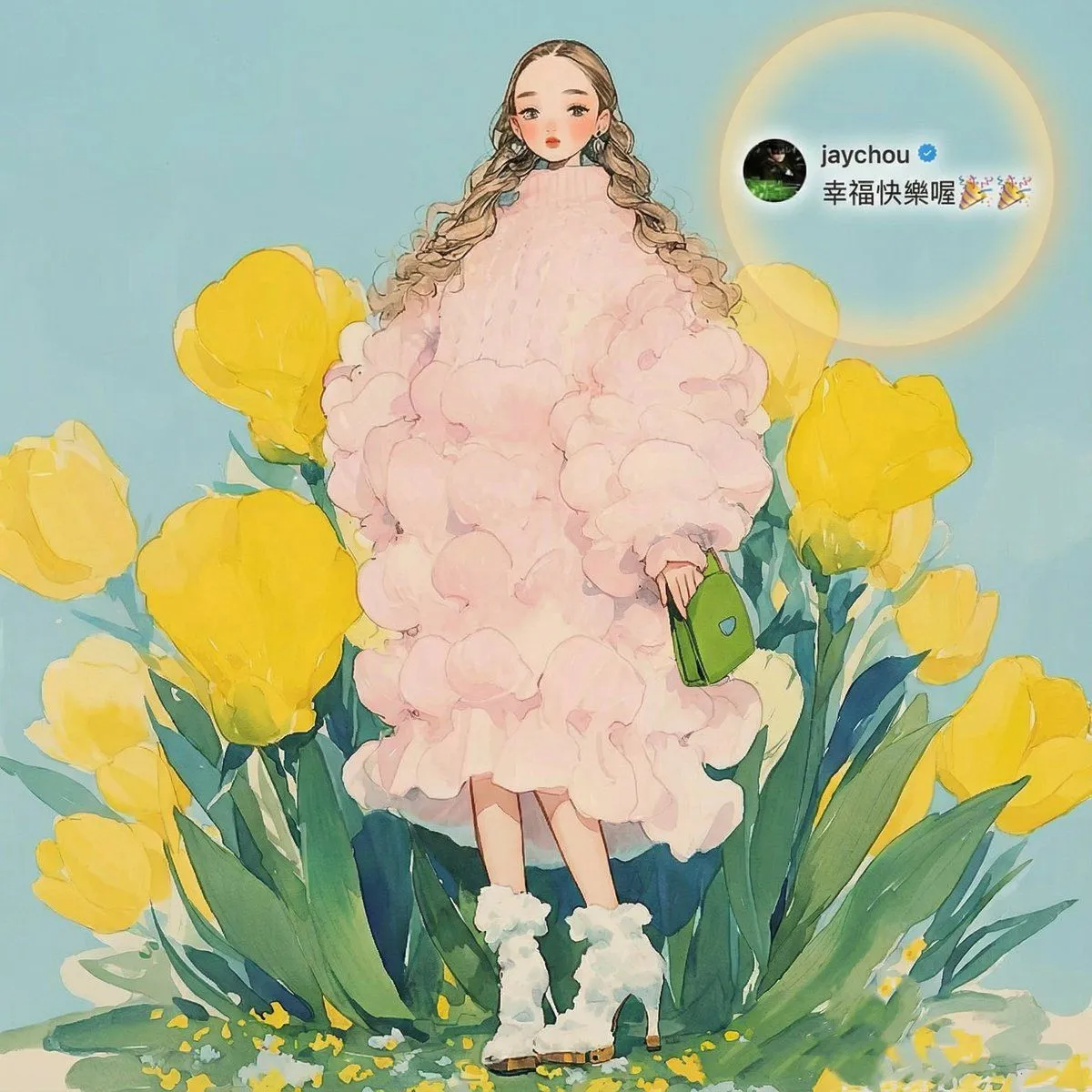
    Redraw a high-quality, refined, and aesthetically pleasing cover image. Seamlessly and **completely integrate all Jay Chou–related information from Image 1 into Image 2**, placing it at a **small, delicate scale** and in a **well-balanced, appropriate position**, As if the blessing from Jay Chou were a **naturally integral part of Image 2’s composition**, with the blessing cleverly echoing the core visual elements of the main image and sharing a unified, consistent lighting design. The final cover should convey a **warm, beautiful atmosphere of blessing**. **Important:** Ensure the blessing text is **clear and highly readable**. When necessary, use tasteful techniques such as contrasting/inverted text colors, Gaussian-blurred backgrounds, or other elegant visual enhancements to improve legibility while maintaining visual harmony.

    Works in
    Gemini, ChatGPT
    Status
    Free to copy
    0
    DetailsVersions, settings and questions

    Written for

    What's in the prompt

    Subject
    Model
    Nano Banana Pro

    If your face changes

    keep my face exactly the same

    Questions

    Does this work in the Gemini app?
    Yes. Gemini runs Nano Banana, so paste the prompt and attach your photo if it uses one.
    It changed my face. What do I do?
    Add "keep my face exactly the same" to the end and run it again.
    Can I use the images I make?
    Check the terms of the app you use. Promptclay never generates images and claims nothing you make.
    Similar prompts

    See more
    • Pastel Faceless Anime Floral Portrait
    • Pastel Faceless Floral Anime Portrait
    • Anime Watercolor Girl with Butterflies
    • Starry Lavender Lolita Dress Portrait
    • Powder Blue Lolita Dress Portrait
    • Pink Fairy Outfit Analysis Poster
    • Dreamy Lily Flower-Language Poster
    • Anime Girl Floating Over Niseko
    • Premium Anime Realism Illustration
    • Standalone Anime Character Portrait
    • Retro Red and Black Outfit Prompt
    • Vibrant Stylized Woman with ButterfliesVideo, 0:30
    • 3D Layered Paper Quilling Fashion
    • Manga to Anime Style Transformation
    • Detailed Texture and Accessory Generation
    • Magazine Cover Prompt using Nano Banana Extension
    • Elegant Accessories Maximization Prompt for Nano Banana
    • 9-Panel Editorial Grid Prompt for Yellow Satin Halter Dress
    • Editorial Contact Sheet Prompt: Woman with Pink Tulips
    • Purple Floral Wa-Modern Idol Dress
    • Chaotic Maximalist Anime Poster Prompt (100 Girls)
    • Transparent Jellyfish Princess
    • Seedance 2.0 Dialogue Comparison PromptVideo, 0:10
    • Dream Couture Portrait: Gown of Floating Petals

    Show more

    Run it on your phone

    1. Prompt copiedRead it

      Redraw a high-quality, refined, and aesthetically pleasing cover image. Seamlessly and **completely integrate all Jay Chou–related information from Image 1 into Image 2**, placing it at a **small, delicate scale** and in a **well-balanced, appropriate position**, As if the blessing from Jay Chou were a **naturally integral part of Image 2’s composition**, with the blessing cleverly echoing the core visual elements of the main image and sharing a unified, consistent lighting design. The final cover should convey a **warm, beautiful atmosphere of blessing**. **Important:** Ensure the blessing text is **clear and highly readable**. When necessary, use tasteful techniques such as contrasting/inverted text colors, Gaussian-blurred backgrounds, or other elegant visual enhancements to improve legibility while maintaining visual harmony.

    2. Open your app

    3. Paste and run

      Press and hold the message box, then tap Paste. Add your photo first if the prompt uses one. You may need to sign in.

    Jay Chou Blessing Image Integration Prompt