Tell us anything

An idea, a bug, something you love. We read every note.

⌘↵ to send. The page you're on comes along.

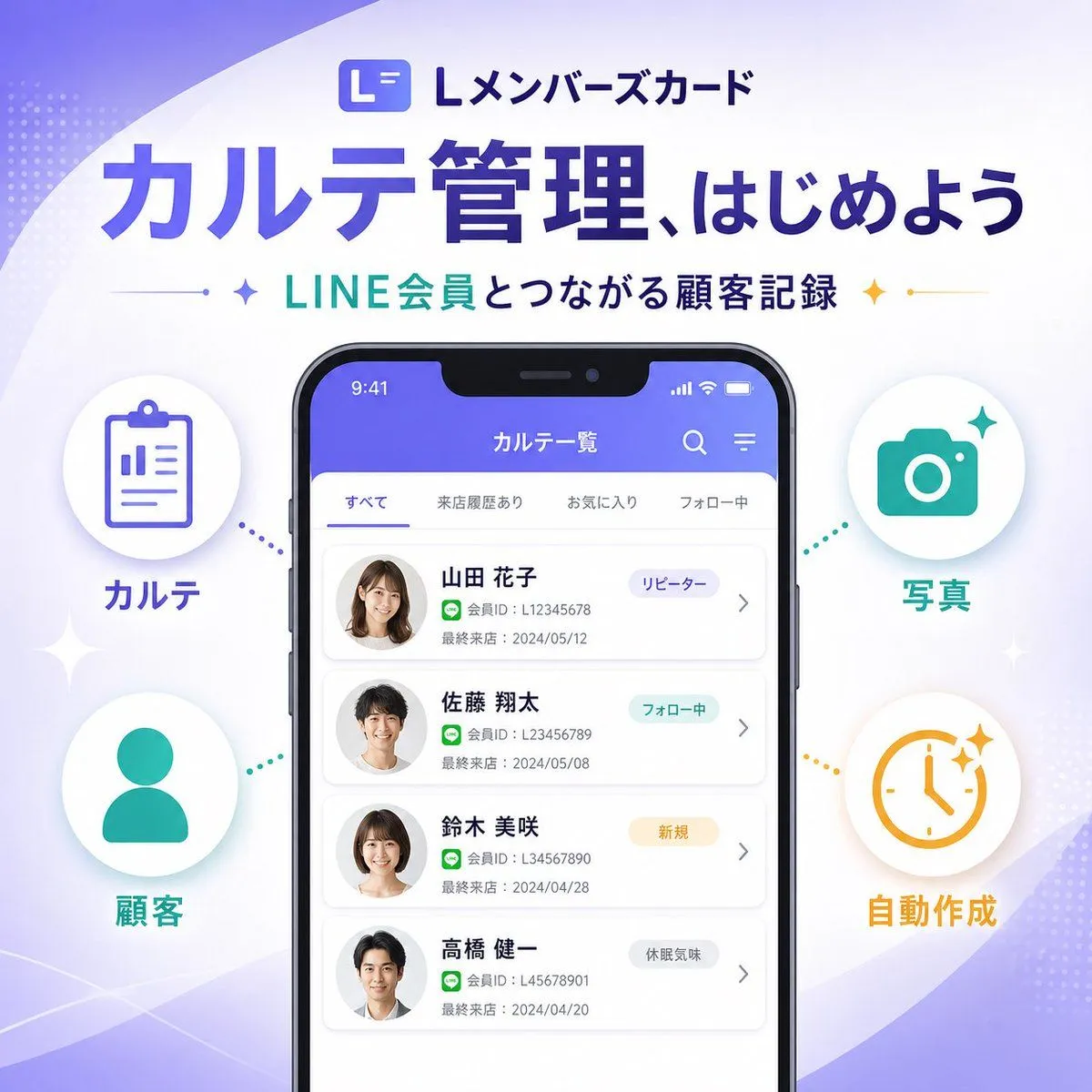
Japanese SaaS Feature Banner

Made with GPT Image 2 in ChatGPT by Library Brand. Promptclay never generates images.

Did it work?

No reports yet. Tell others if it worked for you.

No comments yet. Be the first.

    Japanese SaaS Feature Banner

    GPT Image 21:1AI-generated

    Prompt

    {"type":"SaaS feature update promotional infographic banner","style":"clean modern Japanese tech marketing, high-quality infographic, soft gradient background, polished UI mockup, minimal and trustworthy","canvas":{"aspect_ratio":"1:1","background":"white base with flowing lavender and pale purple abstract wave shapes in the corners, faint dotted halftone textures, subtle sparkle accents"},"branding":{"top_logo":{"icon":"rounded square app icon with a stylized white L on a purple gradient background","text":"Lメンバーズカード"},"headline":"{argument name=\"headline text\" default=\"カルテ管理、はじめよう\"}","subheadline":"{argument name=\"subheadline text\" default=\"LINE会員とつながる顧客記録\"}","headline_style":"large bold Japanese sans-serif in deep purple","subheadline_style":"medium bold Japanese sans-serif with teal and dark navy emphasis, small star icons and thin divider lines on both sides"},"layout":{"centerpiece":"large front-facing smartphone mockup centered vertically, slightly lower than the headline","sections":[{"title":"left features","position":"left side of phone","count":2,"labels":["カルテ","顧客"],"items":[{"shape":"white circular badge with soft shadow","icon":"purple clipboard line icon","label":"カルテ","accent":"purple dotted connector pointing toward phone"},{"shape":"white circular badge with soft shadow","icon":"teal person silhouette icon","label":"顧客","accent":"teal dotted connector pointing toward phone"}]},{"title":"right features","position":"right side of phone","count":2,"labels":["写真","自動作成"],"items":[{"shape":"white circular badge with soft shadow","icon":"teal camera icon","label":"写真","accent":"teal dotted connector pointing toward phone"},{"shape":"white circular badge with soft shadow","icon":"orange clock icon with sparkles","label":"自動作成","accent":"orange dotted connector pointing toward phone"}]}],"decorations_count":6},"app_screen":{"screen_title":"カルテ一覧","status_bar":{"time":"9:41","battery":true,"signal":true},"top_icons_count":2,"top_icons":["search","menu"],"tabs":{"count":4,"labels":["すべて","来店履歴あり","お気に入り","フォロー中"],"active":"すべて"},"customer_cards":{"count":4,"items":[{"name":"{argument name=\"customer name 1\" default=\"山田 花子\"}","member_id":"L12345678","last_visit":"2024/05/12","tag":"リピーター","avatar":"blurred female headshot"},{"name":"佐藤 翔太","member_id":"L123456789","last_visit":"2024/05/08","tag":"フォロー中","avatar":"blurred male headshot"},{"name":"鈴木 美咲","member_id":"L34567890","last_visit":"2024/04/28","tag":"新規","avatar":"blurred female headshot"},{"name":"高橋 健一","member_id":"L45678901","last_visit":"2024/04/20","tag":"休眠気味","avatar":"blurred male headshot"}]},"ui_style":"rounded white list cards on a very light gray background, purple app header, subtle shadows, Japanese sans-serif typography"},"color_palette":{"primary":"#5B5CEB to #6C63FF","secondary":"#22C7B8","accent":"#F4B23A","text_dark":"#2B2E5B","white":"#FFFFFF"},"rendering":"crisp vector-like marketing graphic with realistic smartphone frame, centered balanced composition, premium SaaS launch banner aesthetic"}

    Works in
    ChatGPT, Gemini
    Status
    Free to copy
    0
    DetailsVersions, settings and questions

    Written for

    What's in the prompt

    Subject
    Model
    GPT Image 2

    If your face changes

    keep my face exactly the same

    Questions

    Does this work in the ChatGPT app?
    Yes. Paste the prompt and attach your photo if it uses one.
    It changed my face. What do I do?
    Add "keep my face exactly the same" to the end and run it again.
    Can I use the images I make?
    Check the terms of the app you use. Promptclay never generates images and claims nothing you make.
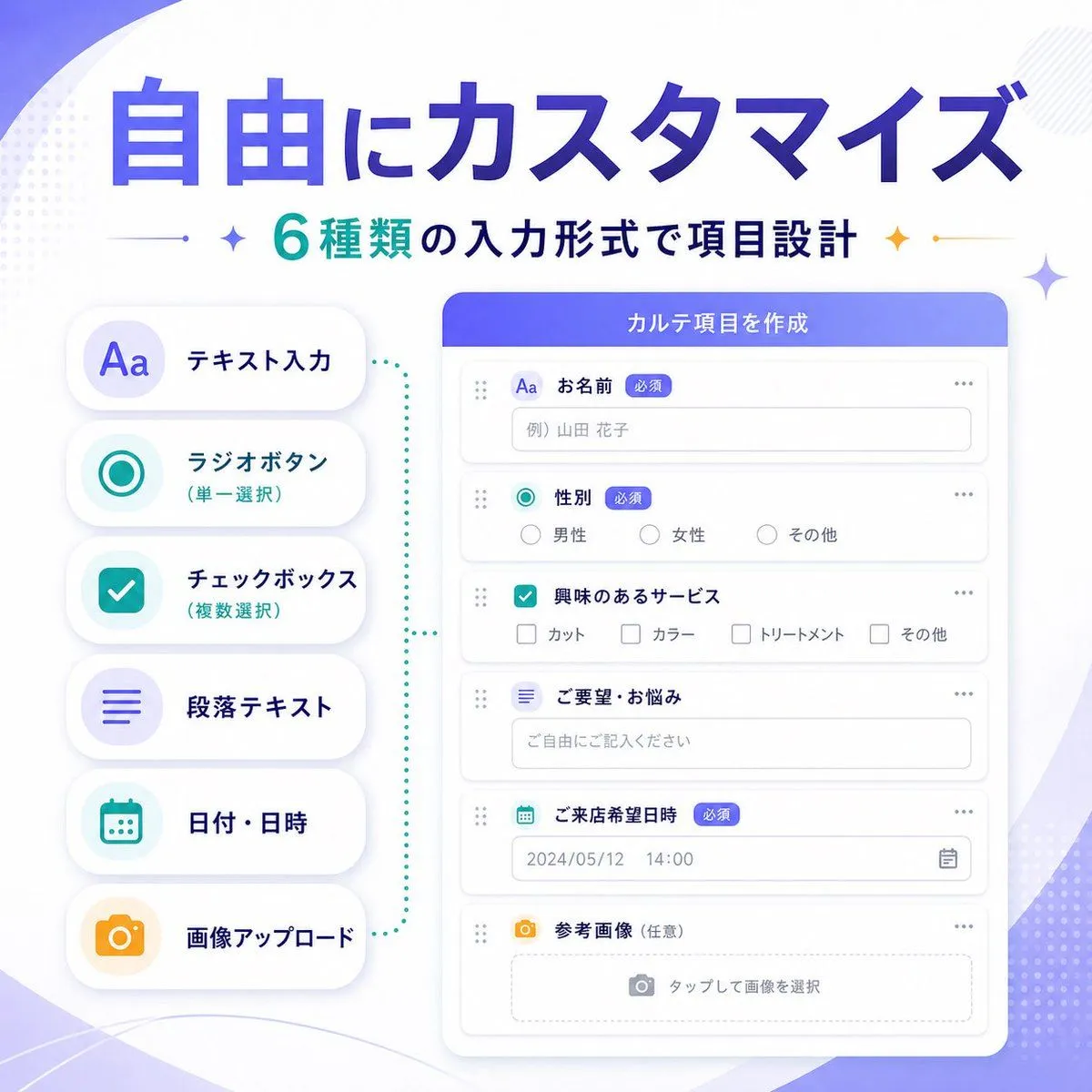
    Similar prompts

    See more
    • Japanese SaaS Trigger Automation Banner
    • Japanese SaaS Form Builder Banner
    • Japanese SaaS AI Prompt Manager Ad
    • Japanese AI Report Correction App Mockup
    • Japanese Company Setup Landing Page
    • Nano-banana Pro Persona Generation Prompt
    • Nano Banana Pro Thumbnail Generation Example
    • Japanese AI Training Banner
    • Japanese Ultra Plan Promo Storyboard
    • Japanese AI Consulting OGP Banner
    • Japanese Educational Promo Banner
    • Generating Ideal Nose Shapes for Cosmetic Surgery Consultation
    • AI Chat Screenshot with Ad Design Grids
    • Live E-commerce UI Mockup
    • Election Poster Style Prompt
    • Sakura Travel Cinema Title Card
    • Bonsai Mobile Game UI Mockup
    • Generating Purikura-style Photos with Animals using GPT Image 1.5
    • Generate a room that looks like life is being enjoyed to the fullest
    • Eyecatch Image Generation from Video Transcript
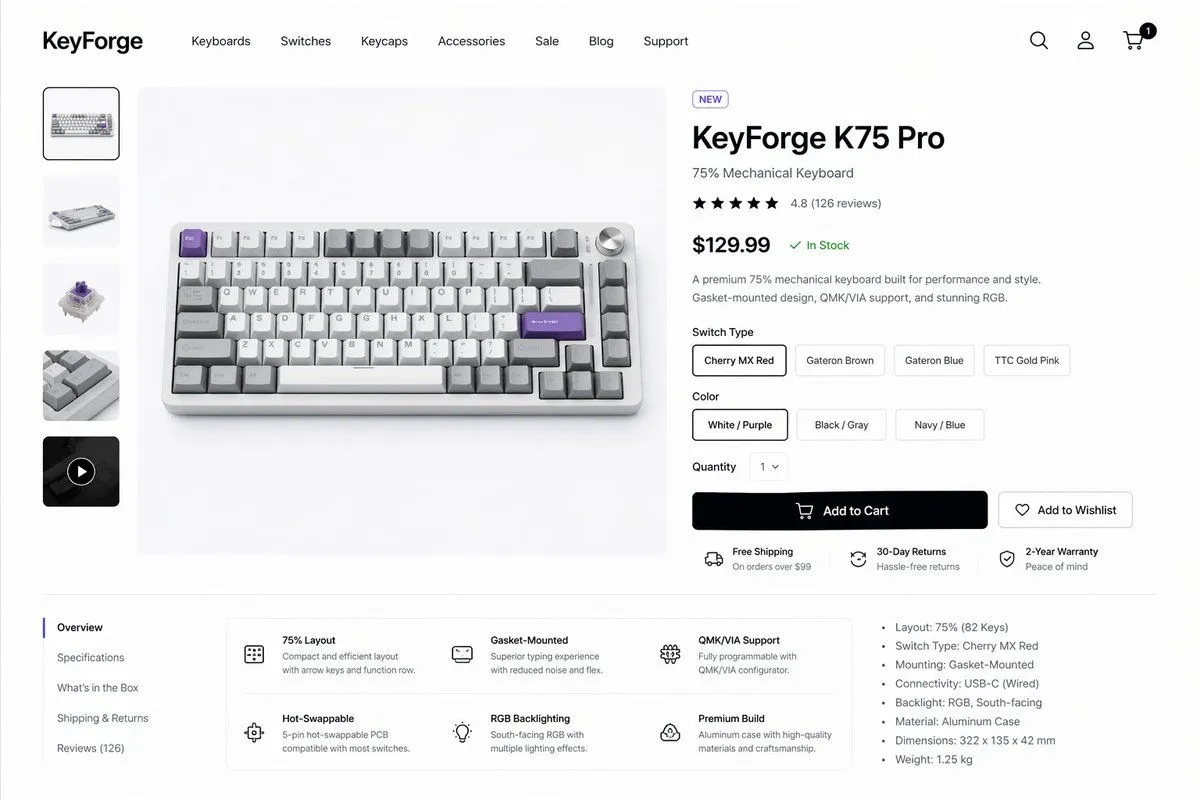
    • Mechanical Keyboard Product Page Mockup
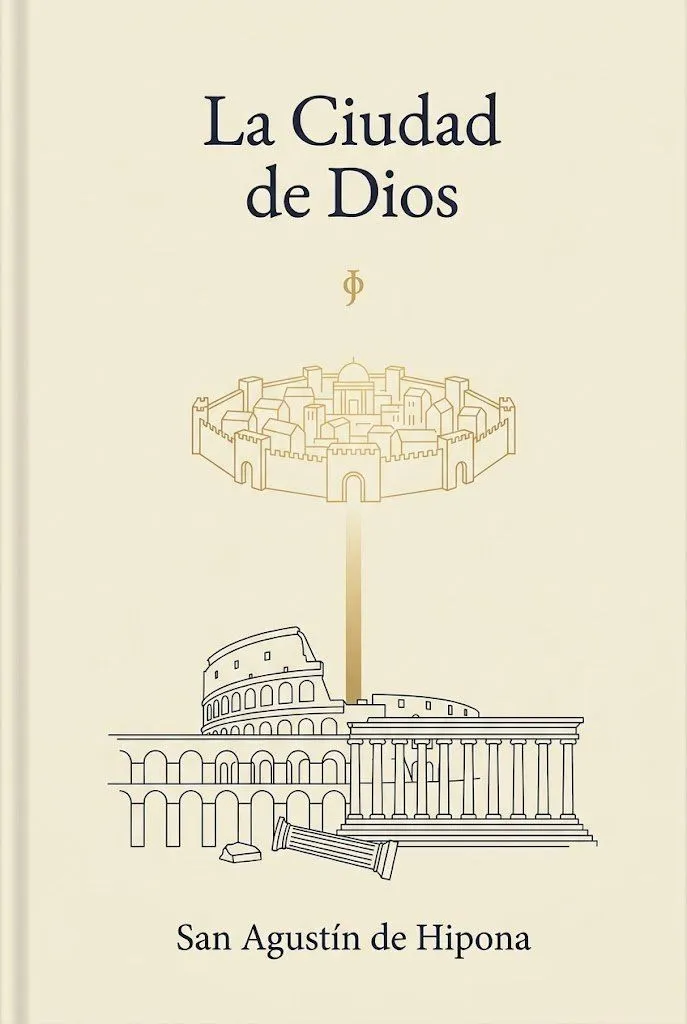
    • Minimalist Saint Augustine Book Cover
    • ChatGPT Game Asset Generation Screenshot
    • Premium Office Furniture Commercial Storyboard

    Show more

    Run it on your phone

    1. Prompt copiedRead it

      {"type":"SaaS feature update promotional infographic banner","style":"clean modern Japanese tech marketing, high-quality infographic, soft gradient background, polished UI mockup, minimal and trustworthy","canvas":{"aspect_ratio":"1:1","background":"white base with flowing lavender and pale purple abstract wave shapes in the corners, faint dotted halftone textures, subtle sparkle accents"},"branding":{"top_logo":{"icon":"rounded square app icon with a stylized white L on a purple gradient background","text":"Lメンバーズカード"},"headline":"{argument name=\"headline text\" default=\"カルテ管理、はじめよう\"}","subheadline":"{argument name=\"subheadline text\" default=\"LINE会員とつながる顧客記録\"}","headline_style":"large bold Japanese sans-serif in deep purple","subheadline_style":"medium bold Japanese sans-serif with teal and dark navy emphasis, small star icons and thin divider lines on both sides"},"layout":{"centerpiece":"large front-facing smartphone mockup centered vertically, slightly lower than the headline","sections":[{"title":"left features","position":"left side of phone","count":2,"labels":["カルテ","顧客"],"items":[{"shape":"white circular badge with soft shadow","icon":"purple clipboard line icon","label":"カルテ","accent":"purple dotted connector pointing toward phone"},{"shape":"white circular badge with soft shadow","icon":"teal person silhouette icon","label":"顧客","accent":"teal dotted connector pointing toward phone"}]},{"title":"right features","position":"right side of phone","count":2,"labels":["写真","自動作成"],"items":[{"shape":"white circular badge with soft shadow","icon":"teal camera icon","label":"写真","accent":"teal dotted connector pointing toward phone"},{"shape":"white circular badge with soft shadow","icon":"orange clock icon with sparkles","label":"自動作成","accent":"orange dotted connector pointing toward phone"}]}],"decorations_count":6},"app_screen":{"screen_title":"カルテ一覧","status_bar":{"time":"9:41","battery":true,"signal":true},"top_icons_count":2,"top_icons":["search","menu"],"tabs":{"count":4,"labels":["すべて","来店履歴あり","お気に入り","フォロー中"],"active":"すべて"},"customer_cards":{"count":4,"items":[{"name":"{argument name=\"customer name 1\" default=\"山田 花子\"}","member_id":"L12345678","last_visit":"2024/05/12","tag":"リピーター","avatar":"blurred female headshot"},{"name":"佐藤 翔太","member_id":"L123456789","last_visit":"2024/05/08","tag":"フォロー中","avatar":"blurred male headshot"},{"name":"鈴木 美咲","member_id":"L34567890","last_visit":"2024/04/28","tag":"新規","avatar":"blurred female headshot"},{"name":"高橋 健一","member_id":"L45678901","last_visit":"2024/04/20","tag":"休眠気味","avatar":"blurred male headshot"}]},"ui_style":"rounded white list cards on a very light gray background, purple app header, subtle shadows, Japanese sans-serif typography"},"color_palette":{"primary":"#5B5CEB to #6C63FF","secondary":"#22C7B8","accent":"#F4B23A","text_dark":"#2B2E5B","white":"#FFFFFF"},"rendering":"crisp vector-like marketing graphic with realistic smartphone frame, centered balanced composition, premium SaaS launch banner aesthetic"}

    2. Open your app

      This prompt is long, so it is copied instead of sent in the link. Paste it in the app.

    3. Paste and run

      Press and hold the message box, then tap Paste. Add your photo first if the prompt uses one. You may need to sign in.

    Japanese SaaS Feature Banner