Made with GPT Image 2 in ChatGPT, collected by Library Typography. Promptclay never generates images.
Did it work?
No reports yet. Tell others if it worked for you.
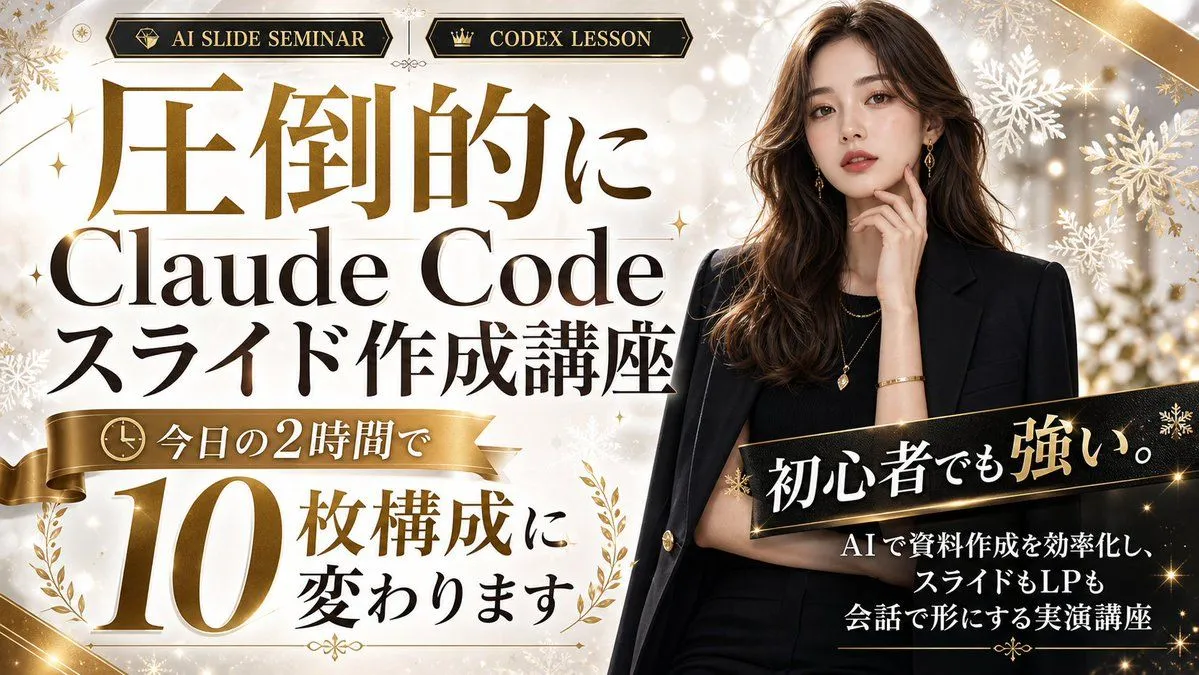
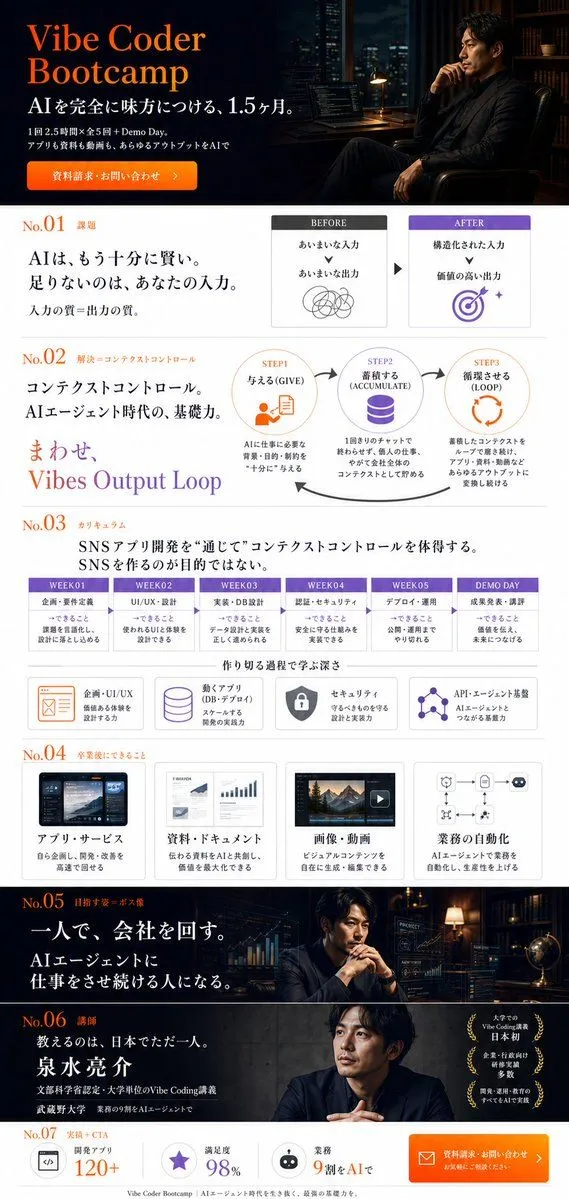
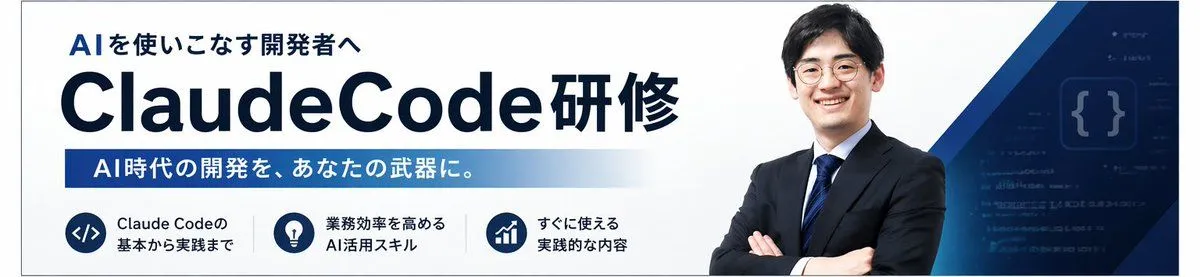
Japanese AI Coding Training Banner
Prompt
2 blanks to fillCreate a clean Japanese corporate training banner in a wide horizontal web-header format with a white background and deep navy blue branding. The layout is a single unified promotional banner for an AI programming course. On the left, place a small headline in bold Japanese text reading "AIを使いこなす開発者へ" above a very large dominant title reading "{main_title}" in heavy sans-serif dark navy lettering, with "ClaudeCode" especially large and the final Japanese word attached on the right in the same style. Beneath the title, add a long horizontal blue gradient bar from medium blue to very light blue containing white bold Japanese text: "{subheadline_text}". Along the bottom left, arrange exactly 3 circular navy icon badges in a horizontal row, each with a short two-line caption in Japanese to the right of the icon. Badge 1 shows a code symbol </> and the text "Claude Codeの 基本から実践まで". Badge 2 shows a light bulb and the text "業務効率を高める AI活用スキル". Badge 3 shows an upward bar chart and the text "すぐに使える 実践的な内容". On the right half, place a confident Japanese businessman from the waist up with arms crossed, wearing a dark navy suit, white shirt, and blue striped tie, facing forward; his face is intentionally soft-focused or anonymized. Behind him, add layered geometric navy and blue diagonal shapes sweeping in from the top right and bottom right, plus a dark blue tech-themed panel with faint code lines and a glowing curly-braces symbol {}. Use a polished B2B seminar advertisement style, crisp typography, strong negative space, subtle gradients, high contrast, and a professional AI/engineering training atmosphere.
Preview of your prompt
Create a clean Japanese corporate training banner in a wide horizontal web-header format with a white background and deep navy blue branding. The layout is a single unified promotional banner for an AI programming course. On the left, place a small headline in bold Japanese text reading "AIを使いこなす開発者へ" above a very large dominant title reading "ClaudeCode研修" in heavy sans-serif dark navy lettering, with "ClaudeCode" especially large and the final Japanese word attached on the right in the same style. Beneath the title, add a long horizontal blue gradient bar from medium blue to very light blue containing white bold Japanese text: "AI時代の開発を、あなたの武器に。". Along the bottom left, arrange exactly 3 circular navy icon badges in a horizontal row, each with a short two-line caption in Japanese to the right of the icon. Badge 1 shows a code symbol </> and the text "Claude Codeの 基本から実践まで". Badge 2 shows a light bulb and the text "業務効率を高める AI活用スキル". Badge 3 shows an upward bar chart and the text "すぐに使える 実践的な内容". On the right half, place a confident Japanese businessman from the waist up with arms crossed, wearing a dark navy suit, white shirt, and blue striped tie, facing forward; his face is intentionally soft-focused or anonymized. Behind him, add layered geometric navy and blue diagonal shapes sweeping in from the top right and bottom right, plus a dark blue tech-themed panel with faint code lines and a glowing curly-braces symbol {}. Use a polished B2B seminar advertisement style, crisp typography, strong negative space, subtle gradients, high contrast, and a professional AI/engineering training atmosphere.
DetailsVersions, settings and questions
Written for
What's in the prompt
- Subject
- Model
- GPT Image 2
If your face changes
keep my face exactly the sameQuestions
- Does this work in the ChatGPT app?
- Yes. Paste the prompt and attach your photo if it uses one.
- It changed my face. What do I do?
- Add "keep my face exactly the same" to the end and run it again.
- Can I use the images I make?
- Check the terms of the app you use. Promptclay never generates images and claims nothing you make.