Tell us anything

An idea, a bug, something you love. We read every note.

⌘↵ to send. The page you're on comes along.

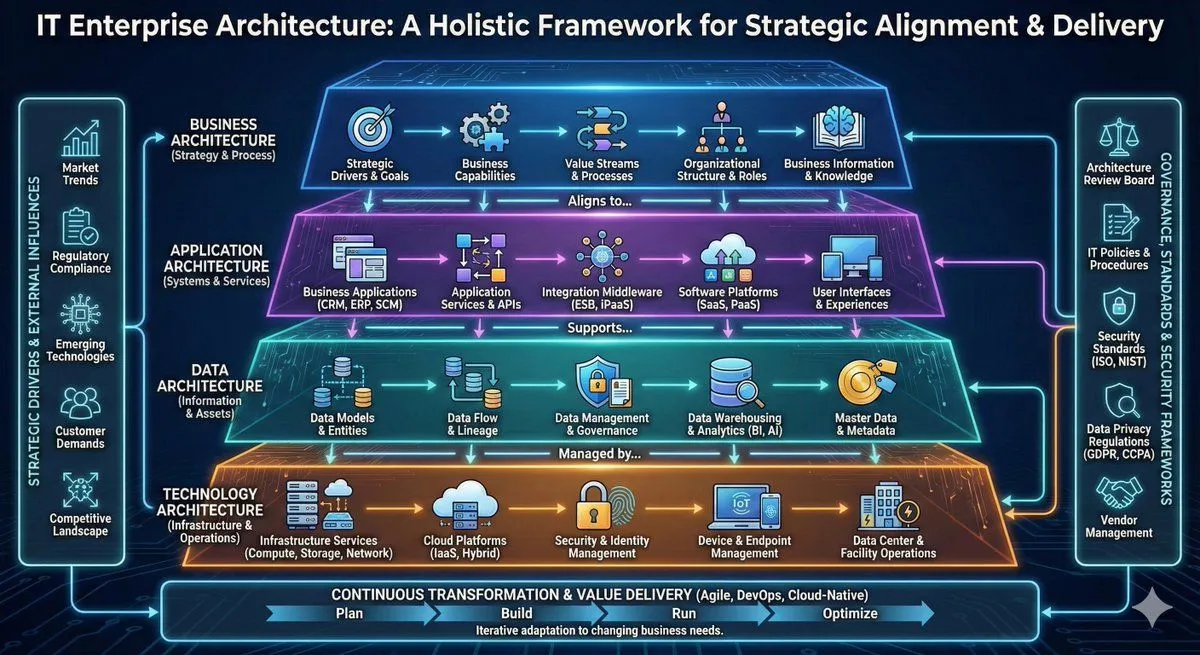
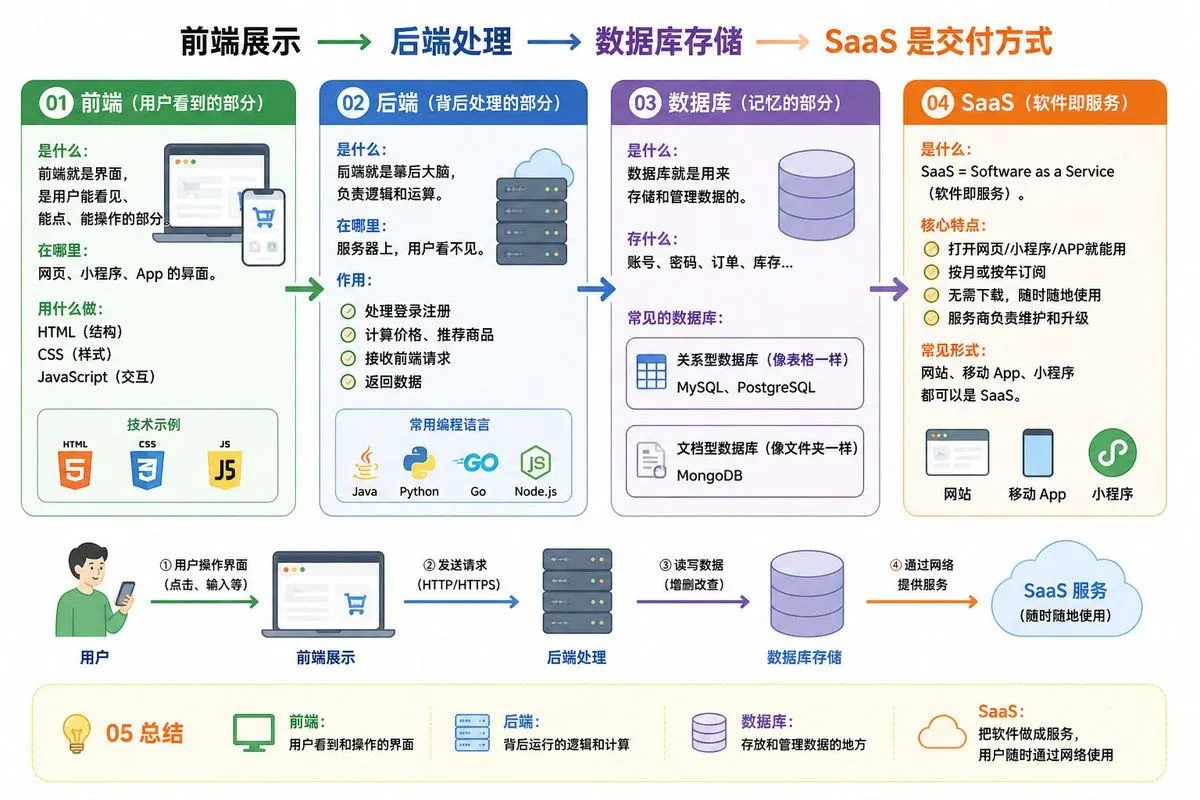
IT Architecture Knowledge Infographic

Made with GPT Image 2 in ChatGPT by Library Explainers. Promptclay never generates images.

Did it work?

No reports yet. Tell others if it worked for you.

No comments yet. Be the first.

    IT Architecture Knowledge Infographic

    GPT Image 23:2AI-generated

    Prompt

    01 Frontend (the part users see) What it is: The interface that users can see, click, and interact with. Where it is: Interfaces for websites, mini-programs, and apps. Tools: HTML (structure), CSS (styling), JavaScript (interaction). 02 Backend (the processing part behind the scenes) What it is: The brain behind the scenes, responsible for logic and calculation. Where it is: On the server, invisible to users. Function: Handles login and registration Calculates prices and recommends products Receives frontend requests and returns data Common languages: Java, Python, Go, JavaScript (Node.js) 03 Database (the memory part) What it is: Used to store and manage data. What it stores: Accounts, passwords, orders, inventory... Common databases: MySQL, PostgreSQL (relational, like tables) MongoDB (document-based, like folders) 04 SaaS (Software as a Service) What it is: SaaS = Software as a Service. Core features: Usable via web, mini-program, or app Monthly or annual subscription Common forms: Websites, mobile apps, and mini-programs can all be SaaS. 05 Summary Frontend: User-visible interface Backend: Logic and calculation behind the scenes Database: Storage and management of data SaaS: Delivering software as a service over the network Frontend display → Backend processing → Database storage → SaaS delivery method Help me draw an easy-to-understand diagram based on the content above.

    Works in
    ChatGPT, Gemini
    Status
    Free to copy
    0
    DetailsVersions, settings and questions

    Written for

    What's in the prompt

    Subject
    Model
    GPT Image 2

    If your face changes

    keep my face exactly the same

    Questions

    Does this work in the ChatGPT app?
    Yes. Paste the prompt and attach your photo if it uses one.
    It changed my face. What do I do?
    Add "keep my face exactly the same" to the end and run it again.
    Can I use the images I make?
    Check the terms of the app you use. Promptclay never generates images and claims nothing you make.
    Similar prompts

    See more
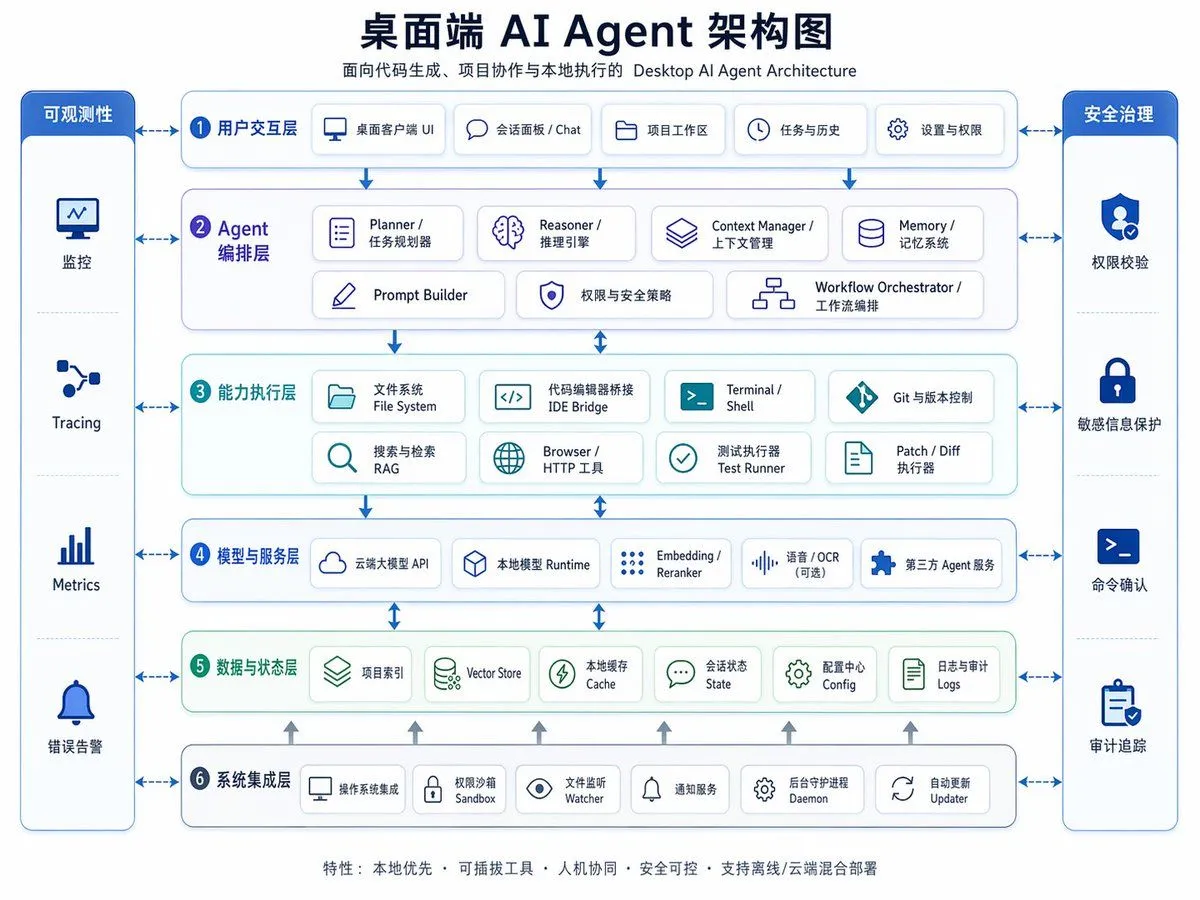
    • Desktop AI Agent Architecture Diagram
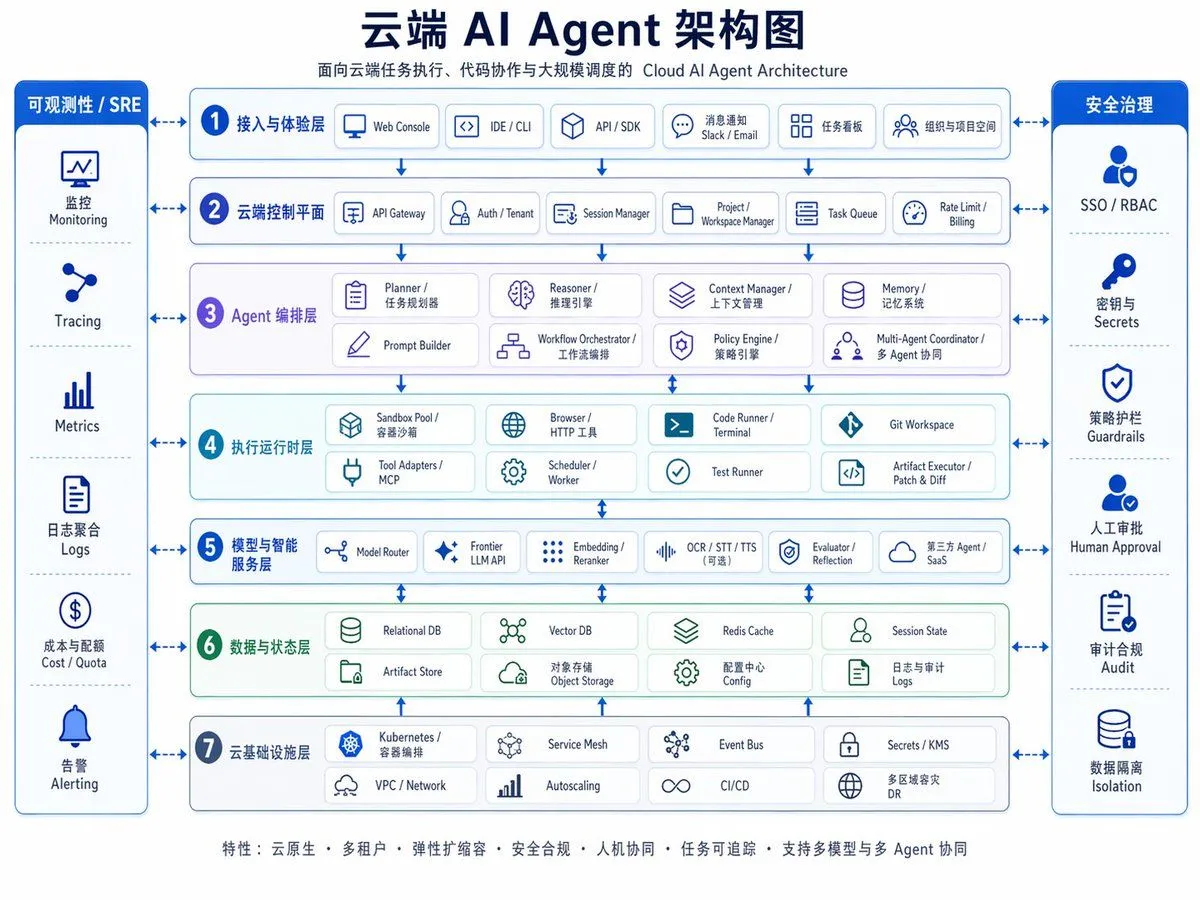
    • Cloud AI Agent Architecture Diagram
    • High-detail IT careers infographic (Thai/English mix)
    • Space shuttle diagram in space
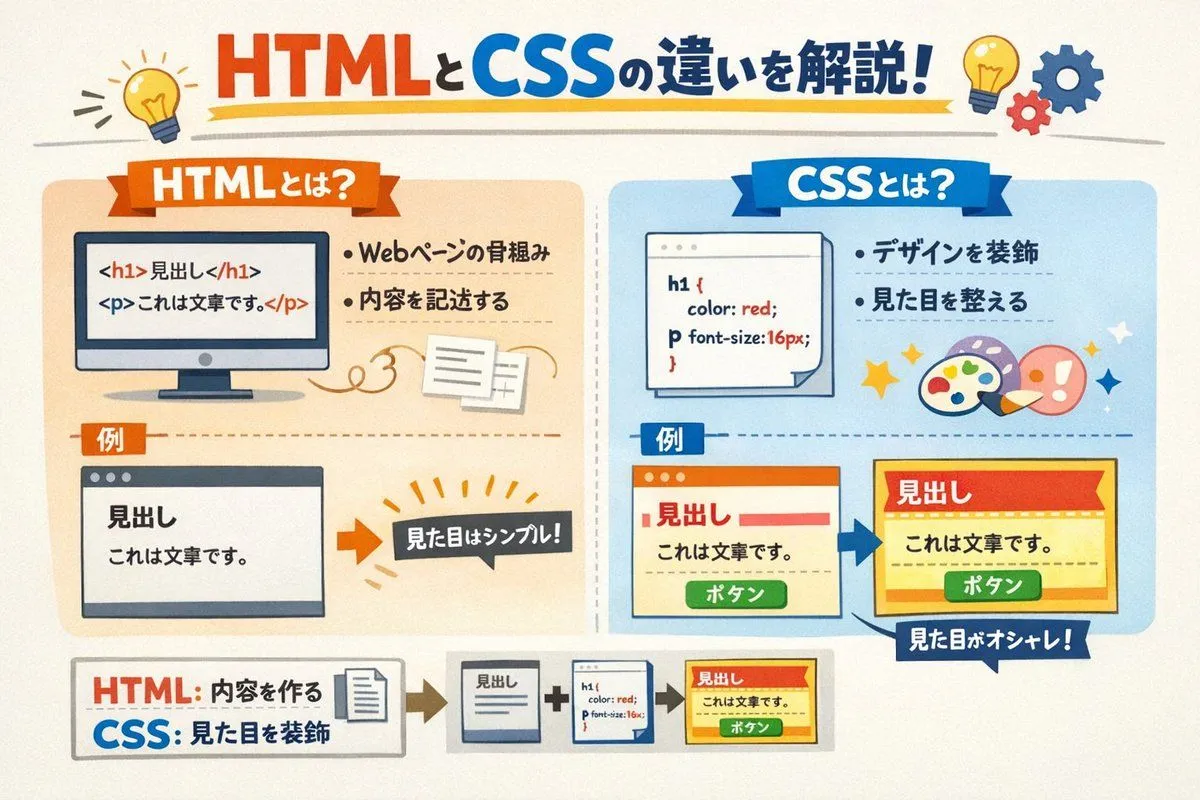
    • Image Generation Prompt for HTML/CSS Explanation Diagram
    • Diagram Generation from Text
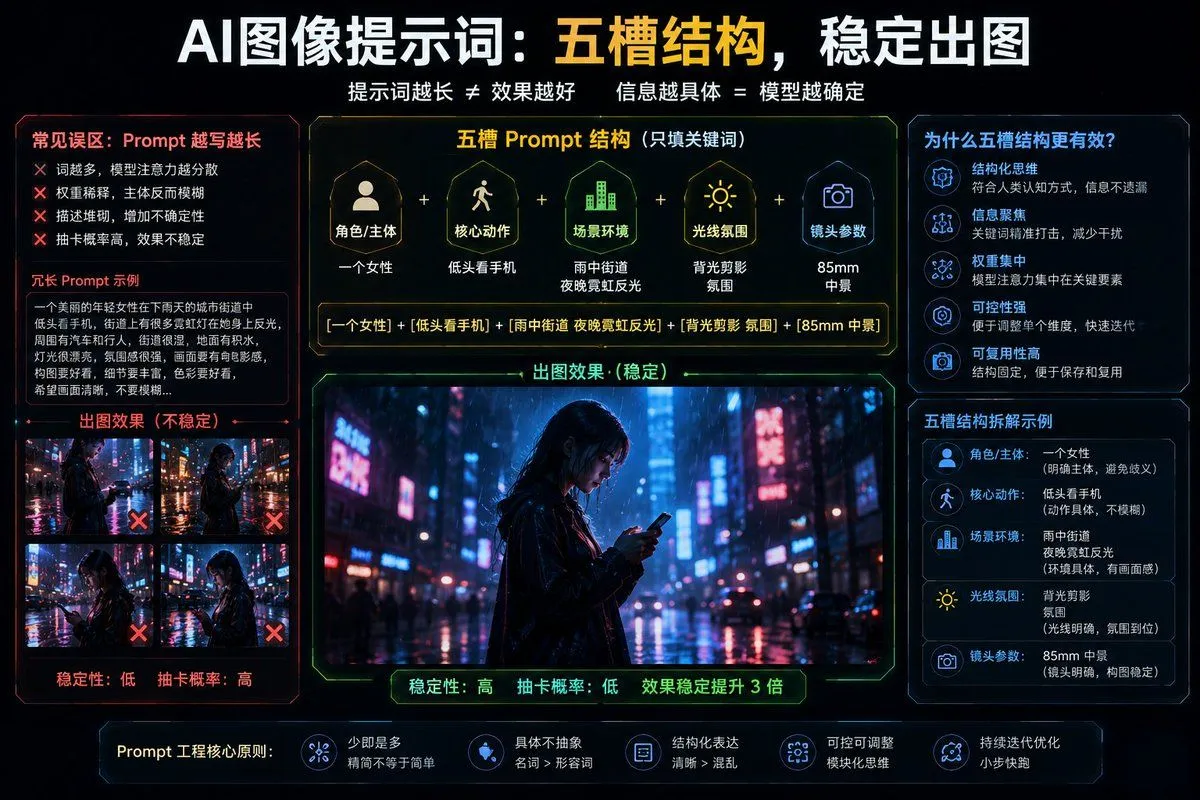
    • Structured 5-Slot Generation Template
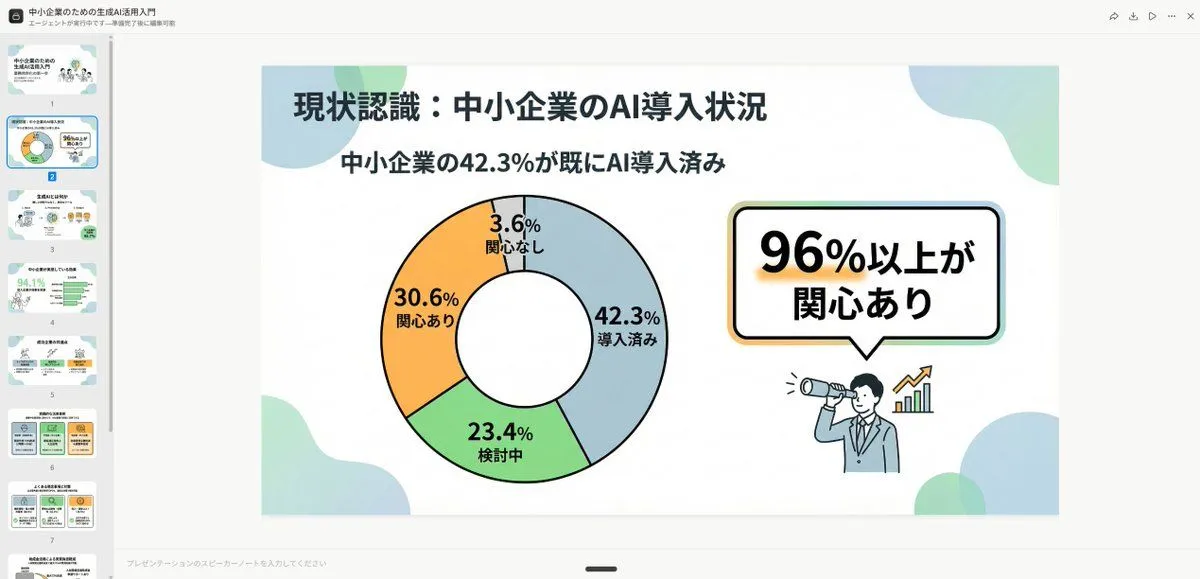
    • High-Quality Flat Design Slide Generation Prompt
    • NOVALITH SaaS Landing Page Hero
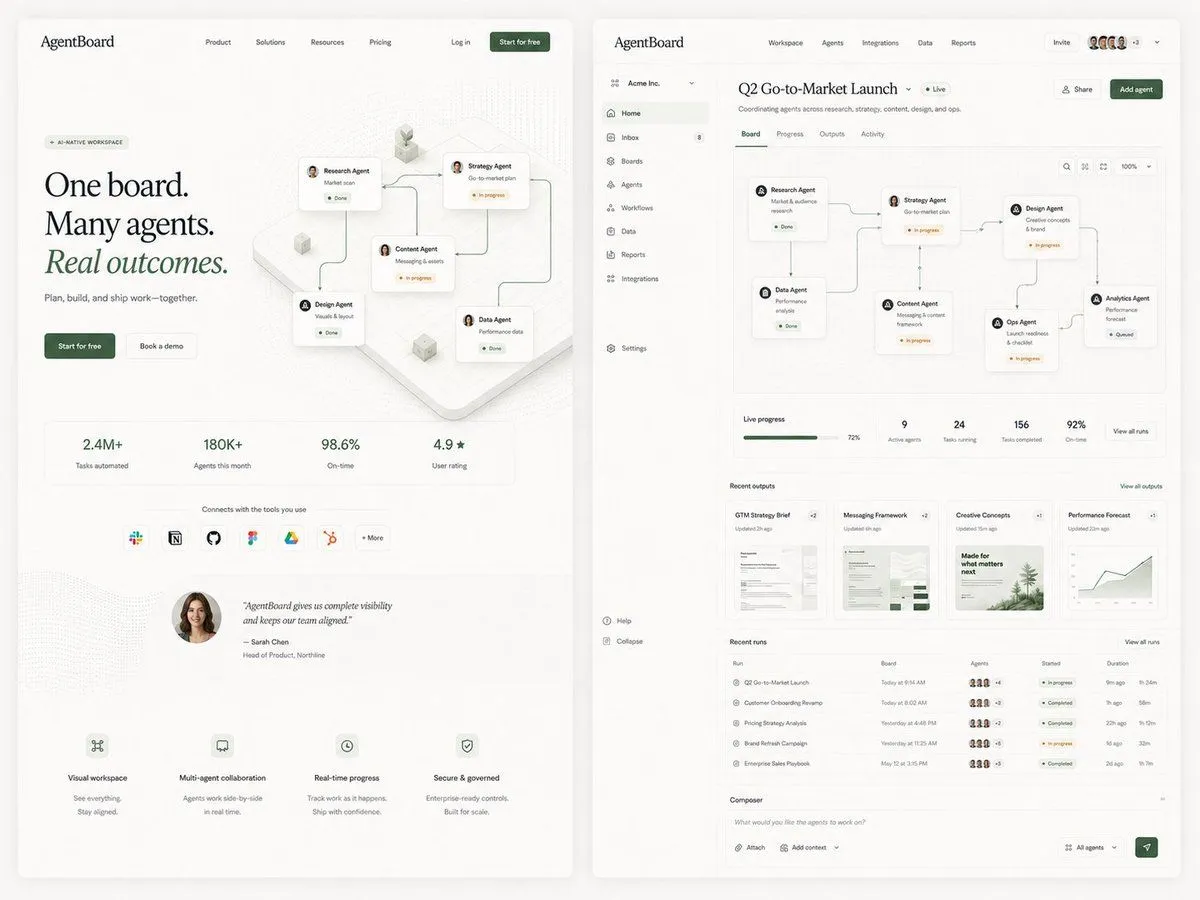
    • AgentBoard SaaS Landing and Dashboard UI
    • Cutaway infographic of a modern jet airliner
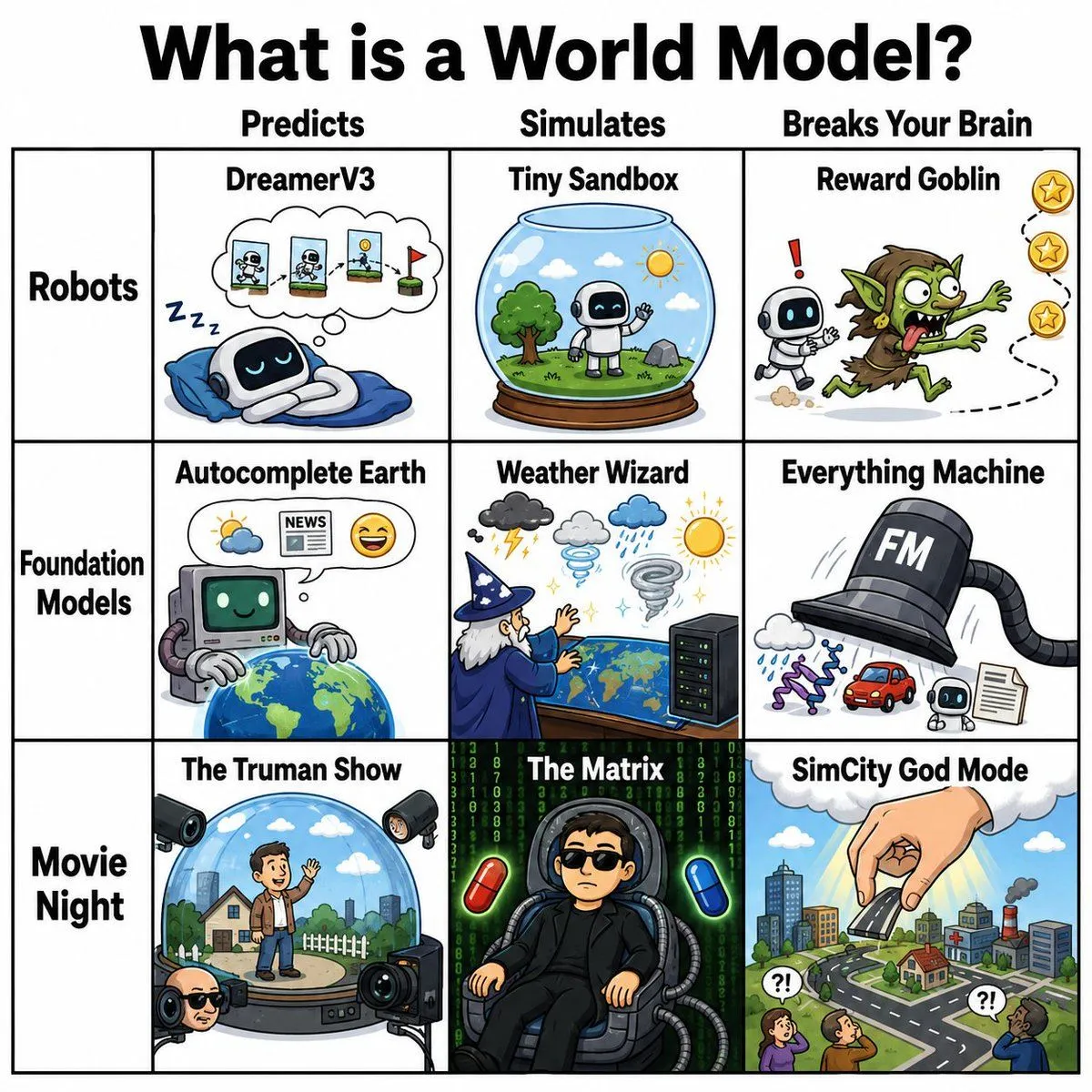
    • World Model Meme Grid
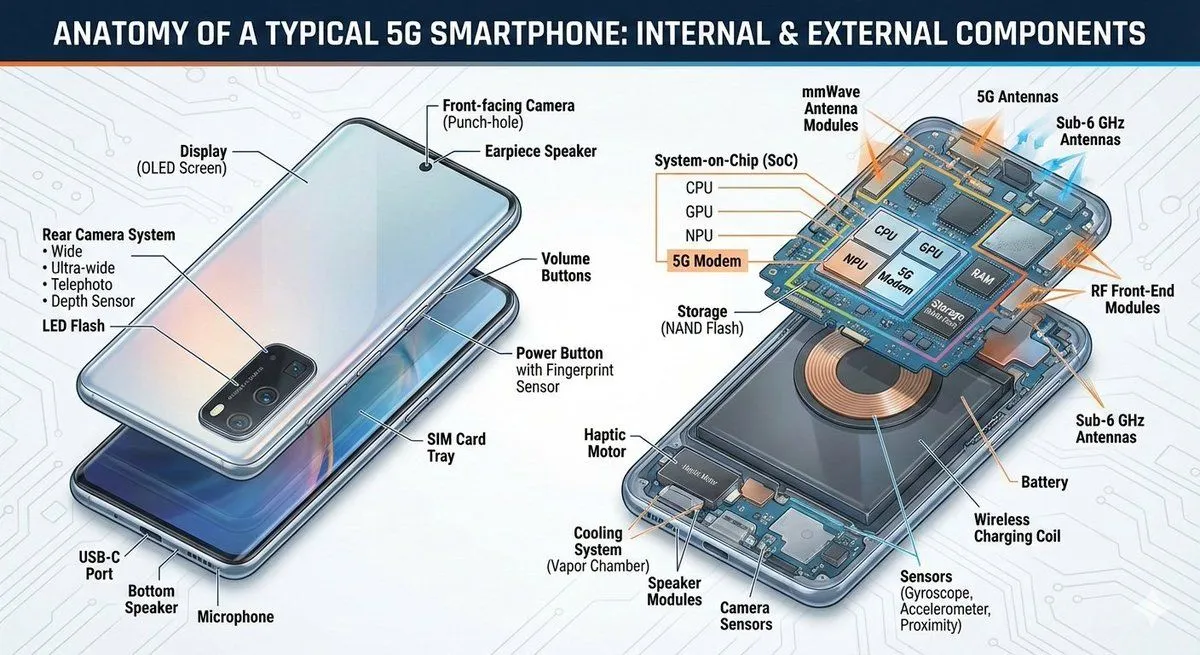
    • 5G Smartphone Infographic Prompt
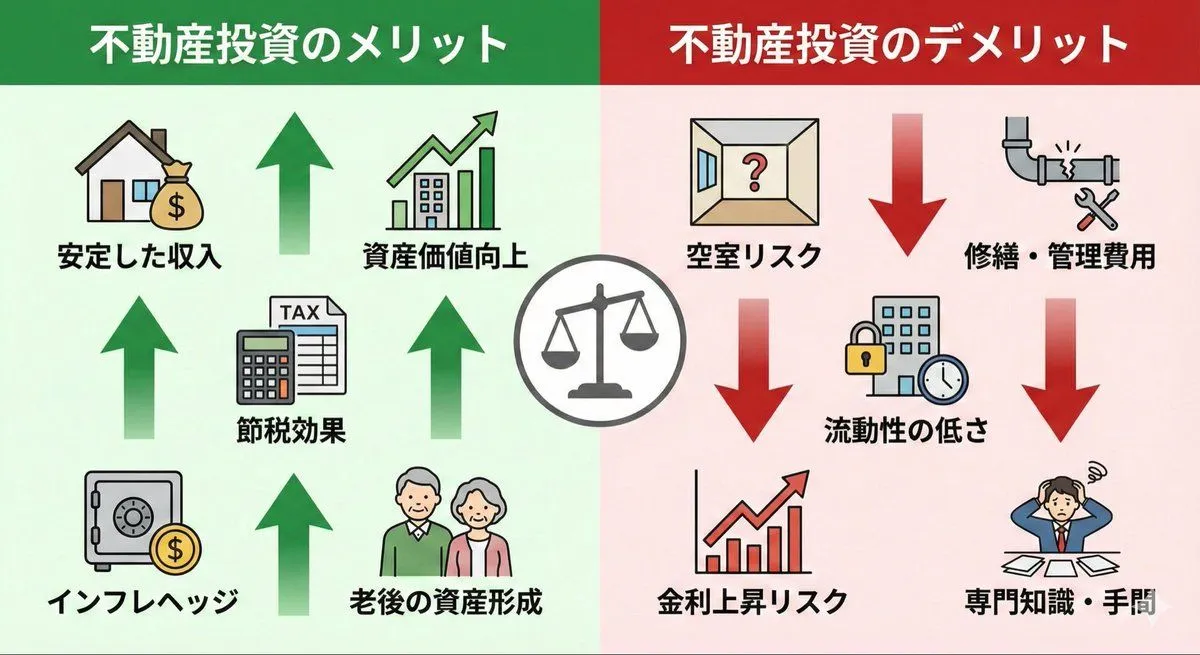
    • Pros and cons of real estate investment infographic
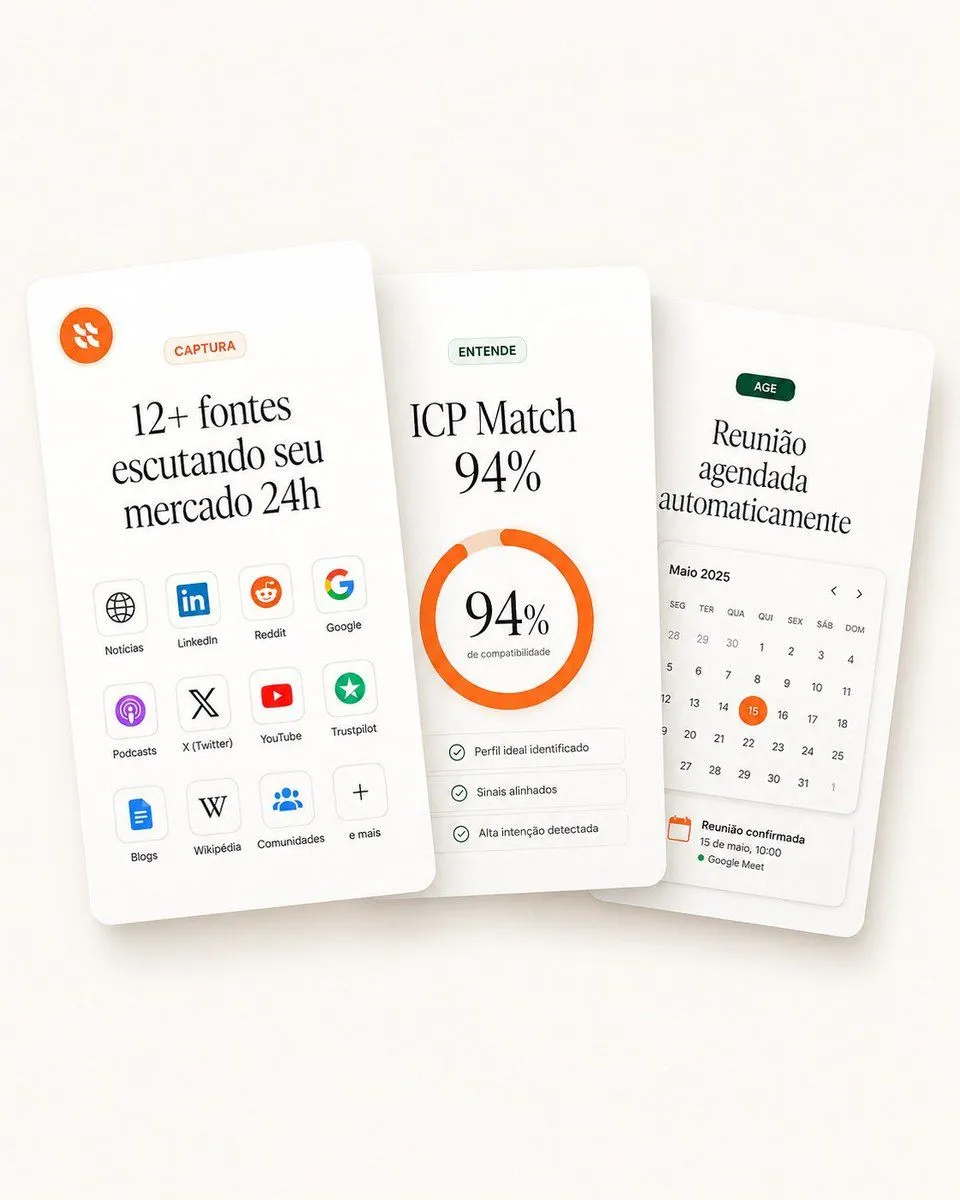
    • Overlapping SaaS Feature Cards
    • Cyberpunk Flash Sale Landing Hero
    • Geometric Milestone Celebration Poster
    • Japanese AI Telop Thumbnail
    • Lilac Harbin Good Morning Poster
    • Minimal GPT Image 2 Logo Lockup
    • Tech Tutorial Thumbnail with UI Mockup
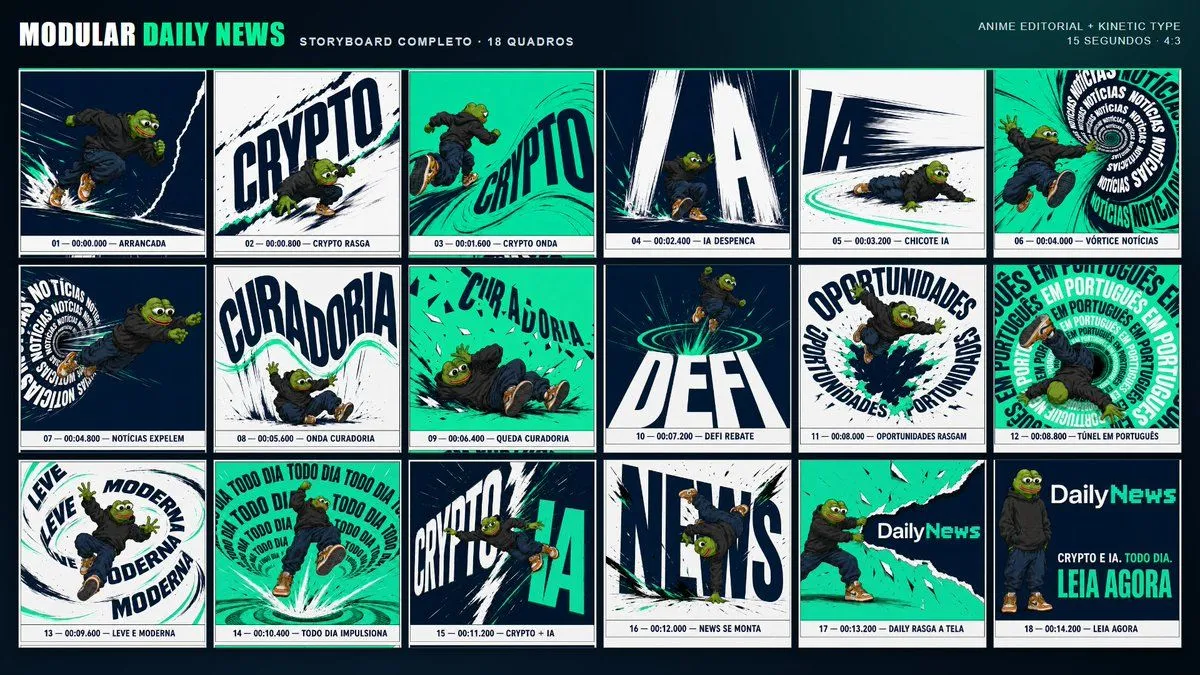
    • Kinetic News Storyboard Sheet
    • Mechanical Keyboard Product Page Mockup
    • Storyboard Grid Generator

    Show more

    Run it on your phone

    1. Prompt copiedRead it

      01 Frontend (the part users see) What it is: The interface that users can see, click, and interact with. Where it is: Interfaces for websites, mini-programs, and apps. Tools: HTML (structure), CSS (styling), JavaScript (interaction). 02 Backend (the processing part behind the scenes) What it is: The brain behind the scenes, responsible for logic and calculation. Where it is: On the server, invisible to users. Function: Handles login and registration Calculates prices and recommends products Receives frontend requests and returns data Common languages: Java, Python, Go, JavaScript (Node.js) 03 Database (the memory part) What it is: Used to store and manage data. What it stores: Accounts, passwords, orders, inventory... Common databases: MySQL, PostgreSQL (relational, like tables) MongoDB (document-based, like folders) 04 SaaS (Software as a Service) What it is: SaaS = Software as a Service. Core features: Usable via web, mini-program, or app Monthly or annual subscription Common forms: Websites, mobile apps, and mini-programs can all be SaaS. 05 Summary Frontend: User-visible interface Backend: Logic and calculation behind the scenes Database: Storage and management of data SaaS: Delivering software as a service over the network Frontend display → Backend processing → Database storage → SaaS delivery method Help me draw an easy-to-understand diagram based on the content above.

    2. Open your app

    3. Paste and run

      Press and hold the message box, then tap Paste. Add your photo first if the prompt uses one. You may need to sign in.

    IT Architecture Knowledge Infographic