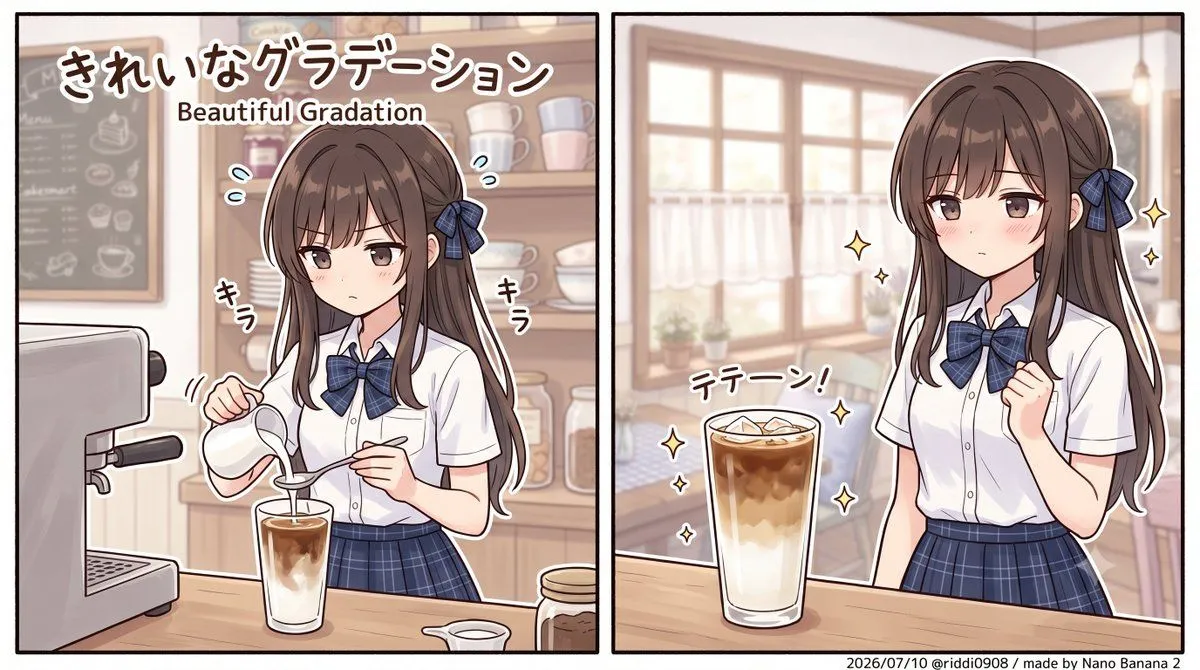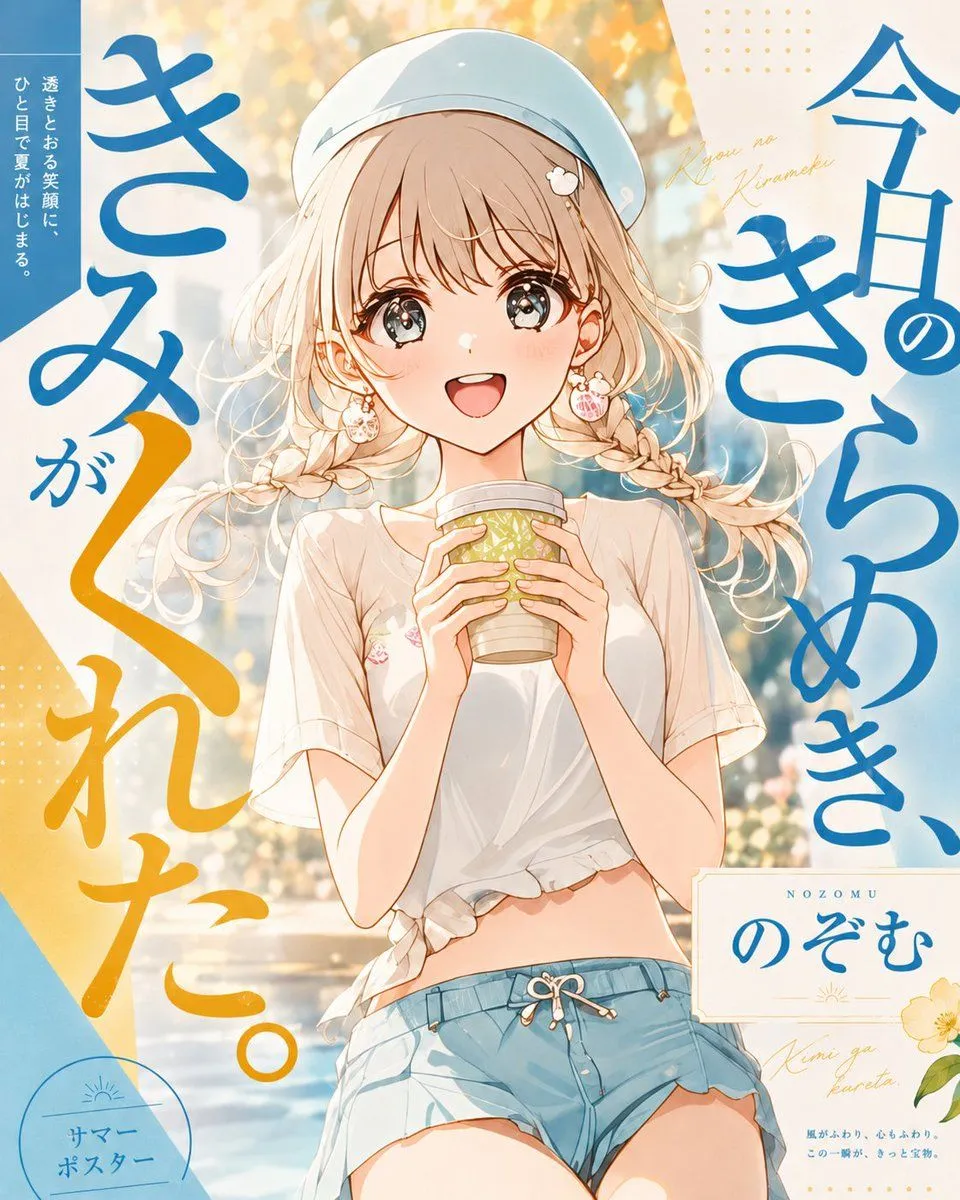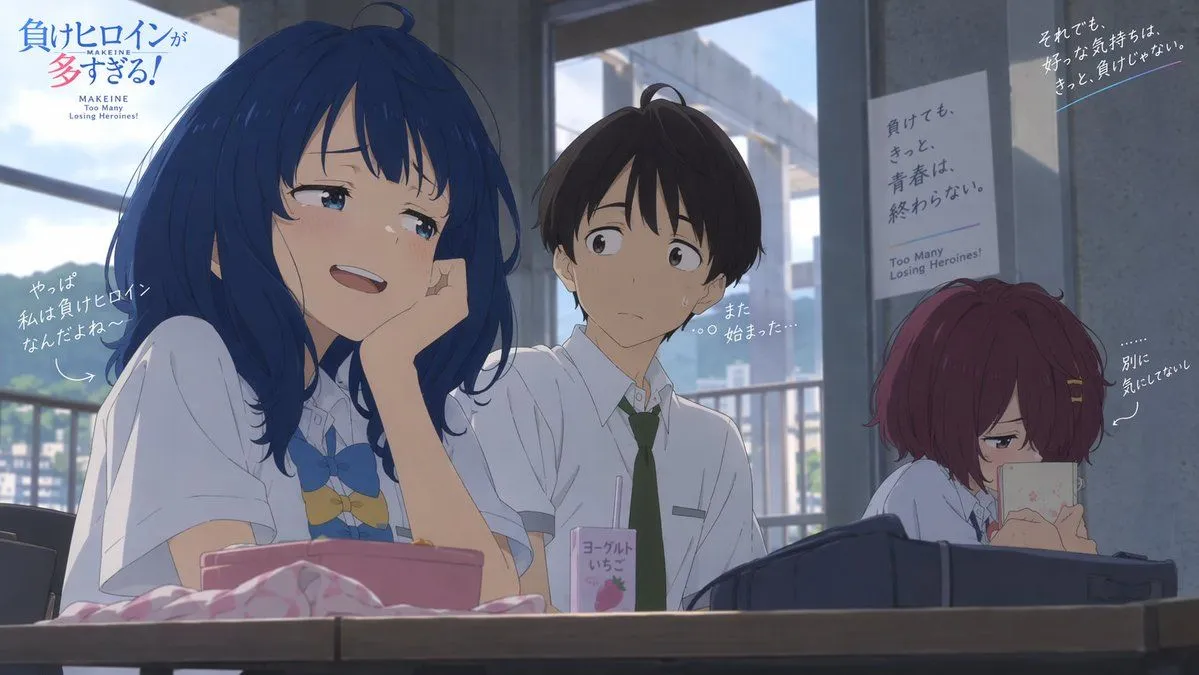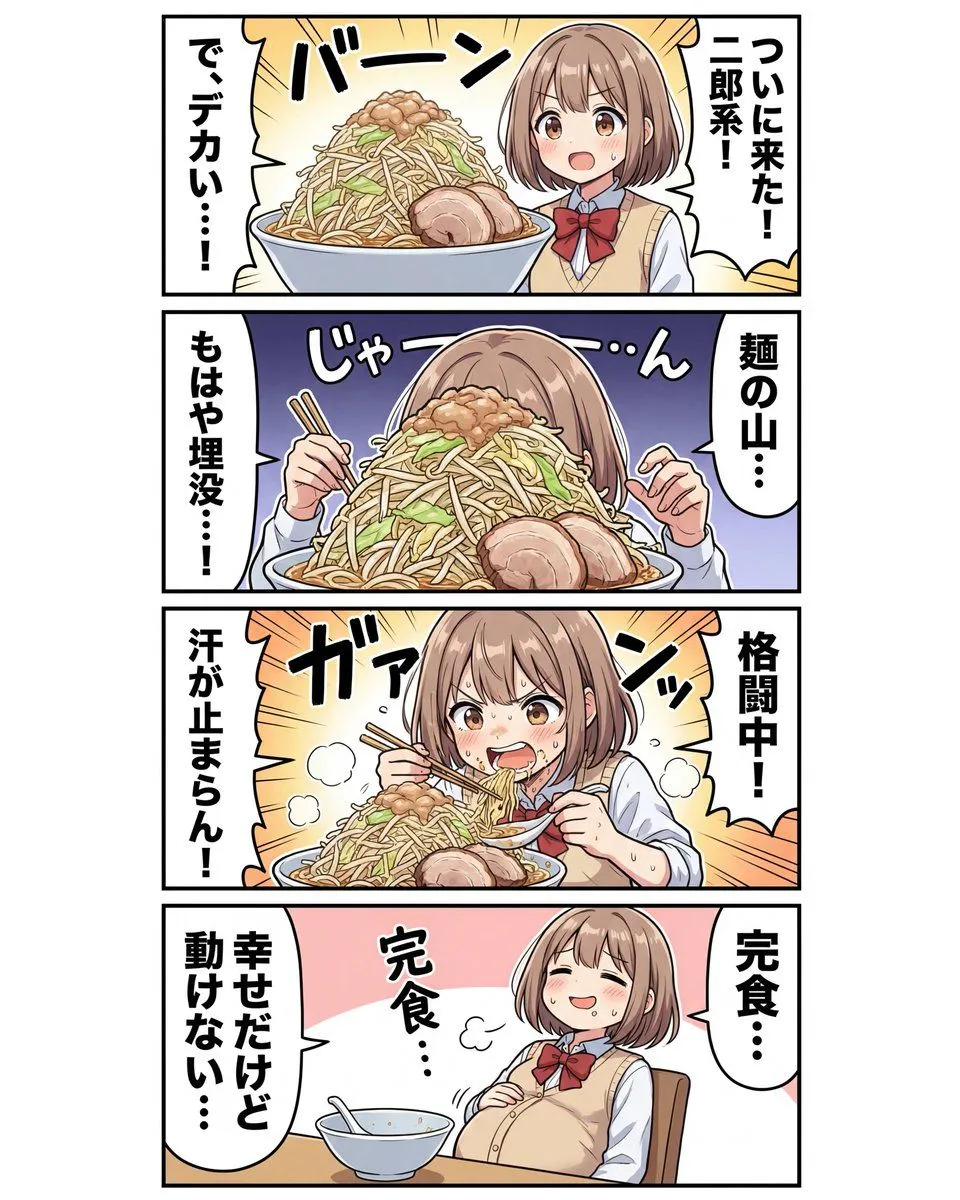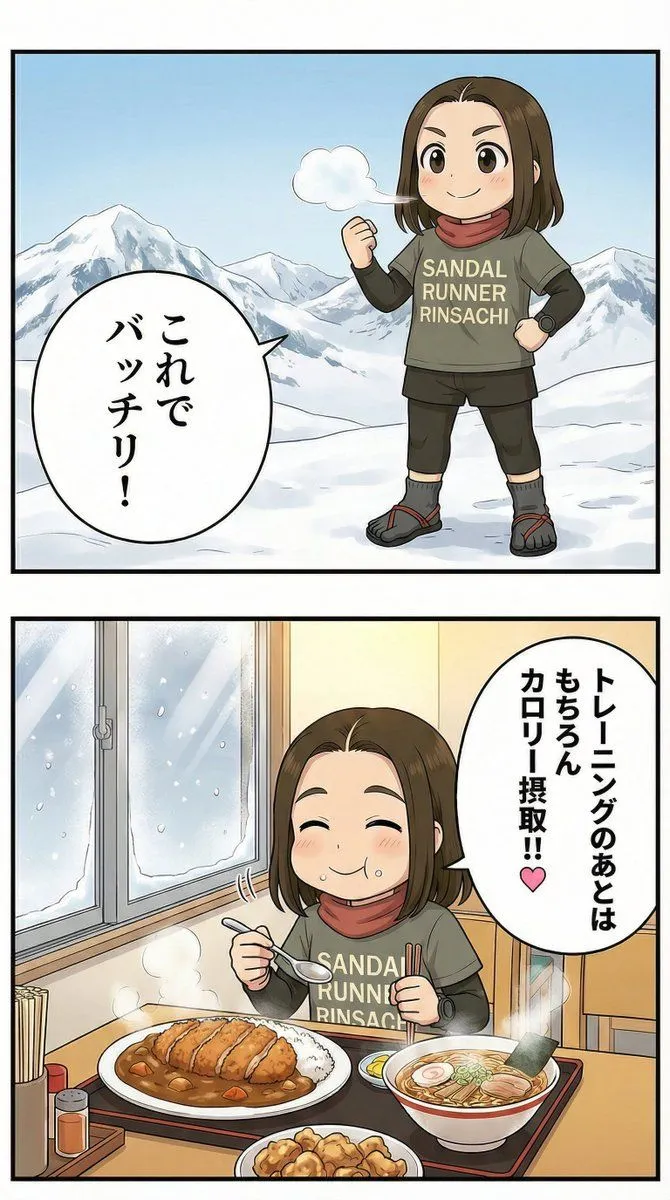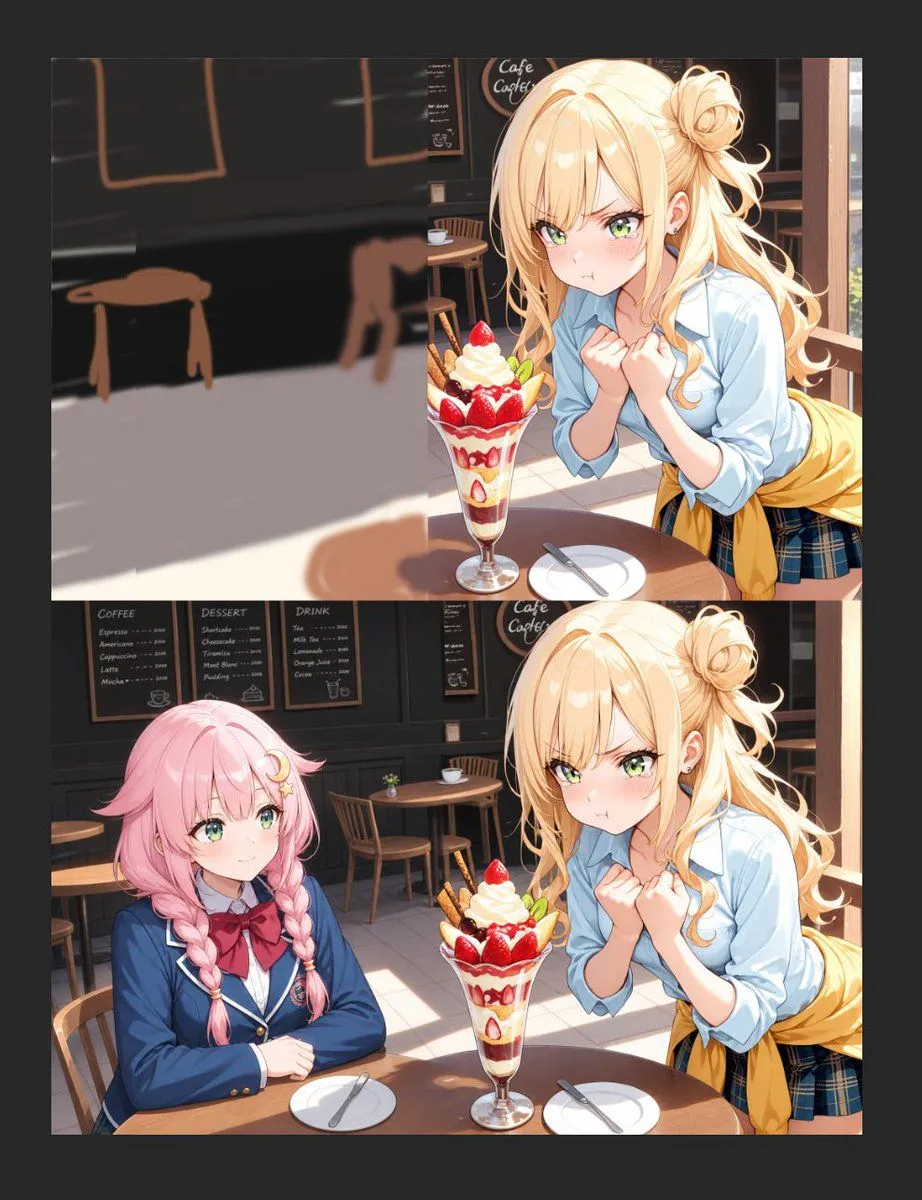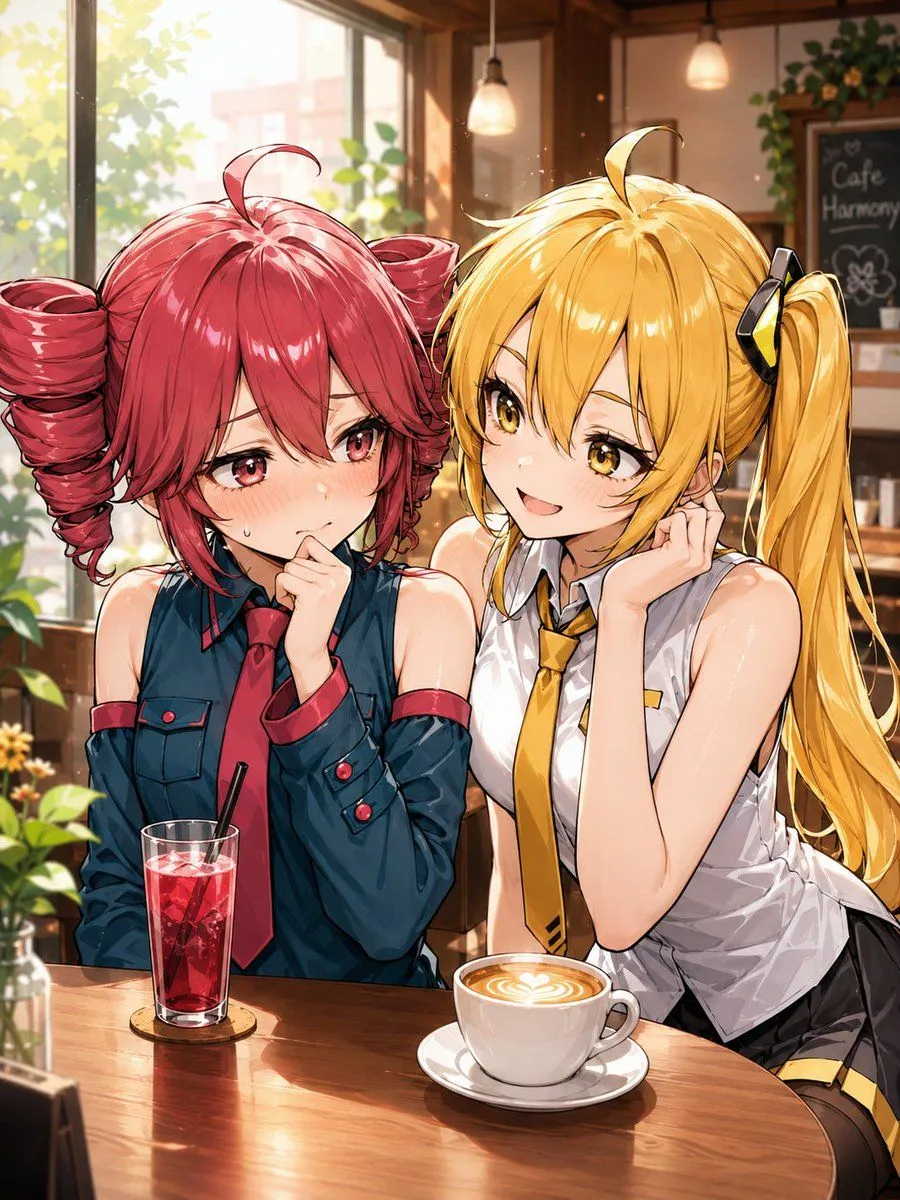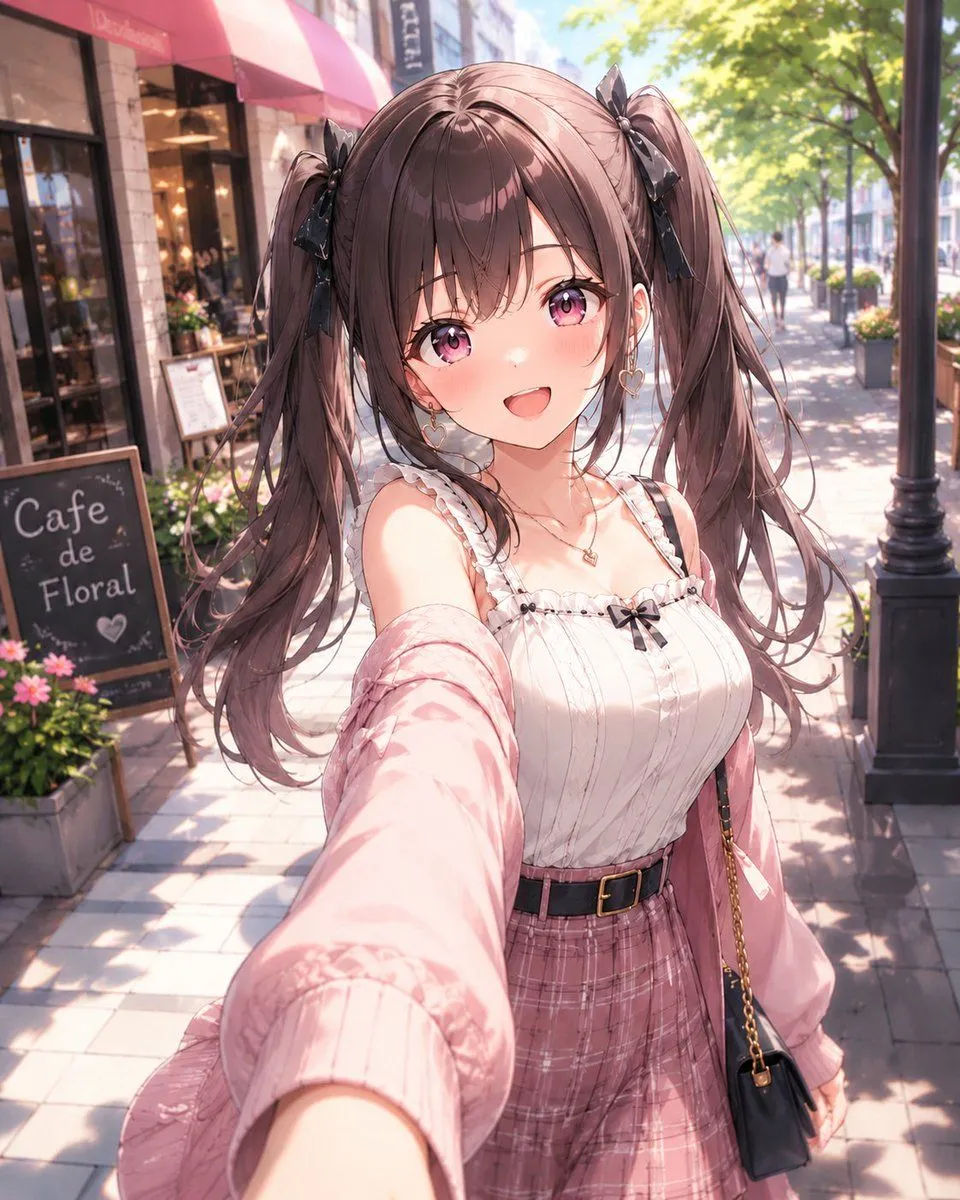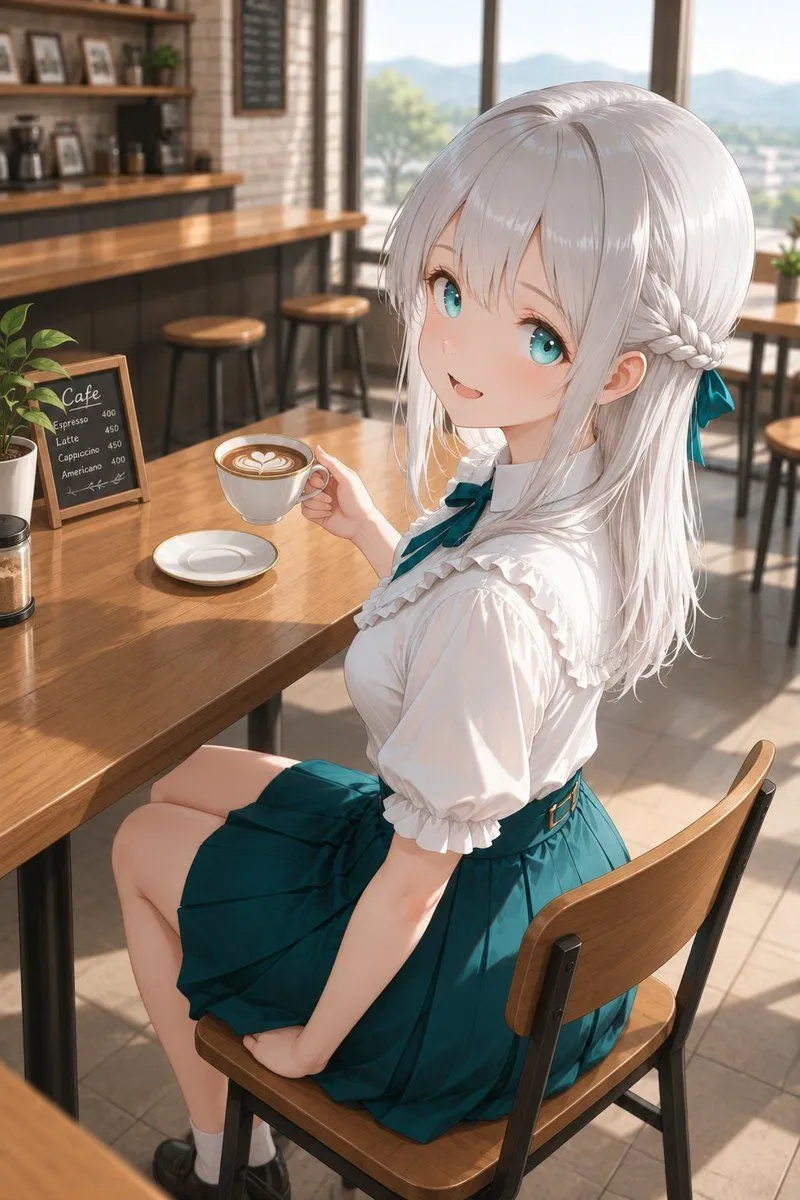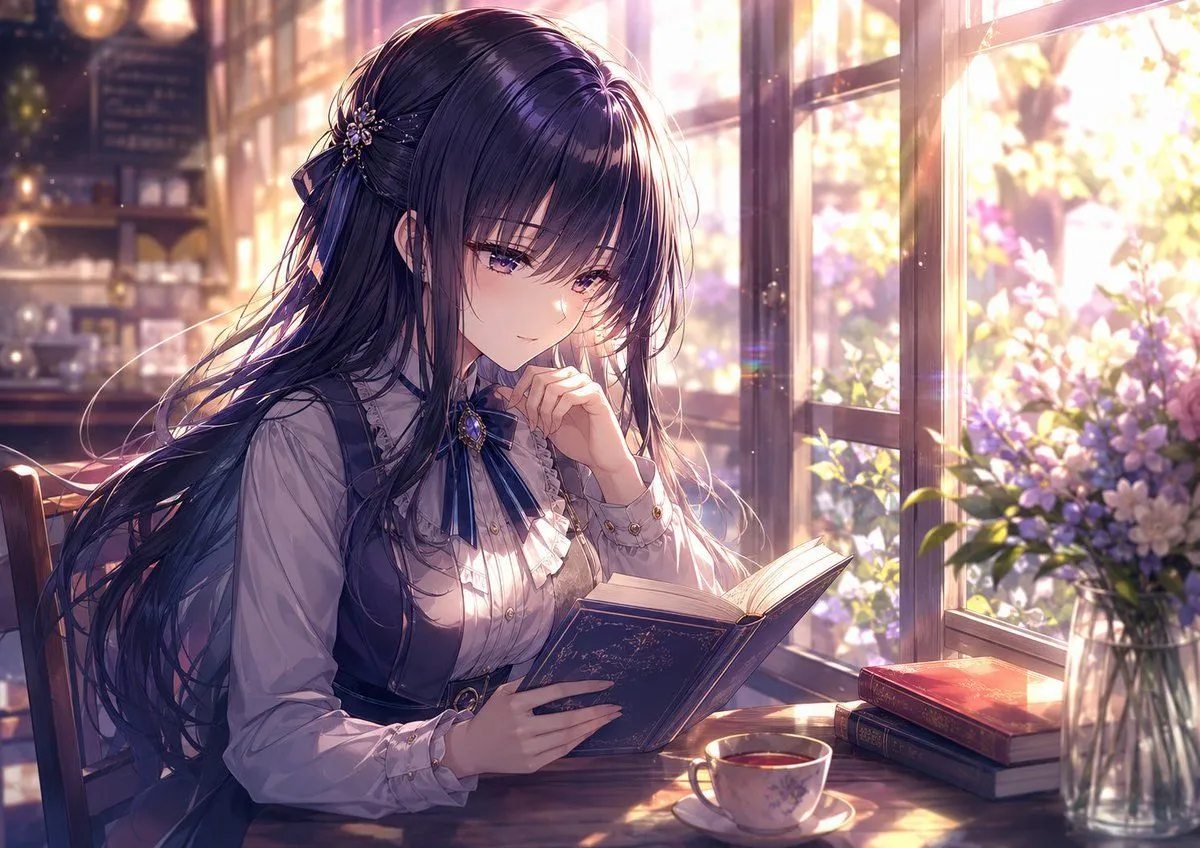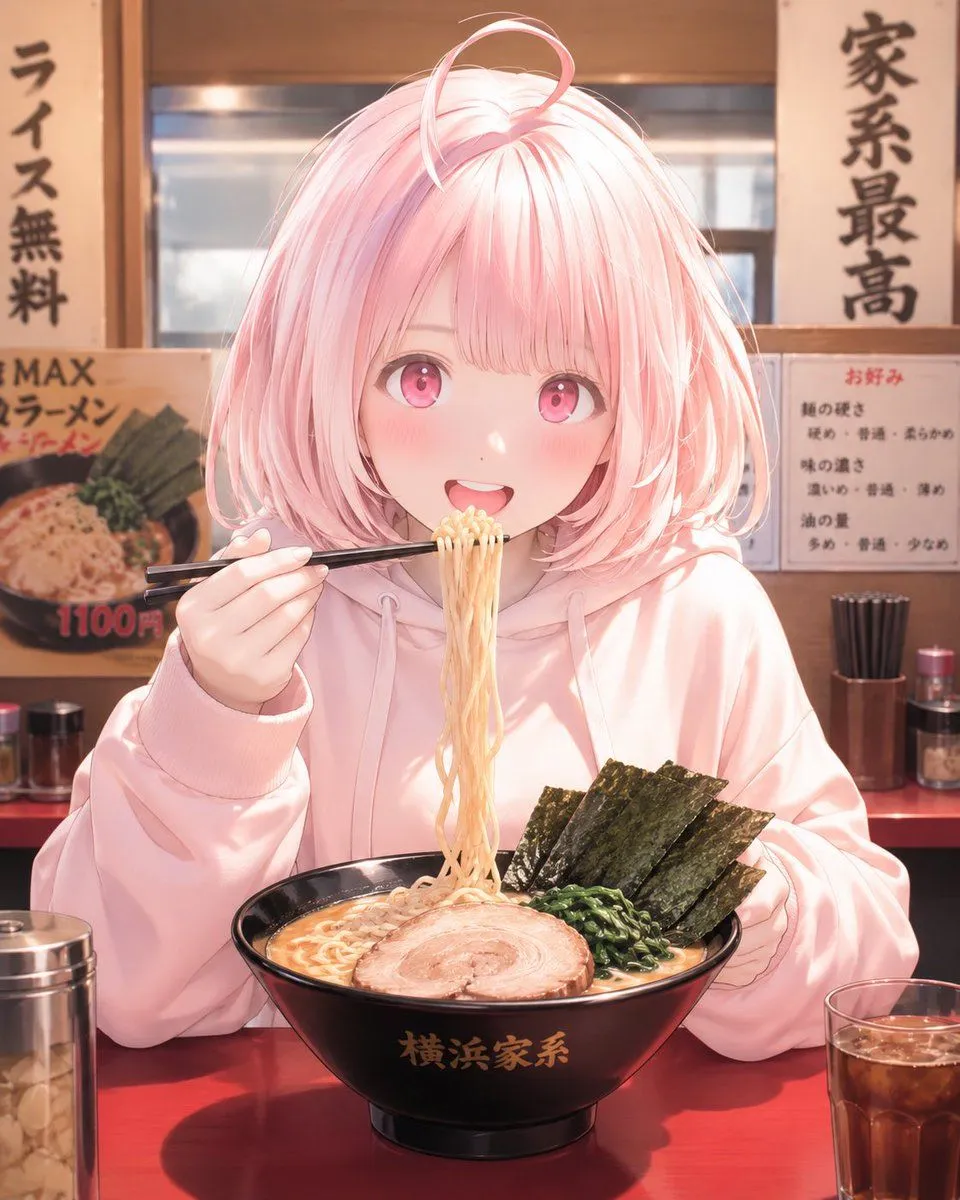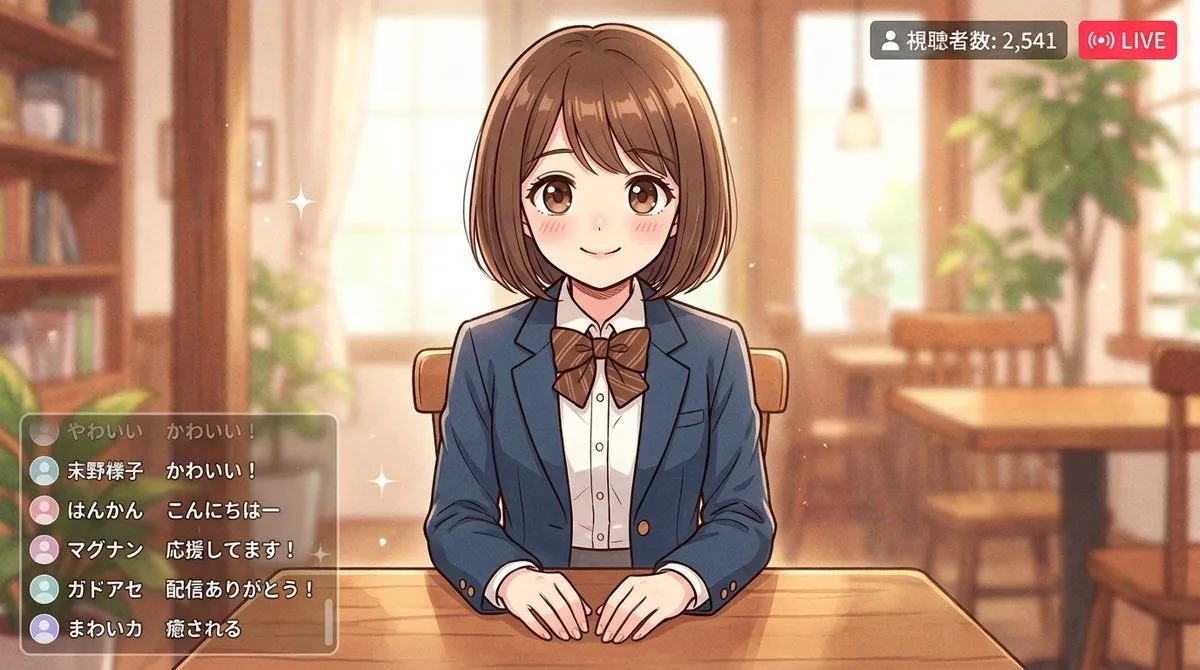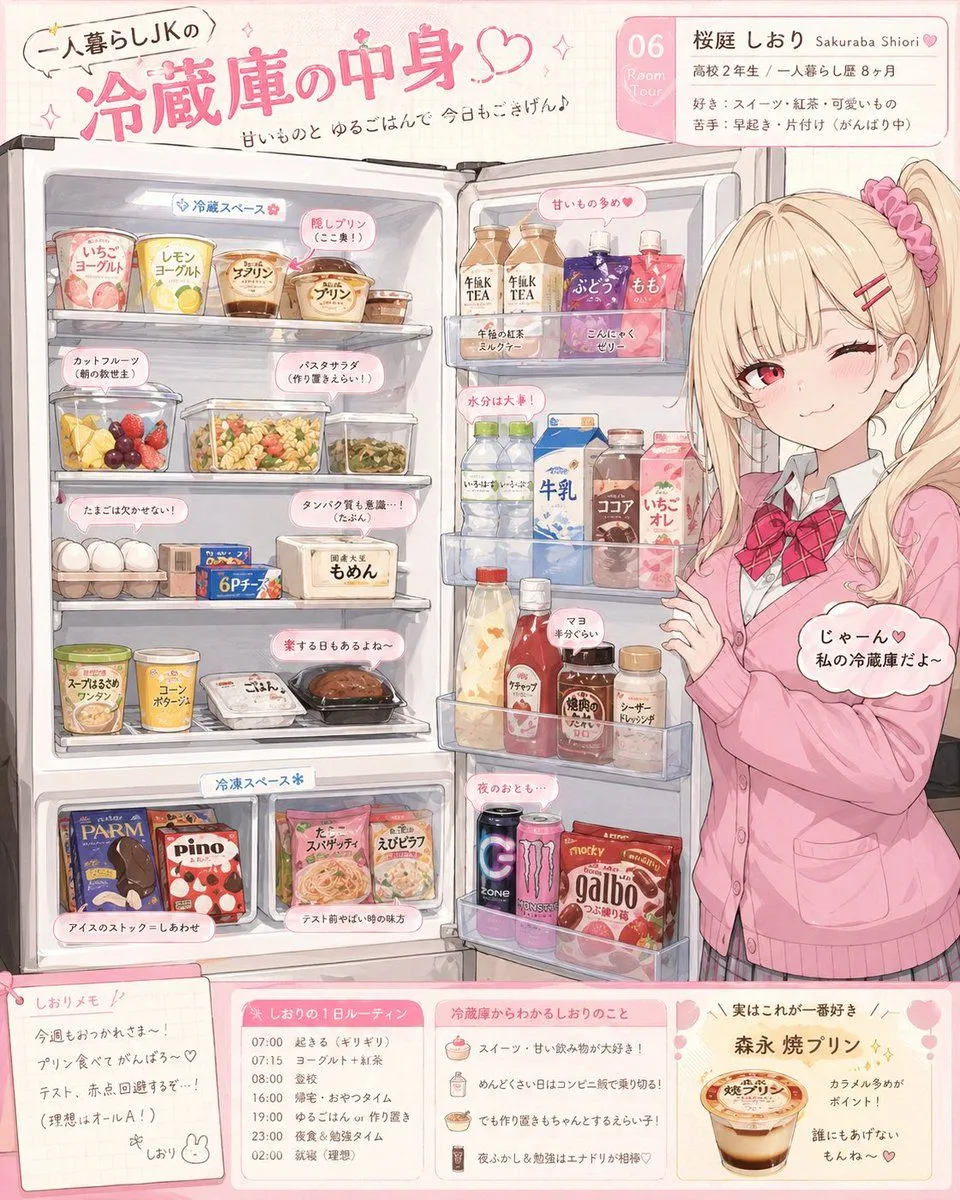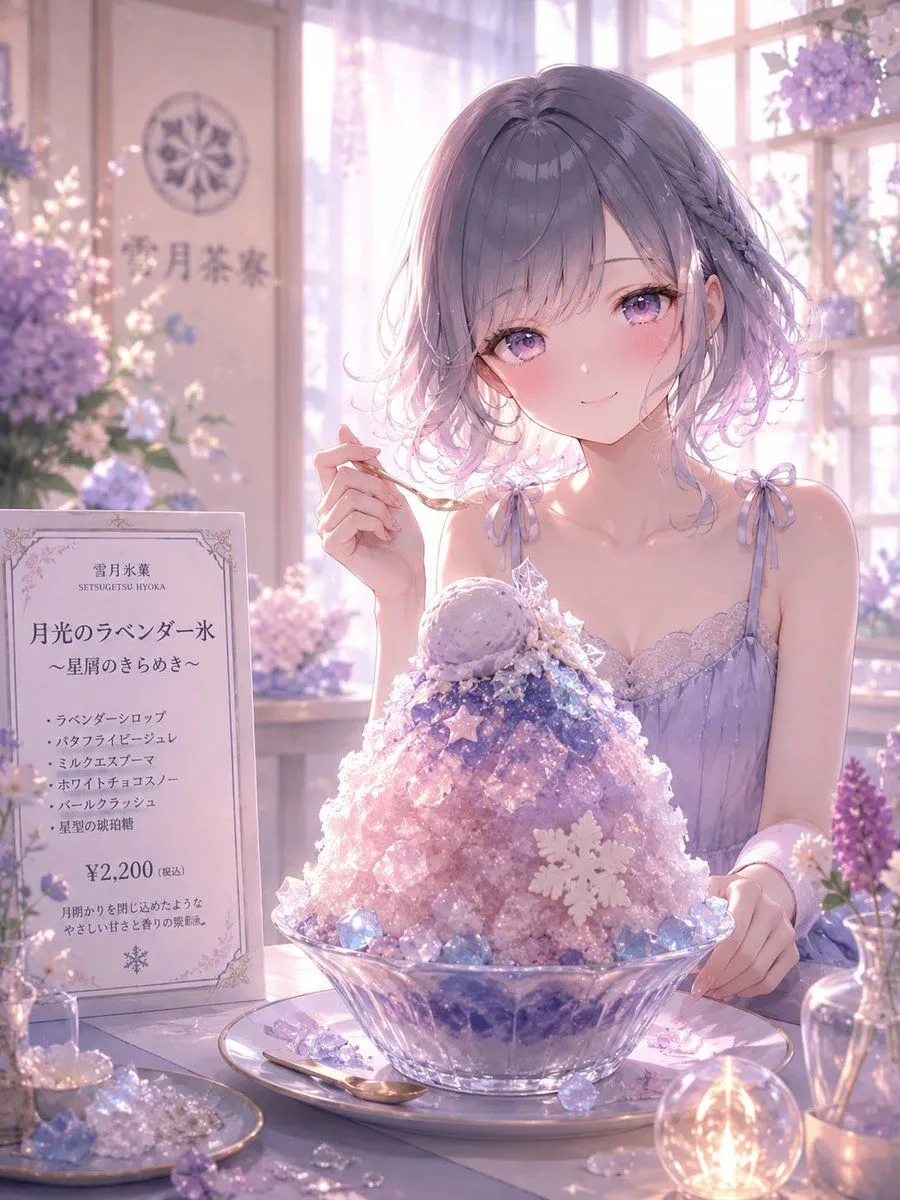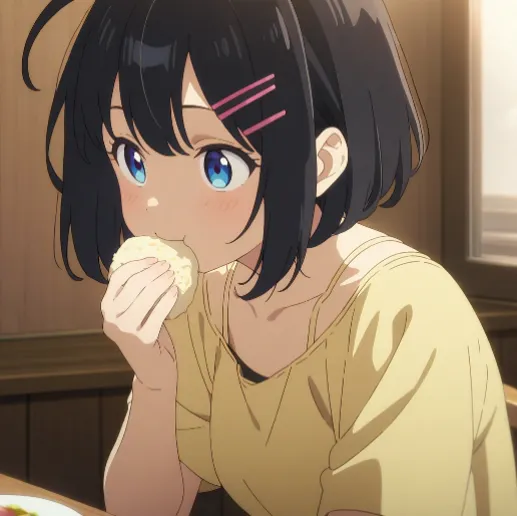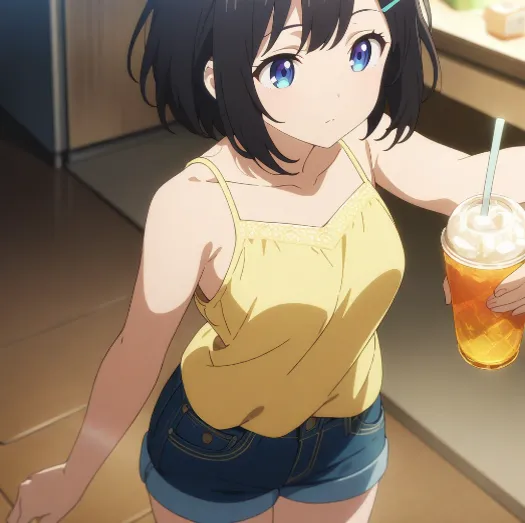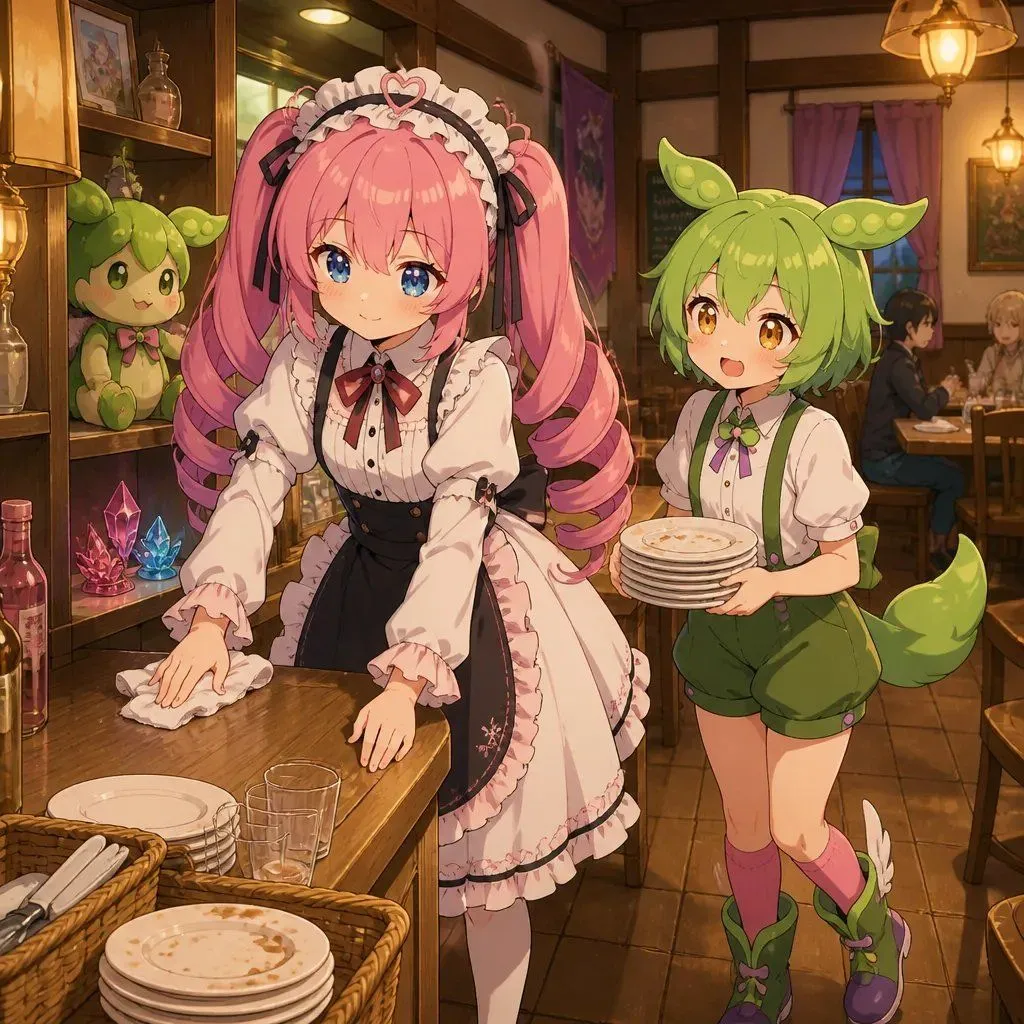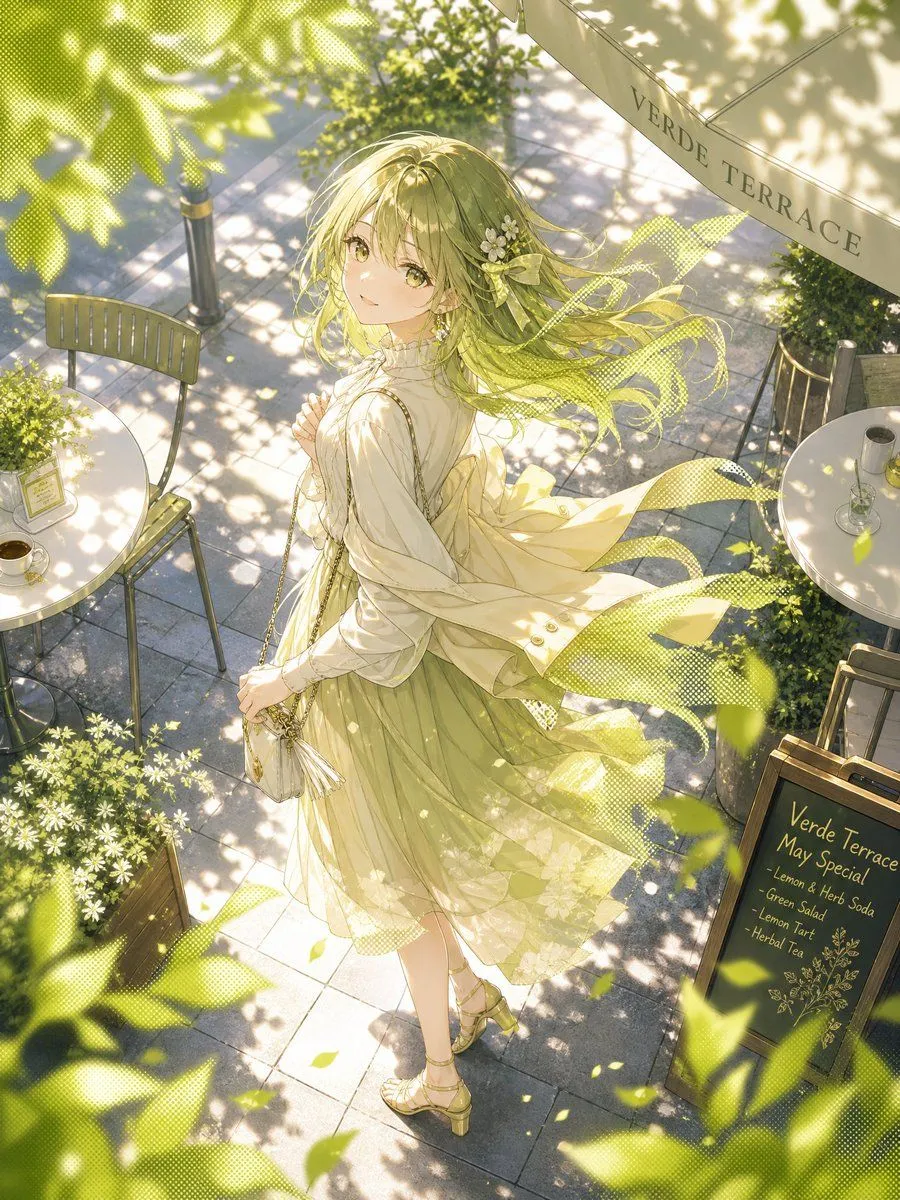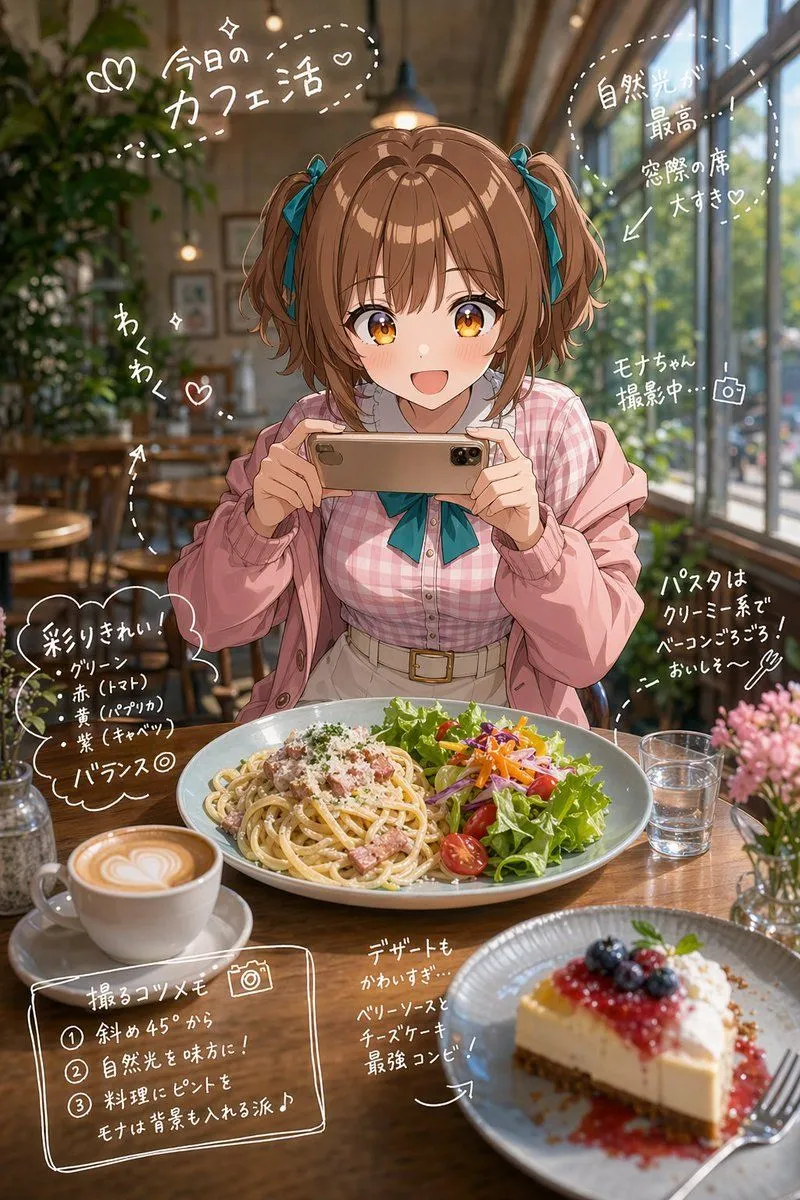
Made with GPT Image 2 in ChatGPT by Library Lifestyle. Promptclay never generates images.
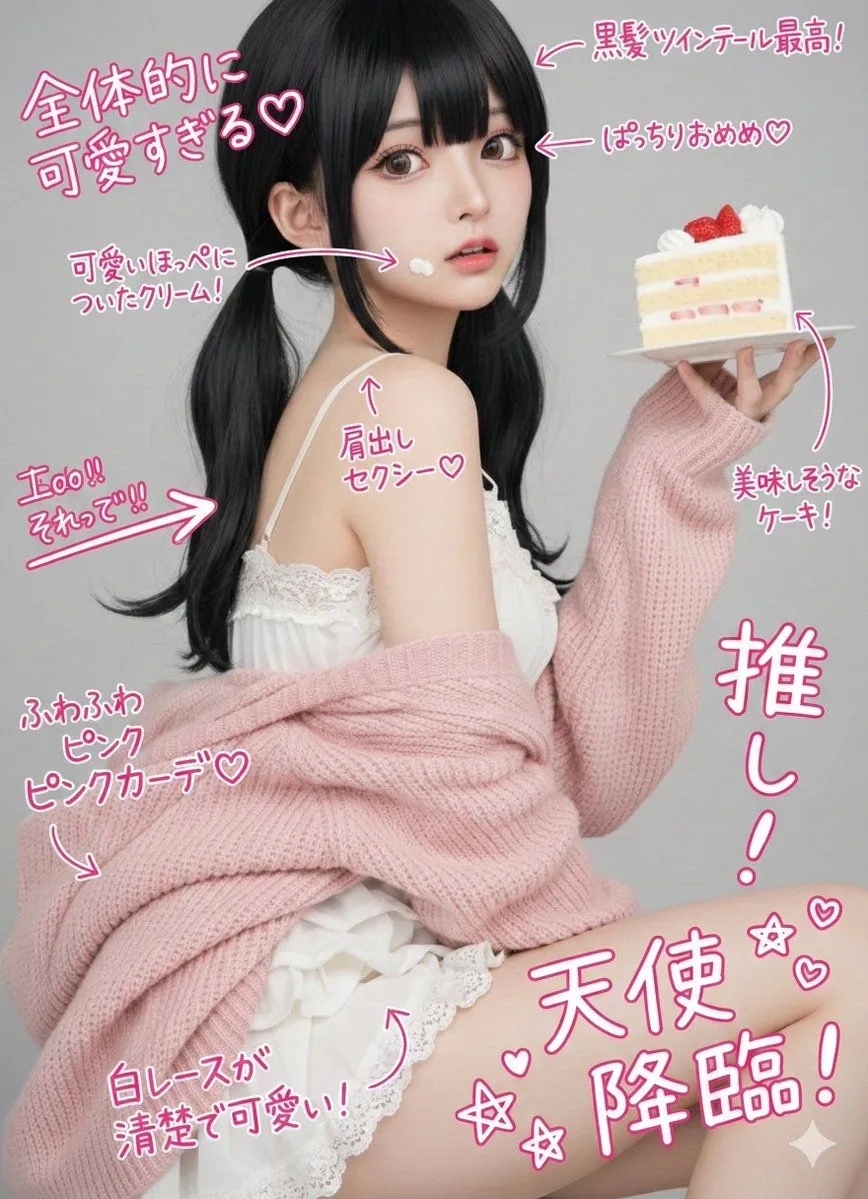
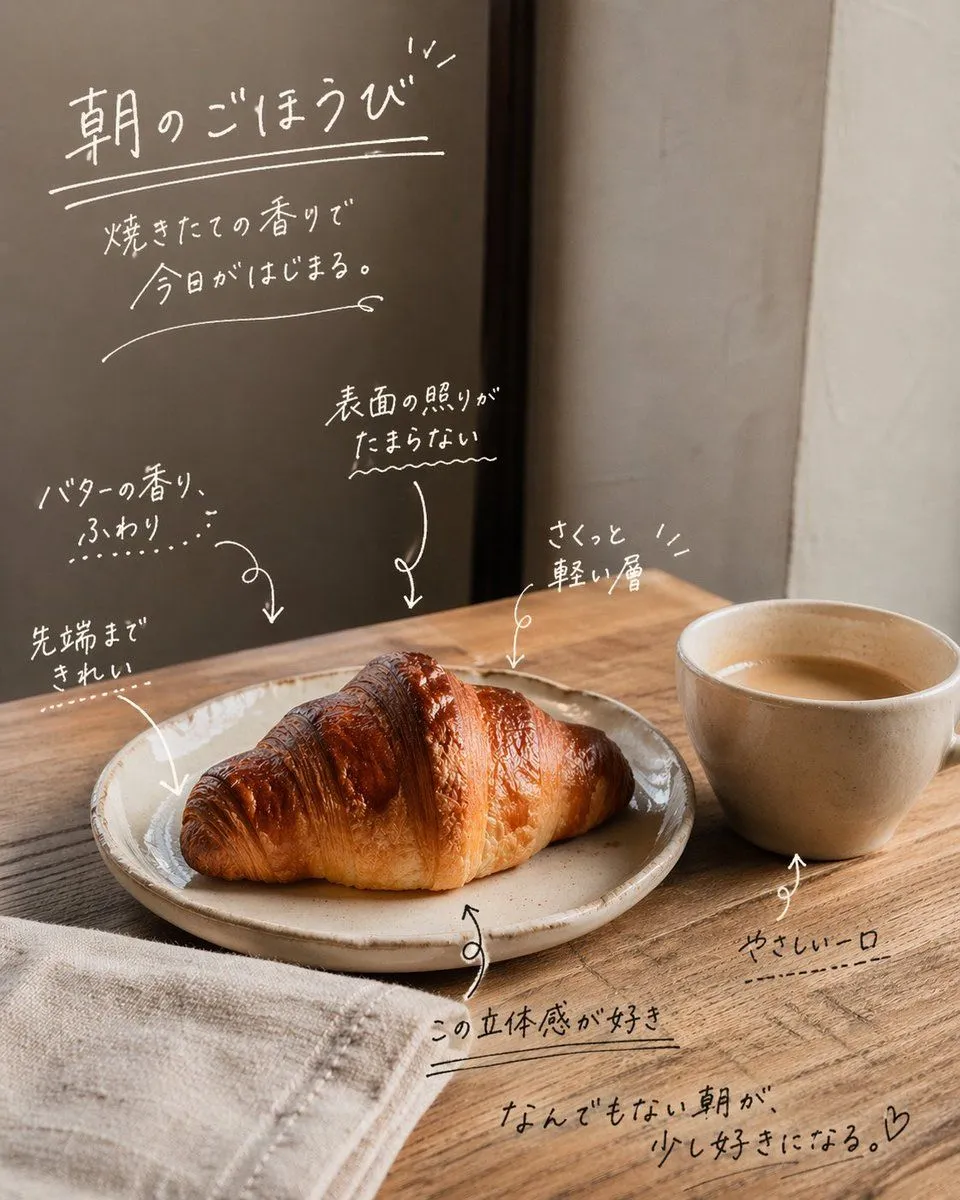
Instagram Story with Annotations
Prompt
3 blanks to fillImagine a {location}. Place dishes suited for the setting, such as {food_items}, on the table. The subject features an anime character appearing in the live-action space, using a character sheet as a reference. Poses are random. Real-time toon rendering quality. Clear cel-shaded edge lines, contrast between anime-style highlights and shadows, 3DCG-based but with a hand-drawn anime texture. Skin has a matte cel-painted look, hair has high-gloss highlight bands, and eyes feature multi-layered gradients. Analyze elements of the background and character poses, then add hand-drawn annotations to those analyzed elements. {annotation_language} hand-drawn characters (using hiragana and kanji) and thin hand-drawn lines made with a white pen. Use arrows and dotted lines to create visual guidance toward specific elements. The final image should be in an Instagram Story style, designed to look like a direct memo written on a photo.
Preview of your prompt
Imagine a stylish live-action cafe. Place dishes suited for the setting, such as cute desserts, lunch, and coffee, on the table. The subject features an anime character appearing in the live-action space, using a character sheet as a reference. Poses are random. Real-time toon rendering quality. Clear cel-shaded edge lines, contrast between anime-style highlights and shadows, 3DCG-based but with a hand-drawn anime texture. Skin has a matte cel-painted look, hair has high-gloss highlight bands, and eyes feature multi-layered gradients. Analyze elements of the background and character poses, then add hand-drawn annotations to those analyzed elements. Japanese hand-drawn characters (using hiragana and kanji) and thin hand-drawn lines made with a white pen. Use arrows and dotted lines to create visual guidance toward specific elements. The final image should be in an Instagram Story style, designed to look like a direct memo written on a photo.
DetailsVersions, settings and questions
Written for
What's in the prompt
- Subject
- Model
- GPT Image 2
If your face changes
keep my face exactly the sameQuestions
- Does this work in the ChatGPT app?
- Yes. Paste the prompt and attach your photo if it uses one.
- It changed my face. What do I do?
- Add "keep my face exactly the same" to the end and run it again.
- Can I use the images I make?
- Check the terms of the app you use. Promptclay never generates images and claims nothing you make.
Did it work?
No reports yet. Tell others if it worked for you.