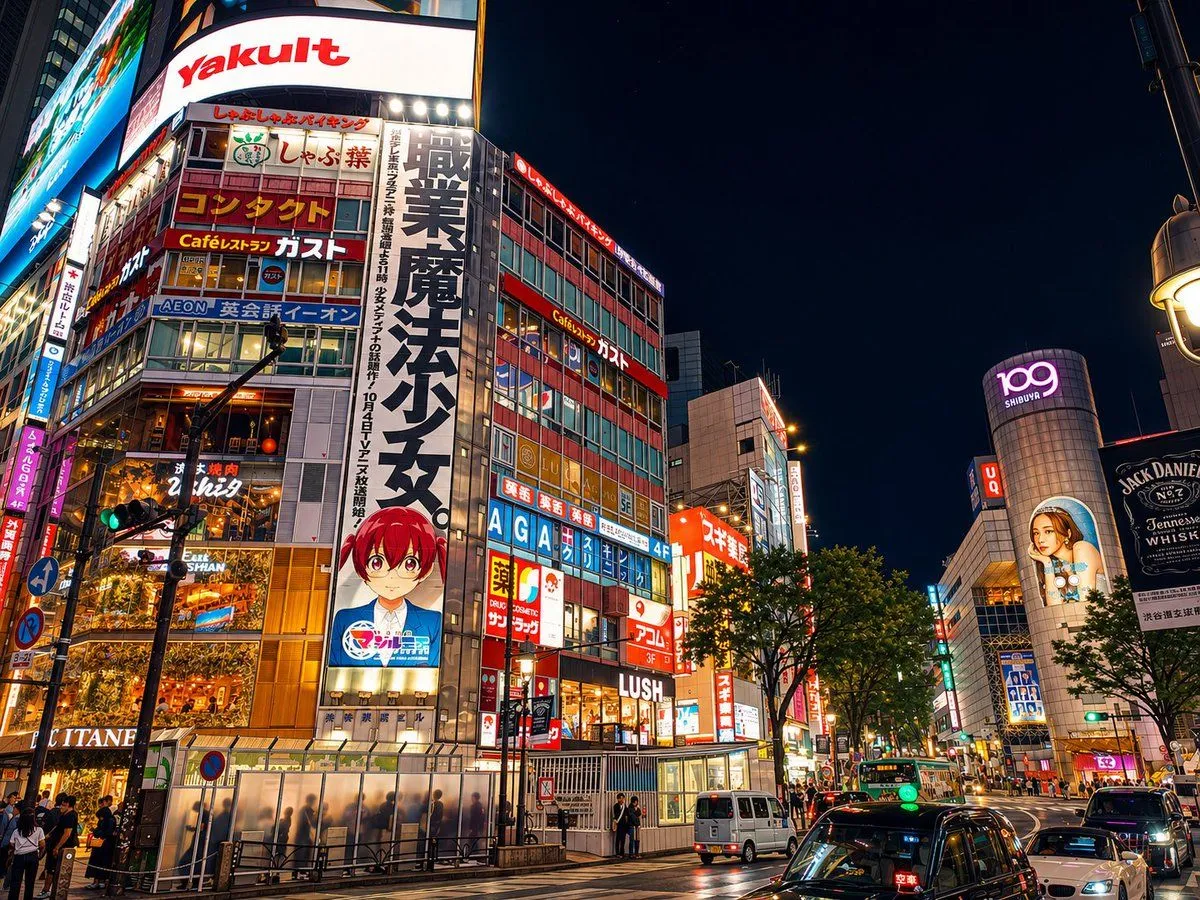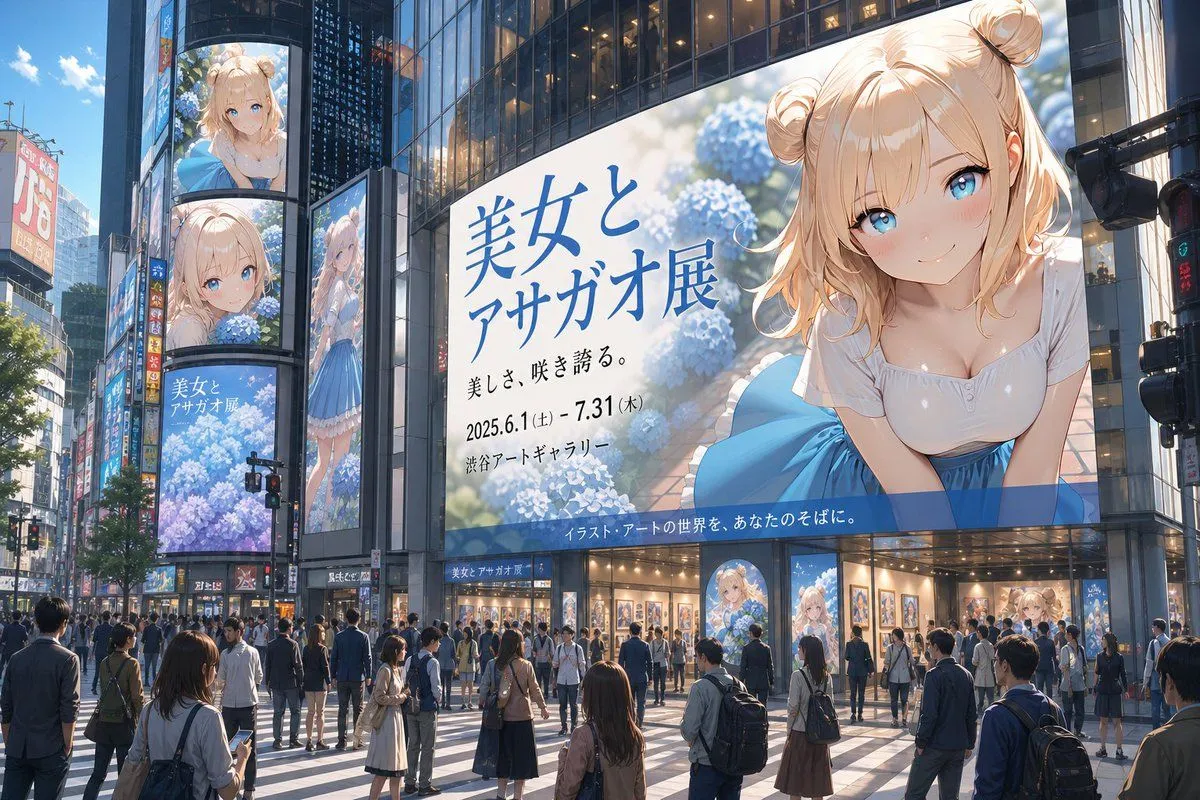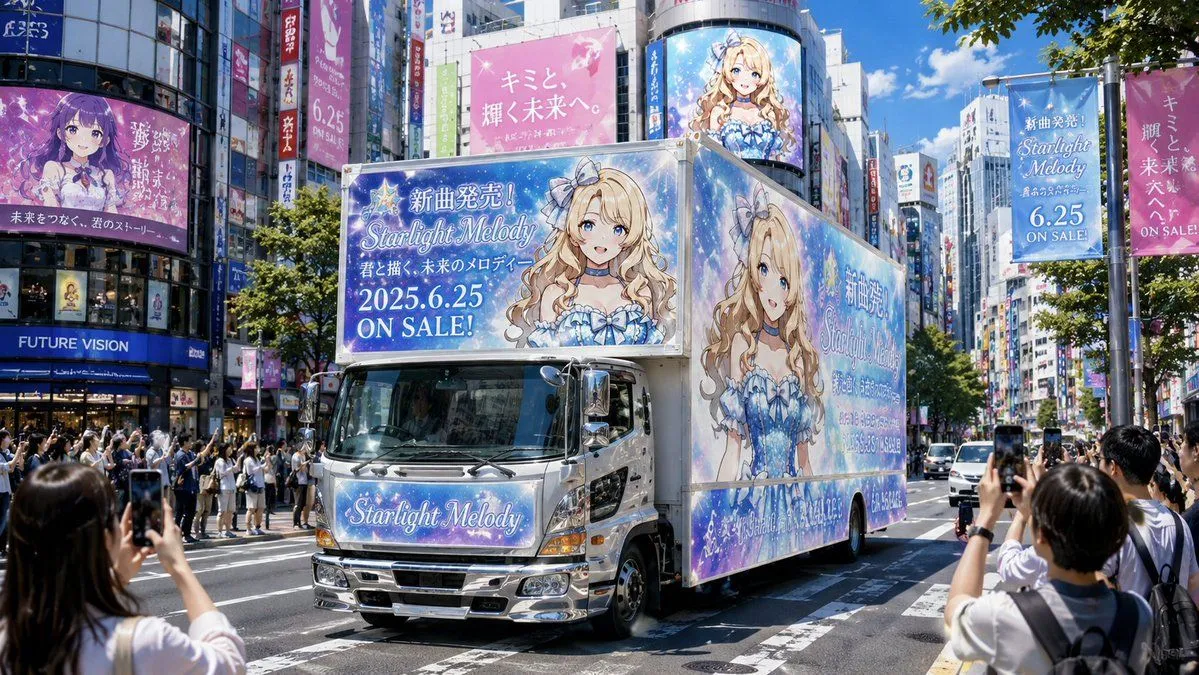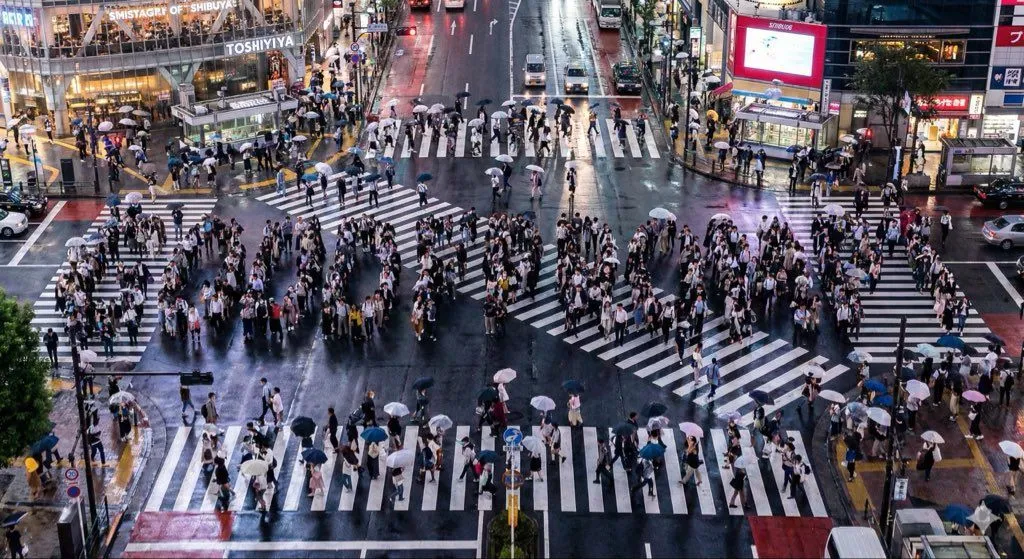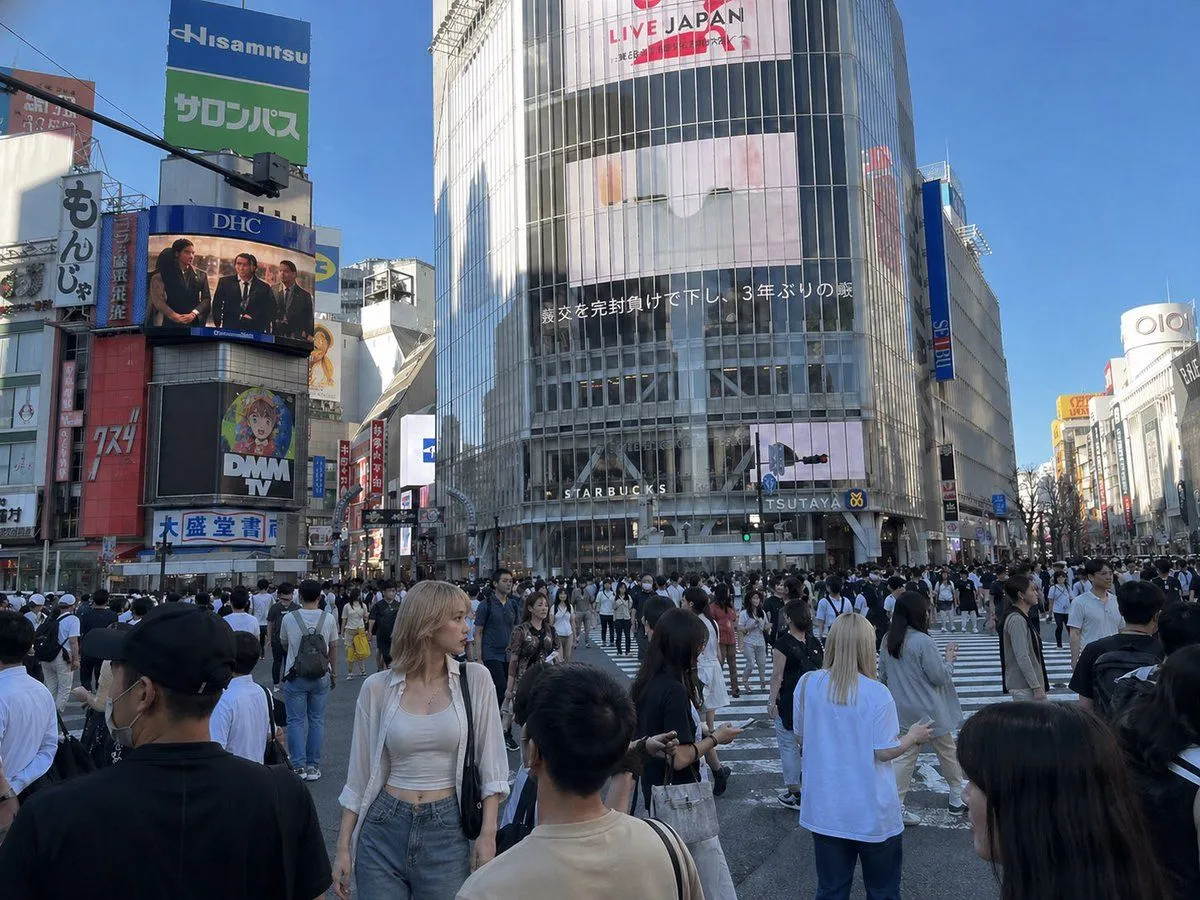
Made with GPT Image 2 in ChatGPT by Library Avatars. Promptclay never generates images.
Did it work?
No reports yet. Tell others if it worked for you.
Insert Reference Person Into Shibuya Scene
Prompt
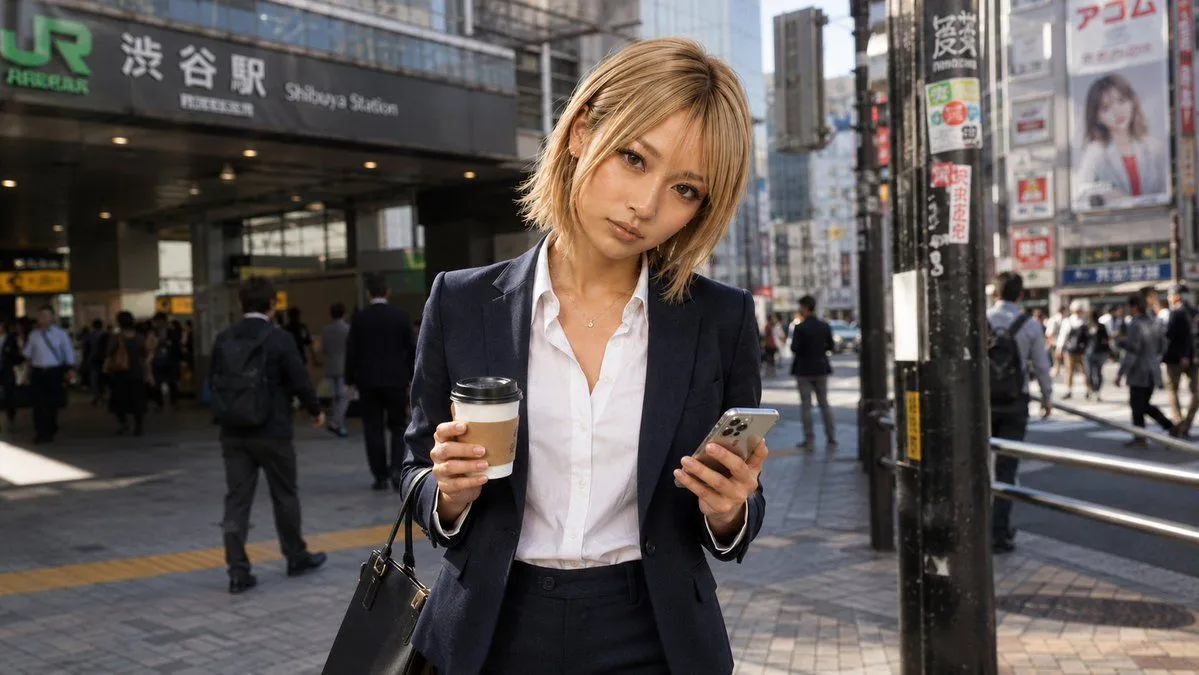
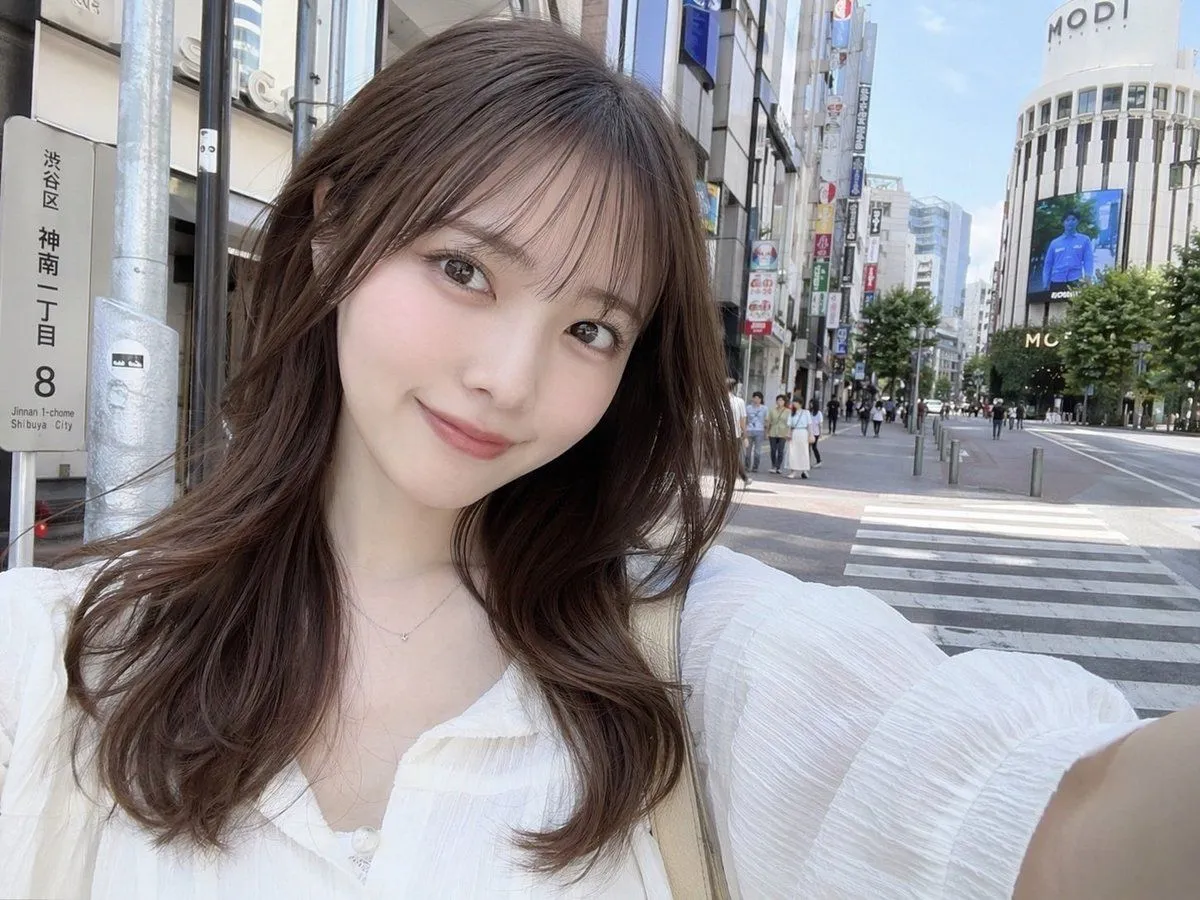
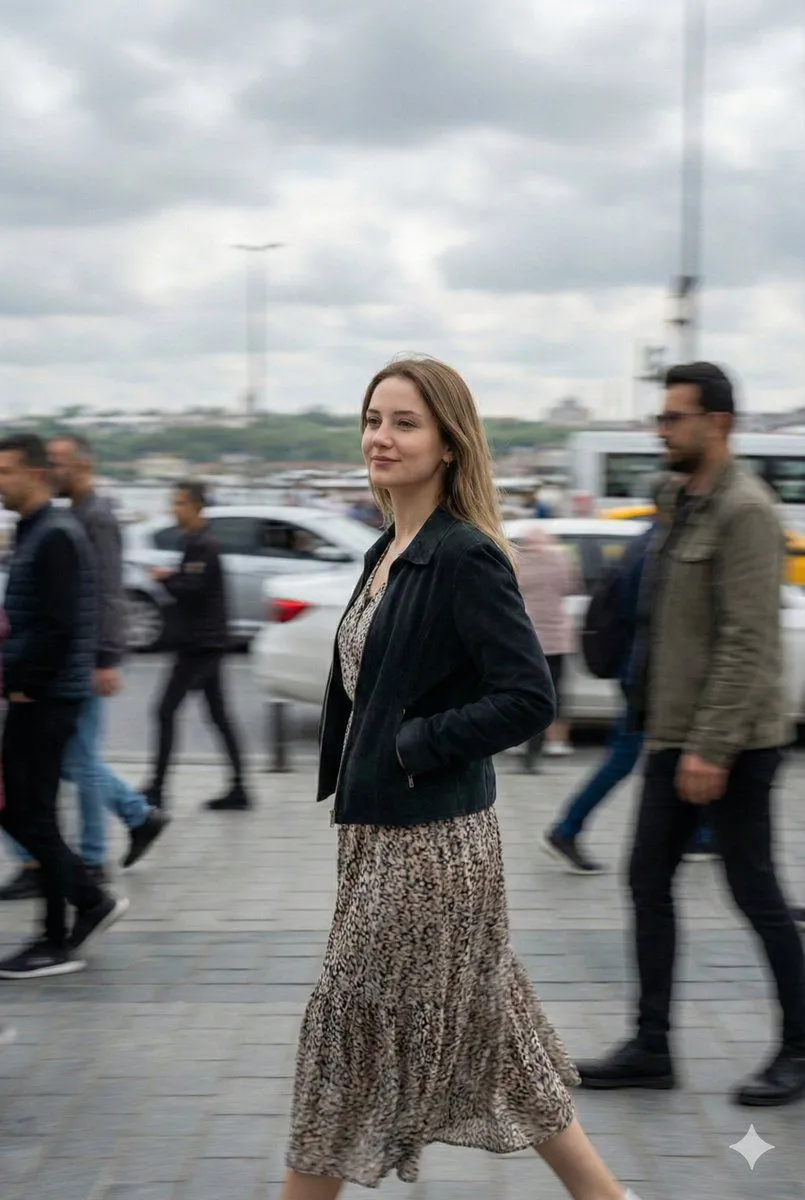
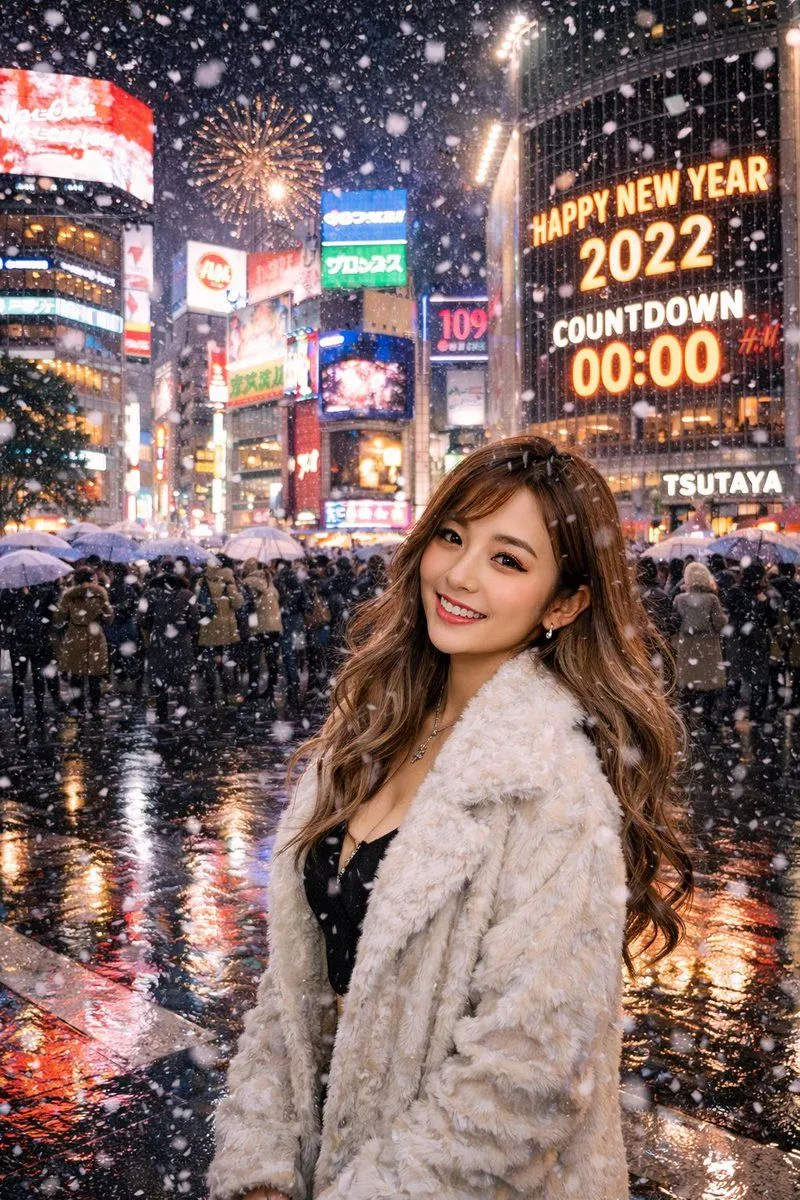
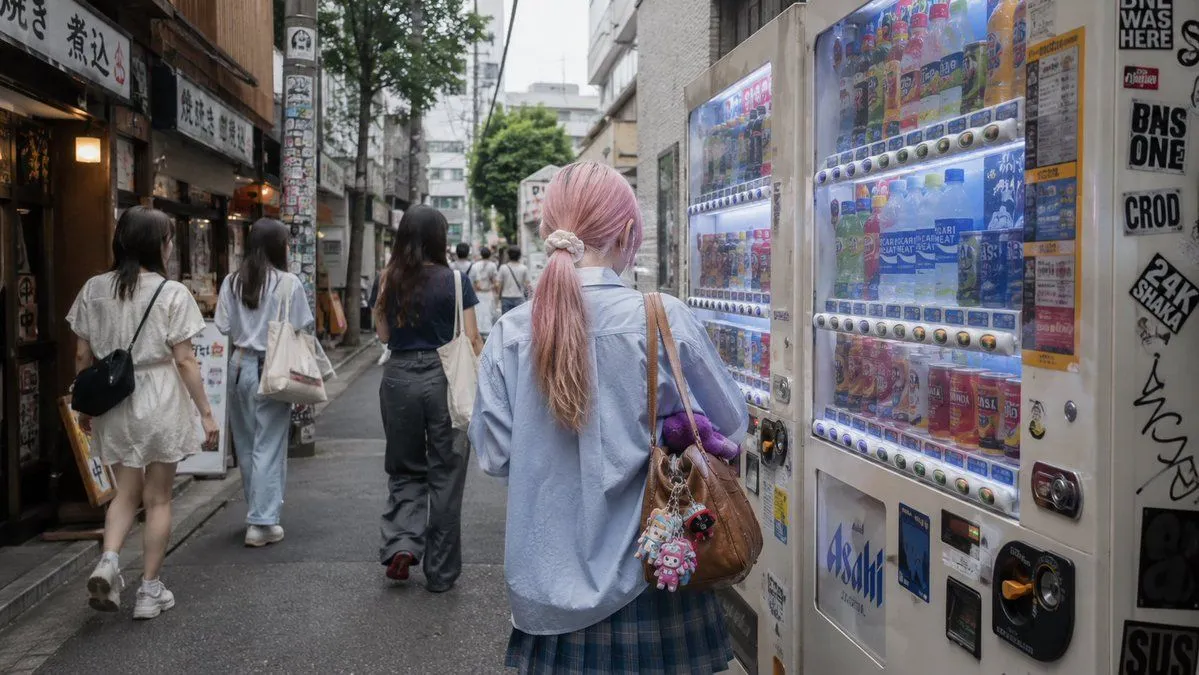
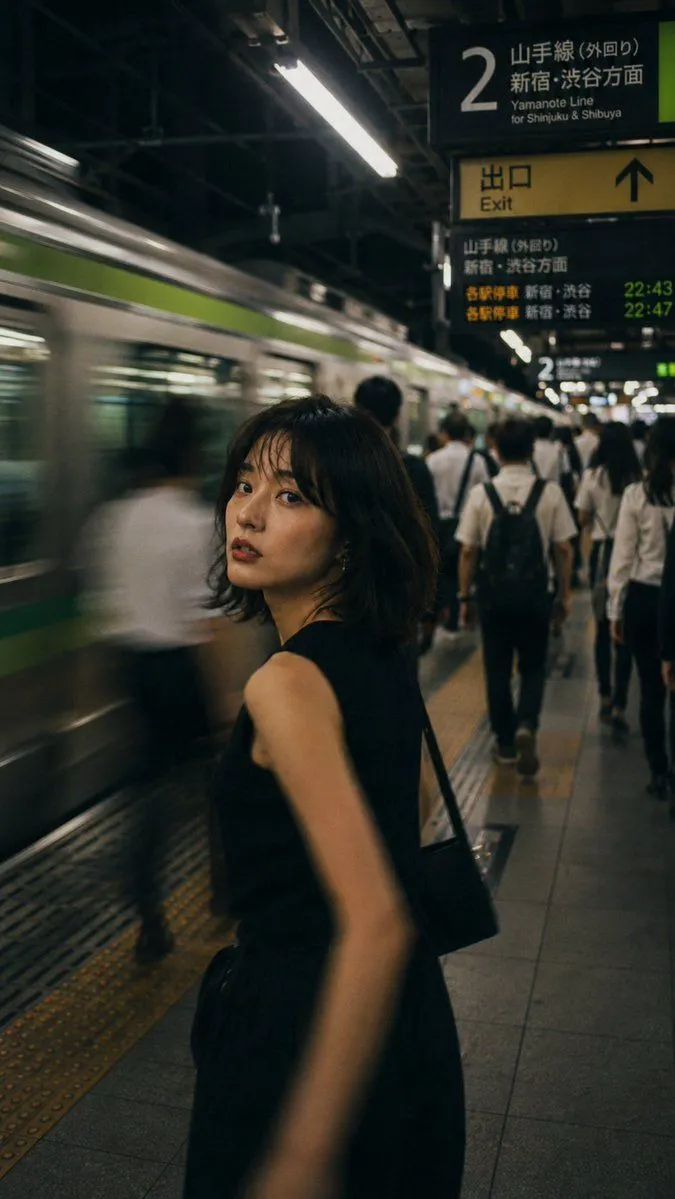
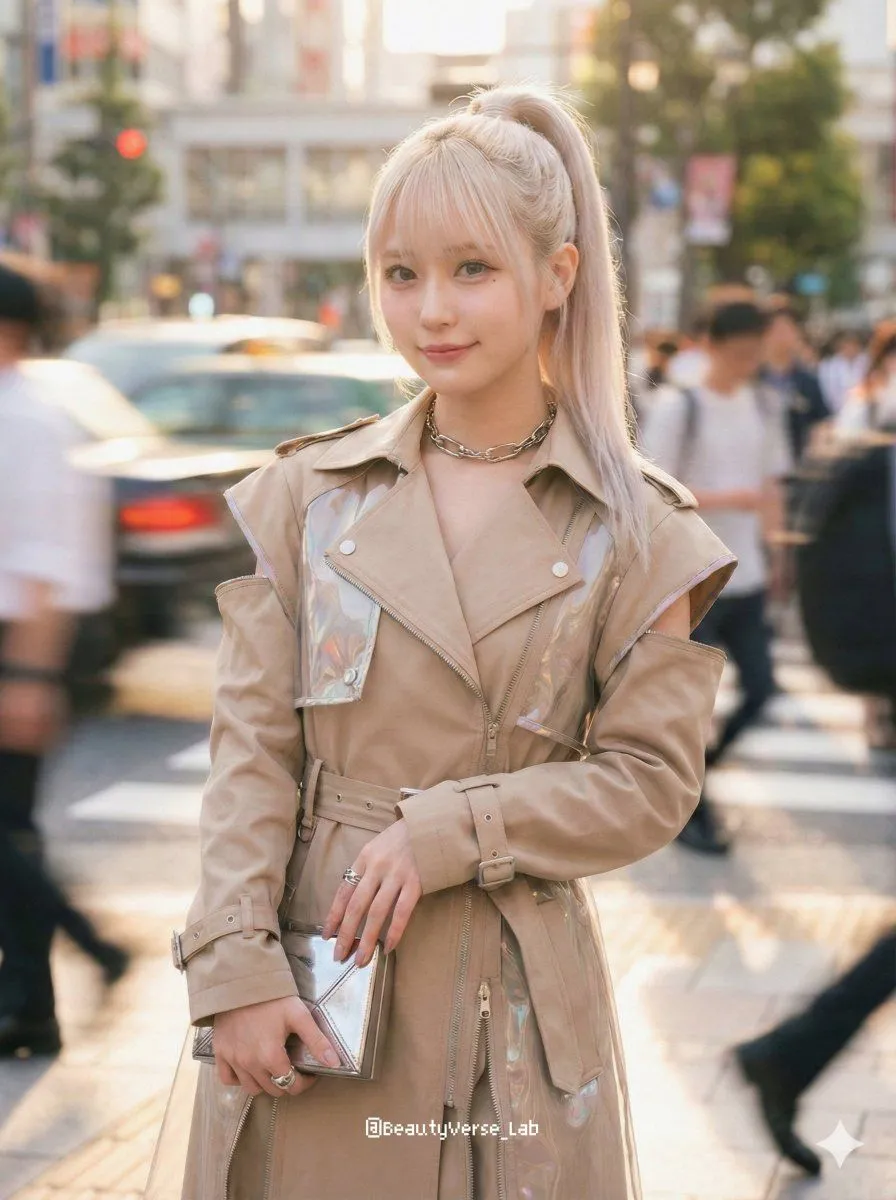
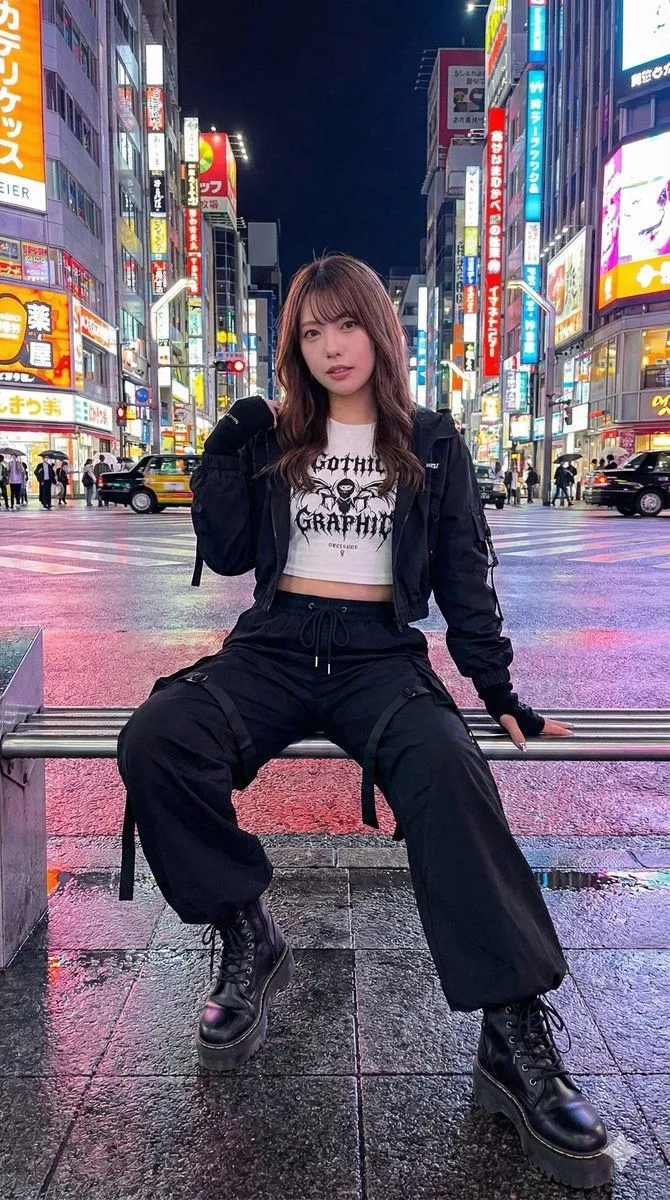
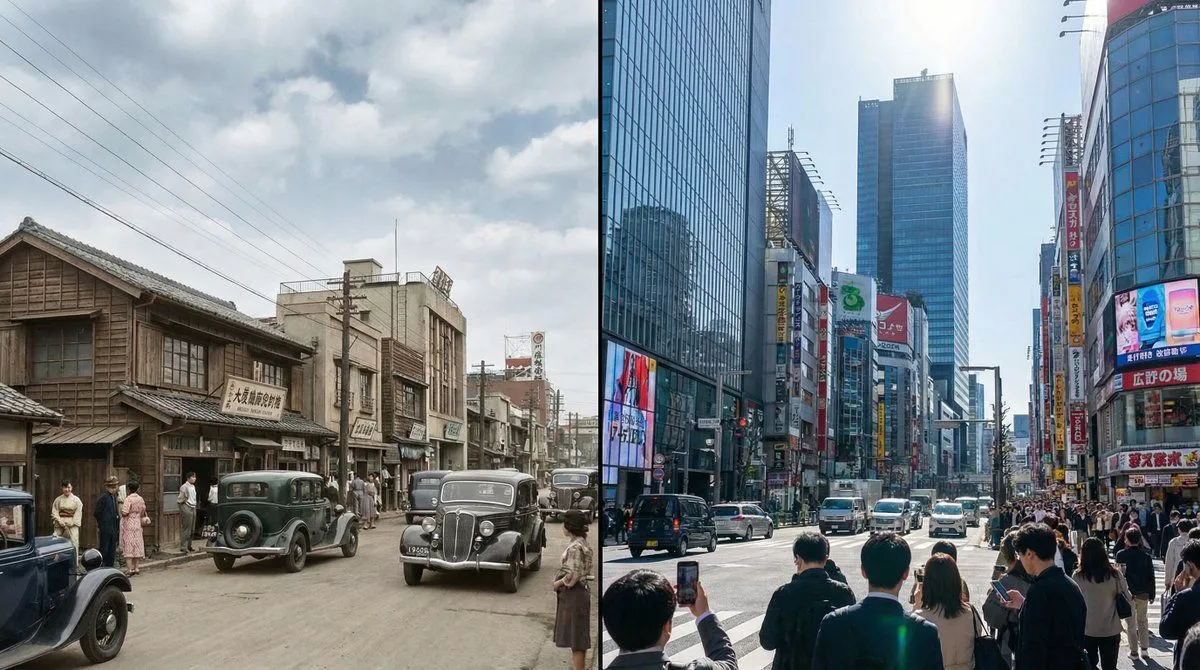
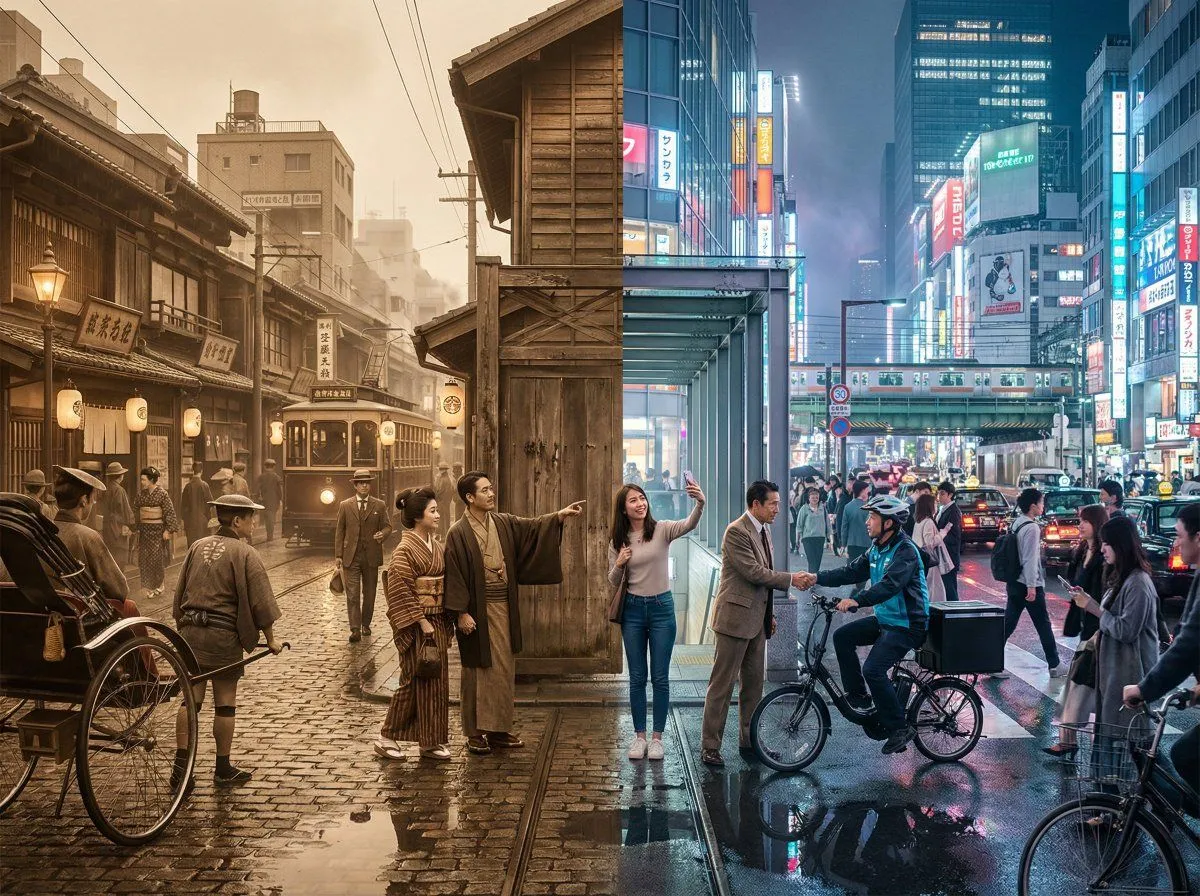
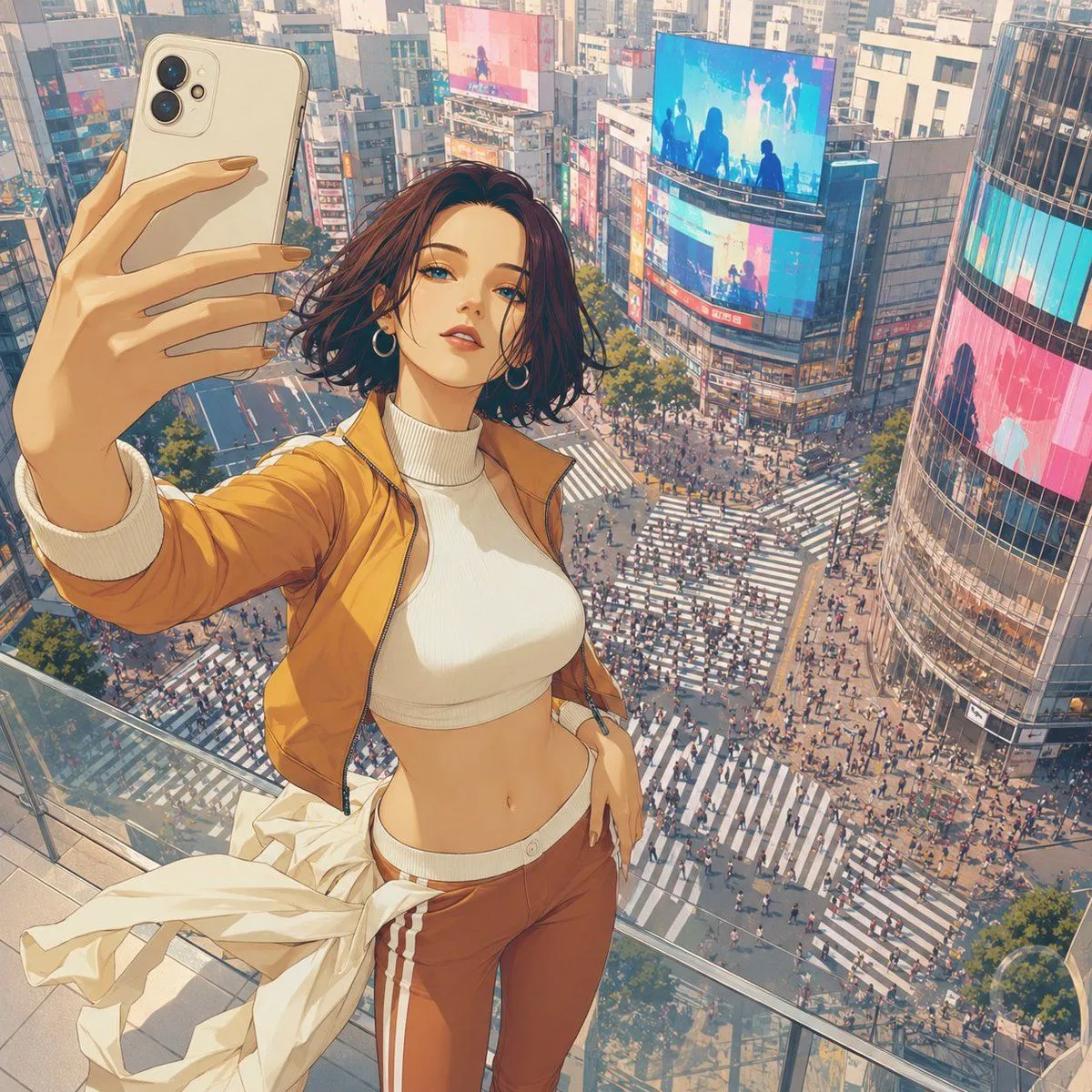
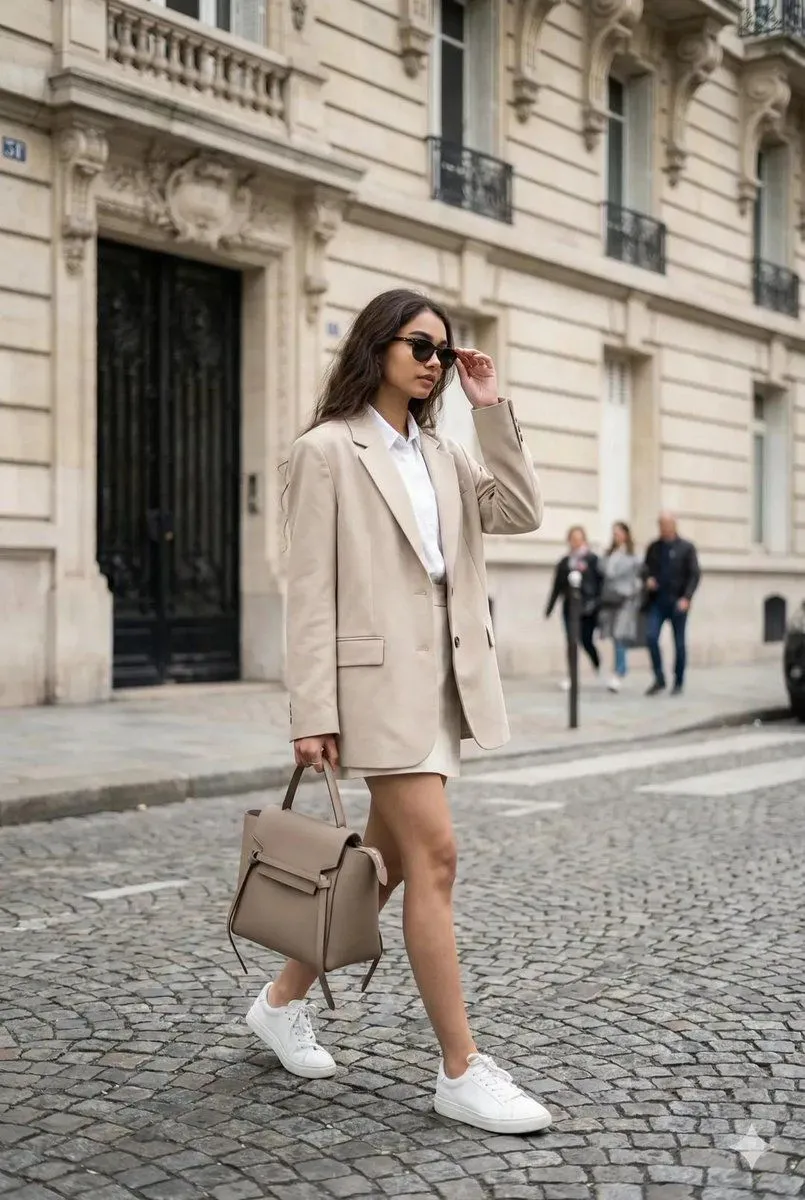
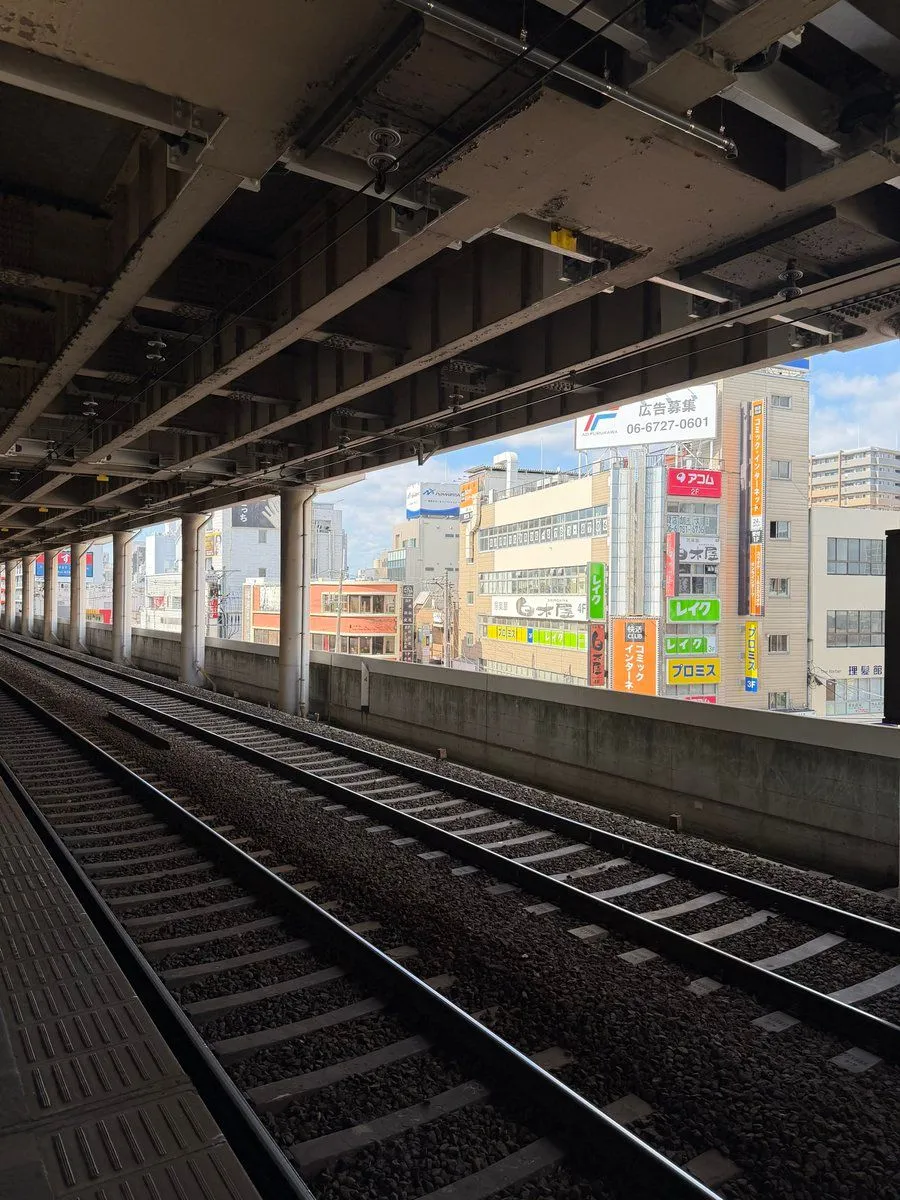
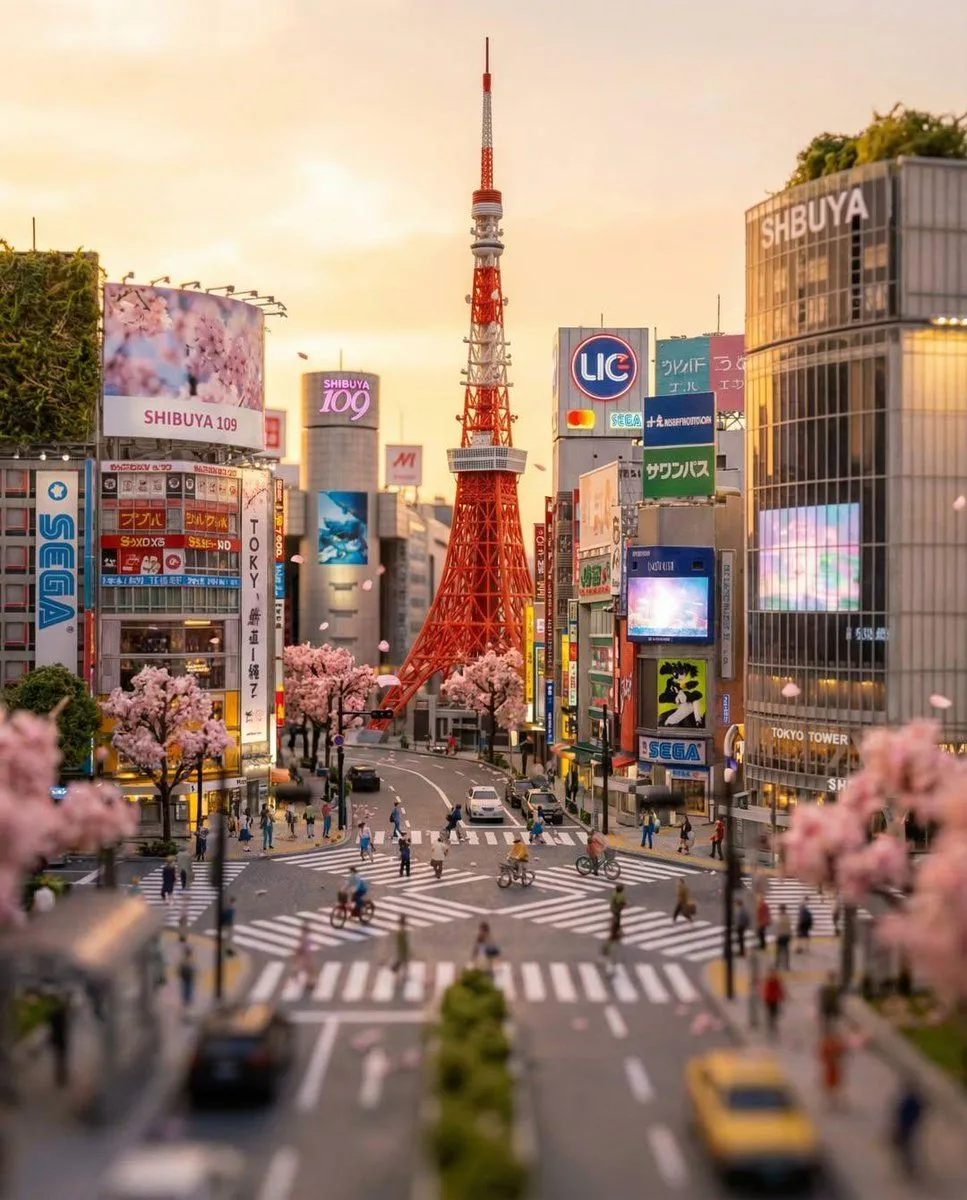
Using REFERENCE_1 as the base scene, naturally insert the woman from REFERENCE_0 into the busy Shibuya Scramble Crossing crowd as a photorealistic passerby. Match the lighting, perspective, lens feel, scale, and street-photo realism of REFERENCE_1, and keep her outfit, bag, and overall appearance consistent with REFERENCE_0. Place her in the foreground slightly left of center, standing among the pedestrians and facing slightly to the left with a relaxed casual posture, as if she was originally photographed there. Integrate her with realistic shadows, color matching, edge blending, and partial crowd occlusion so she does not look pasted in. Preserve the existing city background, signage, and crowd composition from REFERENCE_1.
DetailsVersions, settings and questions
Written for
What's in the prompt
- Subject
- Model
- GPT Image 2
If your face changes
keep my face exactly the sameQuestions
- Does this work in the ChatGPT app?
- Yes. Paste the prompt and attach your photo if it uses one.
- It changed my face. What do I do?
- Add "keep my face exactly the same" to the end and run it again.
- Can I use the images I make?
- Check the terms of the app you use. Promptclay never generates images and claims nothing you make.