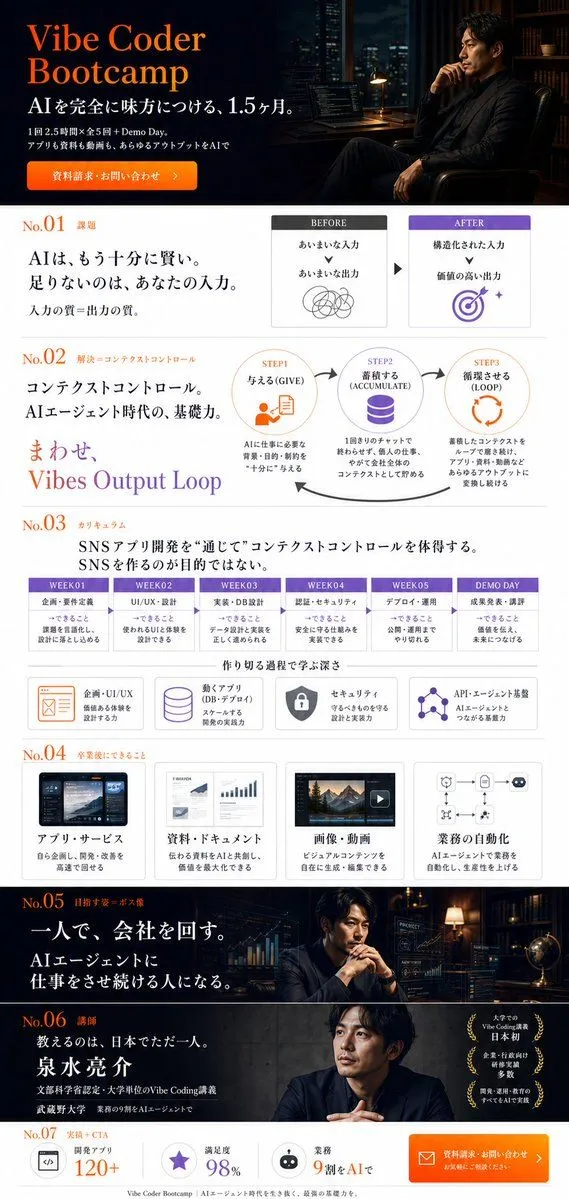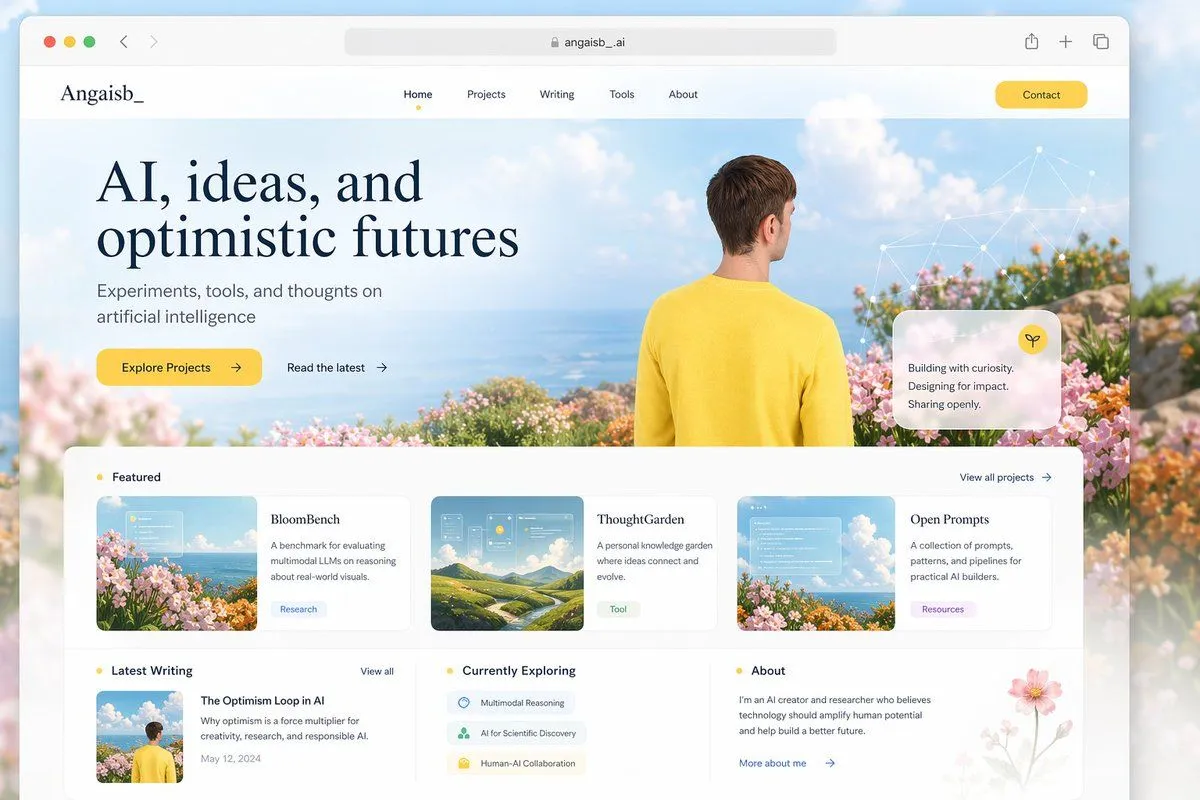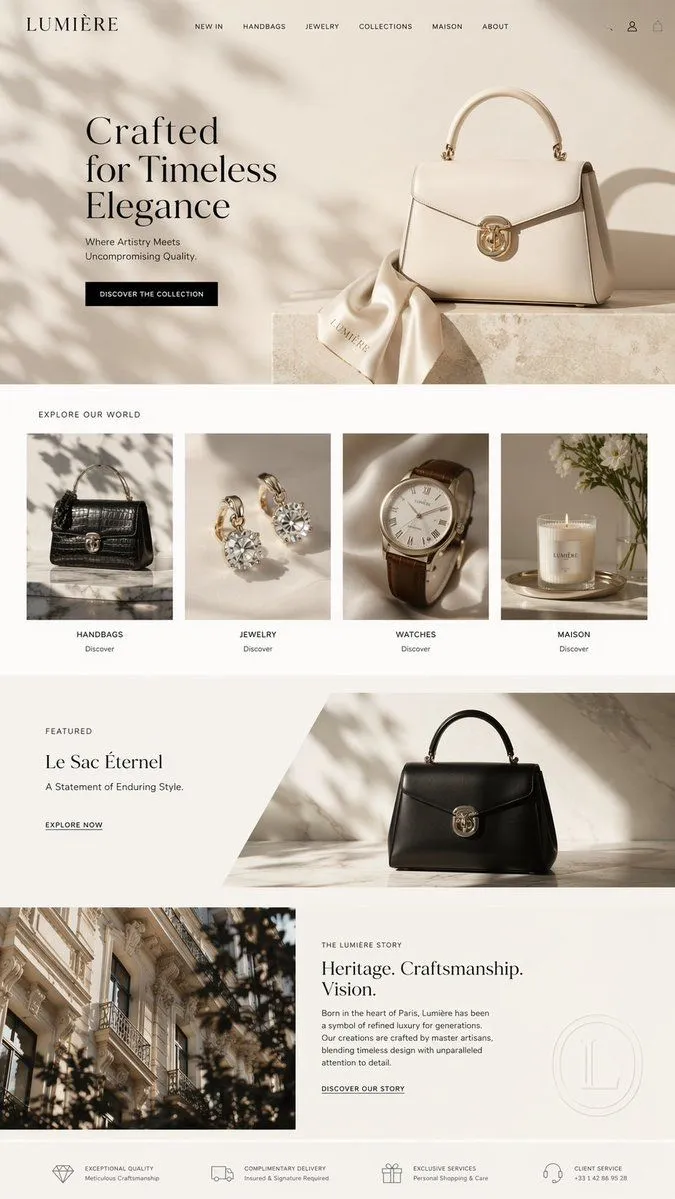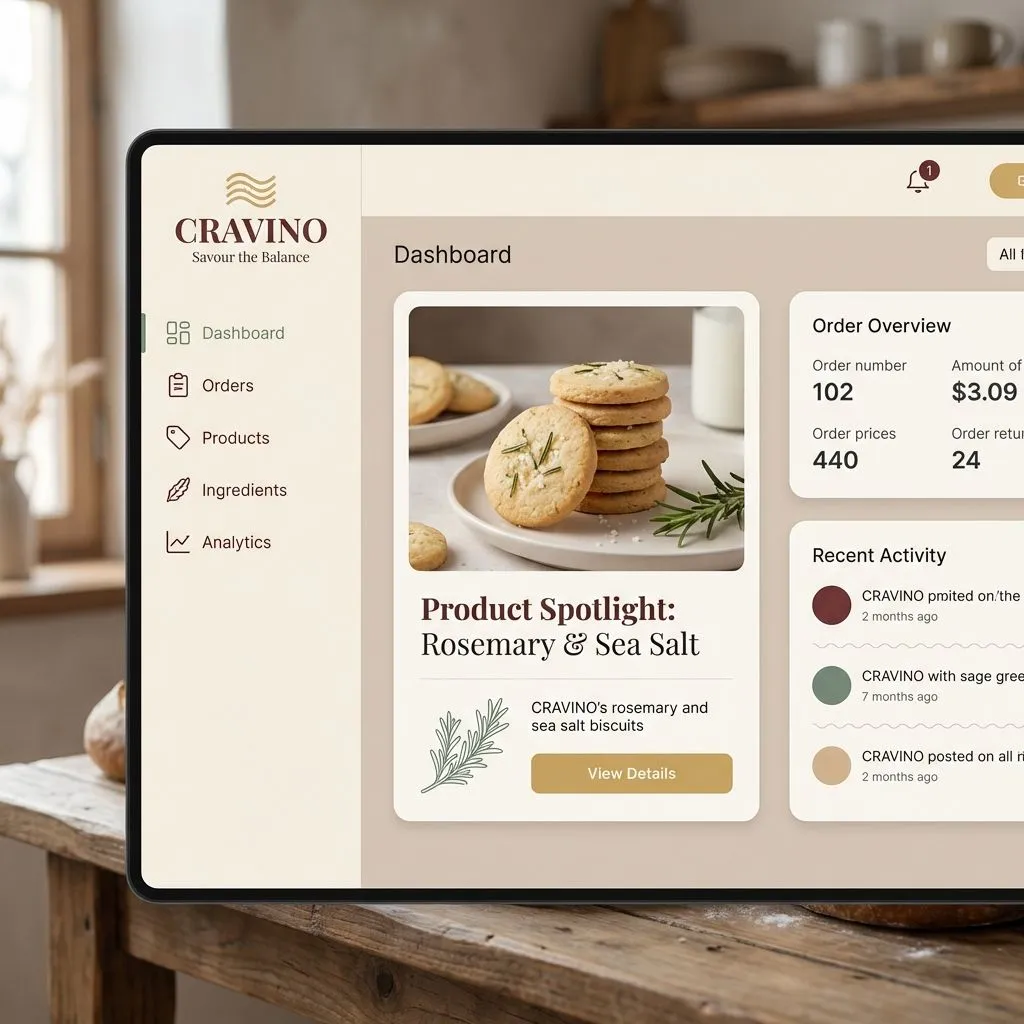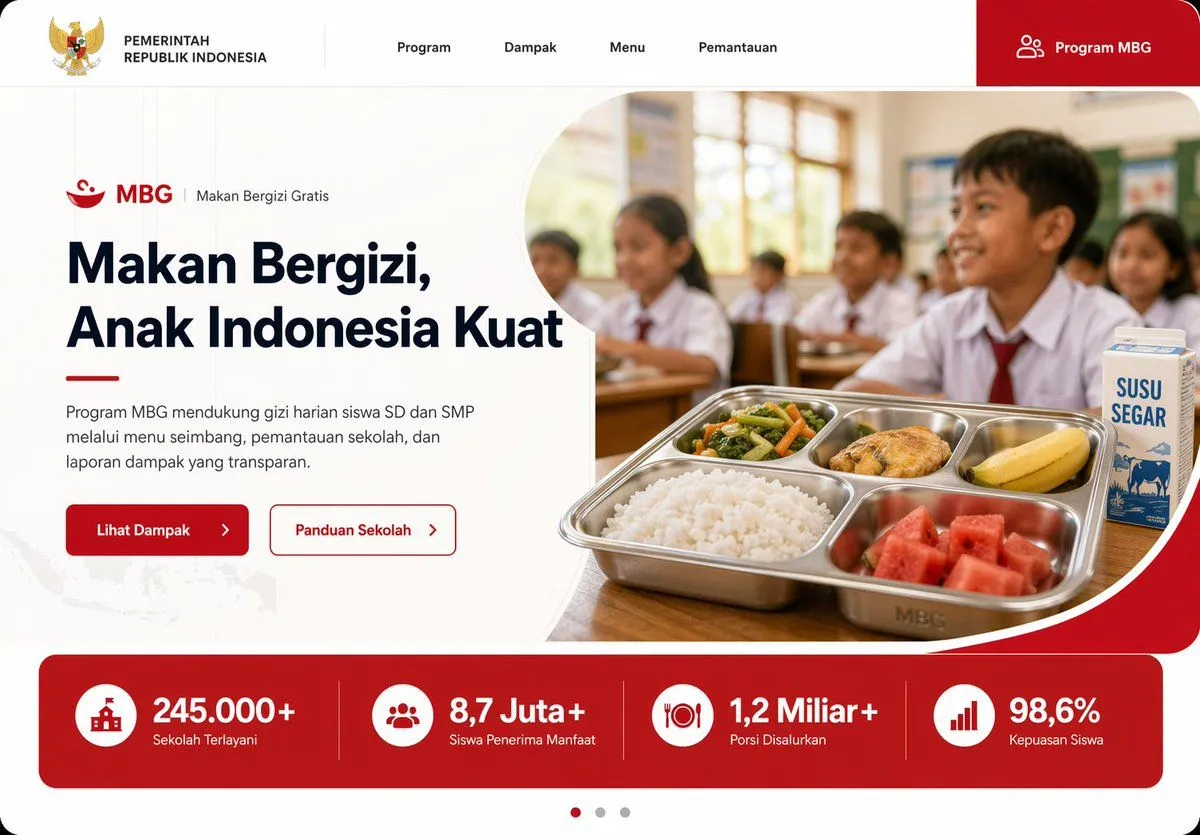
Made with GPT Image 2 in ChatGPT by Library Explainers. Promptclay never generates images.
Did it work?
No reports yet. Tell others if it worked for you.
Indonesian School Nutrition Landing Page
Prompt
1 blank to fillCreate a modern government program landing page UI mockup for Indonesia in a clean, professional web design style, desktop widescreen aspect ratio. The page uses a white background with bold red accents, soft rounded corners, subtle gray dividers, and a polished frontend-dribbble presentation look. At the very top, build a horizontal navigation bar with 6 visible elements: the Indonesian Garuda emblem and the text "PEMERINTAH REPUBLIK INDONESIA" on the left, then 4 centered menu items labeled "Program", "Dampak", "Menu", and "Pemantauan", and on the far right a large red rounded button labeled "Program MBG" with a small people icon. Below it, design a hero section split into two columns. On the left, show a small program label line with a red bowl icon, the text "MBG", a vertical divider, and "Makan Bergizi Gratis". Under that, place a large bold headline reading "{headline_text}" in dark navy, spanning 3 lines. Add a short paragraph in Indonesian below: "Program MBG mendukung gizi harian siswa SD dan SMP melalui menu seimbang, pemantauan sekolah, dan laporan dampak yang transparan." Then place 2 call-to-action buttons side by side: a solid red button labeled "Lihat Dampak" with a right arrow, and an outlined white button with red border labeled "Panduan Sekolah" with a right arrow. On the right side of the hero, place a rounded large photo-style image framed by a sweeping white curved divider and red corner background. The image shows an Indonesian elementary classroom with 5 visible schoolchildren in white uniforms with red ties, seated at desks, warm daylight from windows, shallow depth of field, documentary-photo realism. In the foreground, on a wooden desk, show a stainless steel compartment tray meal with exactly 5 food items: white rice, mixed vegetables, a piece of fried chicken, a banana, and watermelon cubes. Beside the tray, place 1 milk carton labeled "SUSU SEGAR". Under the hero, add a full-width red statistics band with 4 equally spaced metric cards separated by thin vertical dividers. Each card has a white circular icon and bold white text. The 4 metrics are: "245.000+" with label "Sekolah Terlayani", "8,7 Juta+" with label "Siswa Penerima Manfaat", "1,2 Miliar+" with label "Porsi Disalurkan", and "98,6%" with label "Kepuasan Siswa". At the bottom center, add a 3-dot carousel indicator with the left dot active in red and the other 2 dots gray. Include a faint Indonesia map texture in the lower-left background. Use crisp typography, generous whitespace, high-end fintech/government website aesthetics, realistic UI proportions, and a production-ready landing page mockup appearance.
Preview of your prompt
Create a modern government program landing page UI mockup for Indonesia in a clean, professional web design style, desktop widescreen aspect ratio. The page uses a white background with bold red accents, soft rounded corners, subtle gray dividers, and a polished frontend-dribbble presentation look. At the very top, build a horizontal navigation bar with 6 visible elements: the Indonesian Garuda emblem and the text "PEMERINTAH REPUBLIK INDONESIA" on the left, then 4 centered menu items labeled "Program", "Dampak", "Menu", and "Pemantauan", and on the far right a large red rounded button labeled "Program MBG" with a small people icon. Below it, design a hero section split into two columns. On the left, show a small program label line with a red bowl icon, the text "MBG", a vertical divider, and "Makan Bergizi Gratis". Under that, place a large bold headline reading "Makan Bergizi, Anak Indonesia Kuat" in dark navy, spanning 3 lines. Add a short paragraph in Indonesian below: "Program MBG mendukung gizi harian siswa SD dan SMP melalui menu seimbang, pemantauan sekolah, dan laporan dampak yang transparan." Then place 2 call-to-action buttons side by side: a solid red button labeled "Lihat Dampak" with a right arrow, and an outlined white button with red border labeled "Panduan Sekolah" with a right arrow. On the right side of the hero, place a rounded large photo-style image framed by a sweeping white curved divider and red corner background. The image shows an Indonesian elementary classroom with 5 visible schoolchildren in white uniforms with red ties, seated at desks, warm daylight from windows, shallow depth of field, documentary-photo realism. In the foreground, on a wooden desk, show a stainless steel compartment tray meal with exactly 5 food items: white rice, mixed vegetables, a piece of fried chicken, a banana, and watermelon cubes. Beside the tray, place 1 milk carton labeled "SUSU SEGAR". Under the hero, add a full-width red statistics band with 4 equally spaced metric cards separated by thin vertical dividers. Each card has a white circular icon and bold white text. The 4 metrics are: "245.000+" with label "Sekolah Terlayani", "8,7 Juta+" with label "Siswa Penerima Manfaat", "1,2 Miliar+" with label "Porsi Disalurkan", and "98,6%" with label "Kepuasan Siswa". At the bottom center, add a 3-dot carousel indicator with the left dot active in red and the other 2 dots gray. Include a faint Indonesia map texture in the lower-left background. Use crisp typography, generous whitespace, high-end fintech/government website aesthetics, realistic UI proportions, and a production-ready landing page mockup appearance.
DetailsVersions, settings and questions
Written for
What's in the prompt
- Subject
- Model
- GPT Image 2
If your face changes
keep my face exactly the sameQuestions
- Does this work in the ChatGPT app?
- Yes. Paste the prompt and attach your photo if it uses one.
- It changed my face. What do I do?
- Add "keep my face exactly the same" to the end and run it again.
- Can I use the images I make?
- Check the terms of the app you use. Promptclay never generates images and claims nothing you make.