Tell us anything

An idea, a bug, something you love. We read every note.

⌘↵ to send. The page you're on comes along.

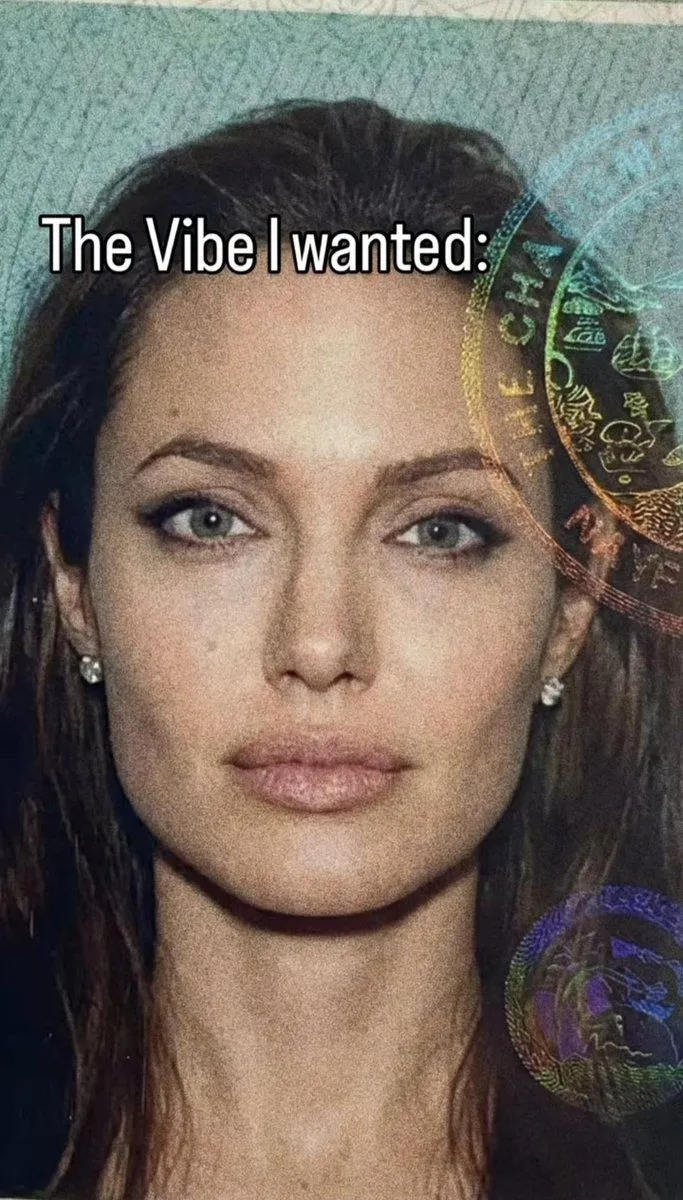
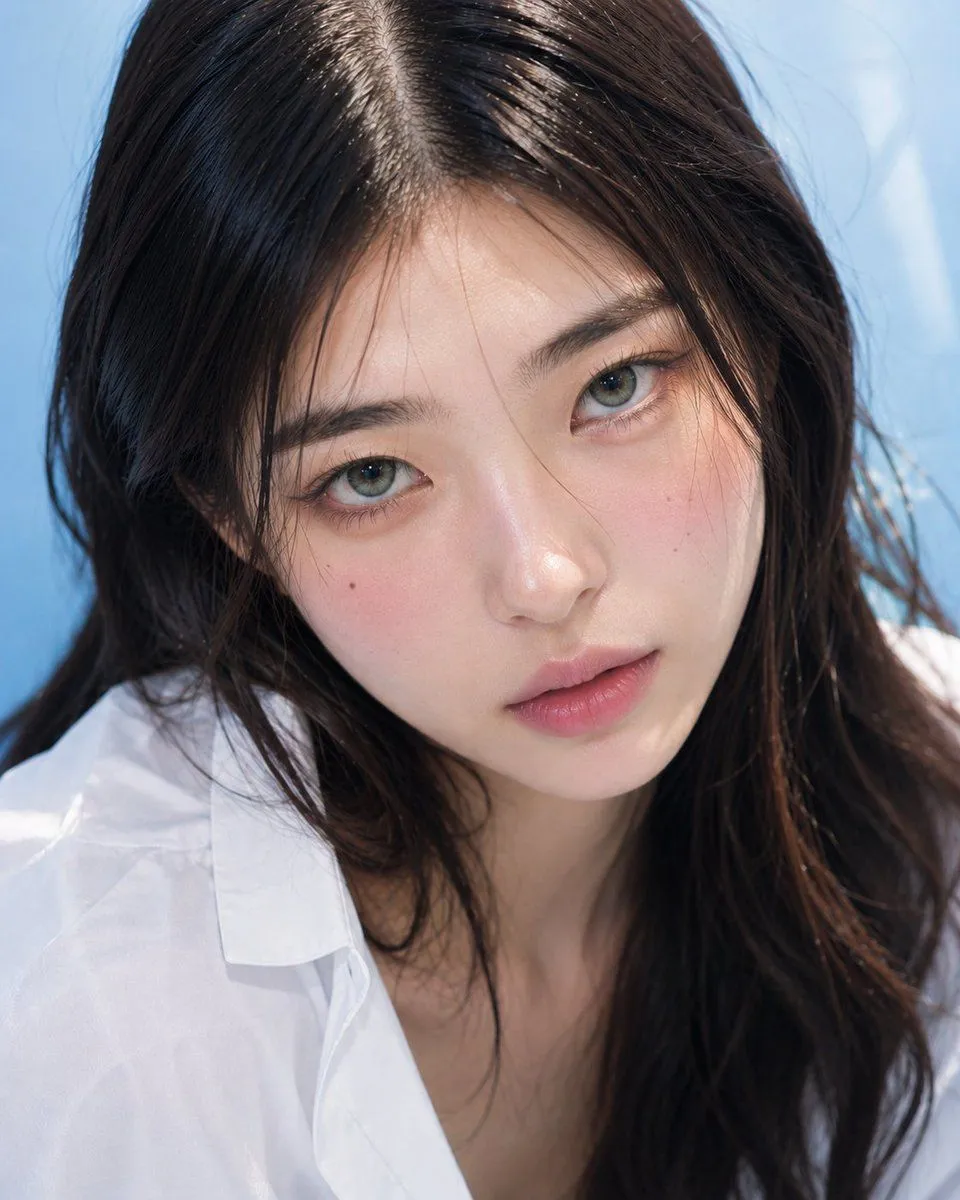
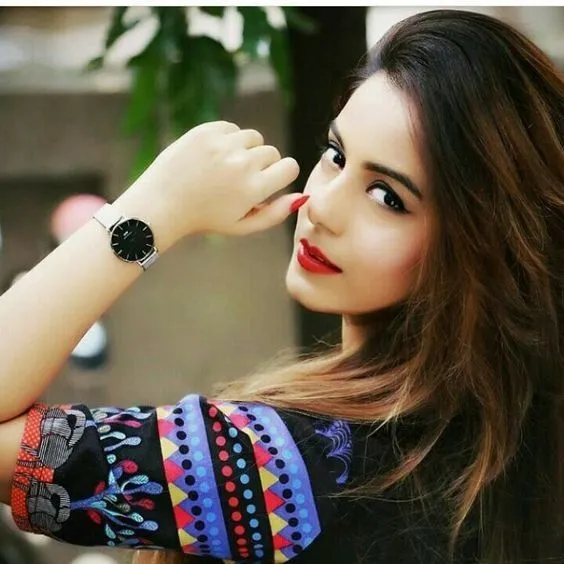
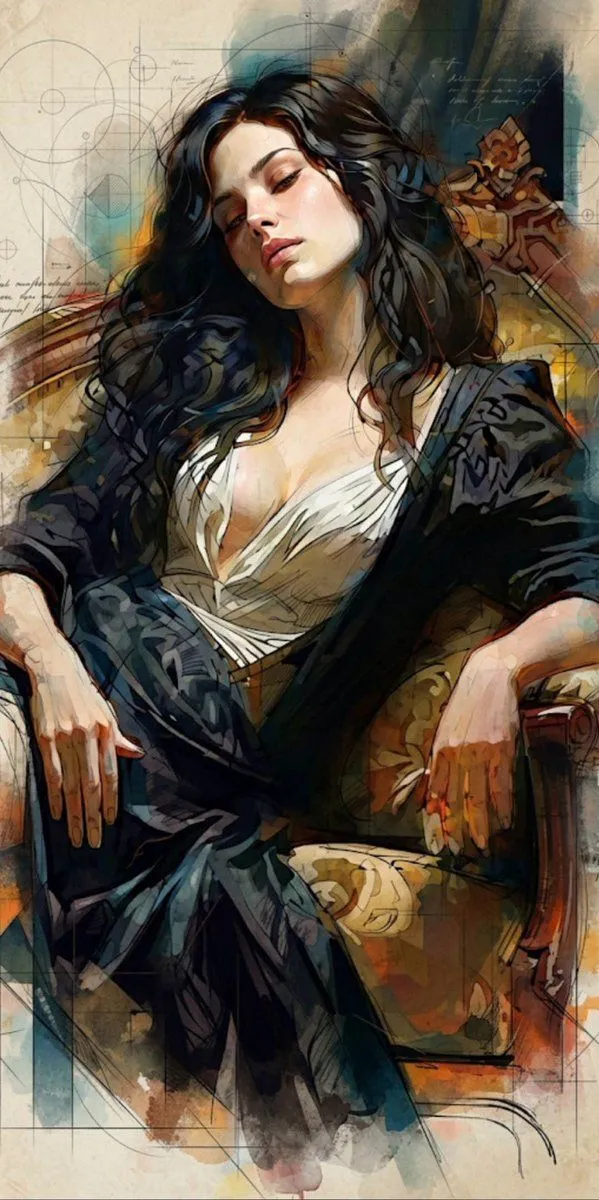
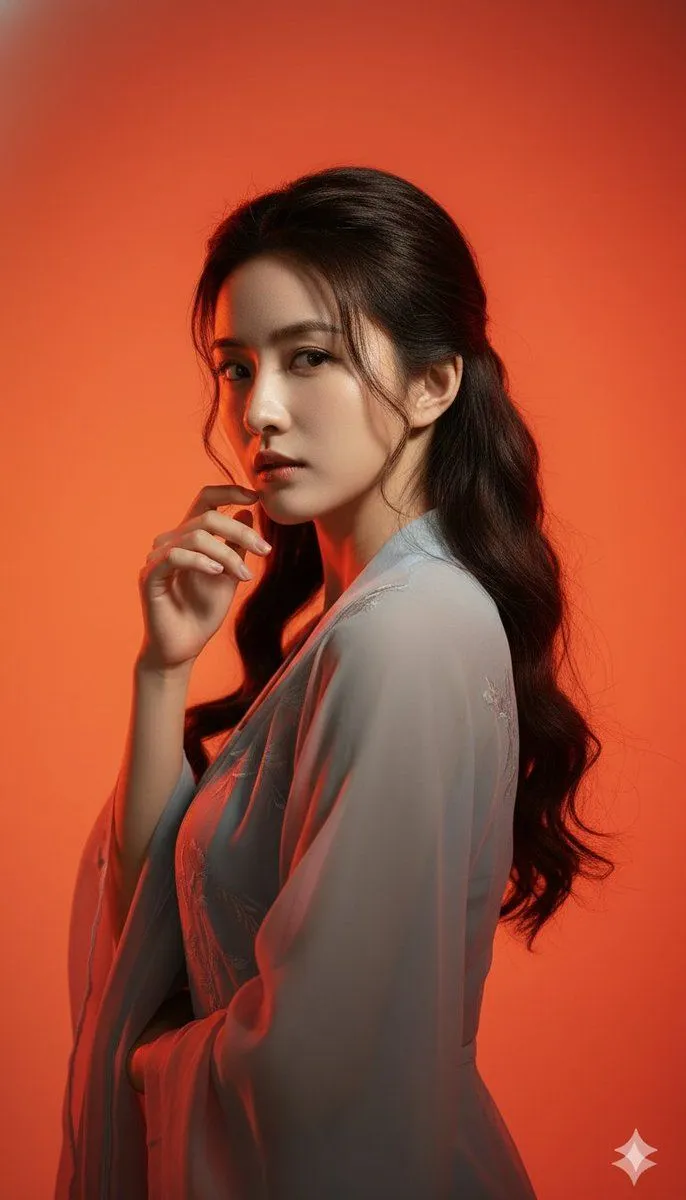
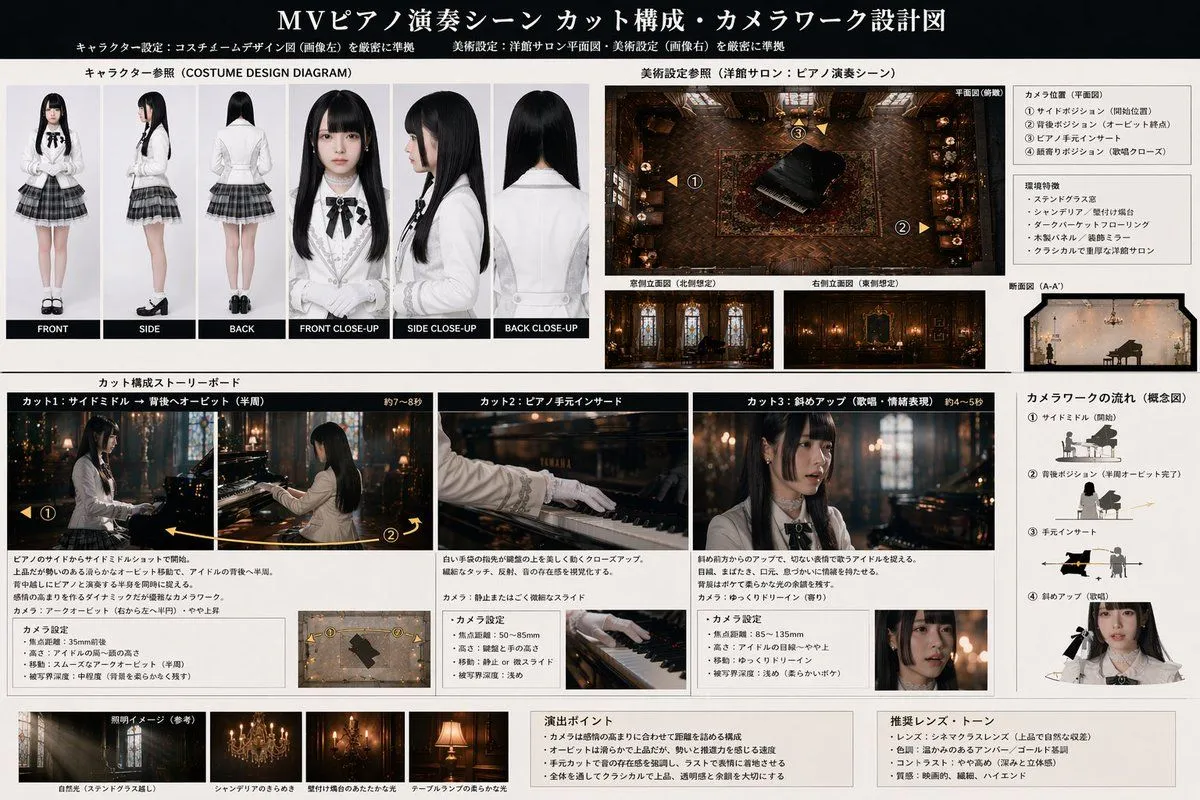
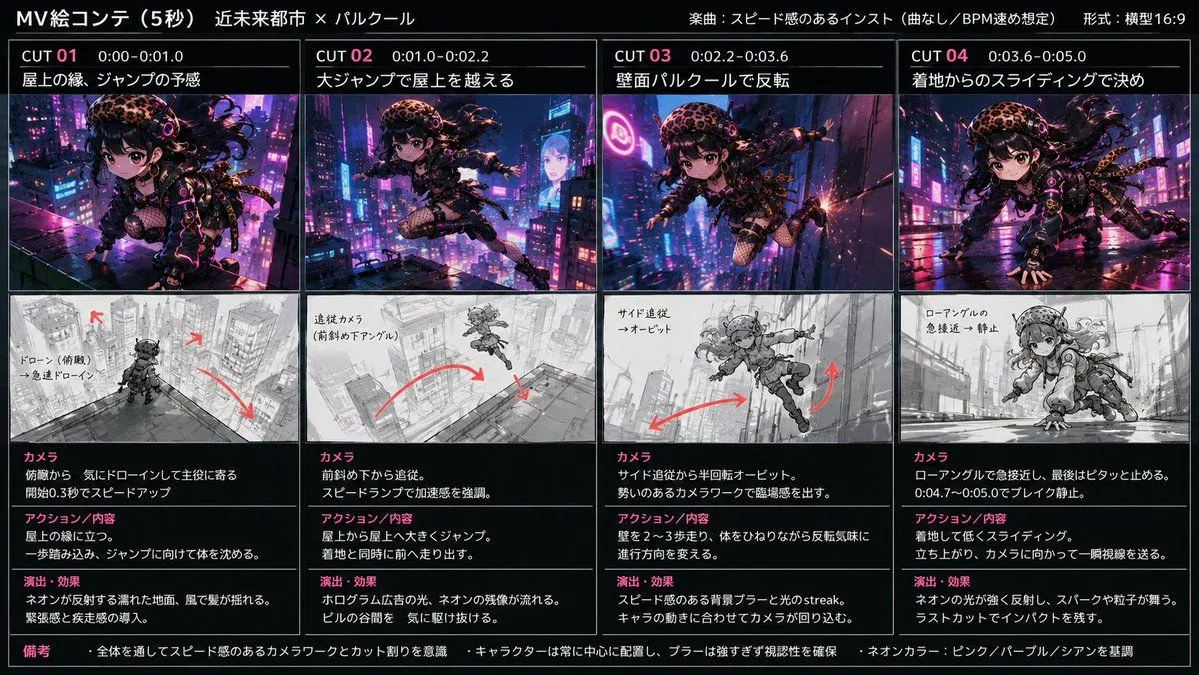
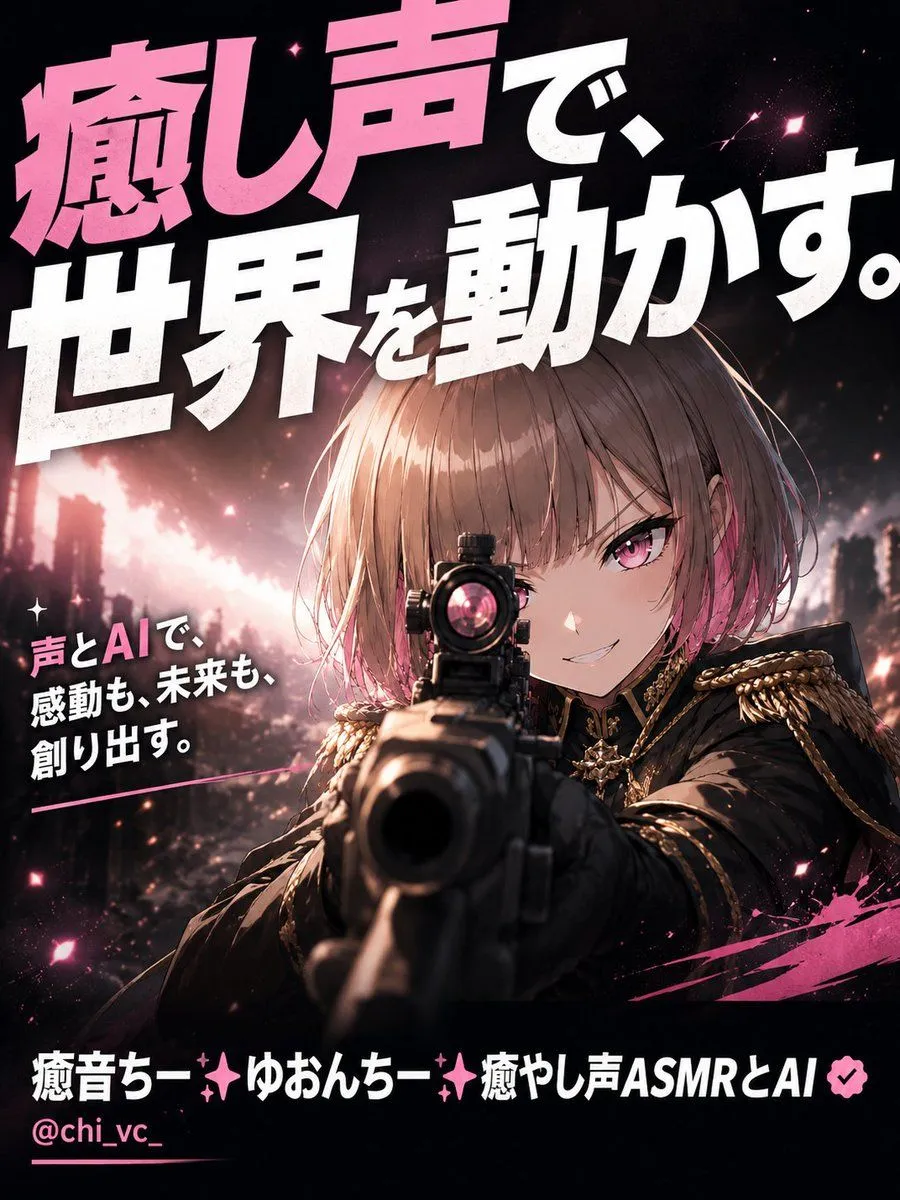
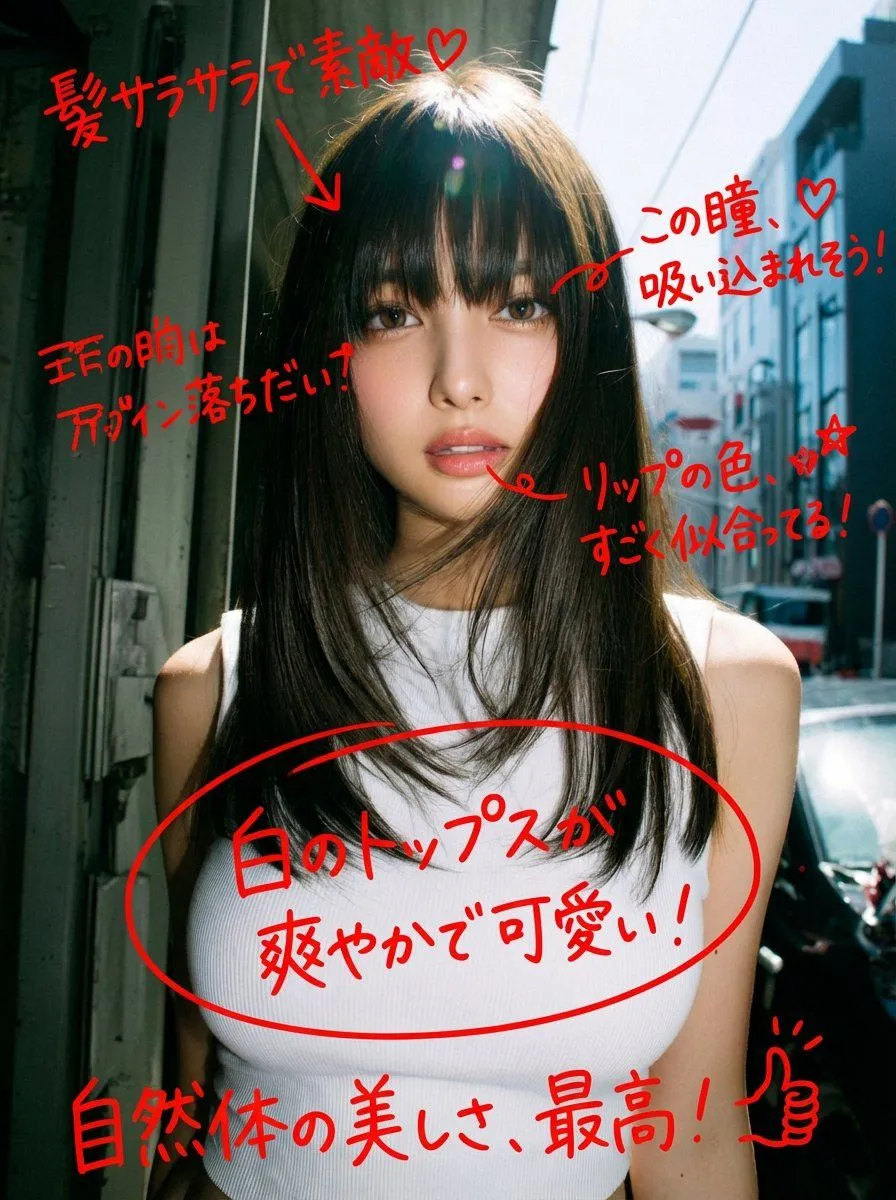
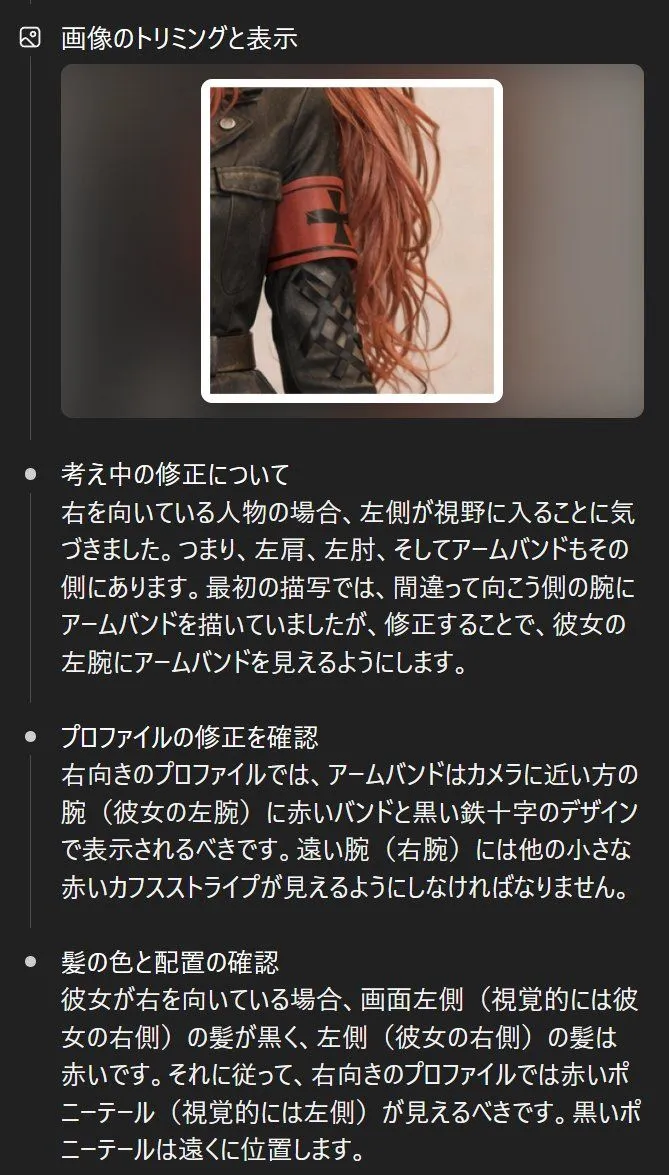
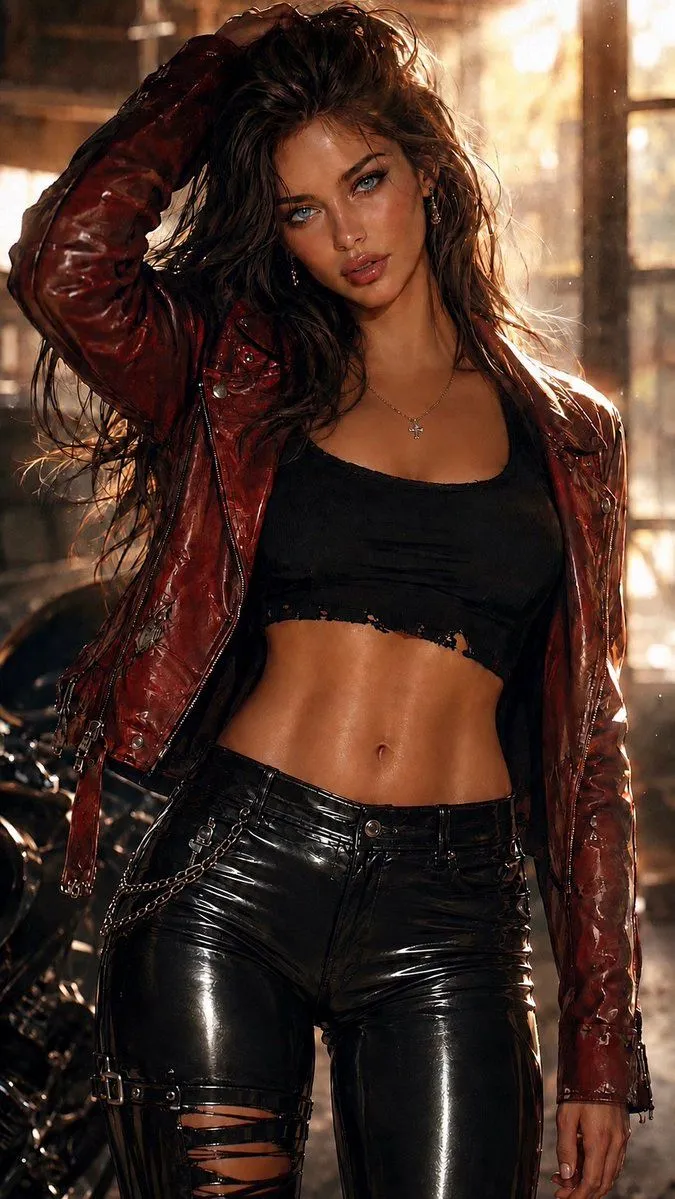
Improving Asymmetrical Element Identification in GPT Image 1.5

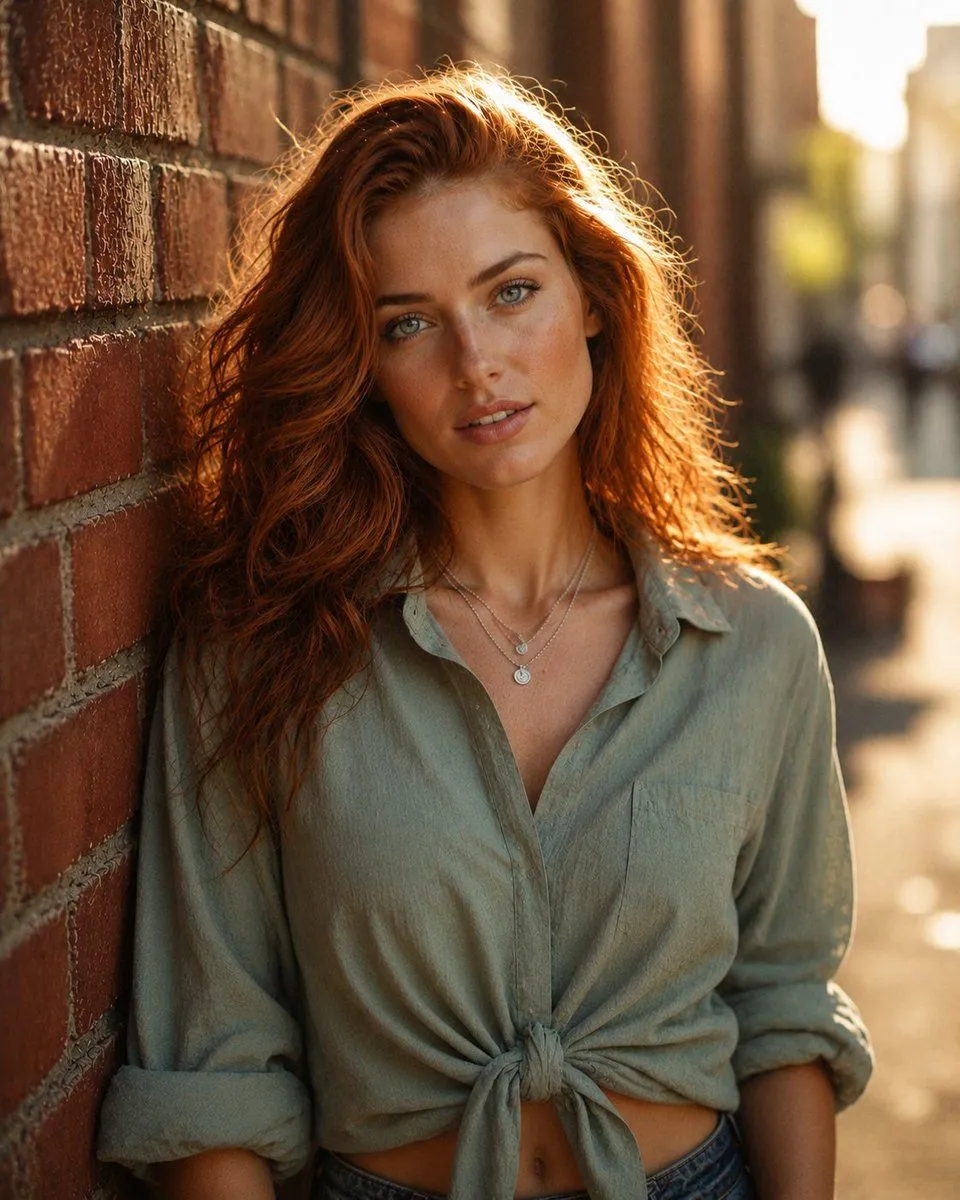
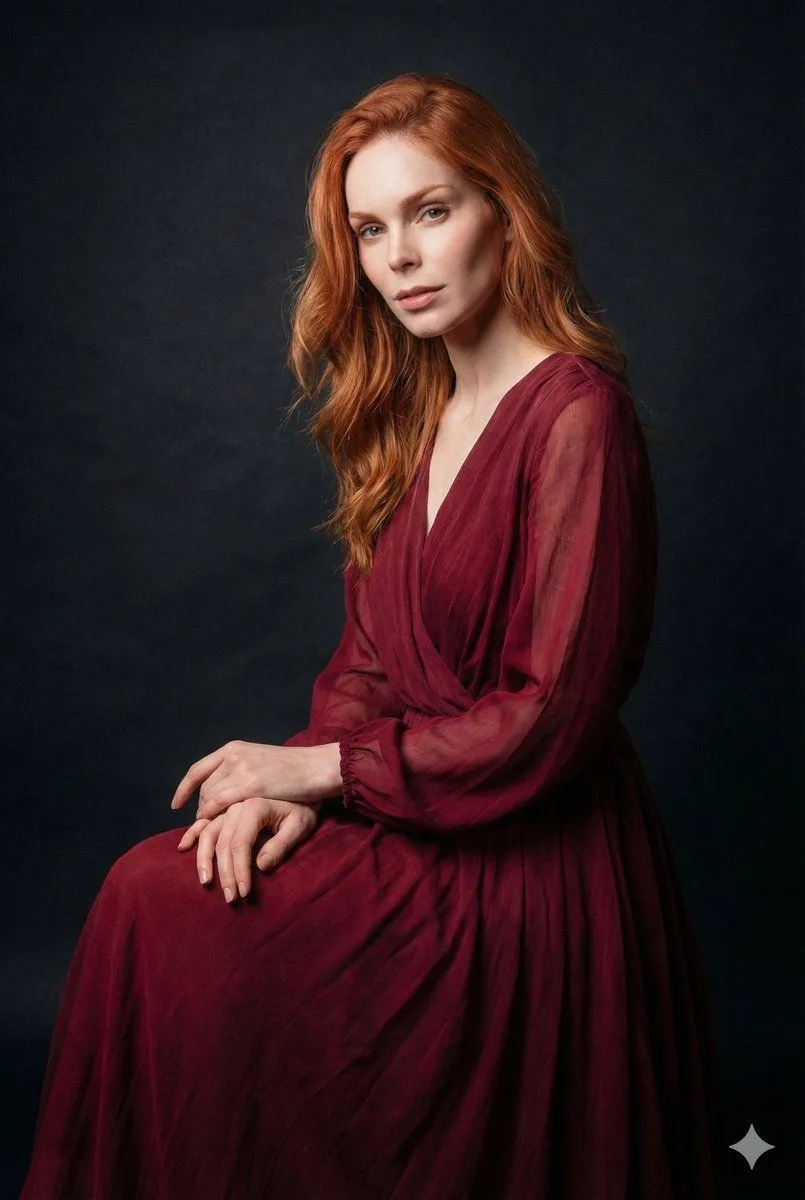
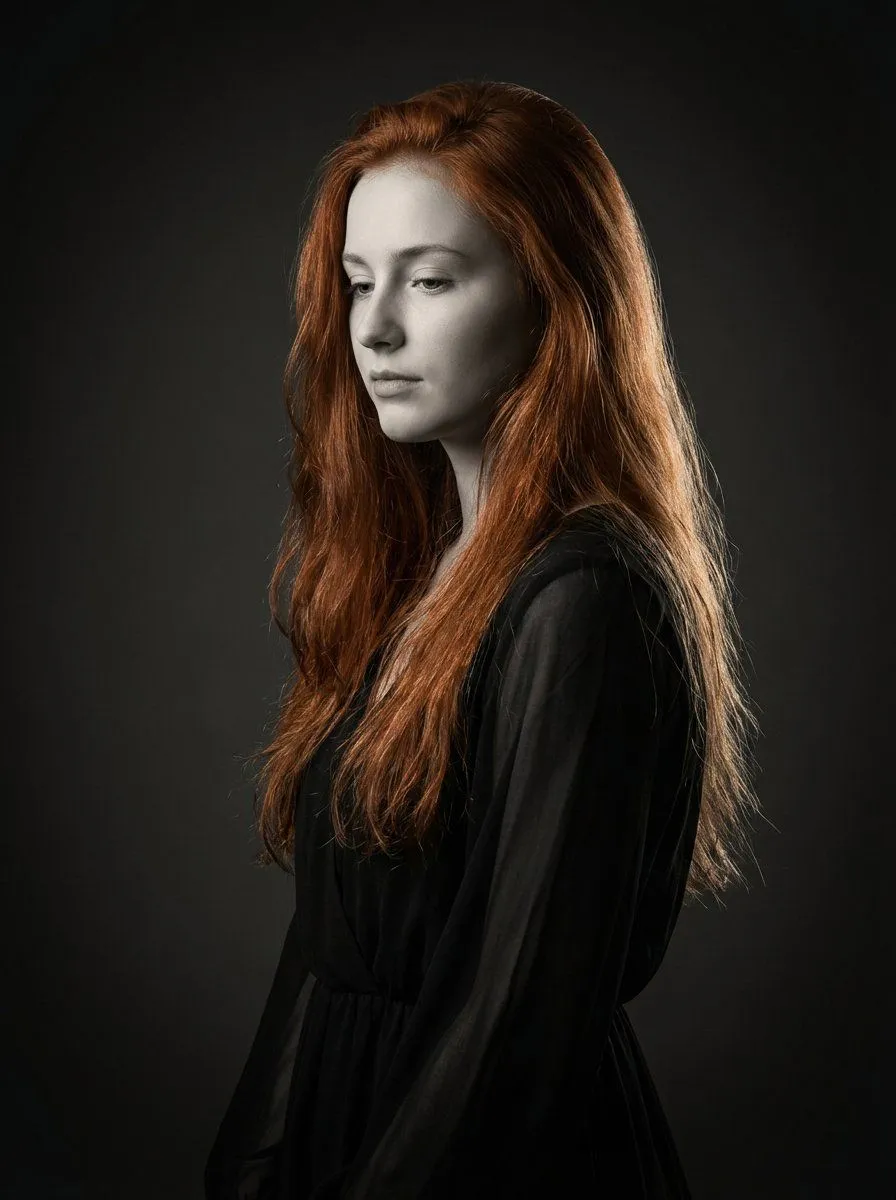
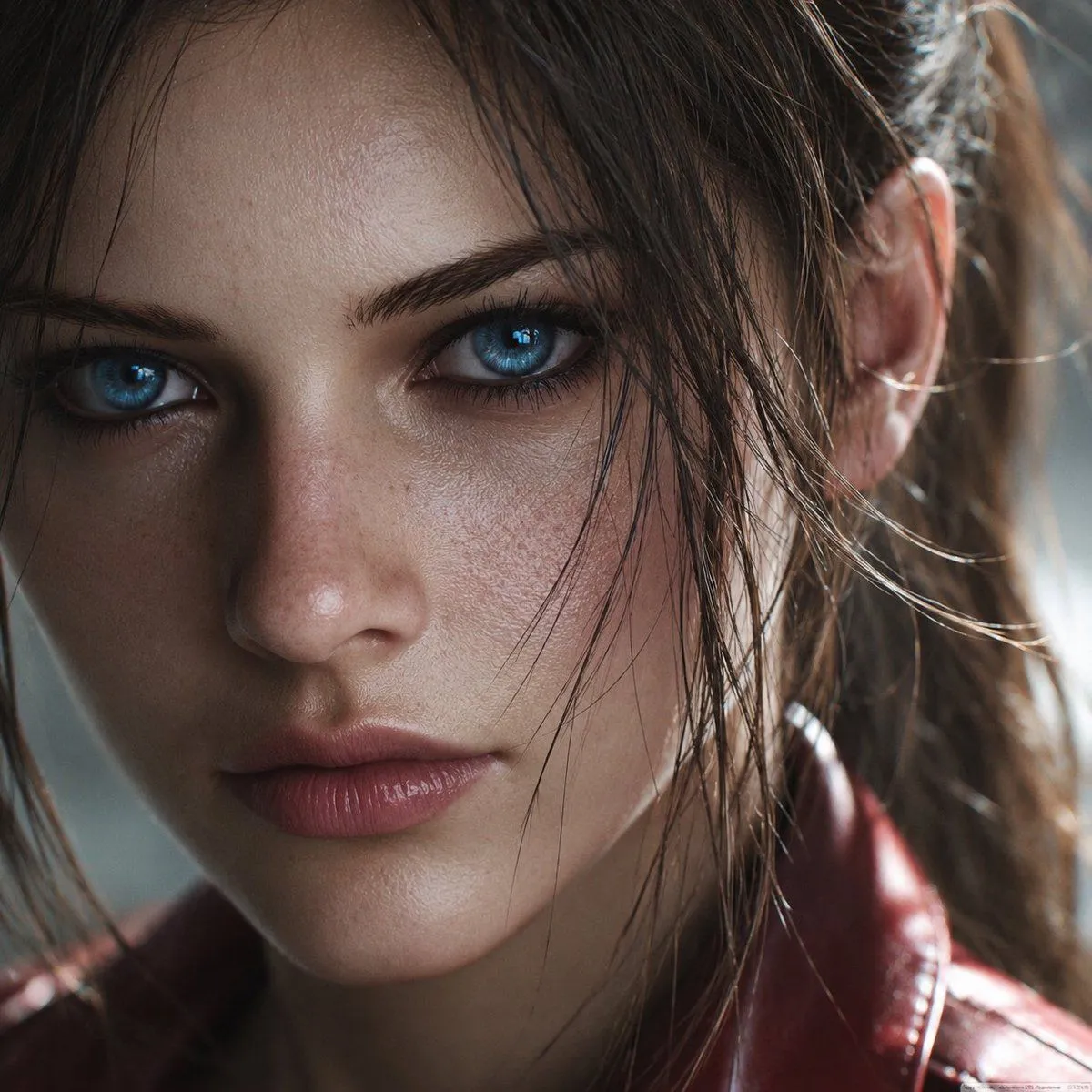
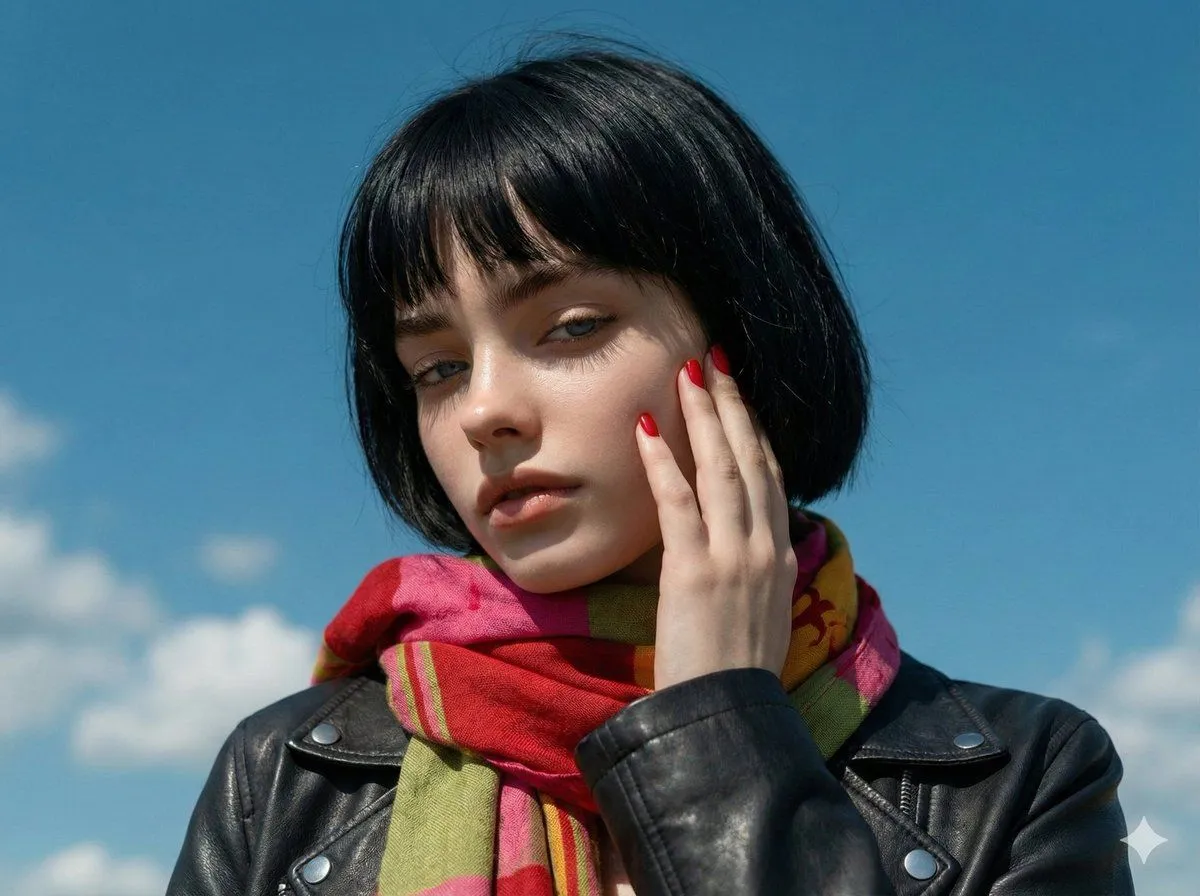
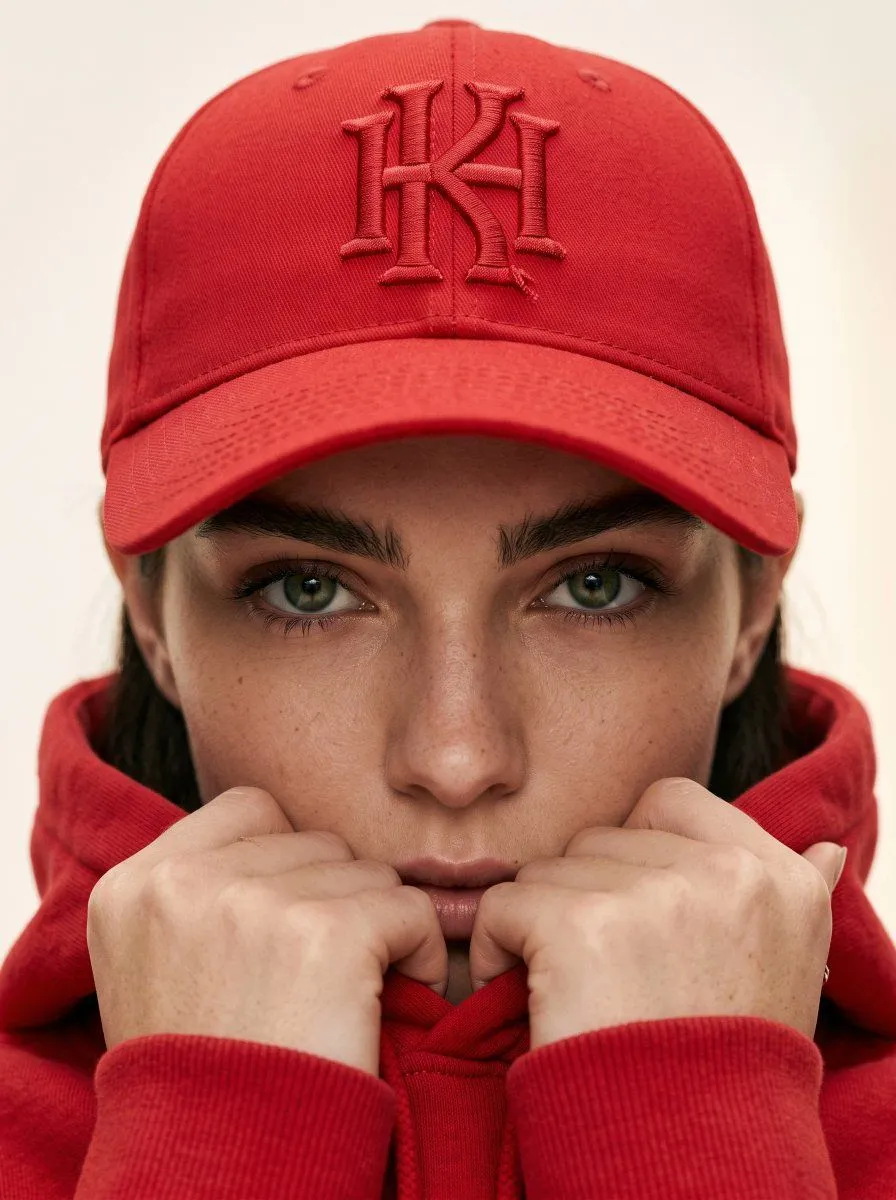
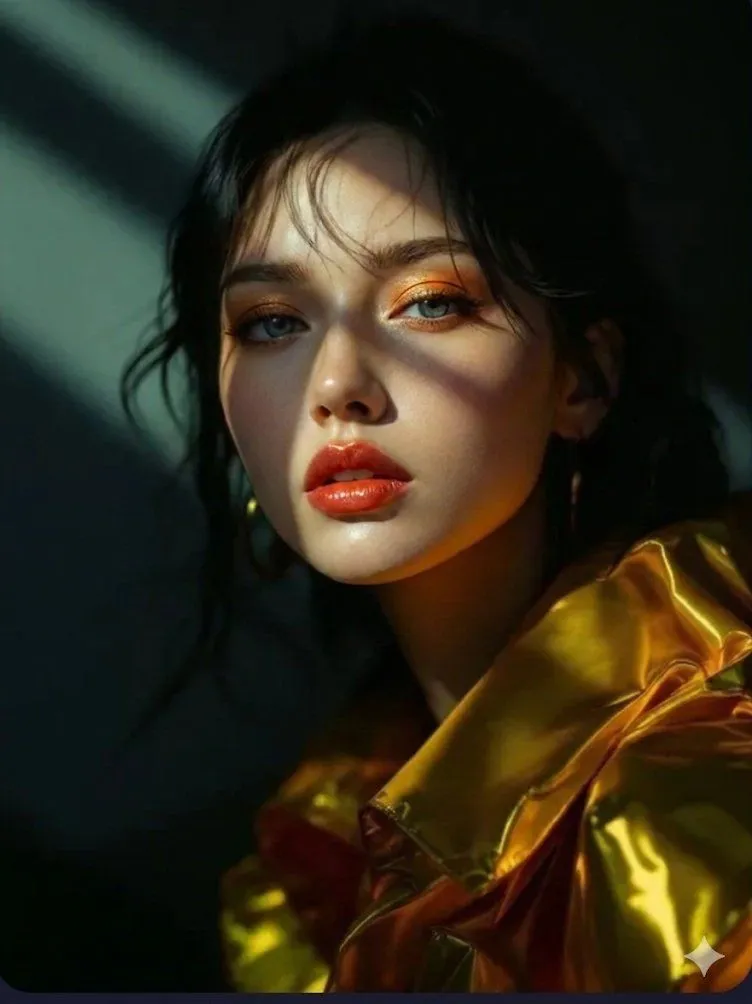
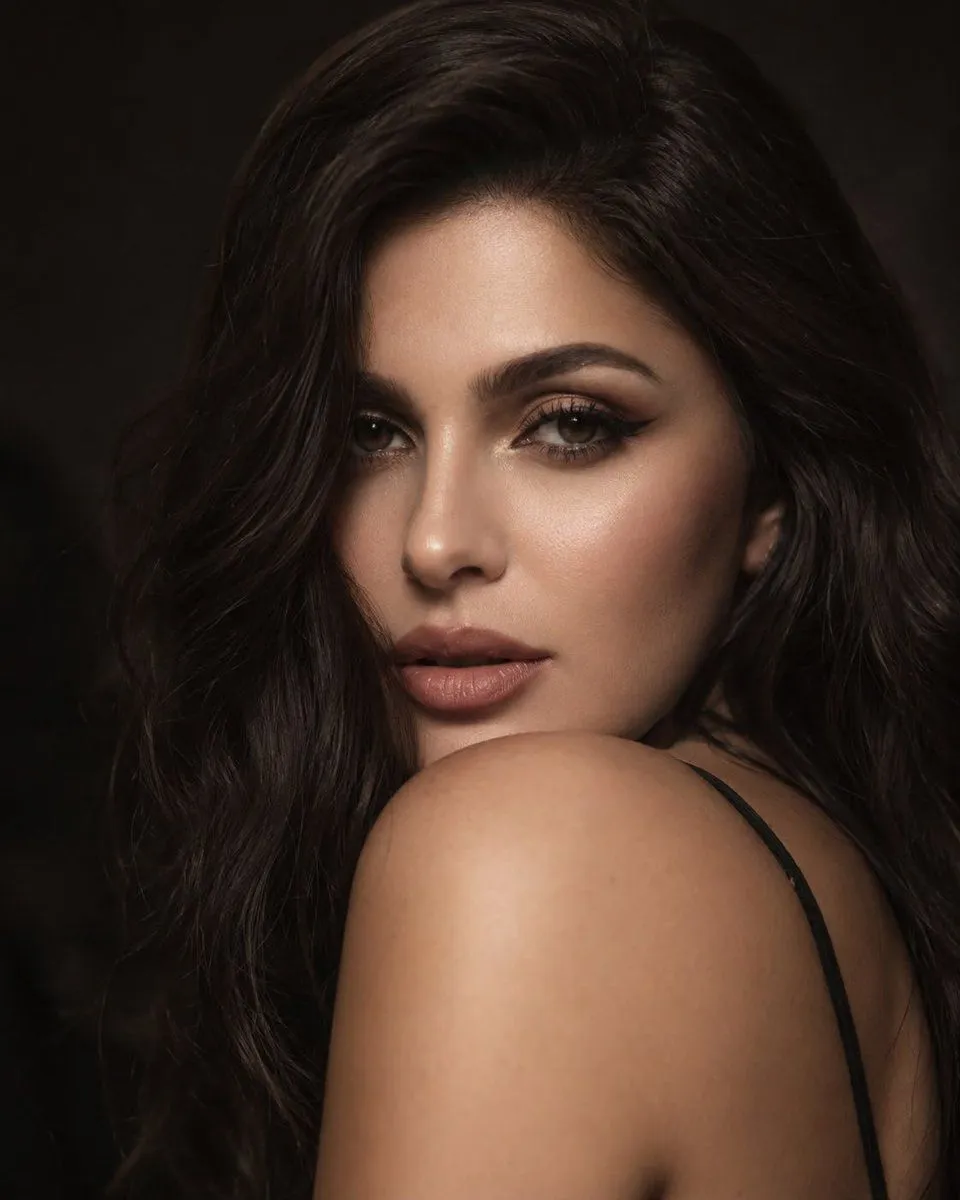
Made with GPT Image 1.5 in ChatGPT, collected by Library Concept. Promptclay never generates images.

Did it work?

No reports yet. Tell others if it worked for you.

No comments yet. Be the first.

    Improving Asymmetrical Element Identification in GPT Image 1.5

    GPT Image 1.59:16AI-generated

    Prompt

    Please be careful to properly identify (and not mistake) elements that are highly asymmetrical on the left and right sides.

    Works in
    ChatGPT, Gemini
    Status
    Free to copy
    0
    DetailsVersions, settings and questions

    Written for

    What's in the prompt

    Subject
    Model
    GPT Image 1.5

    If your face changes

    keep my face exactly the same

    Questions

    Does this work in the ChatGPT app?
    Yes. Paste the prompt and attach your photo if it uses one.
    It changed my face. What do I do?
    Add "keep my face exactly the same" to the end and run it again.
    Can I use the images I make?
    Check the terms of the app you use. Promptclay never generates images and claims nothing you make.
    Similar prompts

    See more
    • Red Leather Biker Fashion Portrait
    • Cinematic Rainy City Portrait
    • Cinematic Copper Auburn Portrait
    • Ethereal Long Exposure Cinematic Portrait Prompt
    • Monochrome Fine Art Portrait with Dramatic Rim Lighting
    • Photoreal Claire Face Restoration
    • 4K Upscale and Detail Enhancement Prompt
    • Tight Red Cap Fashion CloseUp
    • Vogue Editorial Fashion Portrait
    • Editorial Beauty Portrait for Consistency
    • Passport Photo Aesthetic Portrait
    • High-Angle Editorial Editorial Portrait
    • South Asian Woman Portrait Prompt
    • Mixed Media Cinematic Portrait Illustration
    • Heroic Dramatic Studio Portrait Prompt (Chinese Style)
    • Music Video Production Storyboard Blueprint
    • Cyberpunk City Parkour MV
    • Anime Voice AI Poster
    • Image Analysis and Correction Tool Description
    • Character Sheet and Illustration Generation for Bakumatsu Agents
    • Drunken Staff Manga Screenshot
    • Cyberpunk FPV Drone Racer Poster
    • Cyberpunk Character Status Screen
    • Anime Model Comparison Dashboard

    Show more

    Run it on your phone

    1. Prompt copiedRead it

      Please be careful to properly identify (and not mistake) elements that are highly asymmetrical on the left and right sides.

    2. Open your app

    3. Paste and run

      Press and hold the message box, then tap Paste. Add your photo first if the prompt uses one. You may need to sign in.

    Improving Asymmetrical Element Identification in GPT Image 1.5