Tell us anything

An idea, a bug, something you love. We read every note.

⌘↵ to send. The page you're on comes along.

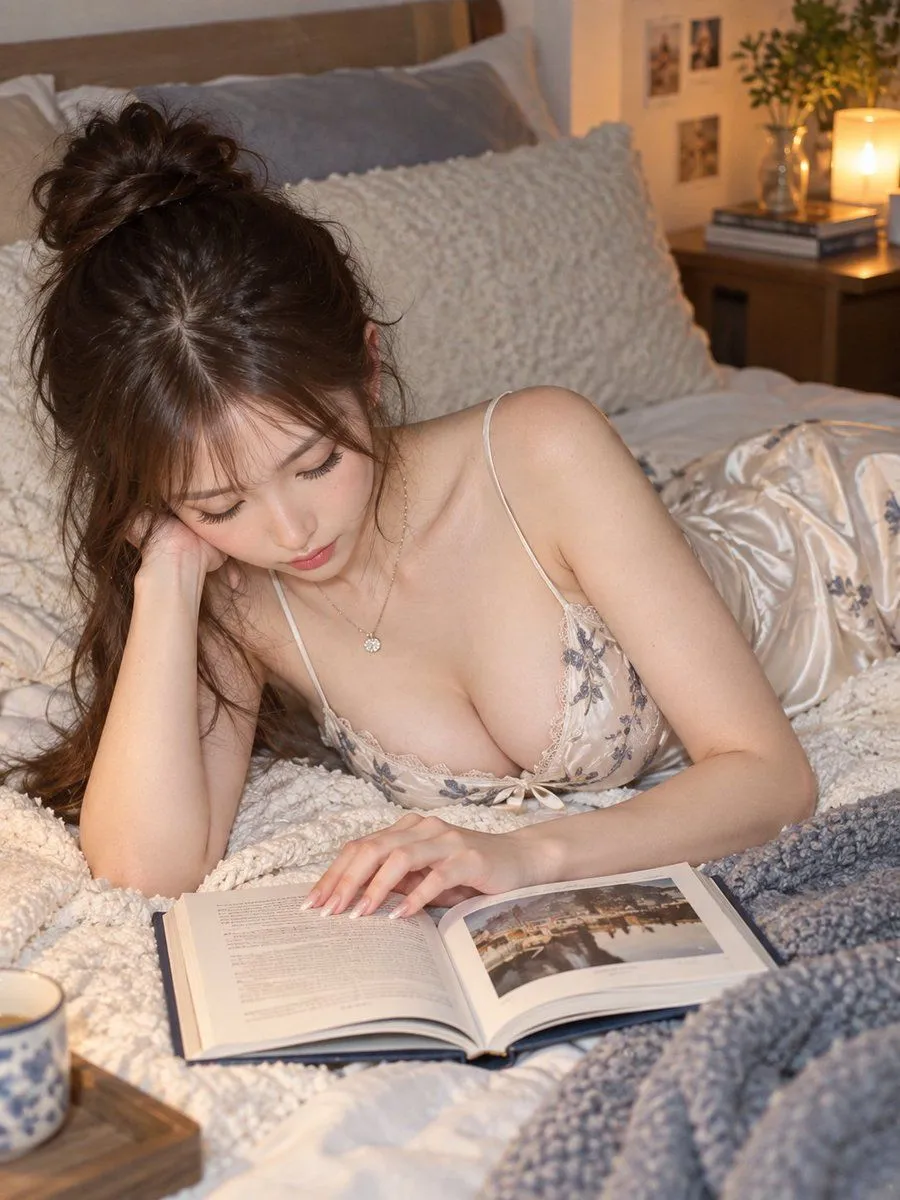
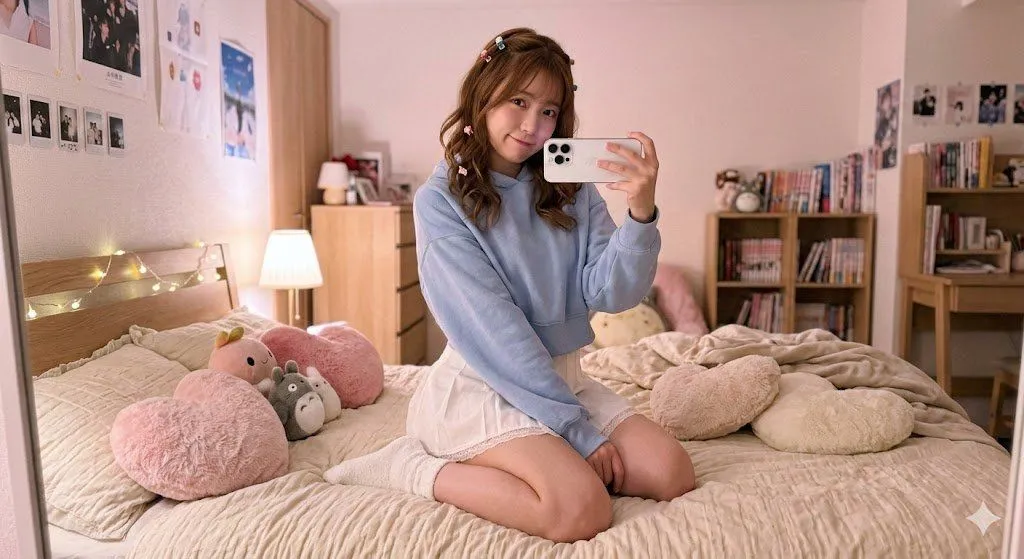
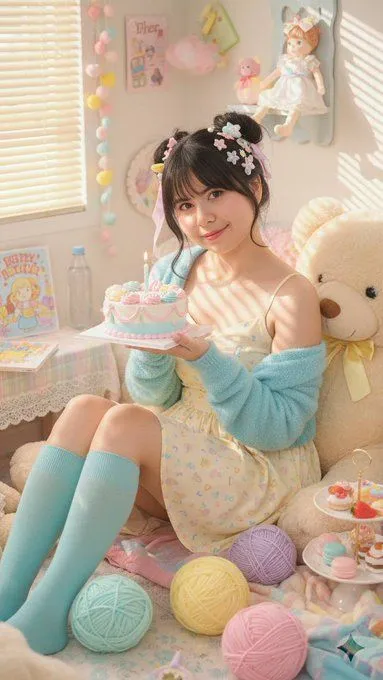
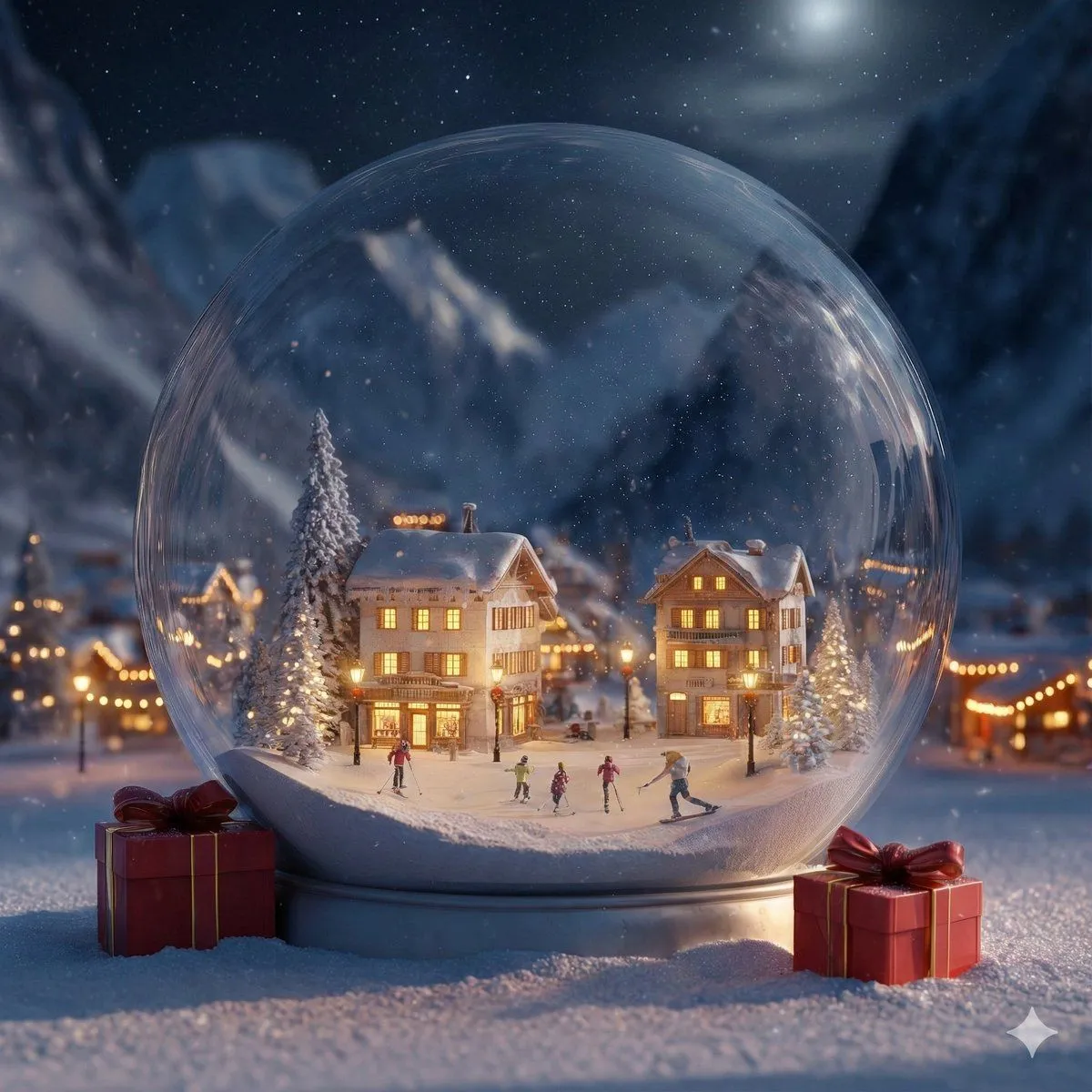
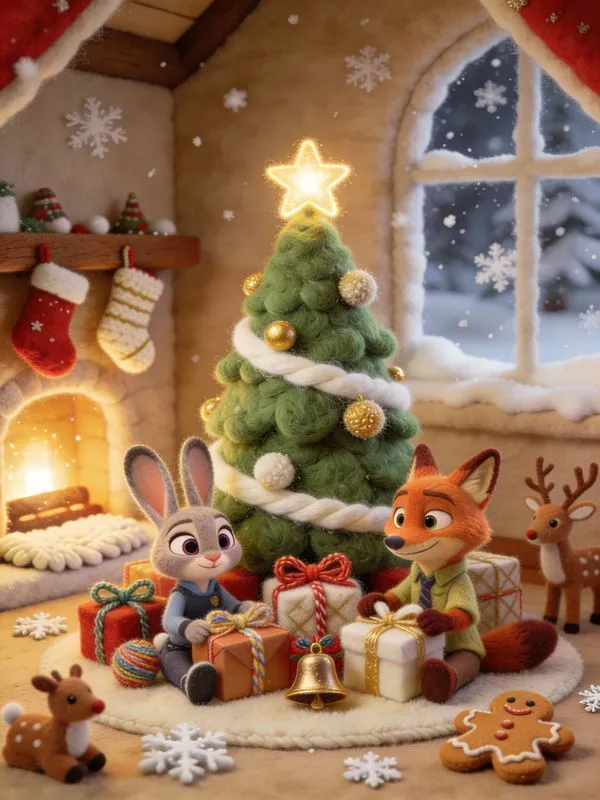
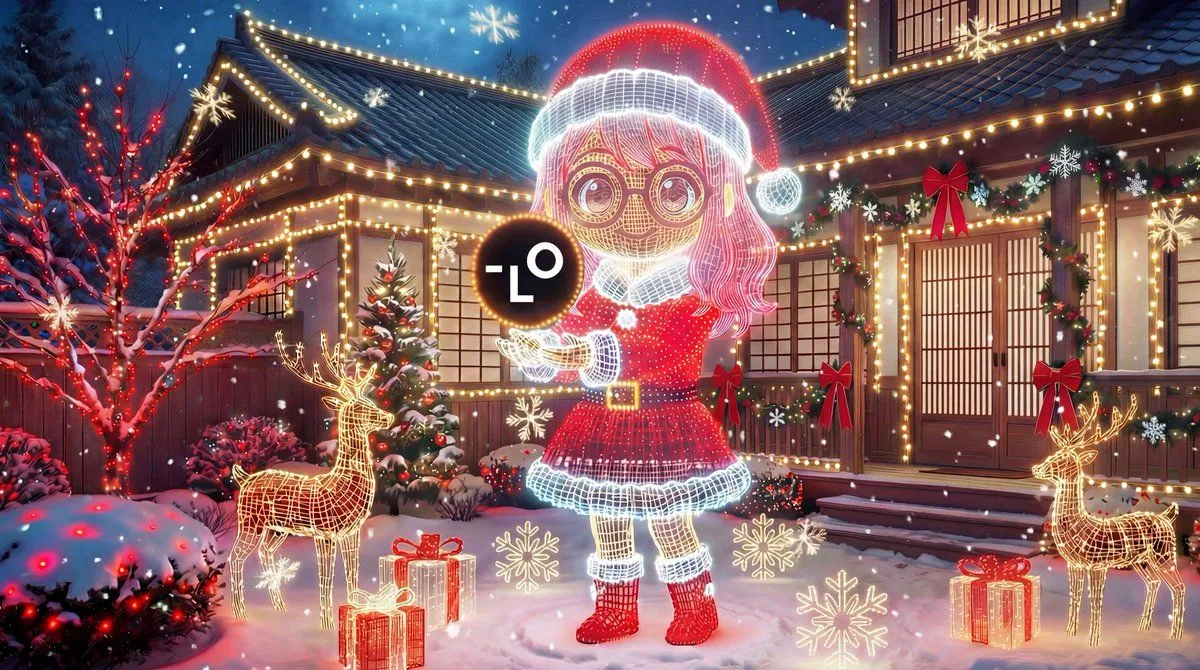
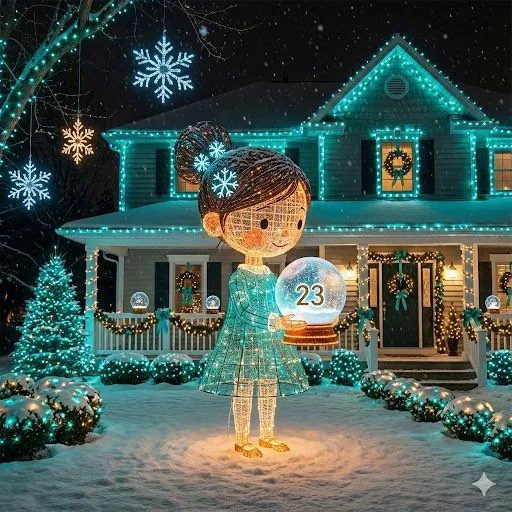
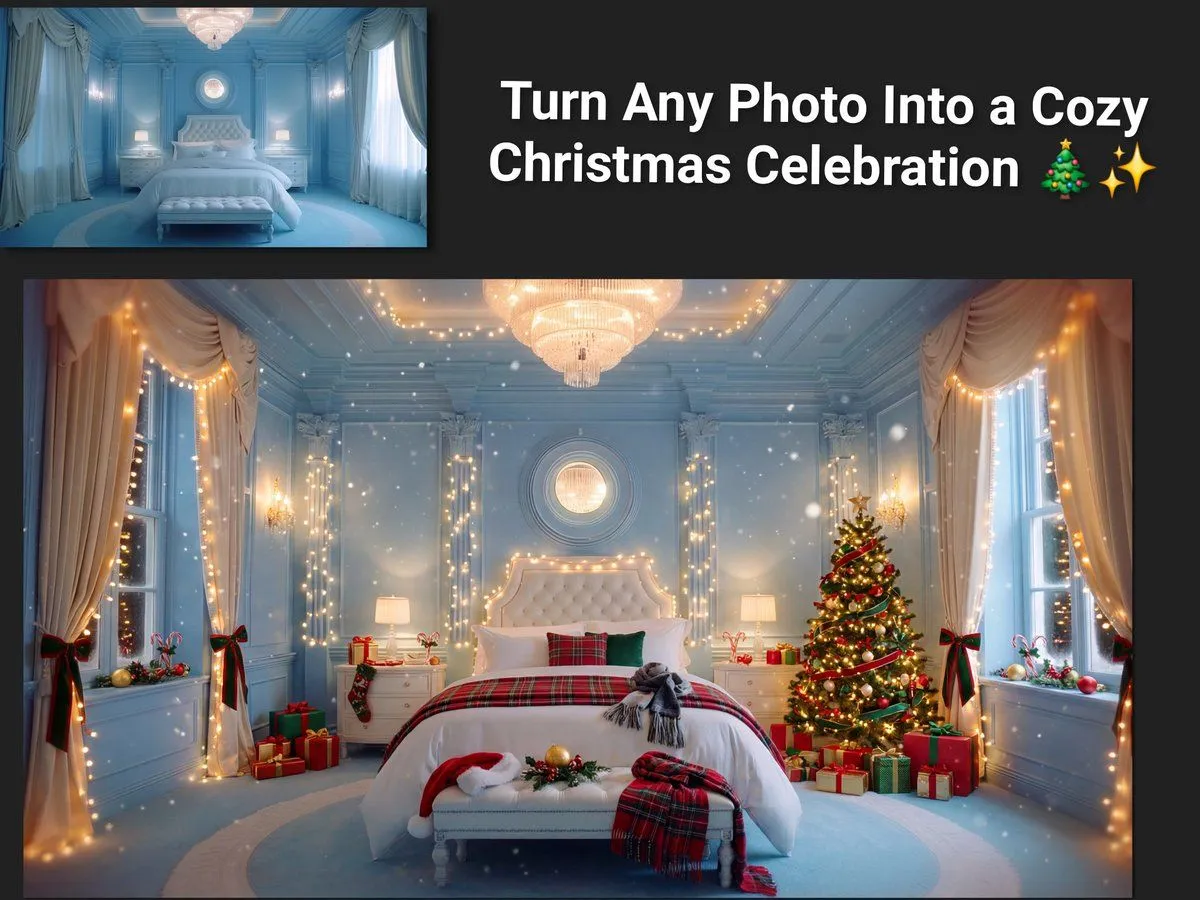
Image Transformation to Cozy Christmas Scene

Made with Nano Banana Pro in Gemini by Library Social. Promptclay never generates images.

Did it work?

No reports yet. Tell others if it worked for you.

No comments yet. Be the first.

    Image Transformation to Cozy Christmas Scene

    Nano Banana Pro4:3AI-generated

    Prompt

    Take the provided image as the base and keep the main subject, layout, and camera angle unchanged. Transform the scene into a festive Christmas celebration while preserving realistic lighting and proportions. Add warm holiday string lights (soft bokeh), subtle snowfall or sparkling particles, and a cozy red-and-green color accent across decor. Place tasteful Christmas elements that match the context: a decorated tree in the background, wrapped gift boxes, candy canes, holly, and a few ornaments. Add Santa hats or winter scarves only if they fit naturally. Enhance warmth with golden highlights and gentle vignette. Avoid clutter, text, logos, and distorted faces; keep details sharp and natural.

    Works in
    Gemini, ChatGPT
    Status
    Free to copy
    0
    DetailsVersions, settings and questions

    Written for

    What's in the prompt

    Subject
    Model
    Nano Banana Pro

    If your face changes

    keep my face exactly the same

    Questions

    Does this work in the Gemini app?
    Yes. Gemini runs Nano Banana, so paste the prompt and attach your photo if it uses one.
    It changed my face. What do I do?
    Add "keep my face exactly the same" to the end and run it again.
    Can I use the images I make?
    Check the terms of the app you use. Promptclay never generates images and claims nothing you make.


    Similar prompts

    See more
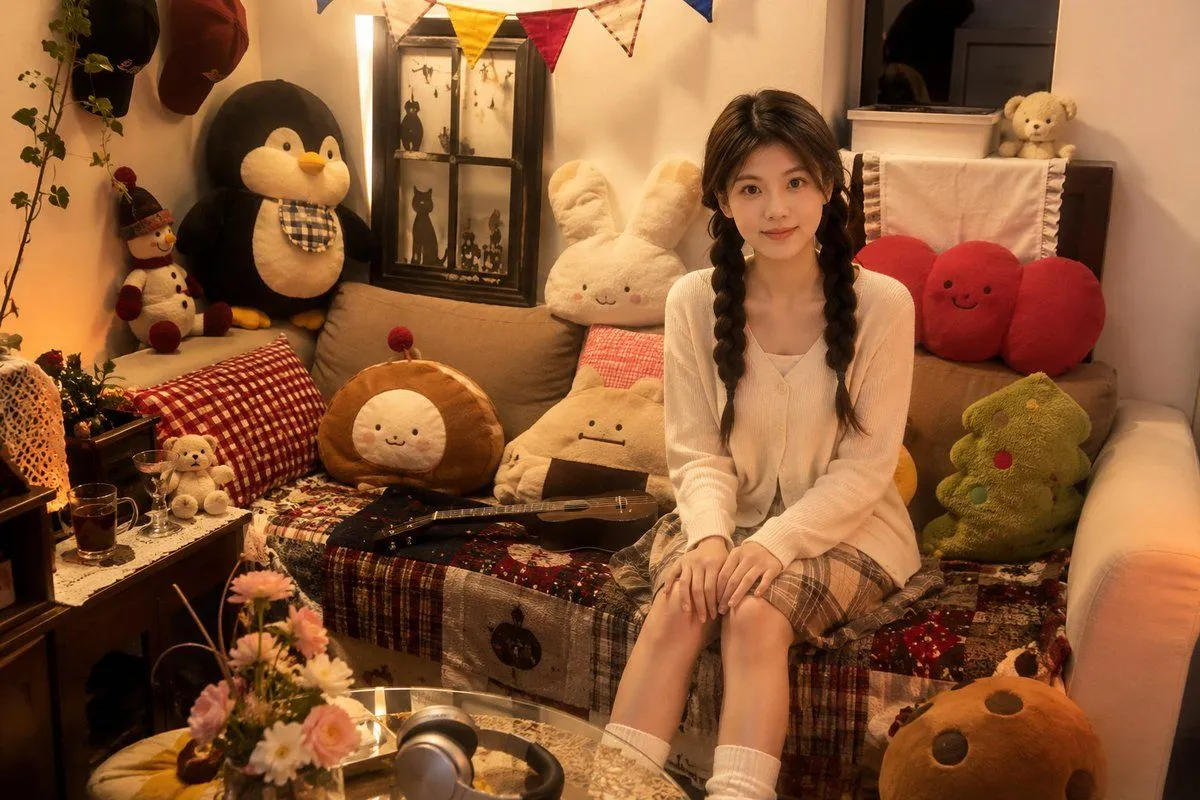
    • Image-to-Character Christmas Tree Prompt
    • Change an existing image to a Santa theme
    • Cozy Bedroom Plush Portrait
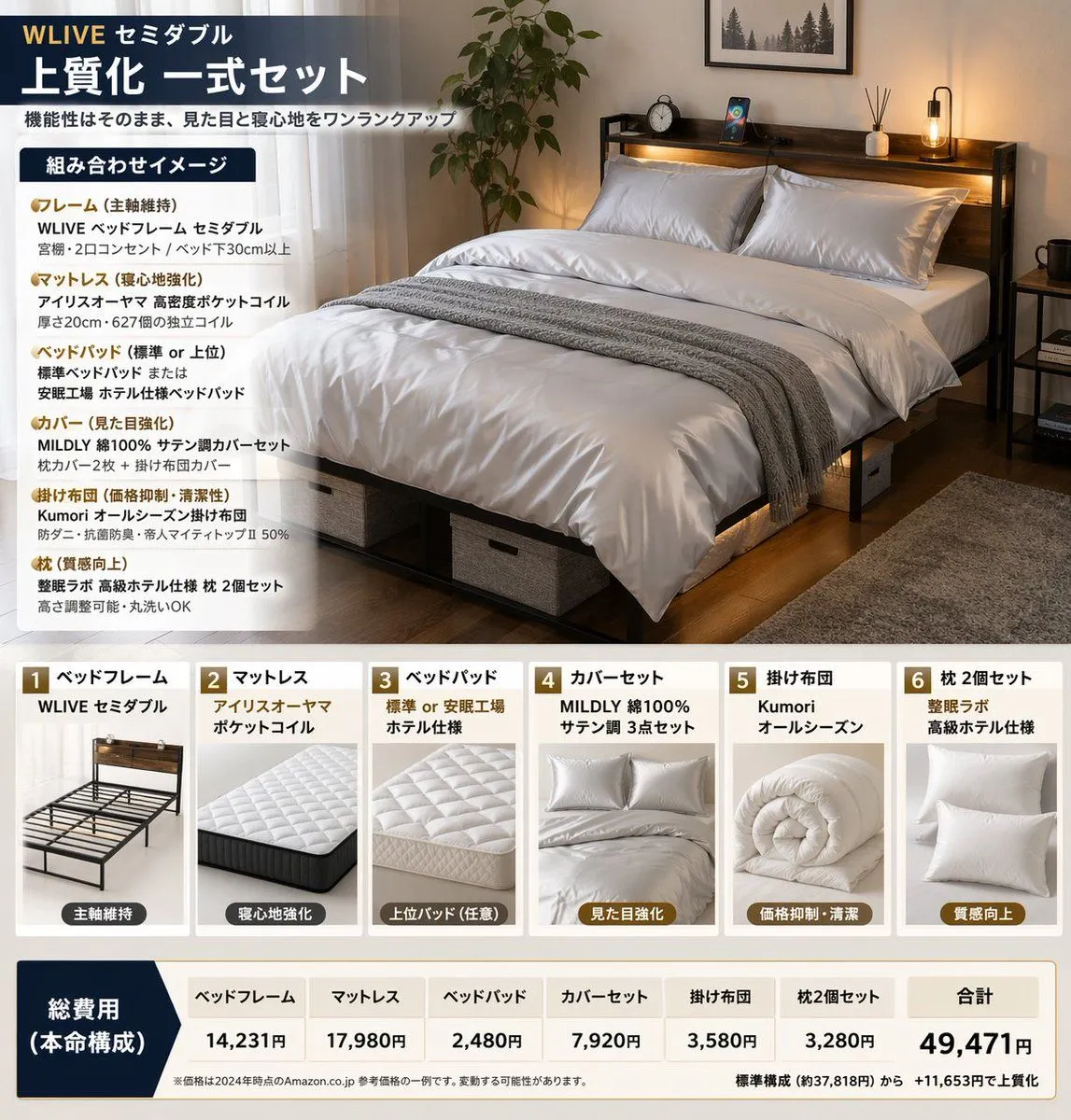
    • Bedding Bundle Infographic
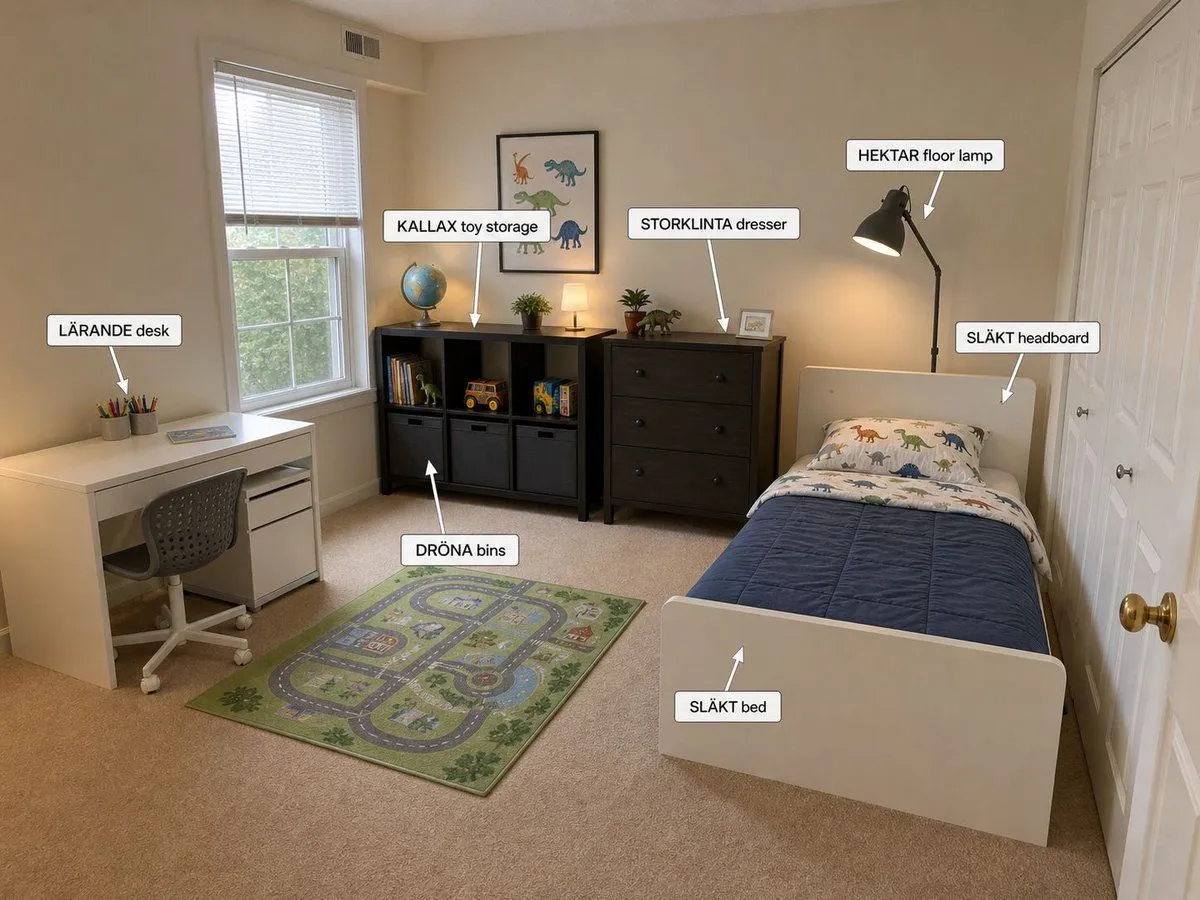
    • Annotated IKEA Kids Bedroom Design
    • Character-Specific Room Synthesis Prompt
    • Woman Reading in Bed with Blue Embroidery Camisole
    • Nano Banana 2 Detailed JSON Style Prompt (Kawaii Bedroom)
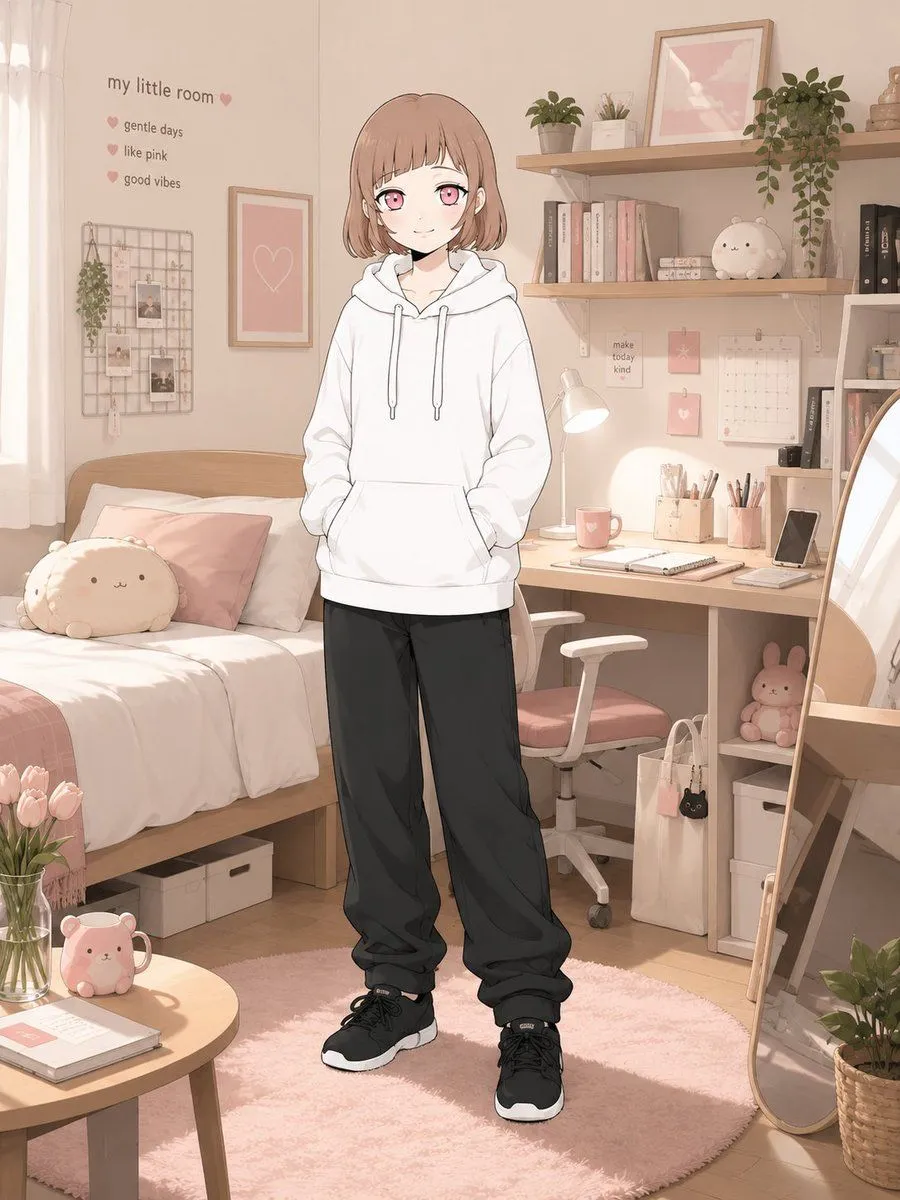
    • Dreamy Pastel Kawaii Bedroom Portrait
    • Cleaned Traditional Interior Edit
    • Animated flashy text reveal sequence
    • Convert image to night scene with warm lights
    • Judy and Nick Felt Christmas Poster
    • Outdoor Christmas Decoration from Input Image
    • Image-to-Outdoor Christmas Decor Prompt
    • 9-Grid Minimalist Christmas Portrait Prompt
    • Detailed Advertisement Generation
    • Sleeping Child with Dream Creatures
    • Pink Kawaii Girl Room
    • Child's Drawing to 3D Image Prompt
    • Christmas Angel Design Course Eyecatch Prompt (YAML Structure)
    • Multi-Angle Consistent Interior Room Grid
    • Vintage Cozy Living Room Illustration
    • Hand-Carved Wooden Miniature Figure

    Show more

    Run it on your phone

    1. Prompt copiedRead it

      Take the provided image as the base and keep the main subject, layout, and camera angle unchanged. Transform the scene into a festive Christmas celebration while preserving realistic lighting and proportions. Add warm holiday string lights (soft bokeh), subtle snowfall or sparkling particles, and a cozy red-and-green color accent across decor. Place tasteful Christmas elements that match the context: a decorated tree in the background, wrapped gift boxes, candy canes, holly, and a few ornaments. Add Santa hats or winter scarves only if they fit naturally. Enhance warmth with golden highlights and gentle vignette. Avoid clutter, text, logos, and distorted faces; keep details sharp and natural.

    2. Open your app

    3. Paste and run

      Press and hold the message box, then tap Paste. Add your photo first if the prompt uses one. You may need to sign in.

    Image Transformation to Cozy Christmas Scene