Tell us anything

An idea, a bug, something you love. We read every note.

⌘↵ to send. The page you're on comes along.

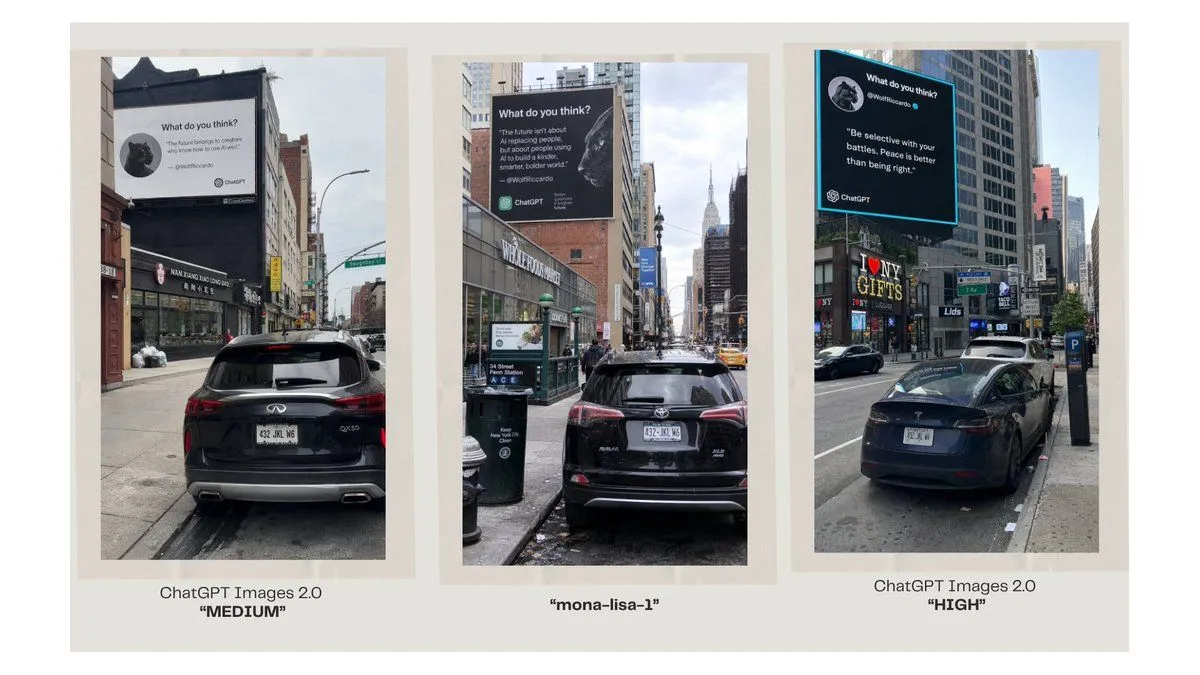
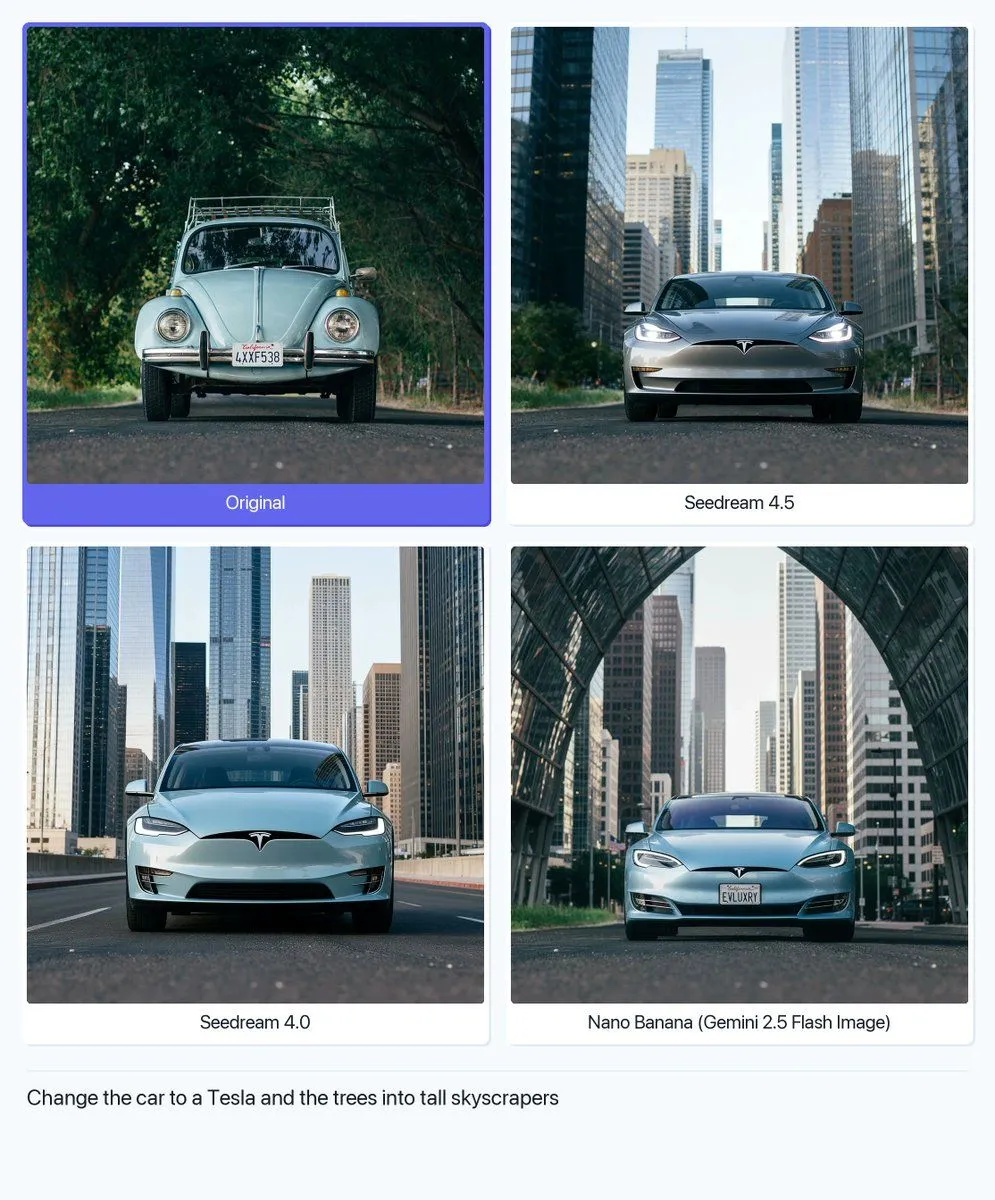
Image Editing: Car and Background Transformation

Made with GPT Image 1.5 in ChatGPT by Library Concept. Promptclay never generates images.

Did it work?

No reports yet. Tell others if it worked for you.

No comments yet. Be the first.

    Image Editing: Car and Background Transformation

    GPT Image 1.5AI-generated

    Prompt

    2 blanks to fill

    Change the car to a {new_vehicle} and the trees into tall {new_background_element}

    Works in
    ChatGPT, Gemini
    Status
    Free to copy
    0
    DetailsVersions, settings and questions

    Written for

    What's in the prompt

    Subject
    Model
    GPT Image 1.5

    If your face changes

    keep my face exactly the same

    Questions

    Does this work in the ChatGPT app?
    Yes. Paste the prompt and attach your photo if it uses one.
    It changed my face. What do I do?
    Add "keep my face exactly the same" to the end and run it again.
    Can I use the images I make?
    Check the terms of the app you use. Promptclay never generates images and claims nothing you make.
    Similar prompts

    See more
    • Old Photo Restoration Prompt
    • Split-screen time-lapse of same location by coordinates
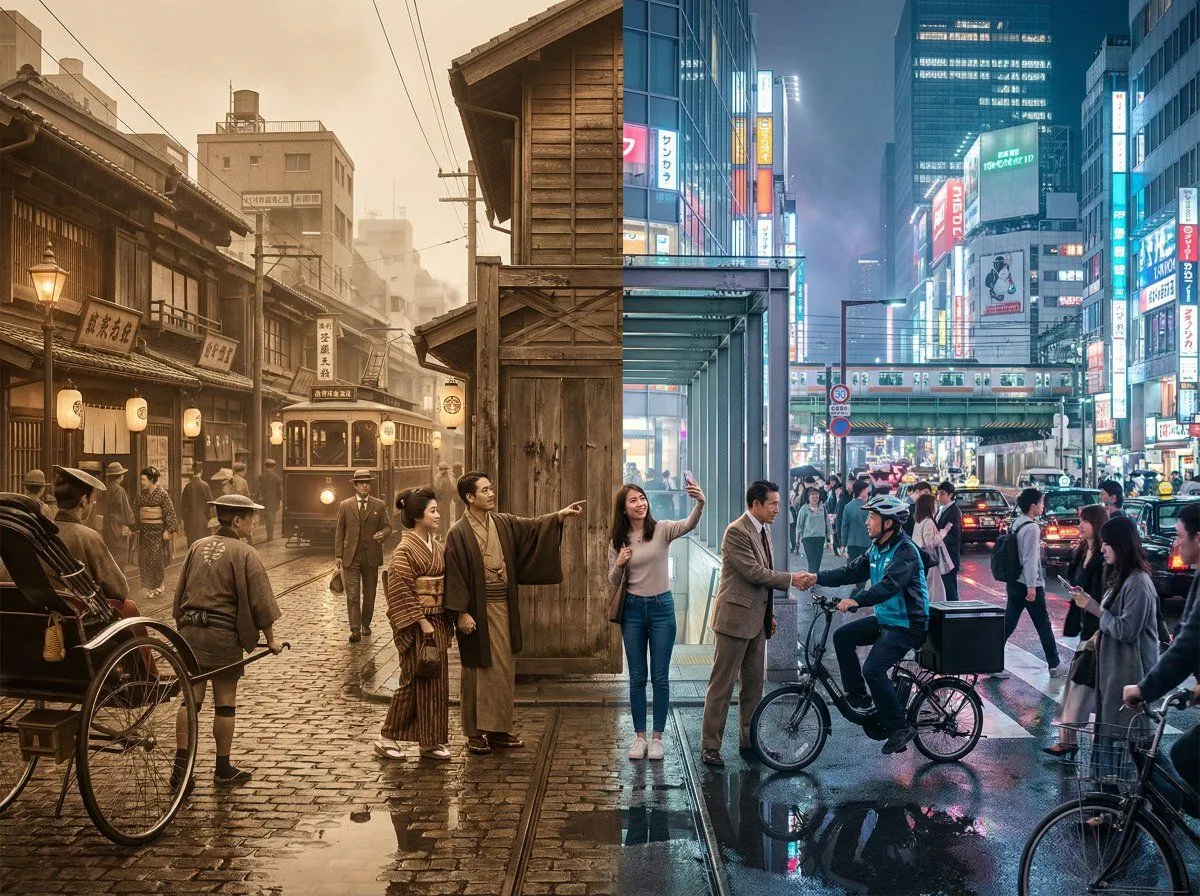
    • Tokyo Time-Blend Split-Screen
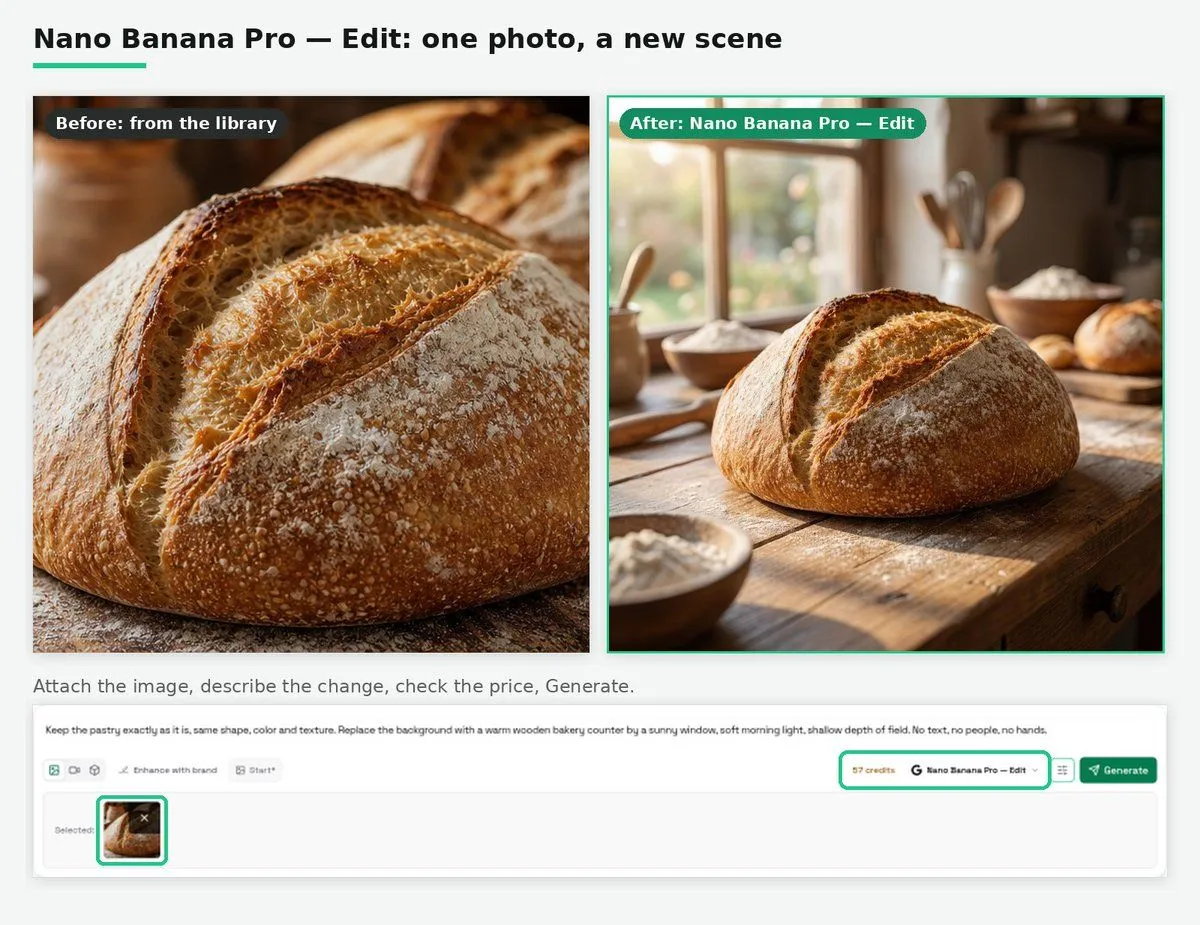
    • Nano Banana Pro Edit Tutorial
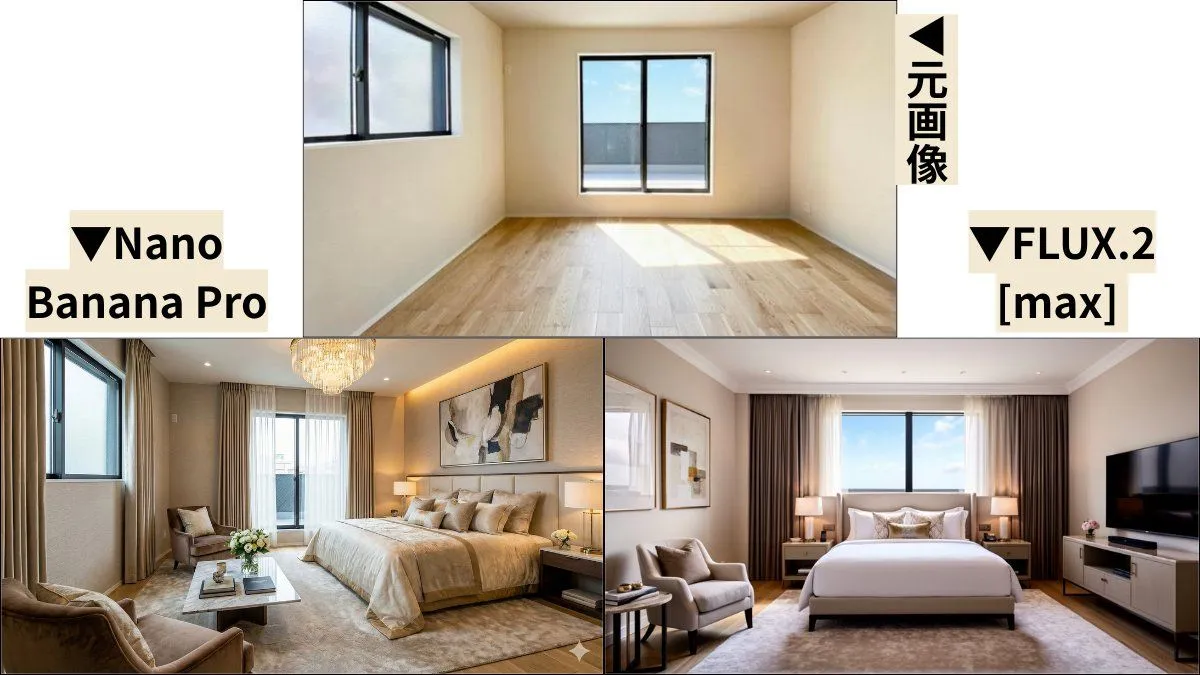
    • Room Transformation to Five-Star Hotel Suite
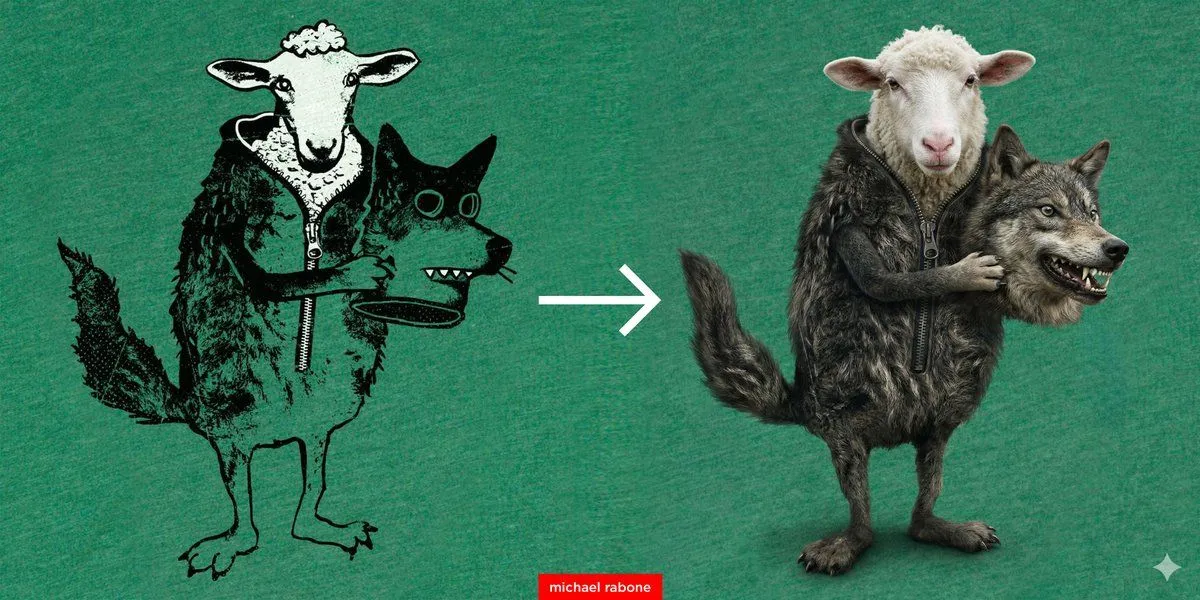
    • Artwork to 4K Photo Transformation Prompt
    • Coastal Photo to Pastel Pixel Art
    • High Definition Portrait Transformation
    • Three-Panel AI Image Quality Comparison
    • GPT Image 2 vs 2.5 Space Comparison
    • Ultra-Realistic 3D Automotive Brand Render
    • Celica Real vs Miniature Comparison
    • Futuristic EV Racing Through City Night
    • Structural Image Inpainting Prompt
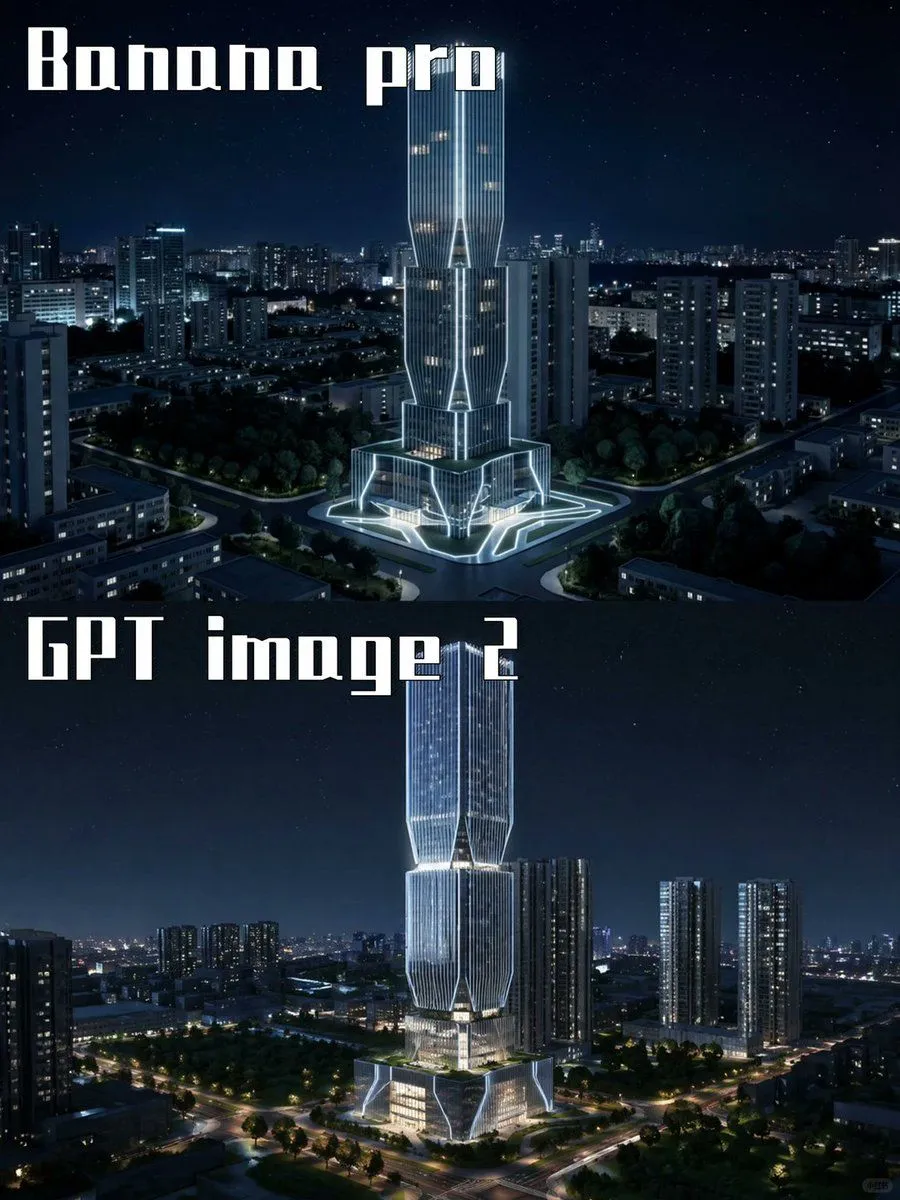
    • Night Skyscraper AI Model Comparison
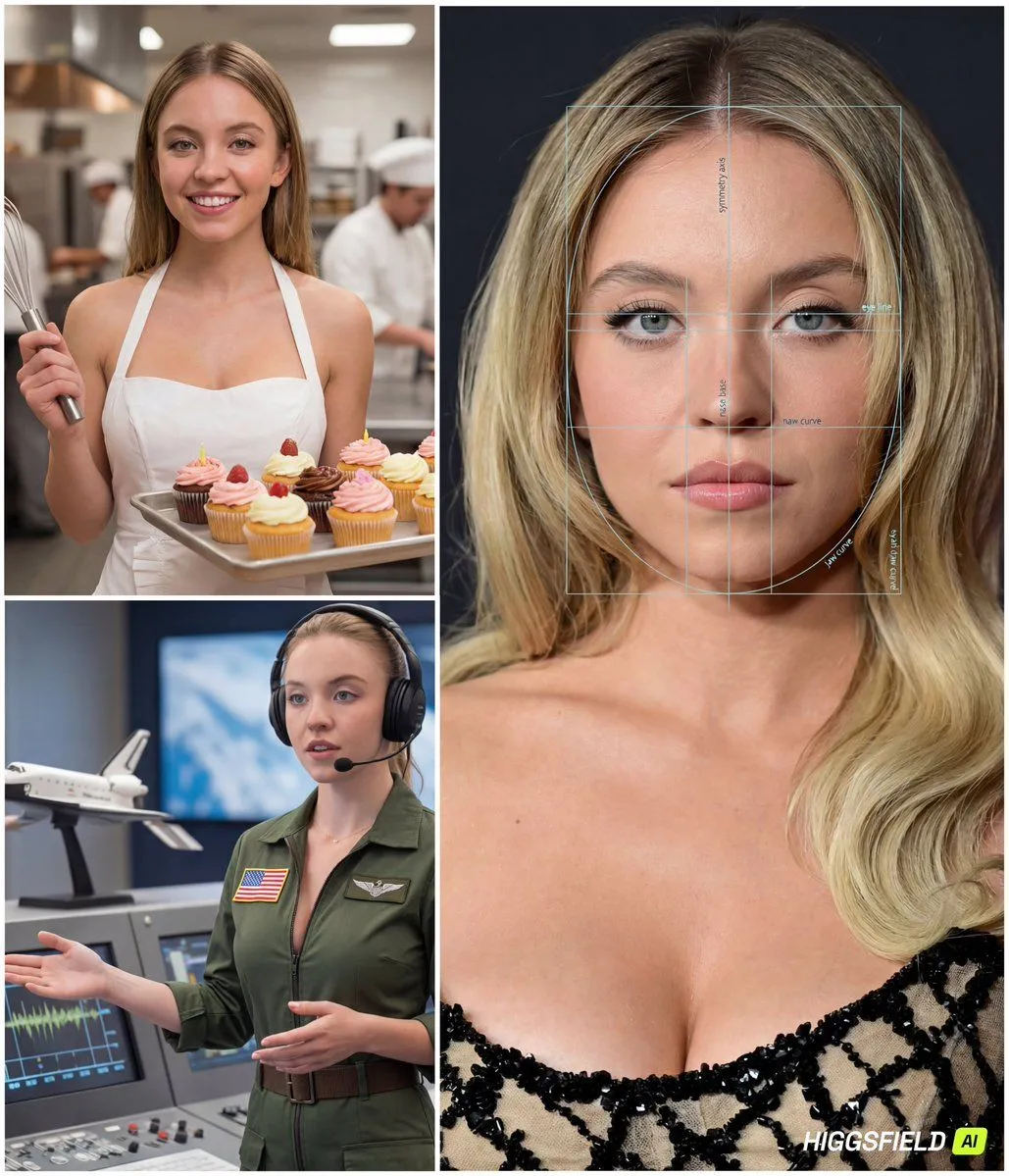
    • Face-to-Career Matching Composite Image Generator
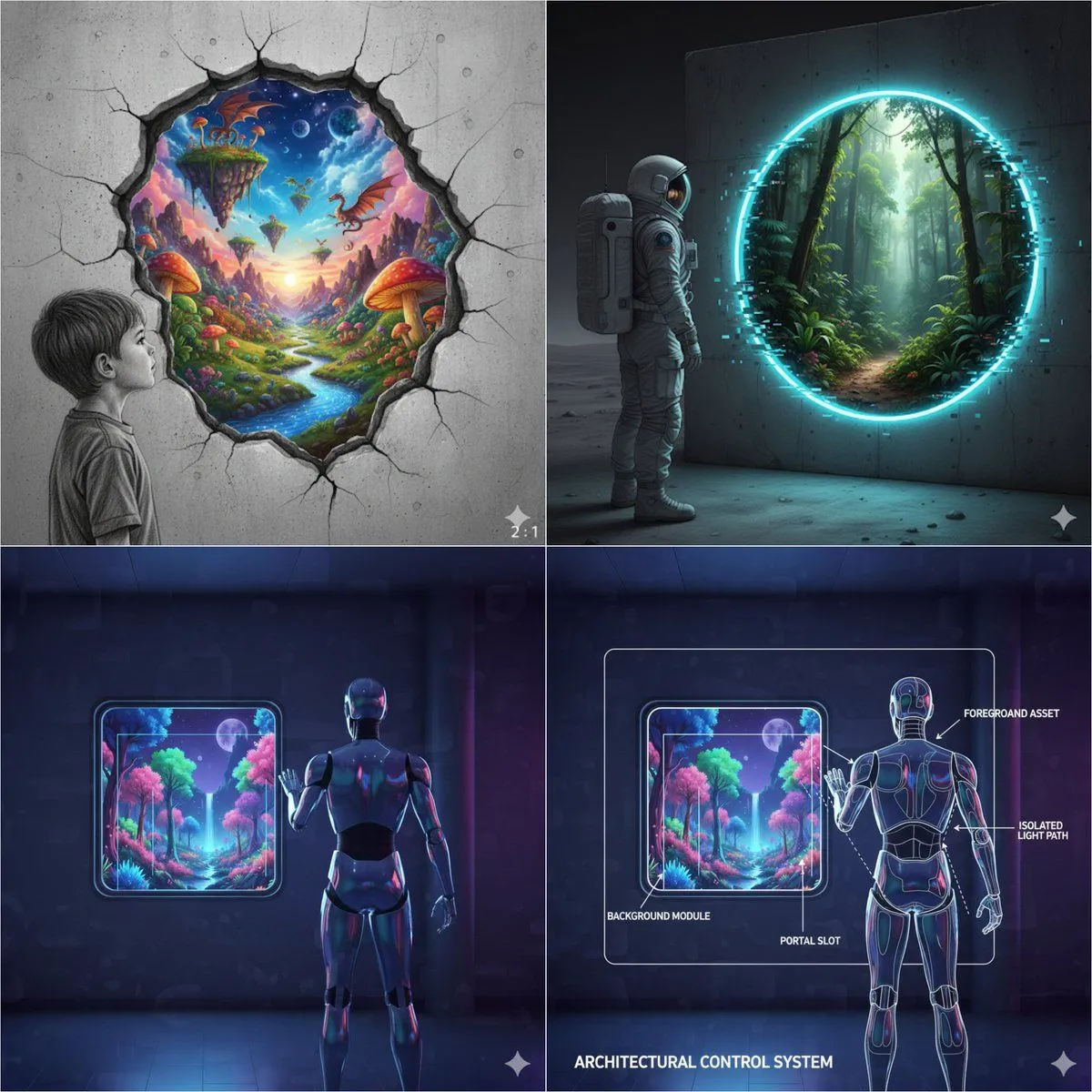
    • Object-Oriented prompt for controlling foreground and background
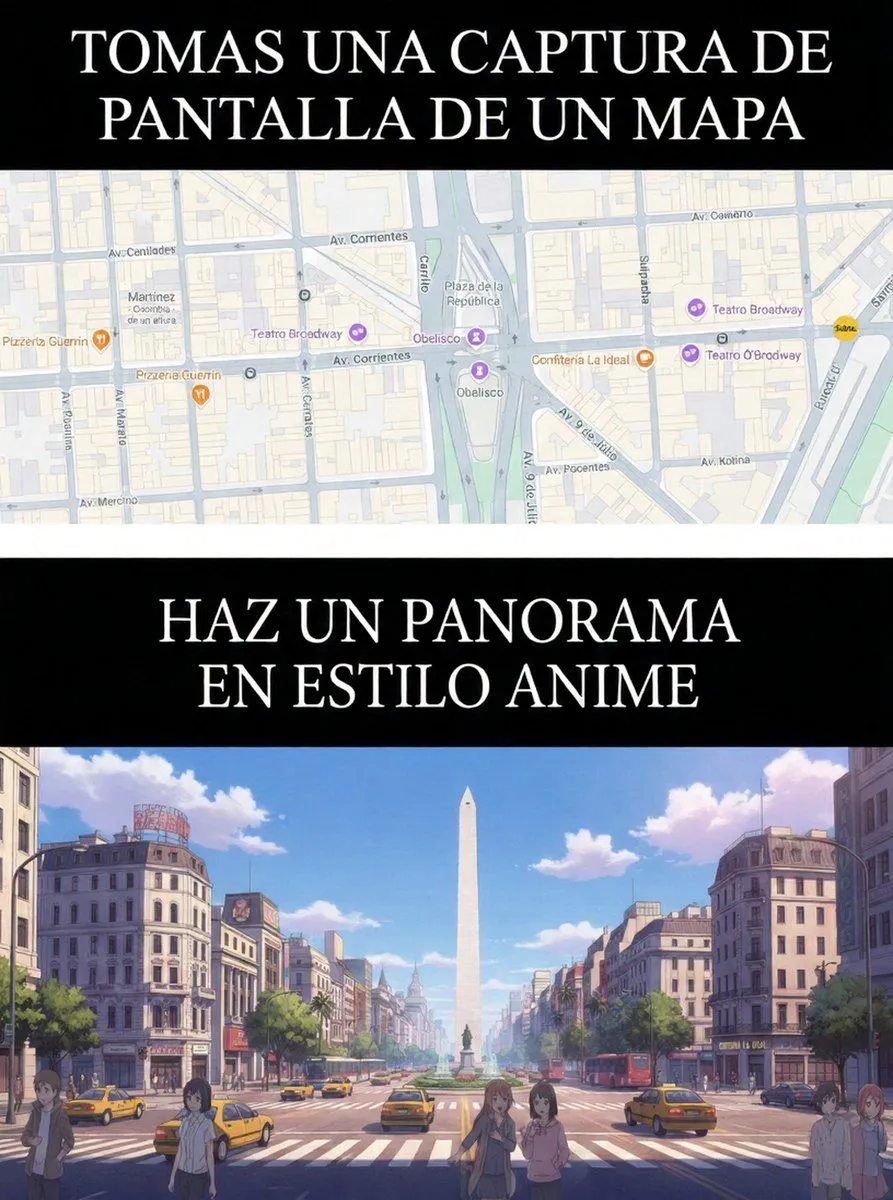
    • Map to Anime Panorama Conversion
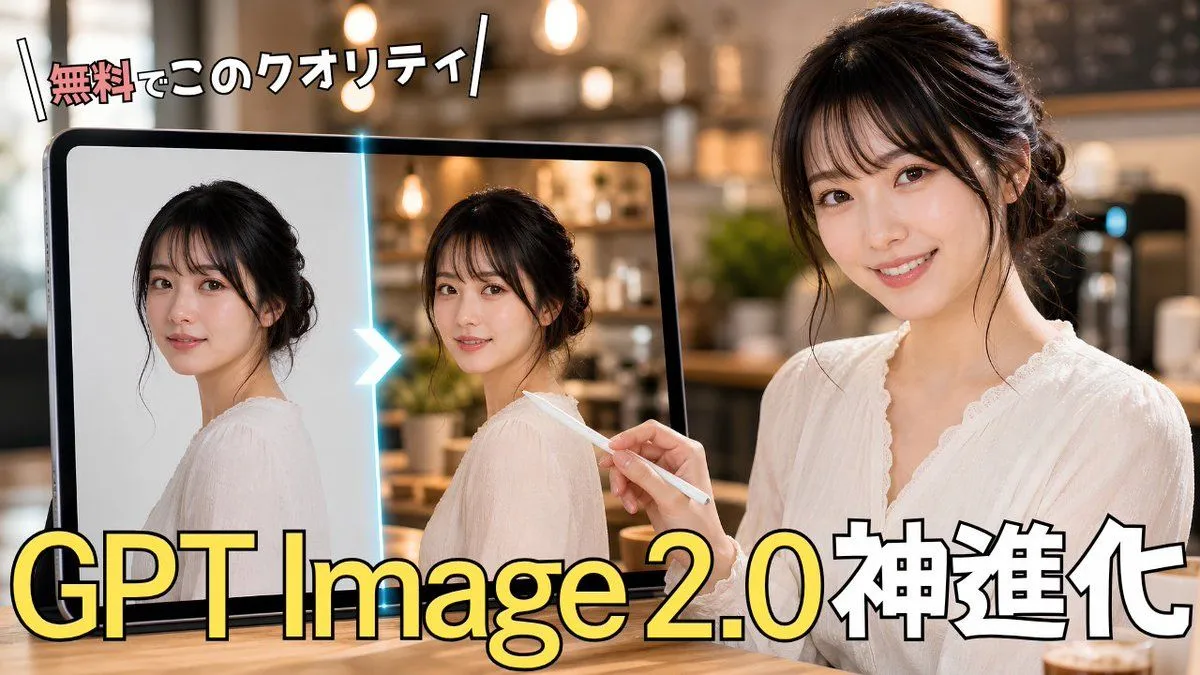
    • GPT Image 2.0 Japanese Thumbnail
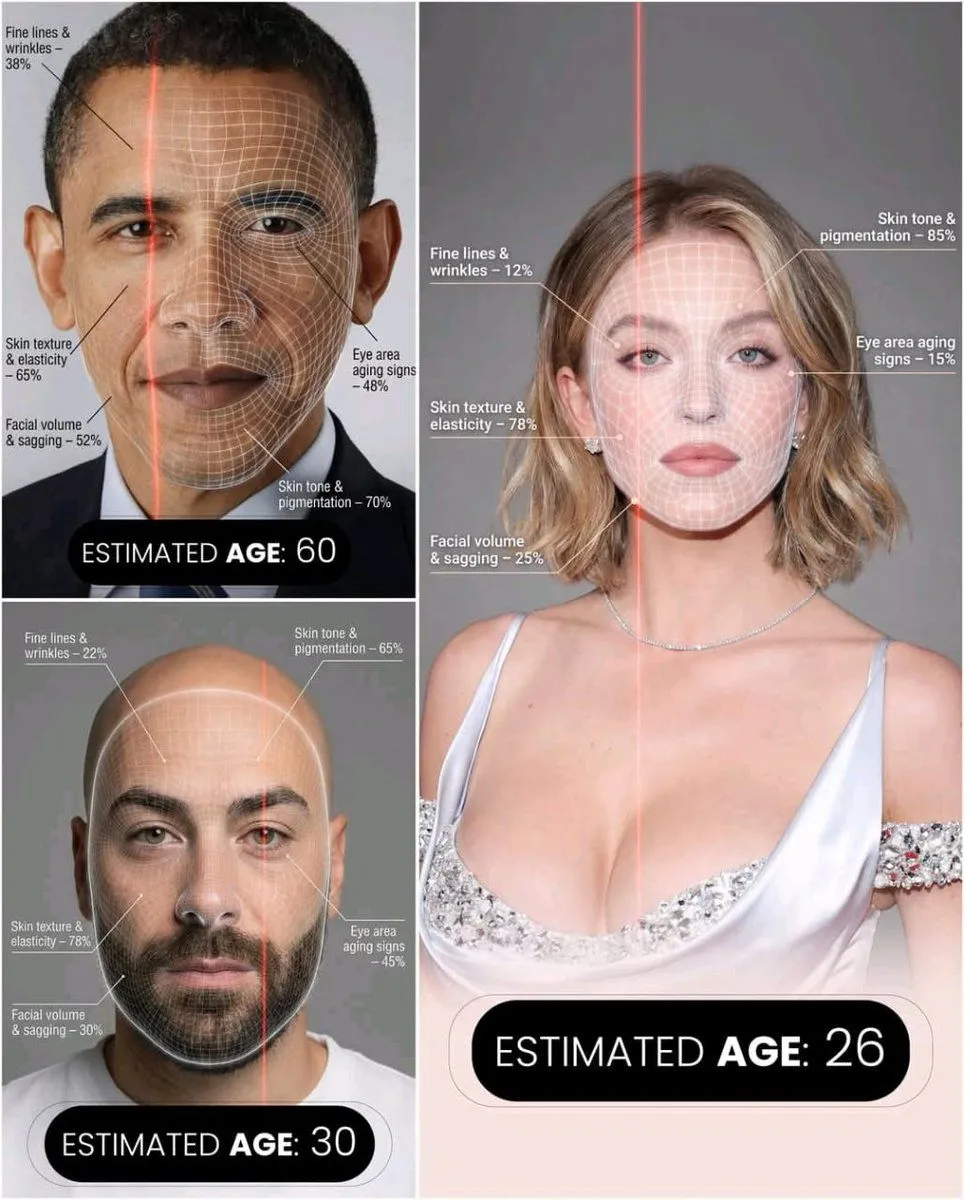
    • Futuristic AI Age Checker Infographic Portrait
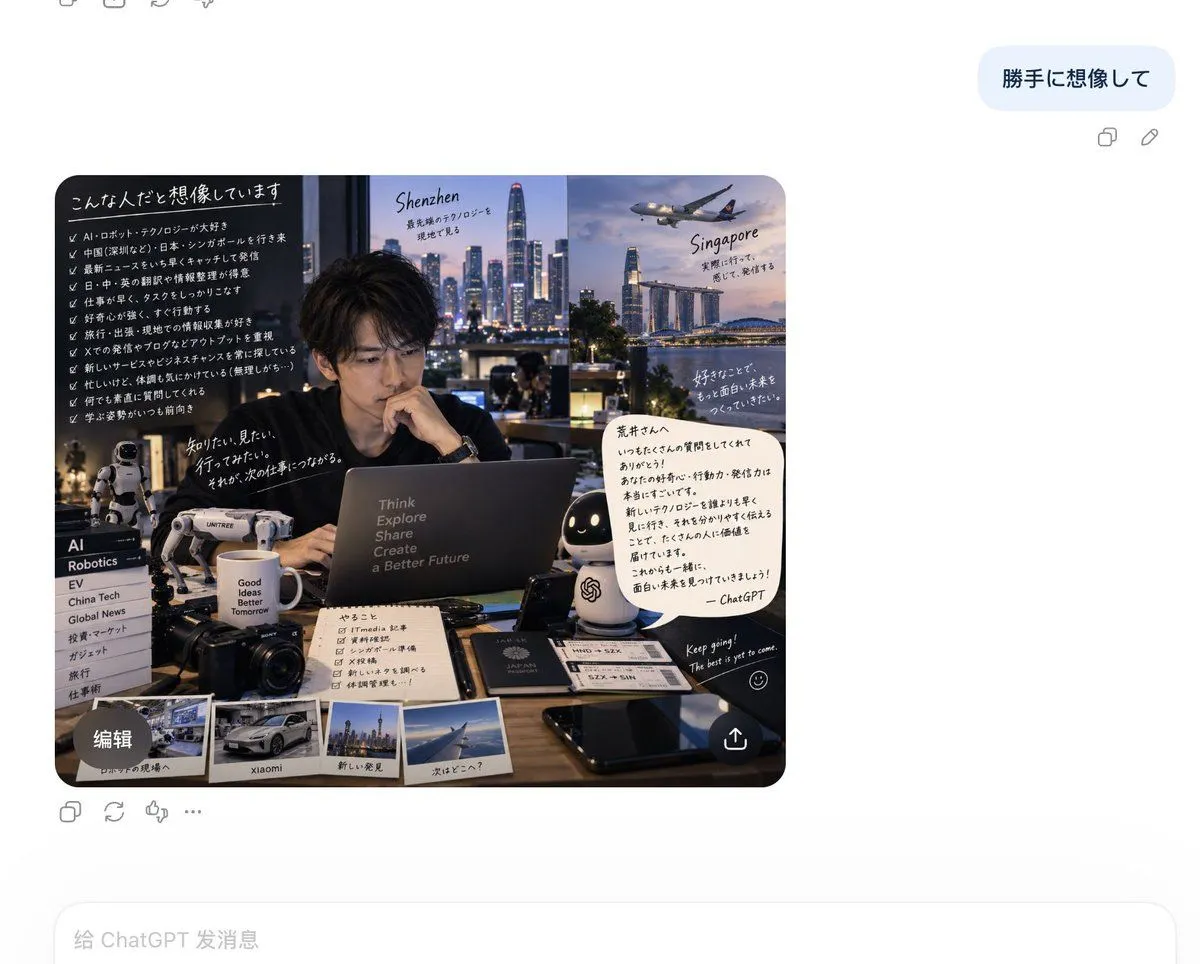
    • Personalized Personality Visualization
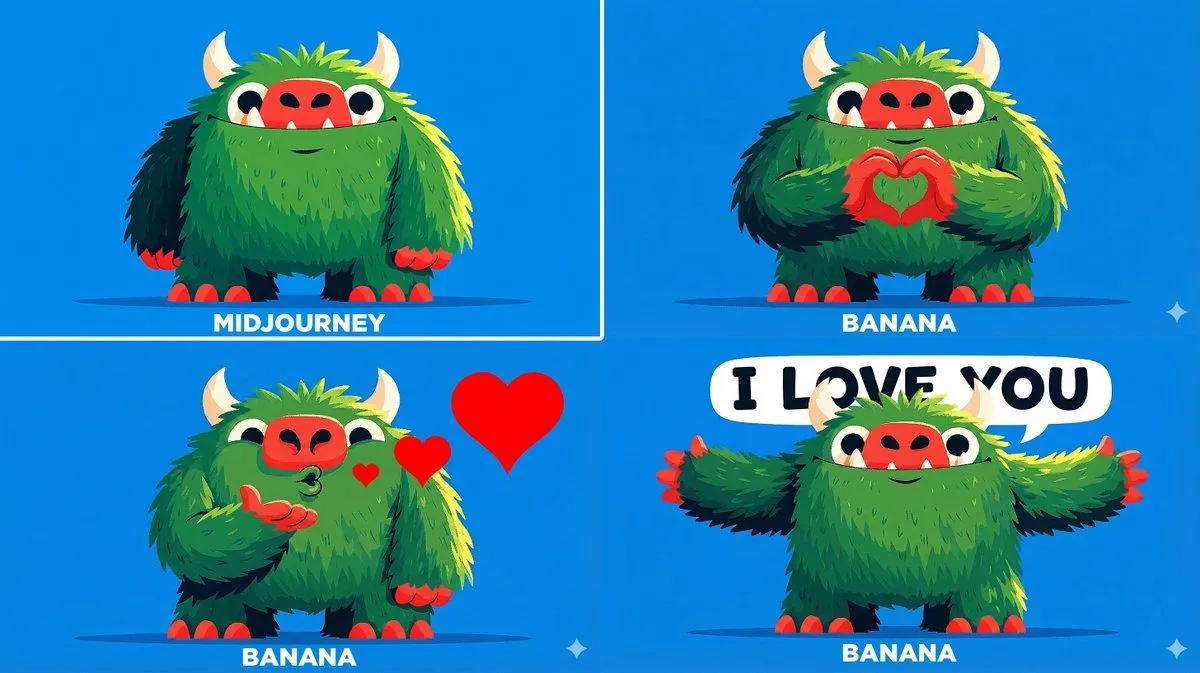
    • Changing Troll Character to Make Heart Shape
    • GTA Loading Screen Style Urban Chic Illustration
    • Three-Panel Transformation Journey Artwork Prompt

    Show more

    Run it on your phone

    1. Prompt copiedRead it

      Change the car to a {new_vehicle} and the trees into tall {new_background_element}

    2. Open your app

    3. Paste and run

      Press and hold the message box, then tap Paste. Add your photo first if the prompt uses one. You may need to sign in.

    Image Editing: Car and Background Transformation