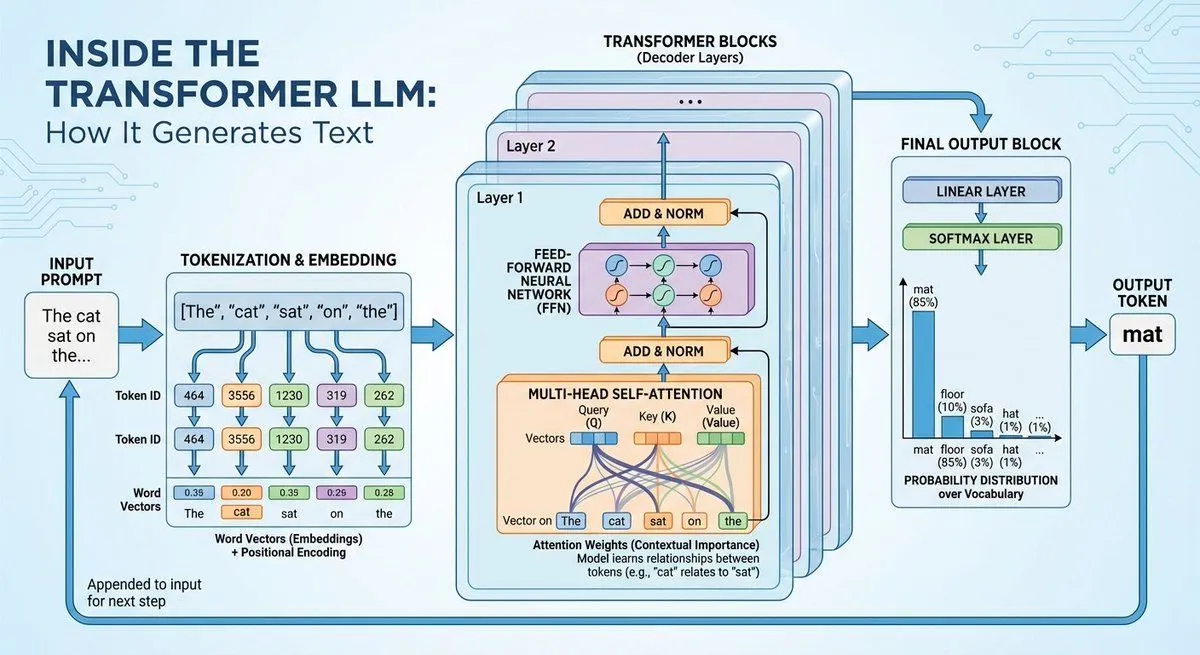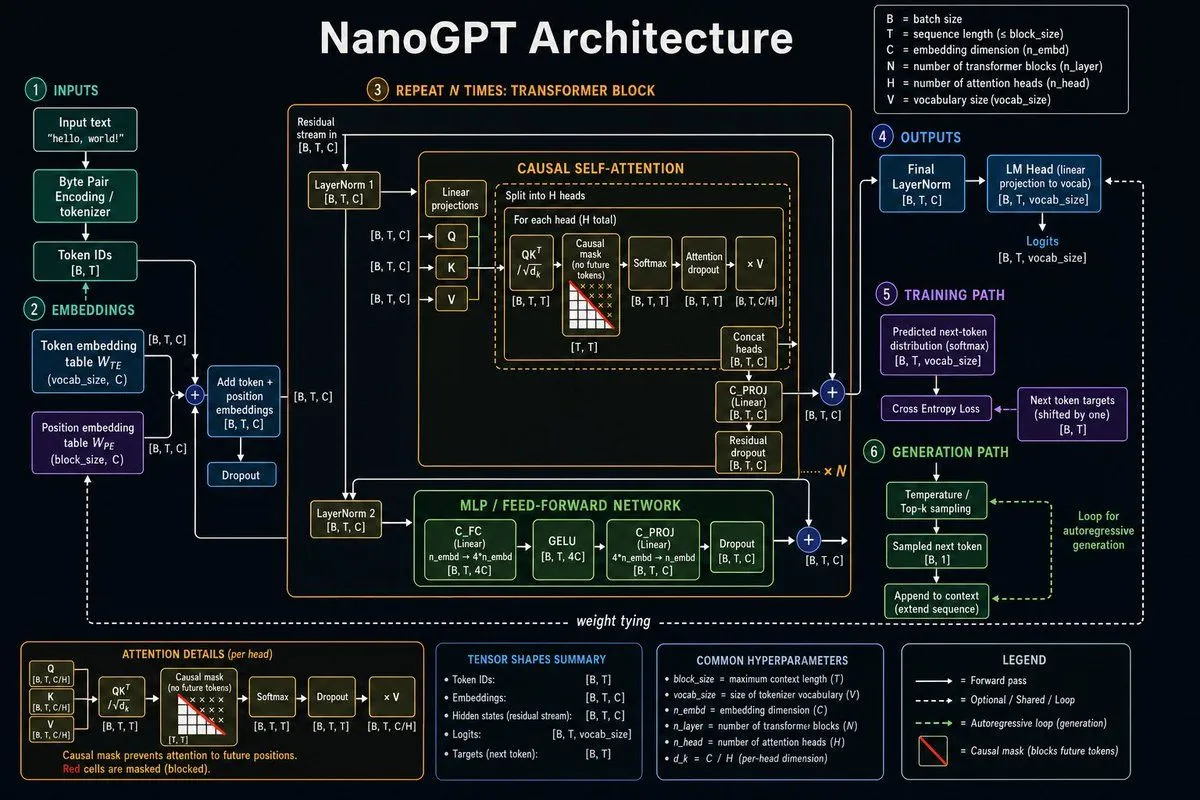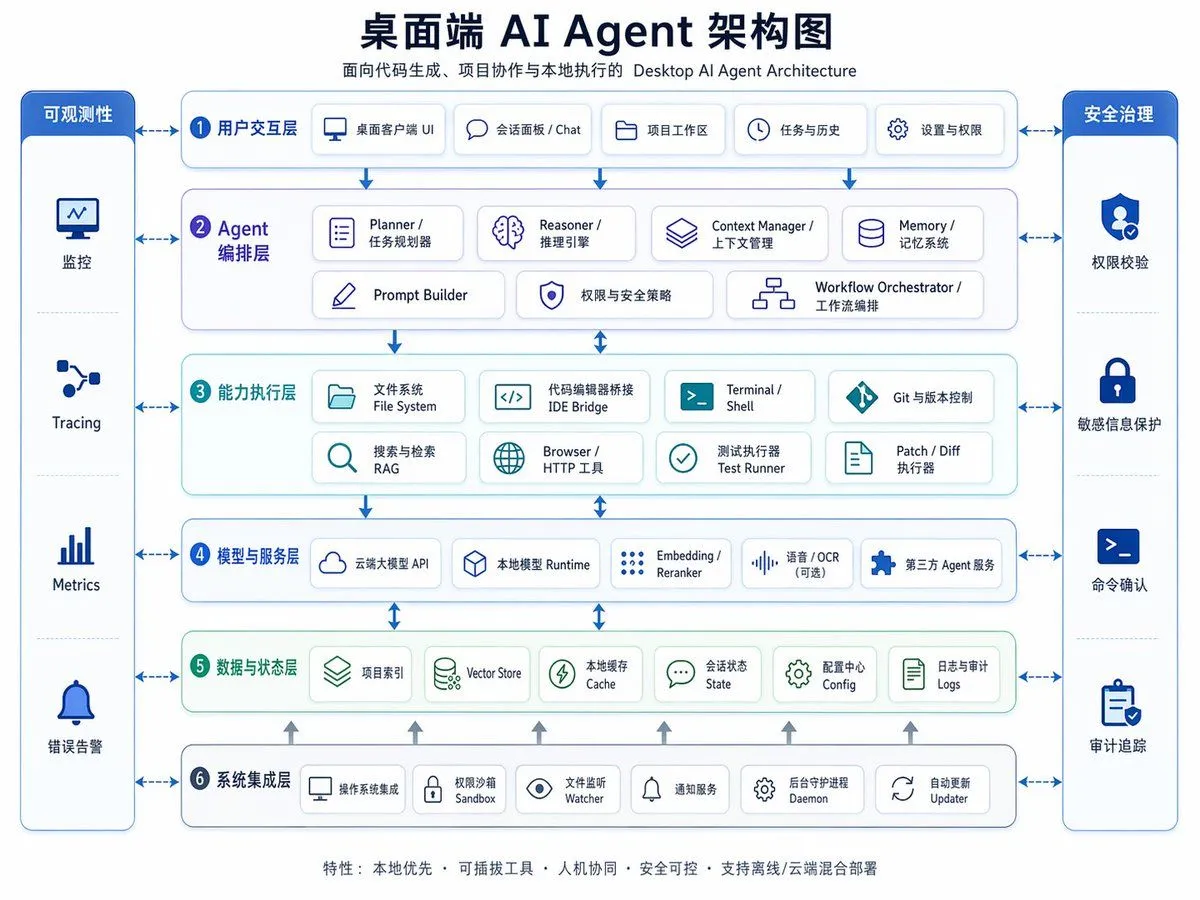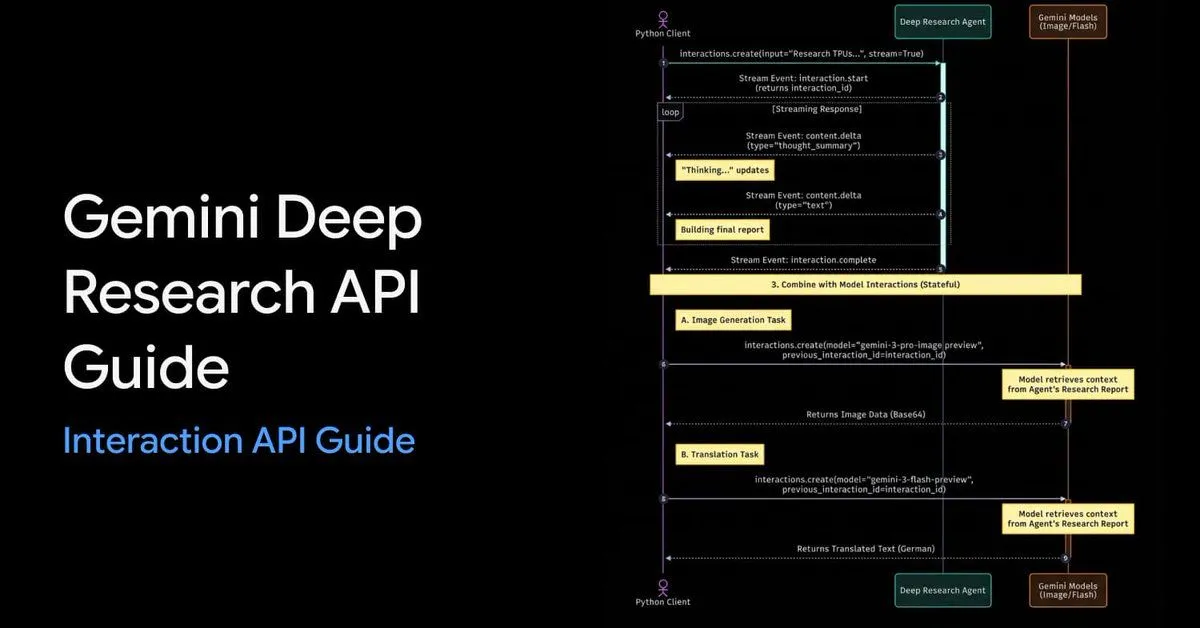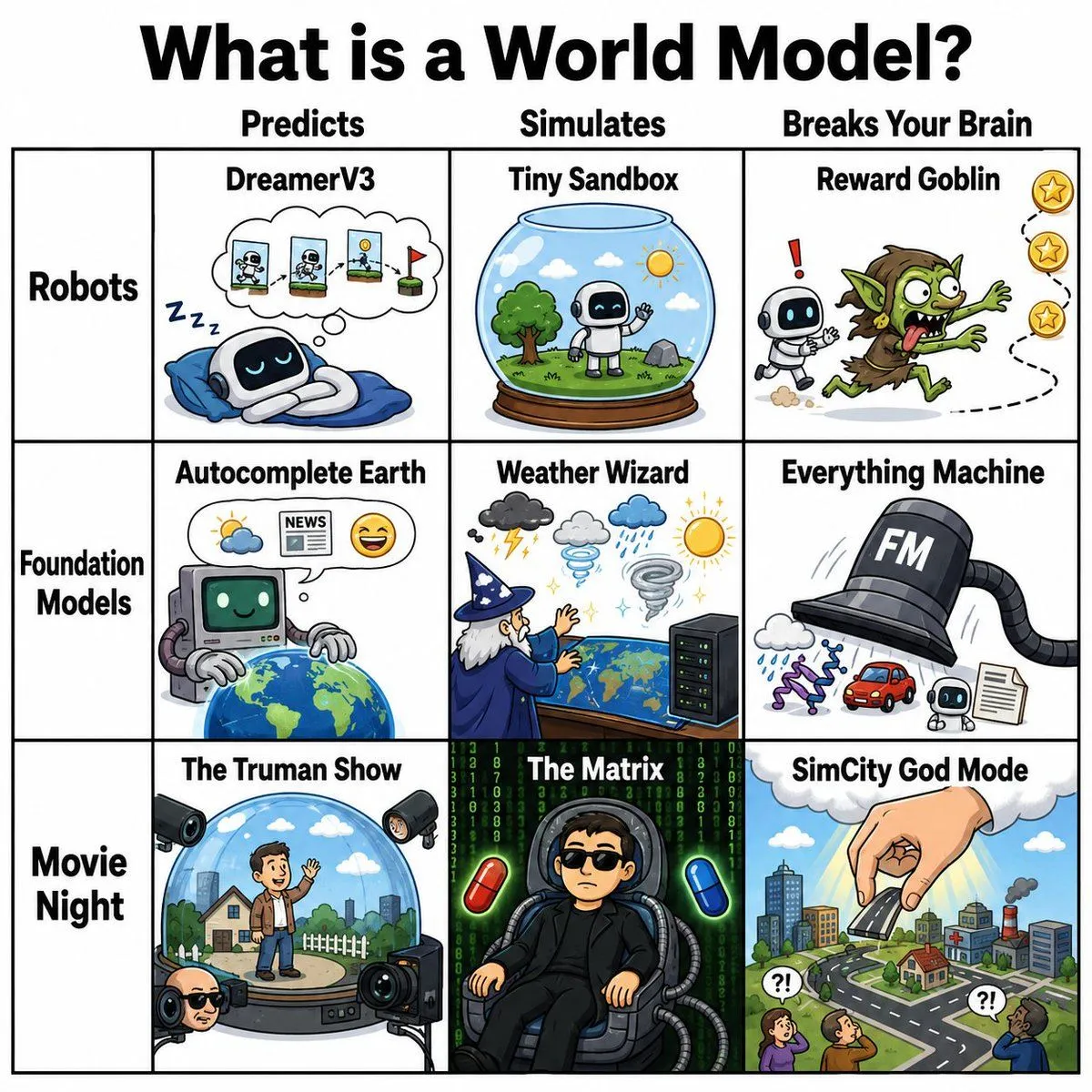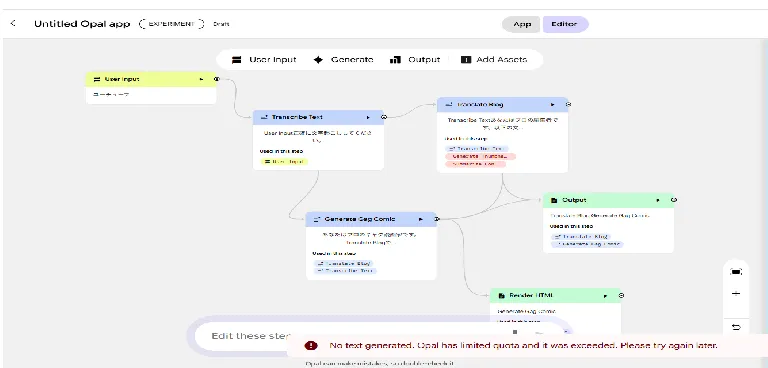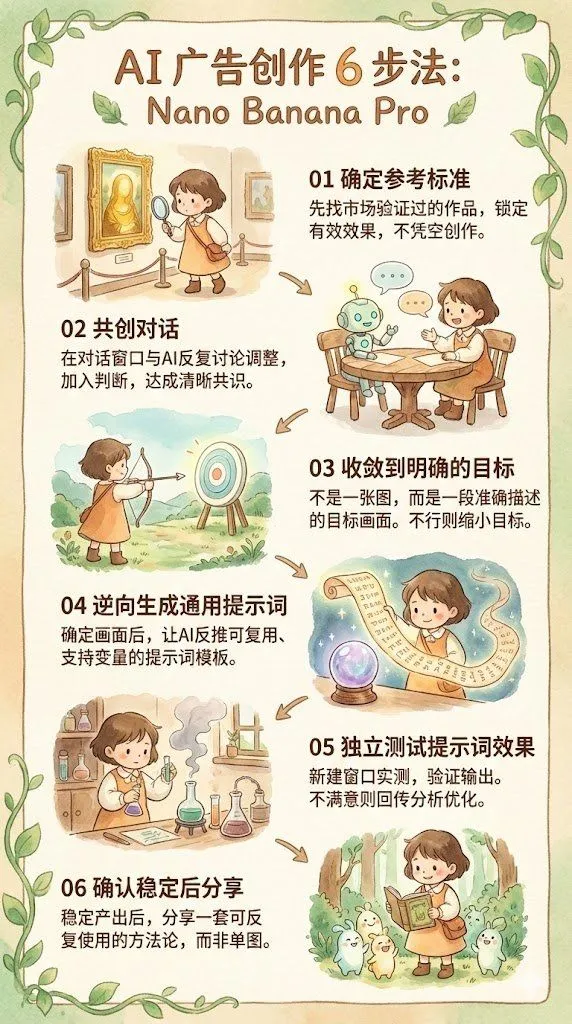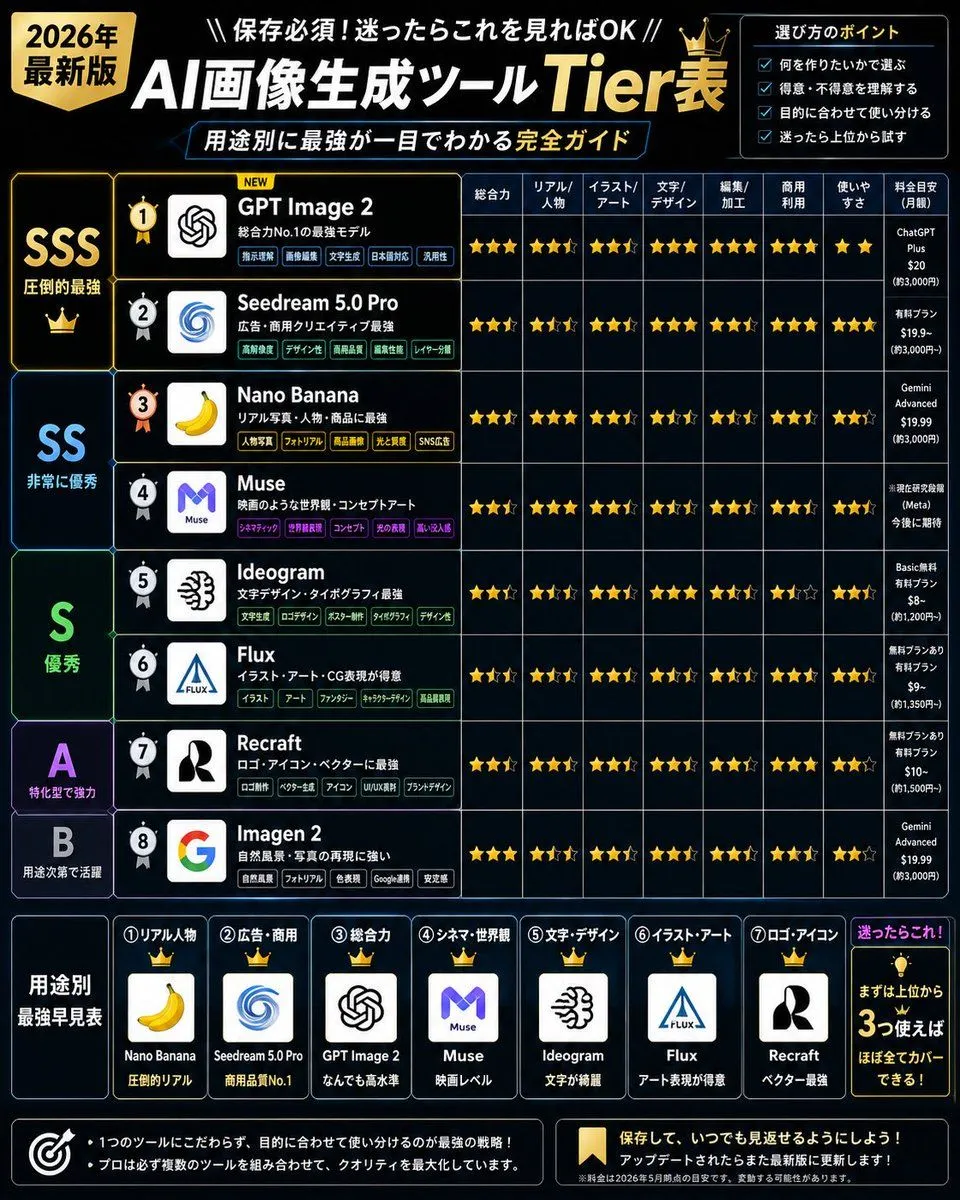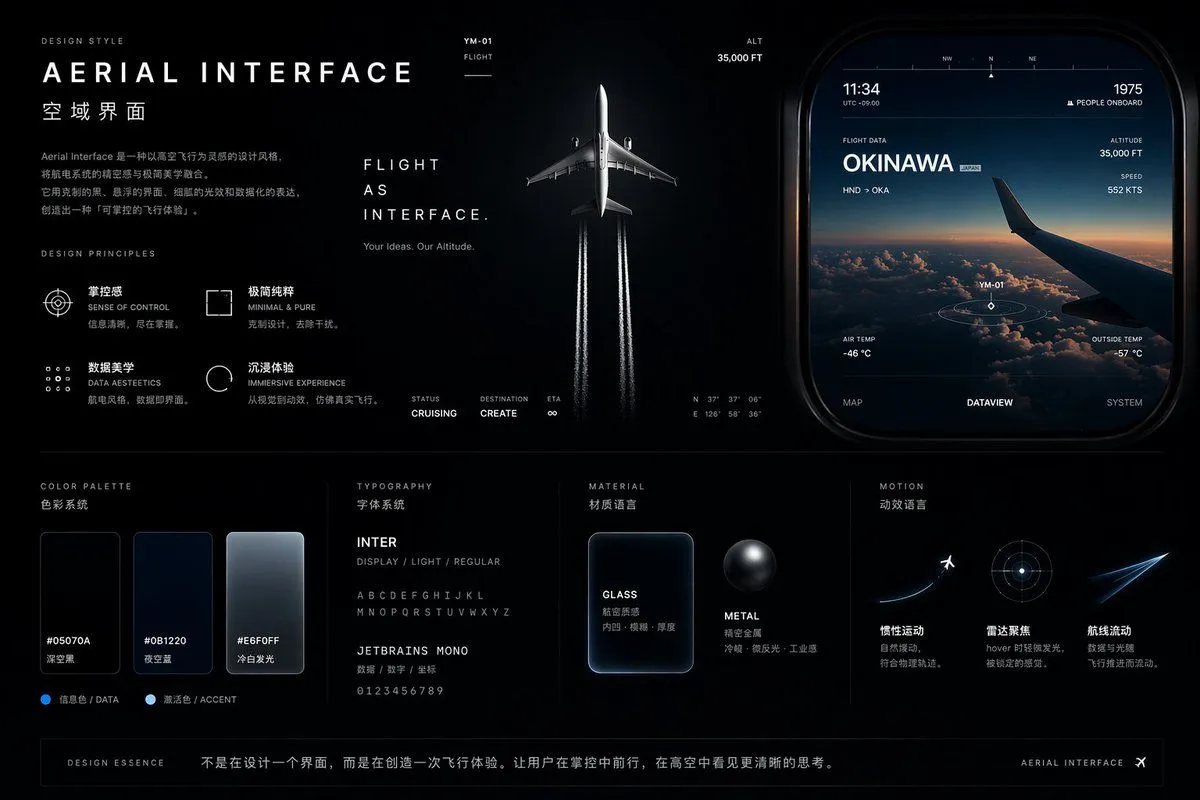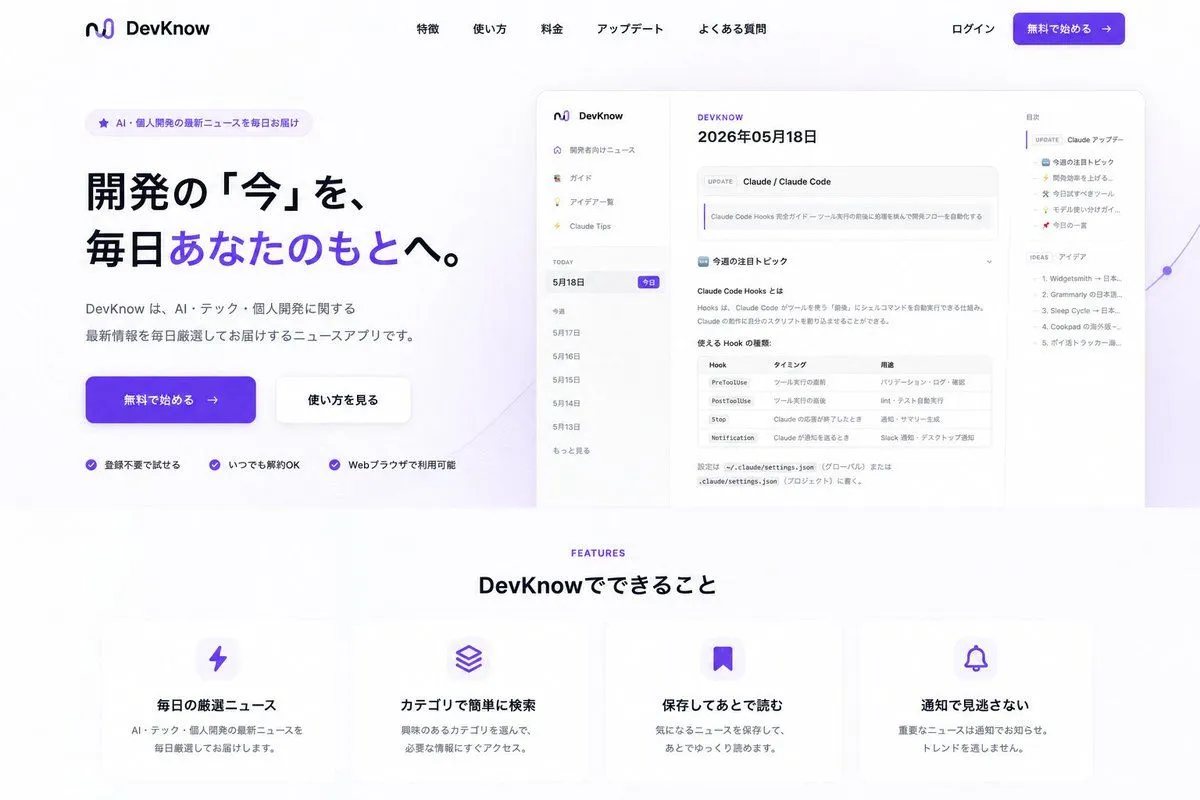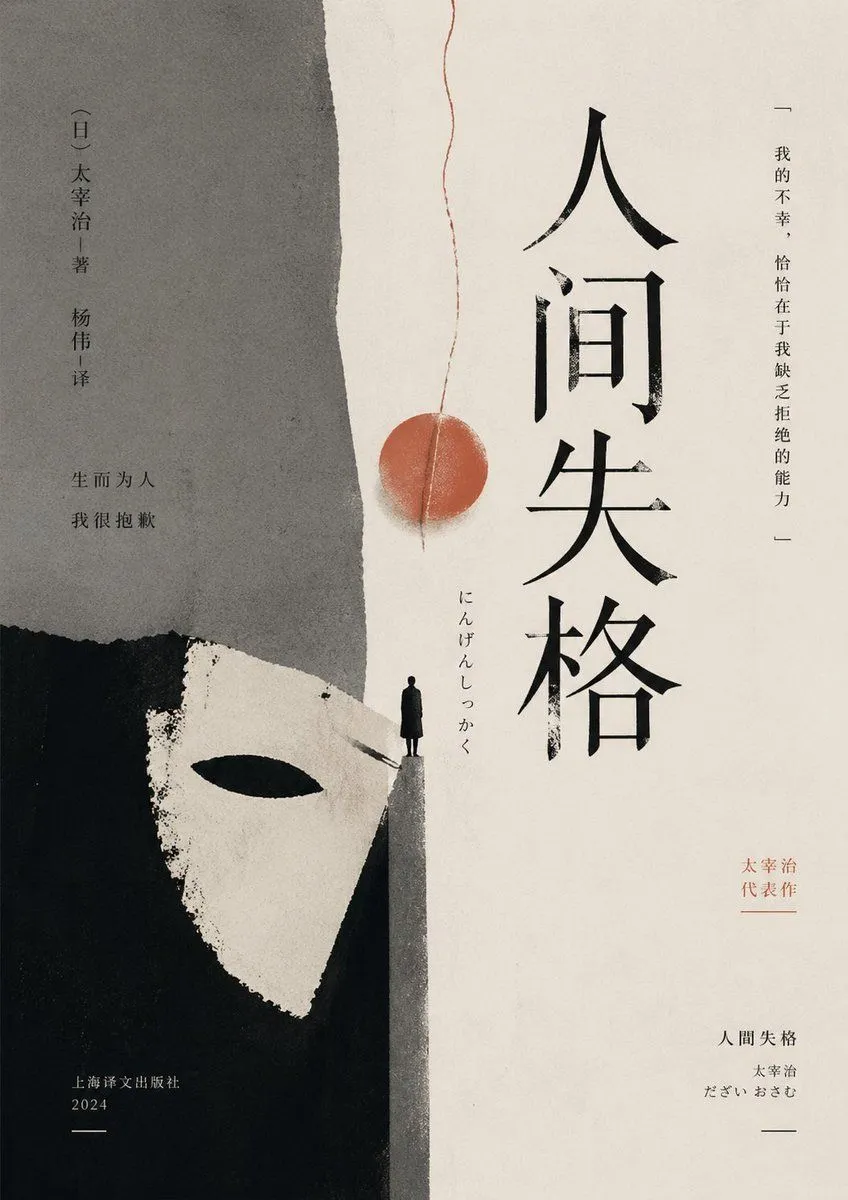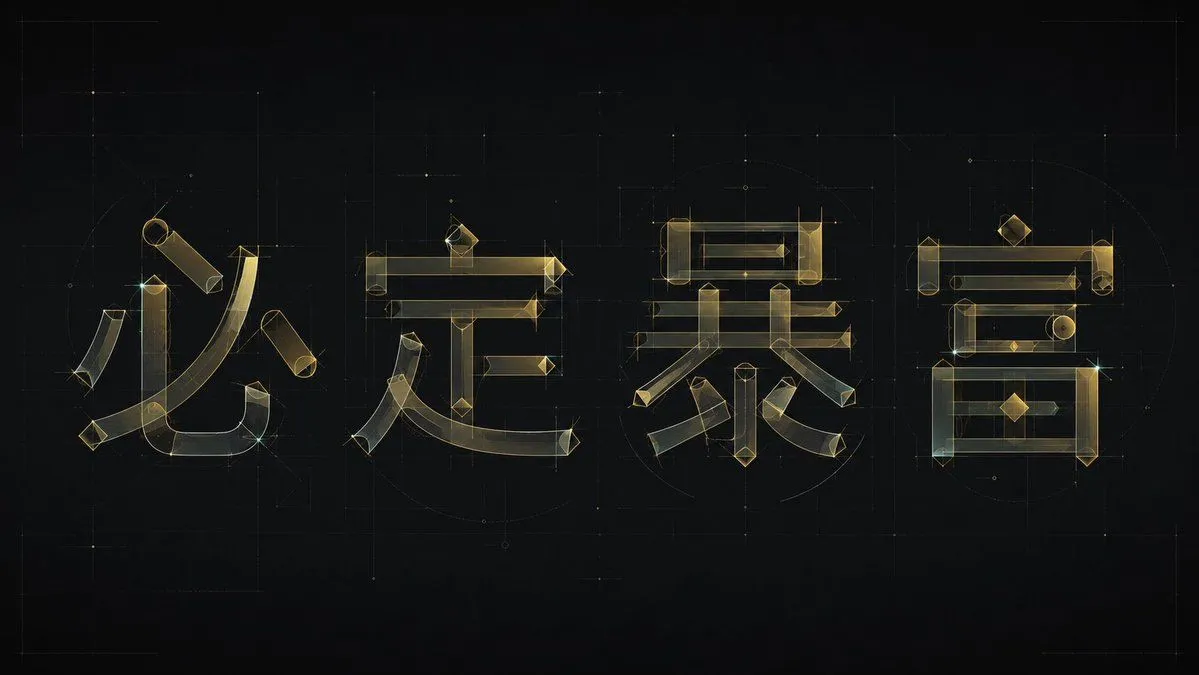
Made with GPT Image 2 in ChatGPT, collected by Library Explainers. Promptclay never generates images.
Did it work?
No reports yet. Tell others if it worked for you.
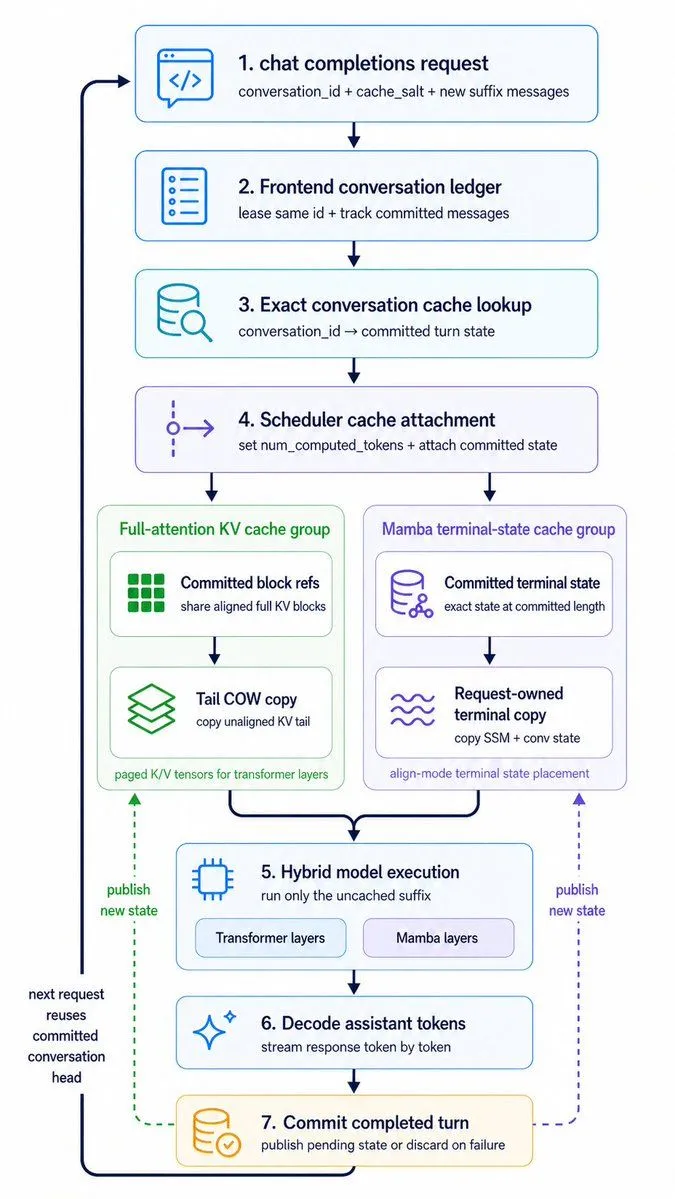
Hybrid Cache Execution Flowchart
Prompt
1 blank to fillCreate a clean vertical technical workflow infographic on a light gray background, using a minimalist modern product-diagram style with rounded white cards, thin colored outlines, simple vector line icons, dark navy text, and navy connector arrows. The composition is a single centered top-to-bottom flowchart with 7 numbered main steps, plus 2 parallel cache-group panels branching from step 4 into step 5, and a thick dark return arrow on the far left looping from the bottom back to the top. Use crisp sans-serif typography, generous spacing, subtle pastel accent colors, no gradients, no shadows, and presentation-slide clarity. At the top center place step card 1 with a blue outline and a code/chat icon on the left. Title text: "1. {step_1_title}". Subtitle beneath: "conversation_id + cache_salt + new suffix messages". Below it place step card 2 with a blue outline and a document/list icon. Title: "2. Frontend conversation ledger". Subtitle: "lease same id + track committed messages". Below it place step card 3 with a cyan outline and a database-with-magnifier icon. Title: "3. Exact conversation cache lookup". Subtitle: "conversation_id committed turn state". Below it place step card 4 with a purple outline and a branching scheduler icon. Title: "4. Scheduler cache attachment". Subtitle: "set num_computed_tokens + attach committed state". From step 4, branch downward into 2 side-by-side group panels. Left group panel: a pale green rounded container titled "Full-attention KV cache group". Inside it, stack 2 inner cards. First inner card has a green block-grid icon, title "Committed block refs", subtitle "share aligned full KV blocks". Second inner card below has a green layered-sheets icon, title "Tail COW copy", subtitle "copy unaligned KV tail". At the bottom of the green panel add small footer text: "paged K/V tensors for transformer layers". Right group panel: a pale purple rounded container titled "Mamba terminal-state cache group". Inside it, stack 2 inner cards. First inner card has a purple database/network icon, title "Committed terminal state", subtitle "exact state at committed length". Second inner card below has a purple wavy-lines icon, title "Request-owned terminal copy", subtitle "copy SSM + conv state". At the bottom of the purple panel add small footer text: "align-mode terminal state placement". Merge both group-panel outputs into a centered step card 5 with a blue outline and a microchip icon. Title: "5. Hybrid model execution". Subtitle: "run only the uncached suffix". Inside the bottom area of this card, include 2 pill-shaped labels side by side: "Transformer layers" and "Mamba layers". Below it place step card 6 with a blue outline and a sparkle icon. Title: "6. Decode assistant tokens". Subtitle: "stream response token by token". Below it place step card 7 with a warm yellow-orange outline and a database-with-check icon. Title: "7. Commit completed turn". Subtitle: "publish pending state or discard on failure". Add a thick dark navy loop arrow running down the far left side, entering step 1 near the top from the left and returning from step 7 at the bottom back upward. Along this left loop, near the lower half, place stacked annotation text: "next request reuses committed conversation head". Add 2 dashed publish arrows rising upward from step 7 toward the cache-group panels: one green dashed arrow on the left pointing to the green cache panel, labeled "publish new state"; one purple dashed arrow on the right pointing to the purple cache panel, also labeled "publish new state". Keep the exact total count of 7 numbered main cards, 2 cache group panels, 4 inner cache cards, and 2 pill labels. Preserve a portrait aspect ratio similar to a conference-slide architecture diagram.
Preview of your prompt
Create a clean vertical technical workflow infographic on a light gray background, using a minimalist modern product-diagram style with rounded white cards, thin colored outlines, simple vector line icons, dark navy text, and navy connector arrows. The composition is a single centered top-to-bottom flowchart with 7 numbered main steps, plus 2 parallel cache-group panels branching from step 4 into step 5, and a thick dark return arrow on the far left looping from the bottom back to the top. Use crisp sans-serif typography, generous spacing, subtle pastel accent colors, no gradients, no shadows, and presentation-slide clarity. At the top center place step card 1 with a blue outline and a code/chat icon on the left. Title text: "1. chat completions request". Subtitle beneath: "conversation_id + cache_salt + new suffix messages". Below it place step card 2 with a blue outline and a document/list icon. Title: "2. Frontend conversation ledger". Subtitle: "lease same id + track committed messages". Below it place step card 3 with a cyan outline and a database-with-magnifier icon. Title: "3. Exact conversation cache lookup". Subtitle: "conversation_id committed turn state". Below it place step card 4 with a purple outline and a branching scheduler icon. Title: "4. Scheduler cache attachment". Subtitle: "set num_computed_tokens + attach committed state". From step 4, branch downward into 2 side-by-side group panels. Left group panel: a pale green rounded container titled "Full-attention KV cache group". Inside it, stack 2 inner cards. First inner card has a green block-grid icon, title "Committed block refs", subtitle "share aligned full KV blocks". Second inner card below has a green layered-sheets icon, title "Tail COW copy", subtitle "copy unaligned KV tail". At the bottom of the green panel add small footer text: "paged K/V tensors for transformer layers". Right group panel: a pale purple rounded container titled "Mamba terminal-state cache group". Inside it, stack 2 inner cards. First inner card has a purple database/network icon, title "Committed terminal state", subtitle "exact state at committed length". Second inner card below has a purple wavy-lines icon, title "Request-owned terminal copy", subtitle "copy SSM + conv state". At the bottom of the purple panel add small footer text: "align-mode terminal state placement". Merge both group-panel outputs into a centered step card 5 with a blue outline and a microchip icon. Title: "5. Hybrid model execution". Subtitle: "run only the uncached suffix". Inside the bottom area of this card, include 2 pill-shaped labels side by side: "Transformer layers" and "Mamba layers". Below it place step card 6 with a blue outline and a sparkle icon. Title: "6. Decode assistant tokens". Subtitle: "stream response token by token". Below it place step card 7 with a warm yellow-orange outline and a database-with-check icon. Title: "7. Commit completed turn". Subtitle: "publish pending state or discard on failure". Add a thick dark navy loop arrow running down the far left side, entering step 1 near the top from the left and returning from step 7 at the bottom back upward. Along this left loop, near the lower half, place stacked annotation text: "next request reuses committed conversation head". Add 2 dashed publish arrows rising upward from step 7 toward the cache-group panels: one green dashed arrow on the left pointing to the green cache panel, labeled "publish new state"; one purple dashed arrow on the right pointing to the purple cache panel, also labeled "publish new state". Keep the exact total count of 7 numbered main cards, 2 cache group panels, 4 inner cache cards, and 2 pill labels. Preserve a portrait aspect ratio similar to a conference-slide architecture diagram.
DetailsVersions, settings and questions
Written for
What's in the prompt
- Subject
- Model
- GPT Image 2
If your face changes
keep my face exactly the sameQuestions
- Does this work in the ChatGPT app?
- Yes. Paste the prompt and attach your photo if it uses one.
- It changed my face. What do I do?
- Add "keep my face exactly the same" to the end and run it again.
- Can I use the images I make?
- Check the terms of the app you use. Promptclay never generates images and claims nothing you make.