Tell us anything

An idea, a bug, something you love. We read every note.

⌘↵ to send. The page you're on comes along.

Horror Scenario in a Parking Lot - Surveillance Footage Prompt

Made with Seedance 2.0 in Kling by Library Cinema. Promptclay never generates images.

Did it work?

No reports yet. Tell others if it worked for you.

No comments yet. Be the first.

    Horror Scenario in a Parking Lot - Surveillance Footage Prompt

    Seedance 2.03:4AI-generated

    Prompt

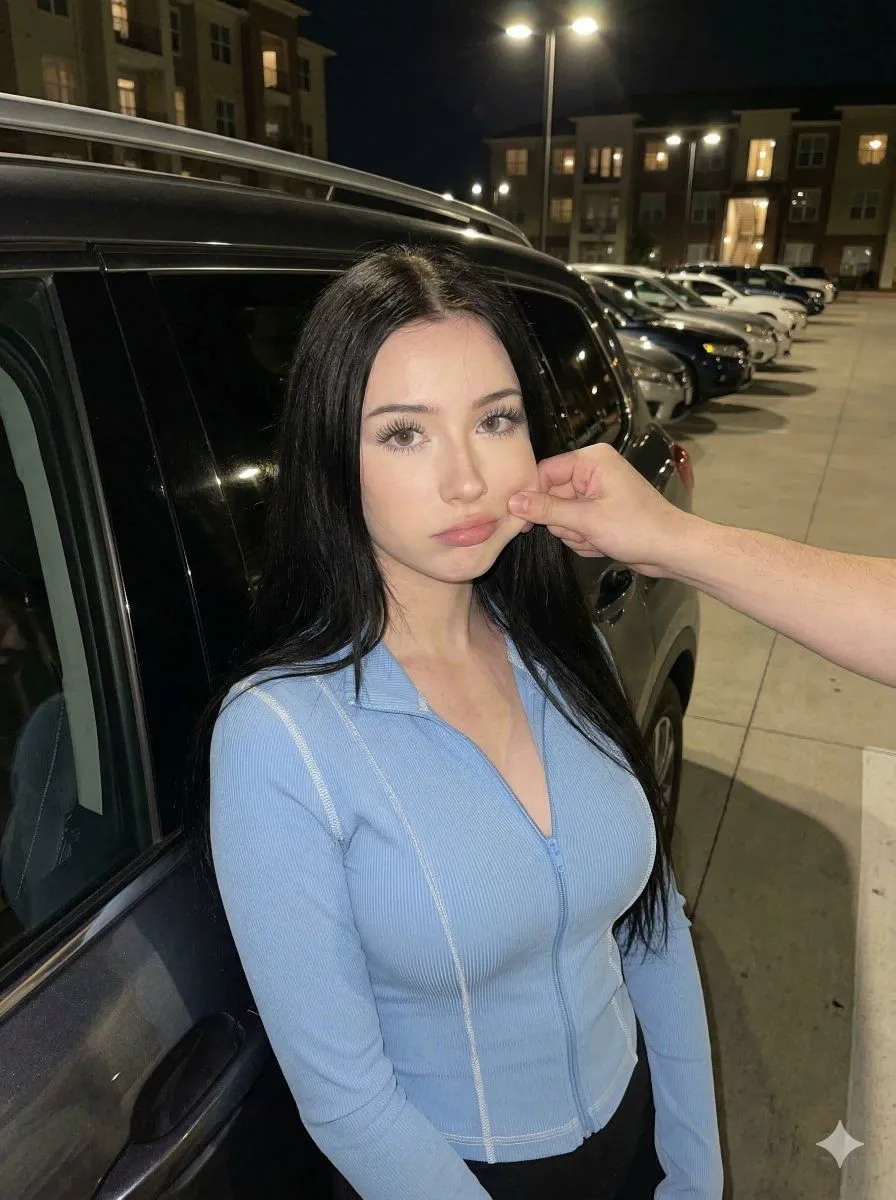
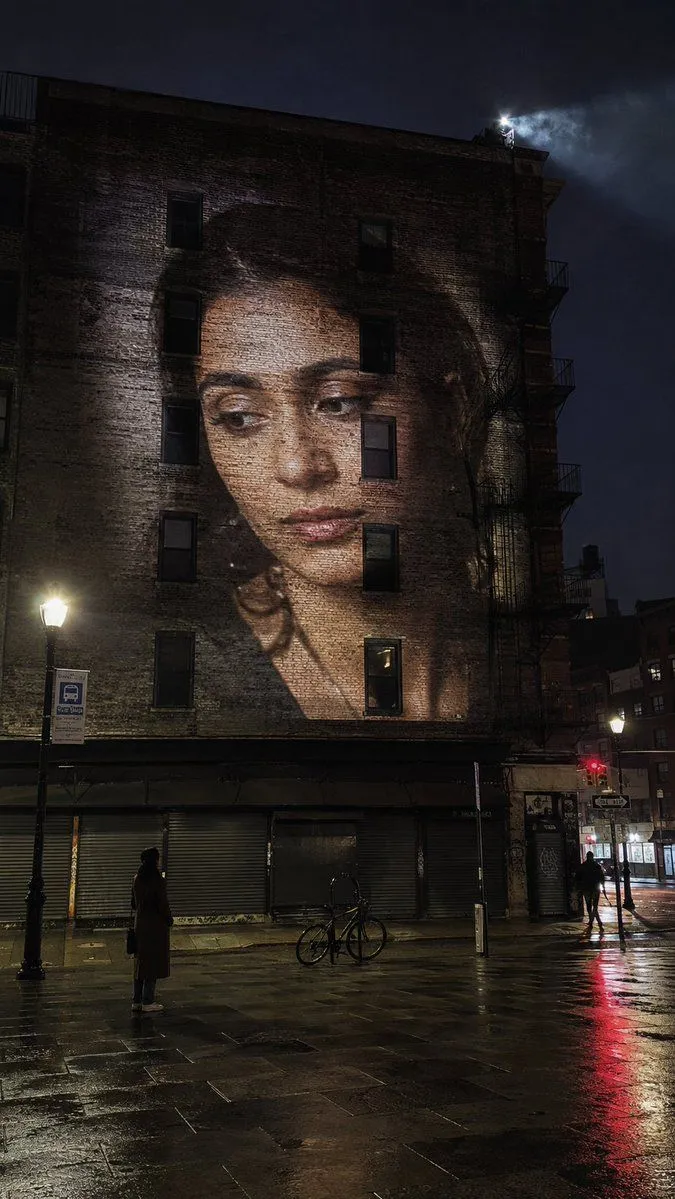
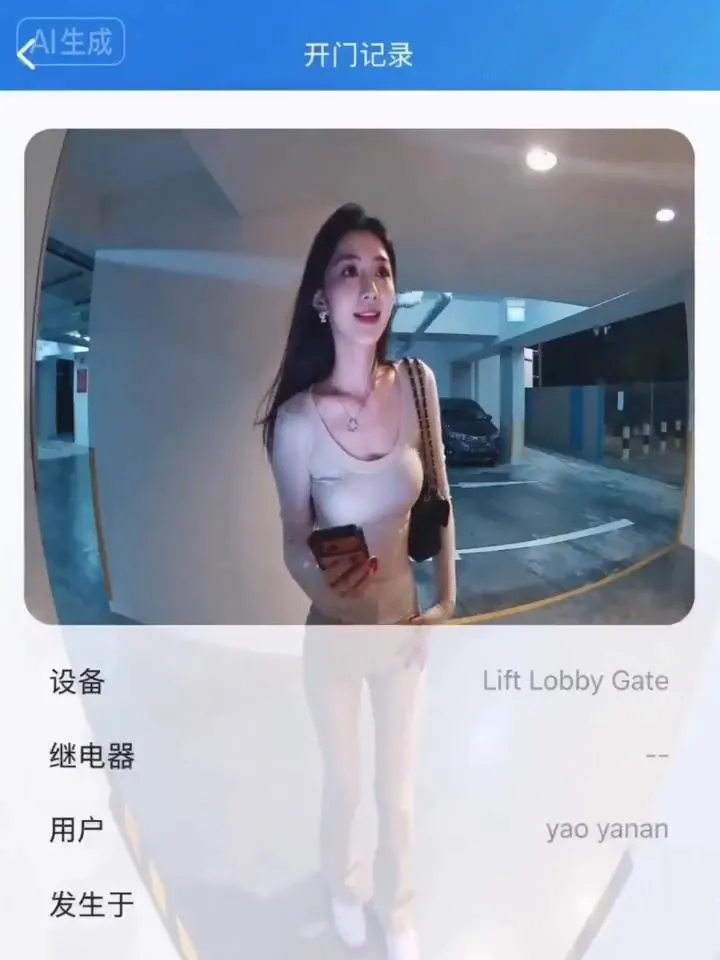
    [Image 1] is the access control surveillance screen, keeping the surveillance camera wide-angle position unchanged, 12-second vertical video. The woman in the frame [Image 2] aims at the access control camera, preparing for facial recognition to open the door, with an expectant smile. After waiting two seconds, the access control emits a "beep—" rejection sound, indicating failure. The woman's expression becomes confused, she adjusts her stance and aims at the camera again, failing again, "beep—" another sound. The woman anxiously pushes the hair away from her forehead with her hand, stands on tiptoe to get closer to the camera, but the third recognition still fails. The woman helplessly steps back, looks down at her phone, and then looks up at the camera with a look of collapse, holding her forehead with one hand. The entire process uses a fixed surveillance camera position, no cuts, simulating the texture of real access control camera footage, with slight wide-angle distortion and noise in the picture.

    Works in
    Kling
    Status
    Free to copy
    0
    DetailsVersions, settings and questions

    Written for

    What's in the prompt

    Subject
    Model
    Seedance 2.0

    If your face changes

    keep my face exactly the same

    Questions

    Does this work in the Kling app?
    Yes. Paste the prompt and attach your photo if it uses one.
    It changed my face. What do I do?
    Add "keep my face exactly the same" to the end and run it again.
    Can I use the images I make?
    Check the terms of the app you use. Promptclay never generates images and claims nothing you make.
    Similar prompts

    See more
    • CCTV Surveillance Footage Aesthetic
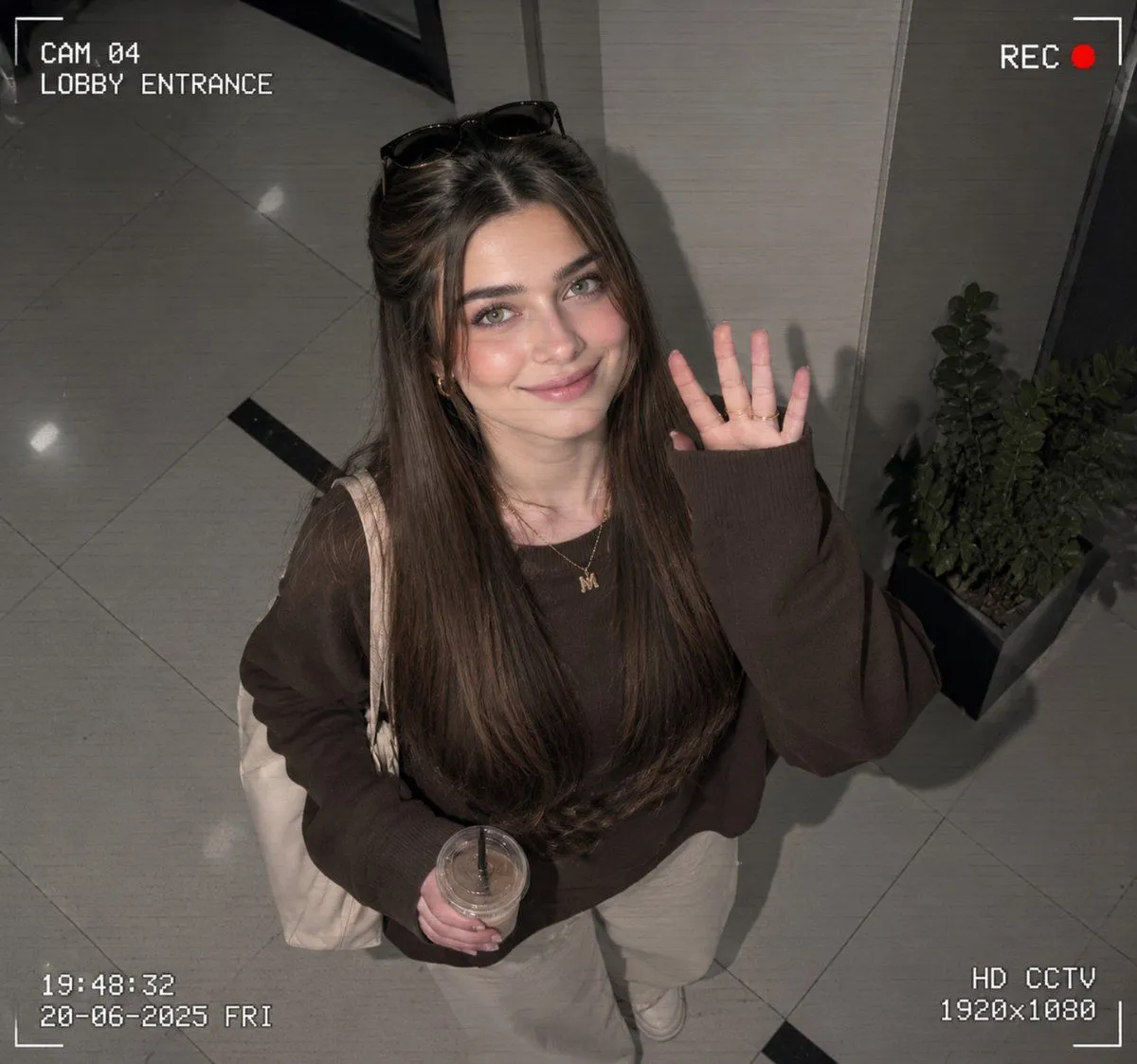
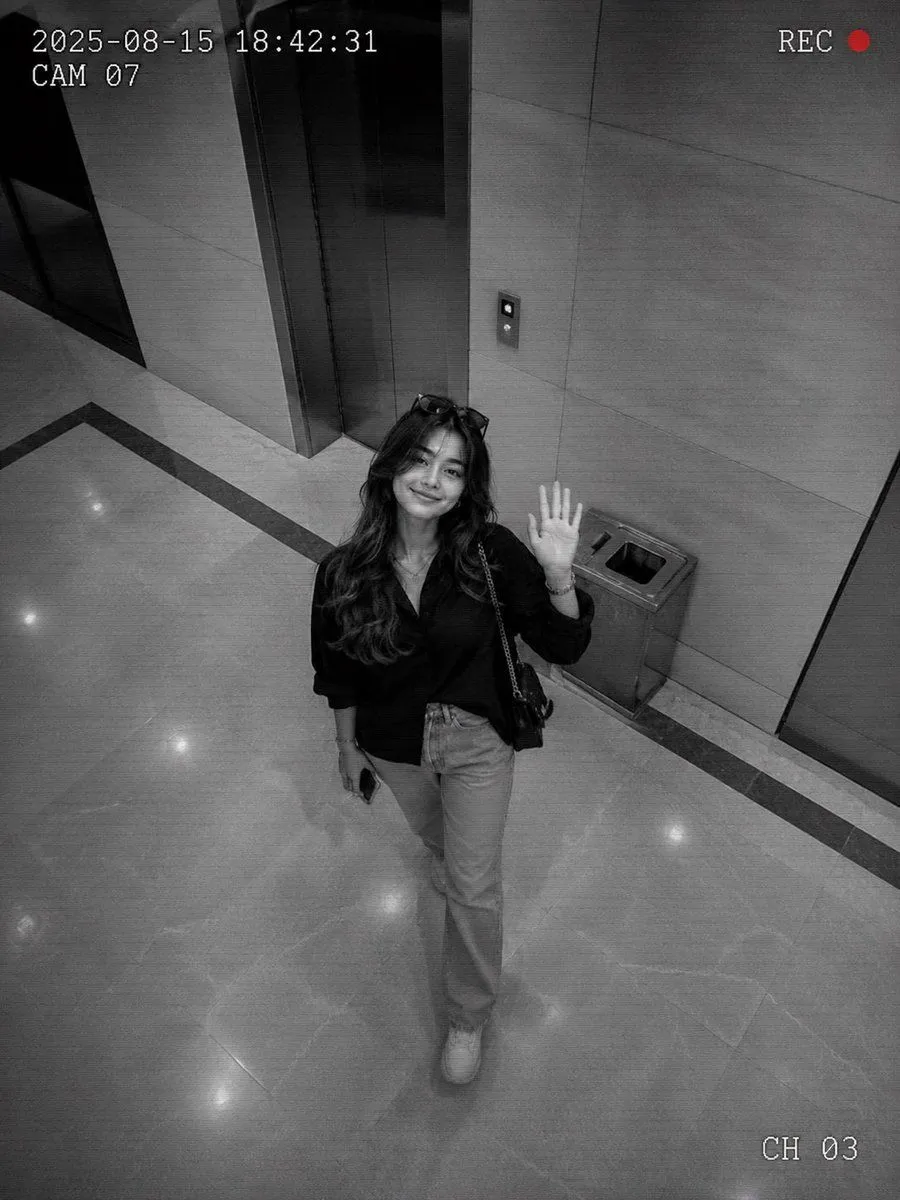
    • Authentic CCTV Surveillance Camera Scene
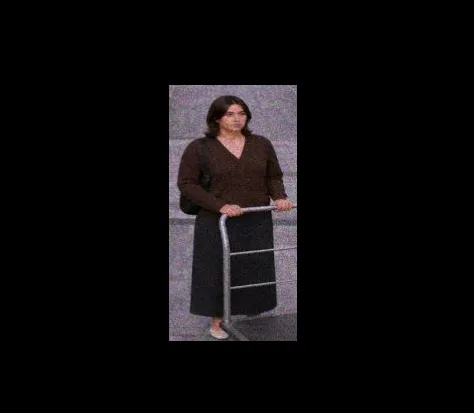
    • Grainy CCTV Woman With Hand Cart
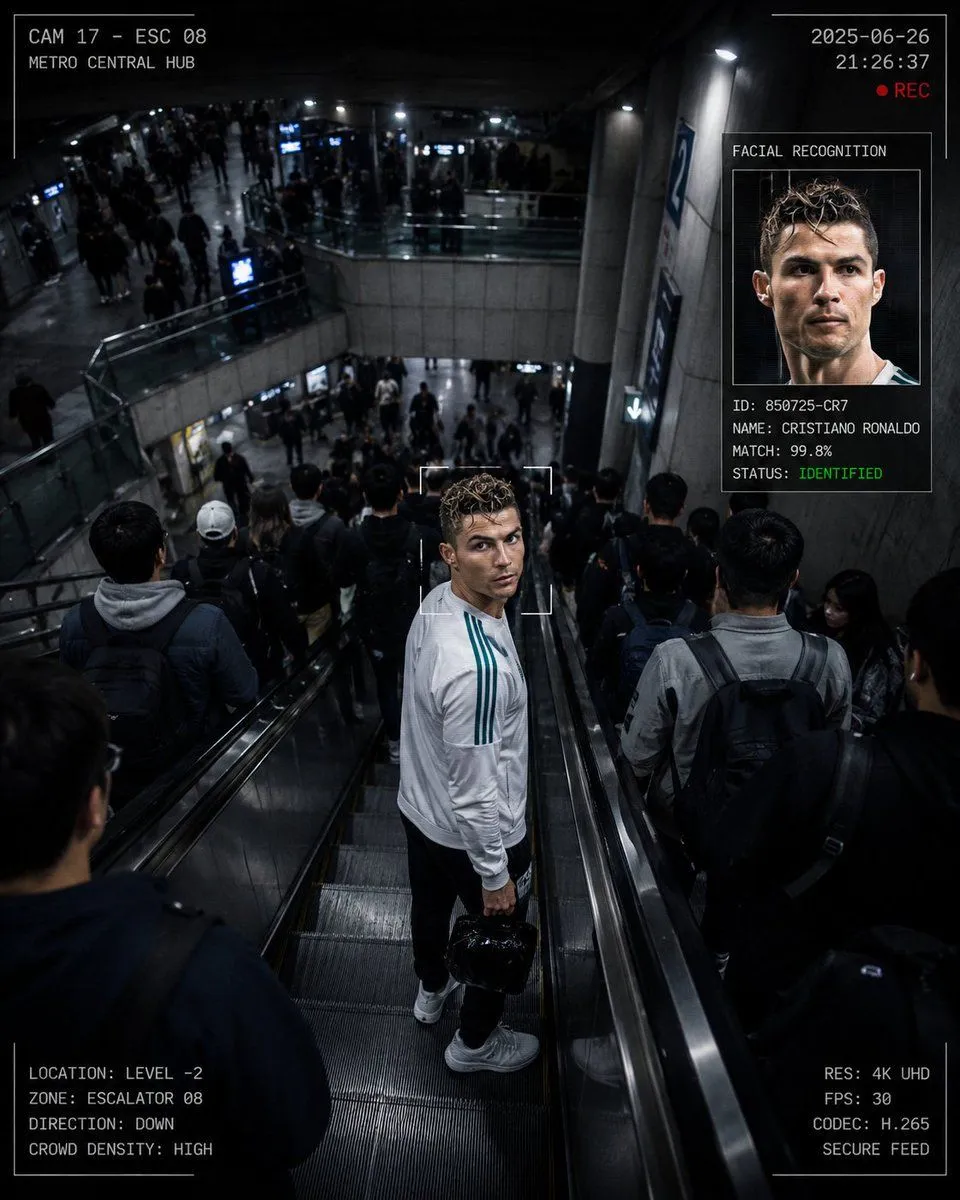
    • CCTV Surveillance Thriller Metro Station
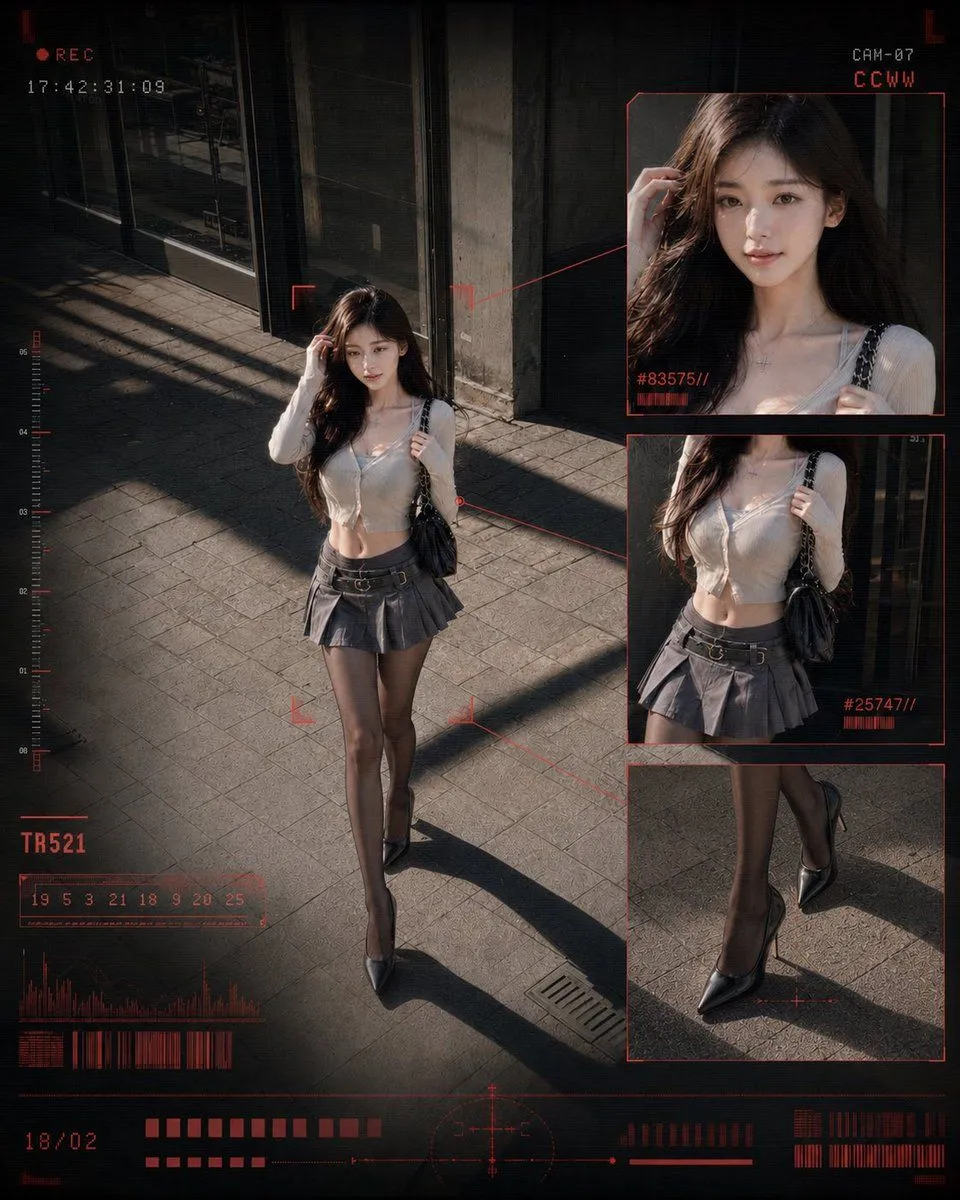
    • CCTV Fashion Street Poster
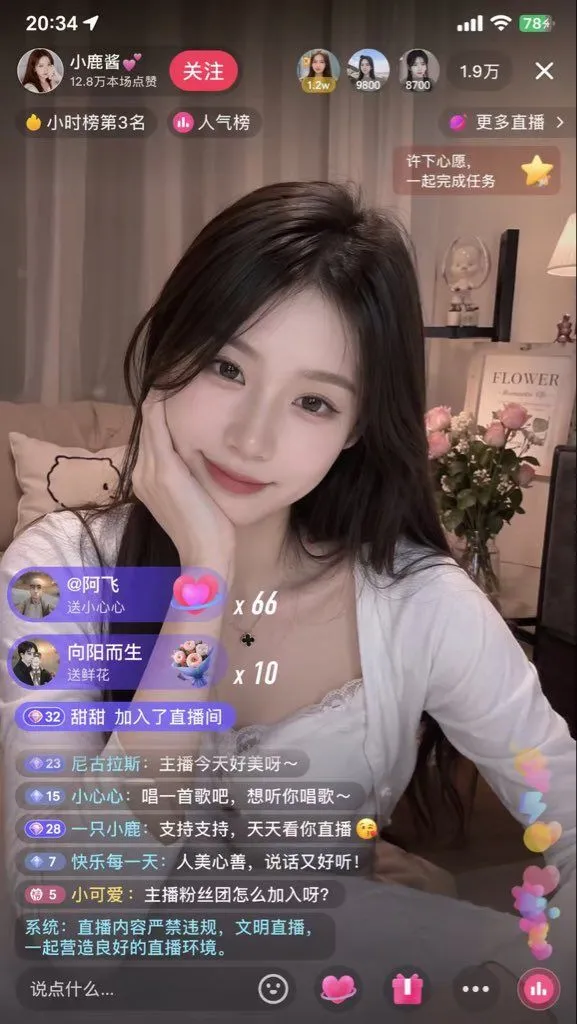
    • Live-Streaming App Interface Mockup
    • Live Streaming App UI Mockup
    • Image Fusion Prompt Using Multiple References
    • Realistic Accidental Selfie Persona
    • E-commerce Livestream UI Mockup
    • Night Drive Cinematic Portrait
    • Candid Nighttime Urban Portrait
    • Building Projection Night Portrait
    • Seedance 2.0 Car Scene PromptVideo, 0:15
    • Candid Apartment Doorway Portrait
    • Cinematic Urban Night Billboard Portrait
    • Exaggerated Curvy Figure at Gas Station
    • Grok Imagine Video Prompt: Wow! Logo ApparitionVideo, 0:16
    • Cinematic Rainy Night Car Portrait Prompt
    • Urban Night Gas Station Portrait
    • Sakura Travel Cinema Title Card
    • Personal Hairstyle Analysis Card
    • Glassmorphism UI Component Kit
    • Manga Character Design Triptych Poster

    Show more

    Run it on your phone

    1. Prompt copiedRead it

      [Image 1] is the access control surveillance screen, keeping the surveillance camera wide-angle position unchanged, 12-second vertical video. The woman in the frame [Image 2] aims at the access control camera, preparing for facial recognition to open the door, with an expectant smile. After waiting two seconds, the access control emits a "beep—" rejection sound, indicating failure. The woman's expression becomes confused, she adjusts her stance and aims at the camera again, failing again, "beep—" another sound. The woman anxiously pushes the hair away from her forehead with her hand, stands on tiptoe to get closer to the camera, but the third recognition still fails. The woman helplessly steps back, looks down at her phone, and then looks up at the camera with a look of collapse, holding her forehead with one hand. The entire process uses a fixed surveillance camera position, no cuts, simulating the texture of real access control camera footage, with slight wide-angle distortion and noise in the picture.

    2. Open your app

    3. Paste and run

      Press and hold the message box, then tap Paste. Add your photo first if the prompt uses one. You may need to sign in.