Tell us anything

An idea, a bug, something you love. We read every note.

⌘↵ to send. The page you're on comes along.

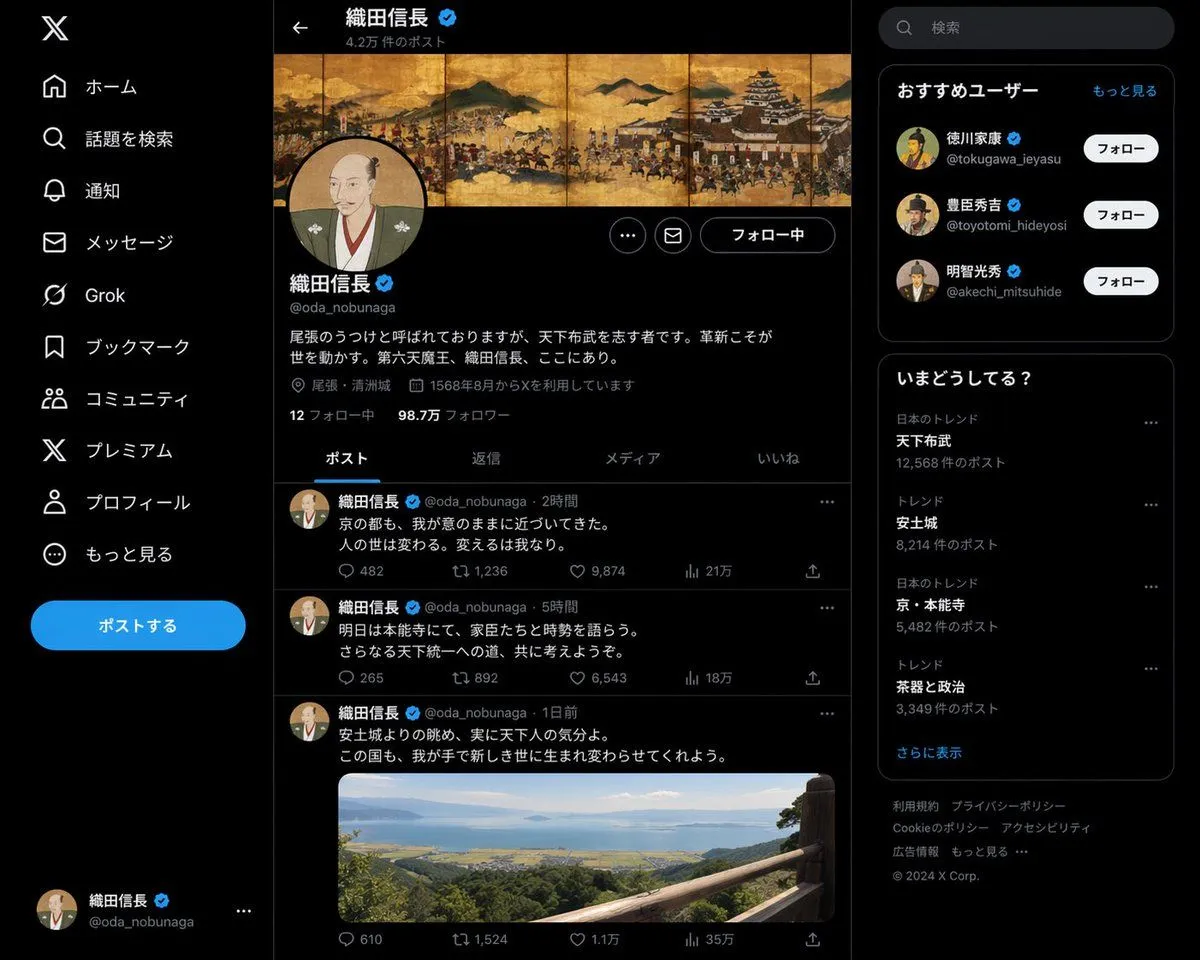
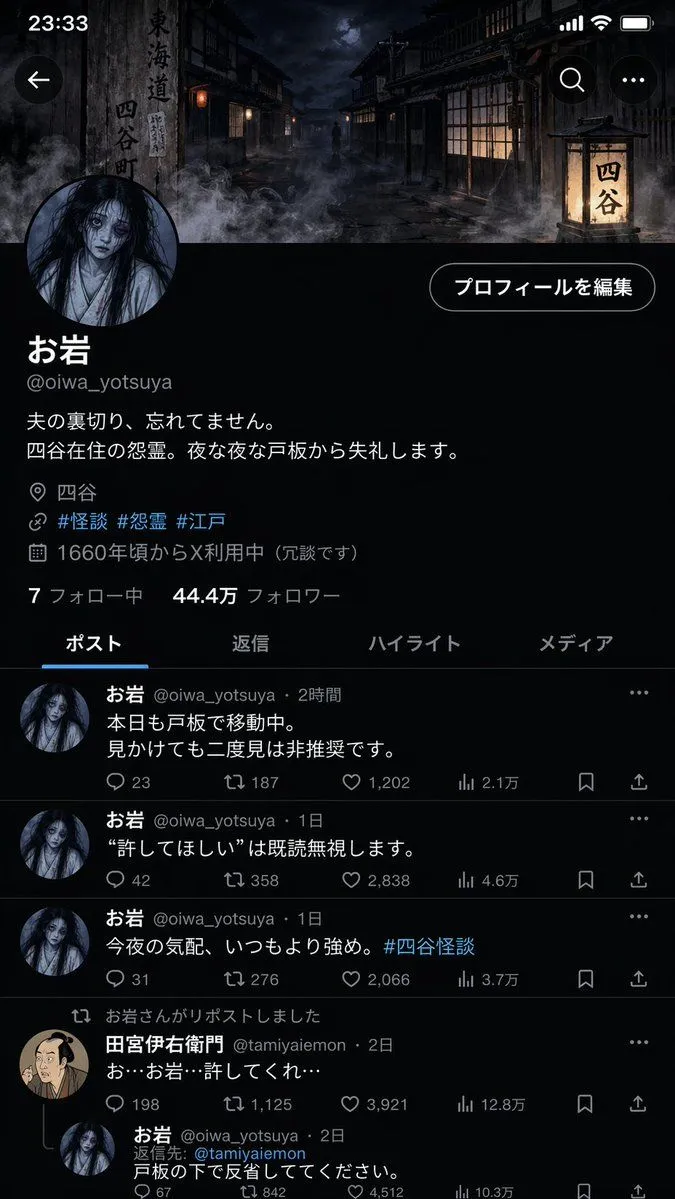
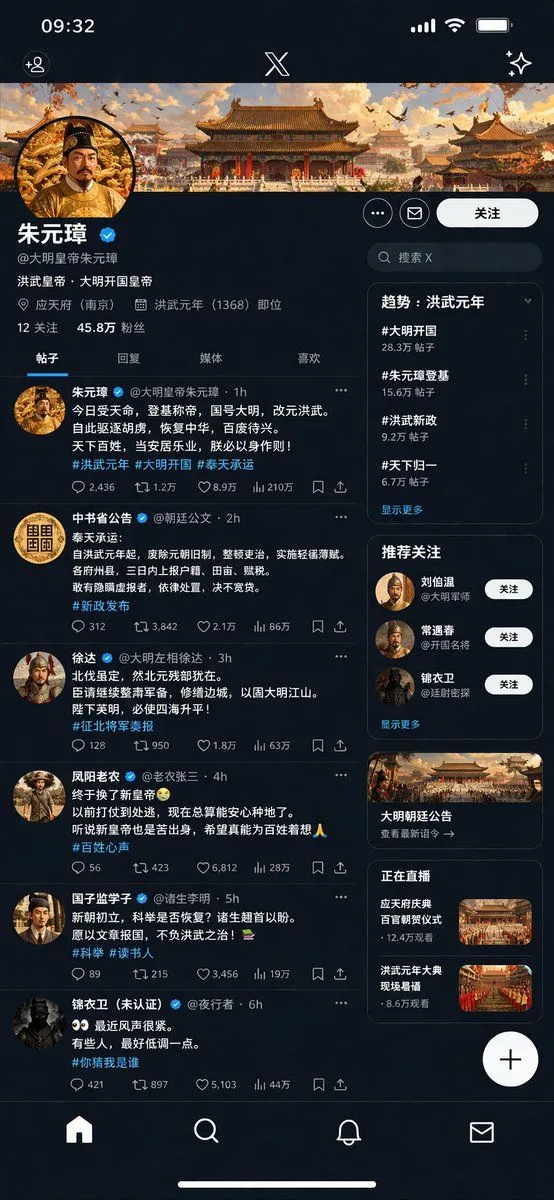
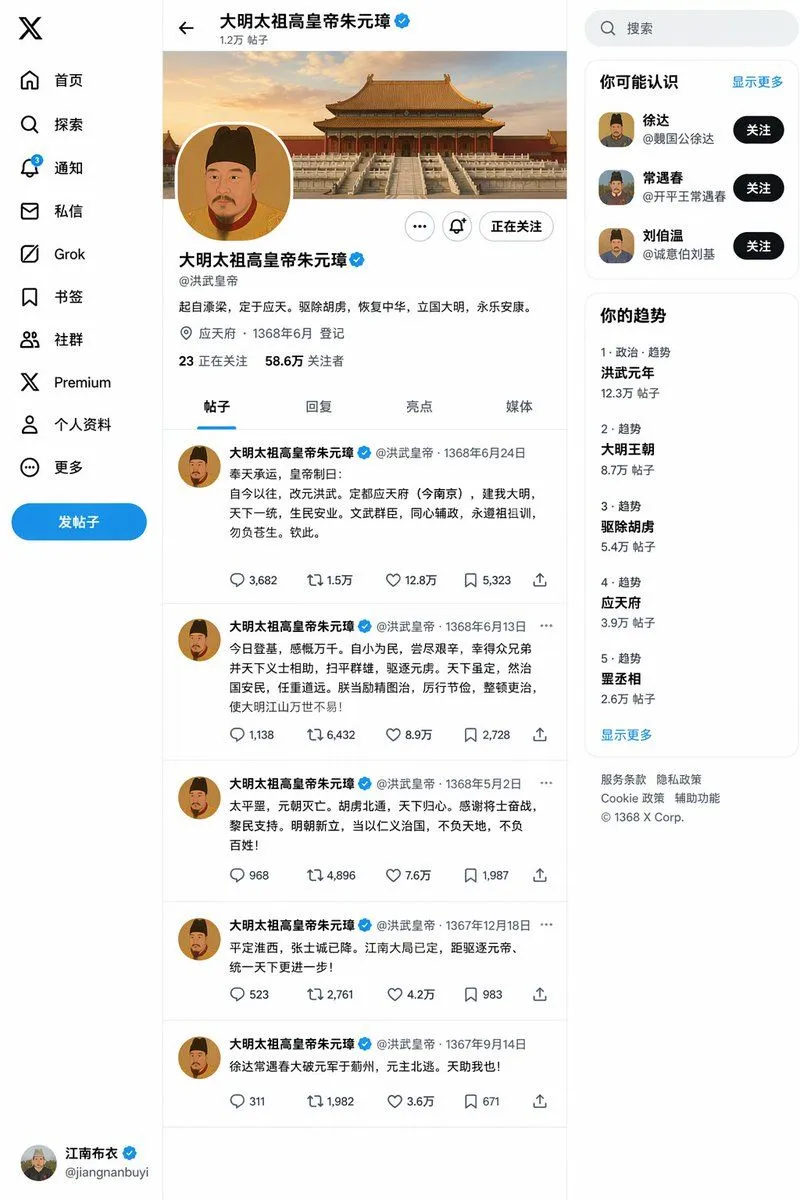
Historical Figure Social Media UI Mockup

Made with GPT Image 2 in ChatGPT by Library Lifestyle. Promptclay never generates images.

Did it work?

No reports yet. Tell others if it worked for you.

No comments yet. Be the first.

    Historical Figure Social Media UI Mockup

    GPT Image 2AI-generated

    Prompt

    { "type": "social media profile UI mockup", "theme": "{argument name=\"theme era\" default=\"Ming Dynasty\"}", "app_style": "{argument name=\"app style\" default=\"X/Twitter dark mode\"}", "header": { "banner_image": "traditional Chinese palace complex at sunset", "avatar": "portrait of emperor in yellow robes", "name": "{argument name=\"profile name\" default=\"朱元璋\"}", "handle": "{argument name=\"profile handle\" default=\"@大明皇帝朱元璋\"}", "bio": "{argument name=\"bio text\" default=\"洪武皇帝,大明开国皇帝\"}", "location": "应天府 (南京)", "joined": "洪武元年 (1368) 即位", "stats": "12 关注, 45.8万 粉丝" }, "navigation_tabs": ["帖子", "回复", "媒体", "喜欢"], "layout": { "left_column_feed": { "count": 6, "items": [ { "author": "朱元璋", "handle": "@大明皇帝朱元璋", "content_summary": "proclamation of new dynasty", "tags": ["#洪武元年", "#大明开国", "#奉天承运"] }, { "author": "中书省公告", "handle": "@朝廷公文", "content_summary": "official edict on taxes", "tags": ["#新政发布"] }, { "author": "徐达", "handle": "@大明左相徐达", "content_summary": "military report", "tags": ["#征北将军奏报"] }, { "author": "凤阳老农", "handle": "@老农张三", "content_summary": "peasant expressing relief", "tags": ["#百姓心声"] }, { "author": "国子监学子", "handle": "@诸生李明", "content_summary": "scholar asking about exams", "tags": ["#科举", "#读书人"] }, { "author": "锦衣卫 (未认证)", "handle": "@夜行者", "content_summary": "secret police warning", "tags": ["#你猜我是谁"] } ] }, "right_column_sidebar": { "sections": [ { "title": "趋势: 洪武元年", "count": 4, "labels": ["#大明开国", "#朱元璋登基", "#洪武新政", "#天下归一"] }, { "title": "推荐关注", "count": 3, "labels": ["刘伯温", "常遇春", "锦衣卫"] }, { "title": "promo_card", "count": 1, "label": "大明朝廷公告", "image": "palace building" }, { "title": "正在直播", "count": 2, "labels": ["应天府庆典", "洪武元年大典"], "thumbnails": "grand ceremonies" } ] }, "system_ui": { "top_bar": "time 09:32, signal, wifi, battery, X logo", "bottom_bar": "home, search, notifications, messages icons", "floating_button": "+" } } }

    Works in
    ChatGPT, Gemini
    Status
    Free to copy
    0
    DetailsVersions, settings and questions

    Written for

    What's in the prompt

    Subject
    Model
    GPT Image 2

    If your face changes

    keep my face exactly the same

    Questions

    Does this work in the ChatGPT app?
    Yes. Paste the prompt and attach your photo if it uses one.
    It changed my face. What do I do?
    Add "keep my face exactly the same" to the end and run it again.
    Can I use the images I make?
    Check the terms of the app you use. Promptclay never generates images and claims nothing you make.
    Similar prompts

    See more
    • Ming Dynasty Social Media Post
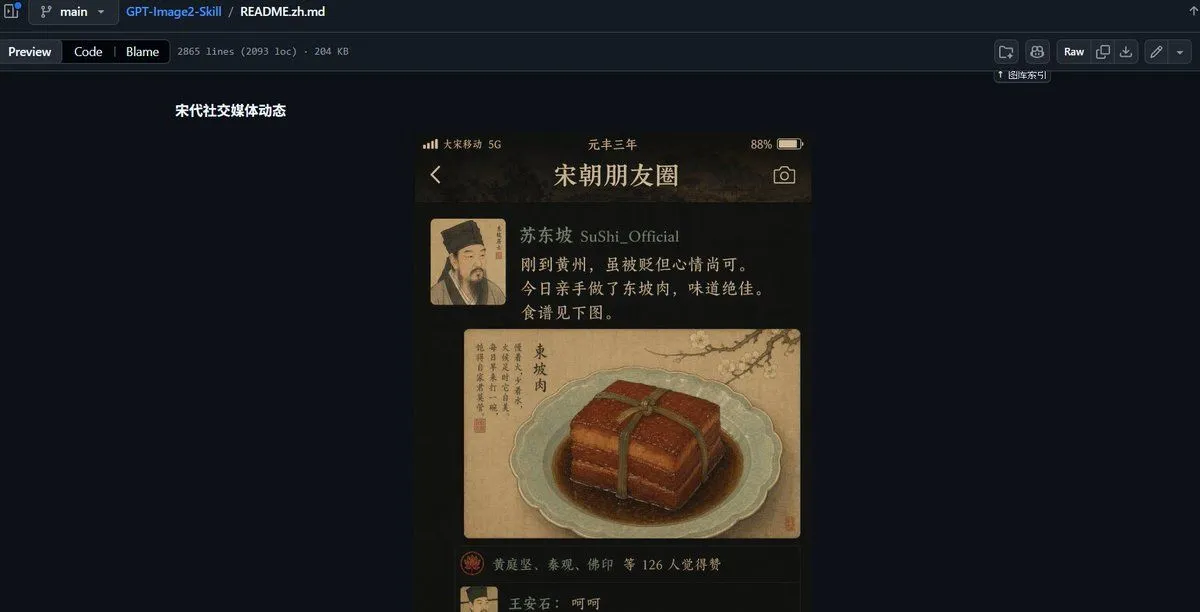
    • GitHub README Ancient Social Feed
    • Historical Figure Social Media Page
    • Folklore Character Social Media Profile
    • Aesthetic Creator Workspace
    • Japanese Follower Milestone Thank-You Graphic
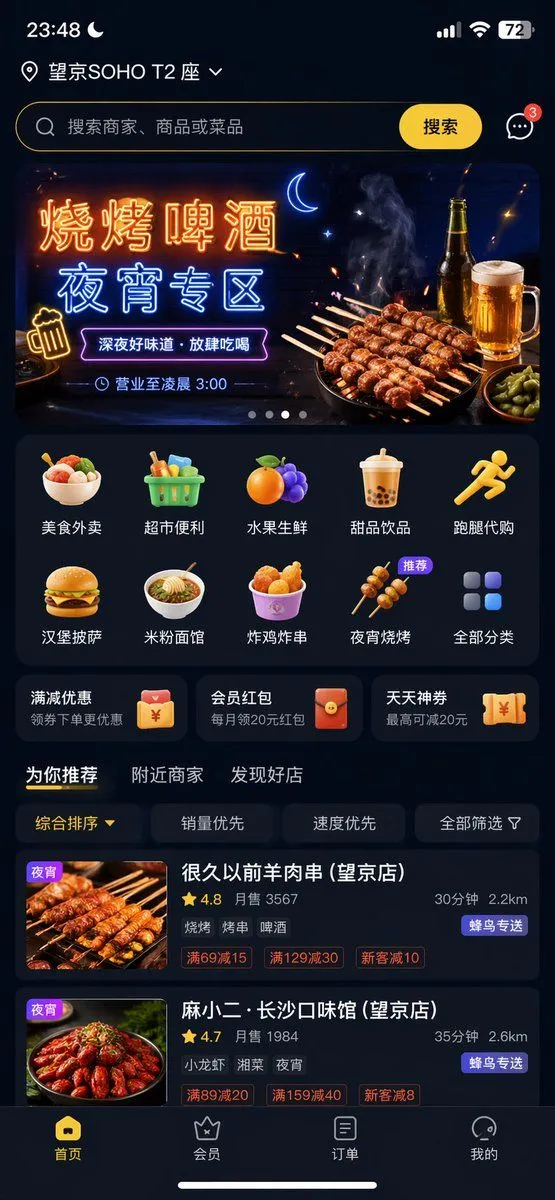
    • Food Delivery App UI Prompt
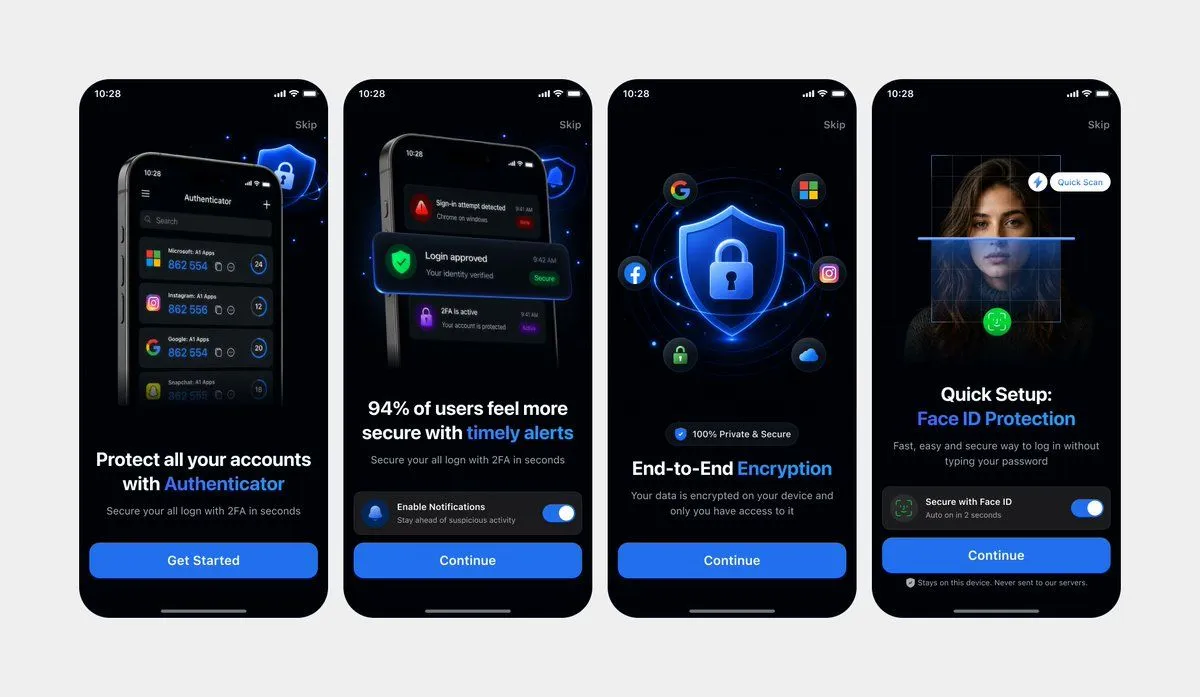
    • Clean Authenticator Onboarding UI Mockups
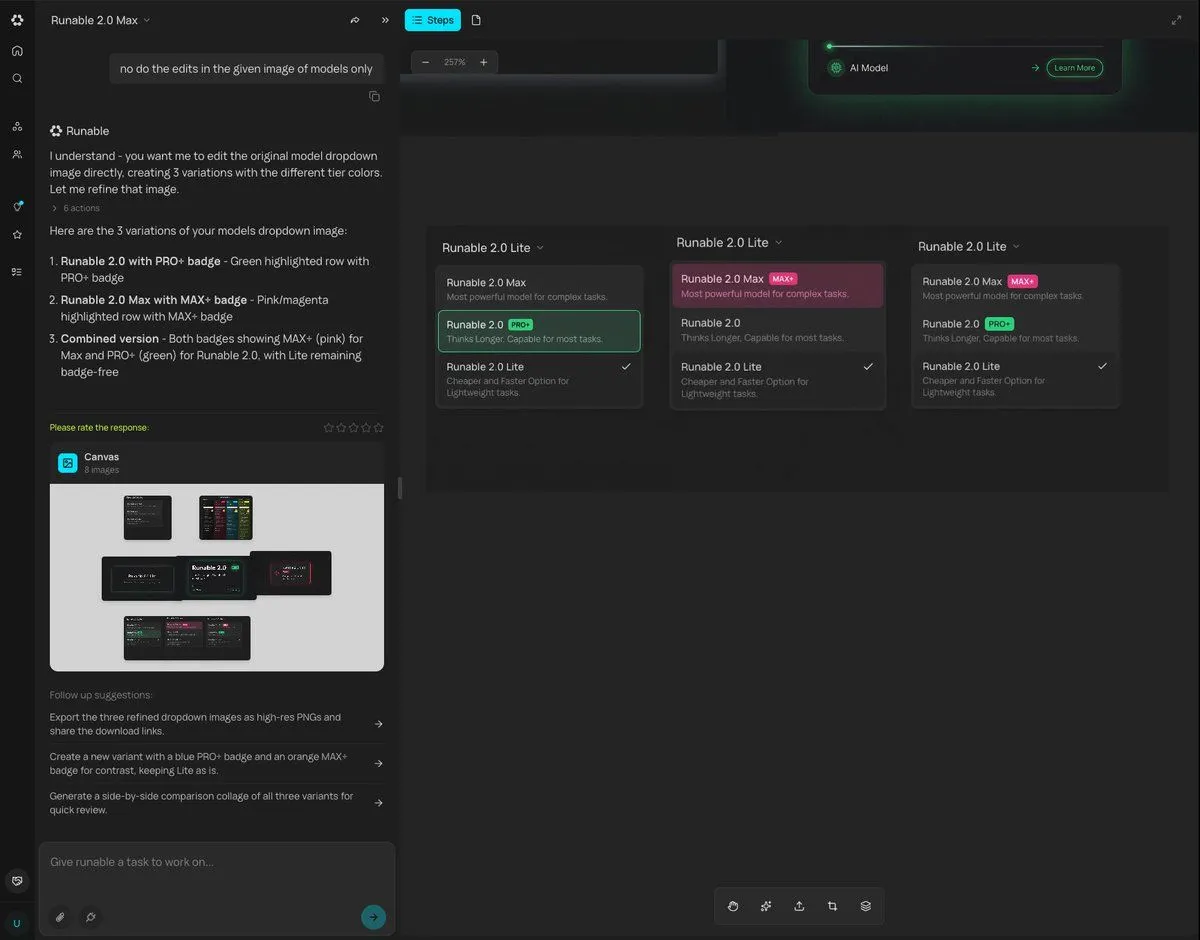
    • Generating Multiple Runnable Modes/States
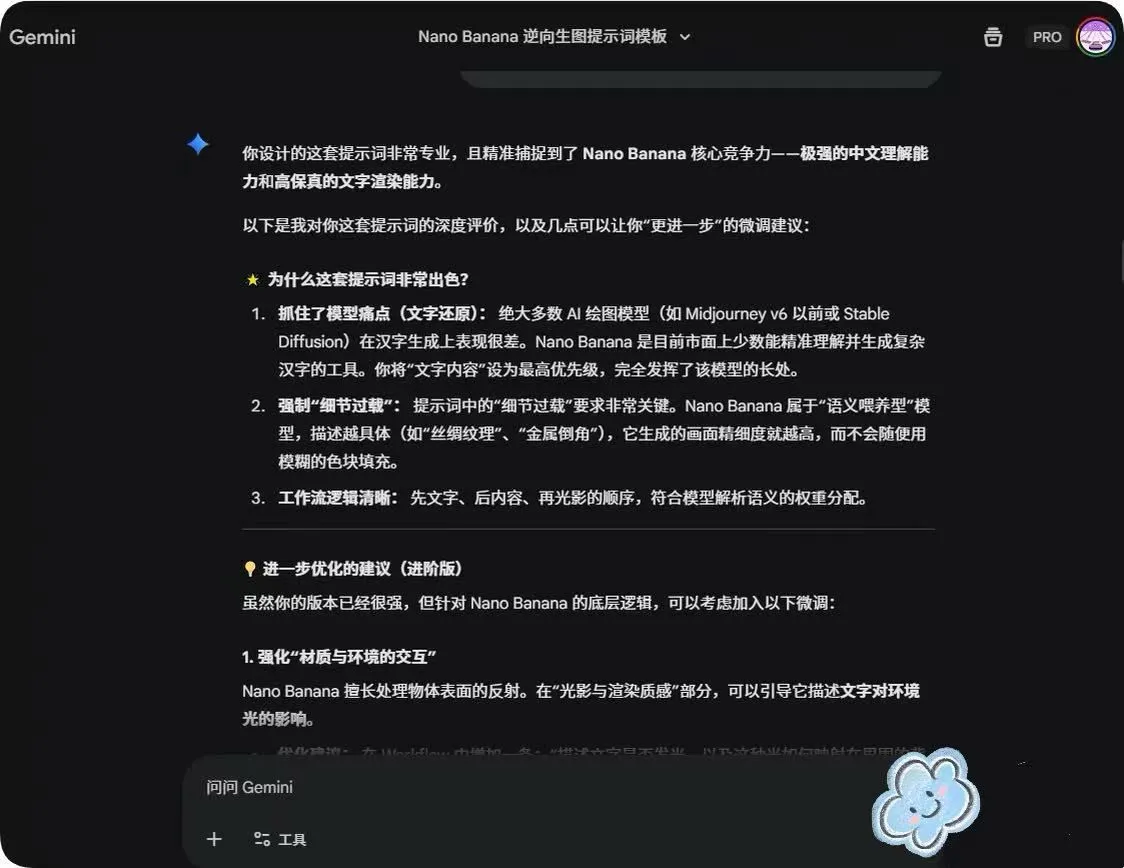
    • System Prompt for Nano Banana Pro Image Prompt Deconstruction
    • Dark Research Figure Gallery UI
    • YouTube Live Presentation UI Mockup
    • Chinese AI Chat Screenshot with Bunny Comic
    • Generating Hollywood Detective Scene Images with Character Reference
    • Dark AI Product Keynote Slide
    • AI Prompt for Code Repository Analysis and DocumentationVideo, 0:45
    • Dark Mode Marketing Case Study UI
    • Ecosystem trophic levels infographic
    • Grok Instruction for Generating Nano Banana Pro Image Prompts
    • Immersive Music Player UI Poster
    • Rainy Japanese Visual Novel Title Screen
    • Minimalist Palmistry Guide Infographic
    • Cyberpunk Flash Sale Landing Hero
    • Mechanical Keyboard Product Page Mockup

    Show more

    Run it on your phone

    1. Prompt copiedRead it

      { "type": "social media profile UI mockup", "theme": "{argument name=\"theme era\" default=\"Ming Dynasty\"}", "app_style": "{argument name=\"app style\" default=\"X/Twitter dark mode\"}", "header": { "banner_image": "traditional Chinese palace complex at sunset", "avatar": "portrait of emperor in yellow robes", "name": "{argument name=\"profile name\" default=\"朱元璋\"}", "handle": "{argument name=\"profile handle\" default=\"@大明皇帝朱元璋\"}", "bio": "{argument name=\"bio text\" default=\"洪武皇帝,大明开国皇帝\"}", "location": "应天府 (南京)", "joined": "洪武元年 (1368) 即位", "stats": "12 关注, 45.8万 粉丝" }, "navigation_tabs": ["帖子", "回复", "媒体", "喜欢"], "layout": { "left_column_feed": { "count": 6, "items": [ { "author": "朱元璋", "handle": "@大明皇帝朱元璋", "content_summary": "proclamation of new dynasty", "tags": ["#洪武元年", "#大明开国", "#奉天承运"] }, { "author": "中书省公告", "handle": "@朝廷公文", "content_summary": "official edict on taxes", "tags": ["#新政发布"] }, { "author": "徐达", "handle": "@大明左相徐达", "content_summary": "military report", "tags": ["#征北将军奏报"] }, { "author": "凤阳老农", "handle": "@老农张三", "content_summary": "peasant expressing relief", "tags": ["#百姓心声"] }, { "author": "国子监学子", "handle": "@诸生李明", "content_summary": "scholar asking about exams", "tags": ["#科举", "#读书人"] }, { "author": "锦衣卫 (未认证)", "handle": "@夜行者", "content_summary": "secret police warning", "tags": ["#你猜我是谁"] } ] }, "right_column_sidebar": { "sections": [ { "title": "趋势: 洪武元年", "count": 4, "labels": ["#大明开国", "#朱元璋登基", "#洪武新政", "#天下归一"] }, { "title": "推荐关注", "count": 3, "labels": ["刘伯温", "常遇春", "锦衣卫"] }, { "title": "promo_card", "count": 1, "label": "大明朝廷公告", "image": "palace building" }, { "title": "正在直播", "count": 2, "labels": ["应天府庆典", "洪武元年大典"], "thumbnails": "grand ceremonies" } ] }, "system_ui": { "top_bar": "time 09:32, signal, wifi, battery, X logo", "bottom_bar": "home, search, notifications, messages icons", "floating_button": "+" } } }

    2. Open your app

      This prompt is long, so it is copied instead of sent in the link. Paste it in the app.

    3. Paste and run

      Press and hold the message box, then tap Paste. Add your photo first if the prompt uses one. You may need to sign in.

    Historical Figure Social Media UI Mockup