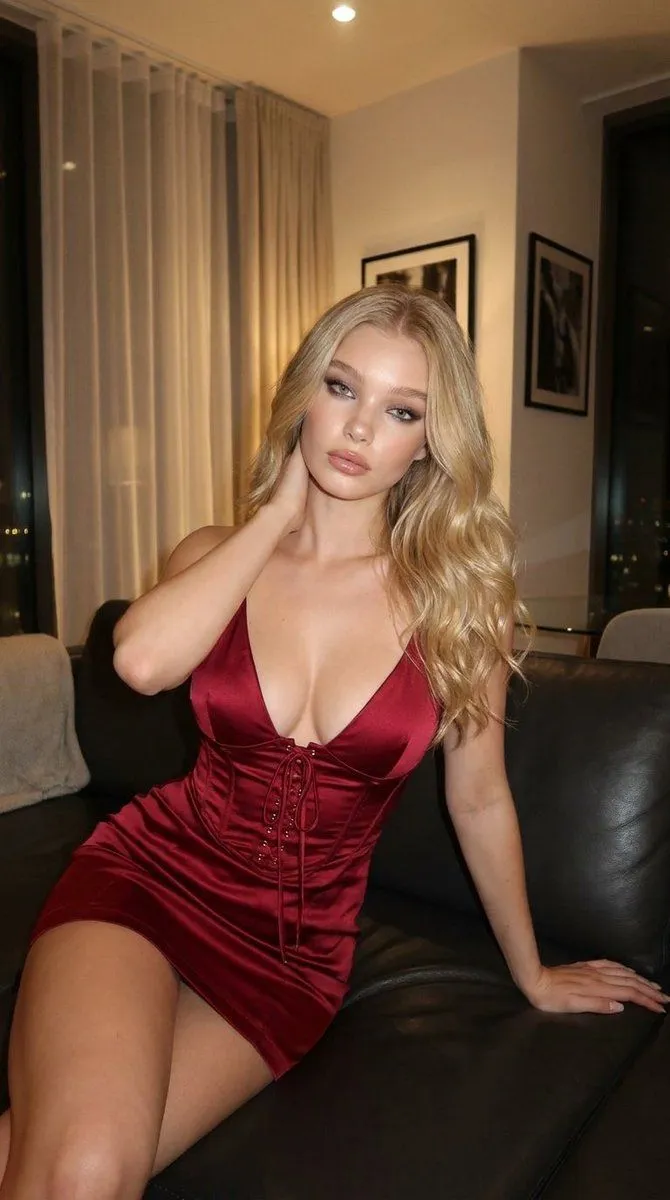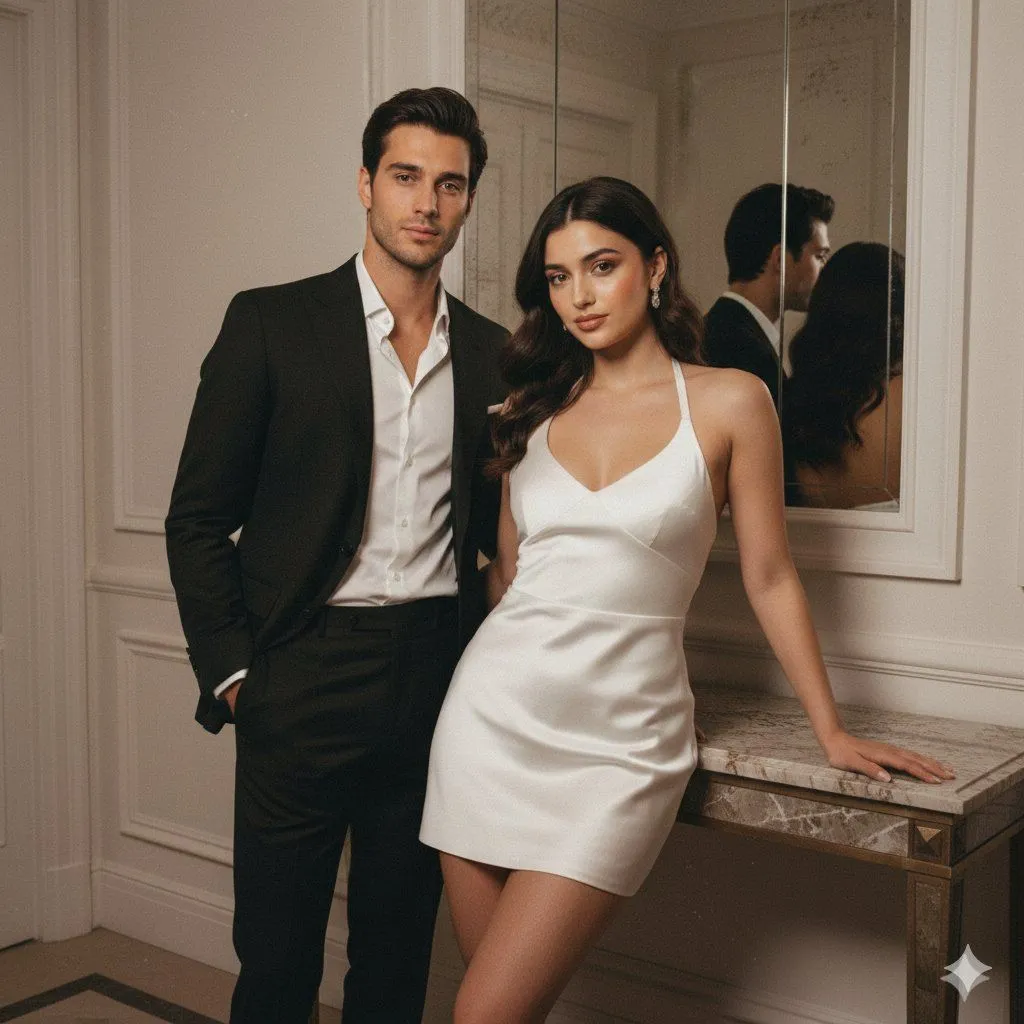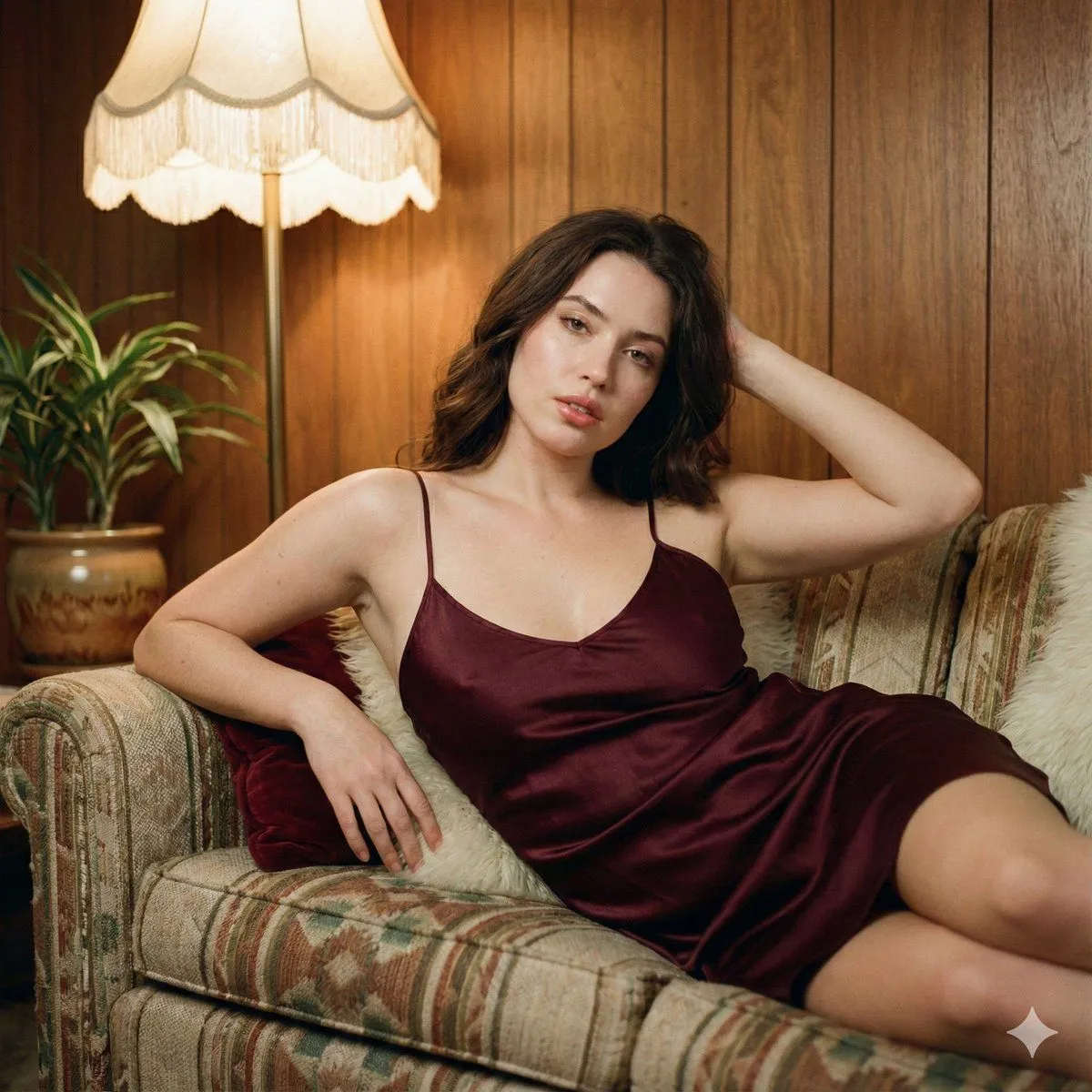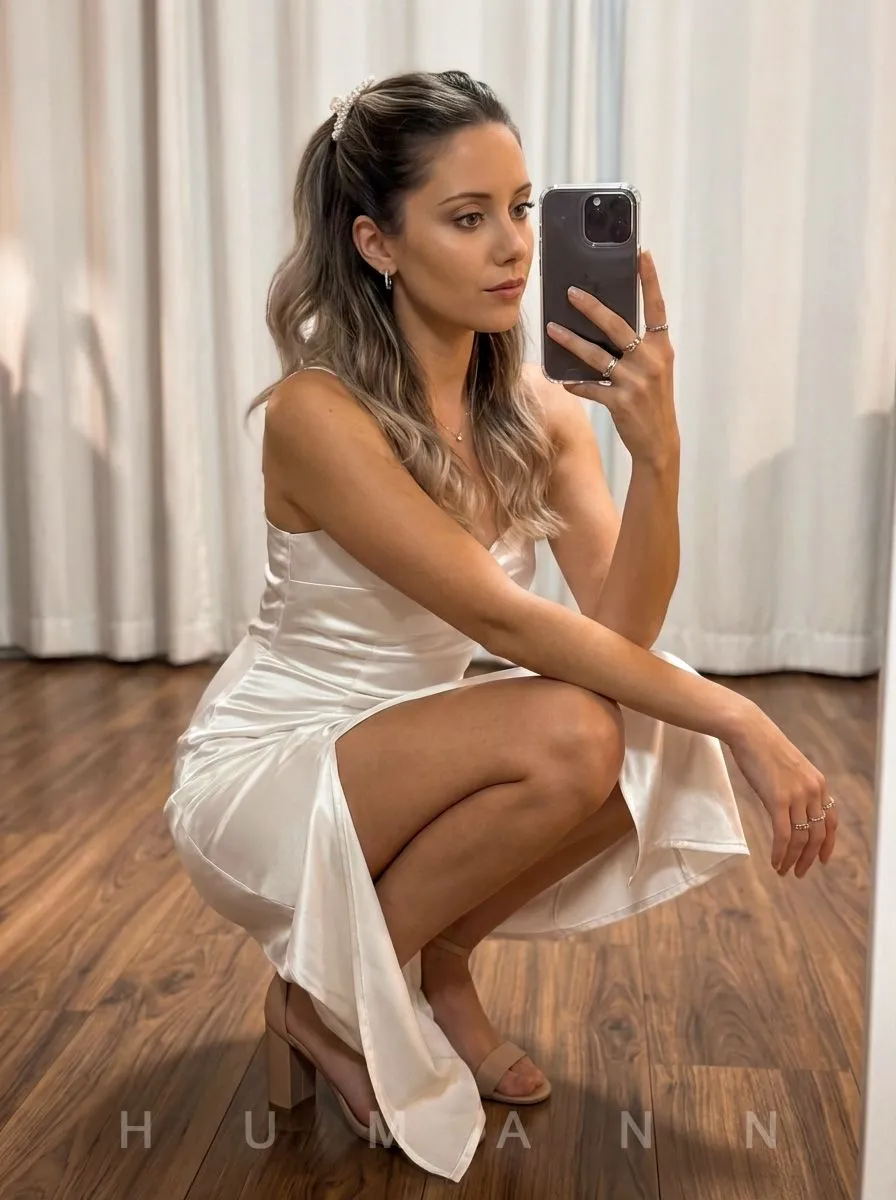
Tell us anything

An idea, a bug, something you love. We read every note.

⌘↵ to send. The page you're on comes along.

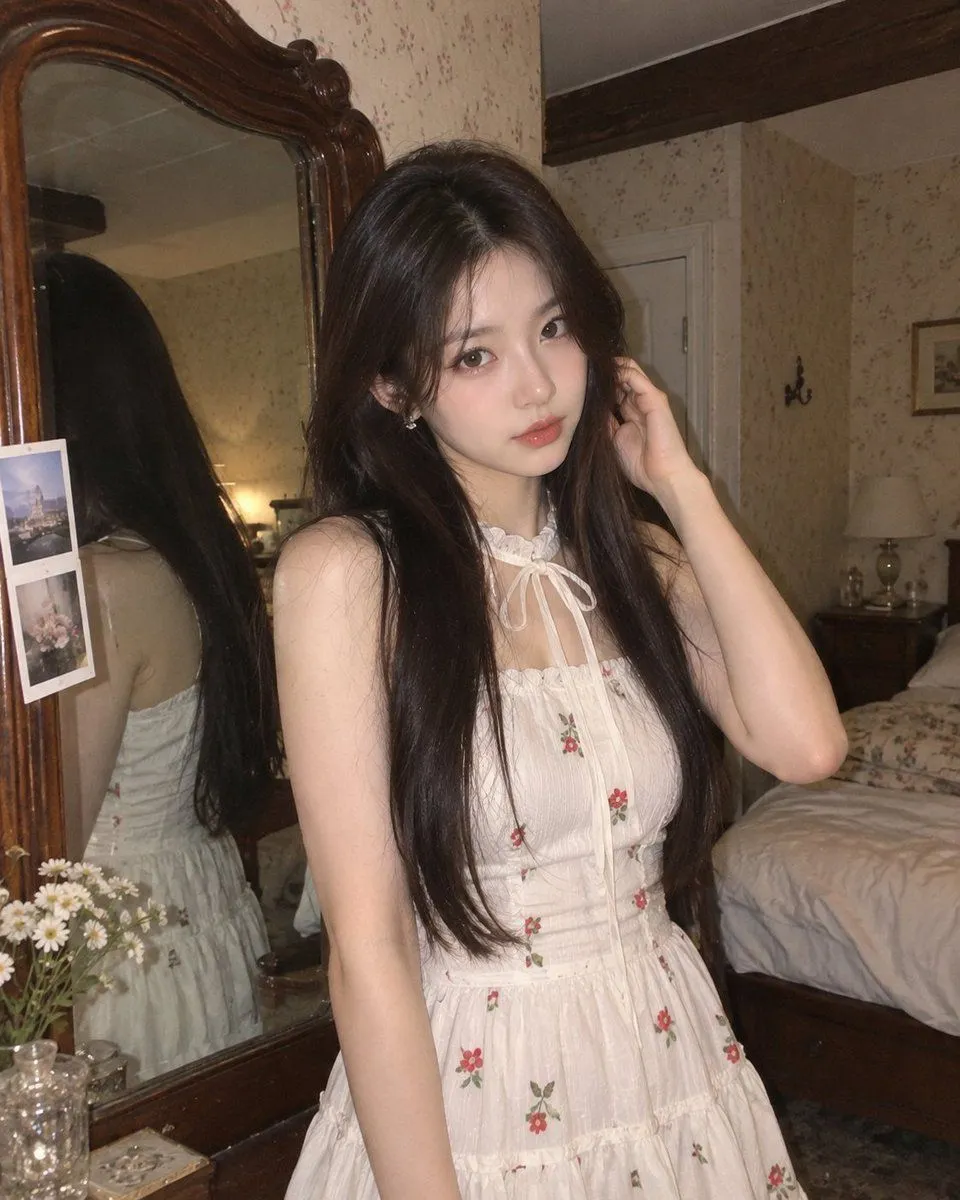
High-Definition Vintage Flash Portrait Prompt

Made with Nano Banana Pro in Gemini by Library Social. Promptclay never generates images.

Did it work?

No reports yet. Tell others if it worked for you.

No comments yet. Be the first.

    High-Definition Vintage Flash Portrait Prompt

    Nano Banana Pro4:5Needs your photoAI-generated

    Prompt

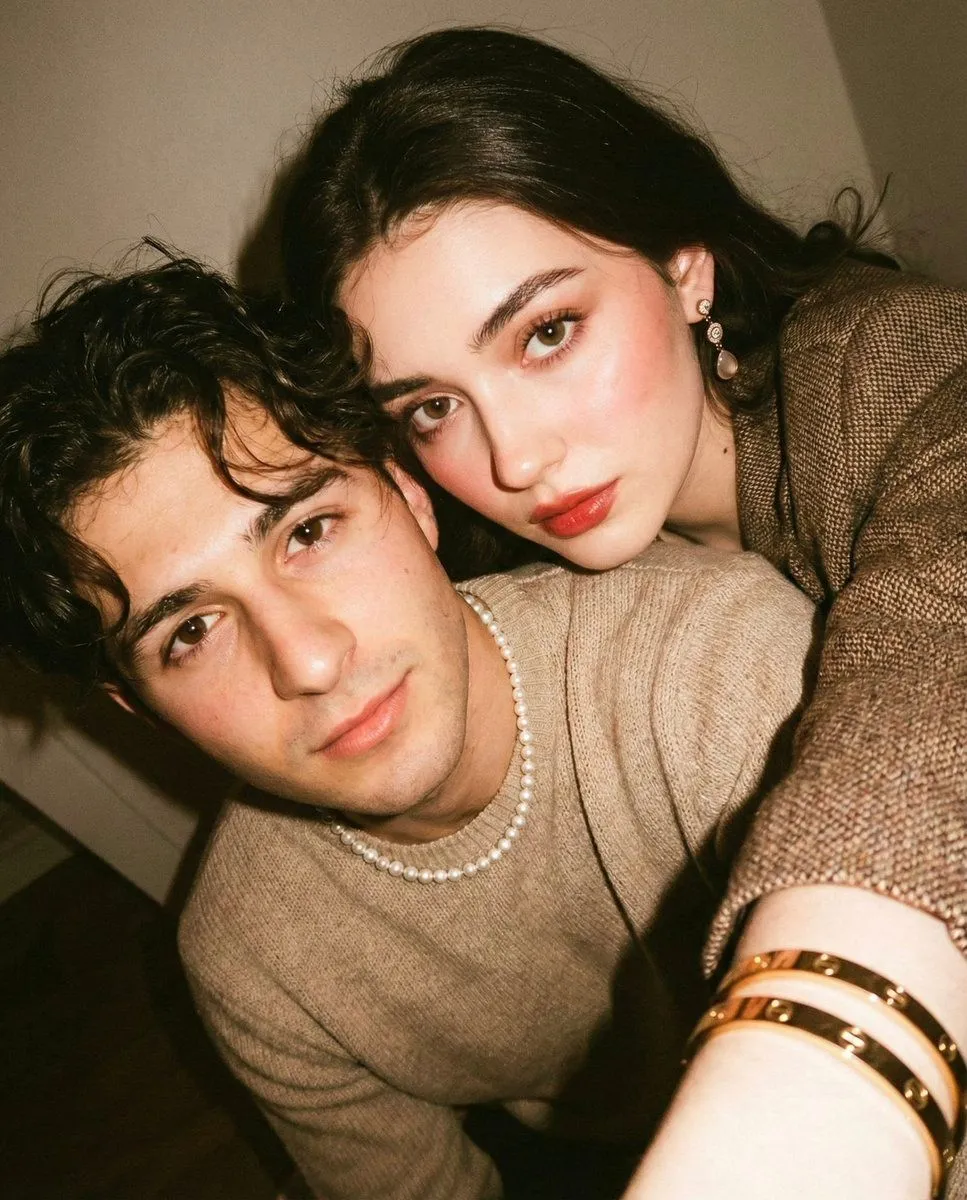
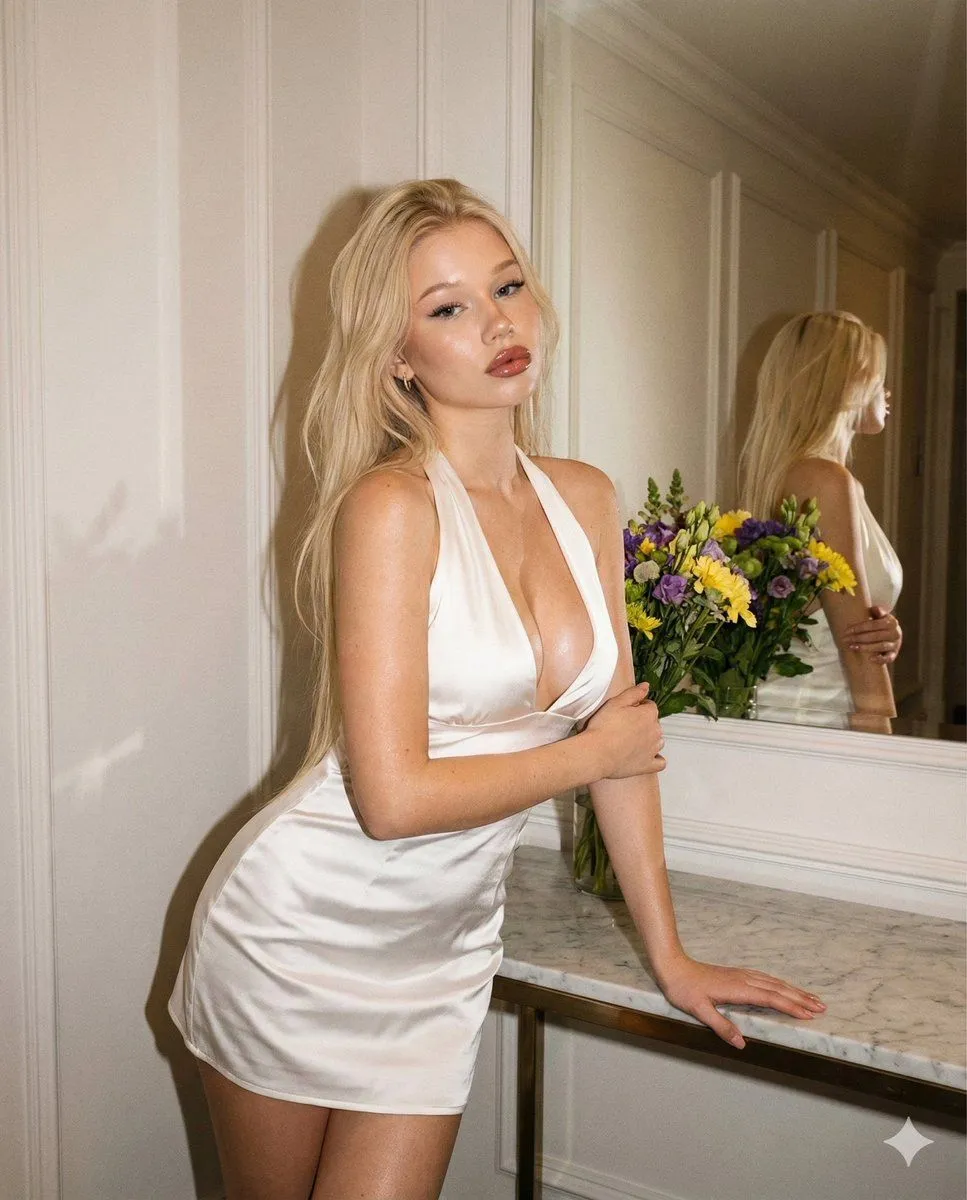
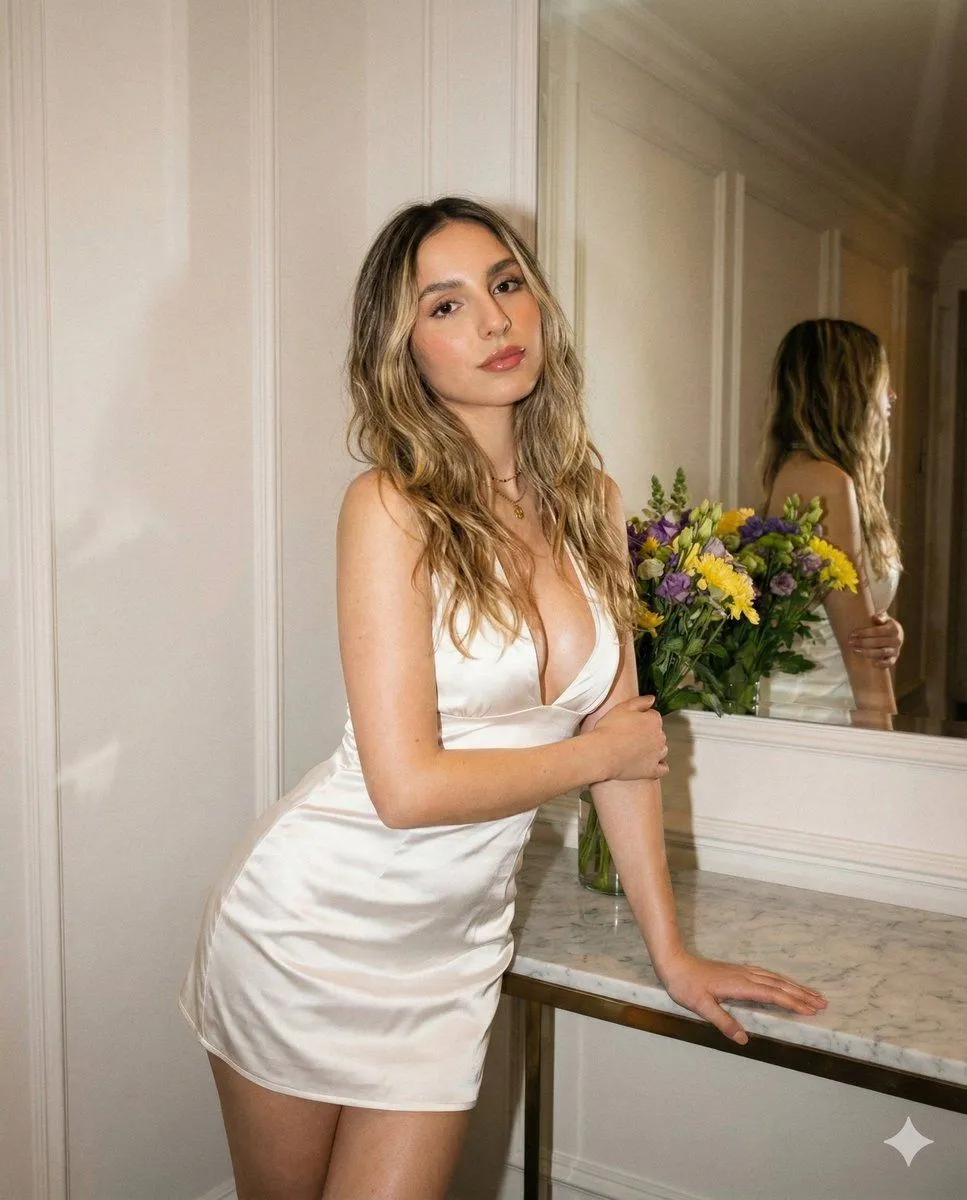
    { "meta":{ "quality":"High-Definition", "type":"Evening indoor flash portrait", "ratio":"4:5 vertical", "device":"iPhone 16 Pro", "style_reference":"Transform the INPUT PHOTO into this exact aesthetic.", "look":"Evening flash, warm-toned vintage, real grain, realistic skin texture (NO smoothing)." }, "identity_lock":{ "preserve_face": true, "strict": true, "rules":[ "The face MUST remain IDENTICAL to the input photo.", "No changes to facial structure, proportions, expression, or identity.", "No smoothing, no beautify, no retouch, no AI facial alterations." ] }, "skin_texture_rules":{ "keep_texture": true, "no_smoothing": true, "no_blur": true, "realistic_details": "natural texture preserved.", "flash_behavior":"Flash highlights should reveal texture, not hide it." }, "vintage_effect":{ "warmth":"+18", "contrast":"+22", "highlights":"-5", "shadows":"+12", "grain":"Medium (film-like)", "vignette":"Soft", "color_grade":"Warm beige vintage tint", "sharpness":"Slightly reduced to mimic old camera softness" }, "global_context":{ "scene_description":"Indoor hallway with wall decor, mirror reflection, white walls and warm flash lighting.", "time_of_day":"Evening", "lighting":"Direct warm flash illuminating the subject with strong falloff into the background.", "environment_details":[ "Mirror behind the subject with reflection visible.", "White paneled walls.", "Marble/stone console table with a floral arrangement.", "Soft shadows created by harsh flash." ] }, "composition":{ "camera_angle":"Eye-level, straight-on portrait", "framing":"Knees-up full portrait", "pose":"Body leaning slightly forward with one hand on console table and the other arm across the torso.", "expression":"Confident, pouty, soft glamorous gaze.", "flash_effect":"Glossy highlights on skin and dress." }, "subject":{ "makeup":{ "style":"Soft glam.", "lips":"Pink-brown gloss with warm undertone.", "eyes":"Eyeliner + lashes.", "blush":"Warm peach." }, "skin":"Natural undertone, realistic texture, NOT smoothed.", "outfit":{ "dress":"White mini halter dress with deep neckline and satin-like shine.", "fabric_behavior":"Flash creates bright reflections and visible folds." } }, "background_objects":[ { "id":"mirror", "description":"Large wall mirror reflecting the subject's pose.", "lighting":"Flash reflection visible but subdued." }, { "id":"flowers", "description":"Vibrant bouquet on the table (yellow, purple, green)." }, { "id":"wall", "description":"White paneled wall with framed signage." } ], "rules":{ "identity_constant": true, "no_face_change": true, "no_ai_artifacts": true, "realism":"Ultra realistic evening flash aesthetic with vintage tones." } } Use the uploaded photo as the input image. Generate the image.

    Use only photos you have the right to usePhoto tips
    • Your photo stays with your app. You upload it to Gemini, ChatGPT or the app you use. Promptclay never sees or stores it.
    • Crop to what the prompt needs. Your face for a portrait. Leave out other people, house numbers, cards and screens.
    • Check the result before you post. Apps sometimes add things that were not in your photo, like a mole, a tattoo or bare shoulders. Run it again or ask the app to remove them.
    Works in
    Gemini, ChatGPT
    Status
    Free to copy
    0
    DetailsVersions, settings and questions

    Written for

    What's in the prompt

    Subject
    Model
    Nano Banana Pro

    If your face changes

    keep my face exactly the same

    Questions

    Does this work in the Gemini app?
    Yes. Gemini runs Nano Banana, so paste the prompt and attach your photo if it uses one.
    It changed my face. What do I do?
    Add "keep my face exactly the same" to the end and run it again.
    Can I use the images I make?
    Check the terms of the app you use. Promptclay never generates images and claims nothing you make.

    Similar prompts

    See more
    • Vintage Flash Portrait with Identity Lock Prompt
    • Night city view white satin portrait
    • Evening Red Satin Dress Portrait
    • Vintage Flash Couple Portrait with Identity Lock Prompt
    • 1970s Vintage Portrait Series Continuation
    • Black Satin Dress Candlelight Portrait
    • Photorealistic Dressing Room Mirror Selfie
    • Vintage Bedroom Portrait Prompt
    • Fine Art Low-Key Portrait in Vintage Dress
    • Ultra Photorealistic Studio Glamour Floor Pose Prompt
    • Golden Hour Window Portrait
    • High-Key Fashion Shoot of Ana de Armas in White Ruffled Dress
    • Candid Vintage Holiday Scene Photography Prompt
    • Retro Street Fashion Portrait
    • Vertical Three-Panel Collage Selfie in Low Light
    • Vintage Film Selfie with Direct Flash
    • Vintage Evening Flash Portrait Transformation Prompt
    • Detailed JSON-based Image Generation Prompt for Gemini Nano Banana Pro
    • Ethnic Floral Dress Portrait
    • Glamorous Fashion Editorial Portrait at Night
    • Glamorous Makeup Mirror Reflection Editorial Shot Prompt
    • Golden Hour Fashion Editorial in an Urban Setting
    • Minimalist Christmas Fashion Shoot with Light Dress
    • Y2K Grunge Arcade Selfie Portrait

    Show more

    Run it on your phone

    1. Prompt copiedRead it

      { "meta":{ "quality":"High-Definition", "type":"Evening indoor flash portrait", "ratio":"4:5 vertical", "device":"iPhone 16 Pro", "style_reference":"Transform the INPUT PHOTO into this exact aesthetic.", "look":"Evening flash, warm-toned vintage, real grain, realistic skin texture (NO smoothing)." }, "identity_lock":{ "preserve_face": true, "strict": true, "rules":[ "The face MUST remain IDENTICAL to the input photo.", "No changes to facial structure, proportions, expression, or identity.", "No smoothing, no beautify, no retouch, no AI facial alterations." ] }, "skin_texture_rules":{ "keep_texture": true, "no_smoothing": true, "no_blur": true, "realistic_details": "natural texture preserved.", "flash_behavior":"Flash highlights should reveal texture, not hide it." }, "vintage_effect":{ "warmth":"+18", "contrast":"+22", "highlights":"-5", "shadows":"+12", "grain":"Medium (film-like)", "vignette":"Soft", "color_grade":"Warm beige vintage tint", "sharpness":"Slightly reduced to mimic old camera softness" }, "global_context":{ "scene_description":"Indoor hallway with wall decor, mirror reflection, white walls and warm flash lighting.", "time_of_day":"Evening", "lighting":"Direct warm flash illuminating the subject with strong falloff into the background.", "environment_details":[ "Mirror behind the subject with reflection visible.", "White paneled walls.", "Marble/stone console table with a floral arrangement.", "Soft shadows created by harsh flash." ] }, "composition":{ "camera_angle":"Eye-level, straight-on portrait", "framing":"Knees-up full portrait", "pose":"Body leaning slightly forward with one hand on console table and the other arm across the torso.", "expression":"Confident, pouty, soft glamorous gaze.", "flash_effect":"Glossy highlights on skin and dress." }, "subject":{ "makeup":{ "style":"Soft glam.", "lips":"Pink-brown gloss with warm undertone.", "eyes":"Eyeliner + lashes.", "blush":"Warm peach." }, "skin":"Natural undertone, realistic texture, NOT smoothed.", "outfit":{ "dress":"White mini halter dress with deep neckline and satin-like shine.", "fabric_behavior":"Flash creates bright reflections and visible folds." } }, "background_objects":[ { "id":"mirror", "description":"Large wall mirror reflecting the subject's pose.", "lighting":"Flash reflection visible but subdued." }, { "id":"flowers", "description":"Vibrant bouquet on the table (yellow, purple, green)." }, { "id":"wall", "description":"White paneled wall with framed signage." } ], "rules":{ "identity_constant": true, "no_face_change": true, "no_ai_artifacts": true, "realism":"Ultra realistic evening flash aesthetic with vintage tones." } } Use the uploaded photo as the input image. Generate the image.

    2. Open your app

    3. Paste and run

      Press and hold the message box, then tap Paste. Add your photo first if the prompt uses one. You may need to sign in.

    High-Definition Vintage Flash Portrait Prompt