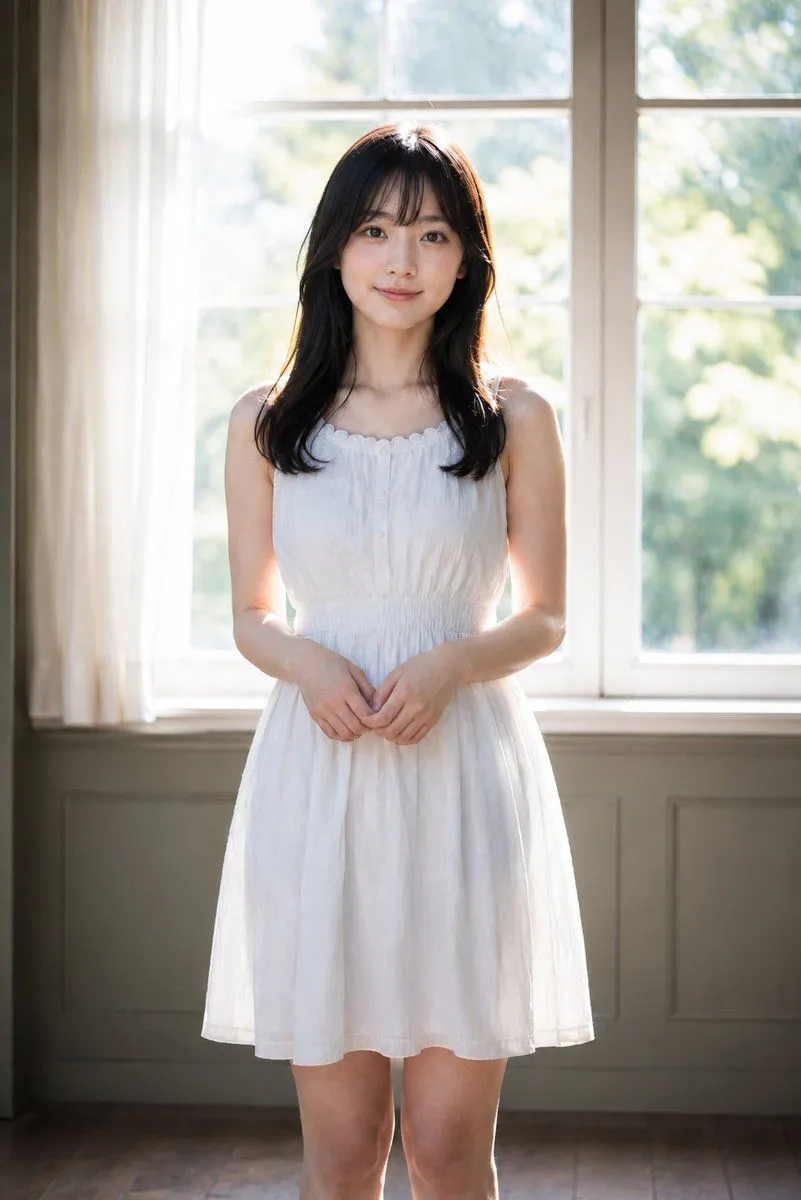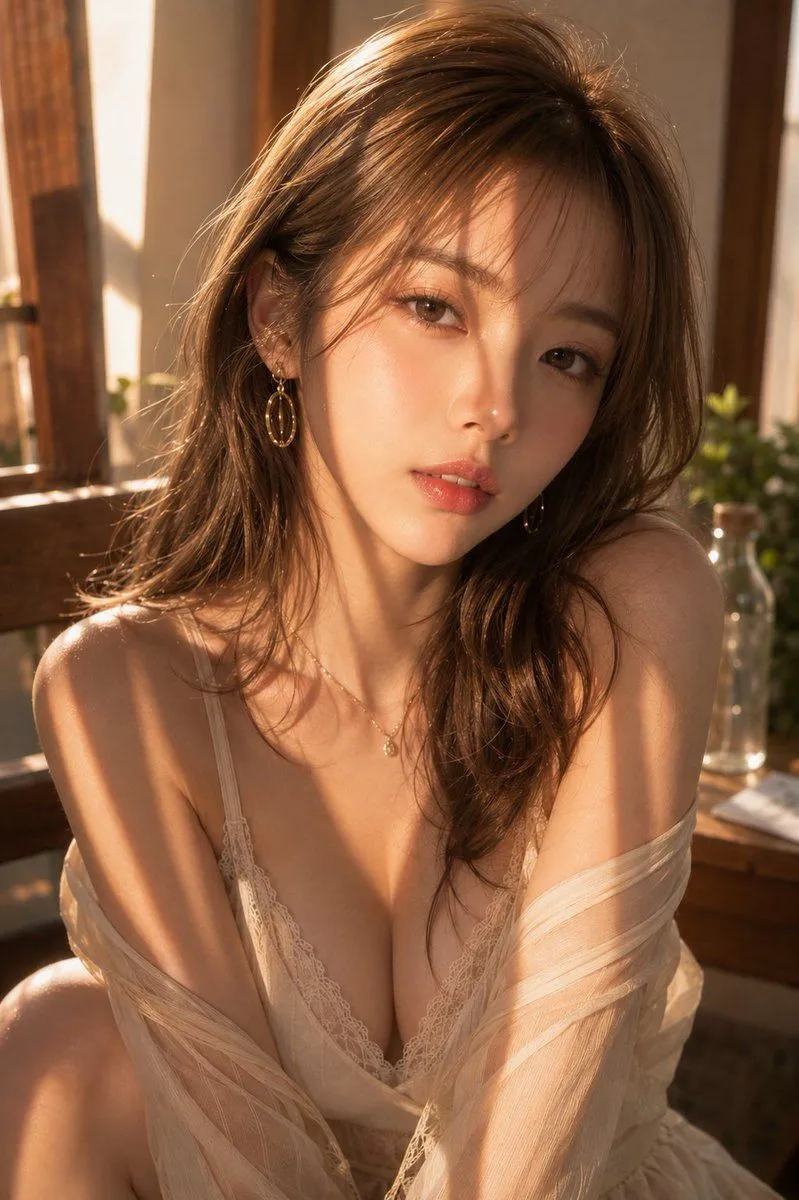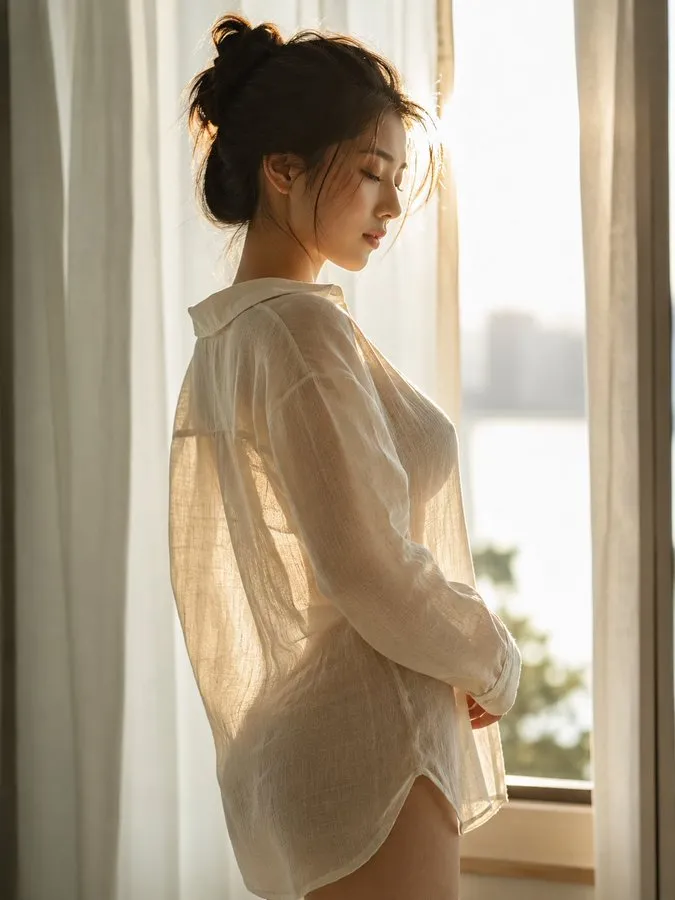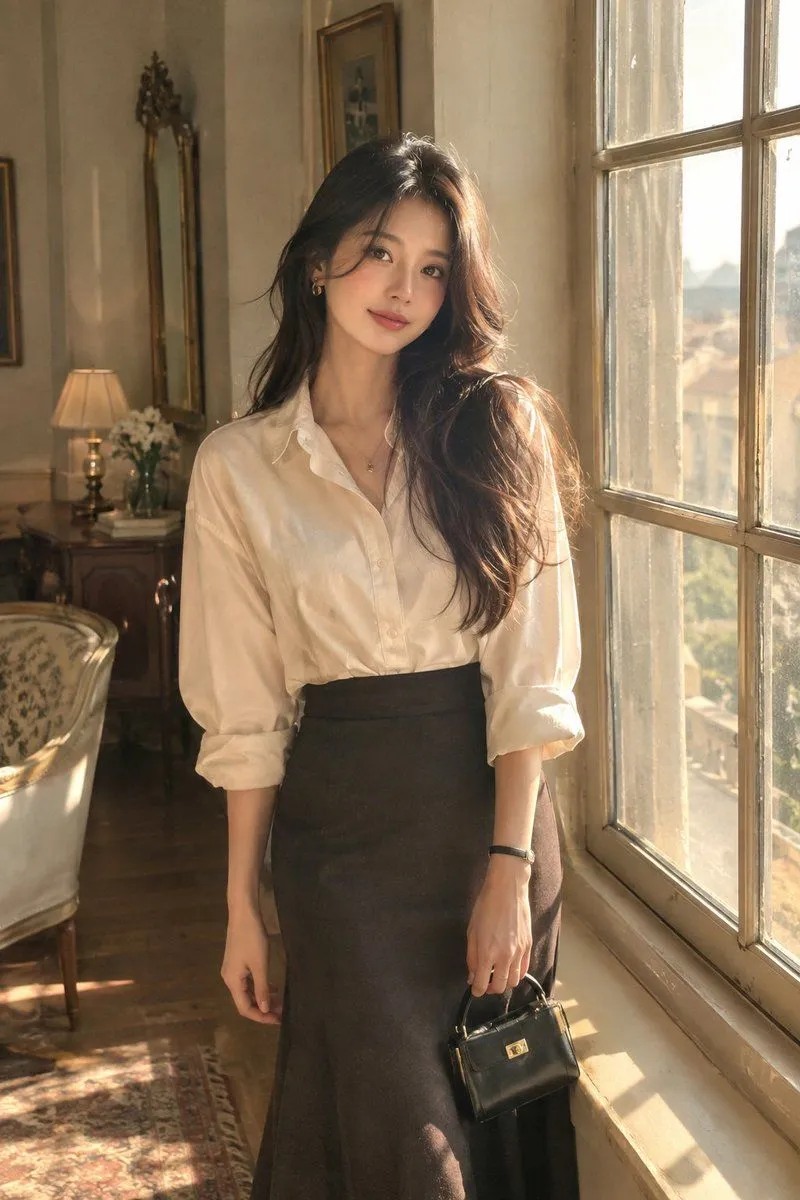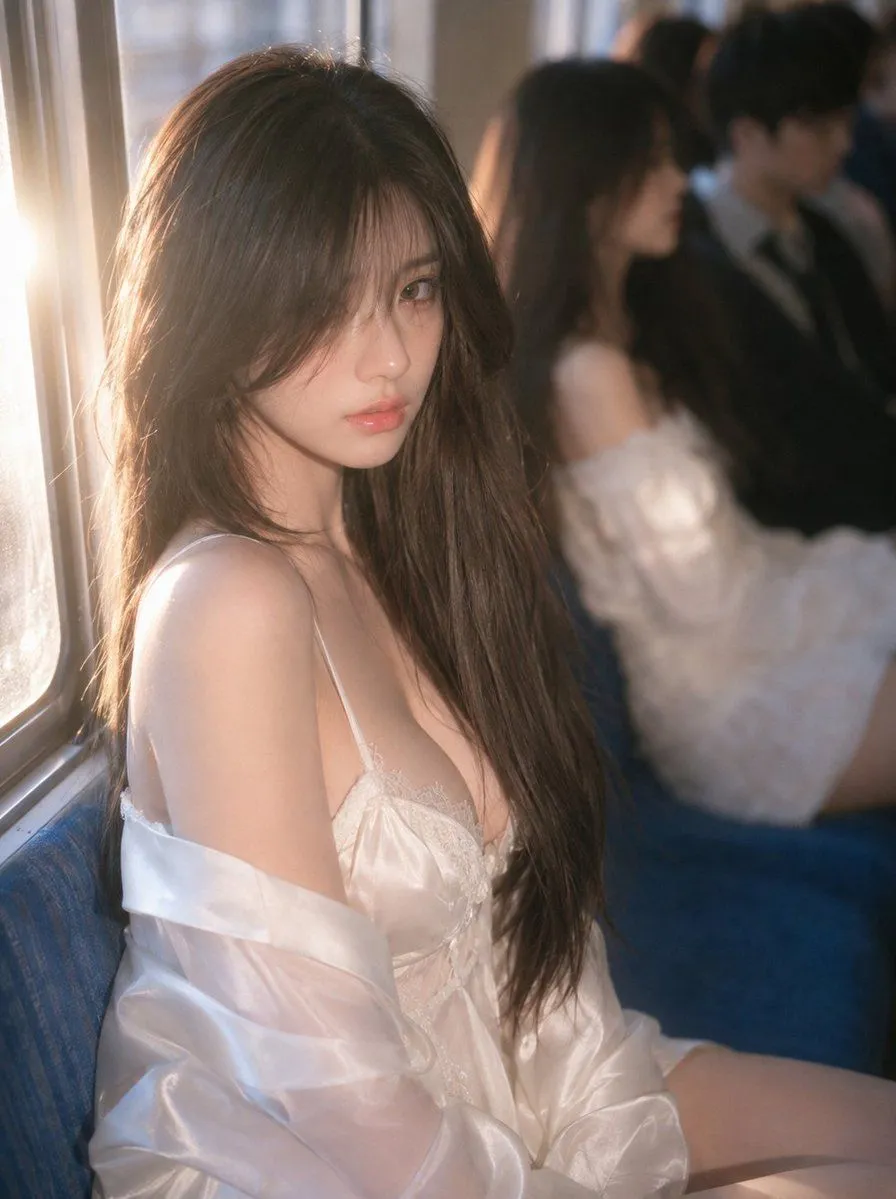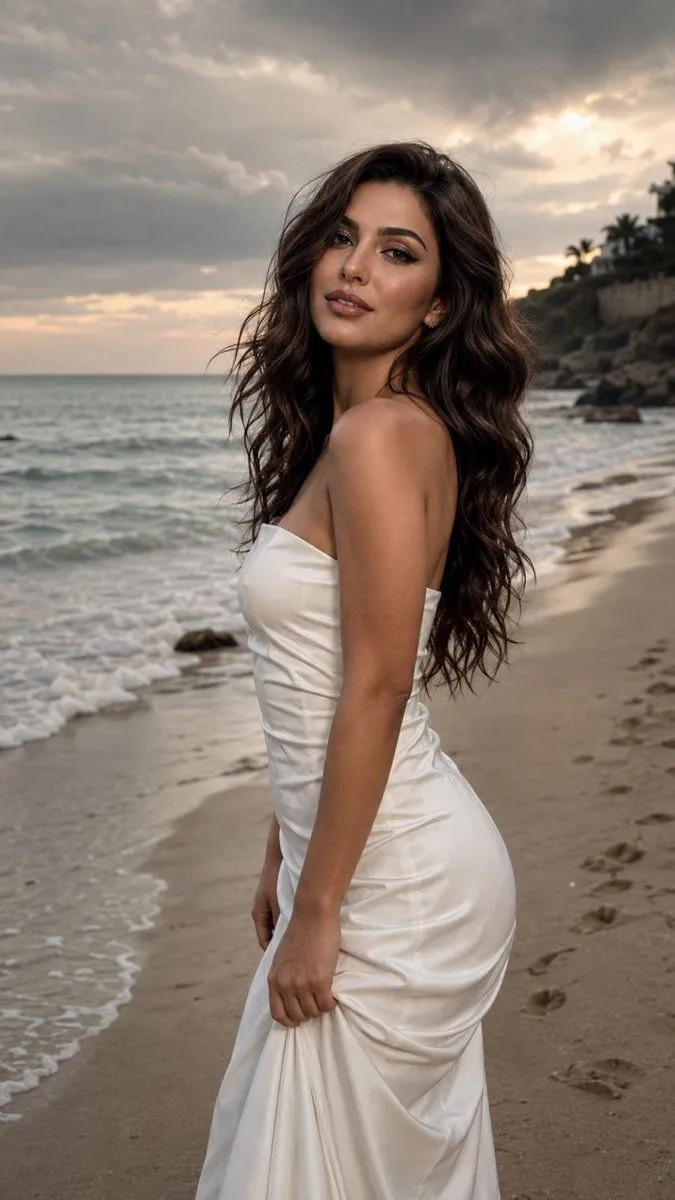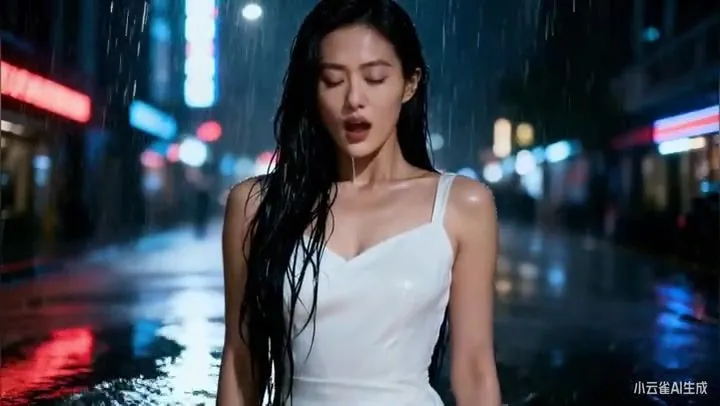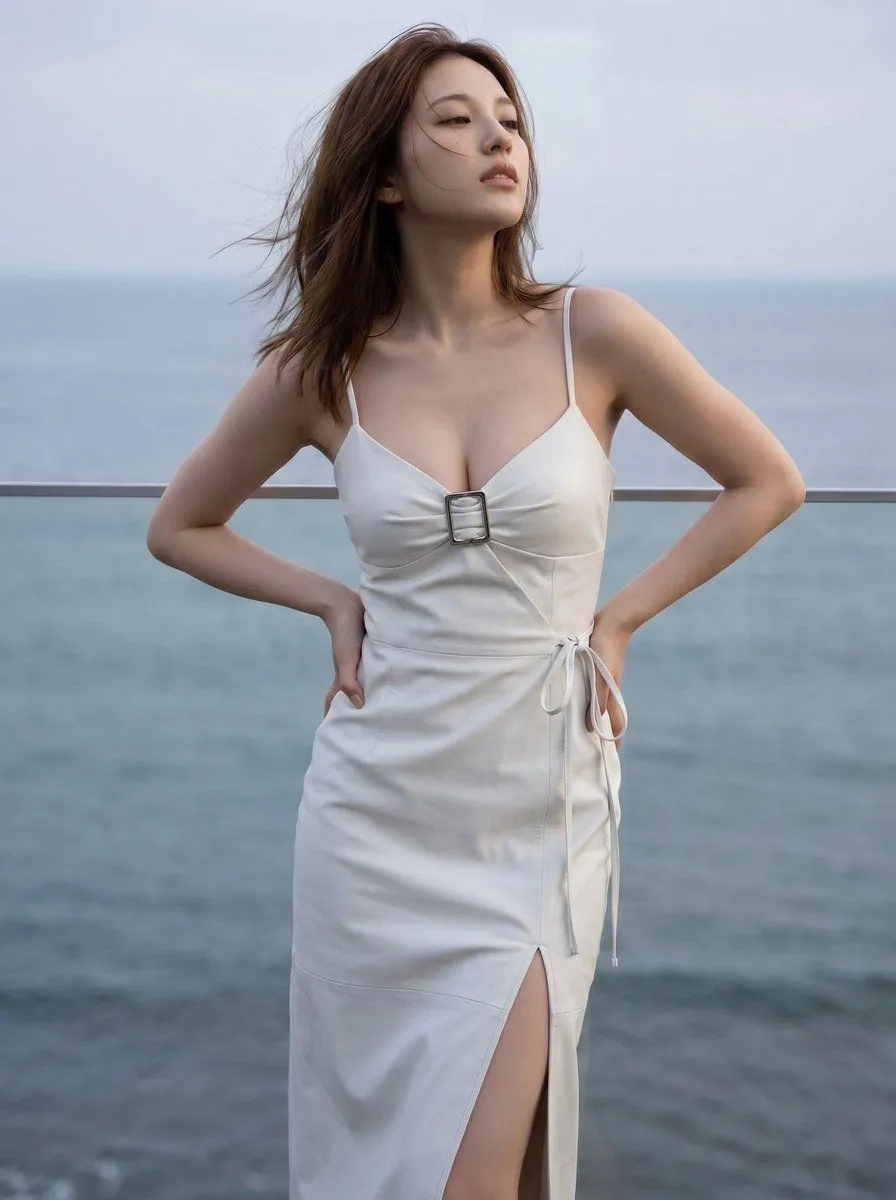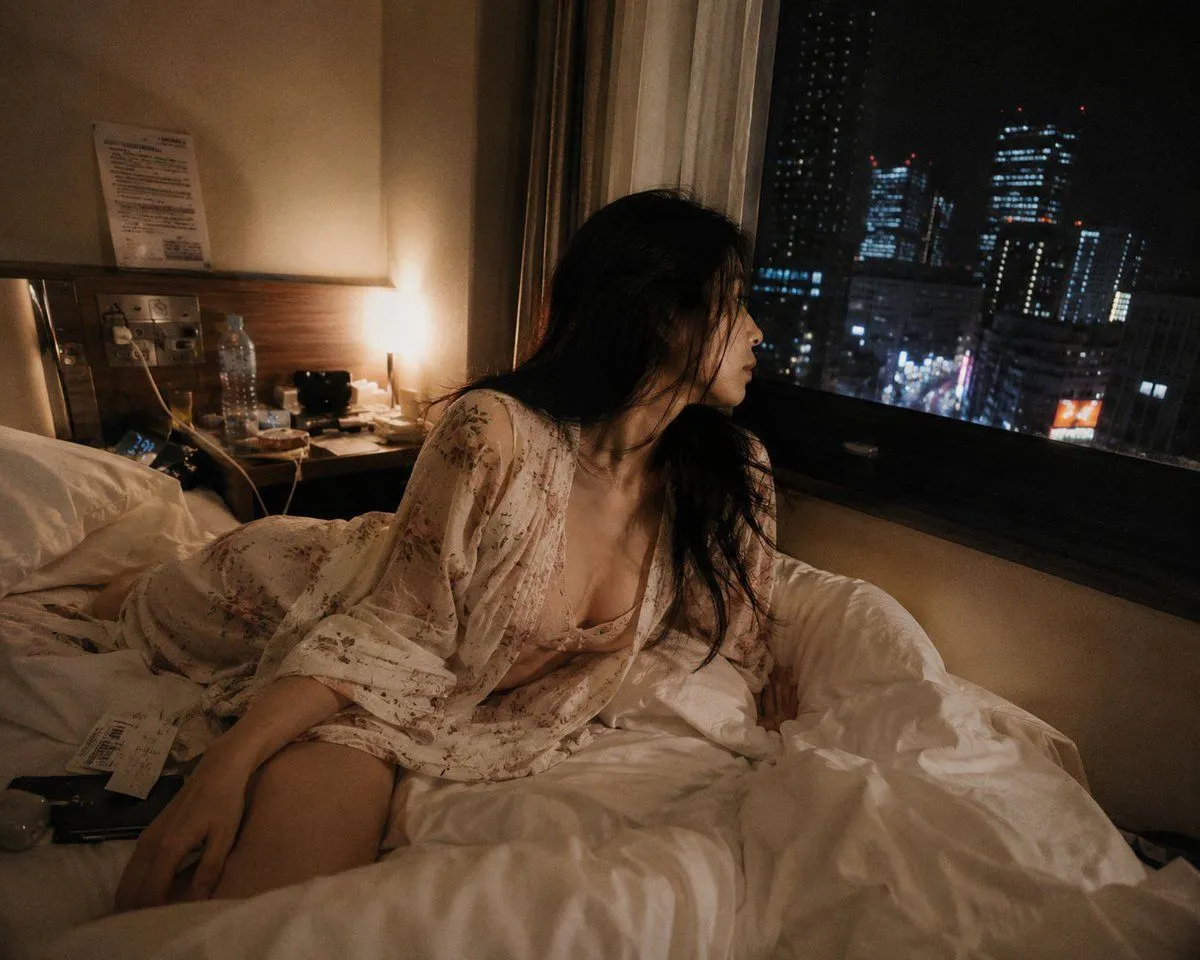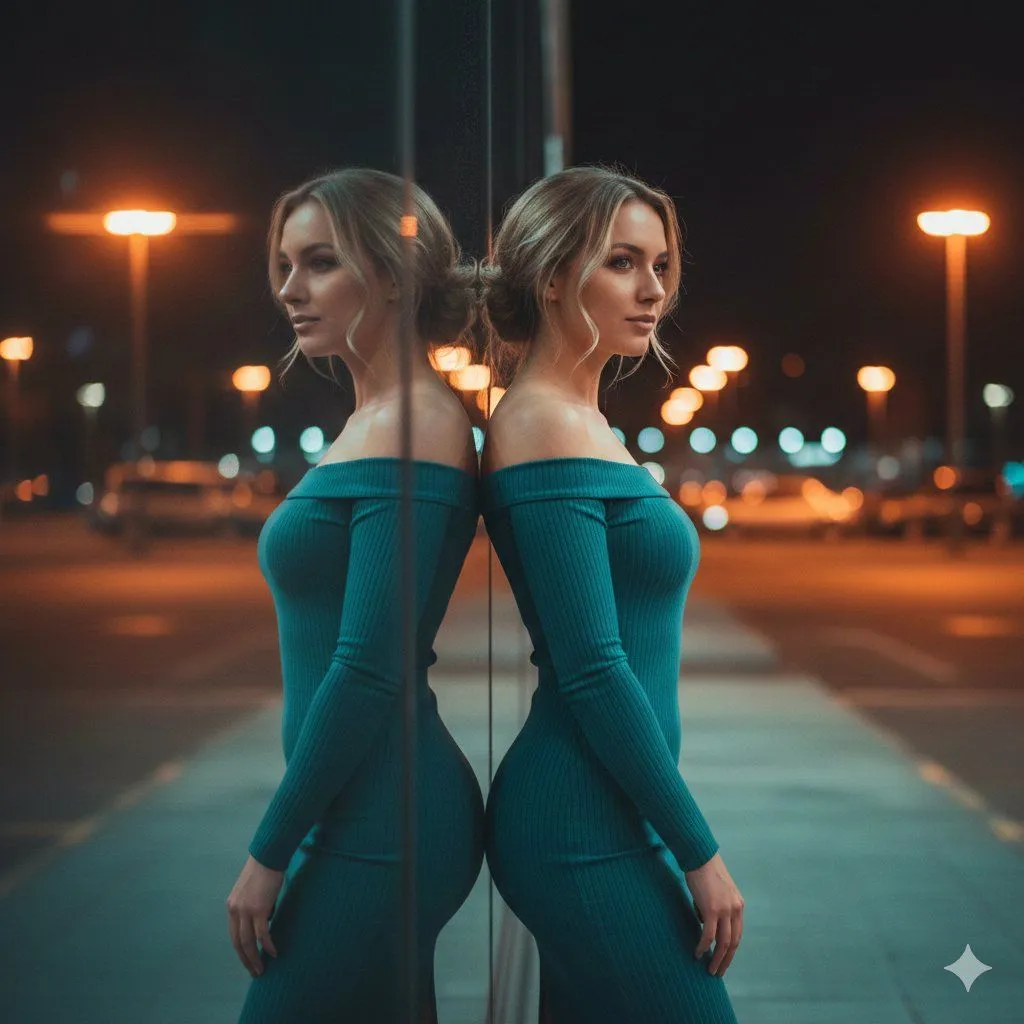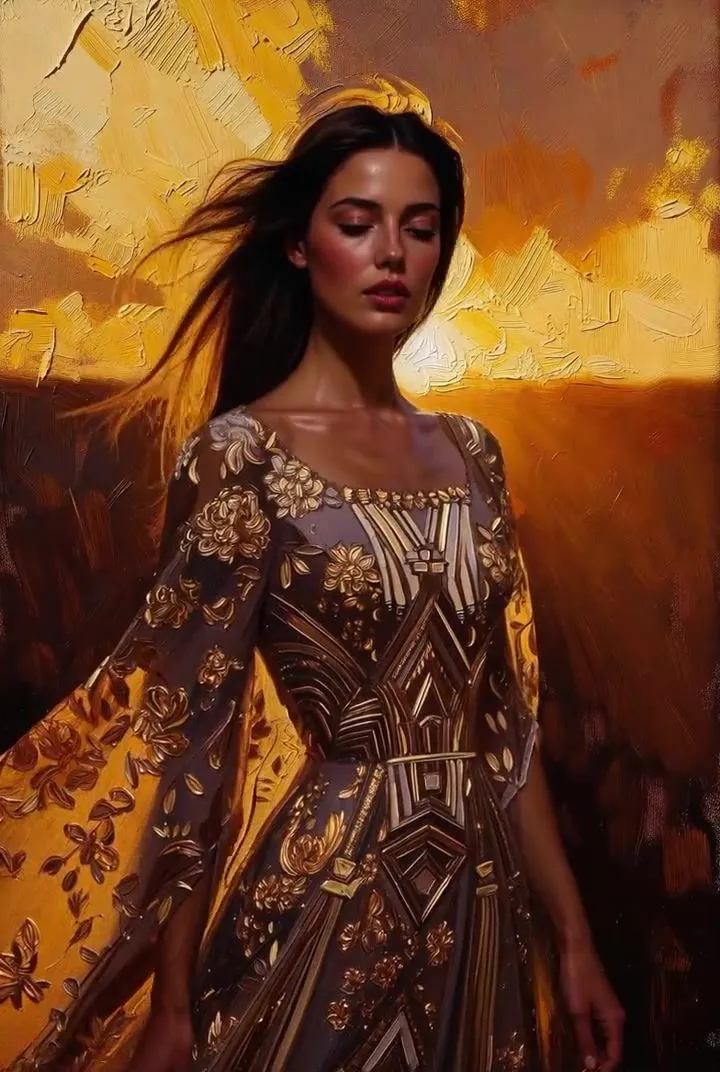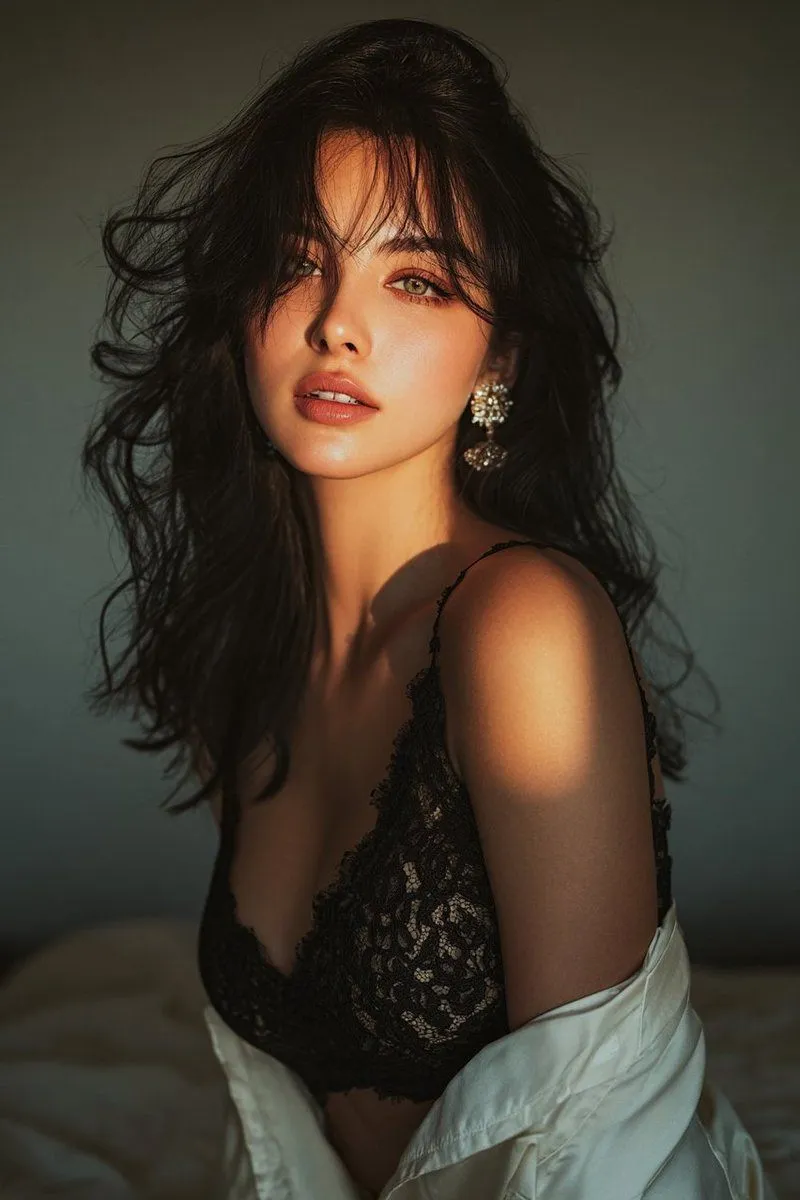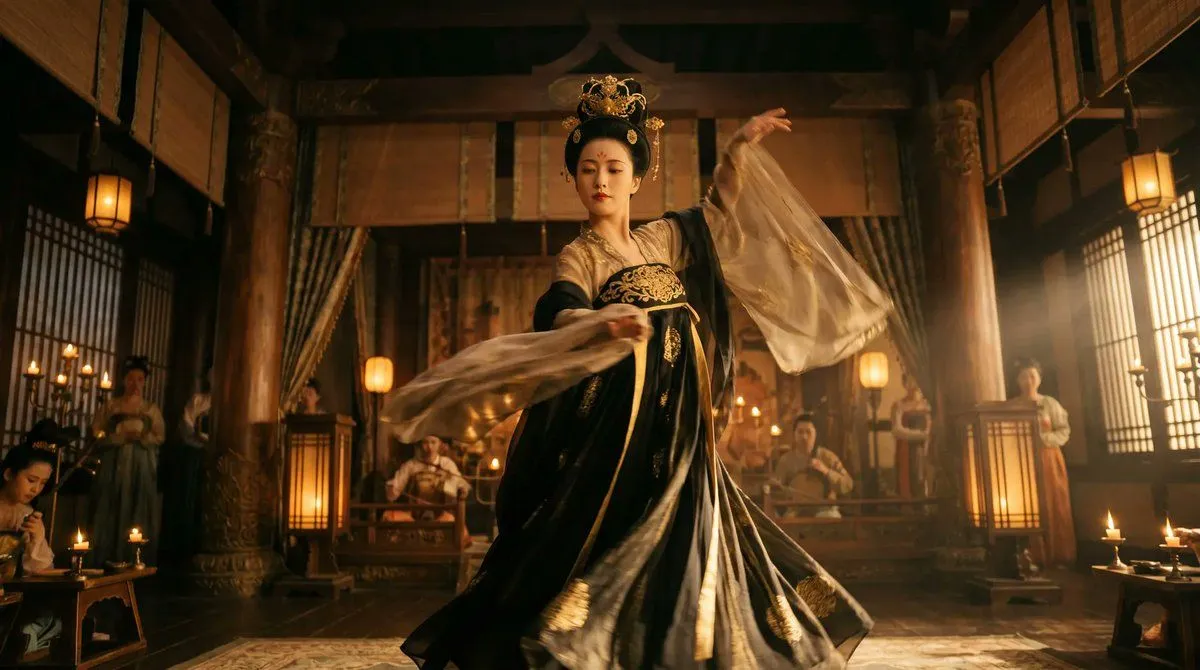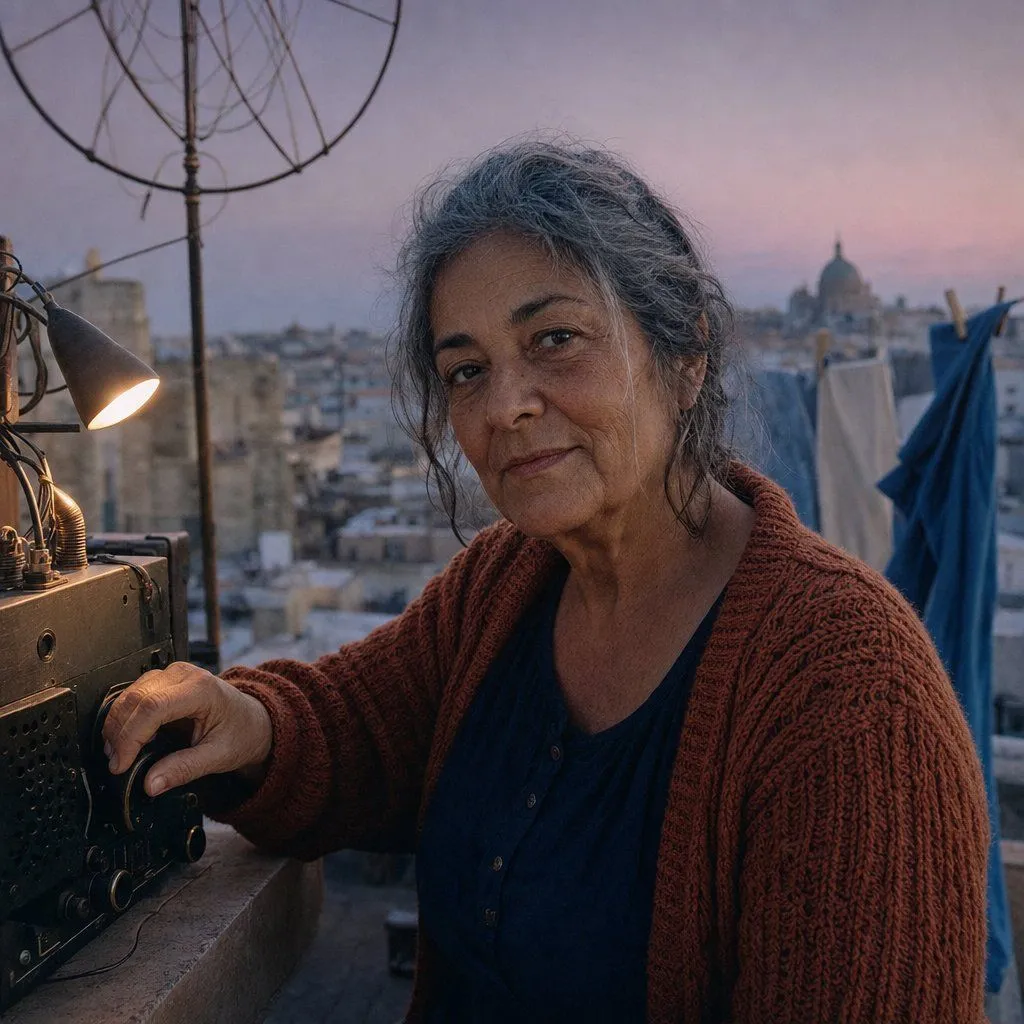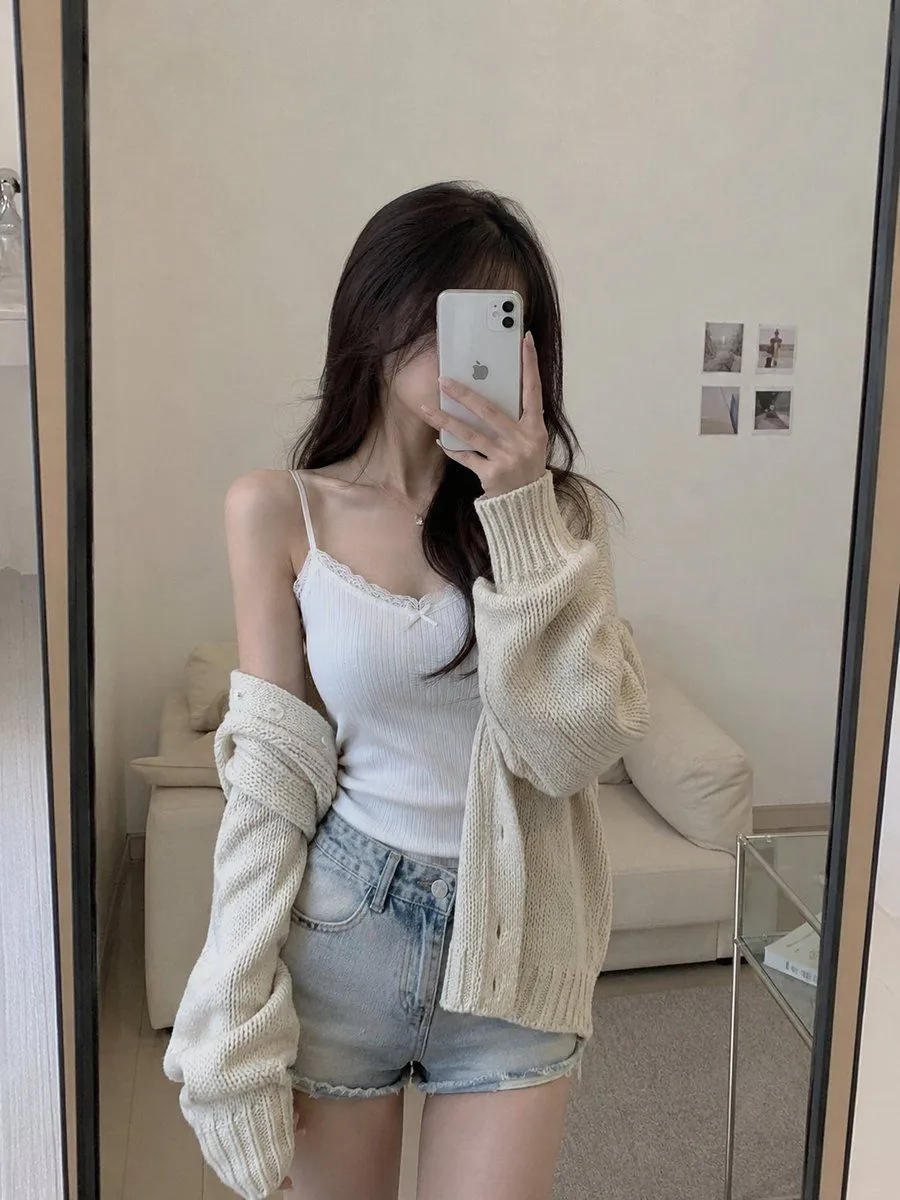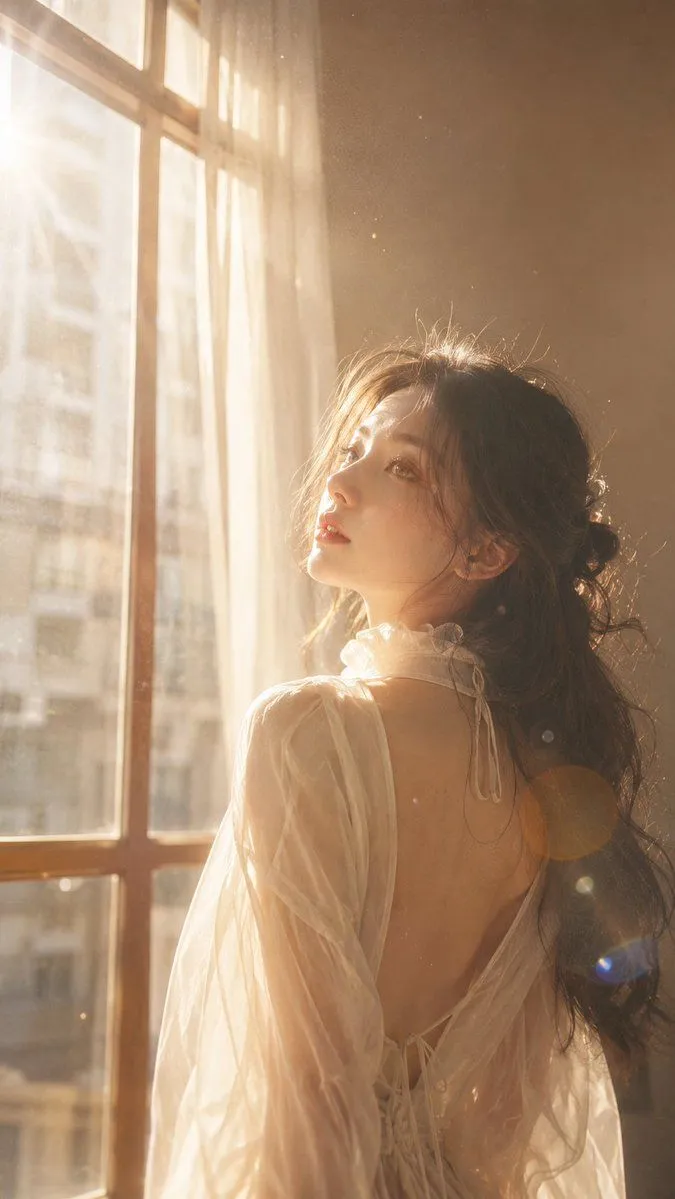
Made with GPT Image 2 in ChatGPT by Library Lifestyle. Promptclay never generates images.
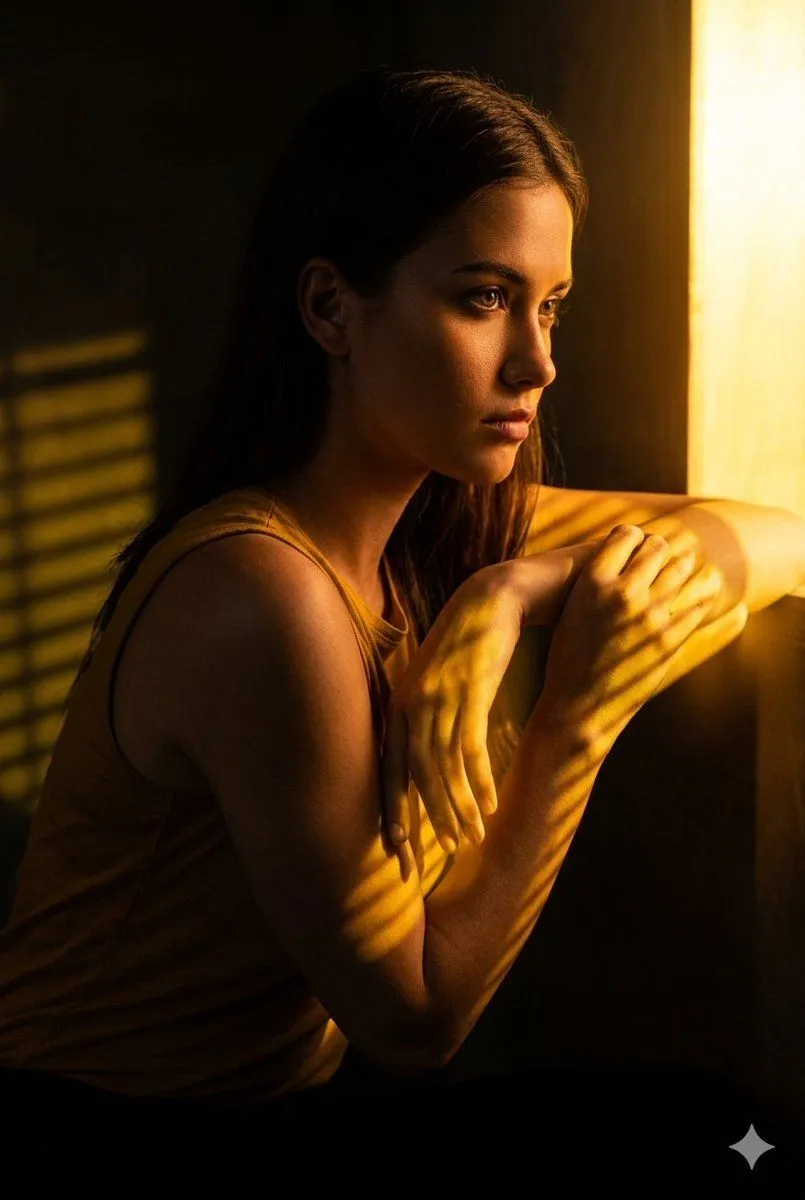
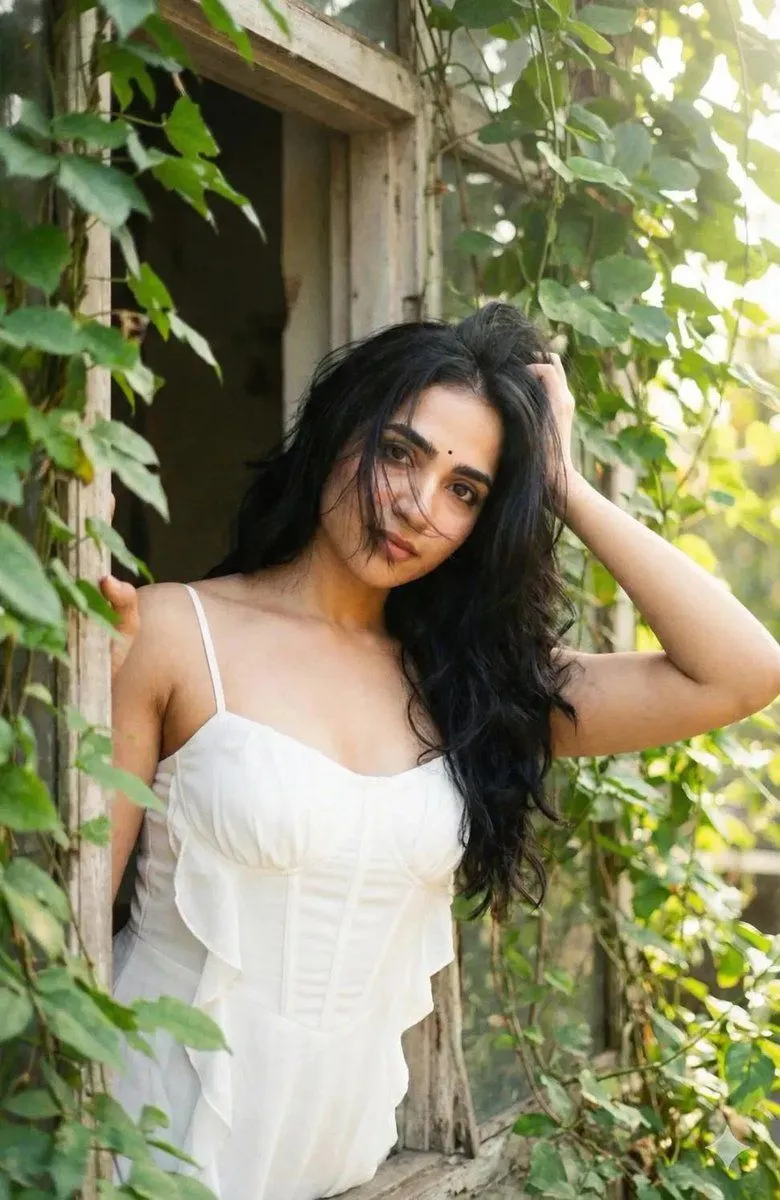
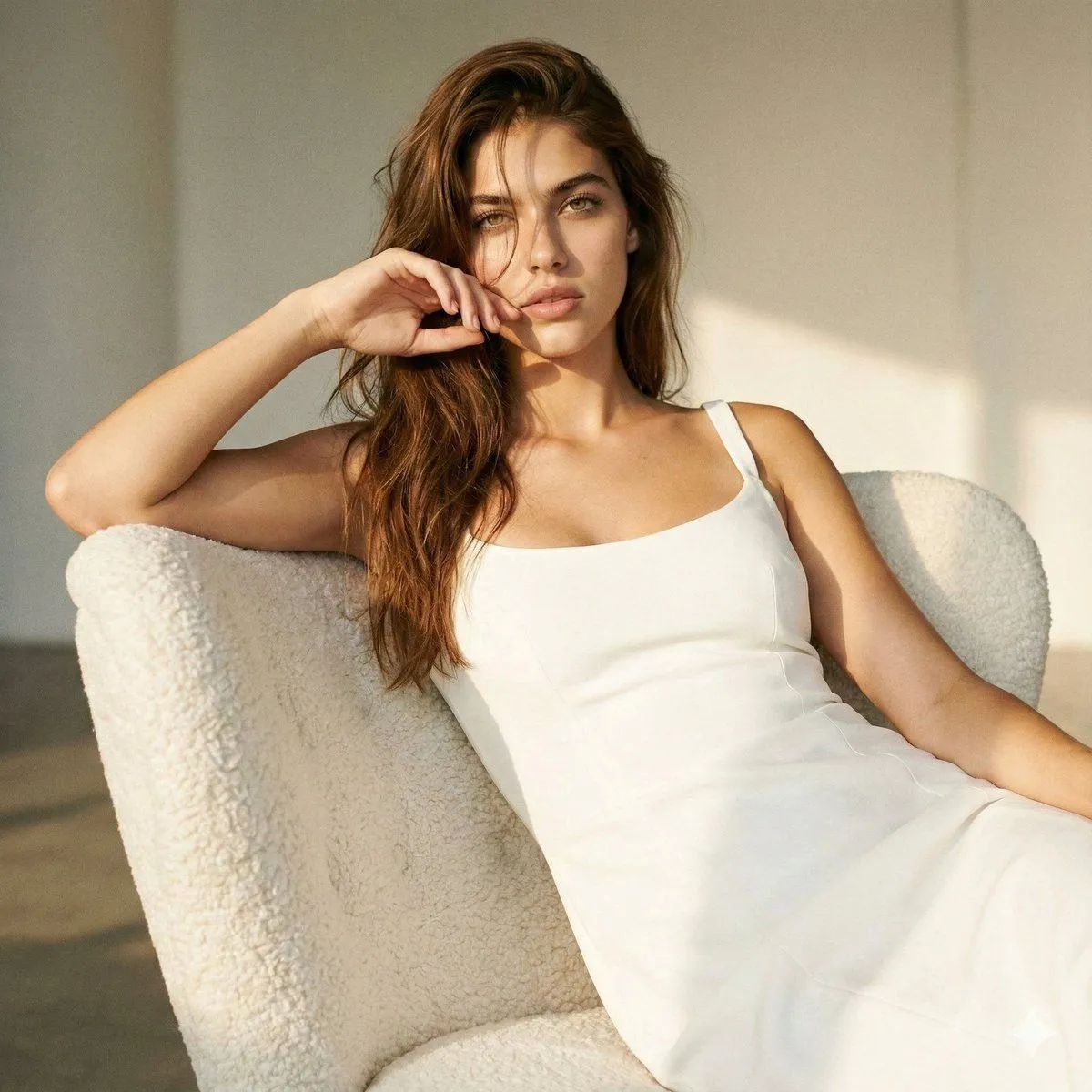
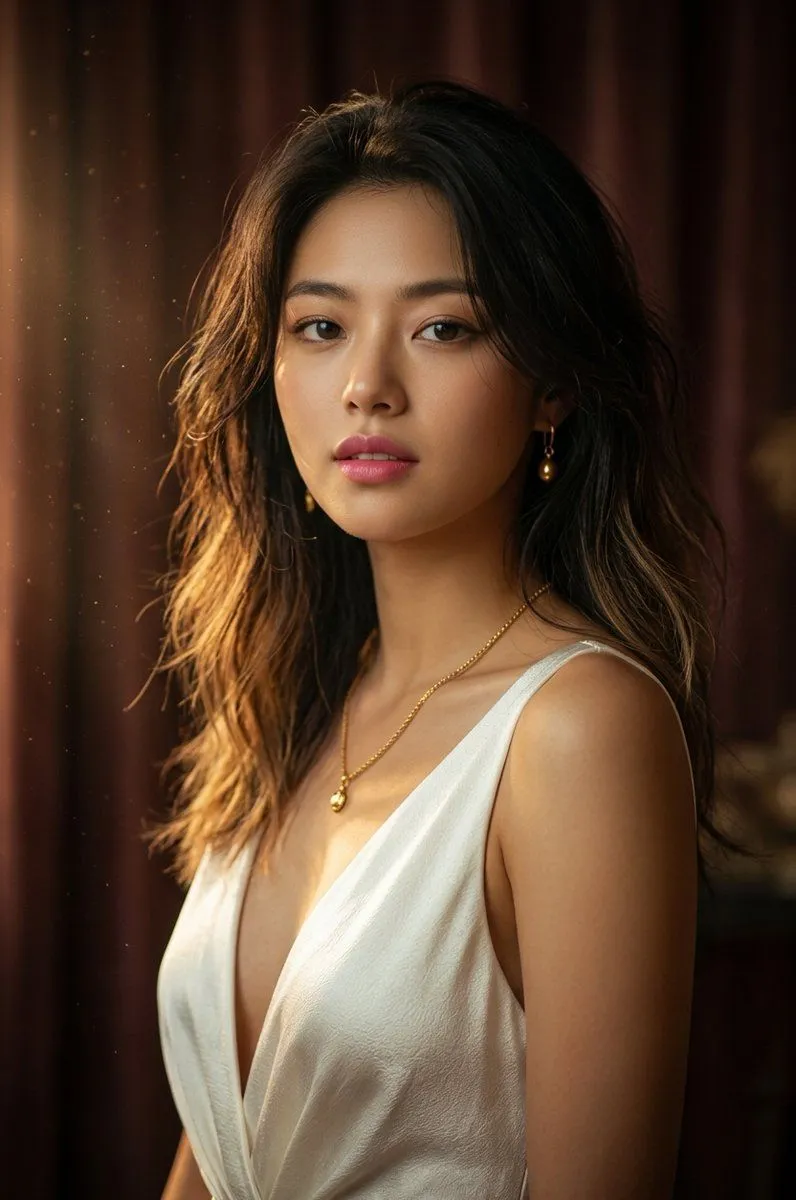
Golden Hour Window Portrait
Prompt
3 blanks to fillCreate a vertical cinematic portrait of {subject} standing beside a tall old-fashioned window in warm golden-hour sunlight, viewed from behind and slightly in profile as she turns her head toward the light. She has {hair_color_and_style}. She wears {outfit}. The scene is an intimate vintage interior with beige walls, a large multi-pane wooden window on the left, gauzy curtains, and hazy dust particles floating in the sunbeam. Use strong backlighting from the upper left, soft lens flare circles, glowing rim light on the hair and shoulders, warm amber tones, shallow depth of field, dreamy film grain, and a nostalgic analog photography look. Compose the subject on the right half of the frame with the window filling the left half; crop from mid-thigh to above the head in a 9:16 aspect ratio. Keep the face turned away or softly obscured by light and shadow, with no readable text, no modern objects, and no watermark.
Preview of your prompt
Create a vertical cinematic portrait of a young woman standing beside a tall old-fashioned window in warm golden-hour sunlight, viewed from behind and slightly in profile as she turns her head toward the light. She has long dark wavy hair loosely tied back with soft flyaway strands. She wears a sheer ivory romantic blouse or dress with translucent puff sleeves, an open back, delicate lace-up ties down the spine. The scene is an intimate vintage interior with beige walls, a large multi-pane wooden window on the left, gauzy curtains, and hazy dust particles floating in the sunbeam. Use strong backlighting from the upper left, soft lens flare circles, glowing rim light on the hair and shoulders, warm amber tones, shallow depth of field, dreamy film grain, and a nostalgic analog photography look. Compose the subject on the right half of the frame with the window filling the left half; crop from mid-thigh to above the head in a 9:16 aspect ratio. Keep the face turned away or softly obscured by light and shadow, with no readable text, no modern objects, and no watermark.
DetailsVersions, settings and questions
Written for
What's in the prompt
- Subject
- Model
- GPT Image 2
If your face changes
keep my face exactly the sameQuestions
- Does this work in the ChatGPT app?
- Yes. Paste the prompt and attach your photo if it uses one.
- It changed my face. What do I do?
- Add "keep my face exactly the same" to the end and run it again.
- Can I use the images I make?
- Check the terms of the app you use. Promptclay never generates images and claims nothing you make.