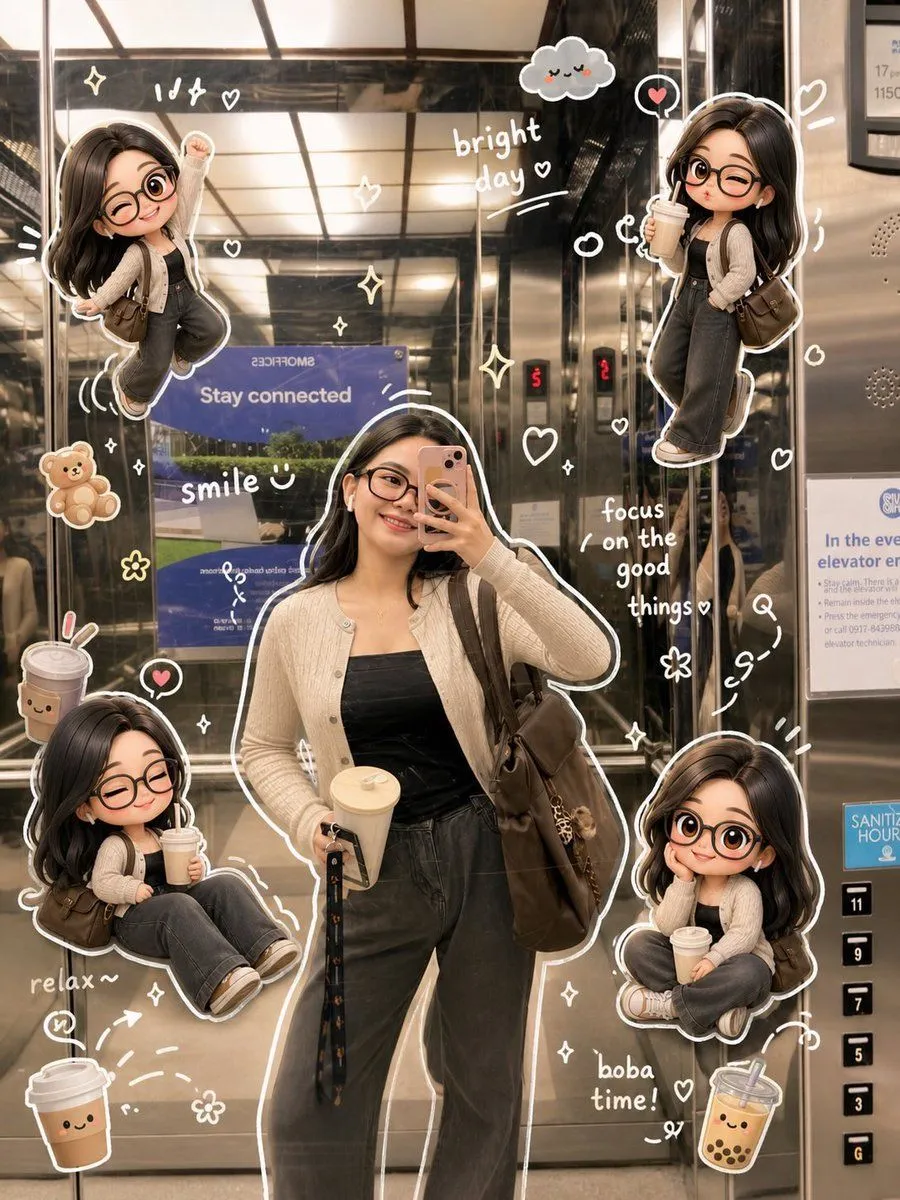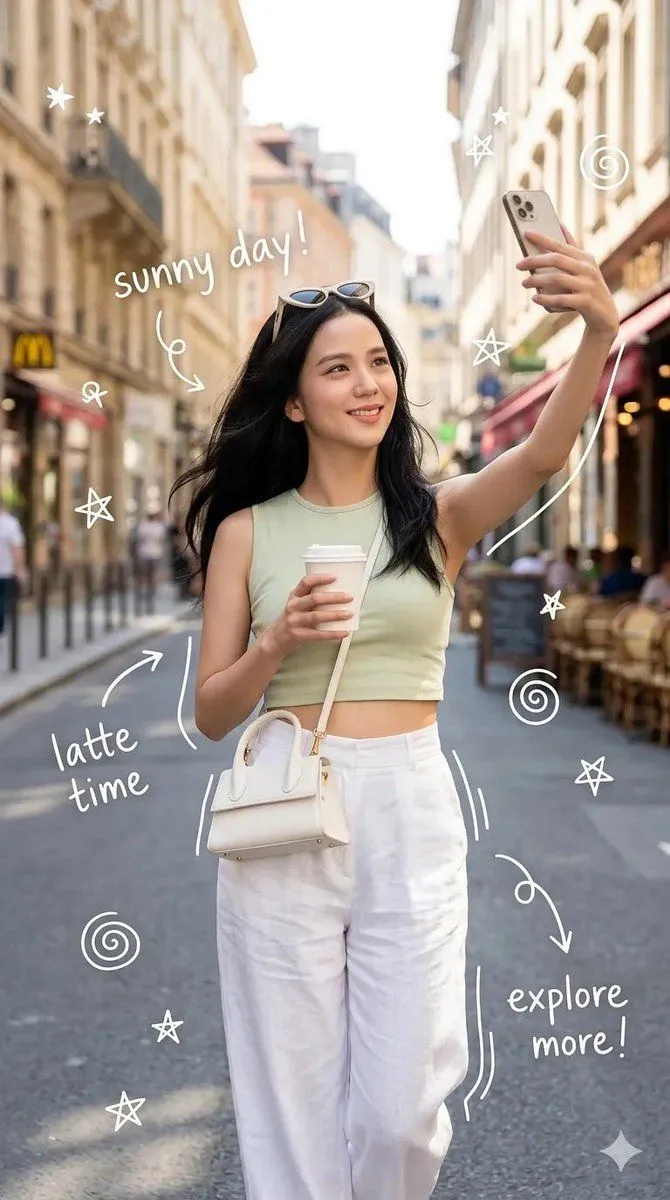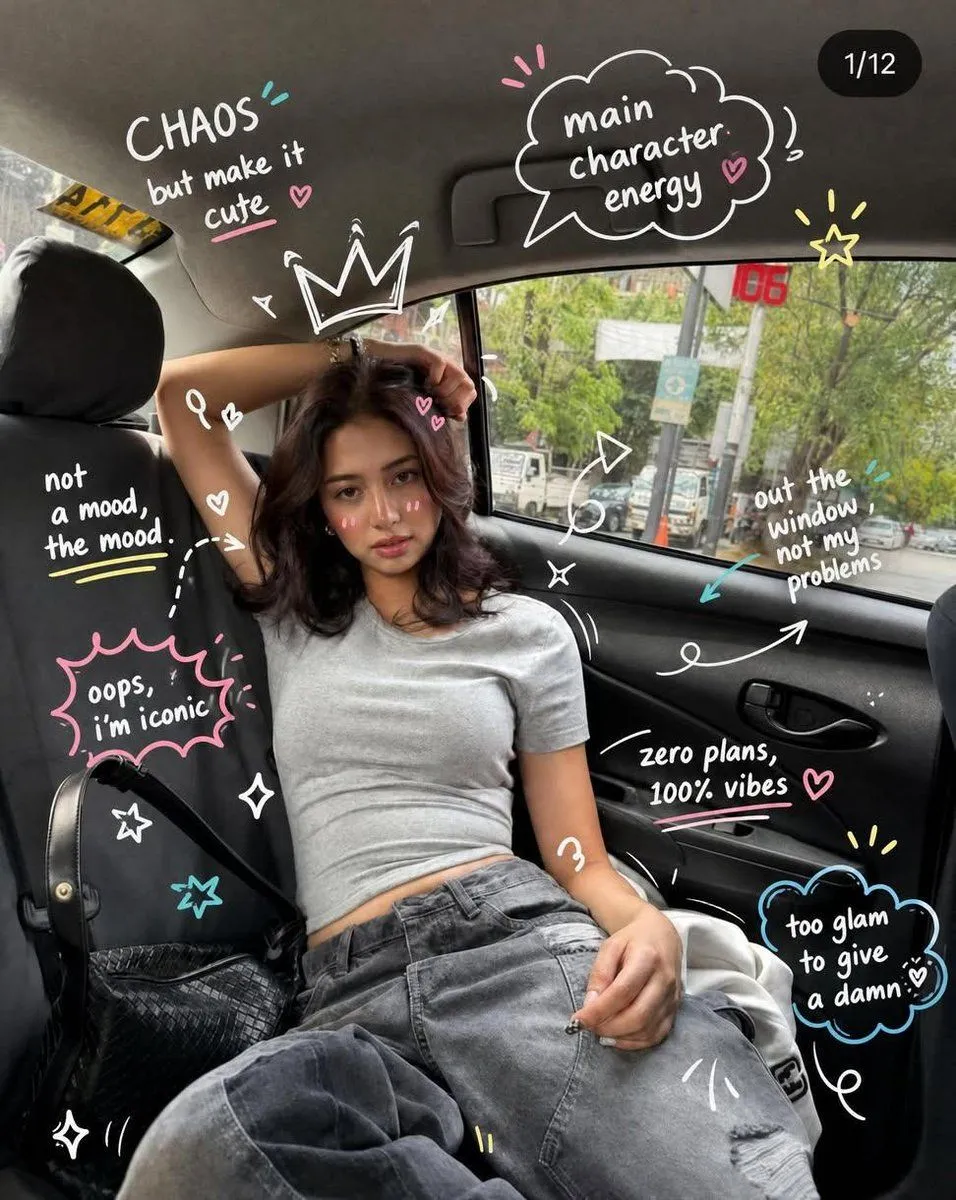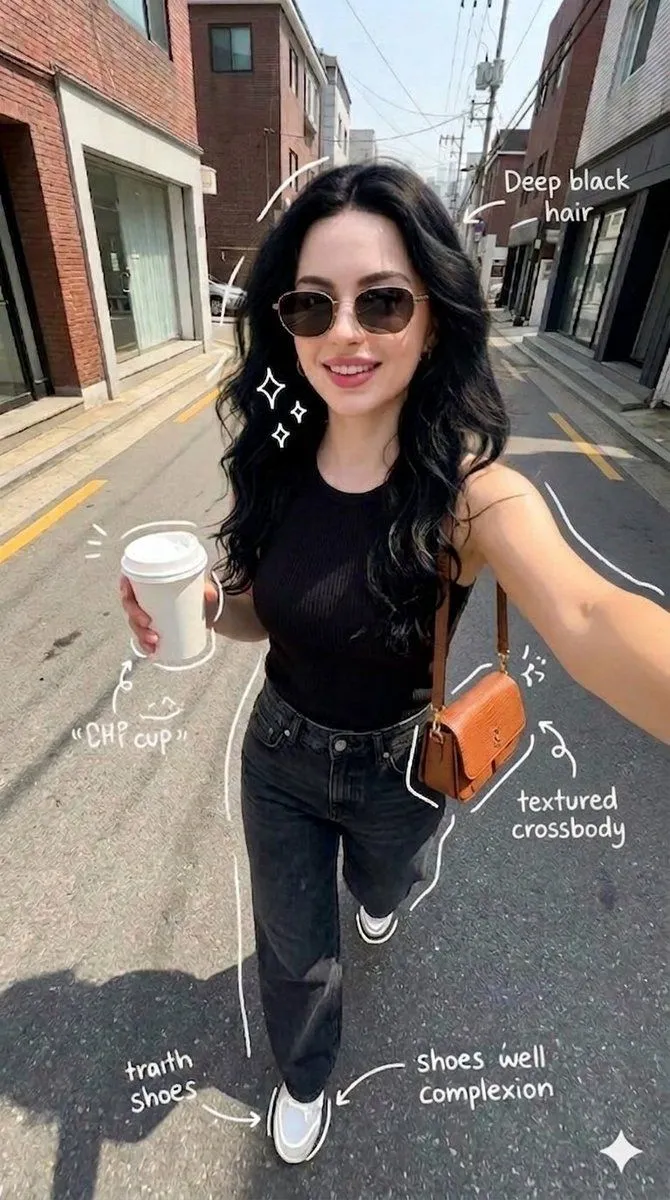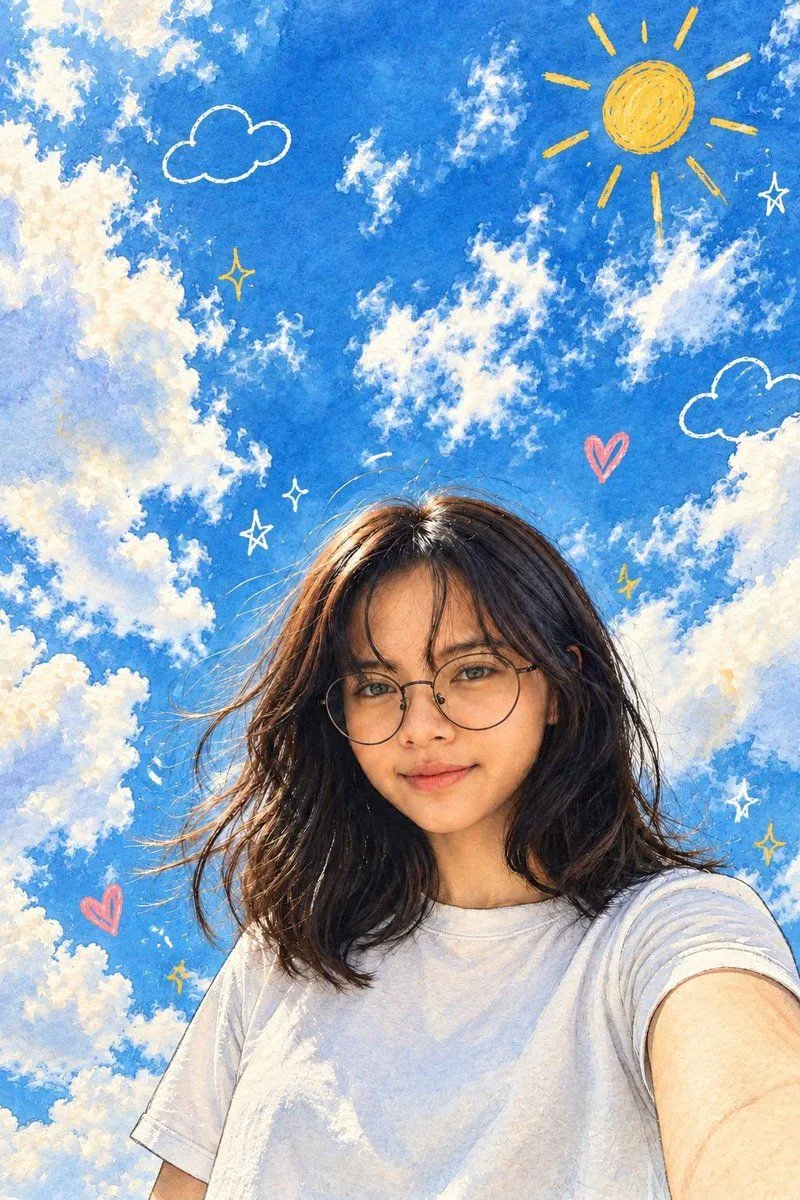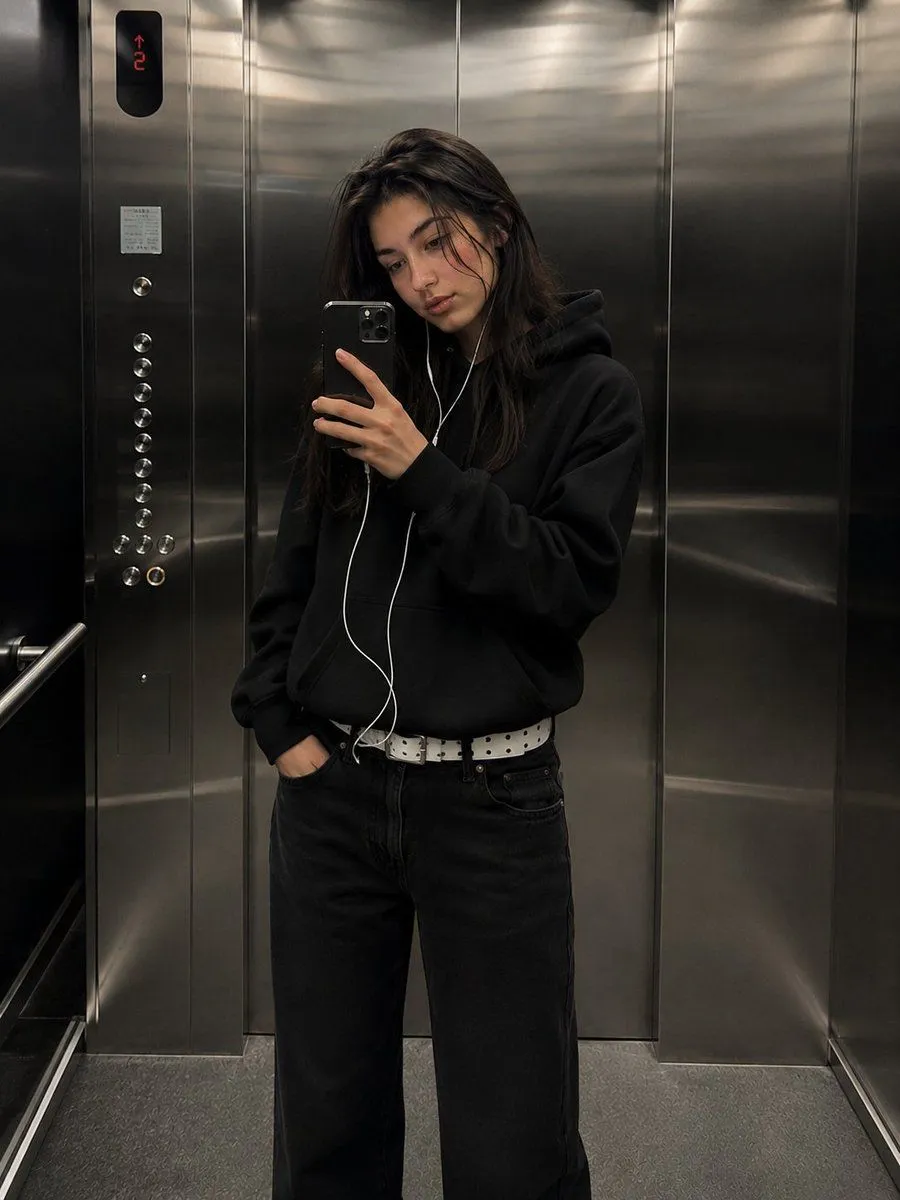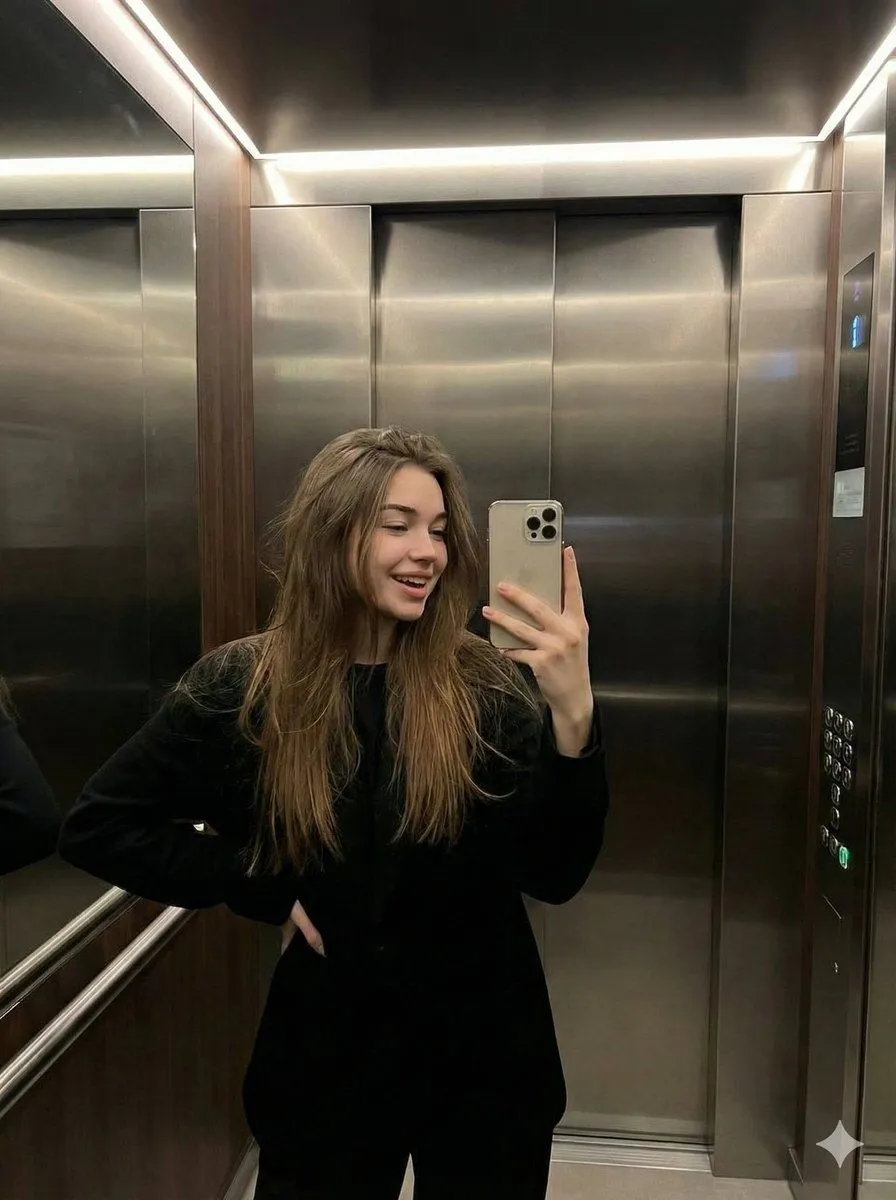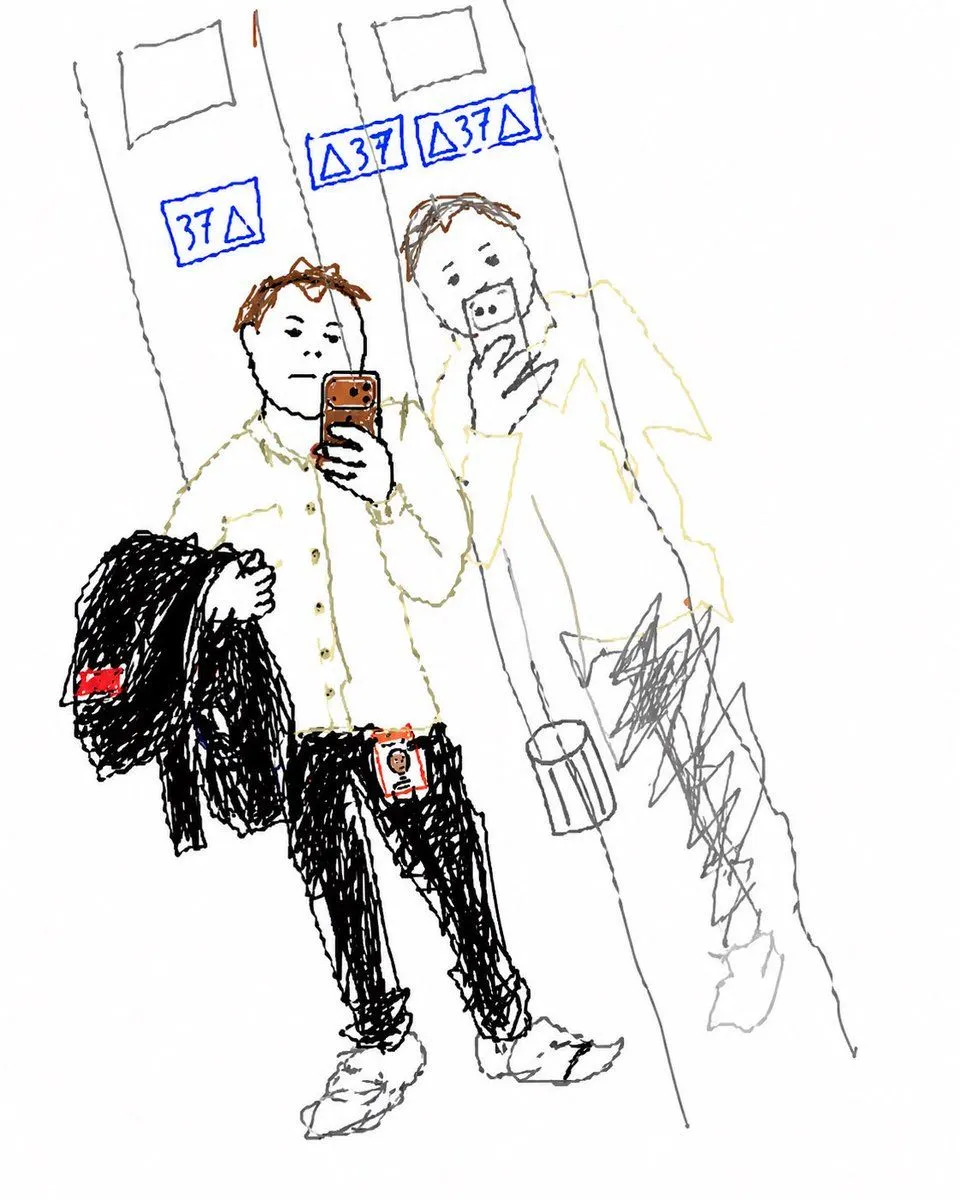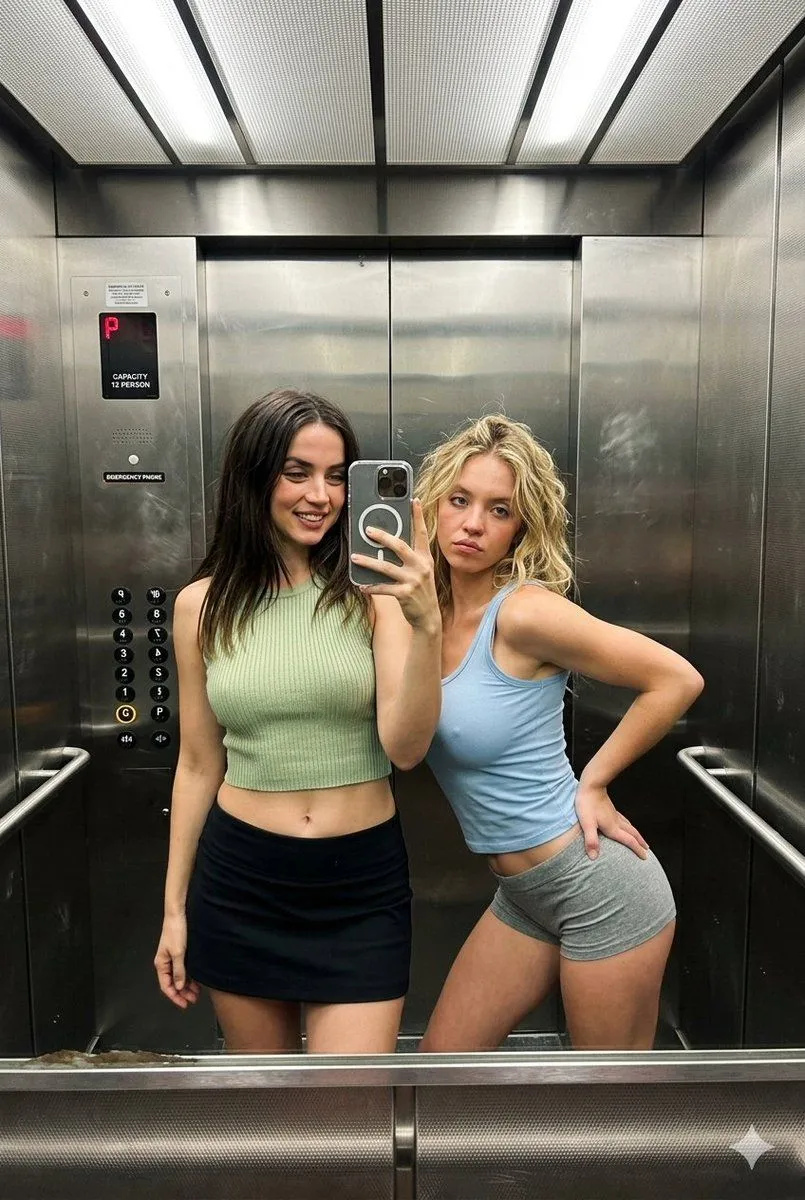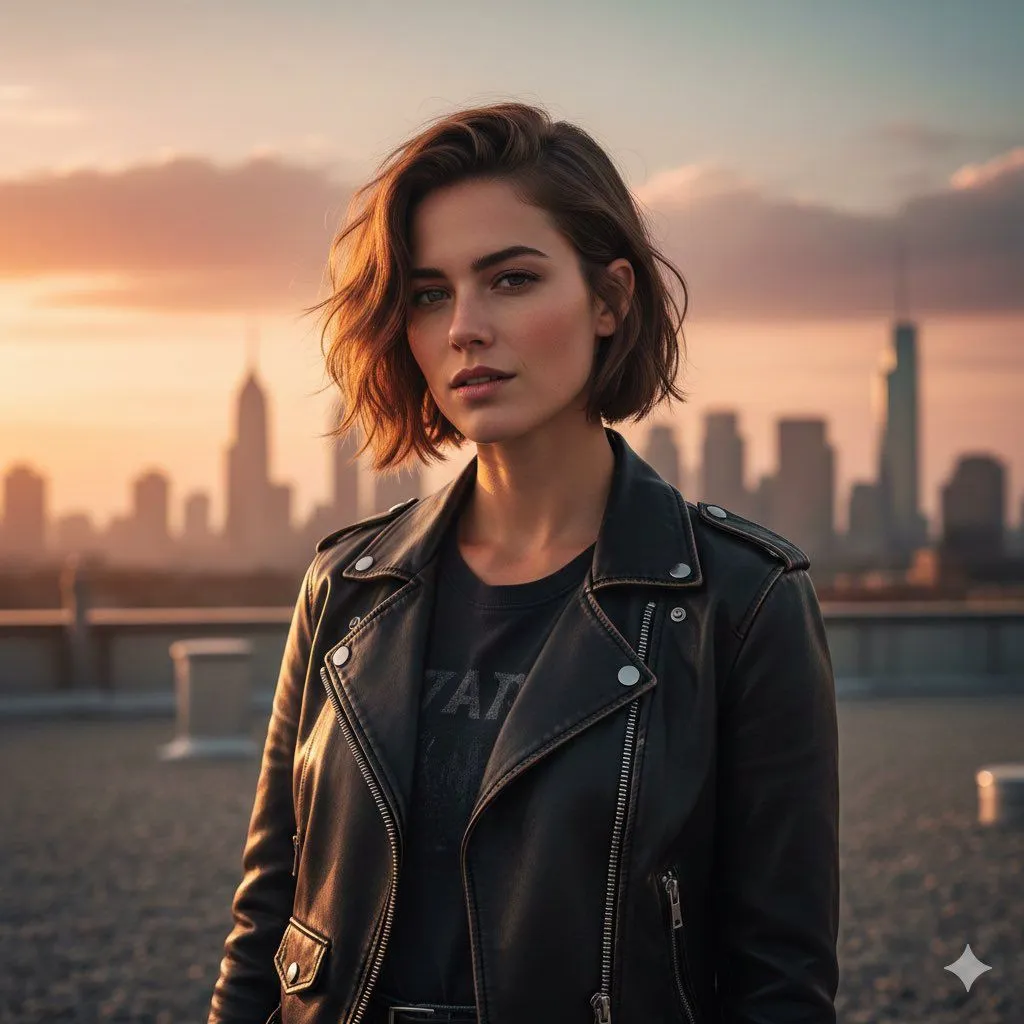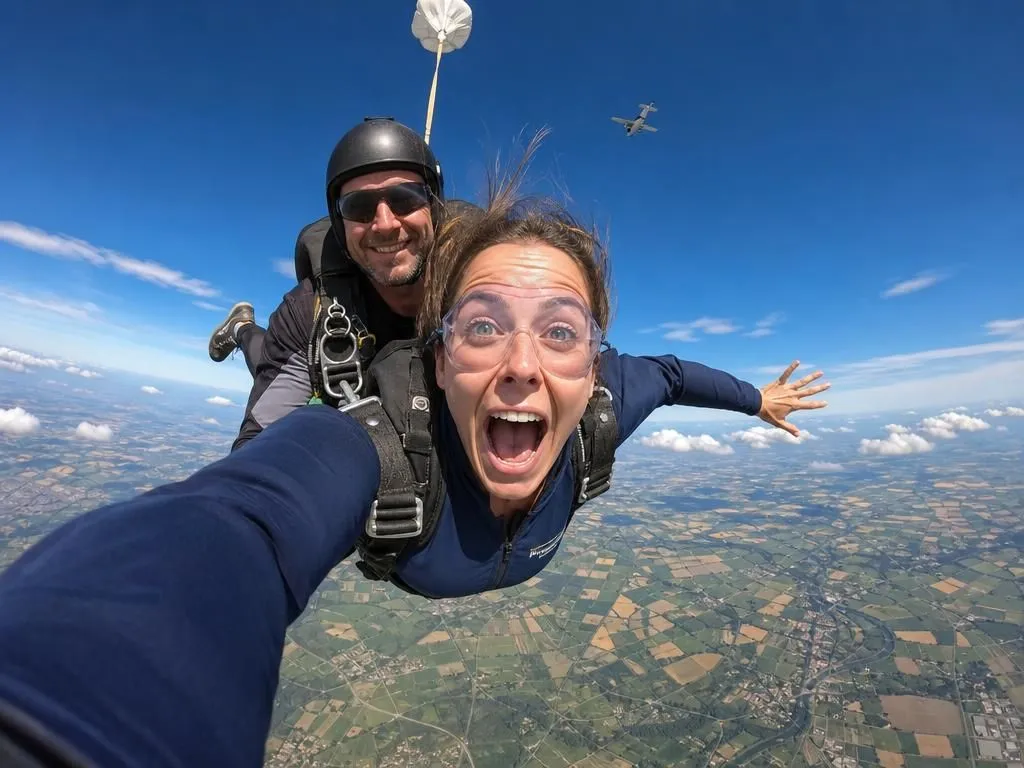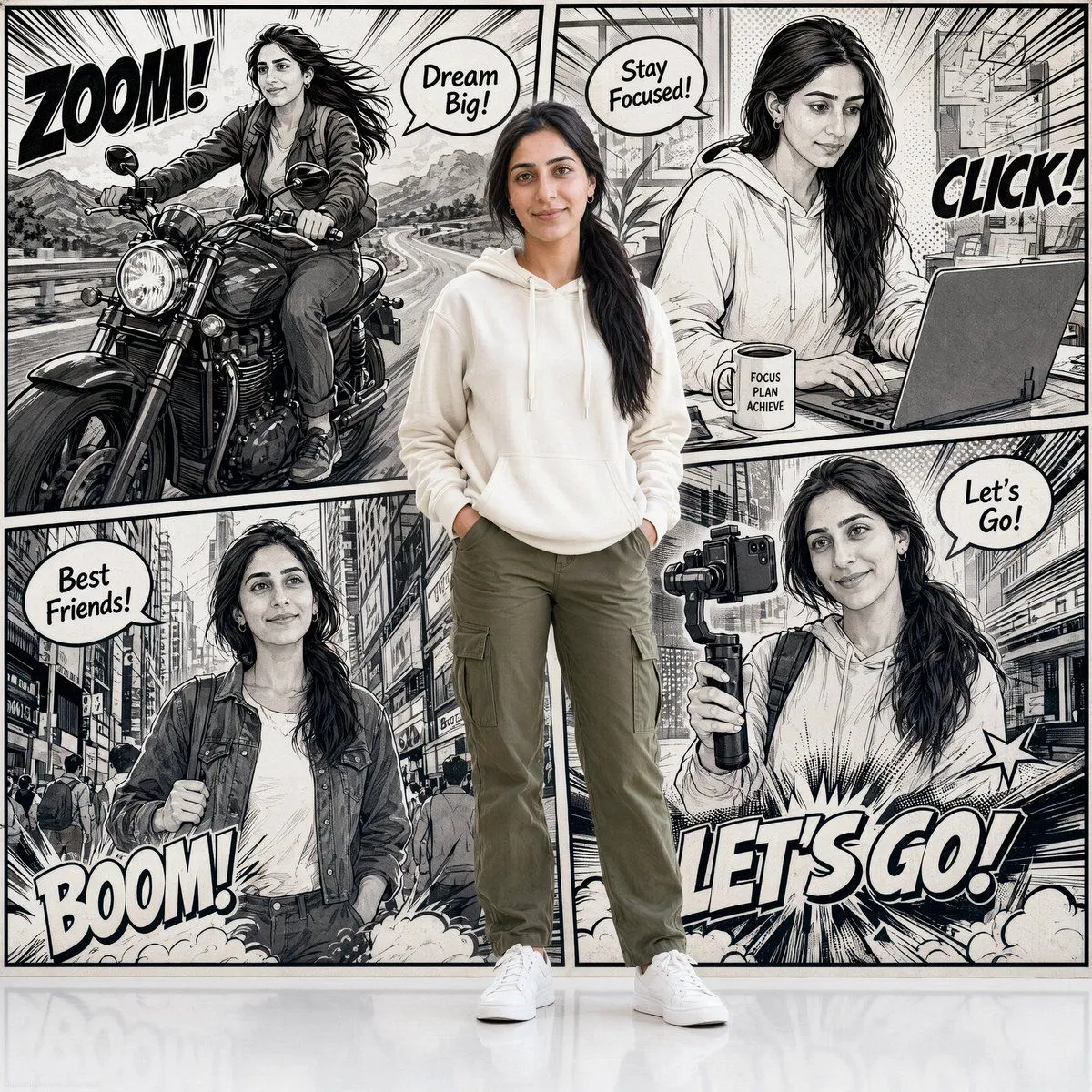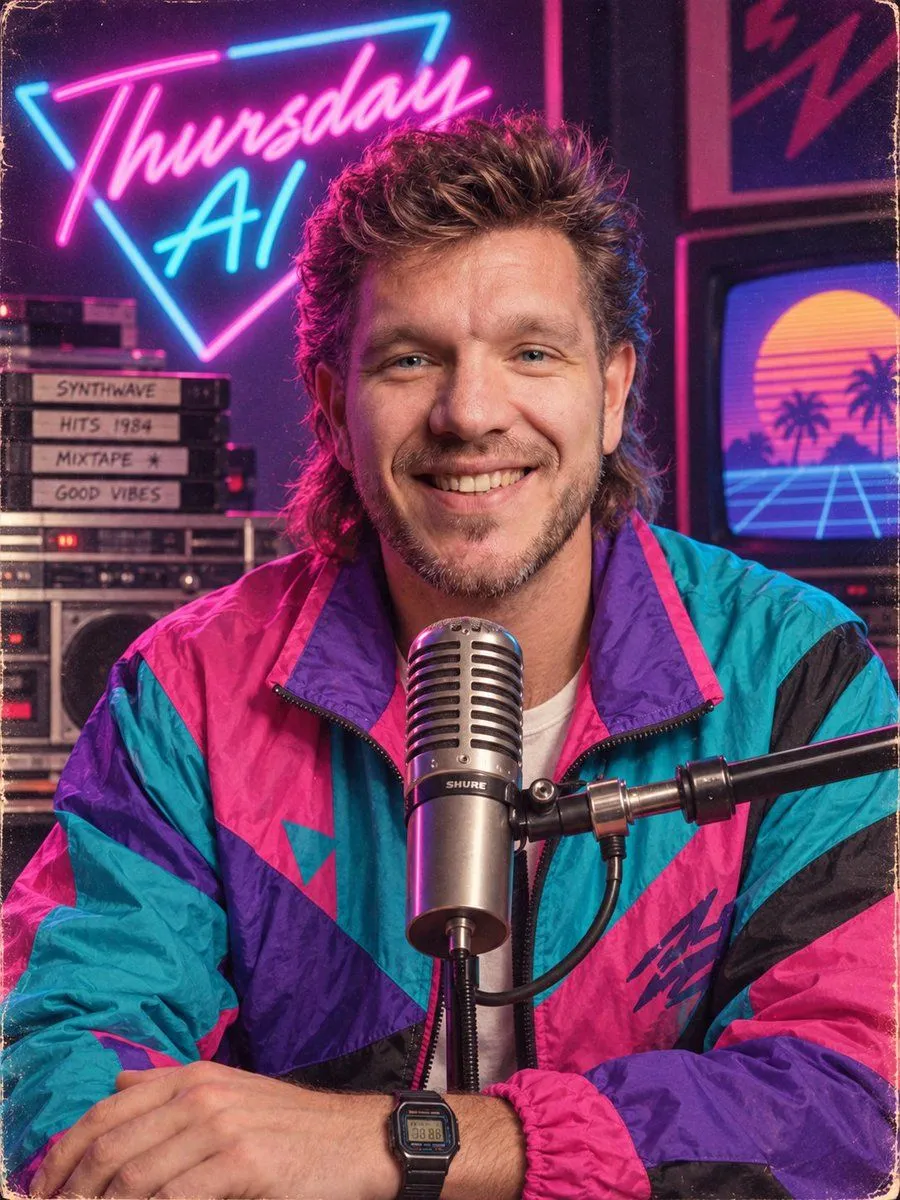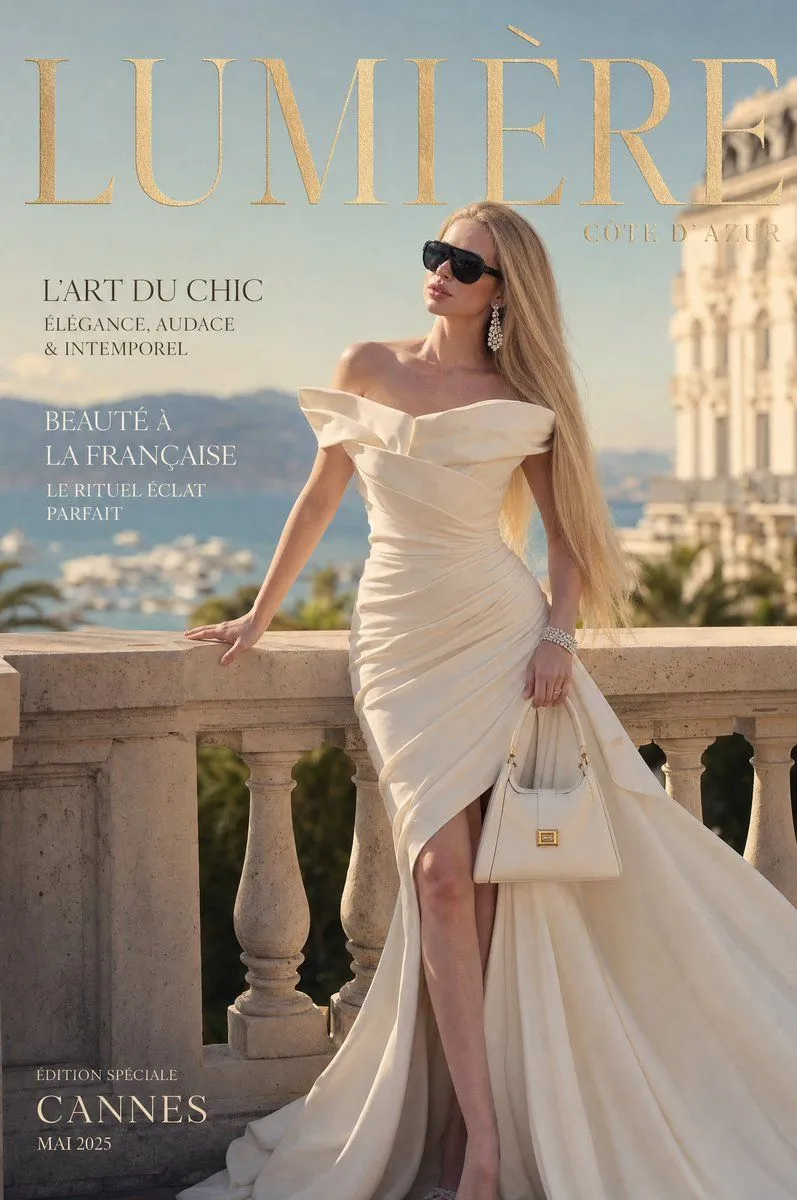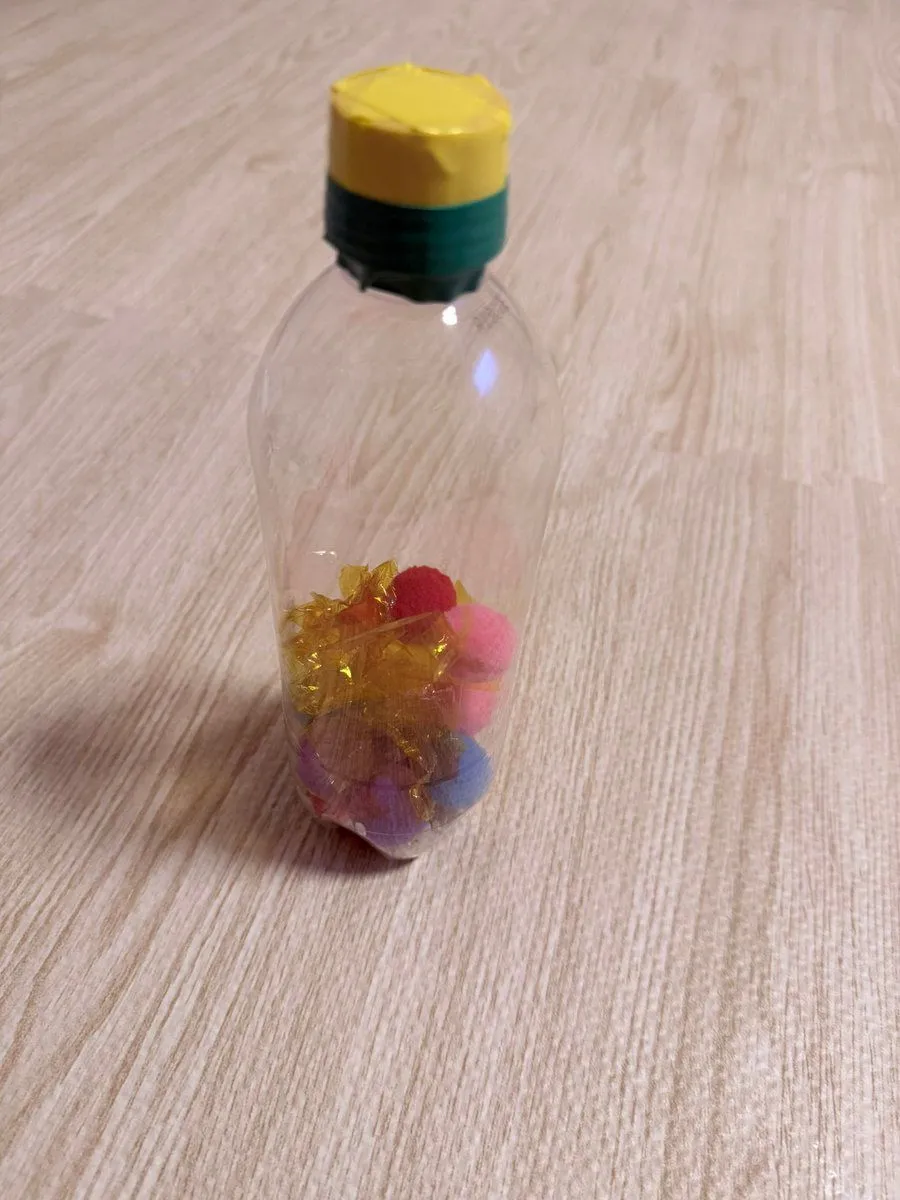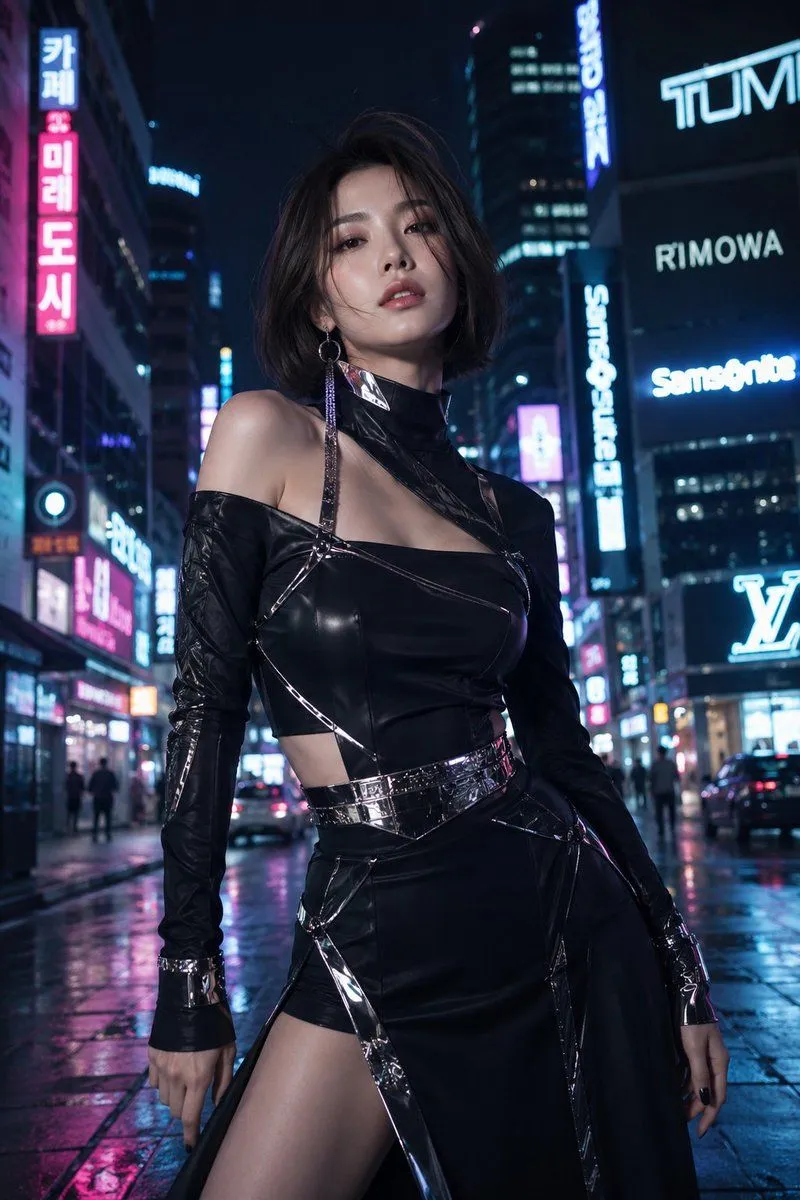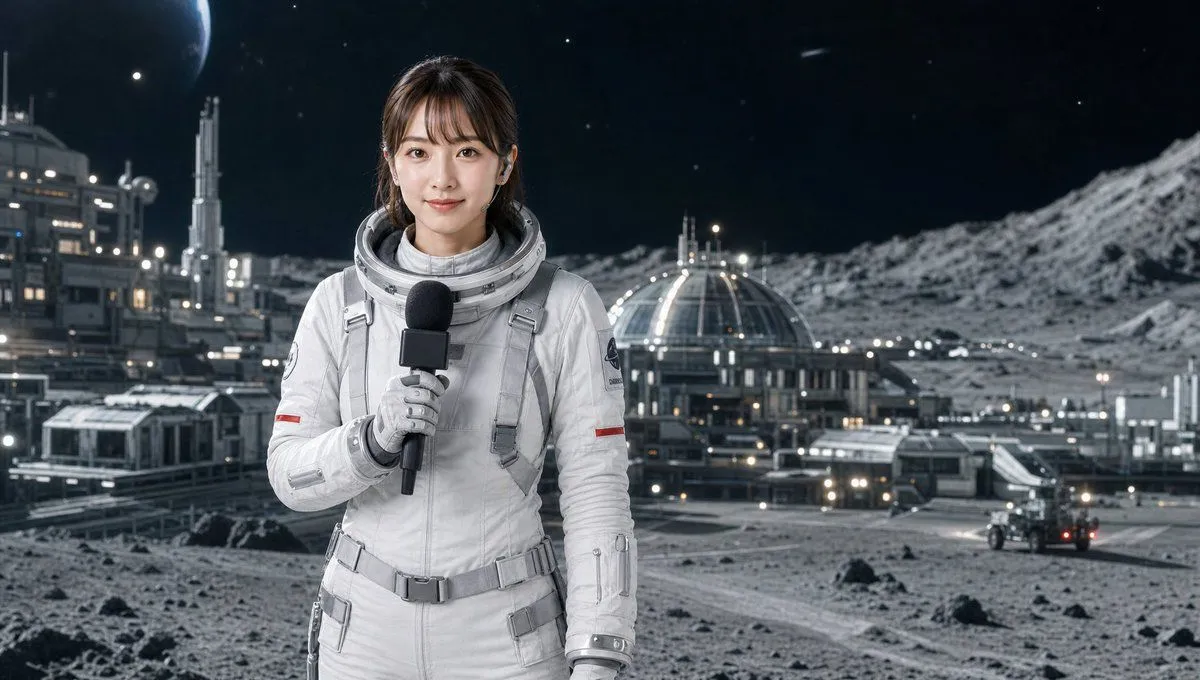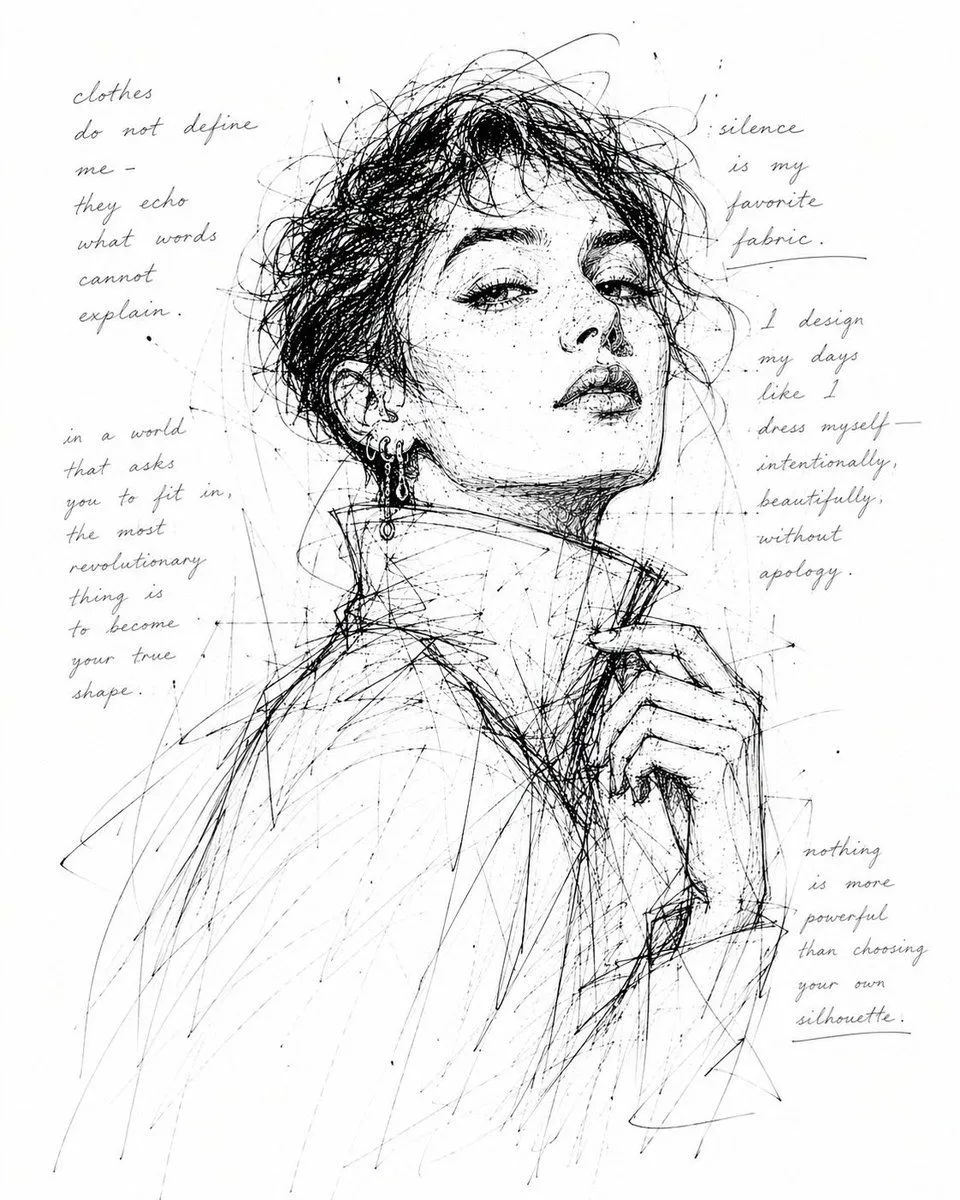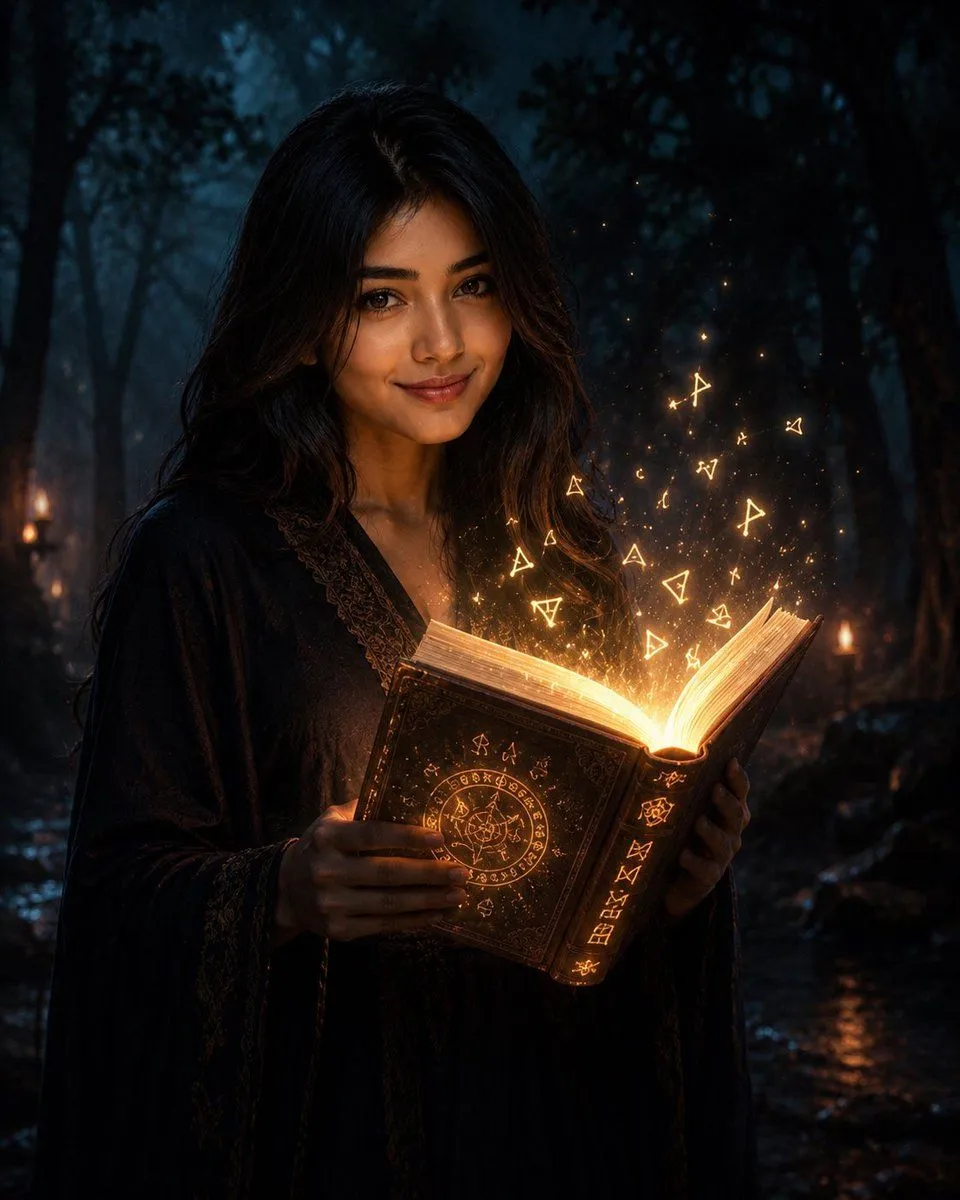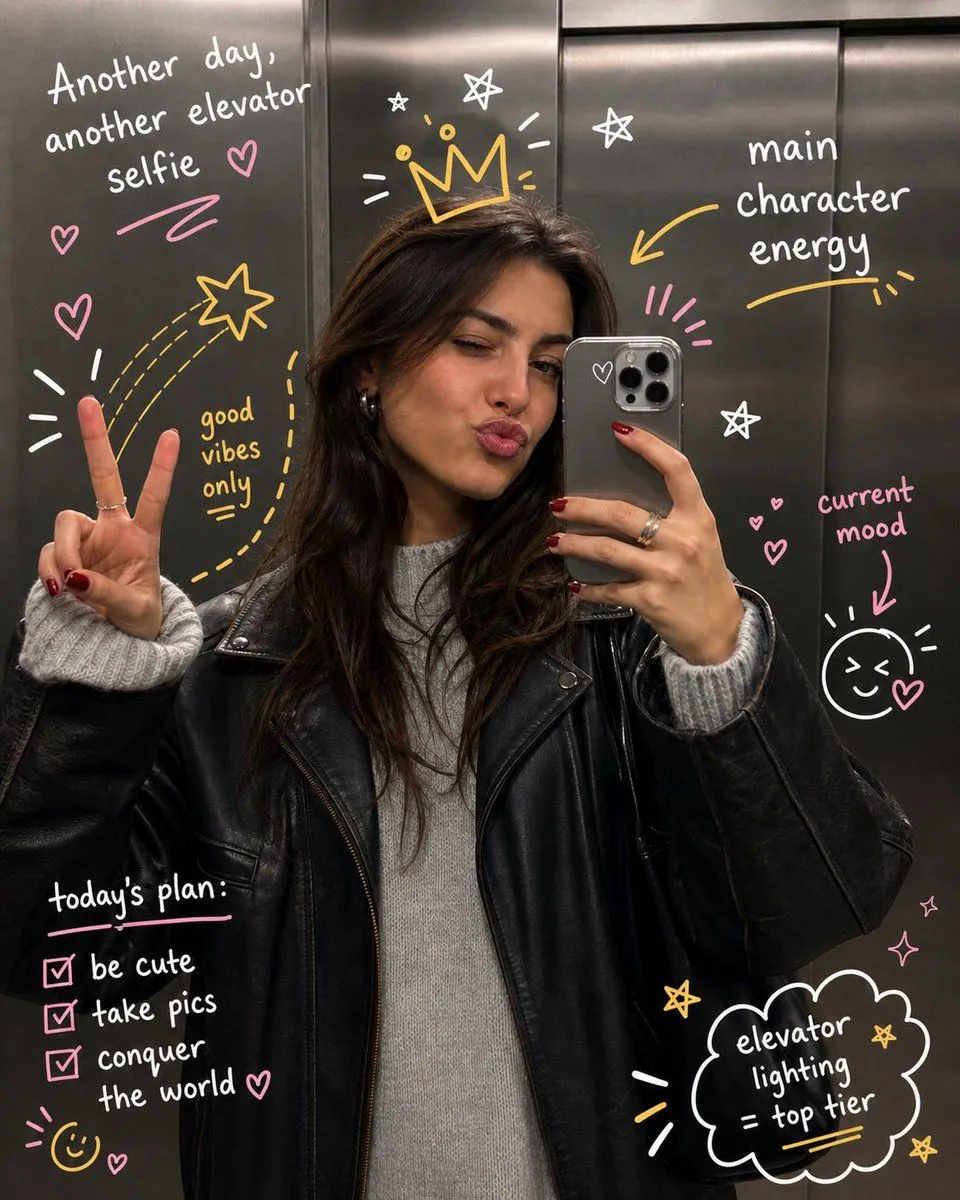
Made with GPT Image 2 in ChatGPT by Library Lifestyle. Promptclay never generates images.
Did it work?
No reports yet. Tell others if it worked for you.
Hand-Drawn Doodles Overlay
Prompt
2 blanks to fillTransform the uploaded image by keeping the {subject} exactly as they are—preserve their identity, pose, composition, and lighting without any distortion or alteration. Build on top of the original photo by adding expressive, hand-drawn doodles that interact playfully with the subject. Let the illustrations respond to the scene, trace or exaggerate gestures, extend movement, highlight contours, or introduce imaginative elements that feel connected to what’s happening in the frame. The doodles should feel intentional, as if they were sketched directly onto the image in a spontaneous yet thoughtful way. Use a loose, imperfect drawing style with slightly uneven strokes, organic lines, and a casual, sketchbook-like vibe. Incorporate {notes} around the image that match the mood or narrative—keep them witty, context-aware, and naturally playful rather than generic. Make sure the added elements complement the photo instead of overpowering it. Aim for a visually balanced composition with a clean, high-resolution finish and colors that blend harmoniously with the original scene.
Preview of your prompt
Transform the uploaded image by keeping the subject exactly as they are—preserve their identity, pose, composition, and lighting without any distortion or alteration. Build on top of the original photo by adding expressive, hand-drawn doodles that interact playfully with the subject. Let the illustrations respond to the scene, trace or exaggerate gestures, extend movement, highlight contours, or introduce imaginative elements that feel connected to what’s happening in the frame. The doodles should feel intentional, as if they were sketched directly onto the image in a spontaneous yet thoughtful way. Use a loose, imperfect drawing style with slightly uneven strokes, organic lines, and a casual, sketchbook-like vibe. Incorporate handwritten notes or captions around the image that match the mood or narrative—keep them witty, context-aware, and naturally playful rather than generic. Make sure the added elements complement the photo instead of overpowering it. Aim for a visually balanced composition with a clean, high-resolution finish and colors that blend harmoniously with the original scene.
DetailsVersions, settings and questions
Written for
What's in the prompt
- Subject
- Model
- GPT Image 2
If your face changes
keep my face exactly the sameQuestions
- Does this work in the ChatGPT app?
- Yes. Paste the prompt and attach your photo if it uses one.
- It changed my face. What do I do?
- Add "keep my face exactly the same" to the end and run it again.
- Can I use the images I make?
- Check the terms of the app you use. Promptclay never generates images and claims nothing you make.