Tell us anything

An idea, a bug, something you love. We read every note.

⌘↵ to send. The page you're on comes along.

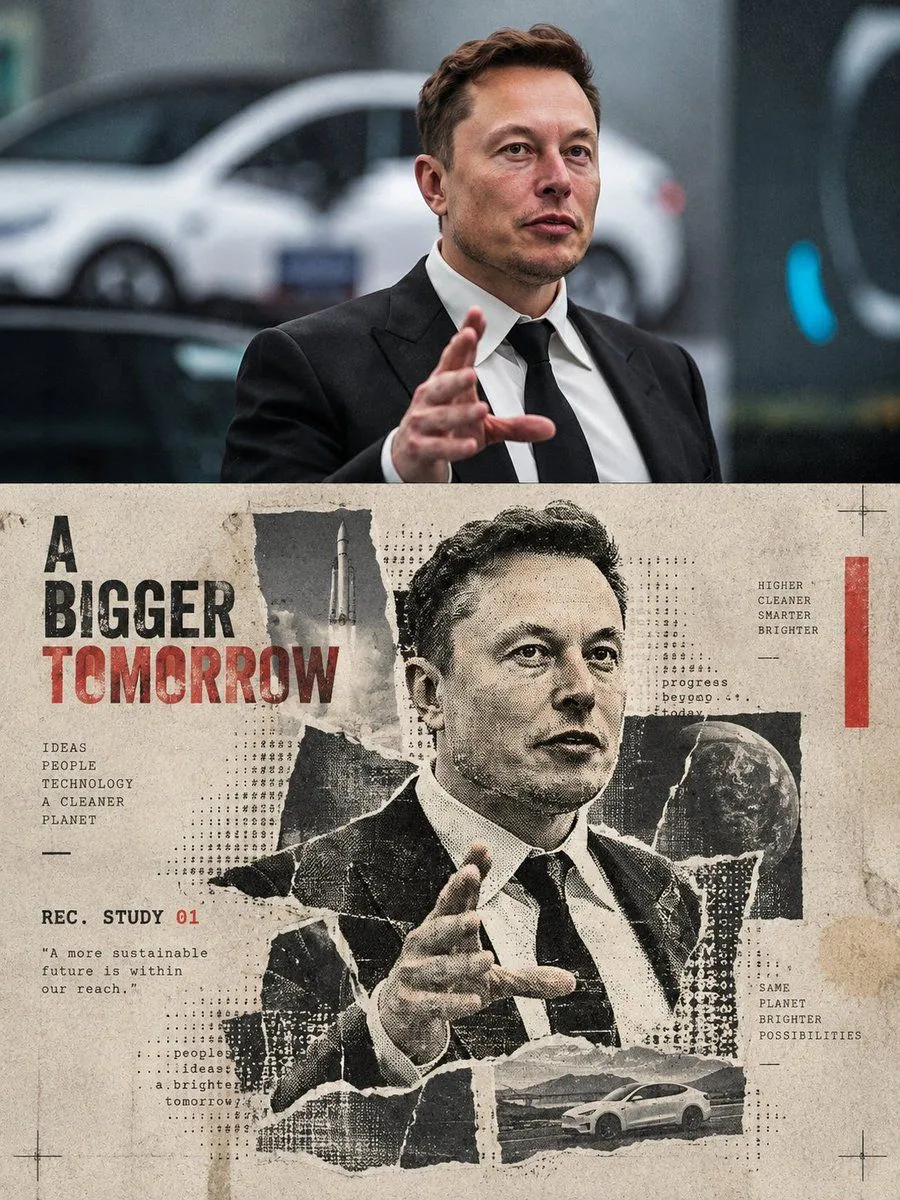
Halftone Travel Collage Poster

Made with GPT Image 2.5 in ChatGPT by Library Typography. Promptclay never generates images.

Did it work?

No reports yet. Tell others if it worked for you.

No comments yet. Be the first.

    Halftone Travel Collage Poster

    GPT Image 2.53:4Needs your photoAI-generated

    Prompt

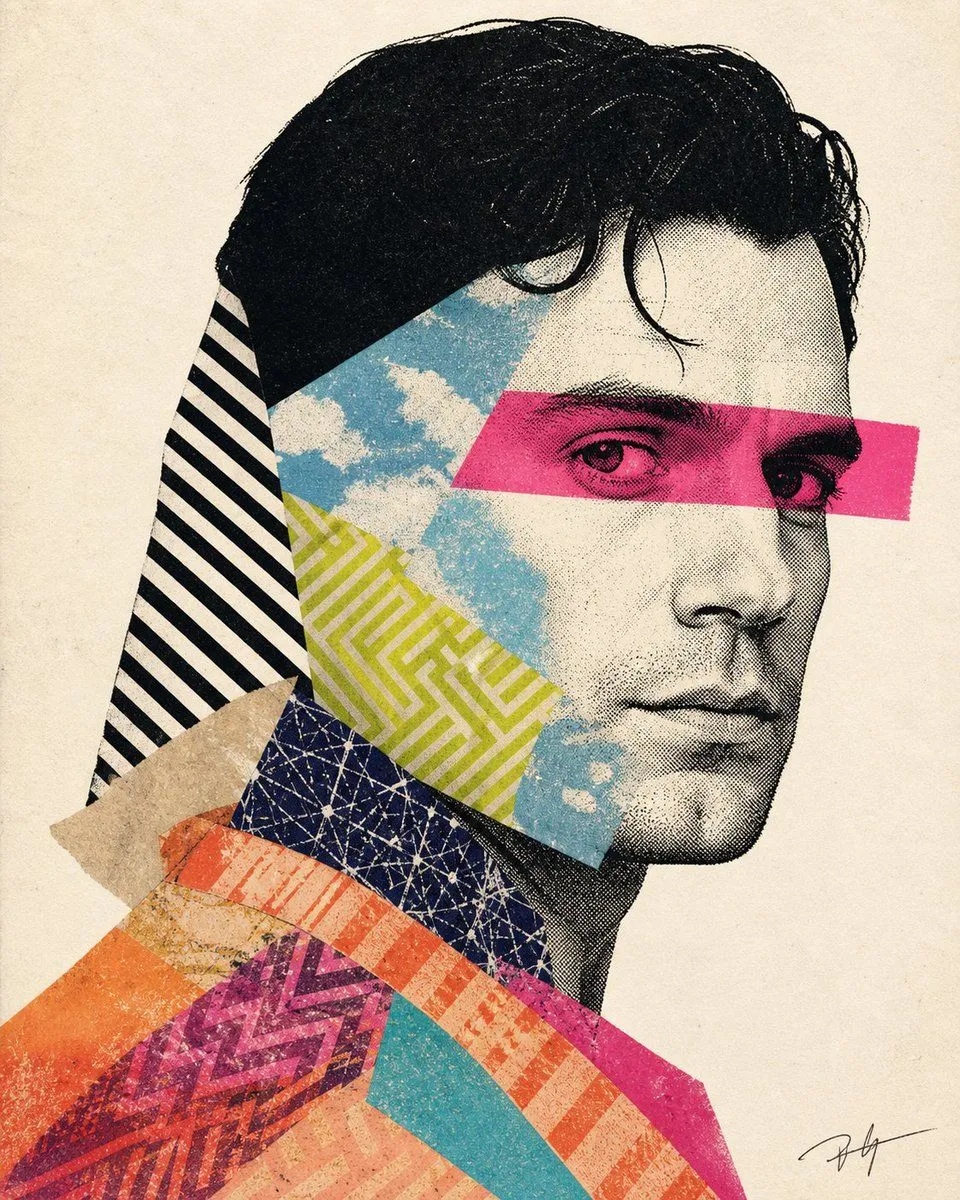
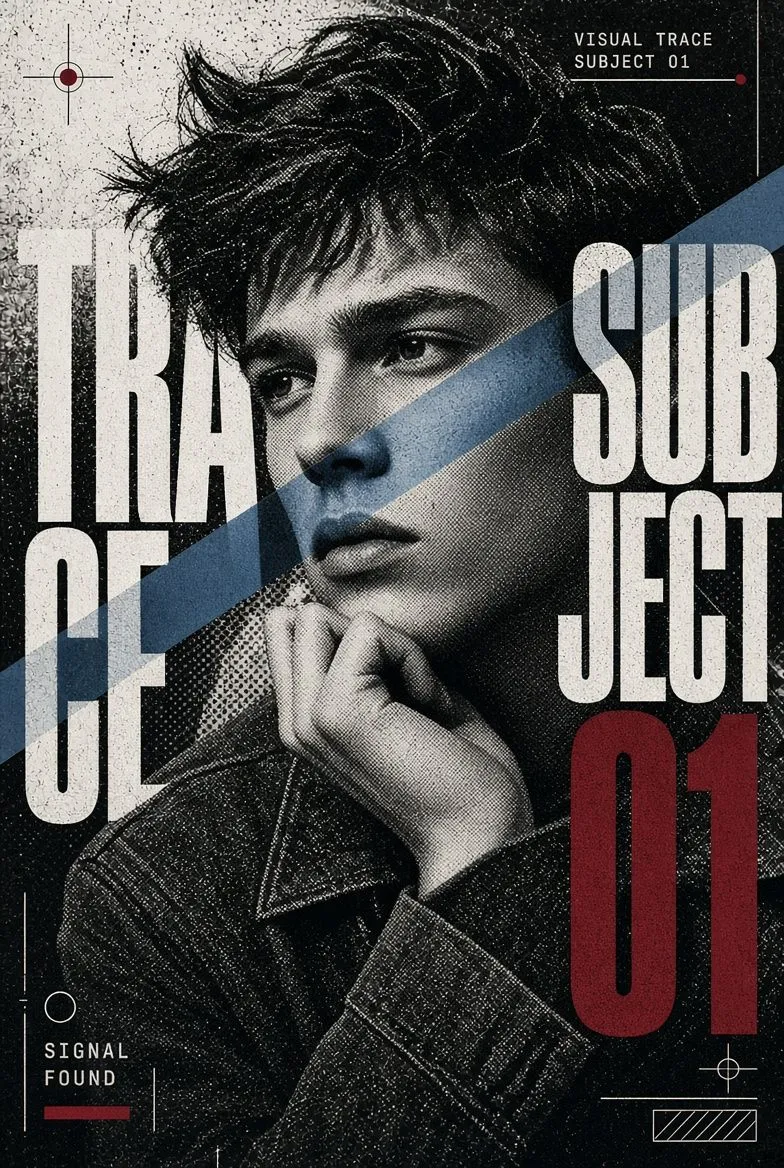
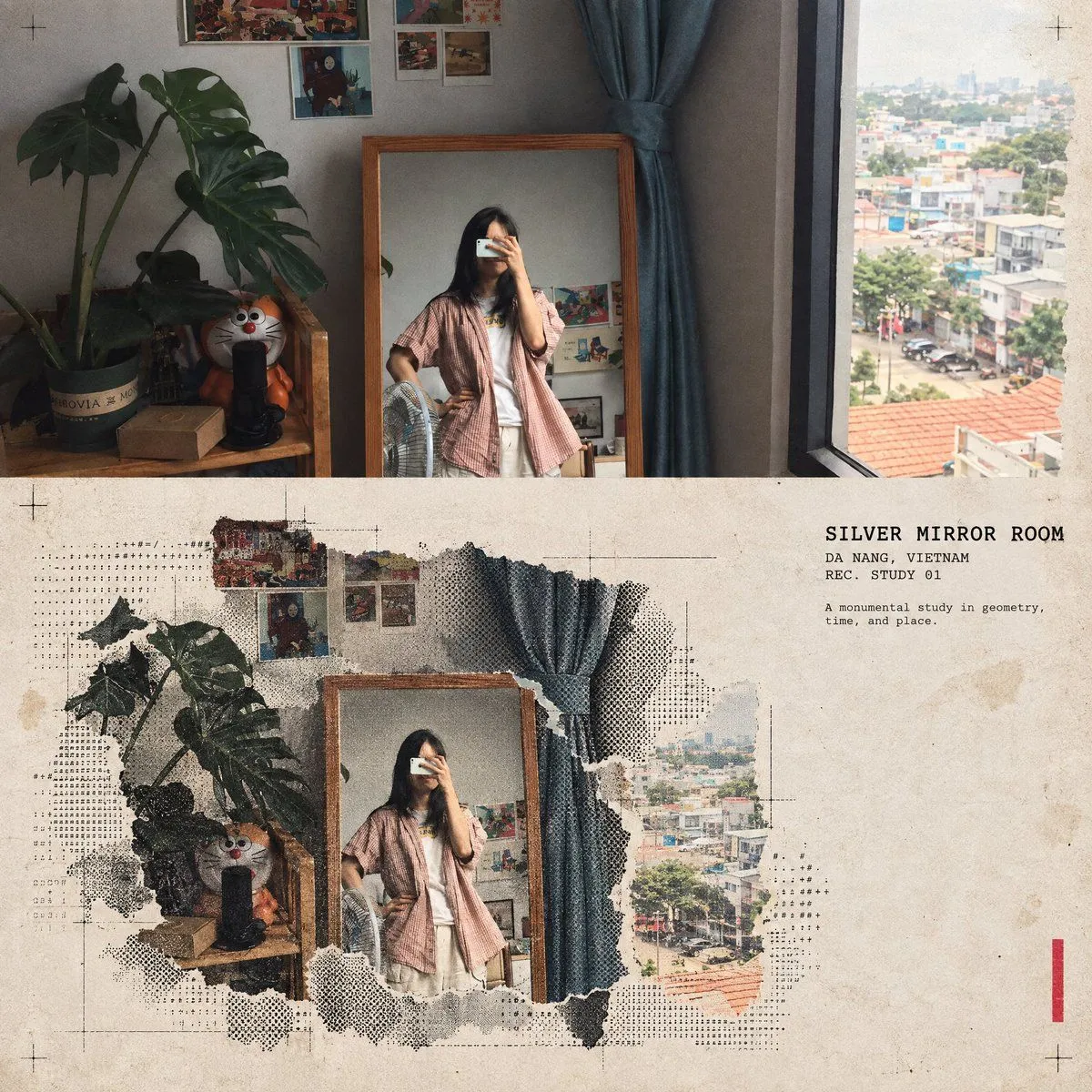
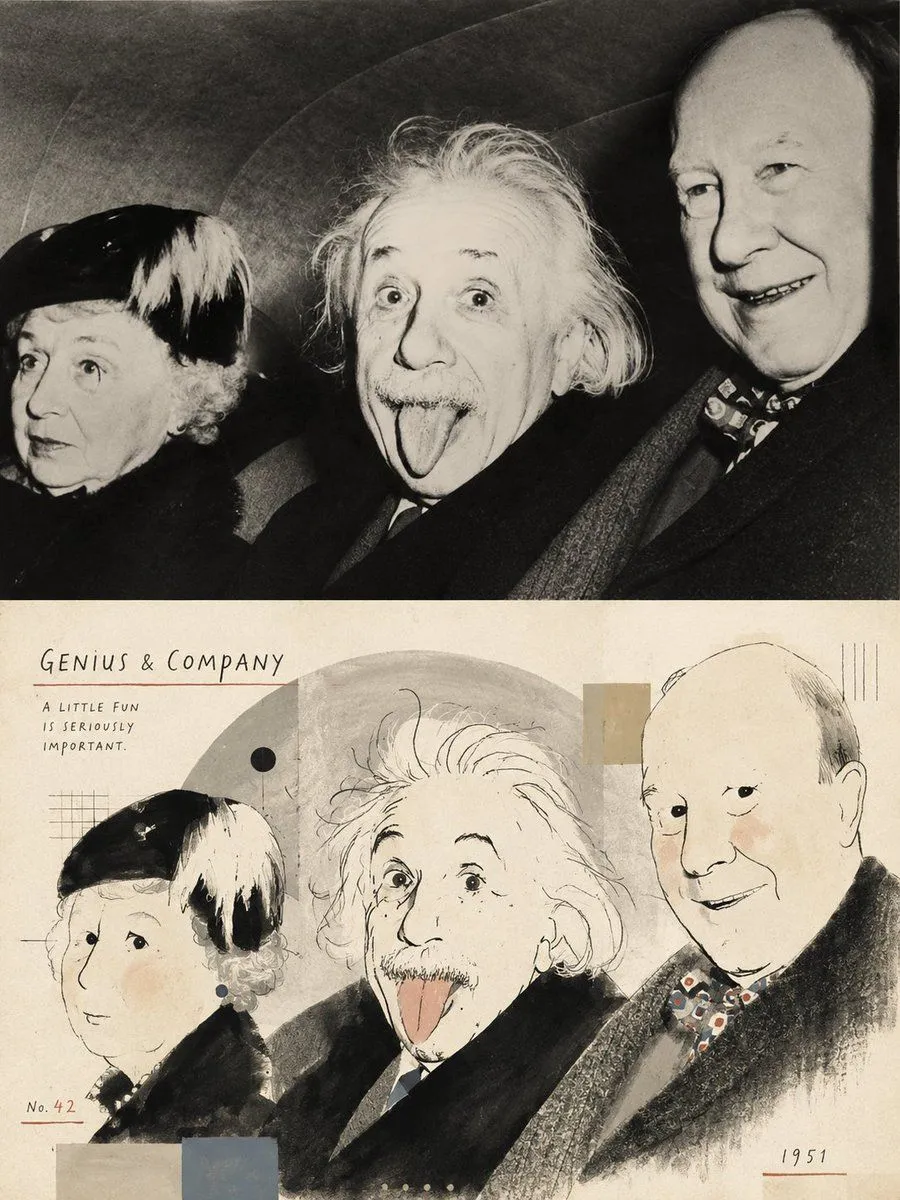
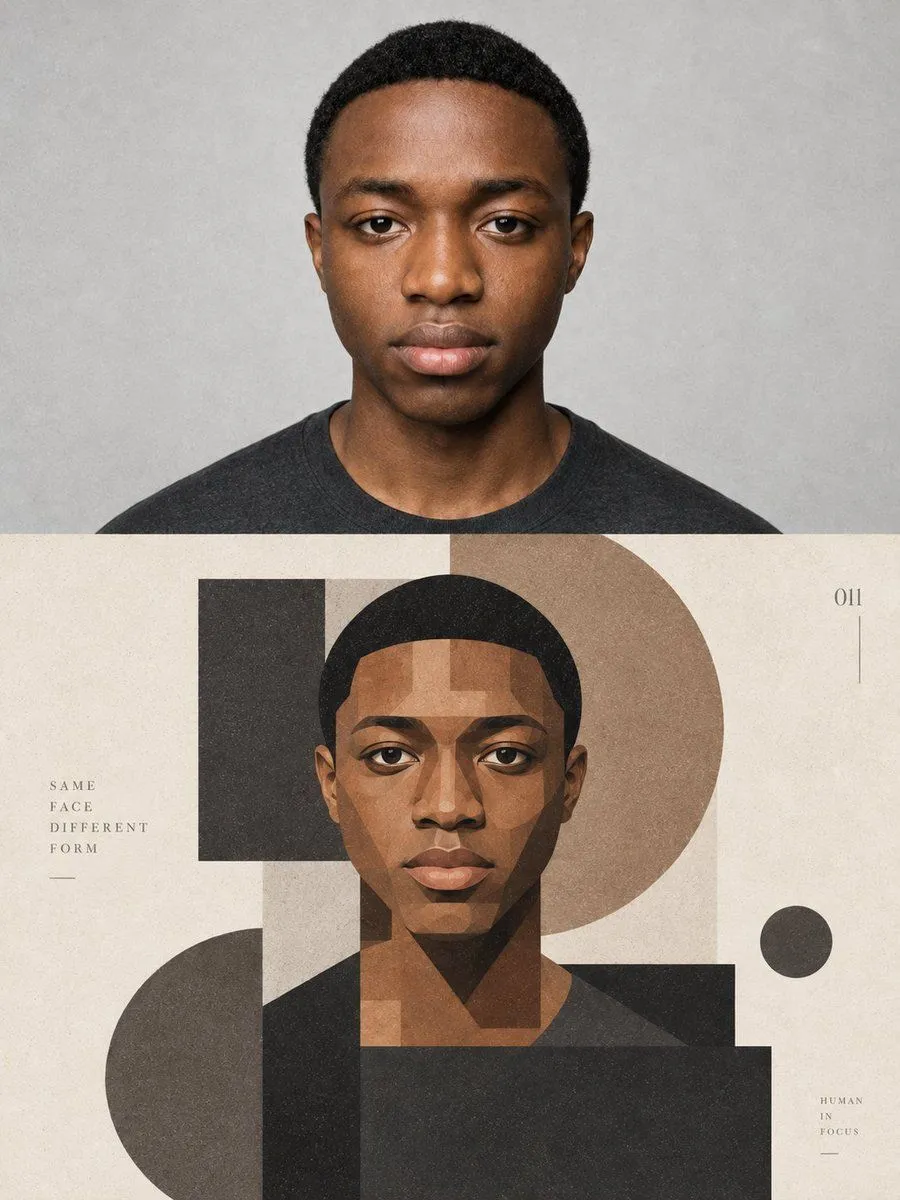
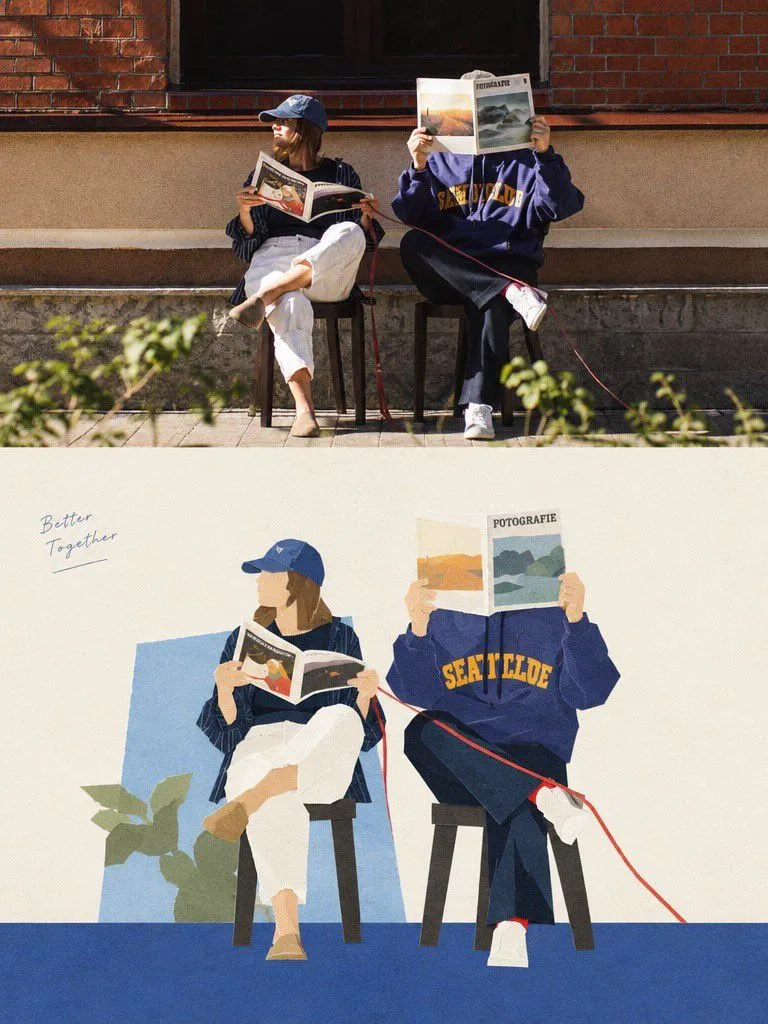
    Turn this portrait photo into a single high-end halftone travel-collage poster. Output one poster per uploaded photo — never merge multiple photos into one frame. FORMAT 3:4 vertical canvas. Split into two roughly equal zones — real photo on top, printed collage below — divided by one clean, sharp horizontal line. Do not stretch, warp, or reposition the figure to force the proportions. TOP HALF — THE REAL SHOT Preserve the original photo faithfully: same identity, face, expression, pose, hands, layered clothing, headphones/books/devices/personal items, background structure, natural light and shadow, original color mood. Add only a light high-end color grade and the faintest film grain. Do not redraw or reinterpret the person. BOTTOM HALF — THE PRINTED RECONSTRUCTION Same warm gray old-paper background. Rebuild the same figure as a printed collage: torn photographic slices + fixed-width ASCII character fields + photocopy halftone dots. - Keep face, hands, hairstyle, headphones, layered clothing, and one signature item recognizable — identity must survive the breakdown. - Torn-edge photo fragments carry the face and key structural lines; fabric, shadow, and background dissolve outward into ASCII characters, black halftone dots, and fractured print grain. - Texture: rough white paper-fiber edges, slight print misregistration, old paper stains, a couple of crop marks, one restrained red calibration bar. - Color: warm gray paper + black ink + the photo's own muted original colors + the single red accent. Never fully desaturate. - Figure fills roughly 60–88% of the frame width (scale to whatever reads best for this image) — but always leave 22–38% of the paper untouched and empty, so it reads as archival print, not a packed terminal screen. - Add one readable fixed-width title pulled from the photo's theme, plus the line "REC. STUDY 01" and one short observational caption. A few loose ASCII glyphs can trace the figure's edge as texture only — never used to fake body detail or invent specs. MOOD Early digital systems meets analog photocopy meets underground zine meets modern travel editorial. The figure should feel like it's surfacing — half photograph, half character, half print — restrained, archival, a little experimental. AVOID Solid black terminal backgrounds, walls of dense code, cyberpunk neon, fully hidden faces, random symbols with no meaning, invented technical readouts, garbled fake text, author credits, brand logos, QR codes, watermarks.

    Use only photos you have the right to usePhoto tips
    • Your photo stays with your app. You upload it to Gemini, ChatGPT or the app you use. Promptclay never sees or stores it.
    • Crop to what the prompt needs. Your face for a portrait. Leave out other people, house numbers, cards and screens.
    • Check the result before you post. Apps sometimes add things that were not in your photo, like a mole, a tattoo or bare shoulders. Run it again or ask the app to remove them.
    Works in
    ChatGPT, Gemini
    Status
    Free to copy
    0
    DetailsVersions, settings and questions

    Written for

    What's in the prompt

    Subject
    Model
    GPT Image 2.5

    If your face changes

    keep my face exactly the same

    Questions

    Does this work in the ChatGPT app?
    Yes. Paste the prompt and attach your photo if it uses one.
    It changed my face. What do I do?
    Add "keep my face exactly the same" to the end and run it again.
    Can I use the images I make?
    Check the terms of the app you use. Promptclay never generates images and claims nothing you make.
    Similar prompts

    See more
    • Geometric Editorial Portrait Collage
    • Premium Editorial Poster with Cut-Paper Collage
    • Mixed-media collage portrait illustration
    • Halftone Experimental Character Poster
    • Halftone architectural collage poster
    • Retro Editorial Illustration Split Poster
    • Gentle Autumn Mood Mixed-Media Portrait Poster Prompt
    • Raw Mixed-Media Street Art Poster
    • DIY ZINE and Cultural Poster
    • Minimalist Editorial Fashion Collage
    • Shell-textured pixel art design poster
    • Six-Panel Retro Japanese Poster Collage
    • Leonardo Life in Roles Poster
    • Argentina 2026 Glory Poster
    • Cinematic Warehouse Fight Storyboard
    • Cinematic Yasuo Fantasy Poster
    • Futuristic Cyberpunk Creative Leader Poster
    • Midnight Form Luxury Fashion Poster
    • Pop Idol Typography Cover Art
    • Surreal Library Multi-Angle Portrait
    • Vintage Qipao Mother and Daughter Portrait
    • Blurry Retro Pixel Parrot Jungle
    • Nostalgic Software Interface
    • Risograph Style Poetic Illustration

    Show more

    Run it on your phone

    1. Prompt copiedRead it

      Turn this portrait photo into a single high-end halftone travel-collage poster. Output one poster per uploaded photo — never merge multiple photos into one frame. FORMAT 3:4 vertical canvas. Split into two roughly equal zones — real photo on top, printed collage below — divided by one clean, sharp horizontal line. Do not stretch, warp, or reposition the figure to force the proportions. TOP HALF — THE REAL SHOT Preserve the original photo faithfully: same identity, face, expression, pose, hands, layered clothing, headphones/books/devices/personal items, background structure, natural light and shadow, original color mood. Add only a light high-end color grade and the faintest film grain. Do not redraw or reinterpret the person. BOTTOM HALF — THE PRINTED RECONSTRUCTION Same warm gray old-paper background. Rebuild the same figure as a printed collage: torn photographic slices + fixed-width ASCII character fields + photocopy halftone dots. - Keep face, hands, hairstyle, headphones, layered clothing, and one signature item recognizable — identity must survive the breakdown. - Torn-edge photo fragments carry the face and key structural lines; fabric, shadow, and background dissolve outward into ASCII characters, black halftone dots, and fractured print grain. - Texture: rough white paper-fiber edges, slight print misregistration, old paper stains, a couple of crop marks, one restrained red calibration bar. - Color: warm gray paper + black ink + the photo's own muted original colors + the single red accent. Never fully desaturate. - Figure fills roughly 60–88% of the frame width (scale to whatever reads best for this image) — but always leave 22–38% of the paper untouched and empty, so it reads as archival print, not a packed terminal screen. - Add one readable fixed-width title pulled from the photo's theme, plus the line "REC. STUDY 01" and one short observational caption. A few loose ASCII glyphs can trace the figure's edge as texture only — never used to fake body detail or invent specs. MOOD Early digital systems meets analog photocopy meets underground zine meets modern travel editorial. The figure should feel like it's surfacing — half photograph, half character, half print — restrained, archival, a little experimental. AVOID Solid black terminal backgrounds, walls of dense code, cyberpunk neon, fully hidden faces, random symbols with no meaning, invented technical readouts, garbled fake text, author credits, brand logos, QR codes, watermarks.

    2. Open your app

      This prompt is long, so it is copied instead of sent in the link. Paste it in the app.

    3. Paste and run

      Press and hold the message box, then tap Paste. Add your photo first if the prompt uses one. You may need to sign in.

    Halftone Travel Collage Poster