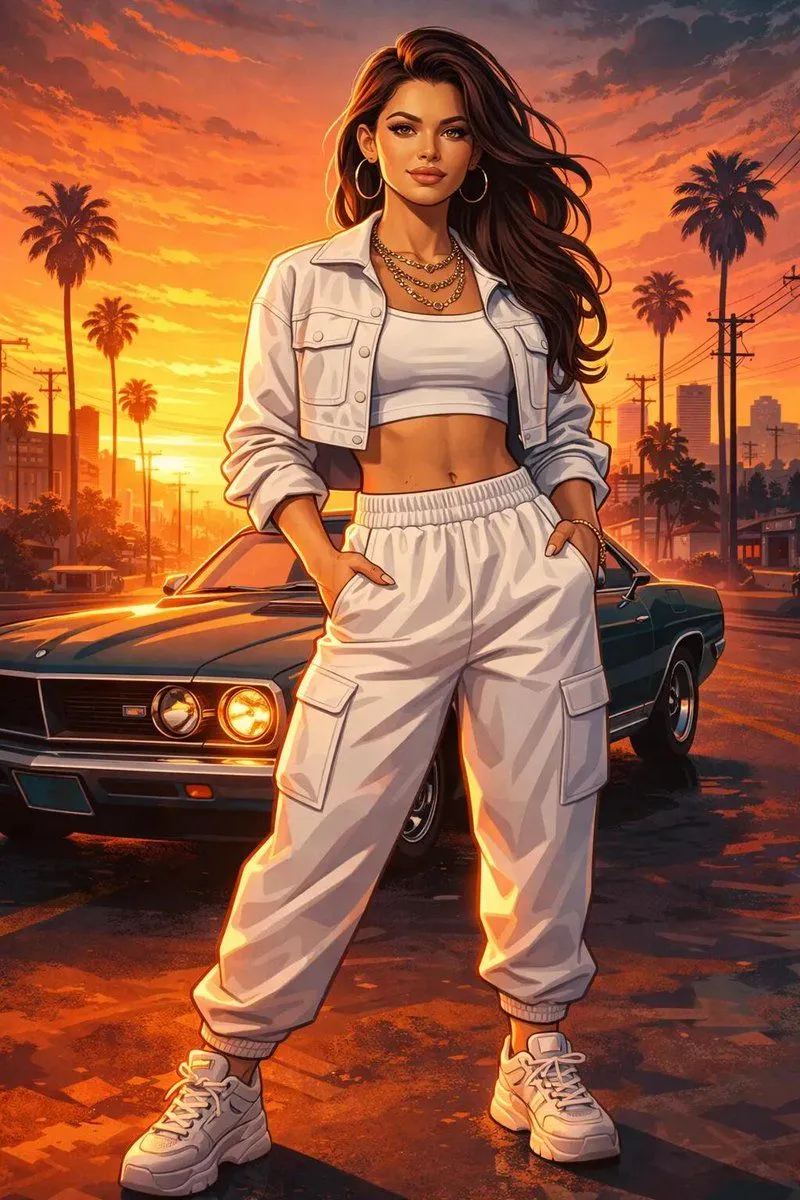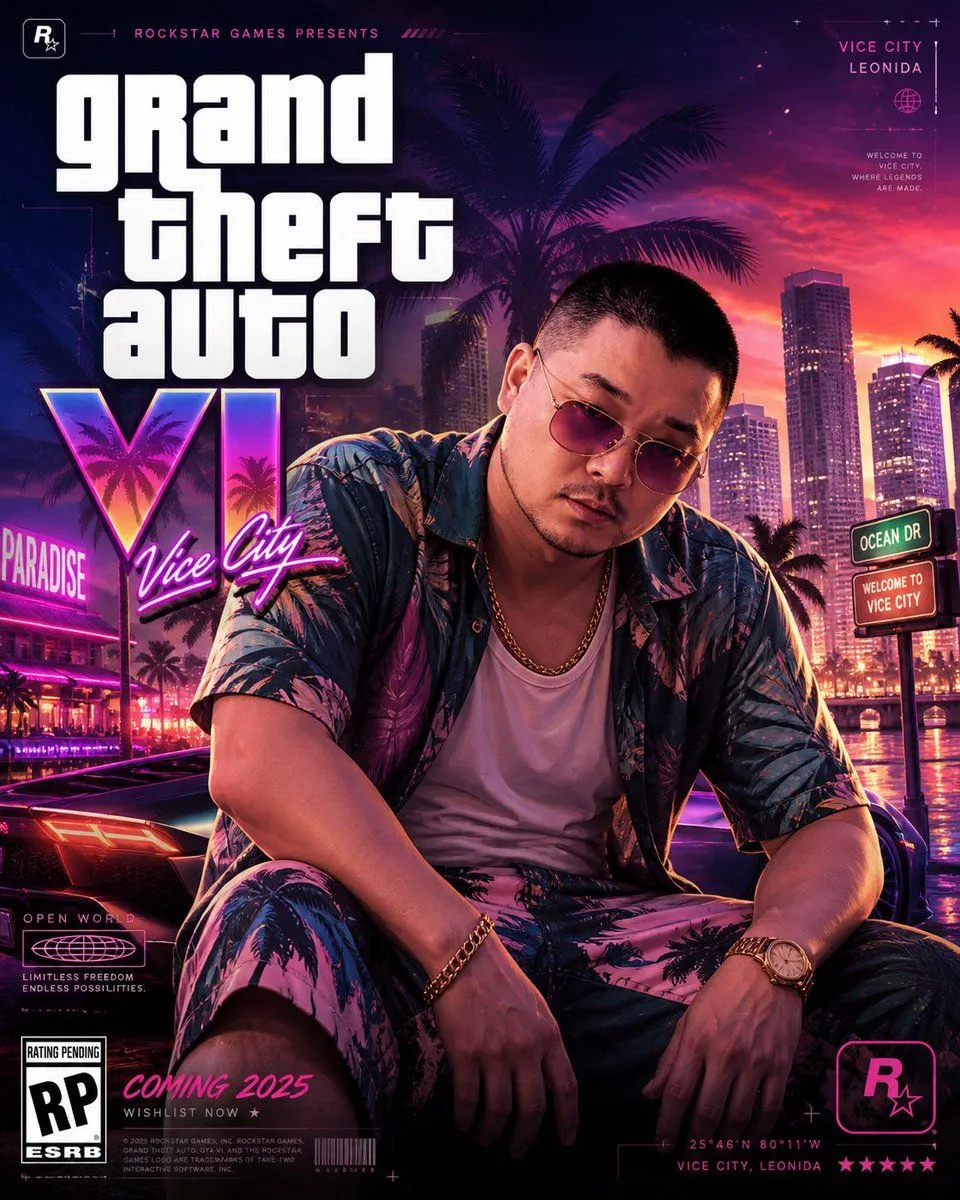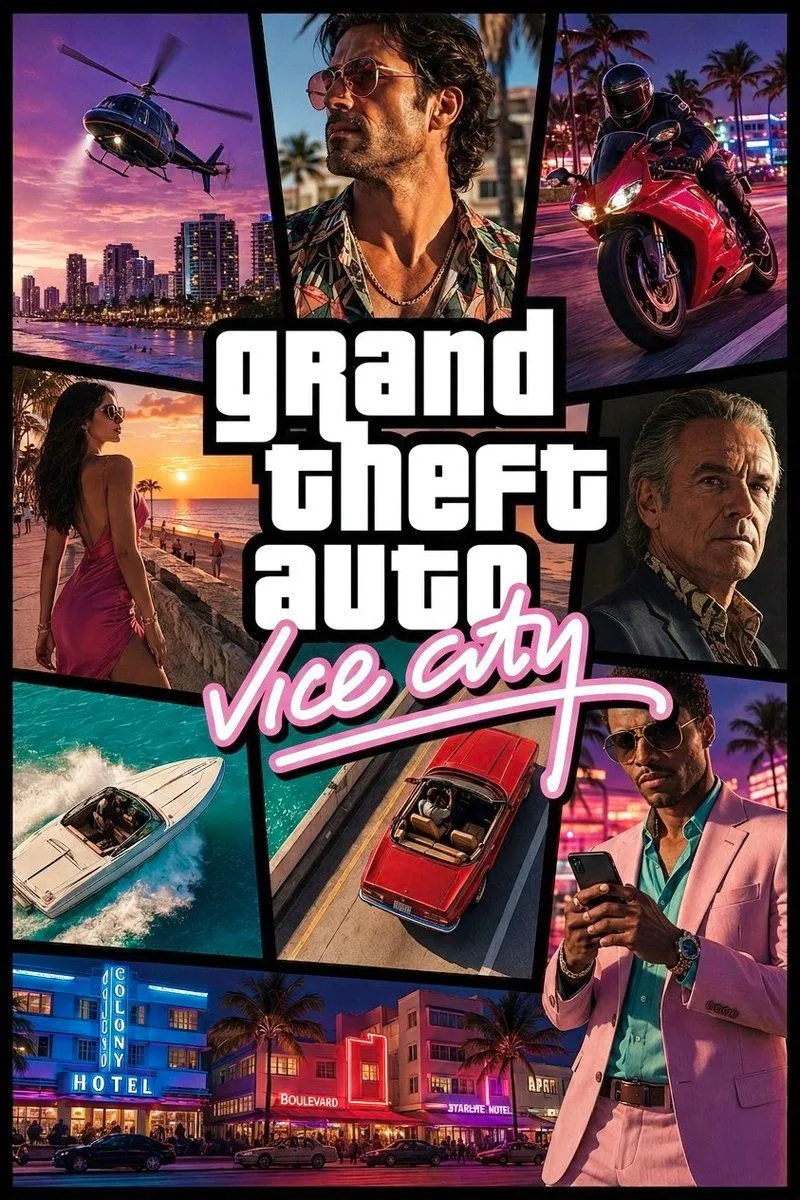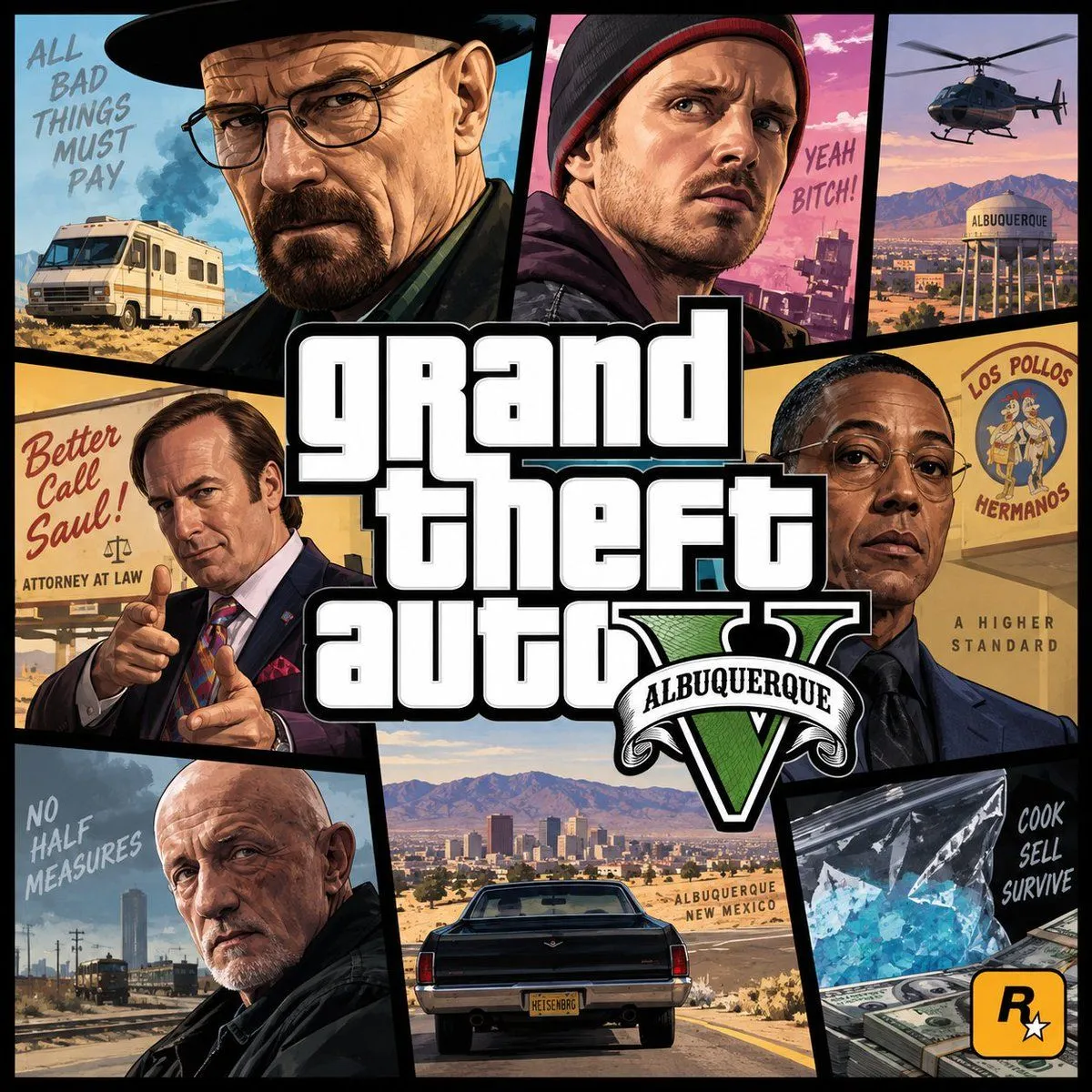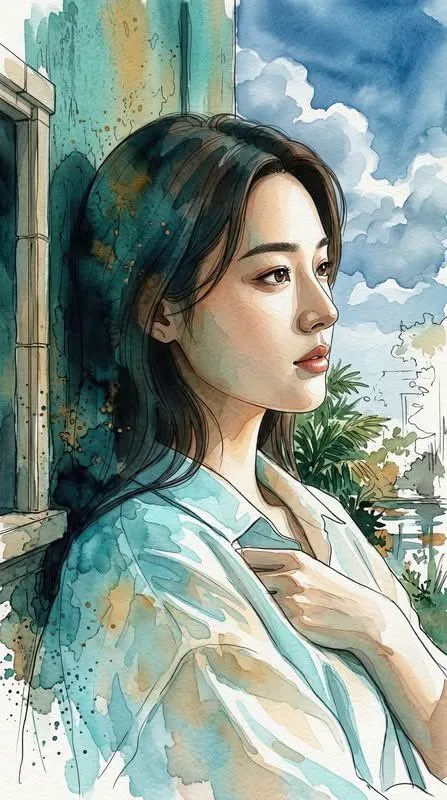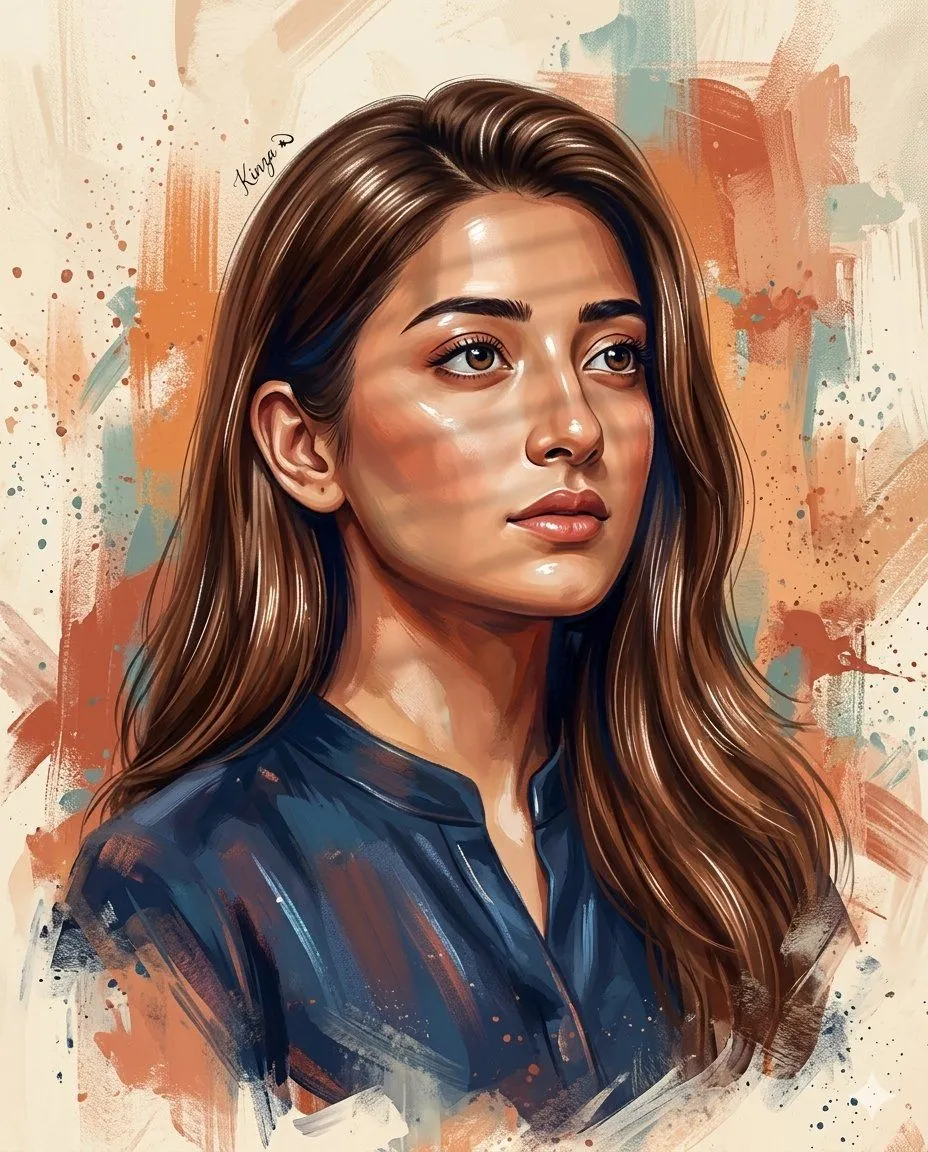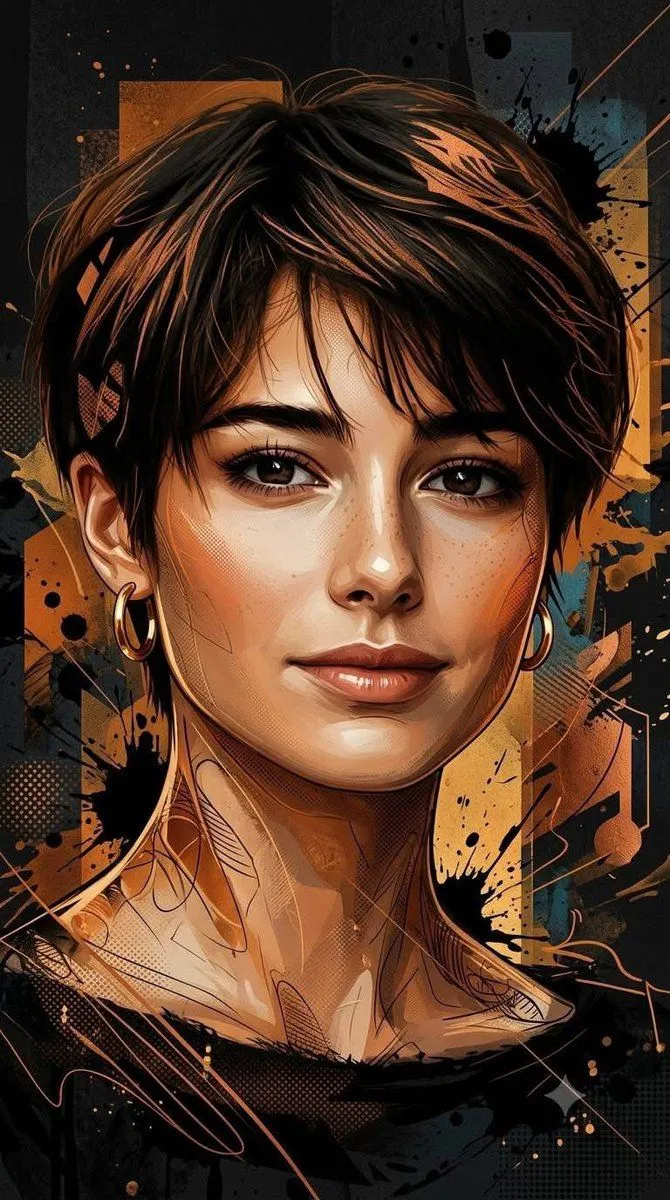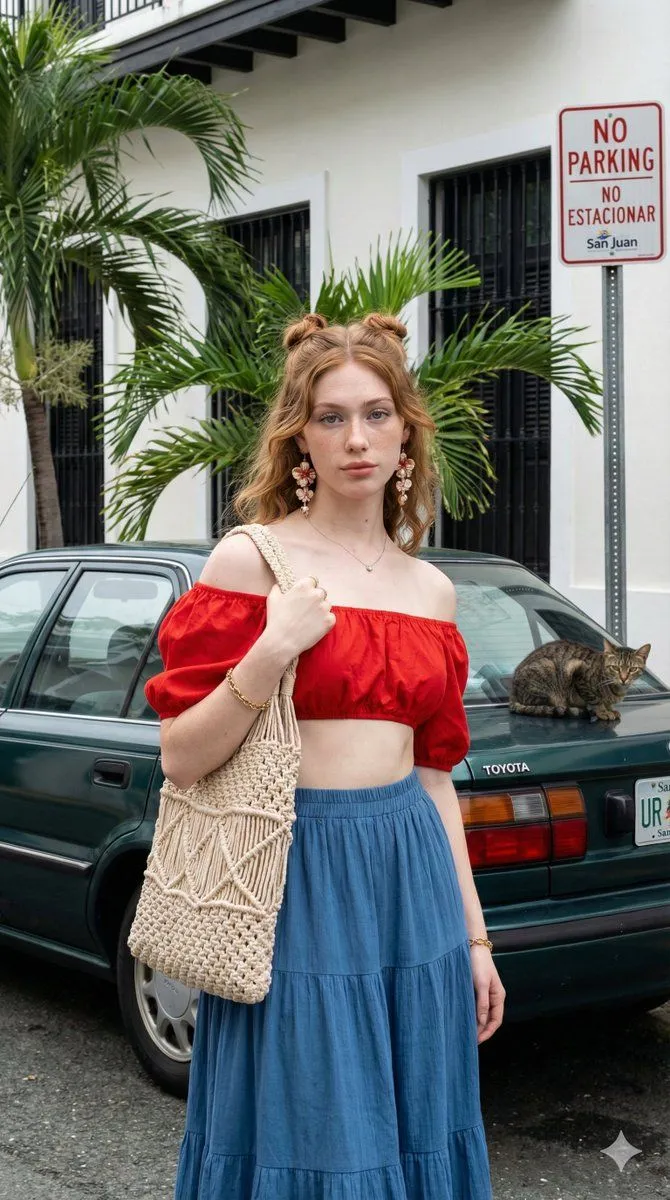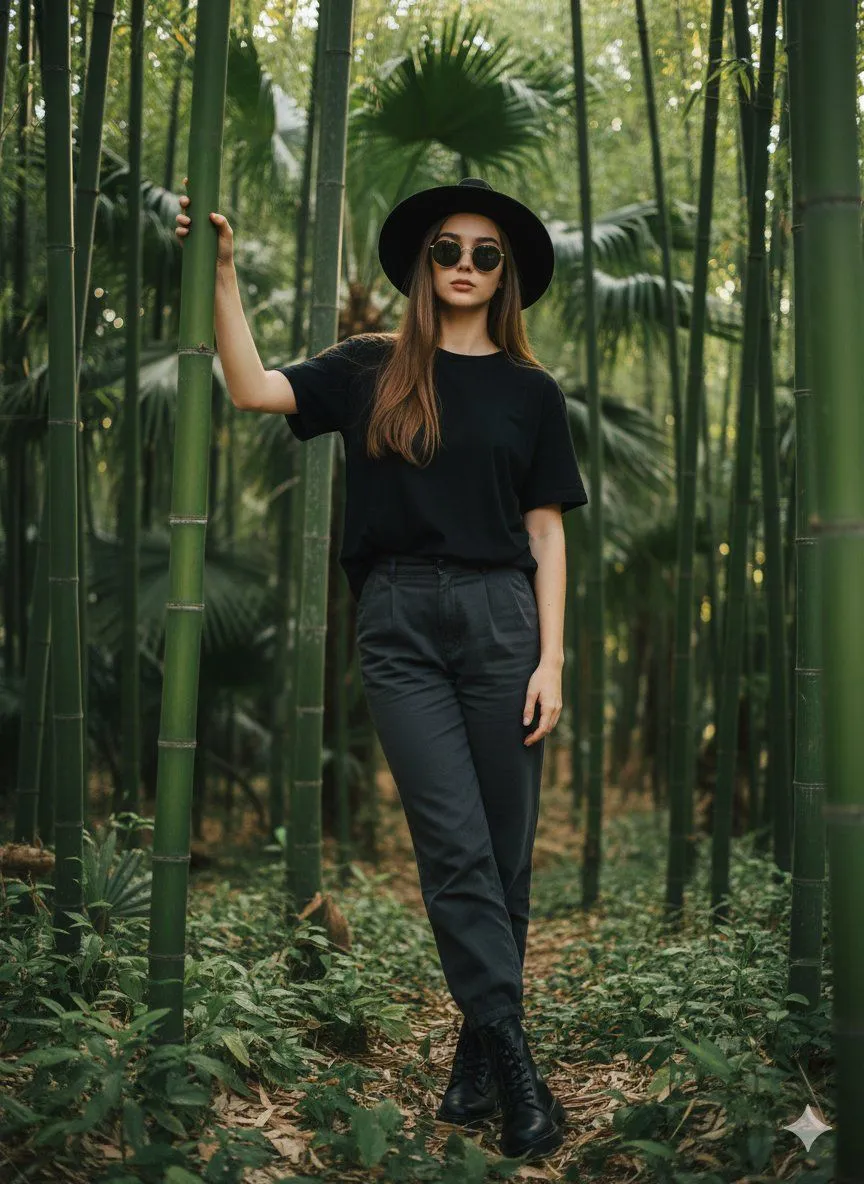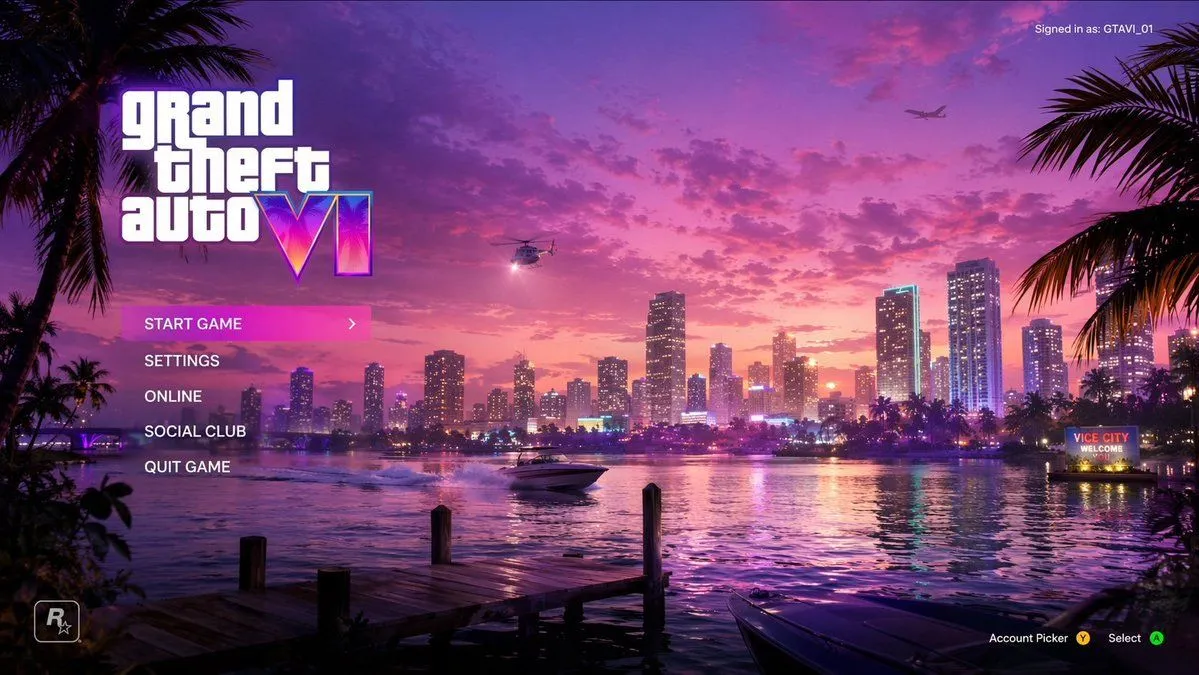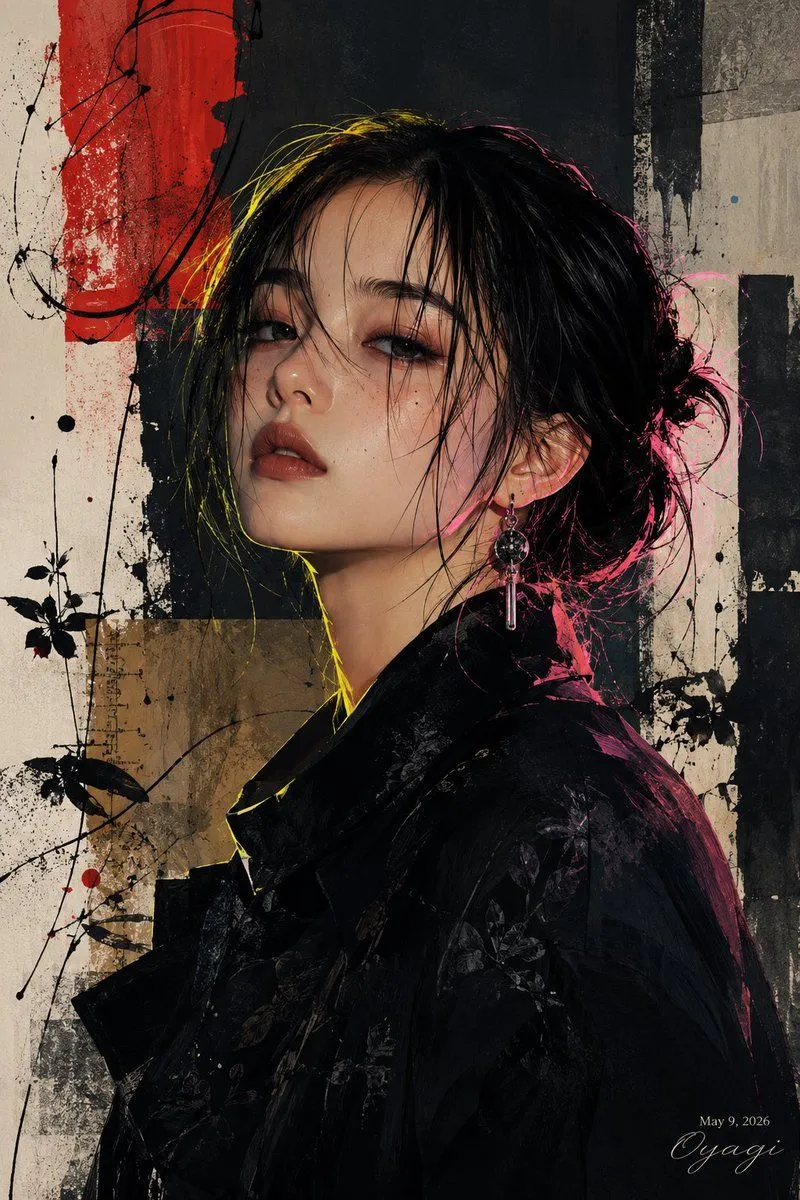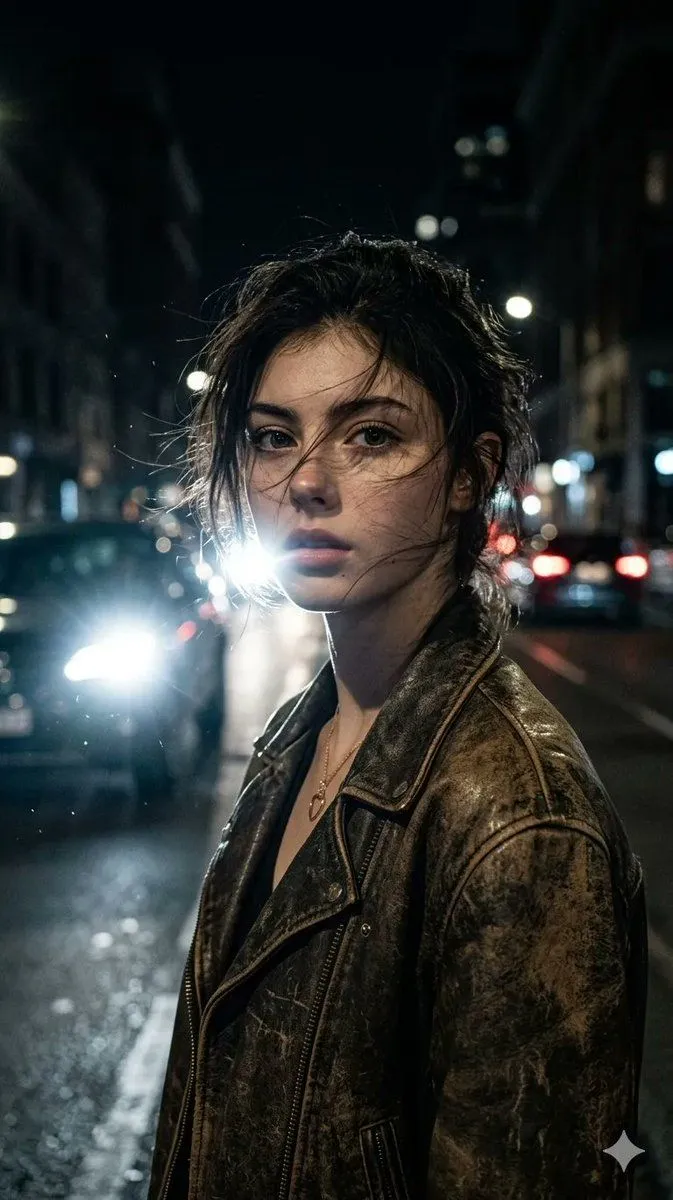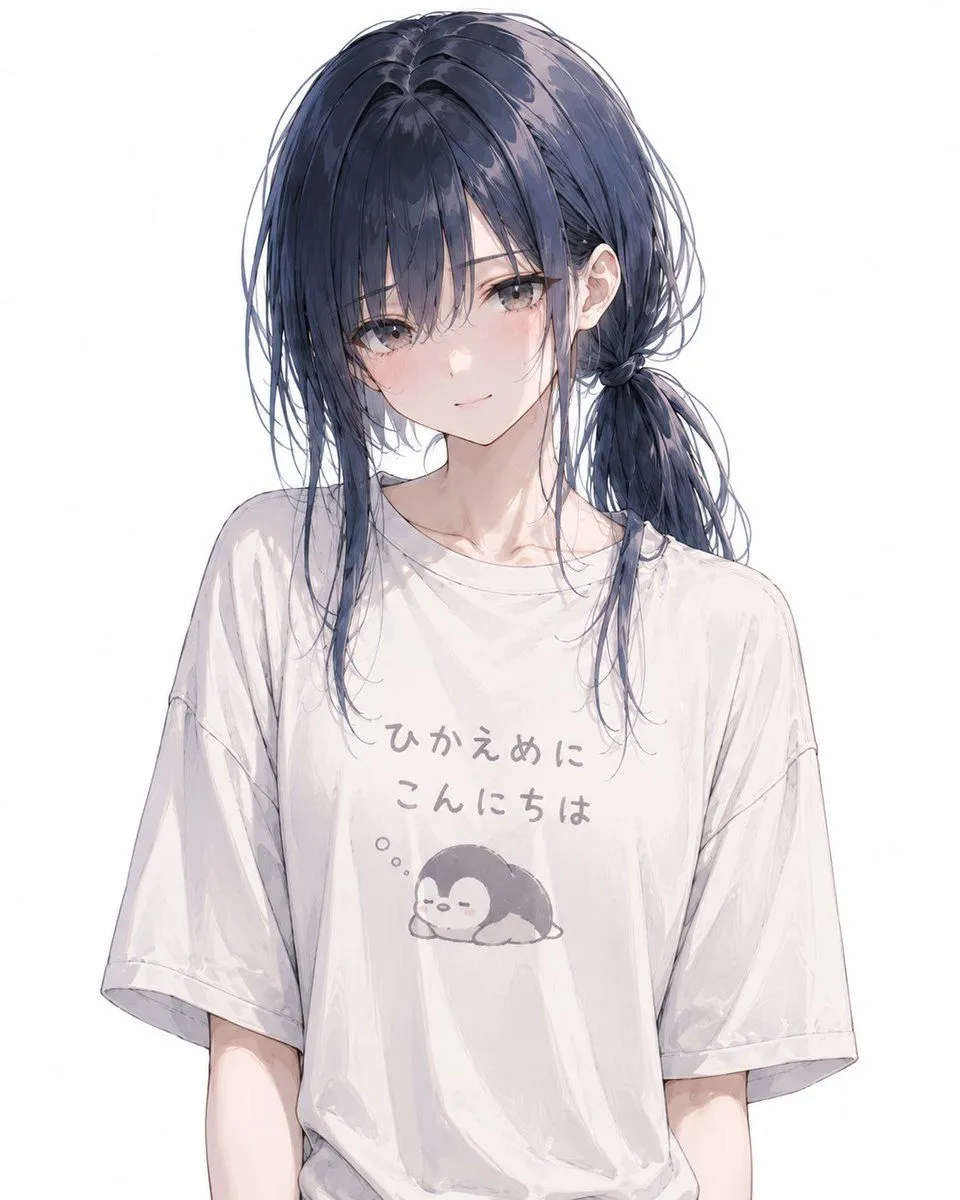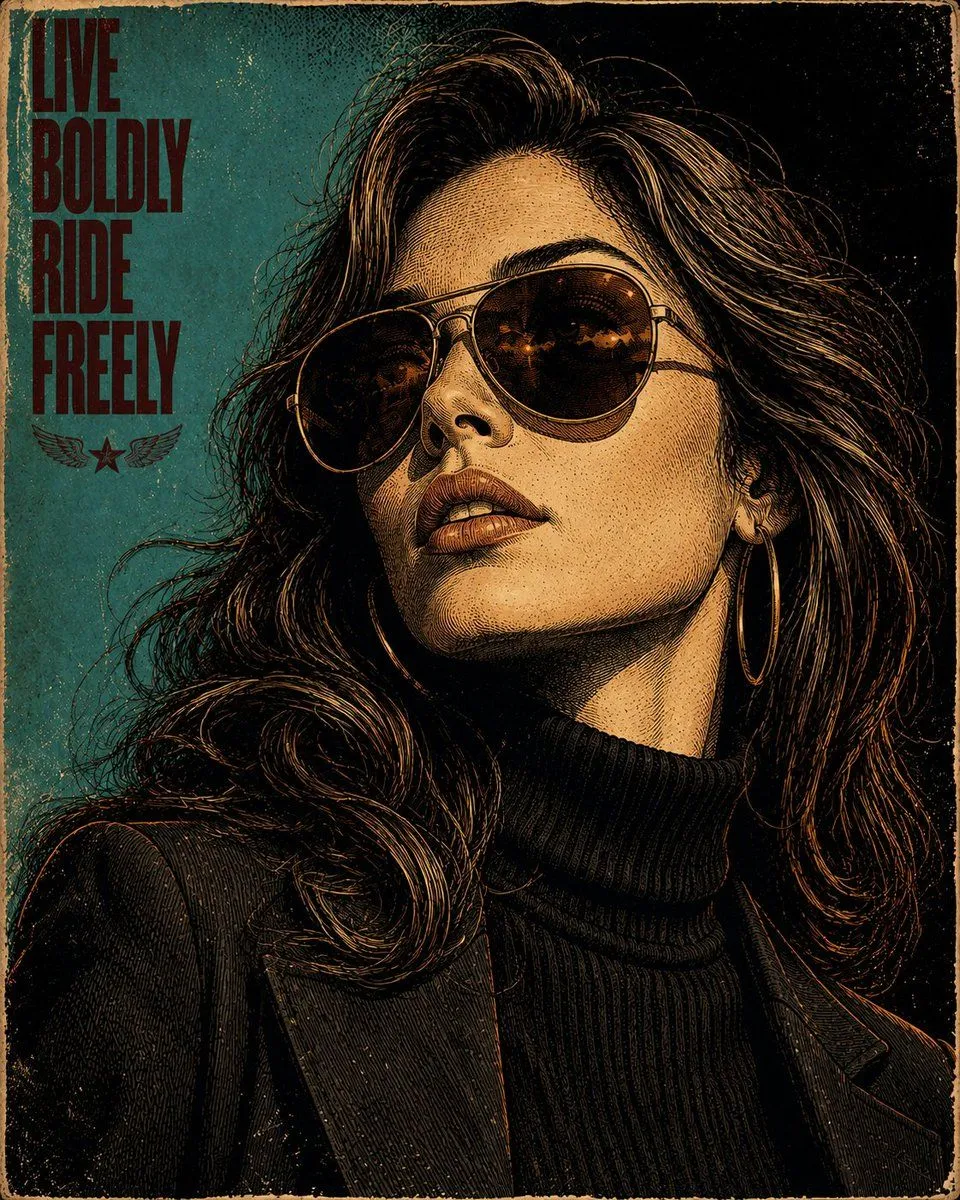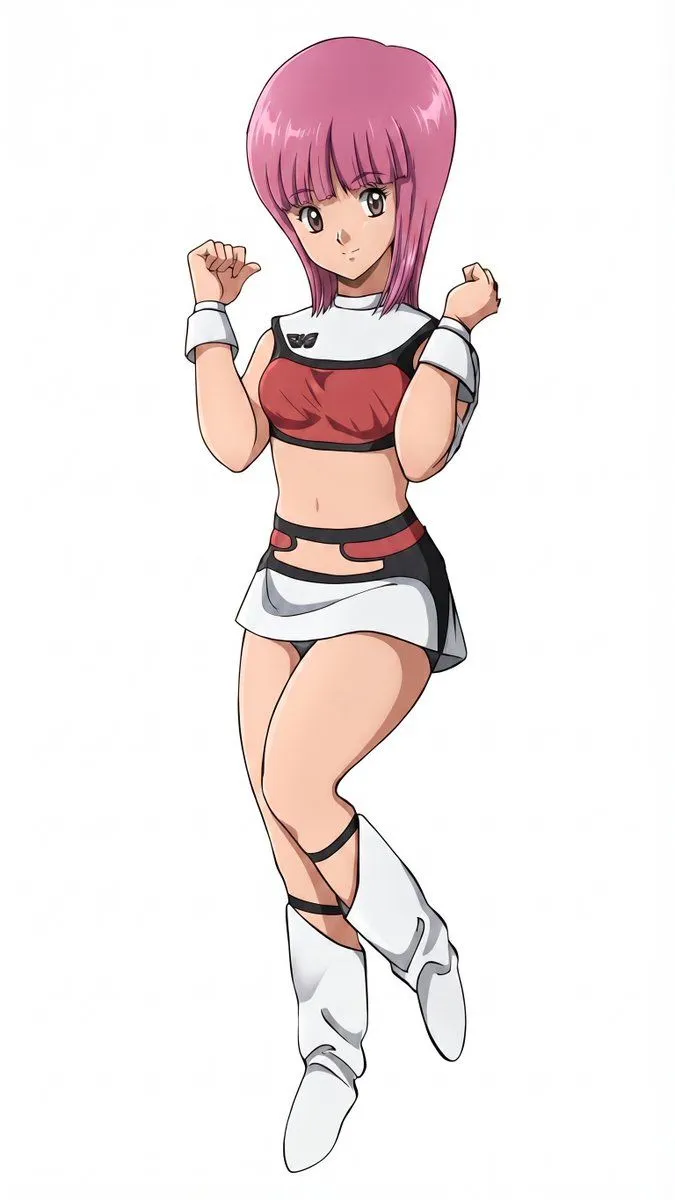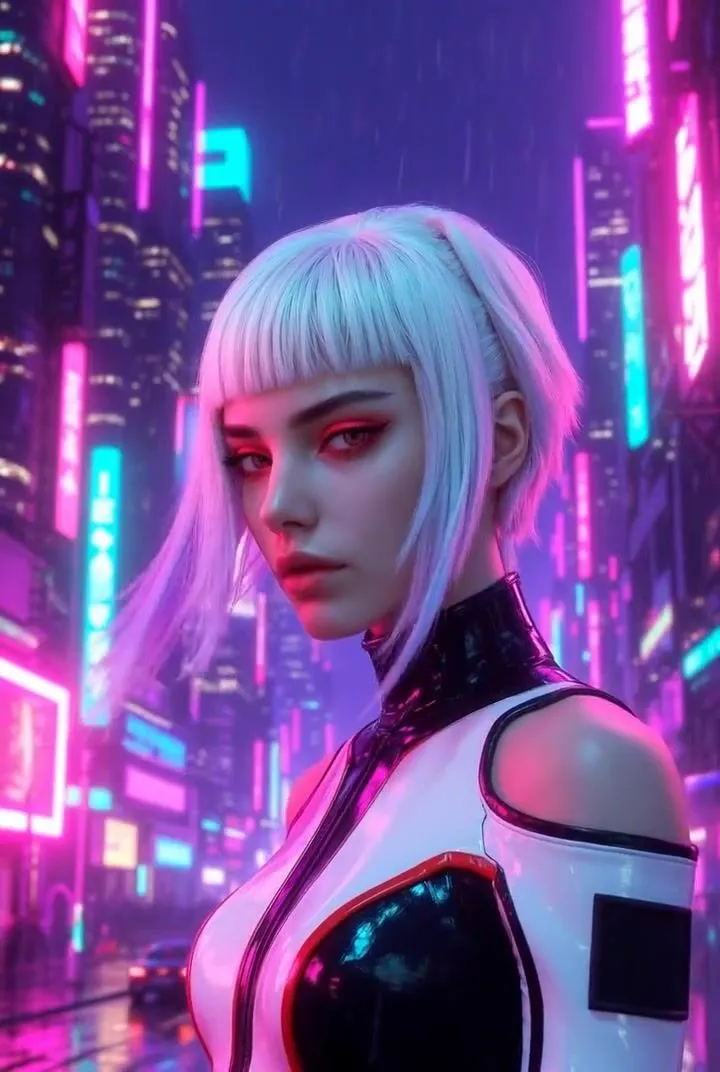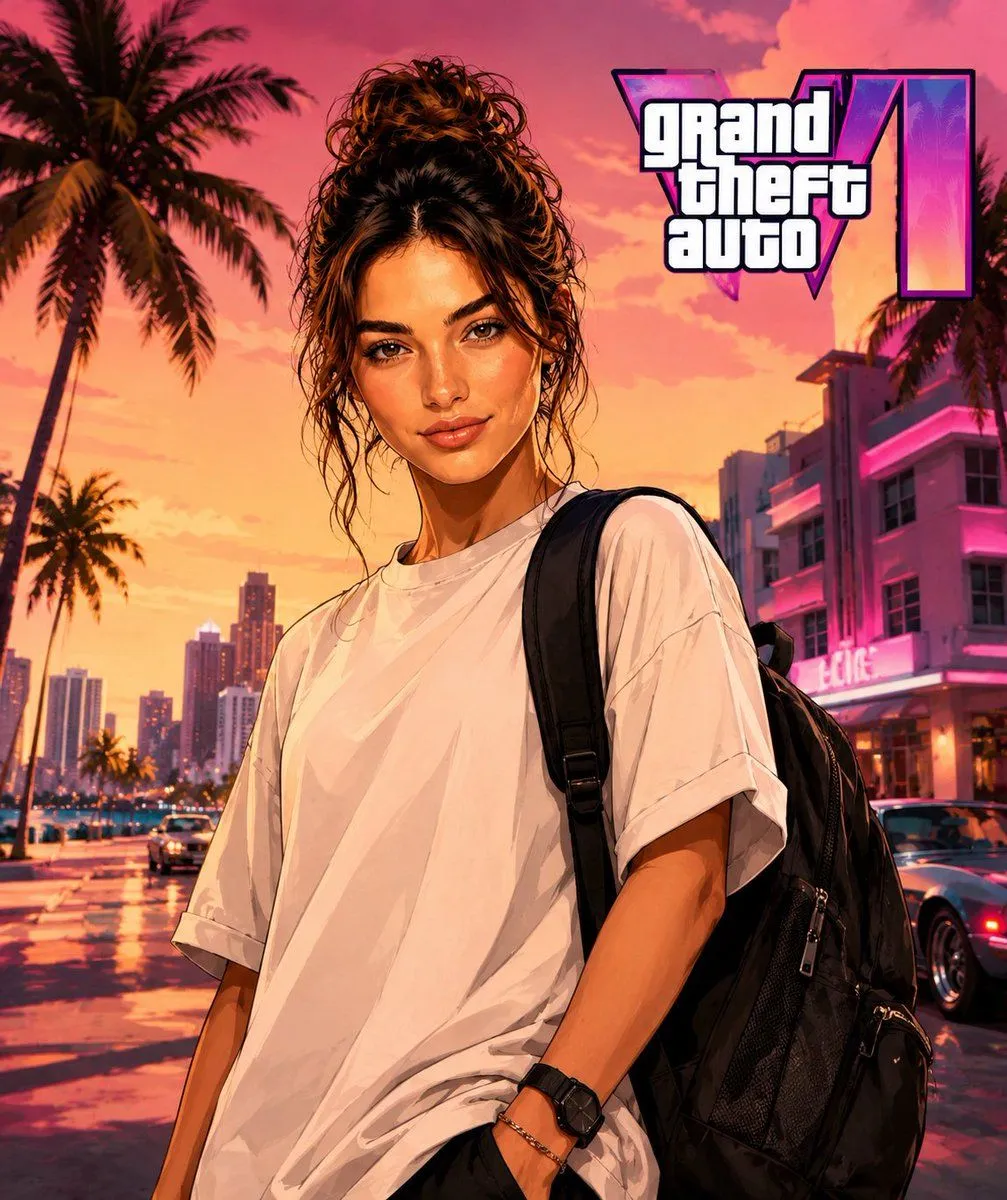
Made with GPT Image 2 in ChatGPT by Library Avatars. Promptclay never generates images.
Did it work?
No reports yet. Tell others if it worked for you.
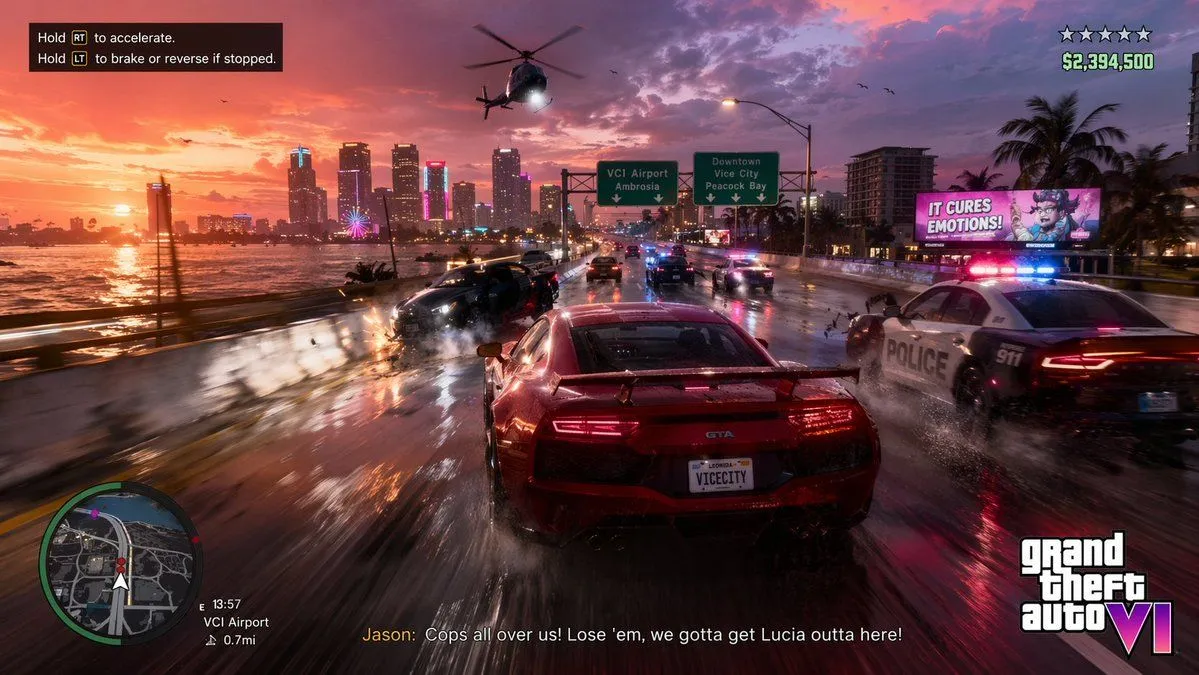
GTA Style Character Transformation
Prompt
2 blanks to fillUse my photo as the main identity reference. Use the target image I'm going to attach as reference for pose, composition, framing, lighting, setting, color palette, and visual style. Replace the character in the target image with the person from my photo, keeping my identity recognizable: face, hair, beard, skin tone, physical build, serious expression, and main facial features. Keep exactly the pose, body posture, arm and hand position, framing, composition, perspective, lighting, and setting from the target image. Don't alter the environment, colors, or original atmosphere except for the minimum needed to naturally integrate the new character. Reconstruct the full character, don't just do a simple face swap. Adapt my face and body to the pose of the target image, maintaining realistic anatomy, natural proportions, and coherence between head, neck, shoulders, arms, and hands. Apply a {visual_style}: stylized-realism character illustration, defined outlines, skin and clothing with a polished painterly finish, high contrast, cinematic lighting, saturated but controlled colors, luxury-meets-street urban aesthetic. Avoid making it look like a generic illustration or a photo filter. Keep the {outfit}. You can subtly improve the texture, drape, and finish of the clothing to make it look more premium, but without changing the main outfit. Replace any bag or handheld object from the target image with a premium black urban-style backpack, naturally integrated into the pose and scene. Add GTA 6 Logo Do not include: camera equipment, gimbal, audiovisual gear, real logos, text, trademarks, weapons, facial deformities, poorly constructed hands, excessive muscle mass, cartoonish appearance, or costume-like look.
Use only photos you have the right to usePhoto tips
- Your photo stays with your app. You upload it to Gemini, ChatGPT or the app you use. Promptclay never sees or stores it.
- Crop to what the prompt needs. Your face for a portrait. Leave out other people, house numbers, cards and screens.
- Check the result before you post. Apps sometimes add things that were not in your photo, like a mole, a tattoo or bare shoulders. Run it again or ask the app to remove them.
Preview of your prompt
Use my photo as the main identity reference. Use the target image I'm going to attach as reference for pose, composition, framing, lighting, setting, color palette, and visual style. Replace the character in the target image with the person from my photo, keeping my identity recognizable: face, hair, beard, skin tone, physical build, serious expression, and main facial features. Keep exactly the pose, body posture, arm and hand position, framing, composition, perspective, lighting, and setting from the target image. Don't alter the environment, colors, or original atmosphere except for the minimum needed to naturally integrate the new character. Reconstruct the full character, don't just do a simple face swap. Adapt my face and body to the pose of the target image, maintaining realistic anatomy, natural proportions, and coherence between head, neck, shoulders, arms, and hands. Apply a visual style clearly inspired by GTA cover art: stylized-realism character illustration, defined outlines, skin and clothing with a polished painterly finish, high contrast, cinematic lighting, saturated but controlled colors, luxury-meets-street urban aesthetic. Avoid making it look like a generic illustration or a photo filter. Keep the outfit from my photo: oversized white t-shirt, black watch, and bracelet/chain on the wrist. You can subtly improve the texture, drape, and finish of the clothing to make it look more premium, but without changing the main outfit. Replace any bag or handheld object from the target image with a premium black urban-style backpack, naturally integrated into the pose and scene. Add GTA 6 Logo Do not include: camera equipment, gimbal, audiovisual gear, real logos, text, trademarks, weapons, facial deformities, poorly constructed hands, excessive muscle mass, cartoonish appearance, or costume-like look.
DetailsVersions, settings and questions
Written for
What's in the prompt
- Subject
- Model
- GPT Image 2
If your face changes
keep my face exactly the sameQuestions
- Does this work in the ChatGPT app?
- Yes. Paste the prompt and attach your photo if it uses one.
- It changed my face. What do I do?
- Add "keep my face exactly the same" to the end and run it again.
- Can I use the images I make?
- Check the terms of the app you use. Promptclay never generates images and claims nothing you make.