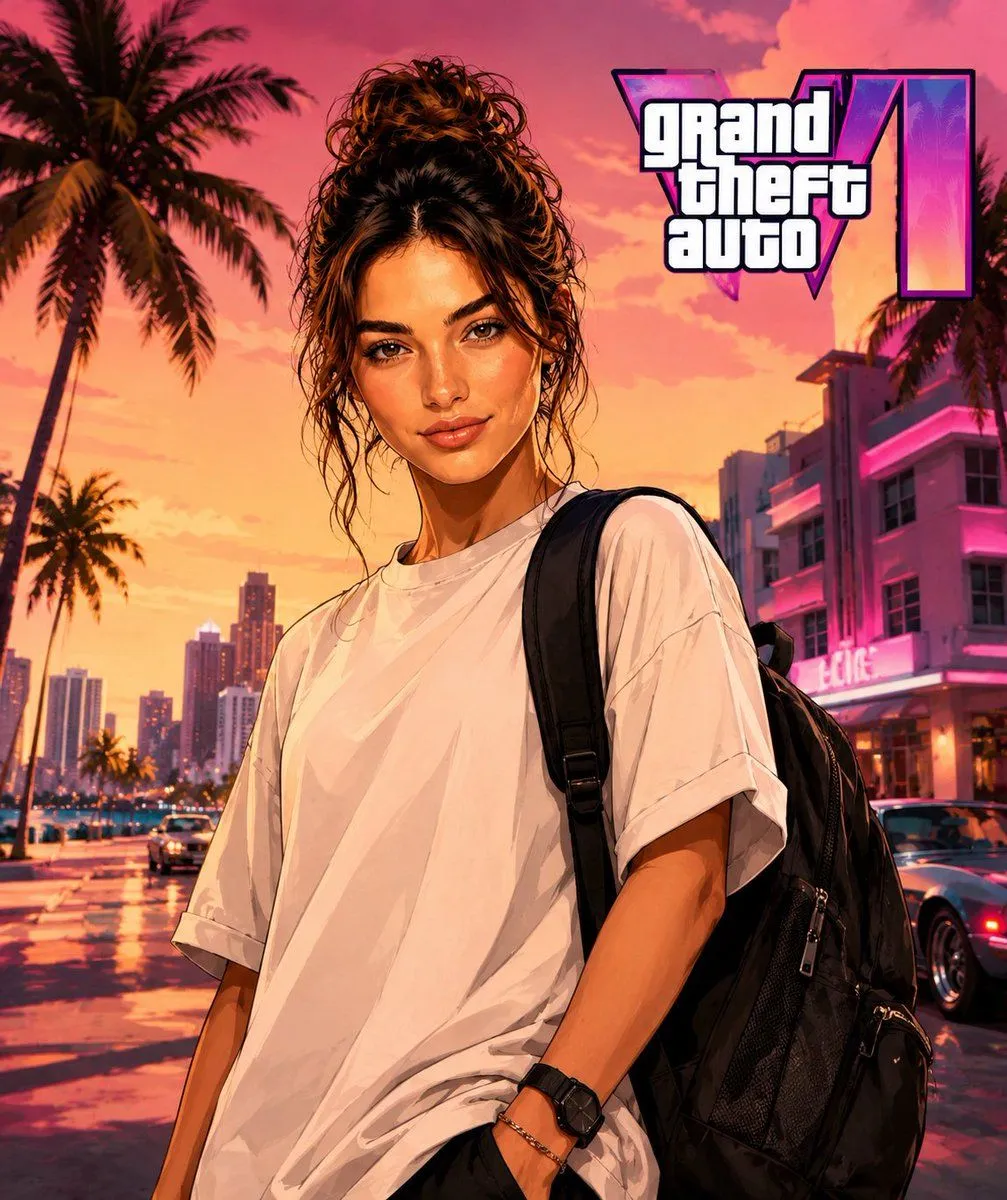
GTA Style Character Transformation
Use my photo as the main identity reference. Use the target image I'm going to attach as reference for pose, composition, framing, lighting, setting, color palette, and visual style. Replace the character in the target image with the person from my photo, keeping my identity recognizable: face, hair, beard, skin tone, physical build, serious expression, and main facial features. Keep exactly the pose, body posture, arm and hand position, framing, composition, perspective, lighting, and setting from the target image. Don't alter the environment, colors, or original atmosphere except for the minimum needed to naturally integrate the new character. Reconstruct the full character, don't just do a simple face swap. Adapt my face and body to the pose of the target image, maintaining realistic anatomy, natural proportions, and coherence between head, neck, shoulders, arms, and hands. Apply a visual_style: stylized-realism character illustration, defined outlines, skin and clothing with a polished painterly finish, high contrast, cinematic lighting, saturated but controlled colors, luxury-meets-street urban aesthetic. Avoid making it look like a generic illustration or a photo filter. Keep the outfit. You can subtly improve the texture, drape, and finish of the clothing to make it look more premium, but without changing the main outfit. Replace any bag or handheld object from the target image with a premium black urban-style backpack, naturally integrated into the pose and scene. Add GTA 6 Logo Do not include: camera equipment, gimbal, audiovisual gear, real logos, text, trademarks, weapons, facial deformities, poorly constructed hands, excessive muscle mass, cartoonish appearance, or costume-like look.