Tell us anything

An idea, a bug, something you love. We read every note.

⌘↵ to send. The page you're on comes along.

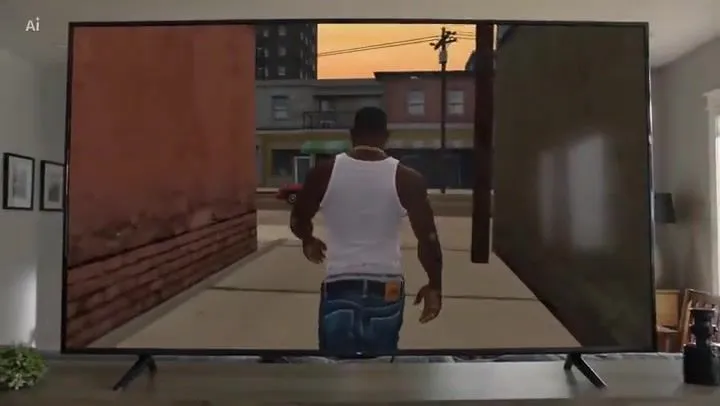
GTA: San Andreas Opening Scene Recreation

Made with Seedance 2.0 in Kling by Library Cinema. Promptclay never generates images.

Did it work?

No reports yet. Tell others if it worked for you.

No comments yet. Be the first.

    GTA: San Andreas Opening Scene Recreation

    Seedance 2.016:9AI-generated

    Prompt

    The iconic opening riff of the GTA: San Andreas theme plays in the background. We see Carl "CJ" Johnson from the back (wearing his iconic white tank top, blue jeans, and a gold chain) walking down an alley; the camera pulls back to reveal a modern, suburban, photorealistic home

    Works in
    Kling
    Status
    Free to copy
    0
    DetailsVersions, settings and questions

    Written for

    What's in the prompt

    Subject
    Model
    Seedance 2.0

    If your face changes

    keep my face exactly the same

    Questions

    Does this work in the Kling app?
    Yes. Paste the prompt and attach your photo if it uses one.
    It changed my face. What do I do?
    Add "keep my face exactly the same" to the end and run it again.
    Can I use the images I make?
    Check the terms of the app you use. Promptclay never generates images and claims nothing you make.

    Similar prompts

    See more
    • GTA 6 In-Game Footage Test Prompt
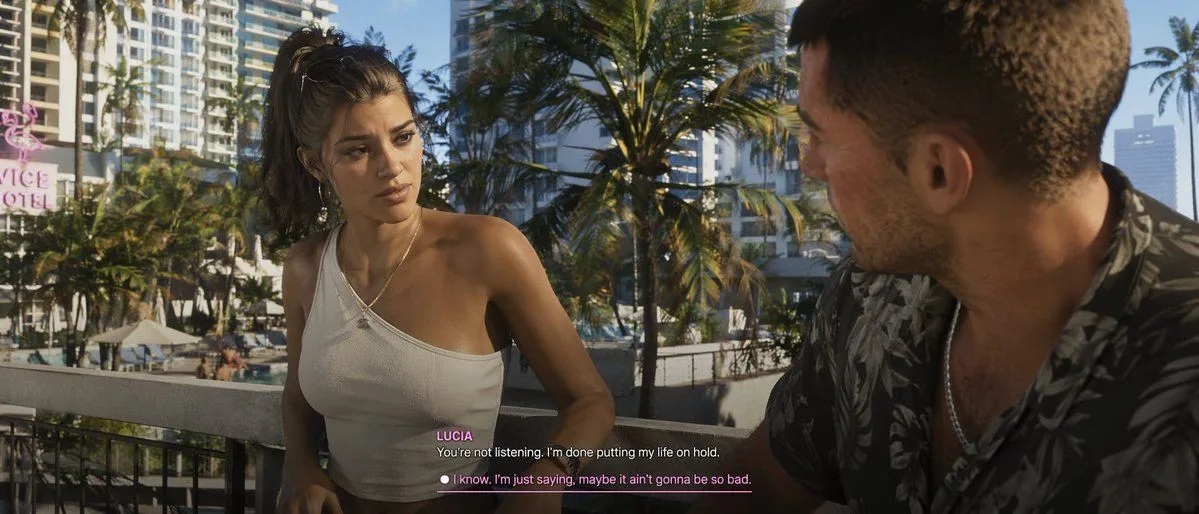
    • GTA-Style Dialogue Screenshot
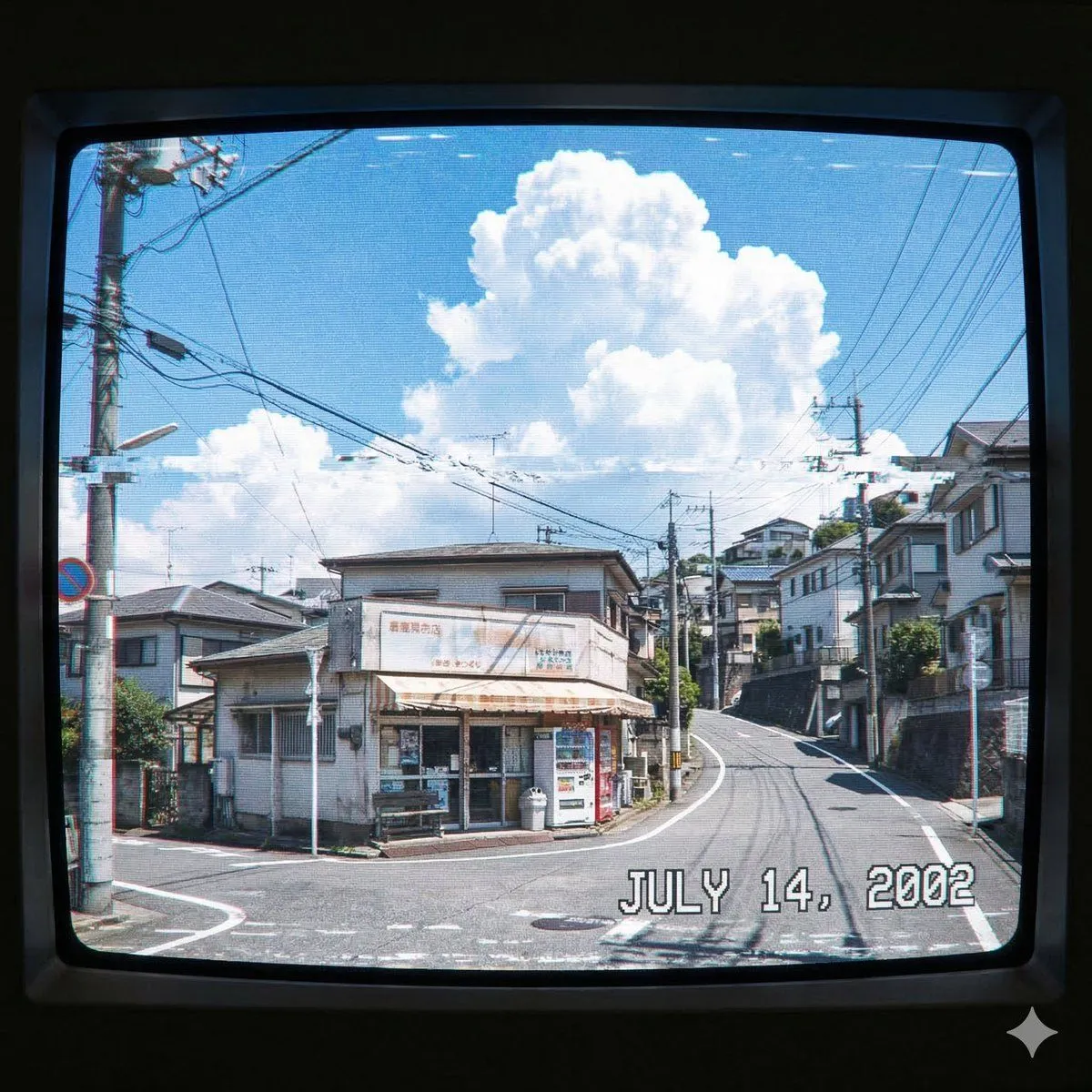
    • Generate a 2000s Japanese Suburb Atmosphere
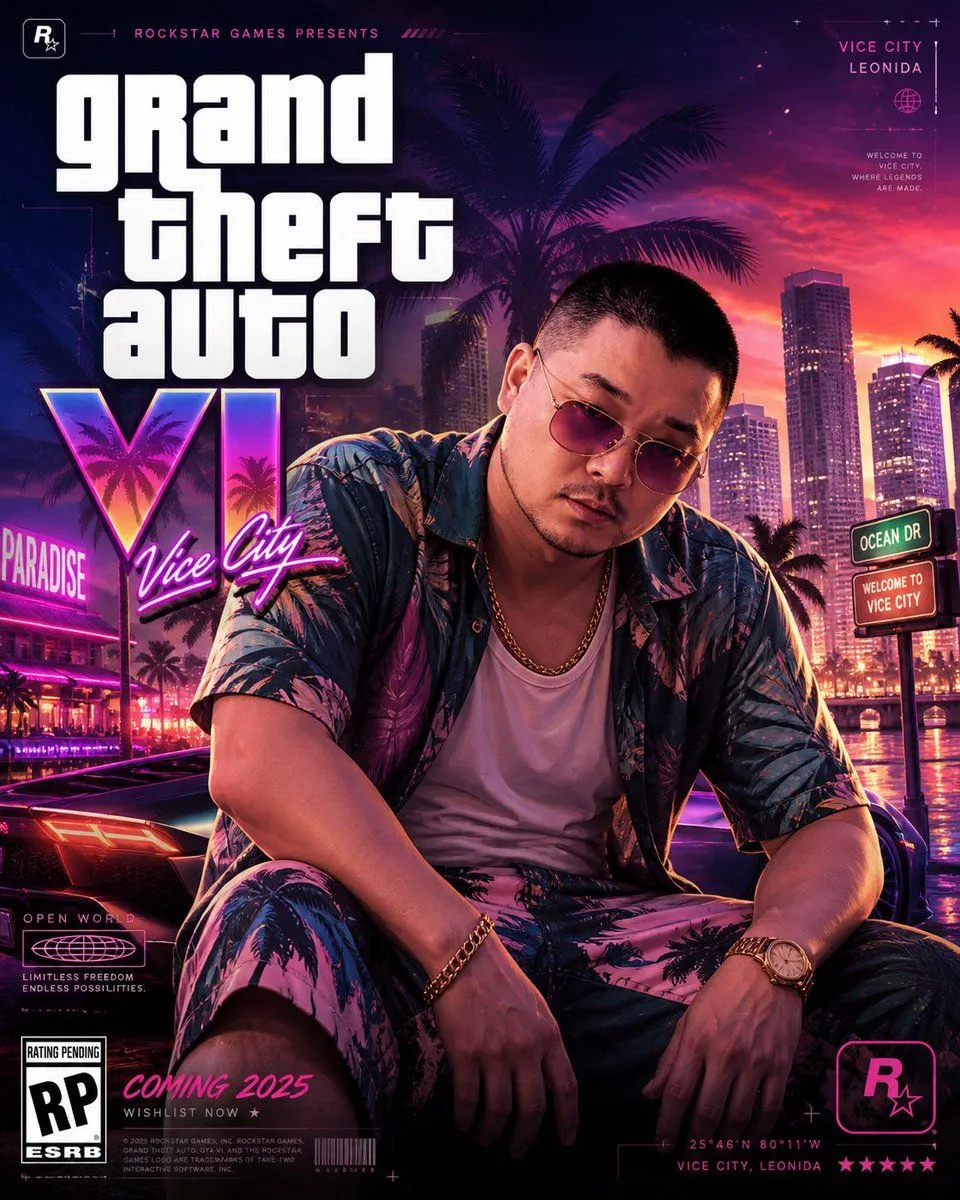
    • GTA VI Style 8K Cinematic Poster
    • Cinematic Video Game Cutscene with Subtitles
    • Recreate Screenshot as Next-Gen Video Game
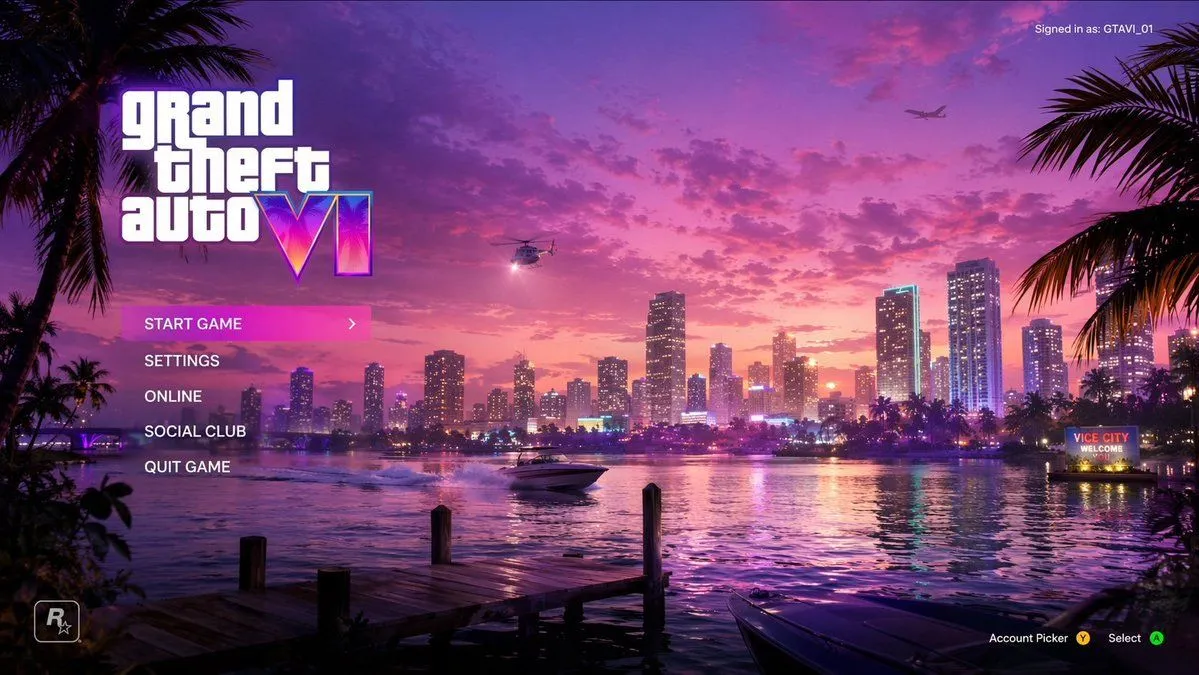
    • Video Game Main Menu UI Mockup
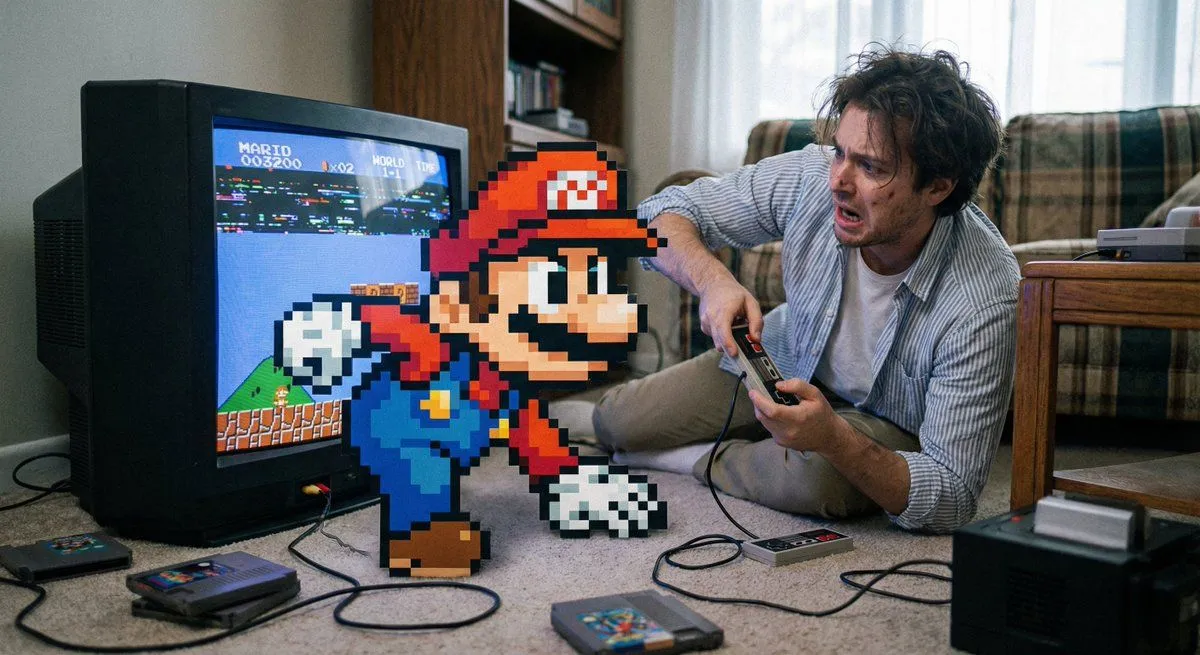
    • Pixel game character climbing out of TV
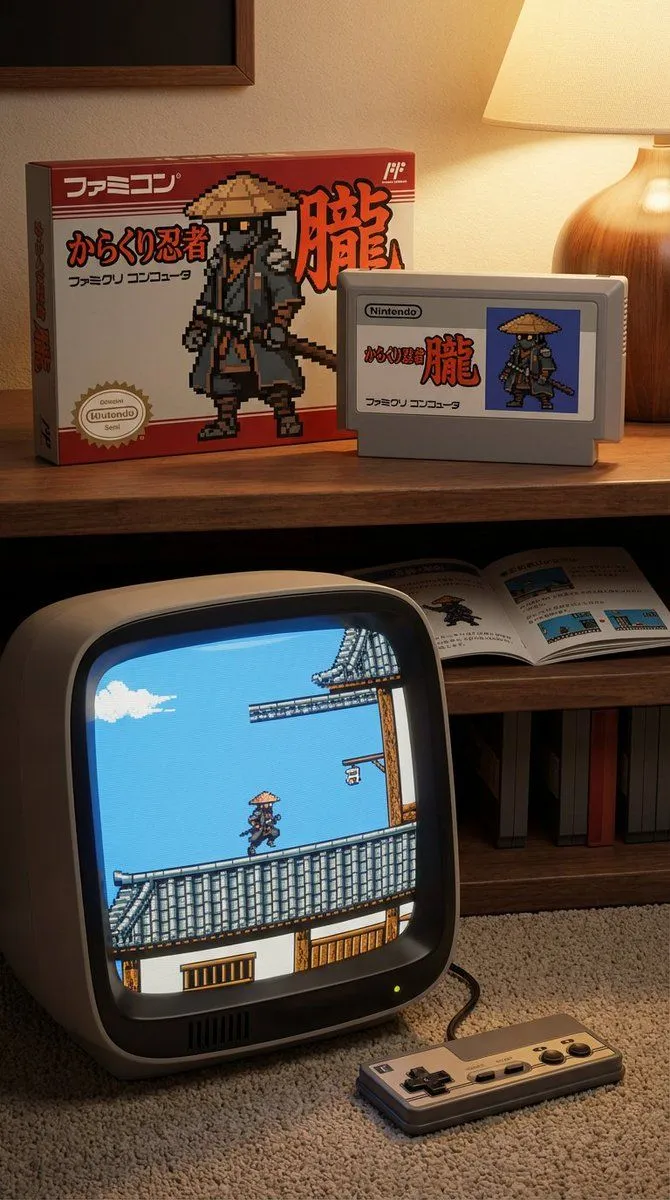
    • Famicom game box, cartridge, manual, and CRT screen (Japanese)
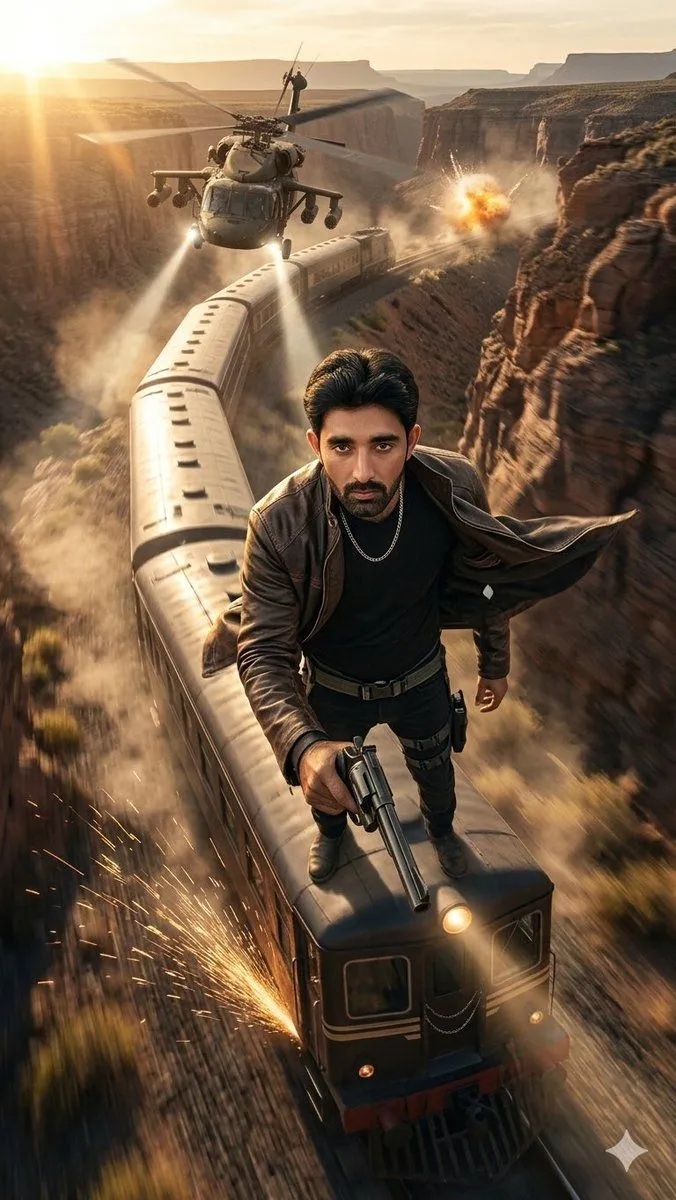
    • Canyon Train Action Hero
    • Tiny Person Lifting Giant TV Remote
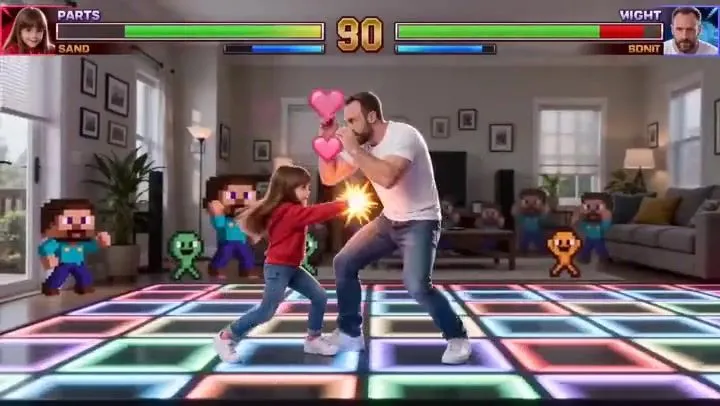
    • Street Fighter Father-Daughter Match PromptVideo, 0:15
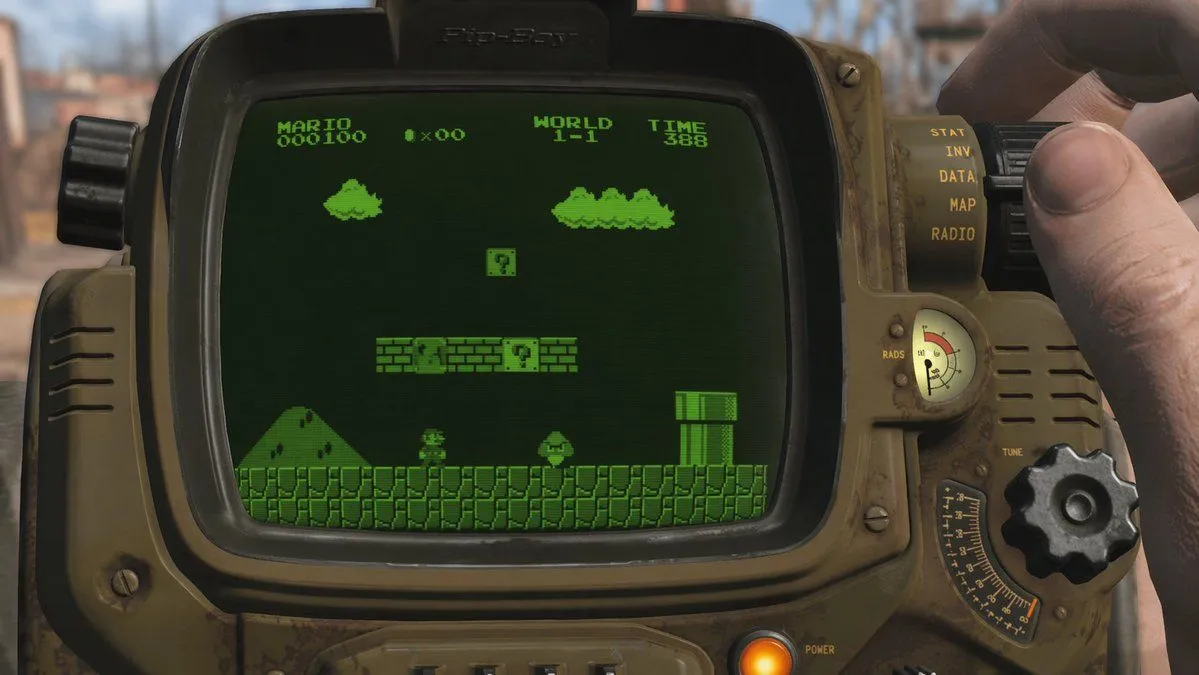
    • Retro Wrist Computer Playing Classic Platformer
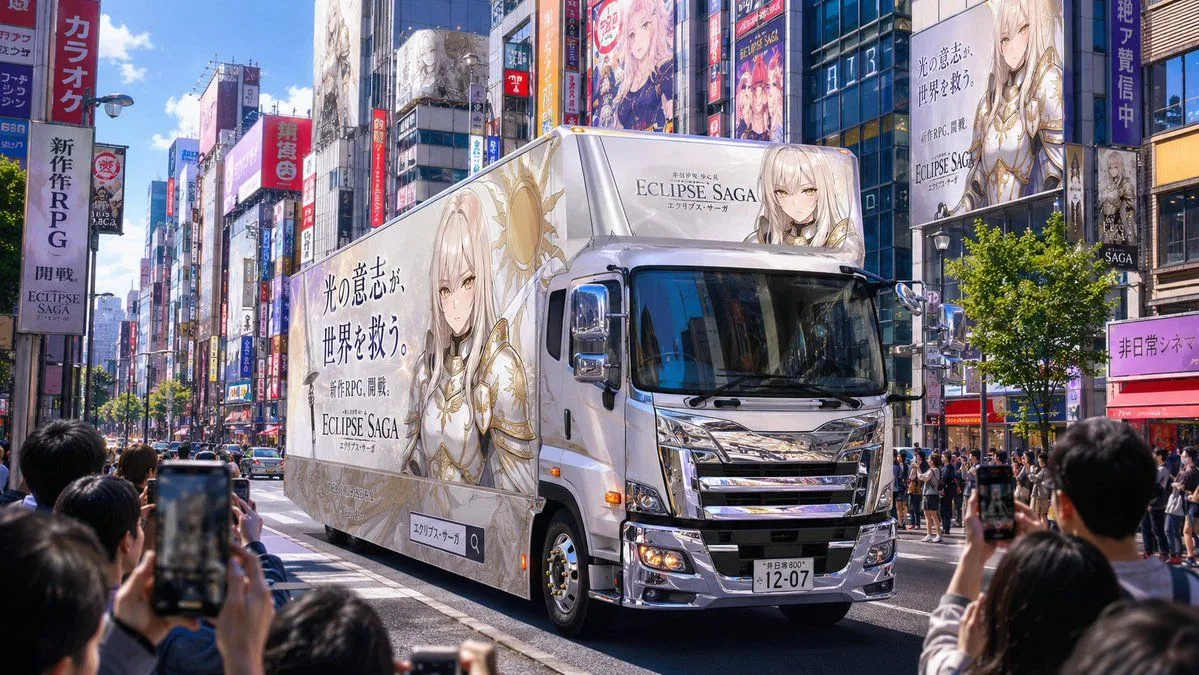
    • Fantasy RPG Ad Truck in Tokyo District
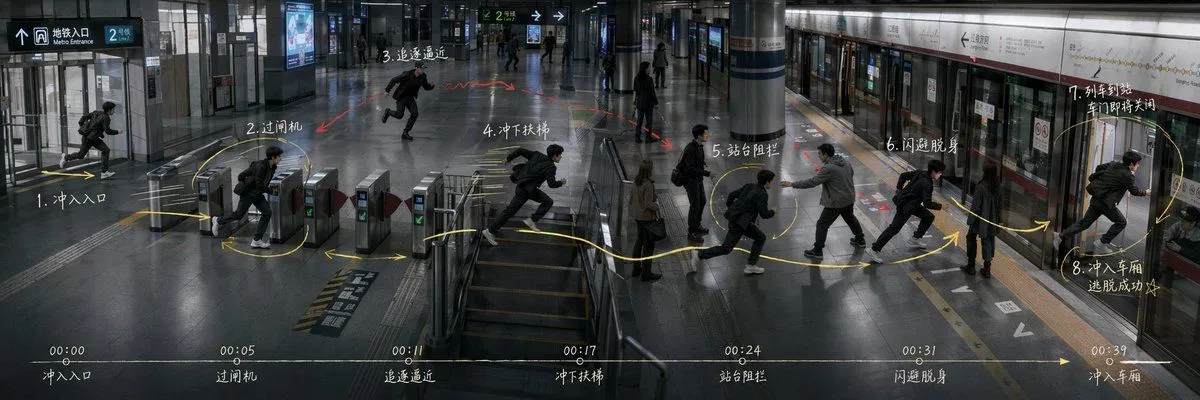
    • Subway Escape Storyboard Route
    • Realistic Mac Webcam Photo Edit
    • Hyper-Realistic Cinematic Action Scene from Reference Image
    • Premium Esports Gamer Portrait Prompt
    • Hyper-realistic portrait with vibrant green skin on the Las Vegas Strip
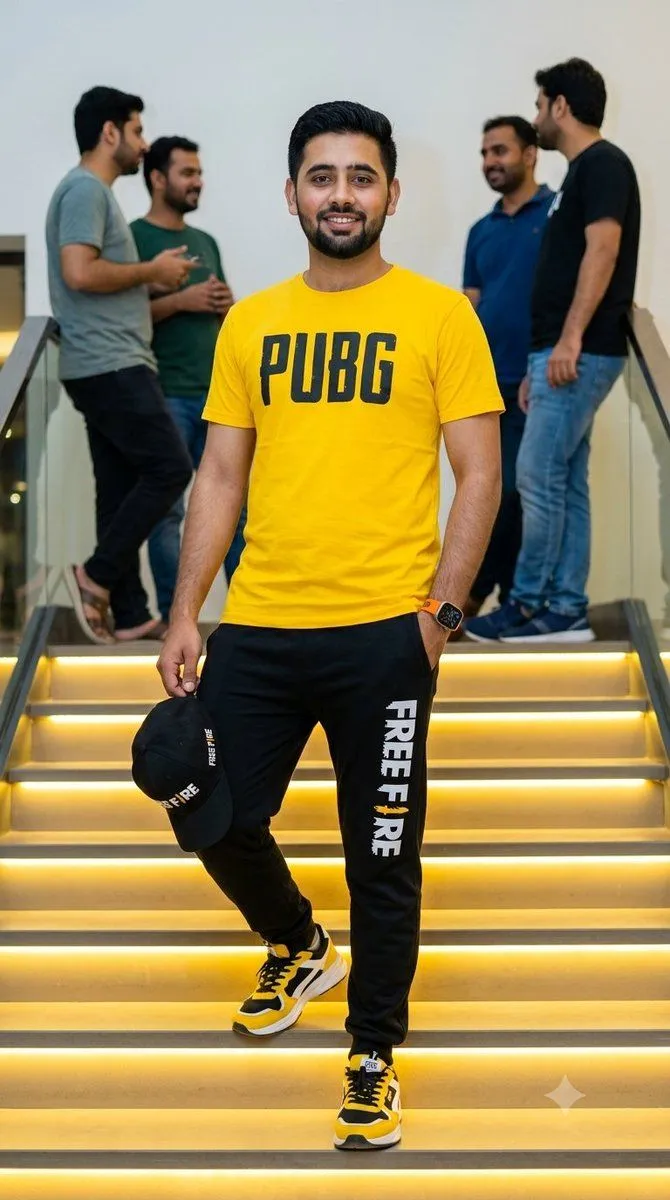
    • Gamer Apparel Portrait
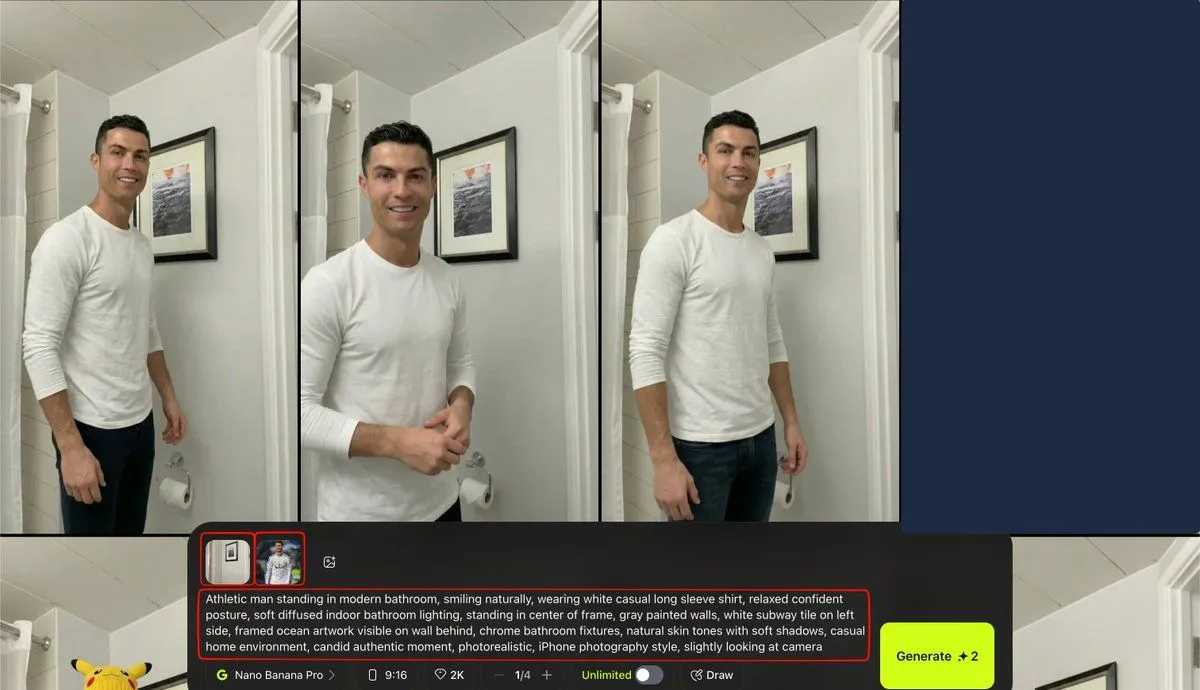
    • Turkish Prompt for Image Integration
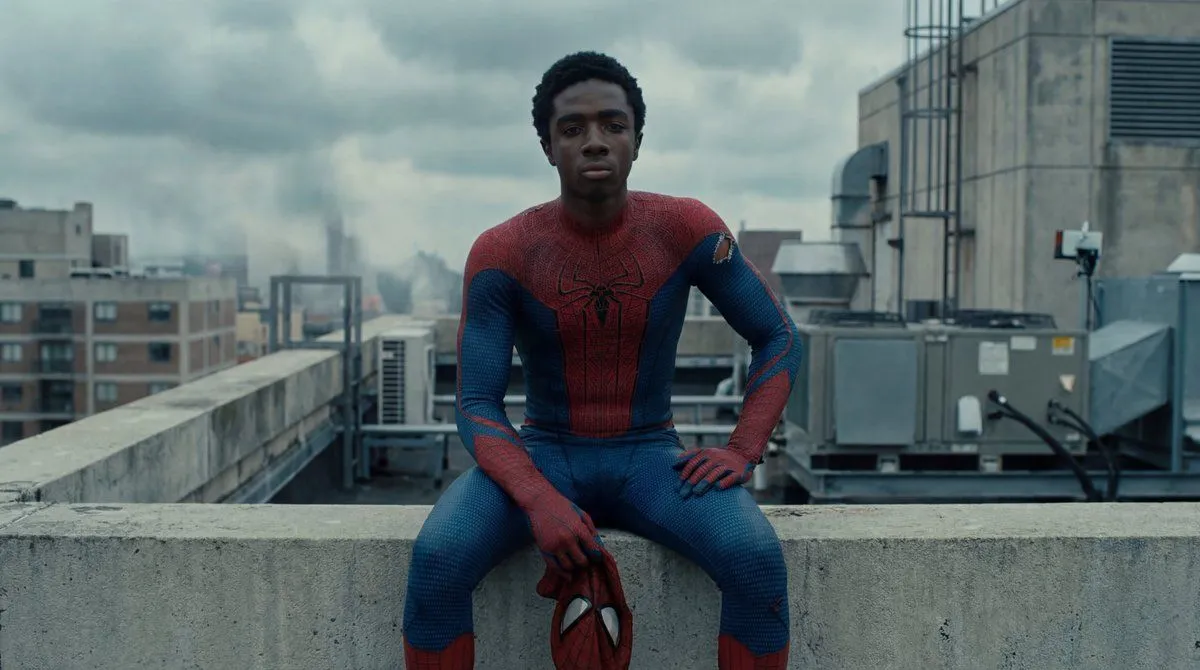
    • Photorealistic Superhero on Skyscraper Rooftop
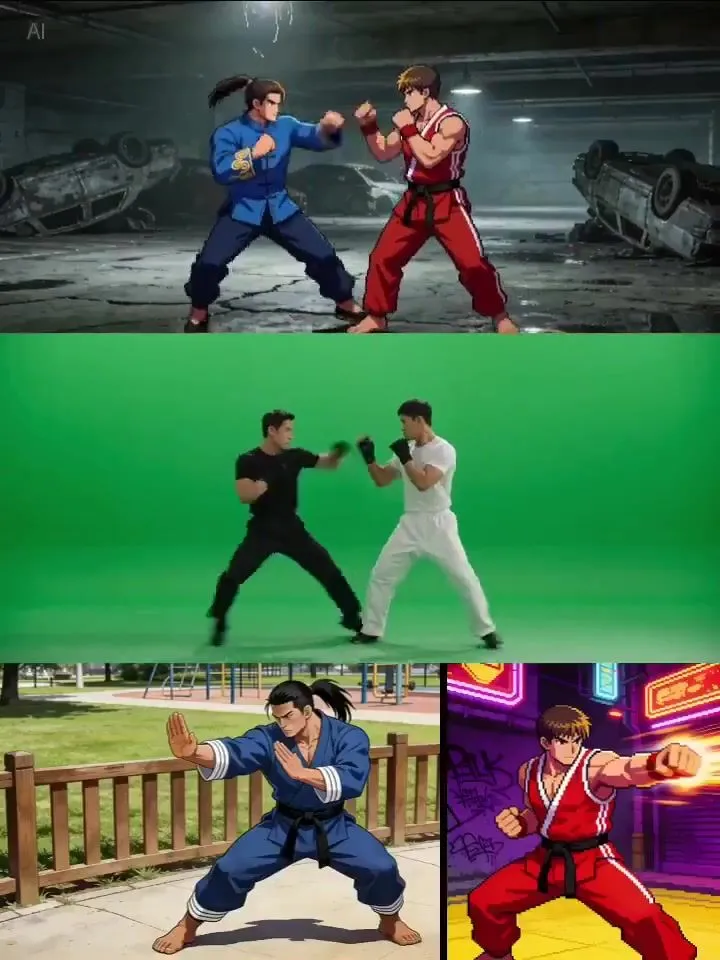
    • Character Fight with Reference Images and Video PromptVideo, 0:08
    • Generate a 100-inch MacBook image

    Show more

    Run it on your phone

    1. Prompt copiedRead it

      The iconic opening riff of the GTA: San Andreas theme plays in the background. We see Carl "CJ" Johnson from the back (wearing his iconic white tank top, blue jeans, and a gold chain) walking down an alley; the camera pulls back to reveal a modern, suburban, photorealistic home

    2. Open your app

    3. Paste and run

      Press and hold the message box, then tap Paste. Add your photo first if the prompt uses one. You may need to sign in.