Tell us anything

An idea, a bug, something you love. We read every note.

⌘↵ to send. The page you're on comes along.

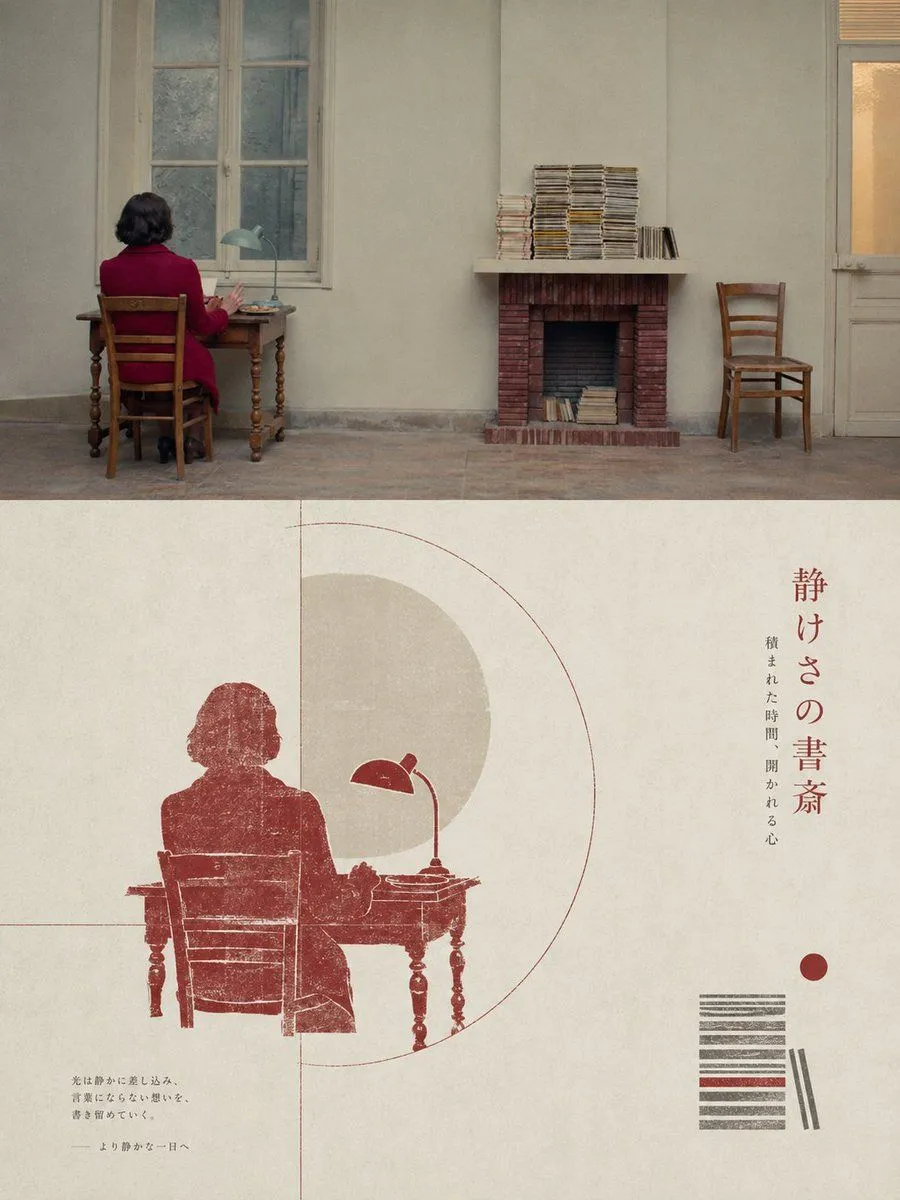
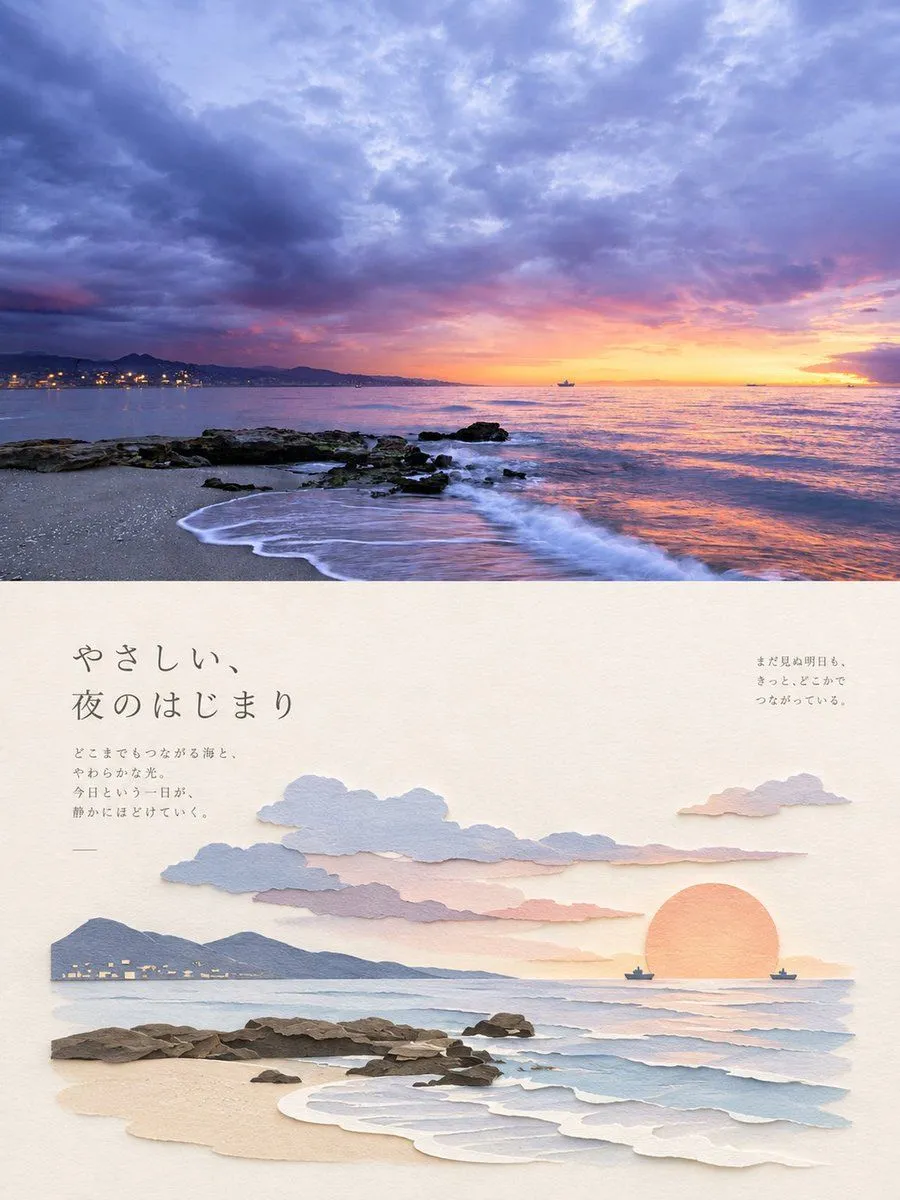
GPT Image 2 Origami Style Photo-to-Poster Prompt

Made with GPT Image 2 in ChatGPT, collected by Library Typography. Promptclay never generates images.

Did it work?

No reports yet. Tell others if it worked for you.

No comments yet. Be the first.

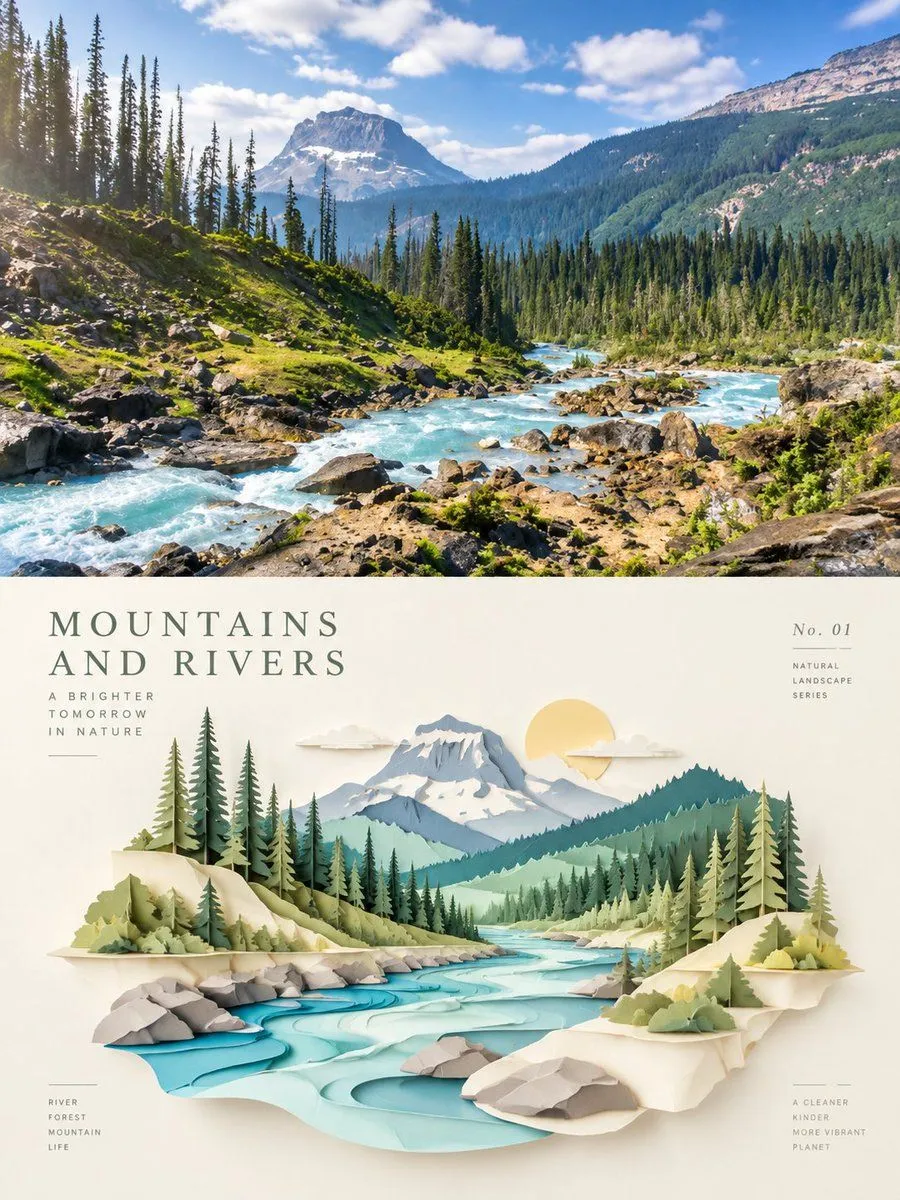
    GPT Image 2 Origami Style Photo-to-Poster Prompt

    GPT Image 23:4AI-generated

    Prompt

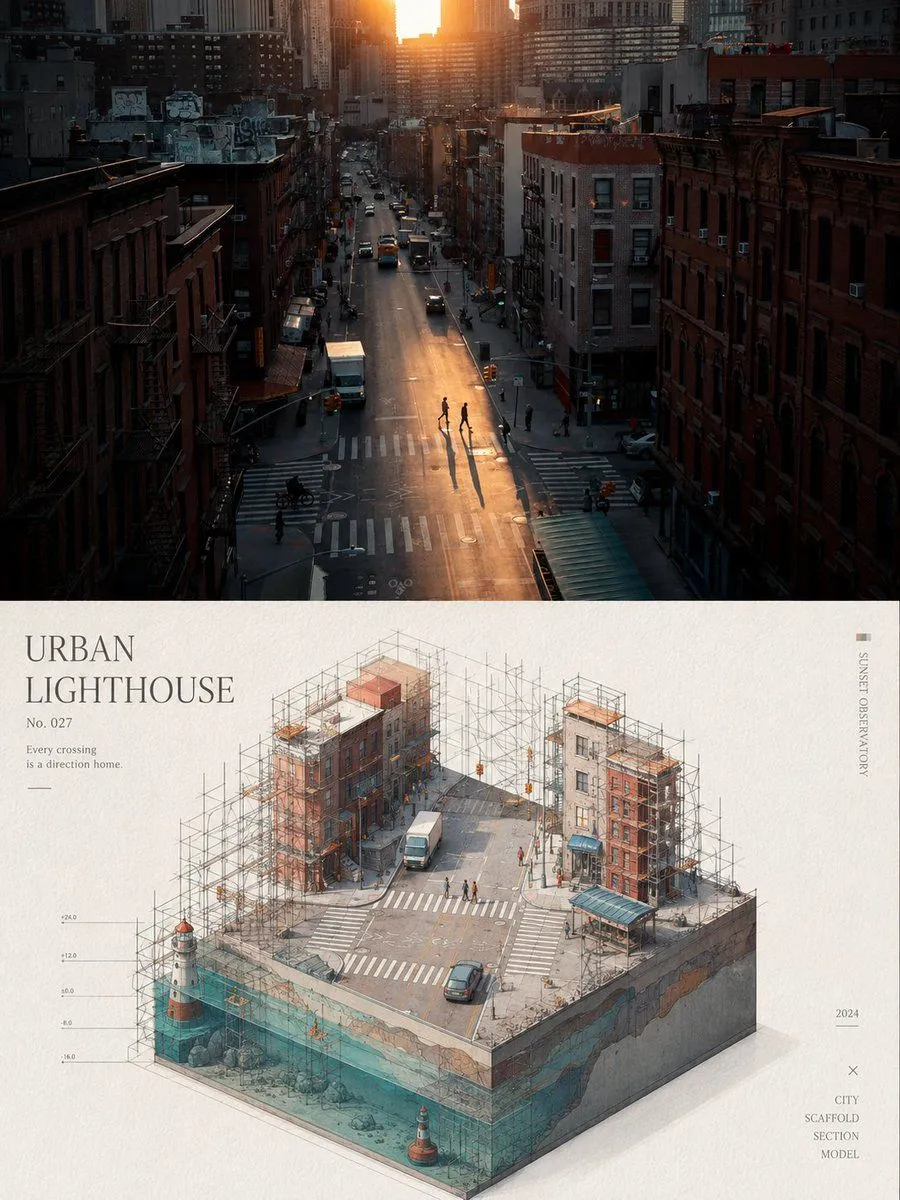
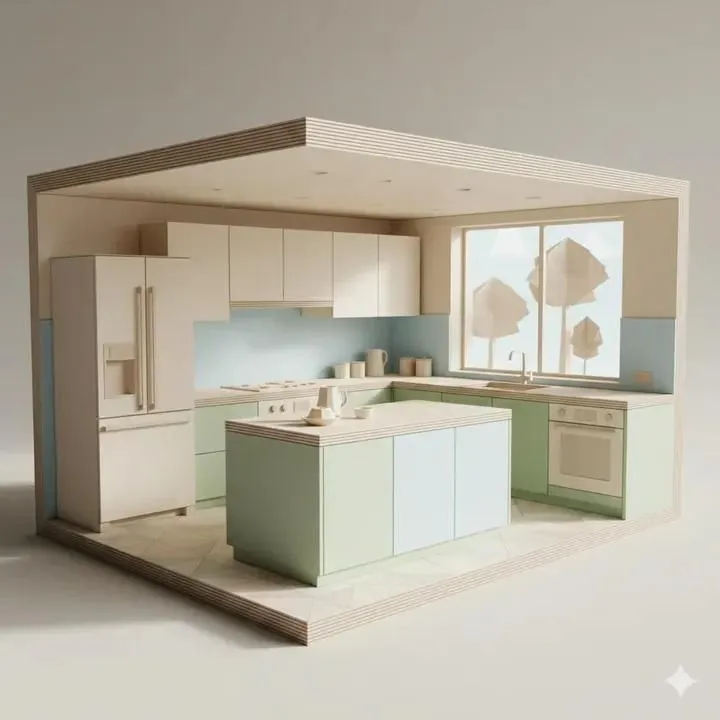
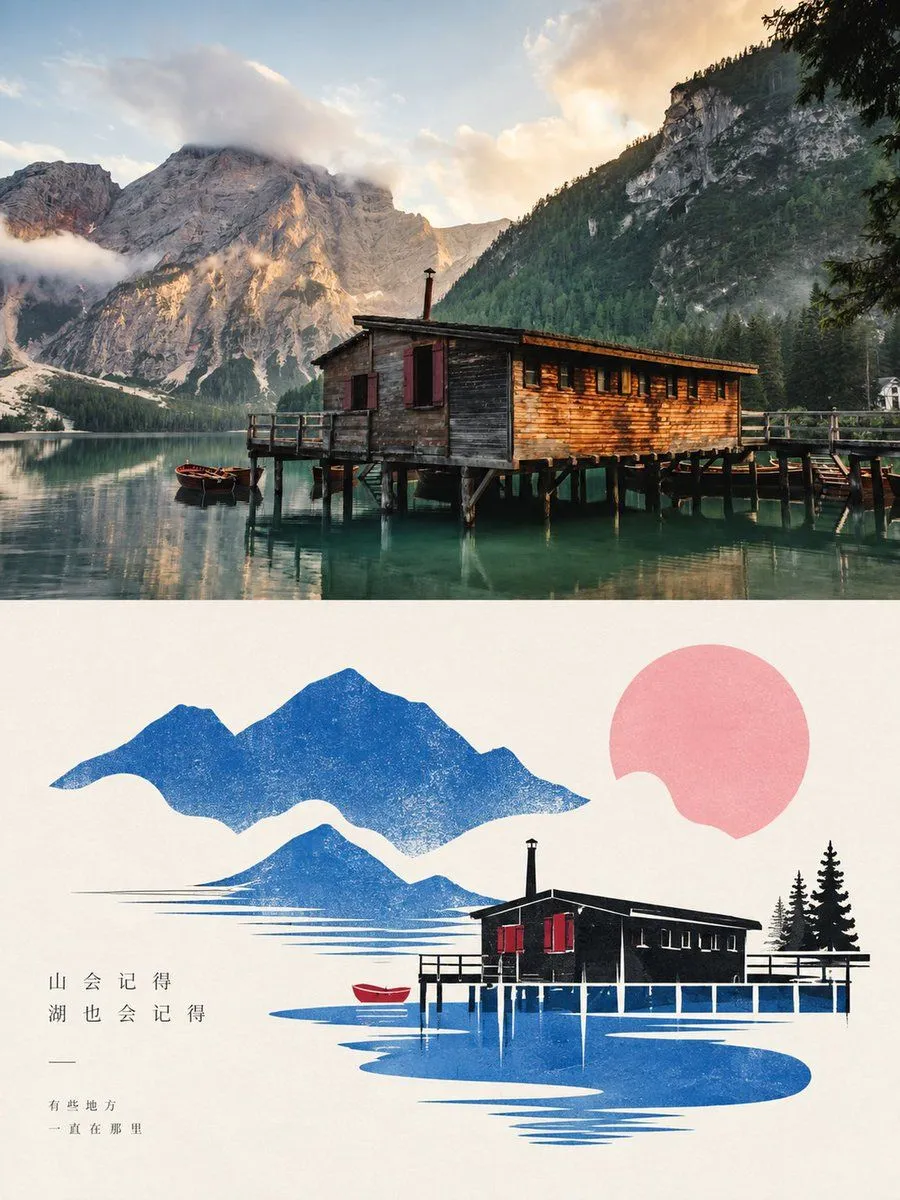
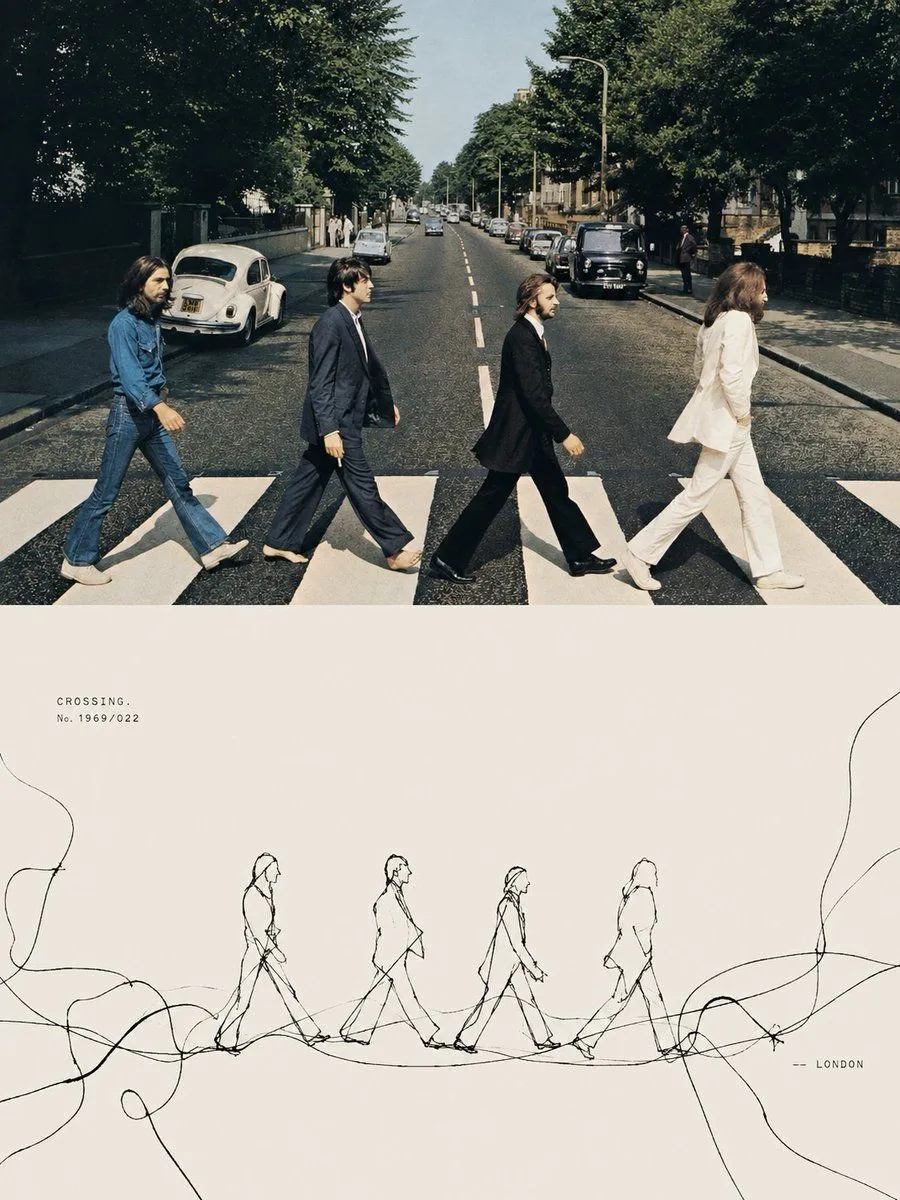
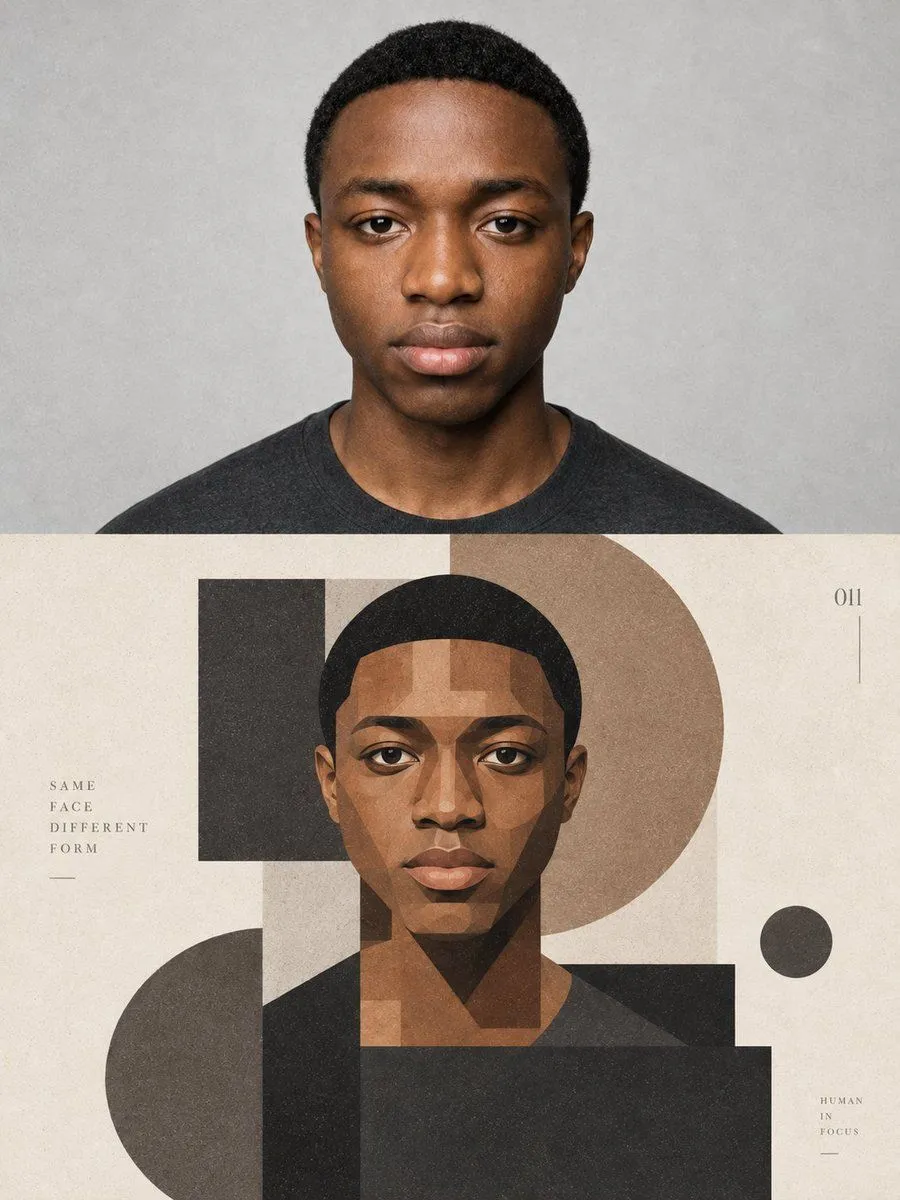
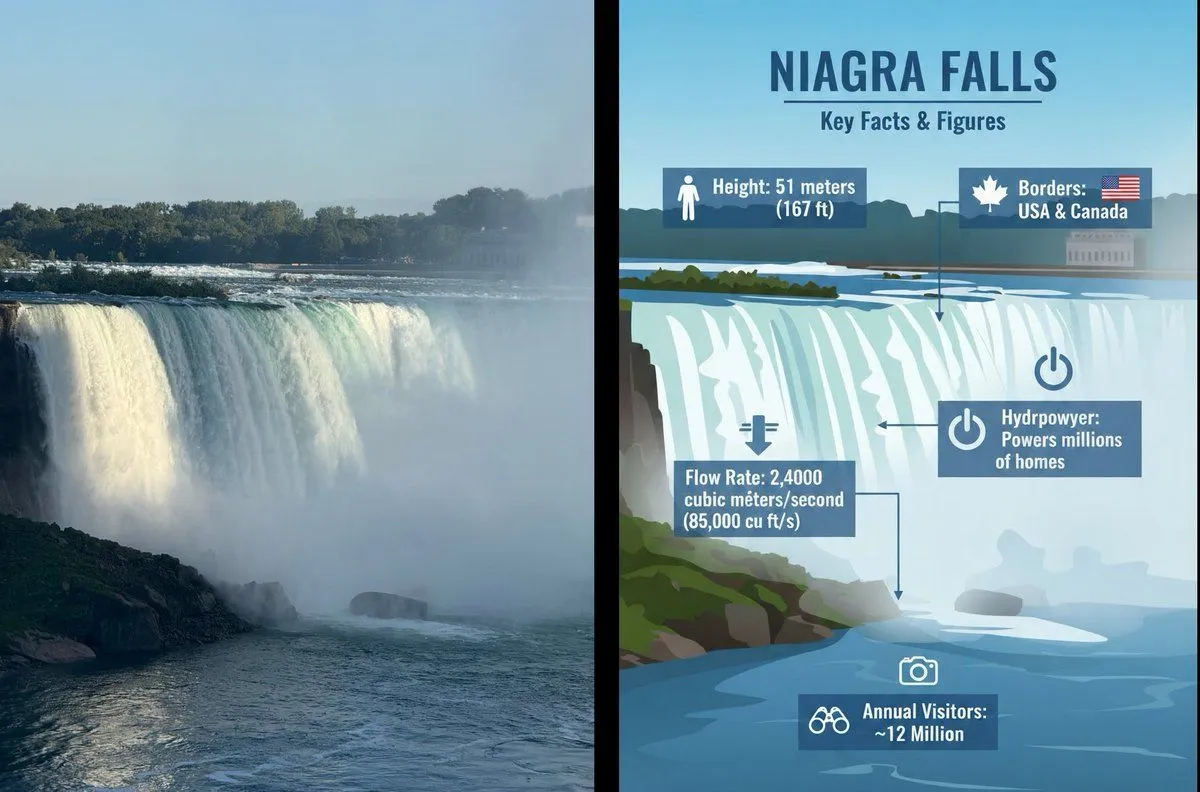
    Please transform each of my uploaded photos into a separate high-end minimalist design poster. Do not combine multiple images; output each photo individually. Use an overall 3:4 vertical composition. The upper and lower sections must have strictly equal heights (1:1 ratio), each occupying 50% of the canvas. Upper Section: Retain the original photo. Preserve the main subject's structure, realistic texture, natural lighting, and original color atmosphere. Apply only slight high-end color grading to give it an artistic photography and exhibition visual quality. To fit the aspect ratio, you may naturally extend the environmental background, but do not stretch, distort, or alter the subject. Lower Section: Extract the most recognizable contours, structures, spatial relationships, and narrative features of the subject from the photo. Reconstruct them into a miniature scene in the style of layered paper cut art / 3D papercraft diorama / architectural relief. Do not copy photo details; instead, retain the core visual symbols and re-express them through multi-layered paper pieces, cut contours, hollow structures, and spatial layering, making the subject look like a paper art installation in a modern design exhibition. Use concise structures, precise edges, multi-layered facets, and slight spatial shadows to establish depth. Do not aim for realistic 3D rendering; instead, present a lightweight texture combining paper, architectural models, and art installations. Keep the subject as a single visual center with large areas of negative space and a restrained, balanced composition. Color Palette: Extract the brightest, most vivid, and most lively colors from the upper photo to re-modulate the palette, rather than taking an average. Increase overall brightness and color purity. Use clear sky blues, lake teals, tender greens, warm yellows, coral oranges, peach pinks, and other bright hues derived naturally from the original image. Use ivory white and warm beige as the primary spatial backgrounds, creating a healing feeling through fresh cool-warm contrasts. Main colors should be vibrant but not glaring; use local touches of warm orange, gold, or pink as accent colors. Avoid gray/dirty tones, aged looks, low-saturation Morandi palettes, dark brown filters, fluorescent colors, or cheap candy-like feelings. Typography: Minimal text intervention. Freely generate short titles, numbers, or micro-annotations based on the subject, location, mood, or cultural meaning. Use delicate, restrained modern fonts with an architectural editorial feel, resembling information labels in art exhibition tags or high-end brand visuals, blending naturally with the negative space. Overall Style: Reference international design studios, architectural posters, art exhibition visuals, and high-end brand visual systems. Present paper sculpture spaces, modern Oriental aesthetics, transparent colors, large negative spaces, and a premium craft feel. Avoid realistic CG, plastic textures, childish handicraft looks, complex backgrounds, or templated effects.

    Works in
    ChatGPT, Gemini
    Status
    Free to copy
    0
    DetailsVersions, settings and questions

    Written for

    What's in the prompt

    Subject
    Model
    GPT Image 2

    If your face changes

    keep my face exactly the same

    Questions

    Does this work in the ChatGPT app?
    Yes. Paste the prompt and attach your photo if it uses one.
    It changed my face. What do I do?
    Add "keep my face exactly the same" to the end and run it again.
    Can I use the images I make?
    Check the terms of the app you use. Promptclay never generates images and claims nothing you make.
    Similar prompts

    See more
    • Minimalist Mountain Landscape Series
    • Japanese Paper-Cut Sunset Collage
    • Isometric Mini Architectural Landscape Poster
    • Origami Kitchen Cutaway
    • Dolomites Lake Photo to Minimalist Art
    • Game of Thrones Isometric Map Diorama
    • National Park Trail Map Miniature Ecosystem Diorama
    • 3D Miniature New York City Diorama
    • Topographic Map of Hangzhou
    • Tension Line Art Concept Poster
    • Geometric Split Poster Design
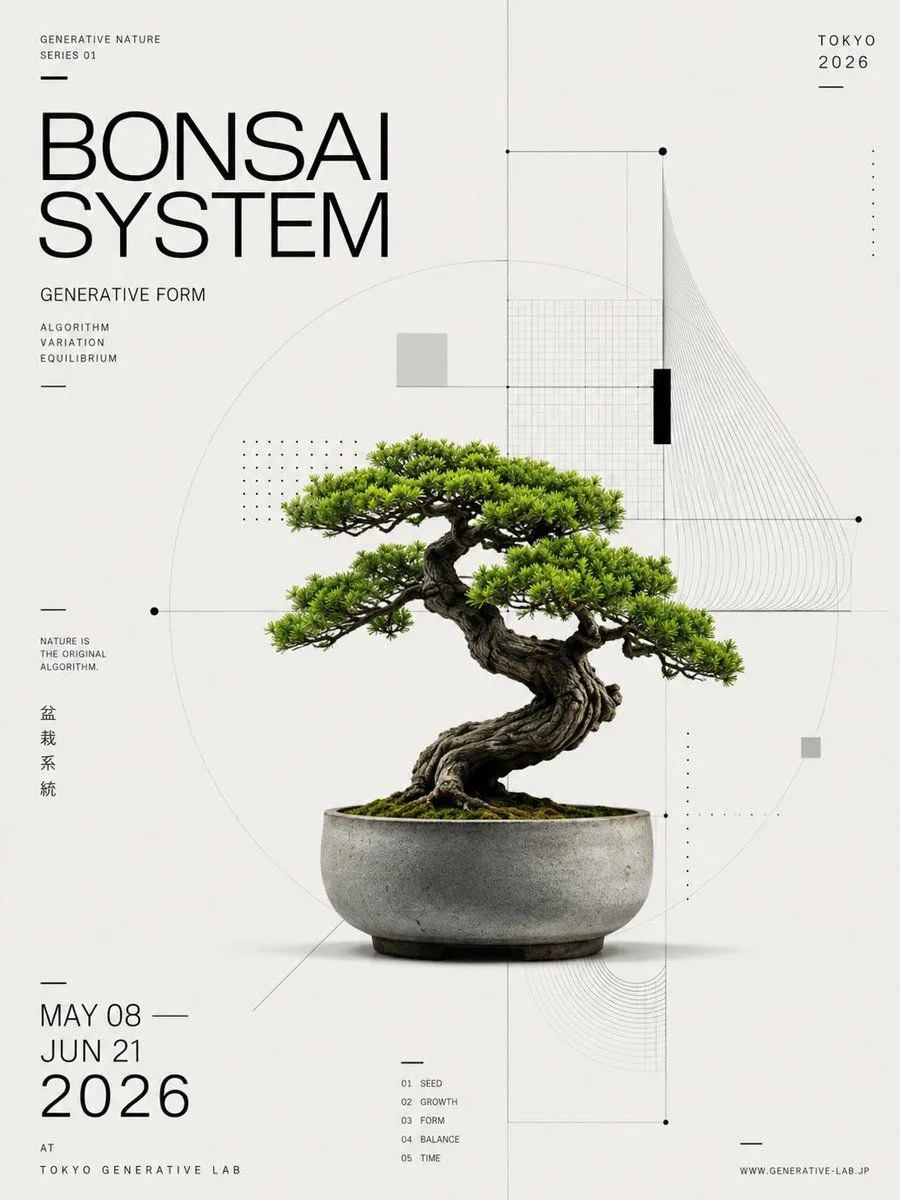
    • Generative Bonsai Exhibition Poster
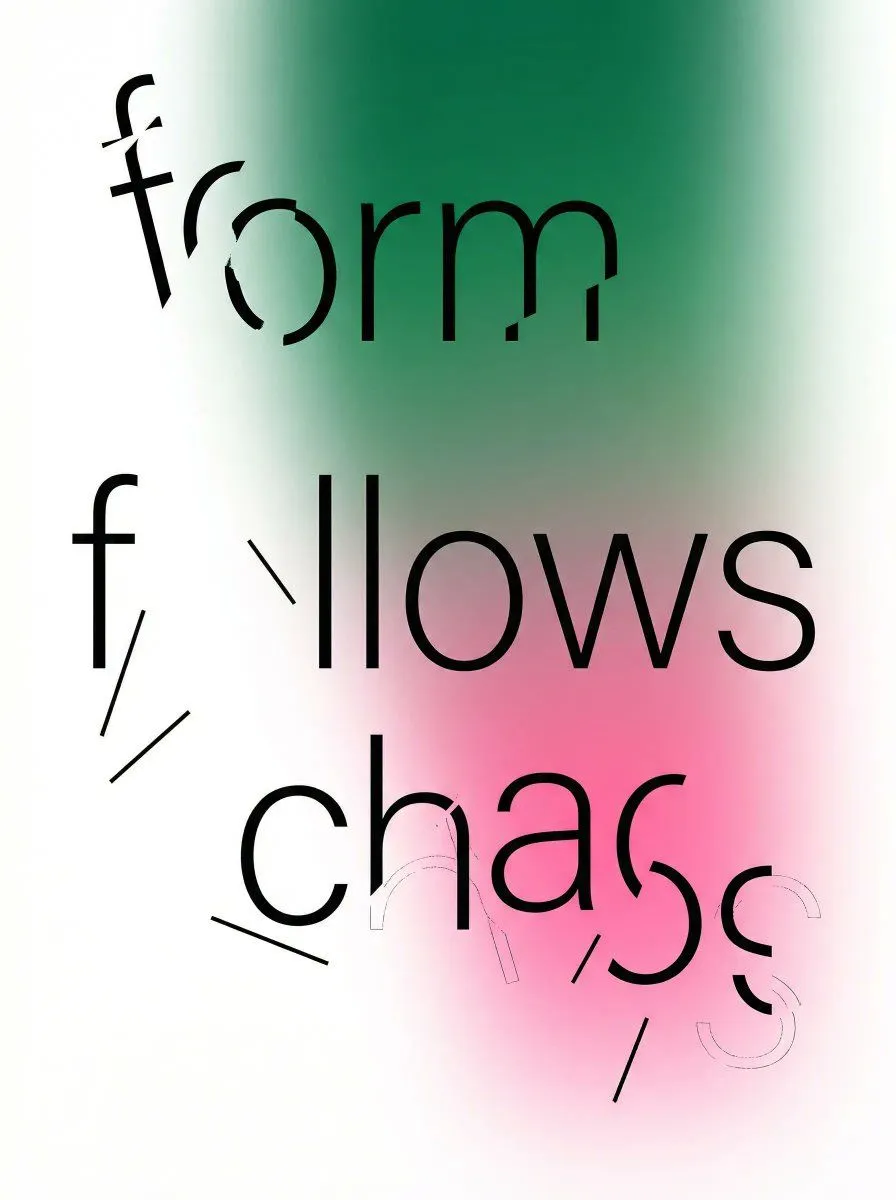
    • Fragmented Typography Poster Prompt (Minimalist Chaos)
    • Convert Graphic to Pencil Rough Design
    • Geometric Editorial Portrait Collage
    • Four Destination Tourism Poster Grid
    • Alpine Lake Editorial Travel Poster
    • Automated Infographic Creation from Photos
    • Naturalist Field Journal Ecosystem Scene
    • Cinematic Mountain Sunset
    • Retro Pixel Mountain Valley
    • Watercolor Forest Clearing with Stream
    • Dreamlike Snow Country Scene
    • Four-Model Earbud Product Comparison

    Show more

    Run it on your phone

    1. Prompt copiedRead it

      Please transform each of my uploaded photos into a separate high-end minimalist design poster. Do not combine multiple images; output each photo individually. Use an overall 3:4 vertical composition. The upper and lower sections must have strictly equal heights (1:1 ratio), each occupying 50% of the canvas. Upper Section: Retain the original photo. Preserve the main subject's structure, realistic texture, natural lighting, and original color atmosphere. Apply only slight high-end color grading to give it an artistic photography and exhibition visual quality. To fit the aspect ratio, you may naturally extend the environmental background, but do not stretch, distort, or alter the subject. Lower Section: Extract the most recognizable contours, structures, spatial relationships, and narrative features of the subject from the photo. Reconstruct them into a miniature scene in the style of layered paper cut art / 3D papercraft diorama / architectural relief. Do not copy photo details; instead, retain the core visual symbols and re-express them through multi-layered paper pieces, cut contours, hollow structures, and spatial layering, making the subject look like a paper art installation in a modern design exhibition. Use concise structures, precise edges, multi-layered facets, and slight spatial shadows to establish depth. Do not aim for realistic 3D rendering; instead, present a lightweight texture combining paper, architectural models, and art installations. Keep the subject as a single visual center with large areas of negative space and a restrained, balanced composition. Color Palette: Extract the brightest, most vivid, and most lively colors from the upper photo to re-modulate the palette, rather than taking an average. Increase overall brightness and color purity. Use clear sky blues, lake teals, tender greens, warm yellows, coral oranges, peach pinks, and other bright hues derived naturally from the original image. Use ivory white and warm beige as the primary spatial backgrounds, creating a healing feeling through fresh cool-warm contrasts. Main colors should be vibrant but not glaring; use local touches of warm orange, gold, or pink as accent colors. Avoid gray/dirty tones, aged looks, low-saturation Morandi palettes, dark brown filters, fluorescent colors, or cheap candy-like feelings. Typography: Minimal text intervention. Freely generate short titles, numbers, or micro-annotations based on the subject, location, mood, or cultural meaning. Use delicate, restrained modern fonts with an architectural editorial feel, resembling information labels in art exhibition tags or high-end brand visuals, blending naturally with the negative space. Overall Style: Reference international design studios, architectural posters, art exhibition visuals, and high-end brand visual systems. Present paper sculpture spaces, modern Oriental aesthetics, transparent colors, large negative spaces, and a premium craft feel. Avoid realistic CG, plastic textures, childish handicraft looks, complex backgrounds, or templated effects.

    2. Open your app

      This prompt is long, so it is copied instead of sent in the link. Paste it in the app.

    3. Paste and run

      Press and hold the message box, then tap Paste. Add your photo first if the prompt uses one. You may need to sign in.

    GPT Image 2 Origami Style Photo-to-Poster Prompt