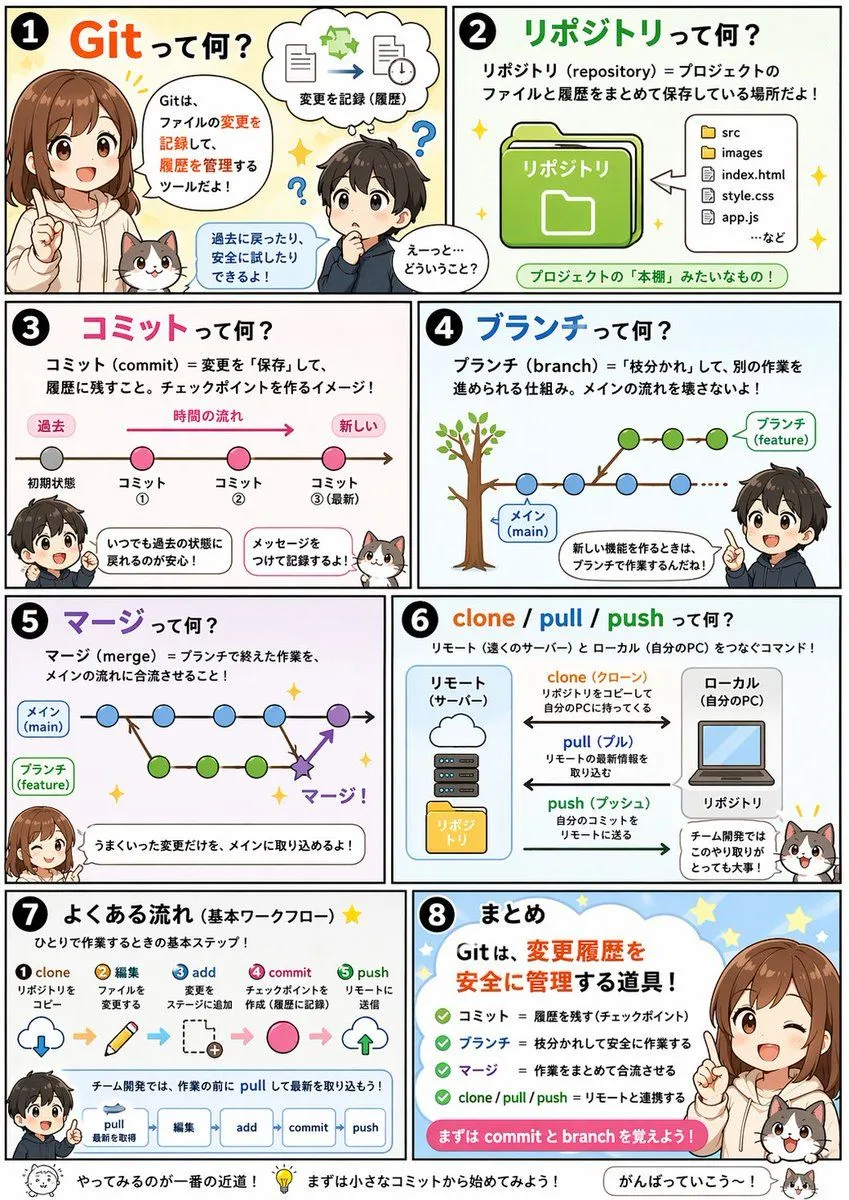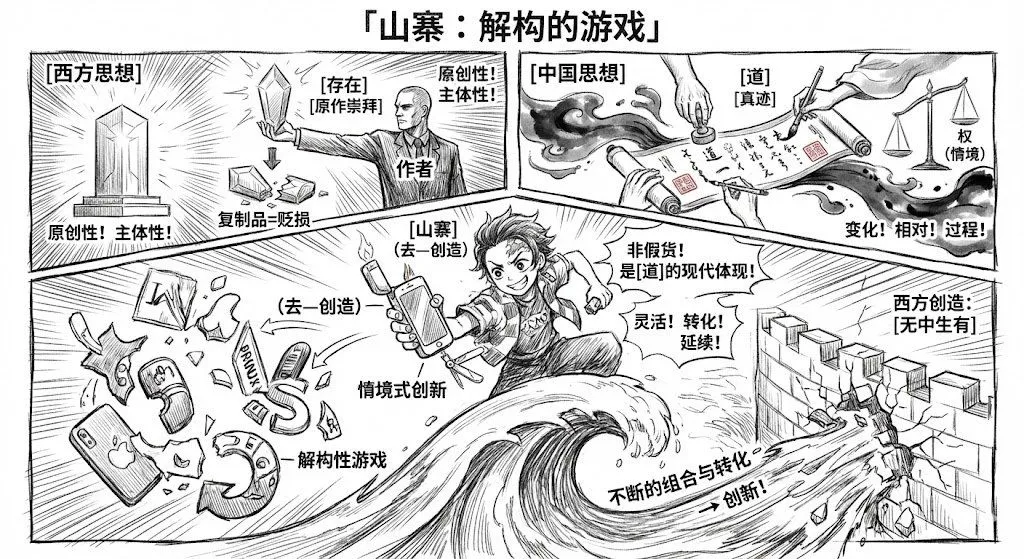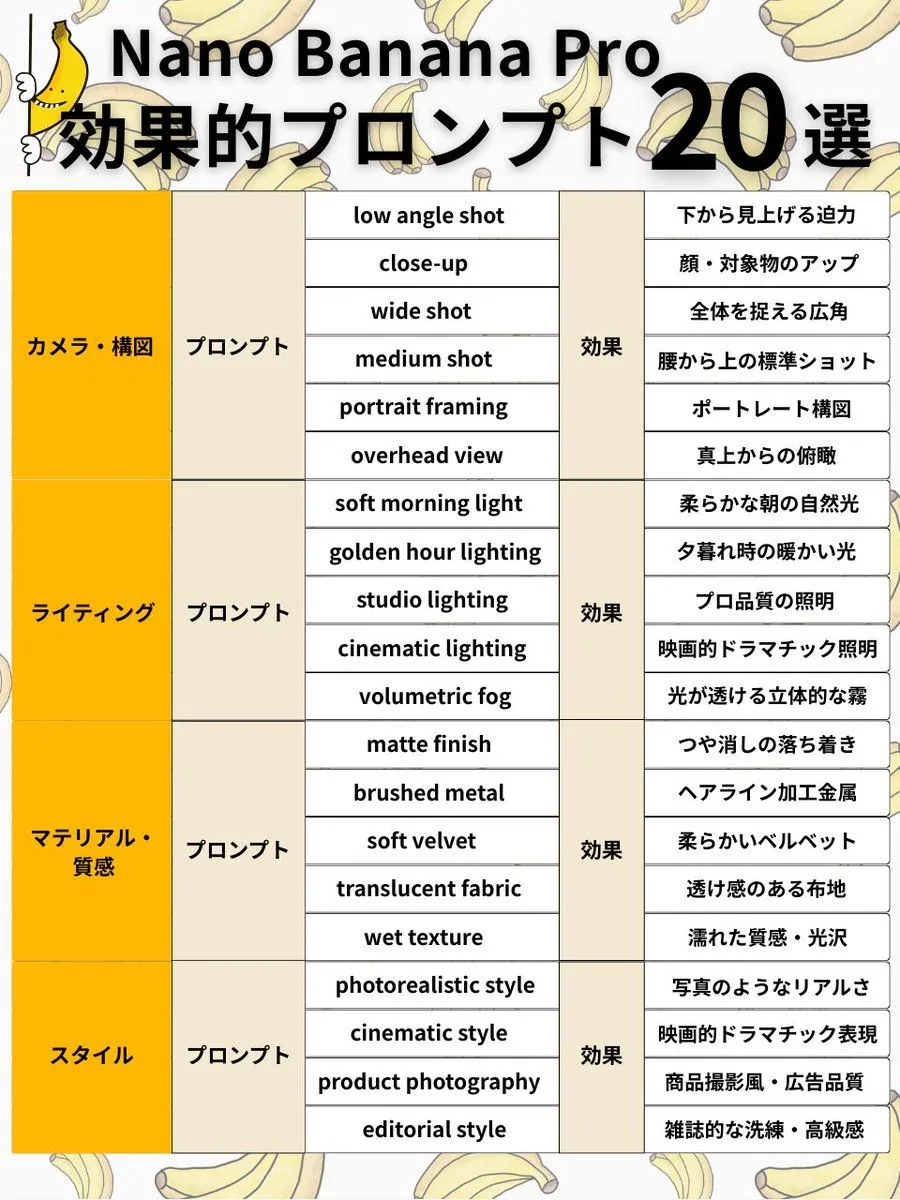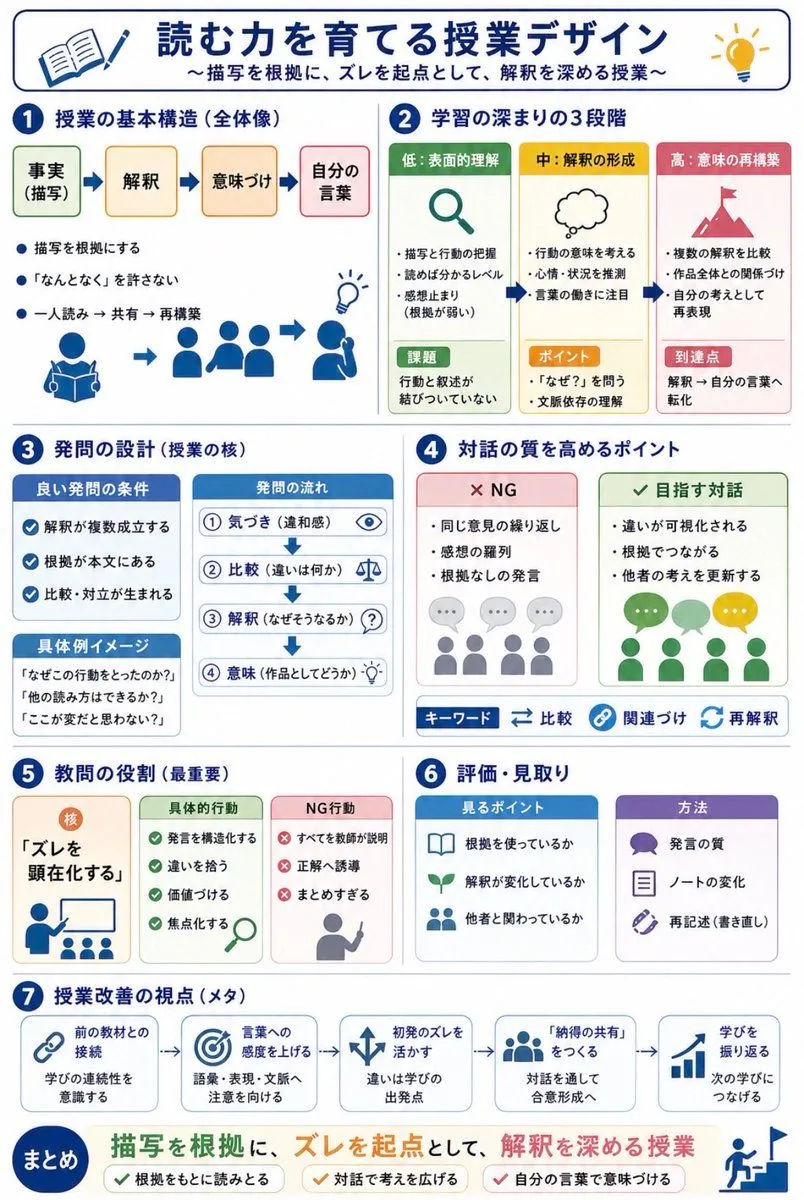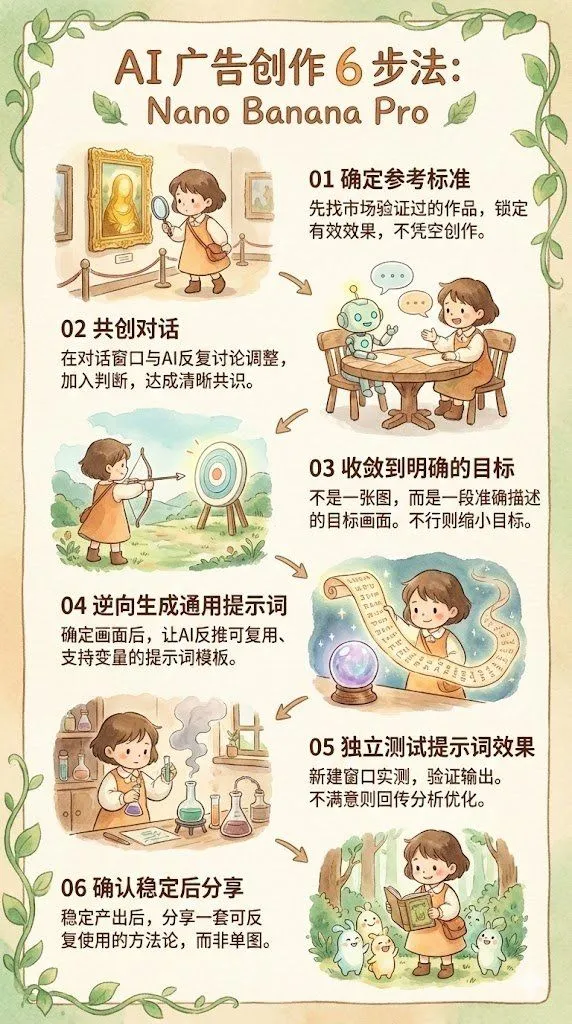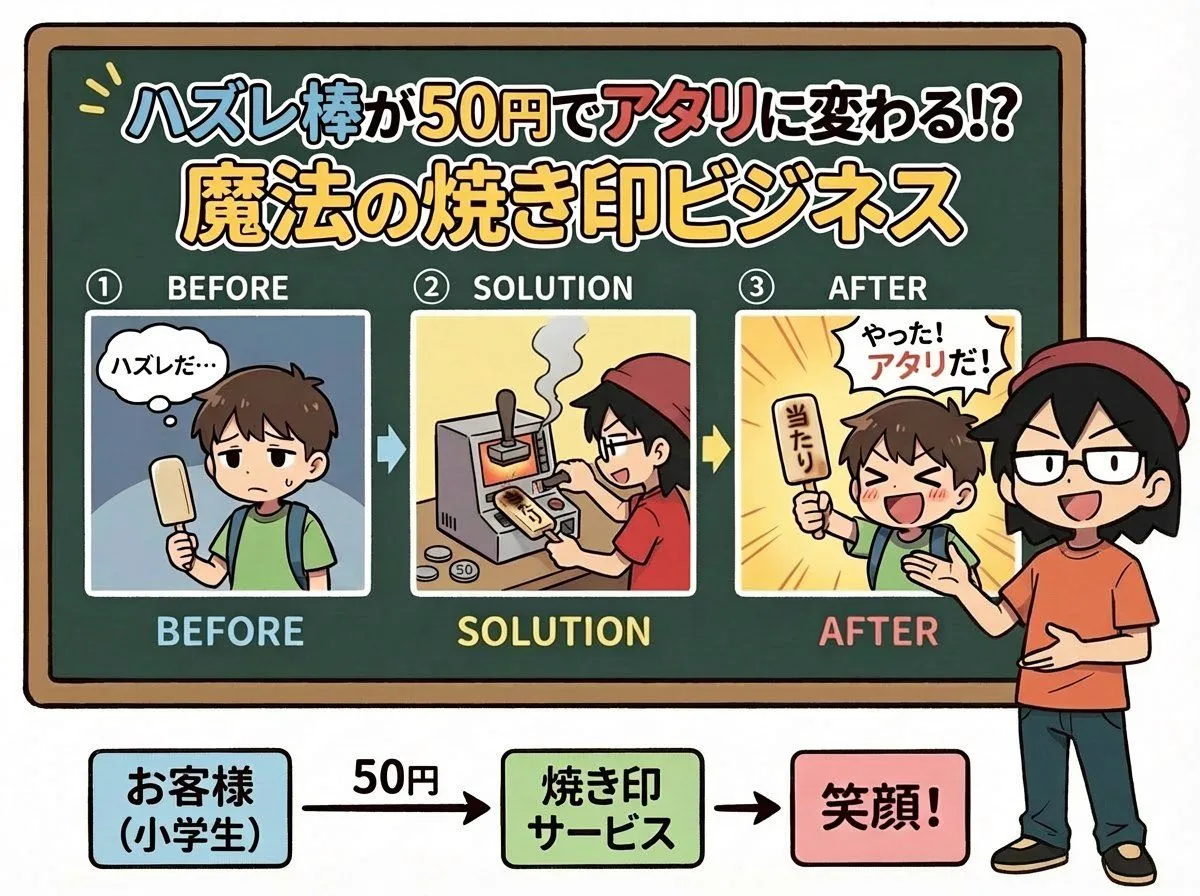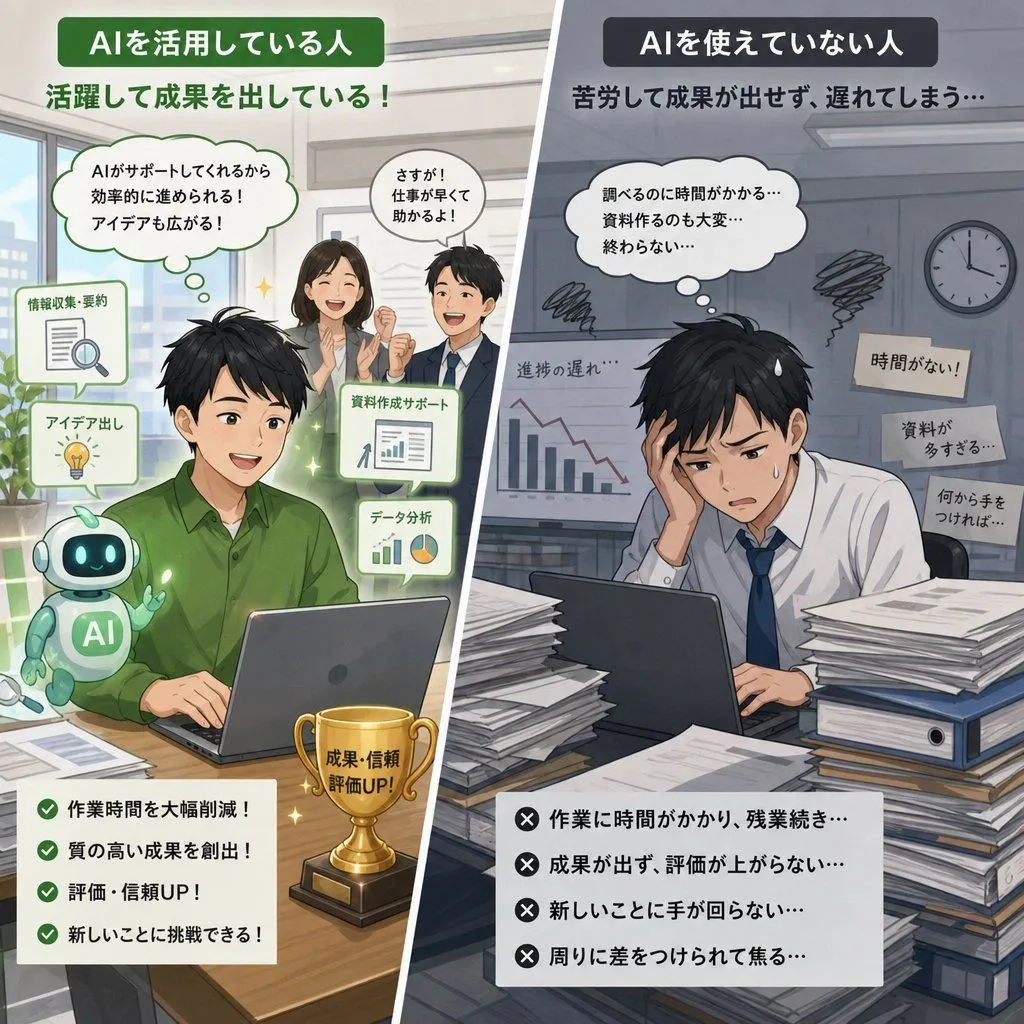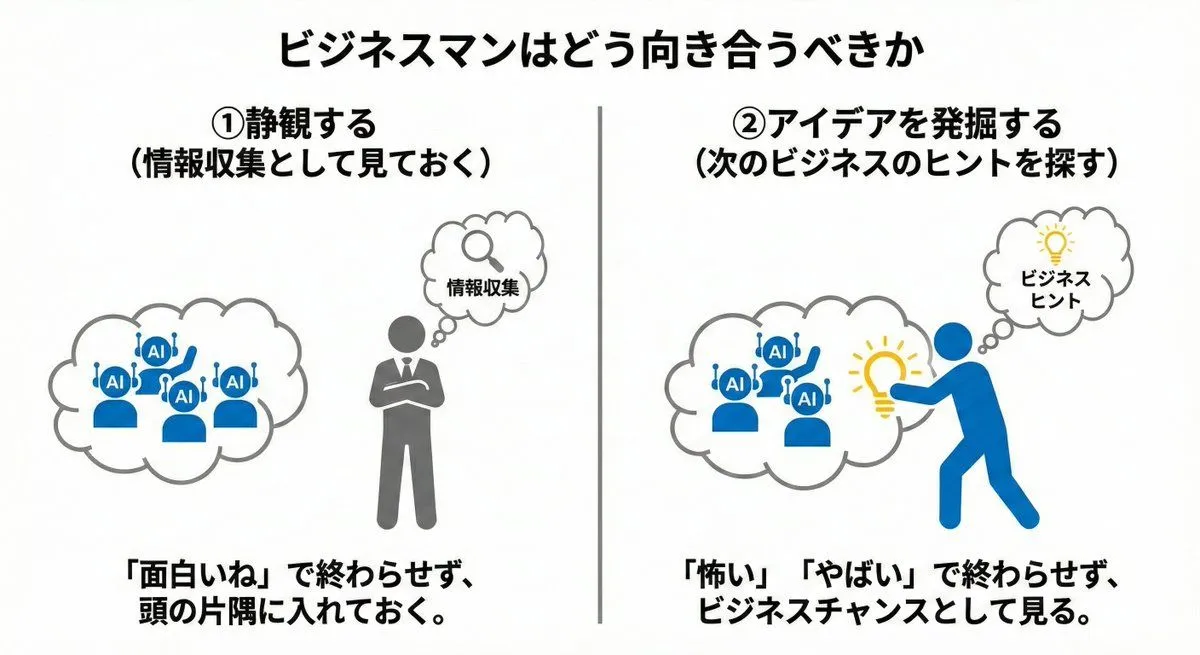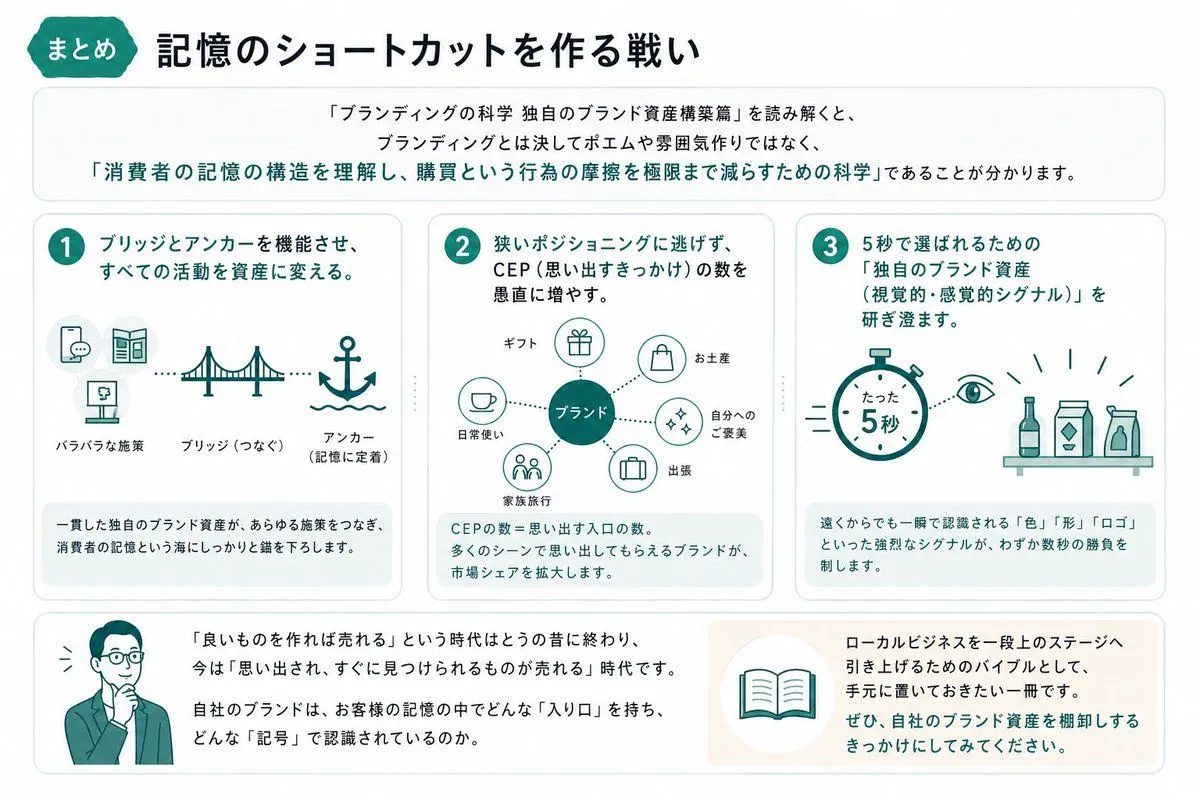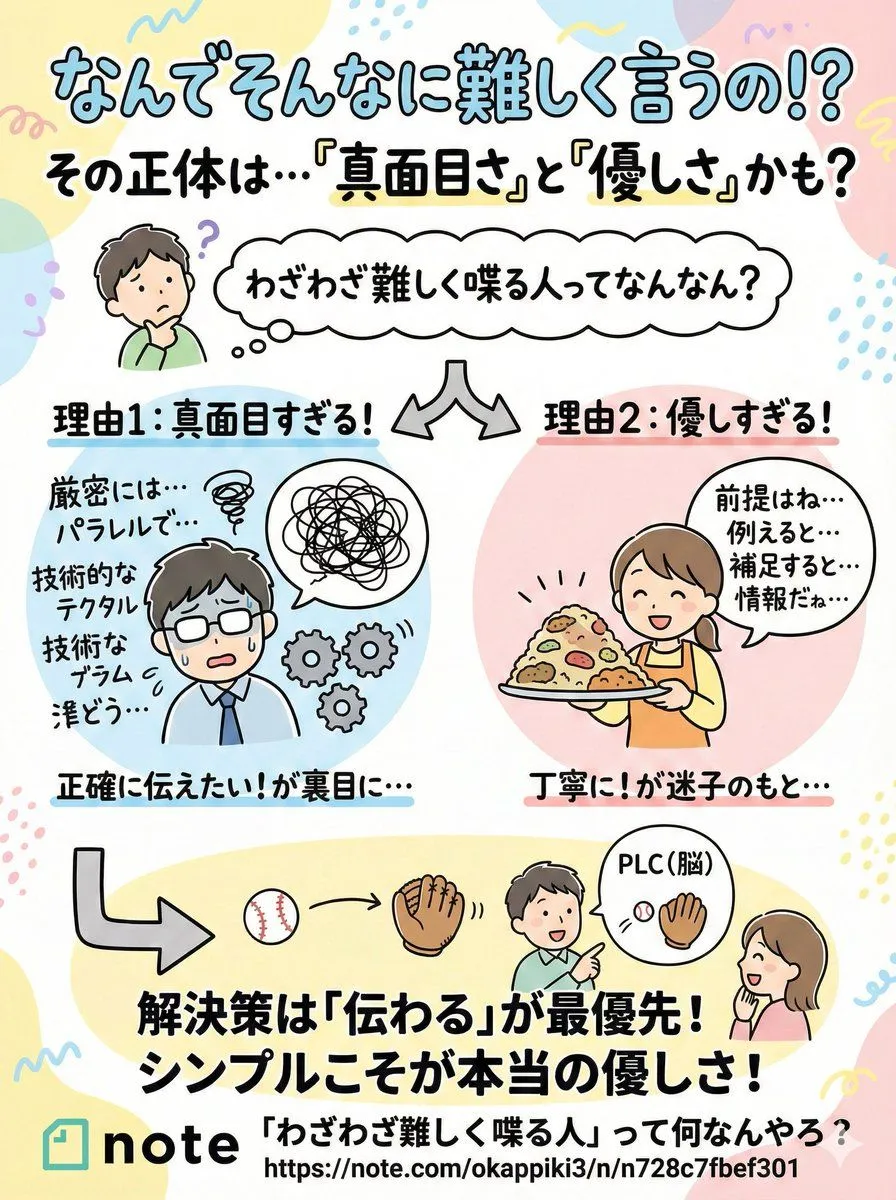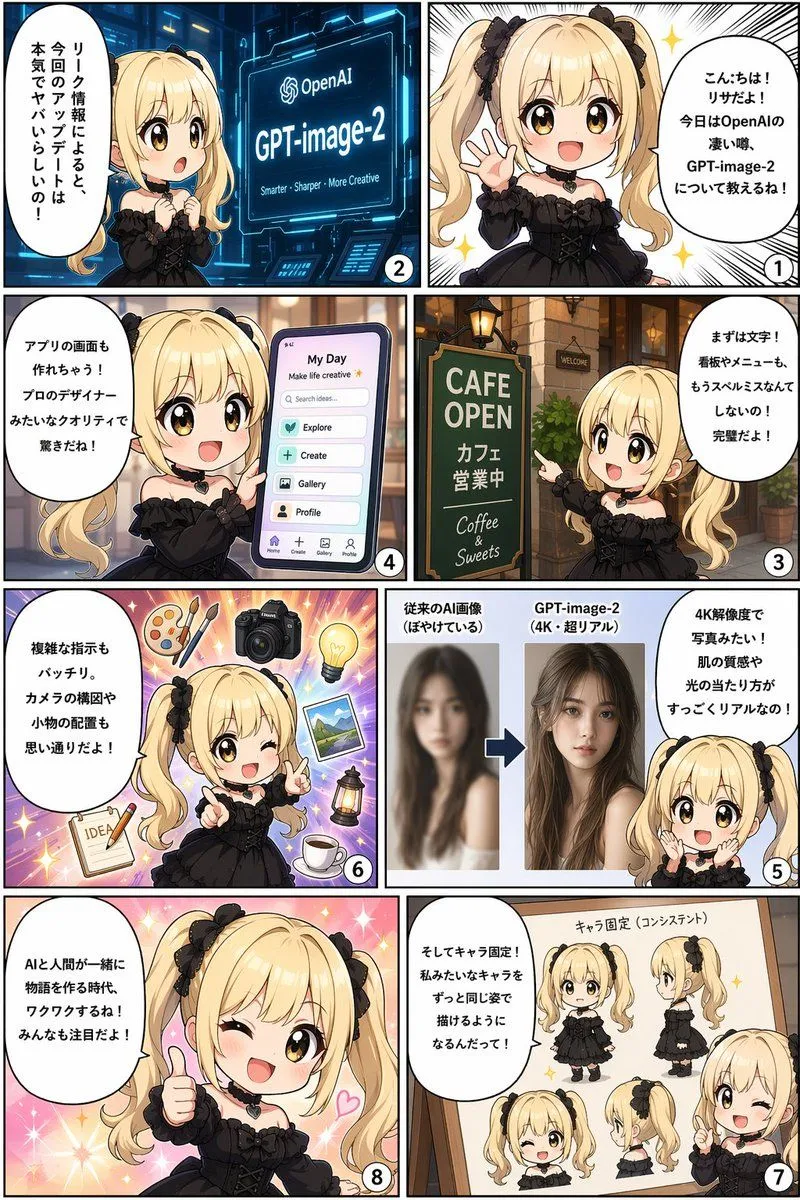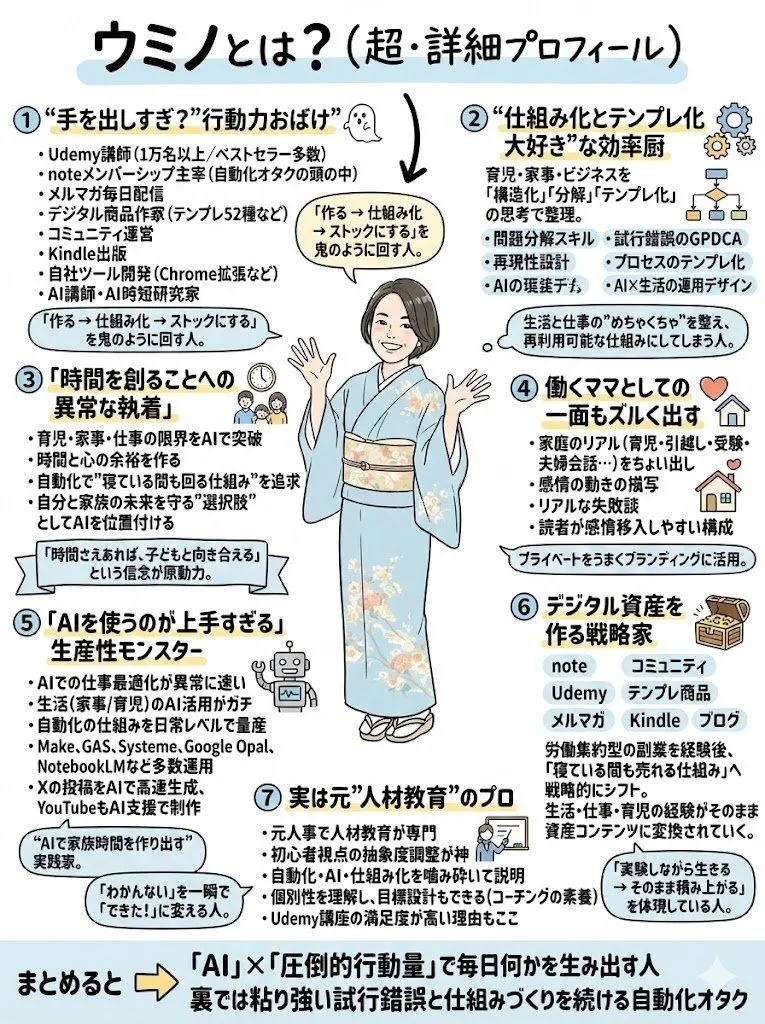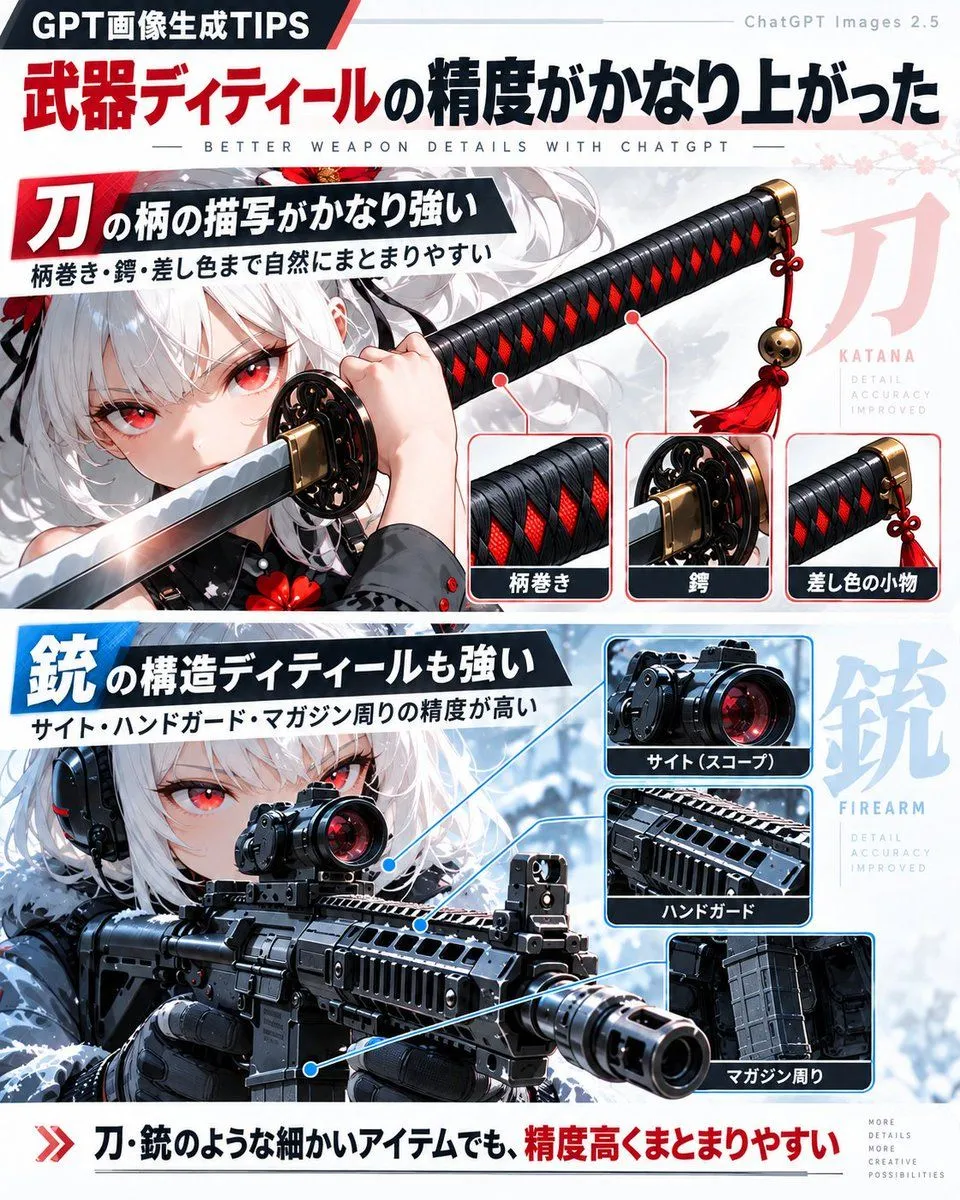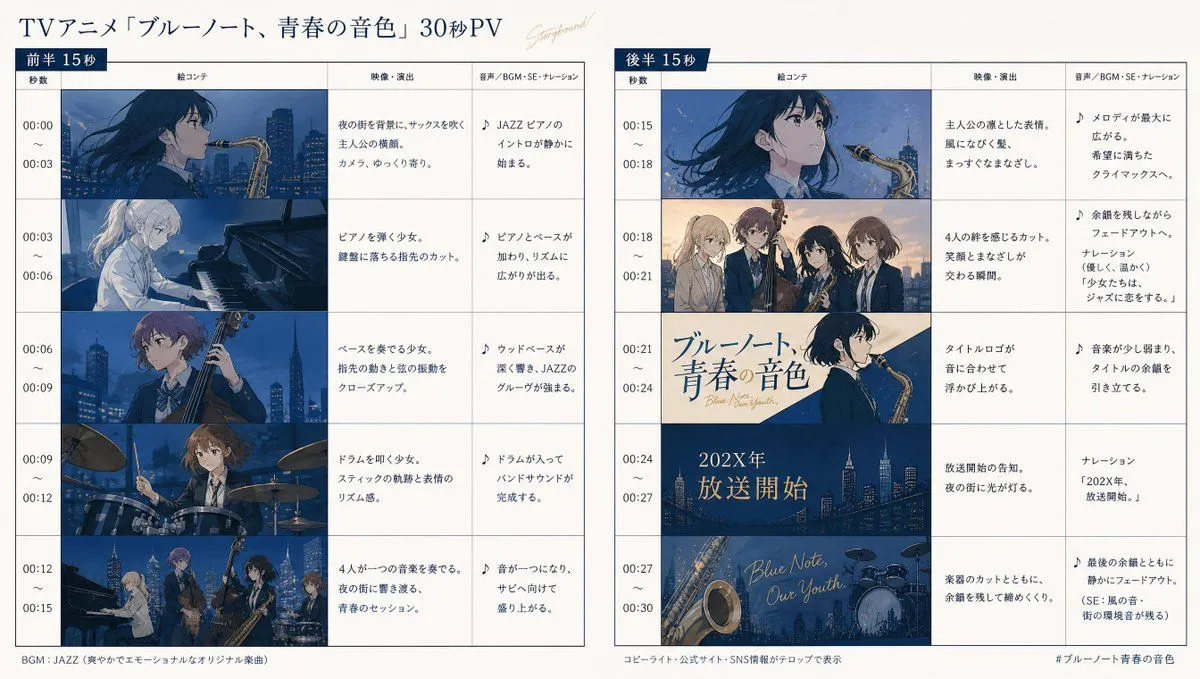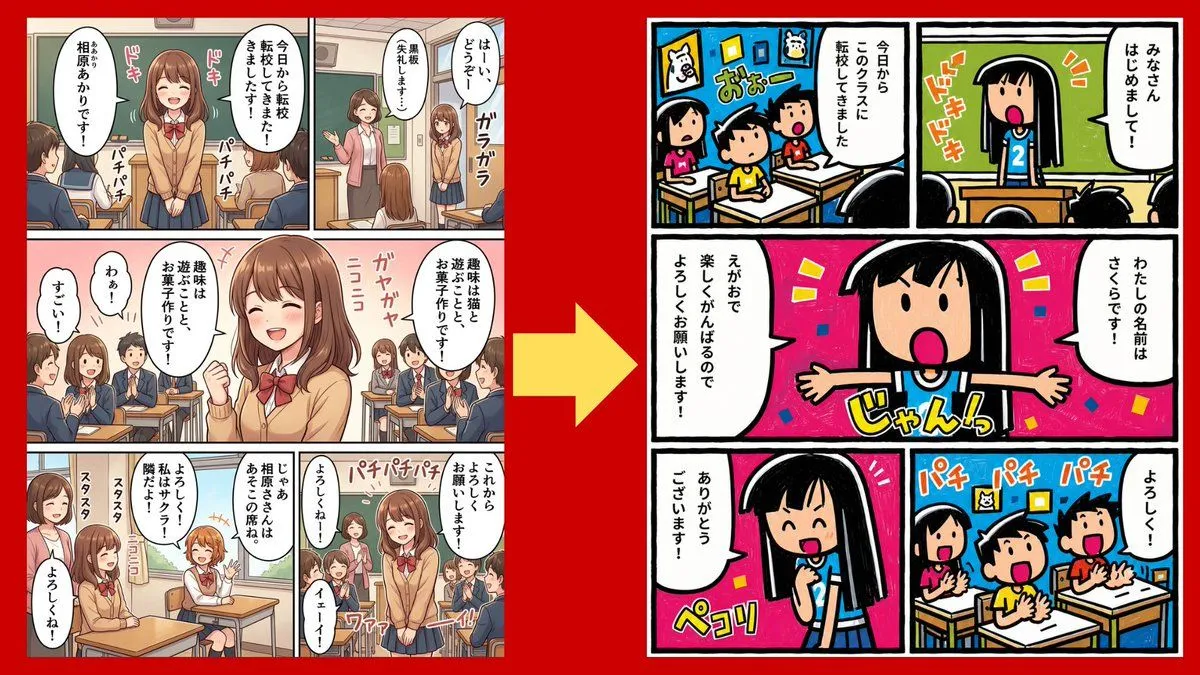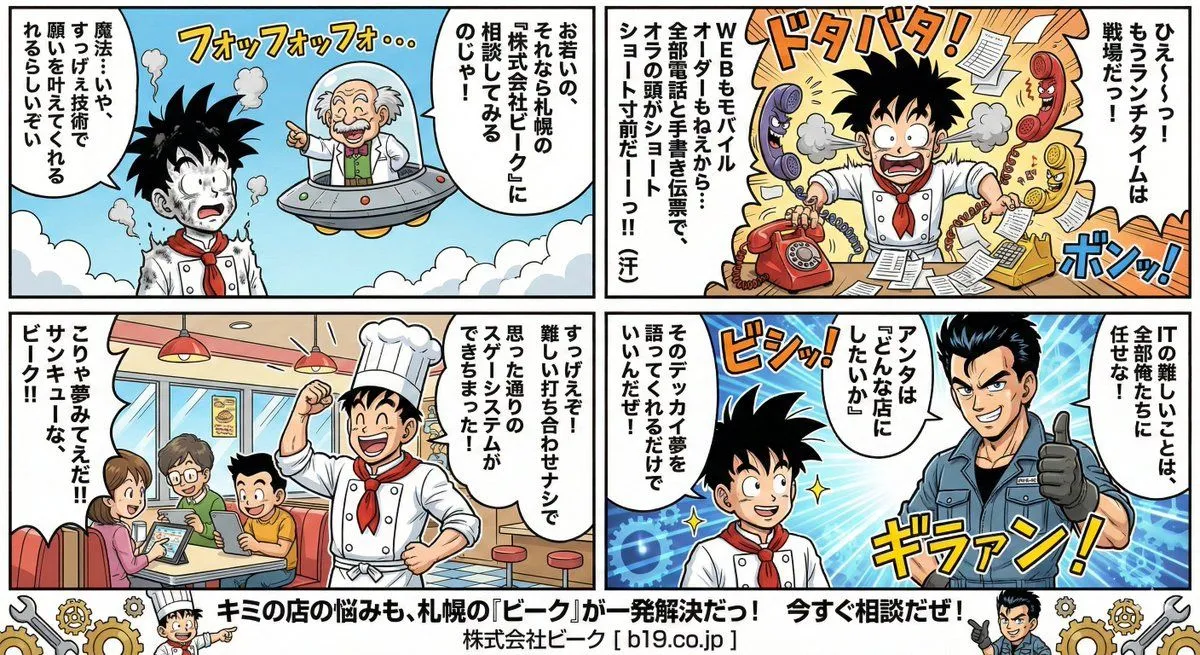
Made with GPT Image 2 in ChatGPT by Library Explainers. Promptclay never generates images.
GPT Image 2 Manga Planning Infographic
Prompt
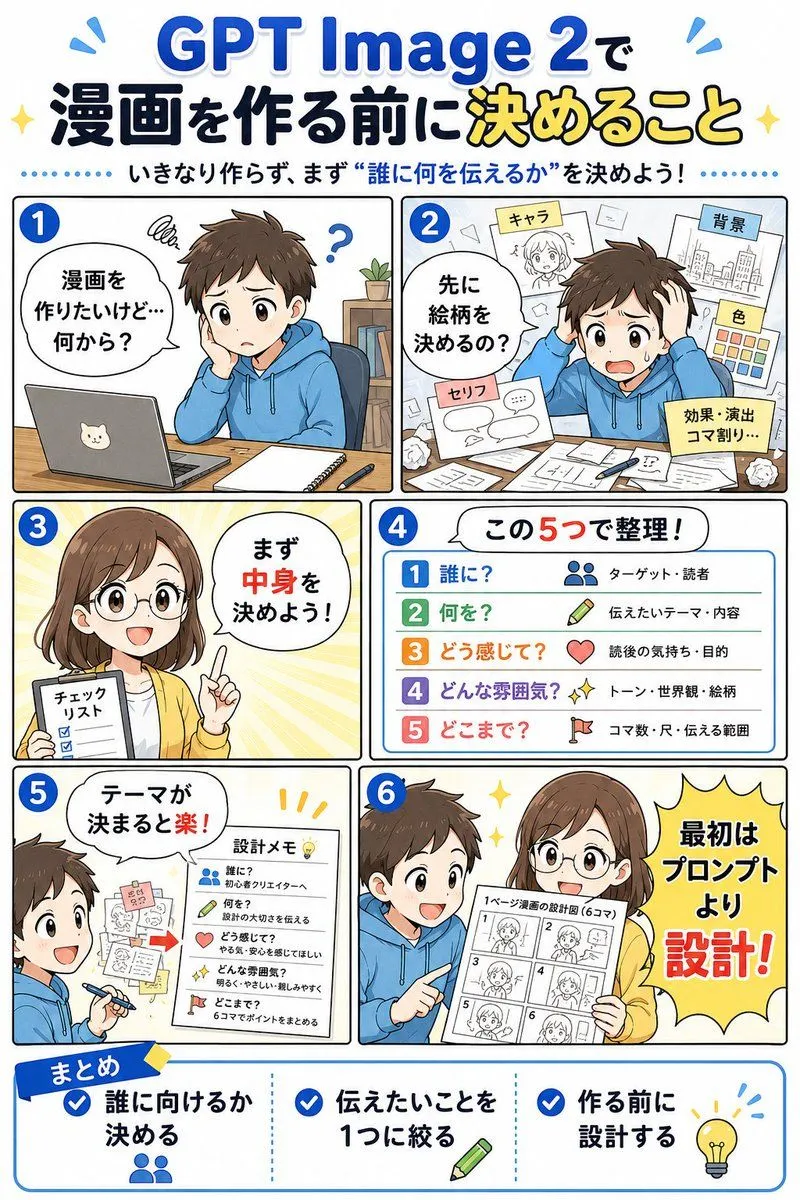
1 blank to fillGoal: Create a vertical Japanese manga-style educational infographic about planning a comic before making it with {tool_name}. The main headline should read 「GPT Image 2で 漫画を作る前に決めること」 with 「決めること」 emphasized in yellow, and the subtitle should read 「いきなり作らず、まず“誰に何を伝えるか”を決めよう!」. Canvas: Portrait 2:3 infographic, clean white background, bright blue accent color, thick rounded comic-panel borders, cheerful instructional tone, polished digital anime illustration. Use large readable Japanese typography with blue, black, yellow, and red emphasis. Add small sparkle and motion-line decorations near the title. Layout: Arrange exactly 6 numbered manga panels in a 2-column grid, numbered with blue circles 1 through 6 in the upper-left corner of each panel, followed by one wide bottom summary box. Panel 1: A young male student in a blue hoodie sits at a wooden desk with a laptop that has a cat sticker, a notebook, and a pen. He looks confused with a scribble above his head and a question mark. Add a speech bubble: 「漫画を作りたいけど…何から?」. His face is covered by a soft beige rectangular blur. Panel 2: The same boy worries at a cluttered desk covered with papers. Around him float exactly 5 planning sheets or sticky notes labeled: 「キャラ」, 「背景」, 「色」, 「セリフ」, and 「効果・演出 コマ割り…」. Add a speech bubble: 「先に絵柄を決めるの?」. Panel 3: A young female teacher/advisor in a yellow cardigan holds a checklist and raises one finger, standing against a warm yellow radial burst background. Her face is covered by a soft beige rectangular blur. Add a speech bubble: 「まず中身を決めよう!」. The checklist title reads 「チェックリスト」 and shows three checked boxes. Panel 4: A clean list card titled 「この5つで整理!」. Show exactly 5 colored rows with matching icons and labels: 1 「誰に?」 with a people icon and note 「ターゲット・読者」; 2 「何を?」 with a pencil icon and note 「伝えたいテーマ・内容」; 3 「どう感じて?」 with a heart icon and note 「読後の気持ち・目的」; 4 「どんな雰囲気?」 with sparkles icon and note 「トーン・世界観・絵柄」; 5 「どこまで?」 with a flag icon and note 「コマ数・尺・伝える範囲」. Panel 5: The boy is now smiling and writing, with sketches and sticky notes on the wall. Add a speech bubble: 「テーマが決まると楽!」. Include a paper titled 「設計メモ」 with exactly 5 checklist items corresponding to the same five questions: 「誰に?」, 「何を?」, 「どう感じて?」, 「どんな雰囲気?」, 「どこまで?」. Panel 6: The boy in the blue hoodie and the female advisor in the yellow cardigan stand together happily. The boy's face is covered by a soft beige rectangular blur. The advisor holds a storyboard sheet labeled 「1ページ漫画の設計図(6コマ)」 containing exactly 6 small storyboard thumbnails numbered 1 to 6. On the right, place a large yellow starburst speech shape reading 「最初はプロンプトより設計!」 with 「設計!」 in large red letters. Bottom summary box: A wide rounded rectangle with a blue ribbon label 「まとめ」. Divide it into exactly 3 columns with blue check icons. Column 1 text: 「誰に向けるか決める」 with a people icon. Column 2 text: 「伝えたいことを1つに絞る」 with a pencil icon. Column 3 text: 「作る前に設計する」 with a lightbulb icon. Visual style: Friendly Japanese educational manga infographic, crisp line art, soft shadows, expressive anime characters, simple school/desk props, blue and yellow highlight palette, high legibility, balanced spacing, no photorealism. Constraints: Use exactly 6 main panels, exactly 5 planning questions in the list, exactly 3 bottom summary points, and keep all visible text in Japanese as specified. Do not add extra panels, extra checklist rows, watermarks, logos, or unrelated text.
Preview of your prompt
Goal: Create a vertical Japanese manga-style educational infographic about planning a comic before making it with GPT Image 2. The main headline should read 「GPT Image 2で 漫画を作る前に決めること」 with 「決めること」 emphasized in yellow, and the subtitle should read 「いきなり作らず、まず“誰に何を伝えるか”を決めよう!」. Canvas: Portrait 2:3 infographic, clean white background, bright blue accent color, thick rounded comic-panel borders, cheerful instructional tone, polished digital anime illustration. Use large readable Japanese typography with blue, black, yellow, and red emphasis. Add small sparkle and motion-line decorations near the title. Layout: Arrange exactly 6 numbered manga panels in a 2-column grid, numbered with blue circles 1 through 6 in the upper-left corner of each panel, followed by one wide bottom summary box. Panel 1: A young male student in a blue hoodie sits at a wooden desk with a laptop that has a cat sticker, a notebook, and a pen. He looks confused with a scribble above his head and a question mark. Add a speech bubble: 「漫画を作りたいけど…何から?」. His face is covered by a soft beige rectangular blur. Panel 2: The same boy worries at a cluttered desk covered with papers. Around him float exactly 5 planning sheets or sticky notes labeled: 「キャラ」, 「背景」, 「色」, 「セリフ」, and 「効果・演出 コマ割り…」. Add a speech bubble: 「先に絵柄を決めるの?」. Panel 3: A young female teacher/advisor in a yellow cardigan holds a checklist and raises one finger, standing against a warm yellow radial burst background. Her face is covered by a soft beige rectangular blur. Add a speech bubble: 「まず中身を決めよう!」. The checklist title reads 「チェックリスト」 and shows three checked boxes. Panel 4: A clean list card titled 「この5つで整理!」. Show exactly 5 colored rows with matching icons and labels: 1 「誰に?」 with a people icon and note 「ターゲット・読者」; 2 「何を?」 with a pencil icon and note 「伝えたいテーマ・内容」; 3 「どう感じて?」 with a heart icon and note 「読後の気持ち・目的」; 4 「どんな雰囲気?」 with sparkles icon and note 「トーン・世界観・絵柄」; 5 「どこまで?」 with a flag icon and note 「コマ数・尺・伝える範囲」. Panel 5: The boy is now smiling and writing, with sketches and sticky notes on the wall. Add a speech bubble: 「テーマが決まると楽!」. Include a paper titled 「設計メモ」 with exactly 5 checklist items corresponding to the same five questions: 「誰に?」, 「何を?」, 「どう感じて?」, 「どんな雰囲気?」, 「どこまで?」. Panel 6: The boy in the blue hoodie and the female advisor in the yellow cardigan stand together happily. The boy's face is covered by a soft beige rectangular blur. The advisor holds a storyboard sheet labeled 「1ページ漫画の設計図(6コマ)」 containing exactly 6 small storyboard thumbnails numbered 1 to 6. On the right, place a large yellow starburst speech shape reading 「最初はプロンプトより設計!」 with 「設計!」 in large red letters. Bottom summary box: A wide rounded rectangle with a blue ribbon label 「まとめ」. Divide it into exactly 3 columns with blue check icons. Column 1 text: 「誰に向けるか決める」 with a people icon. Column 2 text: 「伝えたいことを1つに絞る」 with a pencil icon. Column 3 text: 「作る前に設計する」 with a lightbulb icon. Visual style: Friendly Japanese educational manga infographic, crisp line art, soft shadows, expressive anime characters, simple school/desk props, blue and yellow highlight palette, high legibility, balanced spacing, no photorealism. Constraints: Use exactly 6 main panels, exactly 5 planning questions in the list, exactly 3 bottom summary points, and keep all visible text in Japanese as specified. Do not add extra panels, extra checklist rows, watermarks, logos, or unrelated text.
DetailsVersions, settings and questions
Written for
What's in the prompt
- Subject
- Model
- GPT Image 2
If your face changes
keep my face exactly the sameQuestions
- Does this work in the ChatGPT app?
- Yes. Paste the prompt and attach your photo if it uses one.
- It changed my face. What do I do?
- Add "keep my face exactly the same" to the end and run it again.
- Can I use the images I make?
- Check the terms of the app you use. Promptclay never generates images and claims nothing you make.
Did it work?
No reports yet. Tell others if it worked for you.