Tell us anything

An idea, a bug, something you love. We read every note.

⌘↵ to send. The page you're on comes along.

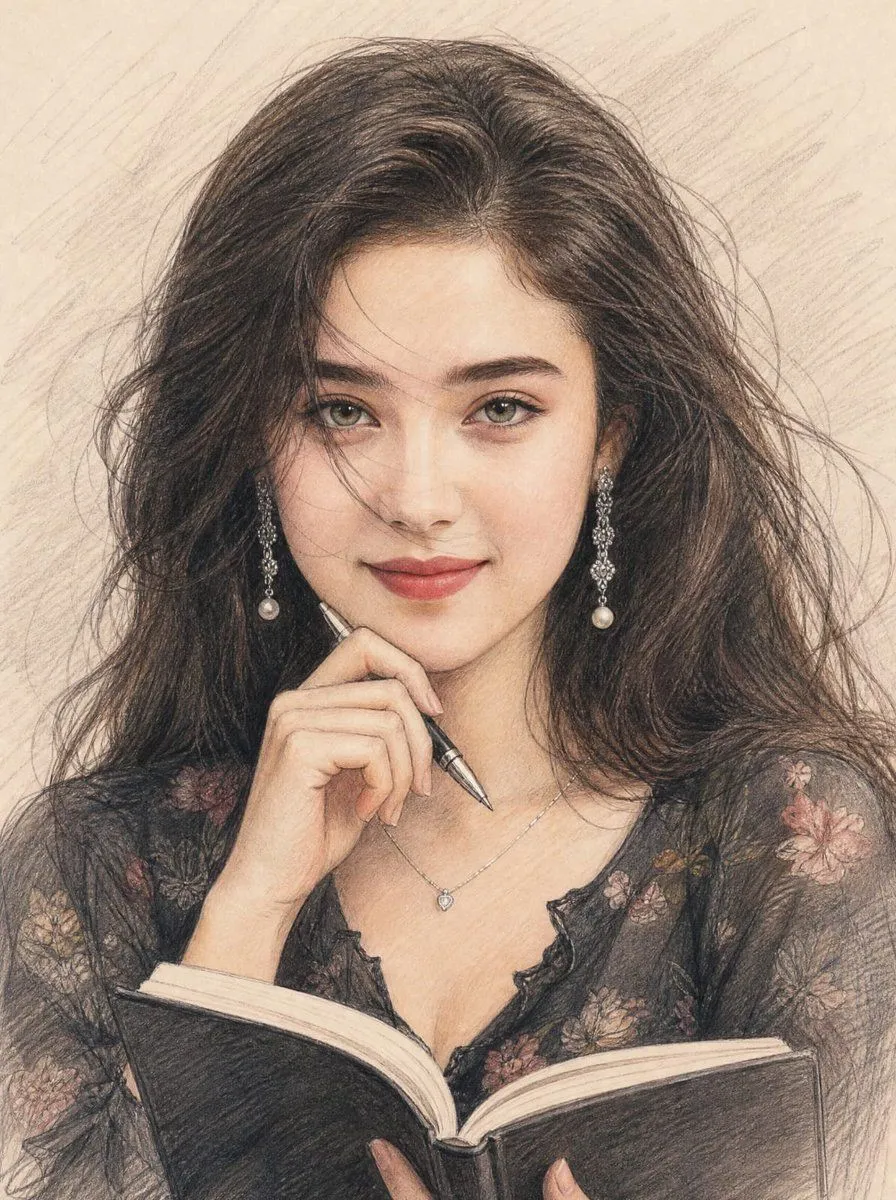
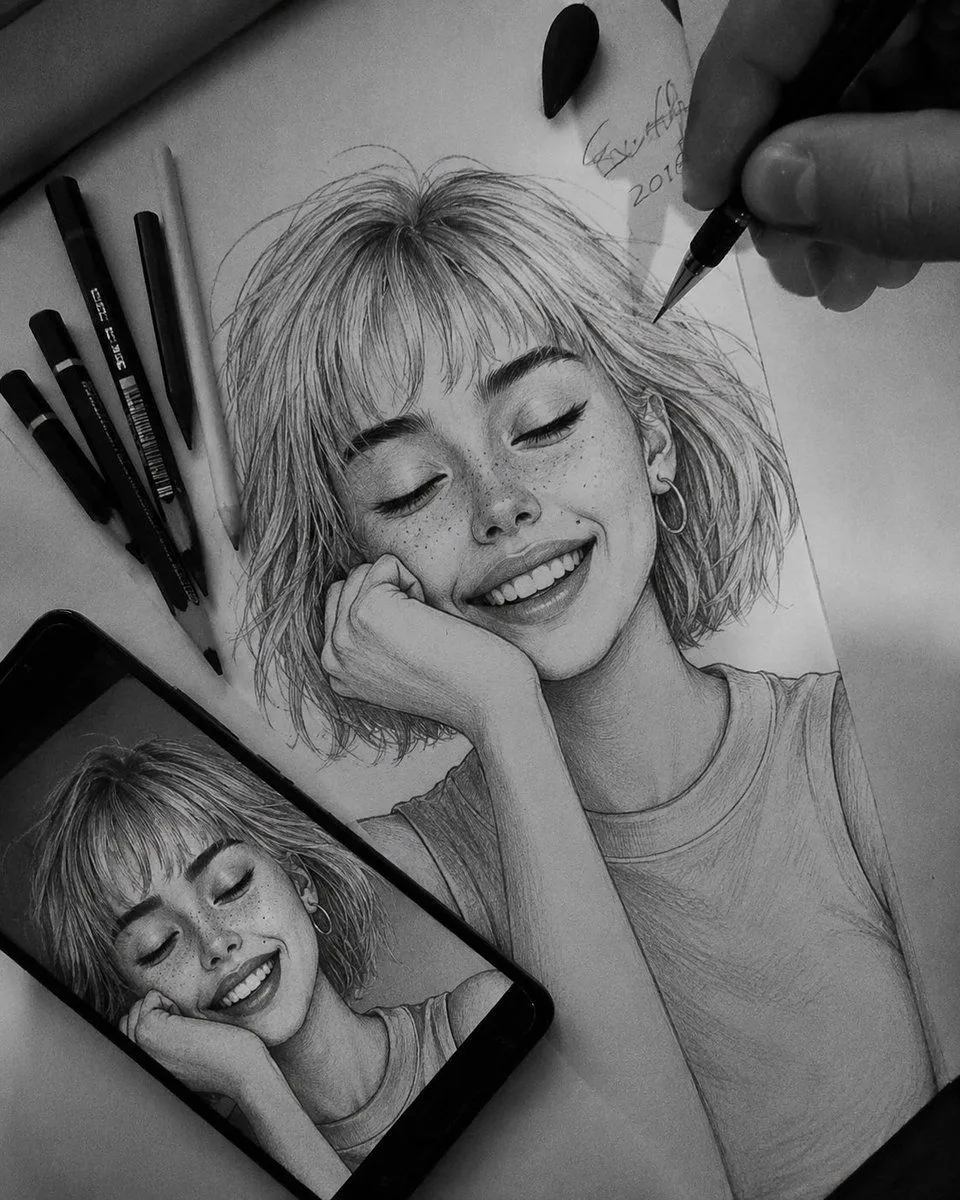
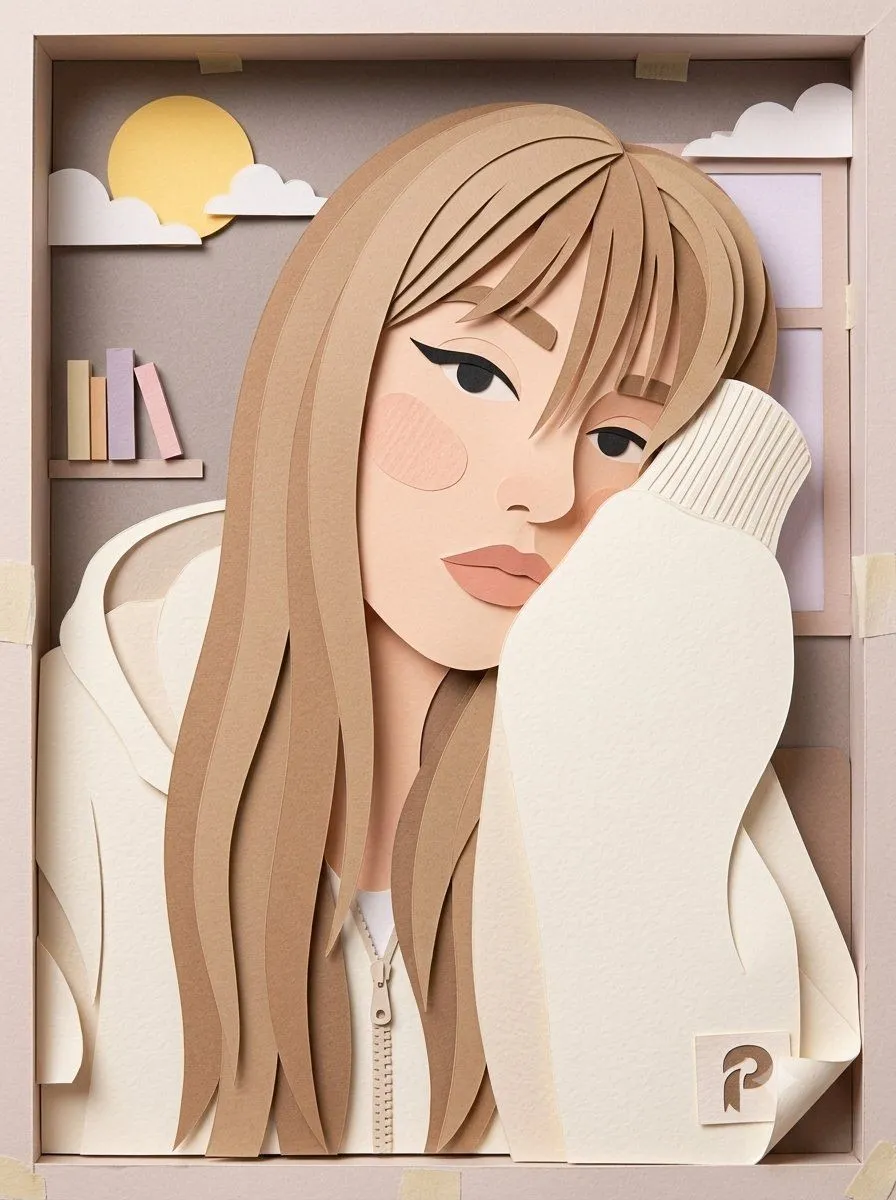
GPT Image 2 Colored Pencil Illustration Prompt

Made with GPT Image 2 in ChatGPT, collected by Library Avatars. Promptclay never generates images.

Did it work?

No reports yet. Tell others if it worked for you.

No comments yet. Be the first.

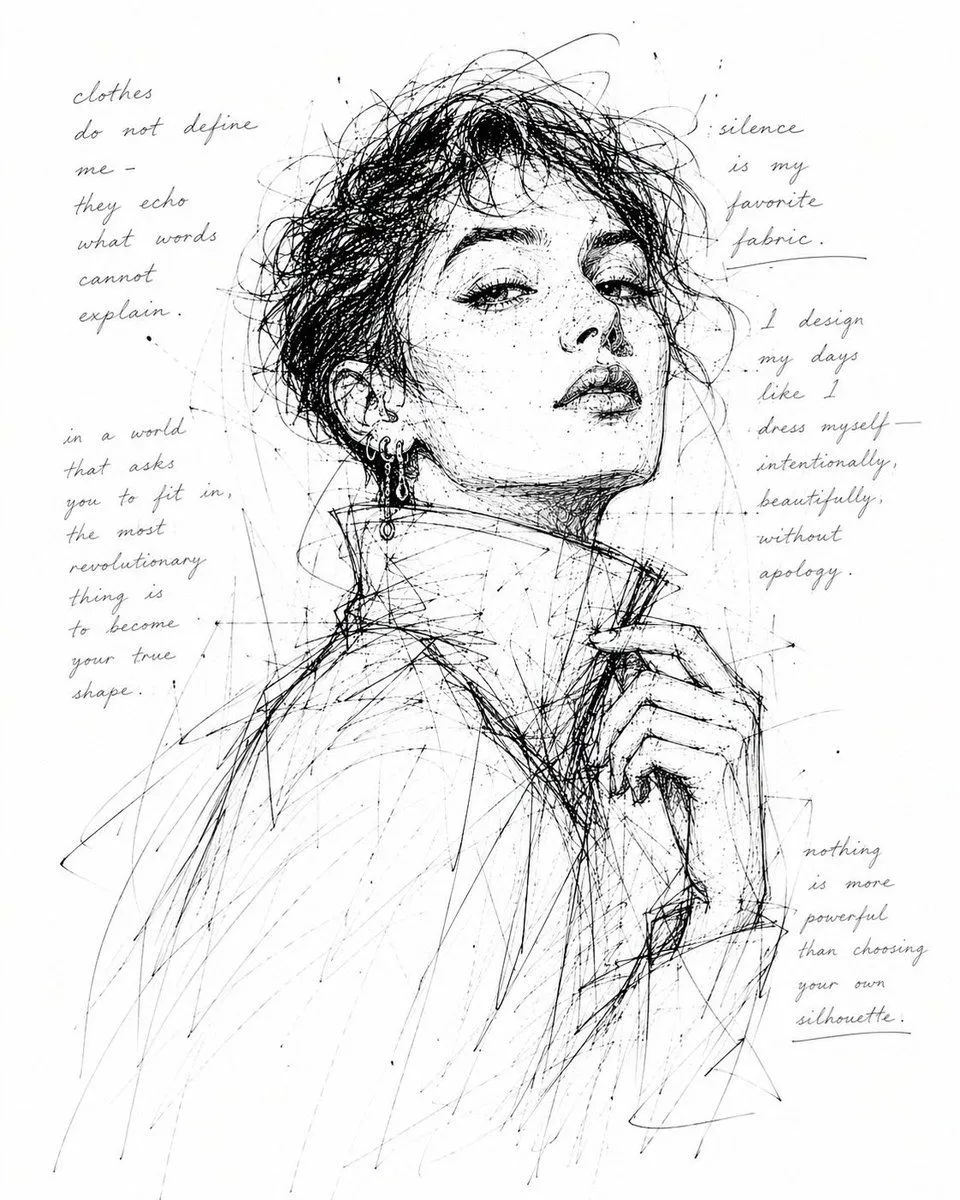
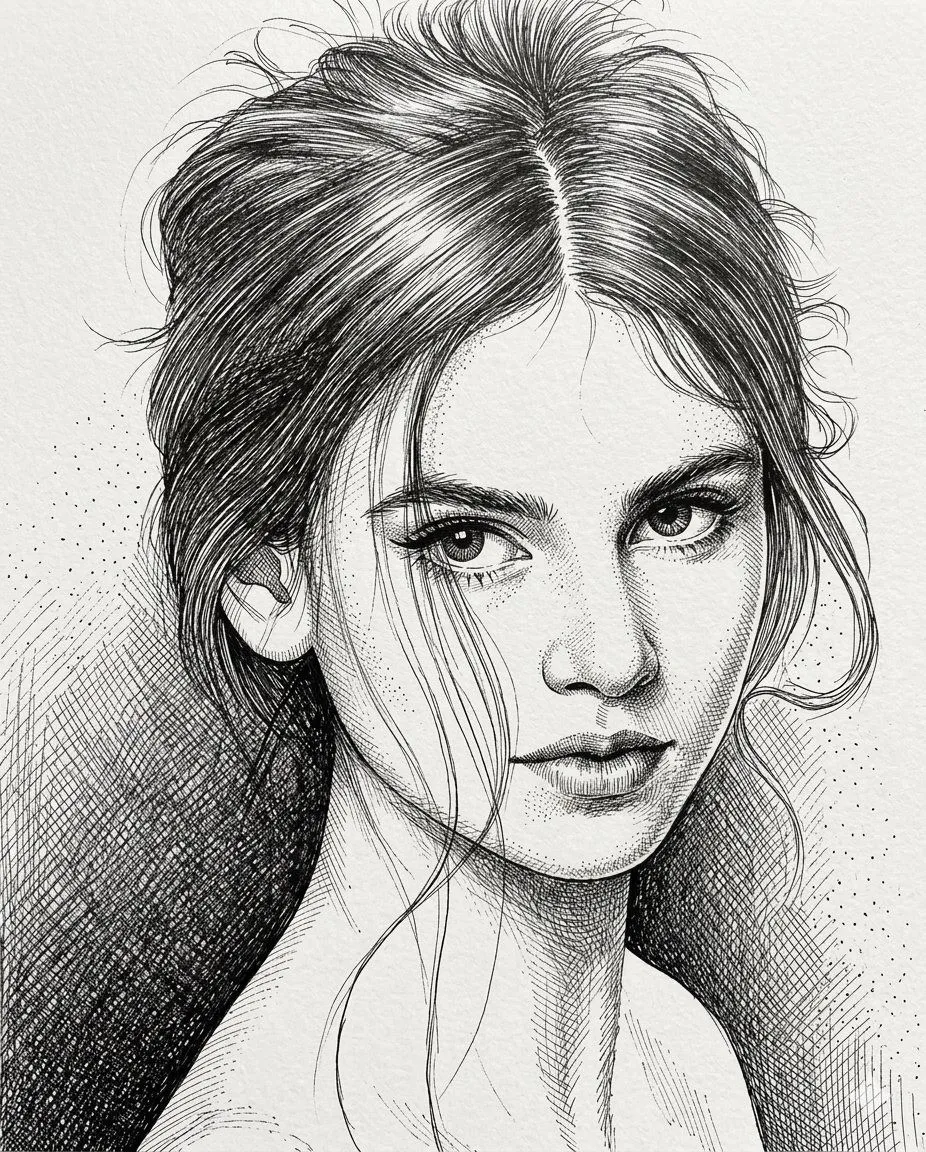
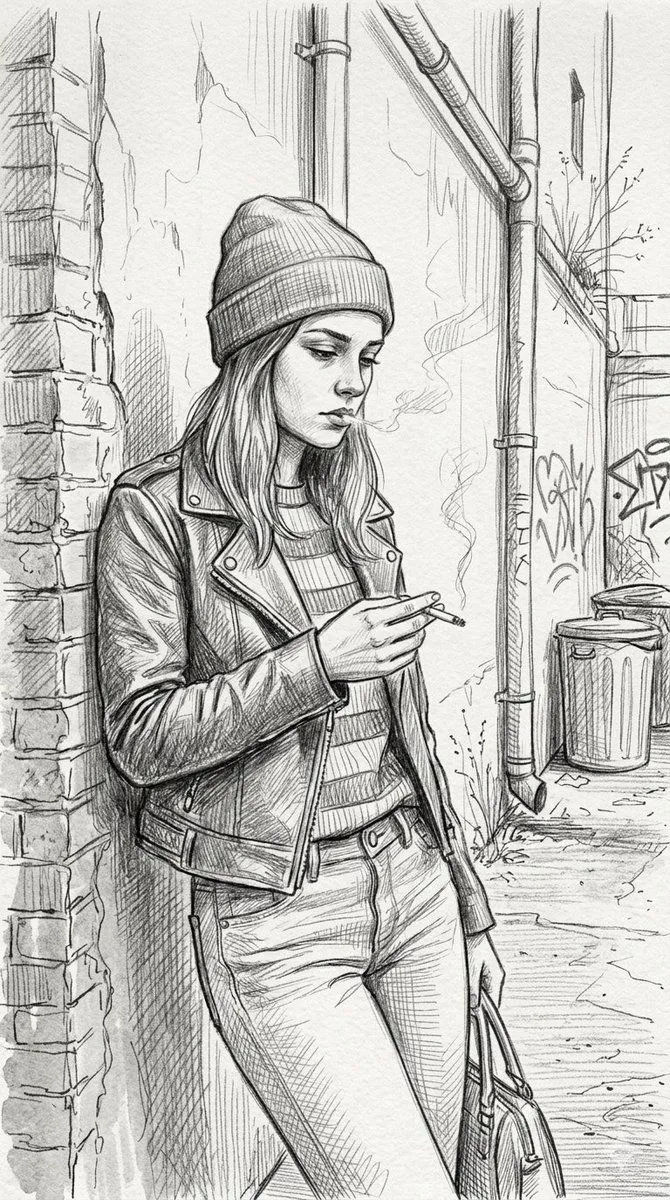
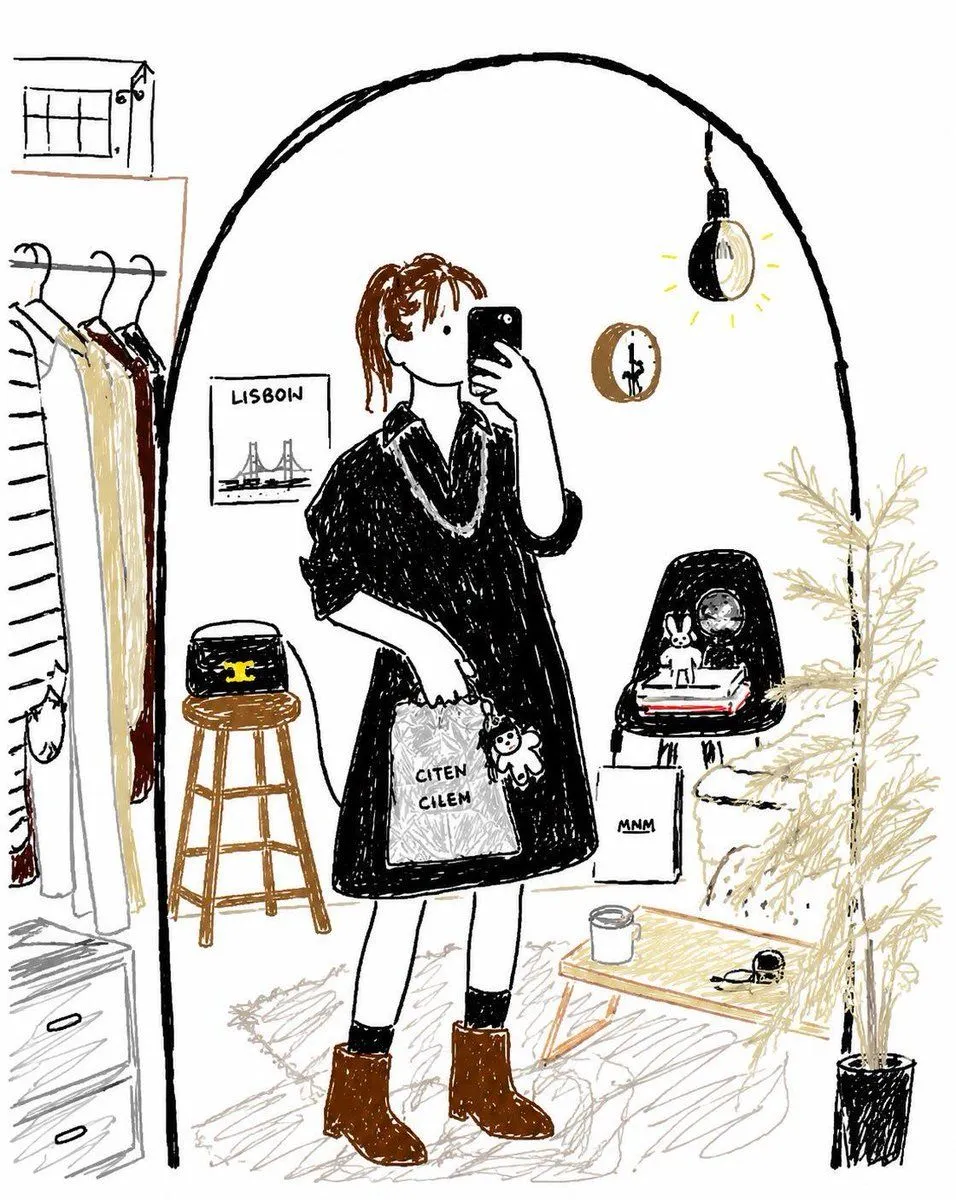
    GPT Image 2 Colored Pencil Illustration Prompt

    GPT Image 23:4AI-generated

    Prompt

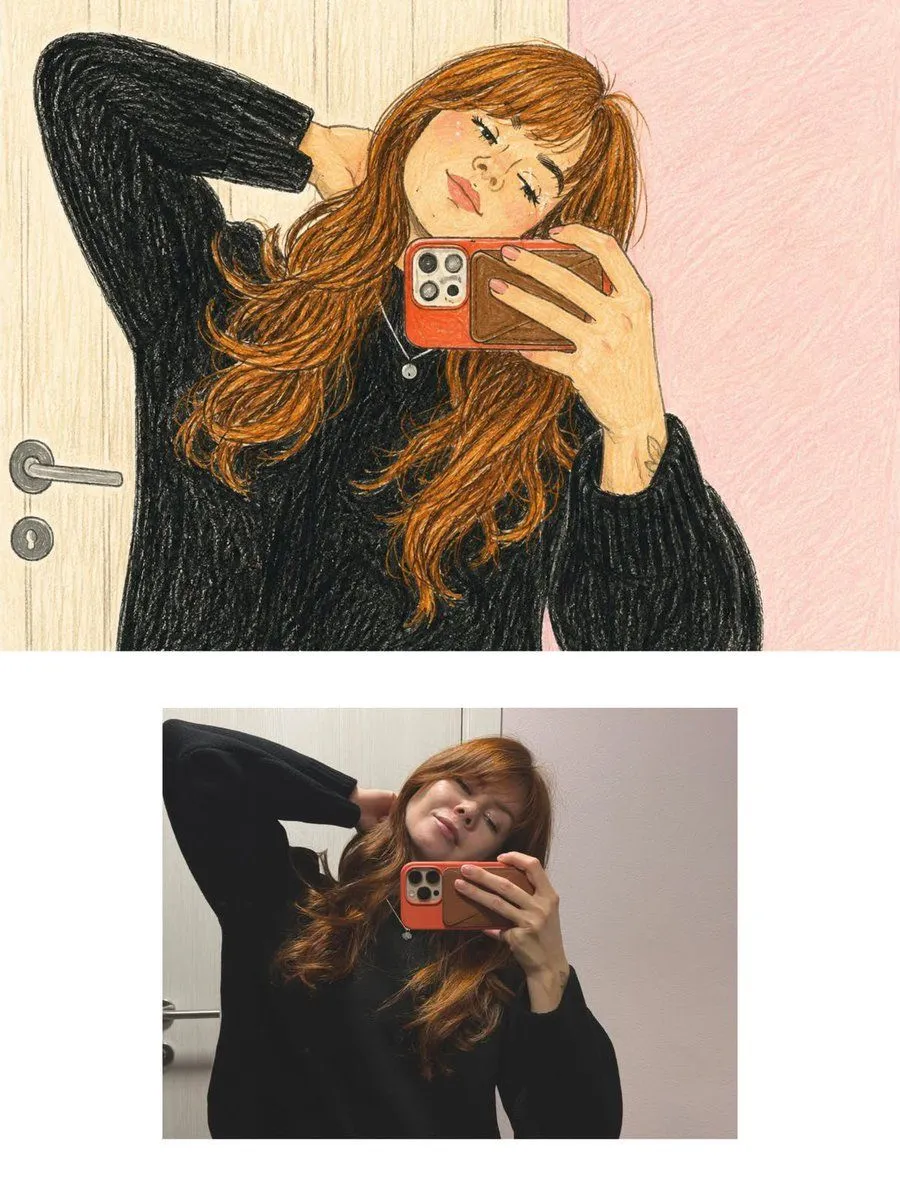
    Transform the uploaded photograph into a beautiful, hand-drawn colored-pencil illustration while preserving the original photograph's exact content, composition, and emotional atmosphere. 1. REFERENCE IMAGE ACCURACY Carefully analyze the uploaded photograph, including the subject's identity, facial features, hairstyle, expression, pose, clothing, accessories, body proportions, surrounding objects, background, camera angle, perspective, lighting, and small distinctive details. Recreate the same scene as an illustrated drawing. Preserve the recognizable appearance of the original subject and the exact arrangement of the scene. Do not change the pose, invent new objects, remove important details, or alter the original environment. 2. ART STYLE Use a traditional colored-pencil and wax-crayon illustration style, resembling a beautiful drawing made by hand on textured cream-colored sketchbook paper. Include: - Visible colored-pencil strokes and delicate crosshatching. - Soft, imperfect hand-drawn outlines. - Layered pencil shading with natural variations in pressure. - Fine paper grain and subtle crayon texture. - Warm, muted colors with gentle pastel undertones. - Slightly sketchy contours and charming handmade imperfections. - Natural color blending without smooth digital gradients. - Detailed hair rendered with individual flowing pencil strokes. - Expressive facial details with simplified yet recognizable features. - Soft shadows created through layered pencil strokes rather than photographic shading. 3. COLOR PALETTE Use a warm, nostalgic palette featuring creamy beige, dusty pink, muted brown, warm caramel, charcoal black, soft gray, and subtle earthy colors. Match the original photograph's actual colors while translating them into a traditional illustration medium. 4. BACKGROUND AND ENVIRONMENT Recreate the original background faithfully, including furniture, doors, walls, streets, sidewalks, railings, plants, pets, buildings, and other visible elements. Render background details with loose but intentional pencil strokes. Maintain the original depth, perspective, and spatial relationships while giving the entire scene a cohesive, hand-illustrated appearance. 5. LIGHTING AND MOOD Preserve the original lighting direction and overall atmosphere. Create a cozy, intimate, nostalgic feeling, as if the moment were captured in a personal illustrated diary or a page from an artist's sketchbook. 6. FINAL FINISH The entire image must look genuinely hand-drawn using colored pencils on textured paper, NOT like a photograph with an artistic filter. Maintain the original aspect ratio and composition. Use fine illustrative details, organic linework, visible pencil grain, gentle imperfections, and consistent hand-drawn textures throughout the image. IMPORTANT: The uploaded photograph is the sole reference for the scene. Preserve its identity, pose, objects, and composition. Transform only the visual medium into a traditional illustration.

    Works in
    ChatGPT, Gemini
    Status
    Free to copy
    0
    DetailsVersions, settings and questions

    Written for

    What's in the prompt

    Subject
    Model
    GPT Image 2

    If your face changes

    keep my face exactly the same

    Questions

    Does this work in the ChatGPT app?
    Yes. Paste the prompt and attach your photo if it uses one.
    It changed my face. What do I do?
    Add "keep my face exactly the same" to the end and run it again.
    Can I use the images I make?
    Check the terms of the app you use. Promptclay never generates images and claims nothing you make.
    Similar prompts

    See more
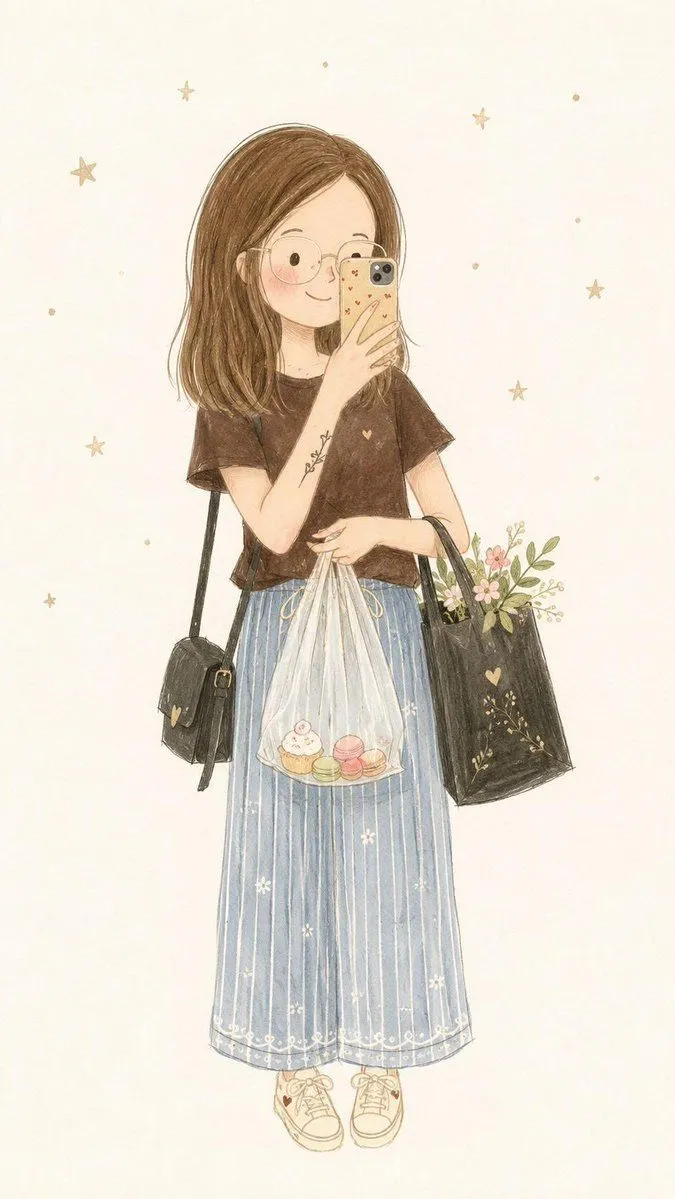
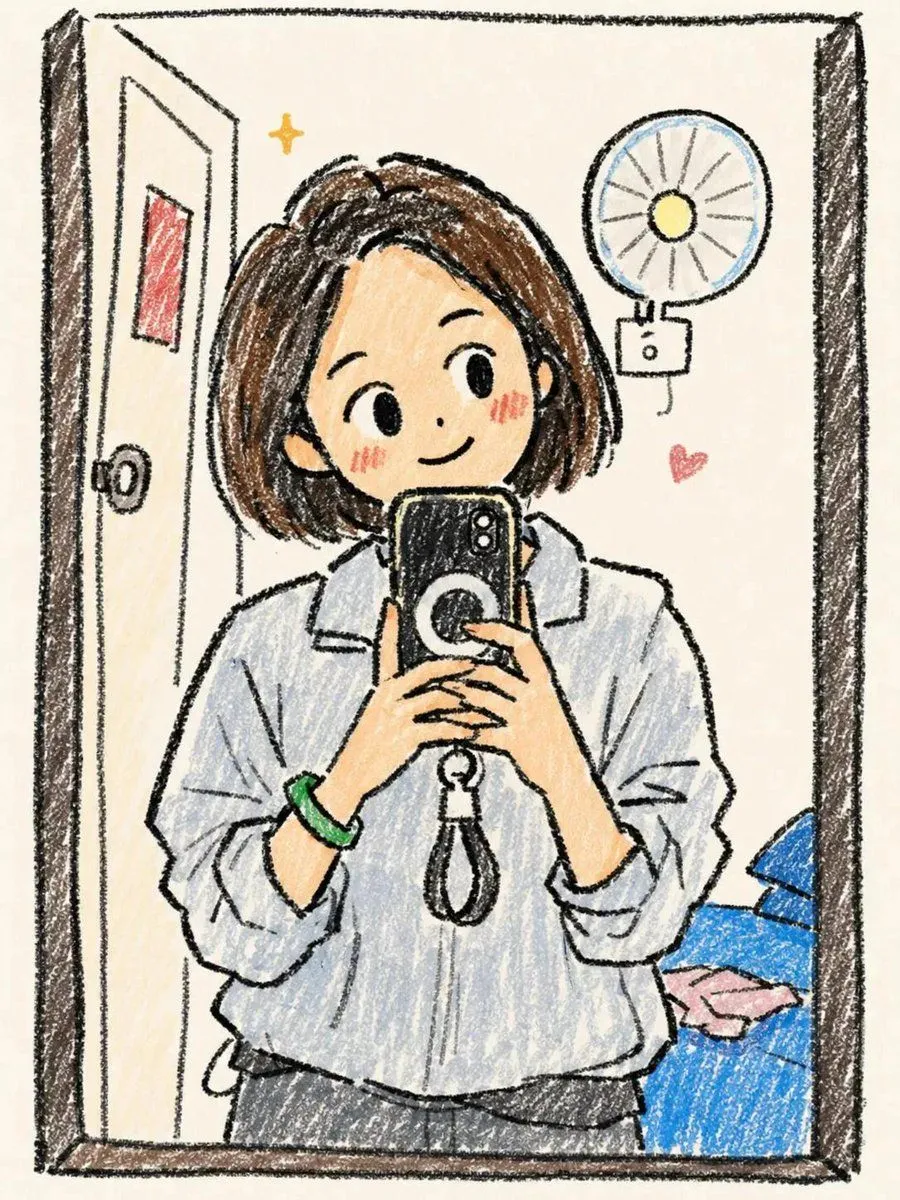
    • Hand-Drawn Chibi Girl Illustration
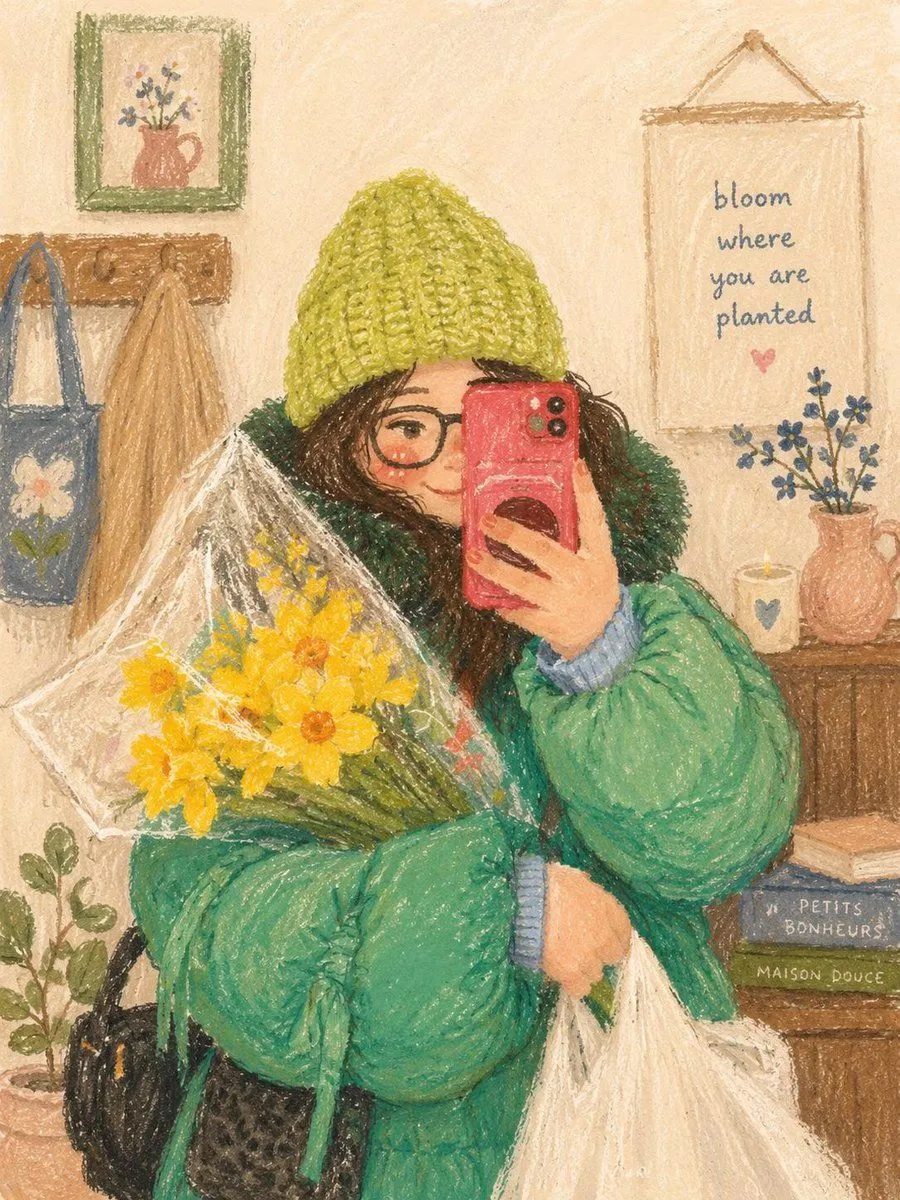
    • Cozy Oil Pastel Illustration
    • Colored Pencil Sketch Woman Portrait
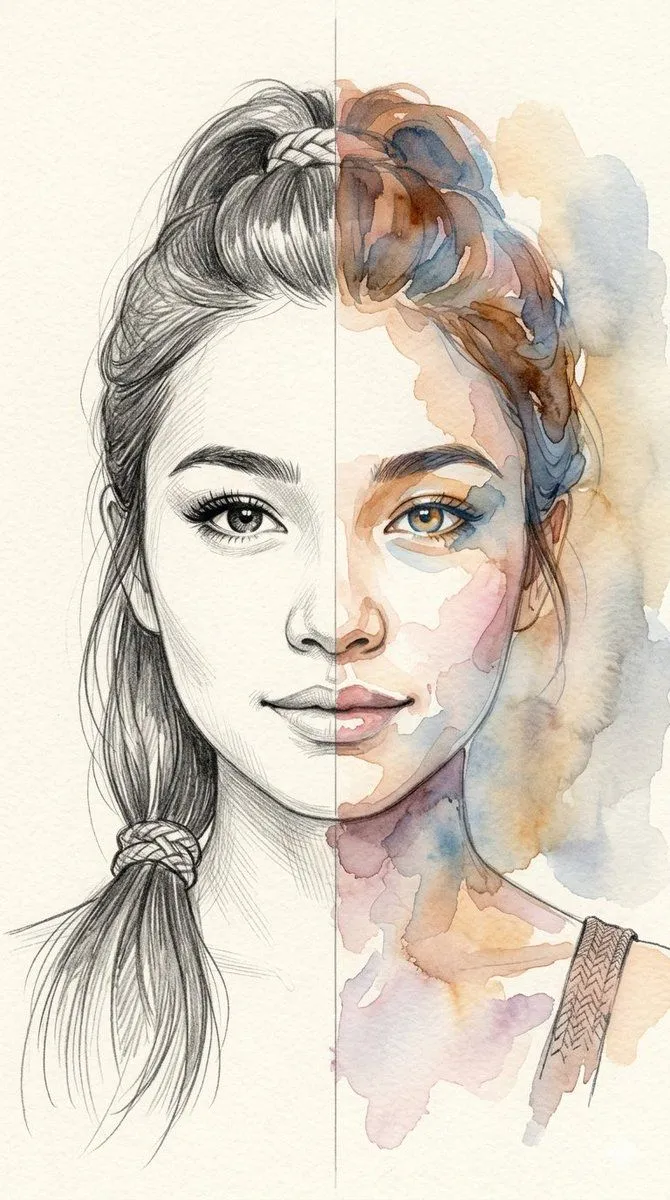
    • Split-Medium Sketch and Watercolor Portrait
    • Minimalist Fairy-Tale Children's Illustration
    • Minimalist Abstract Pencil Drawing
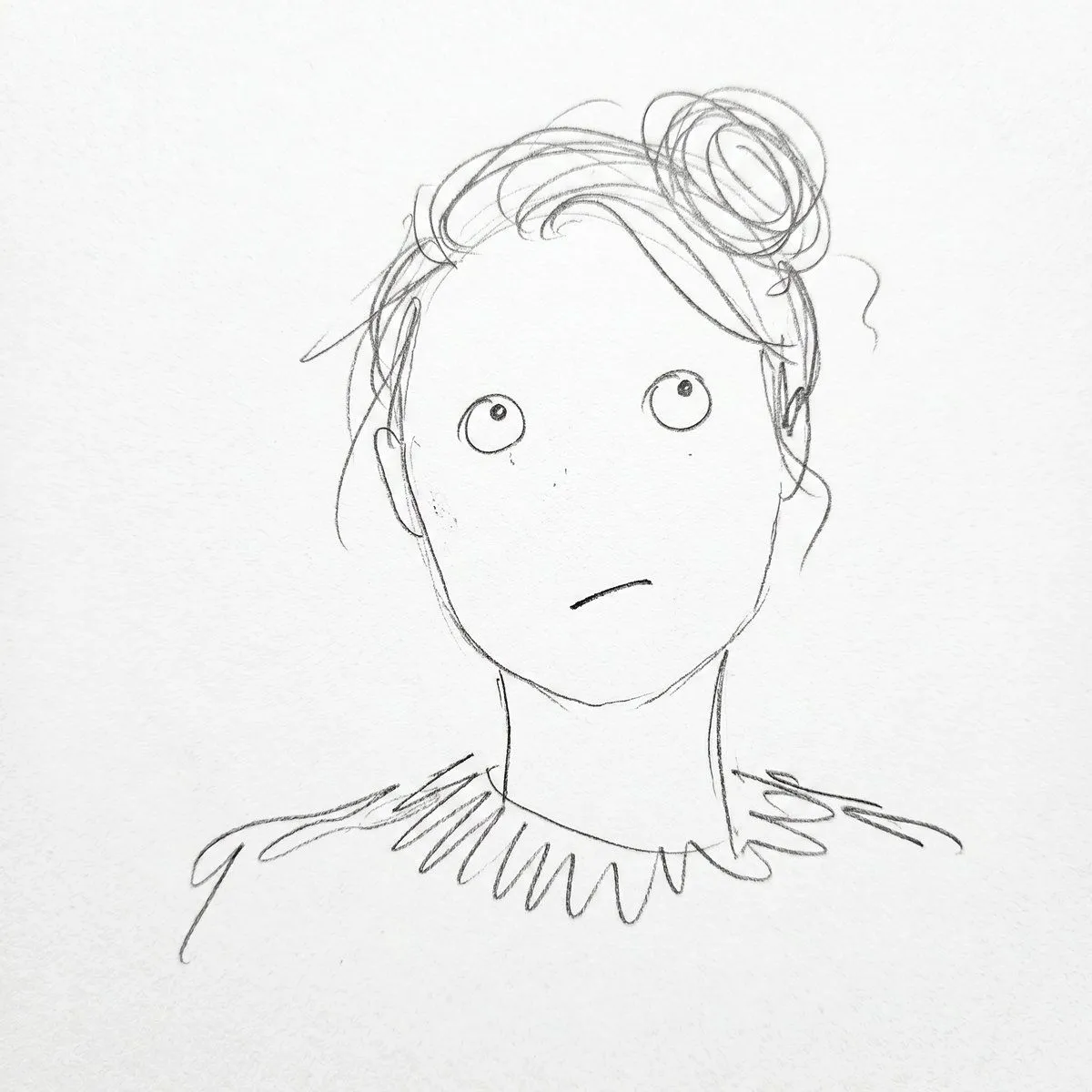
    • Monochrome Scribble Ink Sketch
    • High-Contrast Pen and Ink Portrait
    • Gritty urban pencil sketch portrait
    • Bad MS Paint Redraw
    • Photo to Minimalist Magazine Illustration
    • Editorial Digital Portrait Painting
    • Miniature Art Studio Creator Portrait
    • Multi-Cut Image Generation with Style Variation
    • Hyper-Realistic Graphite Sketch Portrait
    • Handcrafted Paper Diorama Transformation
    • Candid Indoor Photograph (Bathroom Selfie)
    • Karina (aespa) in Ivory and Purple Hair
    • Miniature Painter Studio Portrait
    • Illustrated Editorial Portrait of a Woman
    • Elegant Minimalist Editorial Illustration
    • Japanese Personality Map Poster
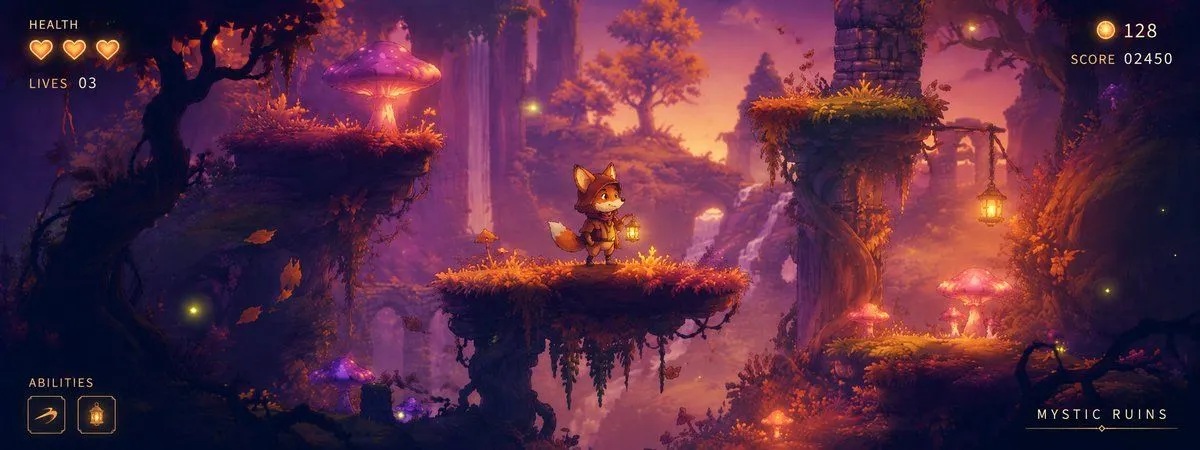
    • Mystic Ruins Platformer Screenshot
    • Risograph Style Poetic Illustration

    Show more

    Run it on your phone

    1. Prompt copiedRead it

      Transform the uploaded photograph into a beautiful, hand-drawn colored-pencil illustration while preserving the original photograph's exact content, composition, and emotional atmosphere. 1. REFERENCE IMAGE ACCURACY Carefully analyze the uploaded photograph, including the subject's identity, facial features, hairstyle, expression, pose, clothing, accessories, body proportions, surrounding objects, background, camera angle, perspective, lighting, and small distinctive details. Recreate the same scene as an illustrated drawing. Preserve the recognizable appearance of the original subject and the exact arrangement of the scene. Do not change the pose, invent new objects, remove important details, or alter the original environment. 2. ART STYLE Use a traditional colored-pencil and wax-crayon illustration style, resembling a beautiful drawing made by hand on textured cream-colored sketchbook paper. Include: - Visible colored-pencil strokes and delicate crosshatching. - Soft, imperfect hand-drawn outlines. - Layered pencil shading with natural variations in pressure. - Fine paper grain and subtle crayon texture. - Warm, muted colors with gentle pastel undertones. - Slightly sketchy contours and charming handmade imperfections. - Natural color blending without smooth digital gradients. - Detailed hair rendered with individual flowing pencil strokes. - Expressive facial details with simplified yet recognizable features. - Soft shadows created through layered pencil strokes rather than photographic shading. 3. COLOR PALETTE Use a warm, nostalgic palette featuring creamy beige, dusty pink, muted brown, warm caramel, charcoal black, soft gray, and subtle earthy colors. Match the original photograph's actual colors while translating them into a traditional illustration medium. 4. BACKGROUND AND ENVIRONMENT Recreate the original background faithfully, including furniture, doors, walls, streets, sidewalks, railings, plants, pets, buildings, and other visible elements. Render background details with loose but intentional pencil strokes. Maintain the original depth, perspective, and spatial relationships while giving the entire scene a cohesive, hand-illustrated appearance. 5. LIGHTING AND MOOD Preserve the original lighting direction and overall atmosphere. Create a cozy, intimate, nostalgic feeling, as if the moment were captured in a personal illustrated diary or a page from an artist's sketchbook. 6. FINAL FINISH The entire image must look genuinely hand-drawn using colored pencils on textured paper, NOT like a photograph with an artistic filter. Maintain the original aspect ratio and composition. Use fine illustrative details, organic linework, visible pencil grain, gentle imperfections, and consistent hand-drawn textures throughout the image. IMPORTANT: The uploaded photograph is the sole reference for the scene. Preserve its identity, pose, objects, and composition. Transform only the visual medium into a traditional illustration.

    2. Open your app

      This prompt is long, so it is copied instead of sent in the link. Paste it in the app.

    3. Paste and run

      Press and hold the message box, then tap Paste. Add your photo first if the prompt uses one. You may need to sign in.

    GPT Image 2 Colored Pencil Illustration Prompt