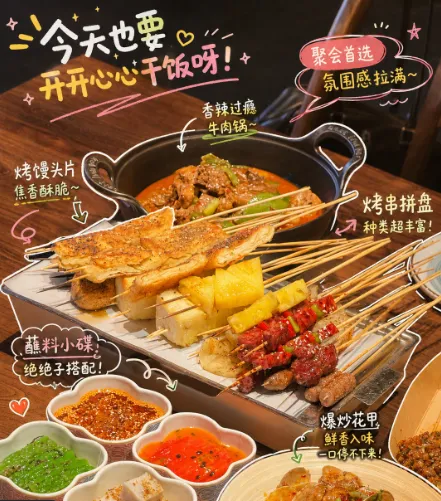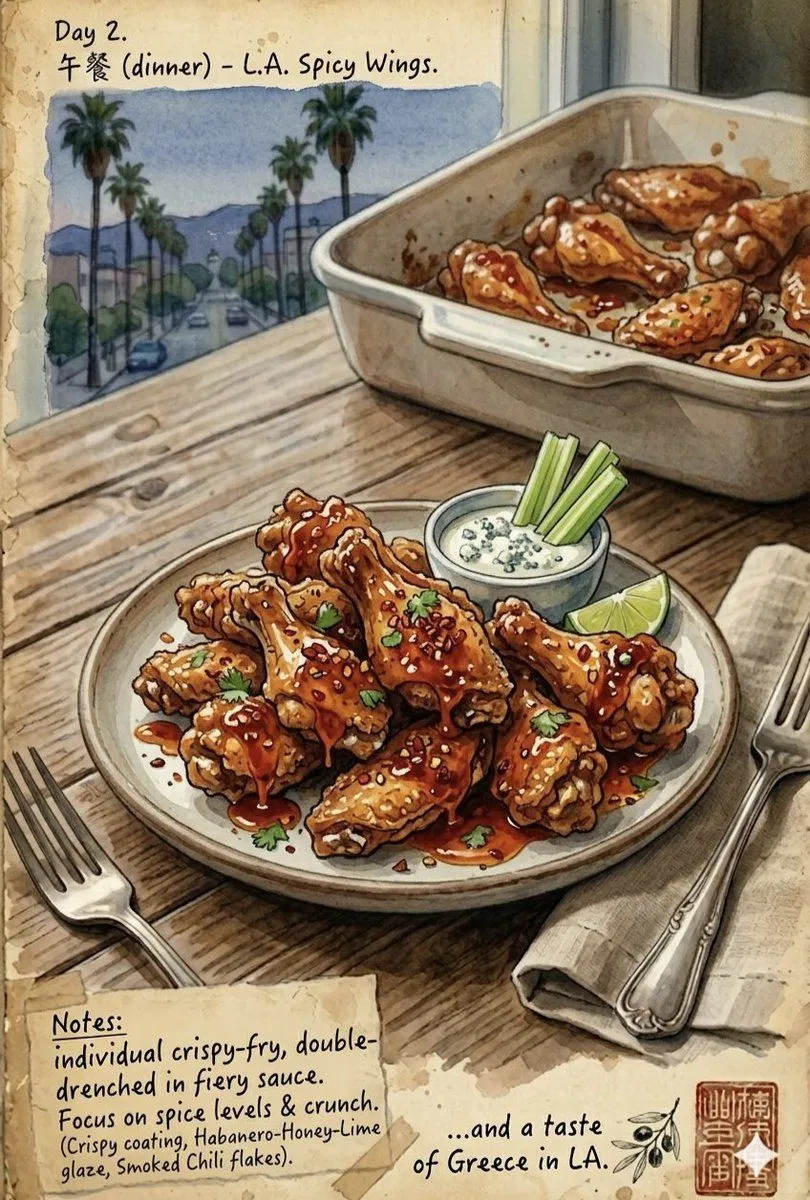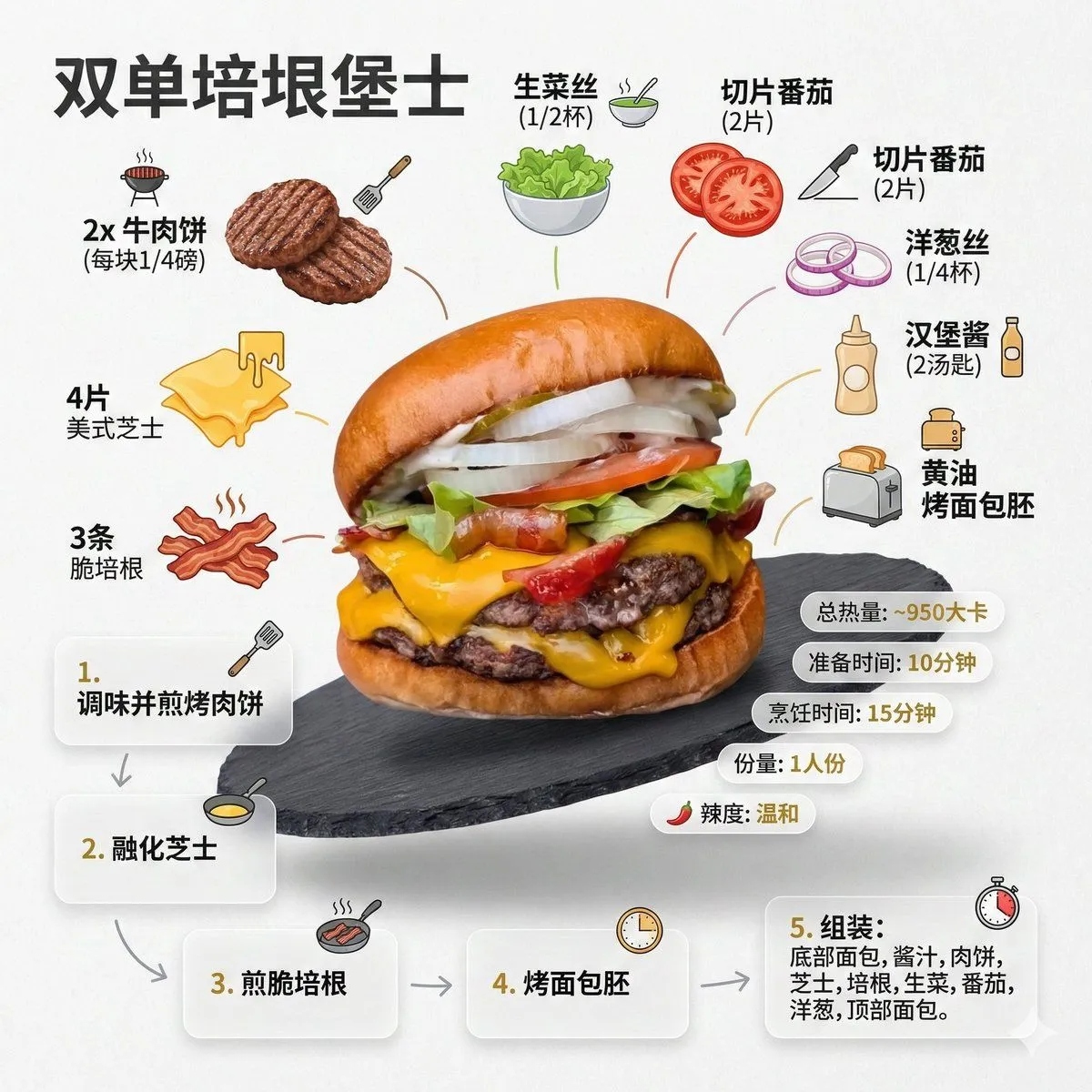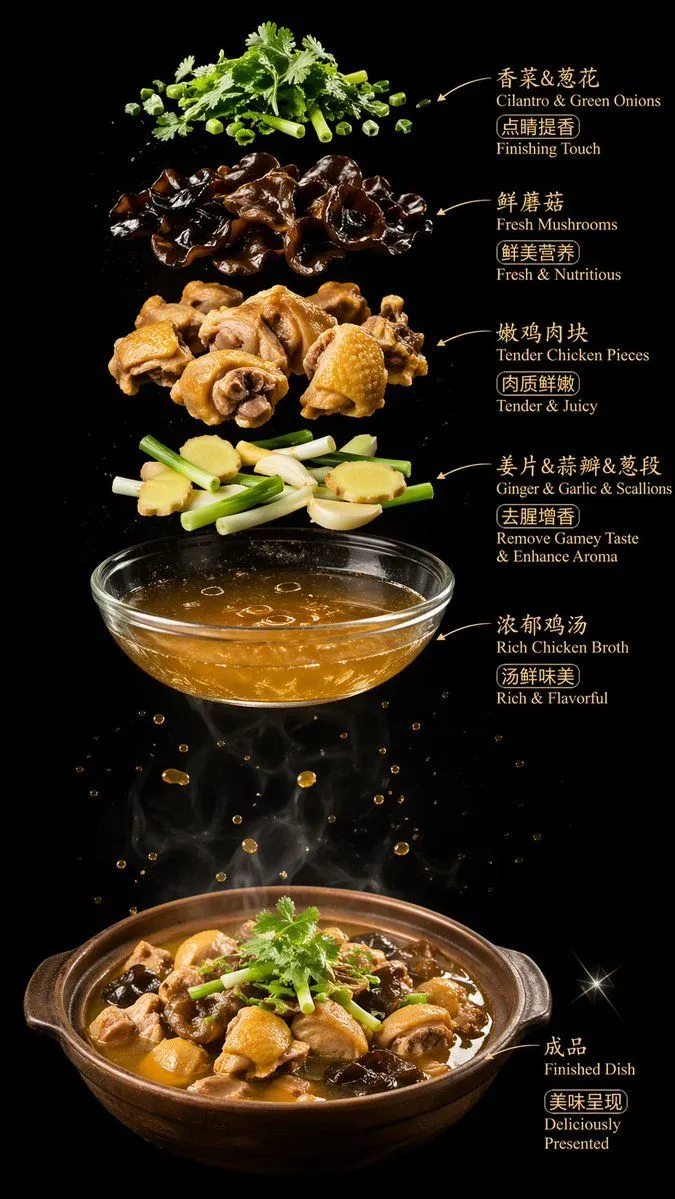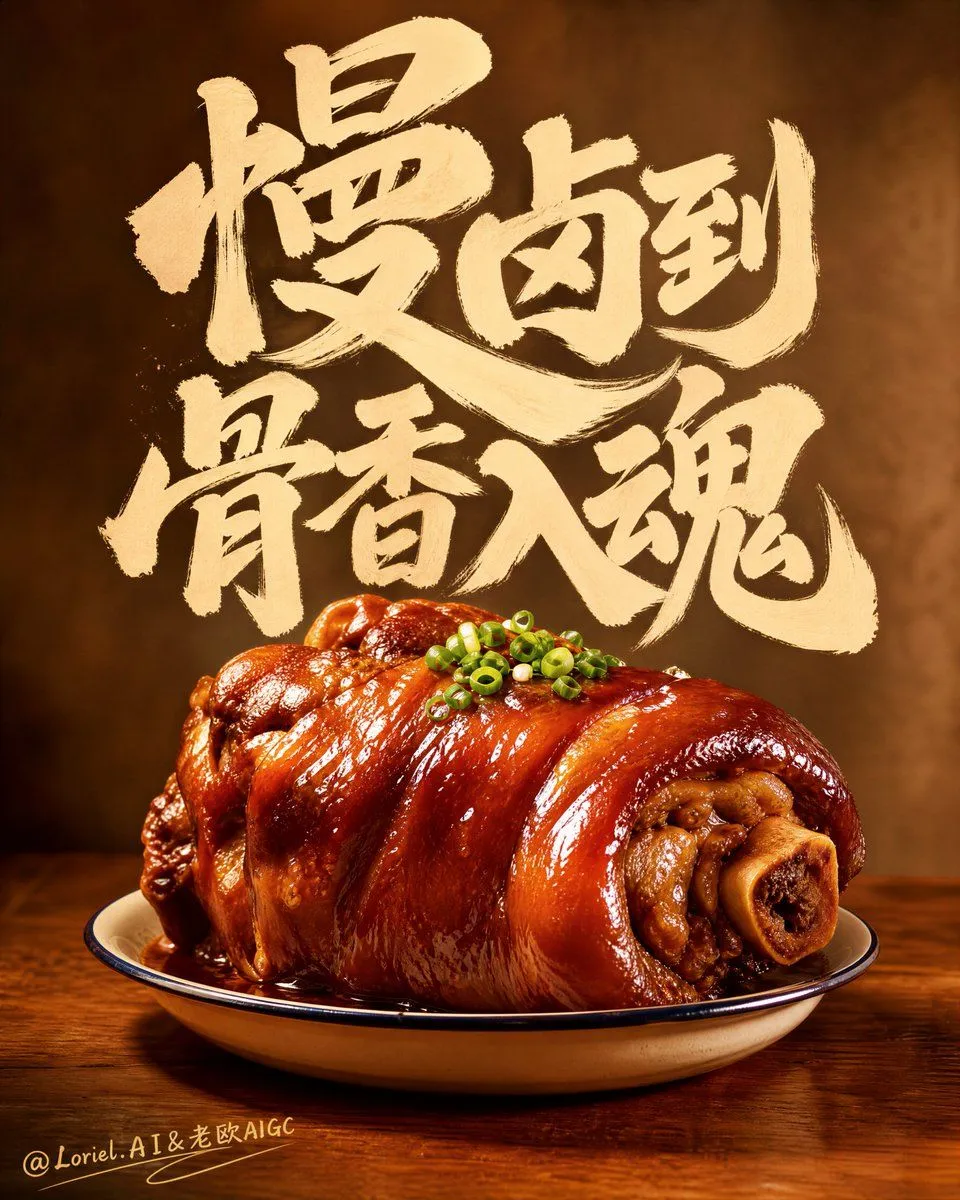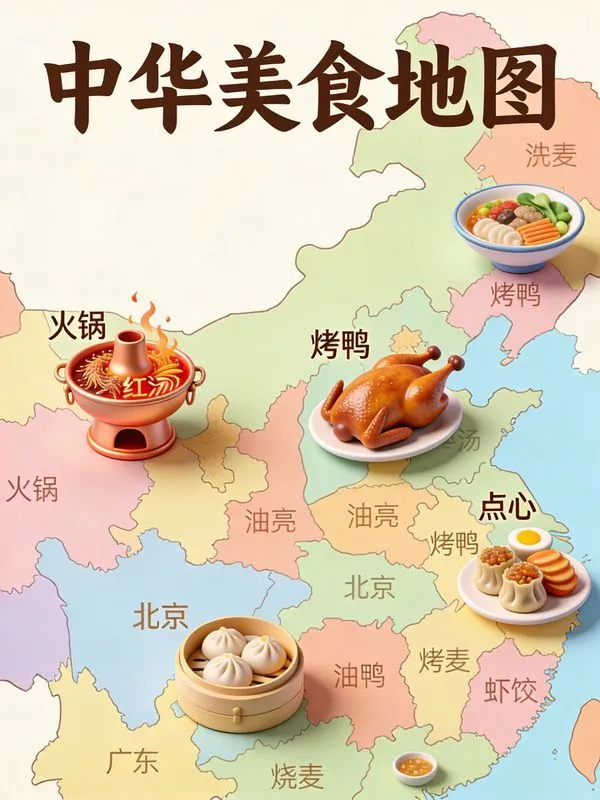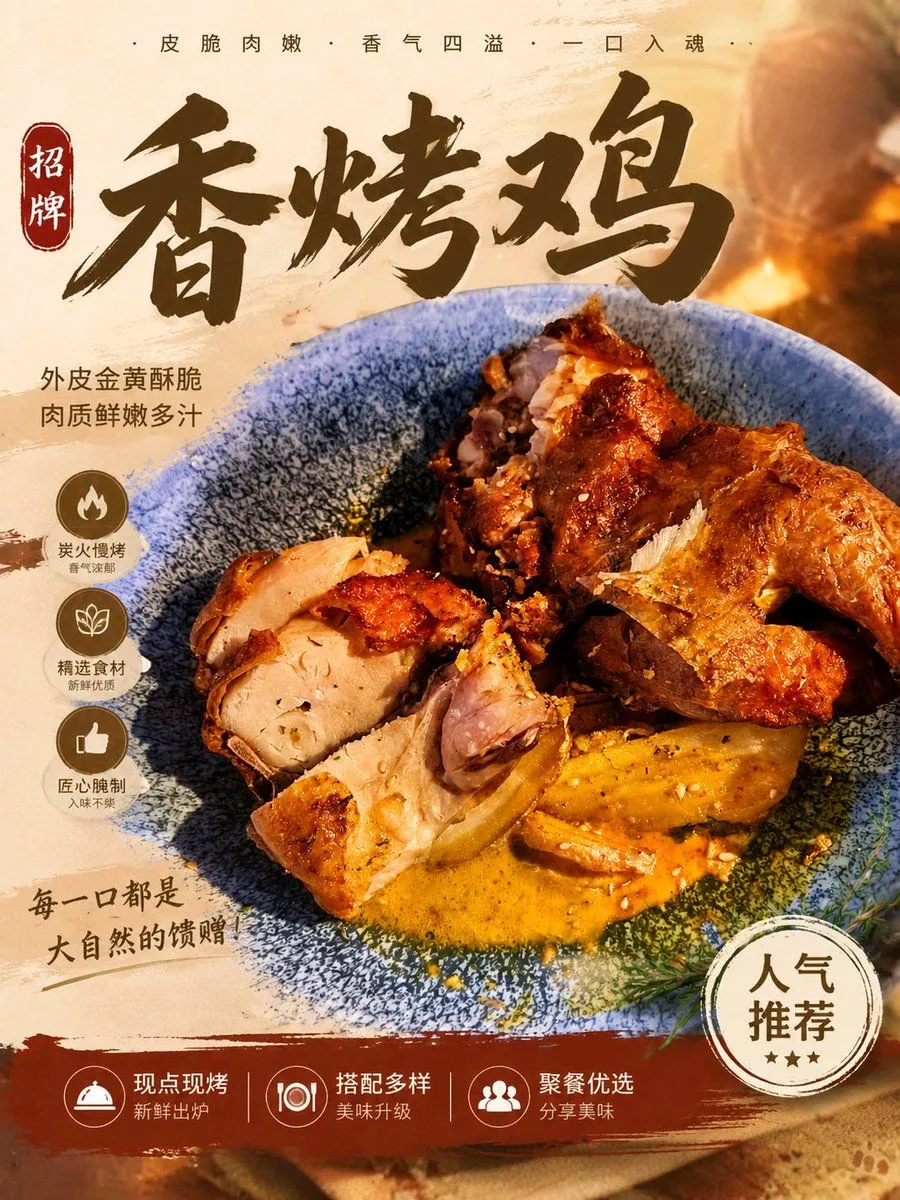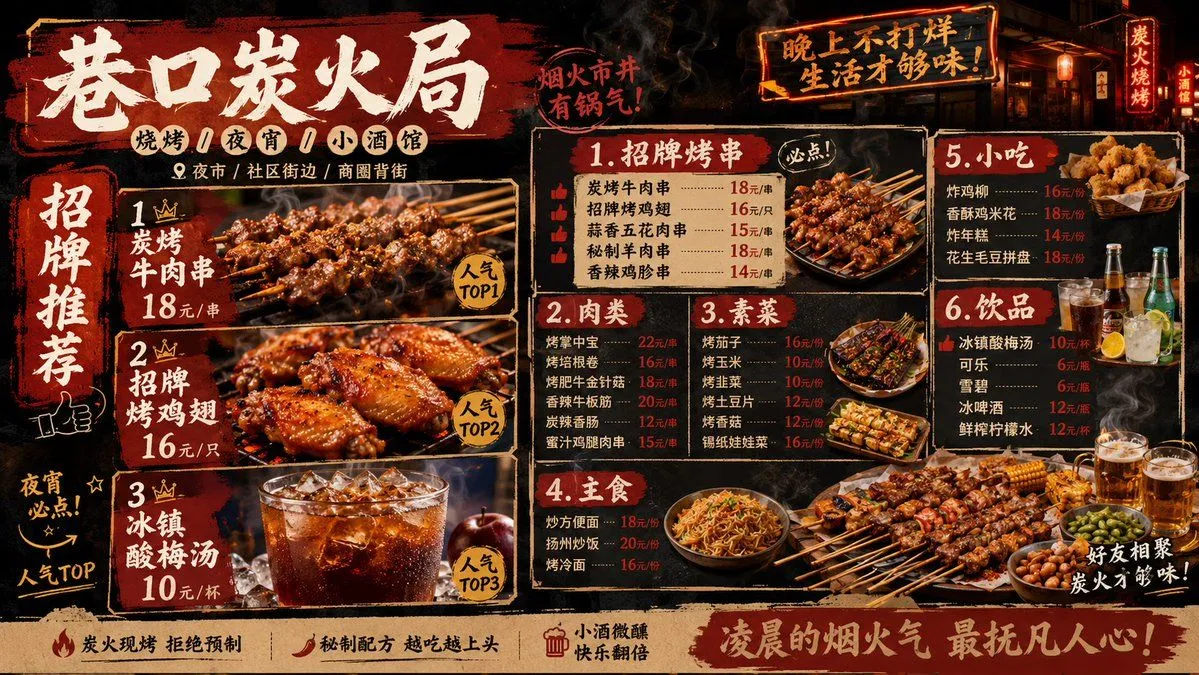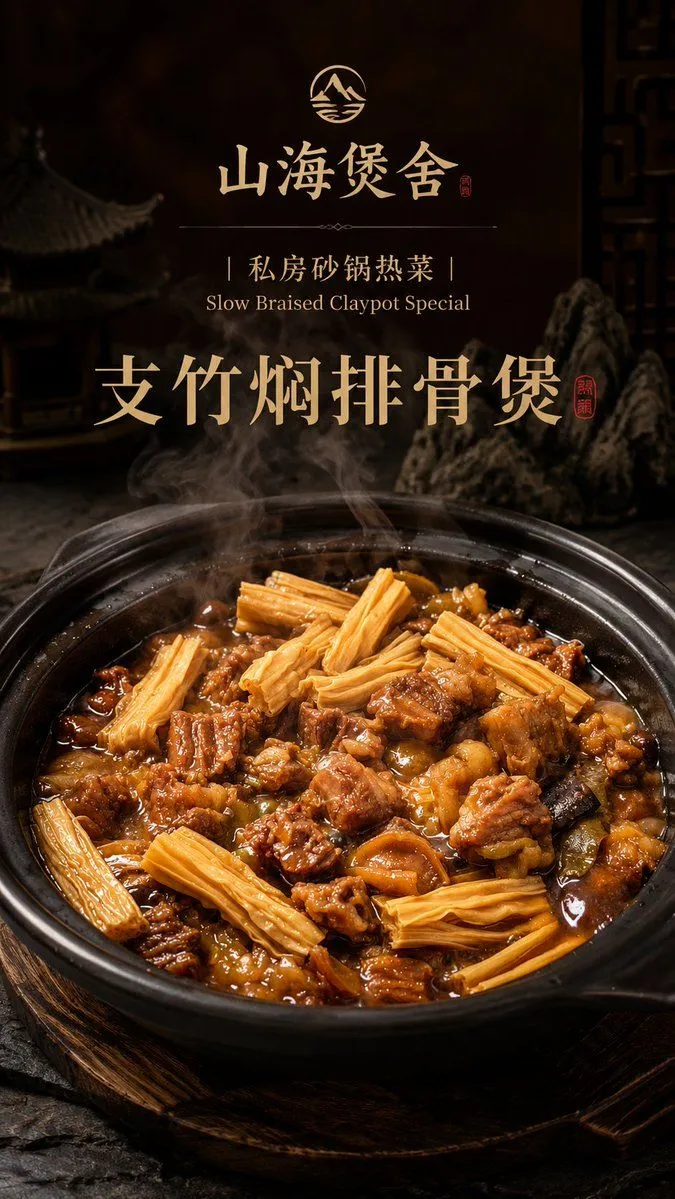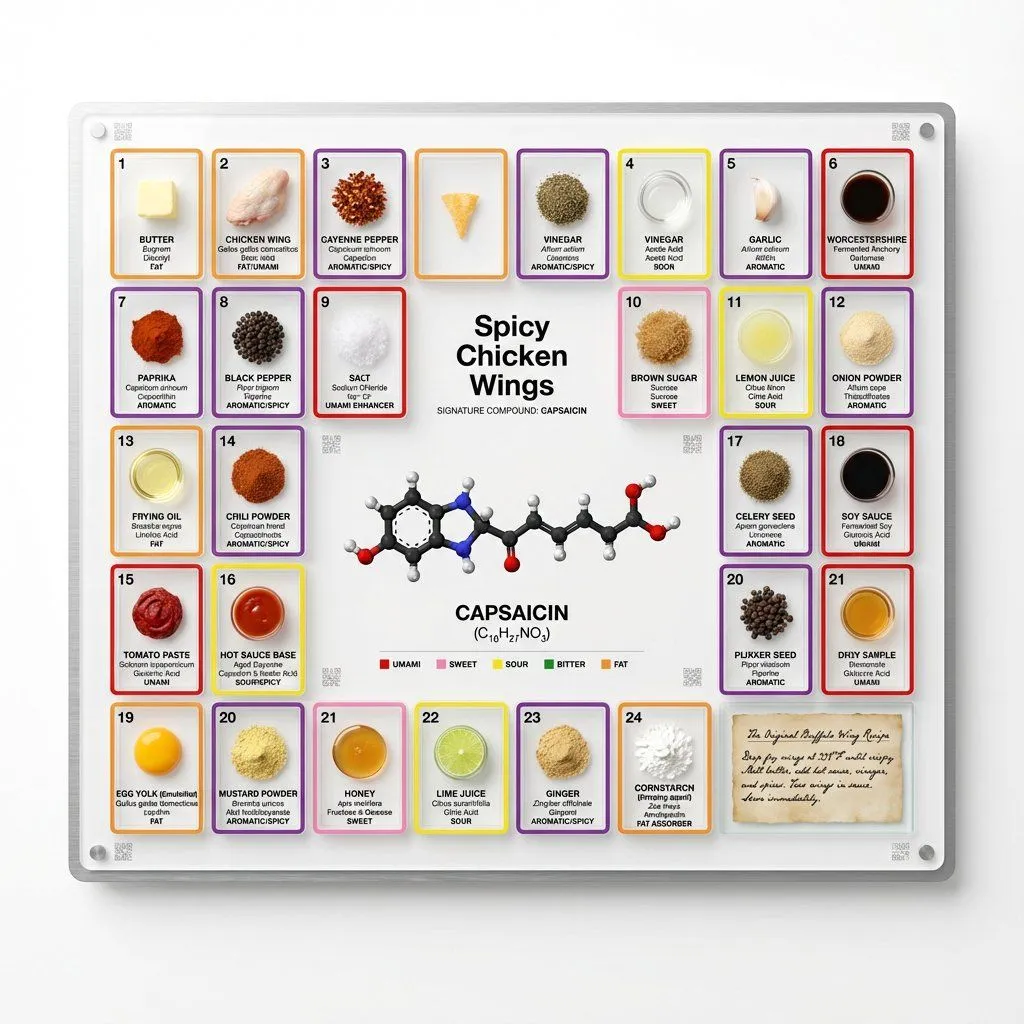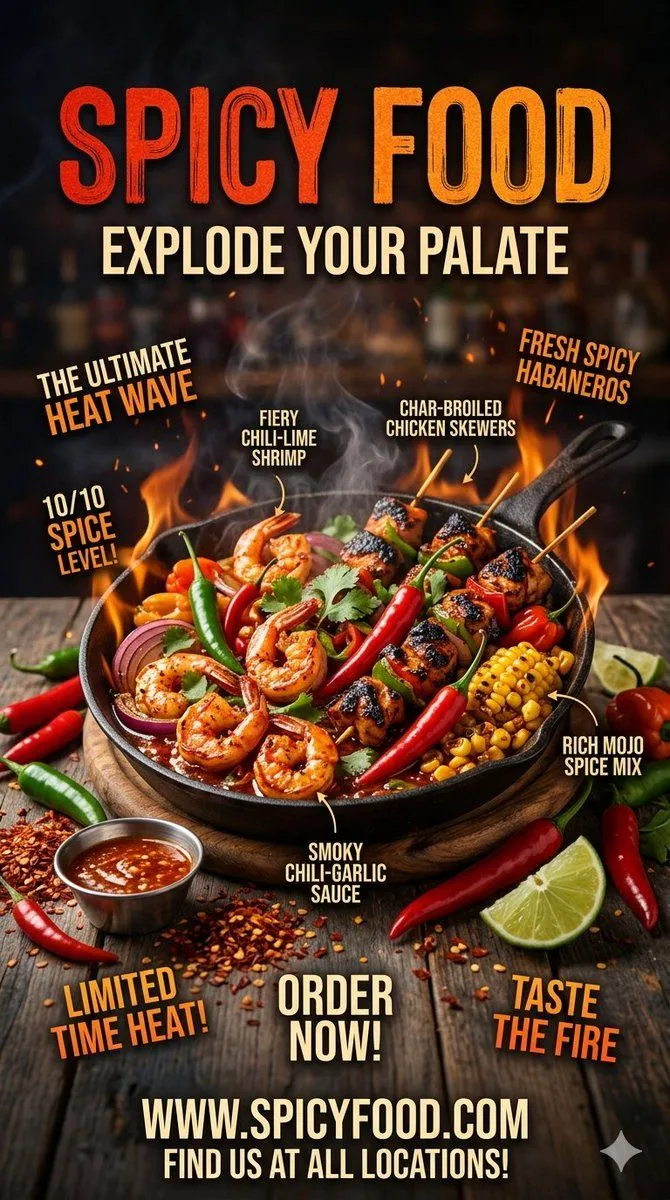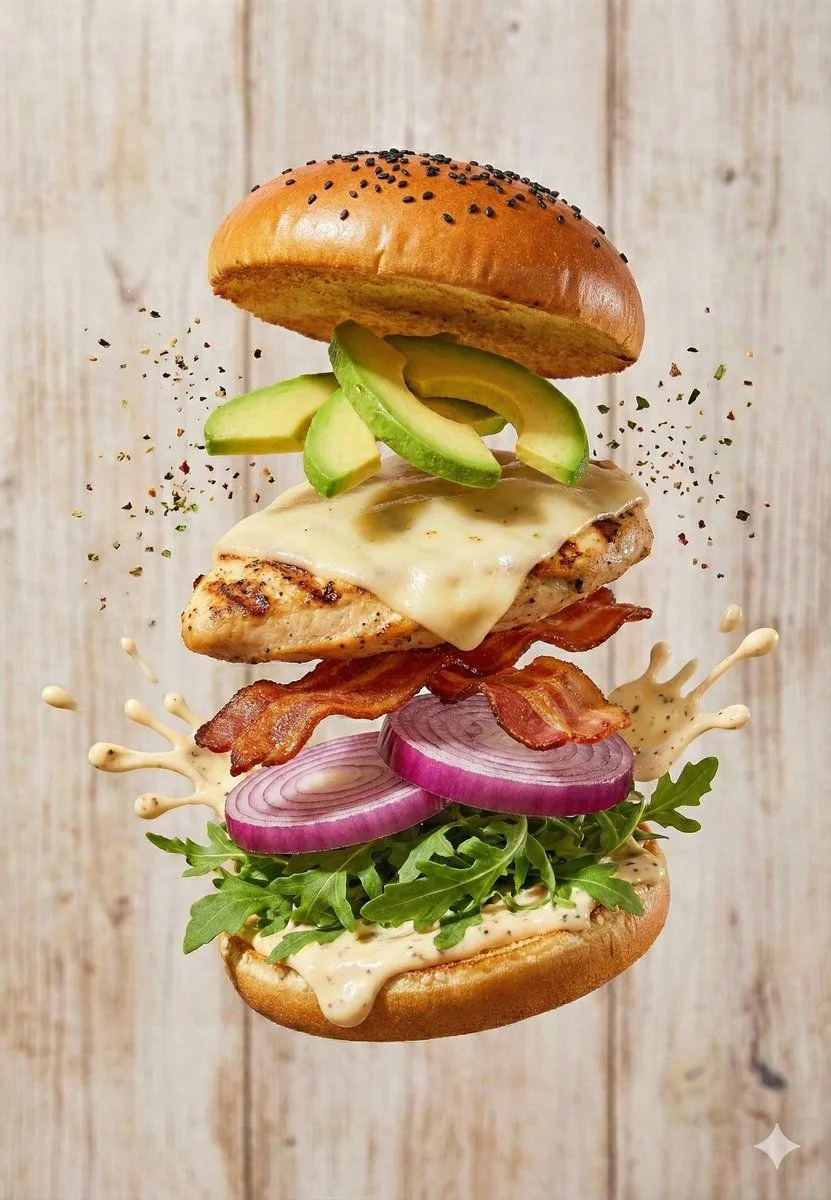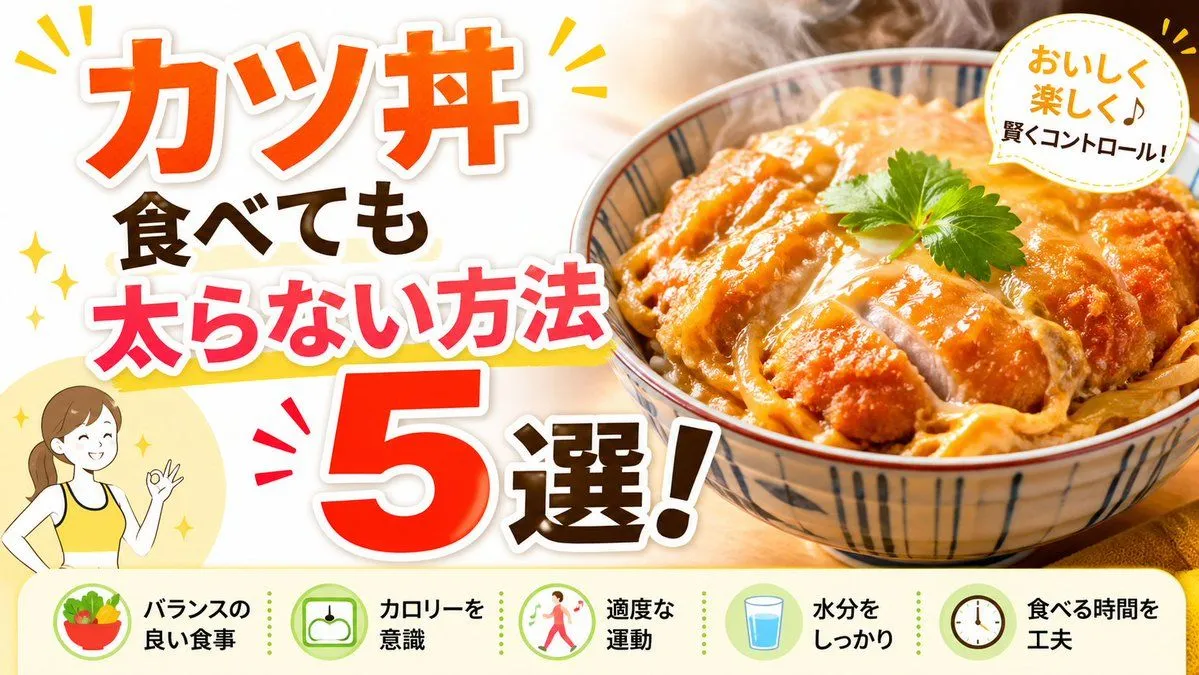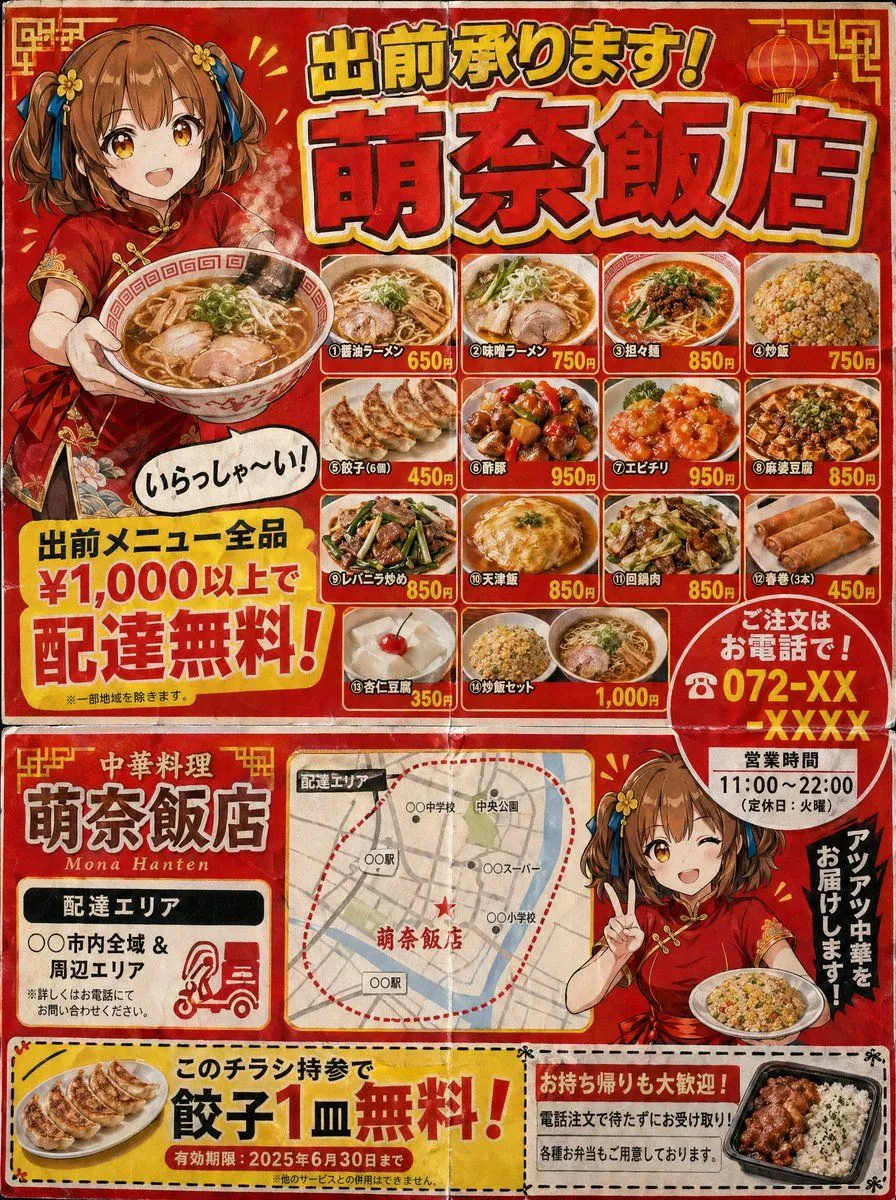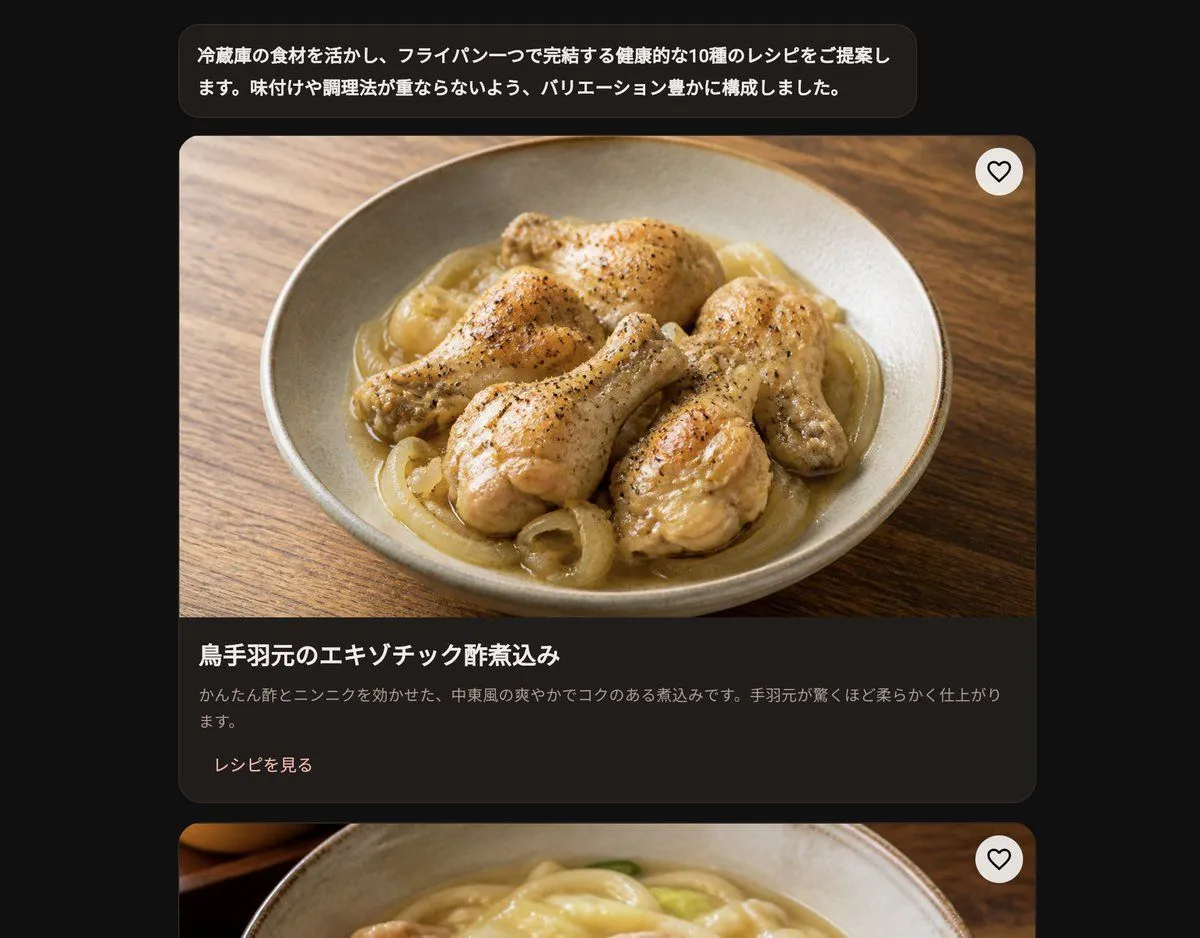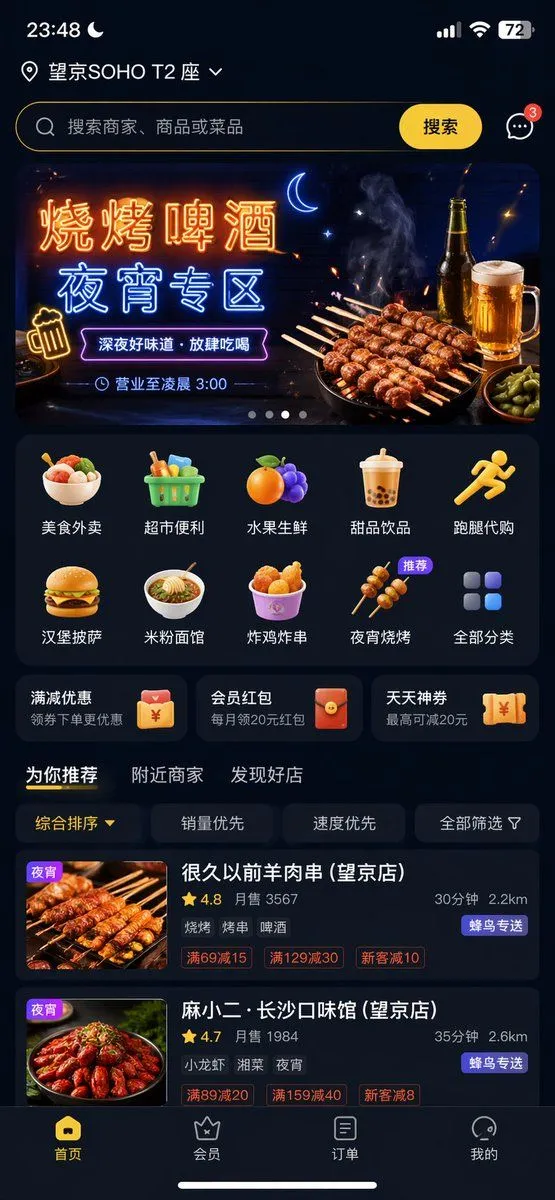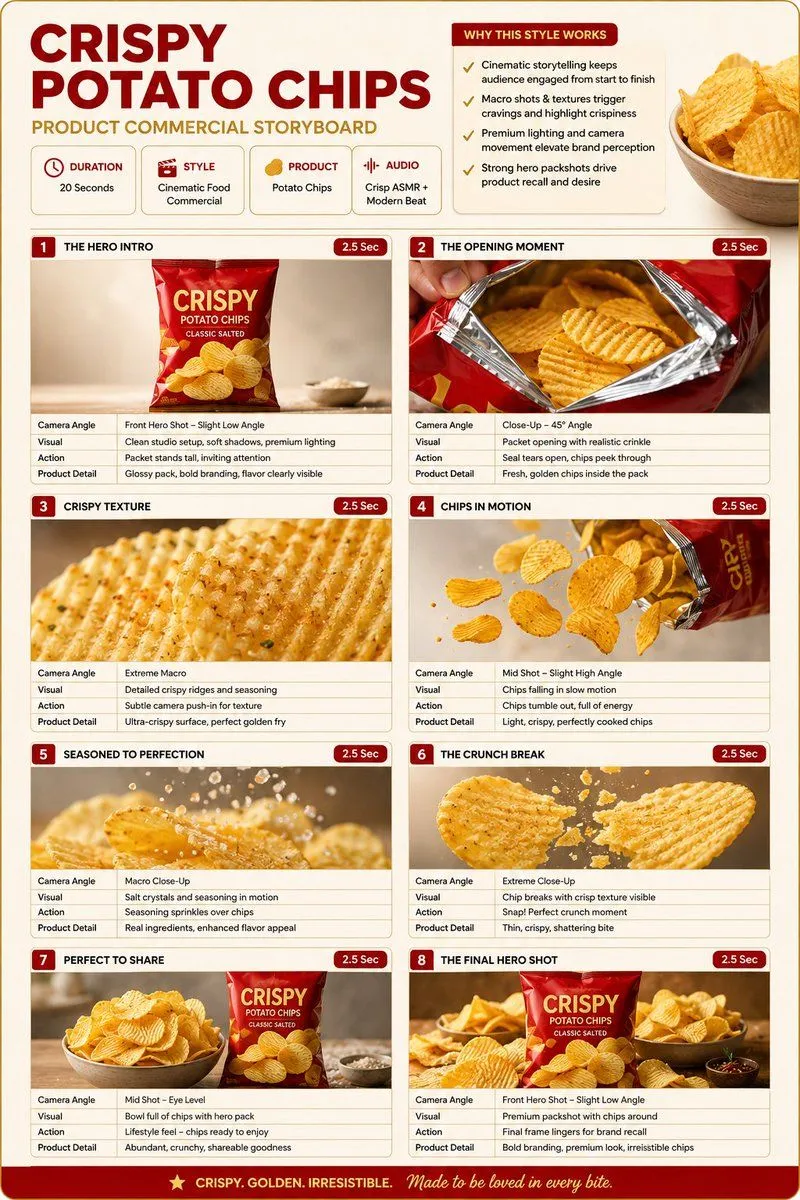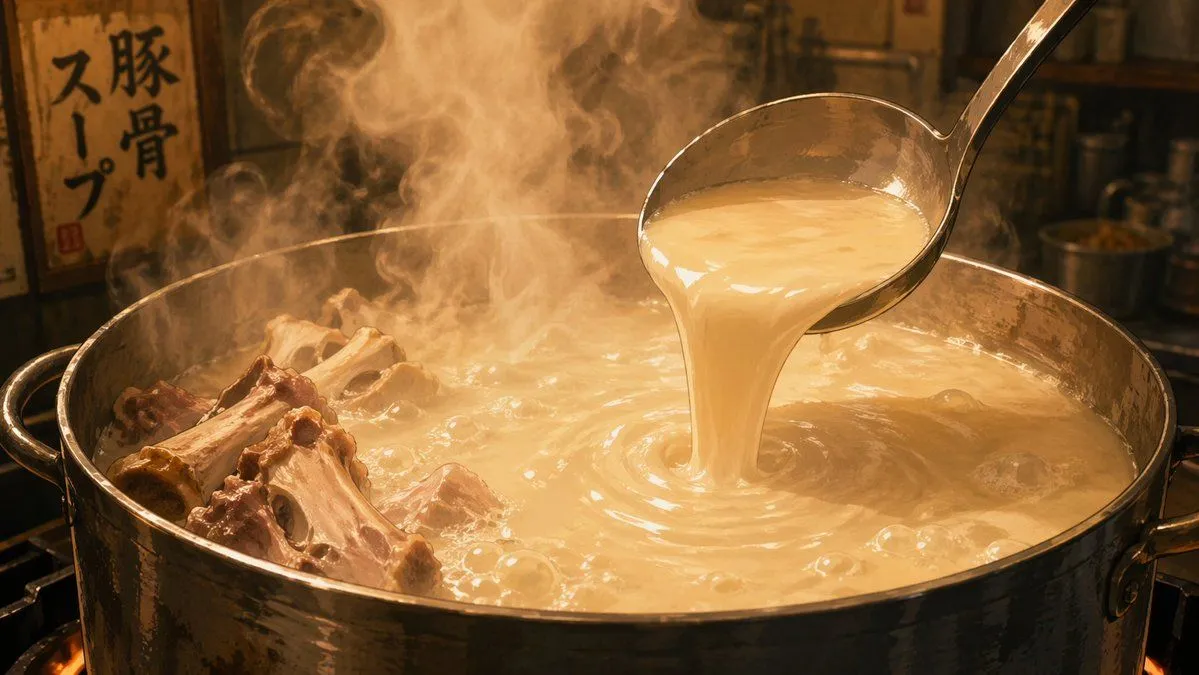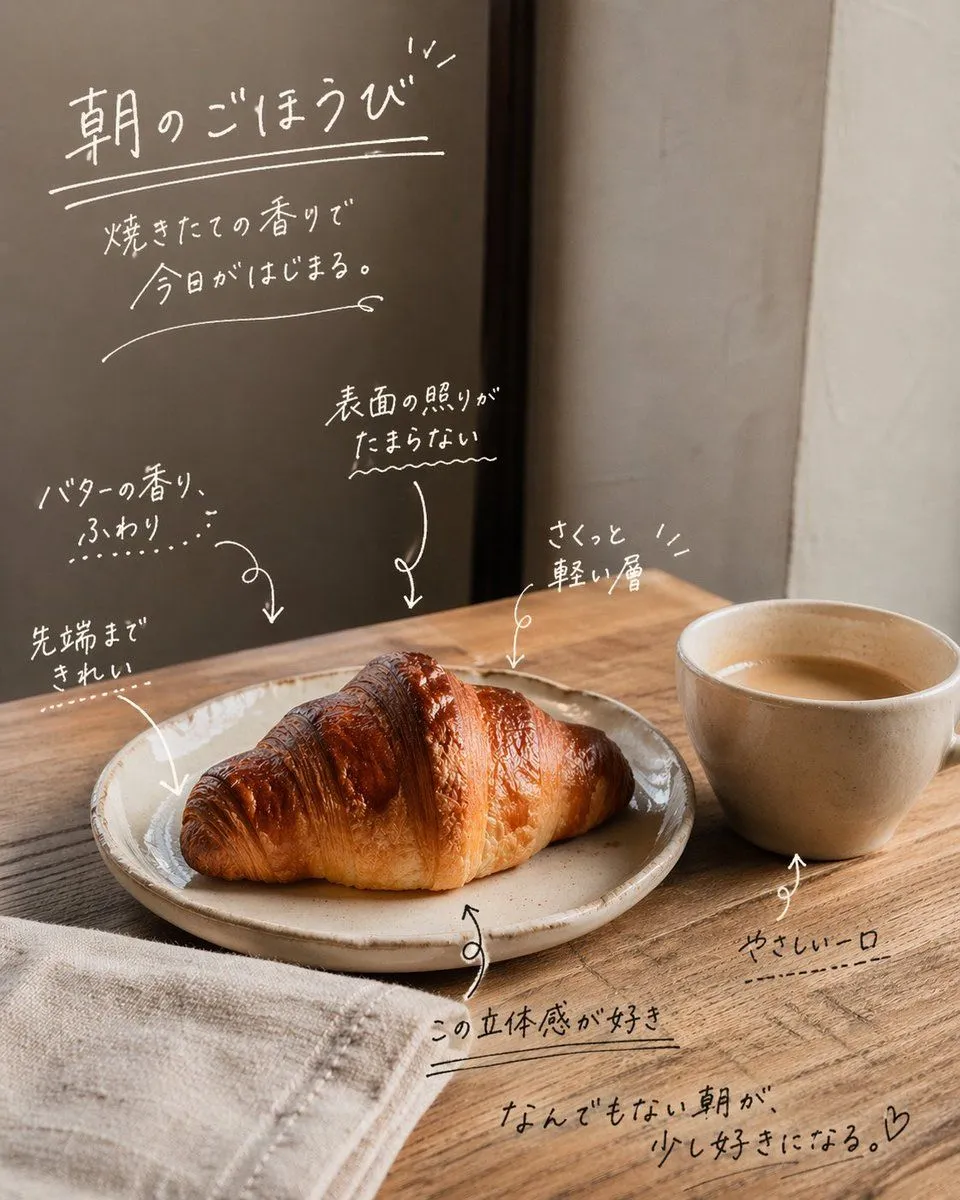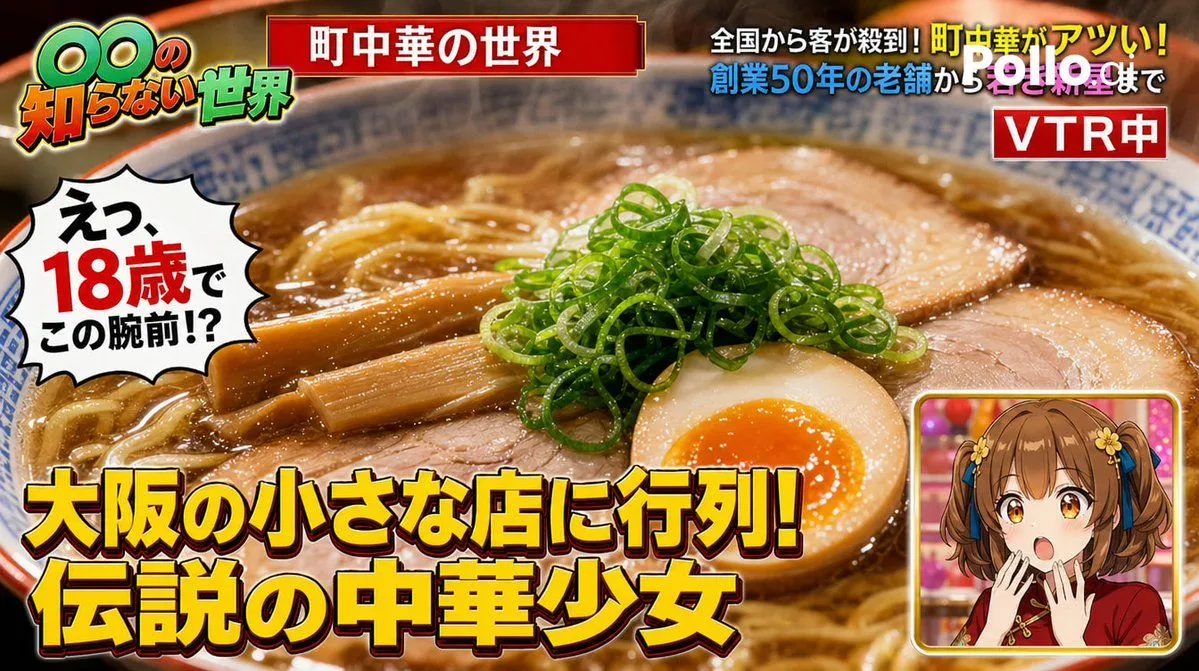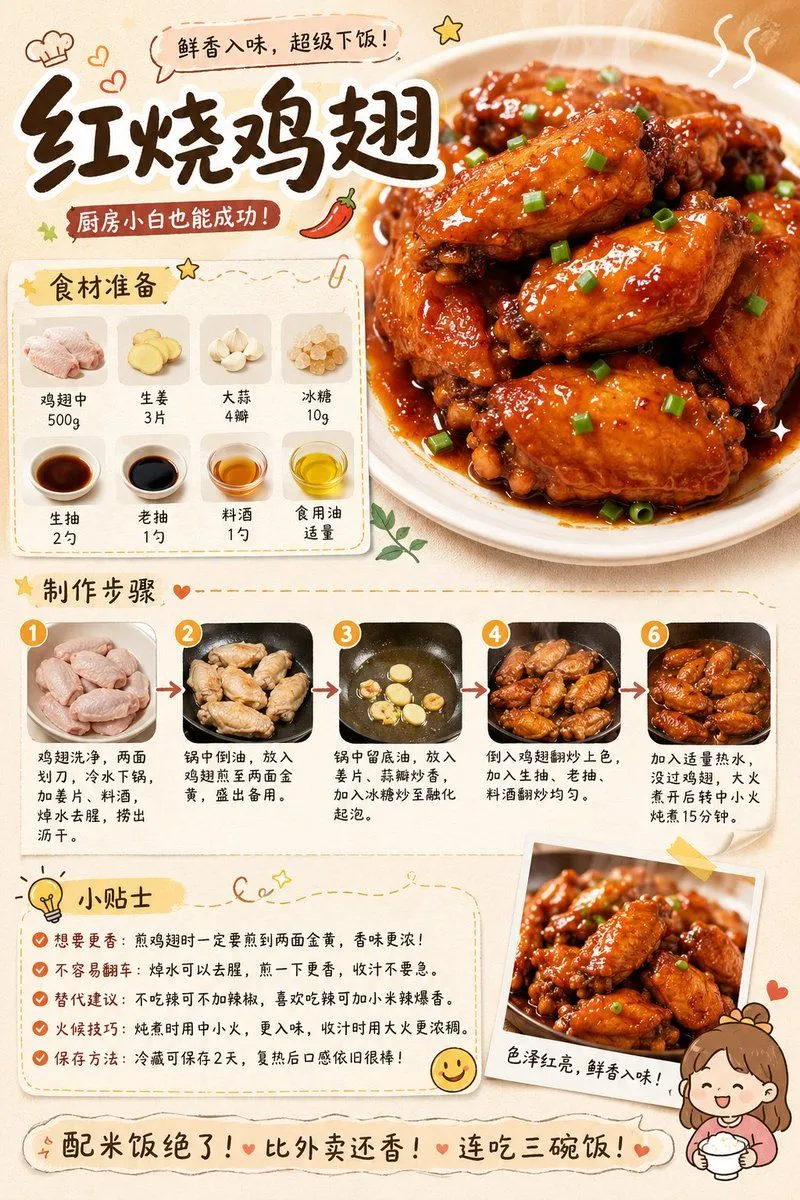
Made with GPT Image 2 in ChatGPT by Library Lifestyle. Promptclay never generates images.
Did it work?
No reports yet. Tell others if it worked for you.
Gourmet Recipe Visual Note Poster
Prompt
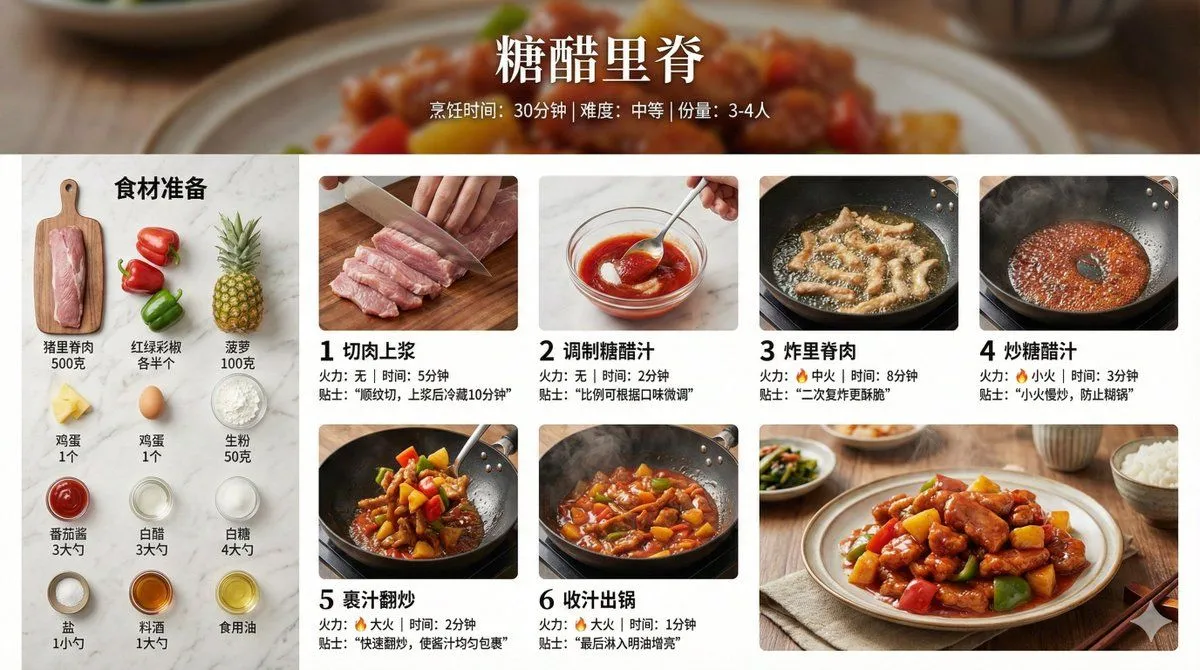
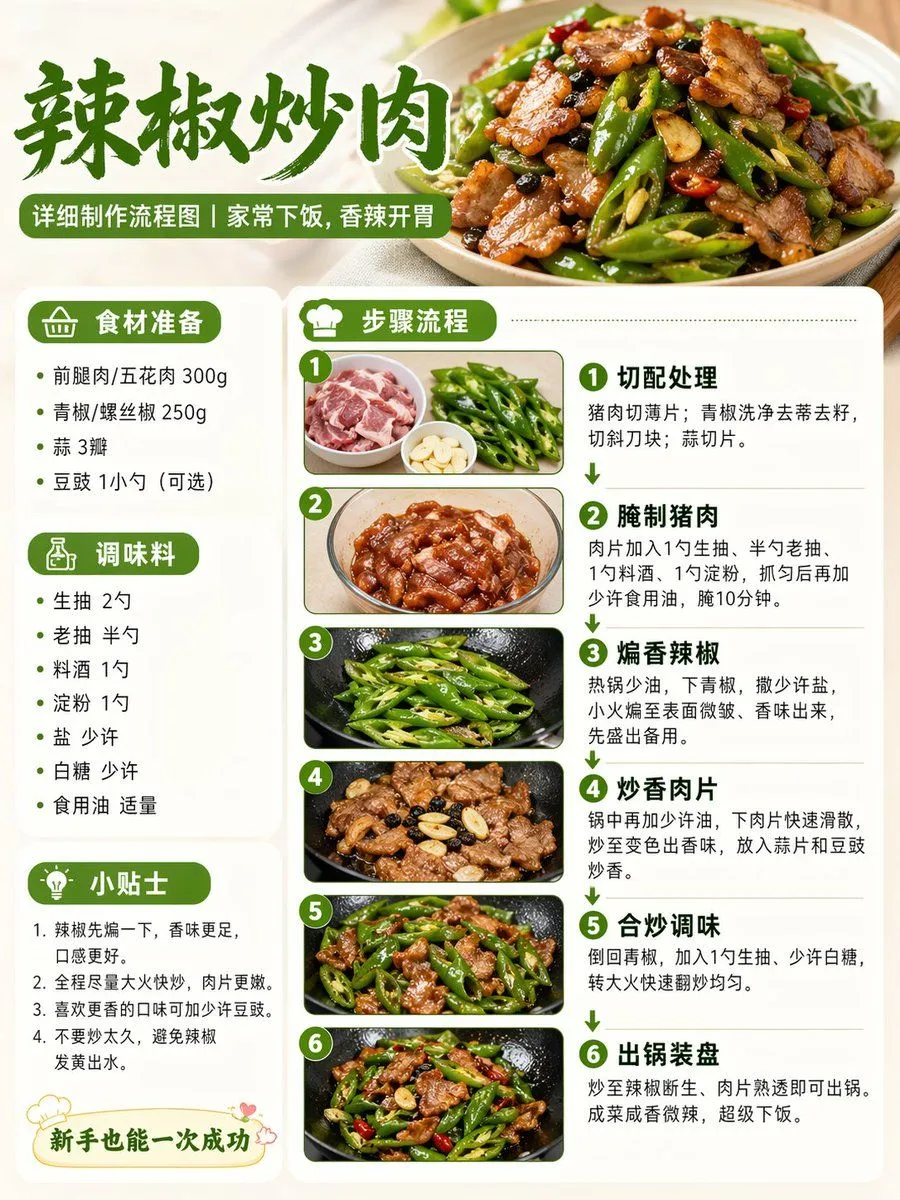
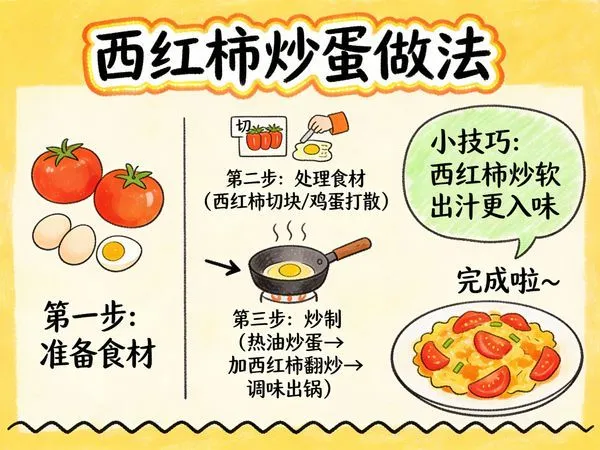
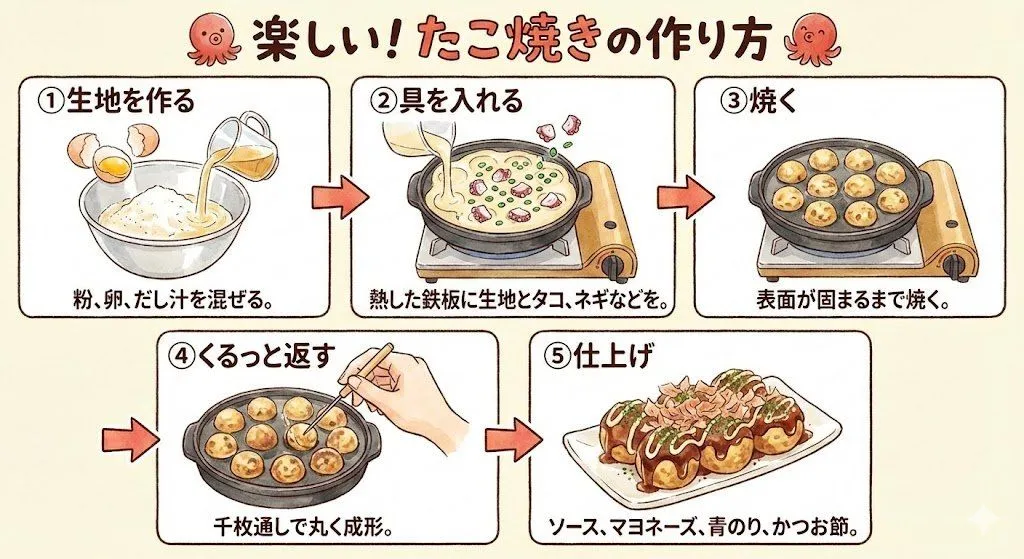
1 blank to fillGenerate a high-aesthetic gourmet recipe graphic note poster, with the theme "{dish_name}". [Overall Style] Fresh and healing gourmet infographic style, integrating: popular social media recipe layout, Japanese notebook feel, light hand-painted UI elements, and food magazine style. Overall visual: Warm cream background (off-white / light milk coffee), bright but not dazzling colors, vivid and tempting food colors, clean and tidy layout, suitable for vertical mobile reading. [Core Visual Structure] 1. Top Title Area - oversized font for dish name - paired with hand-drawn small icons (chili / heart / star / steam etc.) - add an appetizing slogan. 2. Main Visual Food Image - a super tempting close-up of the finished product - food is the visual center - obvious glossiness and heat - emphasize the "just out of the pot" feeling - lens has food photography quality. 3. Ingredient Preparation Module - uses card layout - shows main ingredients - each ingredient with small icon/photo - labeled quantities - neat and clear layout. 4. Preparation Steps Module - uses step numbering (1, 2, 3...) - each step includes: small step photo, short text description - arrows connecting the process - easy to understand at a glance - photos have a real cooking feel. 5. Tips Module - uses: hand-drawn note style, dashed borders, small light bulb icons. 6. Bottom Atmosphere Copy. [Visual Details] Abundant hand-drawn element embellishments, cute arrows, graffiti lines, rounded corner cards, slight paper texture, soft shadows, high information density but not cluttered. [Image Quality Requirements] High definition, high detail, extremely tempting food, suitable for social media covers, suitable for graphic notes, 4K food photography quality. [Emphasis] No AI painting feel, no low-quality illustration feel, no over-cartoonishness; should look more like: "High-quality graphic notes produced by a professional food blogger."
Preview of your prompt
Generate a high-aesthetic gourmet recipe graphic note poster, with the theme "[Dish Name]". [Overall Style] Fresh and healing gourmet infographic style, integrating: popular social media recipe layout, Japanese notebook feel, light hand-painted UI elements, and food magazine style. Overall visual: Warm cream background (off-white / light milk coffee), bright but not dazzling colors, vivid and tempting food colors, clean and tidy layout, suitable for vertical mobile reading. [Core Visual Structure] 1. Top Title Area - oversized font for dish name - paired with hand-drawn small icons (chili / heart / star / steam etc.) - add an appetizing slogan. 2. Main Visual Food Image - a super tempting close-up of the finished product - food is the visual center - obvious glossiness and heat - emphasize the "just out of the pot" feeling - lens has food photography quality. 3. Ingredient Preparation Module - uses card layout - shows main ingredients - each ingredient with small icon/photo - labeled quantities - neat and clear layout. 4. Preparation Steps Module - uses step numbering (1, 2, 3...) - each step includes: small step photo, short text description - arrows connecting the process - easy to understand at a glance - photos have a real cooking feel. 5. Tips Module - uses: hand-drawn note style, dashed borders, small light bulb icons. 6. Bottom Atmosphere Copy. [Visual Details] Abundant hand-drawn element embellishments, cute arrows, graffiti lines, rounded corner cards, slight paper texture, soft shadows, high information density but not cluttered. [Image Quality Requirements] High definition, high detail, extremely tempting food, suitable for social media covers, suitable for graphic notes, 4K food photography quality. [Emphasis] No AI painting feel, no low-quality illustration feel, no over-cartoonishness; should look more like: "High-quality graphic notes produced by a professional food blogger."
DetailsVersions, settings and questions
Written for
What's in the prompt
- Subject
- Model
- GPT Image 2
If your face changes
keep my face exactly the sameQuestions
- Does this work in the ChatGPT app?
- Yes. Paste the prompt and attach your photo if it uses one.
- It changed my face. What do I do?
- Add "keep my face exactly the same" to the end and run it again.
- Can I use the images I make?
- Check the terms of the app you use. Promptclay never generates images and claims nothing you make.