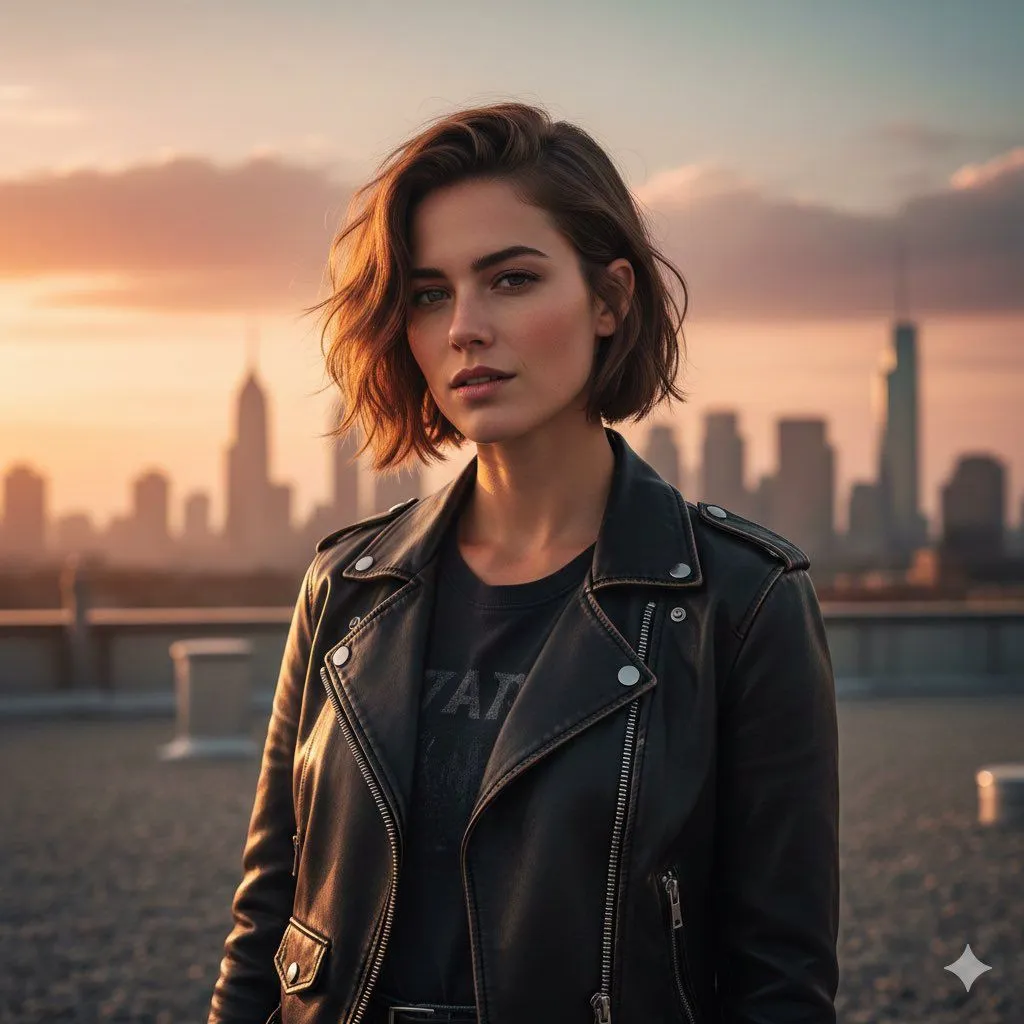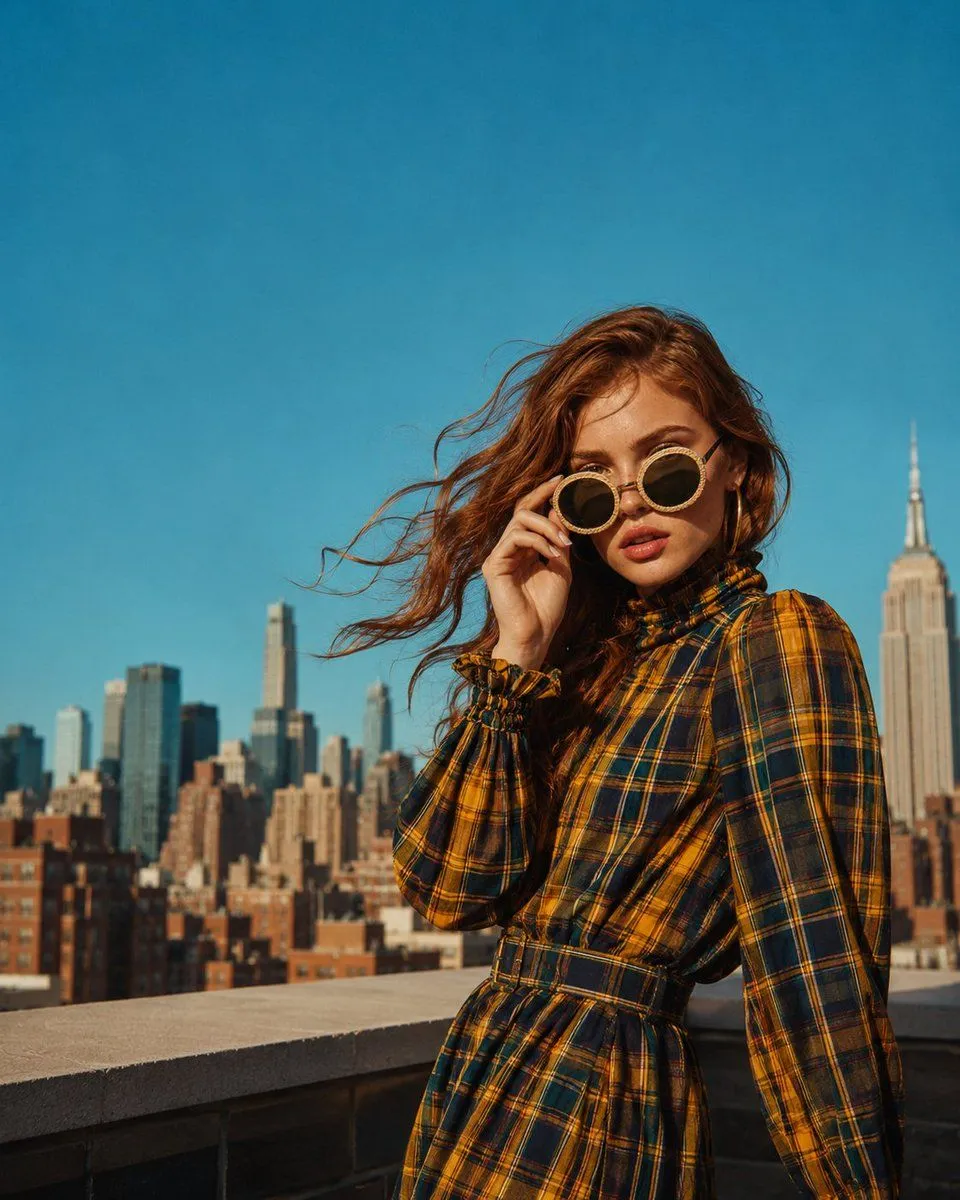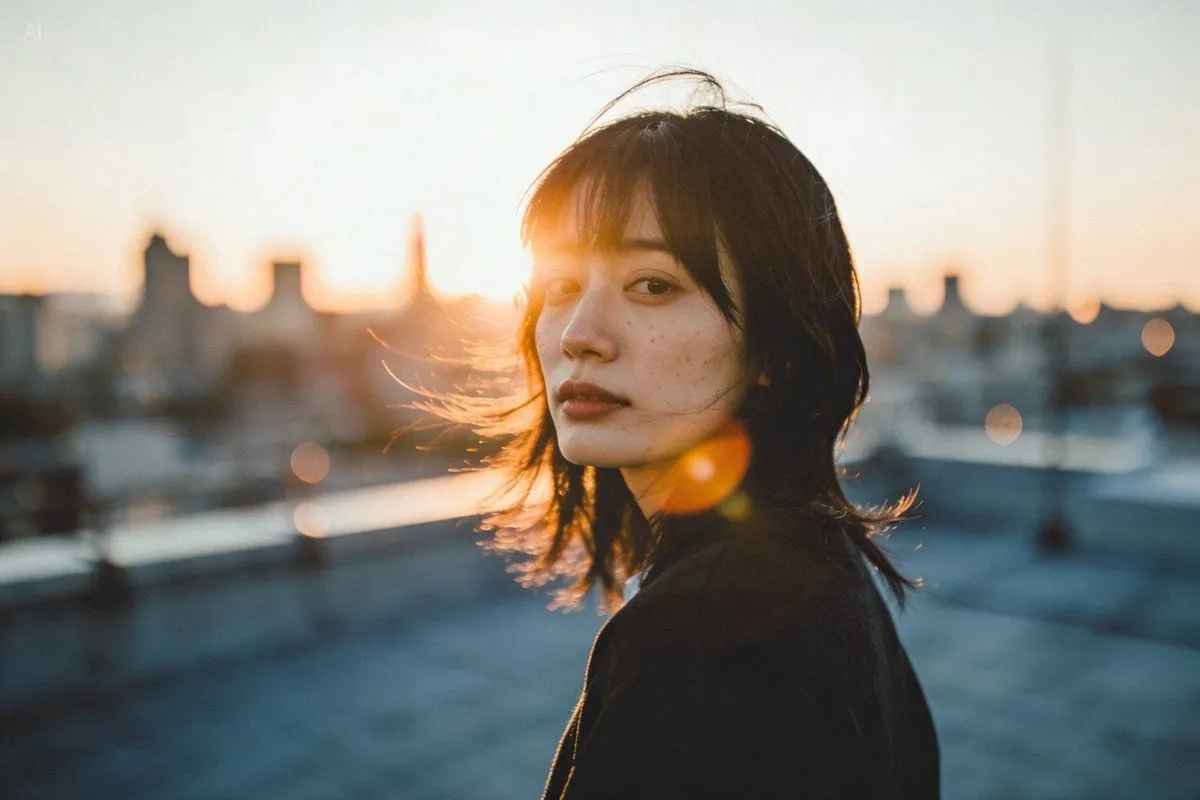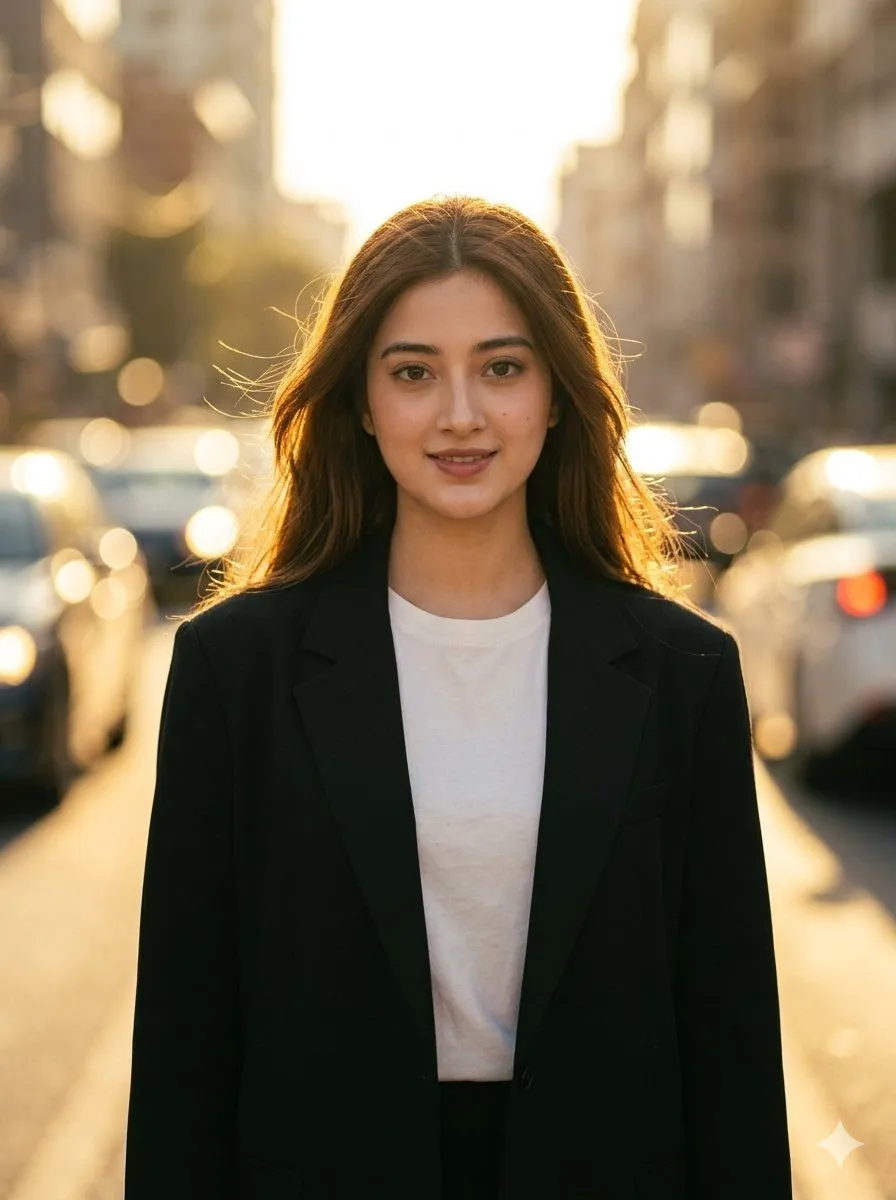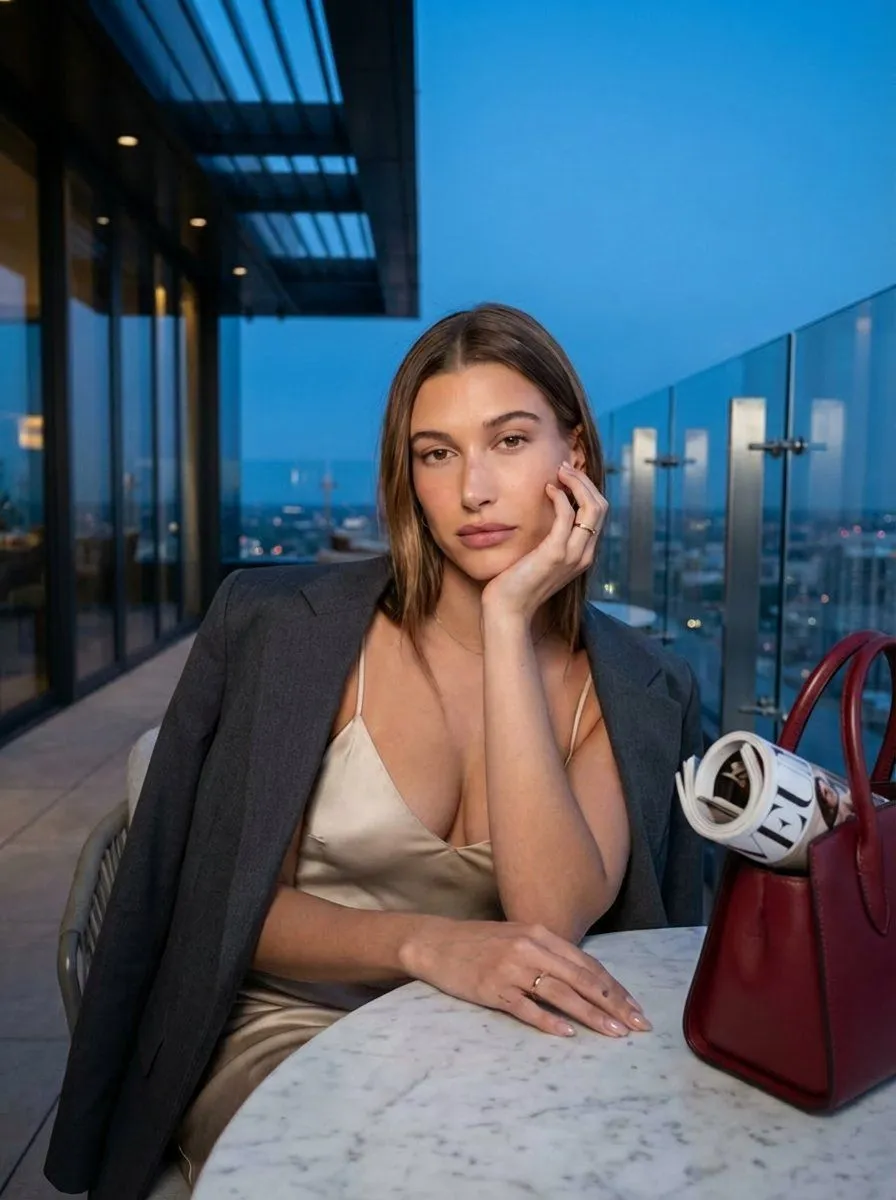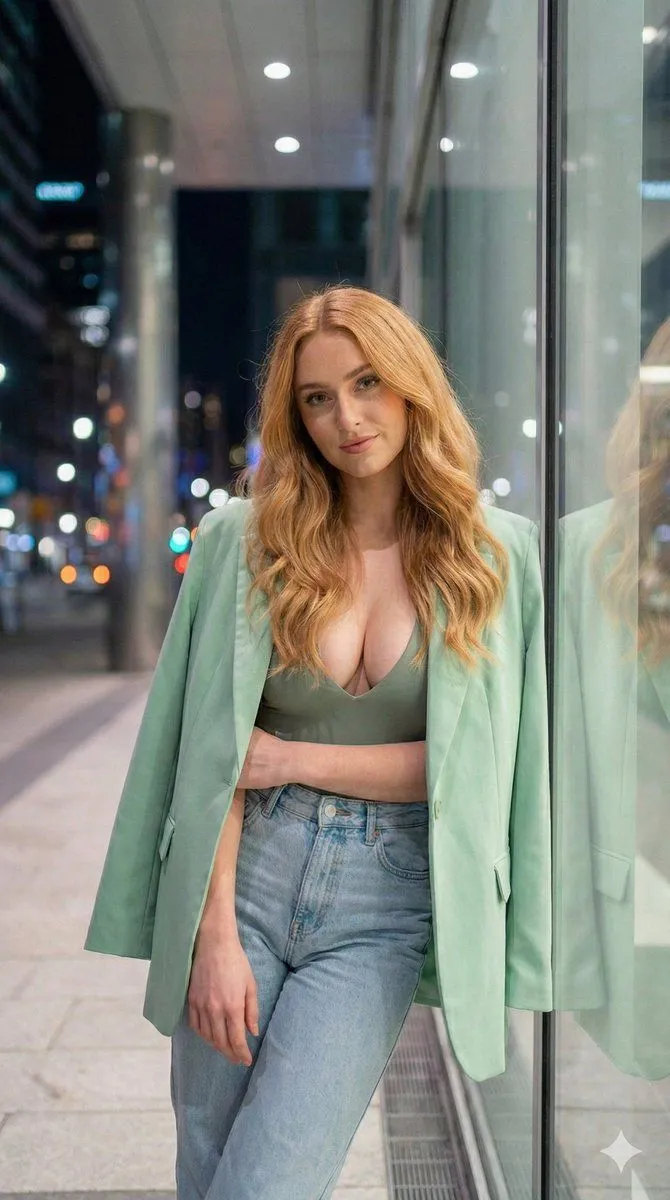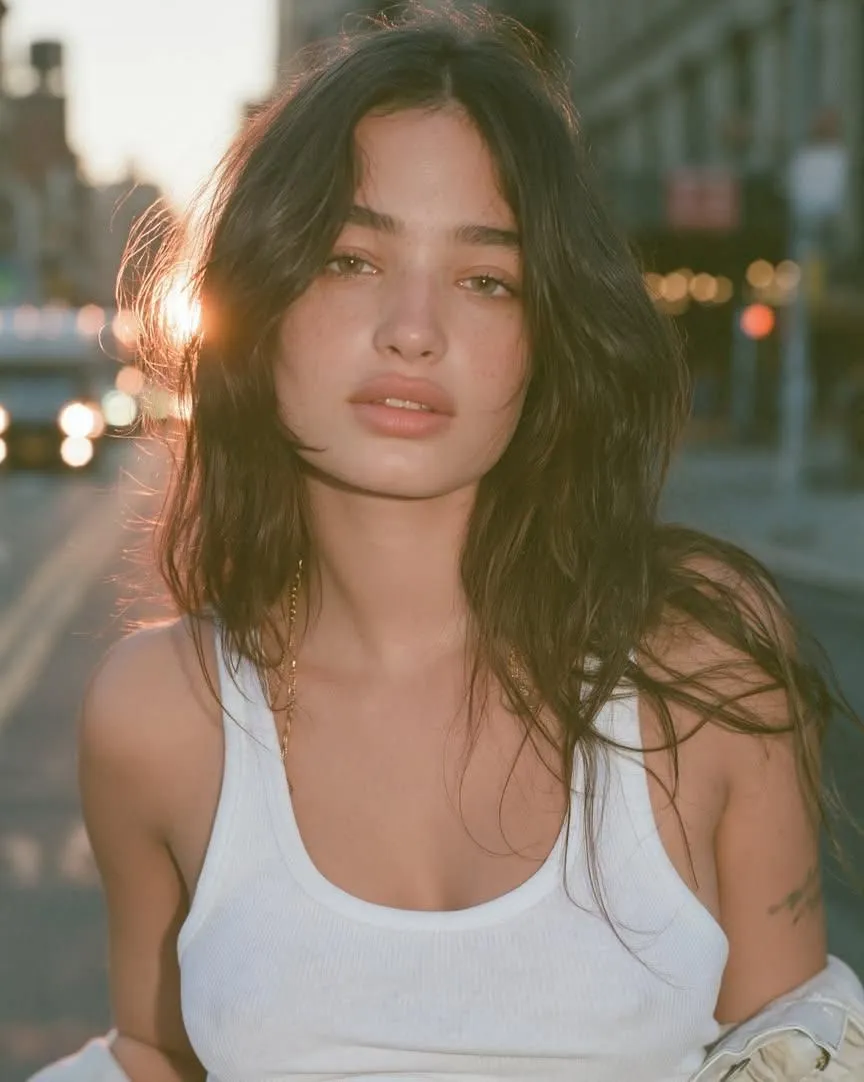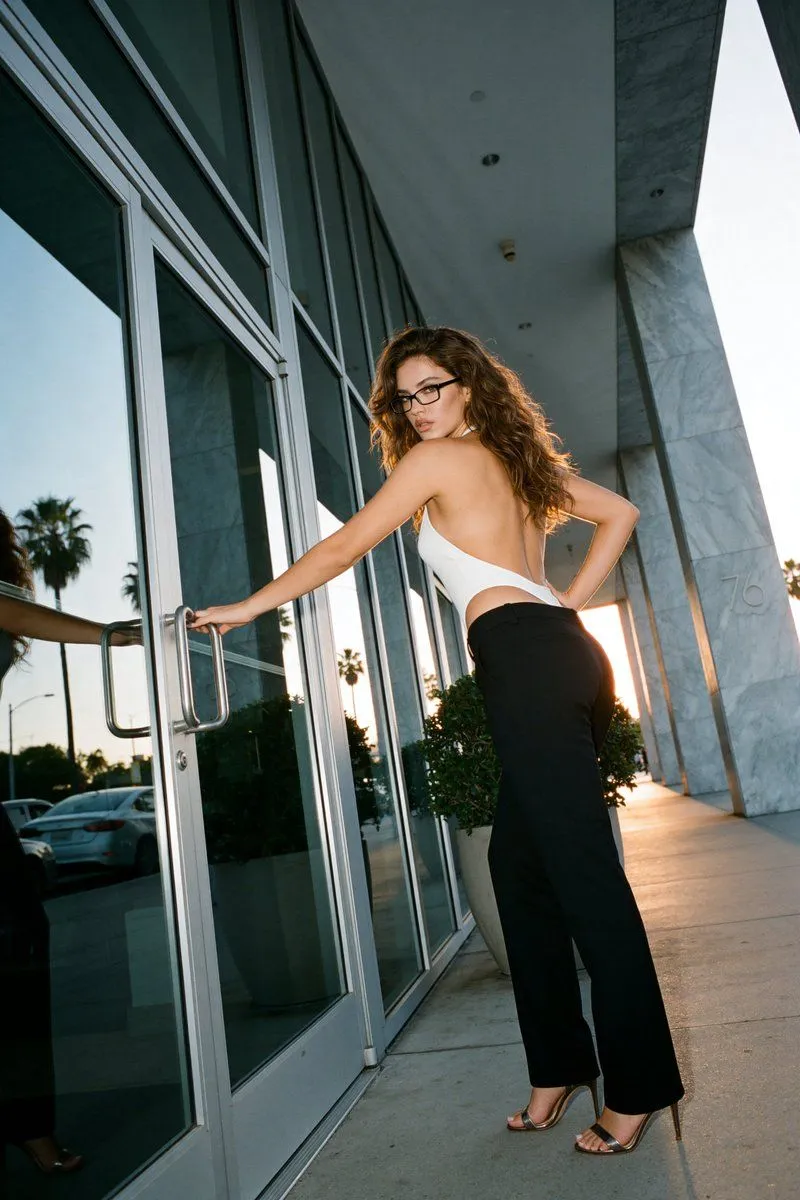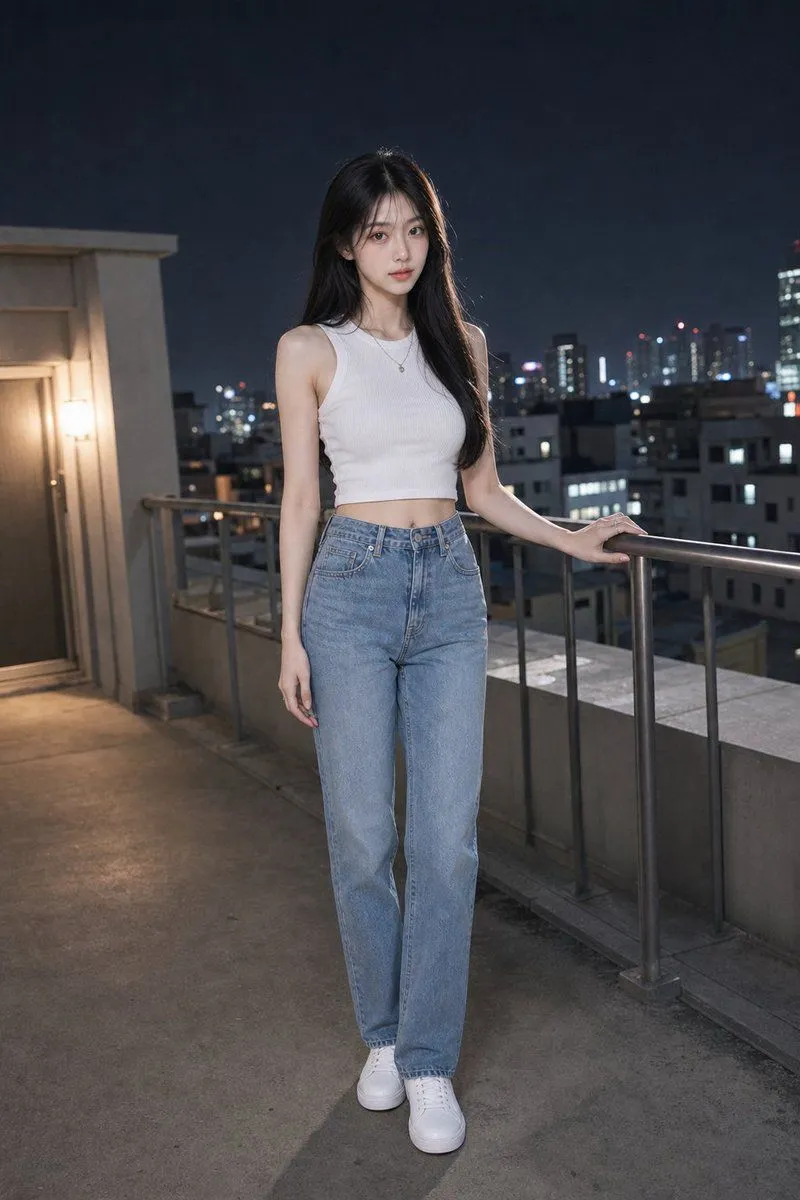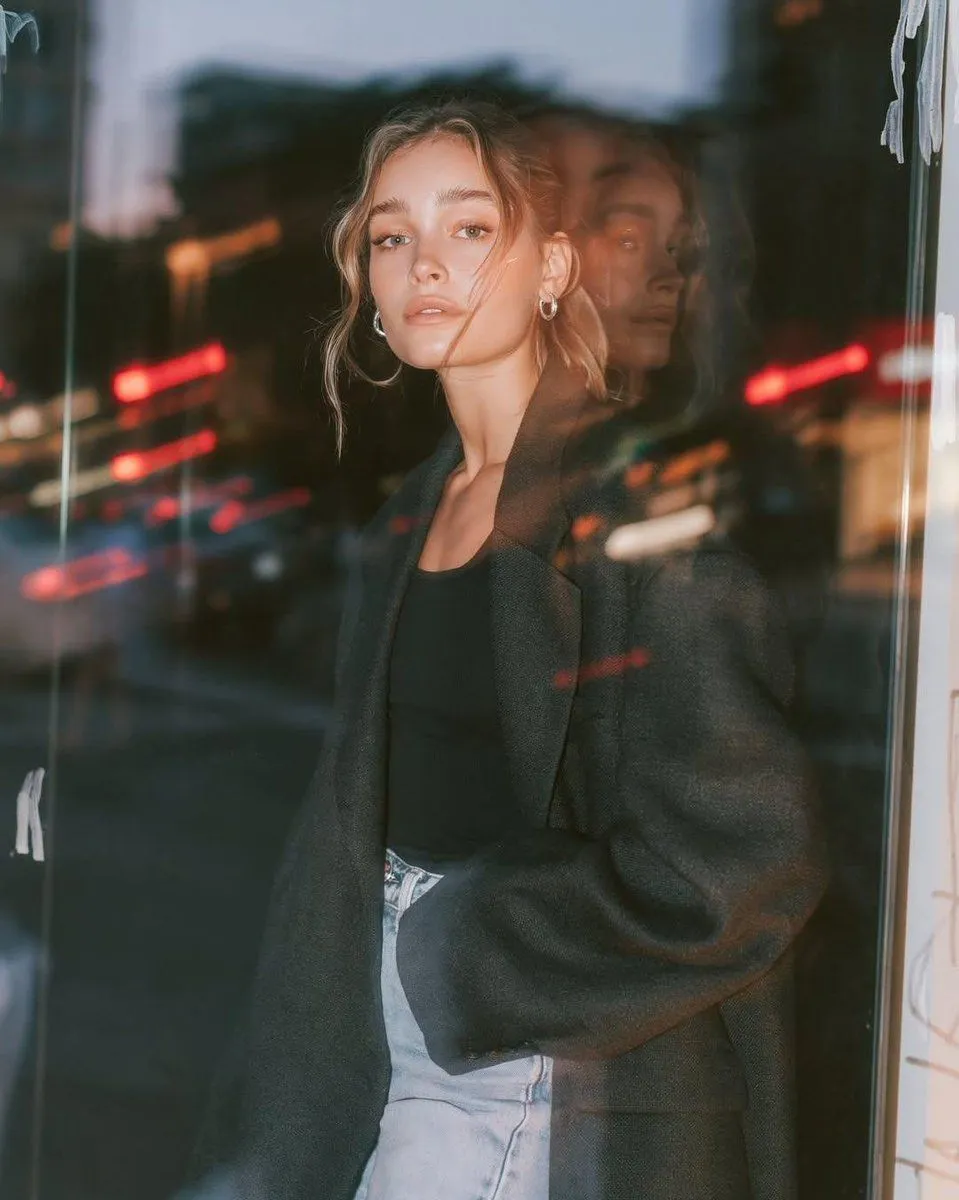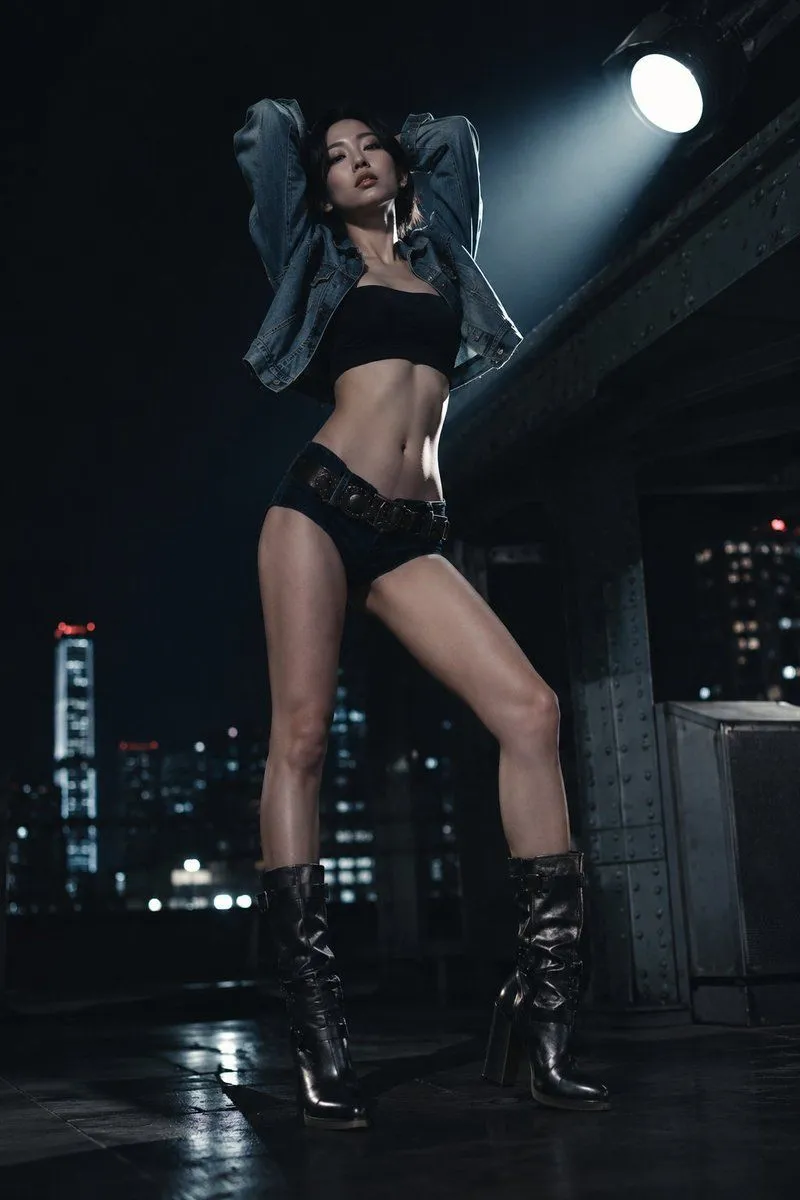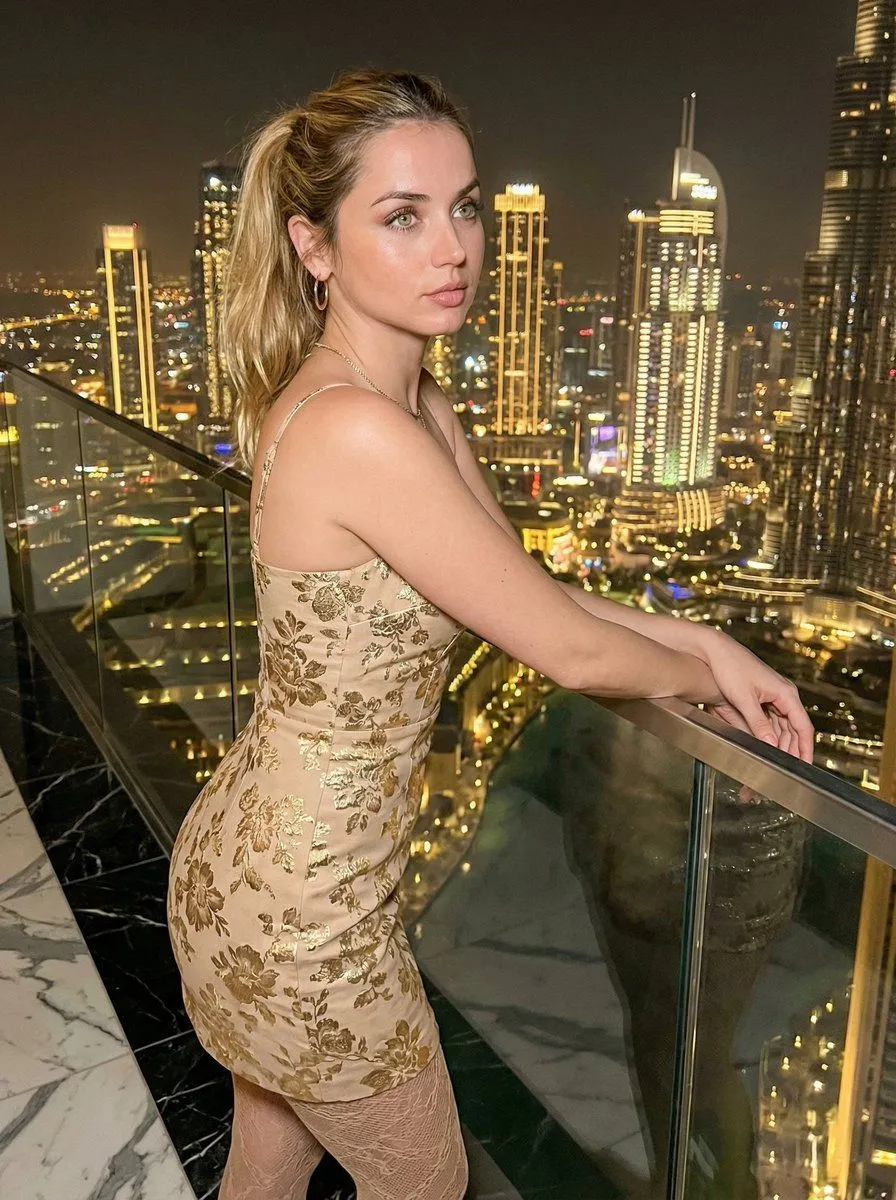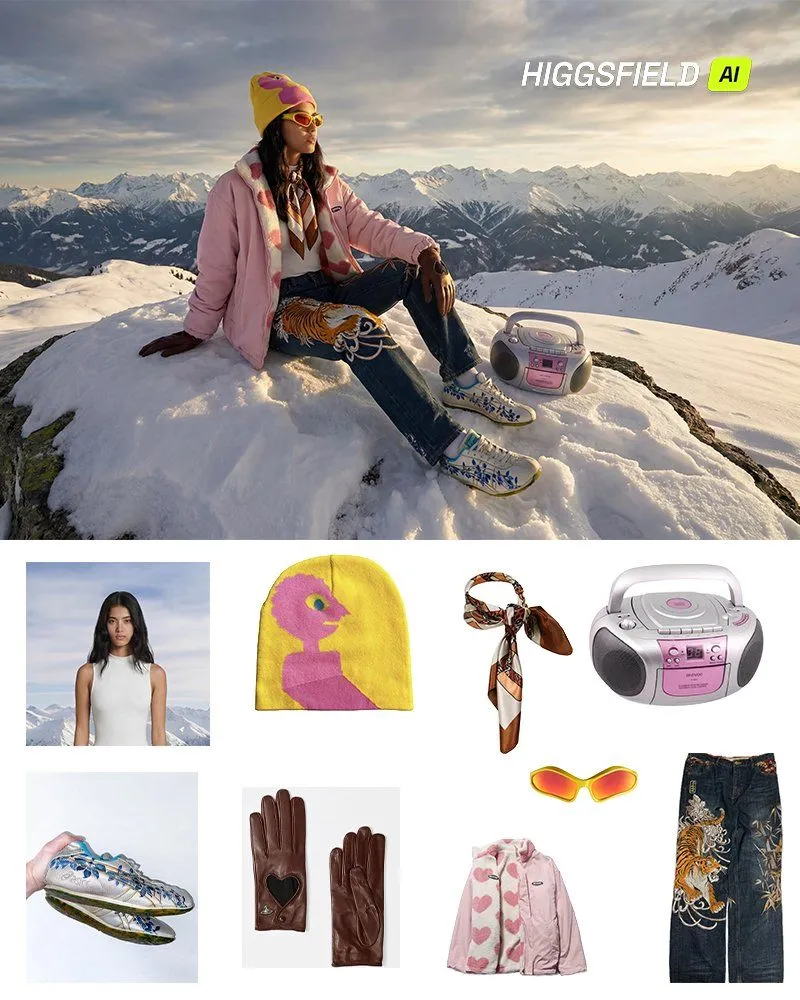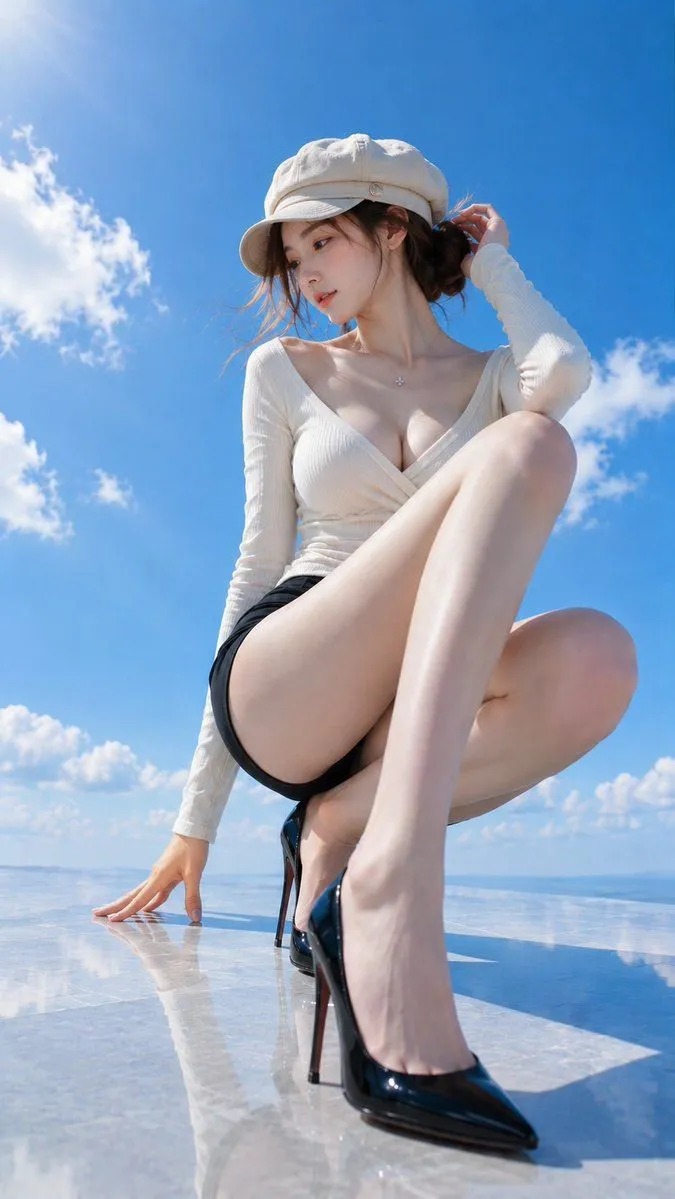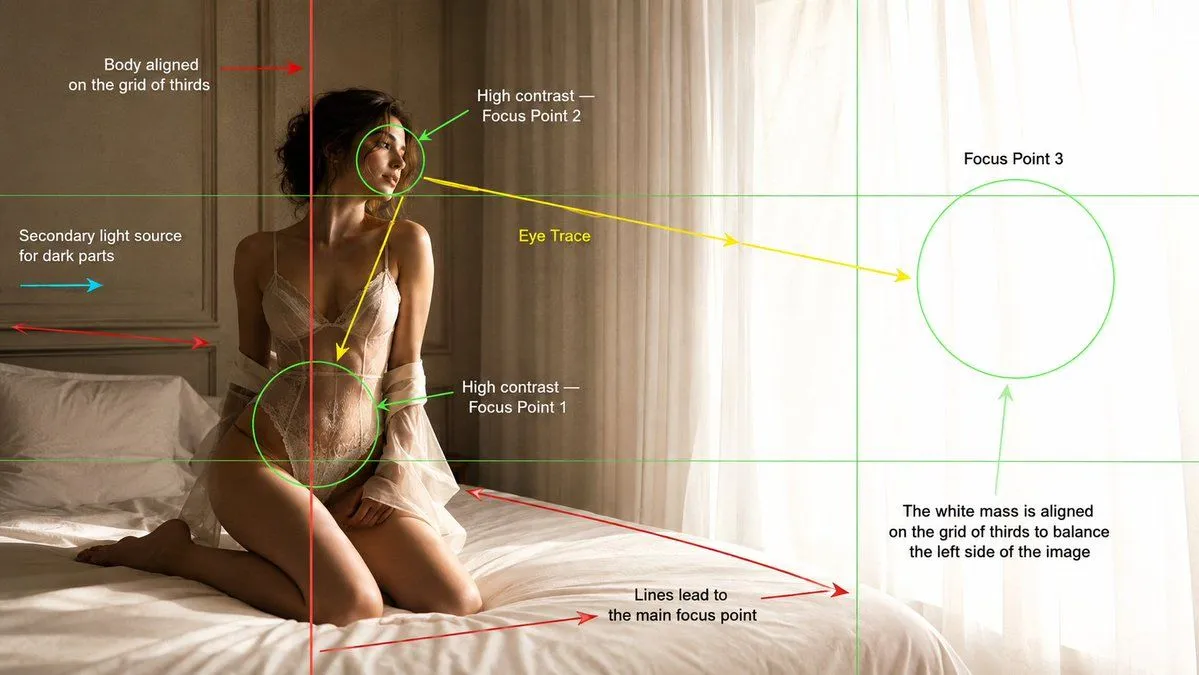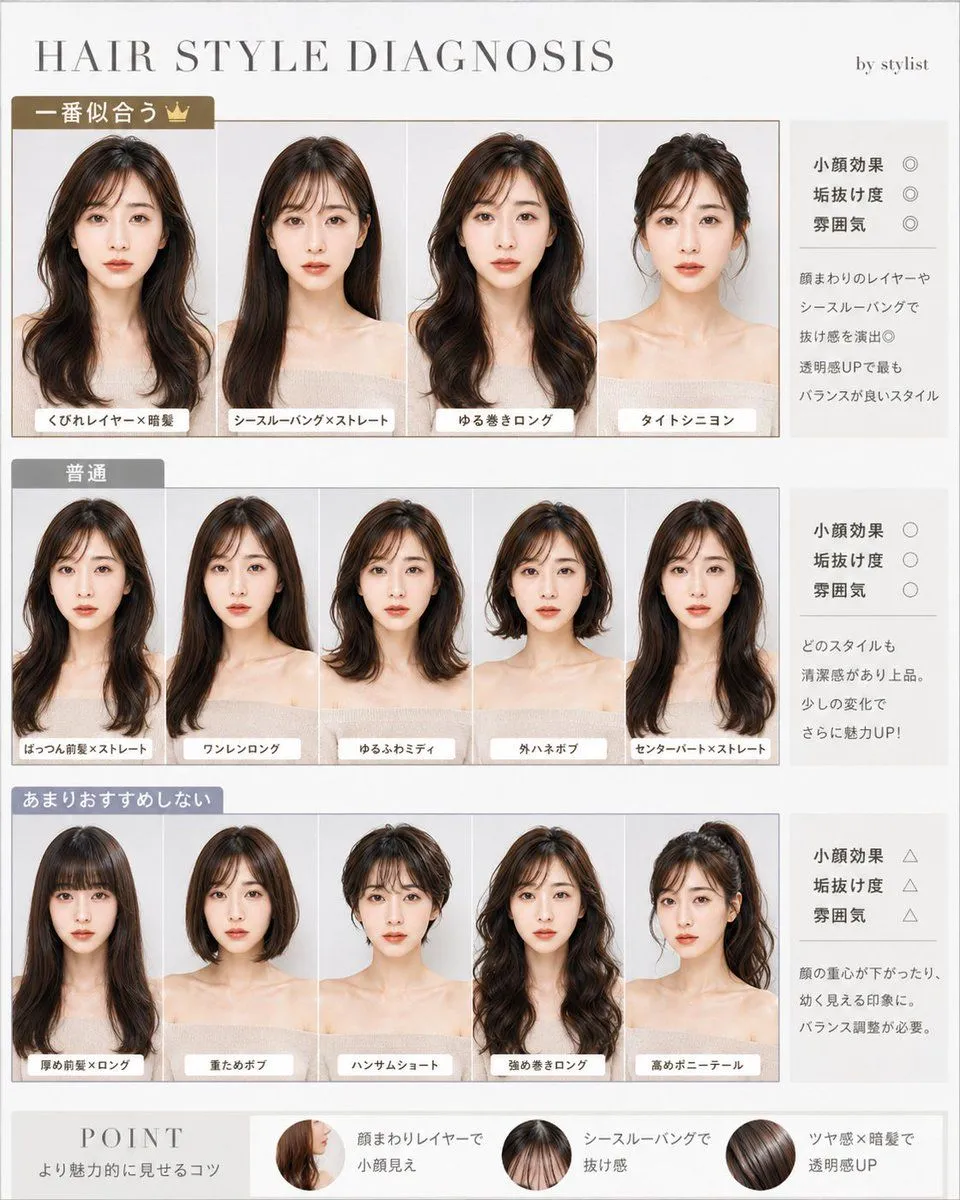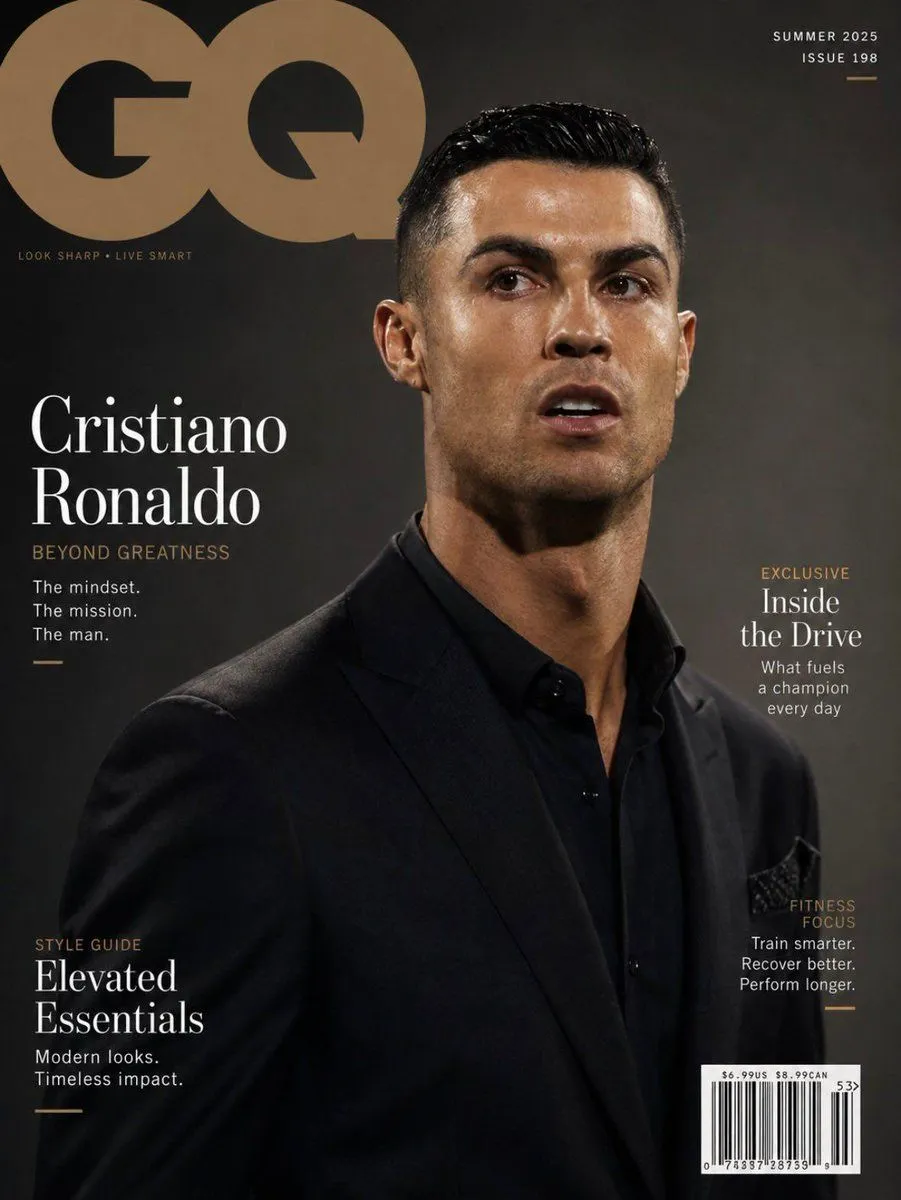
Made with GPT Image 2 in ChatGPT by Library Lifestyle. Promptclay never generates images.
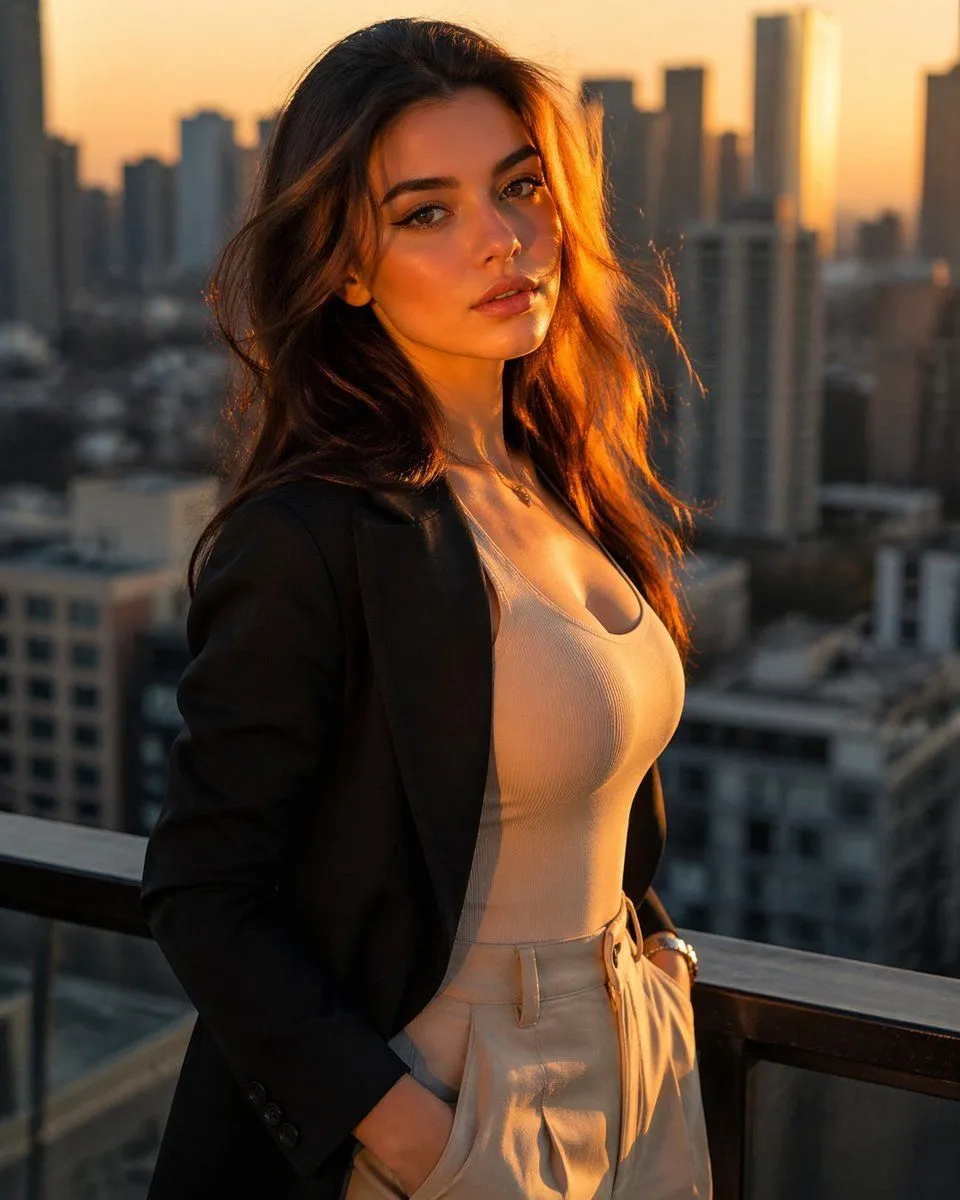
Golden Hour Rooftop Fashion Portrait
Prompt
3 blanks to fillA cinematic golden-hour rooftop portrait of a stylish young woman standing by a balcony railing high above a modern city skyline, photographed vertically with a shallow depth of field. She has {hair_color} long wavy hair glowing with warm sunset backlight, and her face is turned slightly away and obscured from view. She wears a black tailored blazer over a fitted white scoop-neck ribbed tank top, paired with high-waisted cream trousers with one hand in her pocket, plus a delicate necklace and a subtle bracelet or watch. The composition is waist-up to upper-thigh framing, elegant and fashion-editorial, with the woman placed prominently in the foreground and soft blurred skyscrapers in the background. Use warm orange sunlight, realistic skin and fabric textures, soft highlights on the hair and shoulders, a luxurious urban atmosphere, and a polished lifestyle photography look as if shot for a premium fashion campaign in {city_setting} during {time_of_day}.
Preview of your prompt
A cinematic golden-hour rooftop portrait of a stylish young woman standing by a balcony railing high above a modern city skyline, photographed vertically with a shallow depth of field. She has dark brown long wavy hair glowing with warm sunset backlight, and her face is turned slightly away and obscured from view. She wears a black tailored blazer over a fitted white scoop-neck ribbed tank top, paired with high-waisted cream trousers with one hand in her pocket, plus a delicate necklace and a subtle bracelet or watch. The composition is waist-up to upper-thigh framing, elegant and fashion-editorial, with the woman placed prominently in the foreground and soft blurred skyscrapers in the background. Use warm orange sunlight, realistic skin and fabric textures, soft highlights on the hair and shoulders, a luxurious urban atmosphere, and a polished lifestyle photography look as if shot for a premium fashion campaign in a modern downtown skyline during sunset.
DetailsVersions, settings and questions
Written for
What's in the prompt
- Subject
- Model
- GPT Image 2
If your face changes
keep my face exactly the sameQuestions
- Does this work in the ChatGPT app?
- Yes. Paste the prompt and attach your photo if it uses one.
- It changed my face. What do I do?
- Add "keep my face exactly the same" to the end and run it again.
- Can I use the images I make?
- Check the terms of the app you use. Promptclay never generates images and claims nothing you make.