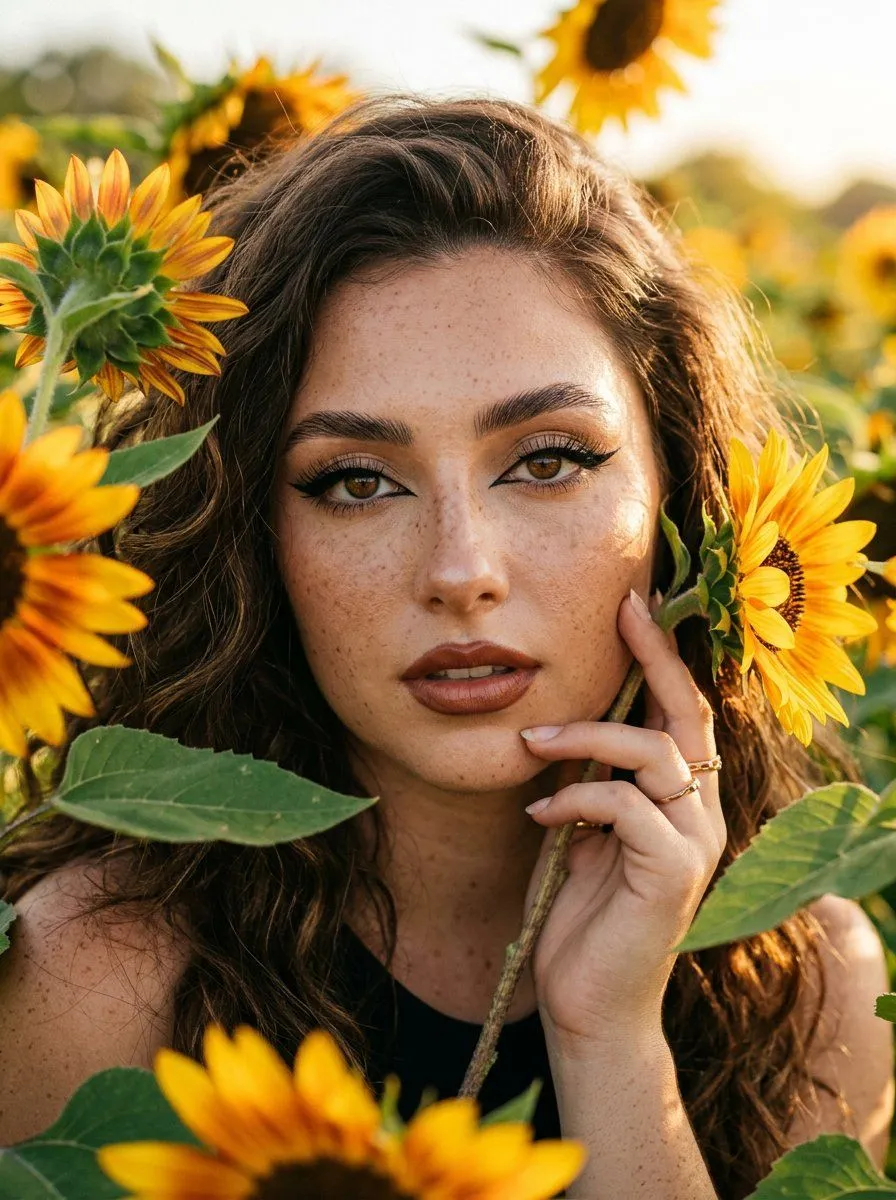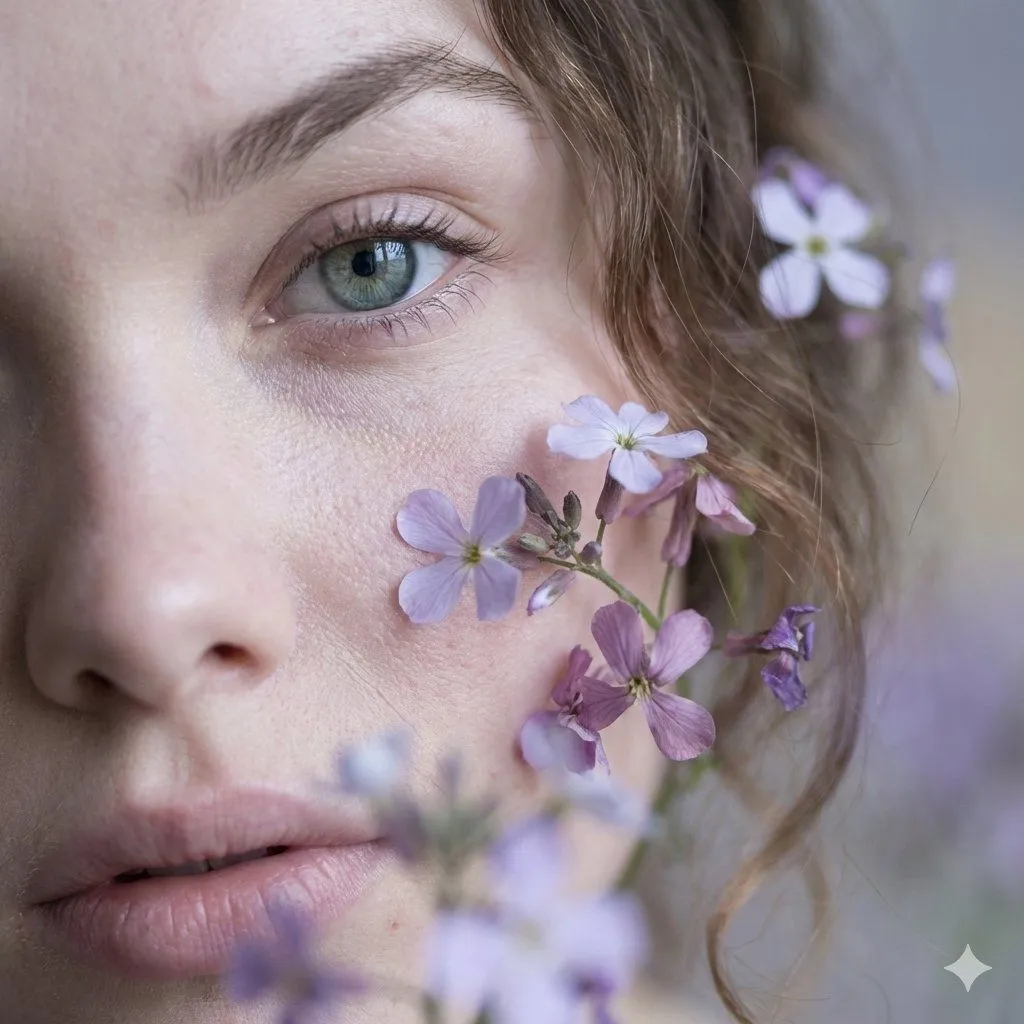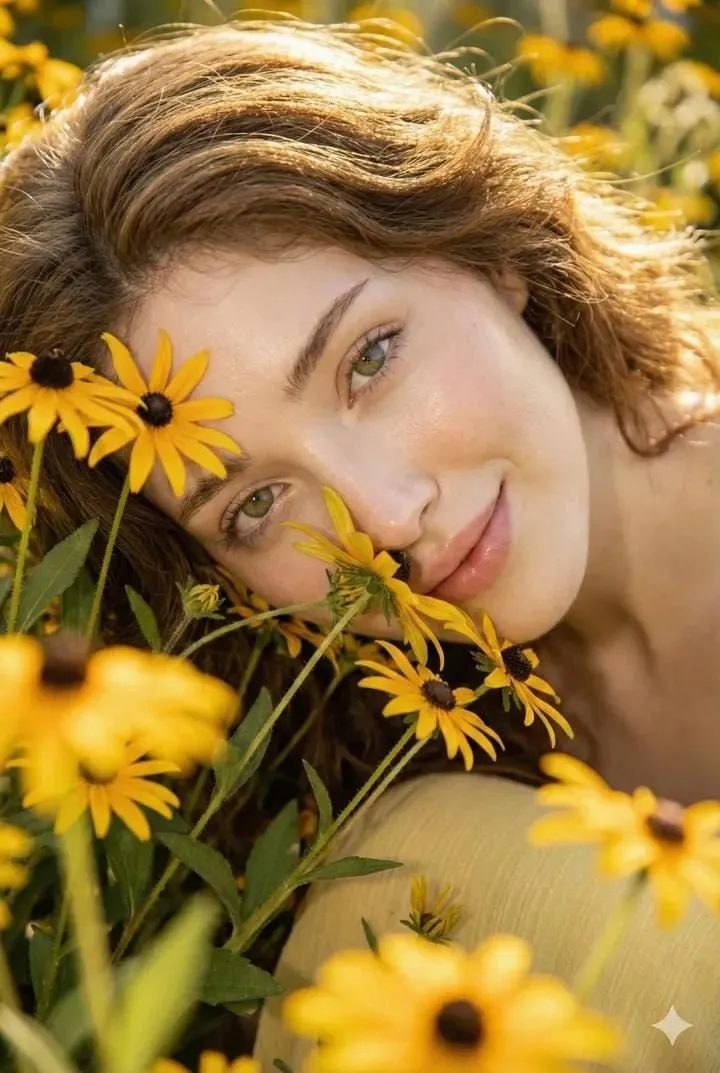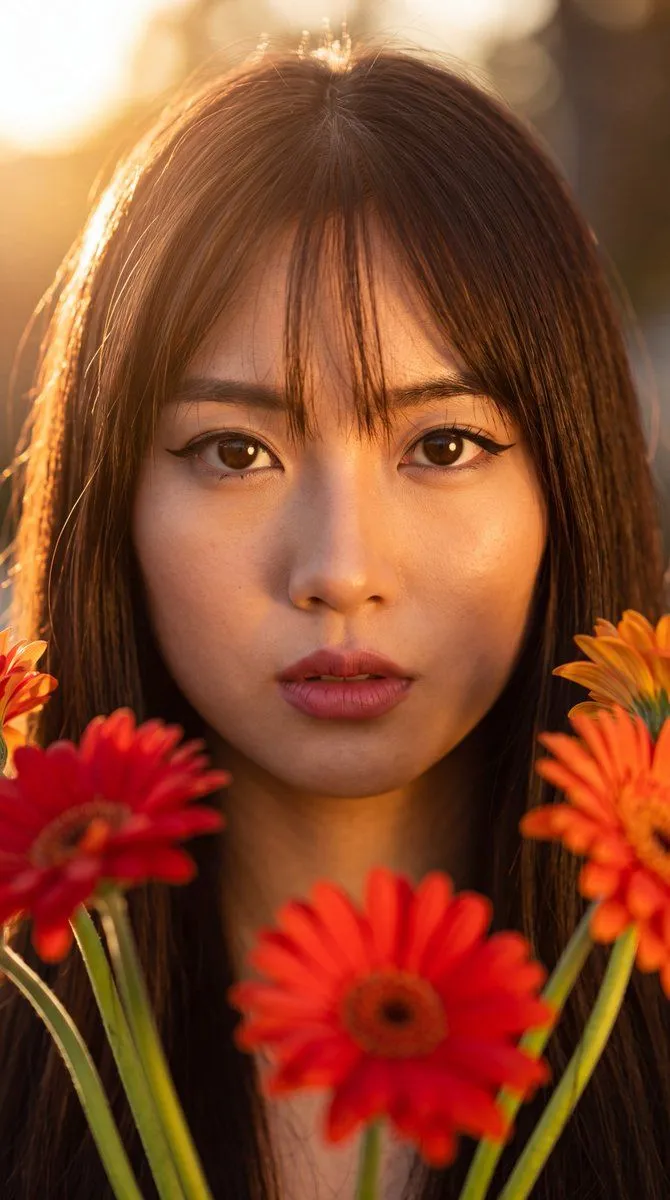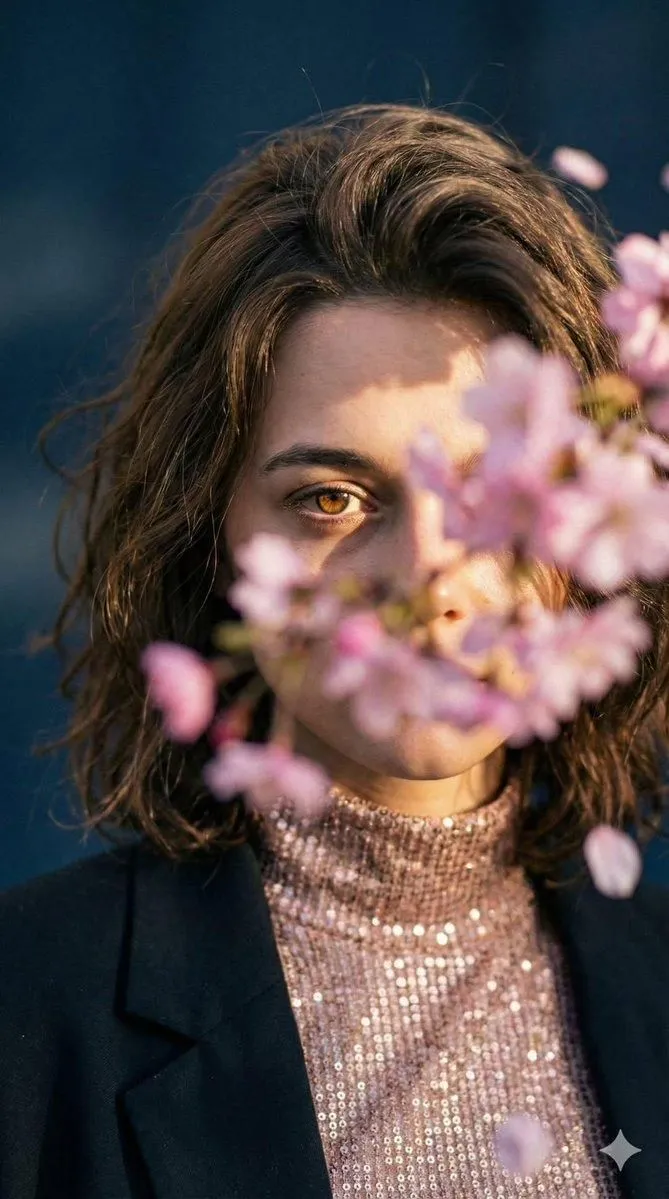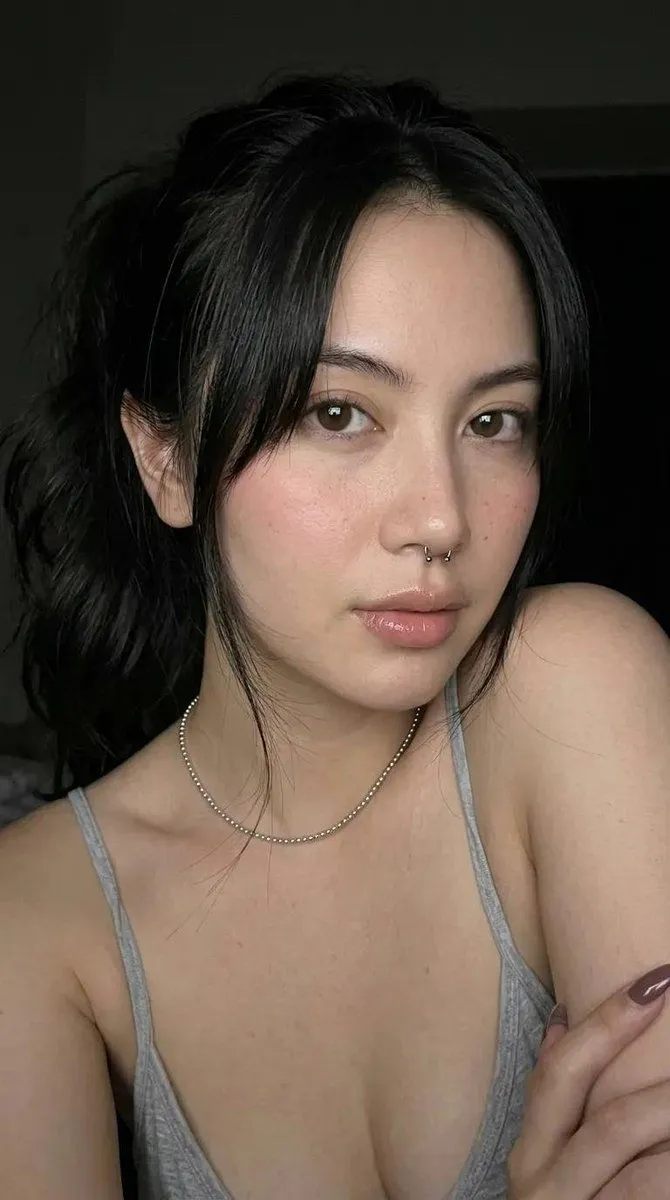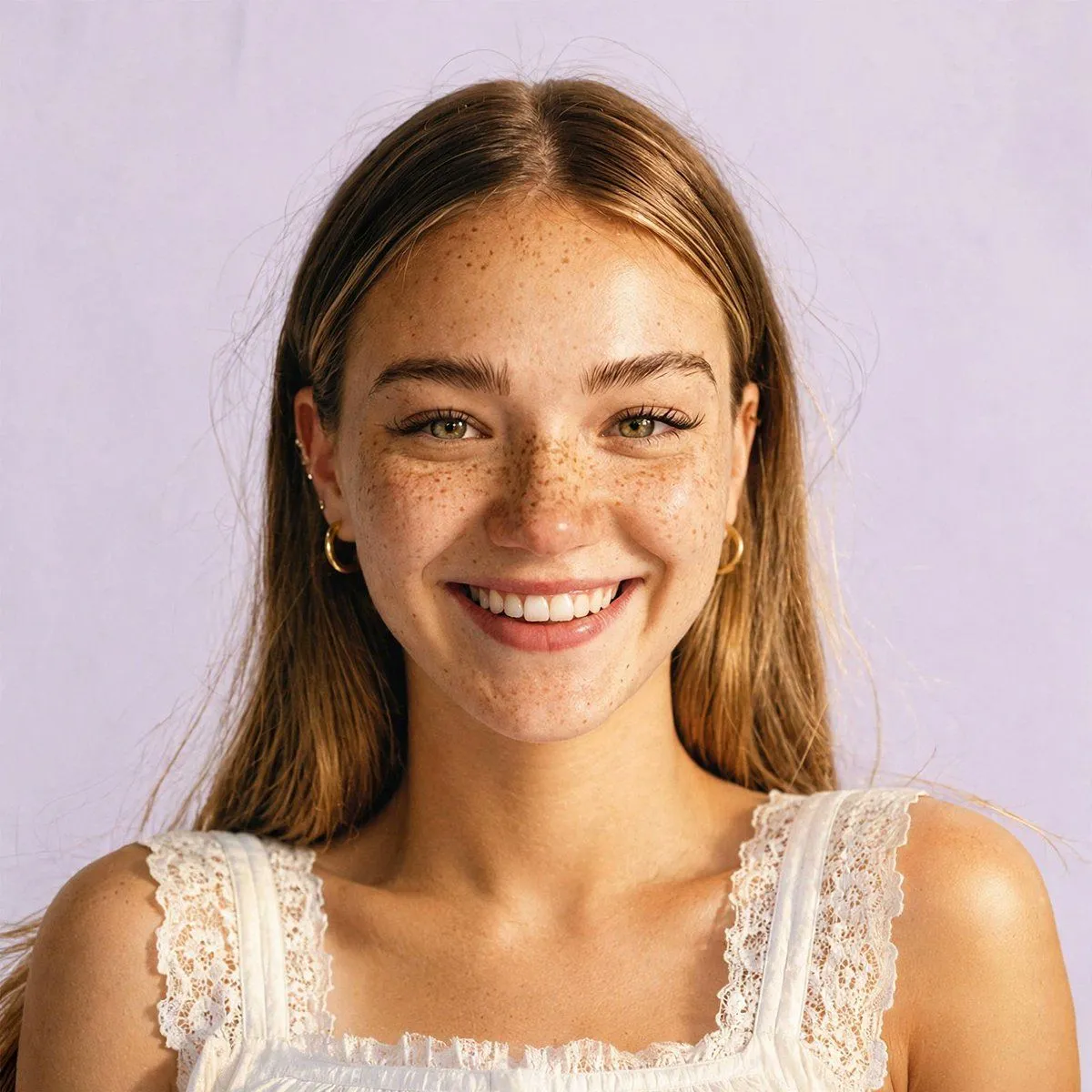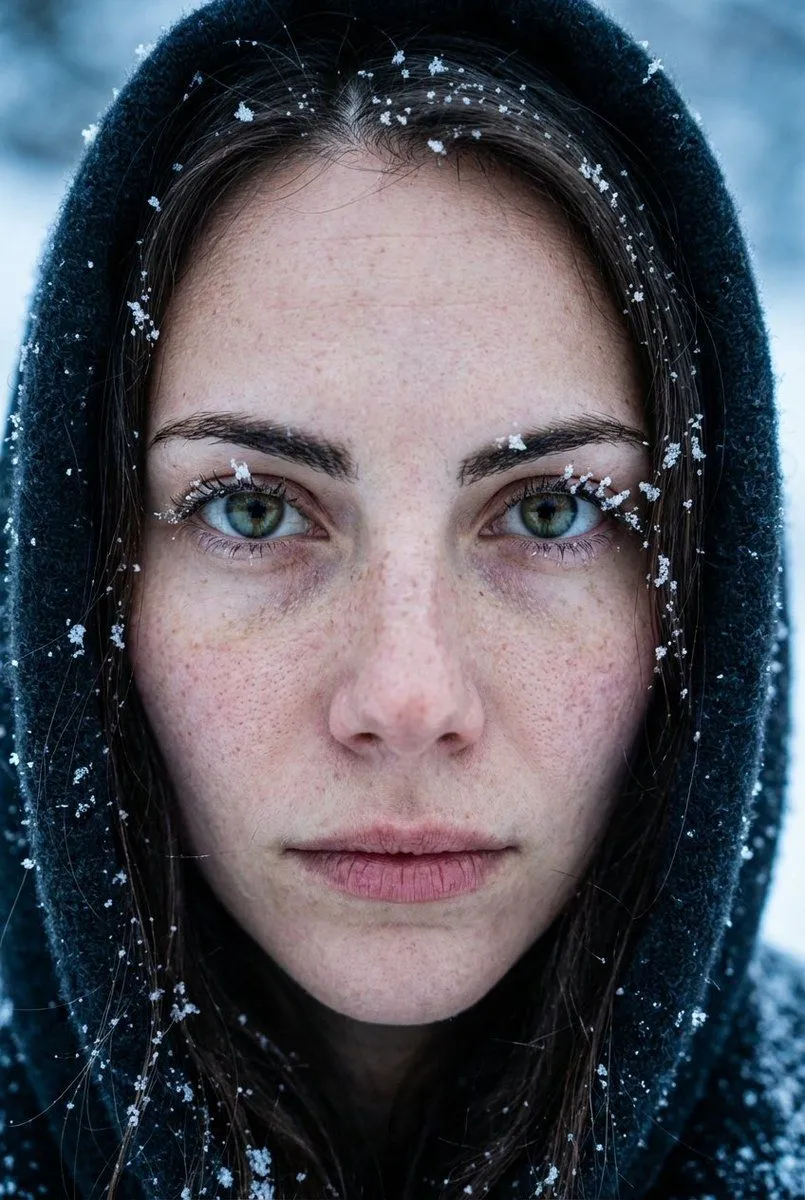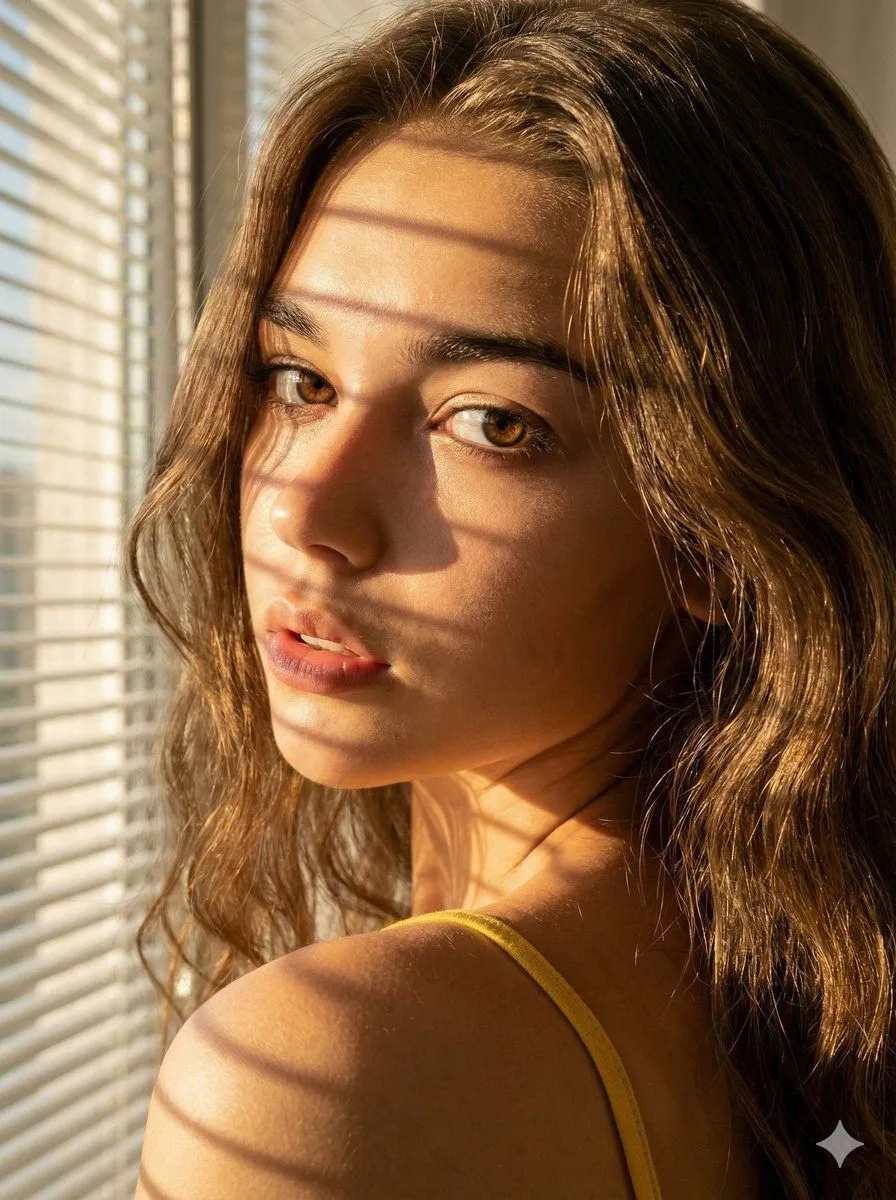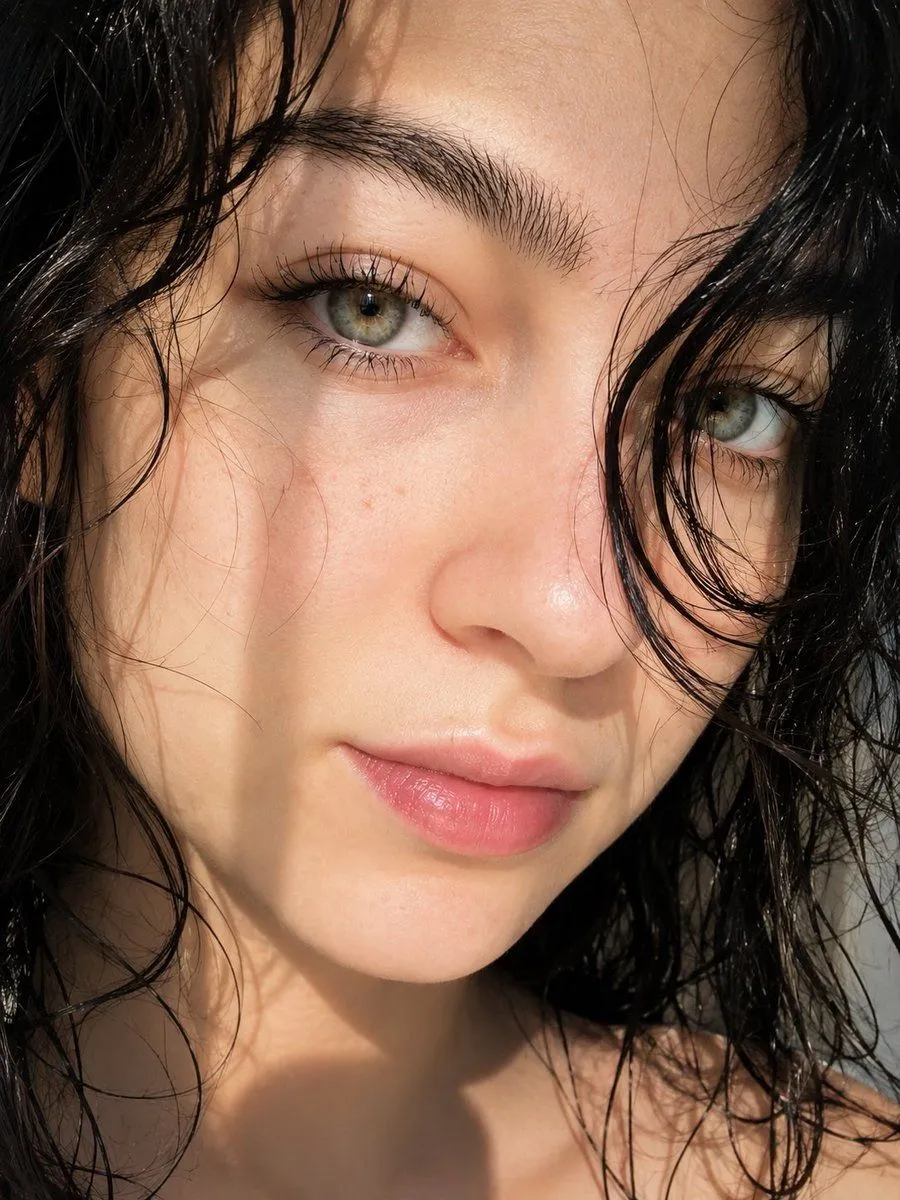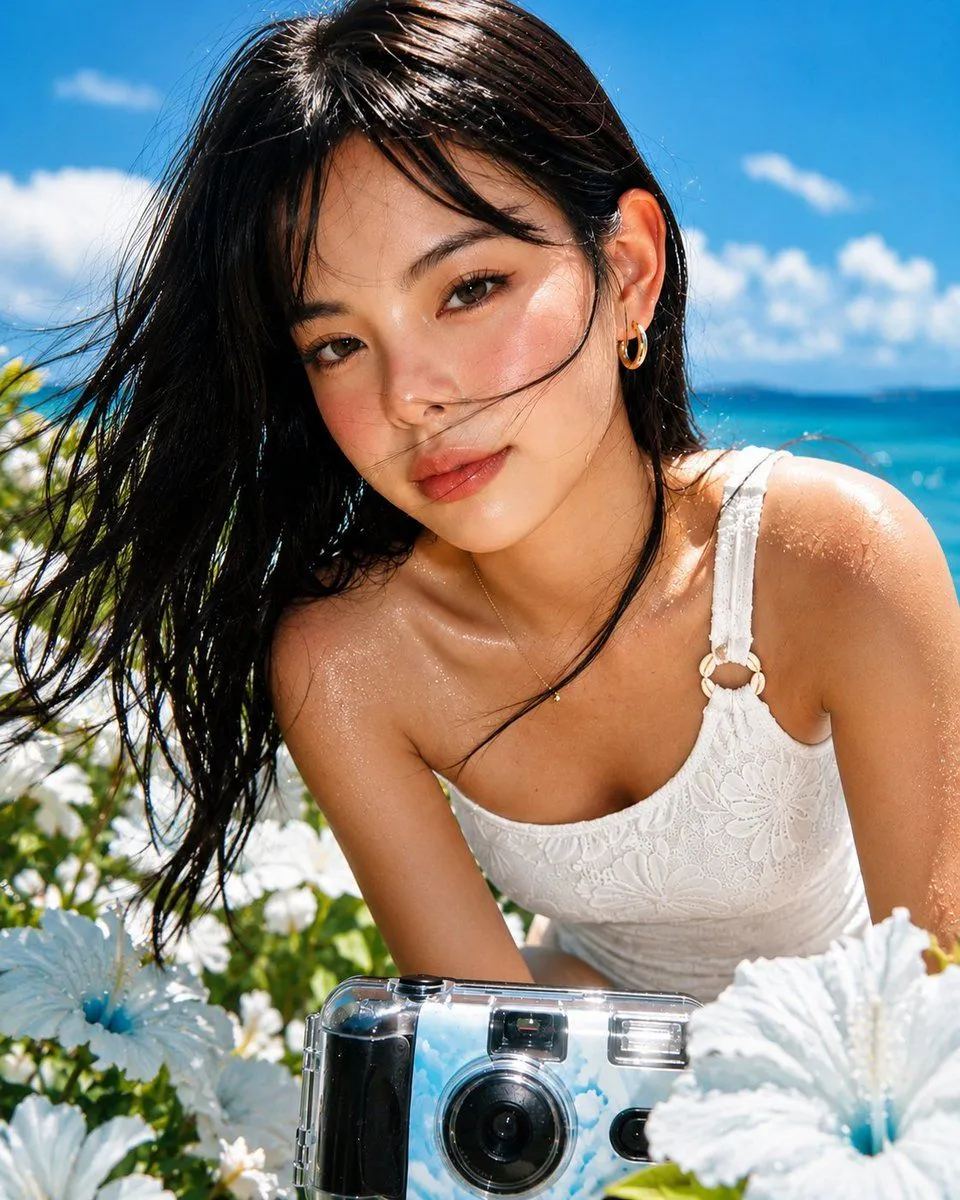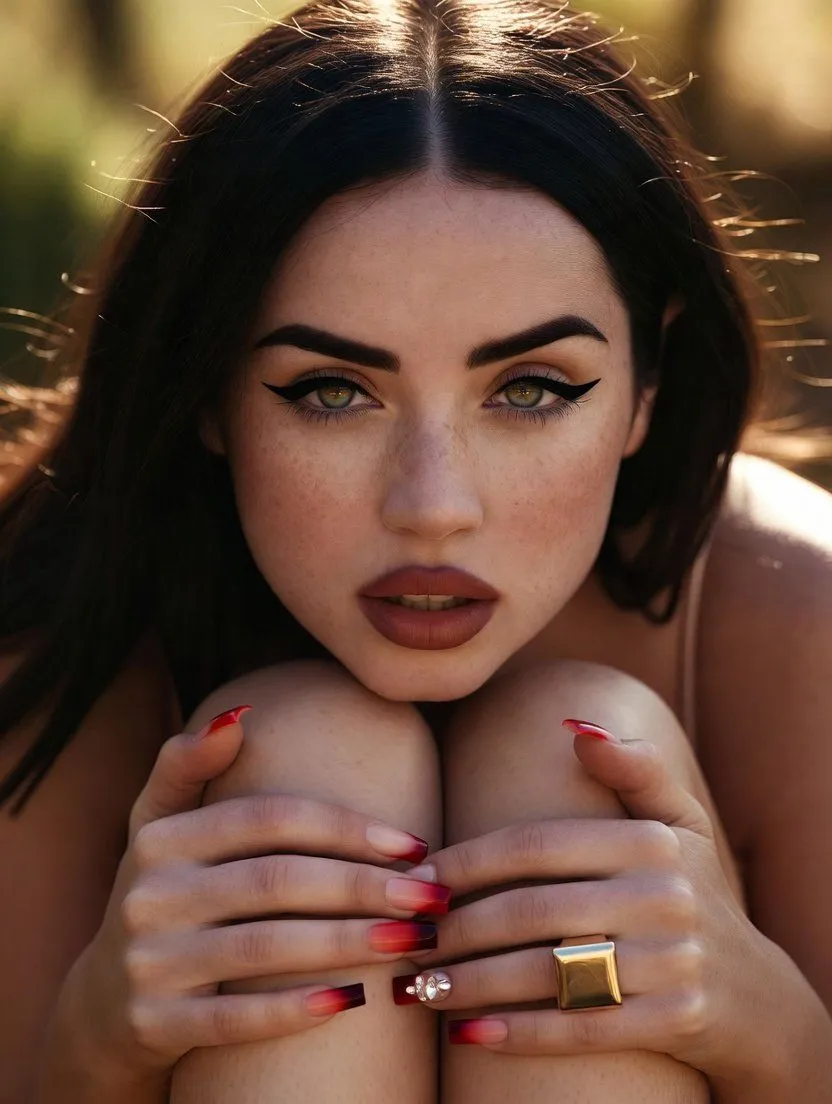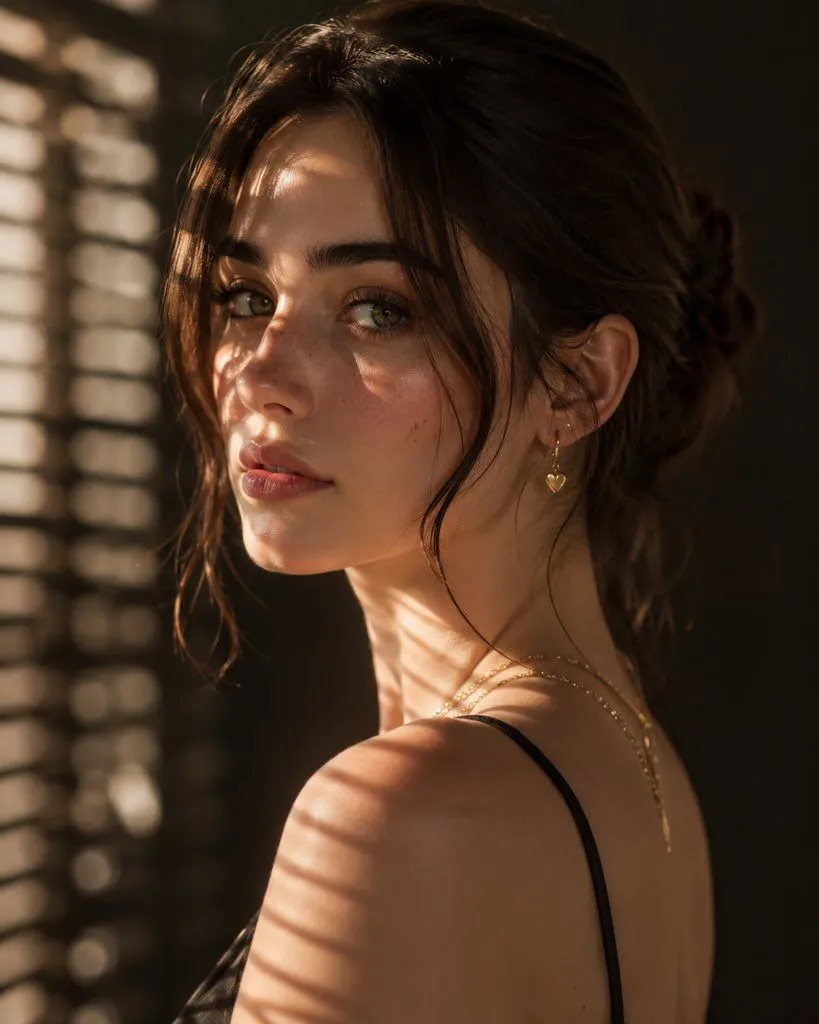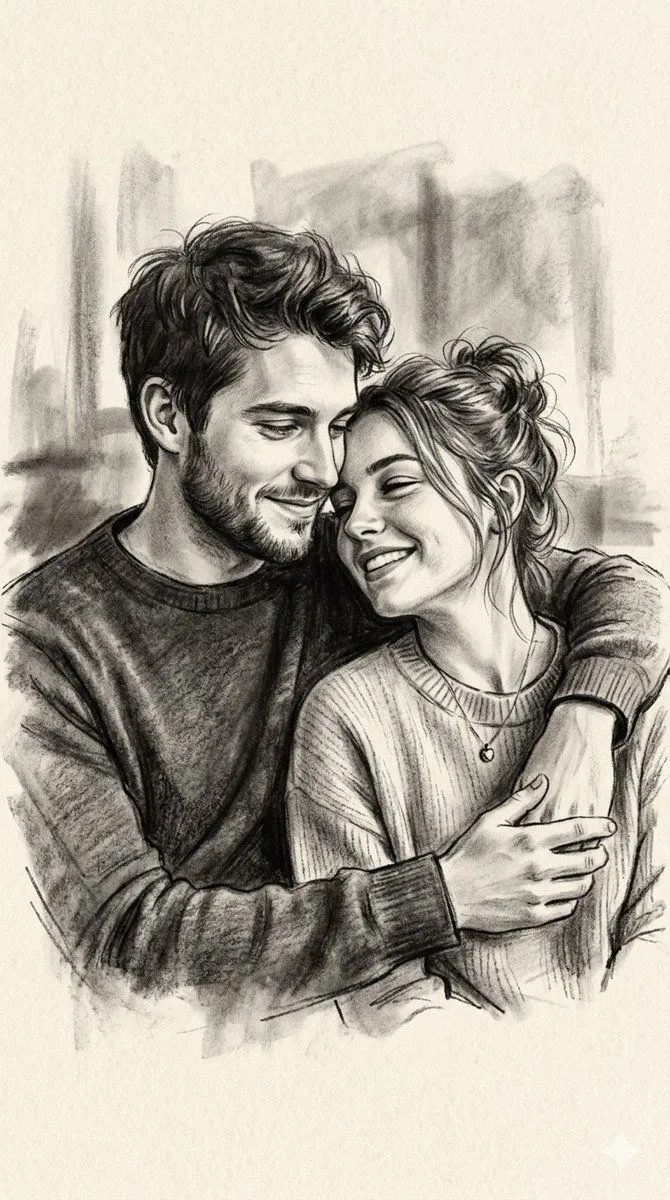
Made with Nano Banana Pro in Gemini by Library Social. Promptclay never generates images.
Golden Hour Macro Portrait Prompts
Prompt
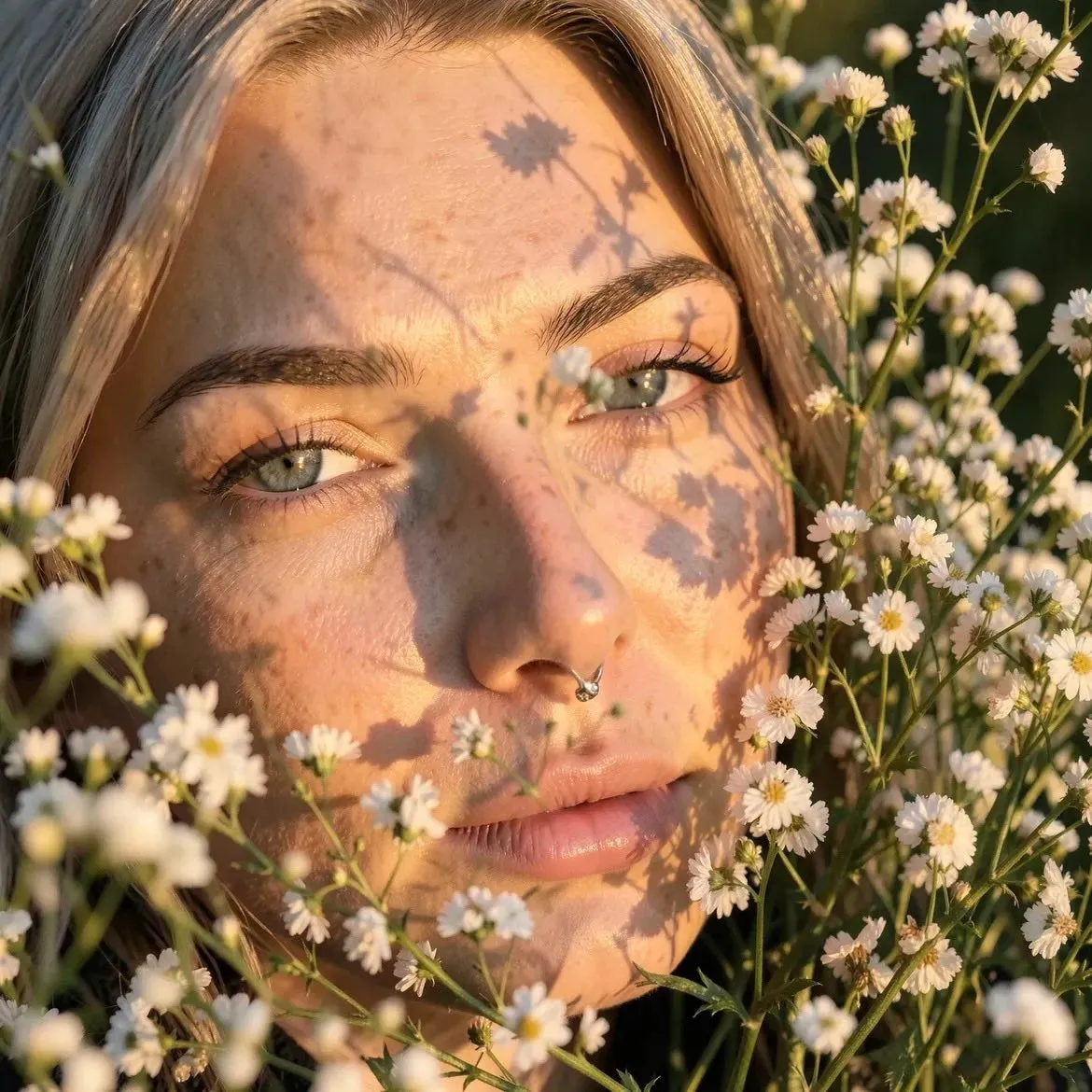
2 blanks to fillUltra-realistic close-up portrait of a young woman lying in a field of tiny white wildflowers, soft freckles across her face, silver septum nose ring, {hair_color} hair, natural makeup, warm golden hour sunlight casting detailed flower shadows across her face, dreamy aesthetic, shallow depth of field, macro photography, cinematic lighting, highly detailed skin texture, 85mm lens, f/1.8, photorealistic, soft background bokeh Prompt 2 (second image): Ultra-realistic close-up portrait of a young woman with {hair_color_2} hair and light freckles holding a small bouquet of daisies near her face, glowing skin, glossy lips, green eyes, warm golden hour sunlight illuminating her face, soft natural makeup, outdoor meadow setting, shallow depth of field, macro portrait photography, cinematic lighting, 85mm lens, f/1.8, highly detailed, photorealistic, soft bokeh background
Preview of your prompt
Ultra-realistic close-up portrait of a young woman lying in a field of tiny white wildflowers, soft freckles across her face, silver septum nose ring, blonde hair, natural makeup, warm golden hour sunlight casting detailed flower shadows across her face, dreamy aesthetic, shallow depth of field, macro photography, cinematic lighting, highly detailed skin texture, 85mm lens, f/1.8, photorealistic, soft background bokeh Prompt 2 (second image): Ultra-realistic close-up portrait of a young woman with blonde hair and light freckles holding a small bouquet of daisies near her face, glowing skin, glossy lips, green eyes, warm golden hour sunlight illuminating her face, soft natural makeup, outdoor meadow setting, shallow depth of field, macro portrait photography, cinematic lighting, 85mm lens, f/1.8, highly detailed, photorealistic, soft bokeh background
DetailsVersions, settings and questions
Written for
What's in the prompt
- Subject
- Model
- Nano Banana Pro
If your face changes
keep my face exactly the sameQuestions
- Does this work in the Gemini app?
- Yes. Gemini runs Nano Banana, so paste the prompt and attach your photo if it uses one.
- It changed my face. What do I do?
- Add "keep my face exactly the same" to the end and run it again.
- Can I use the images I make?
- Check the terms of the app you use. Promptclay never generates images and claims nothing you make.