Tell us anything

An idea, a bug, something you love. We read every note.

⌘↵ to send. The page you're on comes along.

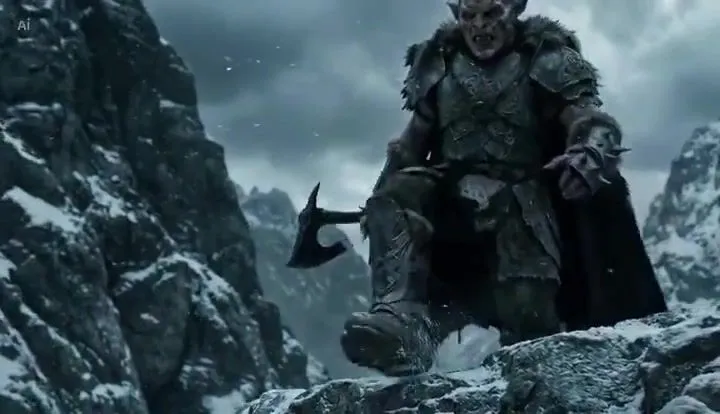
Goblin traveller and steed in the mountains

Made with Seedance 2.0 in Kling by Library Cinema. Promptclay never generates images.

Did it work?

No reports yet. Tell others if it worked for you.

No comments yet. Be the first.

    Goblin traveller and steed in the mountains

    Seedance 2.016:9AI-generated

    Prompt

    A rugged mountain traveller crosses a snow-covered ridge under a cold, overcast sky. Wind carries light snowfall across the frame. His heavy boots press into fresh snow and scattered stone. The camera tracks low and slightly behind, capturing texture, atmosphere, and drifting frost. Nearby stands a large mountain boar used as a pack animal. Thick bristles catch the wind. Its back is fitted with secured travel supplies: bundled blankets, rope coils, wooden containers, and strapped gear that gently shifts with movement. The traveller reaches the animal, grips the saddle frame, and climbs onto its back in one smooth, practical motion. He leans forward slightly and guides it with a light cue. The boar begins moving down a narrow mountain path. The camera widens as they descend steadily through mist and falling snow, cliffs rising on either side, the valley fading into grey distance.

    Works in
    Kling
    Status
    Free to copy
    0
    DetailsVersions, settings and questions

    Written for

    What's in the prompt

    Subject
    Model
    Seedance 2.0

    If your face changes

    keep my face exactly the same

    Questions

    Does this work in the Kling app?
    Yes. Paste the prompt and attach your photo if it uses one.
    It changed my face. What do I do?
    Add "keep my face exactly the same" to the end and run it again.
    Can I use the images I make?
    Check the terms of the app you use. Promptclay never generates images and claims nothing you make.
    Similar prompts

    See more
    • Goblin Stampede Forest Charge
    • Generate Realistic Character from Fantasy Image Reference Prompt
    • Epic Frozen Cliff Warrior Scene
    • Epic Fantasy War Video Generation in Extreme Cold EnvironmentVideo, 0:26
    • Dark Fantasy Paladin Duel
    • Dramatic low-angle cinematic prompt of a knight charging on a warhorseVideo, 0:10
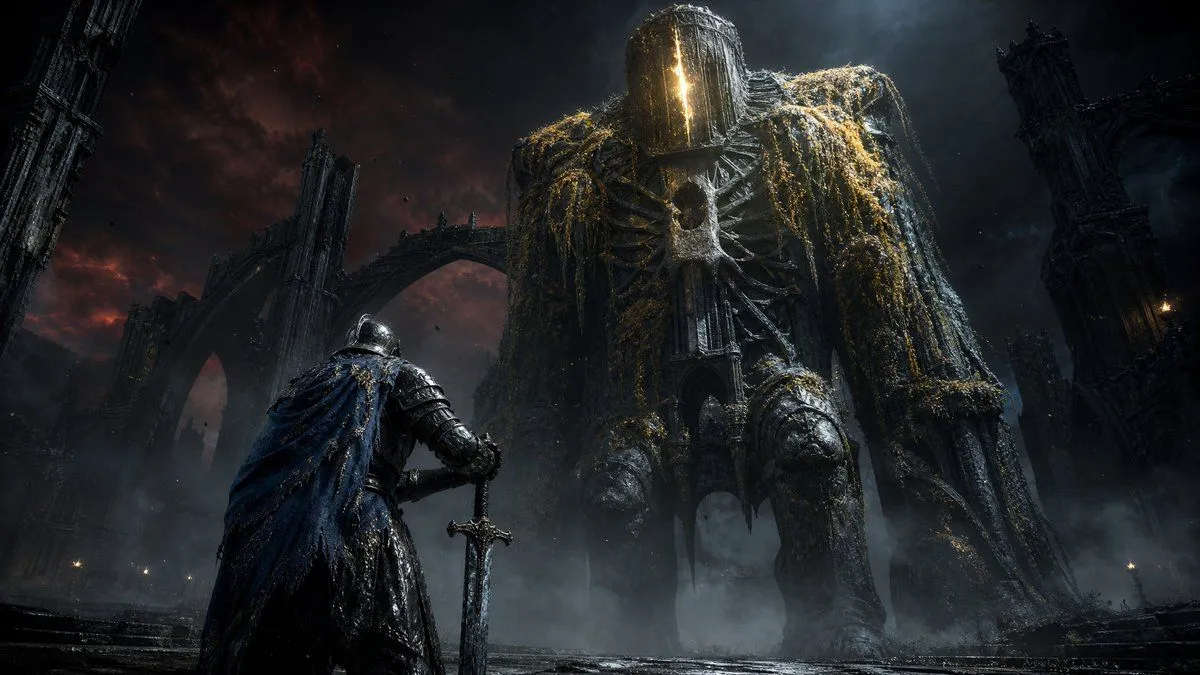
    • Knight Facing Cathedral Giant
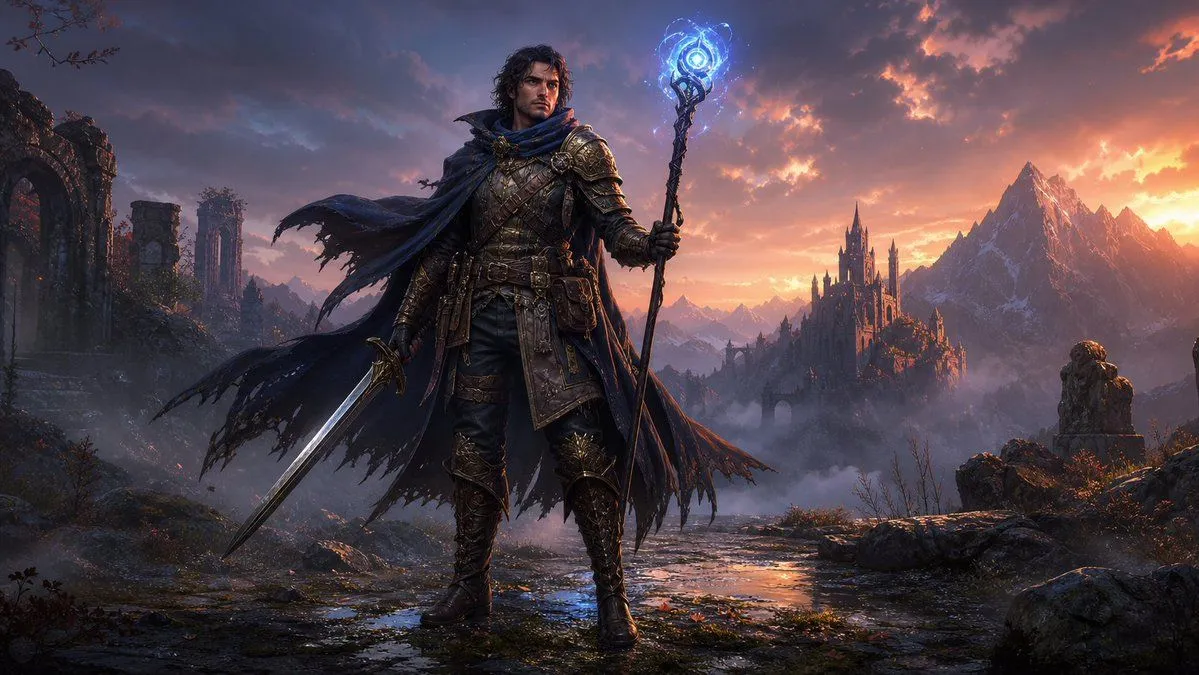
    • Dark Fantasy Spellblade at Sunset
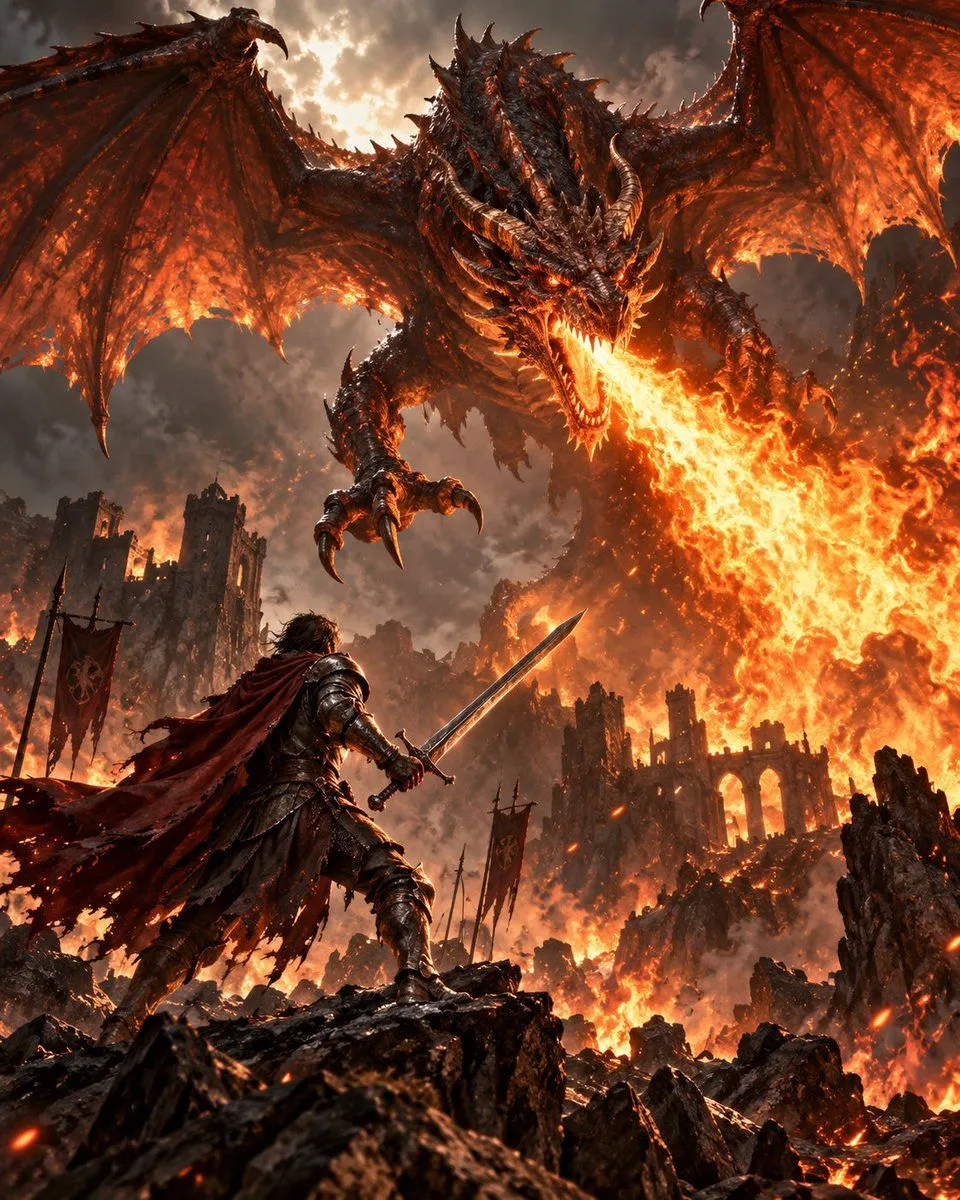
    • Warrior vs Fire Dragon Fantasy Art
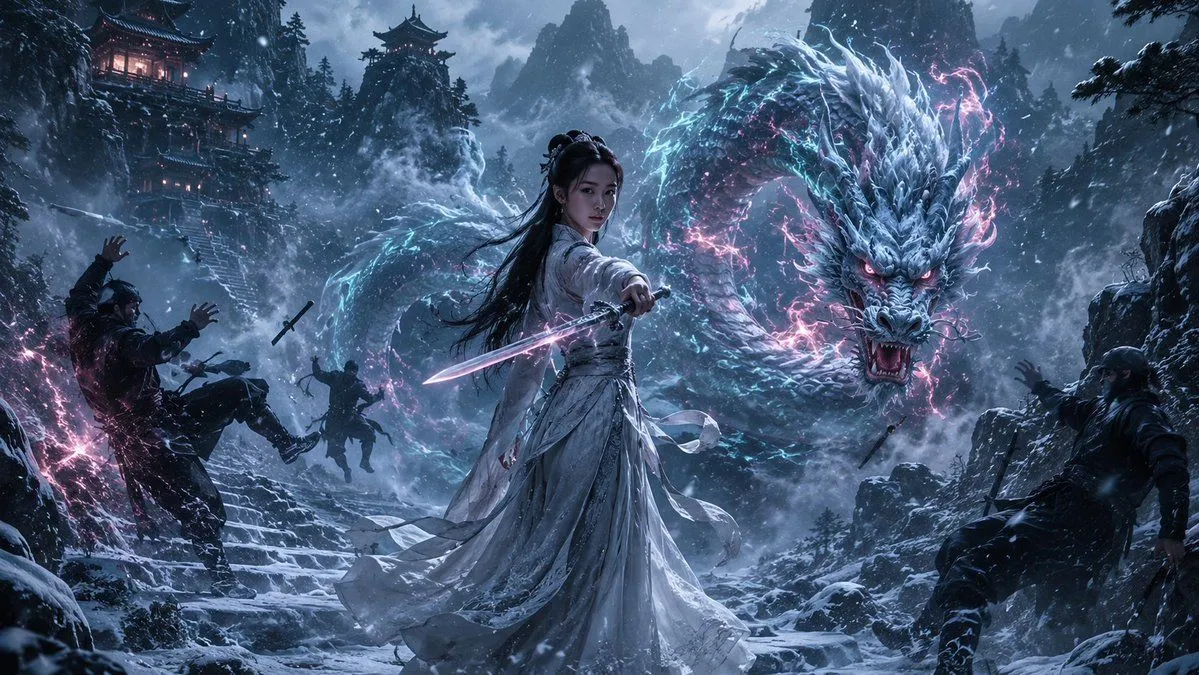
    • Guardian of the Snowbound Pass
    • Nano Banana Pro Image Generation of a Mythological Warrior
    • Fiery Angel Warrior
    • Horus Heresy Final Duel Scene
    • Glacial Ice Warrior Facial Transformation
    • Cinematic poster with movie characters
    • Image-to-Snow Sculpture Conversion Prompt for Nano Banana Pro
    • Japanese X Monetization Thumbnail
    • LEGO Minifigure Transformation
    • Neon Anime Girl Falling Through City Sky
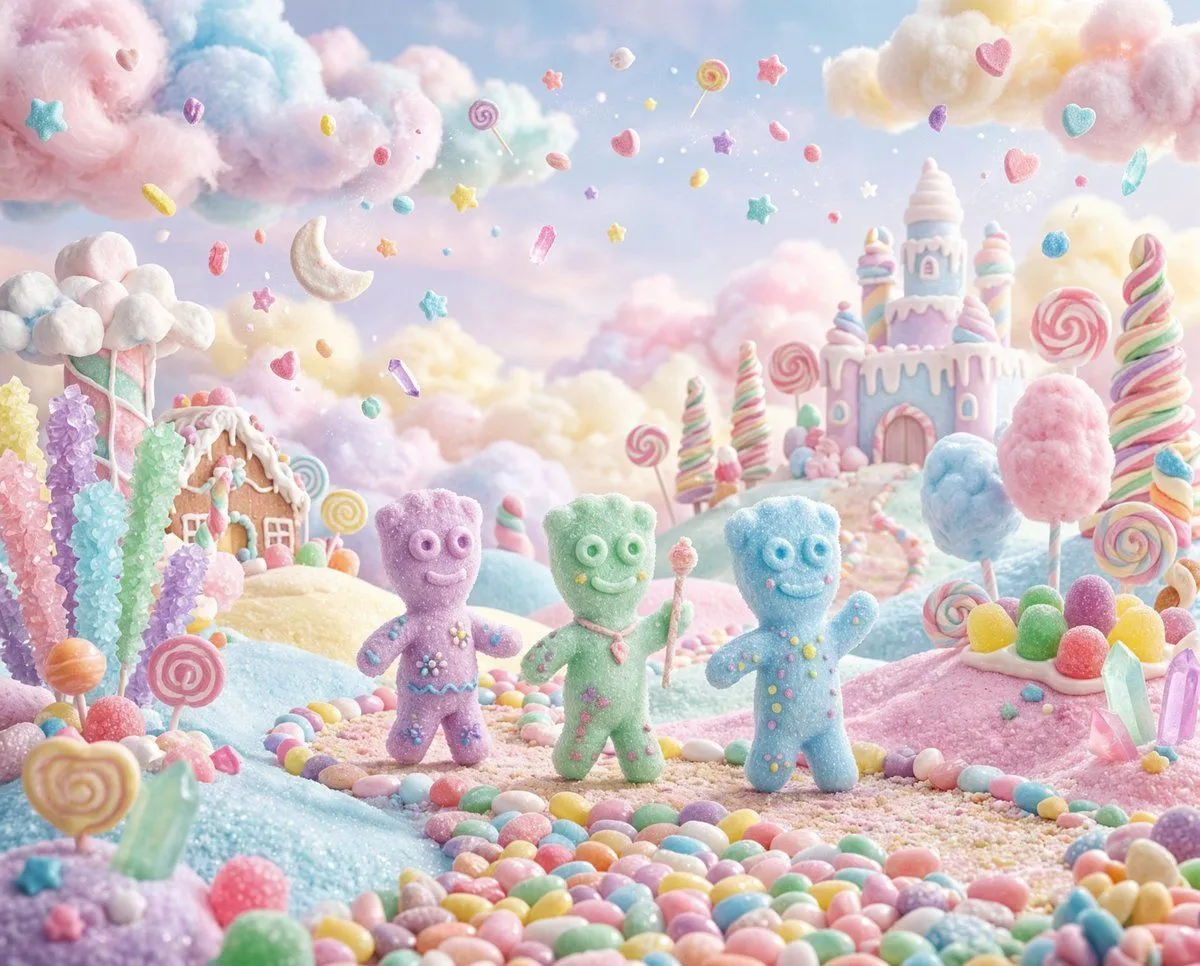
    • Pastel Painted Sour Patch Kids in Whimsical Candyland
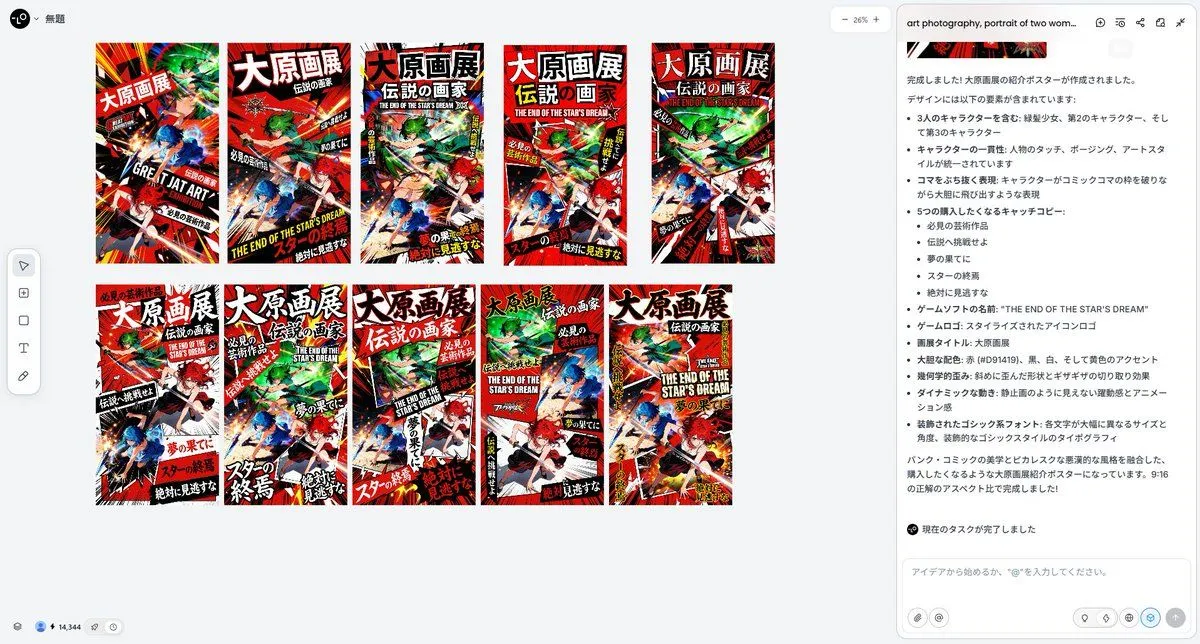
    • Pulp Comic Style Poster Design with Multiple Characters Prompt
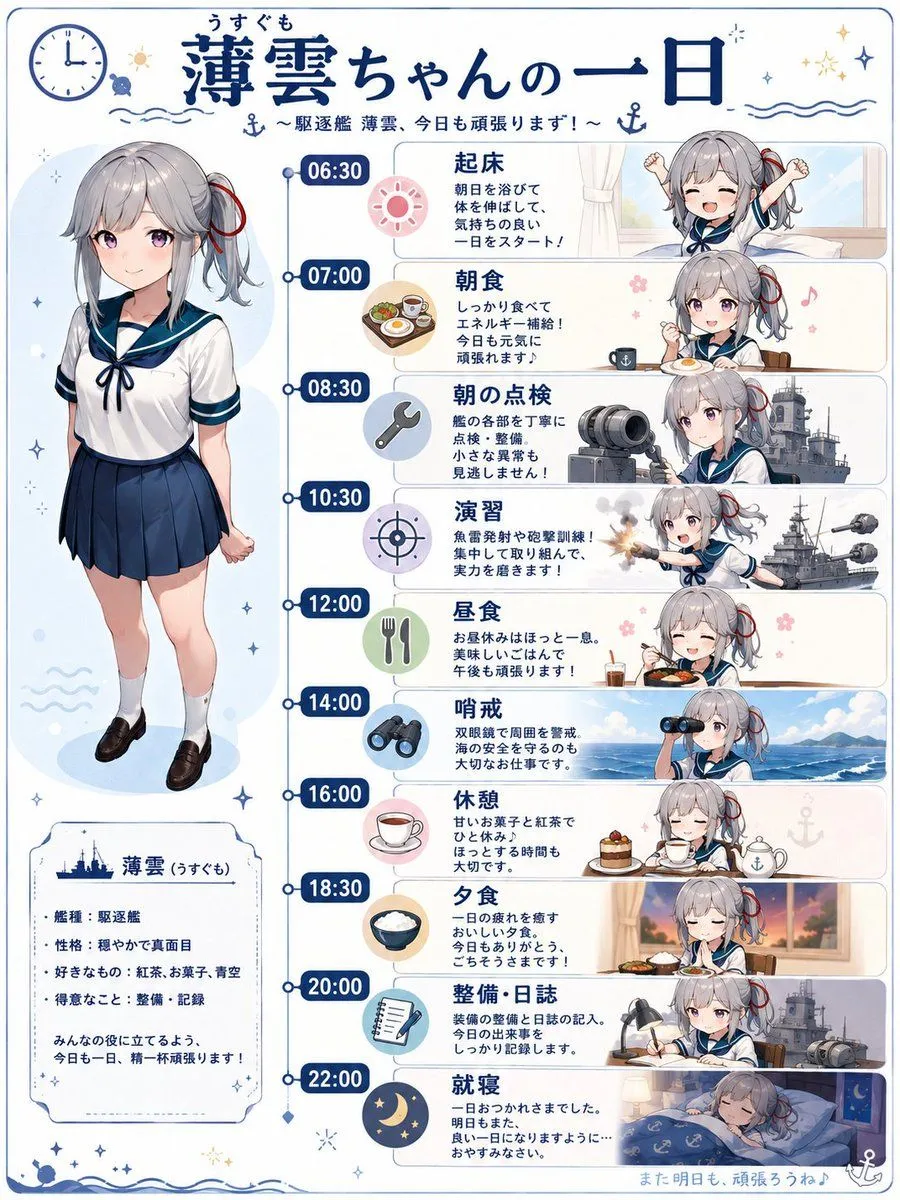
    • Ship Girl Daily Schedule Poster
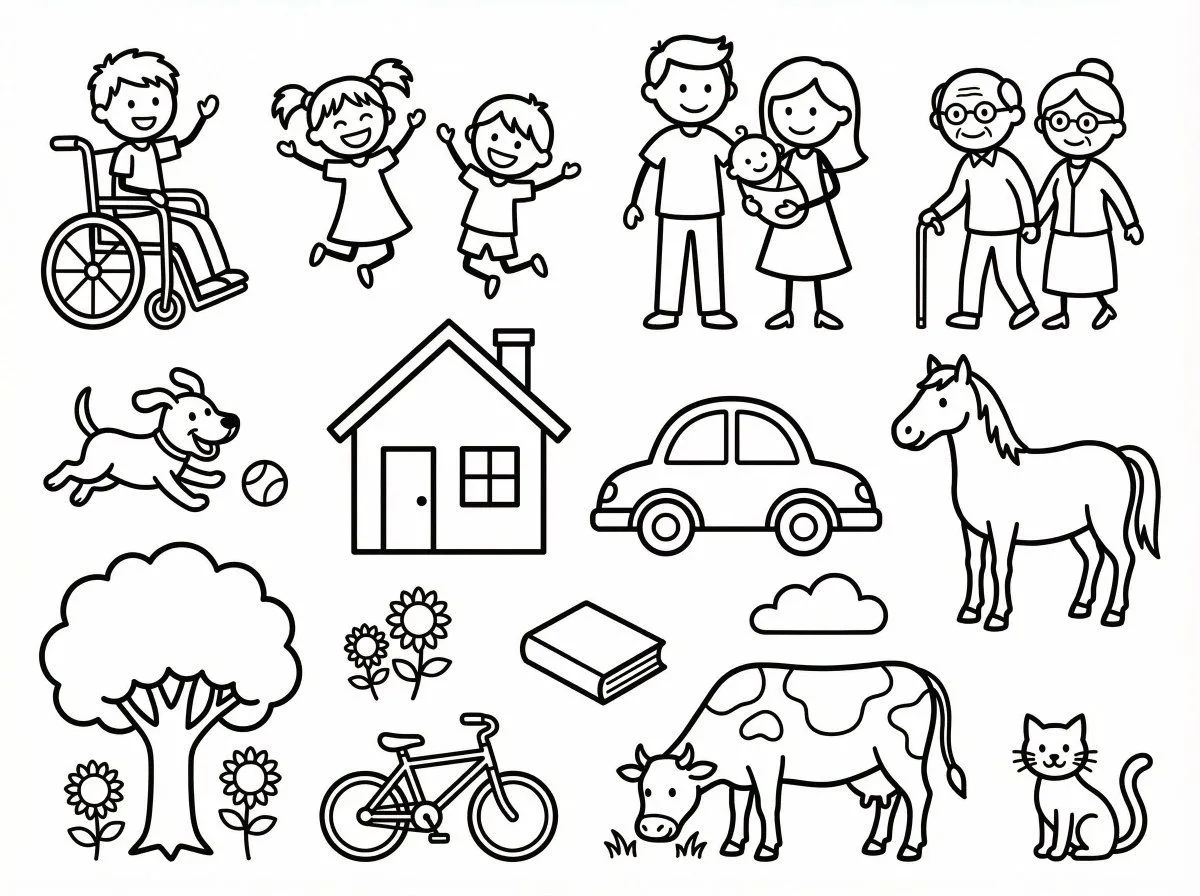
    • Simple Stick Figure Coloring Book Clipart
    • Stained Glass Rose Raincoat

    Show more

    Run it on your phone

    1. Prompt copiedRead it

      A rugged mountain traveller crosses a snow-covered ridge under a cold, overcast sky. Wind carries light snowfall across the frame. His heavy boots press into fresh snow and scattered stone. The camera tracks low and slightly behind, capturing texture, atmosphere, and drifting frost. Nearby stands a large mountain boar used as a pack animal. Thick bristles catch the wind. Its back is fitted with secured travel supplies: bundled blankets, rope coils, wooden containers, and strapped gear that gently shifts with movement. The traveller reaches the animal, grips the saddle frame, and climbs onto its back in one smooth, practical motion. He leans forward slightly and guides it with a light cue. The boar begins moving down a narrow mountain path. The camera widens as they descend steadily through mist and falling snow, cliffs rising on either side, the valley fading into grey distance.

    2. Open your app

    3. Paste and run

      Press and hold the message box, then tap Paste. Add your photo first if the prompt uses one. You may need to sign in.