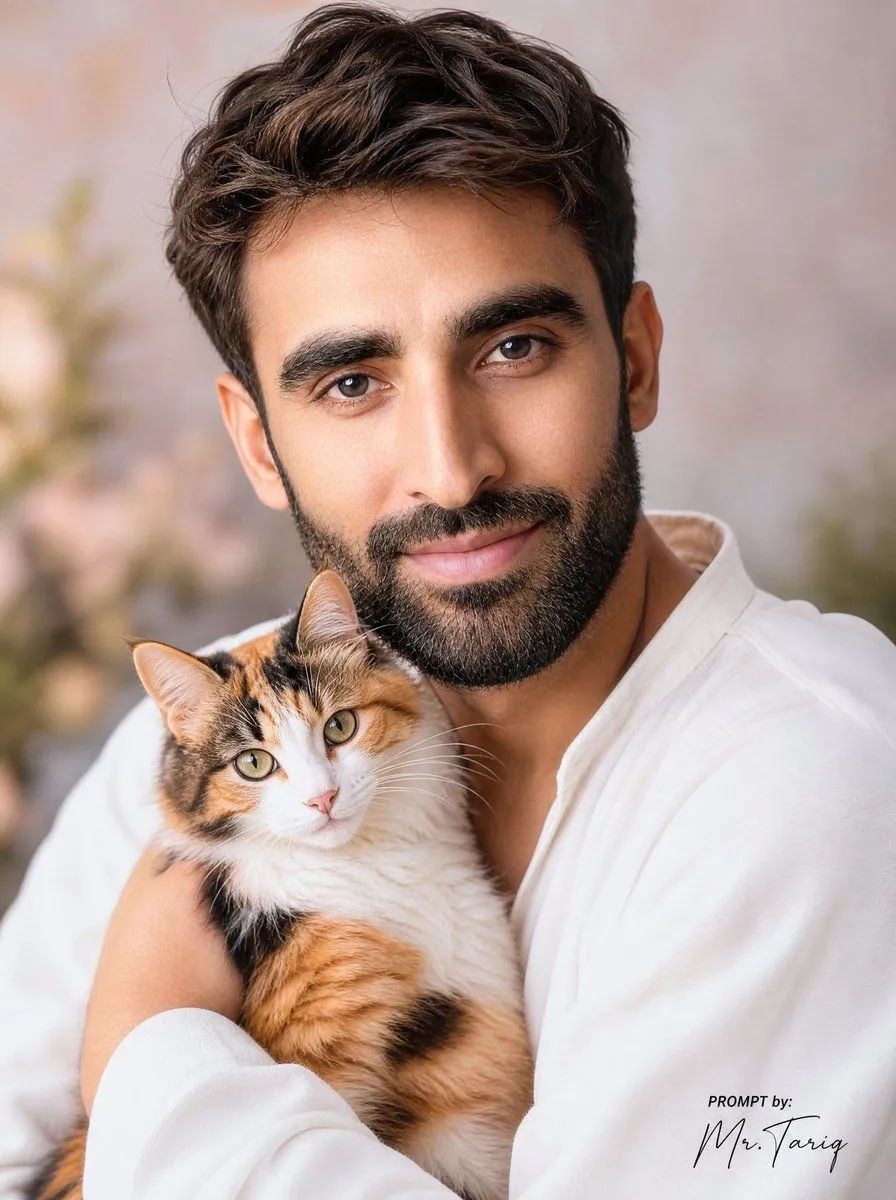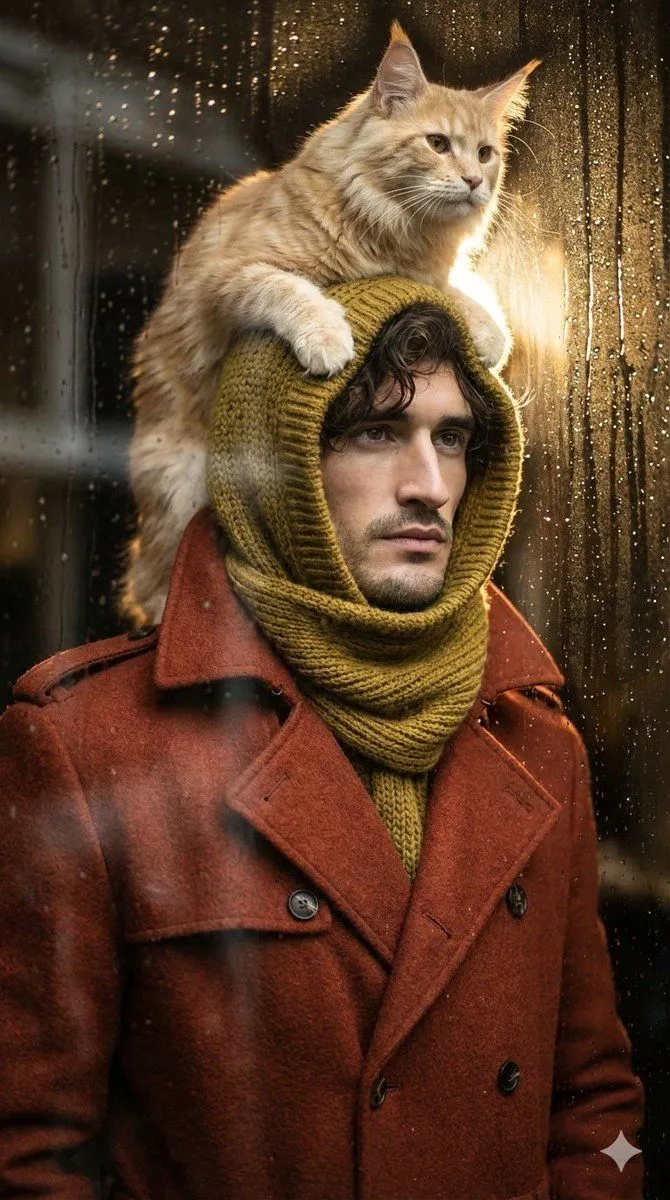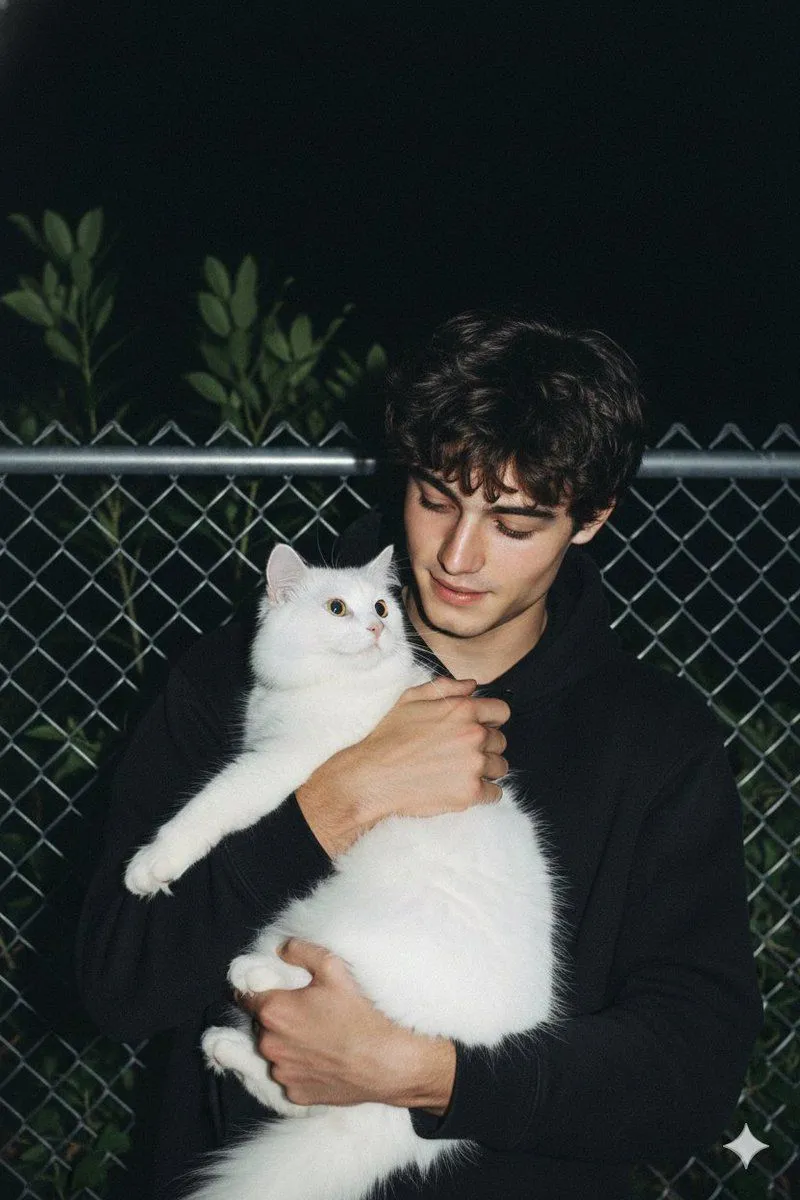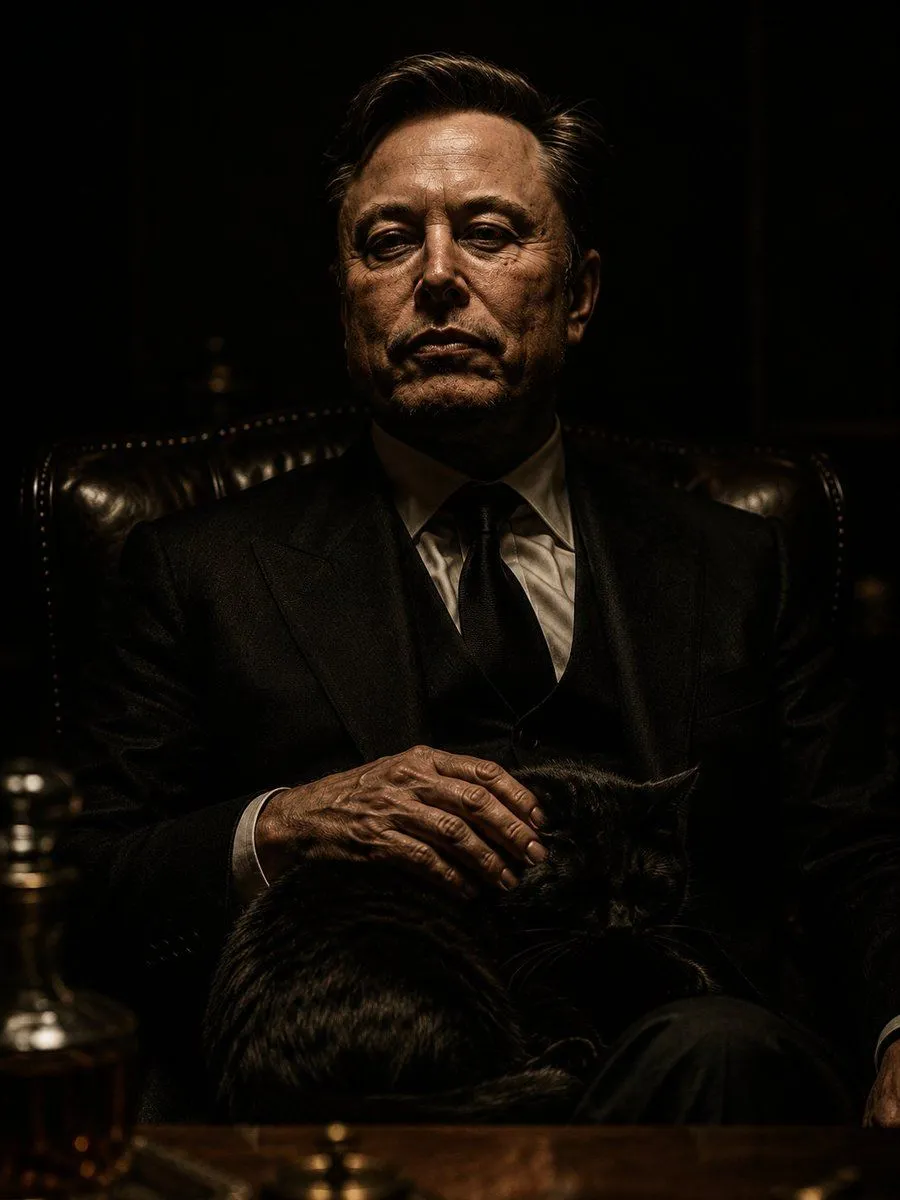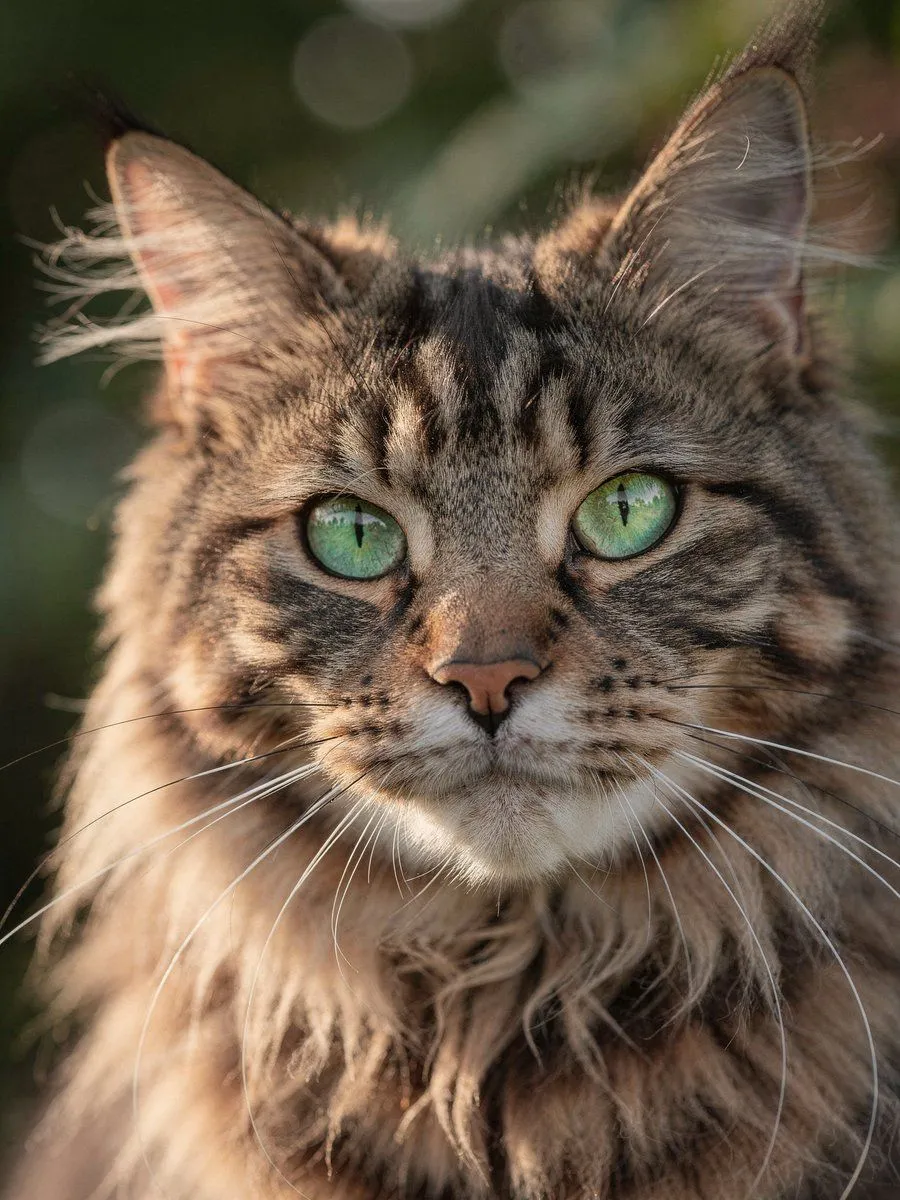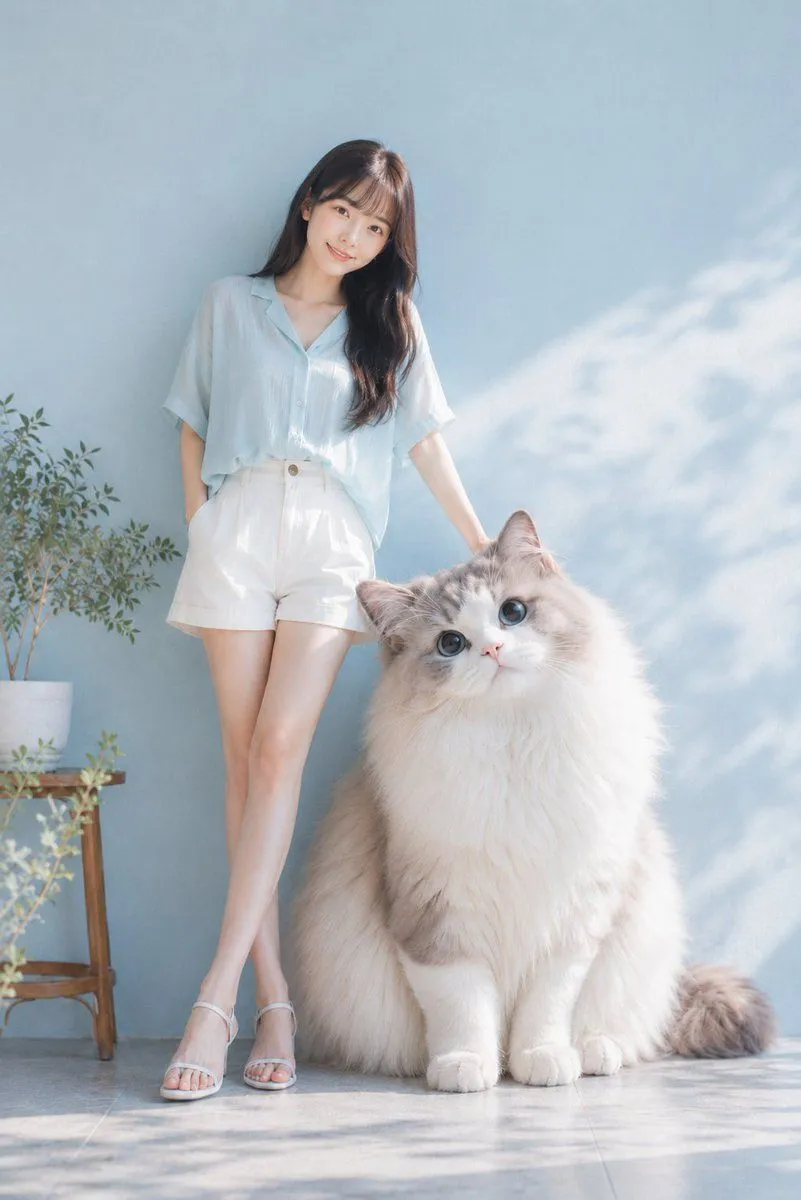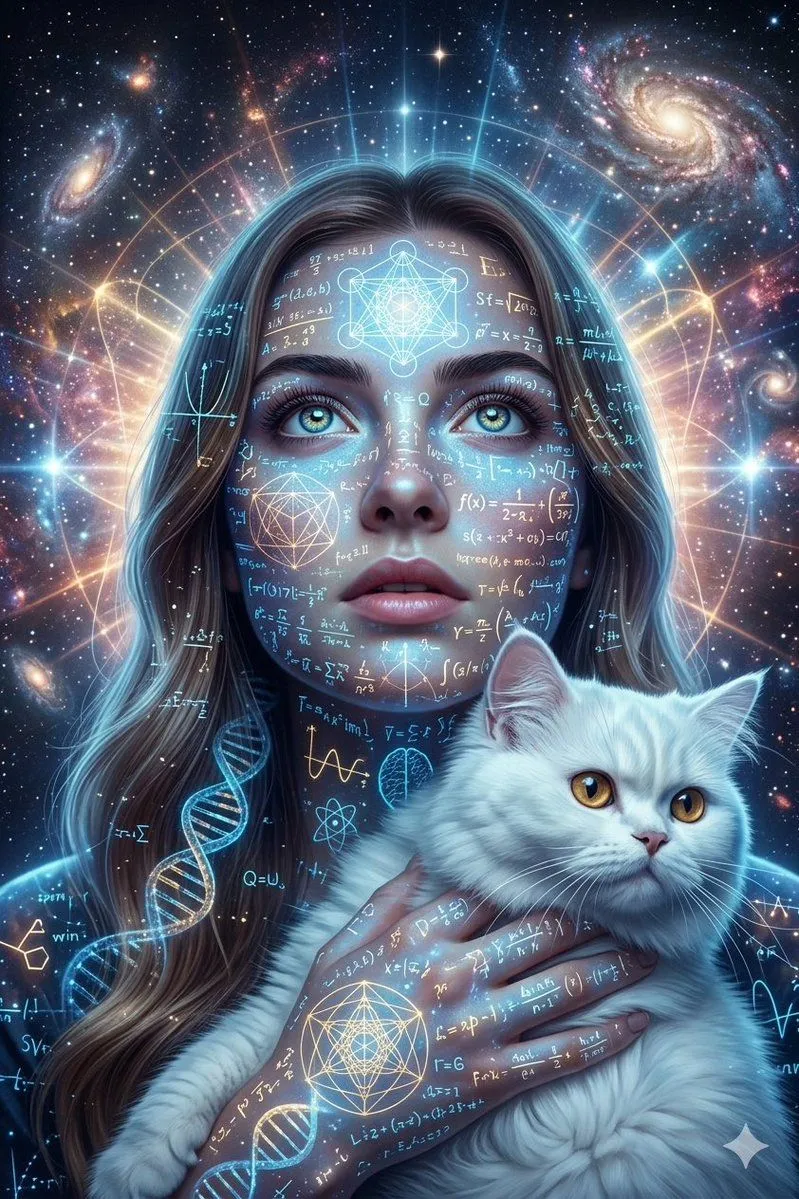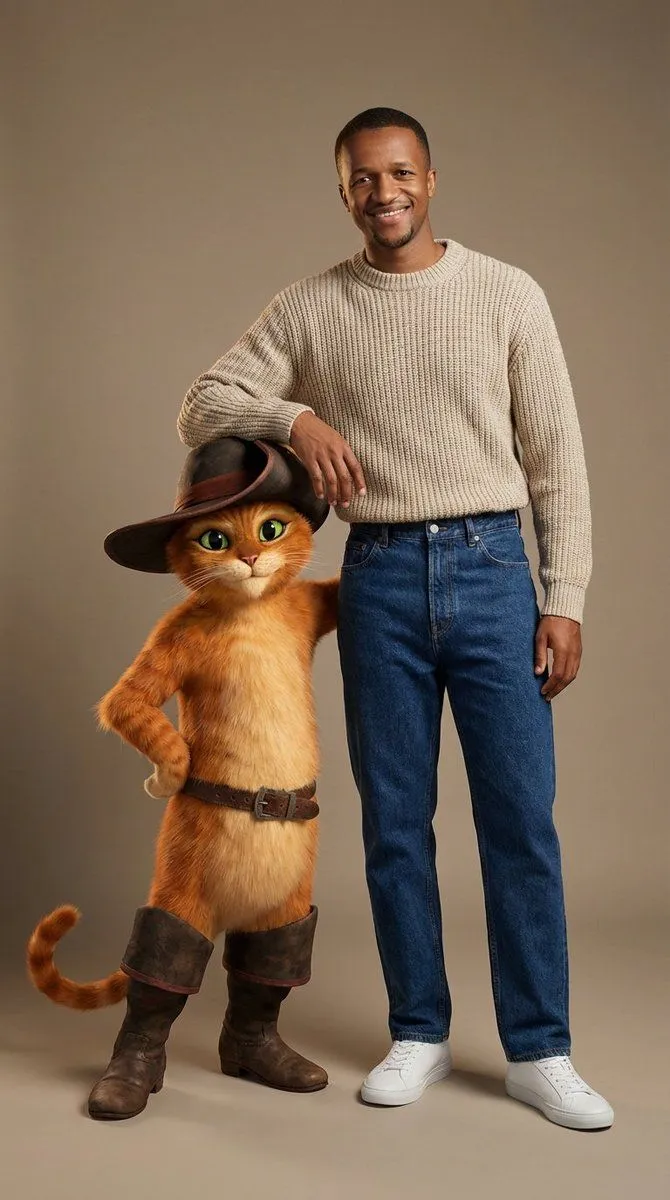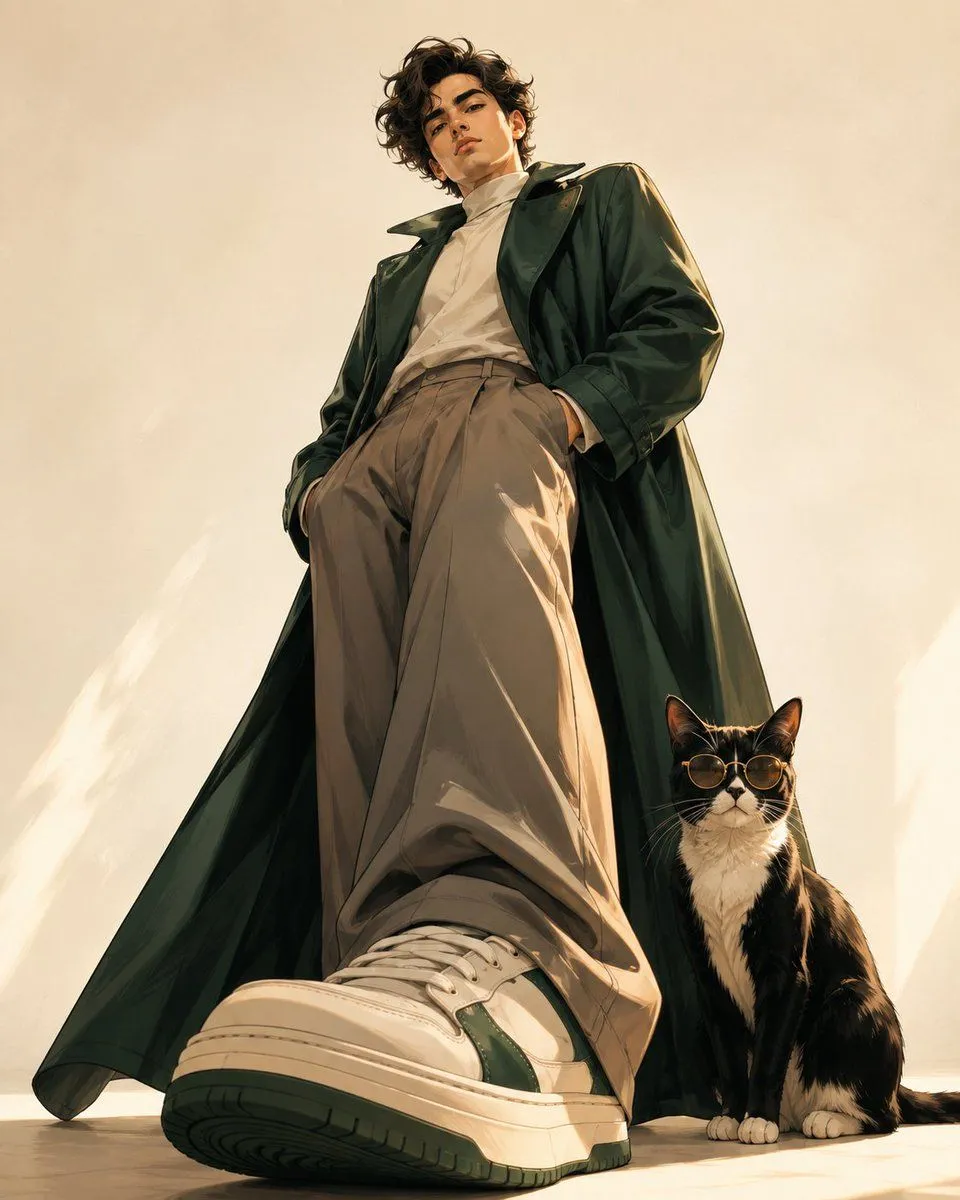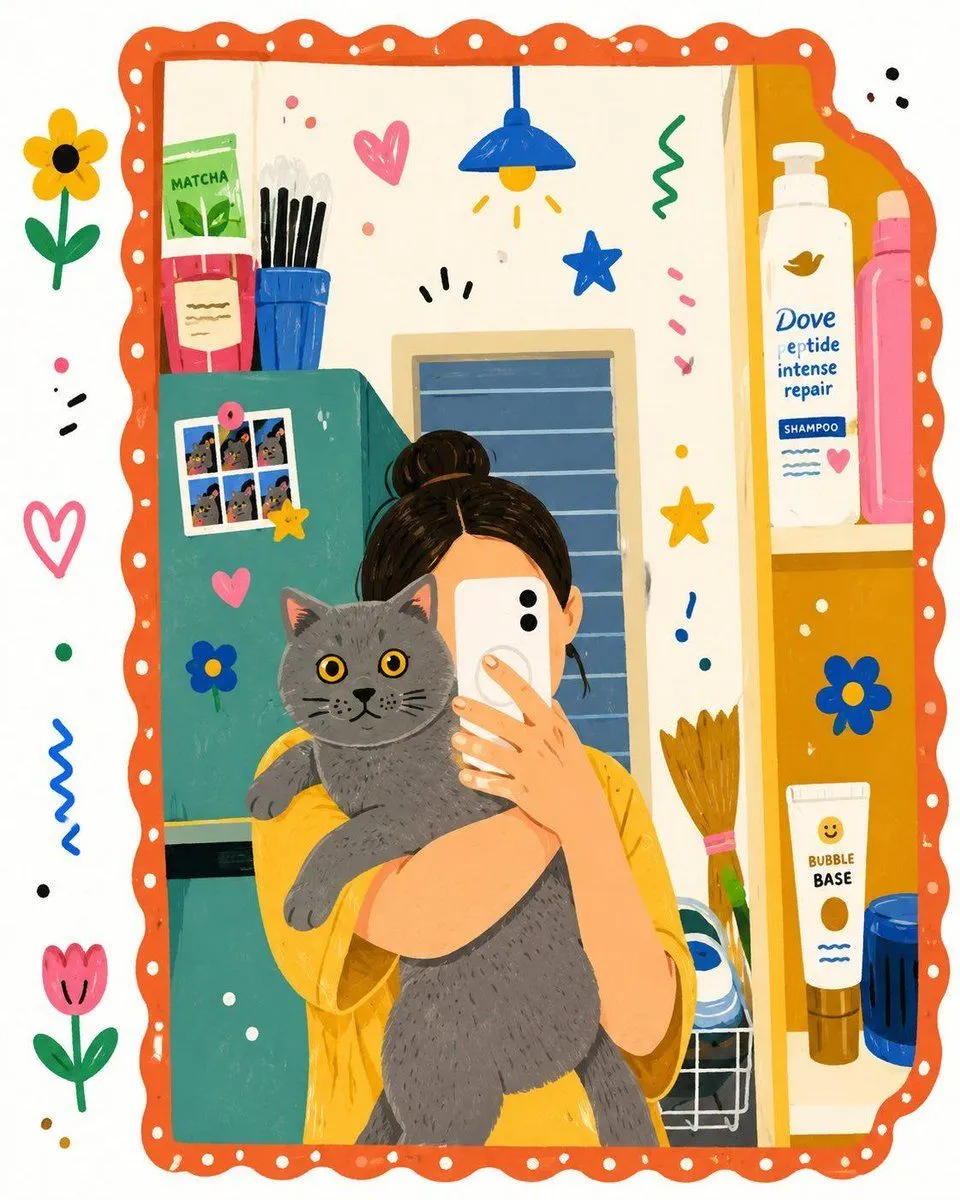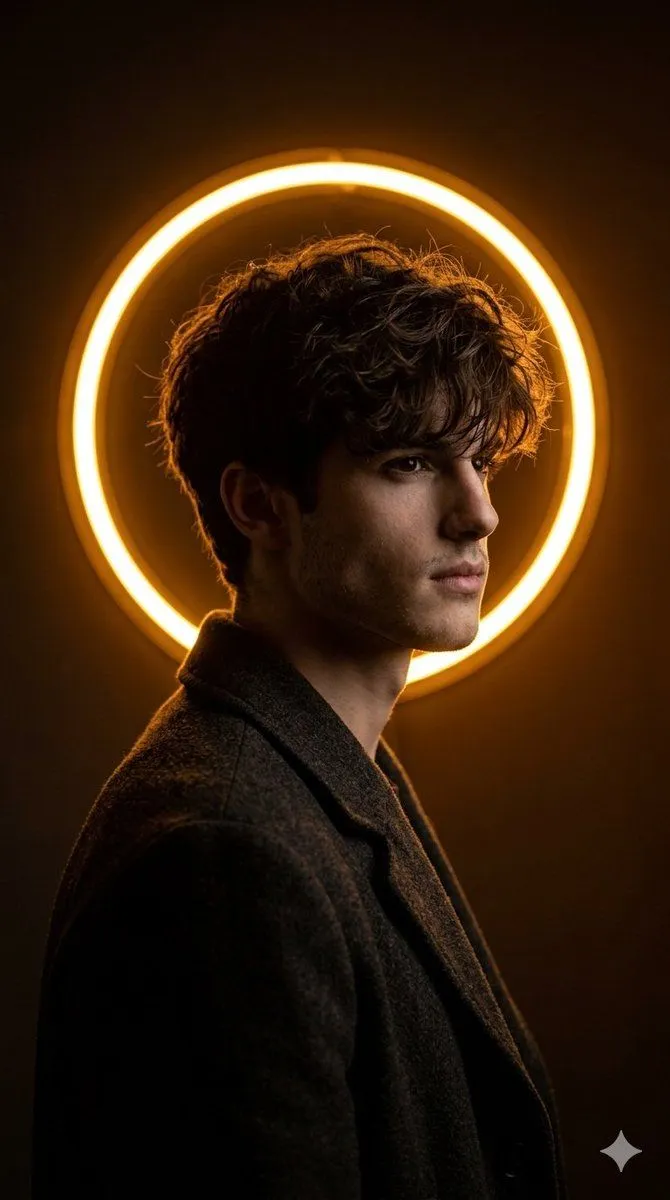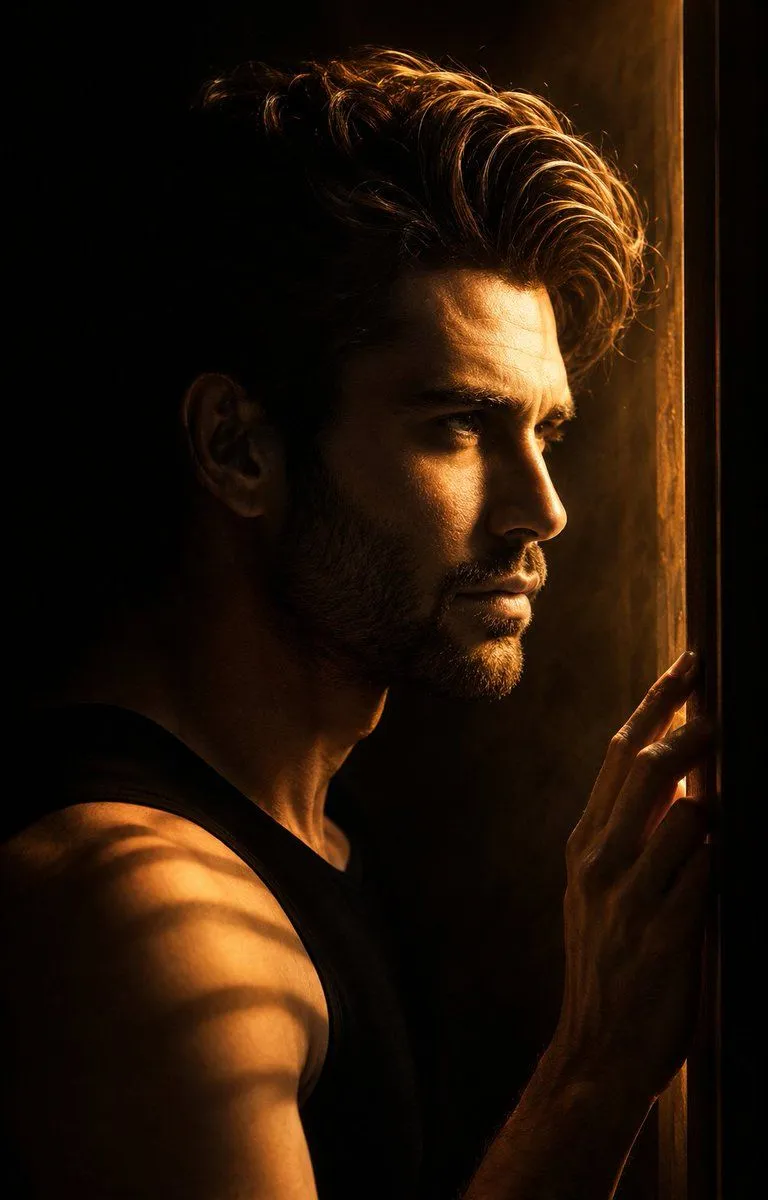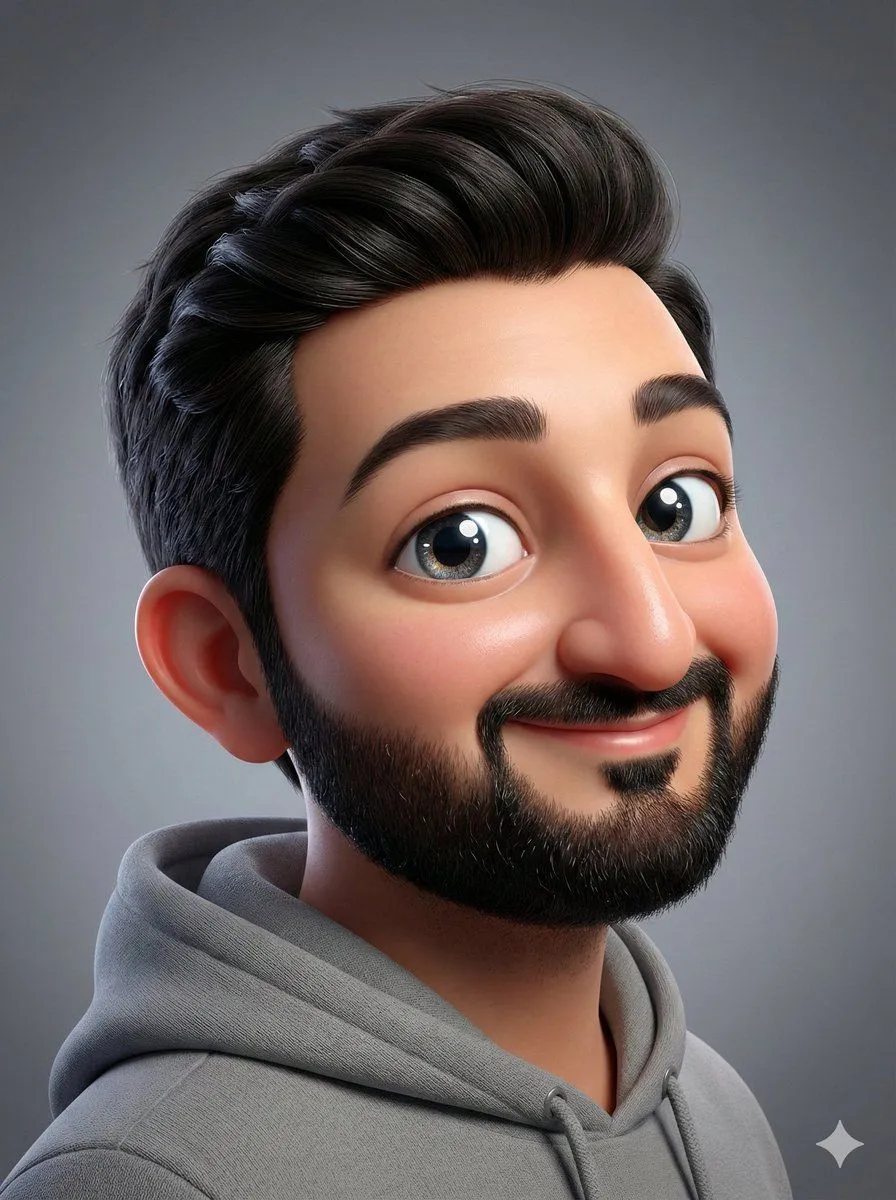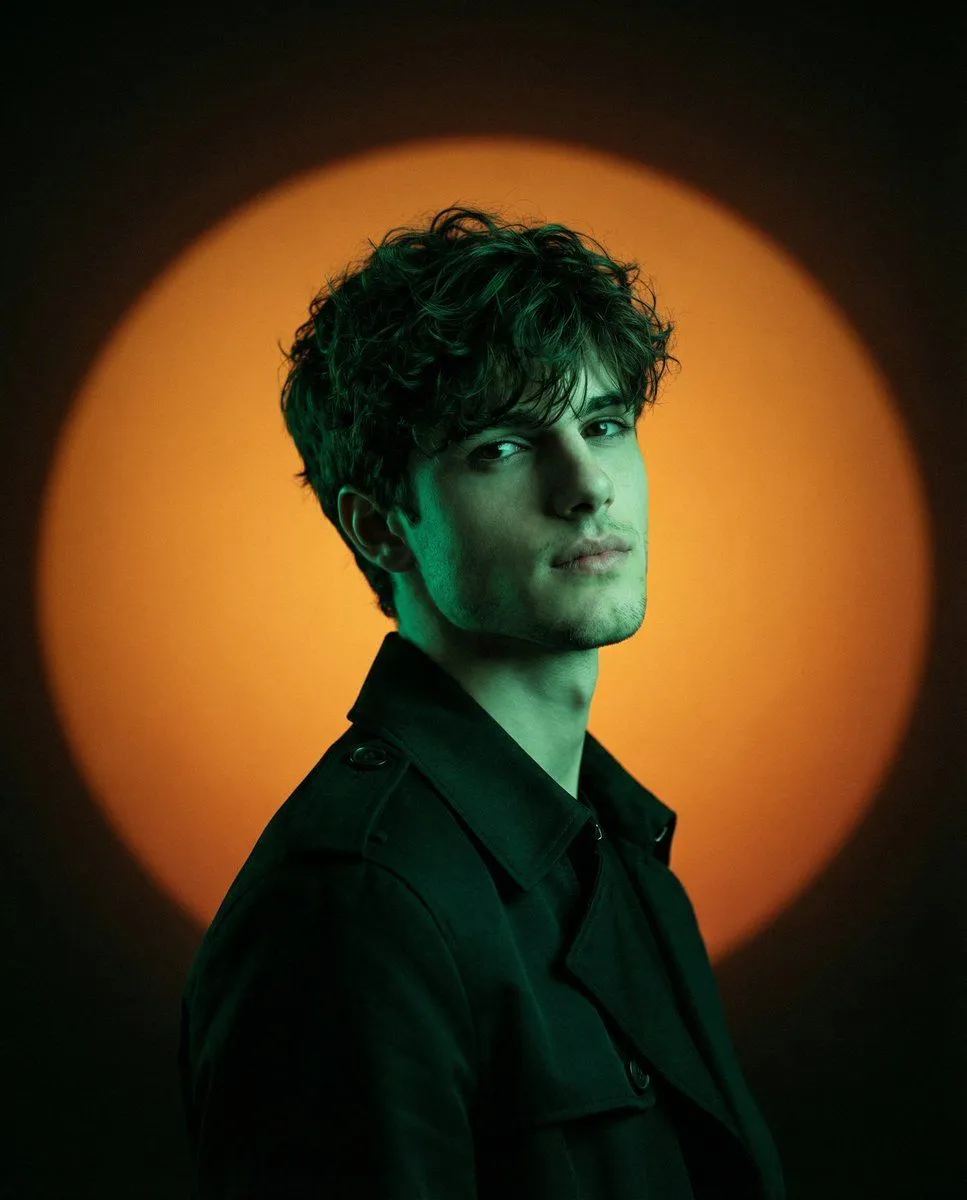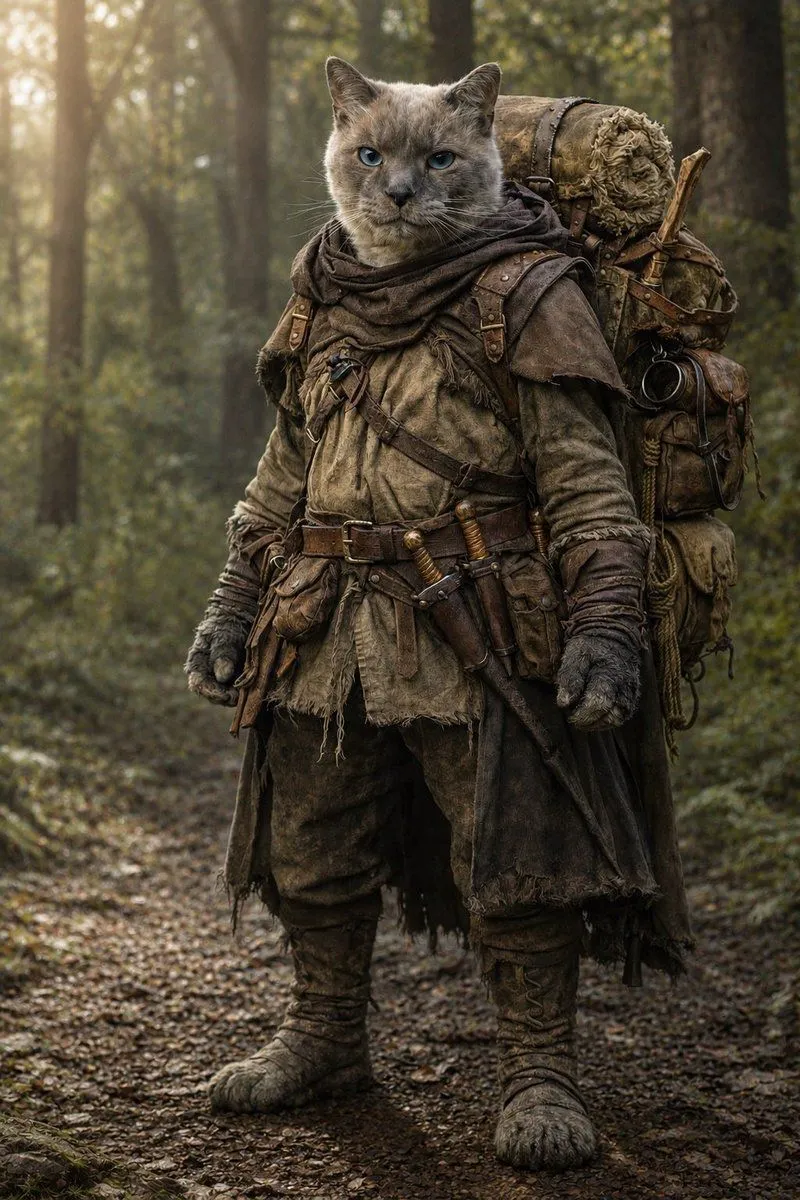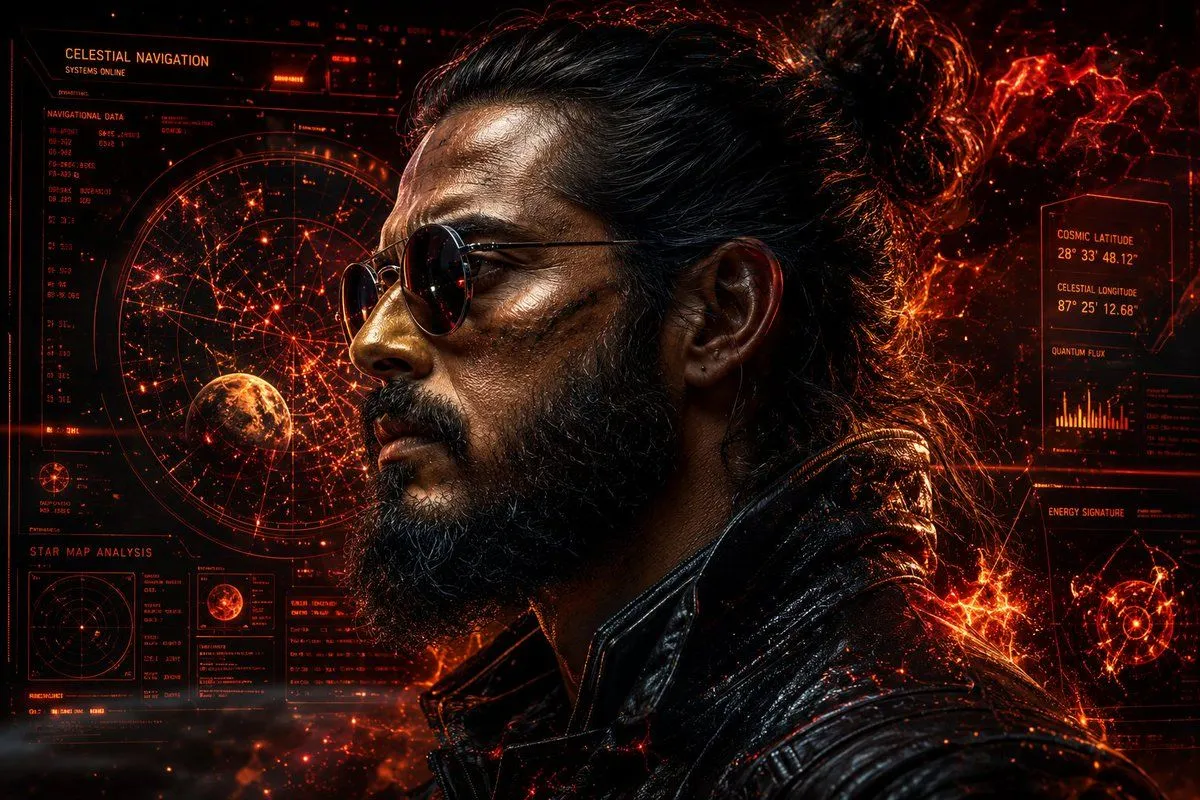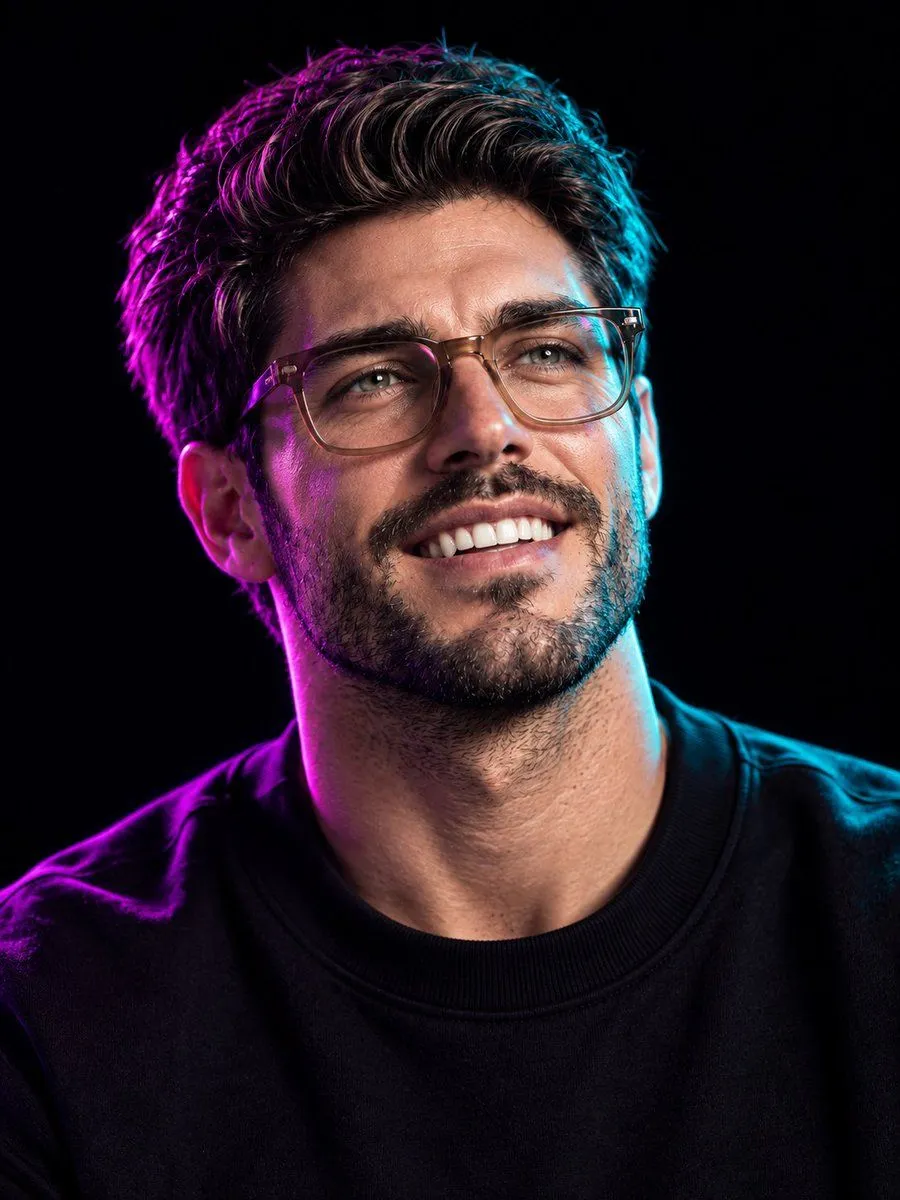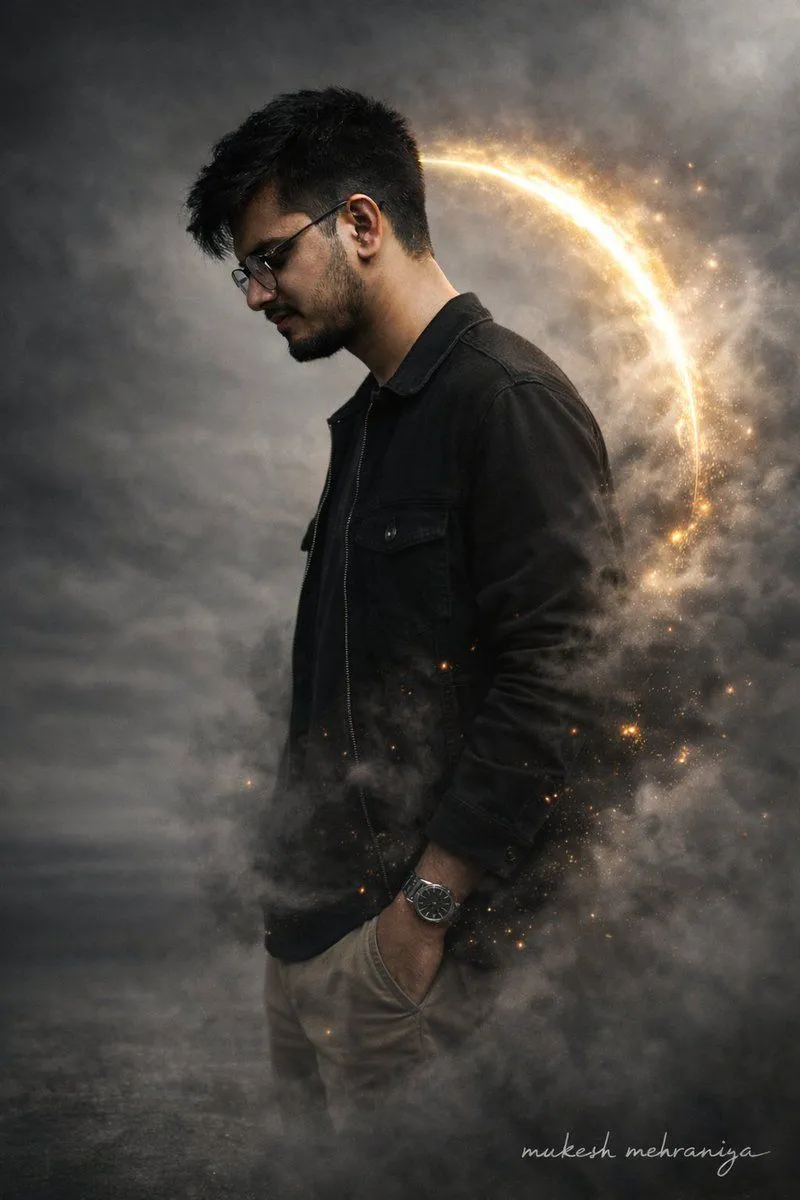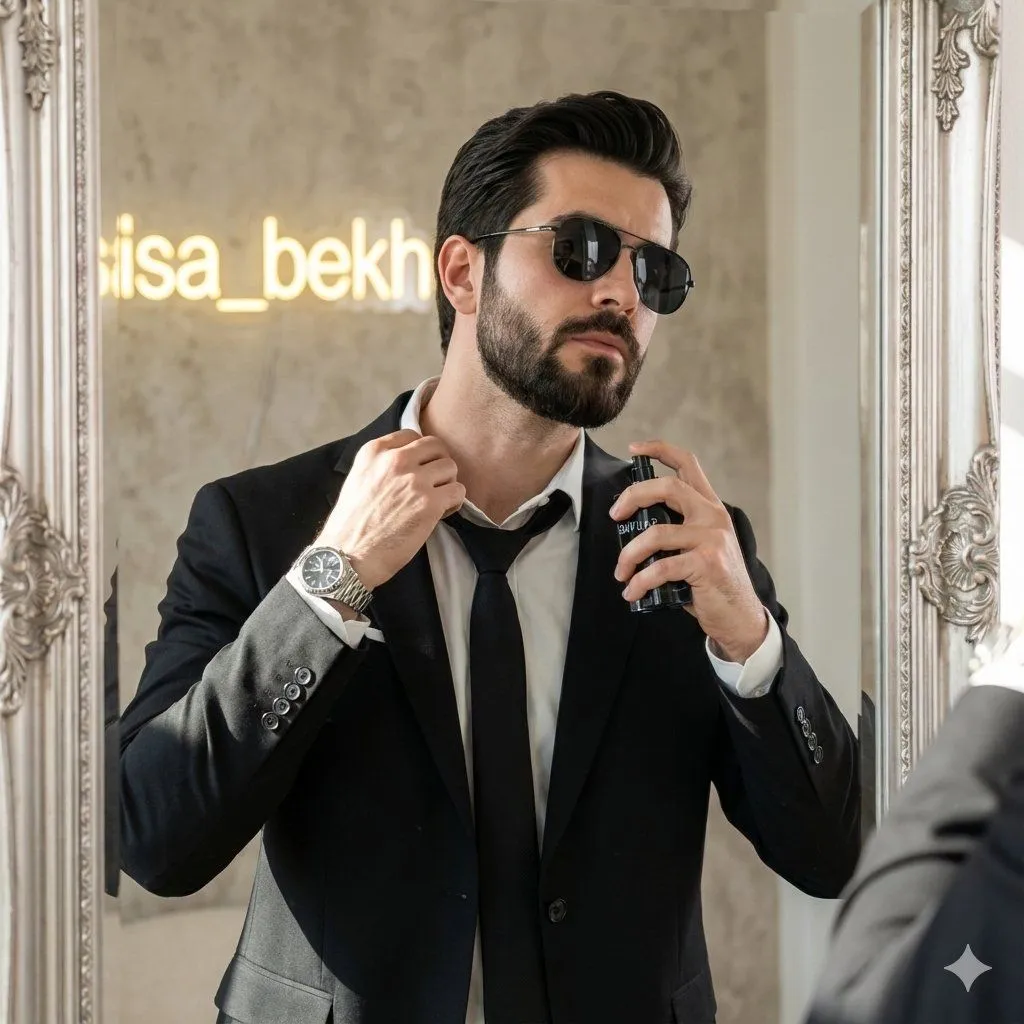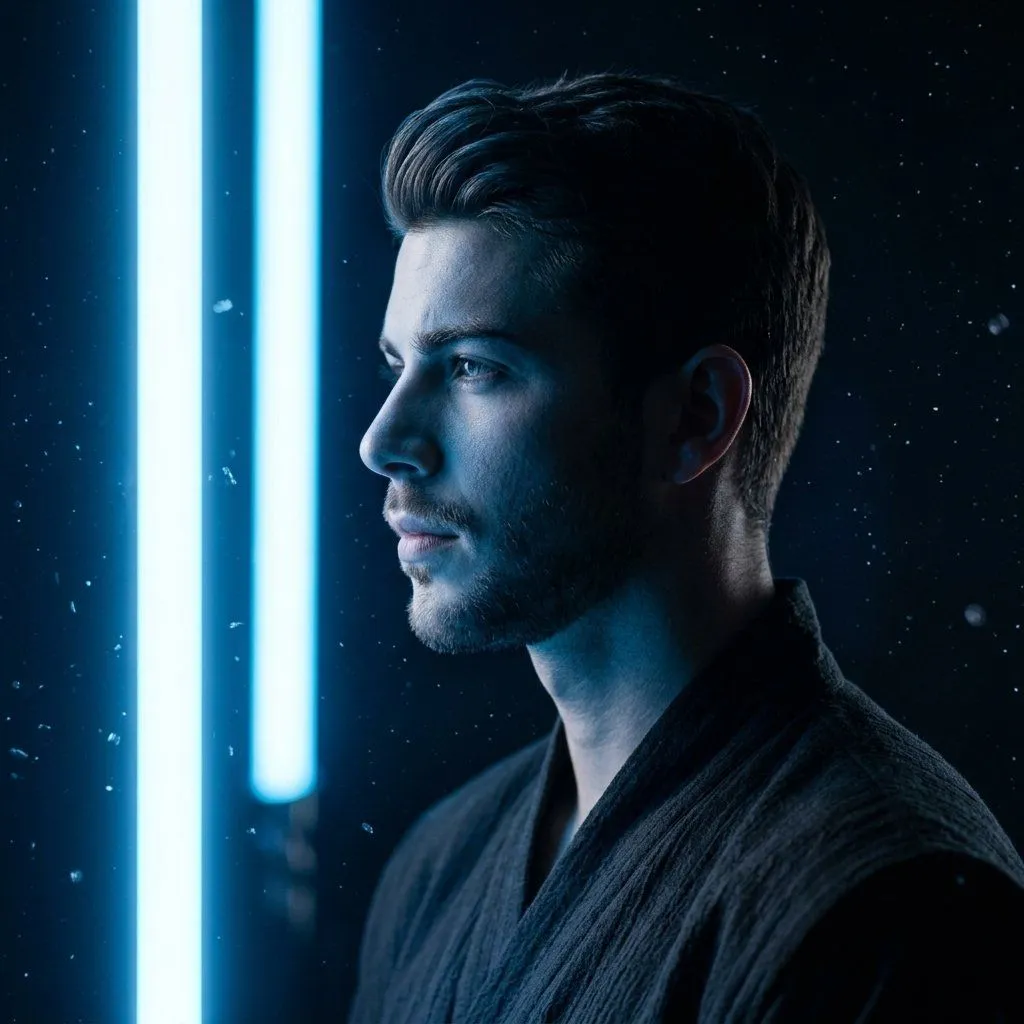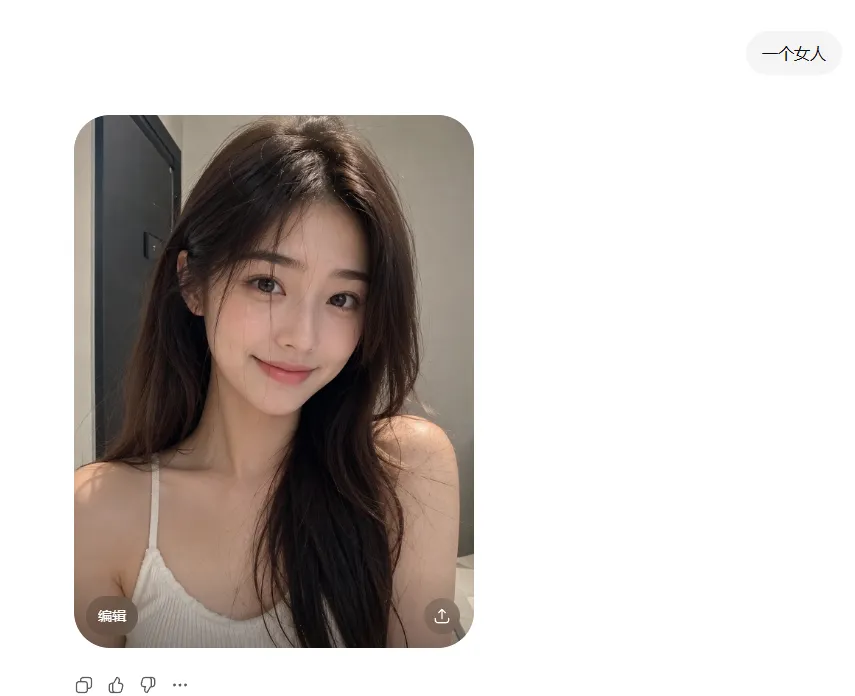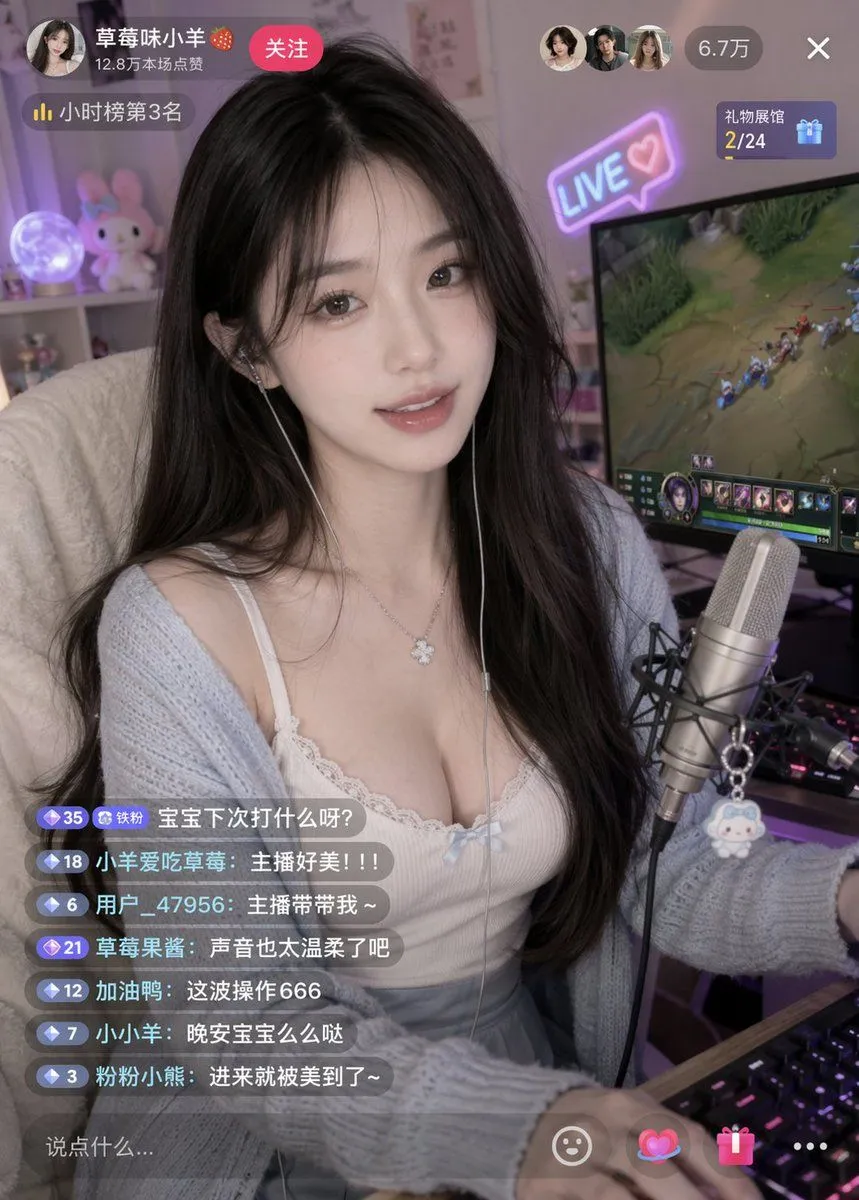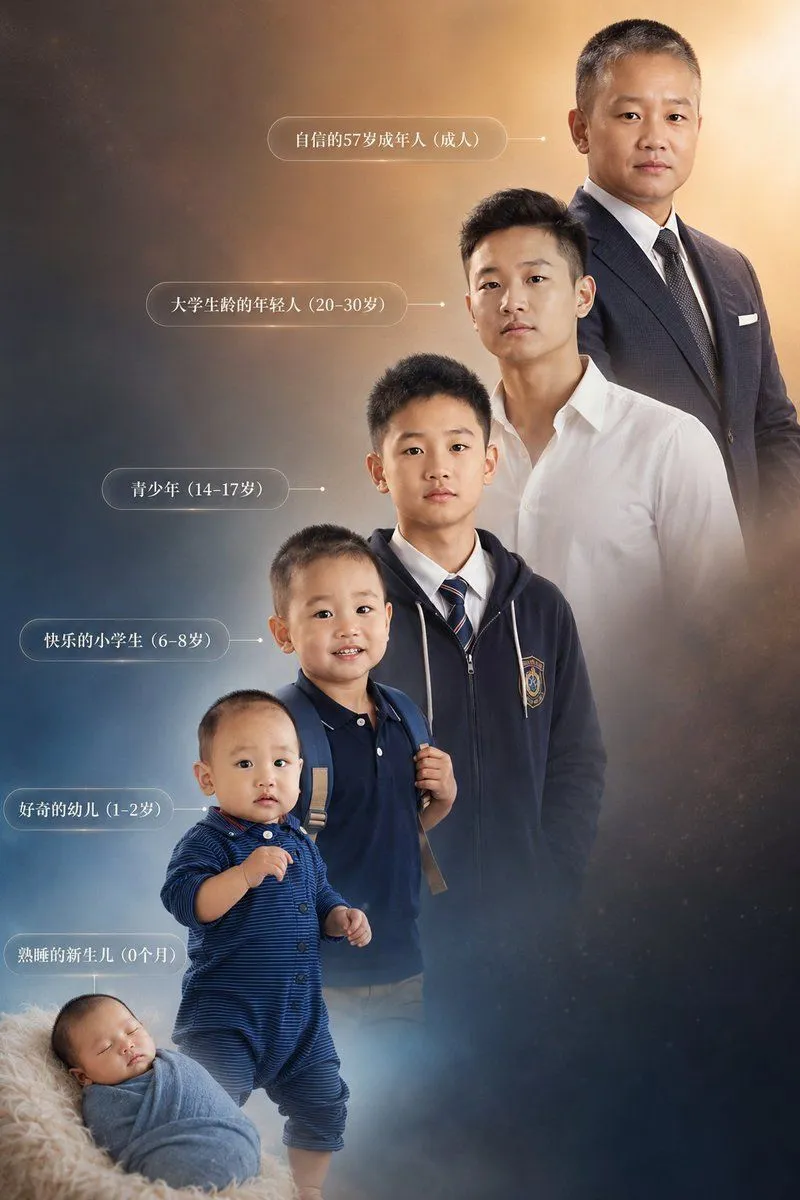
Made with GPT Image 2 in ChatGPT by Library Avatars. Promptclay never generates images.
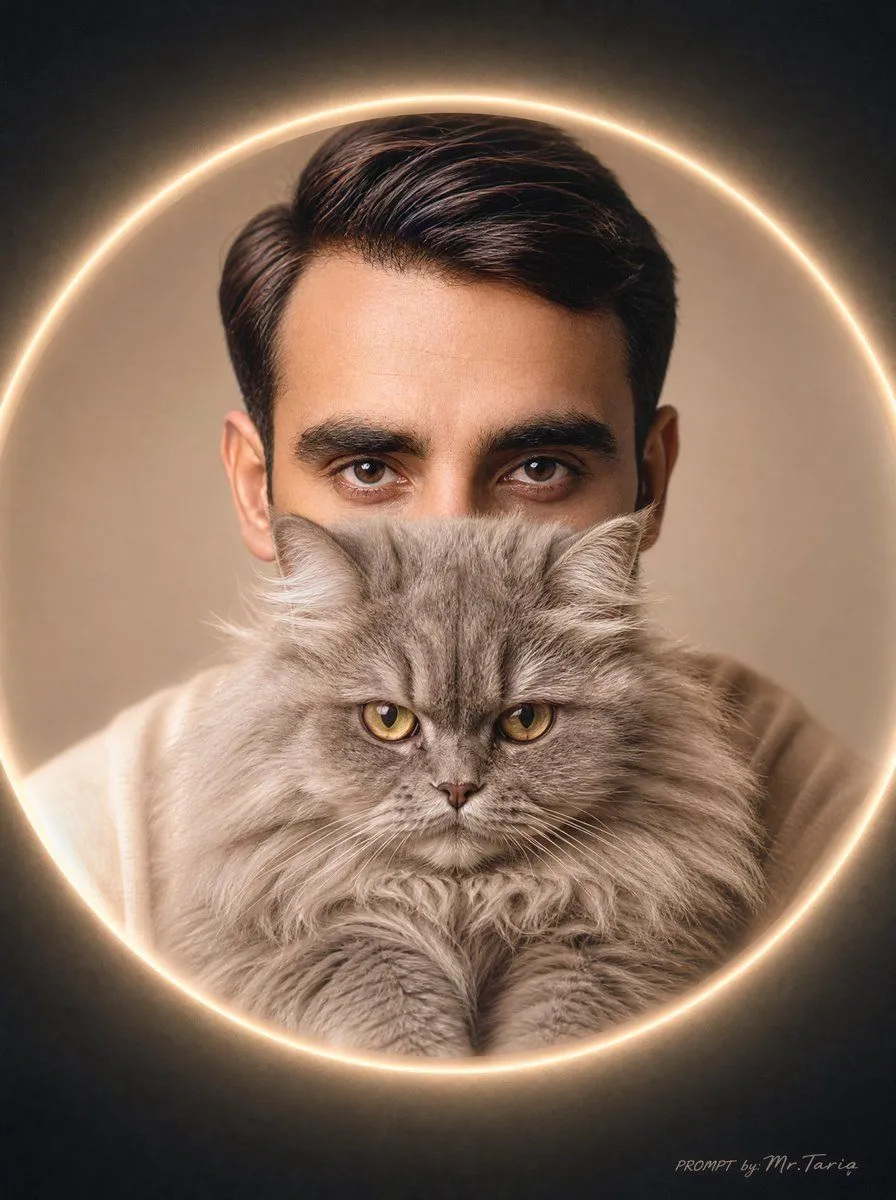
Glowing Cat Profile Portrait
Prompt
3 blanks to fillCreate an ultra-realistic cinematic circular profile portrait of a {character_age_and_gender} holding a fluffy {cat_breed_and_color} high against his lower face and chest. The man is centered, facing forward, with only the upper head and styled dark brown hair clearly visible; place a large opaque square face-covering block in the center, colored warm beige-brown, obscuring the eyes, nose, and most of the face while leaving the hair, ears, shoulders, and cat visible. The cat fills the lower half of the portrait, with long plush fur, symmetrical front paws, a small visible nose and mouth, and soft whiskers. Frame the portrait inside a glowing circular halo ring with warm golden light, set against a dark charcoal vignette background with a beige neutral inner backdrop. Use soft studio lighting, shallow depth of field, realistic skin and fur texture, warm neutral tones, premium social-media avatar aesthetic, centered composition, square canvas, no extra objects. Add a tiny cursive watermark-like text in the bottom-right corner reading {signature_text}.
Preview of your prompt
Create an ultra-realistic cinematic circular profile portrait of a 25-year-old man holding a fluffy gray Persian or British Longhair cat high against his lower face and chest. The man is centered, facing forward, with only the upper head and styled dark brown hair clearly visible; place a large opaque square face-covering block in the center, colored warm beige-brown, obscuring the eyes, nose, and most of the face while leaving the hair, ears, shoulders, and cat visible. The cat fills the lower half of the portrait, with long plush fur, symmetrical front paws, a small visible nose and mouth, and soft whiskers. Frame the portrait inside a glowing circular halo ring with warm golden light, set against a dark charcoal vignette background with a beige neutral inner backdrop. Use soft studio lighting, shallow depth of field, realistic skin and fur texture, warm neutral tones, premium social-media avatar aesthetic, centered composition, square canvas, no extra objects. Add a tiny cursive watermark-like text in the bottom-right corner reading PROMPT by: Mr.Taria.
DetailsVersions, settings and questions
Written for
What's in the prompt
- Subject
- Model
- GPT Image 2
If your face changes
keep my face exactly the sameQuestions
- Does this work in the ChatGPT app?
- Yes. Paste the prompt and attach your photo if it uses one.
- It changed my face. What do I do?
- Add "keep my face exactly the same" to the end and run it again.
- Can I use the images I make?
- Check the terms of the app you use. Promptclay never generates images and claims nothing you make.