Tell us anything

An idea, a bug, something you love. We read every note.

⌘↵ to send. The page you're on comes along.

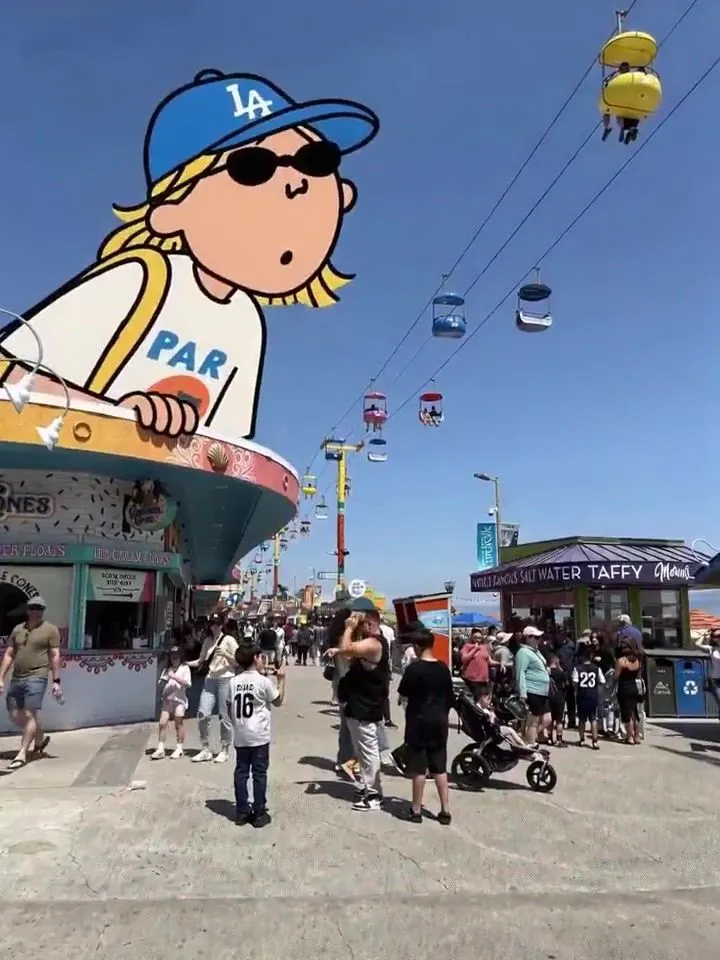
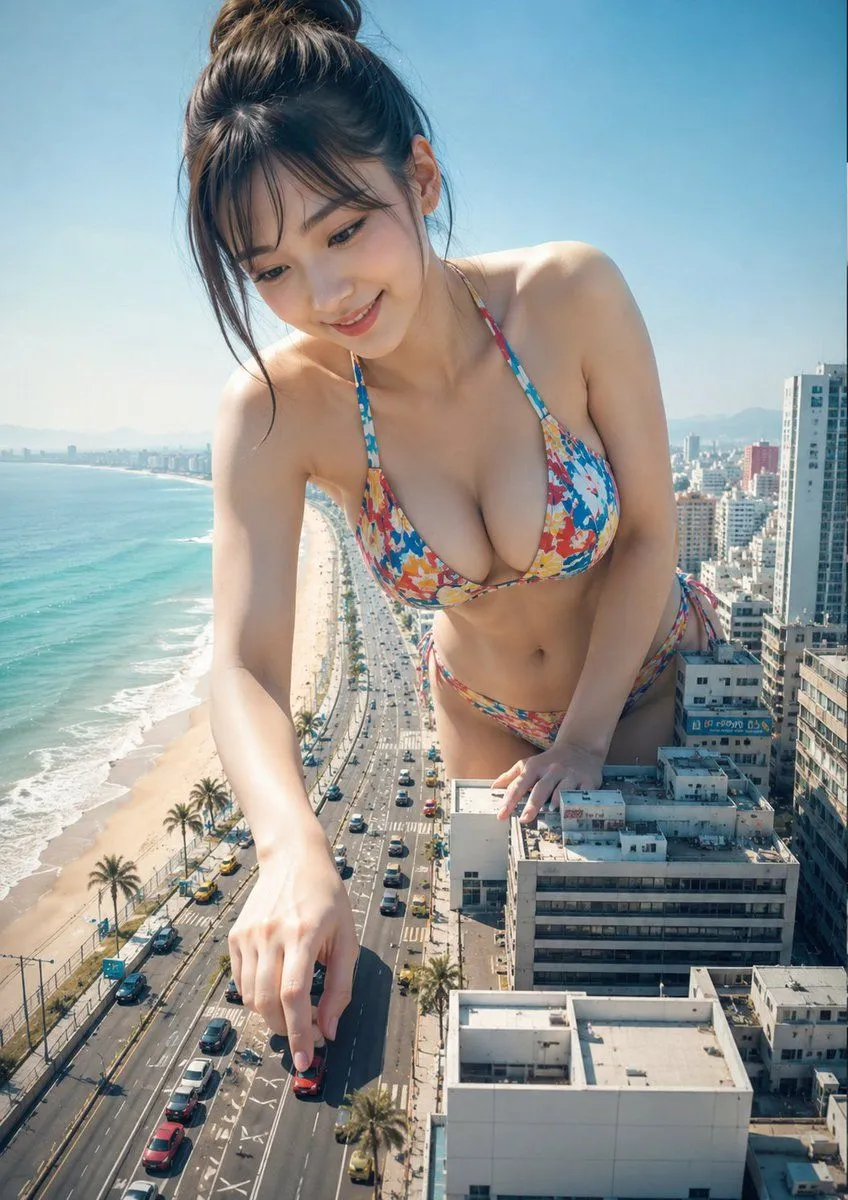
Giant cartoon girl vlog at an amusement park

Made with Seedance 2.0 in Kling by Library Cinema. Promptclay never generates images.

Did it work?

No reports yet. Tell others if it worked for you.

No comments yet. Be the first.

    Giant cartoon girl vlog at an amusement park

    Seedance 2.03:4AI-generated

    Prompt

    0–2s: A low-angle shot shows a giant cartoon girl @image1 (wearing a blue LA cap, sunglasses, holding a bouquet of flowers) peeking out from behind a colorful snack shop at a seaside amusement park @image2. One hand gently rests on the top of the awning, her eyes filled with curiosity. 2–5s: A tracking shot follows the giant girl @image1 as she strides across the amusement park’s cable car tracks. Her legs move smoothly, casting a massive shadow over the promenade and the crowds below. 5–8s: The girl @image1 sits atop the entrance arch of the amusement park, gripping the bouquet tightly. She looks down at the bustling visitors below with a playful smile. 8–10s: A wide panoramic shot: the girl @image1 stands by the beach in the center of the amusement park, arms outstretched as if embracing the entire coastline and the Ferris wheel, with bright blue ocean and sky in the background.

    Works in
    Kling
    Status
    Free to copy
    0
    DetailsVersions, settings and questions

    Written for

    What's in the prompt

    Subject
    Model
    Seedance 2.0

    If your face changes

    keep my face exactly the same

    Questions

    Does this work in the Kling app?
    Yes. Paste the prompt and attach your photo if it uses one.
    It changed my face. What do I do?
    Add "keep my face exactly the same" to the end and run it again.
    Can I use the images I make?
    Check the terms of the app you use. Promptclay never generates images and claims nothing you make.
    Similar prompts

    See more
    • Surreal Giantess Neon Park Portrait
    • Surreal Advertising Concept Art
    • Hyper-realistic Surreal Poster Design Prompt
    • Kobe Harbor Boar Battle Cartoon
    • Workflow for Style Transfer and Storyboard Generation
    • Anime Film Poster Generator
    • Surreal Anime Schoolgirl in Bubble Sky
    • Cinematic Airport Runway Giantess Portrait
    • Surreal beach giant boot sculpture
    • Neo-Skeuomorphism Crowd Scene Prompt
    • Coastal Motorcycle Anime Girl
    • Underwater Fantasy CG Illustration
    • Seedance 2.0 Video Prompt: Seamless Seasonal Transition Skate/SnowboardVideo, 0:15
    • Video Prompt Instruction for Nano Banana
    • Typhoon Eye Watching Schoolgirl
    • 3D Anime CG Fantasy Summer Illustration
    • Guoman Goddess Skateboard Video Generation (Seedance 2.0)Video, 0:10
    • Watercolor Anime Girl in Summer Sky
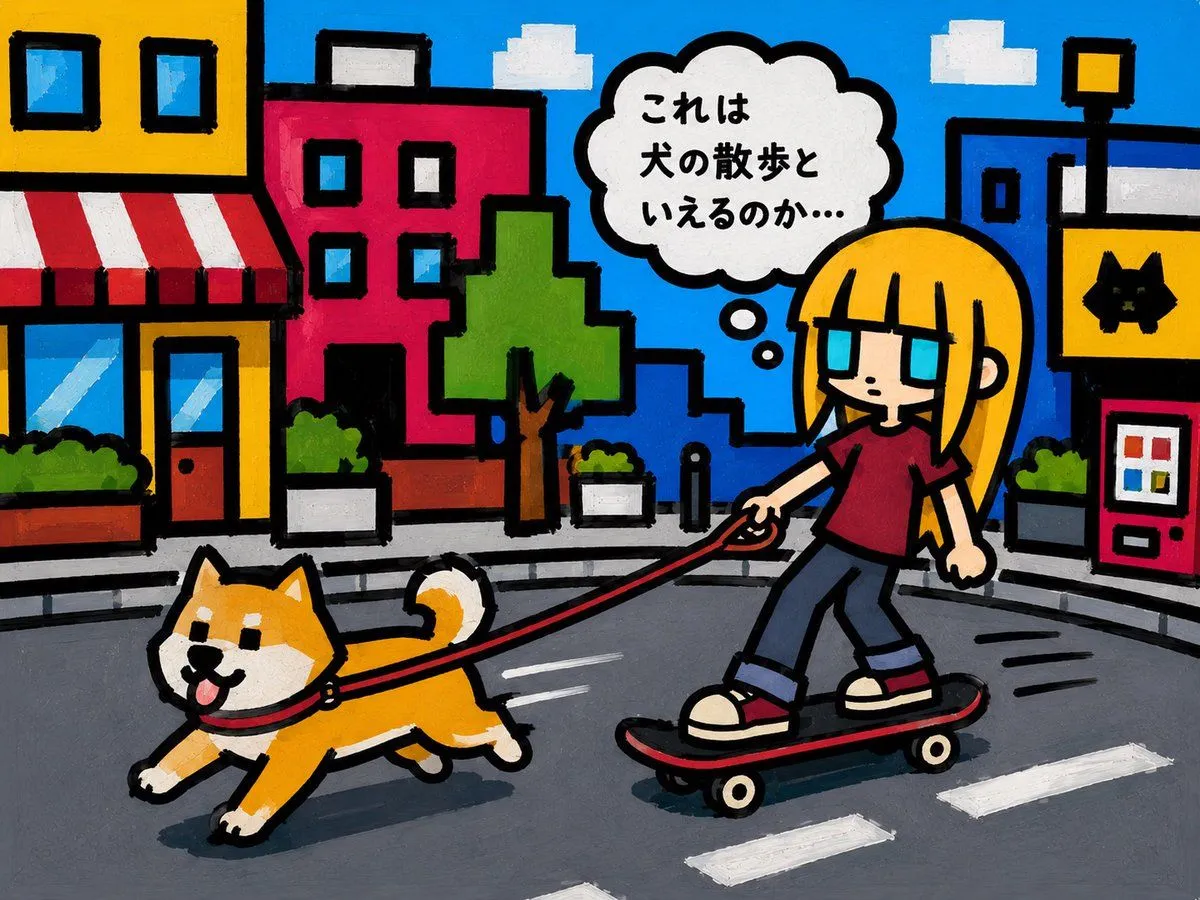
    • Cartoon Girl Skateboarding With Dog
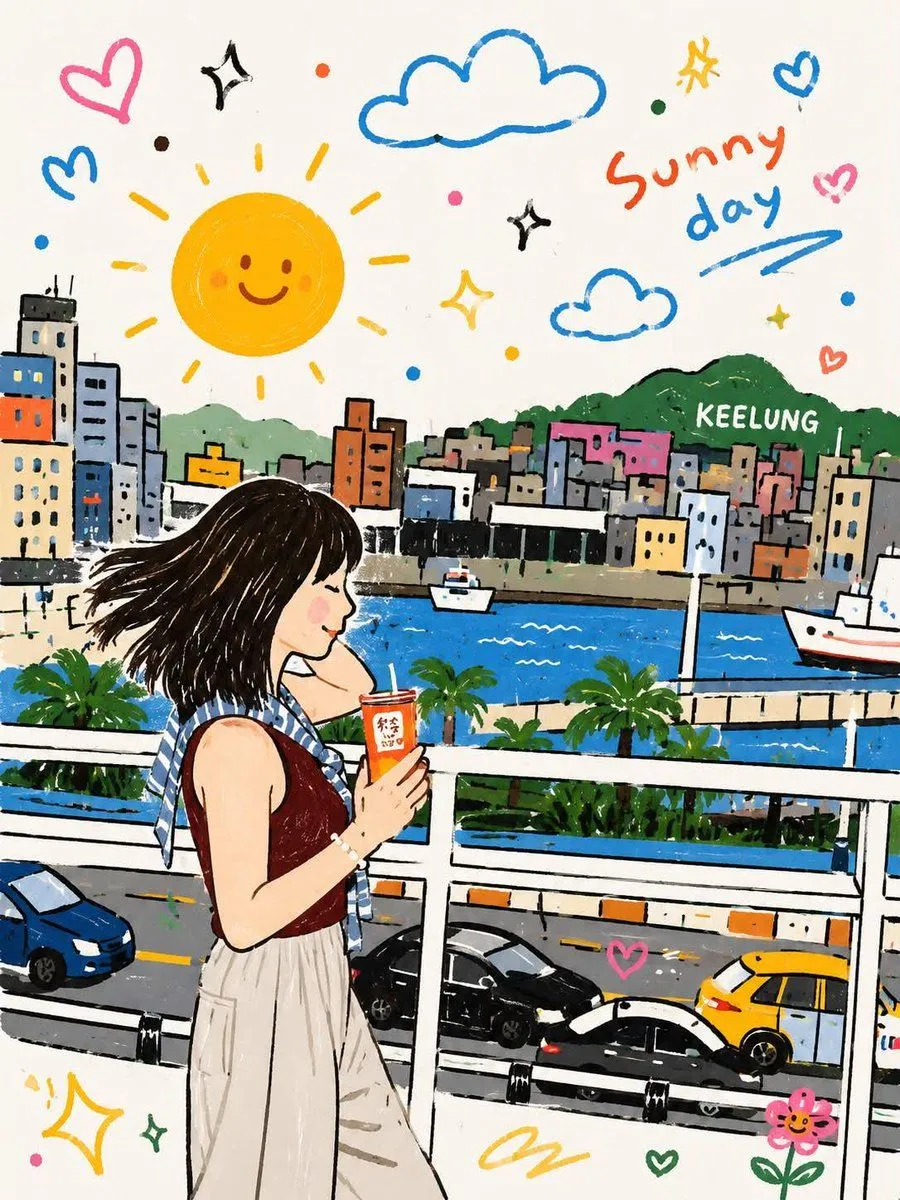
    • Whimsical Childlike Doodle Reconstruction
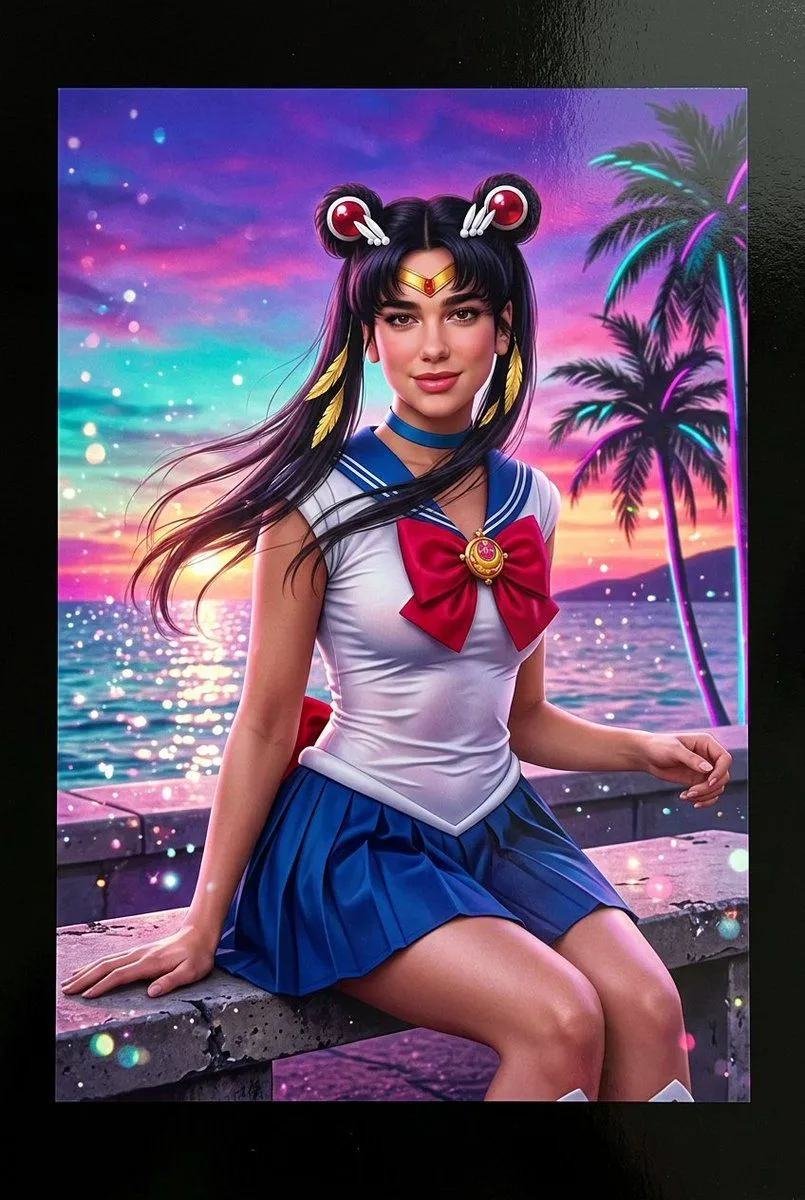
    • Lifelike Sailor Moon Cosplay
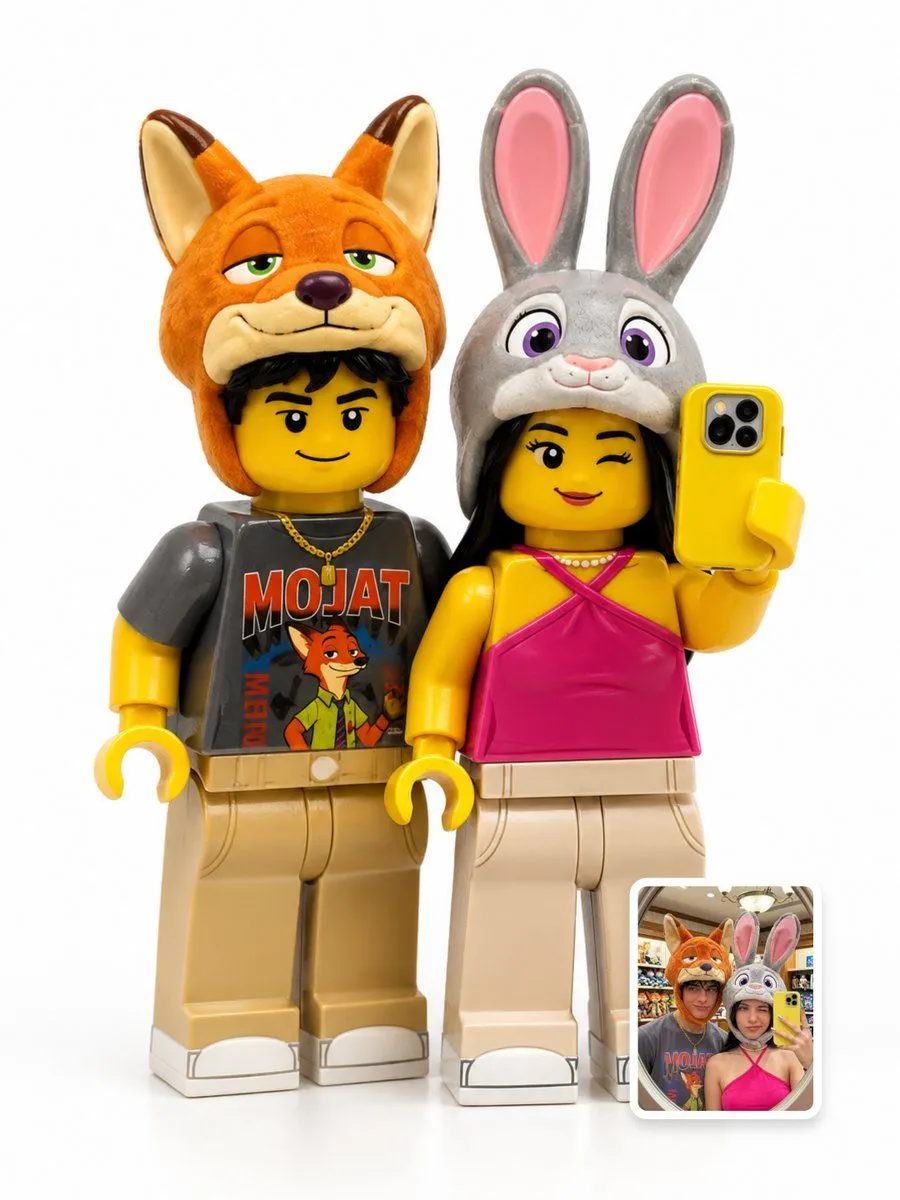
    • LEGO Minifigure Transformation
    • Pastel Painted Sour Patch Kids in Whimsical Candyland
    • Simple Stick Figure Coloring Book Clipart

    Show more

    Run it on your phone

    1. Prompt copiedRead it

      0–2s: A low-angle shot shows a giant cartoon girl @image1 (wearing a blue LA cap, sunglasses, holding a bouquet of flowers) peeking out from behind a colorful snack shop at a seaside amusement park @image2. One hand gently rests on the top of the awning, her eyes filled with curiosity. 2–5s: A tracking shot follows the giant girl @image1 as she strides across the amusement park’s cable car tracks. Her legs move smoothly, casting a massive shadow over the promenade and the crowds below. 5–8s: The girl @image1 sits atop the entrance arch of the amusement park, gripping the bouquet tightly. She looks down at the bustling visitors below with a playful smile. 8–10s: A wide panoramic shot: the girl @image1 stands by the beach in the center of the amusement park, arms outstretched as if embracing the entire coastline and the Ferris wheel, with bright blue ocean and sky in the background.

    2. Open your app

    3. Paste and run

      Press and hold the message box, then tap Paste. Add your photo first if the prompt uses one. You may need to sign in.