Tell us anything

An idea, a bug, something you love. We read every note.

⌘↵ to send. The page you're on comes along.

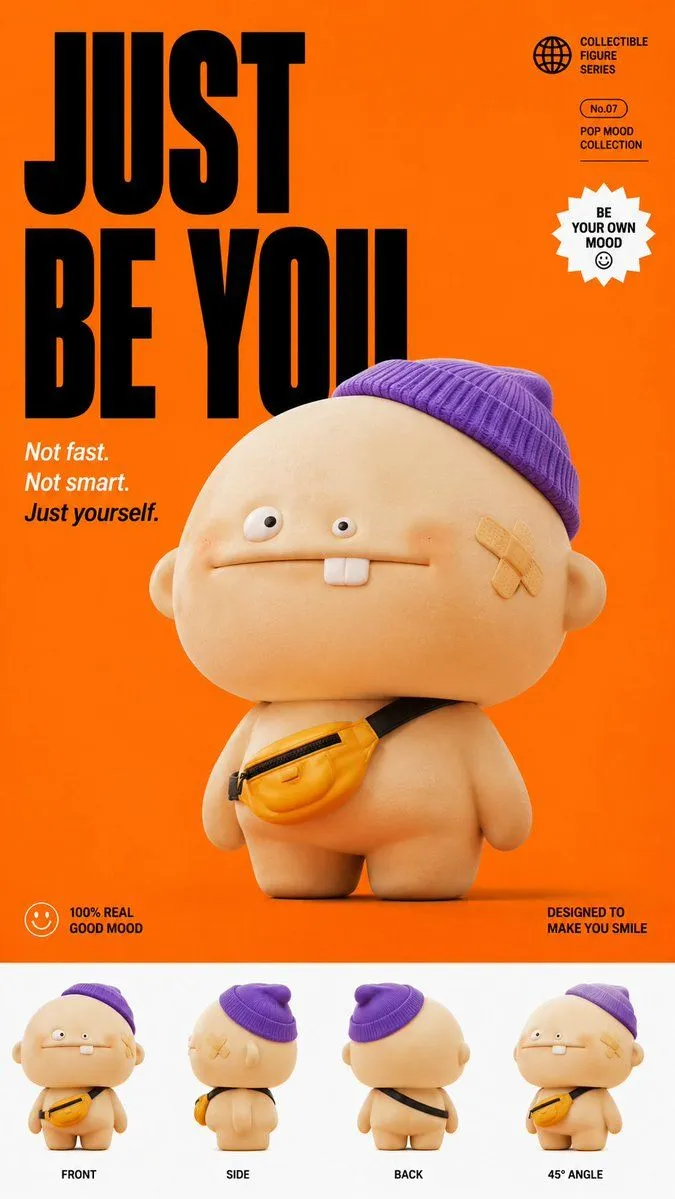
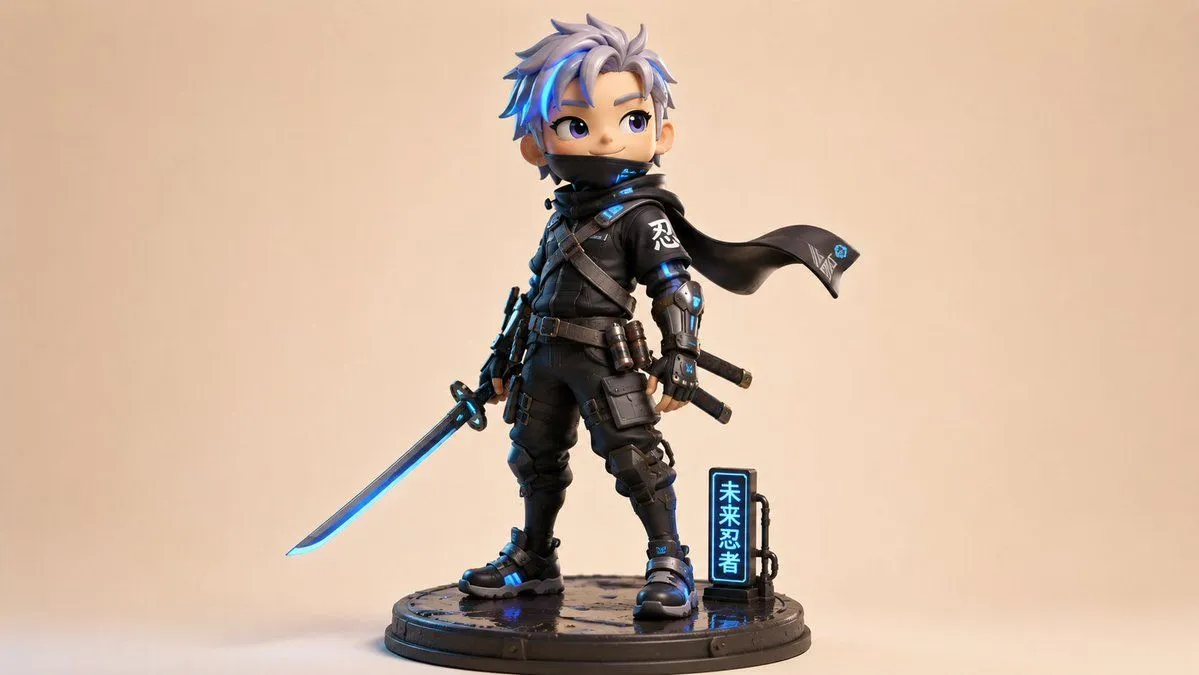
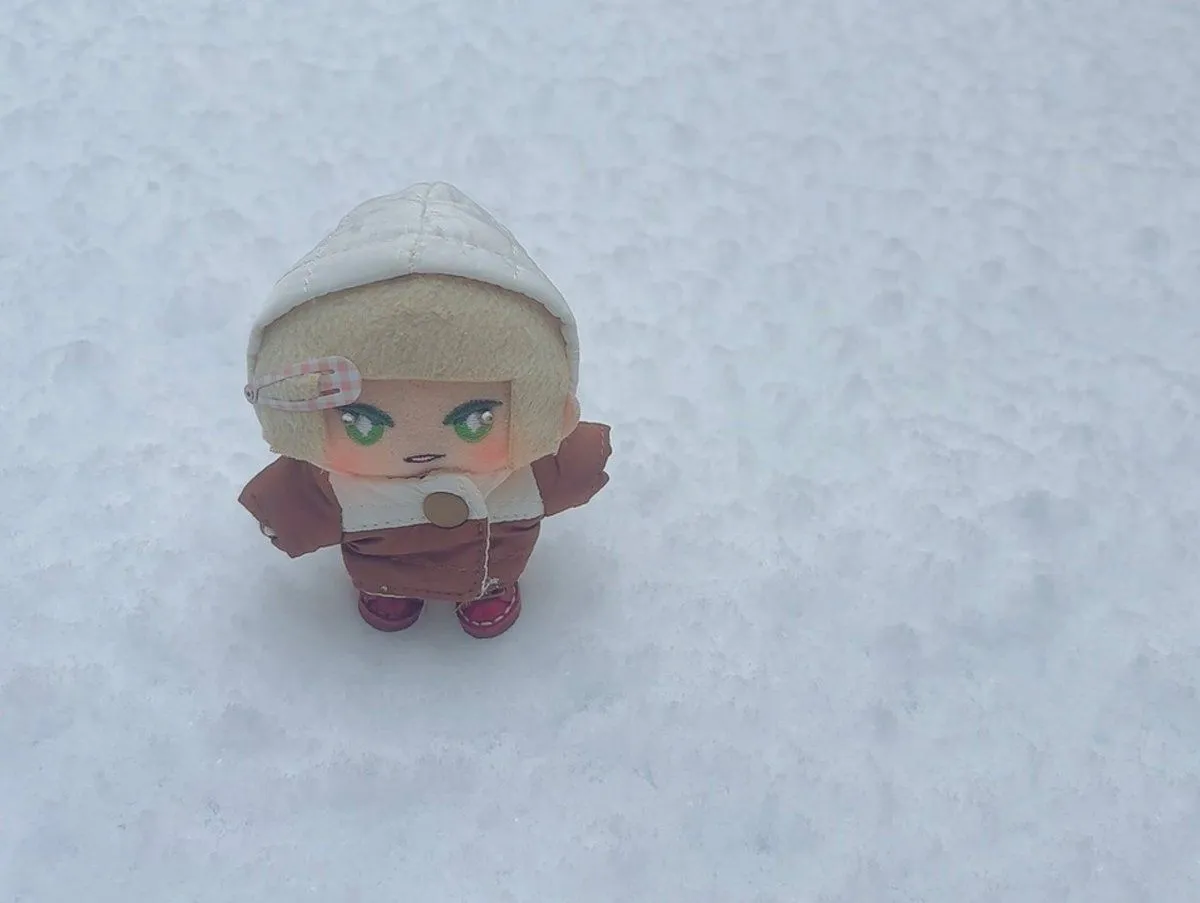
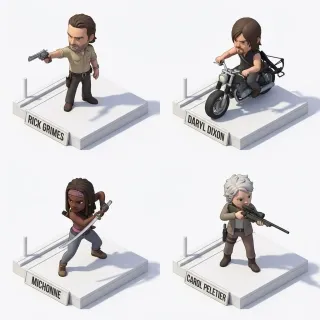
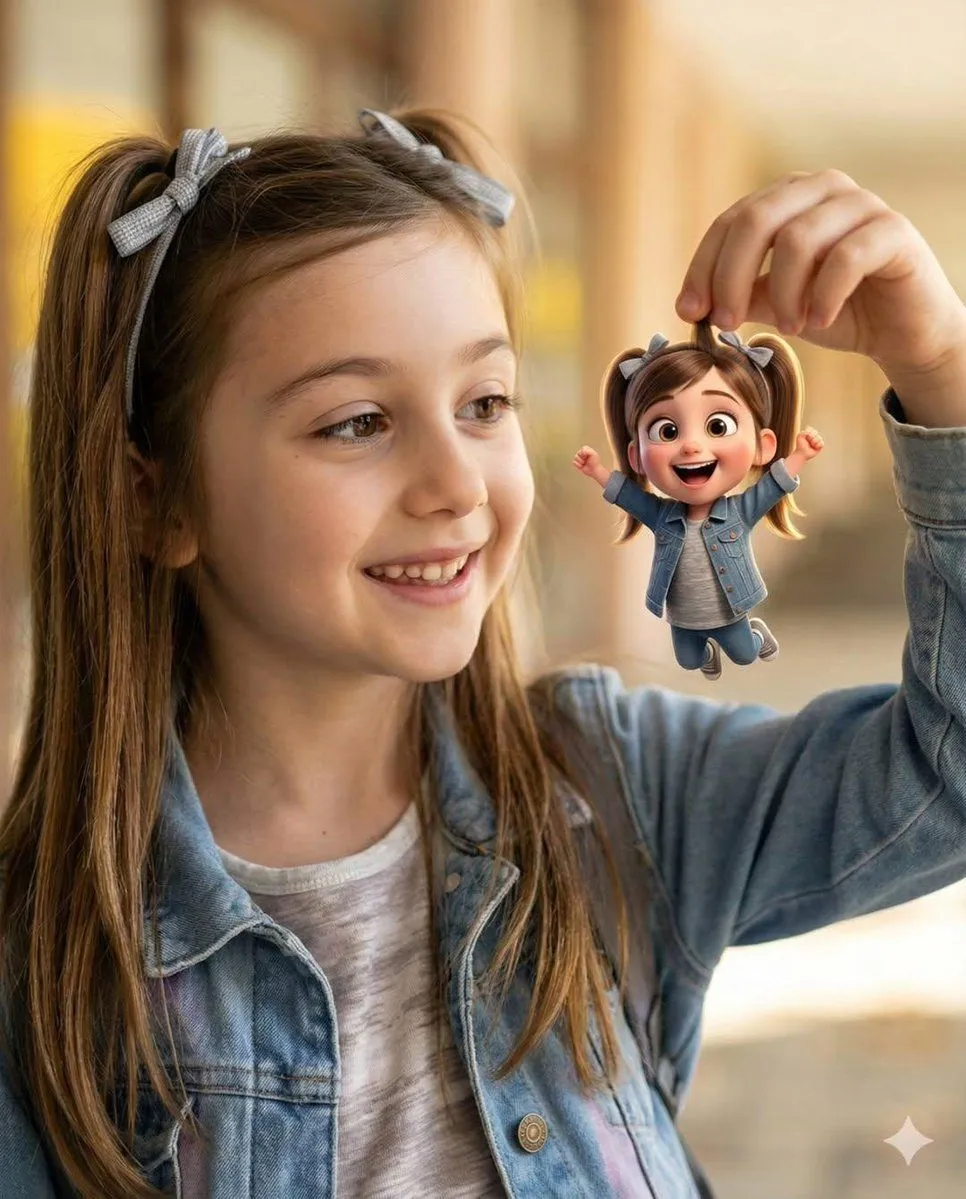
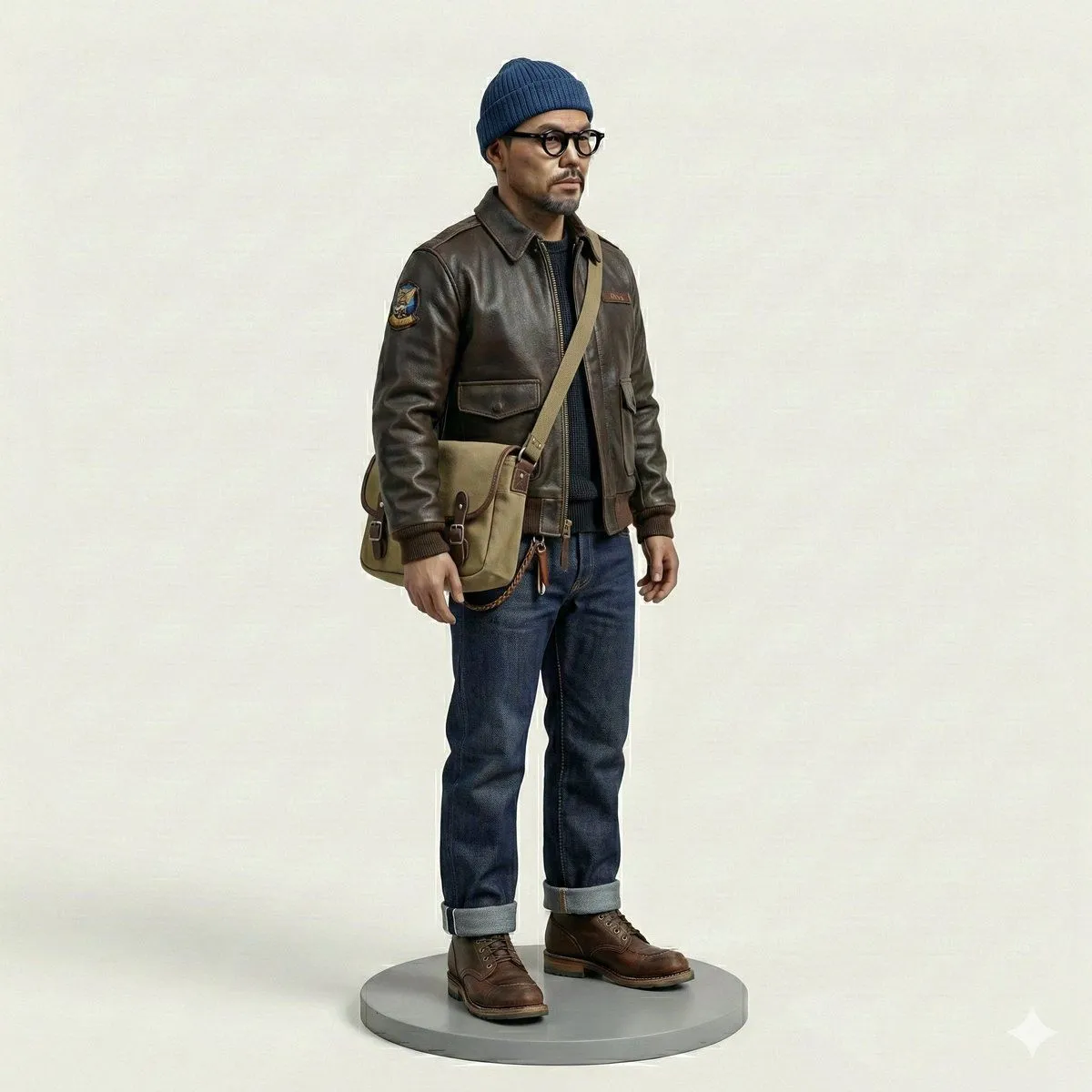
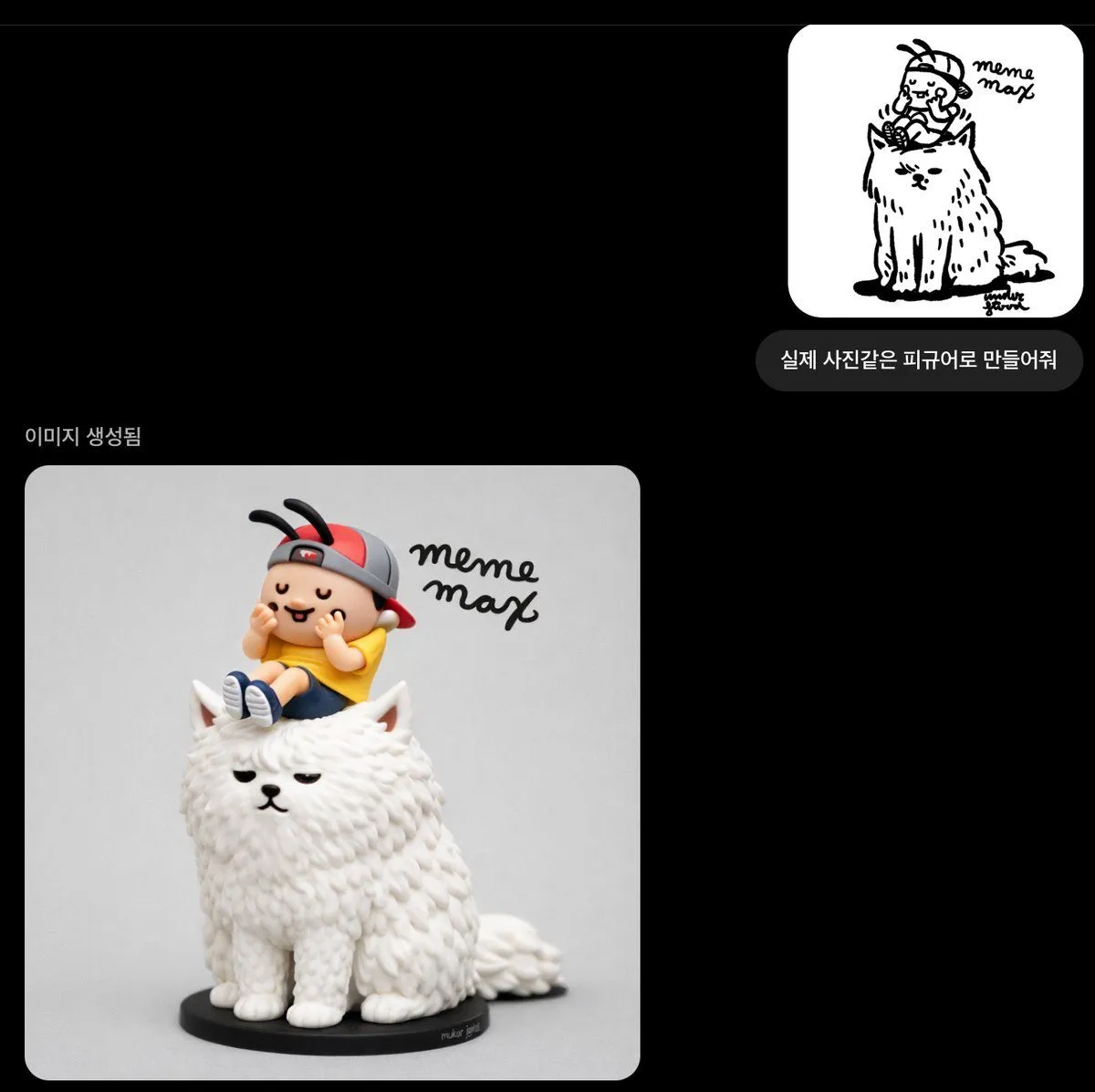
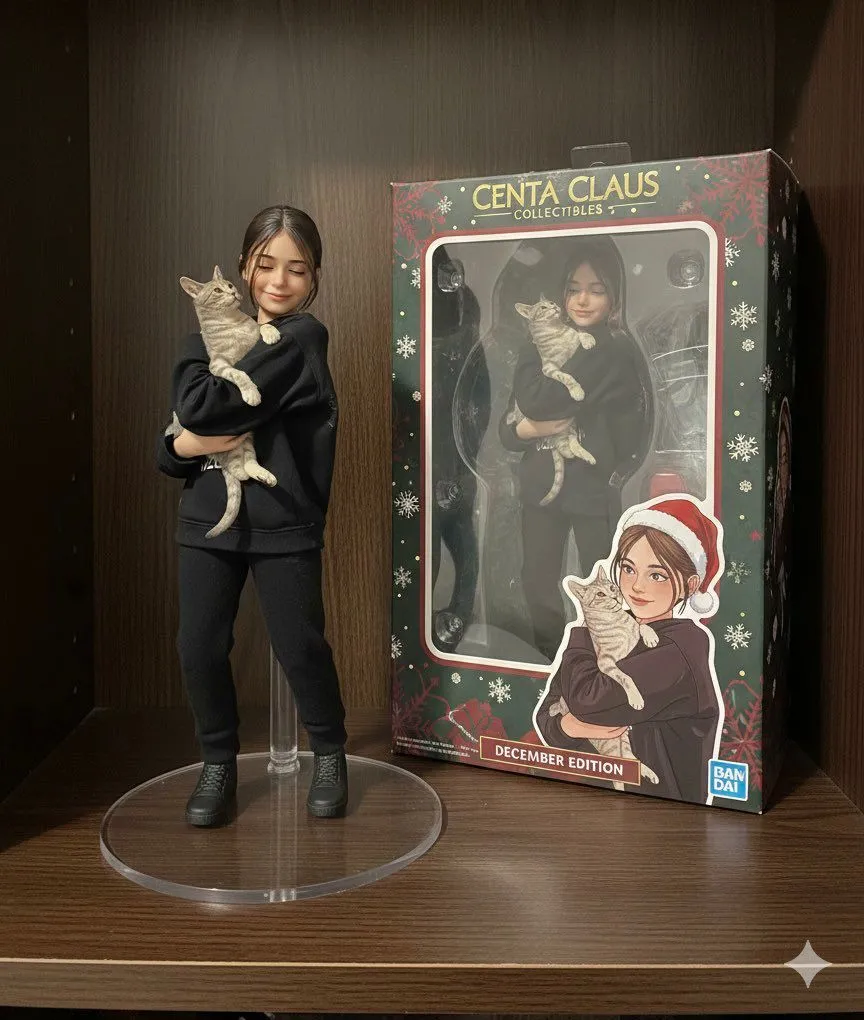
Generate a realistic figurine from a photo

Made with GPT Image 1.5 in ChatGPT by Library Concept. Promptclay never generates images.

Generate a realistic figurine from a photo

GPT Image 1.51:1AI-generated

Prompt

Please create it as a figurine that looks like a real photo

Opens in a new tab with the prompt filled in or copied, ready to paste.

Works in
ChatGPT, Gemini
Status
Free to copy
DetailsVersions, settings and questions

Written for

What's in the prompt

Subject
Model
GPT Image 1.5

If your face changes

keep my face exactly the same

Questions

Does this work in the ChatGPT app?
Yes. Paste the prompt and attach your photo if it uses one.
It changed my face. What do I do?
Add "keep my face exactly the same" to the end and run it again.
Can I use the images I make?
Check the terms of the app you use. Promptclay never generates images and claims nothing you make.
0

Did it work?

No reports yet. Tell others if it worked for you.
No comments yet. Be the first.

    More like this

    See more
    • Photo to Collectible Action Figure Transformation
    • Popmart Style 3D Character Toy
    • Chibi Cyber Ninja Figurine
    • Cute Character Walking Illustration
    • Isometric Gym Garage Diorama Prompt
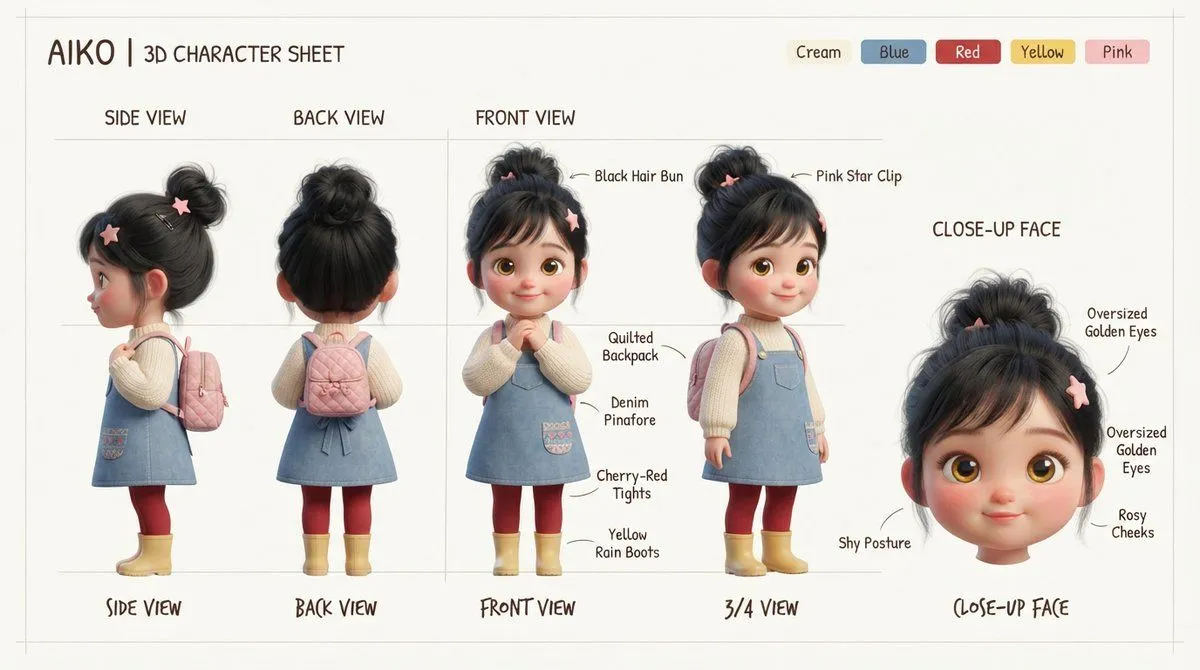
    • Aiko 3D Character Sheet
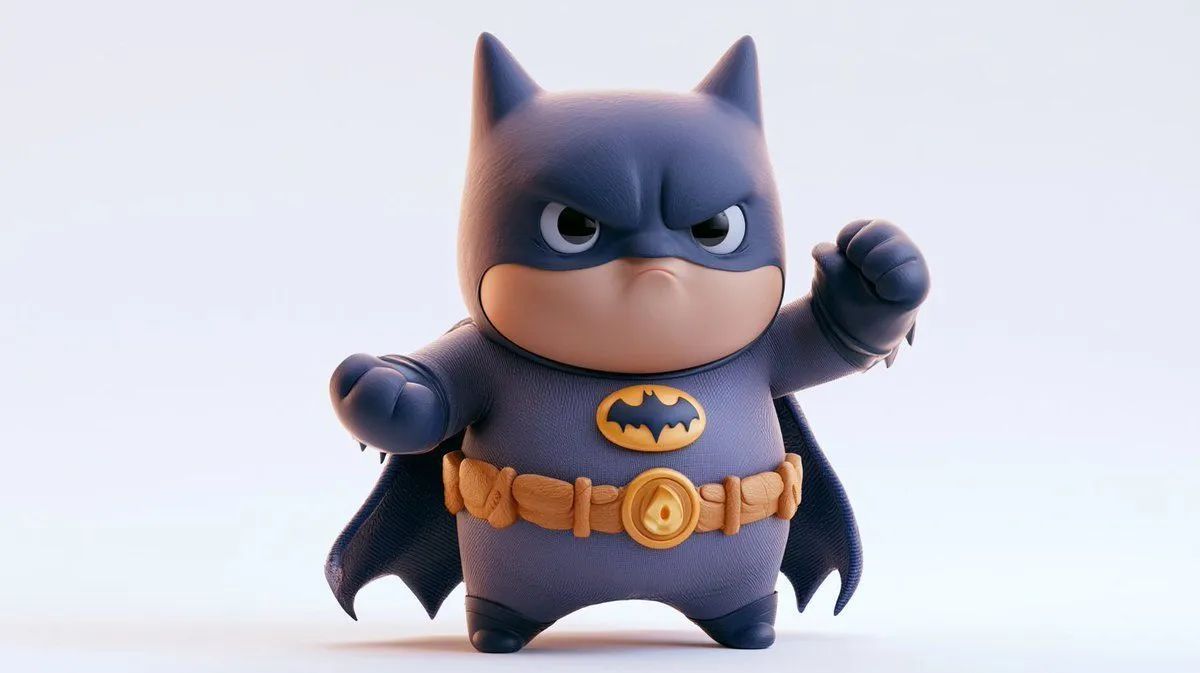
    • Chunky Cinematic Pop Culture Character
    • Isometric Kawaii Hero Generator
    • Whimsical Portrait Blending Realism with Tiny Pixar Character
    • 3D Anthropomorphic Bunny Character Prompt
    • Miniature Figurine Prompt for Nano Banana Pro
    • Hyper-Realistic Robotic Frog Design
    • LEGO Minifigure Transformation
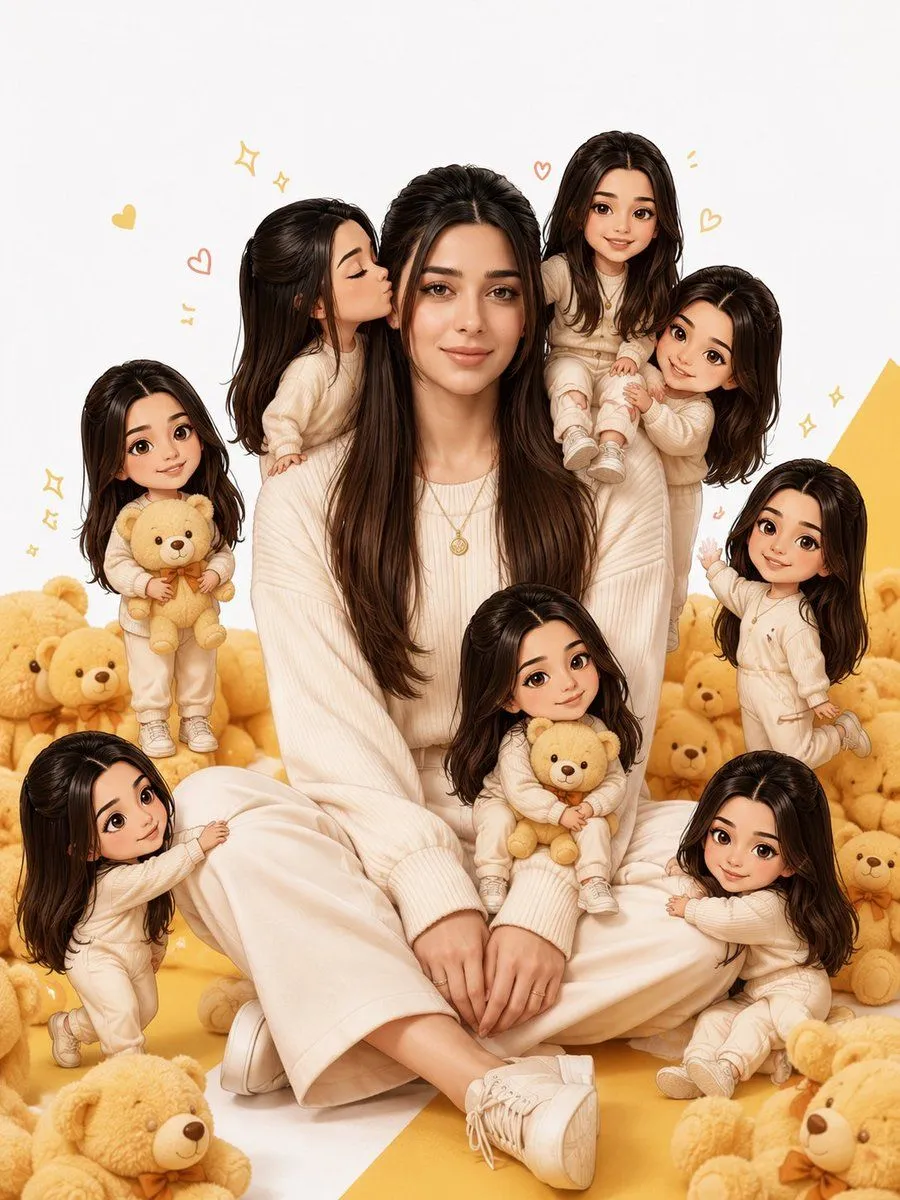
    • Realistic Person with Chibi Miniatures
    • Nano Banana Pro Multi-Panel Generation
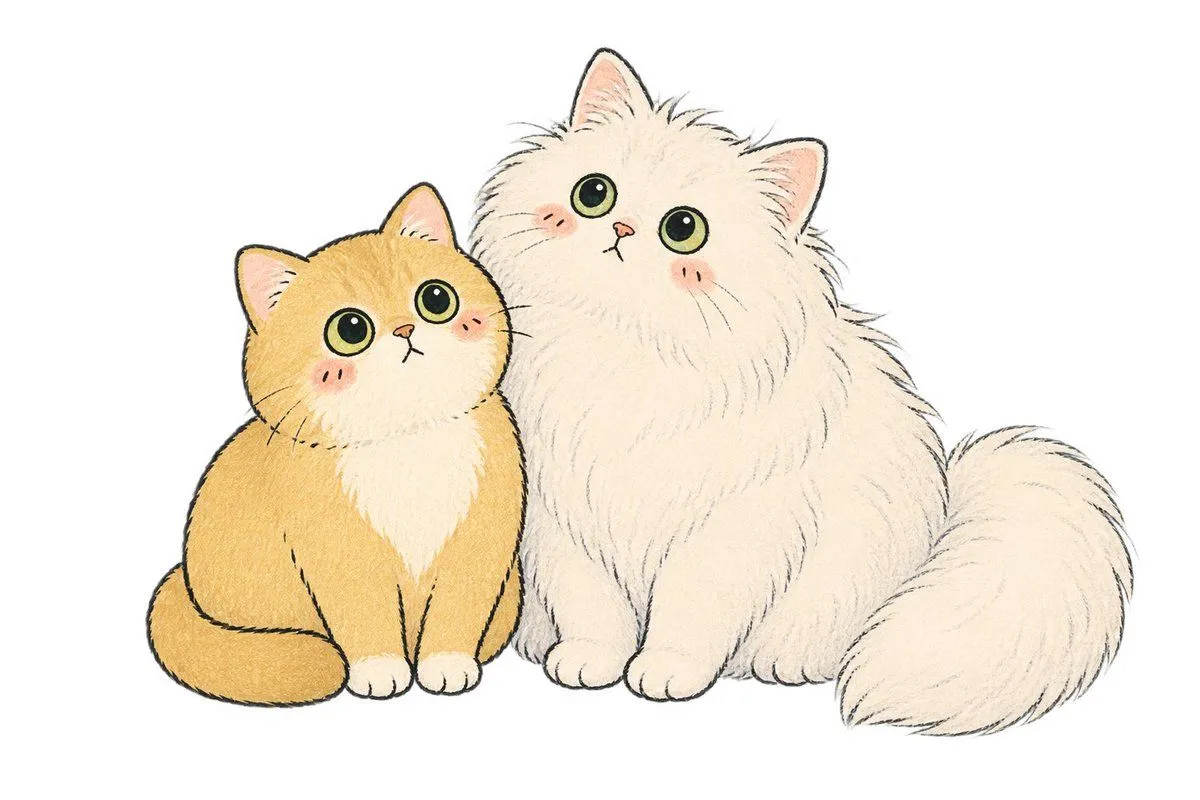
    • Two Fluffy Kawaii Cats
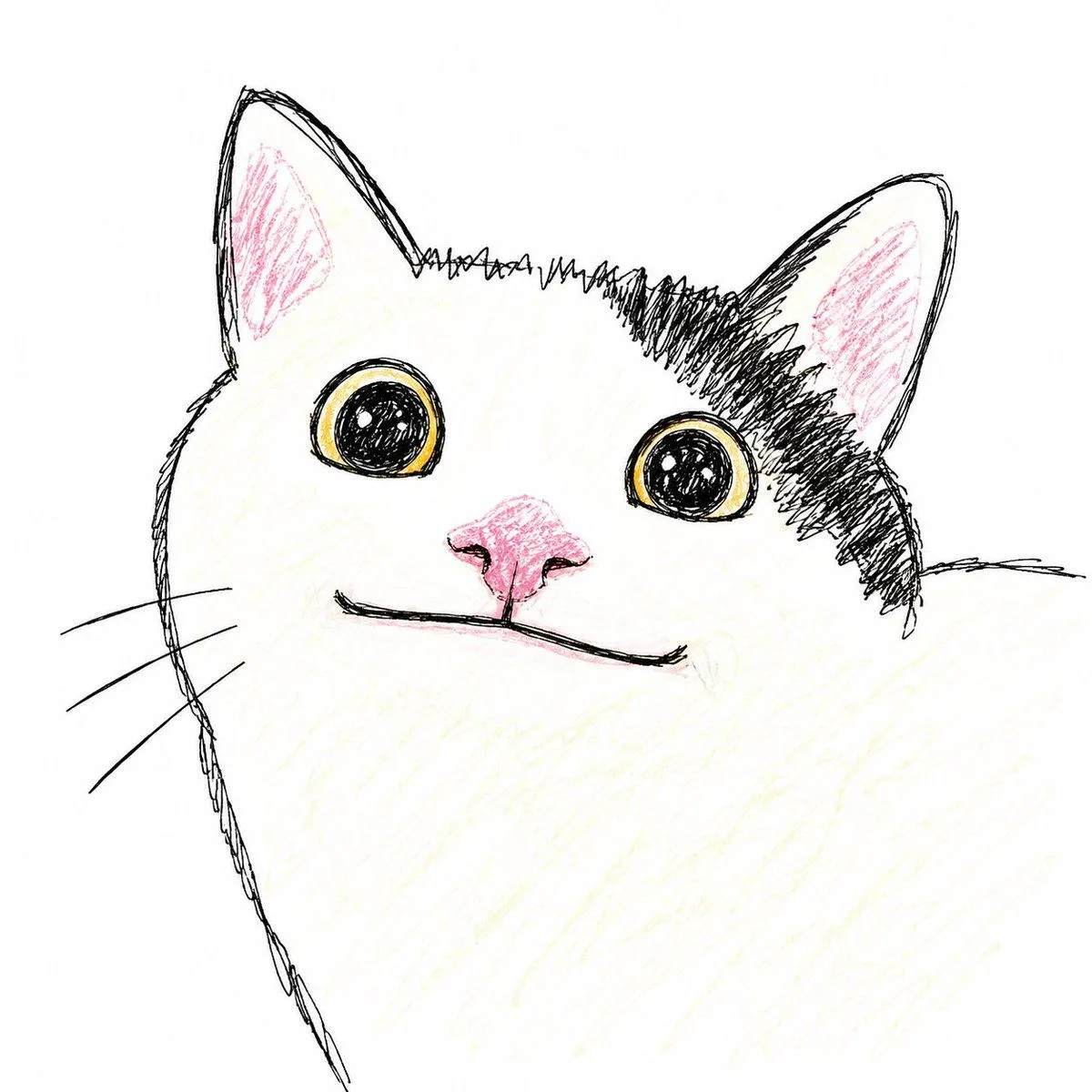
    • Sloppy Doodle Cat Portrait
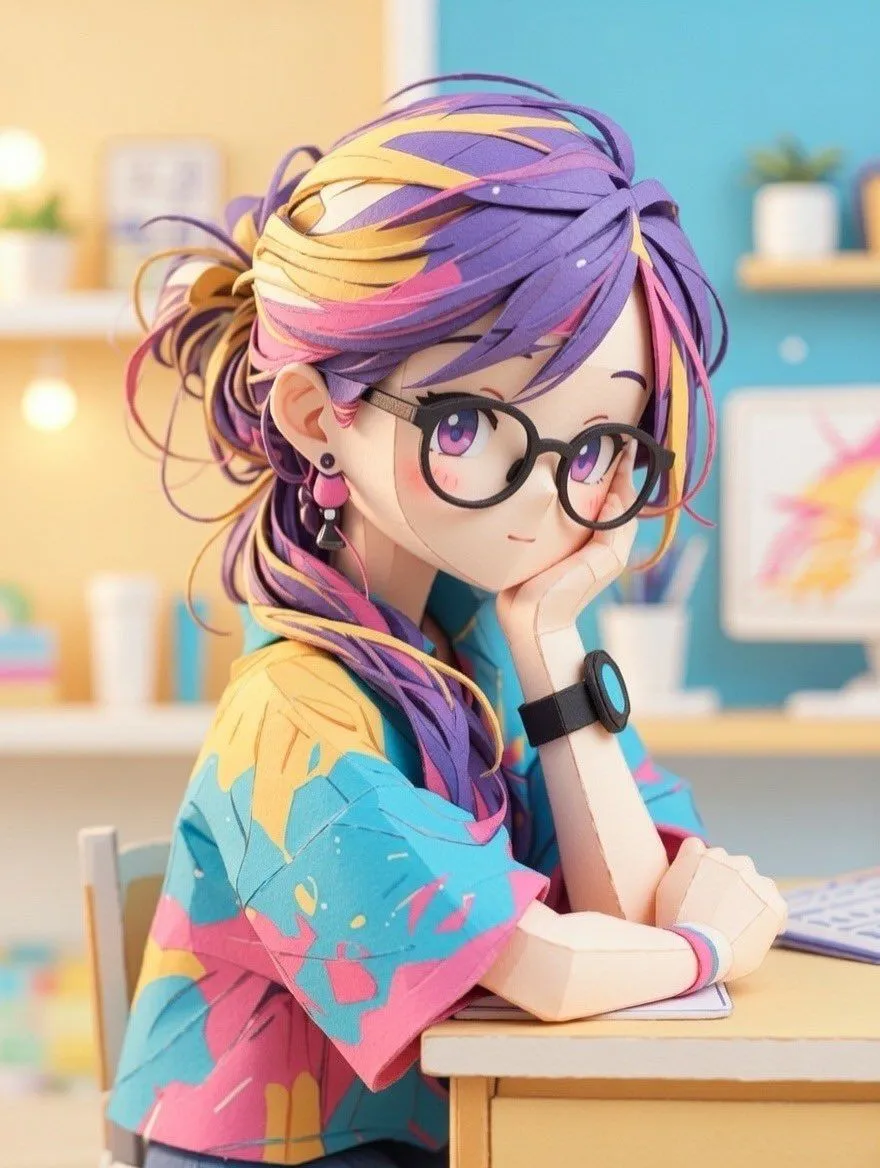
    • Converting Images to Cute Paper Crafts with Grok and Nano Banana Pro
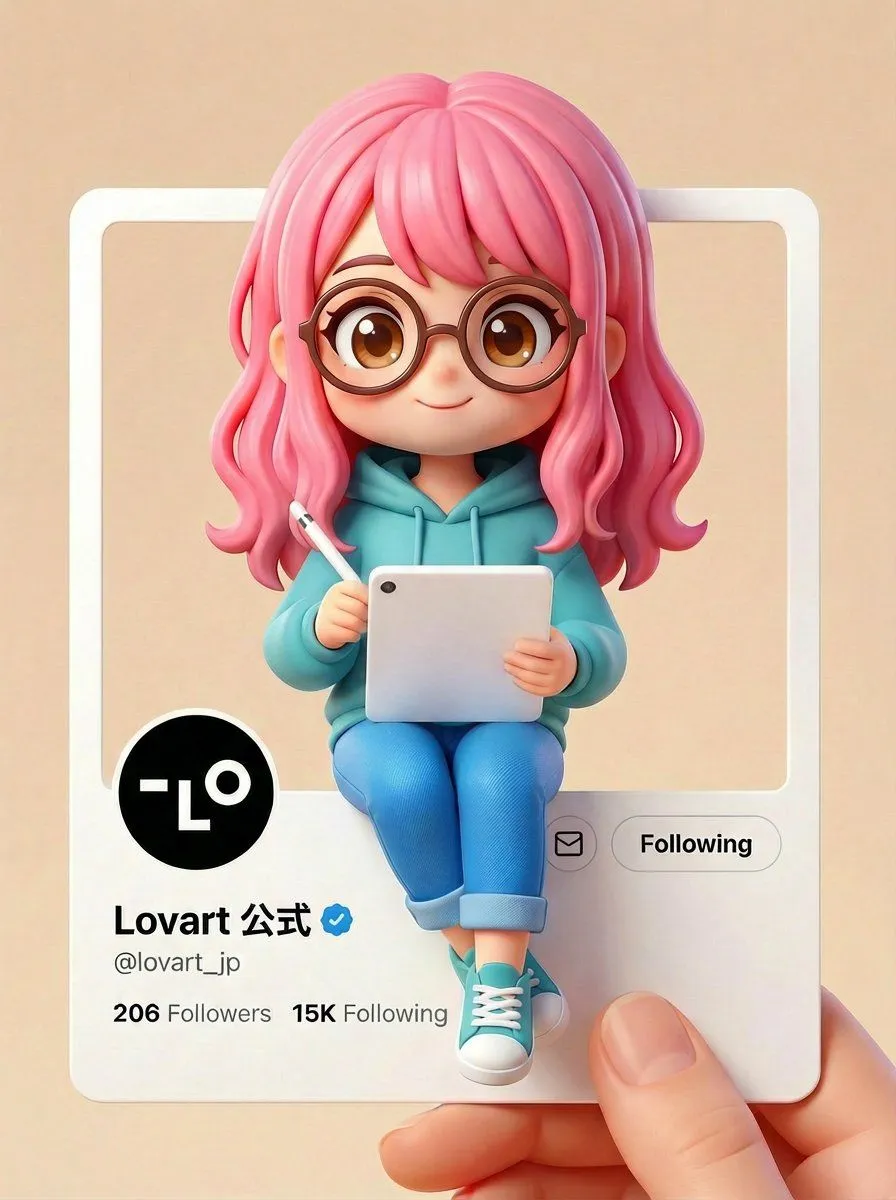
    • Pixar/Disney Style X (Twitter) Profile Card Prompt
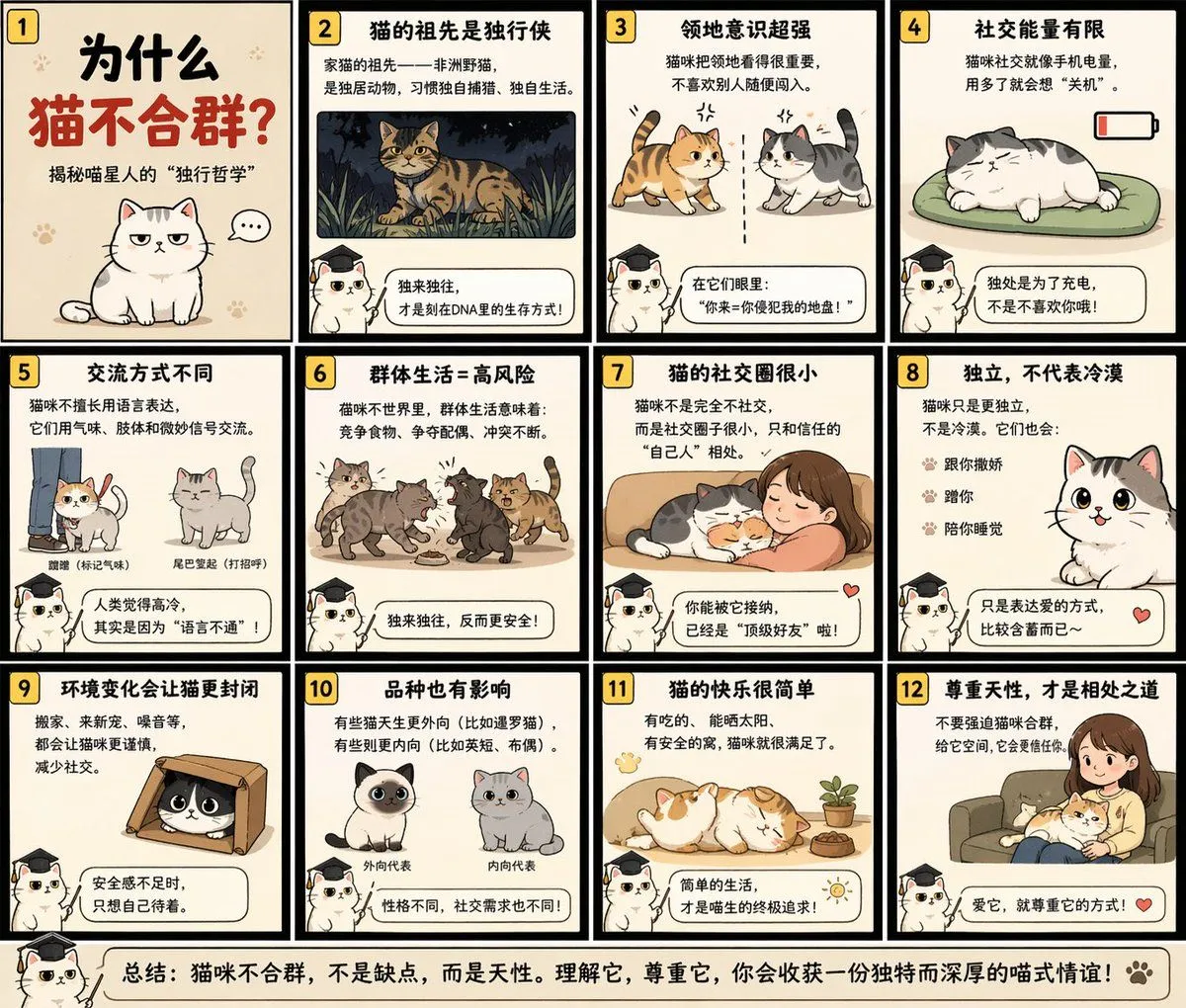
    • Educational Storyboard Generation
    • Soft UI Style Illustration Generator
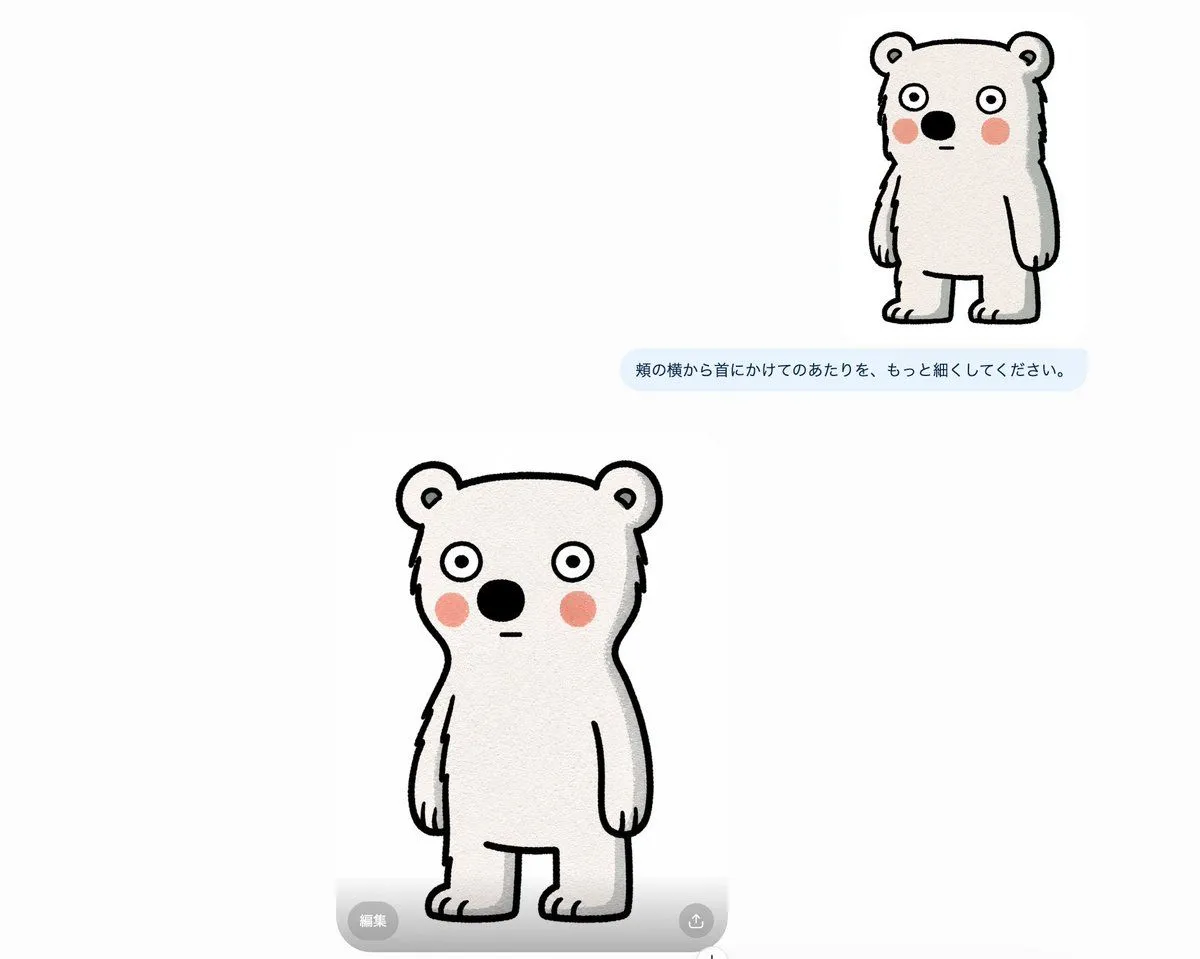
    • Bear Mascot Editing UI Screenshot
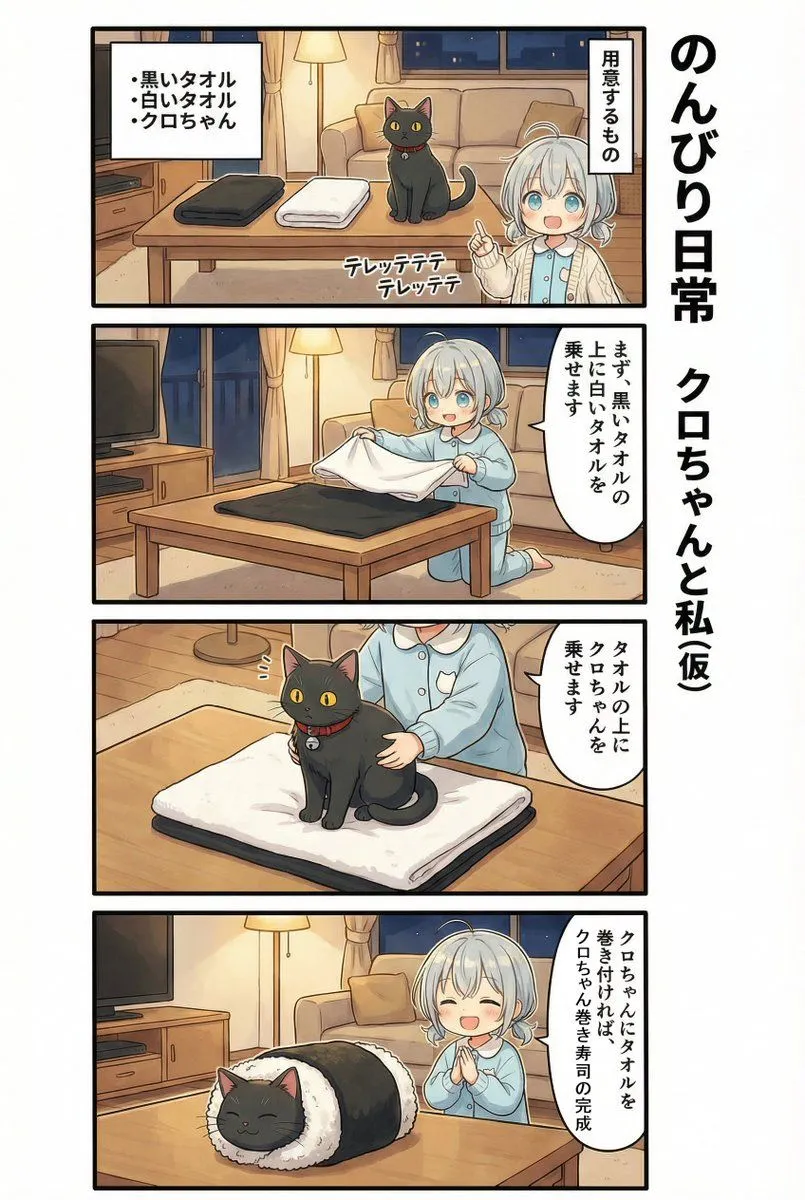
    • AI Manga: 2-Minute Cooking
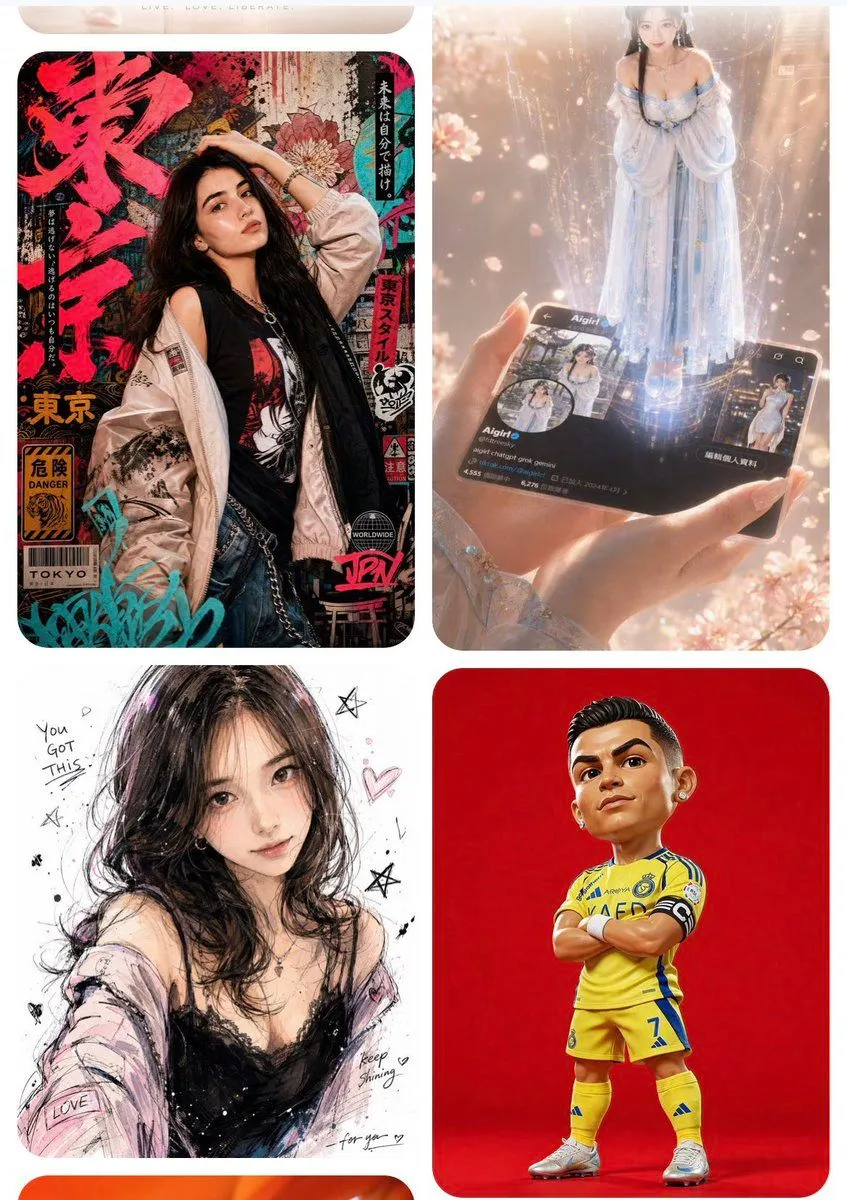
    • AI Inspiration Gallery Grid

    Show more

    Run it on your phone

    1. Prompt copiedRead it

      Please create it as a figurine that looks like a real photo

    2. Open your app

    3. Paste and run

      Press and hold the message box, then tap Paste. Add your photo first if the prompt uses one. You may need to sign in.

    Generate a realistic figurine from a photo