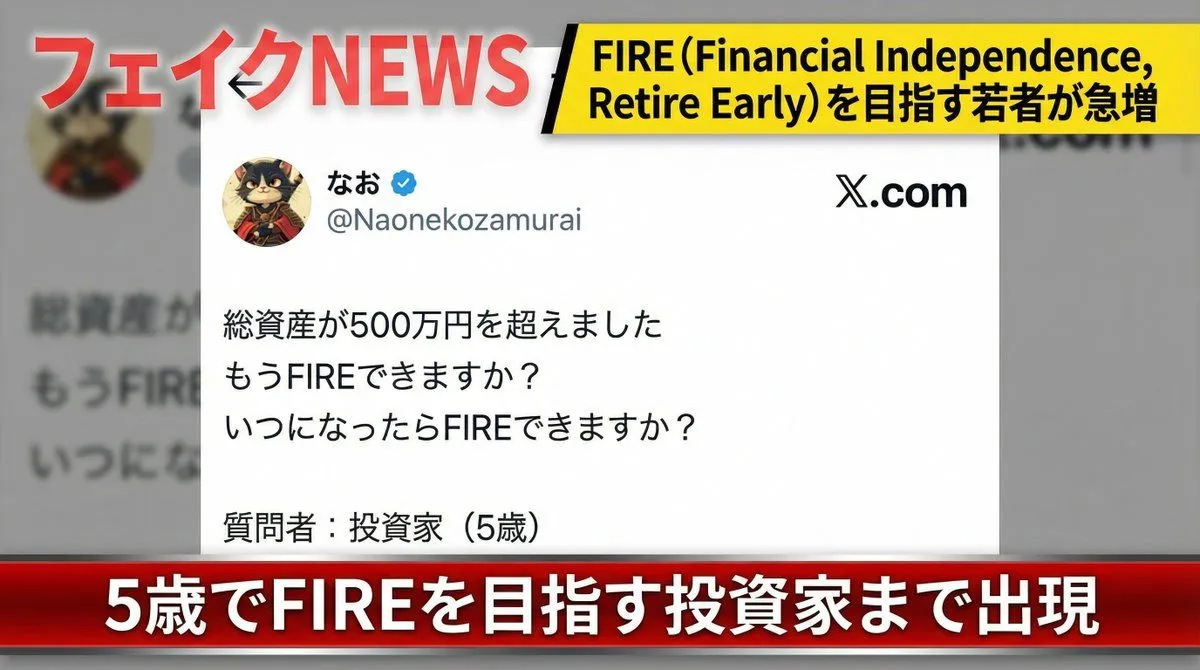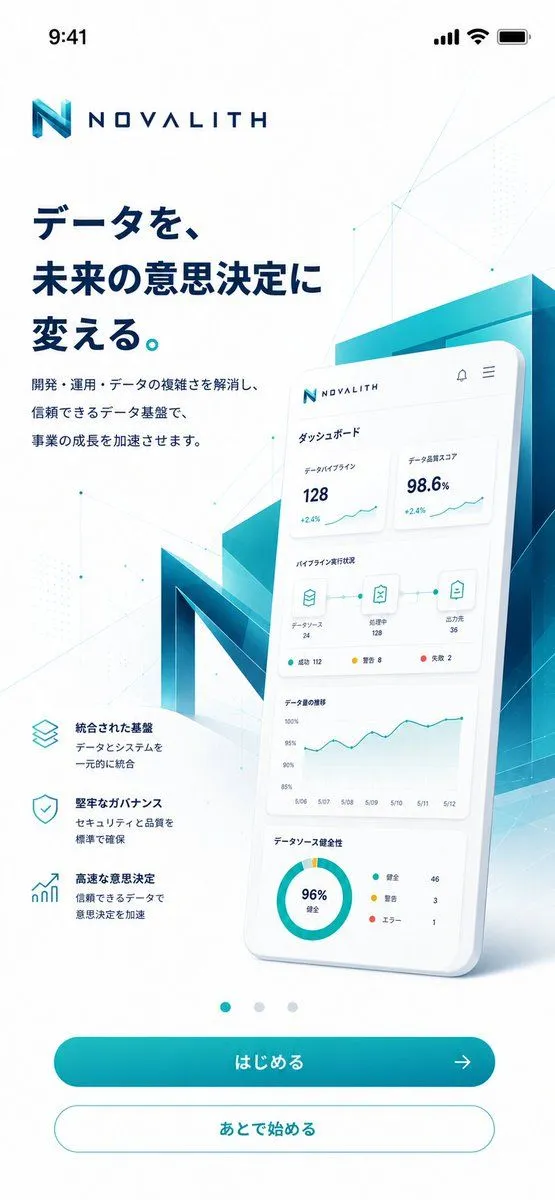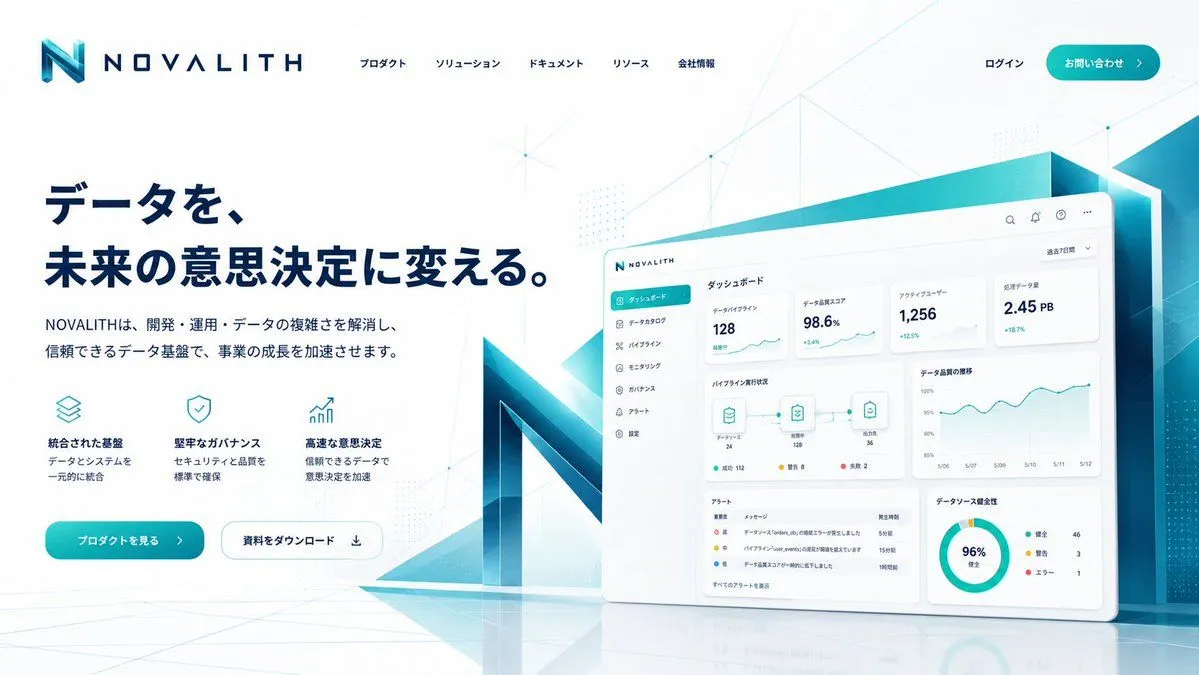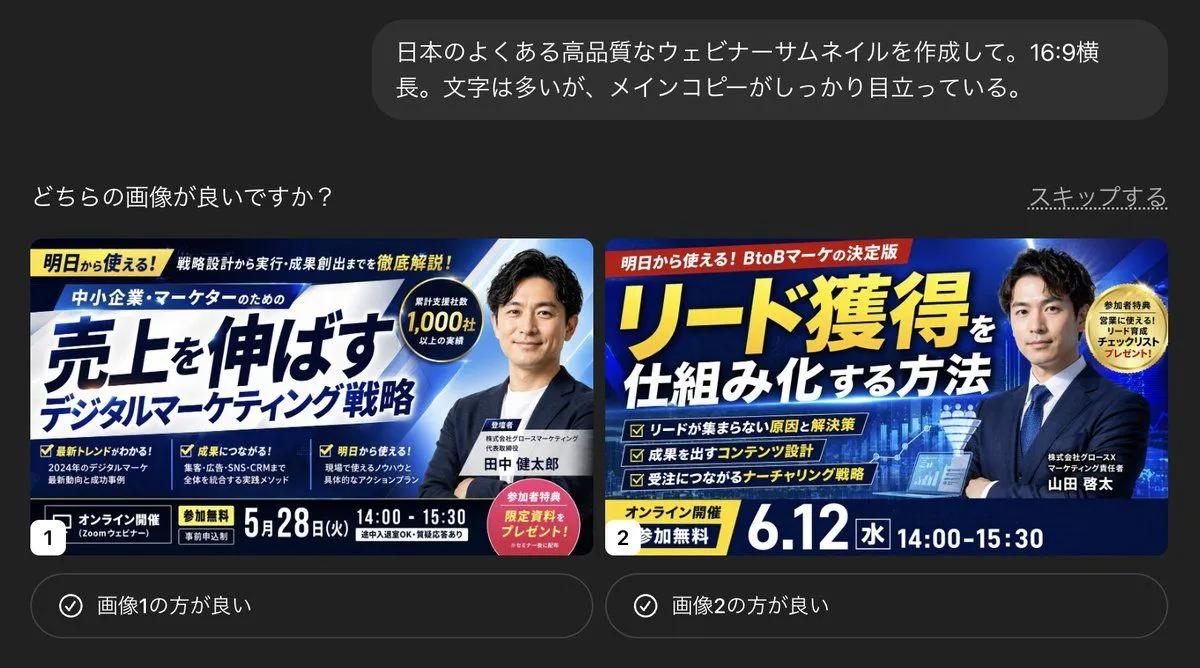
Made with GPT Image 2 in ChatGPT, collected by Library Explainers. Promptclay never generates images.
Did it work?
No reports yet. Tell others if it worked for you.
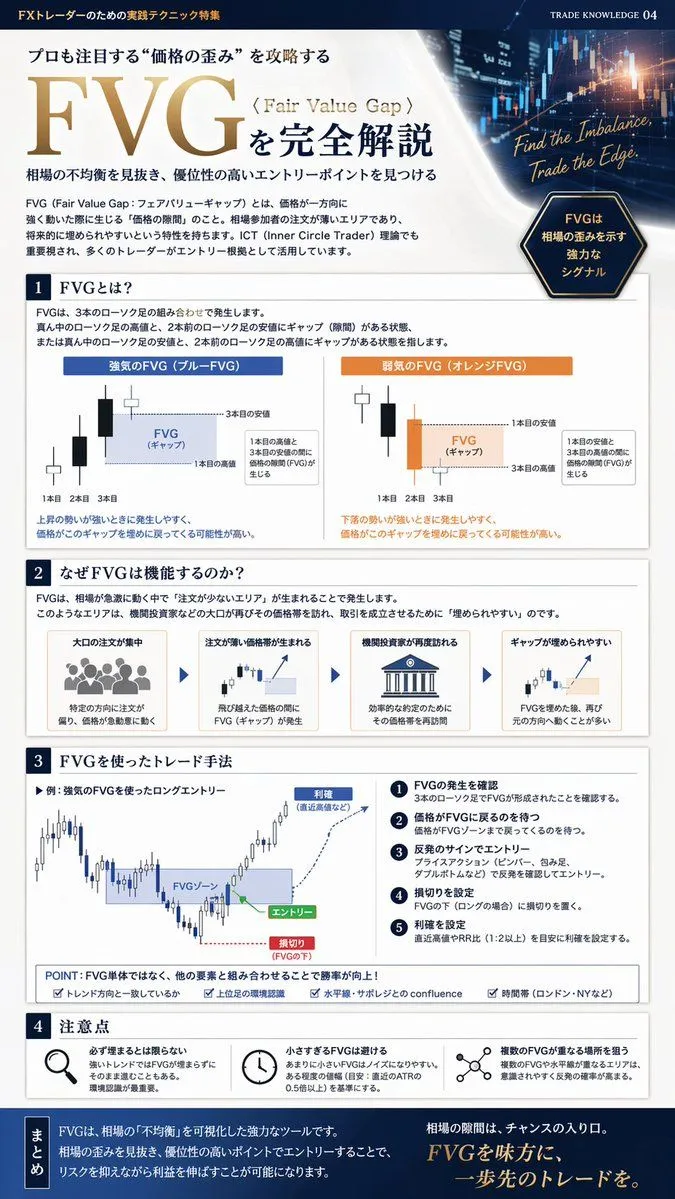
FX Trading Educational Infographic
Prompt
{ "type": "financial trading educational infographic", "style": "clean, professional, corporate blue and white color scheme", "header": { "background": "dark blue stock market chart with glowing candlesticks", "top_left_text": "FXトレーダーのための実践テクニック特集", "main_title": "{argument name=\"main title\" default=\"FVG\"}", "subtitle": "{argument name=\"topic subtitle\" default=\"〈Fair Value Gap〉を完全解説\"}", "quote": "{argument name=\"english quote\" default=\"Find the Imbalance, Trade the Edge.\"}", "badge": "dark blue hexagon with text" }, "layout": { "sections": [ { "title": "{argument name=\"section 1 title\" default=\"1 FVGとは?\"}", "type": "candlestick diagrams", "count": 2, "labels": ["強気のFVG (ブルーFVG)", "弱気のFVG (オレンジFVG)"], "description": "diagrams showing 3 candles with a gap between the 1st and 3rd" }, { "title": "{argument name=\"section 2 title\" default=\"2 なぜFVGは機能するのか?\"}", "type": "process flow with icons", "count": 4, "labels": ["大口の注文が集中", "注文が薄い価格帯が生まれる", "機関投資家が再度訪れる", "ギャップが埋められやすい"], "description": "horizontal flow connected by arrows" }, { "title": "3 FVGを使ったトレード手法", "type": "trading strategy chart and list", "elements": { "chart": "candlestick chart showing entry, stop loss, and take profit zones", "numbered_steps_count": 5, "bottom_checklist_count": 4 } }, { "title": "4 注意点", "type": "warning points with icons", "count": 3, "icons": ["magnifying glass", "clock", "network nodes"] } ], "footer": { "title": "まとめ", "background": "dark blue", "content": "summary text block" } } }
DetailsVersions, settings and questions
Written for
What's in the prompt
- Subject
- Model
- GPT Image 2
If your face changes
keep my face exactly the sameQuestions
- Does this work in the ChatGPT app?
- Yes. Paste the prompt and attach your photo if it uses one.
- It changed my face. What do I do?
- Add "keep my face exactly the same" to the end and run it again.
- Can I use the images I make?
- Check the terms of the app you use. Promptclay never generates images and claims nothing you make.