Tell us anything

An idea, a bug, something you love. We read every note.

⌘↵ to send. The page you're on comes along.

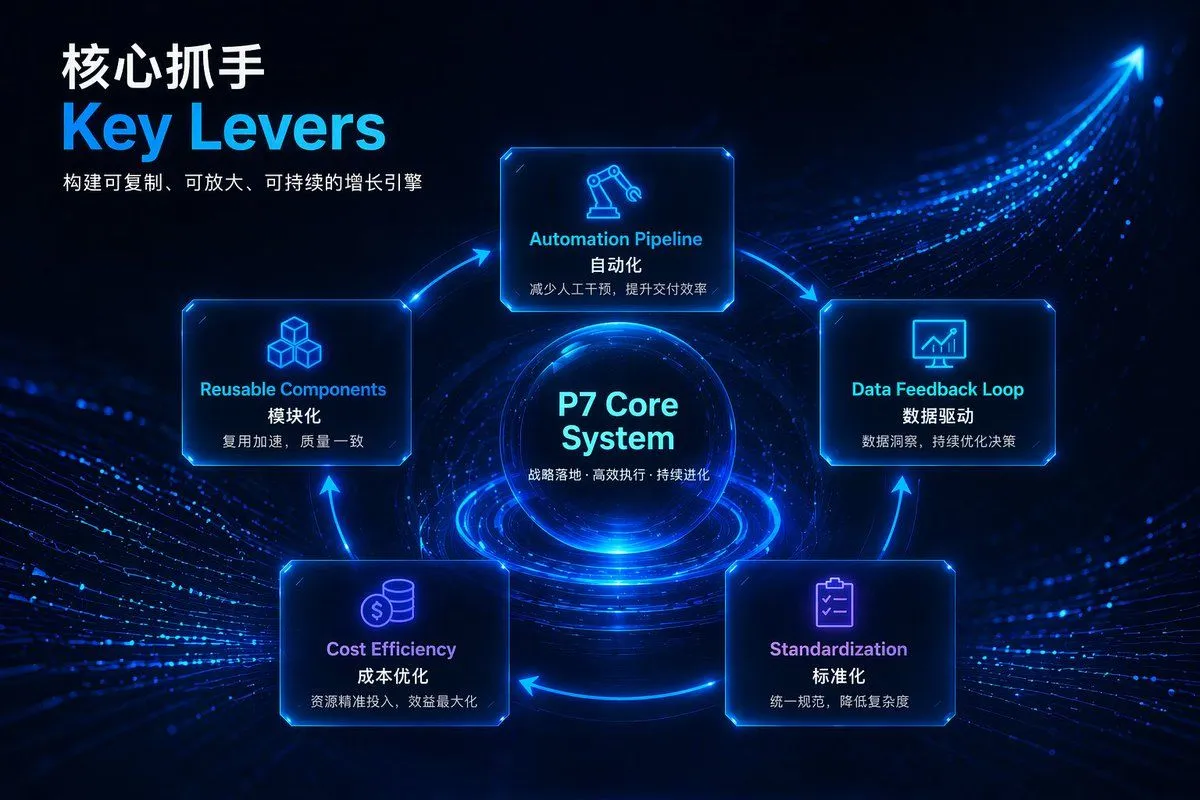
Futuristic Tech Strategy Slide

Made with GPT Image 2 in ChatGPT by Library Explainers. Promptclay never generates images.

Did it work?

No reports yet. Tell others if it worked for you.

No comments yet. Be the first.

    Futuristic Tech Strategy Slide

    GPT Image 23:2AI-generated

    Prompt

    { "type": "presentation slide infographic", "style": { "theme": "{argument name=\"theme color\" default=\"neon blue\"}", "background": "{argument name=\"background style\" default=\"dark blue futuristic tech with glowing data streams and an ascending arrow\"}" }, "header": { "title": "{argument name=\"main title\" default=\"核心抓手\"}", "subtitle": "{argument name=\"english title\" default=\"Key Levers\"}", "description": "构建可复制、可放大、可持续的增长引擎" }, "layout": { "type": "circular flow diagram", "center_node": { "title": "{argument name=\"center node title\" default=\"P7 Core System\"}", "subtitle": "战略落地 · 高效执行 · 持续进化", "visual": "glowing tech sphere" }, "surrounding_nodes": { "count": 5, "connection": "glowing blue arrows forming a clockwise cycle", "nodes": [ { "position": "top", "icon": "robotic arm", "english_label": "Automation Pipeline", "chinese_label": "自动化", "description": "减少人工干预,提升交付效率" }, { "position": "right", "icon": "monitor with chart", "english_label": "Data Feedback Loop", "chinese_label": "数据驱动", "description": "数据洞察,持续优化决策" }, { "position": "bottom right", "icon": "clipboard with checkmarks", "english_label": "Standardization", "chinese_label": "标准化", "description": "统一规范,降低复杂度" }, { "position": "bottom left", "icon": "coins", "english_label": "Cost Efficiency", "chinese_label": "成本优化", "description": "资源精准投入,效益最大化" }, { "position": "left", "icon": "stacked cubes", "english_label": "Reusable Components", "chinese_label": "模块化", "description": "复用加速,质量一致" } ] } } }

    Works in
    ChatGPT, Gemini
    Status
    Free to copy
    0
    DetailsVersions, settings and questions

    Written for

    What's in the prompt

    Subject
    Model
    GPT Image 2

    If your face changes

    keep my face exactly the same

    Questions

    Does this work in the ChatGPT app?
    Yes. Paste the prompt and attach your photo if it uses one.
    It changed my face. What do I do?
    Add "keep my face exactly the same" to the end and run it again.
    Can I use the images I make?
    Check the terms of the app you use. Promptclay never generates images and claims nothing you make.
    Similar prompts

    See more
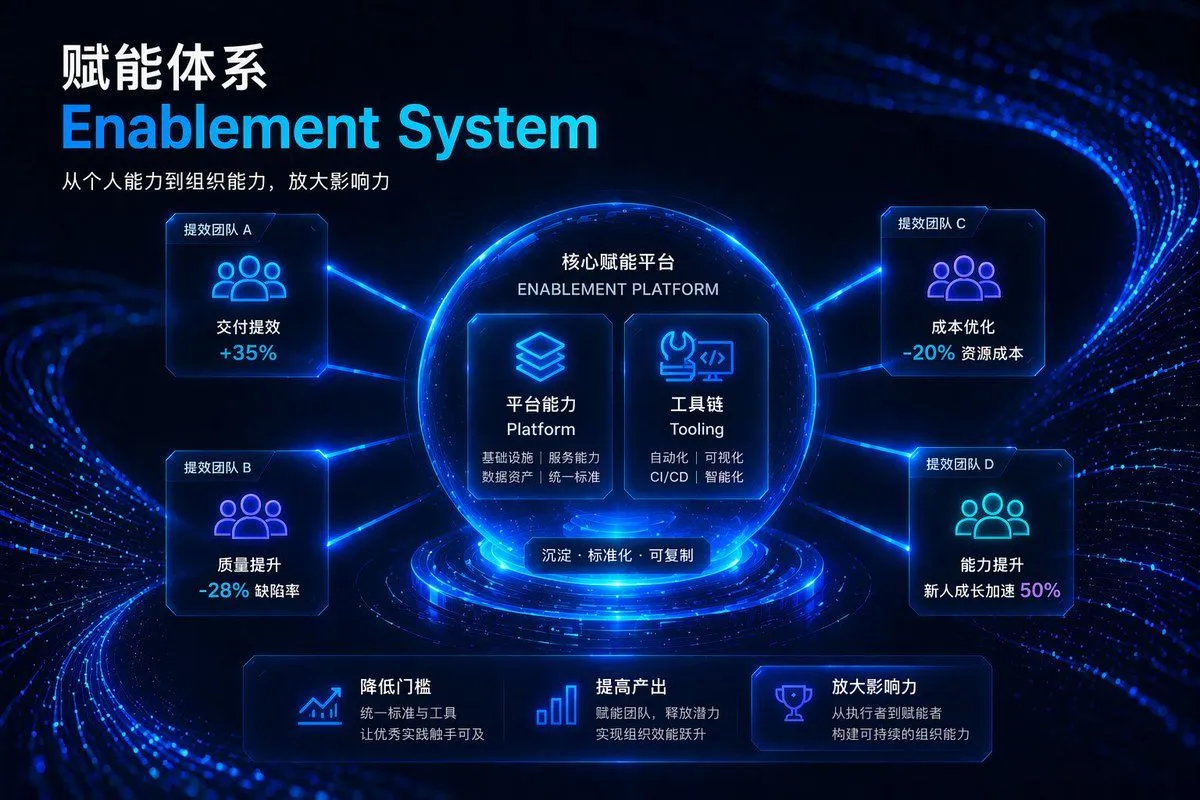
    • Futuristic Corporate Enablement Infographic
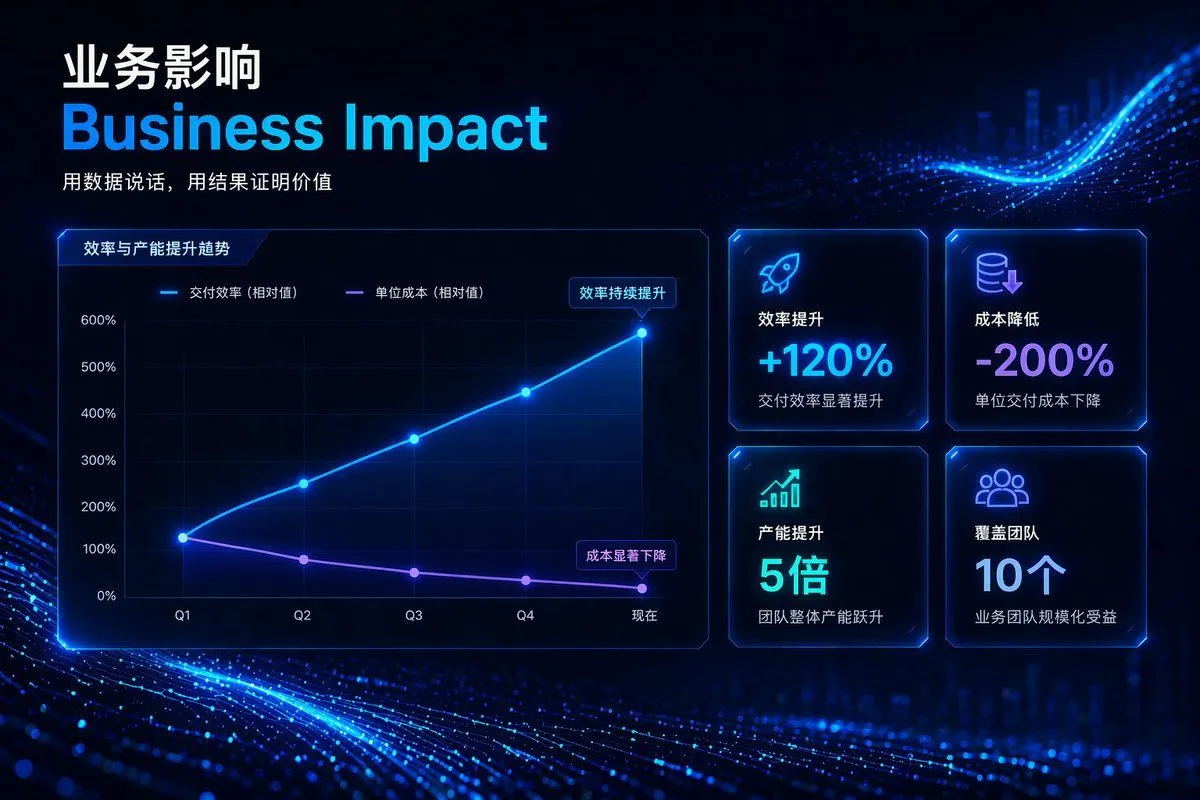
    • High-Tech Corporate KPI Presentation Slide
    • AI-Generated Board Report Slide
    • Japanese AI Consulting OGP Banner
    • Brutalist Technical System Slide
    • Image-to-Image Workflow for RPG Maker Pixel Maps using Nano Banana
    • Premium Futuristic AI Workspace
    • Japanese Industrial Proposal Cover Slide
    • Presentation slide about PLM and digital thread
    • Presentation Slide Generation Prompt
    • Futuristic AI Summit Poster
    • Neon Blue AI Video Editing Thumbnail
    • Structured 5-Slot Generation Template
    • AI Innovator Profile Infographic
    • AI-Proof Prompt Generation (Japanese)
    • Futuristic AI Era City Poster
    • Low-Cost AI Video Thumbnail
    • AI Coding Assistant Promo Infographic
    • Multi-Slide Document Generation with Nano Banana and NotebookLM
    • Cyberpunk Flash Sale Landing Hero
    • Japanese Follower Milestone Thank-You Graphic
    • Kinetic News Storyboard Sheet
    • Mechanical Keyboard Product Page Mockup
    • Storyboard Grid Generator

    Show more

    Run it on your phone

    1. Prompt copiedRead it

      { "type": "presentation slide infographic", "style": { "theme": "{argument name=\"theme color\" default=\"neon blue\"}", "background": "{argument name=\"background style\" default=\"dark blue futuristic tech with glowing data streams and an ascending arrow\"}" }, "header": { "title": "{argument name=\"main title\" default=\"核心抓手\"}", "subtitle": "{argument name=\"english title\" default=\"Key Levers\"}", "description": "构建可复制、可放大、可持续的增长引擎" }, "layout": { "type": "circular flow diagram", "center_node": { "title": "{argument name=\"center node title\" default=\"P7 Core System\"}", "subtitle": "战略落地 · 高效执行 · 持续进化", "visual": "glowing tech sphere" }, "surrounding_nodes": { "count": 5, "connection": "glowing blue arrows forming a clockwise cycle", "nodes": [ { "position": "top", "icon": "robotic arm", "english_label": "Automation Pipeline", "chinese_label": "自动化", "description": "减少人工干预,提升交付效率" }, { "position": "right", "icon": "monitor with chart", "english_label": "Data Feedback Loop", "chinese_label": "数据驱动", "description": "数据洞察,持续优化决策" }, { "position": "bottom right", "icon": "clipboard with checkmarks", "english_label": "Standardization", "chinese_label": "标准化", "description": "统一规范,降低复杂度" }, { "position": "bottom left", "icon": "coins", "english_label": "Cost Efficiency", "chinese_label": "成本优化", "description": "资源精准投入,效益最大化" }, { "position": "left", "icon": "stacked cubes", "english_label": "Reusable Components", "chinese_label": "模块化", "description": "复用加速,质量一致" } ] } } }

    2. Open your app

      This prompt is long, so it is copied instead of sent in the link. Paste it in the app.

    3. Paste and run

      Press and hold the message box, then tap Paste. Add your photo first if the prompt uses one. You may need to sign in.

    Futuristic Tech Strategy Slide