Tell us anything

An idea, a bug, something you love. We read every note.

⌘↵ to send. The page you're on comes along.

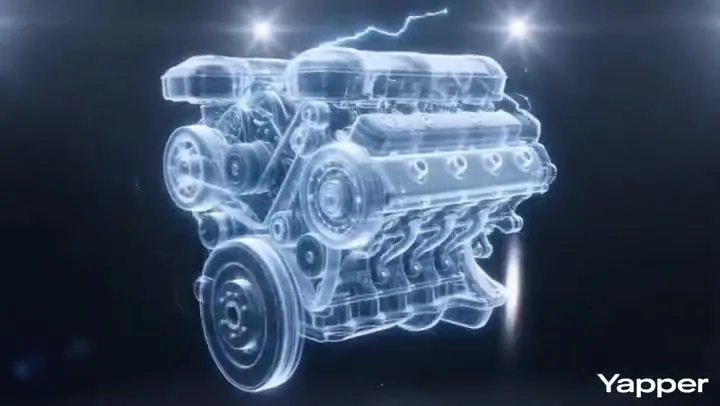
Futuristic Lamborghini Assembly Commercial

Made with Seedance 2.0 in Kling by Library Cinema. Promptclay never generates images.

Did it work?

No reports yet. Tell others if it worked for you.

No comments yet. Be the first.

    Futuristic Lamborghini Assembly Commercial

    Seedance 2.016:9AI-generated

    Prompt

    {"shot": { "composition": "close-ups, wide reveals, ending with full 360° orbit", "lens": "50mm", "frame_rate": "24fps", "camera_movement": "rotating reveal around the vehicle" }, "subject": { "description": "White high performance Lamborghini assembling from holographic internals to a sleek final form", "props": "engine, transmission, electronics, body panels, wheels, dashboard"}, "scene": { "location": "glossy, minimal stage", "time_of-day": "digital space", "environment": "high-gloss, clean product showcase with controlled lighting"}, "visual_details": { "action": "components snap together with light bursts; wheels align, dashboard lights up", "special_effects": "holograms, flares, digital UI, electrical effects"}, "cinematography": { "lighting": "high-contrast spotlights for texture and reflections", "color_palette": "cool tones, black & metallic with bright highlights", "tone": "futuristic, sleek, intense" }, "audio": { "music": "cinematic electronic with deep bass and synths", "ambient": "rich pads", "sound_effects": "clicks, whirs, growls, whooshes, UI beeps", "mix_level": "high clarity and punch"}, "dialogue": { "subtitles": false }}

    Works in
    Kling
    Status
    Free to copy
    0
    DetailsVersions, settings and questions

    Written for

    What's in the prompt

    Subject
    Model
    Seedance 2.0

    If your face changes

    keep my face exactly the same

    Questions

    Does this work in the Kling app?
    Yes. Paste the prompt and attach your photo if it uses one.
    It changed my face. What do I do?
    Add "keep my face exactly the same" to the end and run it again.
    Can I use the images I make?
    Check the terms of the app you use. Promptclay never generates images and claims nothing you make.
    Similar prompts

    See more
    • Futuristic Lamborghini Assembly Commercial PromptVideo, 0:10
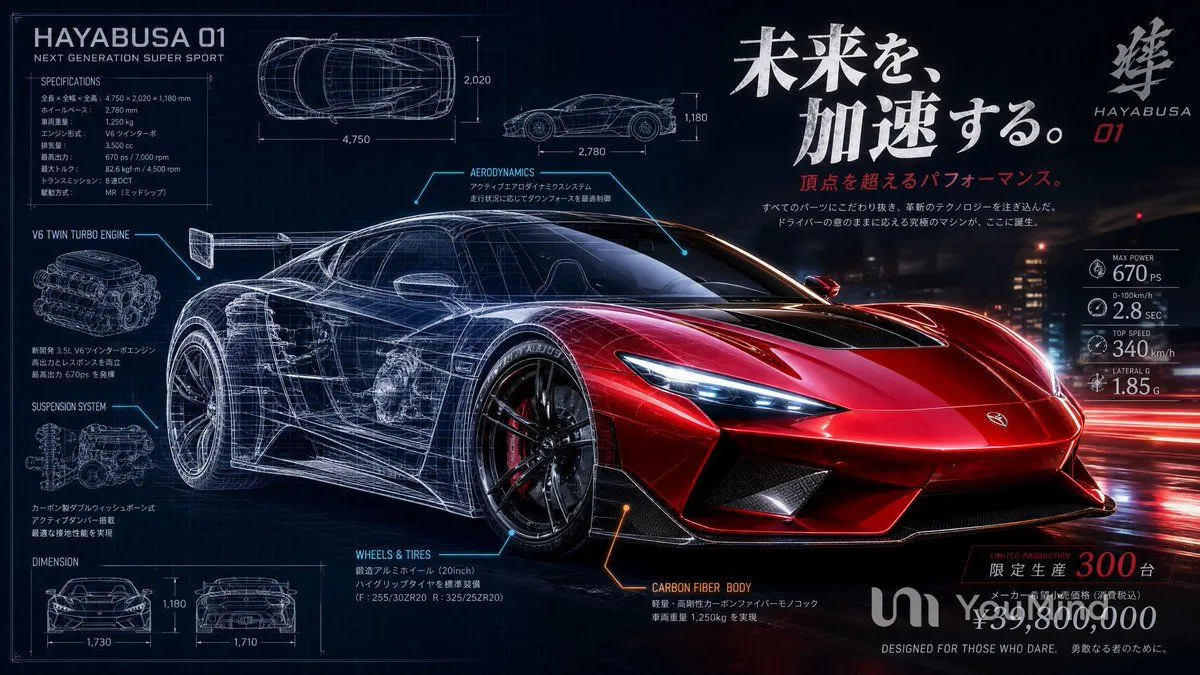
    • Japanese Hypercar Blueprint Poster
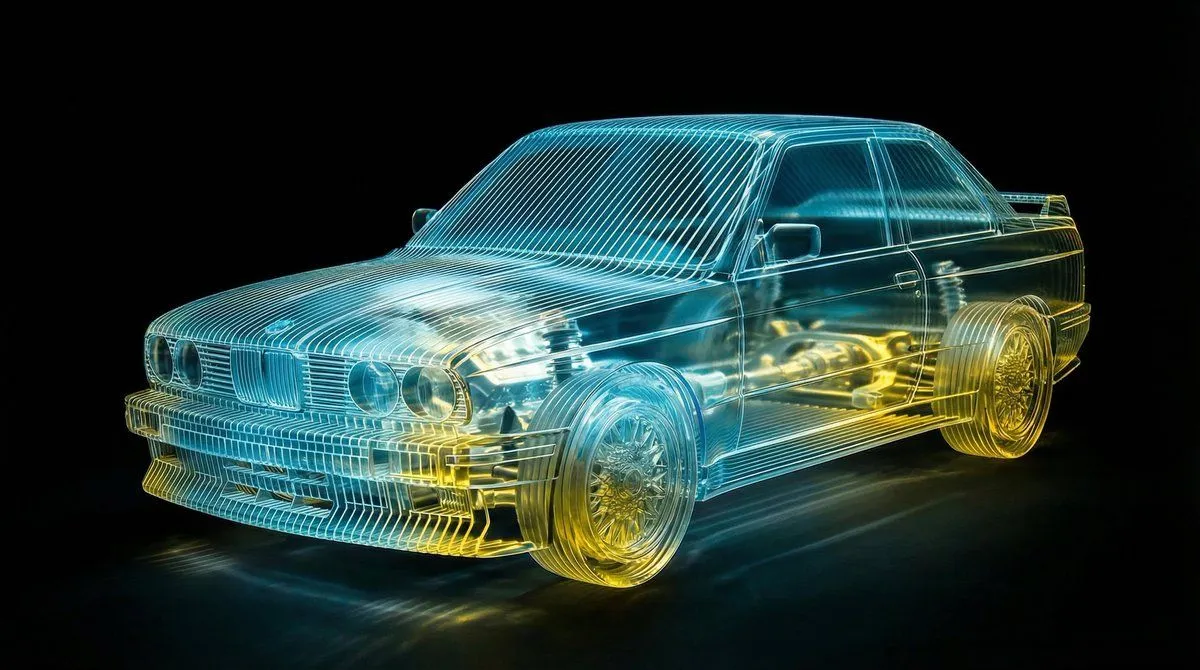
    • Transparent Layered Glass Supercar Sculpture Prompt
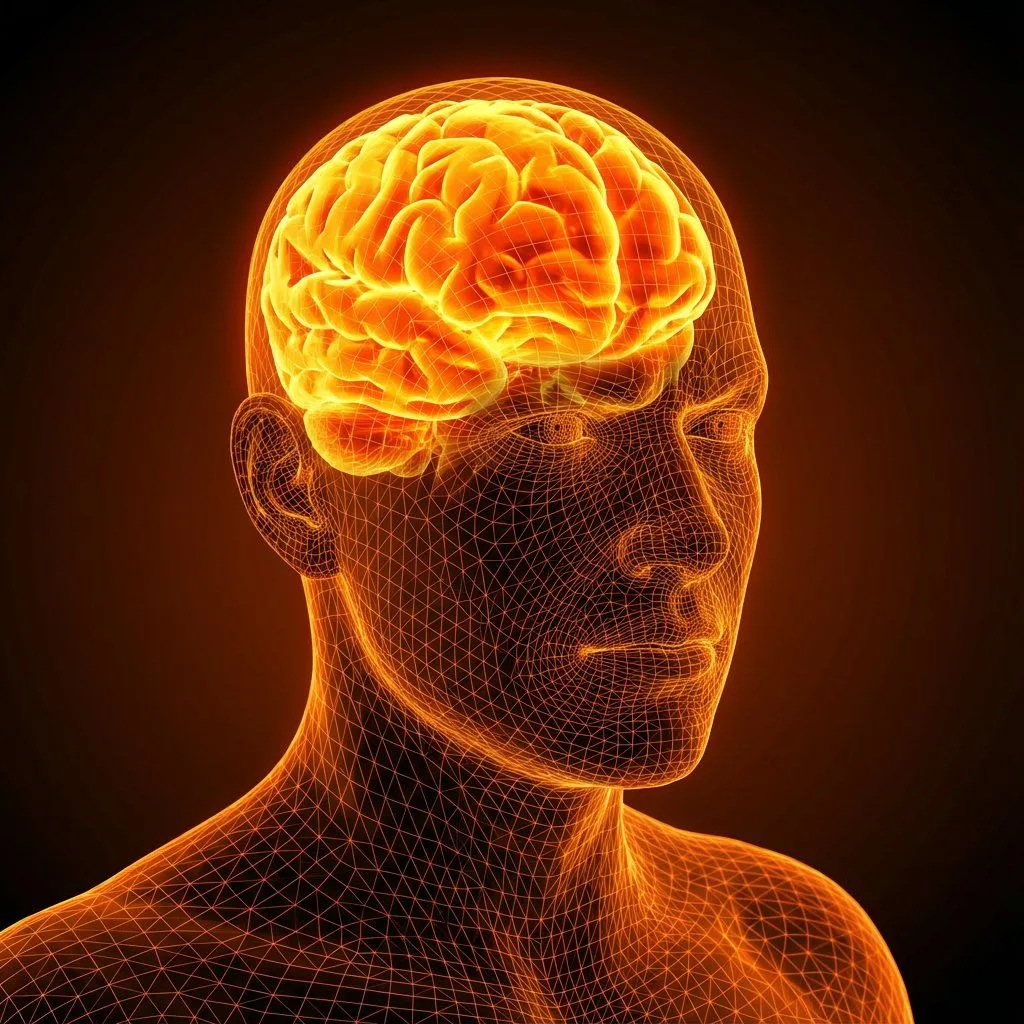
    • Cybernetic Medical Visualization Prompt
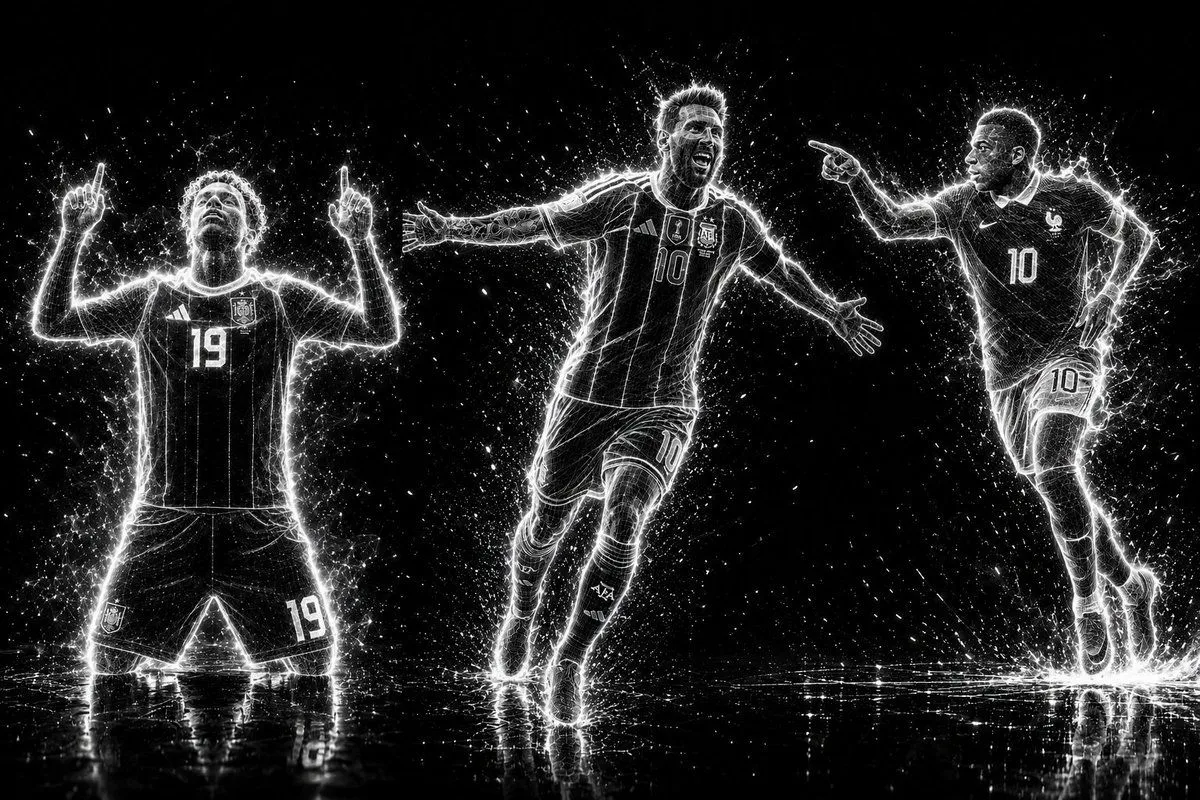
    • Futuristic Neon Wireframe Athlete Portrait
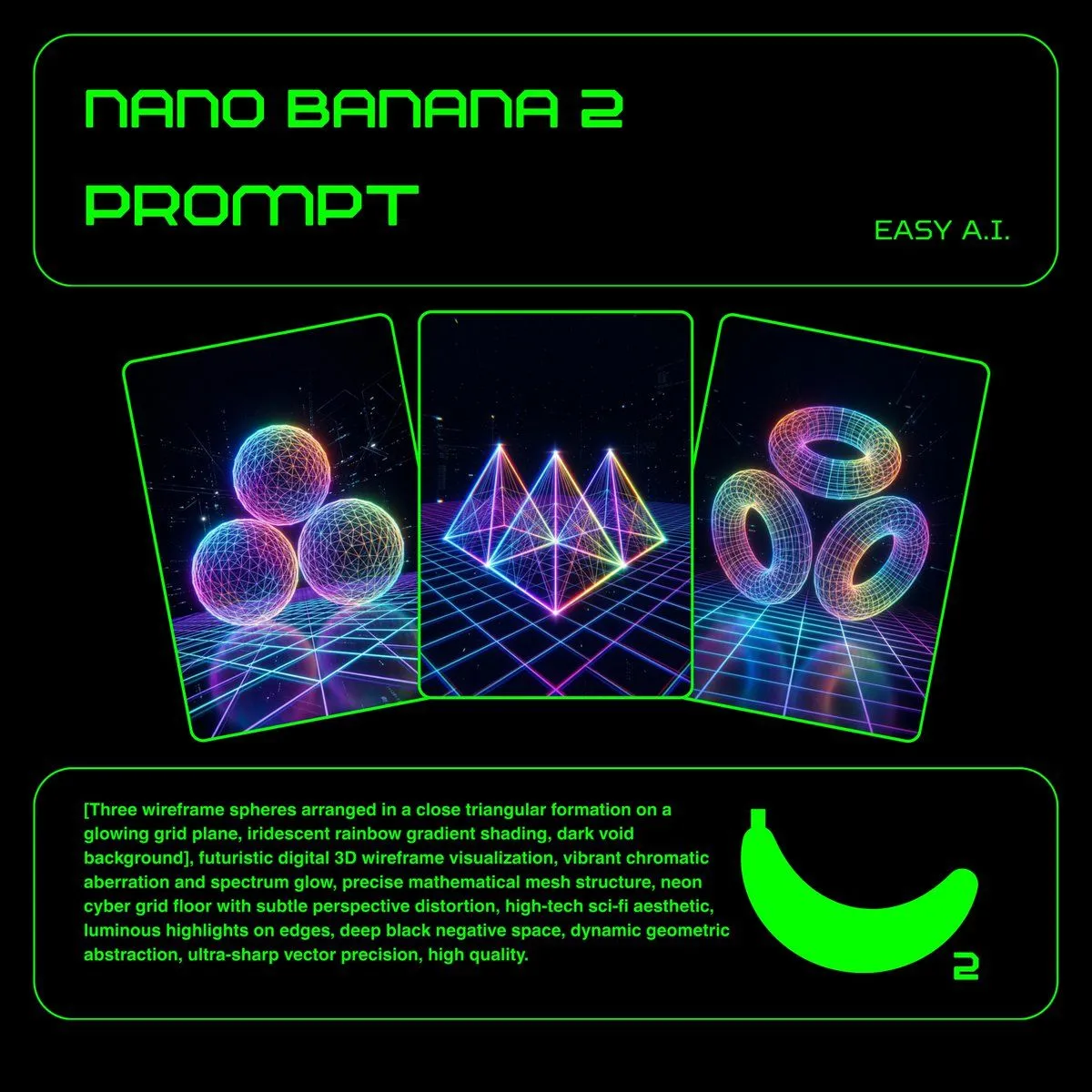
    • Neon Wireframe 3D Prompt Template
    • X-Ray/Thermal Visualization Prompt for Mecha (VOTOMS Scopedog)
    • Minimalist 3D Isometric Car Showroom Model
    • Futuristic Engineer with Holographic Exosuit
    • Sci-Fi Mech Blueprint Hangar
    • Multi-shot Creature Race SceneVideo, 0:15
    • Futuristic Robot Tech Poster
    • Gatebox3 Hologram Device Ad
    • Futuristic Holographic Burj Khalifa Blueprint
    • Holographic Sci-Fi Operations Dashboard
    • Realistic Cyber-Aesthetic Futuristic Business Card
    • Image Inpainting/Filling Missing White Space
    • High-Concept 3D Diorama Generation Prompt
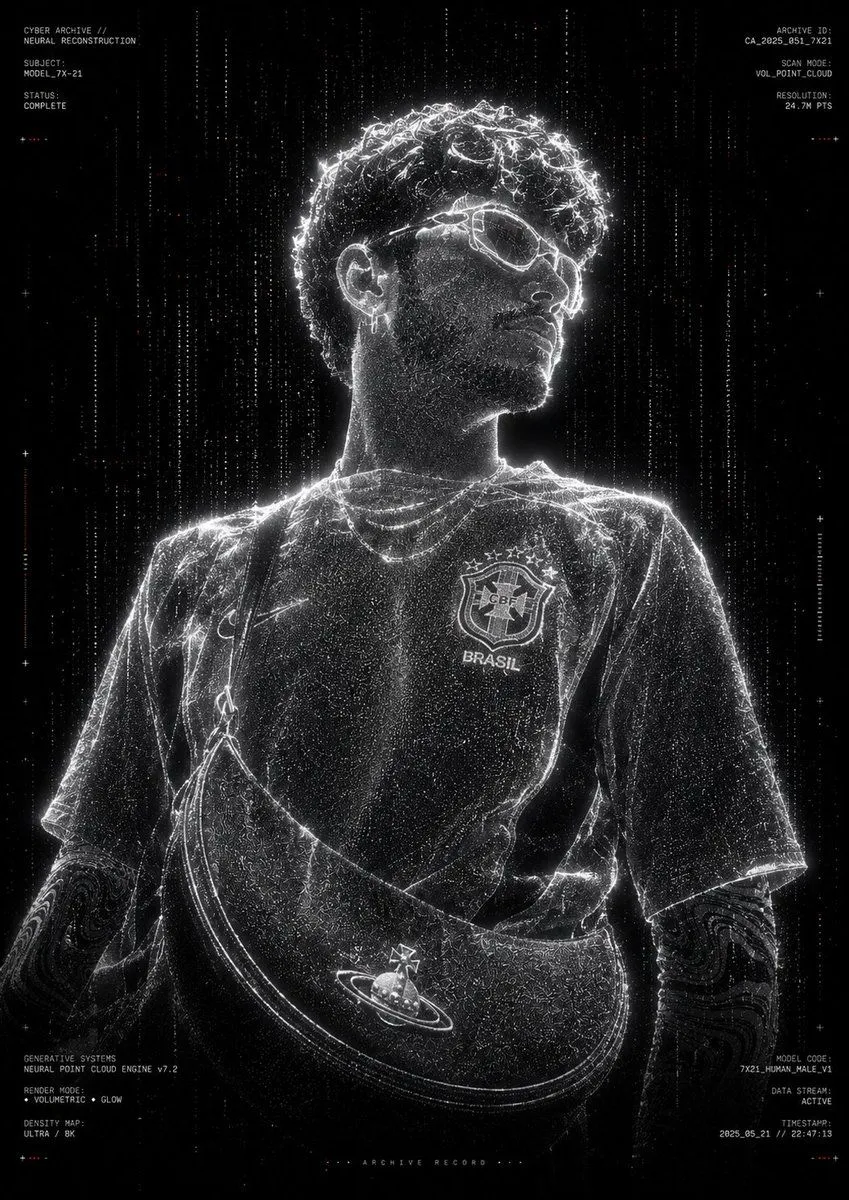
    • Futuristic Point Cloud Portrait
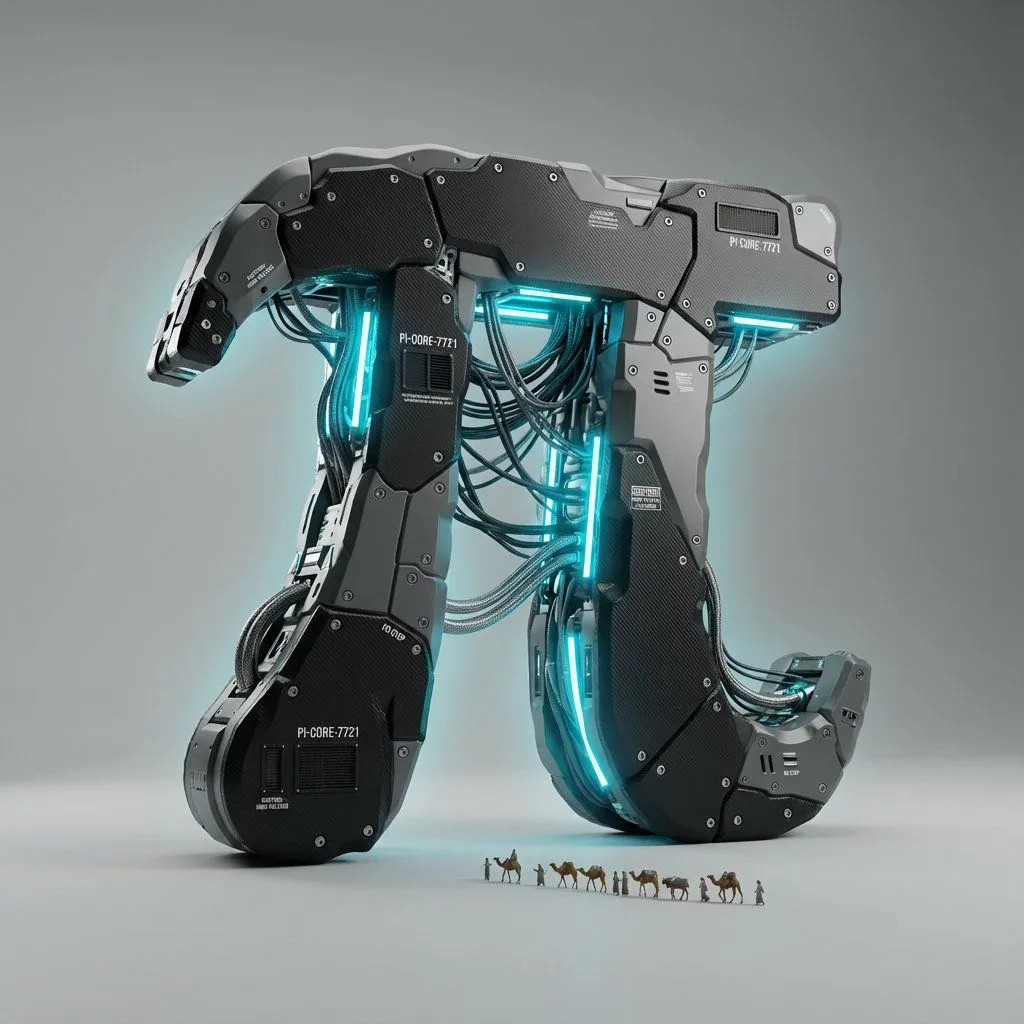
    • Cyber-Industrial Exoskeleton Object Transformation Prompt
    • Minimal Isometric 3D Perspective
    • Futuristic City With Sparkling Artifacts
    • Cinematic Golden B Logo
    • Cyberpunk Floating Megacity

    Show more

    Run it on your phone

    1. Prompt copiedRead it

      {"shot": { "composition": "close-ups, wide reveals, ending with full 360° orbit", "lens": "50mm", "frame_rate": "24fps", "camera_movement": "rotating reveal around the vehicle" }, "subject": { "description": "White high performance Lamborghini assembling from holographic internals to a sleek final form", "props": "engine, transmission, electronics, body panels, wheels, dashboard"}, "scene": { "location": "glossy, minimal stage", "time_of-day": "digital space", "environment": "high-gloss, clean product showcase with controlled lighting"}, "visual_details": { "action": "components snap together with light bursts; wheels align, dashboard lights up", "special_effects": "holograms, flares, digital UI, electrical effects"}, "cinematography": { "lighting": "high-contrast spotlights for texture and reflections", "color_palette": "cool tones, black & metallic with bright highlights", "tone": "futuristic, sleek, intense" }, "audio": { "music": "cinematic electronic with deep bass and synths", "ambient": "rich pads", "sound_effects": "clicks, whirs, growls, whooshes, UI beeps", "mix_level": "high clarity and punch"}, "dialogue": { "subtitles": false }}

    2. Open your app

    3. Paste and run

      Press and hold the message box, then tap Paste. Add your photo first if the prompt uses one. You may need to sign in.