Sci-Fi Mech Blueprint Hangar
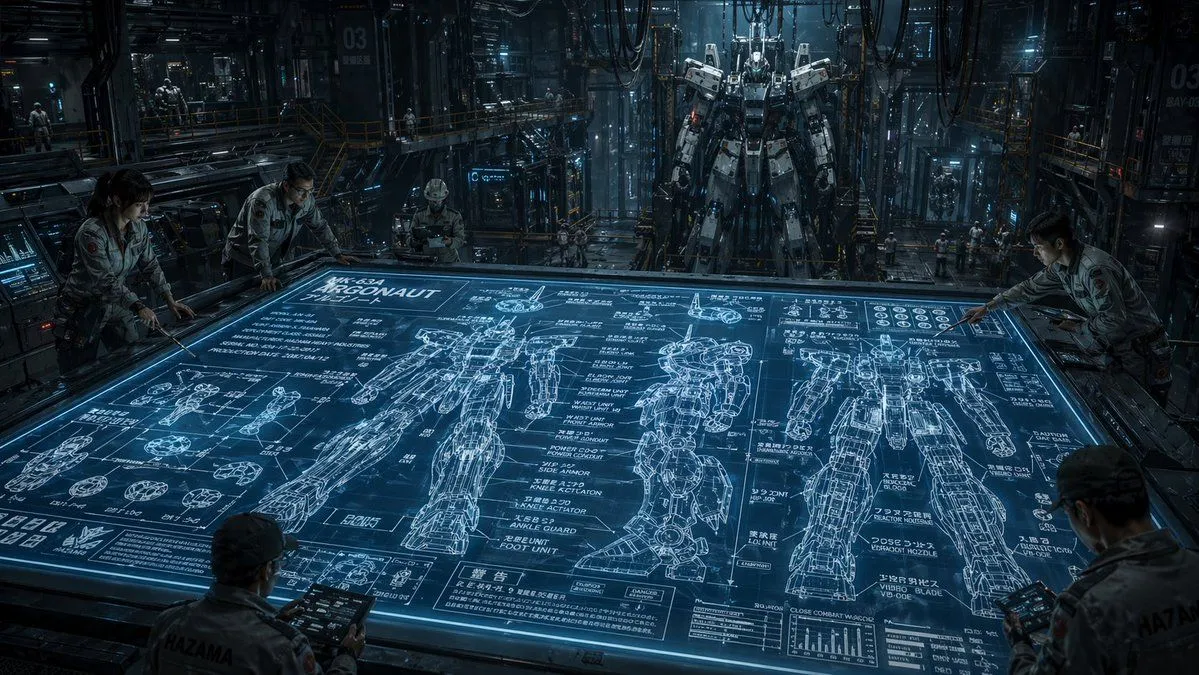
A cinematic ultra-detailed sci-fi mech hangar interior at night, shown in a wide-angle view from slightly above a massive horizontal holographic planning table. The glowing blue tabletop dominates the foreground and center, displaying an intricate engineering blueprint for a humanoid combat robot labeled mech_name. The blueprint includes exactly 3 large full-body orthographic mech drawings across the table, one front view, one side view, and one rear view, plus many smaller component diagrams for hands, joints, feet, armor segments, and circular mechanical parts, dense technical callouts, graphs, measurement lines, and blocks of Japanese annotation text mixed with alphanumeric labels. Around the table are exactly 5 engineers in light gray industrial jumpsuits studying the design, leaning over the edges and holding rugged tablets; their faces are intentionally indistinct and partially obscured. In the deep background, exactly 1 towering real humanoid mech stands upright in a maintenance gantry, suspended or docked in a cavernous factory bay filled with catwalks, scaffolding, pipes, heavy cables hanging from the ceiling, illuminated control panels, glass partitions, and a few tiny distant workers for scale. Use a cold steel-and-cyan color palette, dramatic volumetric lighting, reflective metallic surfaces, subtle mist, high contrast shadows, and a serious military-industrial mood. The environment should feel dense, realistic, and operational, like a secret advanced robotics facility. Emphasize scale, technical complexity, and the contrast between the flat luminous blueprint and the massive constructed mech behind it. Render in photorealistic concept-art style with crisp linework on the holographic display, cinematic depth, and extreme detail.