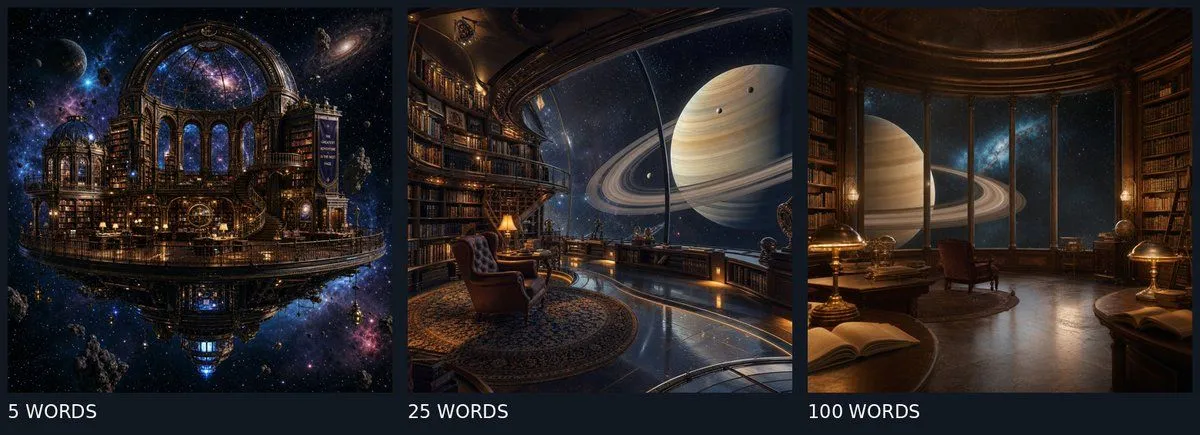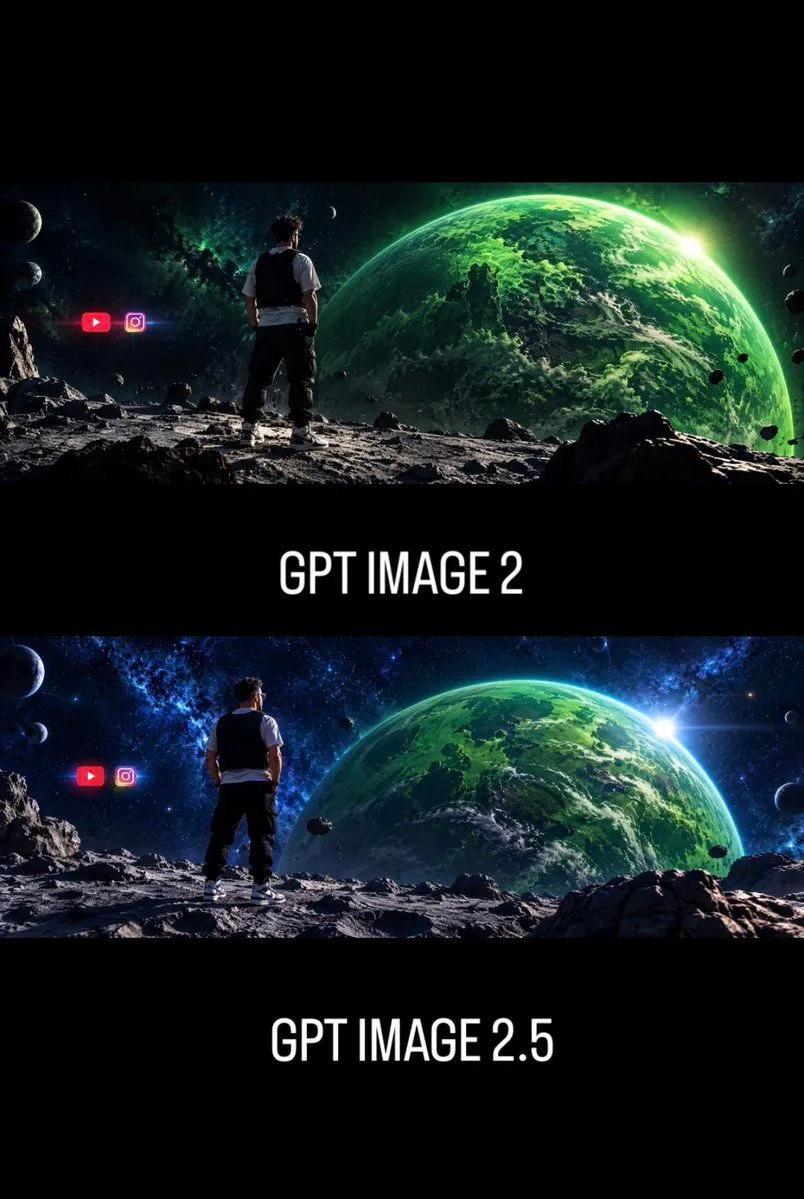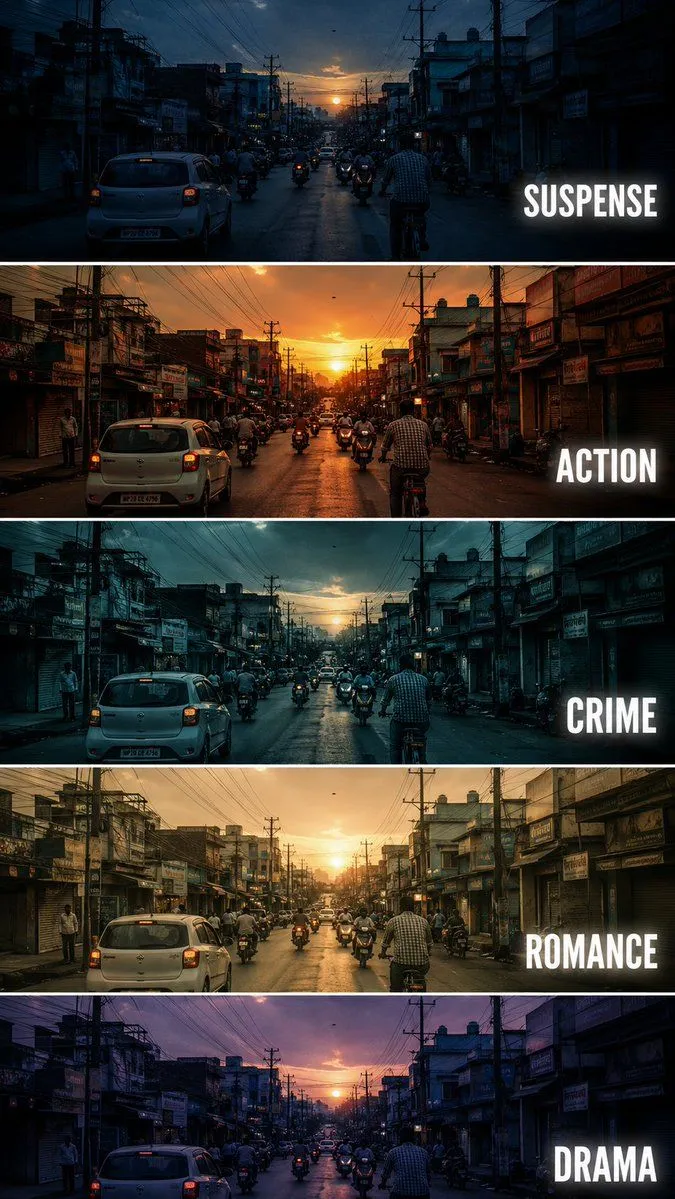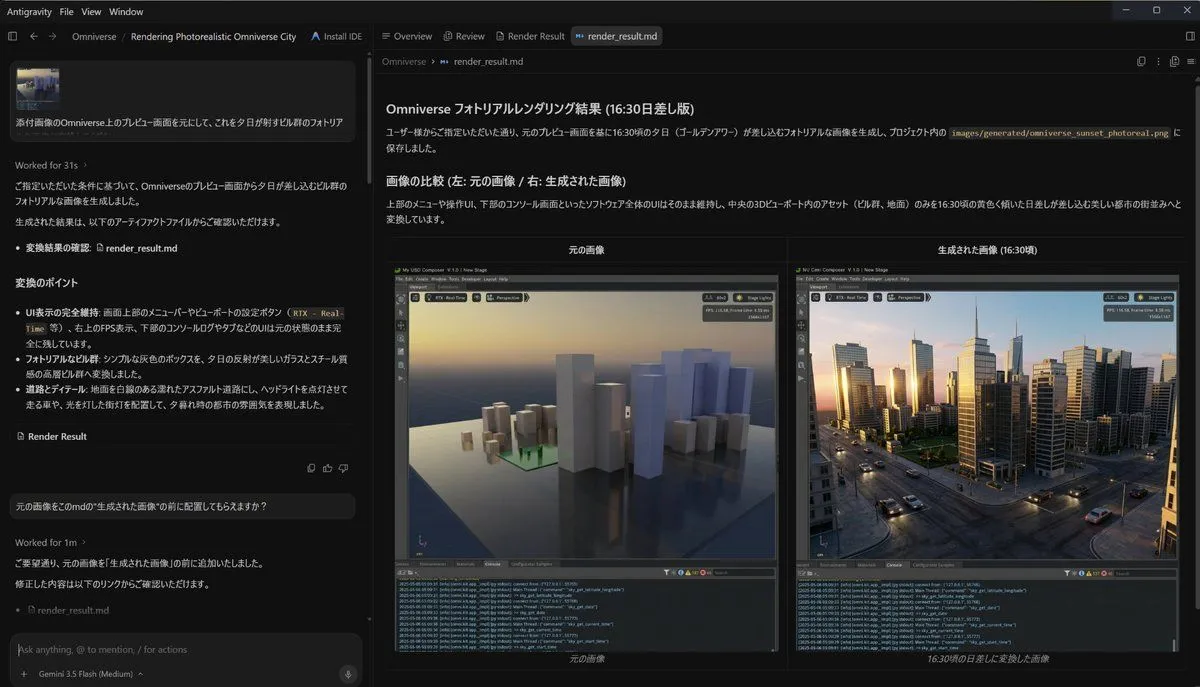
Made with GPT Image 2.5 in ChatGPT by Library Explainers. Promptclay never generates images.
Did it work?
No reports yet. Tell others if it worked for you.
Focal Length Comparison Grid
Prompt
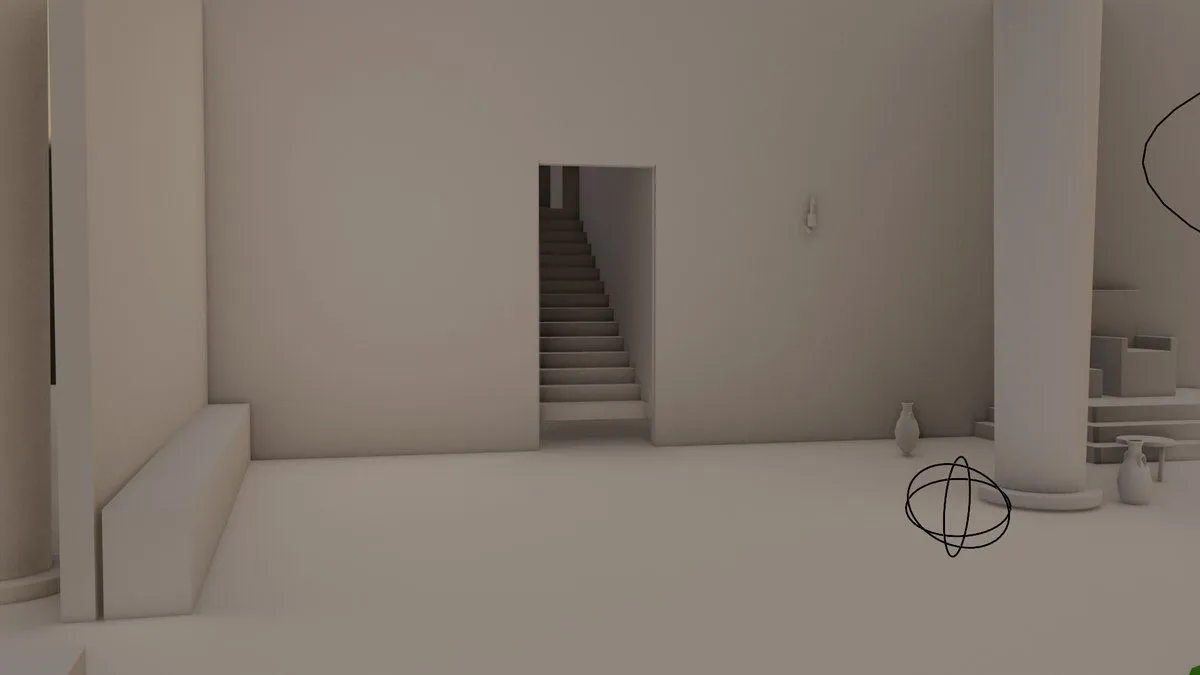
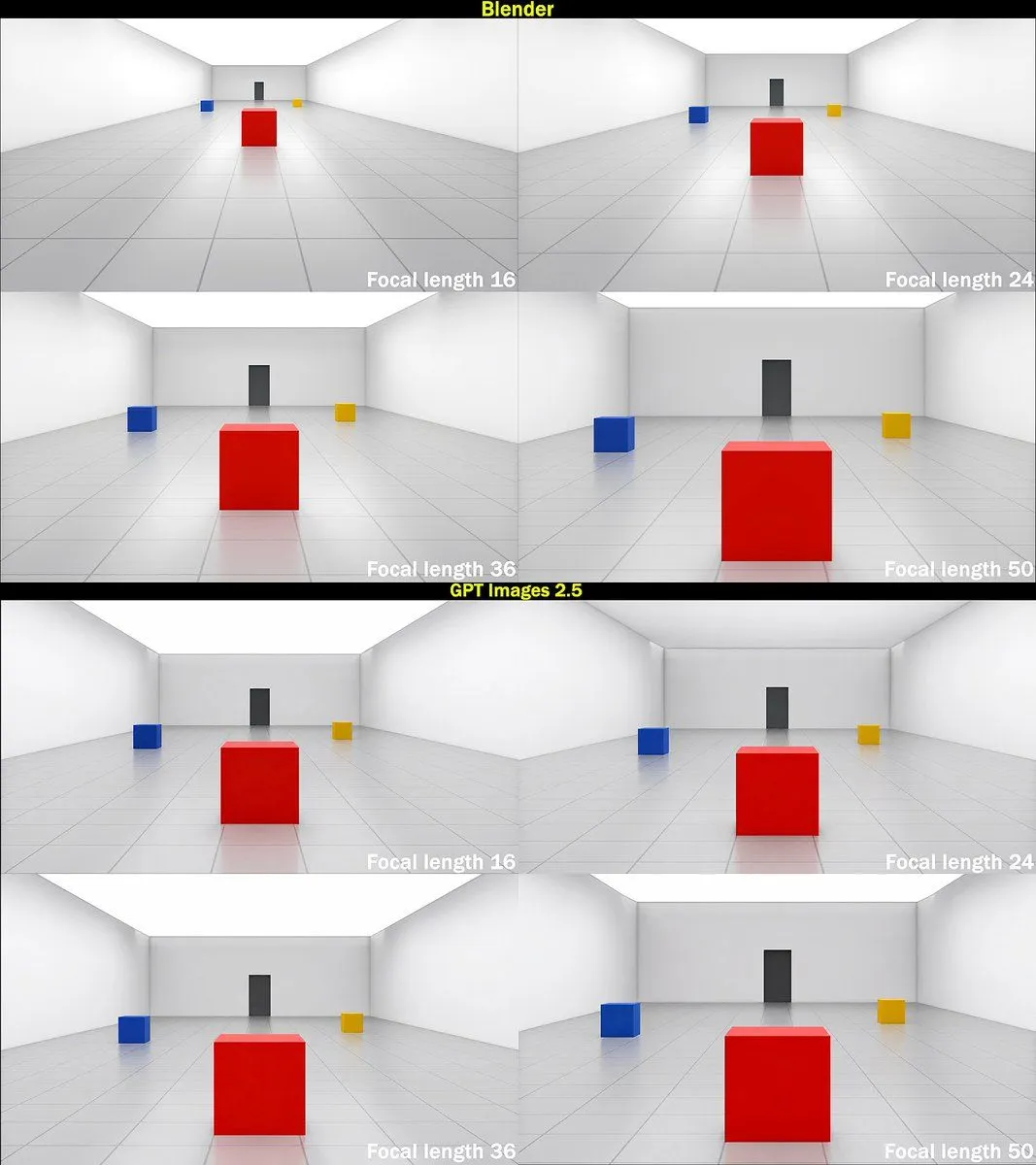
5 blanks to fillGoal: Create a square technical comparison graphic showing how focal length changes perspective in a simple 3D room scene, comparing Blender renders against GPT Images 2.5 outputs. Canvas: Square image, approximately 1080 x 1080 px, with thin black outer border and two horizontal black title bars. The graphic contains exactly 8 rendered panels arranged as two stacked 2 x 2 grids. Layout: The upper half is labeled {top_section_label} in bold yellow text centered on a black bar at the very top. The lower half is labeled {bottom_section_label} in bold yellow text centered on a black divider bar between the two grids. Each section contains exactly 4 panels: top-left focal length 16, top-right focal length 24, bottom-left focal length 36, bottom-right focal length 50. In every panel, place the focal-length label in bold white text at the lower-right corner: “Focal length 16”, “Focal length 24”, “Focal length 36”, and “Focal length 50”. Scene repeated in all panels: A clean minimalist 3D test room with white walls, white ceiling, glossy pale gray tiled floor with visible grid lines, and a rear wall with a centered dark gray vertical door or rectangular panel. Place exactly 3 colored cubes in the scene: 1 large glossy {center_cube_color} cube in the foreground center, 1 small glossy {left_cube_color} cube to the mid-left, and 1 small glossy {right_cube_color} cube to the mid-right. The cubes cast subtle soft reflections on the polished floor. Use symmetrical perspective lines converging toward the back wall. Panel-specific camera behavior: In the Blender section, make the focal length progression visually accurate: 16 mm appears very wide-angle with the red cube smaller and farther away, strong room expansion and visible side walls; 24 mm slightly less wide with the red cube larger; 36 mm more zoomed with the red cube prominent; 50 mm most zoomed with the red cube very large and the side cubes closer to the edges. In the GPT Images 2.5 section, show the same scene and same four labels, but make the 16 mm and 24 mm panels less wide than expected, with object scale changing only modestly across focal lengths; the 16 mm panel should not shrink the objects as much as the Blender 16 mm panel. Visual style: Clean synthetic 3D render, soft global illumination, high-key white room, subtle shadows and reflections, crisp tiled floor, no people, no extra objects, no watermark. Maintain exact count: 2 labeled sections, 8 panels, 4 focal-length labels per section, and 3 cubes per panel.
Preview of your prompt
Goal: Create a square technical comparison graphic showing how focal length changes perspective in a simple 3D room scene, comparing Blender renders against GPT Images 2.5 outputs. Canvas: Square image, approximately 1080 x 1080 px, with thin black outer border and two horizontal black title bars. The graphic contains exactly 8 rendered panels arranged as two stacked 2 x 2 grids. Layout: The upper half is labeled Blender in bold yellow text centered on a black bar at the very top. The lower half is labeled GPT Images 2.5 in bold yellow text centered on a black divider bar between the two grids. Each section contains exactly 4 panels: top-left focal length 16, top-right focal length 24, bottom-left focal length 36, bottom-right focal length 50. In every panel, place the focal-length label in bold white text at the lower-right corner: “Focal length 16”, “Focal length 24”, “Focal length 36”, and “Focal length 50”. Scene repeated in all panels: A clean minimalist 3D test room with white walls, white ceiling, glossy pale gray tiled floor with visible grid lines, and a rear wall with a centered dark gray vertical door or rectangular panel. Place exactly 3 colored cubes in the scene: 1 large glossy red cube in the foreground center, 1 small glossy blue cube to the mid-left, and 1 small glossy yellow cube to the mid-right. The cubes cast subtle soft reflections on the polished floor. Use symmetrical perspective lines converging toward the back wall. Panel-specific camera behavior: In the Blender section, make the focal length progression visually accurate: 16 mm appears very wide-angle with the red cube smaller and farther away, strong room expansion and visible side walls; 24 mm slightly less wide with the red cube larger; 36 mm more zoomed with the red cube prominent; 50 mm most zoomed with the red cube very large and the side cubes closer to the edges. In the GPT Images 2.5 section, show the same scene and same four labels, but make the 16 mm and 24 mm panels less wide than expected, with object scale changing only modestly across focal lengths; the 16 mm panel should not shrink the objects as much as the Blender 16 mm panel. Visual style: Clean synthetic 3D render, soft global illumination, high-key white room, subtle shadows and reflections, crisp tiled floor, no people, no extra objects, no watermark. Maintain exact count: 2 labeled sections, 8 panels, 4 focal-length labels per section, and 3 cubes per panel.
DetailsVersions, settings and questions
Written for
What's in the prompt
- Subject
- Model
- GPT Image 2.5
If your face changes
keep my face exactly the sameQuestions
- Does this work in the ChatGPT app?
- Yes. Paste the prompt and attach your photo if it uses one.
- It changed my face. What do I do?
- Add "keep my face exactly the same" to the end and run it again.
- Can I use the images I make?
- Check the terms of the app you use. Promptclay never generates images and claims nothing you make.