Tell us anything

An idea, a bug, something you love. We read every note.

⌘↵ to send. The page you're on comes along.

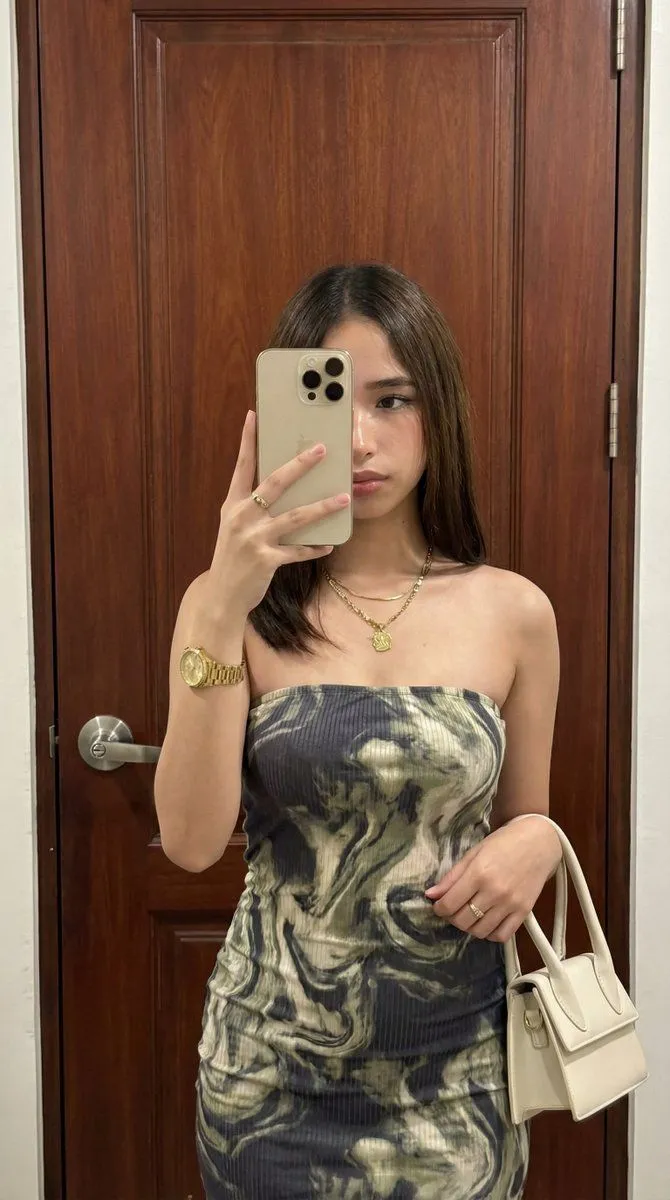
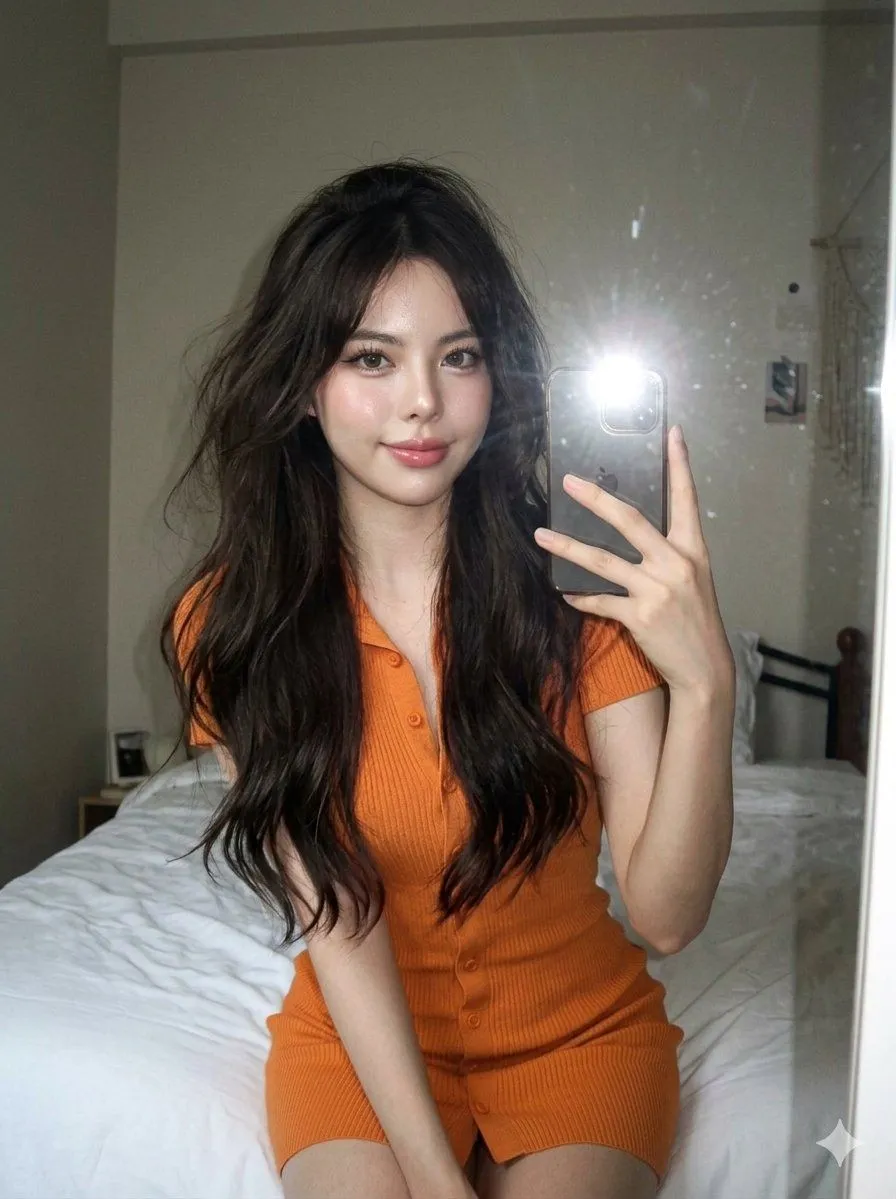
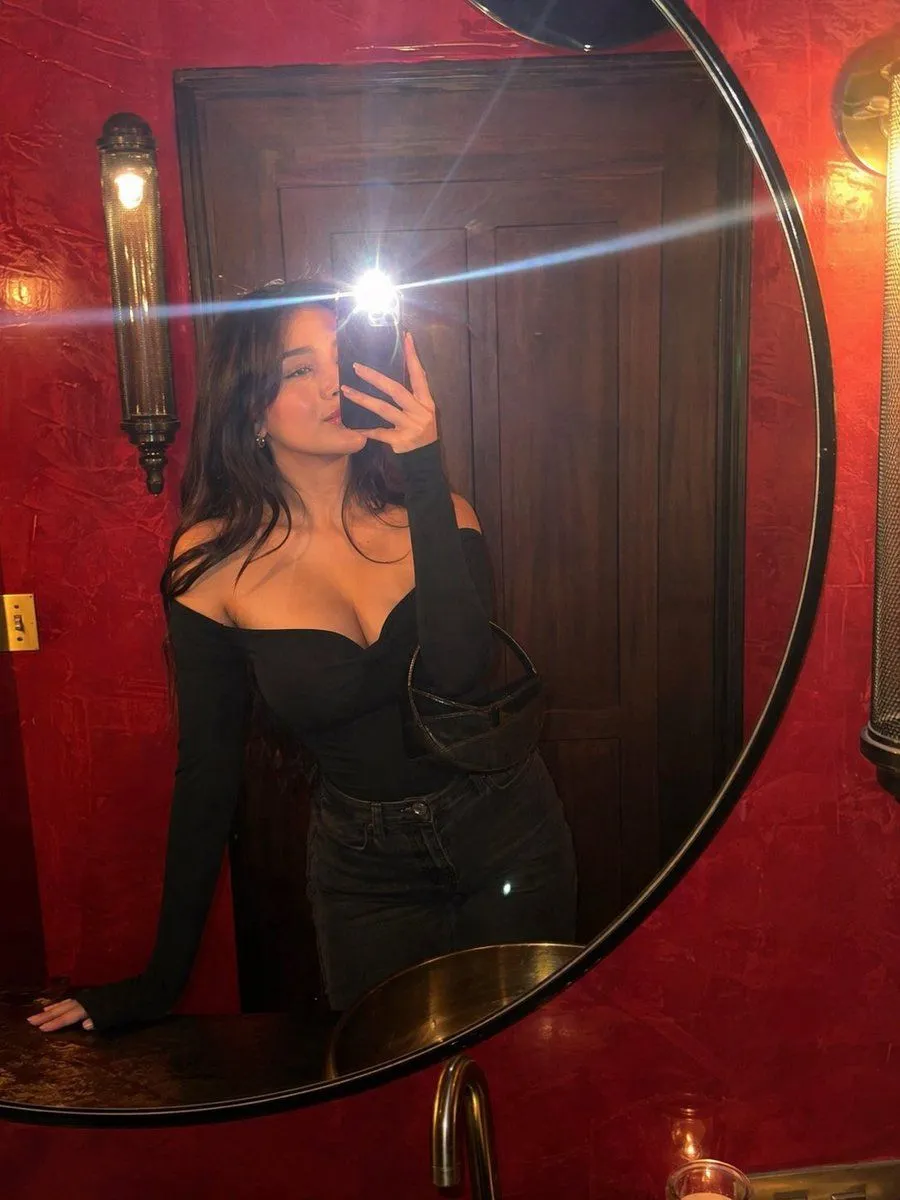
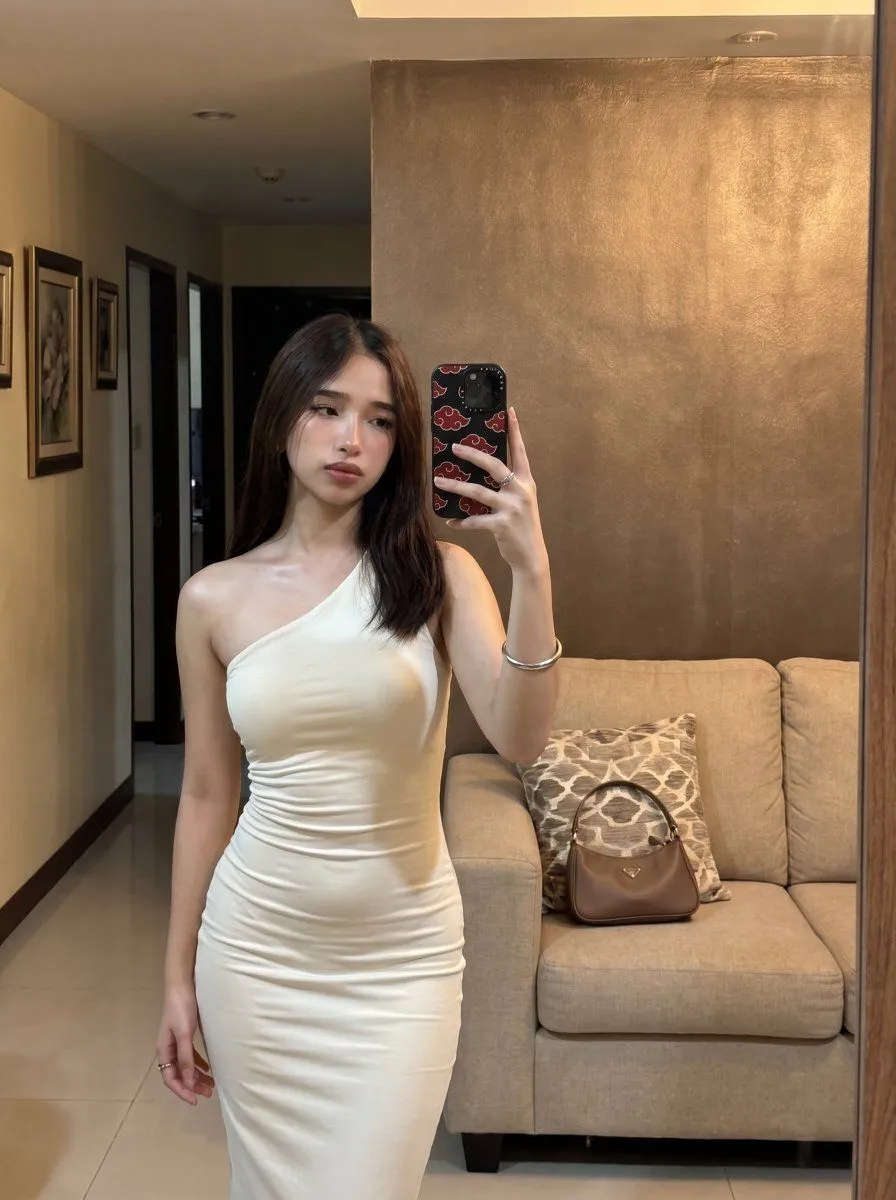
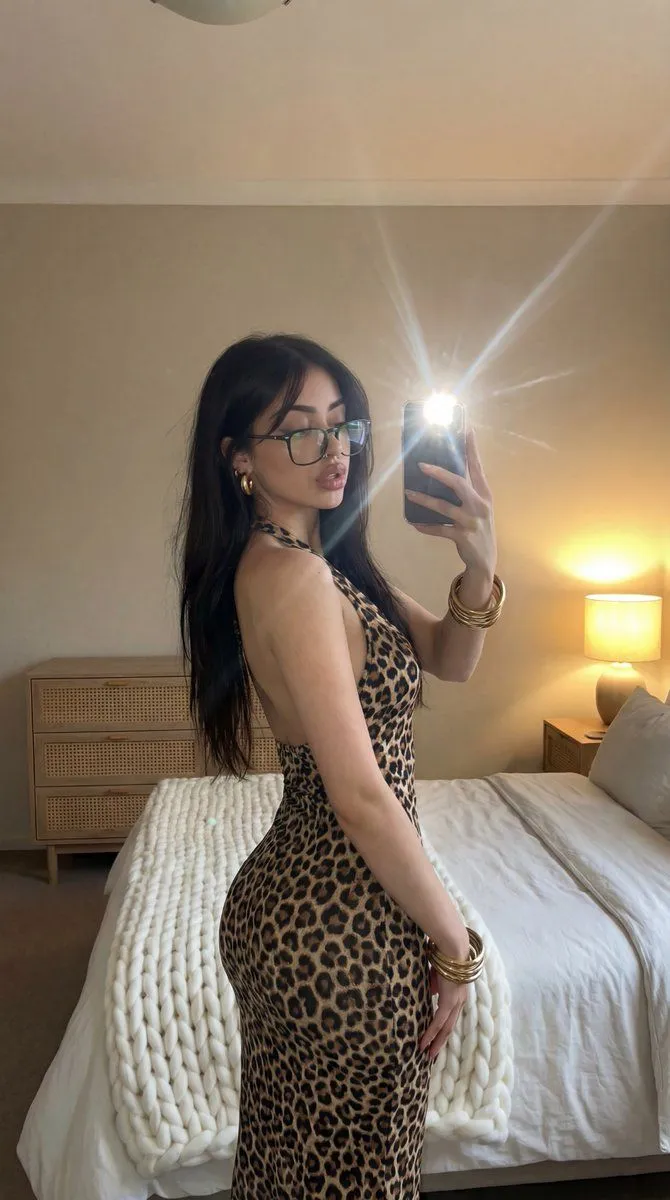
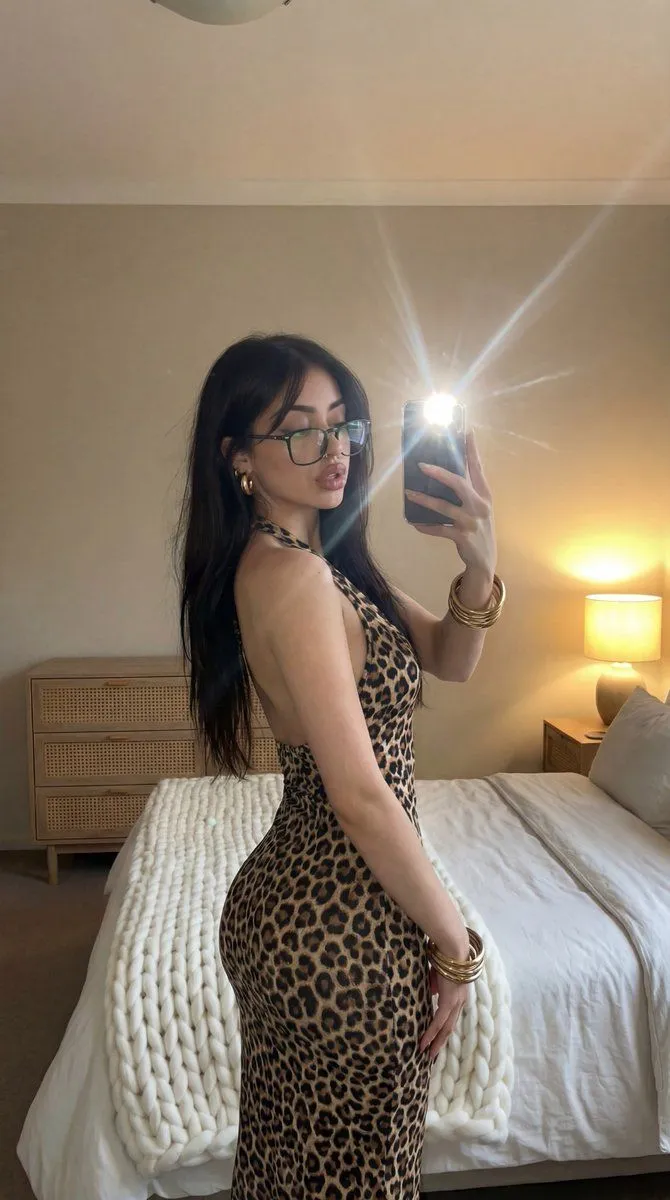
Flash Mirror Selfie in Leopard Print Prompt

Made with Nano Banana Pro in Gemini by Library Social. Promptclay never generates images.

Did it work?

No reports yet. Tell others if it worked for you.

No comments yet. Be the first.

    Flash Mirror Selfie in Leopard Print Prompt

    Nano Banana Pro9:16AI-generated

    Prompt

    { "image_description": { "subject": { "gender": "female", "hair": { "color": "dark black", "style": "long, layered, voluminous waves", "texture": "glossy" }, "face": { "expression": "sultry, neutral", "makeup": "Natural ", "eye_color": "light hazel or green" }, "skin_tone": " Fair Skin }, "clothing": { "type": "dress", "pattern": "leopard print", "style": "backless, halter neck, bodycon/fitted", "fabric_texture": "smooth" }, "accessories": { "jewelry": [ "gold hoop earrings", "thin chain necklace with a cross pendant hanging down the back", "stack of gold and silver bangles/bracelets on wrist" ], "objects": "smartphone (iPhone style) held in right hand" }, "pose": { "stance": "standing, angled profile showing back and side", "head_position": "turned over left shoulder facing the mirror", "action": "taking a mirror selfie" }, "environment": { "location": "bedroom", "background_elements": [ { "object": "bed", "details": "white linens, chunky beige knit throw blanket at the foot" }, { "object": "furniture", "details": "wooden dresser with rattan/cane drawers, wooden bedside table" }, { "object": "lighting_fixture", "details": "bedside lamp with warm yellow light" } ], "walls": "plain, neutral beige/cream color" }, "lighting": { "source": "camera flash reflected in mirror", "effect": "bright starburst flare from flash, warm ambient glow from bedside lamp", "atmosphere": "dim, cozy, evening setting" }, "technical_details": { "type": "mirror selfie", "perspective": "reflection", "focus": "sharp on subject, slightly softer background" } } }

    Works in
    Gemini, ChatGPT
    Status
    Free to copy
    0
    DetailsVersions, settings and questions

    Written for

    What's in the prompt

    Subject
    Model
    Nano Banana Pro

    If your face changes

    keep my face exactly the same

    Questions

    Does this work in the Gemini app?
    Yes. Gemini runs Nano Banana, so paste the prompt and attach your photo if it uses one.
    It changed my face. What do I do?
    Add "keep my face exactly the same" to the end and run it again.
    Can I use the images I make?
    Check the terms of the app you use. Promptclay never generates images and claims nothing you make.

    Similar prompts

    See more
    • Leopard Print Mirror Selfie Prompt
    • LocalBanana Copilot Feature for Prompt Refinement
    • High-Fidelity Mirror Selfie Prompt
    • CCD Digicam Aesthetic Mirror Selfie
    • Flash Mirror Selfie in Red Restroom
    • Realistic White Dress Mirror Selfie
    • High-Fidelity Mirror Selfie Prompt with Identity Locking
    • Image-to-Image Generation with Nano Banana Pro
    • Karina (aespa) in Ivory and Purple Hair
    • Flash Editorial Kiss Portrait (Image-to-Image)
    • Cinematic Podcast Studio Portrait
    • Hand-Carved Wooden Miniature Figure
    • Imagination Coming to Life
    • Man with Zootopia Characters in Alpine Cable Car
    • Stylized Wicker Caricature Figurine
    • Charcoal and Pencil Couple Drawings
    • Human Fragments Editorial Poster
    • Hyperrealistic Tattooed Elf Couple
    • Multi-Angle Scene Generation Prompt (Oshi no Ko Style)
    • Nano Banana Pro Thumbnail Generation Example
    • Object Reasoning Test Prompt for Nano Banana 2
    • RPG Status Screen Overlay
    • Nano Banana Pro Camera Control Template and Example Prompt
    • Sophisticated Oil Portrait Painting

    Show more

    Run it on your phone

    1. Prompt copiedRead it

      { "image_description": { "subject": { "gender": "female", "hair": { "color": "dark black", "style": "long, layered, voluminous waves", "texture": "glossy" }, "face": { "expression": "sultry, neutral", "makeup": "Natural ", "eye_color": "light hazel or green" }, "skin_tone": " Fair Skin }, "clothing": { "type": "dress", "pattern": "leopard print", "style": "backless, halter neck, bodycon/fitted", "fabric_texture": "smooth" }, "accessories": { "jewelry": [ "gold hoop earrings", "thin chain necklace with a cross pendant hanging down the back", "stack of gold and silver bangles/bracelets on wrist" ], "objects": "smartphone (iPhone style) held in right hand" }, "pose": { "stance": "standing, angled profile showing back and side", "head_position": "turned over left shoulder facing the mirror", "action": "taking a mirror selfie" }, "environment": { "location": "bedroom", "background_elements": [ { "object": "bed", "details": "white linens, chunky beige knit throw blanket at the foot" }, { "object": "furniture", "details": "wooden dresser with rattan/cane drawers, wooden bedside table" }, { "object": "lighting_fixture", "details": "bedside lamp with warm yellow light" } ], "walls": "plain, neutral beige/cream color" }, "lighting": { "source": "camera flash reflected in mirror", "effect": "bright starburst flare from flash, warm ambient glow from bedside lamp", "atmosphere": "dim, cozy, evening setting" }, "technical_details": { "type": "mirror selfie", "perspective": "reflection", "focus": "sharp on subject, slightly softer background" } } }

    2. Open your app

    3. Paste and run

      Press and hold the message box, then tap Paste. Add your photo first if the prompt uses one. You may need to sign in.

    Flash Mirror Selfie in Leopard Print Prompt