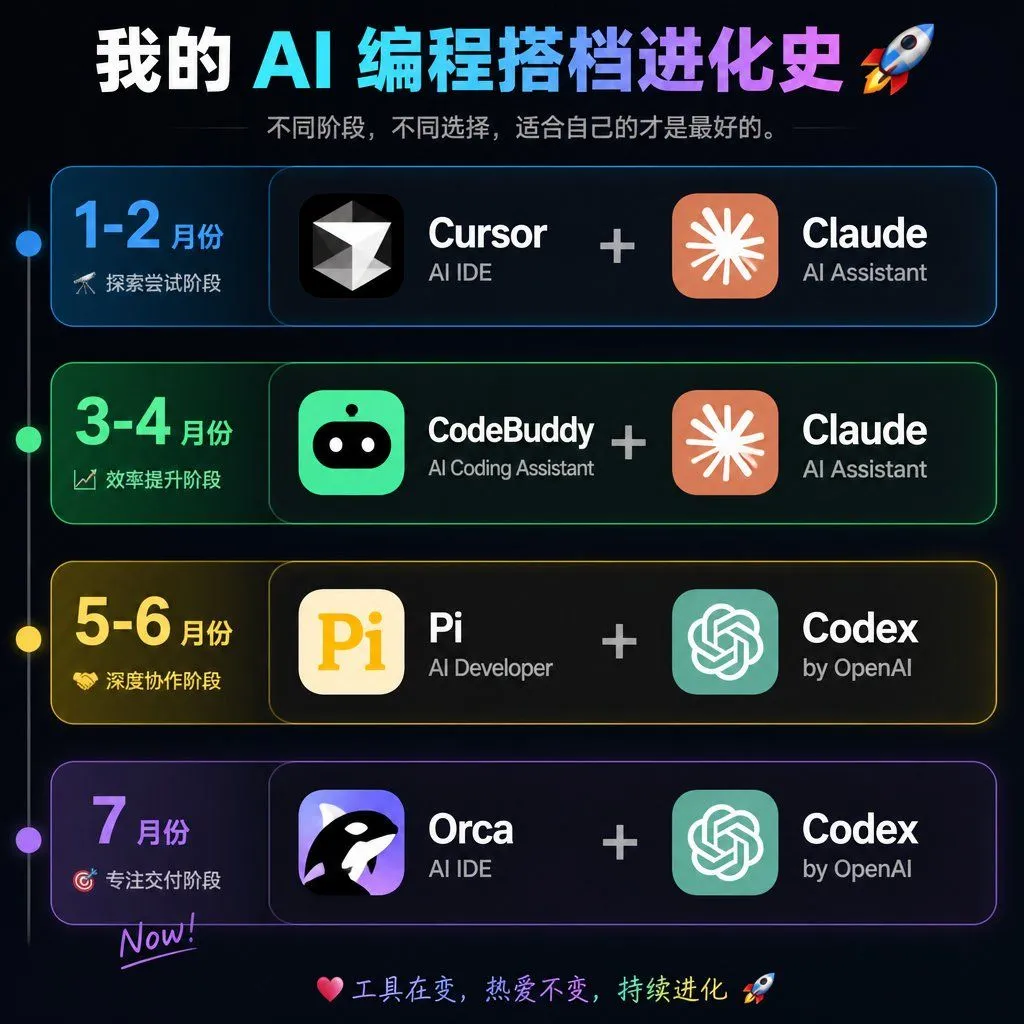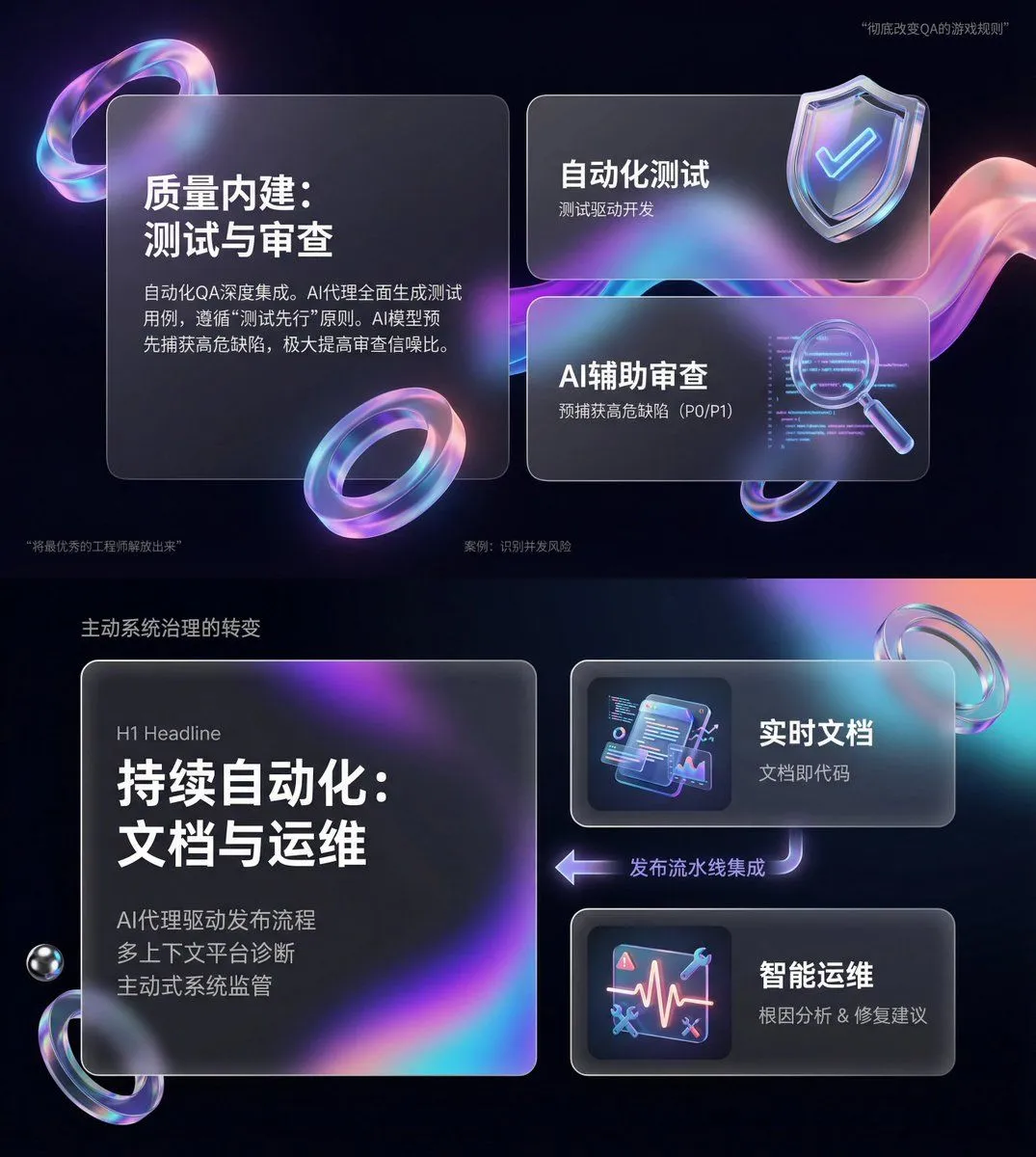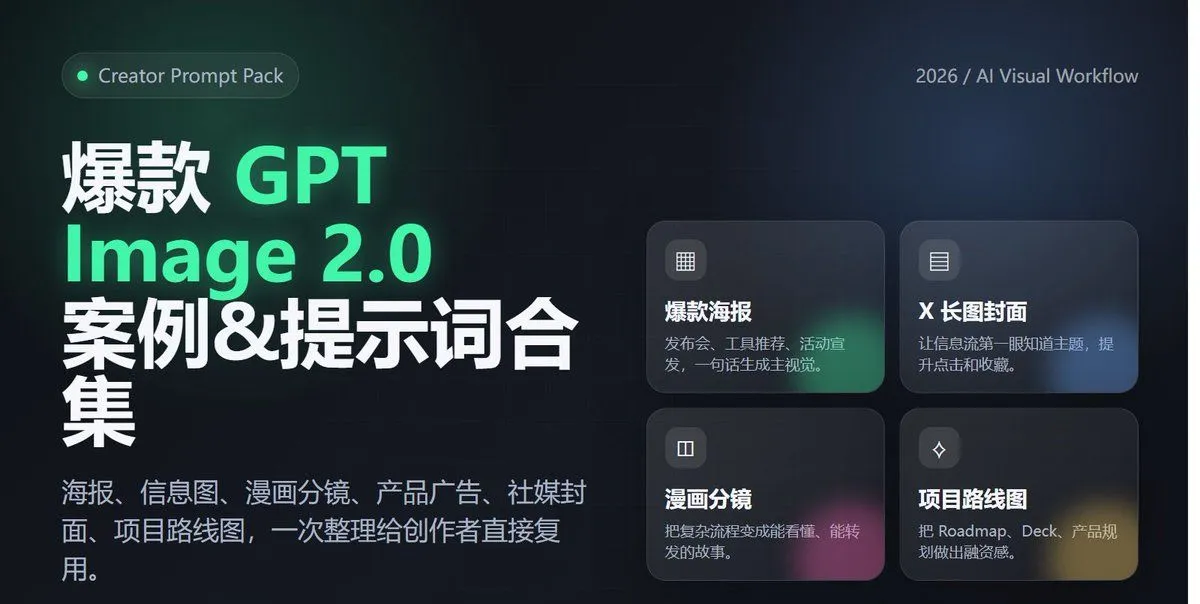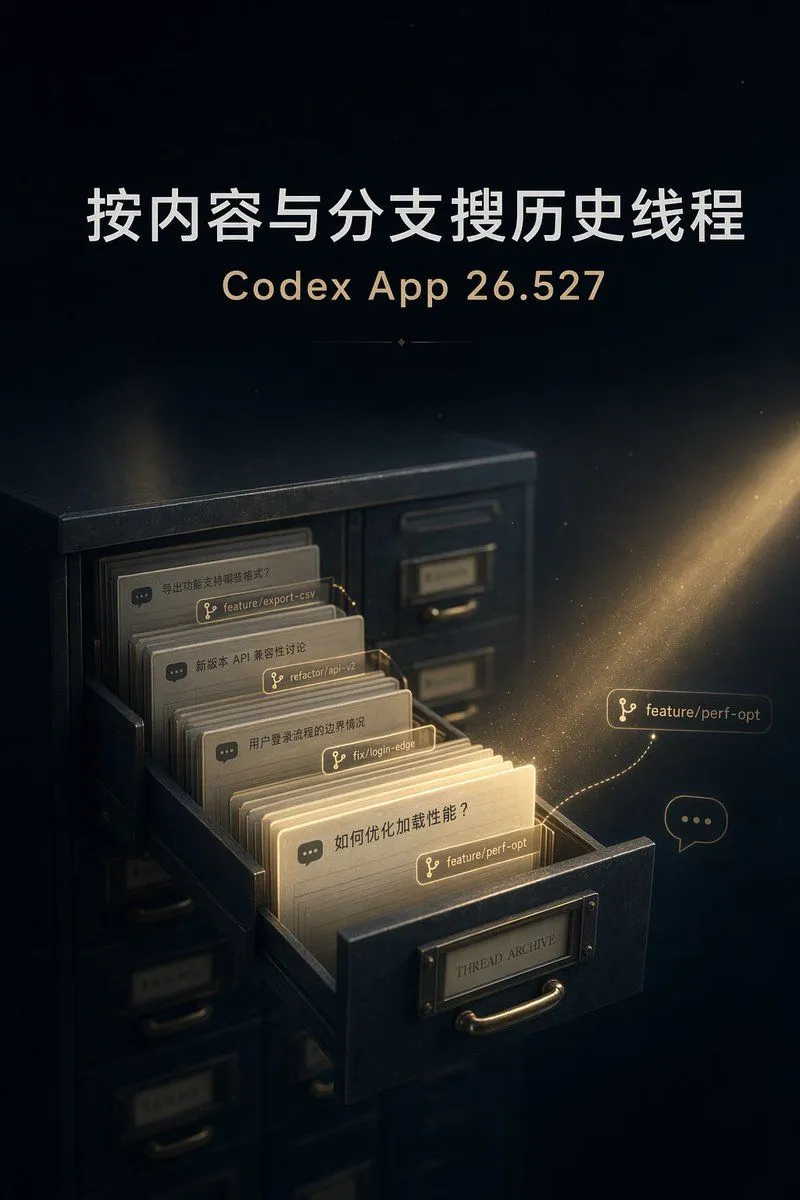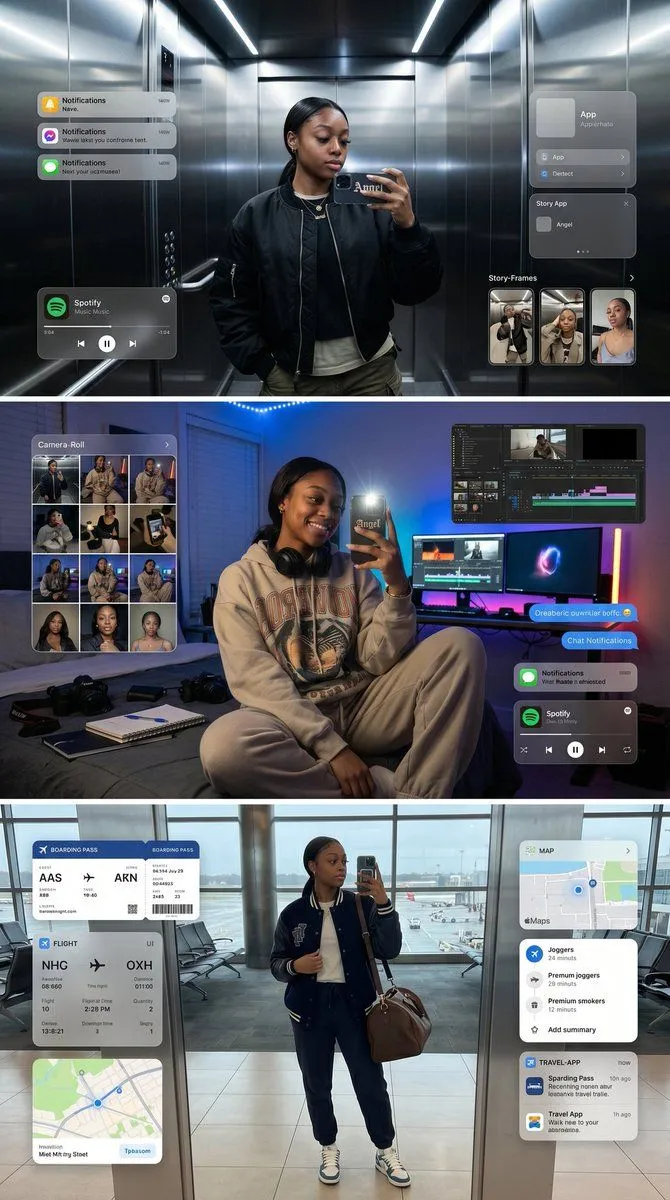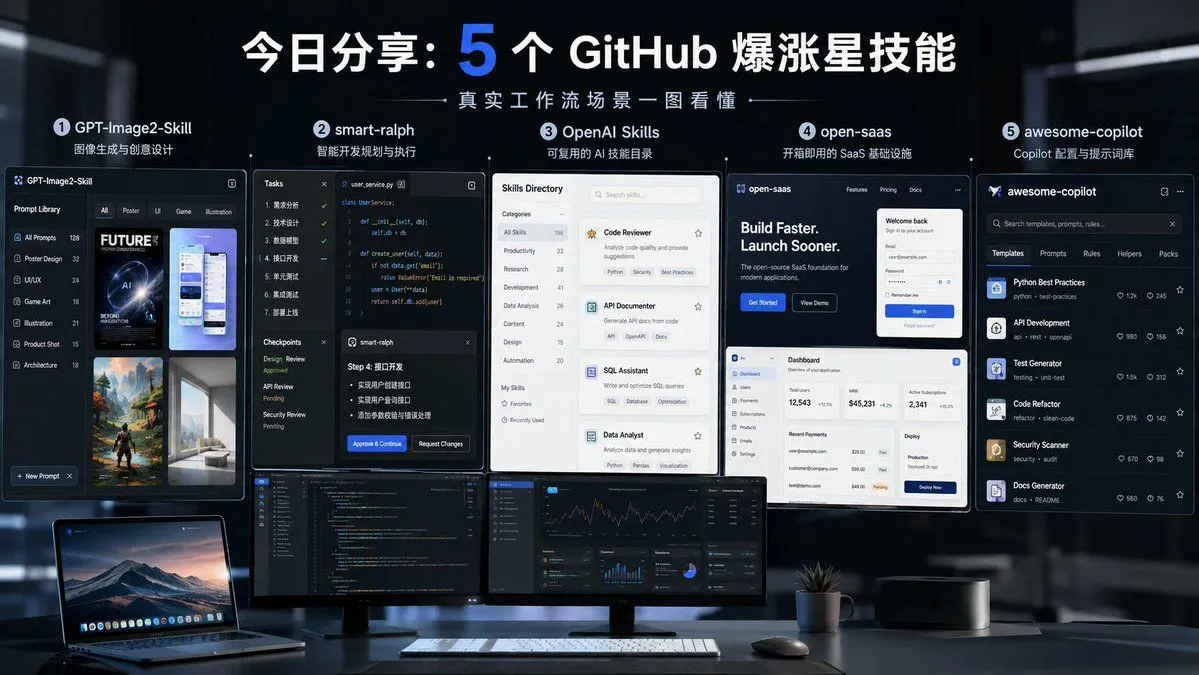
Made with GPT Image 2 in ChatGPT by Library Explainers. Promptclay never generates images.
Five GitHub AI Tools Tech Poster
Prompt
2 blanks to fillGoal: Create a dark futuristic widescreen tech poster introducing {headline_text}, showing five fast-growing GitHub AI tools as large interface cards above a modern developer workstation. Canvas: 16:9 horizontal social media banner, cinematic dark office background, cool blue lighting, high contrast, sharp UI mockup style. Use a blurred glass-and-metal workspace at night, with a desk across the bottom third. Layout: Place a large centered Chinese headline at the top; make the number “5” oversized and bright electric blue while the rest of the headline is bold white. Under it, add a thin decorative line and small subtitle text reading {subtitle_text}. Arrange exactly 5 numbered feature sections in a row across the middle, each with a circular number badge, tool name, short Chinese description, and a large screenshot-style UI card beneath it. The five sections are: 1) GPT-Image2-Skill, description “图像生成与创意设计”; 2) smart-ralph, description “智能开发规划与执行”; 3) OpenAI Skills, description “可复用的 AI 技能目录”; 4) open-saas, description “开箱即用的 SaaS 基础设施”; 5) awesome-copilot, description “Copilot 配置与提示词库”. Subject details: Section 1 card is a dark prompt-library interface titled “GPT-Image2-Skill,” with a left sidebar of categories and a grid of poster/UI/illustration thumbnails. Section 2 card is a dark coding workflow interface titled “smart-ralph,” showing a task checklist, code editor, checkpoints, and an approval dialog. Section 3 card is a clean light “Skills Directory” interface with category navigation and stacked skill cards such as Code Reviewer, API Documenter, SQL Assistant, and Data Analyst. Section 4 card is an open-saas dashboard mockup with a landing page headline “Build Faster. Launch Sooner.”, login panel, dashboard metrics, payments table, and deploy panel. Section 5 card is a dark awesome-copilot marketplace/library interface with tabs and exactly 6 visible tool rows: Python Best Practices, API Development, Test Generator, Code Refactor, Security Scanner, and Docs Generator. Desk foreground: Include exactly 4 main desk objects: an open laptop on the left showing a mountain wallpaper, two wide desktop monitors in the center showing code and analytics dashboards, a white keyboard with mouse, and a small potted plant near the right monitor. Keep the desk minimal, premium, and realistic. Visual style: Premium GitHub/AI tooling aesthetic, dark navy and black palette, electric blue accents, crisp white typography, glassmorphism UI panels, realistic reflections, subtle depth of field, cinematic lighting, polished startup presentation design. Constraints: Keep all five tool names readable. Do not add extra tools or extra numbered sections. Preserve the Chinese headline and short Chinese descriptions. Avoid watermarks, logos unrelated to the five tools, clutter, distorted text, or cartoon styling.
Preview of your prompt
Goal: Create a dark futuristic widescreen tech poster introducing 今日分享:5 个 GitHub 爆涨星技能, showing five fast-growing GitHub AI tools as large interface cards above a modern developer workstation. Canvas: 16:9 horizontal social media banner, cinematic dark office background, cool blue lighting, high contrast, sharp UI mockup style. Use a blurred glass-and-metal workspace at night, with a desk across the bottom third. Layout: Place a large centered Chinese headline at the top; make the number “5” oversized and bright electric blue while the rest of the headline is bold white. Under it, add a thin decorative line and small subtitle text reading 真实工作流场景一图看懂. Arrange exactly 5 numbered feature sections in a row across the middle, each with a circular number badge, tool name, short Chinese description, and a large screenshot-style UI card beneath it. The five sections are: 1) GPT-Image2-Skill, description “图像生成与创意设计”; 2) smart-ralph, description “智能开发规划与执行”; 3) OpenAI Skills, description “可复用的 AI 技能目录”; 4) open-saas, description “开箱即用的 SaaS 基础设施”; 5) awesome-copilot, description “Copilot 配置与提示词库”. Subject details: Section 1 card is a dark prompt-library interface titled “GPT-Image2-Skill,” with a left sidebar of categories and a grid of poster/UI/illustration thumbnails. Section 2 card is a dark coding workflow interface titled “smart-ralph,” showing a task checklist, code editor, checkpoints, and an approval dialog. Section 3 card is a clean light “Skills Directory” interface with category navigation and stacked skill cards such as Code Reviewer, API Documenter, SQL Assistant, and Data Analyst. Section 4 card is an open-saas dashboard mockup with a landing page headline “Build Faster. Launch Sooner.”, login panel, dashboard metrics, payments table, and deploy panel. Section 5 card is a dark awesome-copilot marketplace/library interface with tabs and exactly 6 visible tool rows: Python Best Practices, API Development, Test Generator, Code Refactor, Security Scanner, and Docs Generator. Desk foreground: Include exactly 4 main desk objects: an open laptop on the left showing a mountain wallpaper, two wide desktop monitors in the center showing code and analytics dashboards, a white keyboard with mouse, and a small potted plant near the right monitor. Keep the desk minimal, premium, and realistic. Visual style: Premium GitHub/AI tooling aesthetic, dark navy and black palette, electric blue accents, crisp white typography, glassmorphism UI panels, realistic reflections, subtle depth of field, cinematic lighting, polished startup presentation design. Constraints: Keep all five tool names readable. Do not add extra tools or extra numbered sections. Preserve the Chinese headline and short Chinese descriptions. Avoid watermarks, logos unrelated to the five tools, clutter, distorted text, or cartoon styling.
DetailsVersions, settings and questions
Written for
What's in the prompt
- Subject
- Model
- GPT Image 2
If your face changes
keep my face exactly the sameQuestions
- Does this work in the ChatGPT app?
- Yes. Paste the prompt and attach your photo if it uses one.
- It changed my face. What do I do?
- Add "keep my face exactly the same" to the end and run it again.
- Can I use the images I make?
- Check the terms of the app you use. Promptclay never generates images and claims nothing you make.
Did it work?
No reports yet. Tell others if it worked for you.