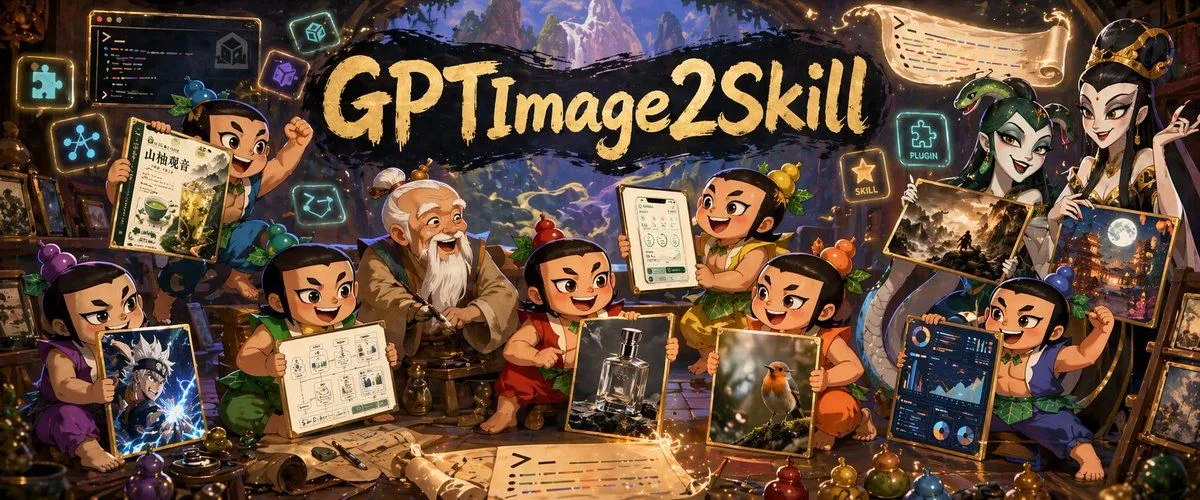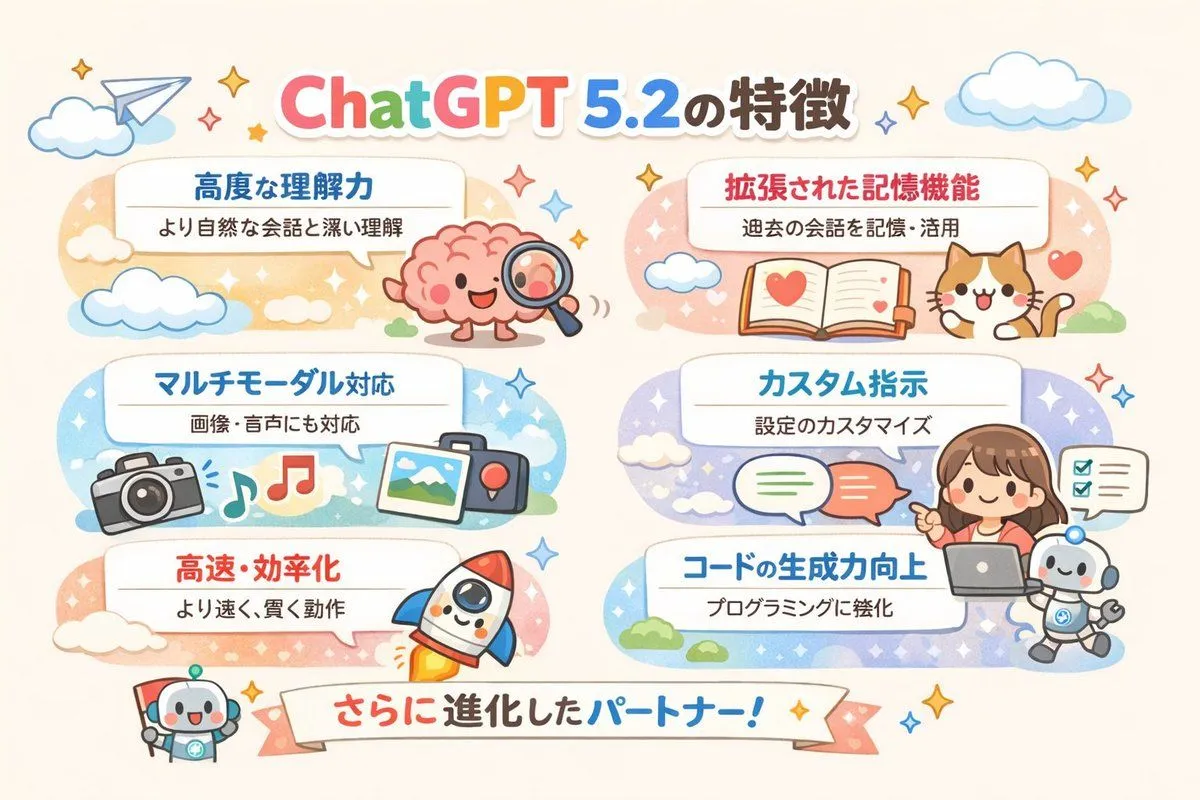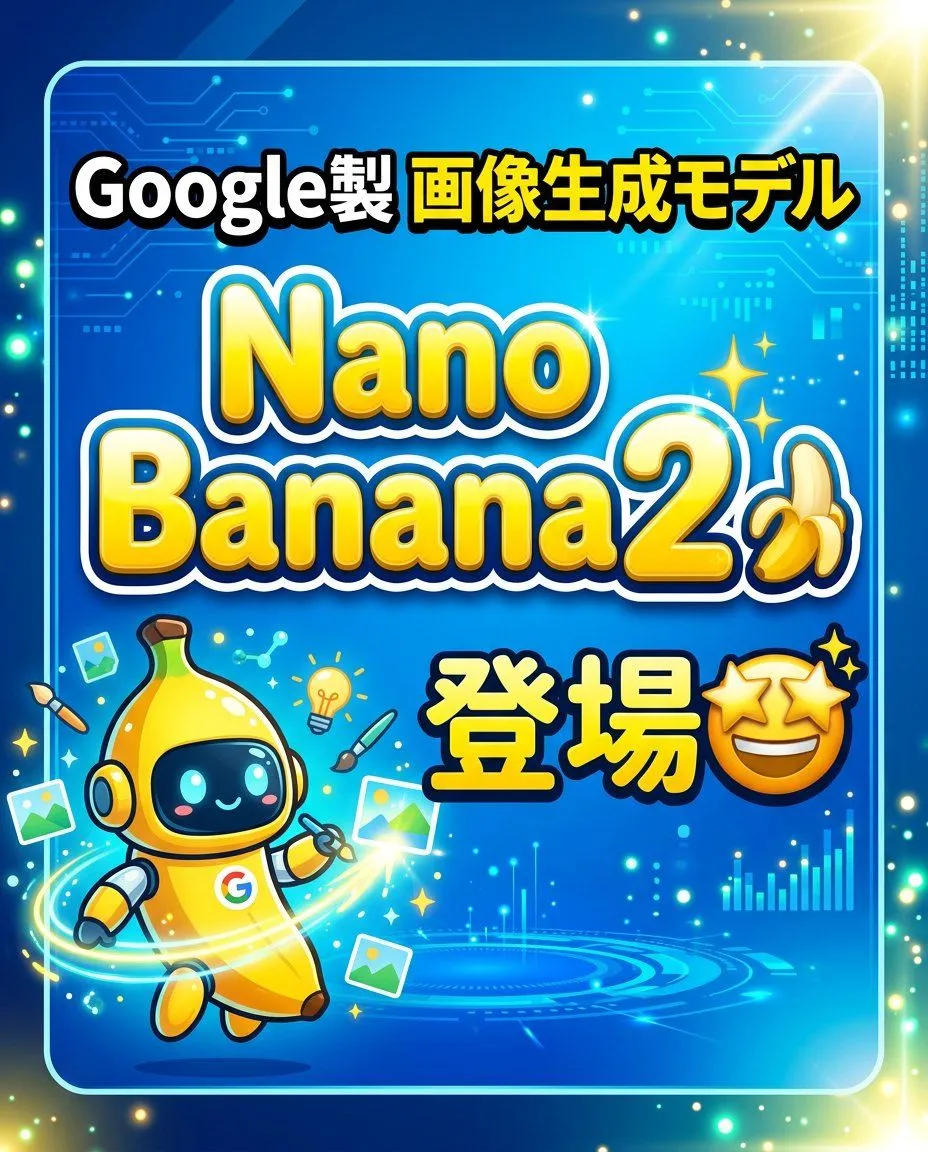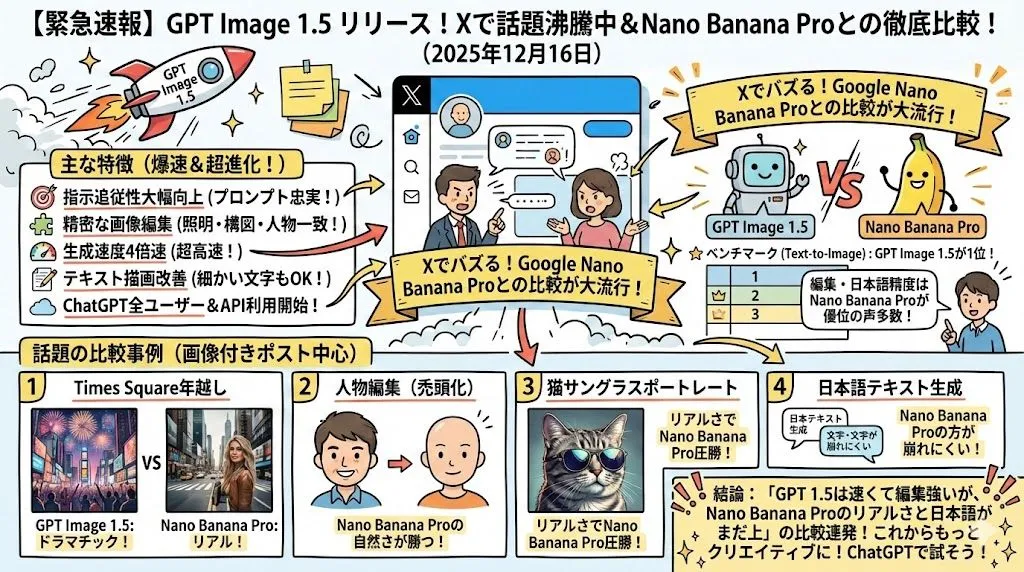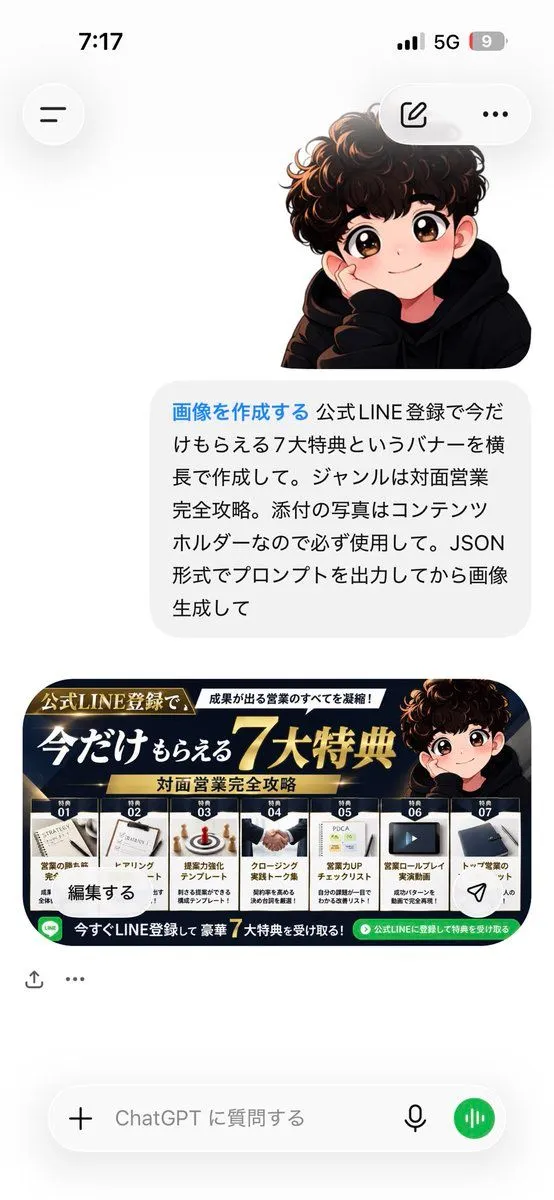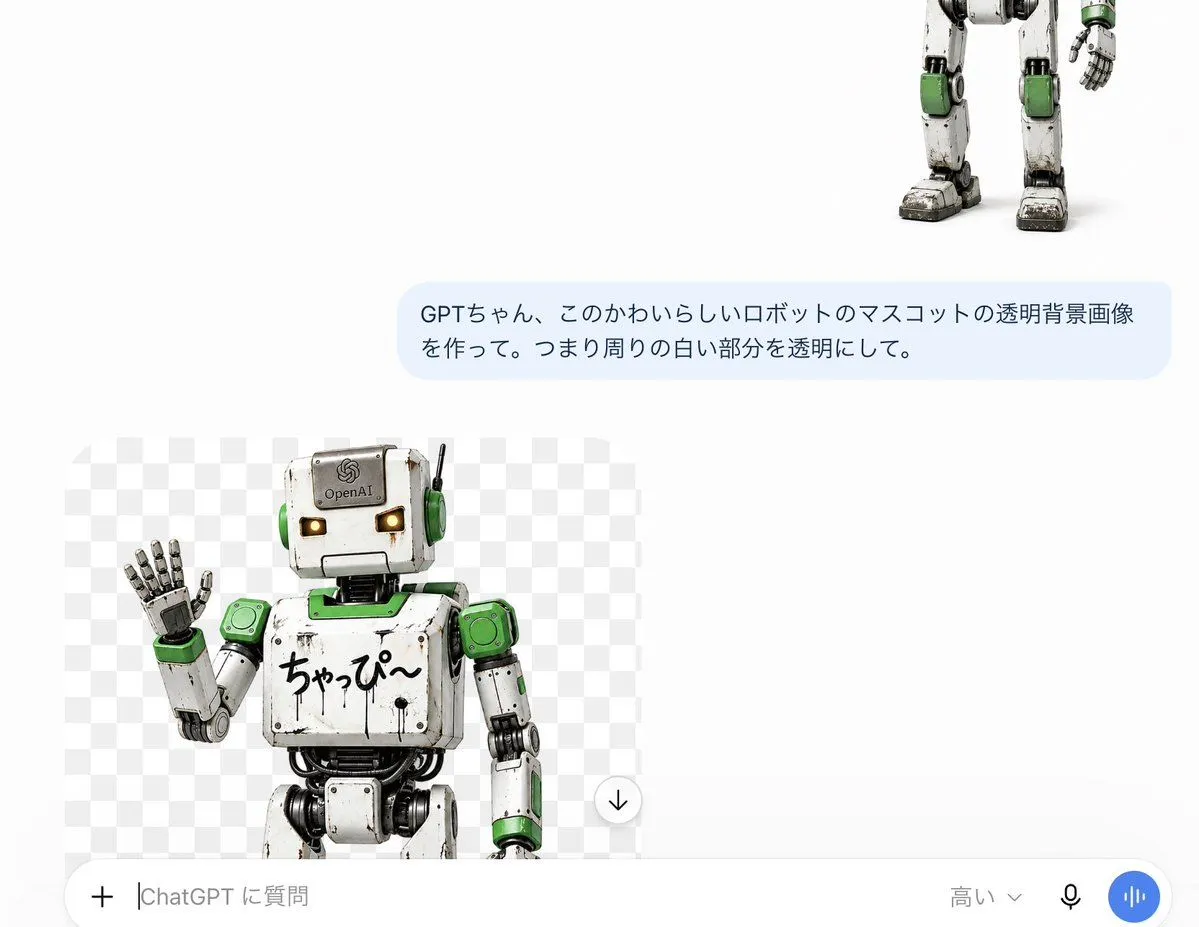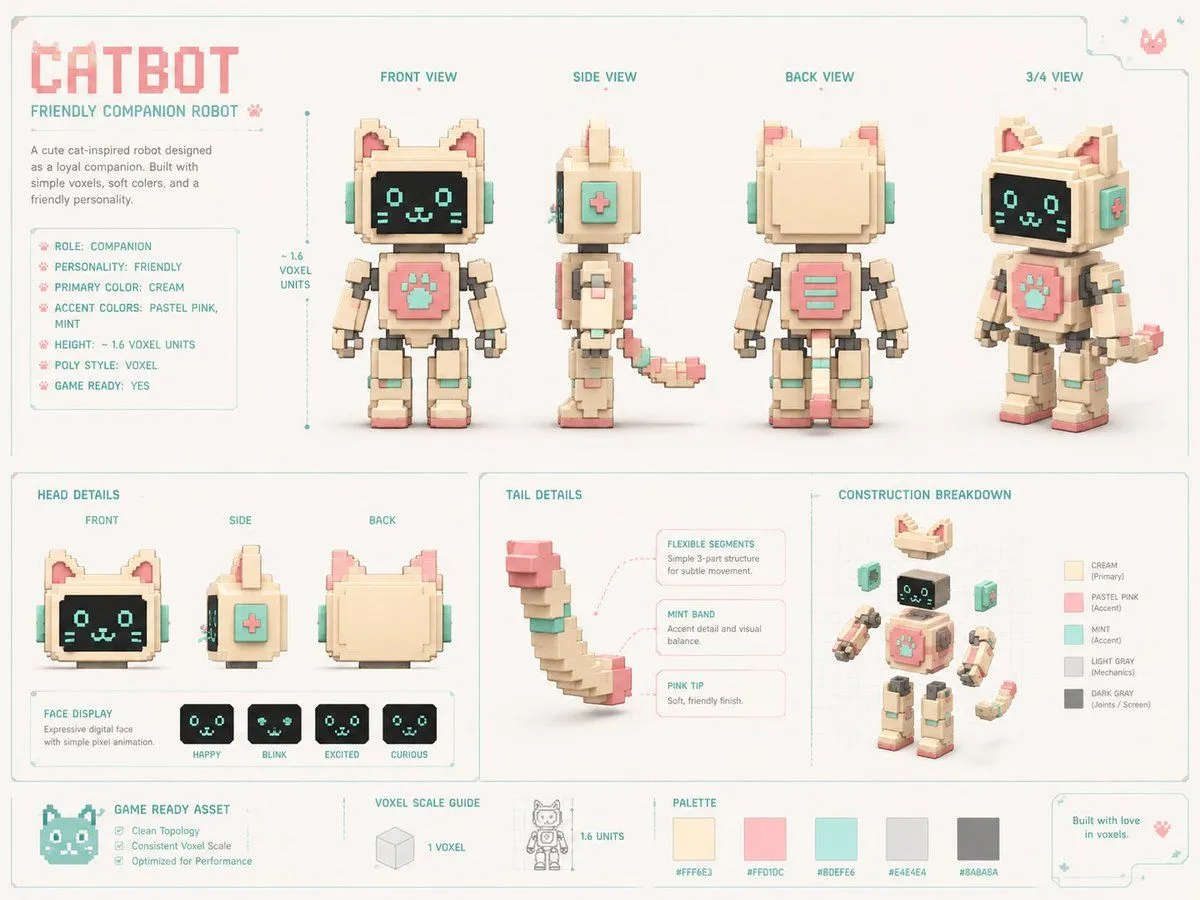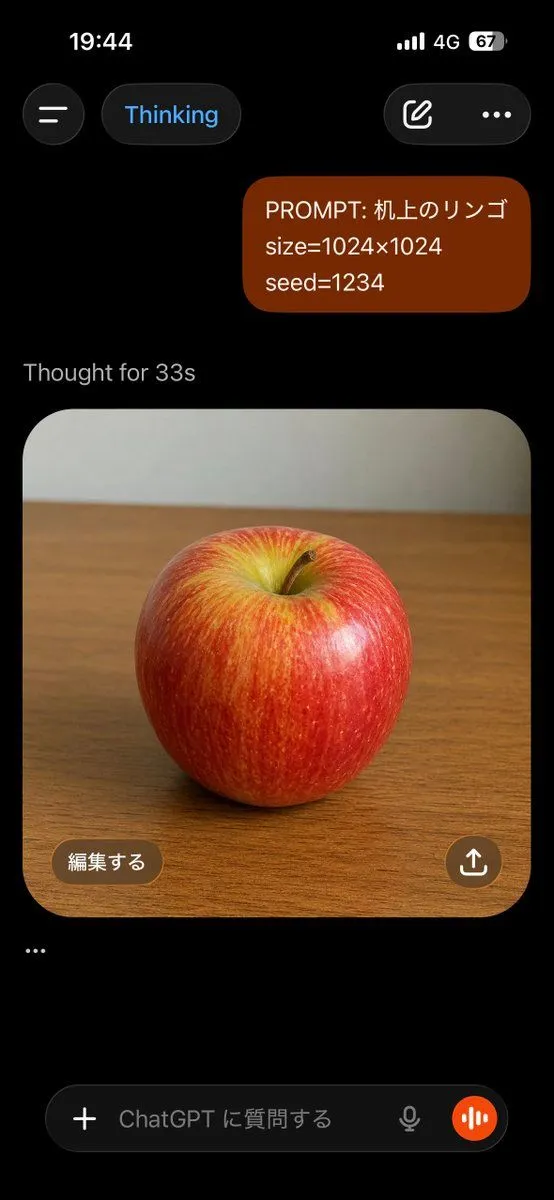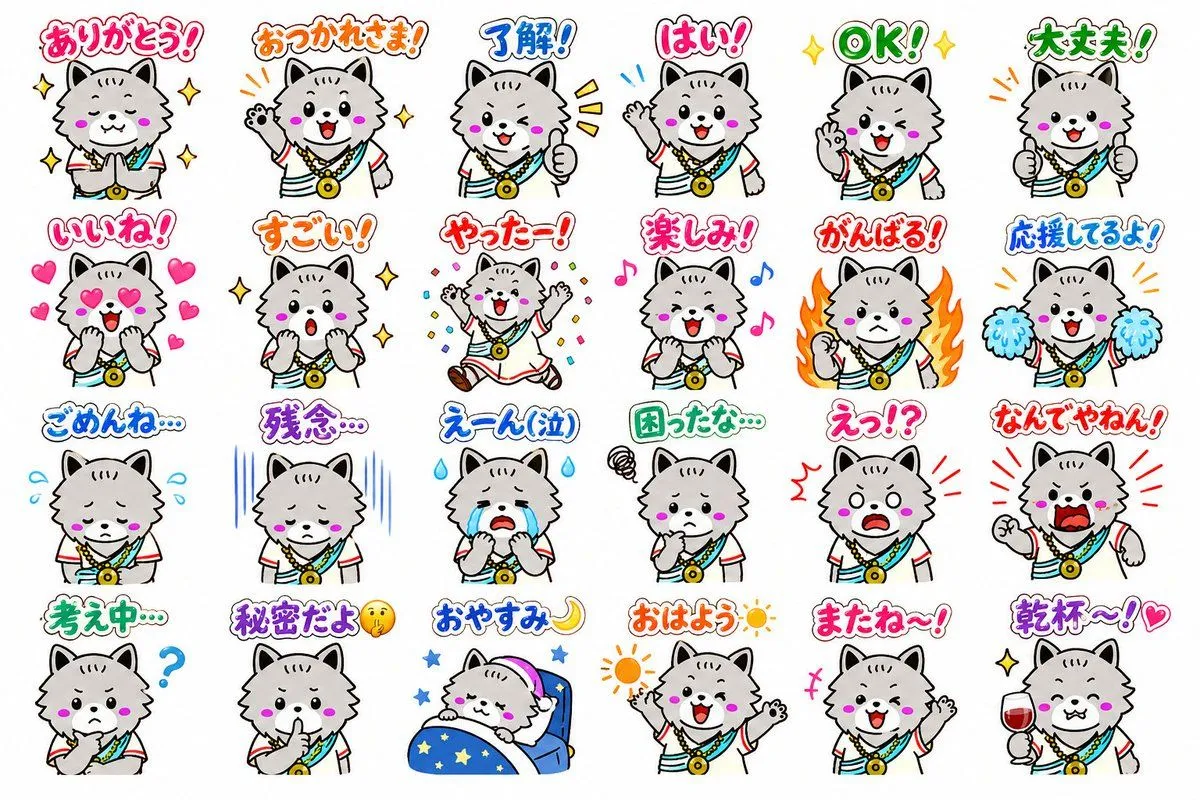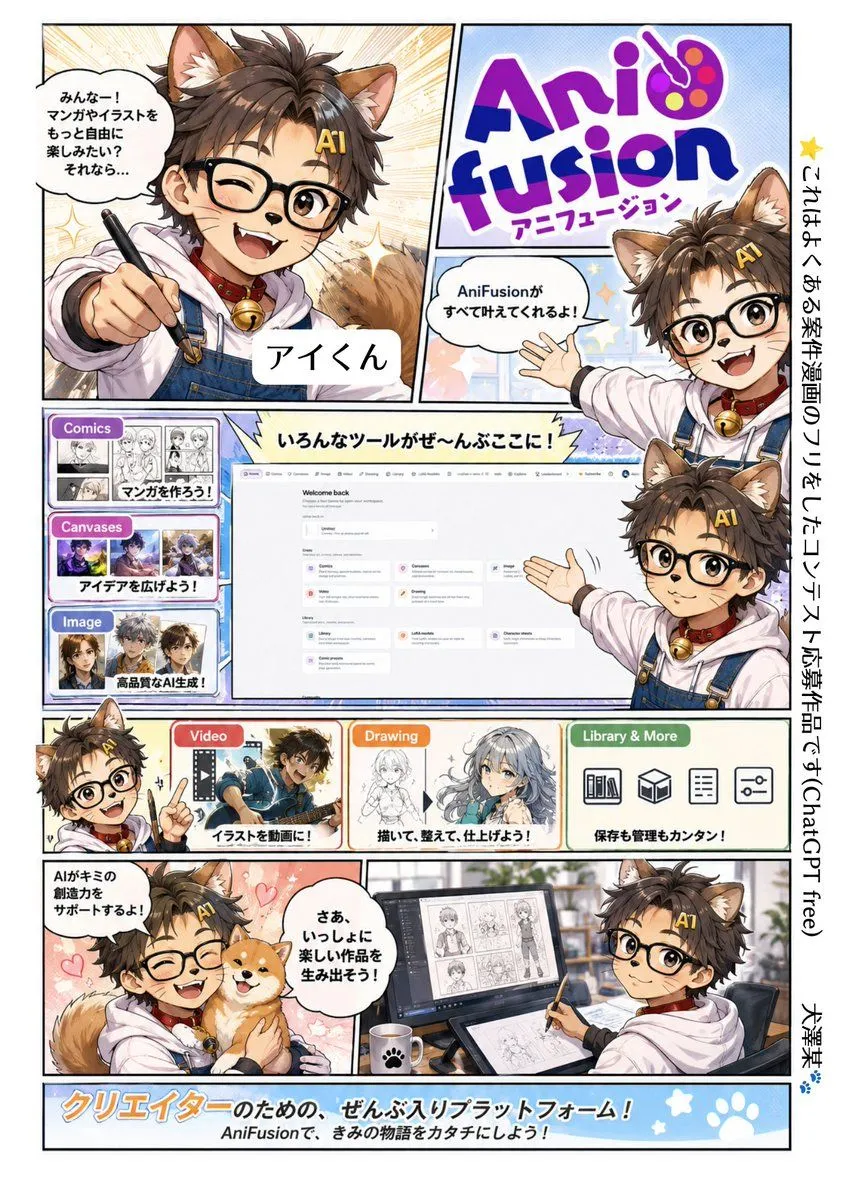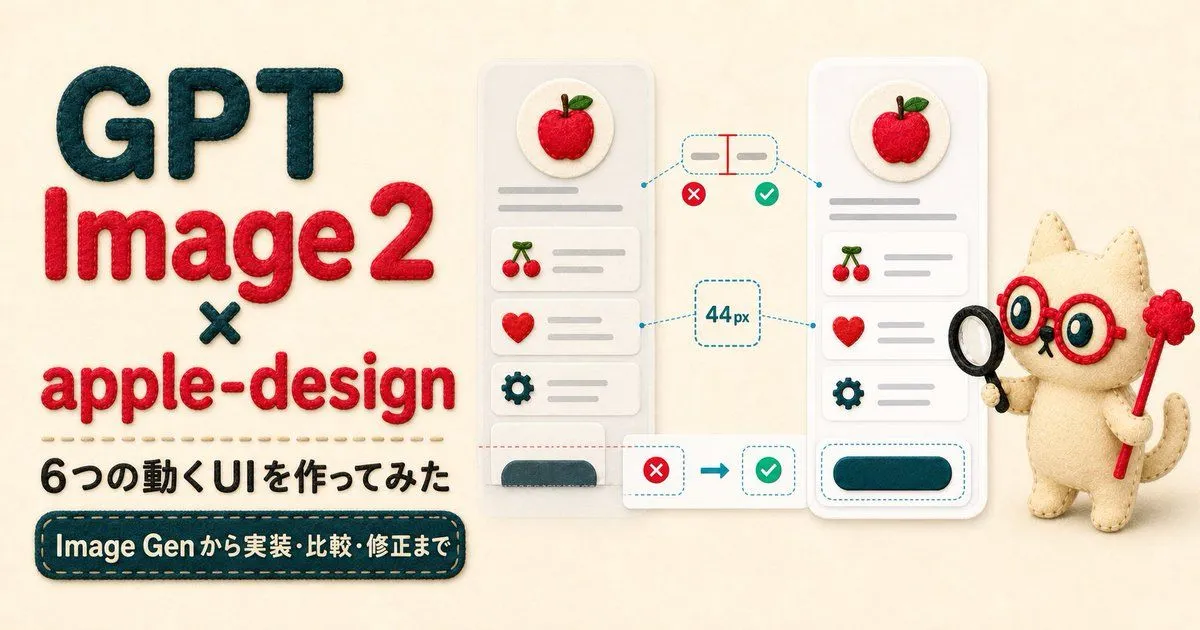
Made with GPT Image 2 in ChatGPT by Library Lifestyle. Promptclay never generates images.
Did it work?
No reports yet. Tell others if it worked for you.
Felt GPT Image 2 Apple Design Banner
Prompt
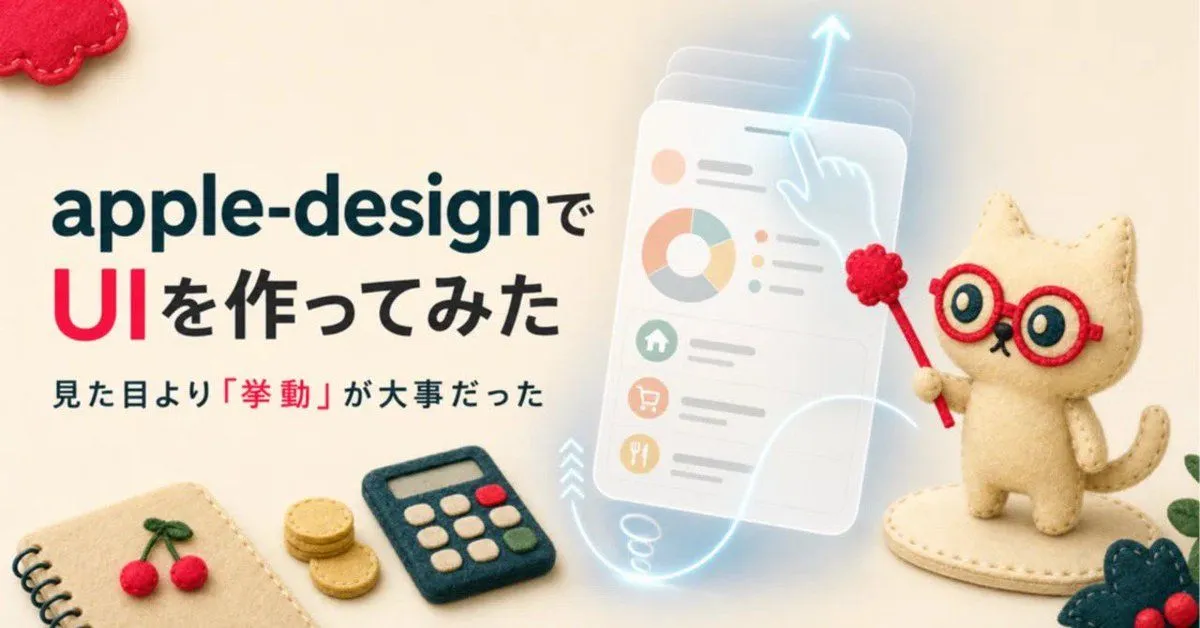
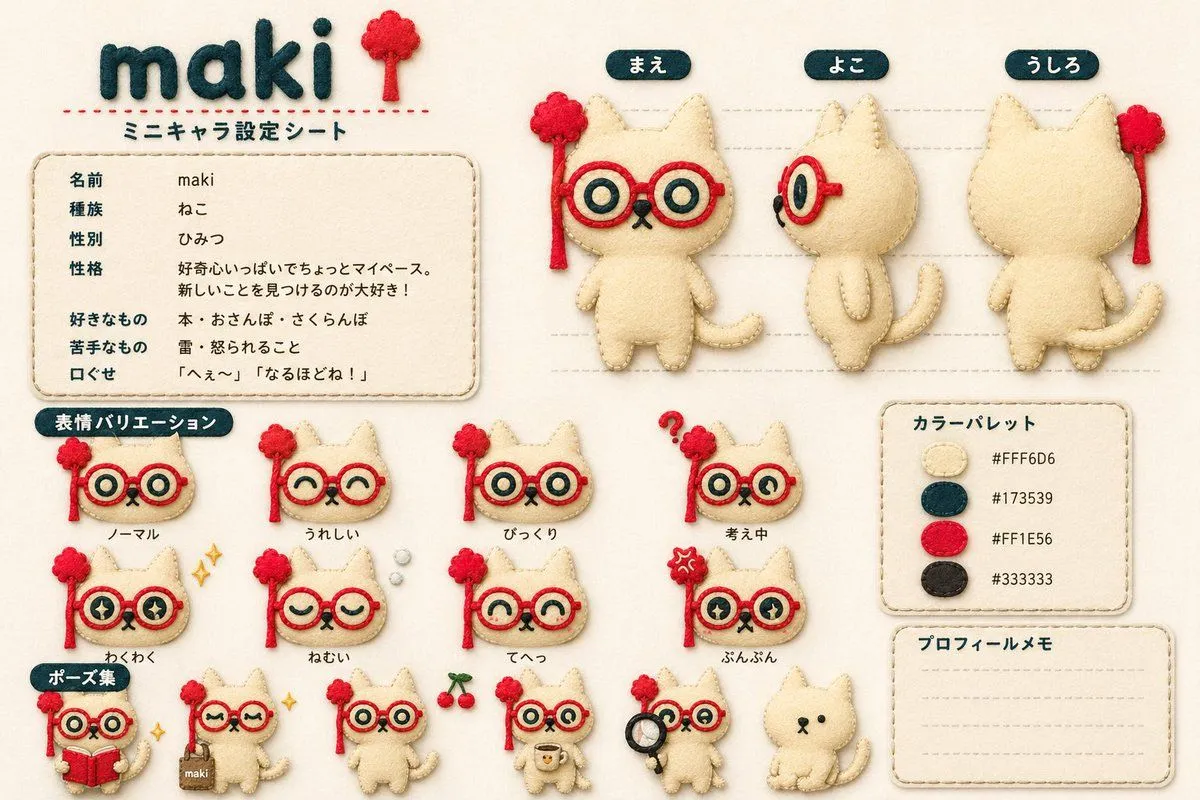
3 blanks to fillGoal: Create a wide article hero banner in a soft handmade felt-and-fabric craft style, introducing {headline_text} and six moving UI examples. Canvas: Horizontal 2:1 banner, warm cream fabric background, soft studio lighting, subtle shadows, tactile stitched materials, felt appliqué letters and plush objects. Layout: Left half is bold text typography; center shows two smartphone UI mockups with animation/comparison annotations; right side has a cute plush cat assistant character holding design-review props. Text content: Large stacked headline on the left reads exactly “GPT” in dark teal felt, “Image 2” in red felt, a small dark teal “×”, then “apple-design” in red felt. Under it, add a stitched divider line, then Japanese subheading text: {subheading_text}. At the bottom left, add a dark teal rounded stitched label with cream text: {bottom_label_text}. Central UI mockups: Show exactly 2 tall rounded smartphone cards. Each phone has a circular apple icon at the top, three stacked list rows below, and one bottom rounded button area. The list rows use exactly 3 icons: cherries, heart, and gear, each with gray placeholder text lines. The left phone looks slightly less refined and washed out; the right phone looks polished, brighter, and cleaner. Annotation elements: Between and around the phones, show exactly 4 comparison/measurement callouts: 1 top dashed pill showing alignment/spacing with a red measurement line, 1 central dashed box reading “44 px”, 1 bottom transformation callout with a red X leading by arrow to a green check, and 1 dashed outline around the polished right phone’s bottom button. Include exactly 2 red X badges and exactly 2 green check badges. Use cyan dashed guide lines connecting the callouts to the UI areas. Right character: Add a small beige felt plush cat mascot with stitched seams, red round glasses, large blue eyes, tiny whiskers, and a curled tail. It holds exactly 2 props: a black magnifying glass in one paw and a red magic wand topped with a raspberry-like pom-pom in the other. Character mood is cheerful, clever, and instructional. Visual style: Apple-inspired clean UI composition translated into soft felt craft, embroidered edges, raised fabric letters, rounded corners, cozy handmade texture, shallow depth of field, cream/red/dark teal palette with cyan annotation lines and gray UI placeholders. Constraints: Keep the banner uncluttered, readable, and centered. Preserve all visible Japanese text exactly as specified. Use no watermark, no photo-realistic metal or glass, and no extra UI cards beyond the 2 phones.
Preview of your prompt
Goal: Create a wide article hero banner in a soft handmade felt-and-fabric craft style, introducing GPT Image 2 × apple-design and six moving UI examples. Canvas: Horizontal 2:1 banner, warm cream fabric background, soft studio lighting, subtle shadows, tactile stitched materials, felt appliqué letters and plush objects. Layout: Left half is bold text typography; center shows two smartphone UI mockups with animation/comparison annotations; right side has a cute plush cat assistant character holding design-review props. Text content: Large stacked headline on the left reads exactly “GPT” in dark teal felt, “Image 2” in red felt, a small dark teal “×”, then “apple-design” in red felt. Under it, add a stitched divider line, then Japanese subheading text: 6つの動くUIを作ってみた. At the bottom left, add a dark teal rounded stitched label with cream text: Image Gen から実装・比較・修正まで. Central UI mockups: Show exactly 2 tall rounded smartphone cards. Each phone has a circular apple icon at the top, three stacked list rows below, and one bottom rounded button area. The list rows use exactly 3 icons: cherries, heart, and gear, each with gray placeholder text lines. The left phone looks slightly less refined and washed out; the right phone looks polished, brighter, and cleaner. Annotation elements: Between and around the phones, show exactly 4 comparison/measurement callouts: 1 top dashed pill showing alignment/spacing with a red measurement line, 1 central dashed box reading “44 px”, 1 bottom transformation callout with a red X leading by arrow to a green check, and 1 dashed outline around the polished right phone’s bottom button. Include exactly 2 red X badges and exactly 2 green check badges. Use cyan dashed guide lines connecting the callouts to the UI areas. Right character: Add a small beige felt plush cat mascot with stitched seams, red round glasses, large blue eyes, tiny whiskers, and a curled tail. It holds exactly 2 props: a black magnifying glass in one paw and a red magic wand topped with a raspberry-like pom-pom in the other. Character mood is cheerful, clever, and instructional. Visual style: Apple-inspired clean UI composition translated into soft felt craft, embroidered edges, raised fabric letters, rounded corners, cozy handmade texture, shallow depth of field, cream/red/dark teal palette with cyan annotation lines and gray UI placeholders. Constraints: Keep the banner uncluttered, readable, and centered. Preserve all visible Japanese text exactly as specified. Use no watermark, no photo-realistic metal or glass, and no extra UI cards beyond the 2 phones.
DetailsVersions, settings and questions
Written for
What's in the prompt
- Subject
- Model
- GPT Image 2
If your face changes
keep my face exactly the sameQuestions
- Does this work in the ChatGPT app?
- Yes. Paste the prompt and attach your photo if it uses one.
- It changed my face. What do I do?
- Add "keep my face exactly the same" to the end and run it again.
- Can I use the images I make?
- Check the terms of the app you use. Promptclay never generates images and claims nothing you make.