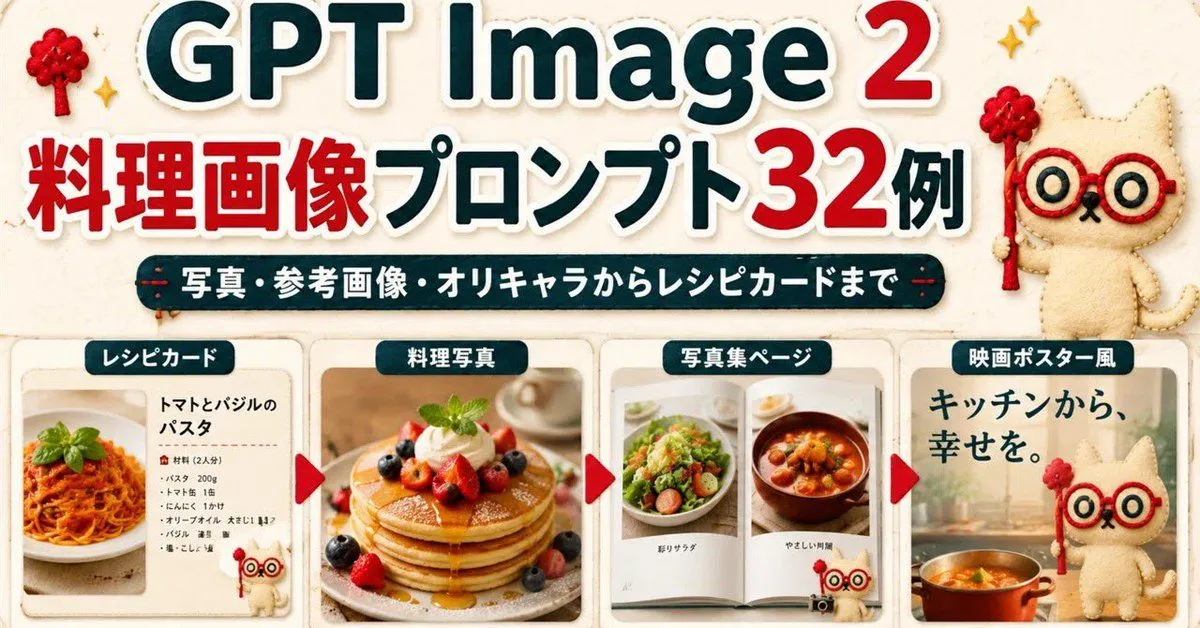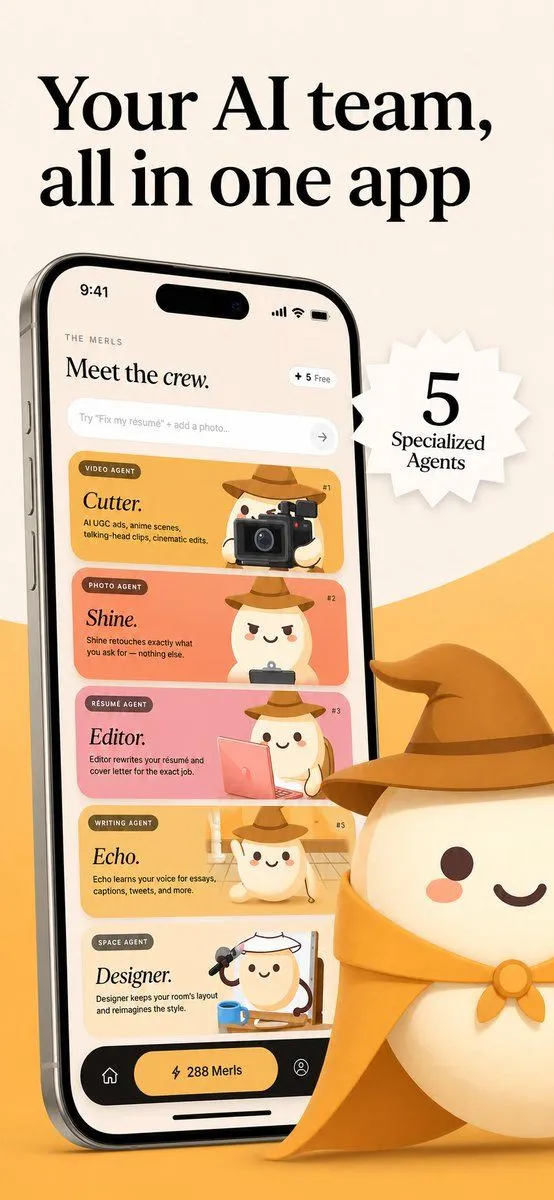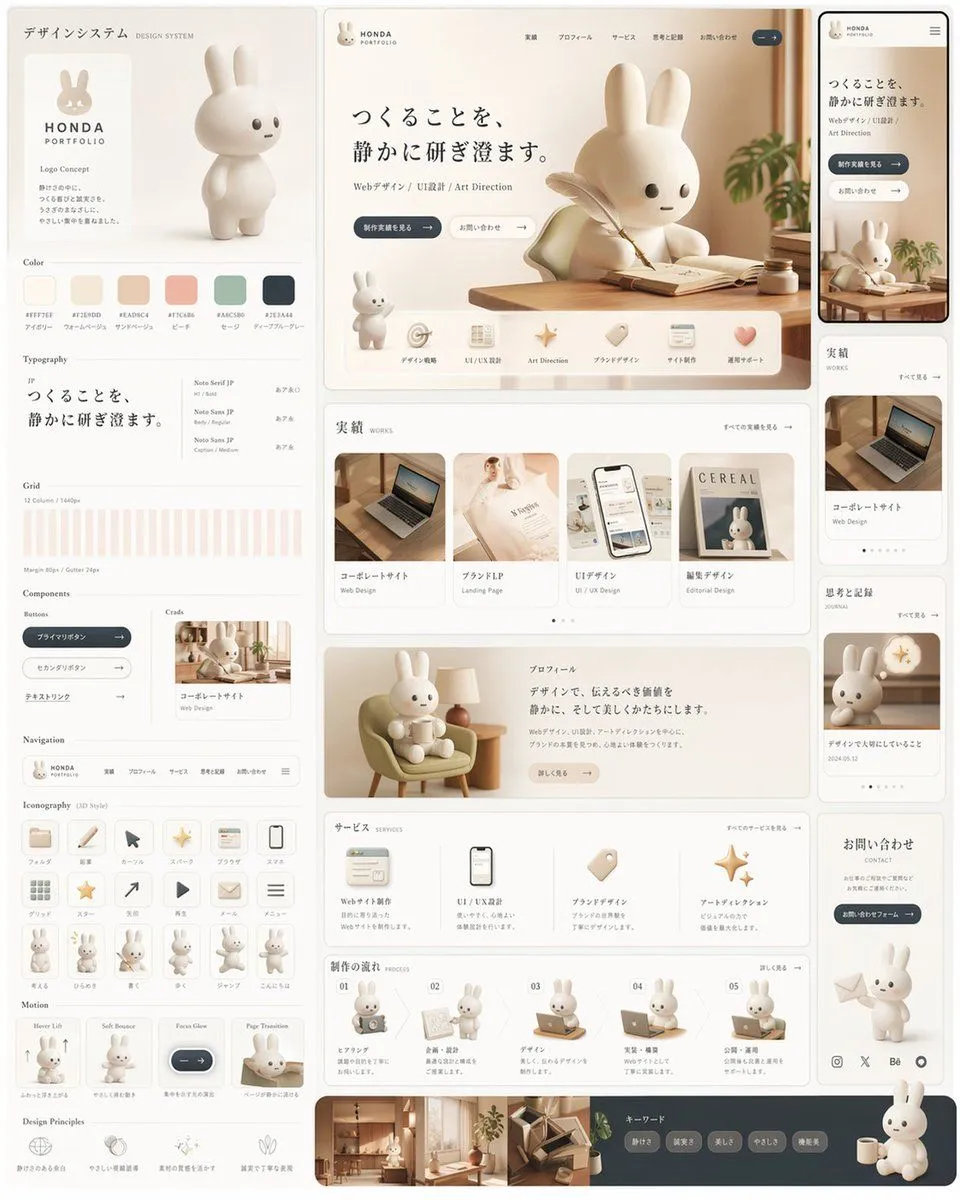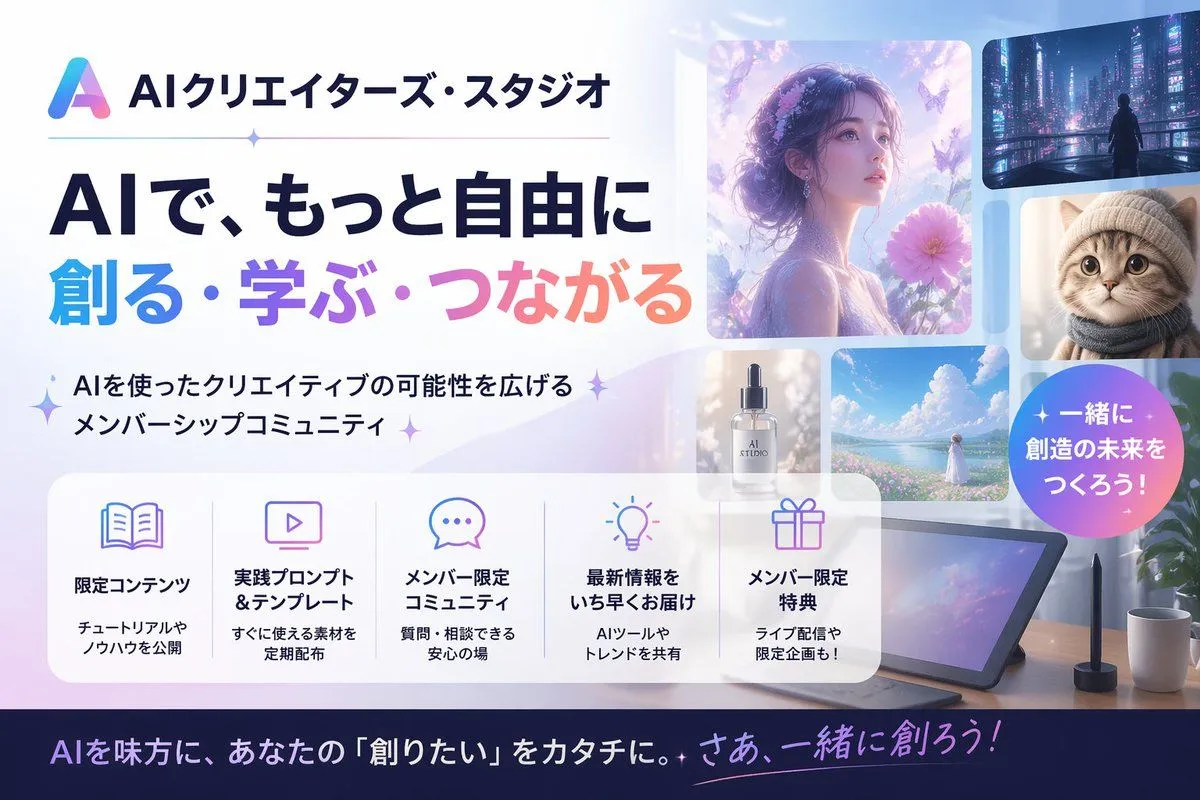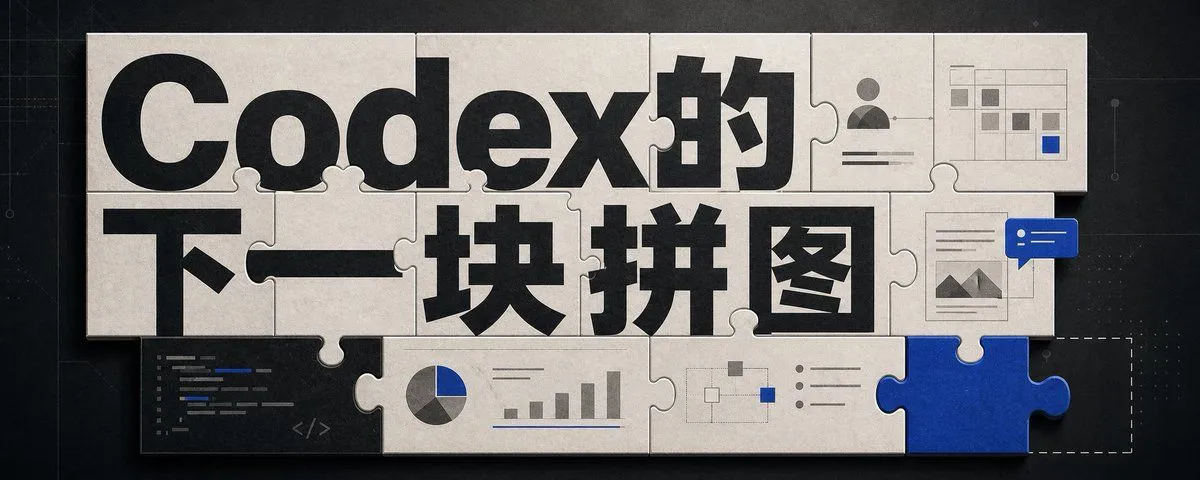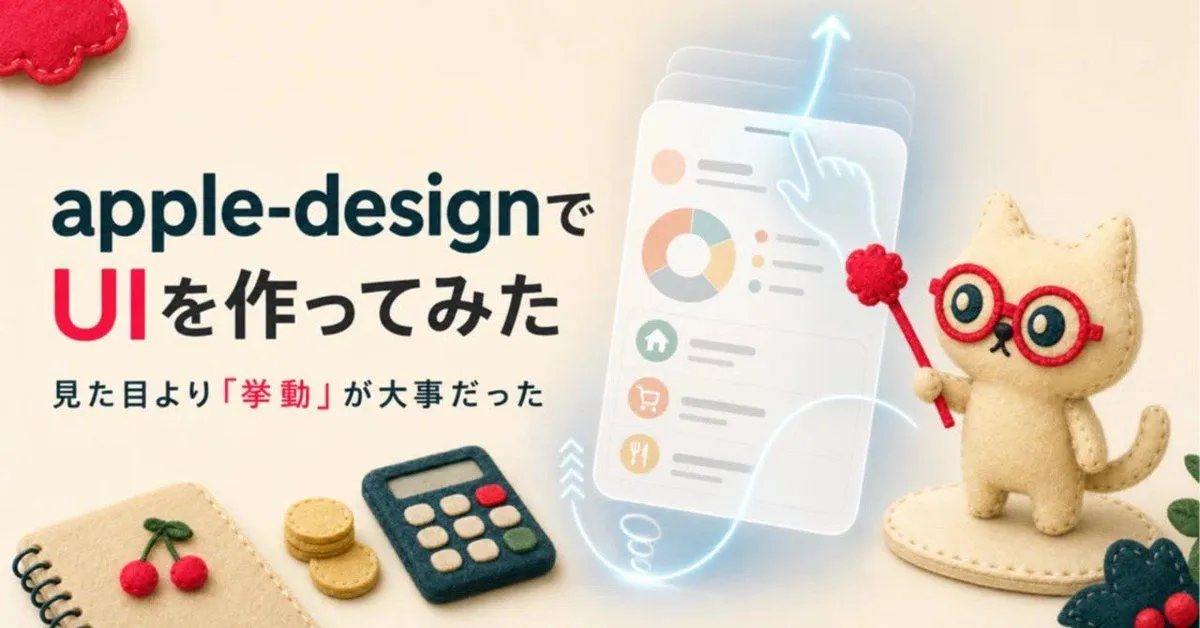
Made with GPT Image 2 in ChatGPT by Library Lifestyle. Promptclay never generates images.
Did it work?
No reports yet. Tell others if it worked for you.
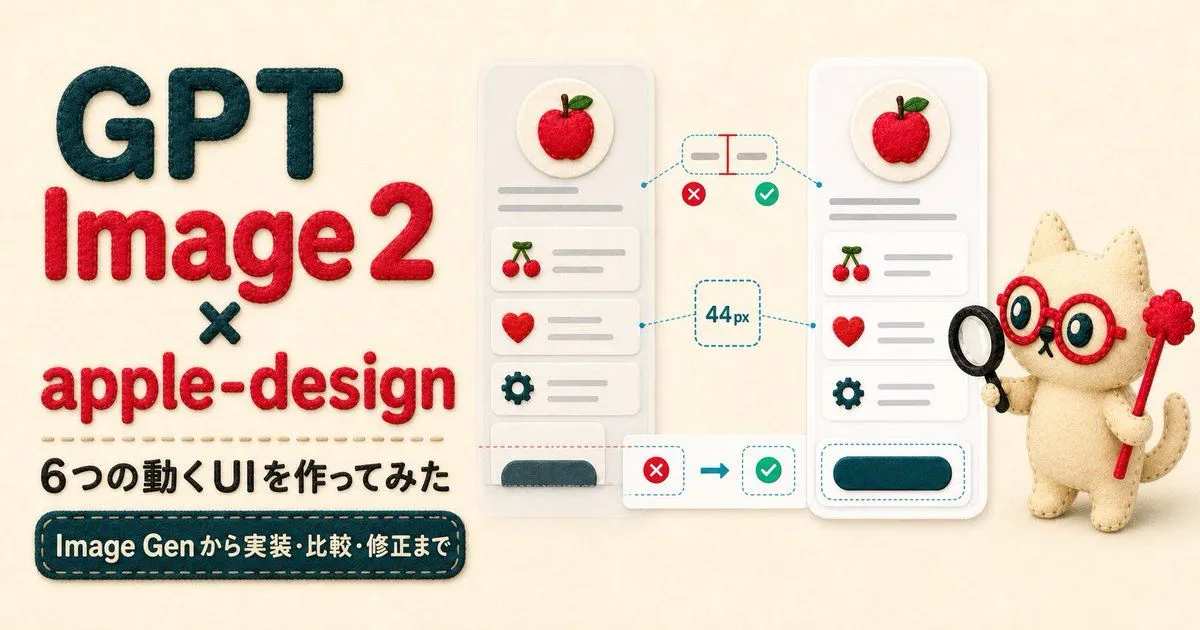
Felt Craft Apple Design UI Banner
Prompt
3 blanks to fillGoal: Create a wide social media banner in a warm handmade felt-craft style about building an Apple-design UI, combining cute needle-felt objects with a translucent futuristic interface mockup. Canvas: 1200 × 628 px horizontal banner, soft cream fabric background, shallow depth of field, cozy lighting, tactile wool-felt texture throughout. Layout: Left half contains large Japanese headline text aligned left. Right half contains a cute felt cat mascot beside a glowing translucent mobile UI card. Bottom edge is decorated with small felt stationery and craft props. Text content: Use exactly 3 visible text lines on the left: first line {headline_first_line} in dark teal, very large bold rounded sans-serif; second line {headline_second_line} with “UI” in bright red and the remaining characters in black, same bold style; third line {subheadline_text} in smaller dark teal/black text, with the quoted word 「挙動」 emphasized in red. Main subject details: On the right, place 1 cream-colored needle-felt cat mascot standing on an oval felt base. The cat has red round glasses, large teal-and-cream eyes, tiny black nose and mouth, a curved tail, stitched edges, and holds 1 red pointer wand topped with 1 red pom-pom flower. Behind and slightly left of the cat, show 1 semi-transparent floating smartphone-style UI panel tilted slightly, with frosted glass layers and a pale cyan glow. The UI panel contains exactly 1 donut chart, 3 small colored circular status dots, 3 stacked list rows, and 3 circular menu icons resembling home, shopping cart, and utensils. Add 1 glowing cyan gesture hand/finger touching the top of the panel, 1 upward arrow above it, and 1 looping glowing motion trail sweeping downward and across the bottom to suggest interaction behavior. Bottom and corner props: Include exactly 6 decorative felt props: 1 spiral notebook corner at bottom left with beige cover and black spiral binding, 1 pair of red felt cherries with green stems on the notebook, 1 small stack of gold felt coins near the center-left bottom, 1 dark teal felt calculator with cream buttons plus 1 red button and 1 green button, 1 red felt cloud shape cropped in the top-left corner, and 1 dark teal leafy felt decoration with red berries cropped at bottom-right. Visual style: Photorealistic miniature felt diorama mixed with clean editorial typography and glowing UI effects; soft shadows, rounded forms, visible stitches, wool fibers, pastel colors, Apple-like minimalism without using any official Apple logo. Constraints: Keep the composition airy and readable, no extra text beyond the 3 specified lines, no watermark, no photo-real human hands, no hard plastic texture, and avoid cluttering the UI card with unreadable microtext.
Preview of your prompt
Goal: Create a wide social media banner in a warm handmade felt-craft style about building an Apple-design UI, combining cute needle-felt objects with a translucent futuristic interface mockup. Canvas: 1200 × 628 px horizontal banner, soft cream fabric background, shallow depth of field, cozy lighting, tactile wool-felt texture throughout. Layout: Left half contains large Japanese headline text aligned left. Right half contains a cute felt cat mascot beside a glowing translucent mobile UI card. Bottom edge is decorated with small felt stationery and craft props. Text content: Use exactly 3 visible text lines on the left: first line apple-designで in dark teal, very large bold rounded sans-serif; second line UIを作ってみた with “UI” in bright red and the remaining characters in black, same bold style; third line 見た目より「挙動」が大事だった in smaller dark teal/black text, with the quoted word 「挙動」 emphasized in red. Main subject details: On the right, place 1 cream-colored needle-felt cat mascot standing on an oval felt base. The cat has red round glasses, large teal-and-cream eyes, tiny black nose and mouth, a curved tail, stitched edges, and holds 1 red pointer wand topped with 1 red pom-pom flower. Behind and slightly left of the cat, show 1 semi-transparent floating smartphone-style UI panel tilted slightly, with frosted glass layers and a pale cyan glow. The UI panel contains exactly 1 donut chart, 3 small colored circular status dots, 3 stacked list rows, and 3 circular menu icons resembling home, shopping cart, and utensils. Add 1 glowing cyan gesture hand/finger touching the top of the panel, 1 upward arrow above it, and 1 looping glowing motion trail sweeping downward and across the bottom to suggest interaction behavior. Bottom and corner props: Include exactly 6 decorative felt props: 1 spiral notebook corner at bottom left with beige cover and black spiral binding, 1 pair of red felt cherries with green stems on the notebook, 1 small stack of gold felt coins near the center-left bottom, 1 dark teal felt calculator with cream buttons plus 1 red button and 1 green button, 1 red felt cloud shape cropped in the top-left corner, and 1 dark teal leafy felt decoration with red berries cropped at bottom-right. Visual style: Photorealistic miniature felt diorama mixed with clean editorial typography and glowing UI effects; soft shadows, rounded forms, visible stitches, wool fibers, pastel colors, Apple-like minimalism without using any official Apple logo. Constraints: Keep the composition airy and readable, no extra text beyond the 3 specified lines, no watermark, no photo-real human hands, no hard plastic texture, and avoid cluttering the UI card with unreadable microtext.
DetailsVersions, settings and questions
Written for
What's in the prompt
- Subject
- Model
- GPT Image 2
If your face changes
keep my face exactly the sameQuestions
- Does this work in the ChatGPT app?
- Yes. Paste the prompt and attach your photo if it uses one.
- It changed my face. What do I do?
- Add "keep my face exactly the same" to the end and run it again.
- Can I use the images I make?
- Check the terms of the app you use. Promptclay never generates images and claims nothing you make.