Tell us anything

An idea, a bug, something you love. We read every note.

⌘↵ to send. The page you're on comes along.

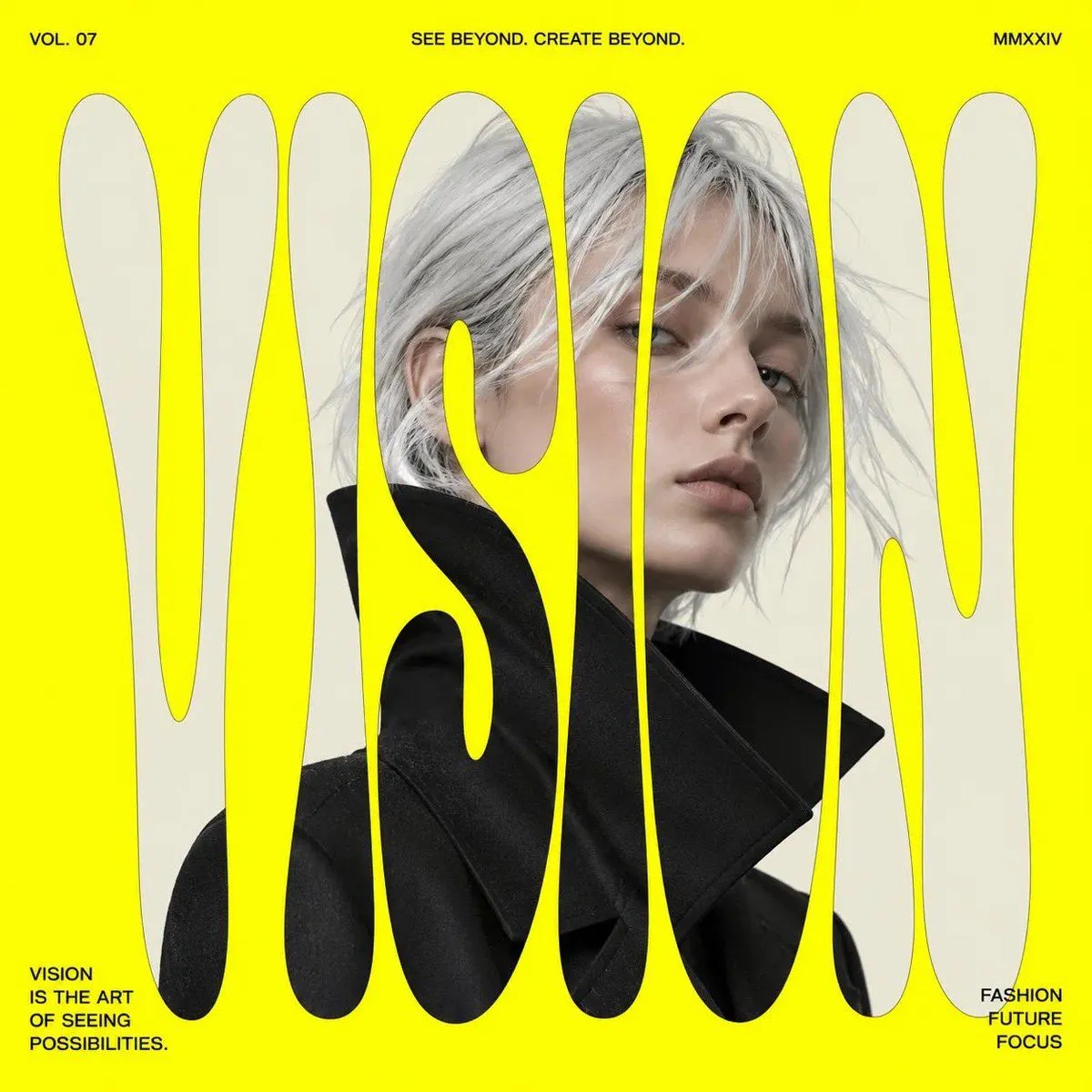
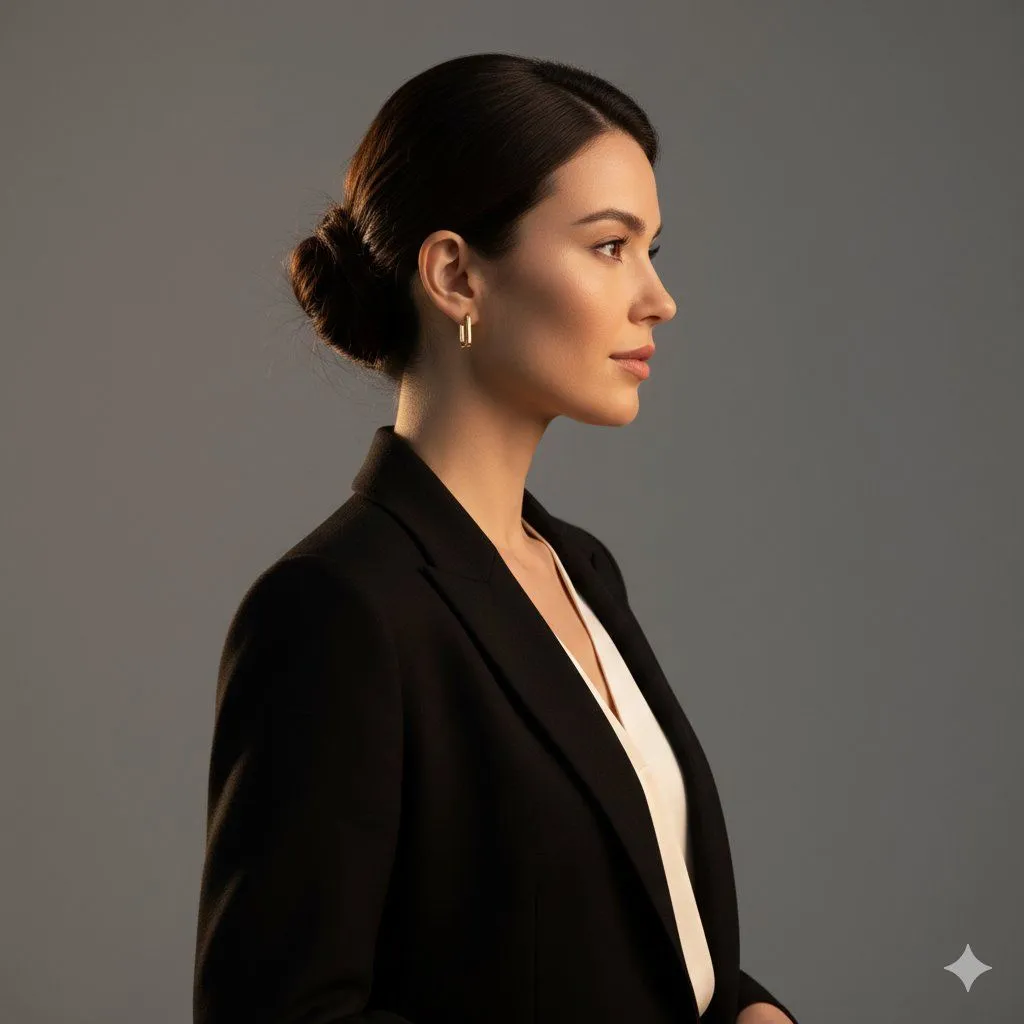
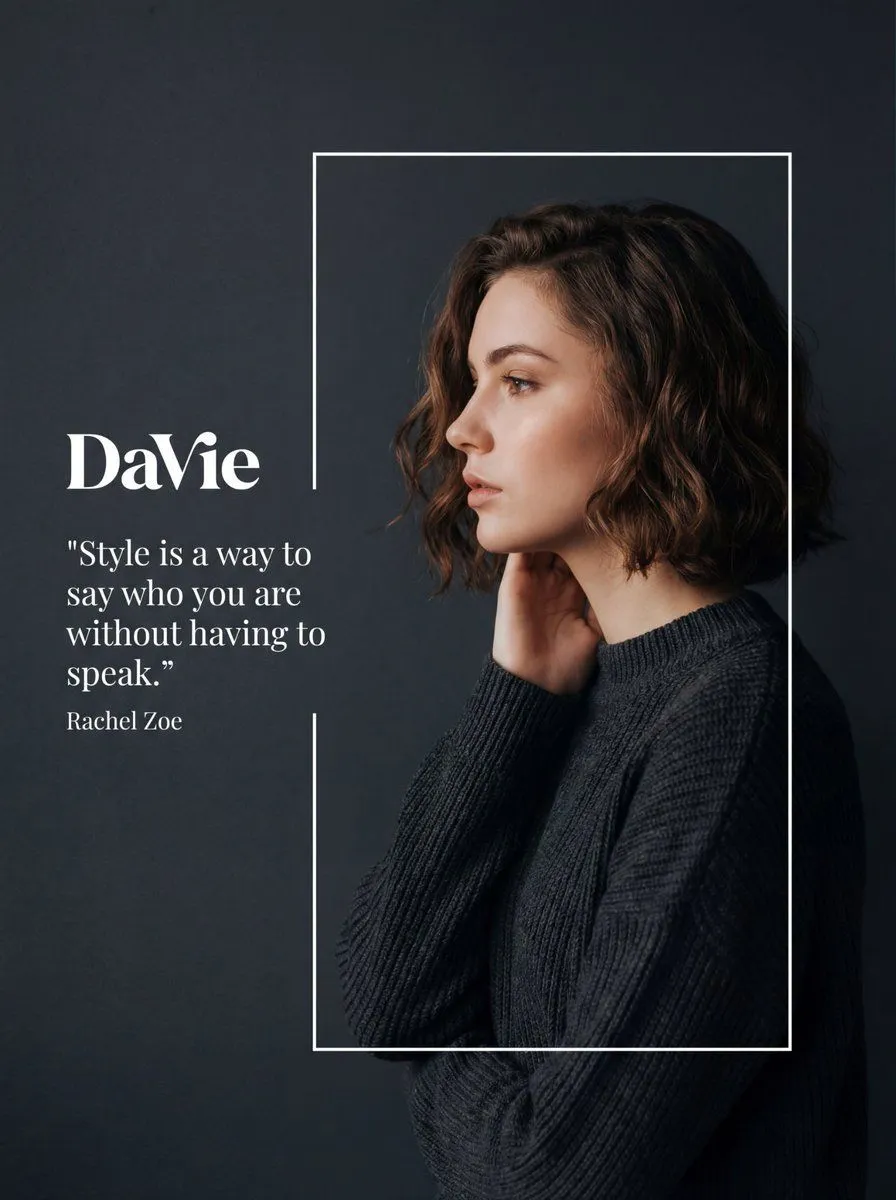
Fashion Editorial Portrait with Graphic Overlay Prompt

Made with Nano Banana Pro in Gemini by Library Social. Promptclay never generates images.

Did it work?

No reports yet. Tell others if it worked for you.

No comments yet. Be the first.

    Fashion Editorial Portrait with Graphic Overlay Prompt

    Nano Banana Pro3:4AI-generated

    Prompt

    { "meta": { "image_quality": "High", "image_type": "Editorial/Fashion Photography with Graphic Overlay", "resolution_estimation": "High resolution, likely 1080x1350 or similar portrait aspect ratio", "file_characteristics": { "compression_artifacts": "Low", "noise_level": "Low", "lens_type_estimation": "Portrait lens (approx 85mm), shallow depth of field simulated or real" } }, "global_context": { "scene_description": "A stylized fashion editorial composition featuring a side-profile portrait of a young woman with short, wavy brown hair. She is framed within a thin white rectangular outline against a dark, matte charcoal-grey background. To her left, outside the frame, is white typography including a logo and a quote. The lighting is soft and moody, highlighting her facial features and hair texture.", "environment_type": "Studio", "time_of_day": "Indiscernible/Controlled Studio Lighting", "weather_atmosphere": "Serene, Sophisticated, Melancholic, Elegant", "lighting": { "source": "Artificial Studio Softbox", "direction": "Front-left relative to the model (illuminating face profile) with subtle rim lighting on hair", "quality": "Soft, Diffused", "color_temperature": "Neutral to slightly warm on skin tones" }, "color_palette": { "dominant_hex_estimates": [ "#2C2F33", "#3A3D42", "#E8CBBF", "#5D4B42" ], "accent_colors": [ "#FFFFFF", "#D48C7D" ], "contrast_level": "Medium-High (due to dark background vs pale skin/white text)" } }, "composition": { "camera_angle": "Eye-level", "framing": "Medium close-up (Head and shoulders)", "depth_of_field": "Medium (Subject sharp, background uniform)", "focal_point": "The model's face in profile and the white typography", "symmetry_type": "Asymmetrical balance (Text on left, Subject on right)", "rule_of_thirds_alignment": "Model's face aligns with the right vertical third line; Text aligns with the upper-left intersection area" }, "objects": [ { "id": "obj_001", "label": "Background", "category": "Backdrop", "location": { "relative_position": "Full Frame", "bounding_box_percentage": { "x": 0.0, "y": 0.0, "width": 1.0, "height": 1.0 } }, "dimensions_relative": "Full canvas", "distance_from_camera": "Far", "pose_orientation": "Vertical plane", "material": "Matte paper or digital fill", "surface_properties": { "texture": "Smooth with very fine grain", "reflectivity": "None", "micro_details": "Uniform color", "wear_state": "New" }, "color_details": { "base_color_hex": "#2C2F33", "secondary_colors": [], "gradient_or_pattern": "Subtle vignetting or lighting falloff towards cor" } } }

    Works in
    Gemini, ChatGPT
    Status
    Free to copy
    0
    DetailsVersions, settings and questions

    Written for

    What's in the prompt

    Subject
    Model
    Nano Banana Pro

    If your face changes

    keep my face exactly the same

    Questions

    Does this work in the Gemini app?
    Yes. Gemini runs Nano Banana, so paste the prompt and attach your photo if it uses one.
    It changed my face. What do I do?
    Add "keep my face exactly the same" to the end and run it again.
    Can I use the images I make?
    Check the terms of the app you use. Promptclay never generates images and claims nothing you make.
    Similar prompts

    See more
    • Letter S Editorial Portrait
    • Typography Fabric Poster Template
    • Modern Fashion Editorial Poster
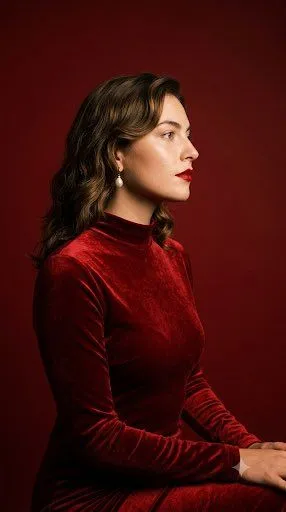
    • Crimson Velvet Studio Portrait
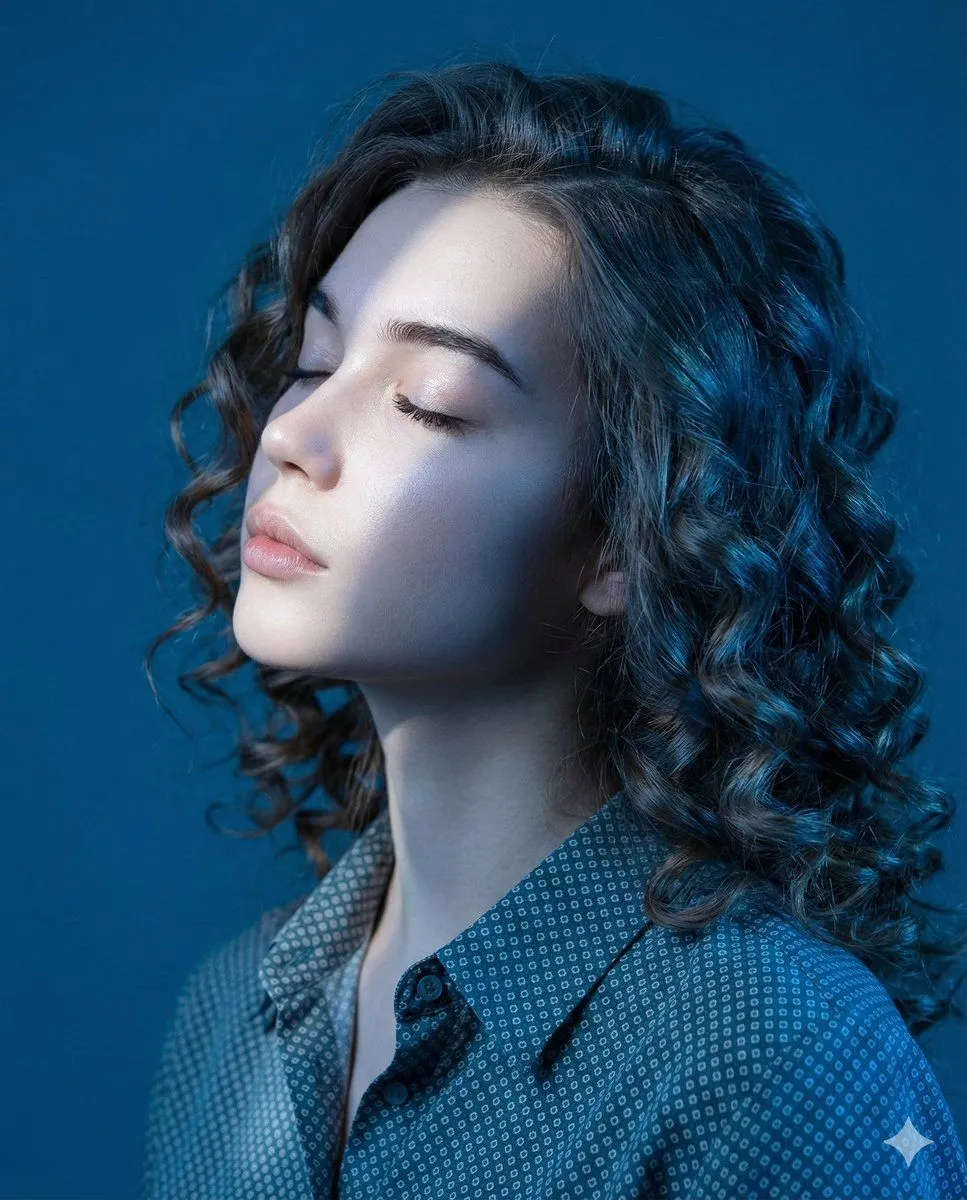
    • Editorial Profile Portrait in Dramatic Blue Light
    • Luxury Fashion Editorial Portrait Prompt
    • Luxury Fashion Beauty Portrait
    • Luxury Fashion Editorial Portrait
    • Ultra-Photorealistic Cinematic Side Profile Portrait Prompt
    • East Asian Fashion Sunglasses Portrait
    • Haute Couture Editorial Collage
    • High-End Fashion Editorial Studio Portrait
    • High-Fashion Editorial Portrait with Exact Identity and Pose Replication
    • Editorial Portrait Photo Grid
    • Modern Geometric Polygon Portrait
    • Fragmented Geometric Figurative Illustration
    • Human Fragments Editorial Poster
    • Man with Zootopia Characters in Alpine Cable Car
    • Time Progression Image Generation Prompt
    • Hand-Carved Wooden Miniature Figure
    • Hyperrealistic Tattooed Elf Couple
    • Modern Editorial Collage Poster
    • Multi-Angle Scene Generation Prompt (Oshi no Ko Style)
    • Nano Banana Pro Thumbnail Generation Example

    Show more

    Run it on your phone

    1. Prompt copiedRead it

      { "meta": { "image_quality": "High", "image_type": "Editorial/Fashion Photography with Graphic Overlay", "resolution_estimation": "High resolution, likely 1080x1350 or similar portrait aspect ratio", "file_characteristics": { "compression_artifacts": "Low", "noise_level": "Low", "lens_type_estimation": "Portrait lens (approx 85mm), shallow depth of field simulated or real" } }, "global_context": { "scene_description": "A stylized fashion editorial composition featuring a side-profile portrait of a young woman with short, wavy brown hair. She is framed within a thin white rectangular outline against a dark, matte charcoal-grey background. To her left, outside the frame, is white typography including a logo and a quote. The lighting is soft and moody, highlighting her facial features and hair texture.", "environment_type": "Studio", "time_of_day": "Indiscernible/Controlled Studio Lighting", "weather_atmosphere": "Serene, Sophisticated, Melancholic, Elegant", "lighting": { "source": "Artificial Studio Softbox", "direction": "Front-left relative to the model (illuminating face profile) with subtle rim lighting on hair", "quality": "Soft, Diffused", "color_temperature": "Neutral to slightly warm on skin tones" }, "color_palette": { "dominant_hex_estimates": [ "#2C2F33", "#3A3D42", "#E8CBBF", "#5D4B42" ], "accent_colors": [ "#FFFFFF", "#D48C7D" ], "contrast_level": "Medium-High (due to dark background vs pale skin/white text)" } }, "composition": { "camera_angle": "Eye-level", "framing": "Medium close-up (Head and shoulders)", "depth_of_field": "Medium (Subject sharp, background uniform)", "focal_point": "The model's face in profile and the white typography", "symmetry_type": "Asymmetrical balance (Text on left, Subject on right)", "rule_of_thirds_alignment": "Model's face aligns with the right vertical third line; Text aligns with the upper-left intersection area" }, "objects": [ { "id": "obj_001", "label": "Background", "category": "Backdrop", "location": { "relative_position": "Full Frame", "bounding_box_percentage": { "x": 0.0, "y": 0.0, "width": 1.0, "height": 1.0 } }, "dimensions_relative": "Full canvas", "distance_from_camera": "Far", "pose_orientation": "Vertical plane", "material": "Matte paper or digital fill", "surface_properties": { "texture": "Smooth with very fine grain", "reflectivity": "None", "micro_details": "Uniform color", "wear_state": "New" }, "color_details": { "base_color_hex": "#2C2F33", "secondary_colors": [], "gradient_or_pattern": "Subtle vignetting or lighting falloff towards cor" } } }

    2. Open your app

    3. Paste and run

      Press and hold the message box, then tap Paste. Add your photo first if the prompt uses one. You may need to sign in.

    Fashion Editorial Portrait with Graphic Overlay Prompt