Tell us anything

An idea, a bug, something you love. We read every note.

⌘↵ to send. The page you're on comes along.

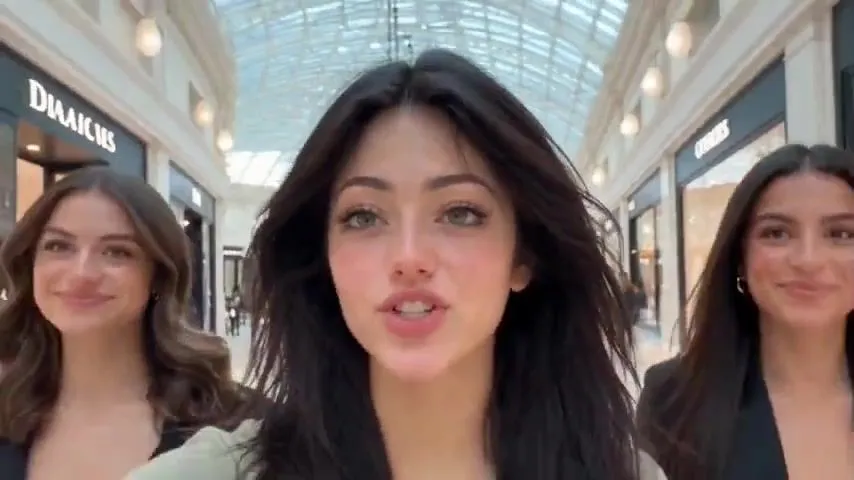
Fashion Campaign Location Transition

Made with Seedance 2.5 in Kling by Library Cinema. Promptclay never generates images.

Did it work?

No reports yet. Tell others if it worked for you.

No comments yet. Be the first.

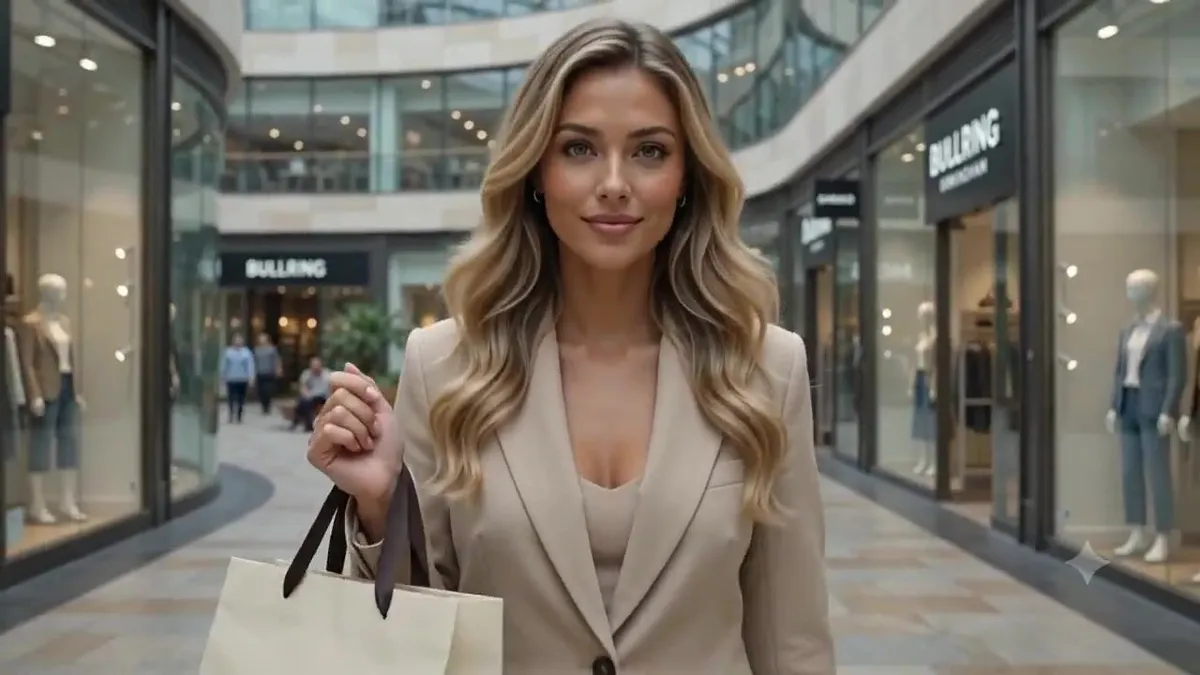
    Fashion Campaign Location Transition

    Seedance 2.516:9AI-generated

    Prompt

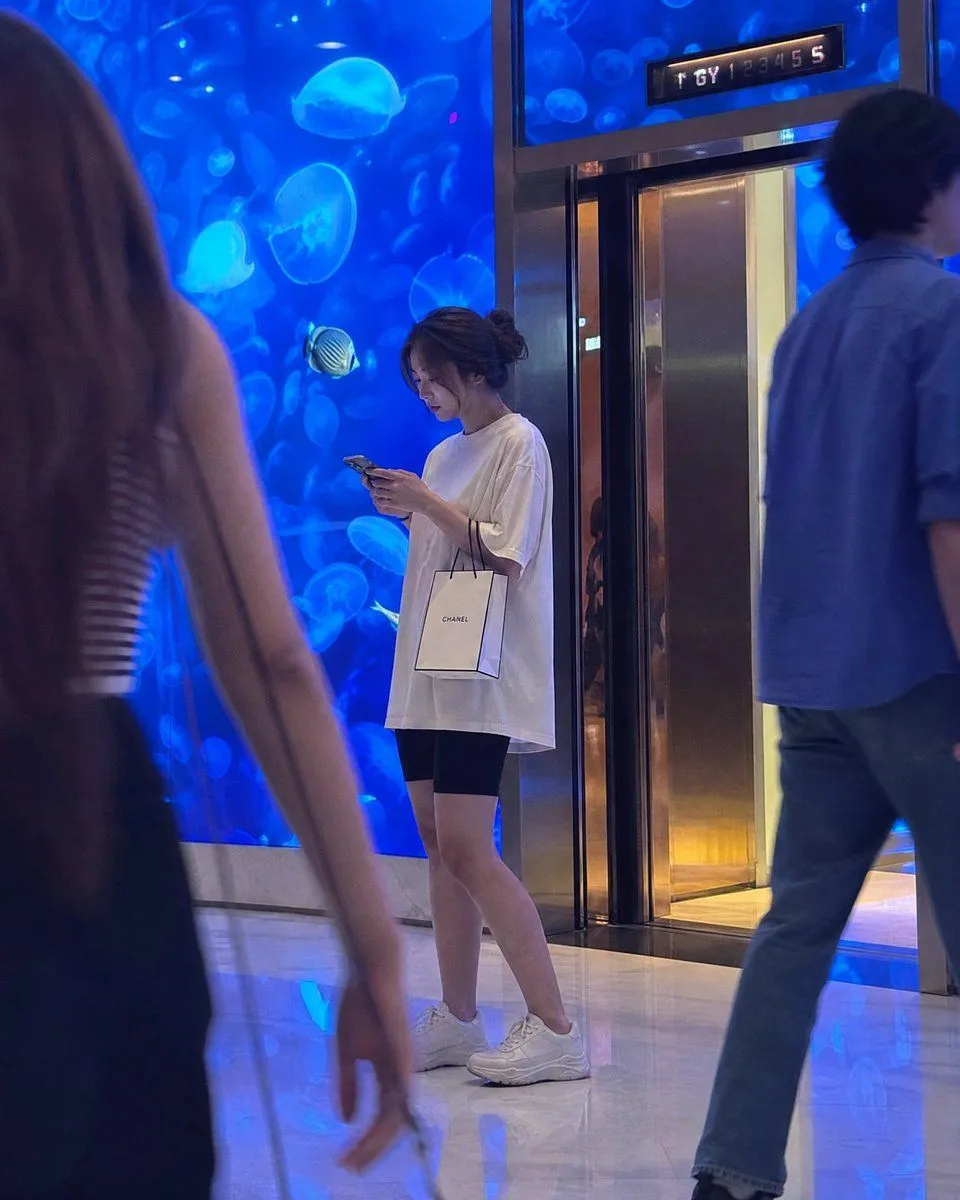
    Create a 10-second ultra-realistic cinematic video featuring the same stylish young woman carrying a single luxury shopping bag. 0–2 sec: She walks through Bullring Birmingham carrying one shopping bag and looks directly at the camera. 2–4 sec: She lifts the bag toward the camera until it completely fills the screen. 4–6 sec: The bag suddenly drops away, revealing her standing on a beautiful Mediterranean beach at sunset, wearing a glamorous summer outfit. 6–8 sec: She turns around and walks toward the ocean while holding the same shopping bag. 8–10 sec: She turns back toward the camera, smiles, and the scene transitions back to Birmingham for a split second. Style: Photorealistic, seamless location transition, cinematic travel-fashion campaign, consistent character identity, realistic physics, golden-hour lighting, smooth camera movement, visually surprising, high-end commercial aesthetic, 4K.

    Works in
    Kling
    Status
    Free to copy
    0
    DetailsVersions, settings and questions

    Written for

    What's in the prompt

    Subject
    Model
    Seedance 2.5

    If your face changes

    keep my face exactly the same

    Questions

    Does this work in the Kling app?
    Yes. Paste the prompt and attach your photo if it uses one.
    It changed my face. What do I do?
    Add "keep my face exactly the same" to the end and run it again.
    Can I use the images I make?
    Check the terms of the app you use. Promptclay never generates images and claims nothing you make.
    Similar prompts

    See more
    • Premium fashion campaign prompt
    • Luxury Fashion Shopping Trip FriendsVideo, 0:30
    • Candid Luxury Mall Aquarium Portrait
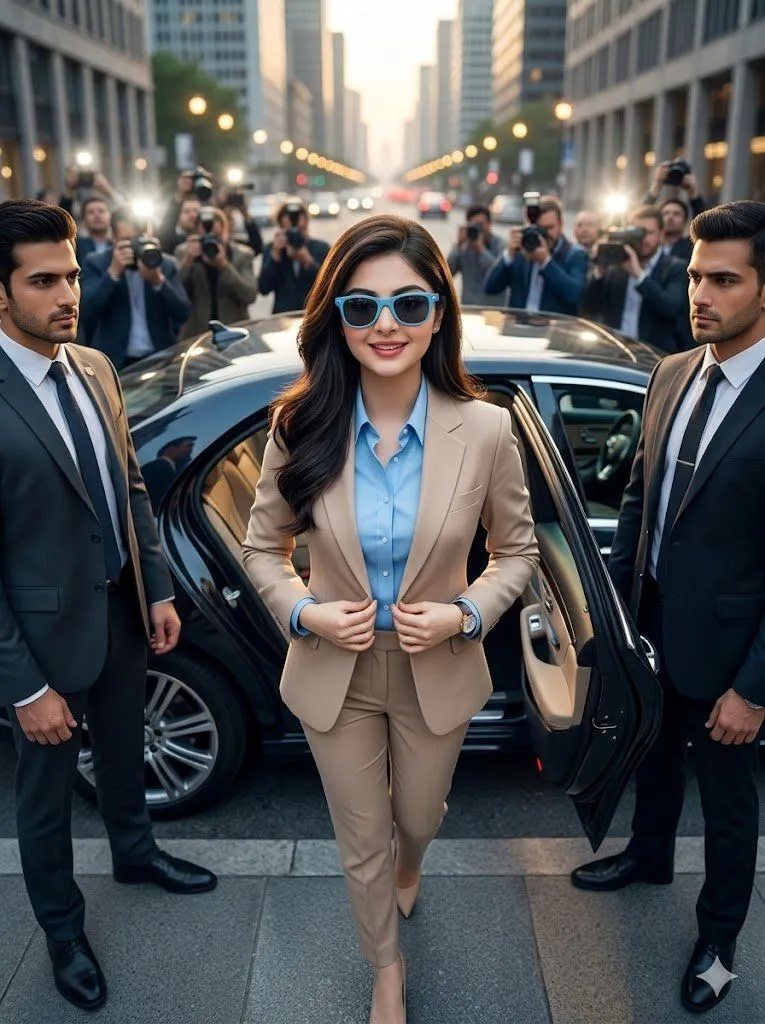
    • Urban Golden Hour Fashion Editorial
    • Cinematic Luxury Fashion Portrait
    • Candid Mall Fashion Portrait
    • 8-Photo Cinematic Shopping Day Collage
    • Seasonal Fashion Transition VlogVideo, 0:25
    • Golden Hour Urban Fashion Portrait
    • Zhao Lusi High-Fashion Editorial Prompt
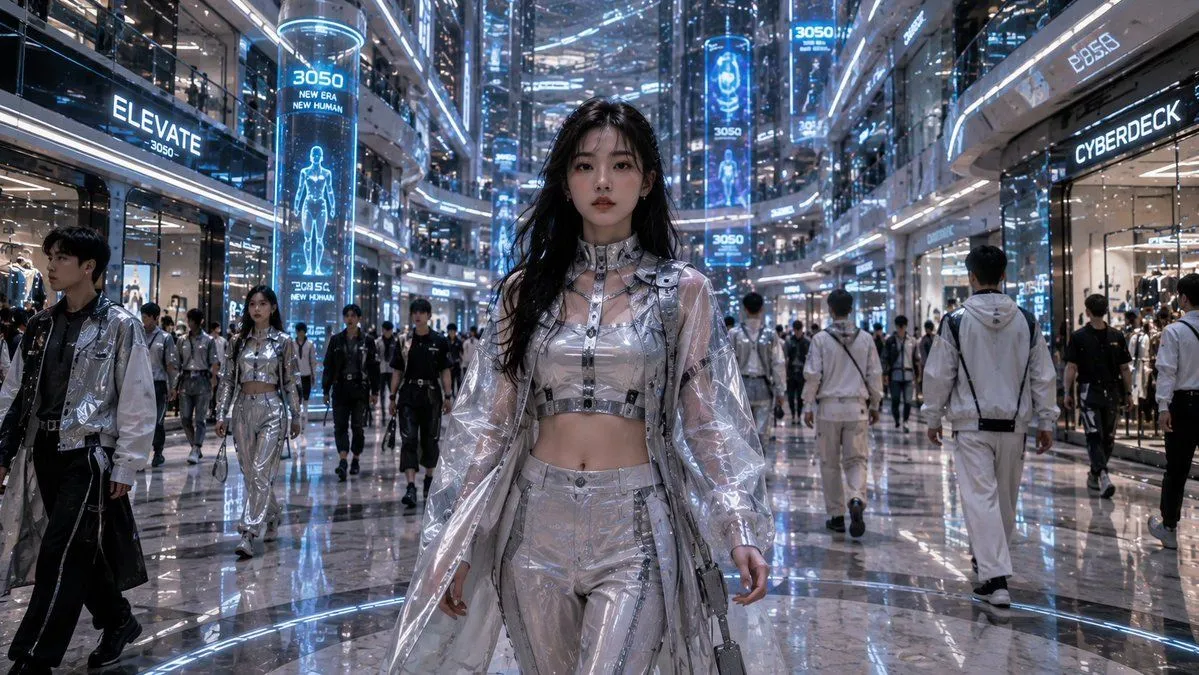
    • Futuristic Mall Fashion in 3050
    • Cinematic Billionaire Lifestyle Portrait
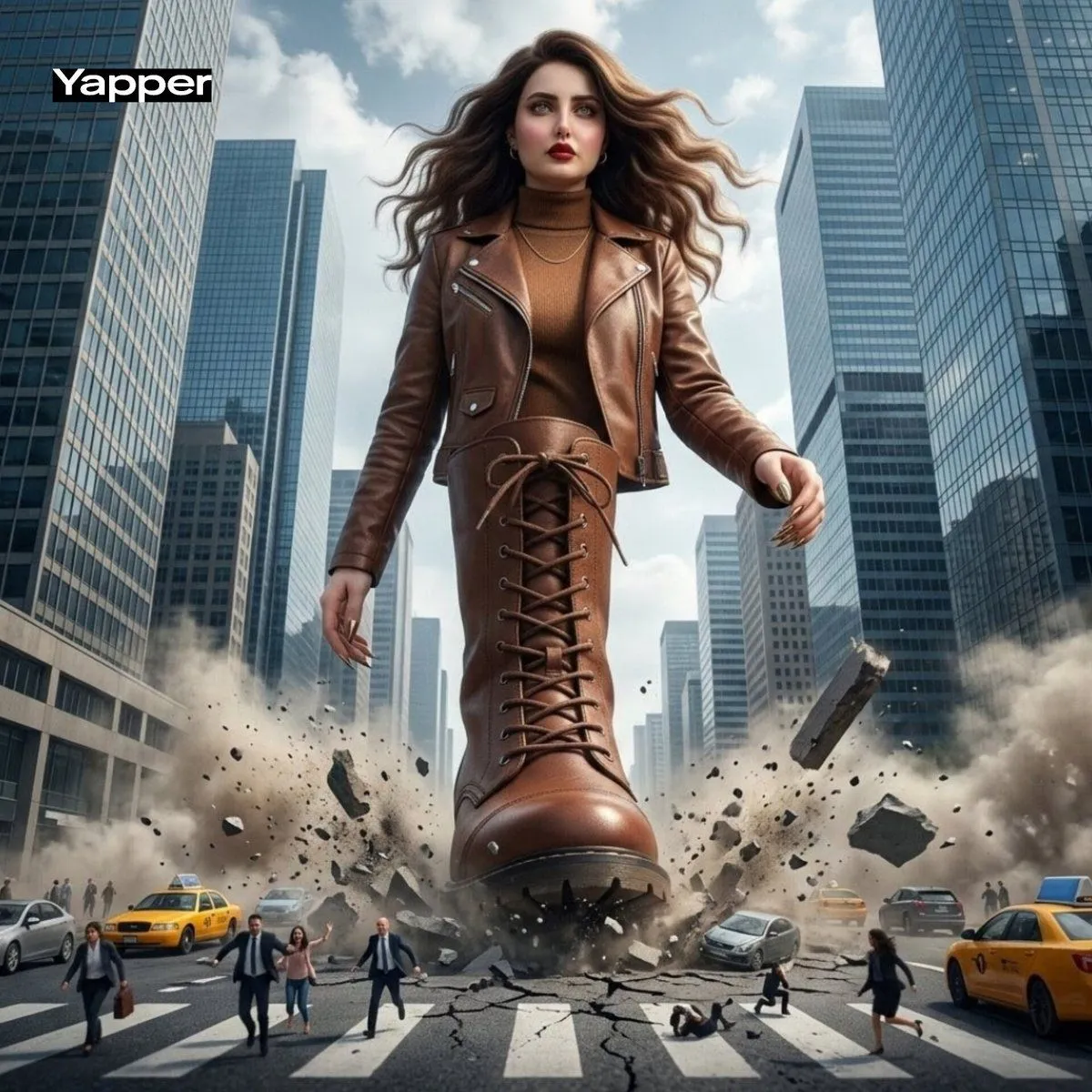
    • Giant Woman City Walk Video Prompt
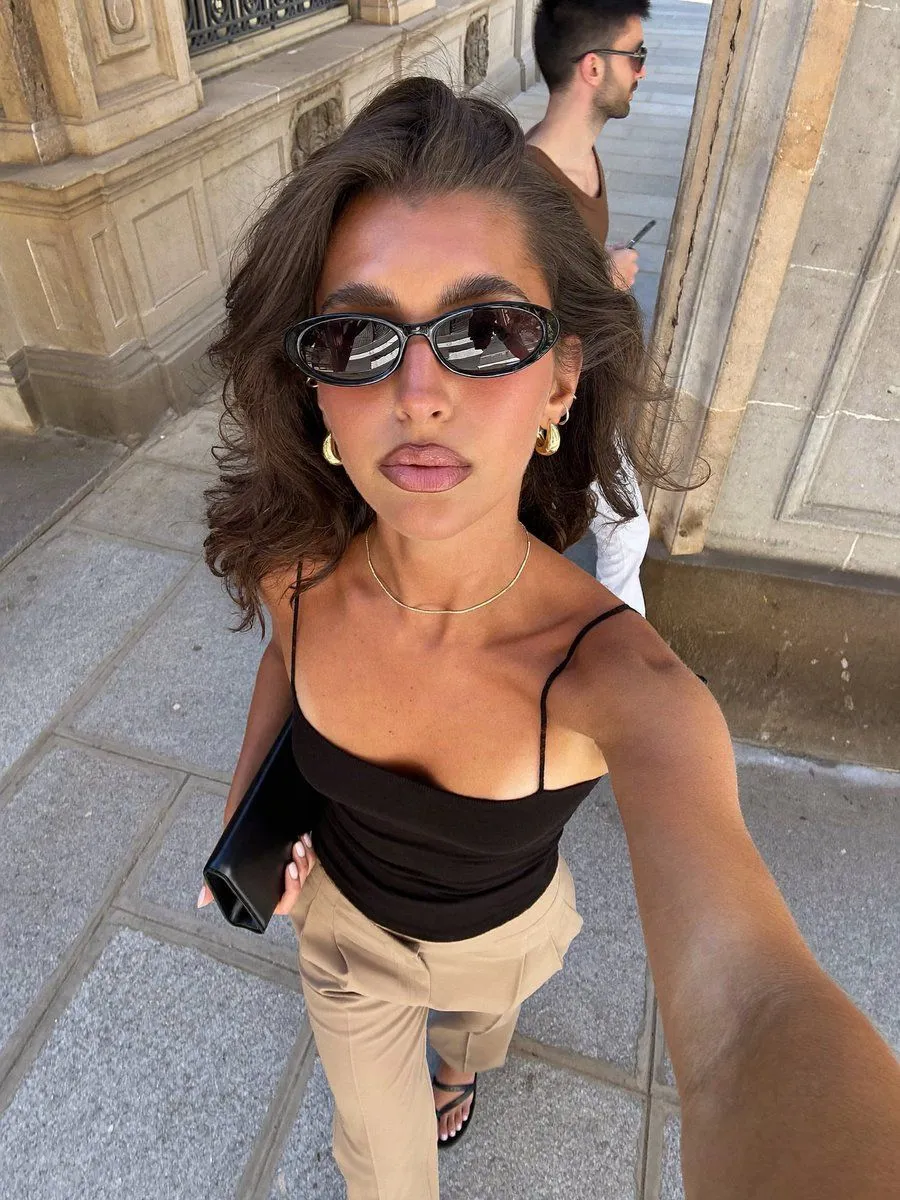
    • Realistic Urban Selfie Portrait
    • Gen-Z Fashion Editorial Studio Portrait
    • Two Cinematic Story Prompts on Risk-TakingVideo, 0:15
    • Viral Short Drama: Heartbreak and Rain PromptVideo, 0:15
    • Elegant 23rd Birthday Studio Portrait
    • Hyper-Realistic Mirror Selfie Prompt (Pajamas)
    • Cinematic Japanese Romance Movie Poster
    • Future Fit Guitarist Above the Clouds
    • Higgsfield Nano Banana Pro Aspect Ratio Prompt
    • Indian Royal Bandhgala Portrait
    • Minimalist Black and White Poster

    Show more

    Run it on your phone

    1. Prompt copiedRead it

      Create a 10-second ultra-realistic cinematic video featuring the same stylish young woman carrying a single luxury shopping bag. 0–2 sec: She walks through Bullring Birmingham carrying one shopping bag and looks directly at the camera. 2–4 sec: She lifts the bag toward the camera until it completely fills the screen. 4–6 sec: The bag suddenly drops away, revealing her standing on a beautiful Mediterranean beach at sunset, wearing a glamorous summer outfit. 6–8 sec: She turns around and walks toward the ocean while holding the same shopping bag. 8–10 sec: She turns back toward the camera, smiles, and the scene transitions back to Birmingham for a split second. Style: Photorealistic, seamless location transition, cinematic travel-fashion campaign, consistent character identity, realistic physics, golden-hour lighting, smooth camera movement, visually surprising, high-end commercial aesthetic, 4K.

    2. Open your app

    3. Paste and run

      Press and hold the message box, then tap Paste. Add your photo first if the prompt uses one. You may need to sign in.