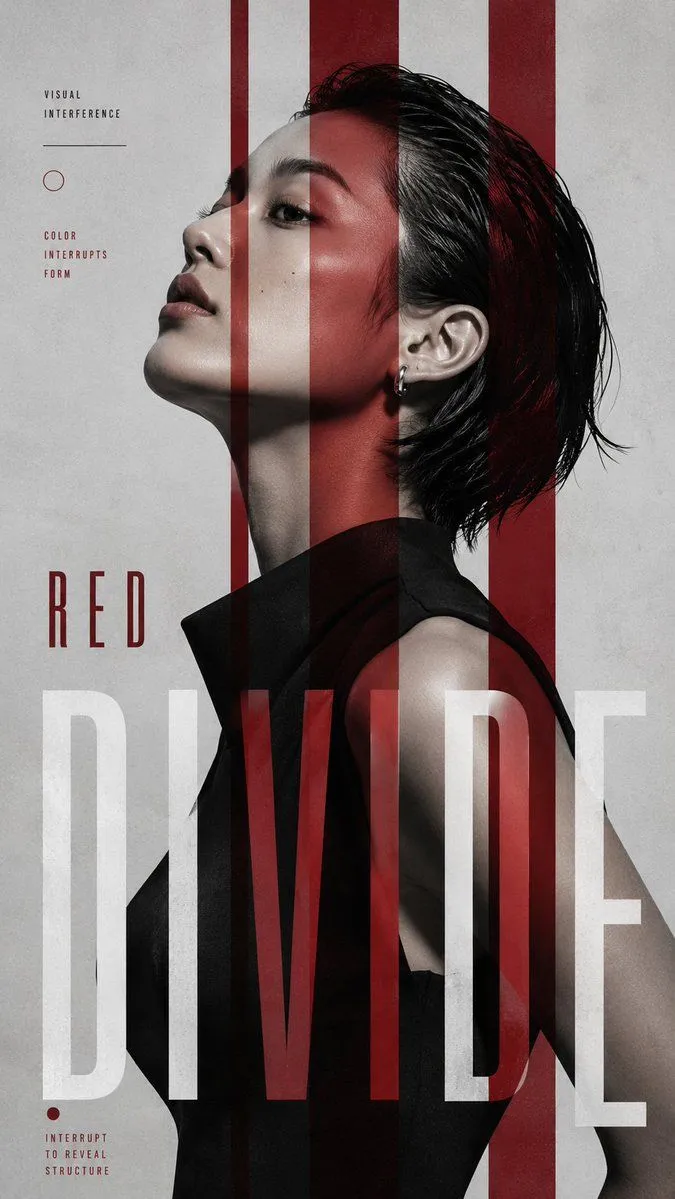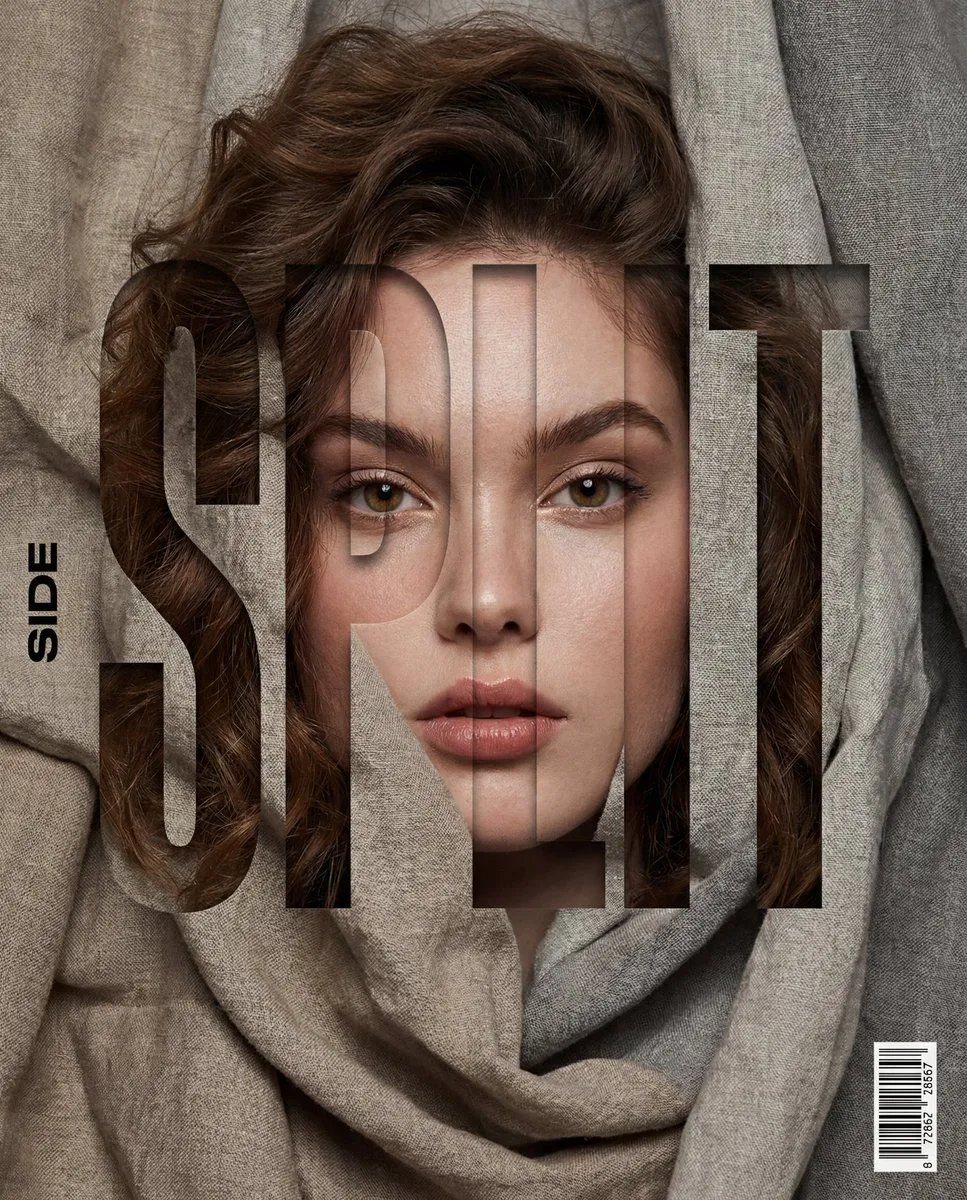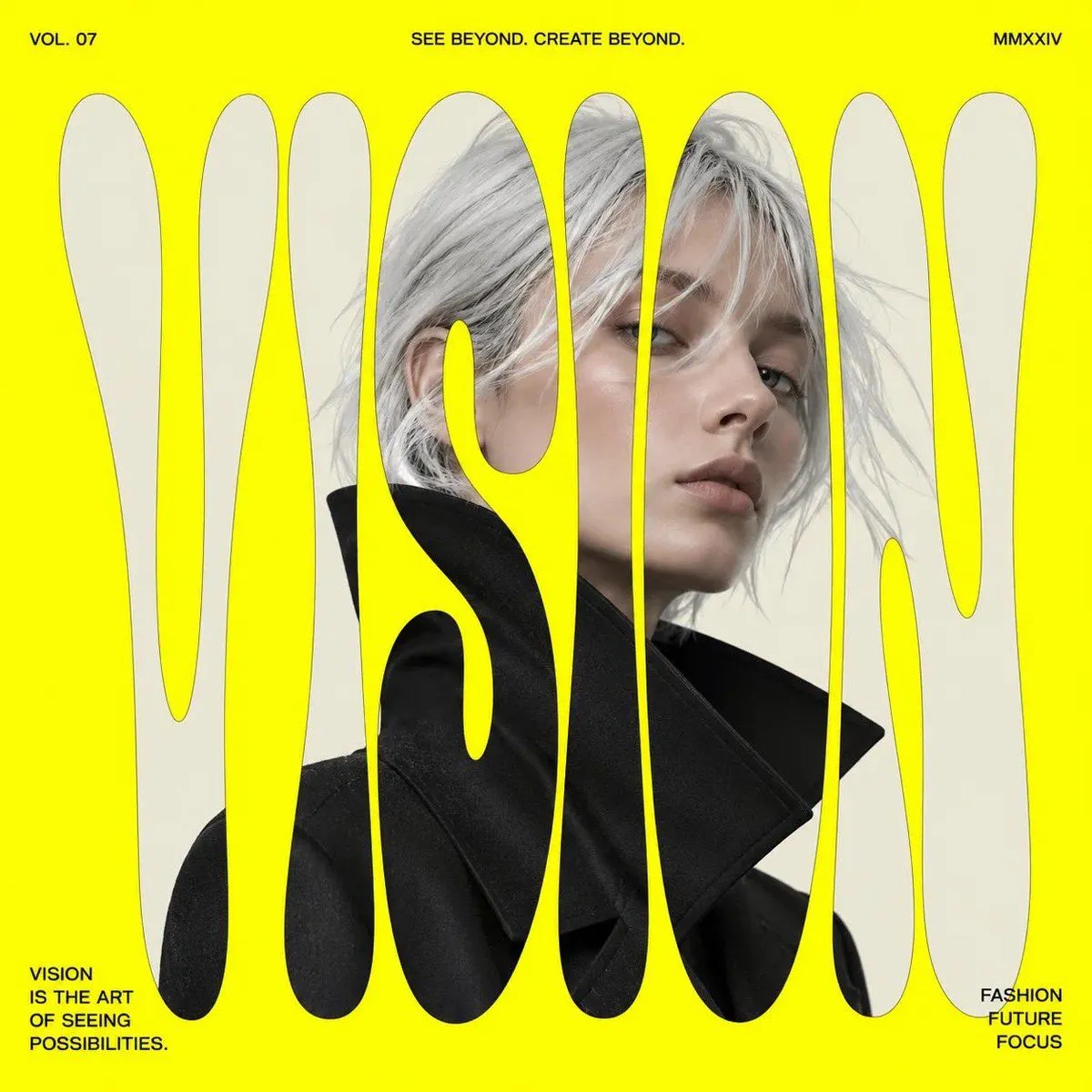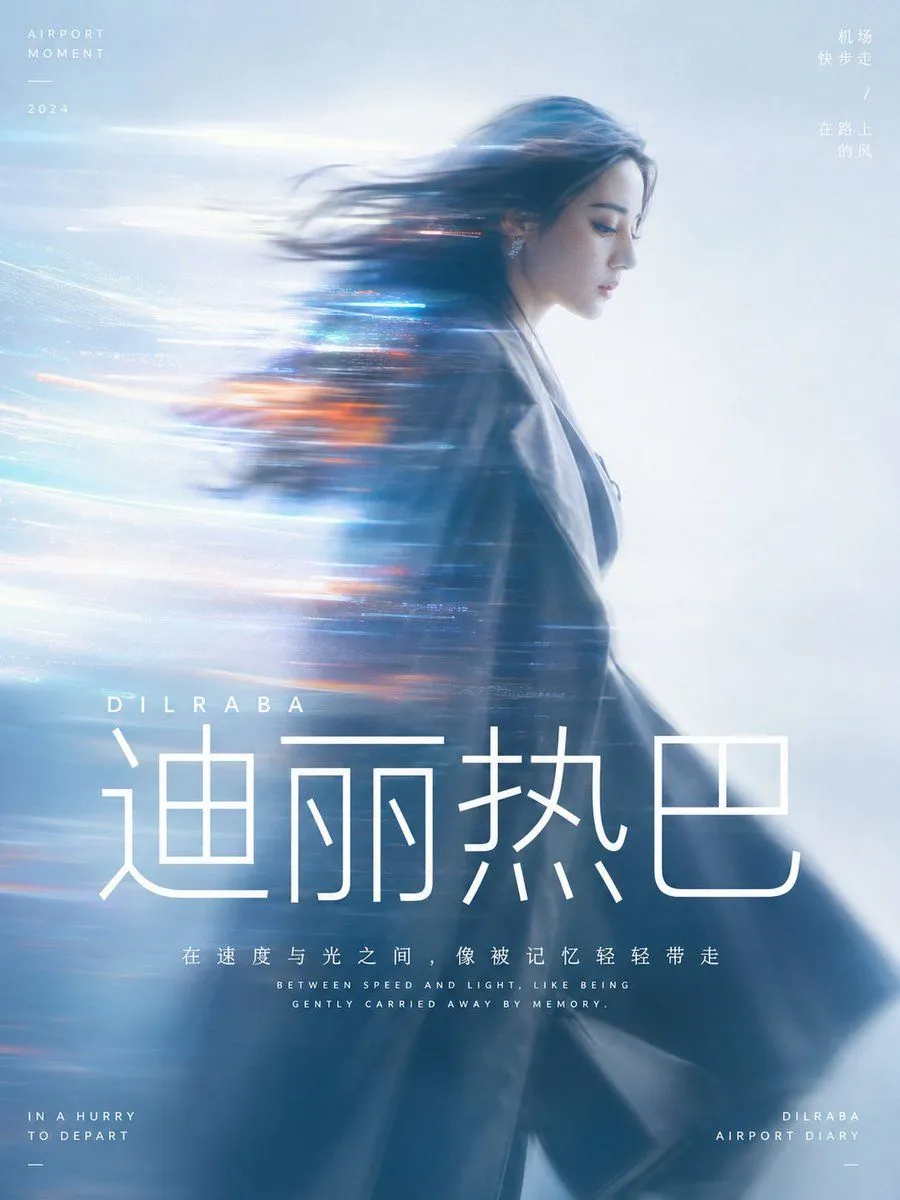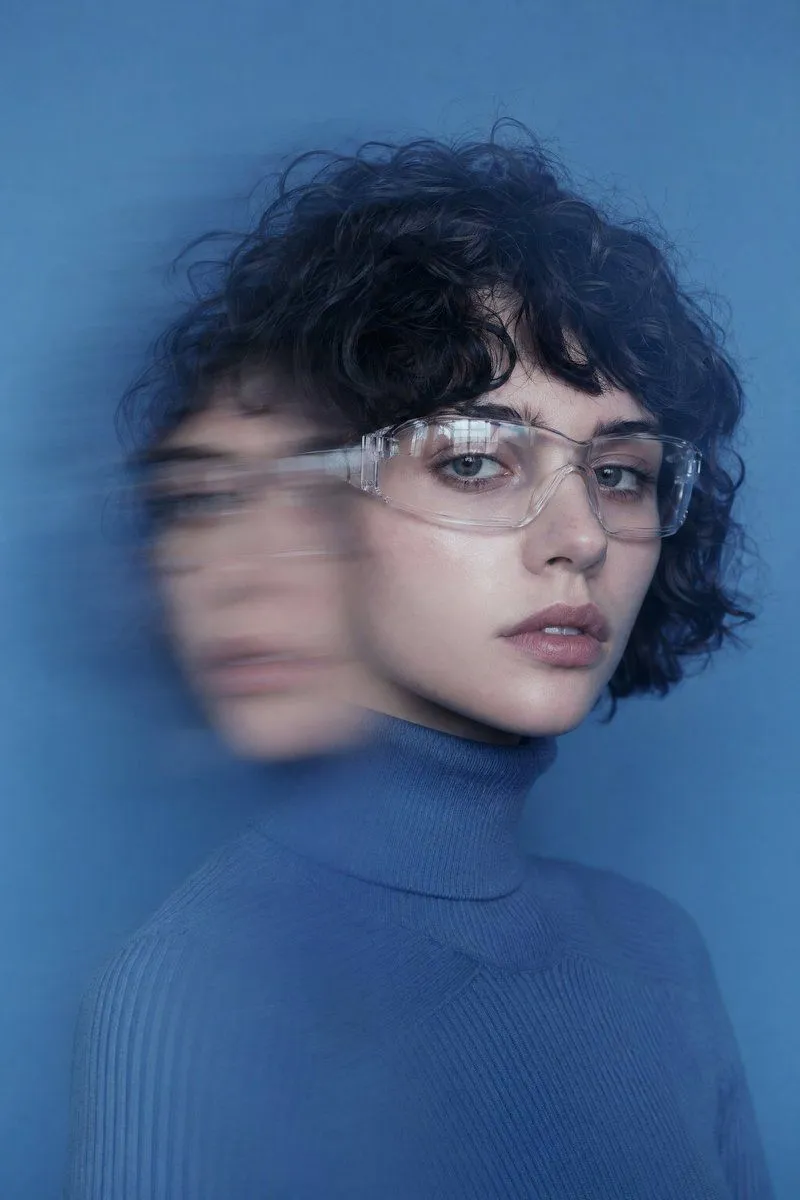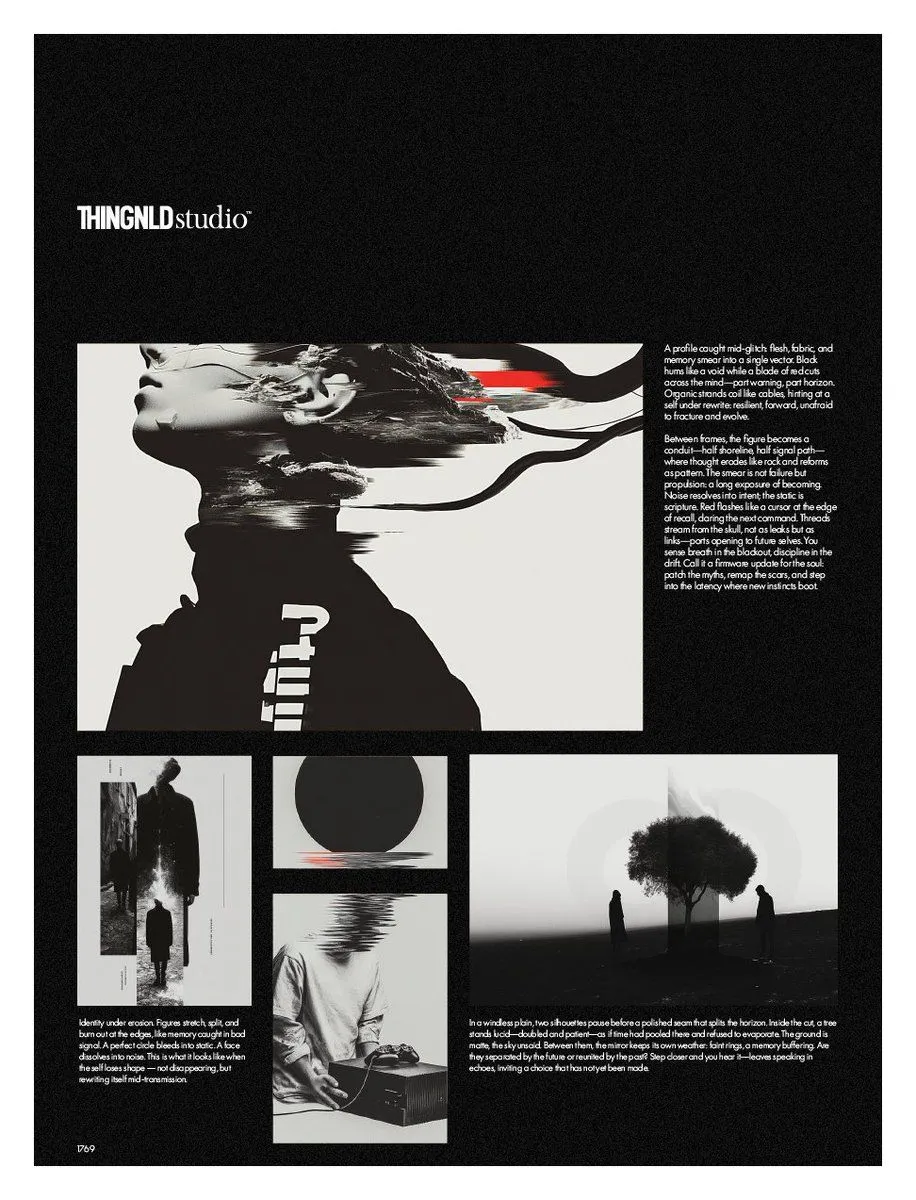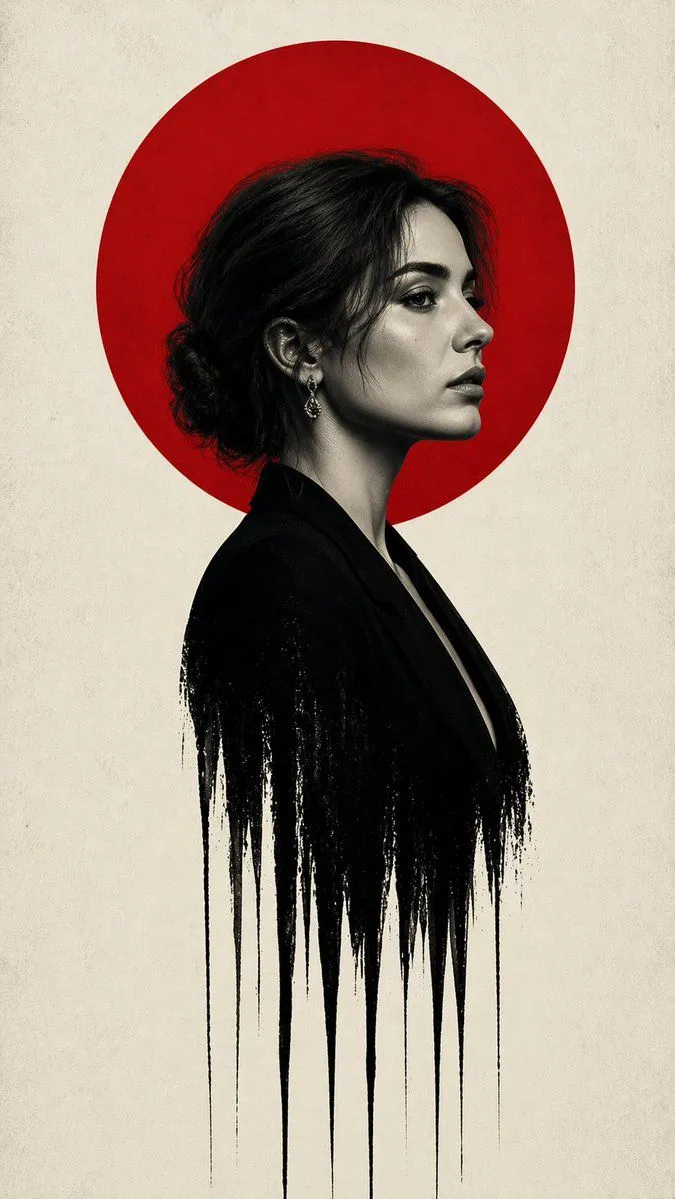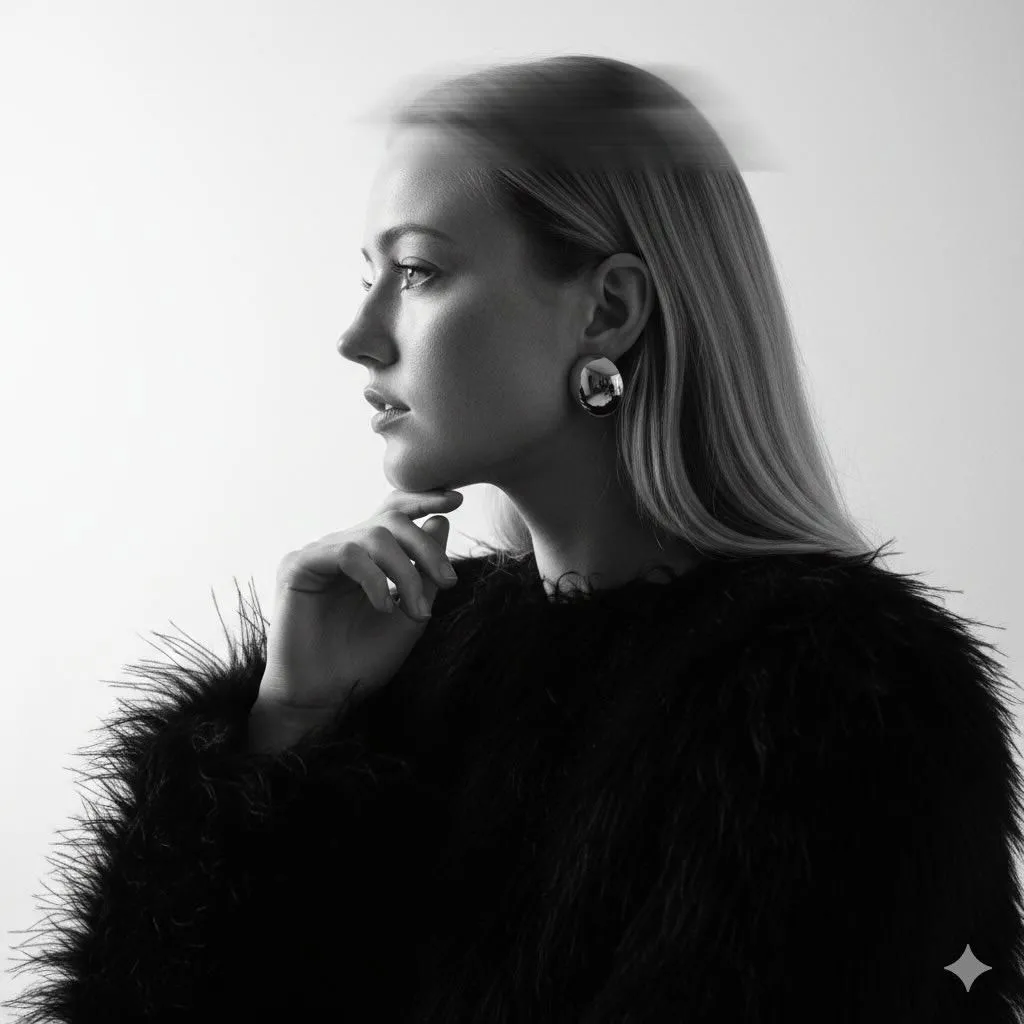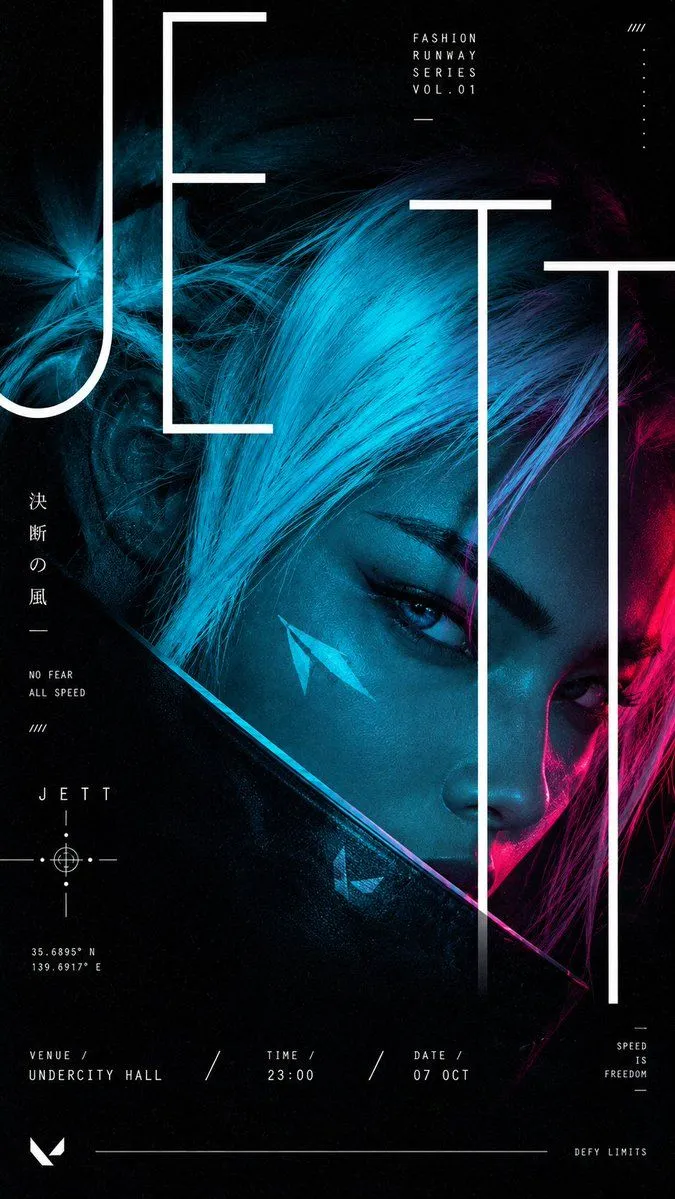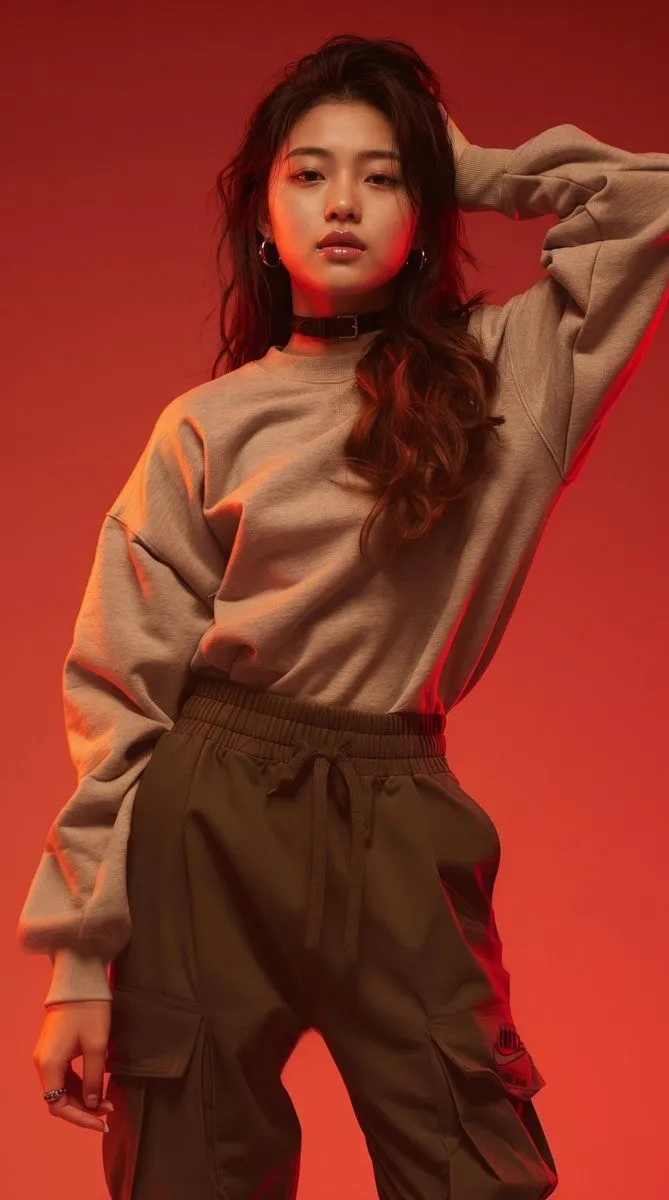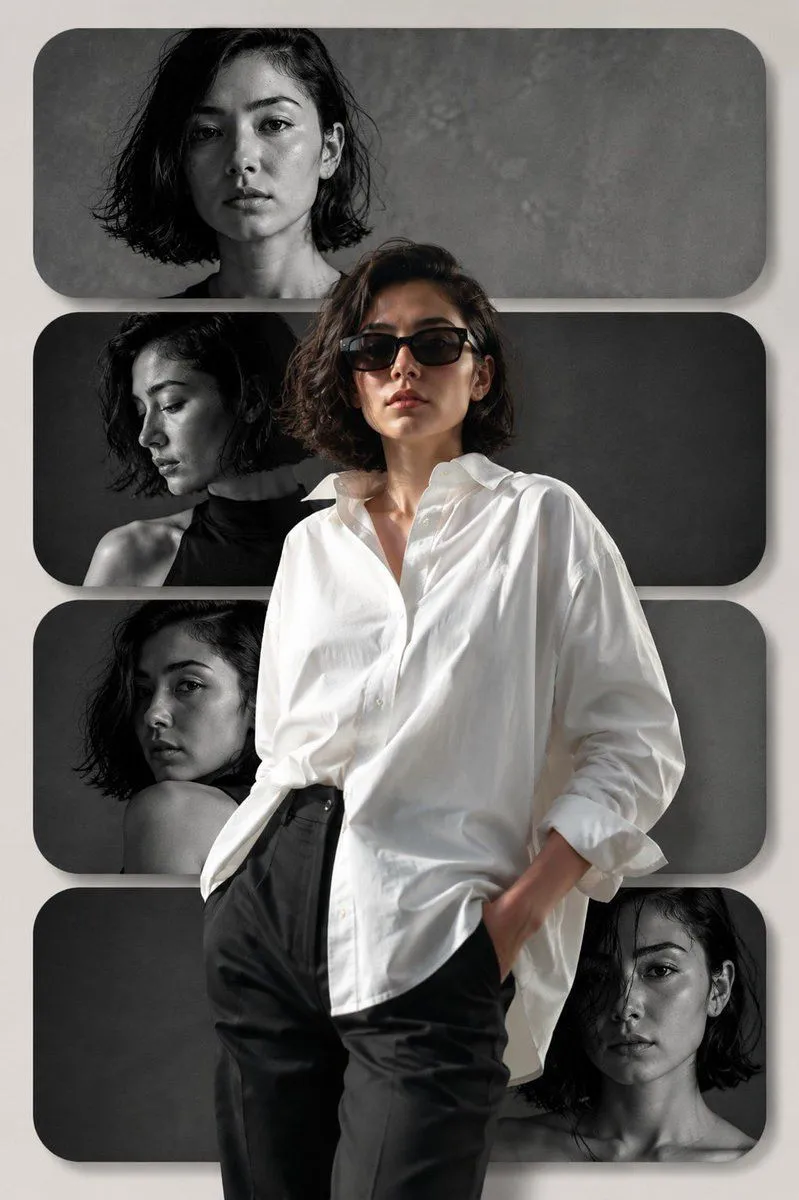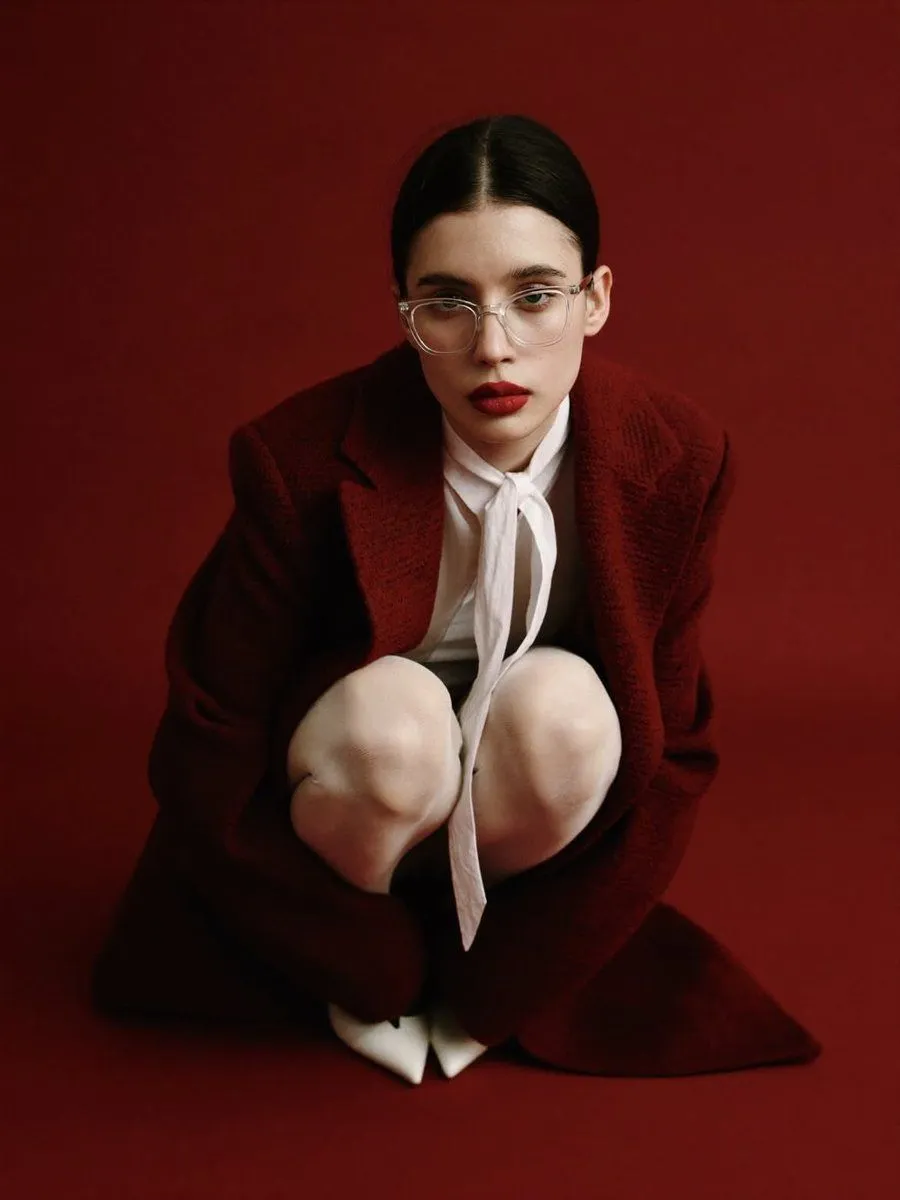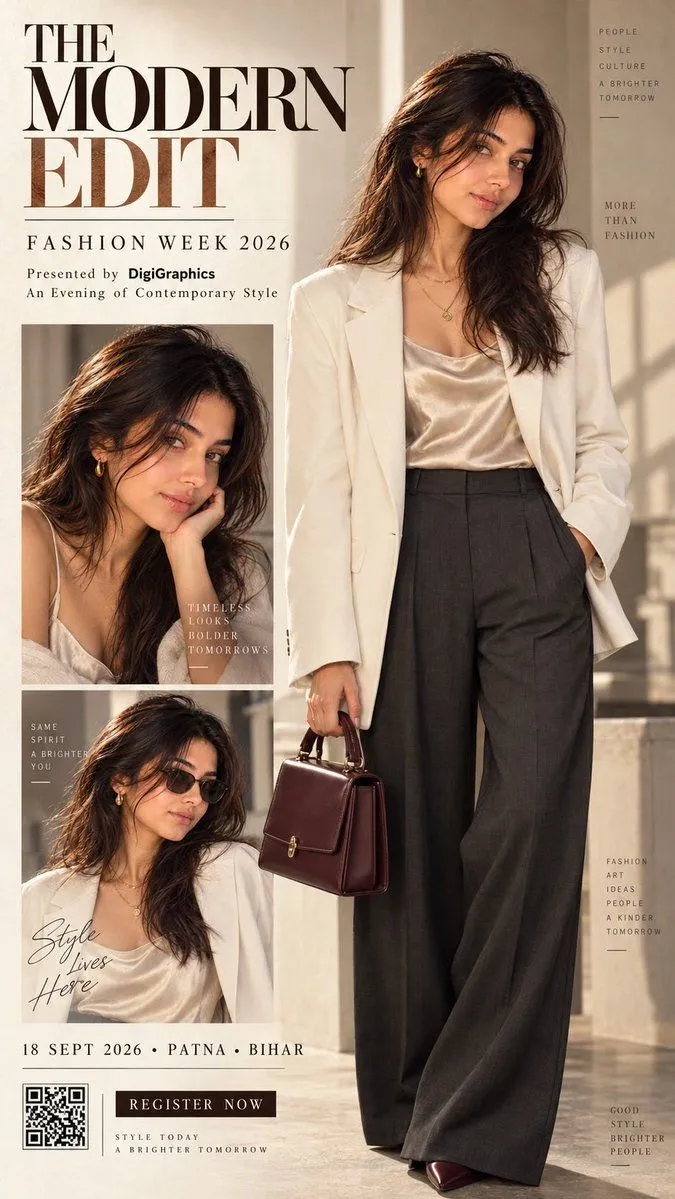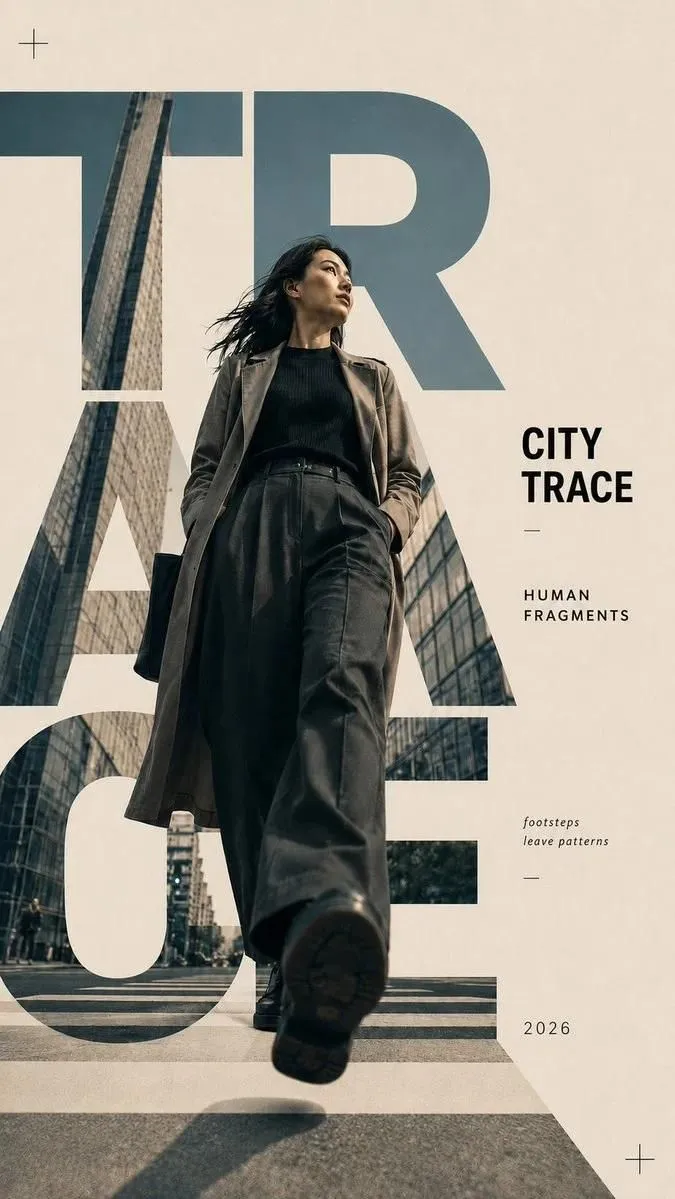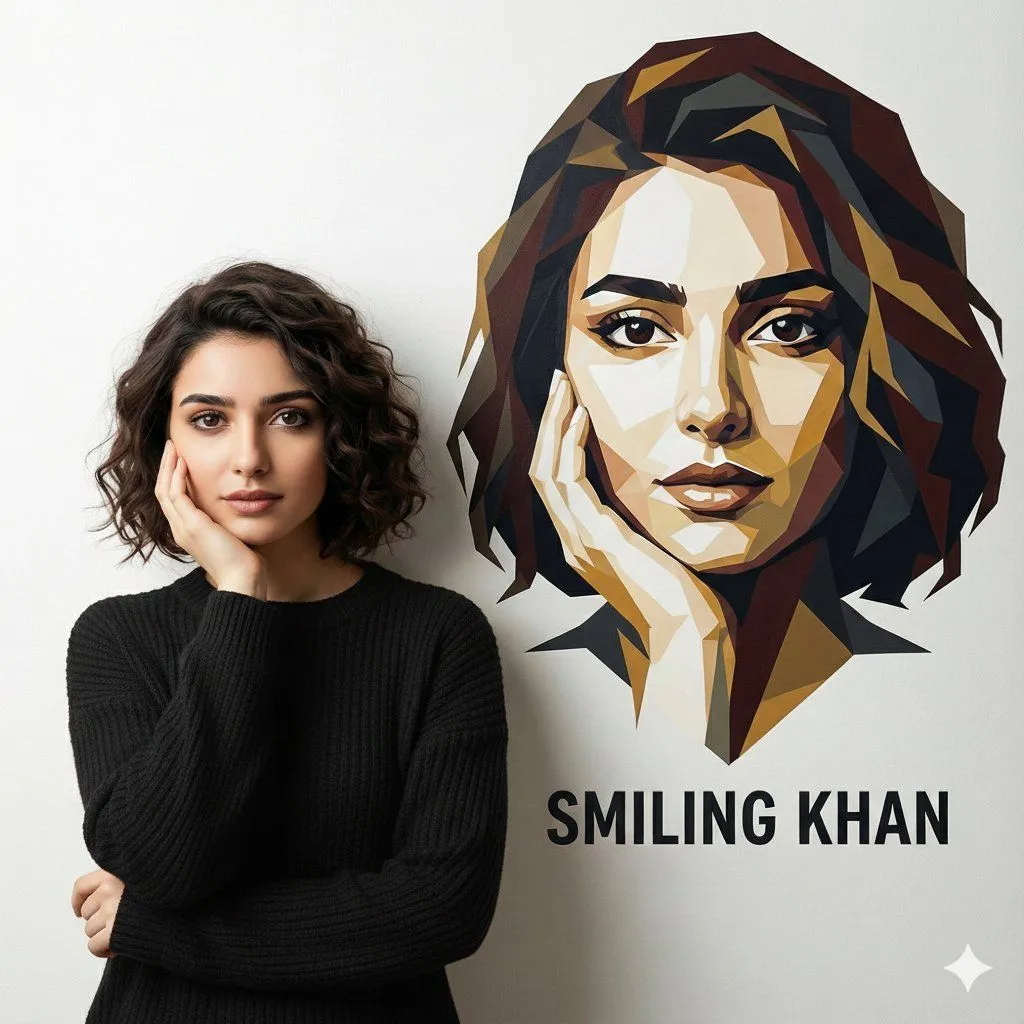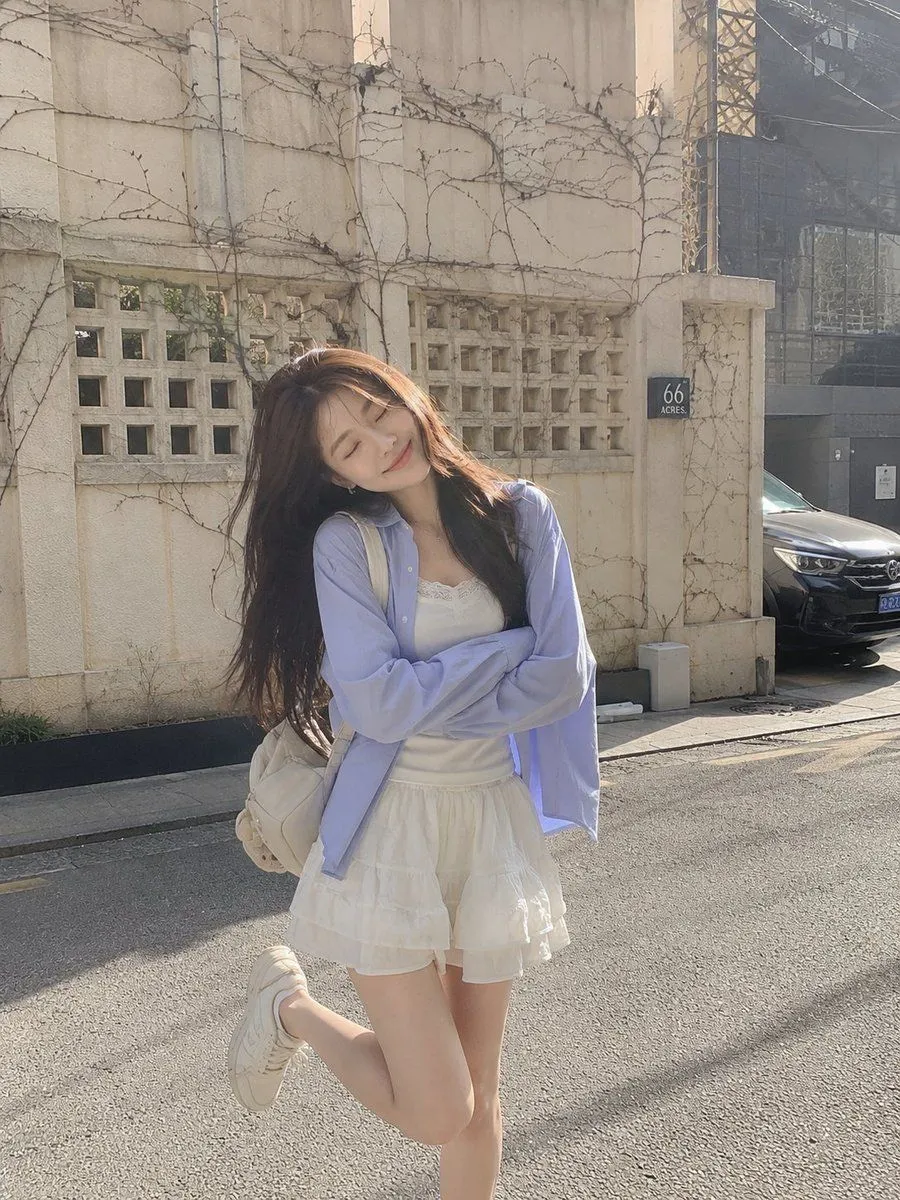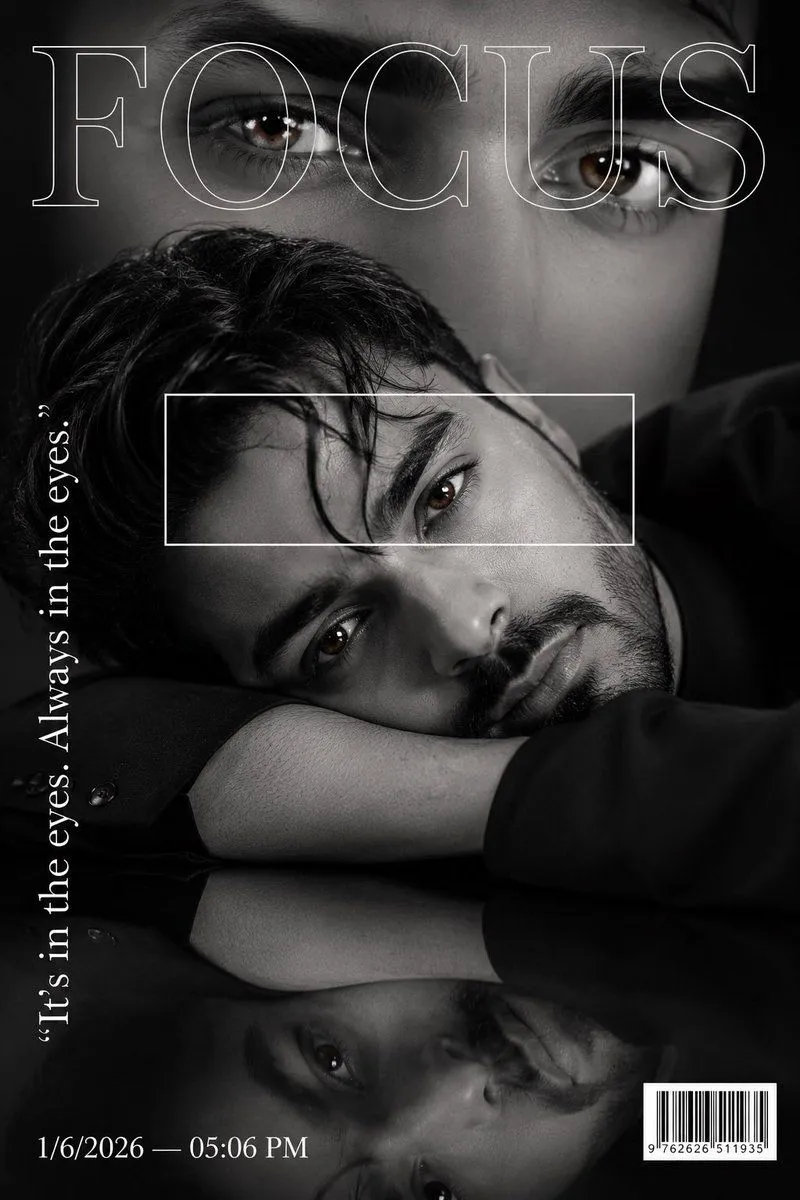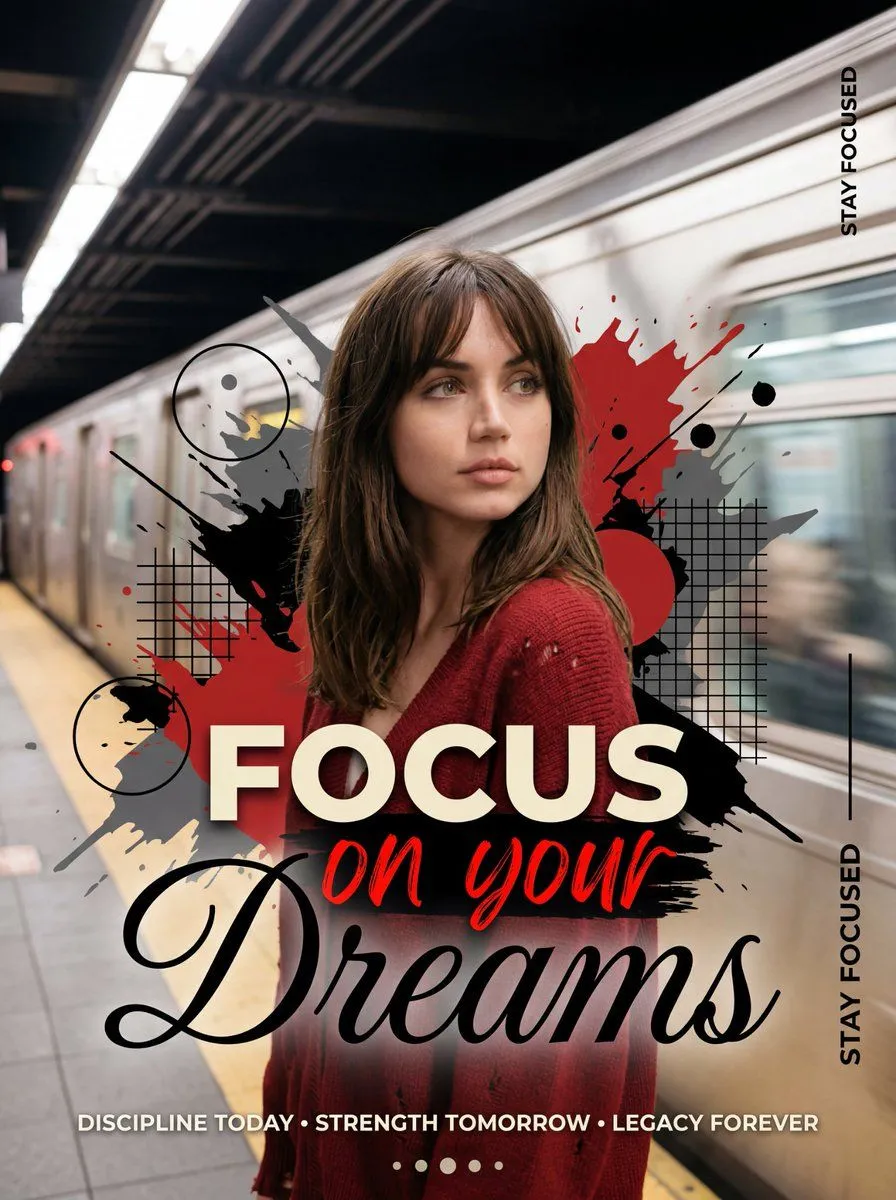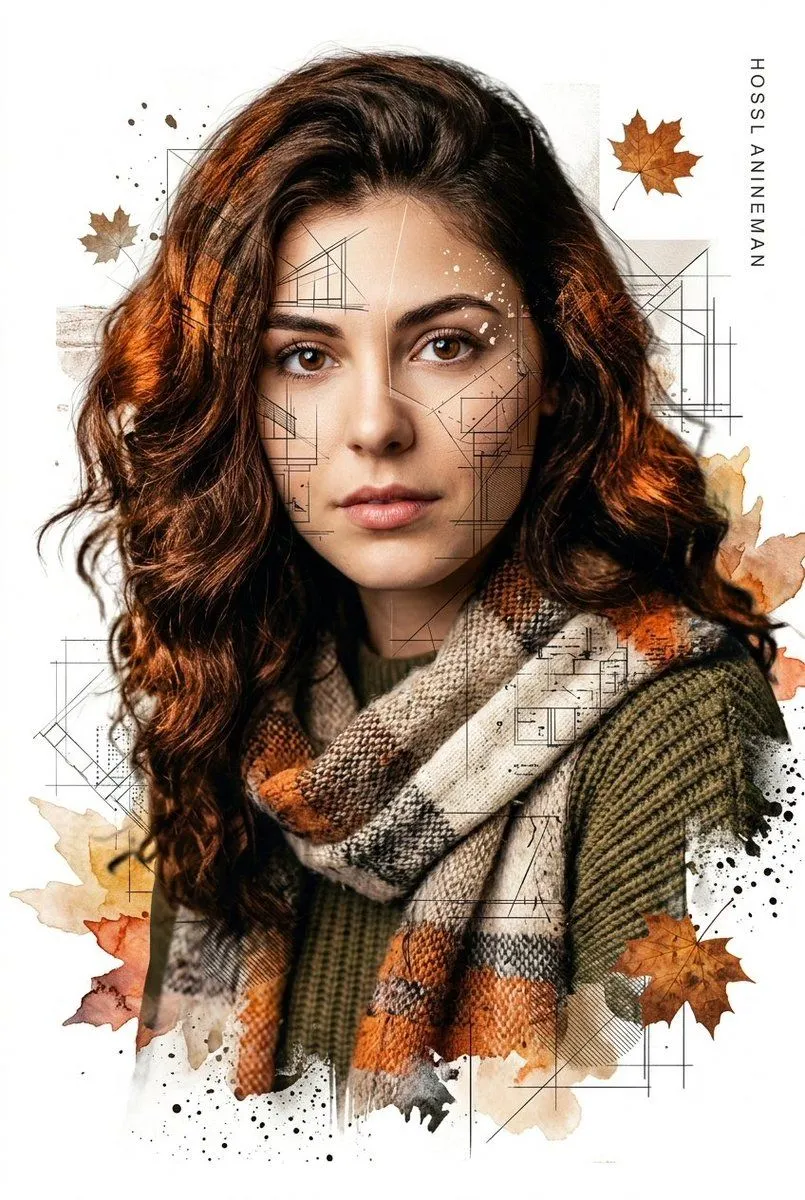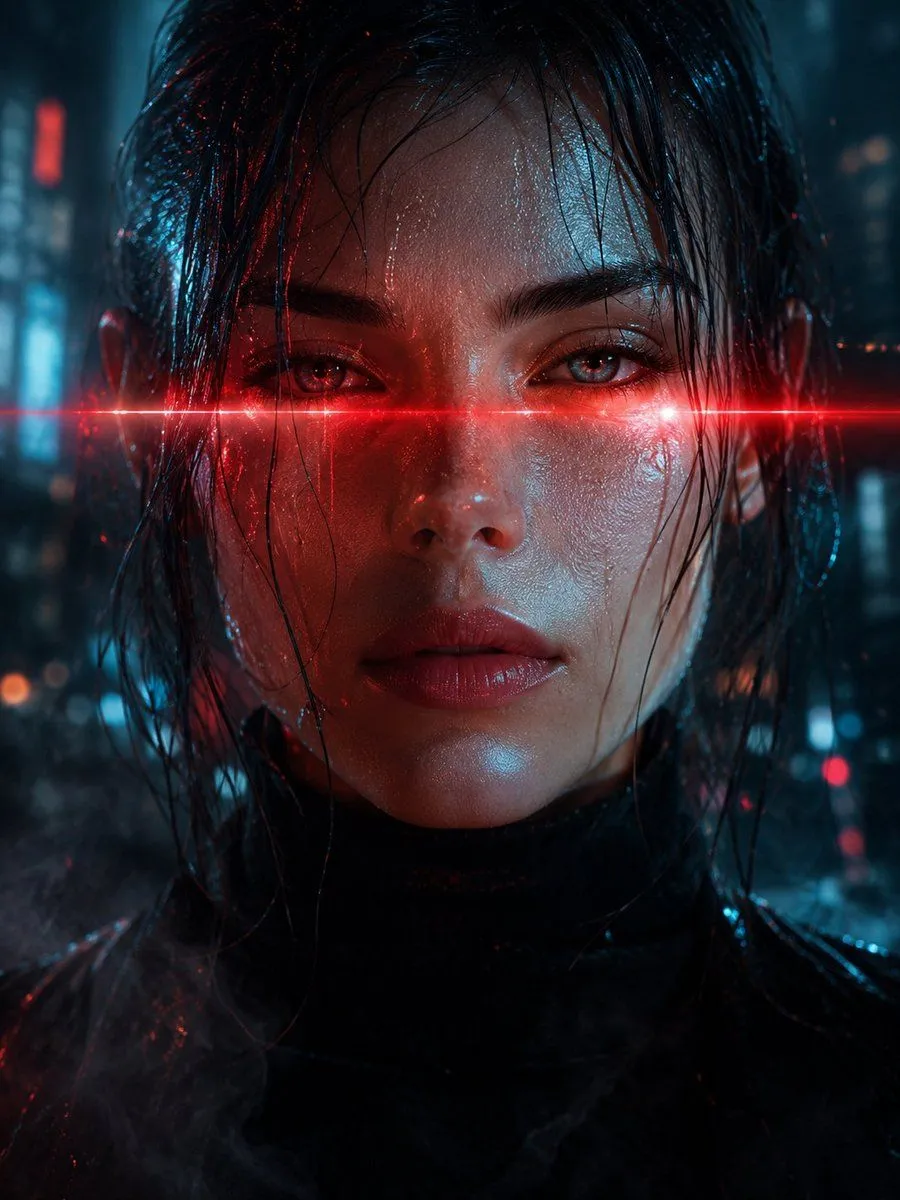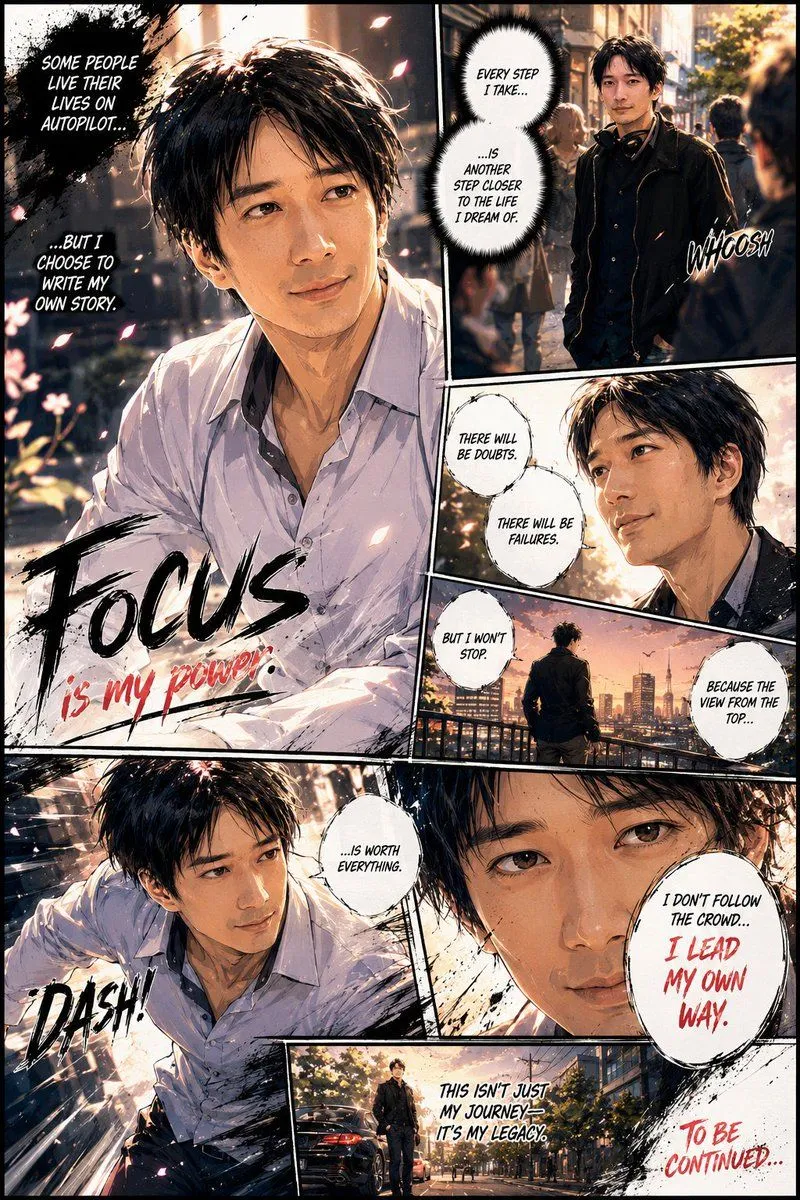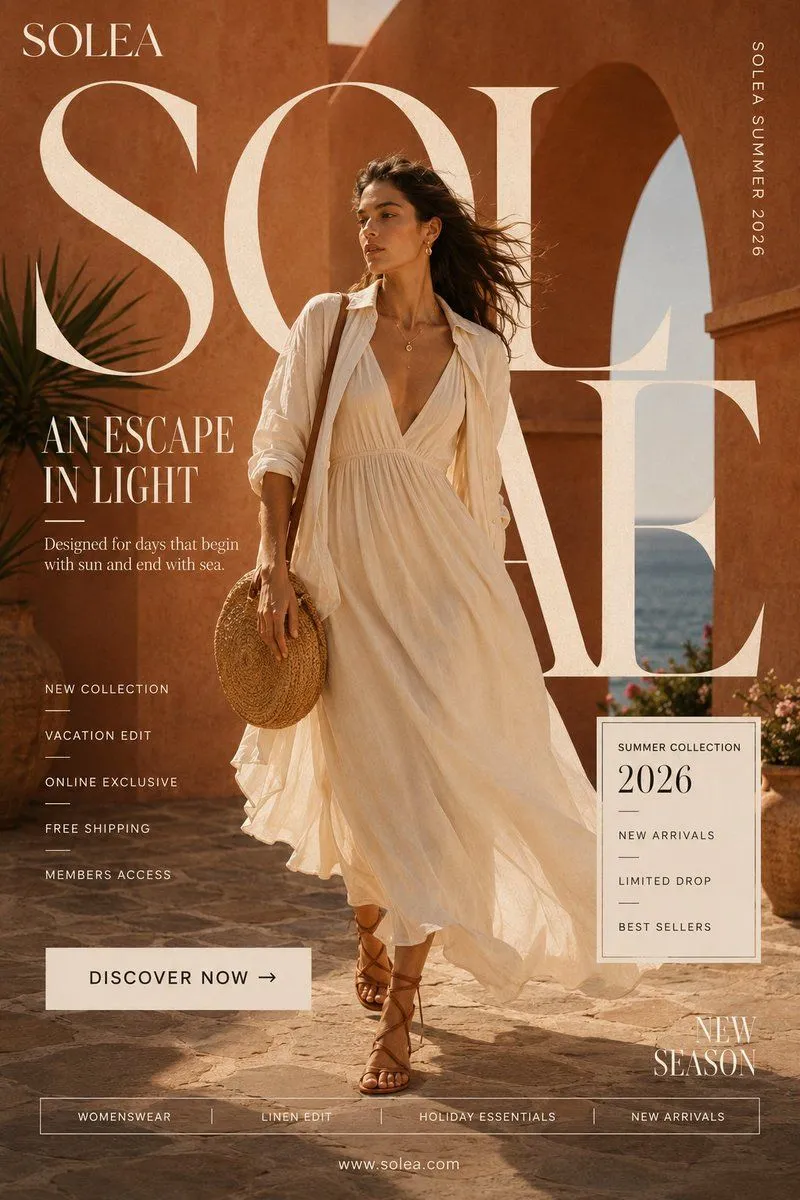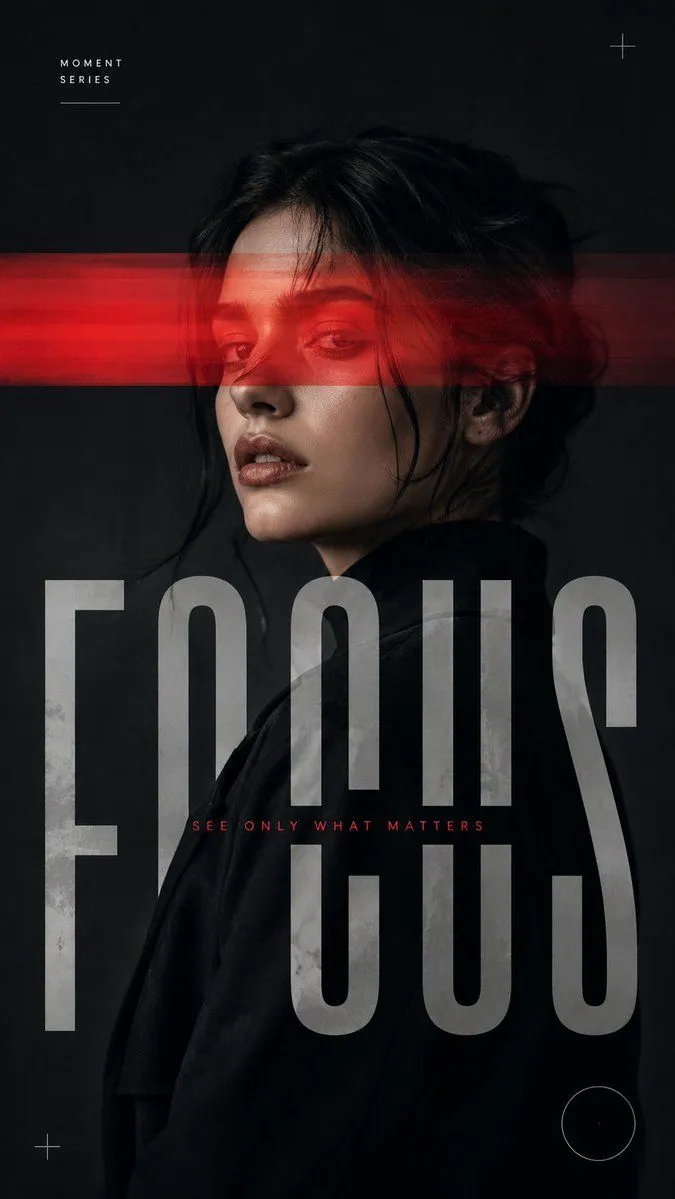
Made with GPT Image 2 in ChatGPT by Library Brand. Promptclay never generates images.
Experimental Editorial Portrait Poster
Prompt
3 blanks to fillCreate a medium-sized 9:16 experimental editorial portrait poster using the following customizable inputs: Subject: {subject} Interference: {interference_effect} Title: {title} Palette: [Main Neutral Tones + One Accent Color] Mood: [Sharp / Cinematic / Restrained / Experimental] Create a striking close-up or waist-up portrait with the subject occupying a strong portion of the frame. Preserve realistic facial features, natural skin texture, authentic hair, realistic proportions, clear emotion, and a strong silhouette. The portrait must work visually as a fashion photograph before the graphic intervention is applied. Use only one primary interference method: Color Split: Uneven translucent bands selectively shift, reveal, separate, or distort portions of the portrait. Narrow Light Beam: A single controlled beam cuts across the face or body and continues naturally into the surrounding space. Horizontal Cut: Bold horizontal bands interrupt selected areas of the portrait and interact with oversized typography. Motion Veil: Keep the main portrait sharp while selected areas create subtle horizontal photographic motion trails. Make typography an integral part of the composition. Use one dominant headline, allowing letters to crop beyond the frame, overlap the subject, disappear behind the body, or interact with the interference. Keep supporting text minimal: one small series label and one short phrase. Use mostly black, white, grey, charcoal, or deep neutral tones, plus one accent color. Keep skin tones natural and avoid excessive warmth or yellow grading. Add only a few subtle graphic details such as fine lines, circles, or open corner marks when necessary. The final composition should feel like a premium fashion editorial, contemporary photography poster, or experimental art-direction piece—clean, intentional, sophisticated, and visually balanced.
Preview of your prompt
Create a medium-sized 9:16 experimental editorial portrait poster using the following customizable inputs: Subject: Adult Male or Female Portrait Interference: Color Split / Narrow Light Beam / Horizontal Cut / Motion Veil Title: Title Palette: [Main Neutral Tones + One Accent Color] Mood: [Sharp / Cinematic / Restrained / Experimental] Create a striking close-up or waist-up portrait with the subject occupying a strong portion of the frame. Preserve realistic facial features, natural skin texture, authentic hair, realistic proportions, clear emotion, and a strong silhouette. The portrait must work visually as a fashion photograph before the graphic intervention is applied. Use only one primary interference method: Color Split: Uneven translucent bands selectively shift, reveal, separate, or distort portions of the portrait. Narrow Light Beam: A single controlled beam cuts across the face or body and continues naturally into the surrounding space. Horizontal Cut: Bold horizontal bands interrupt selected areas of the portrait and interact with oversized typography. Motion Veil: Keep the main portrait sharp while selected areas create subtle horizontal photographic motion trails. Make typography an integral part of the composition. Use one dominant headline, allowing letters to crop beyond the frame, overlap the subject, disappear behind the body, or interact with the interference. Keep supporting text minimal: one small series label and one short phrase. Use mostly black, white, grey, charcoal, or deep neutral tones, plus one accent color. Keep skin tones natural and avoid excessive warmth or yellow grading. Add only a few subtle graphic details such as fine lines, circles, or open corner marks when necessary. The final composition should feel like a premium fashion editorial, contemporary photography poster, or experimental art-direction piece—clean, intentional, sophisticated, and visually balanced.
DetailsVersions, settings and questions
Written for
What's in the prompt
- Subject
- Model
- GPT Image 2
If your face changes
keep my face exactly the sameQuestions
- Does this work in the ChatGPT app?
- Yes. Paste the prompt and attach your photo if it uses one.
- It changed my face. What do I do?
- Add "keep my face exactly the same" to the end and run it again.
- Can I use the images I make?
- Check the terms of the app you use. Promptclay never generates images and claims nothing you make.