Tell us anything

An idea, a bug, something you love. We read every note.

⌘↵ to send. The page you're on comes along.

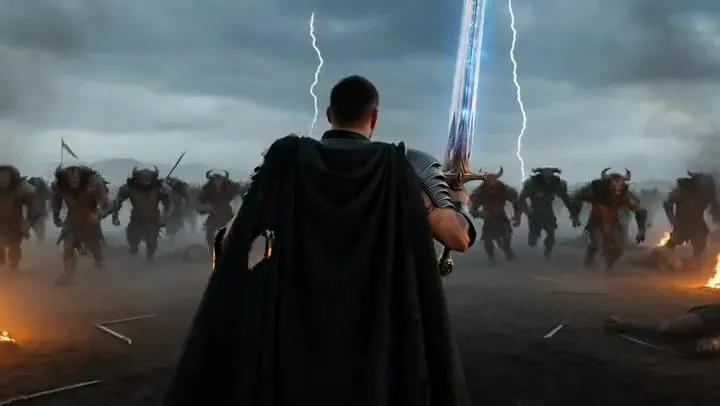
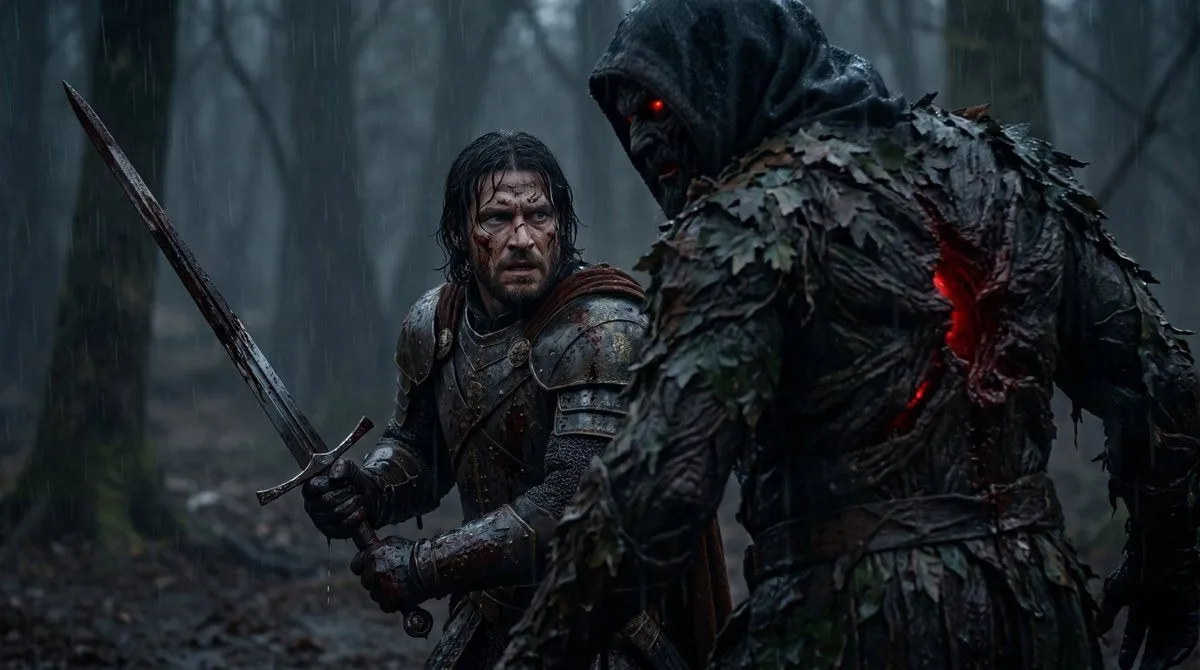
Epic Knight Battle Sequence

Made with Grok Imagine in Gemini by Library Cinema. Promptclay never generates images.

Did it work?

No reports yet. Tell others if it worked for you.

No comments yet. Be the first.

    Epic Knight Battle Sequence

    Grok Imagine16:9AI-generated

    Prompt

    A battle-hardened knight in heavy engraved armor, cape torn, face scarred but determined, gripping a massive sword glowing with ancient runes Charges alone into a horde of monstrous creatures, slicing through them with powerful strikes, each swing releasing shockwaves of energy that send enemies flying Dark battlefield filled with fog, fire, broken weapons and fallen soldiers under a stormy sky Starts with slow push-in from behind the knight, lightning flashing, sudden speed ramp into charge, tracking shot moving with him, whip pans connecting each kill, slow motion on heavy impacts with glowing energy bursts, debris and blood particles flying, ending with the knight standing alone surrounded by defeated creatures, sword planted in the ground, energy fading as the storm calms slightly, camera slowly orbiting to reveal total victory and dominance

    Works in
    Gemini, ChatGPT
    Status
    Free to copy
    0
    DetailsVersions, settings and questions

    Written for

    What's in the prompt

    Subject
    Model
    Grok Imagine

    If your face changes

    keep my face exactly the same

    Questions

    Does this work in the Gemini app?
    Yes. Gemini runs Nano Banana, so paste the prompt and attach your photo if it uses one.
    It changed my face. What do I do?
    Add "keep my face exactly the same" to the end and run it again.
    Can I use the images I make?
    Check the terms of the app you use. Promptclay never generates images and claims nothing you make.
    Similar prompts

    See more
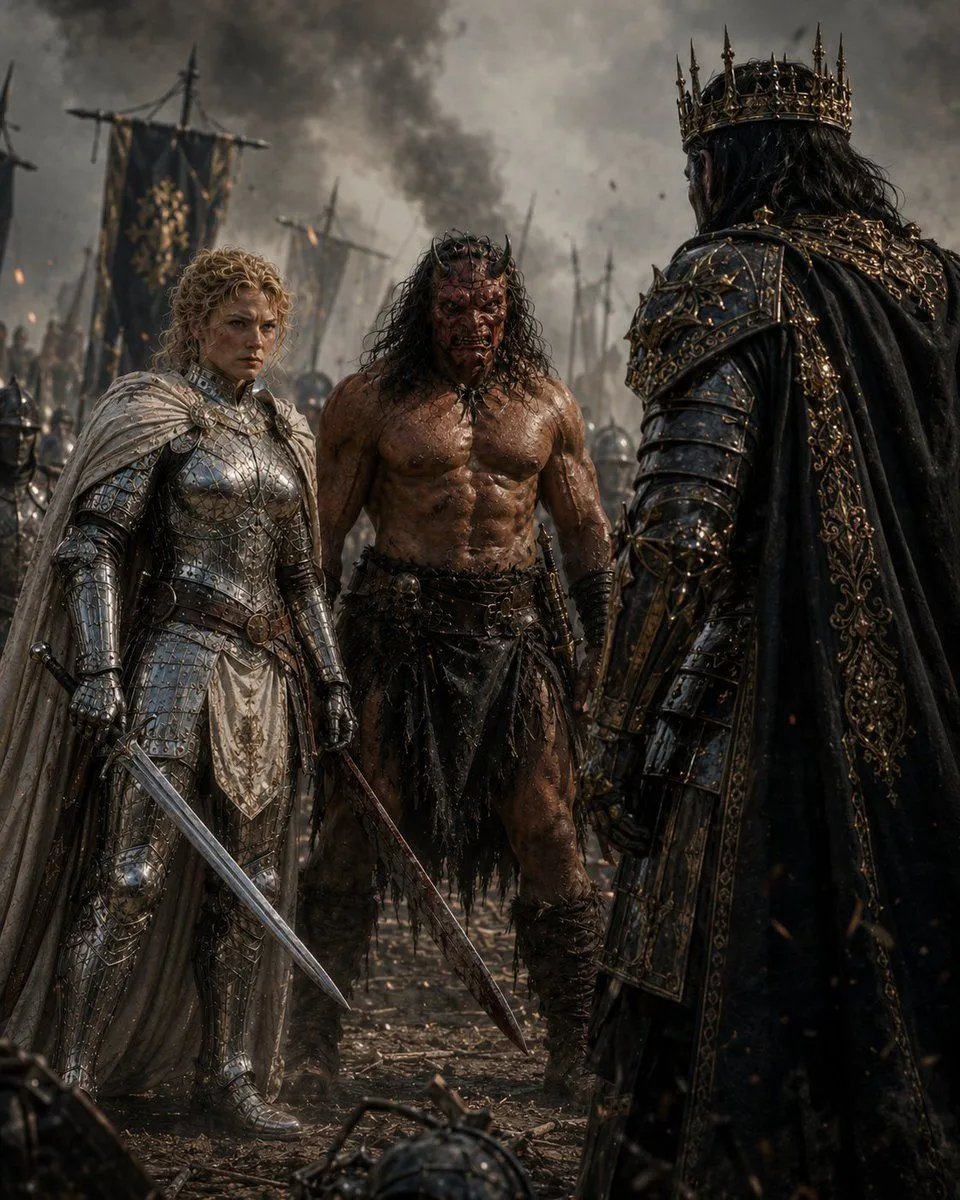
    • Knight Facing Cathedral Giant
    • Battle-Worn Knight vs Forest Wraith
    • Enemy King Battlefield Confrontation
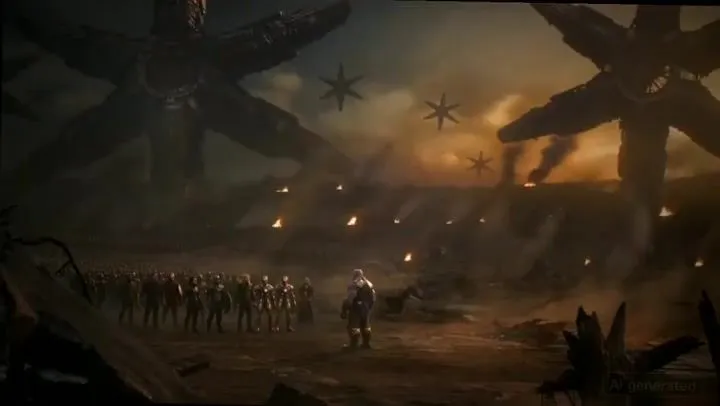
    • Thanos Apologizes to Spider-Man PromptVideo, 0:16
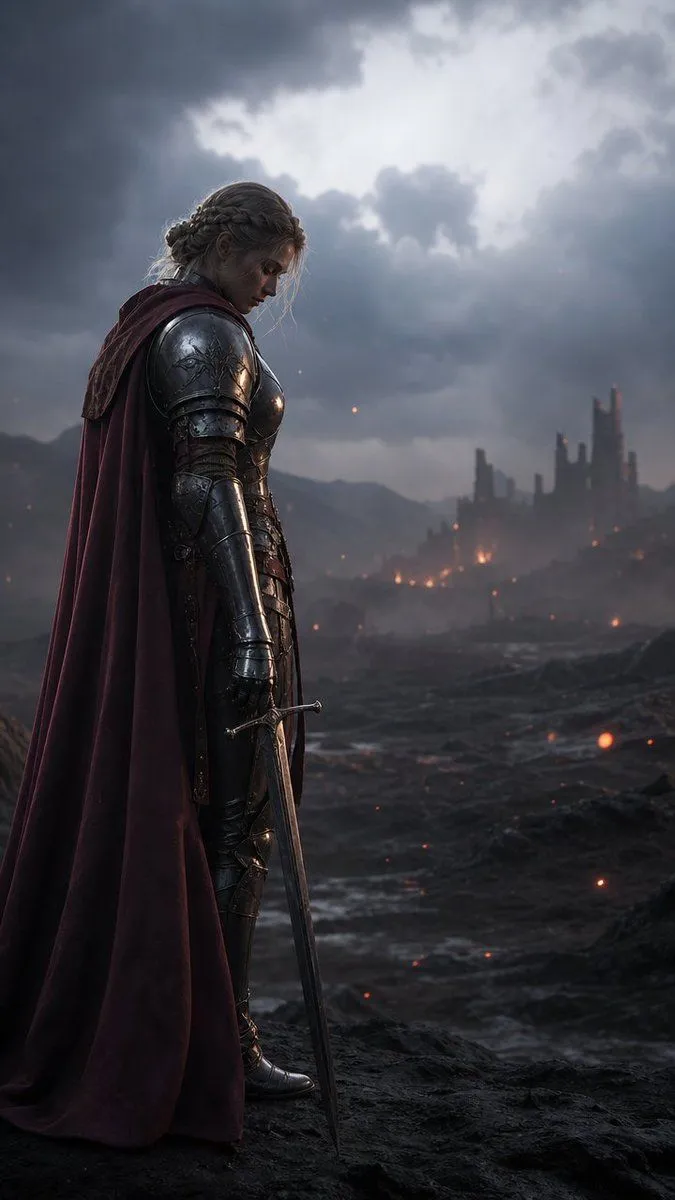
    • Solemn Knight on Ashen Battlefield
    • Heroic Fantasy Warrior Portrait
    • Hyper-realistic cinematic conversion prompt for nano-banana-pro
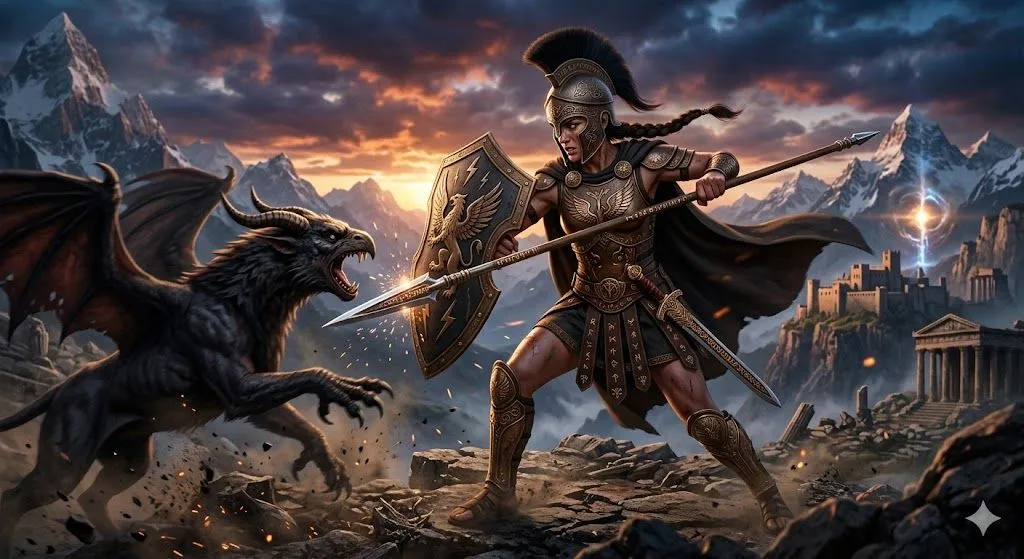
    • Nano Banana Pro Image Generation of a Mythological Warrior
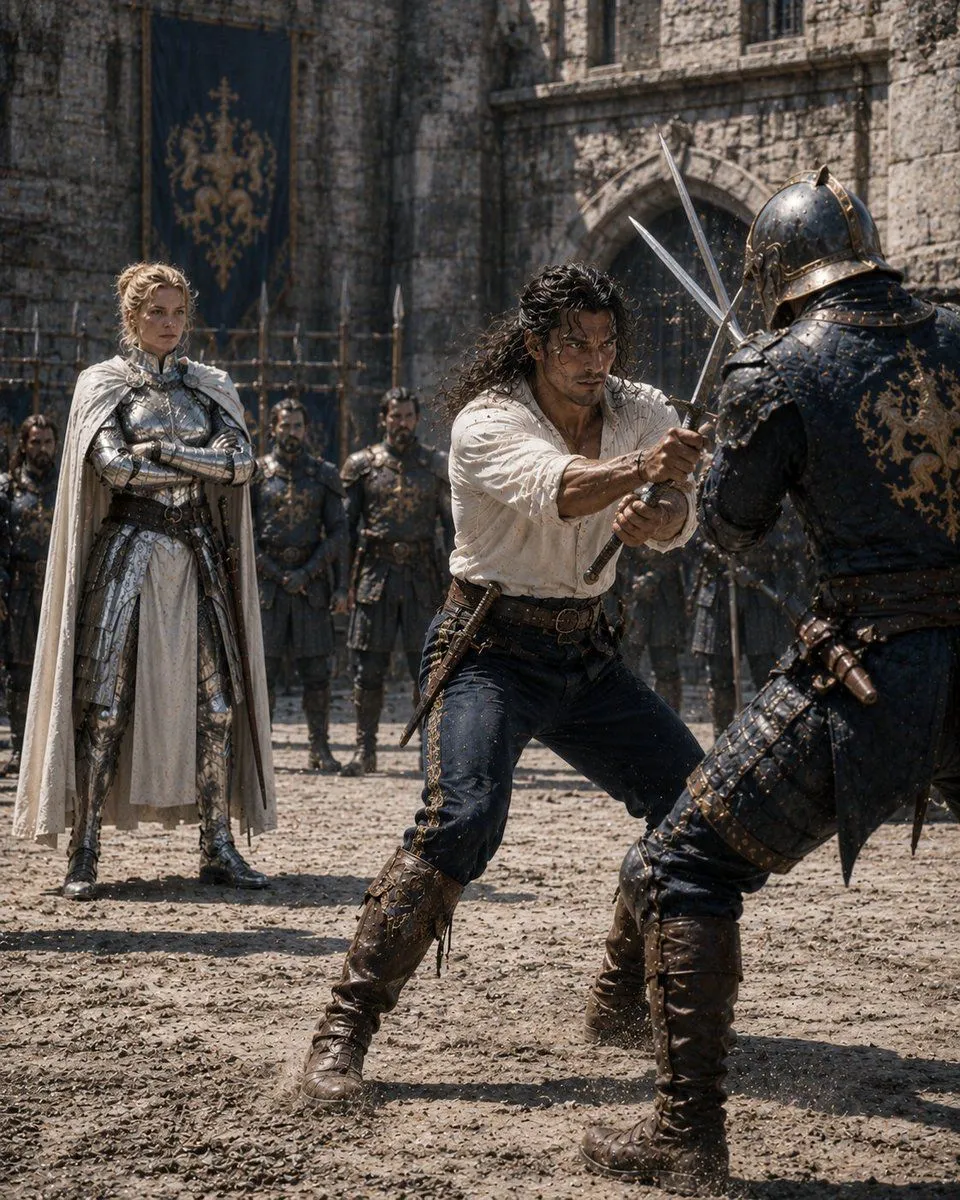
    • Medieval Castle Mock Duel
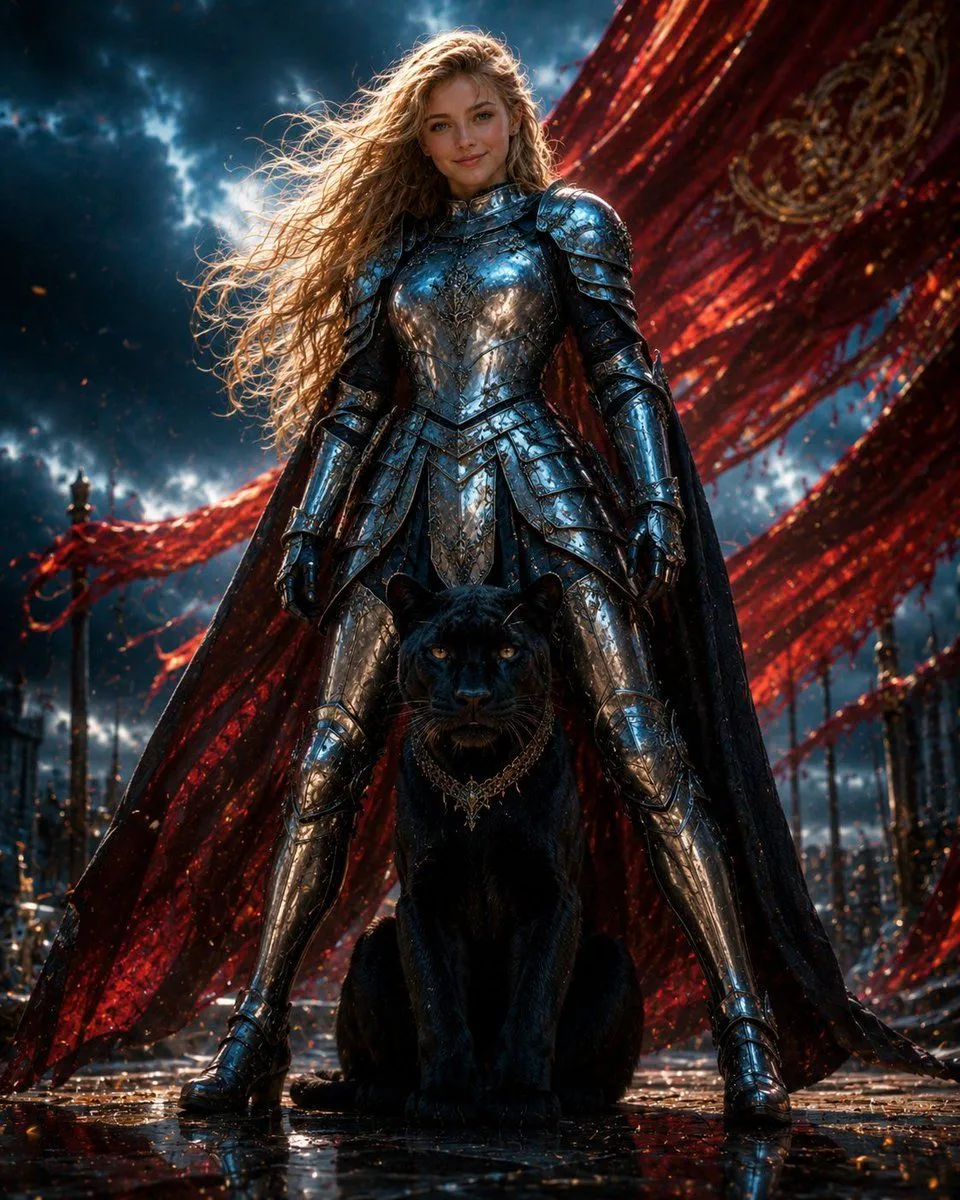
    • Armored Warrior with Black Panther
    • Glasses Removal and Face Integration
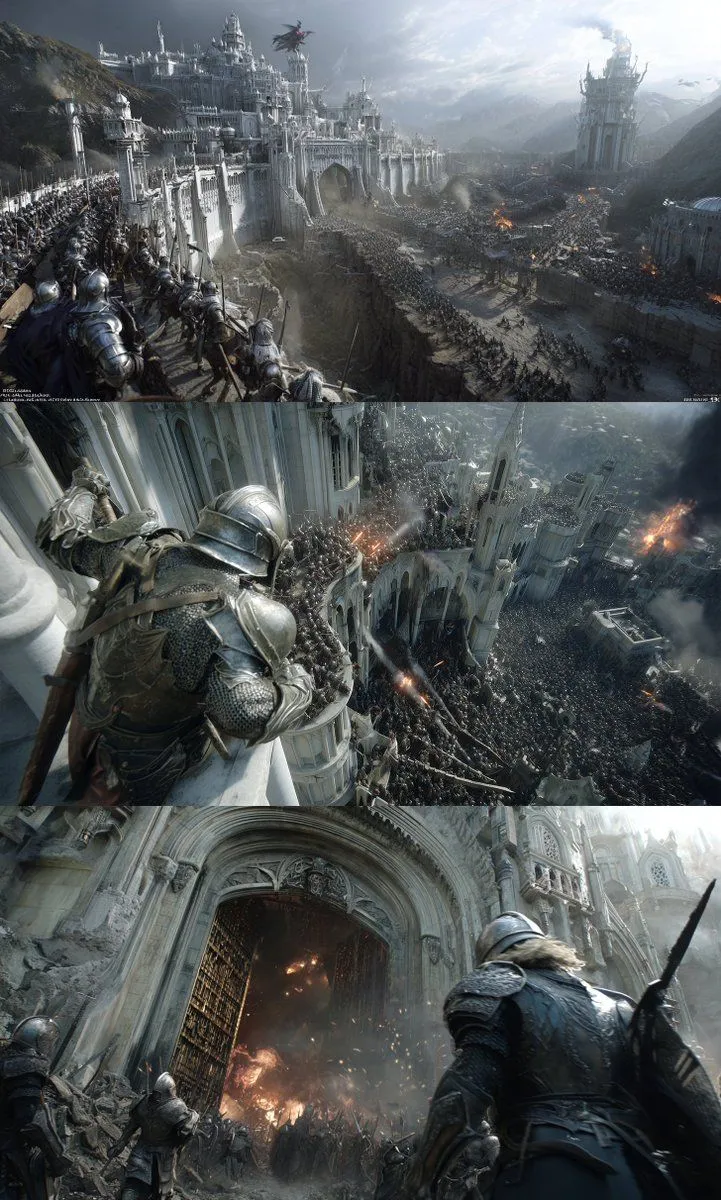
    • Epic Medieval Battlefield Panorama
    • Helmed Regent Cinematic Scene
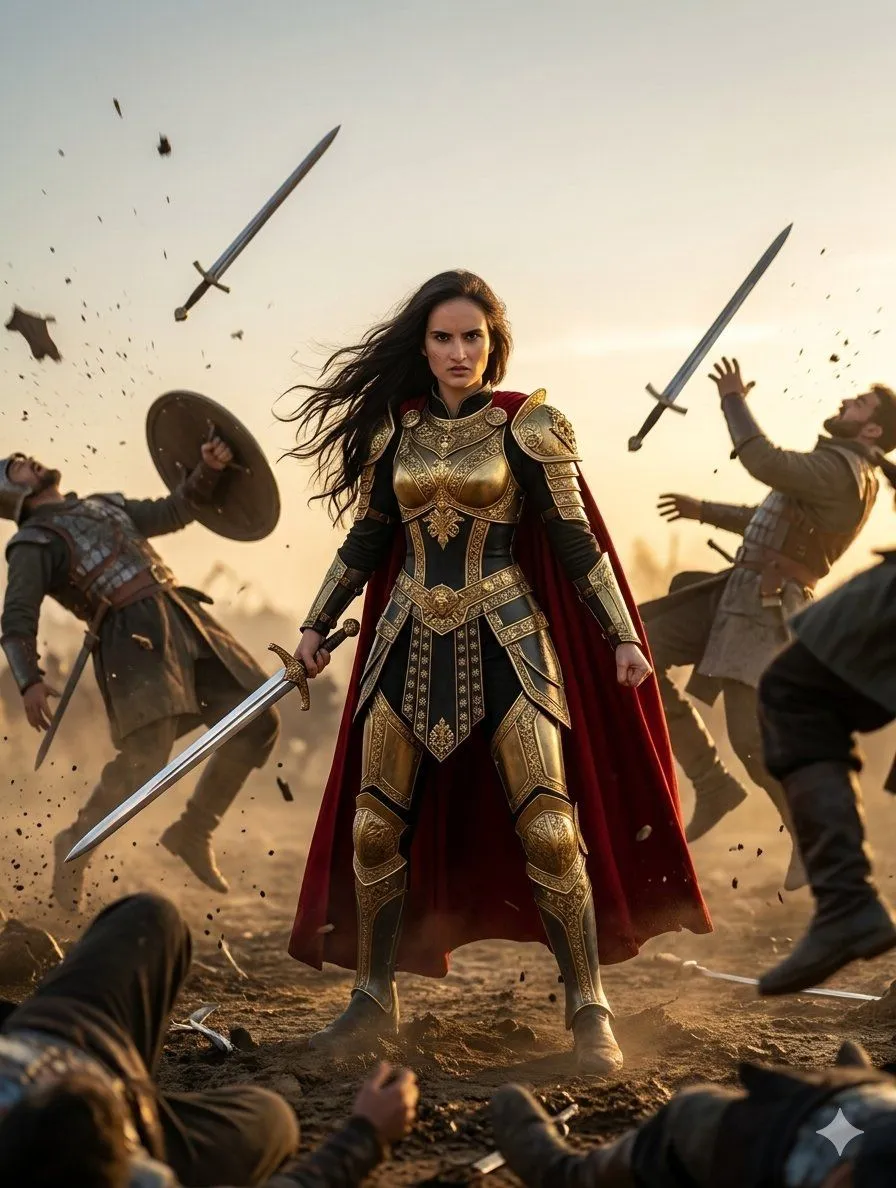
    • Roman Warrior Eagle Battlefield Portrait
    • Generate Realistic Character from Fantasy Image Reference Prompt
    • Raven Summoner Cinematic Portrait
    • Imperial Research Bunker on Volcanic Planet
    • Eastern Wuxia Ultimate Showdown with Extreme Kinetic EnergyVideo, 0:15
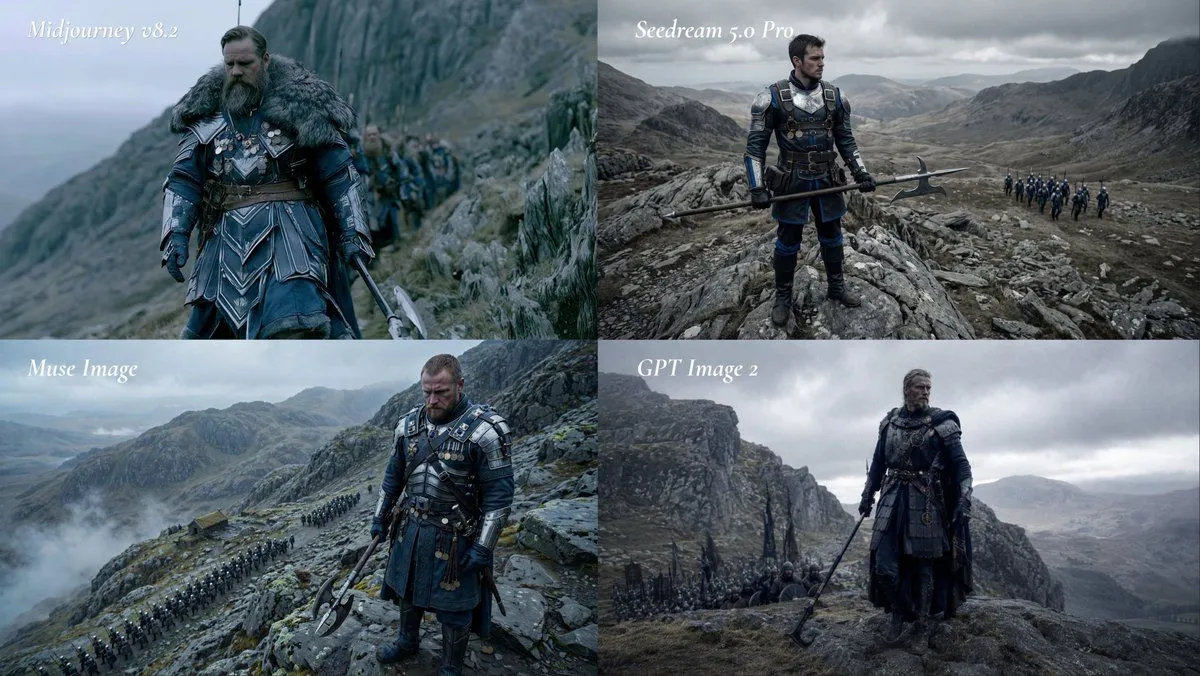
    • Fantasy Model Comparison Grid
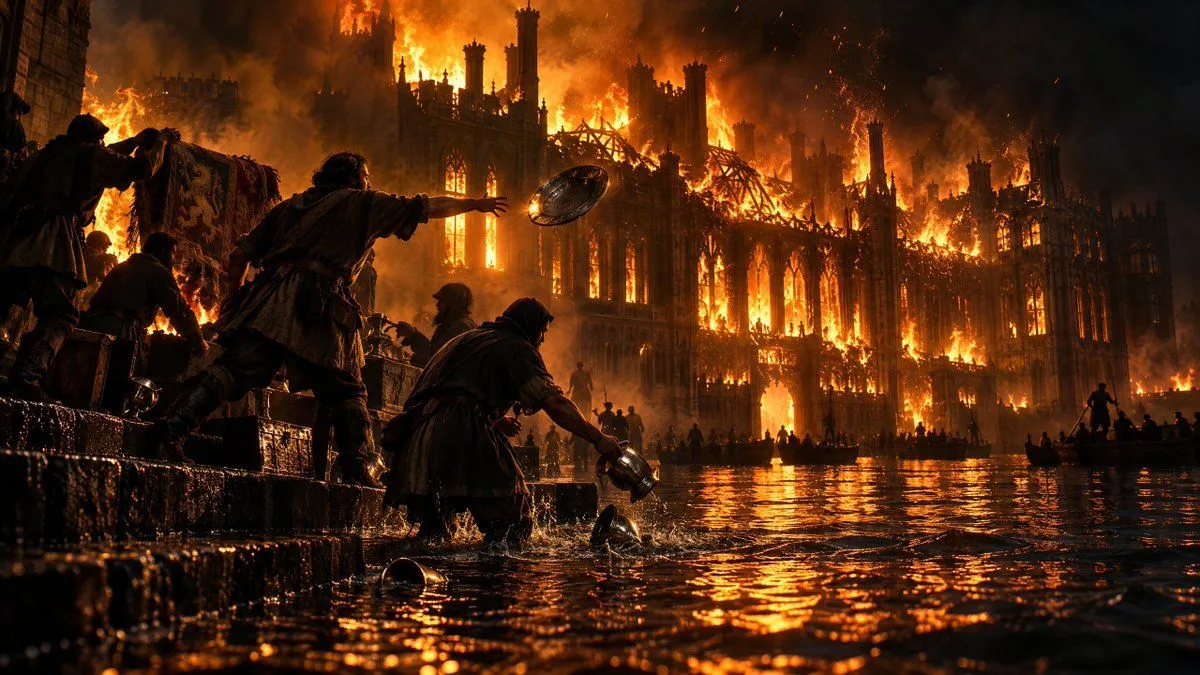
    • Burning Gothic Flood Escape
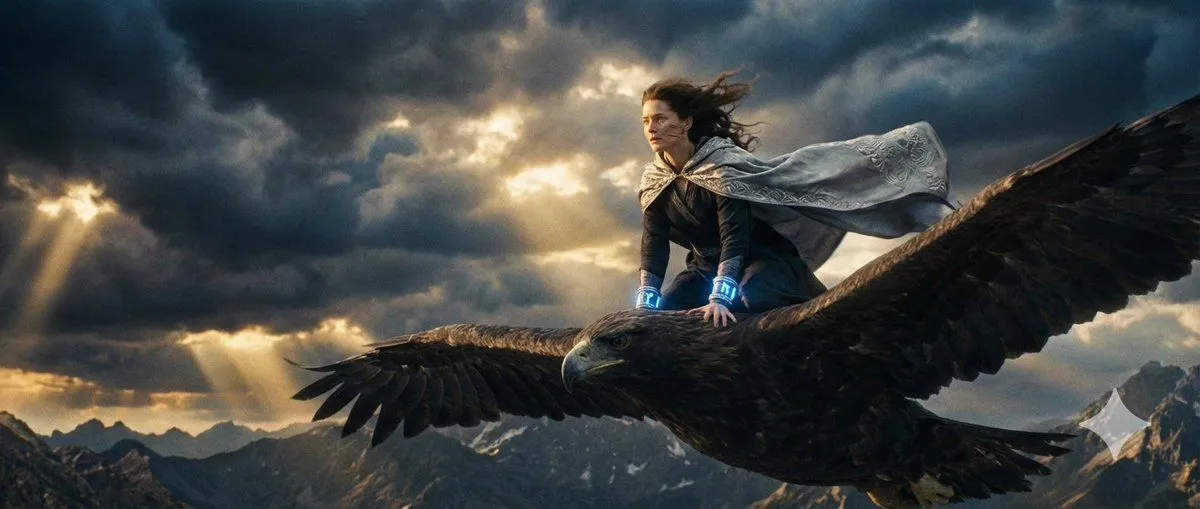
    • Dune-Inspired Epic Scene with Woman Riding a Giant Rooster
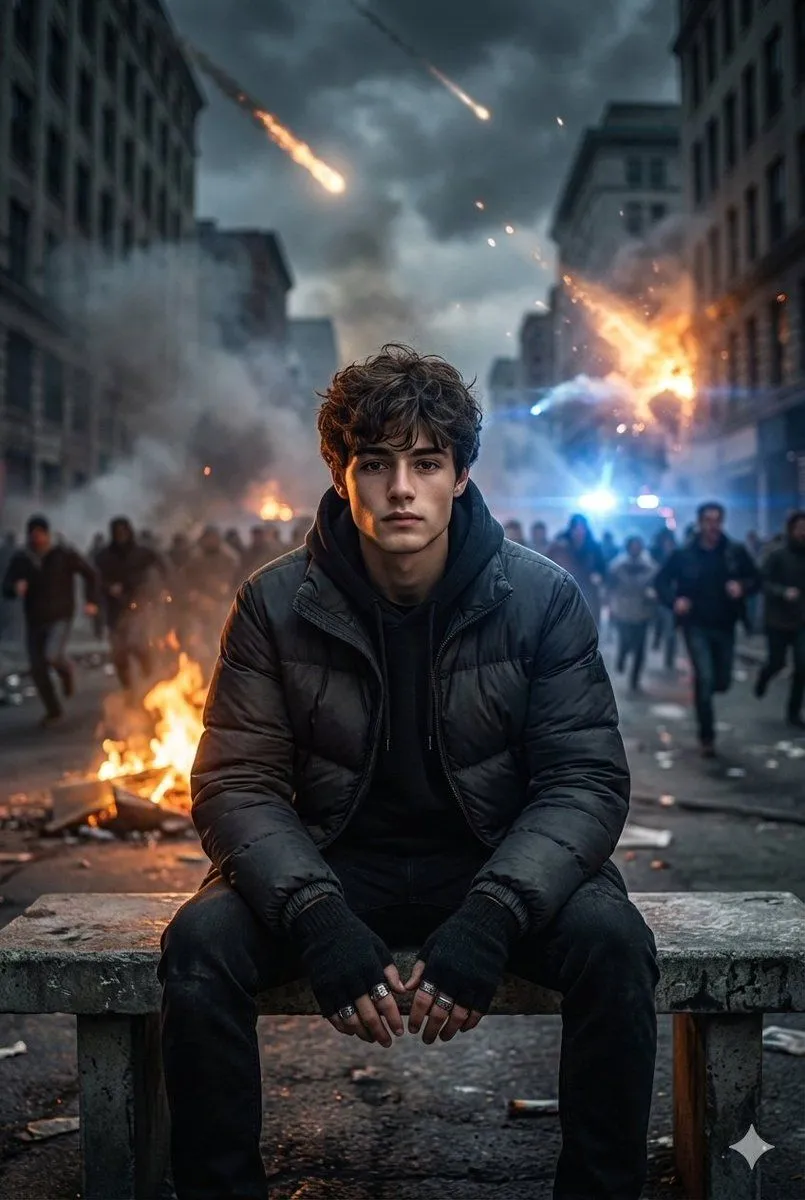
    • Cinematic Urban Apocalypse Portrait Prompt
    • Multi-Expression Sliced Fashion Poster
    • Pulp Comic Style Poster Design with Multiple Characters Prompt

    Show more

    Run it on your phone

    1. Prompt copiedRead it

      A battle-hardened knight in heavy engraved armor, cape torn, face scarred but determined, gripping a massive sword glowing with ancient runes Charges alone into a horde of monstrous creatures, slicing through them with powerful strikes, each swing releasing shockwaves of energy that send enemies flying Dark battlefield filled with fog, fire, broken weapons and fallen soldiers under a stormy sky Starts with slow push-in from behind the knight, lightning flashing, sudden speed ramp into charge, tracking shot moving with him, whip pans connecting each kill, slow motion on heavy impacts with glowing energy bursts, debris and blood particles flying, ending with the knight standing alone surrounded by defeated creatures, sword planted in the ground, energy fading as the storm calms slightly, camera slowly orbiting to reveal total victory and dominance

    2. Open your app

    3. Paste and run

      Press and hold the message box, then tap Paste. Add your photo first if the prompt uses one. You may need to sign in.